In May we said we’d turn back to invoicing and the mobile app — and that’s exactly what June was. The headline is a big one: you can now take card payments straight on your phone, with no terminal and no hardware. Alongside it, we opened up the public API with a new look and an AI skill, wrapped up IRS season with the trickiest cases sorted, and reworked Finances. Here’s everything.
Take card payments with just your phone
Until now, a freelancer who wanted to accept cards in person needed a terminal, a contract and separate fees. From June, the customer taps their card on your phone and it’s paid. That’s Tap to Pay, using the phone’s NFC: no terminal, no card reader, nothing to buy. It works on both iPhone and Android.
You build the amount to charge — type a total or add your items — and the customer holds their card or phone to your device. When it’s done, FIZ issues the Fatura-Recibo for that payment right away — you get paid and invoice in the same move, and the customer and CAE you can fill in now or later. If the card won’t play along, you show a QR and the customer pays that way instead.
The result screen is a simple “Payment received”, and if you need to refund a payment you do it right in the flow, without going anywhere else.
On iPhone you need an XS or later running iOS 16.4 or later; on Android you just need NFC switched on.
Download the app → · Google Play →
Set up payments and get your money
Behind Tap to Pay is a Stripe connection, and in June we made setting it up simple to do from your phone. You activate the account and send your ID documents (you can upload a PDF or a photo) without leaving the app, with identity verification handled through a secure Stripe link.
From there it’s all in one place: you set the IBAN and payout schedule in the same panel, link each transaction to its invoice, and you can now charge a proposal with a reusable payment link — send the link and the customer pays online. And if you need to refund a payment, you pick the reason and it’s done.
FIZ’s public API — a new look, new methods and an AI skill
If you connect FIZ to your shop, your software or a platform, June brought you three things.
The docs at api.fiz.co got a redesign: a bilingual page (Portuguese and English), clearer, and now indexed so it turns up when you search for how to issue invoices in Portugal via an API.
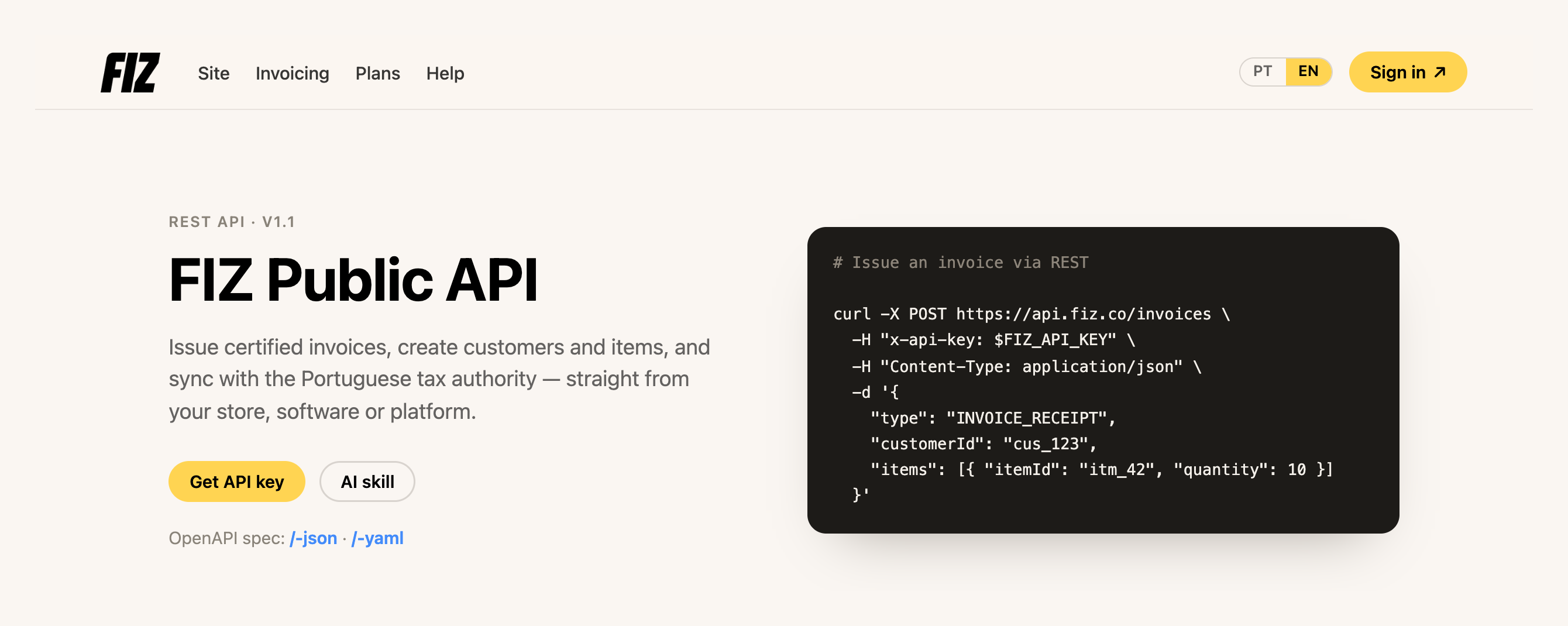
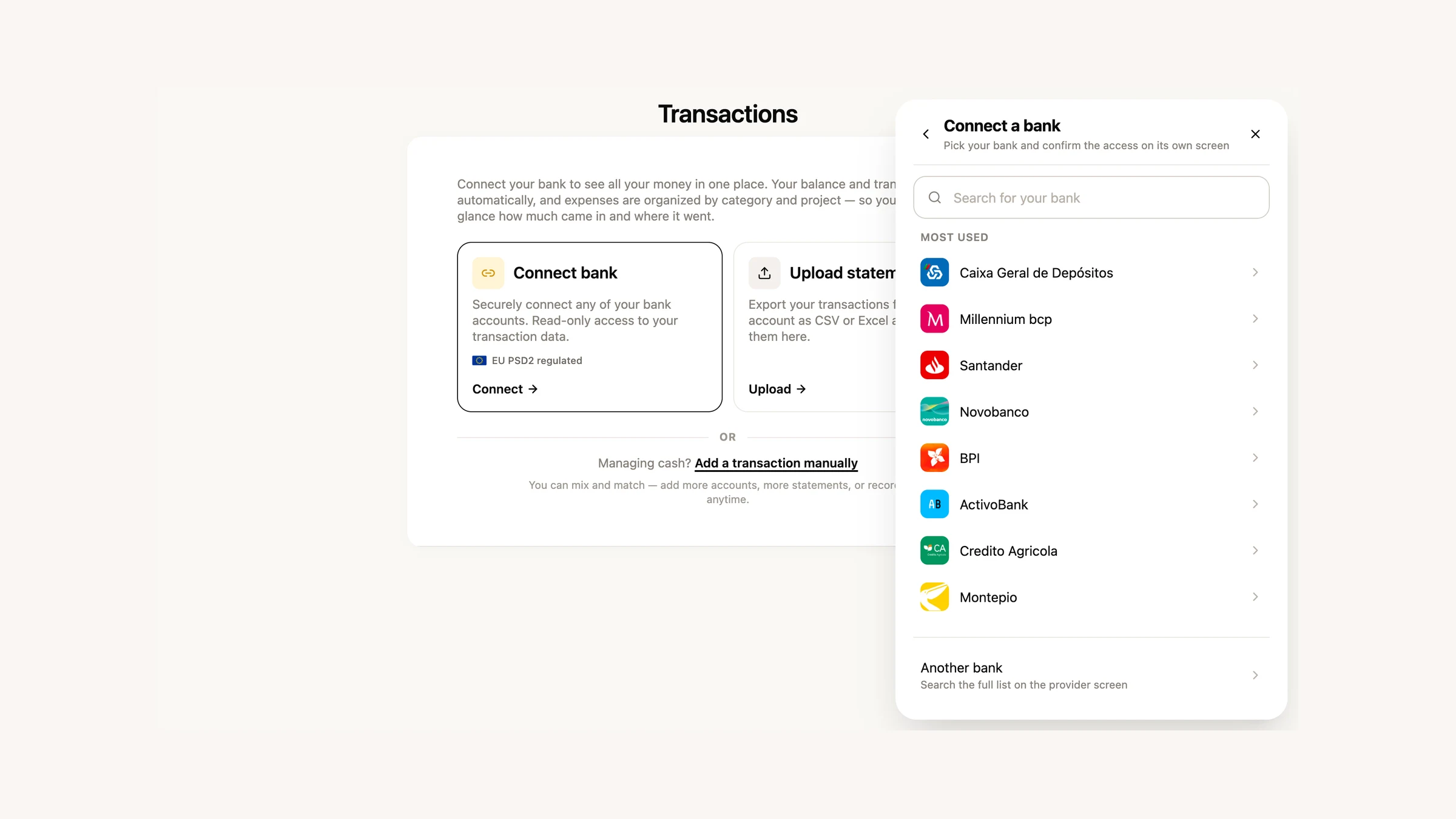
There are new methods: you can now create a credit note, cancel an invoice and choose the series when issuing — all through the API, joining the invoice, customer and item endpoints that were already there. Invoices are created as drafts and only reported to the tax authority (AT) at the moment of issuance, so you can validate everything (and even generate the PDF) before you issue. You can also now read your bank connections and transactions from Finances through the API, to pull the data into your own accounting.
And we’ve open-sourced an AI skill that connects Claude or ChatGPT to the FIZ API. You say, for example, “issue João a 10-hour consulting invoice” and the assistant handles the rest — with a working knowledge of Portuguese tax rules: VAT rates, exemption reasons, NIF validation, and a mandatory confirmation before the irreversible step of issuing.
Get my API key → · See the skill on GitHub →
Know whether your email reached the customer
You emailed the invoice — but did it arrive? From June, each document shows its delivery status on its page: Sent, Delivered or Not delivered. No more wondering whether the customer got it or it landed in spam.
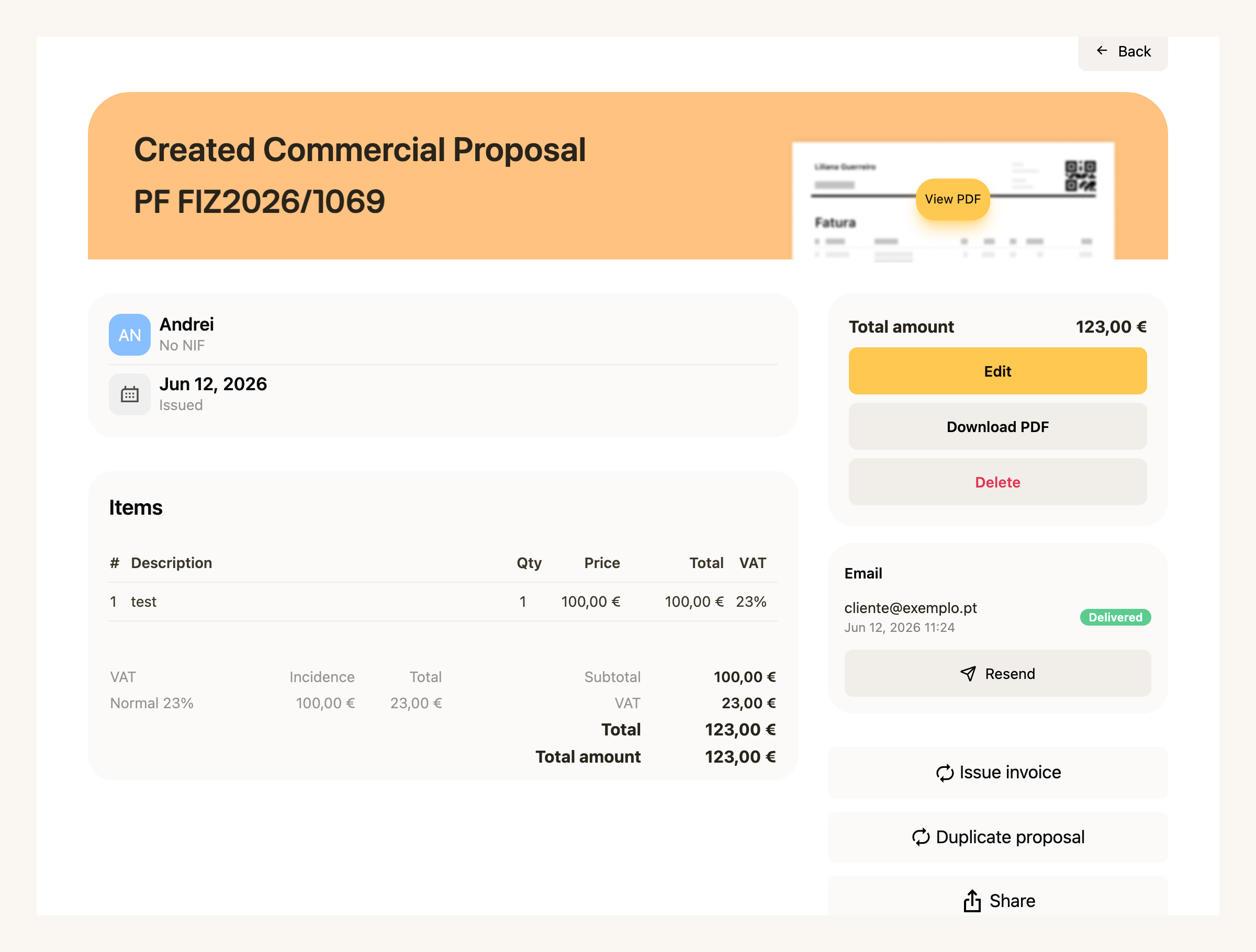
And if something went wrong, you resend it in one click — from the same page, without starting over.
IRS — the home stretch
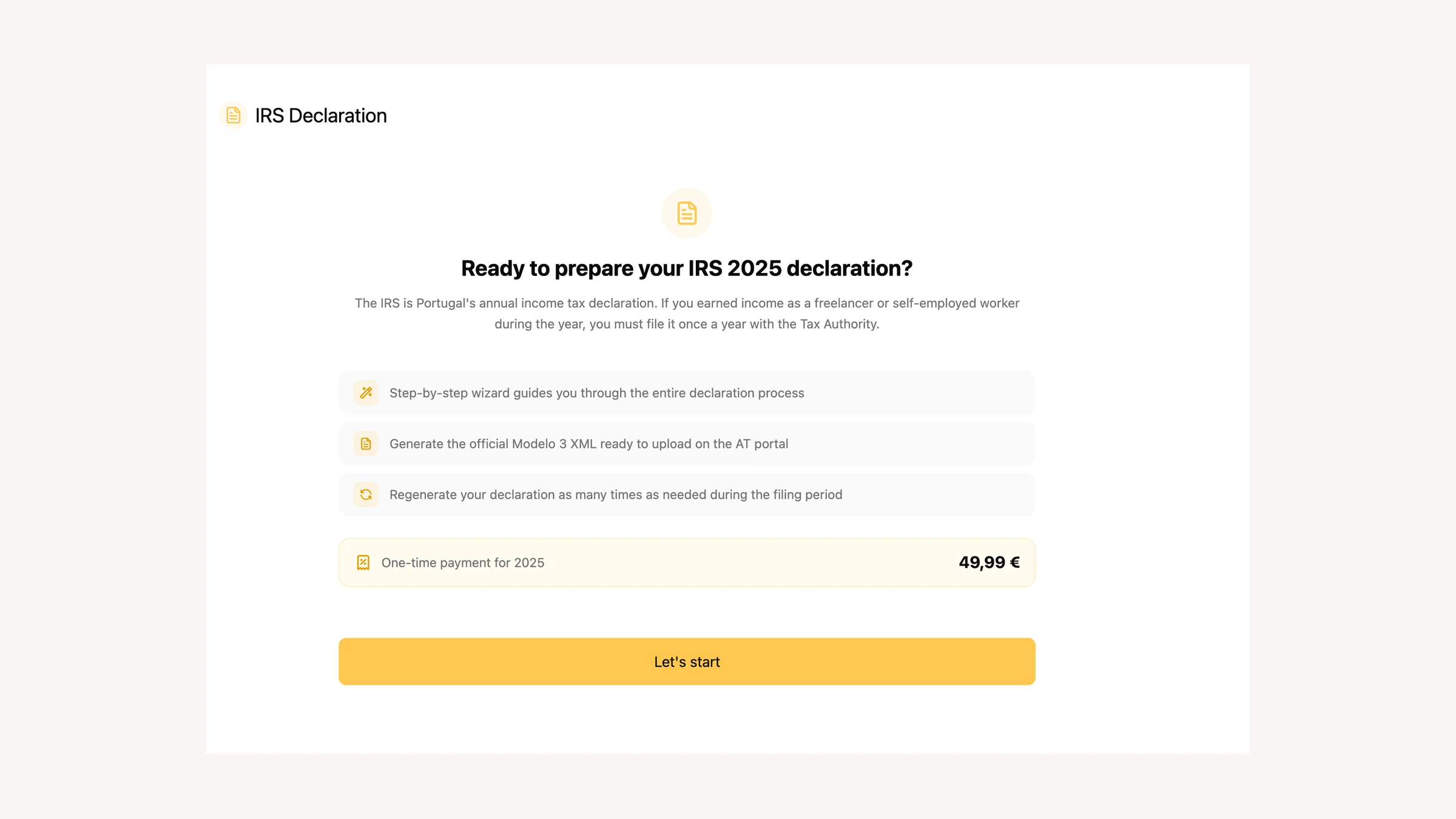
June was deadline month: IRS filing closed on 30 June. All through the month we kept clearing the cases that made people get stuck right up against the date.
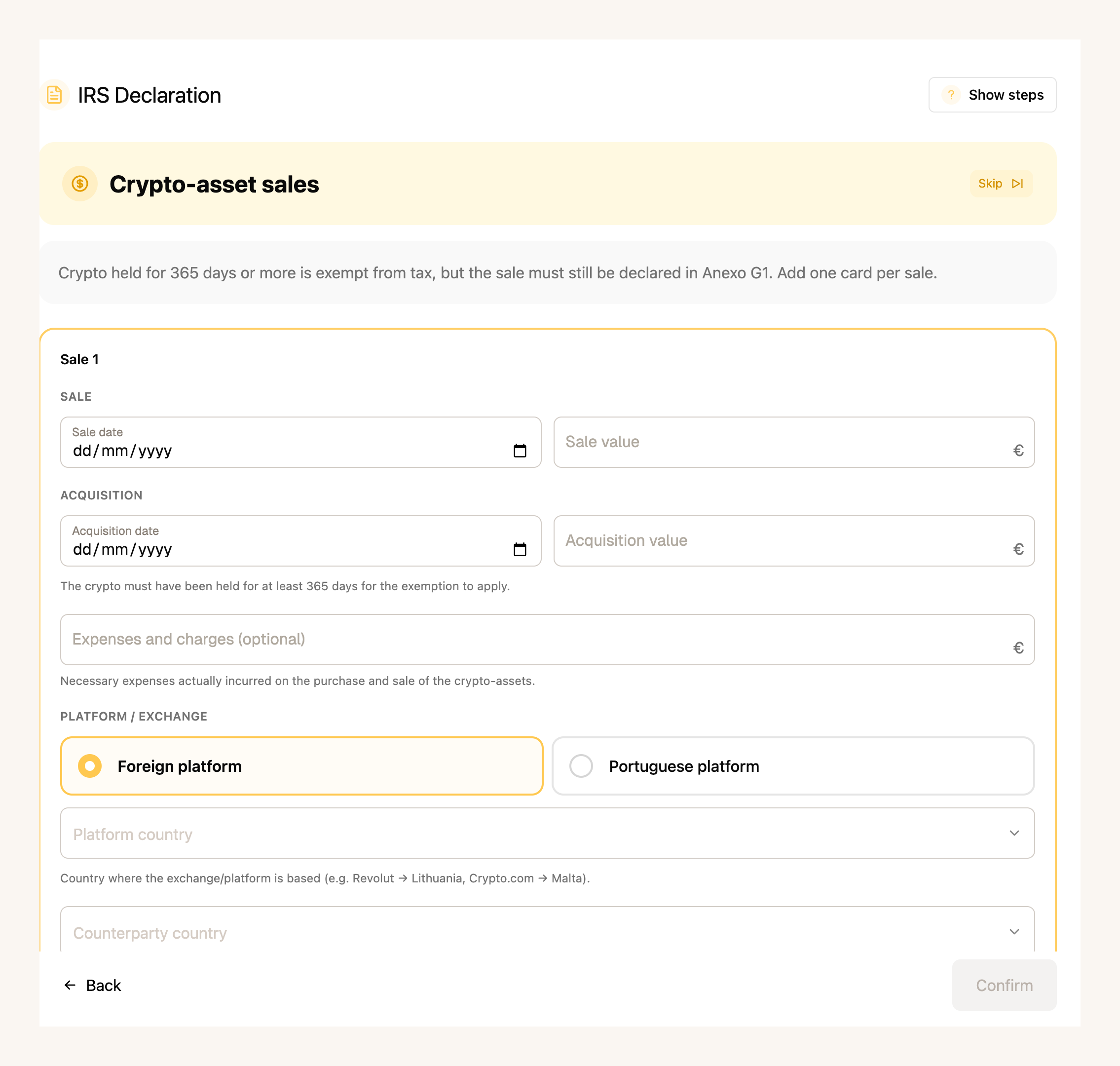
The wizard now handles crypto (with its own question and an Anexo G step for long-term exempt gains), property capital gains (Anexo G) and foreign income (Anexo J, using the files from your bank or broker).
On the simulation, you now see the opt-in for aggregation (englobamento) and a comparison across regimes — standard, NHR and IFICI — plus a matrix comparing the outcome for each spouse, so you can pick the cheapest scenario.
It also got sturdier along the way: a residency step with a date, a tax-office picker using the AT’s code registry, support for 2FA when you log into the Portal, and downloading the Social Security receipt (PDF).
Finances, with a reworked workbench
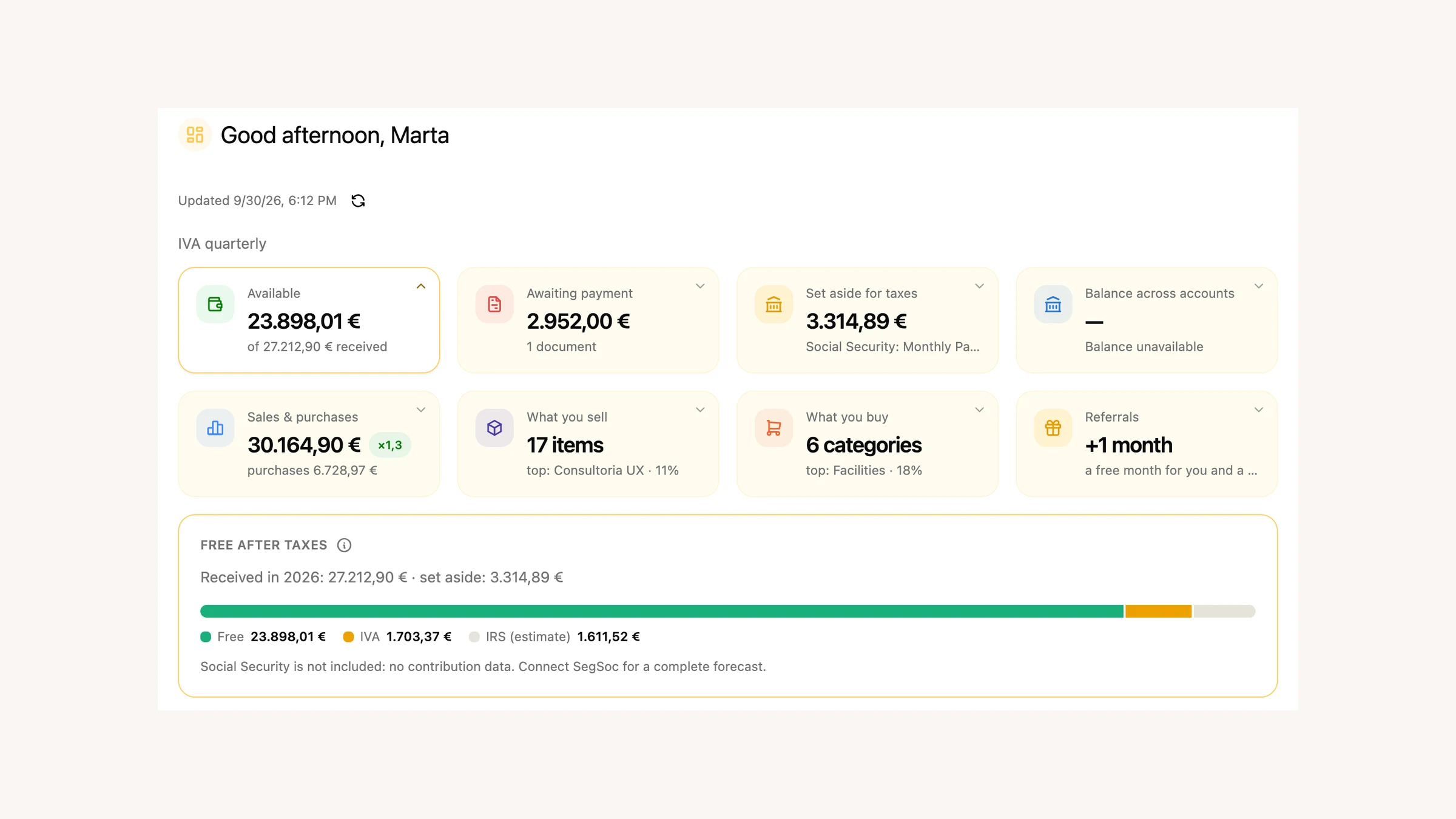
In May we opened Finances to everyone. In June we reworked the workbench where you handle the day-to-day, and added things that were missing:
- Counterparties, for the first time. Your customers and suppliers in one place, who owes what across sales and purchases — and you can merge duplicates of the same person.
- Withholding tax, now accounted for. The tax withheld at source is taken into account, read from the documents themselves or entered by hand.
- Everything in euros. Documents in a foreign currency automatically show their euro equivalent, converted at the European Central Bank rates.
- SNC categories. A tree along the SNC chart of accounts, with your own categories and sub-accounts.
- Rules applied to the past. Rules no longer only count from now on — they apply to transactions that already exist too, with a preview of how many will be affected before you confirm.
- A financial-health dashboard. Your VAT position and reconciliation status on a single screen.
The advanced features are on the paid plans.
A few more improvements
- Payment history. A new page with all your payments and one-off purchases, grouped by month.
- Fonts in PDF templates. The template editor now lets you choose the typeface.
What’s coming next
With phone payments up and running, we’ll keep improving the app and invoicing. If there’s something you’d like to see, or you ran into a problem, write to us via the in-app chat. We read everything.
Thank you for using FIZ.