In March we took a big leap with the AI Tax Assistant — it went from a chat that answers in general terms to one that uses your own data. We also launched the Finances section for reconciling money and documents, and opened up custom invoice series. Here’s everything.
AI Tax Assistant — now it answers with your numbers
Asking “up to what turnover am I exempt from VAT?” and getting a generic reply doesn’t help much. From March the assistant looks at your case: your regime, your activity codes (CAE) spelled out in plain words, your turnover. The answer comes with the thresholds that actually apply to you — in a table, not a wall of text.
What changed under the hood:
- Personalised answers — the assistant knows your tax profile and answers for your situation, not in the abstract.
- Tables and cards — thresholds, deadlines and amounts laid out clearly, easy to read.
- File attachments — drag an invoice or a document into the chat and ask about it.
- Help search — when you ask “how do I…”, the assistant searches the guides and answers with the steps.
- Reports — ask for a summary and it generates one right there.
It’s available on the paid plans (Prime and Max).
Talk to the AI Tax Assistant →
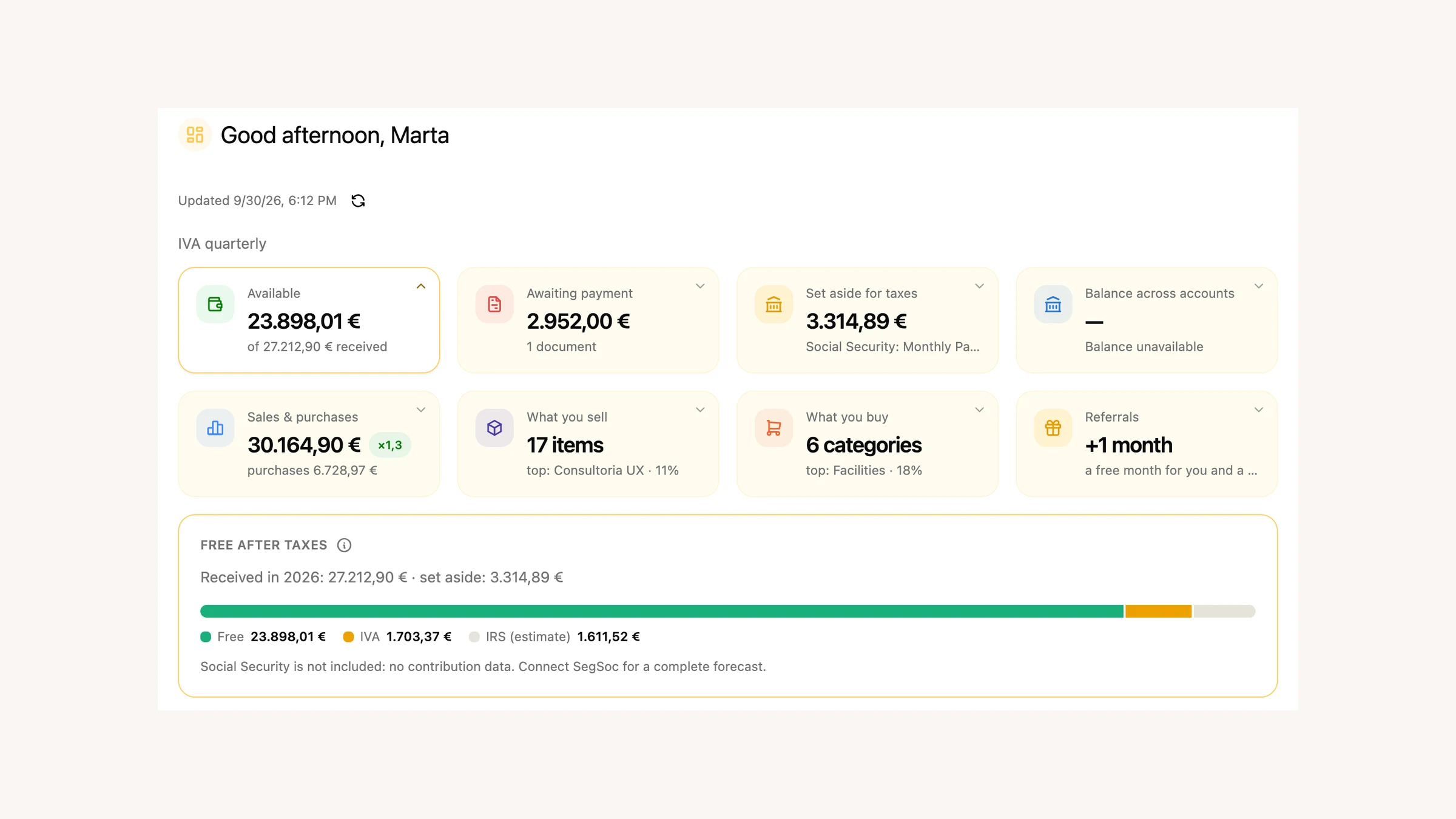
Finances — reconcile money and documents in one place
Chasing invoices at the end of the month, matching each transaction to the right receipt, getting everything ready for your accountant — it’s tedious work nobody wants to do. The new Finances section handles it.
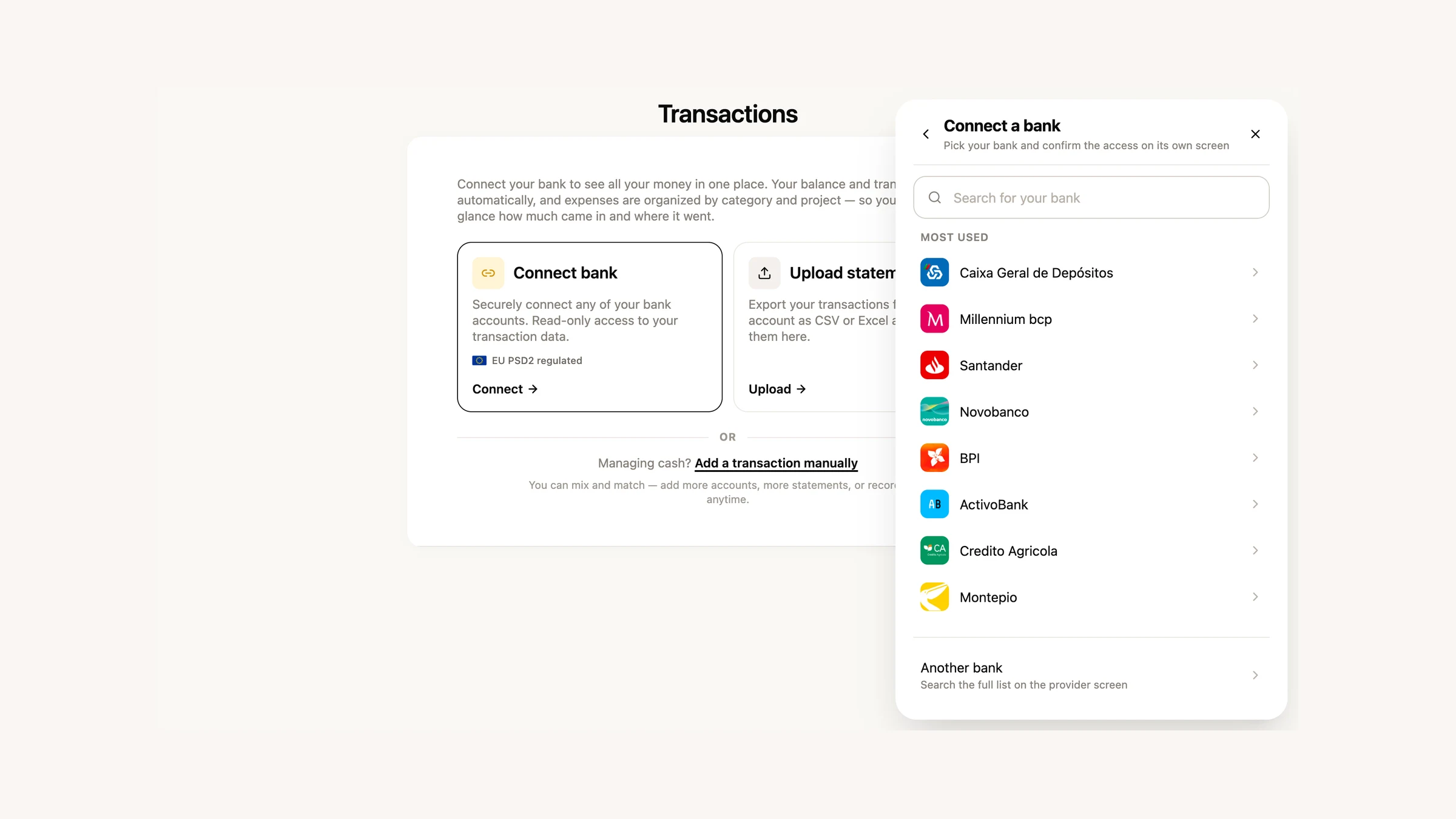
You connect your bank accounts (read-only, via PSD2) or import a statement in CSV/Excel. Then you drag in invoices, receipts or photos and FIZ automatically extracts the supplier, amount and date and matches each document to the right transaction. At the end, you export everything to your accountant in one click.
Reconcile expenses in 30 minutes, not 3 hours.
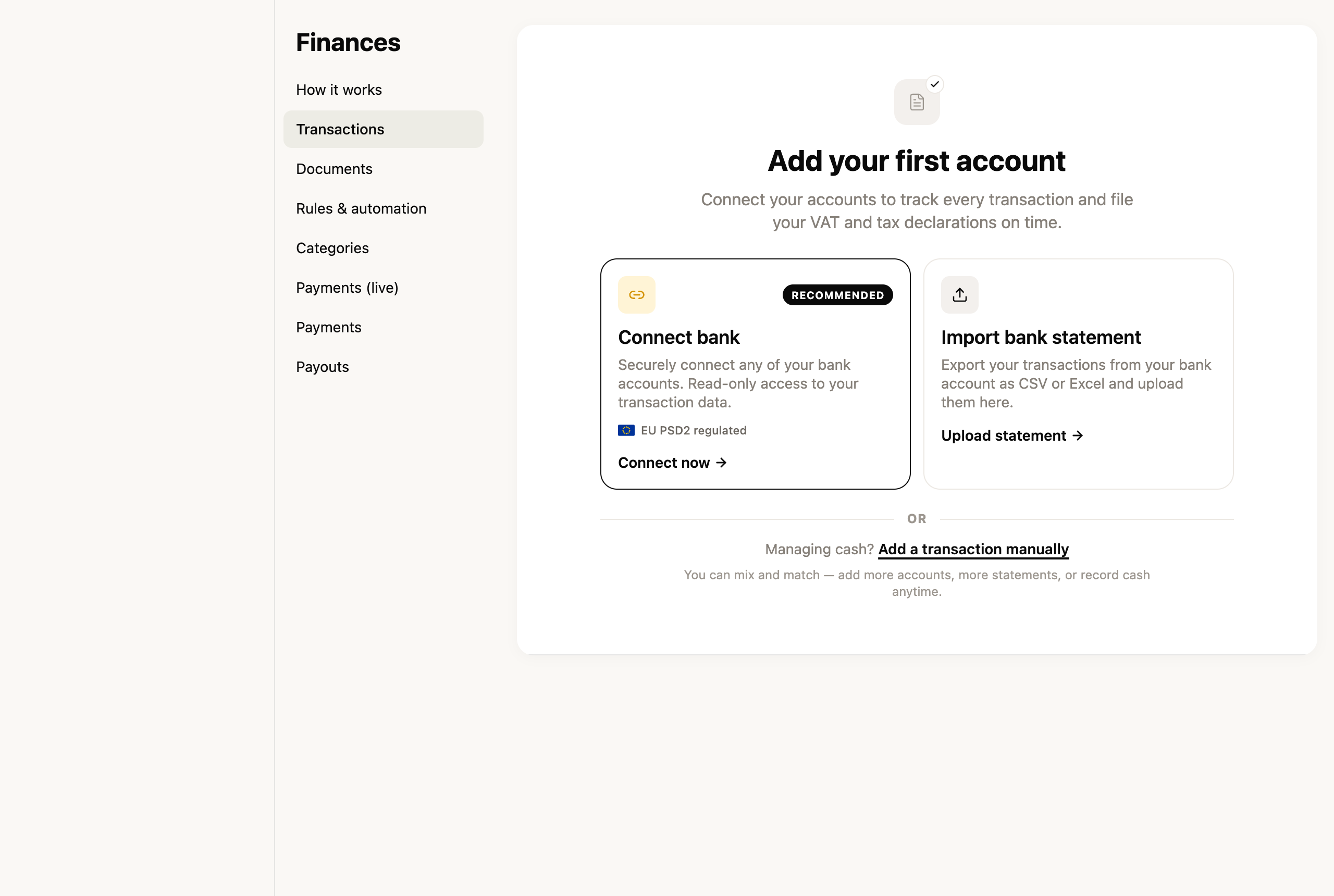
The section launched for companies first — and we’ll keep improving it over the coming weeks.
Custom invoice series
By default FIZ numbers your invoices with its own series. But some people need a series of their own — to separate document types, or to carry on the numbering from another system. Now you can create custom series: give it a name and set the starting number, then pick the series when you issue.
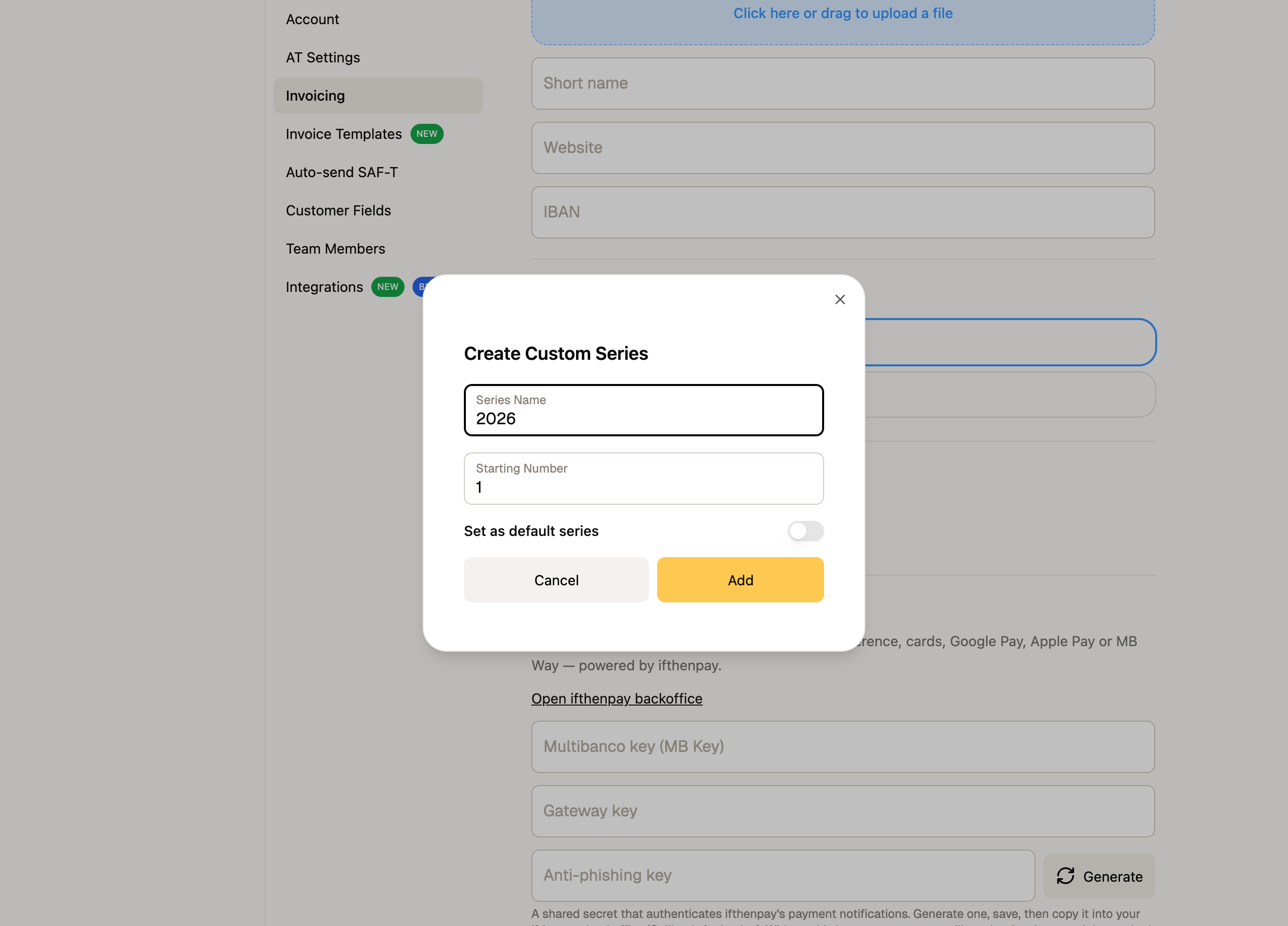
Custom series are available on the paid plans.
Smaller improvements
- PDF templates in proposals — your custom PdfMe templates can now be used in proposals too, not just invoices.
- Expenses — scanning receipts — the receipt upload window was redesigned, with a side-by-side preview of the extracted data.
What’s coming next
We’ll keep building out Finances and invoicing, and getting ready for IRS filing. If there’s something you’d like in FIZ, or you ran into a problem, write to us via the in-app chat. We read everything.
Thank you for using FIZ.