January made FIZ much better at handling expenses: categorisation became automatic and the expenses page opened up to everyone. We also simplified importing from the Finanças Portal and connecting to the tax office. Here’s everything.
Automatic expense categorisation — less manual work
Categorising expenses one by one is one of those jobs nobody enjoys, but it matters when VAT and IRS come around. In January the expenses page opened to everyone in the menu, and categorising stopped being a manual chore.
FIZ now categorises your expenses automatically from the AT activity codes. When you have several expenses from the same supplier, you categorise them all at once with batch categorisation. And since anything already categorised needs no confirmation, you stop tapping “Save” on every line — categorised expenses are ready straight away.
Categories also sync with the e-Fatura portal, so what you organise in FIZ shows up where the tax office pulls the data for your IRS.
Importing from the Finanças Portal — bring it all into one place
If you used to issue invoices outside FIZ, or you’re only now moving everything over, pulling in the history was a sticking point. In January we reworked importing from the Finanças Portal.
The import now runs in the background, with visible progress — you’re not left staring at a frozen screen. You import invoices and customers from e-Fatura, see a counter of what’s been imported, and each document carries a source label so you know where it came from. When there are a lot of documents, it handles the volume without leaving you halfway.
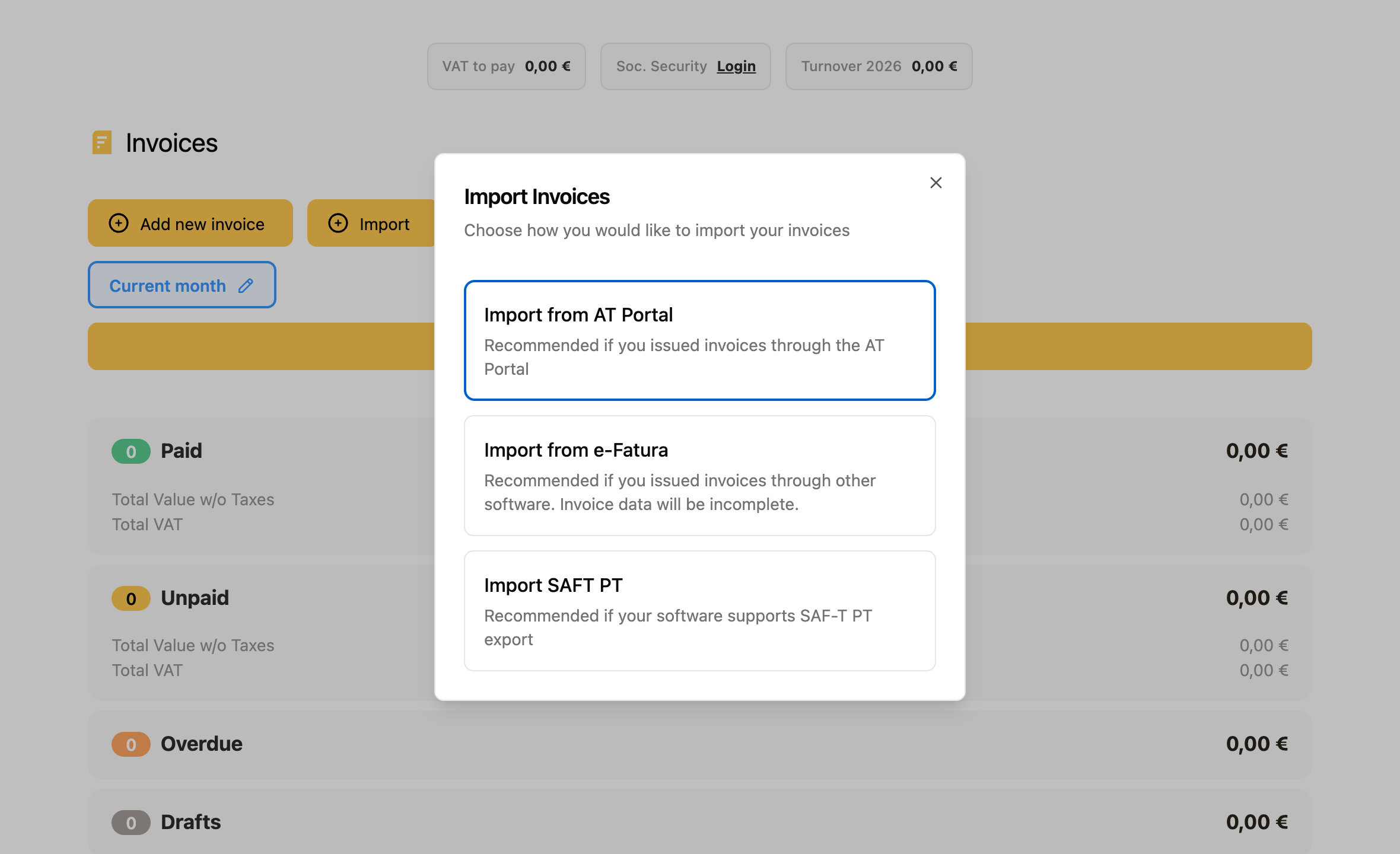
Import from the Finanças Portal →
Connecting to the tax office — a step-by-step wizard
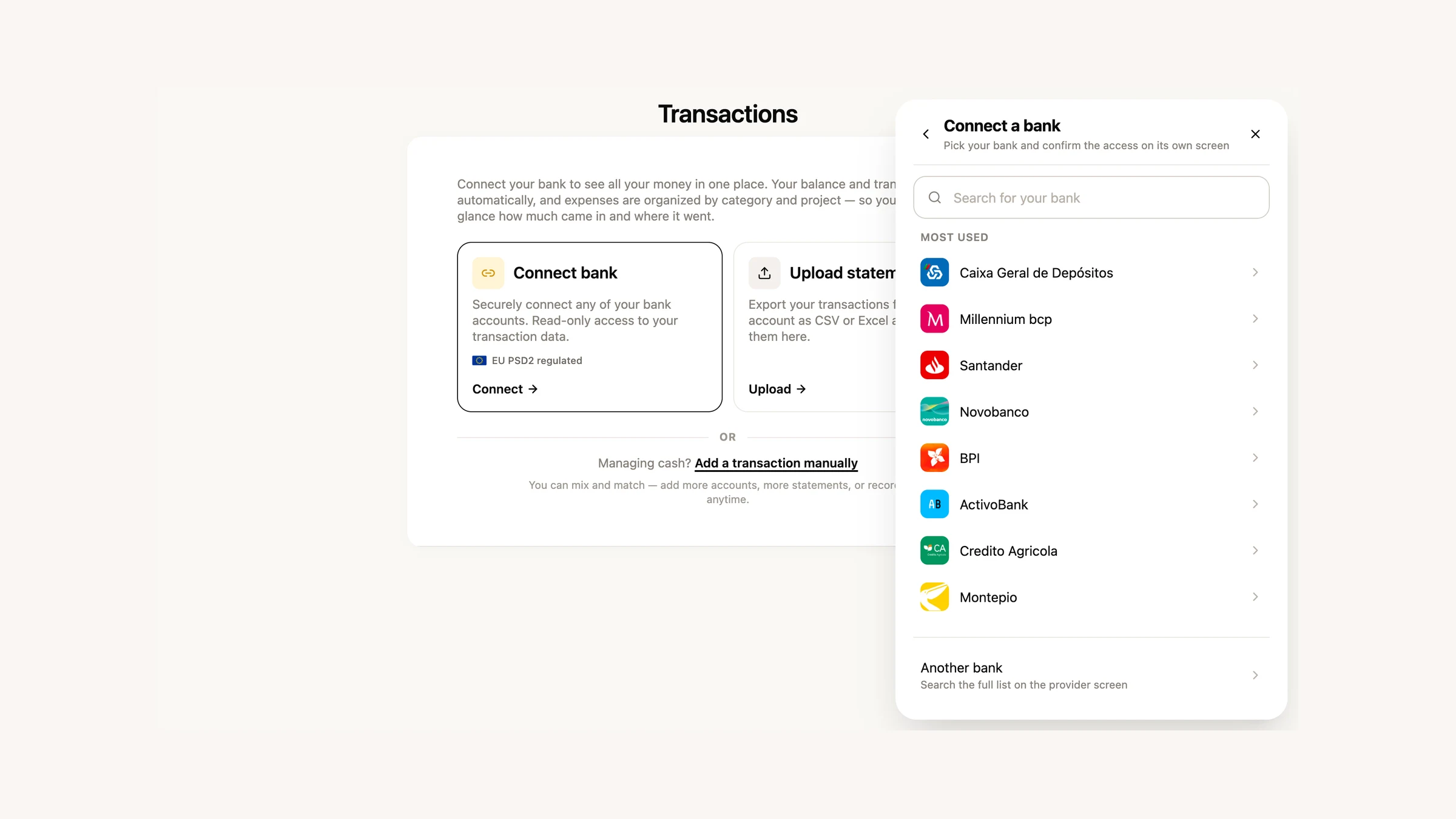
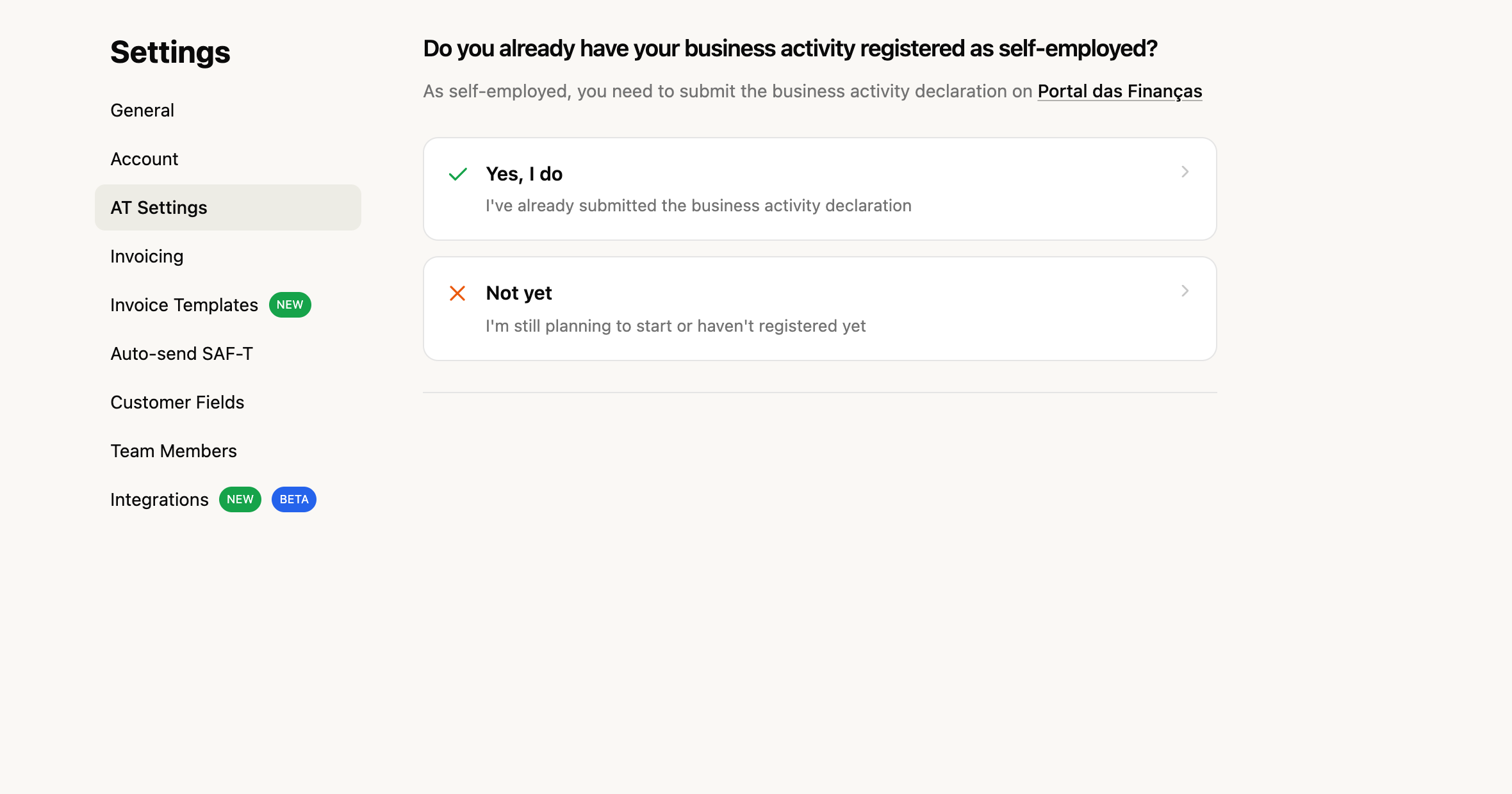
Connecting your account to the tax office (AT) is the first step to issuing invoices, and it was also where many people got stuck. We launched a step-by-step wizard that walks you through the AT connection, instead of leaving you hunting for credentials and permissions. From January it’s available to everyone.
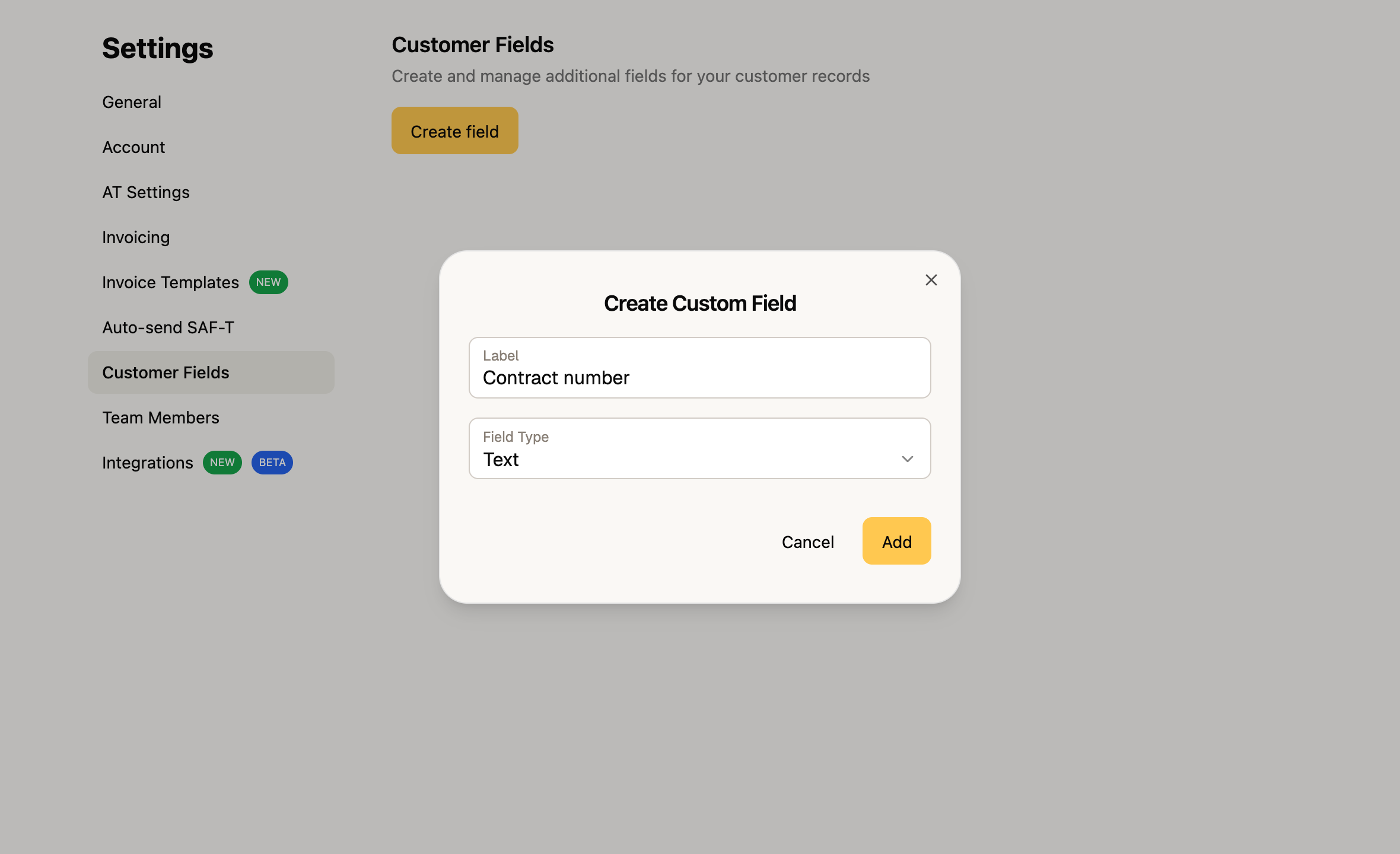
Custom customer fields
Every business keeps different information about its clients. Now you can create custom fields — text, numbers, dates or dropdown lists — and attach them to each customer: a contract number, agreed terms, an internal classification, whatever you need. And you can use those values directly in your invoice PDF templates.
Custom fields are available on the paid plans (Auto and Prime).
Invoices — transport documents and other improvements
A set of refinements for everyday invoicing:
- Transport document — when an invoice includes goods, you can add the transport details and report them to the tax office.
- Clearer issuing errors — if something goes wrong when you issue, the error now shows up right next to the issue button, so you don’t have to guess what failed.
- Tighter Article 53 calculation — the exemption-threshold check now factors in the country and the type of operation (services or goods), so the alert better reflects your real situation.
Mobile app — more detail and a refreshed onboarding
FIZ on your phone grew in January:
- Item page — open an item to see its details, archive it and check the invoices it was used on.
- Customer detail page — each customer’s invoice history, now on your phone too.
- Refreshed onboarding — we rebuilt the Getting Started wizard to make the first run clearer.
- Invoices grouped by date — the list now has date headers, easier to scan.
- NIF confirmation — when you delete sensitive data, you confirm with the NIF to avoid mistakes.
What’s coming next
We’re working on more for the declarations and for invoicing — you’ll see it in the coming weeks. If there’s something you’d like in FIZ, or you ran into a problem, write to us via the in-app chat. We read everything.
Thank you for using FIZ.