Knowing what you owe the tax office, and when, is half the work of being self-employed. In February we pulled every fiscal deadline into one place, reworked how you create your first invoice, and opened up signing in with Google. Here’s everything.
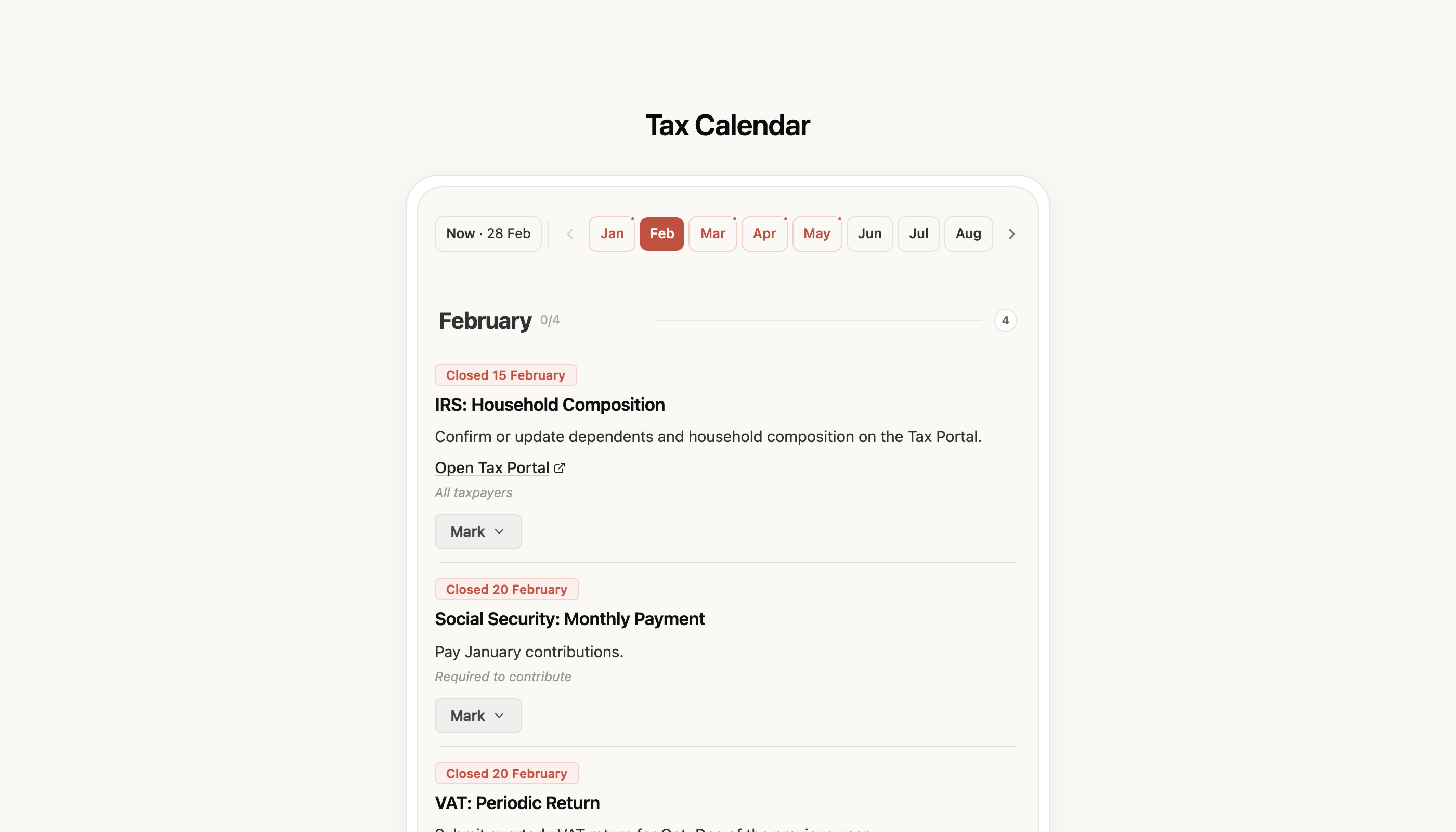
Tax calendar — every deadline in one place
Working for yourself means doing the maths in your head all the time: is VAT due this month? Has the Social Security window closed? When does IRS open? It’s easy to miss a deadline — or worse, file the same thing twice because you weren’t sure you’d already done it.
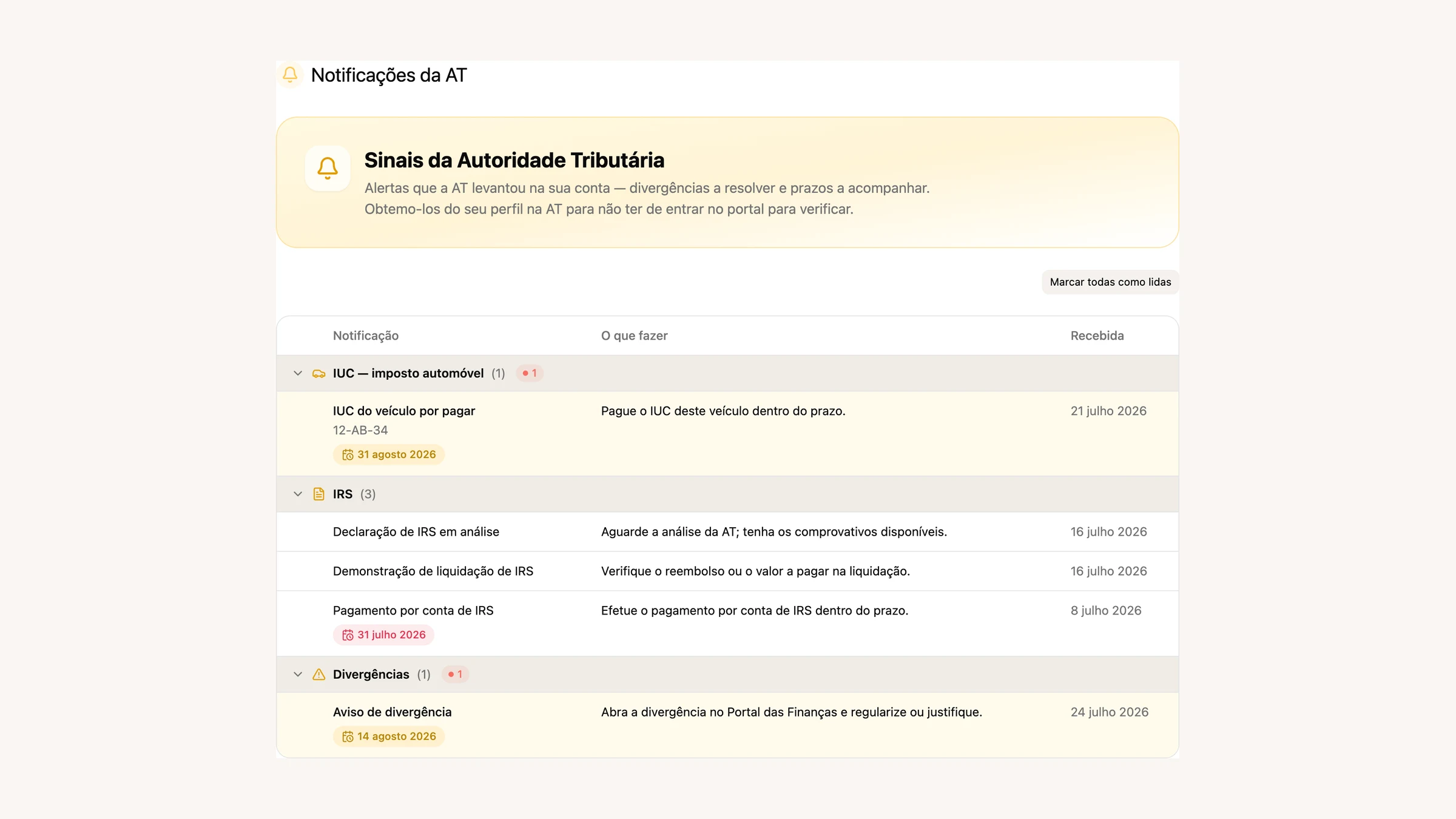
The new Tax Calendar lays out every obligation for the year: Social Security, VAT, the Recapitulative statement, IRS, SAF-T. For each deadline you see what it is, the date by which you need to deal with it and — where it applies — how much there is to pay. Anything you’ve already done is marked off, so you can tell at a glance what’s left.
And where FIZ handles the declaration, you do it straight from the calendar: tap Declare on FIZ and you’re taken to the right place, no hunting around.
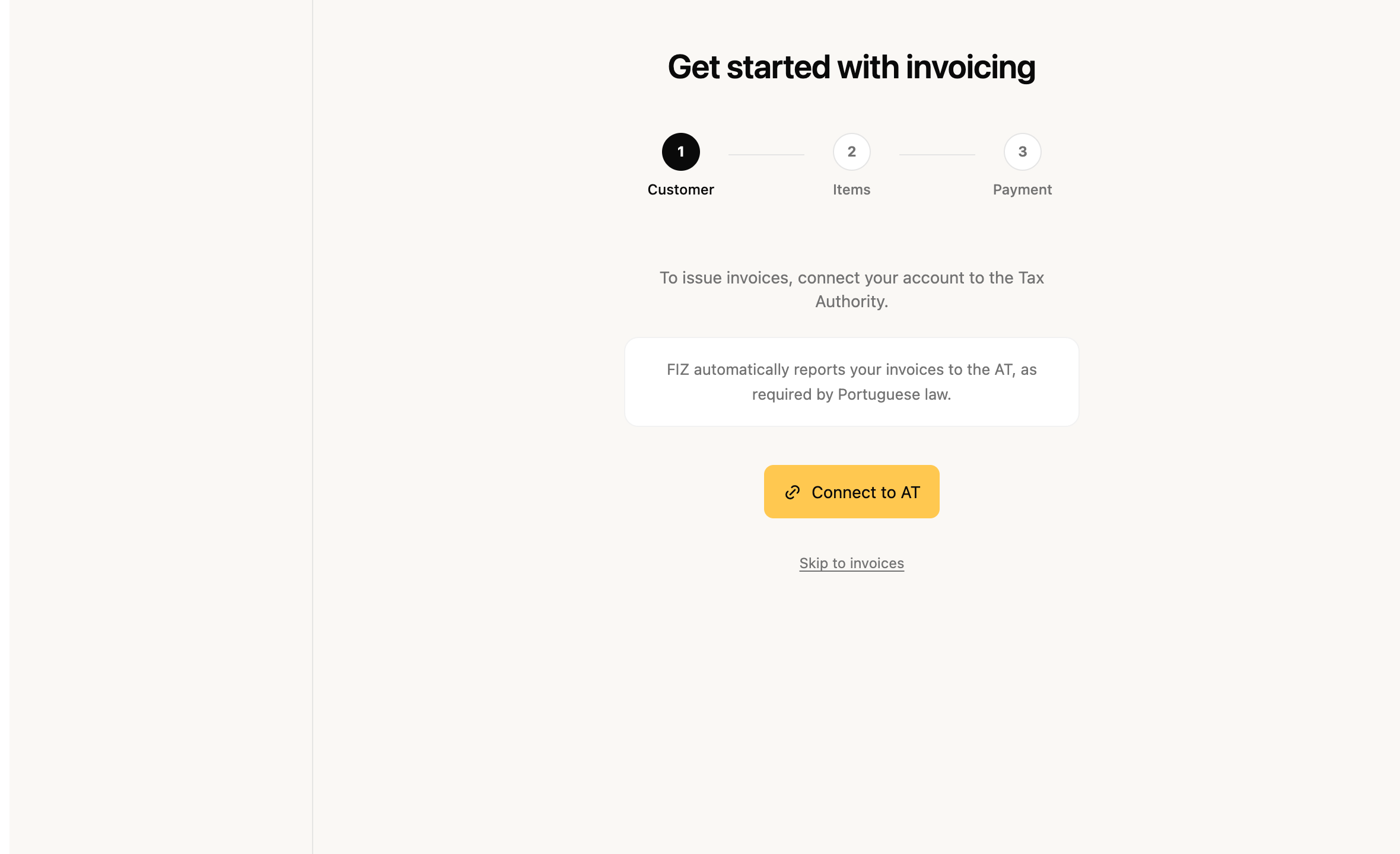
Your first invoice — a wizard that walks you through it
Issuing your first invoice is usually where people get stuck: connecting to the tax office, picking the customer, working out the VAT rates. We rebuilt the invoice wizard into a guided flow from start to finish — Customer, Items, Payment — instead of dropping you on a blank page.
The wizard sorts out what genuinely comes first (the AT connection), and along the way it gathers the customer and address details so the VAT rate comes out right from the off — without the usual slip of applying a mainland rate to a customer in the islands.
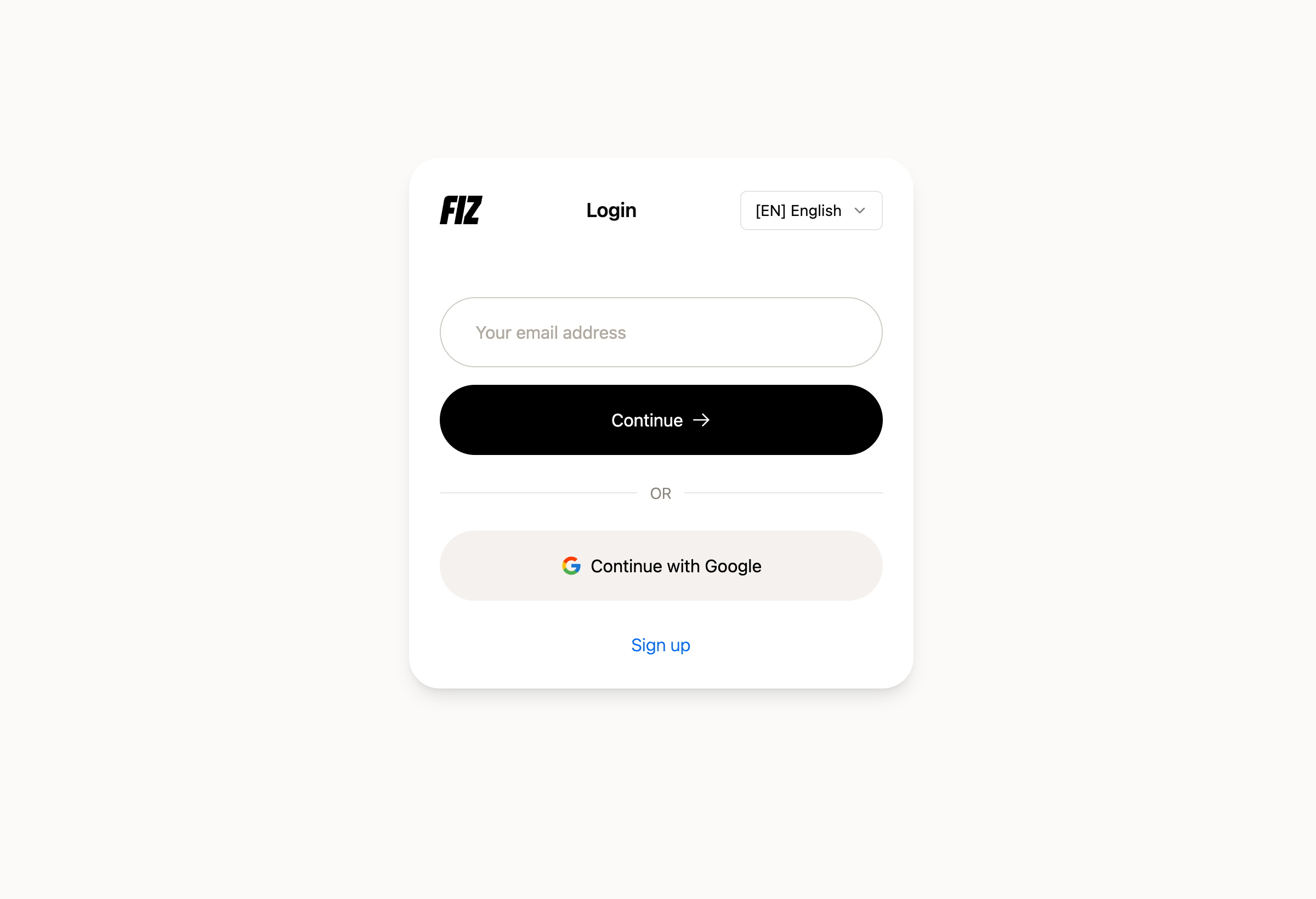
Sign in with Google
One less step to get going: you can now sign in with your Google account, with no waiting for a code by email. Tap “Continue with Google”, pick the account, and you’re in. Email sign-in still works exactly as before, for anyone who prefers it.
Invoices — smaller improvements
A few refinements for everyday invoicing:
- Telling a private customer apart from a sole trader — a customer with an individual NIF can be either a final consumer or a self-employed professional (a VAT-taxable person). You can now say which, and set their territory — and FIZ applies VAT by the right rule (B2C or B2B) instead of treating everyone as a final consumer.
- Cross-territory operations (Anexo R) — if you invoice across the mainland, the Azores and Madeira, the VAT return now reflects those operations in Anexo R, with no need to fill it in by hand.
- Step-by-step e-Fatura tutorial — after you issue an invoice, an interactive guide shows you how to confirm it reached the Finanças Portal. And you can see the sync status of your categories with e-Fatura, so you know everything’s up to date.
Mobile app — invoicing and expenses on your phone
FIZ on your phone grew in February too:
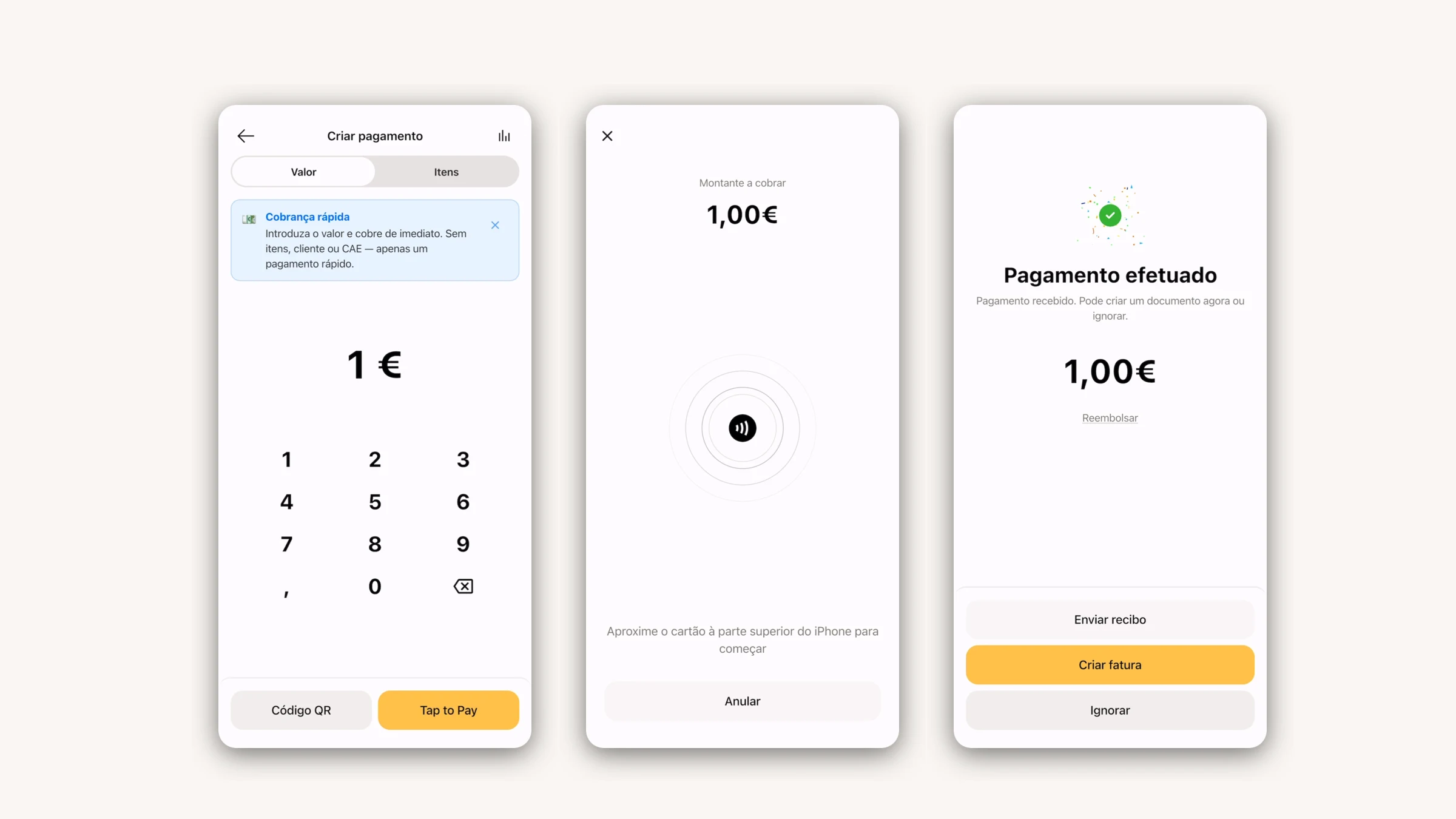
- Invoice wizard — the same guided flow, now for creating invoices from your phone.
- Per-item discounts and withholding tax — as you build the invoice, apply discounts line by line and add withholding where it applies.
- Scan a final-consumer receipt — snap a photo of the receipt straight from the Expenses section and it lands in your records.
- Expenses and e-Fatura — the expenses section is more complete now, with categories and syncing, plus onboarding to connect e-Fatura.
What’s coming next
We’re getting ready for IRS season — you’ll see it in the coming weeks. If there’s something you’d like in FIZ, or you ran into a problem, write to us via the in-app chat. We read everything.
Thank you for using FIZ.