December gave FIZ a declaration that had been missing for anyone selling to clients elsewhere in the EU — the Recapitulative Statement — and the VAT return got more complete. The customer page arrived too, along with tighter security on the Social Security connection. Here’s everything.
Recapitulative Statement — for selling across the EU
If you sell services or goods to companies in another EU country, there’s an obligation many people only find out about when a letter from the tax office turns up: the Recapitulative Statement (Declaração Recapitulativa). It’s where you report intra-EU transactions, and the deadline is tight — by the 20th of the month after the period.
Now you fill in and submit that declaration inside FIZ. You pick the period (quarterly, or monthly above €50,000) and FIZ gathers the intra-EU transactions automatically from your invoices, grouped by client and split between goods and services. And since we now check the VAT number against VIES when you issue the invoice, you find out straight away whether the client is properly registered for intra-EU transactions — no surprises when it’s time to file.
Open the Recapitulative Statement →
VAT return — credit notes, expenses and Article 53
The periodic VAT return kept growing:
- Credit notes (Anexo 40) — we now support credit notes in the return, with the right boxes, so a correction or cancellation shows up the way it should.
- Expense breakdown — a dedicated page to categorise the expenses that feed into your VAT, instead of doing the sums on the side.
- Carry-over credit from the previous quarter — if you have VAT to recover, FIZ brings that amount forward from the previous quarter automatically.
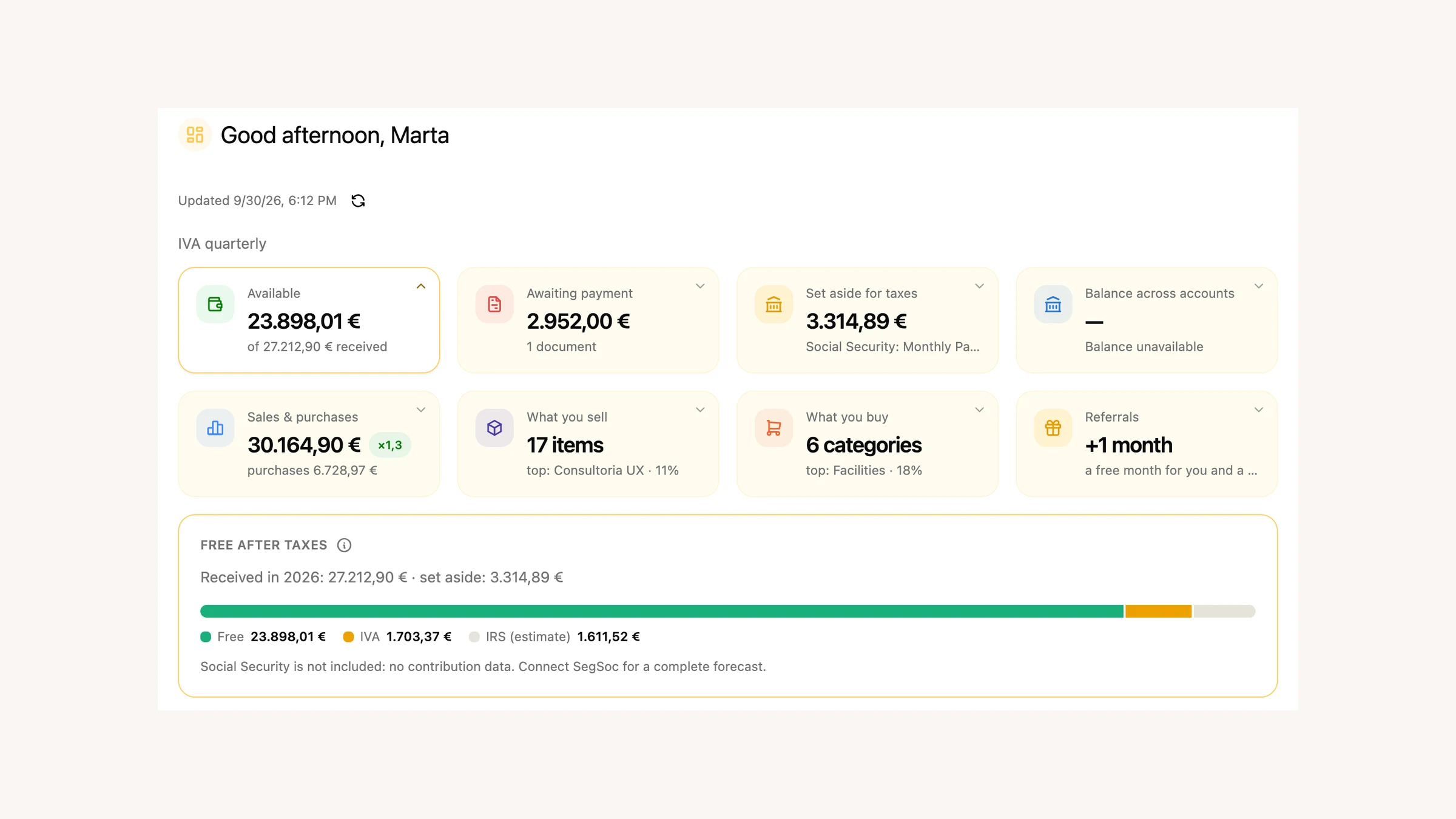
- Article 53 alert — when your turnover approaches the exemption threshold, FIZ warns you and shows the projection, so you can decide about your regime with time to spare rather than at the deadline.
Customer page — invoices and turnover in one place
Until now, to see how much you’d already invoiced a client, you had to filter the invoice list. In December we launched the customer page: open a client and you see their invoices, how much is paid and outstanding, and the total turnover. You can create a new invoice for that client right there, without going back.
Invoices and PDF templates — everyday wins
A set of refinements for people who use FIZ every day:
- New import flow — we simplified importing invoices, with fewer steps.
- PDF templates for scheduled invoices with CAE — scheduled invoices now use the right PDF template based on your activity’s CAE code.
- VIES record after issuing the invoice — when you issue an intra-EU invoice, FIZ keeps the record for the Recapitulative Statement.
And when you add a client from another EU country, FIZ checks the VAT number against VIES on the spot — so you know right away whether it’s valid.
Social Security — 2FA and credential management
Social Security Direct tightened its sign-in, and FIZ followed. We now support two-factor authentication (2FA) on the Social Security connection, so syncing keeps working under the new rules. And you can now manage your credentials — remove them and connect again — straight from the settings, instead of being stuck with an old connection.
Mobile app — richer Open Banking
FIZ on your phone had a strong month around Open Banking:
- Turnover in the app — see your turnover right on your phone.
- Transaction categories — you can now edit each movement’s category and see the merchants behind it.
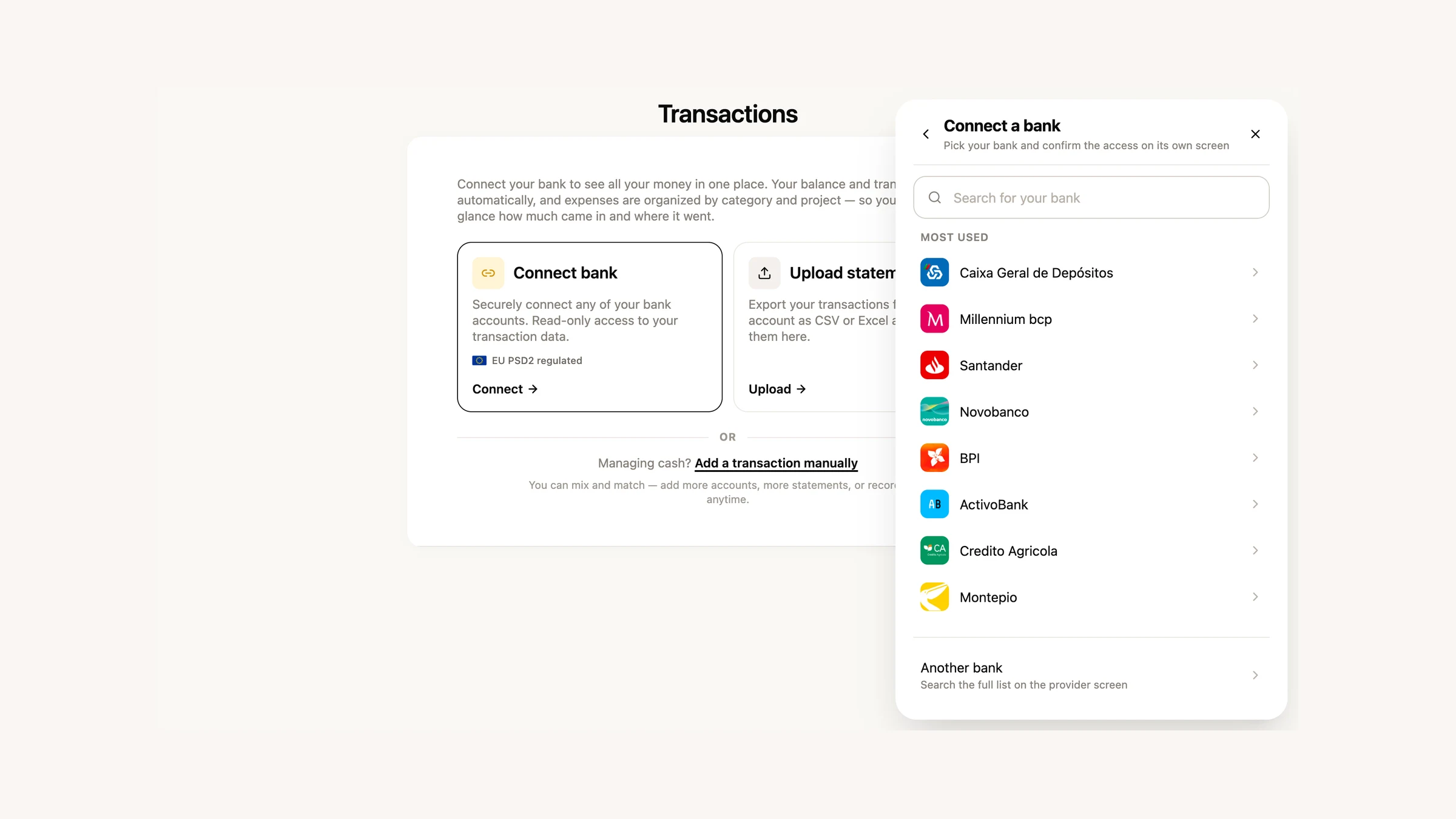
- Smoother Open Banking — manual account refresh, a widget showing the last sync date, and a better flow for connecting new accounts.
- Plans on your phone — manage your subscription from the app: change plan, resume, cancel or apply a discount.
What’s coming next
We’re working on more for expenses and the e-Fatura connection — you’ll see it in January. If there’s something you’d like in FIZ, or you ran into a problem, write to us via the in-app chat. We read everything.
Thank you for using FIZ.