April arrives and many people stare at the Finance Portal as if it were a labyrinth. It is not. The annual IRS declaration for independent workers on the simplified regime is more straightforward than it looks.
Here is the full process.
When and where
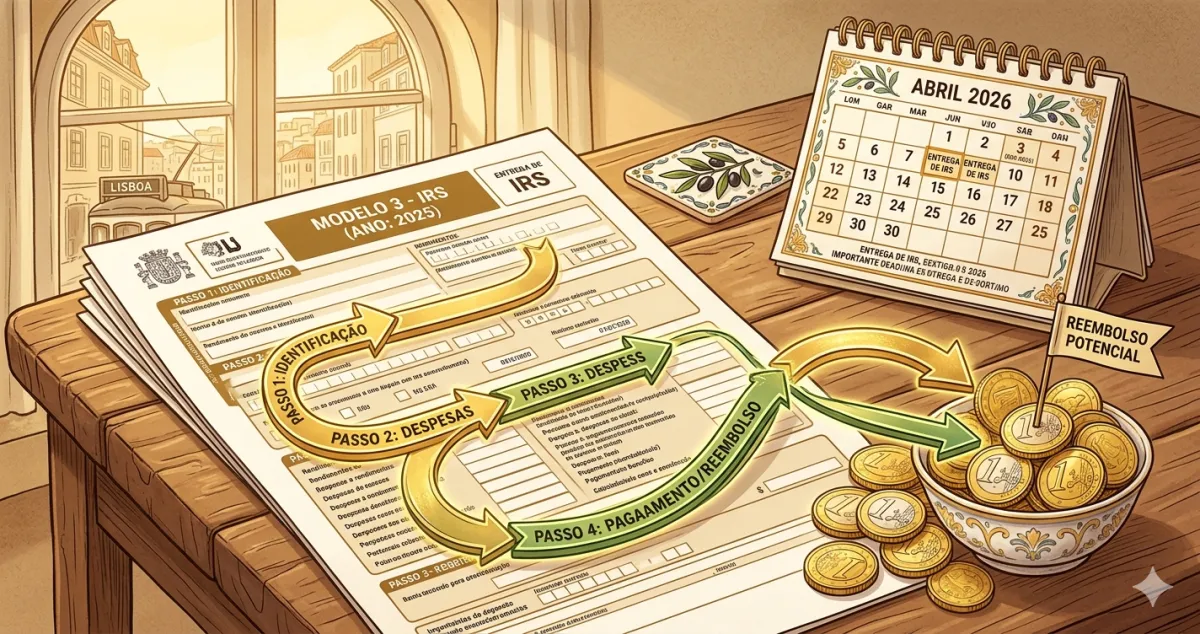
Deadline: 1 April to 30 June each year (for the previous year’s income).
Where: Finance Portal → Entregar → IRS → Modelo 3
What is already pre-filled
Thanks to e-fatura and the withholding declarations your clients submit, when you open the form you already find:
- Your income — the total of all invoices you issued during the year
- Withholding tax — the IRS that companies paid on your behalf throughout the year
- Deductible personal expenses — health, education, rent, etc., that you validated in e-fatura
You do not need to calculate anything manually. You confirm, adjust if needed, and submit.
What the simplified regime does to your numbers
On the simplified regime, the tax authority does not ask you to prove your actual costs. Instead, they automatically apply a coefficient of 0.75 to your service income.
What this means in practice:
- You invoiced €20,000 → taxable income = €20,000 × 0.75 = €15,000
- It is as if the state assumes 25% of what you invoiced are costs — without you needing any receipts
Progressive IRS rates then apply to the €15,000 of taxable income.
Deductions that reduce what you pay
On top of the 0.75 coefficient, you can also deduct personal expenses:
| Category | Maximum deduction |
|---|---|
| Health | 15% of expenses, up to €1,000 |
| Education | 30% of expenses, up to €800 |
| Housing (rent) | 15% of annual rent, up to €502 |
| Restaurants and accommodation | 15%, with limit |
| Car repairs and transport | 15%, with limit |
For these deductions to count, the invoices must have your NIF and be validated in e-fatura before the deadline (usually February).
Step by step through the form
1. Log into the Portal, go to Entregar → IRS → Modelo 3
2. The system shows your pre-filled data. Confirm your income in Quadro F (business and professional income)
3. In Quadro 4 — Anexo B (for independent workers): verify the total gross income and activity code. If you’re not sure what each field is, see our guide on how to fill in Anexo B
4. In the deductions tab, confirm the expenses validated in e-fatura (health, education, housing)
5. The system calculates the tax automatically and shows the amount to pay or receive
6. If you agree, click Submeter and save the confirmation
Refund or additional payment?
The outcome depends on how much was withheld throughout the year versus what you owe.
- If you had withholding tax (company clients who withheld 23%), you already paid part of the IRS — if you overpaid, you get it back
- If there was no withholding (individual clients only), you will pay everything at once when you file
Tip: freelancers with regular withholding tend to get a refund. Those who work only with individuals typically pay more in April.
✅ In summary
-
The annual IRS declaration is filed between April and June — income and withholdings are pre-filled from e-fatura. You confirm, adjust deductible expenses, and submit.
-
On the simplified regime, taxable income is 75% of what you invoiced — the state assumes 25% costs without requiring receipts.
-
With FIZ your invoice data is always up to date in e-fatura — when the time comes for the IRS declaration, the compilation work is already done.