Beatriz, a communications consultant, describes her Monday morning like this: she woke up, checked WhatsApp, saw a message from a client confirming a project, opened her accounting app, issued the invoice, and sent it to the client. All before 9am. Before coffee.
It’s not magic. It’s the result of tax bureaucracy having migrated to the same place as photos of her children, Spotify, and the day’s news: the phone.
What happens in a typical day
Imagine the workflow of Gonçalo, a freelance photographer. This isn’t a made-up example — it’s what happens when accounting is integrated into daily life.
Monday, 9:47am. Gonçalo receives a bank transfer from a client. He opens the app, creates an invoice with the client’s details (already saved from last time), sets the amount, taps “Issue”. The PDF is generated with ATCUD and QR code, goes to the client’s email, and is automatically registered with the AT. Thirty seconds.
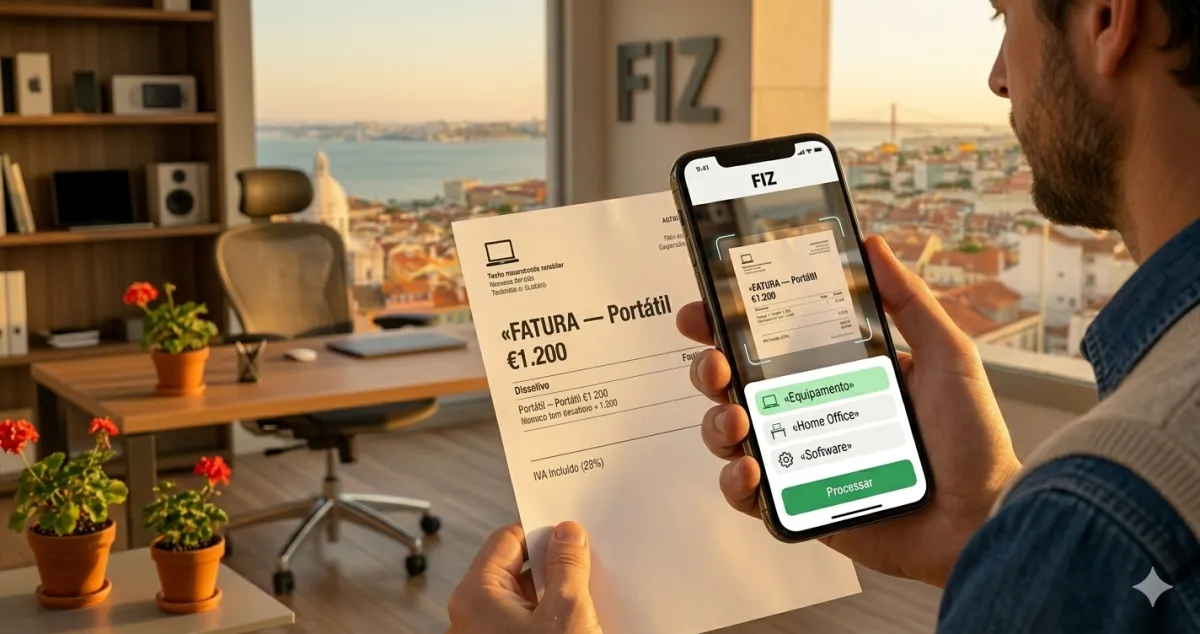
Monday, 12:31pm. Lunch with a potential client to close a project. Afterwards, he asks for the restaurant receipt. He photographs the receipt with his phone, categorises it as “business meal”, saves it in the app. The expense is logged for when he needs it.
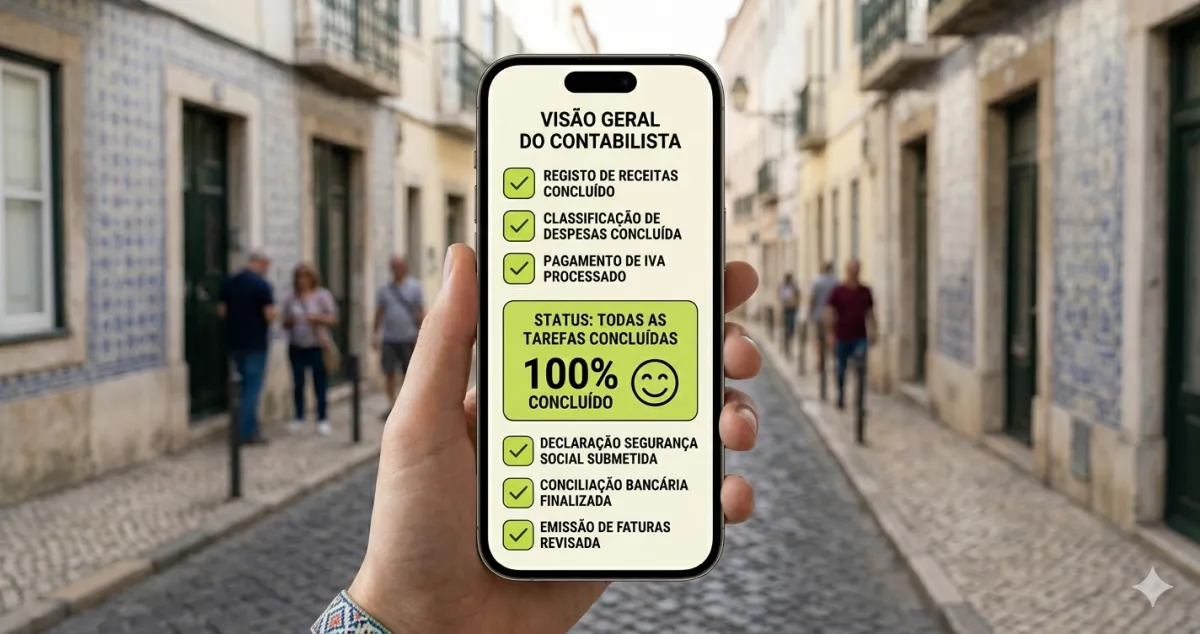
Tuesday, 8:15am. Gonçalo is in transit, heading to a shooting location. A notification appears: “Quarterly VAT declaration submitted successfully.” He did nothing. The platform handled everything automatically by the right deadline.
This is the tax day of a modern freelancer. It happens between WhatsApp and the weather app.
The difference nobody explains
When people hear “accounting app on your phone”, they imagine a portable version of complex accounting software — full of menus, reports, and terminology only an accountant understands.
The reality is the opposite. A good accounting app for freelancers is built around your three main actions:
Issue an invoice. You open the app, choose the client (or create a new one with their tax number), define the service and amount. The app fills in the rest: mandatory sequential numbering, ATCUD, QR code, the correct VAT rate for your activity, withholding tax if applicable. The client receives the PDF. You receive confirmation.
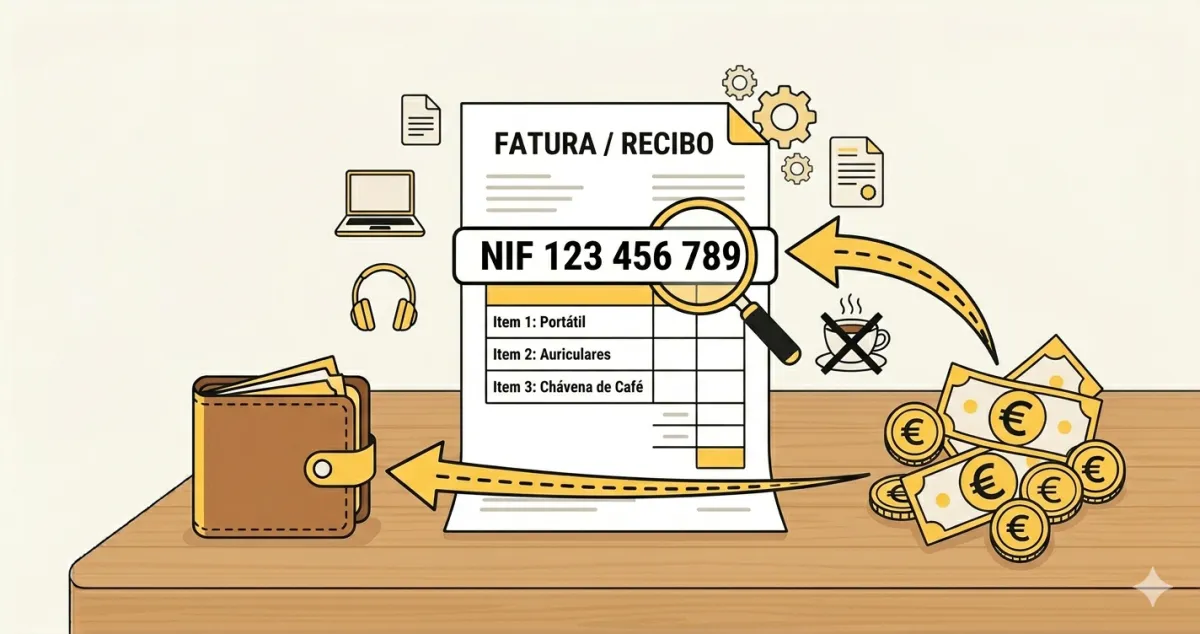
Log an expense. You photograph a receipt. The app reads the main data via OCR, suggests a category, you confirm. The expense is saved with a digital proof — valid for tax purposes, no need to keep the paper.
Track what you owe. The app always shows your tax balance: how much you’ve invoiced in the quarter, what you’ll pay in Social Security, and the IRS estimate based on the simplified regime (coefficient of 0.75 for services).
The trap in the word “simplified”
There is a misunderstanding that costs many freelancers money, and it is worth clearing up here: the simplified regime does not mean the state handles your declarations.
The name refers only to how income is calculated — the state applies fixed coefficients (0.75 for services, meaning 75% of what you invoice is taxable) instead of requiring you to present actual expenses. It simplifies the calculation, not the obligations.
Your filing obligations remain exactly the same as any independent worker:
- Quarterly VAT: by the 20th of the second month after the quarter ends, with Q2 extended to 20 September (mandatory in the standard regime; up to €15,000/year you may be exempt under Article 53 of CIVA)
- Quarterly Social Security: during the month following the quarter, by the last day (note: in your first year of activity you benefit from a Social Security exemption)
- Annual IRS: once a year, between April and June
The difference is that, with the right tools, these declarations can be submitted automatically — you receive a confirmation notification on your phone.
”But what if the app fails?”
Leonor, an interior designer, asked this question before switching to an accounting app. “What if there’s a bug? What if the declaration doesn’t reach the Tax Authority?”
It’s a legitimate concern, but there is a concrete answer: platforms certified by the AT are audited and are obliged to guarantee the integrity of tax communications. A submission confirmation is a legally valid document — not just a “done” screen. You always have access to the submission history with timestamps.
Leonor reached a practical conclusion: the risk of forgetting a declaration by doing everything manually is far greater than the risk of a system failure on a certified platform.
The phone as a tax office
What changed is not just the technology — it’s the mental model. For years, “doing your accounting” meant an afternoon blocked in the calendar, papers spread across the table, calls to the accountant.
Today, a freelancer’s accounting can be done in the gaps of the day. In the three minutes of waiting before a meeting. At breakfast. On the metro platform.
Gonçalo says he went from “hating the tax side of my work” to “barely noticing it exists.” Not because it stopped being mandatory — but because it disappeared into the routine, like paying for a travel card or checking email.
✅ Summary — 3 key points
✅ A modern freelancer’s tax day happens in brief moments throughout the day: 30 seconds to issue an invoice, a photograph to log an expense, and a notification when the quarterly declaration is submitted automatically.
✅ Watch out for the simplified regime misunderstanding: “simplified” refers to the tax calculation (coefficient of 0.75), not to the filing obligations — those are still yours, with deadlines and everything, including quarterly VAT, Social Security, and annual IRS.
✅ With the right tools, accounting becomes invisible: platforms like FIZ submit quarterly declarations automatically and always show your tax position in real time, without you needing to open a single form.