
Miguel from the café was complaining yesterday: “I paid €800 in IRS and still have to pay another €200 in July.” Completely normal - he didn’t deduct anything. Zero. Not even the coffee he has with clients.
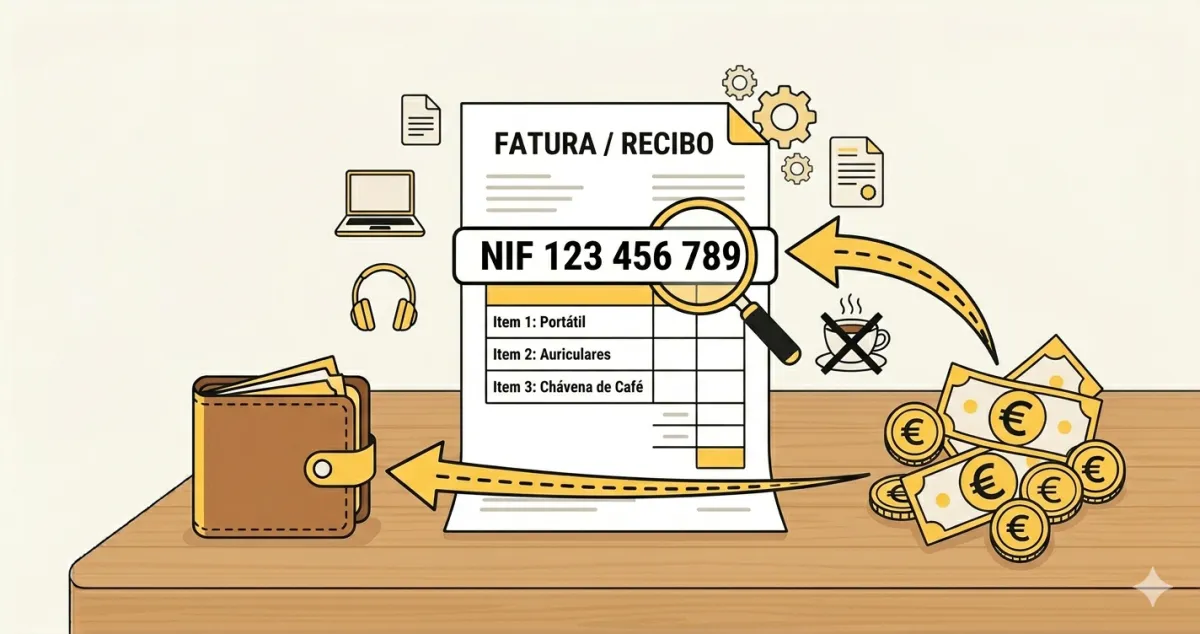
You know those expenses you already pay every month? Internet, phone, software, laptop? All of that can reduce your IRS bill. But you need to do one thing: request an invoice with your NIF and validate it on the Finance Portal.
The Trick That Changes Everything: the Invoice with NIF
When an invoice has your NIF, it automatically appears in the e-invoice system. You then log into the Finance Portal and allocate the correct category. Without a NIF, you lose the deduction. Simple as that.
You have time until the 25th of the following month to validate the previous month’s invoices. If you don’t validate, you lose out.
The 7 Expenses
Warning: Meals with clients have specific rules - you can’t deduct the full amount, only a percentage. And you need to be able to justify it was a genuine business meeting.
How to Validate on the Finance Portal
- Log in to portaldasfinancas.gov.pt with your NIF and password
- Go to “All Services” > “e-invoice”
- Click “Complete Invoice Information”
- For each invoice, choose the correct category (professional expense, housing, health, etc.)
- If it’s mixed use (personal and professional), indicate the percentage
The Real Impact on Your IRS
Beatriz, a freelance copywriter, started asking for invoices with NIF for everything. Result:
- Before: she paid around €1,200 in IRS
- After: she paid €750
That’s €450 in savings. Just from asking for invoices with NIF and validating in the e-invoice system.
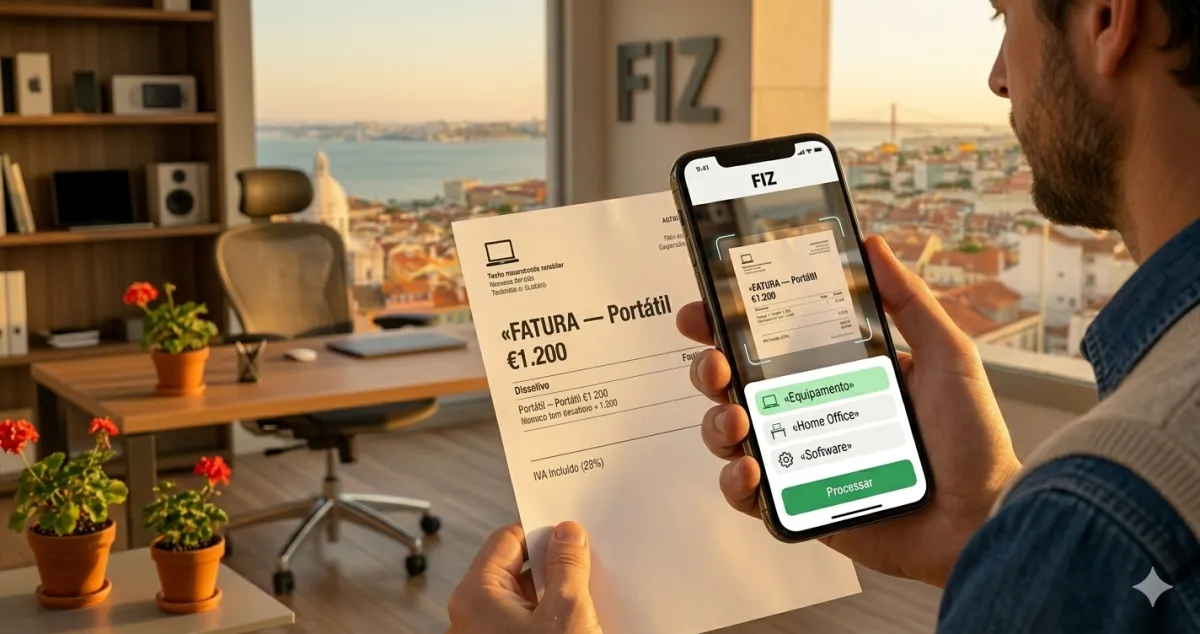
André went even further: since all his expenses are organised in FIZ, the system automatically calculates the deductible VAT on professional expenses and keeps everything organised for the annual IRS declaration.
In Summary
-
Always ask for an invoice with your NIF - from the coffee with clients to the software you use. Every professional expense counts towards reducing your IRS.
-
Validate in the e-invoice system by the 25th - log into the Finance Portal every month and categorise your invoices. Without validation, you lose the deduction even if you have the NIF.
-
Organise everything in one place - with FIZ, you automatically record expenses and have everything ready for the annual IRS declaration. Zero paperwork, zero stress.