Sofia, a graphic designer from Lisbon, spent 3 years paying €200 a month to an accountant. Why? “Because I thought I was too stupid to do it myself.” Until the day she discovered that freelancer accounting is simpler than baking a yogurt cake.
Let’s be clear: you don’t need an economics degree to issue invoices. You don’t need to be good at maths - the computer does the calculations. You don’t need to memorise laws - certified platforms already have everything programmed.
The myth of “I’m not good with numbers”
Pedro works as a photographer. “I was always terrible at maths. I failed twice in secondary school.” Do you know how many mathematical operations Pedro does for his accounting? Zero.
When he issues an invoice on the Finance Portal or a certified platform:
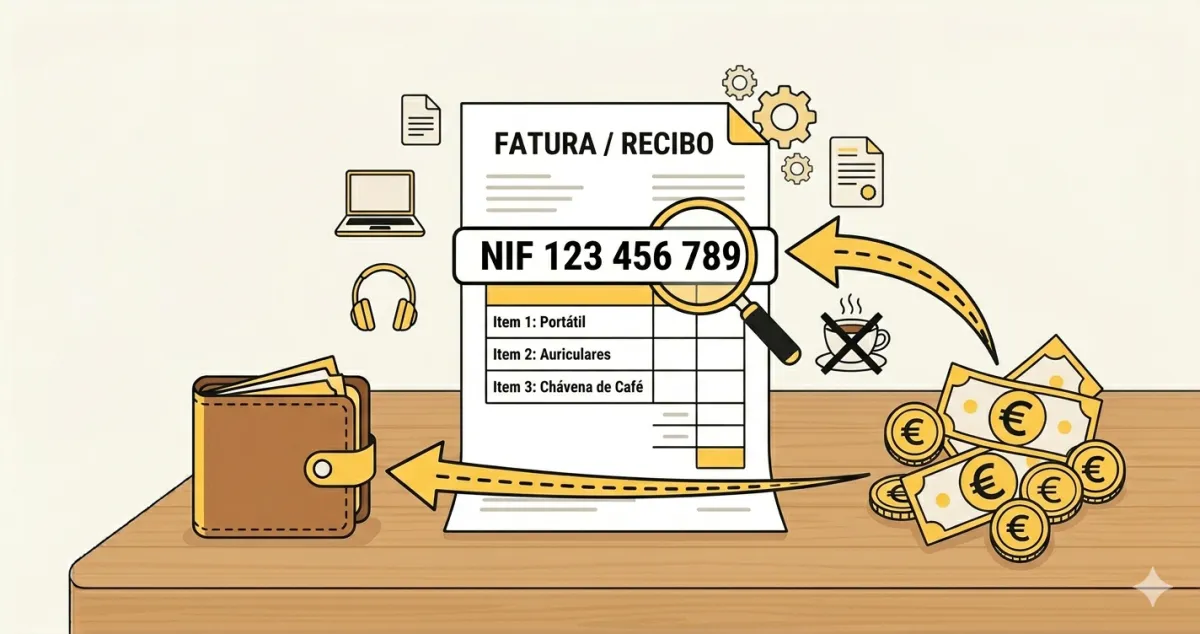
- He types the client’s tax number (9 digits he copies)
- Describes the service (“Wedding photo session”)
- Enters the amount (€1,500)
- Selects 0% VAT and chooses “Article 53 of CIVA” from the list
The system does the rest. It generates the PDF, assigns the sequential number, calculates everything. Pedro just clicks “Issue”.
The 3 only things you need to know
1. Issuing invoices (green receipts)
You’re like the bakery employee who prints receipts at the till. They don’t know how much VAT bread has - the machine knows. You don’t need to memorise the rates either - the software knows.
Ana is a copywriter. A client asks for a quote for website copy. She opens her invoicing app on her phone, creates the invoice in 30 seconds, sends it via WhatsApp. She doesn’t even need to turn on her computer.
2. Saving expenses
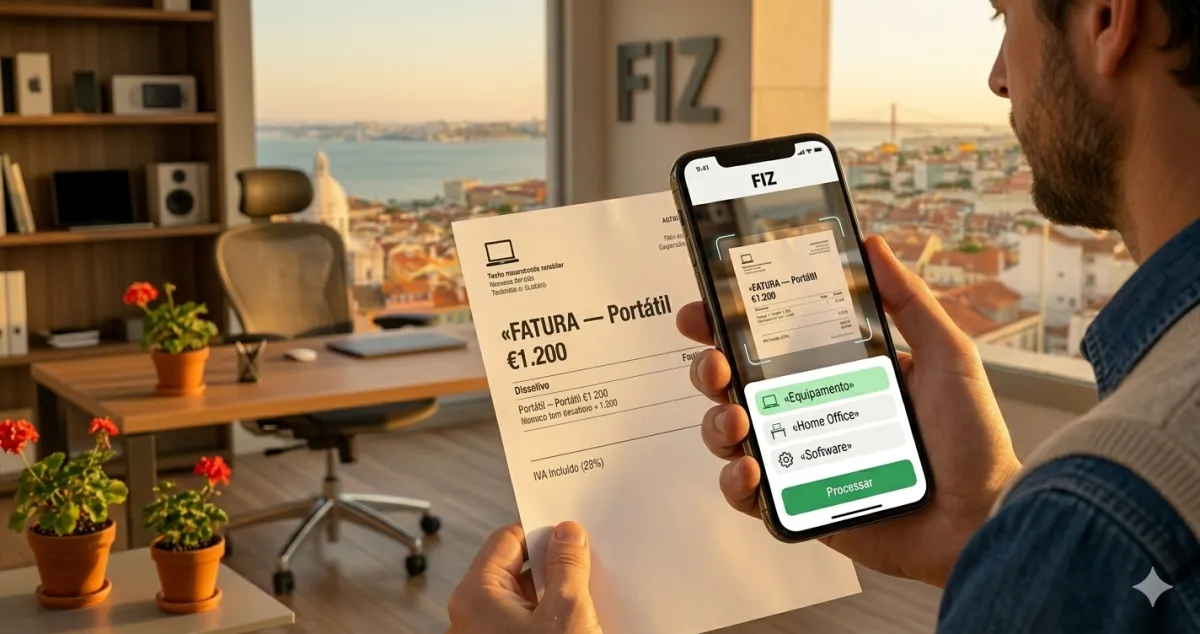
This is literally taking photos of receipts with your phone. Fuel? Photo. Office supplies from Staples? Photo. Lunch with a client? Photo.
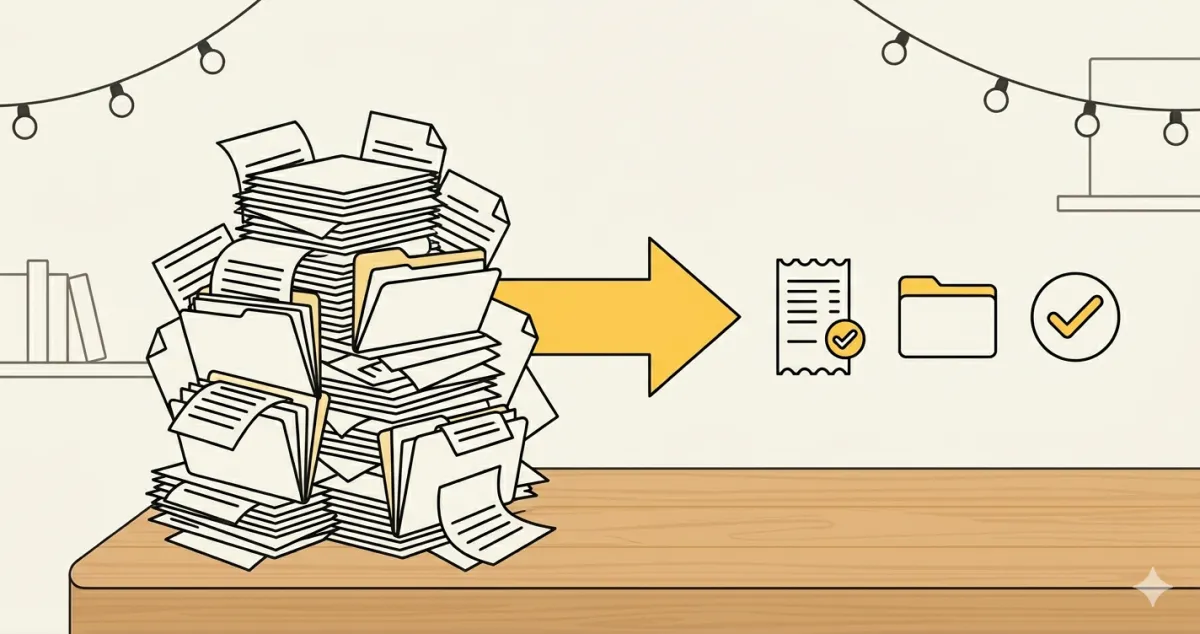
Rui is a marketing consultant. Before, he had a drawer full of crumpled papers. Now he photographs everything in an expenses app. At the end of the year, everything is organised by categories. “It’s easier than organising photos on Instagram.”
3. Submitting declarations
There are 4 main declarations - always the same ones, quarter after quarter:
Sounds like a lot? With good accounting software, the first 2 can be submitted automatically.
⚠️ Warning: The mistake that costs dearly
Marta, a translator, thought being on the “simplified regime” meant the government did everything for her. Wrong! Simplified only means you pay tax on 75% of what you invoice (they assume you spend 25% on expenses).
But you still have to submit all the declarations. Marta forgot to submit the quarterly VAT declaration for 6 months. Fine: €375. More than she would pay for an entire year of accounting software.
”But I don’t understand laws at all…”
You don’t need to. When you go to the supermarket, do you know the law that regulates prices? No. You trust that the cash register is programmed correctly.
The same with accounting. The AT-certified software already has all the rules programmed:
- If you invoice less than €15,000/year, you’re exempt from VAT
- In the first year you can request an exemption from Social Security
- Withholding tax depends on your activity (for example, in mainland Portugal: 11.5%, 16.5% or 23%)
You don’t need to memorise any of this. When you register, the system automatically applies the correct rules.
The café test
Can you pay for a coffee with your banking app? Then you can do freelancer accounting. They’re exactly the same steps:
- You open the app
- You choose your payment method
- You read the code
- You confirm
- You open the app
- You choose new receipt
- You fill in 4 fields
- You send it to the client
It’s literally the same complexity. The difference? The coffee costs you €0.80. Not keeping your accounting up to date can cost you hundreds of euros in fines.
The truth about accountants
Accountants are excellent for complex companies. For a freelancer invoicing €2,000/month? It’s like hiring a Michelin-star chef to make you scrambled eggs.
Bruno, a freelance programmer, paid €150/month to an accountant. What the accountant did:
- Took the invoices Bruno had already issued
- Submitted the quarterly declarations
- Once a year did the IRS
Bruno now does all of this in 5 minutes a month.
The real numbers (no drama)
Catarina is a human resources consultant. She invoices an average of €2,500/month. Let’s look at the “terrible complexity” of her accounting:
For 15 minutes a month, Catarina saves €150 on an accountant. That’s €1,800 a year. Enough for a nice holiday in the Algarve.
The wrong question vs. the right question
Wrong question: “Am I smart enough to do accounting?”
Right question: “Do I have the right tool to do accounting?”
It’s like asking “Am I strong enough to tighten a screw?” instead of “Do I have a screwdriver?”
With the right tool, anyone can do it.
What if I make a mistake?
This is the real fear, isn’t it? It’s not about being stupid. It’s about being afraid of the consequences.
Inês, an online yoga teacher, had nightmares about letters from the Tax Authority. “What if I get a comma wrong and there’s an inspection?”
Two things for Inês (and for you) to sleep soundly:
- The certified software won’t let you make serious mistakes. It’s like spell check - it warns you when something is wrong.
- The Tax Authority always warns you first before applying fines - you always have time to correct things.
And a third: on the simplified regime, the law doesn’t even require you to have an accountant — so “what if I make a mistake?” doesn’t have to tie you to an expensive service.
✅ In summary - 3 points
-
Freelancer accounting = 3 simple tasks: issuing invoices (like using a banking app), saving expenses (taking photos), submitting declarations (the software does it automatically)
-
You don’t need to know maths or laws: The certified software has everything programmed. You only fill in basic fields like name, tax number and amount.
-
The fear of “not being capable” costs you money: While you pay €150/month to an accountant to do 15 minutes of work, you could be saving €1,800/year. FIZ (Auto Pro plan) automates quarterly declarations and includes a Tax Shield up to €500 if anything goes wrong.