
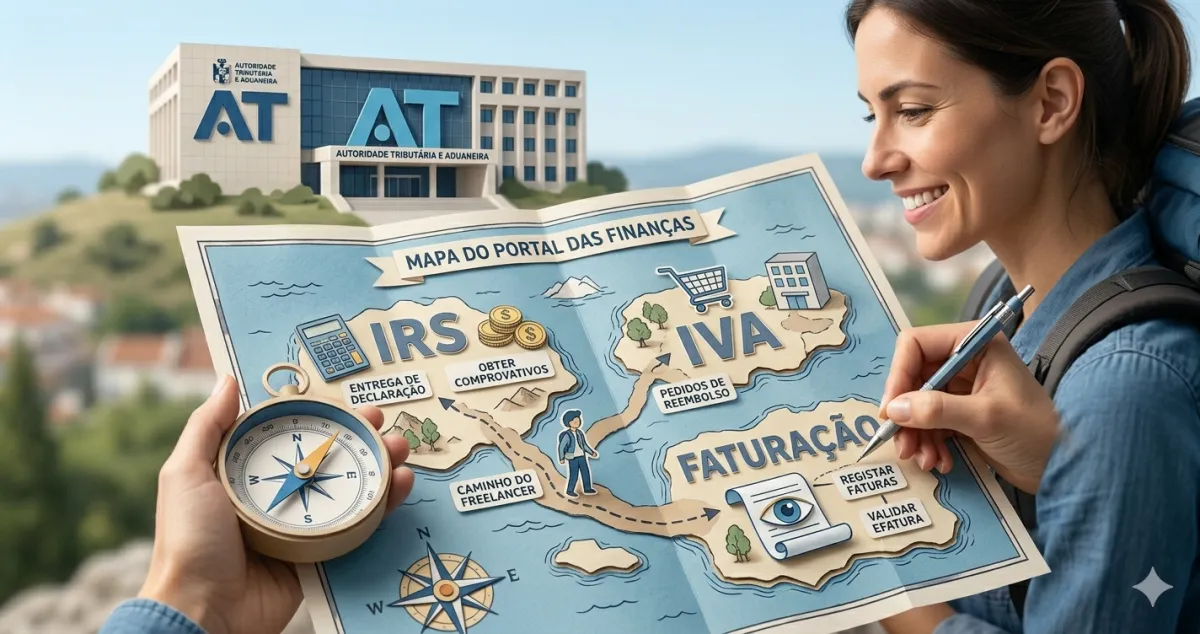
You opened the Finance Portal, looked at the menus, and closed the tab without doing anything. It happens to everyone. The portal has dozens of sections and zero explanation of what actually matters for you.
Here is the map nobody gave you.
Getting in: how to access
Go to www.portaldasfinancas.gov.pt and click Cidadãos → Aceder. Ignore the “Empresas” and “Aduaneiro” blocks — they are not for independent workers.
To log in, you have two options:
- NIF + Finance Portal password — the classic method
- Chave Móvel Digital (Digital Mobile Key) — faster, recommended
If you have never set up a password, click “Obter Senha” and follow the process with your tax identification number and citizen card (cartão de cidadão). And if you had a password but lost it, see how to recover it fast or log in with the Chave Móvel Digital. To give your accountant access without sharing your password, create an authorised user.
The 7 sections of the main menu
Once you are logged in, you see a top bar with the main sections. For independent workers, what matters is:
Início (Home)
Your fiscal dashboard. This is where you see:
- AT messages — important notices you should not ignore
- Pending tasks — what you need to do
- Divergências (Discrepancies) — when something in your data does not match the system
Visit this section regularly, especially before declaration deadlines.
Consultar (View)
Your personal archive. The most useful shortcuts:
- Situação Fiscal (Fiscal Status) — a traffic light showing whether everything is in order (green = OK, red = problem)
- Declarações — complete history of everything you have filed
- Atividade → Elementos do Cadastro — a printable proof that your activity is open (useful for contracts and applications)
- Certidões — request a certificate of no outstanding debts
Entregar (File)
The heart of the portal. This is where you submit:
| What | Where |
|---|---|
| Quarterly VAT return | Entregar → IVA → Declaração Periódica |
| Annual IRS declaration | Entregar → IRS → Modelo 3 |
| Opening your activity | Entregar → Declaração de Início de Atividade |
| Changing activity details | Entregar → Declaração de Alterações |
Important: The quarterly Social Security declaration is NOT here. It is filed on segurancasocial.pt — this is the most common mistake made by independent workers.
Pagar (Pay)
Straightforward:
- Emitir Documento Único de Cobrança — generates a reference for paying IRS, VAT, or any other tax by ATM or home banking
- Consultar Pagamentos — confirms what you have already paid
- Planos Prestacionais — payment plans if you need to spread a tax bill
Faturas (Invoices)
The e-fatura section:
- Consultar Faturas — view all invoices issued in your name and those you have issued
- Comunicar Faturas — only needed if you do not use certified invoicing software (certified software communicates automatically)
Recibos Verdes (Green Receipts)
For issuing directly on the portal without external software:
- Emitir Recibo Verde — slower process than dedicated invoicing software
- Consultar Recibos — history of receipts issued through the portal
- Anular Recibo — to cancel a receipt issued by mistake
Serviços (Services)
Less frequent but useful:
- Autorizações — give an accountant access to act on your behalf
- Notificações Eletrónicas — configure your email to receive AT notifications
The 3 most common navigation mistakes
Mistake 1: Looking for the Social Security declaration here It is not here. The quarterly SS declaration is filed on segurancasocial.pt, not the Finance Portal. They are completely separate systems.
Mistake 2: Not checking the messages in Início The AT sends important notices here. A discrepancy in your invoices or a pending payment notification can slip by unnoticed if you never open this section.
Mistake 3: Not saving confirmation PDFs Whenever you submit a declaration, save the confirmation PDF. The portal keeps a history, but having your own copy avoids problems if anything goes wrong.
✅ In summary
-
The portal has 7 sections; you mainly use 4 — Início (to check), Consultar (archive), Entregar (declarations) and Pagar (payment references).
-
The Social Security declaration is not here — go to segurancasocial.pt. Confusing the two portals is the most frequent mistake independent workers make.
-
With FIZ VAT declarations are filed automatically — you only need to visit the Finance Portal for the annual IRS and occasional lookups.