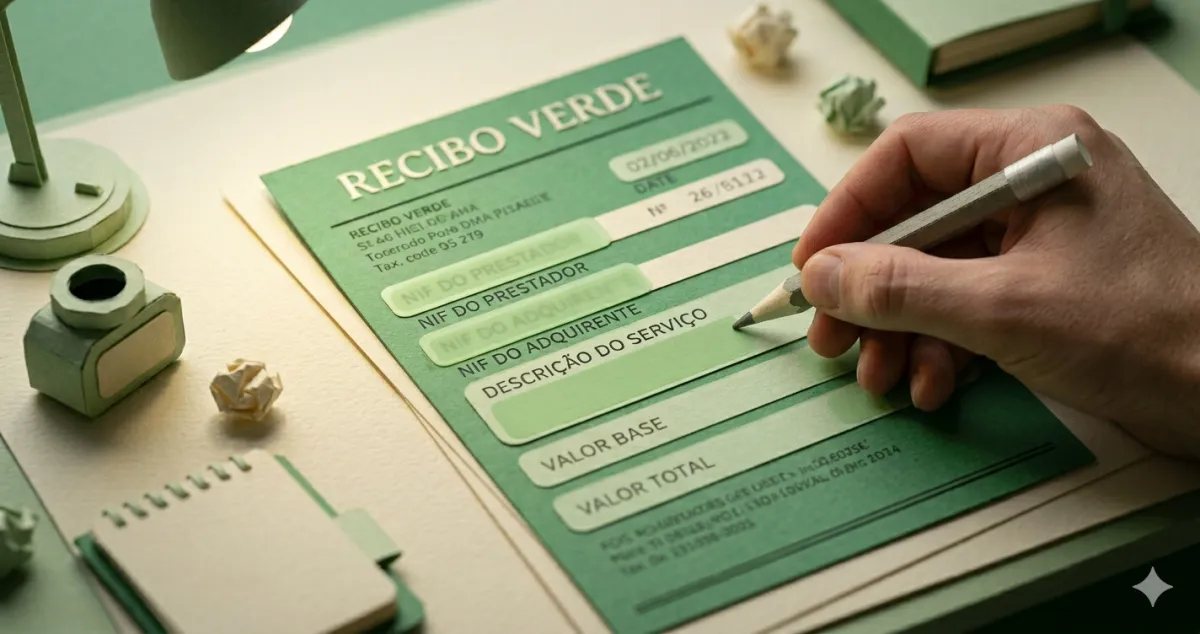
Do you know why it is called a recibo verde (green receipt)? Because the paper used to be literally green. You would buy pads at the tax office, fill them in by hand, stamp them, and tear along the perforated edge. A complete ordeal.
Today? It is all digital. Five fields, two minutes. Anyone still intimidated by “issuing a recibo verde” is imagining the green paper of the 1990s, not today’s reality.
What it is and what it is for
The recibo verde — officially called “fatura-recibo” on the Finance Portal — is the mandatory document you issue every time you provide a service as an independent worker in Portugal. It serves to:
- Prove that you provided a service and received payment
- Allow the client to deduct the cost in their own accounting
- Inform the tax authority of your income (for IRS calculation)
- Feed data into Social Security for contribution purposes
You must issue it through the Finance Portal or certified invoicing software. Writing something on paper or sending an informal email does not count.
The 5 fields — that is all there is
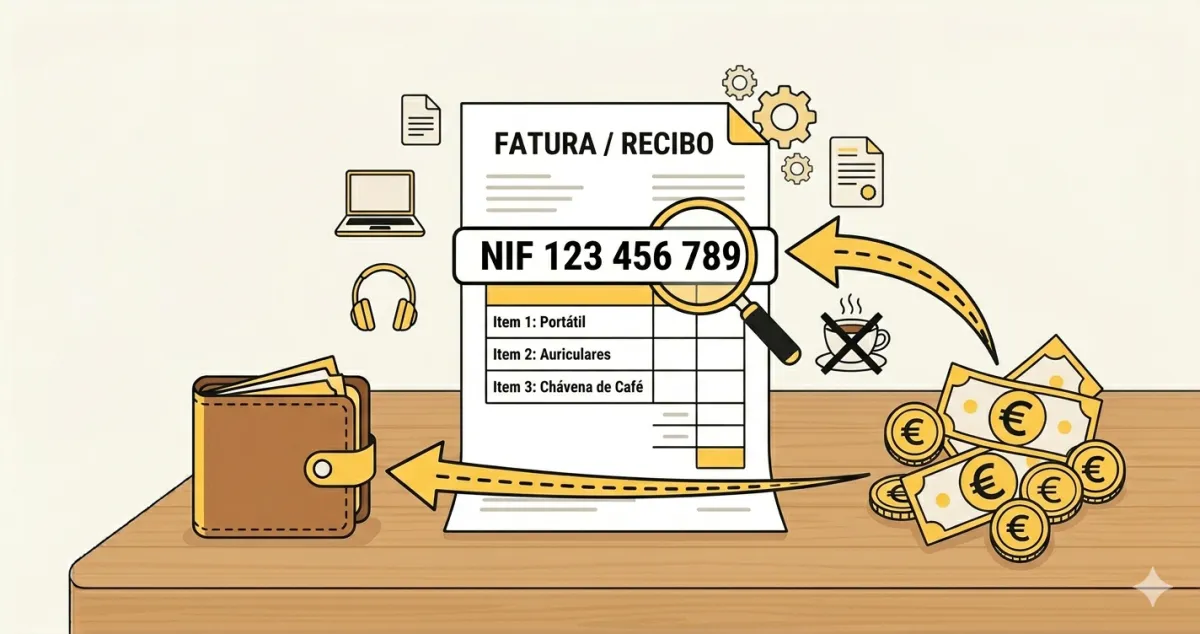
1. Client NIF
The tax identification number of whoever paid you. For companies, ask for the name too. For individuals, just the NIF. No NIF, no valid recibo verde — do not skip this field even if the client is a friend.
2. Service value
The amount you agreed. You enter the service value before VAT (VAT goes in a separate field).
3. Service description
One line is enough. “Logo design”, “Marketing consultancy”, “Technical translation PT-EN”. You do not need to write a contract — just identify what was done.
4. Withholding tax (yes or no)
If your client is a company or public entity, withholding tax of 23% normally applies. This means the company retains that percentage and pays it to the tax authority on your behalf — you receive the net amount. For individual clients: no withholding.
5. VAT (rate or exemption)
If you invoiced less than €15,000 in the previous year, you are VAT-exempt under Article 53 of the CIVA. You select “0%” and choose the exemption reason. If you charge VAT, you select the applicable rate (23% for most services).
What happens after you click “Issue”
The system takes care of everything:
- Generates the PDF with sequential number, ATCUD and QR code — all legally required since 2022–2023
- Archives the document in the system, accessible at any time
- Reports to the tax authority automatically — nothing more for you to do
You send the PDF to the client by email or WhatsApp, and that is it. The receipt is issued, legal, and reported.
Two real examples
João, a designer — individual client:
- Created a business card for the corner café — €150
- NIF: asks the café owner
- Withholding: no (individual client)
- VAT: 0% – Article 53 CIVA
- Time: 1 minute
Catarina, a translator — company client:
- Translated a technical manual — €2,000
- NIF: copies from the company email
- Withholding: yes (company retains 23%)
- VAT: 0% – Article 53 CIVA
- Time: 2 minutes
Mistakes to avoid
“I will issue the receipt at the end of the month” — issue it as soon as the work is done. Two minutes now prevents confusion later.
“The client is a friend, I do not need the NIF” — you do. It is required by law. Always ask.
“Invoice and recibo verde are different things” — for independent workers in Portugal, the Finance Portal issues a “Fatura-Recibo” that serves both functions. They are the same document.
✅ In summary
-
Five fields: client NIF, amount, description, withholding (23% for companies), VAT (rate or exemption) — two minutes and the system reports everything to the tax authority automatically.
-
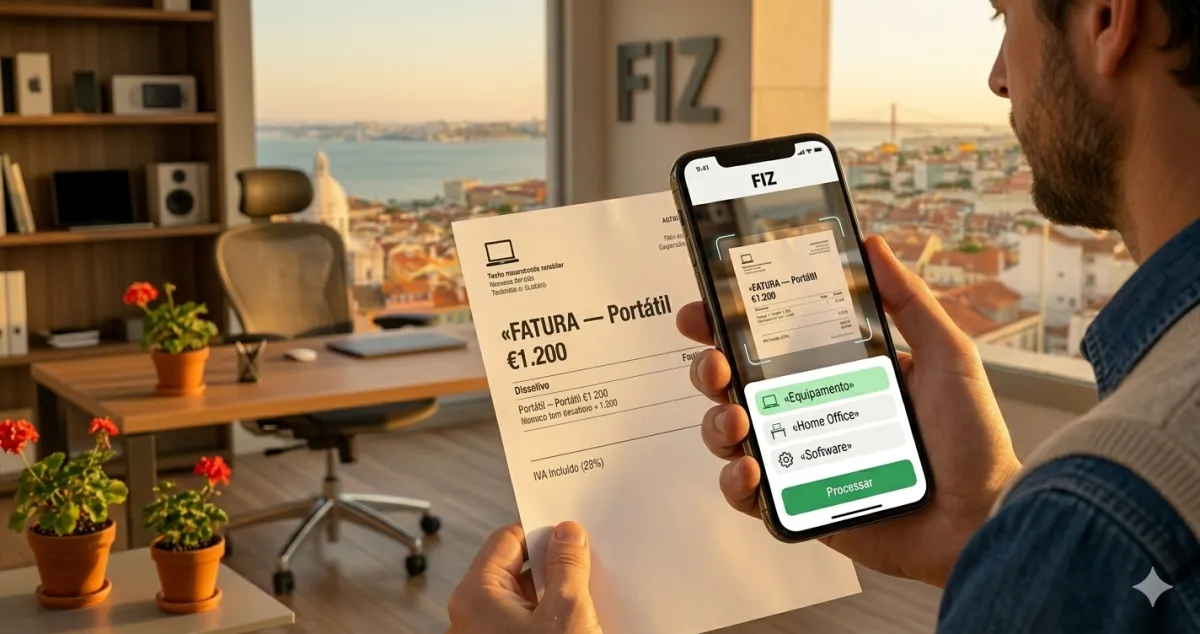
The receipt must be issued through certified software — the Finance Portal or an app like FIZ, not on paper or in a plain email.
-
With FIZ you issue recibos verdes from your phone in seconds — and the quarterly declarations that follow are filed automatically.