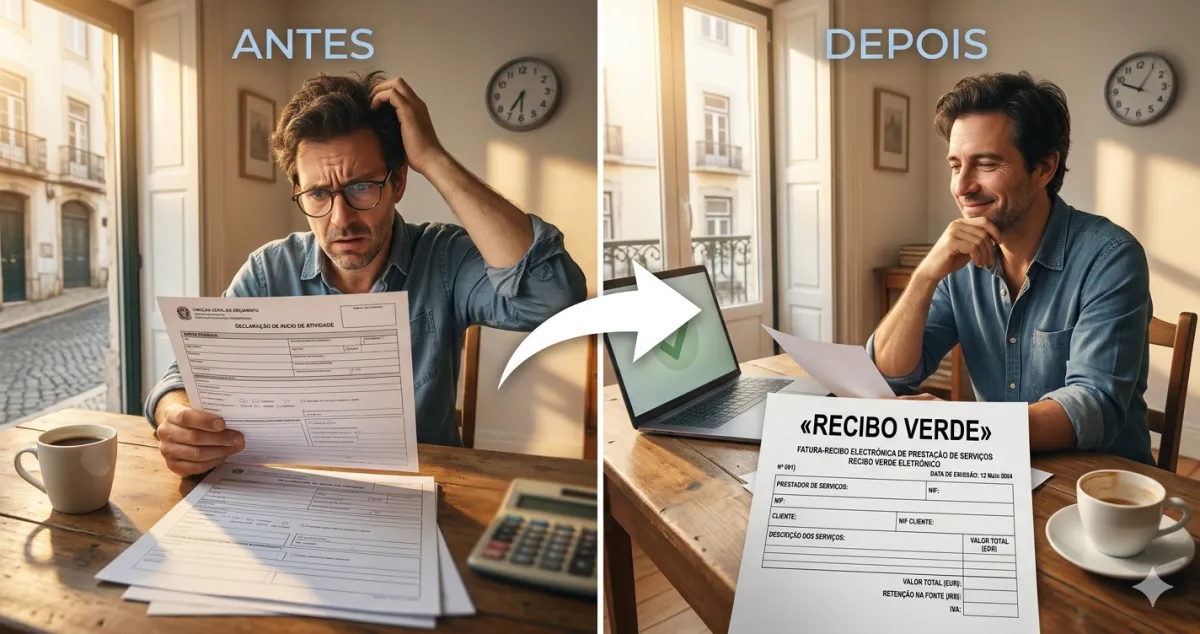
Everyone who issues their first recibo verde goes through the same moment: slightly sweaty hands, cursor hovering over the button, and the feeling that they are about to do something wrong with irreversible consequences.
They are not. And you will understand that in under two minutes.
What you need before you start
Four things:
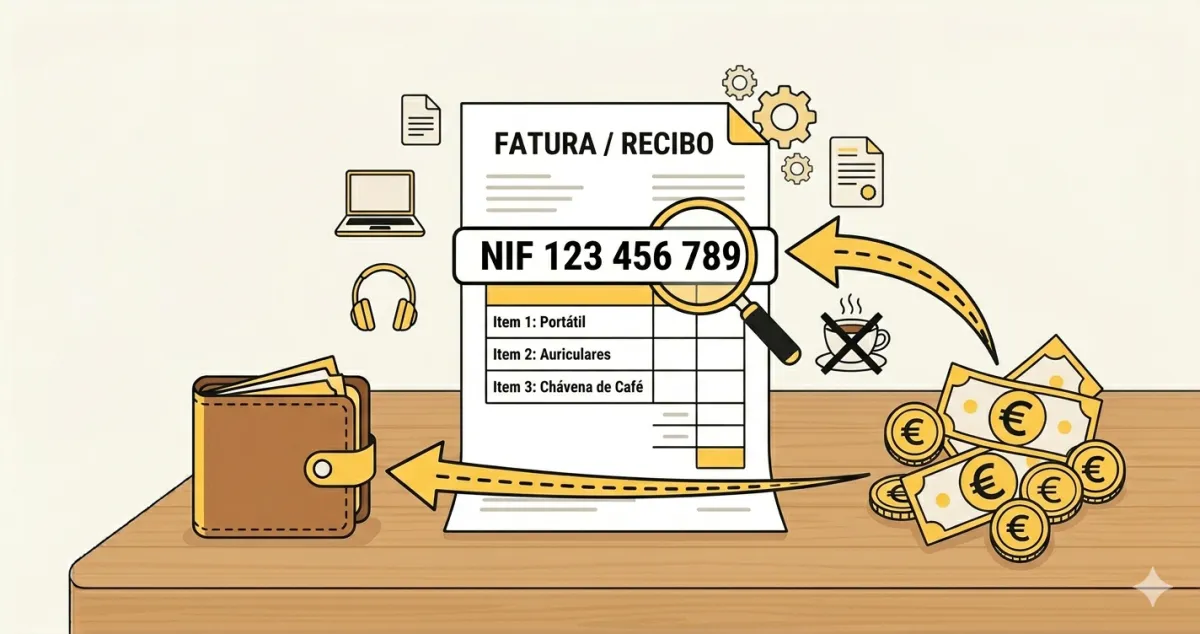
- Your NIF — 9 digits, you already know it
- The client’s NIF — ask before starting the work
- The service amount — what you agreed
- A description — two or three words of what you did
That is it. Fewer fields than an online order.
Haven’t opened activity yet? You need to do that before your first recibo verde — see the step-by-step guide to opening activity.
Step by step on the Finance Portal
Step 1 — Log in Go to www.portaldasfinancas.gov.pt, log in, and in the side menu choose Recibos Verdes → Emitir Recibo Verde.
Step 2 — Client details Enter the client’s NIF. The name and address fill in automatically. If the client is a private individual without a NIF, use the generic 999999999. If they are a foreign client, use 999999990.
Step 3 — Amount and description Enter the amount and describe the service simply: “Website creation”, “Marketing consultancy”, “Product photography”. No need to detail everything — just enough to be clear.
Step 4 — VAT
- You are exempt (you invoiced less than €15,000 in the last 12 months): select VAT 0% and choose Article 53 of the CIVA as the reason
- You are not exempt: apply the 23% rate
Step 5 — Withholding tax
- Client is a company: mark withholding at 23% (rate for residents, Art. 101 CIRS)
- Client is an individual: no withholding
Step 6 — Issue Click Emitir. The receipt is registered in e-fatura automatically. Download the PDF and send it to the client.
Real example: Sofia and the workshop
Sofia ran a photography workshop for a company. Agreed amount: €800. The company will withhold income tax at source.
On the portal:
- Company NIF: 512345678
- Amount: 800
- Description: “Photography workshop — October 2025”
- VAT: 0% — Art. 53 CIVA (invoices less than €15,000/year)
- Withholding: 23%
The company pays Sofia €616 (€800 − €184 withheld) and hands the €184 over to the tax authority on her behalf. In the annual IRS declaration, that withholding is credited against what Sofia owes.
What if you make a mistake?
Cancel and issue another one. There is no penalty for cancelling a wrongly issued receipt.
How to cancel: Finance Portal → Recibos Verdes → Consultar → select the receipt → Anular.
Takes two minutes. Then issue the correct receipt normally.
What happens after issuing
The receipt stays in your e-fatura history. In the annual IRS declaration the amounts are already there — you confirm and submit. You do not need to keep physical copies, but saving the PDFs is a good habit.
Practical tip: right after issuing your first receipt, check the Portal → e-fatura → Consultar Faturas to confirm the document is there. It always is, but the first time it is worth verifying.
✅ In summary
-
Four fields are enough to issue a recibo verde — client NIF, amount, description, VAT option. Simpler than placing an online order.
-
VAT exemption up to €15,000 annual invoicing — reason: Art. 53 CIVA. Withholding tax for company clients: 23%.
-
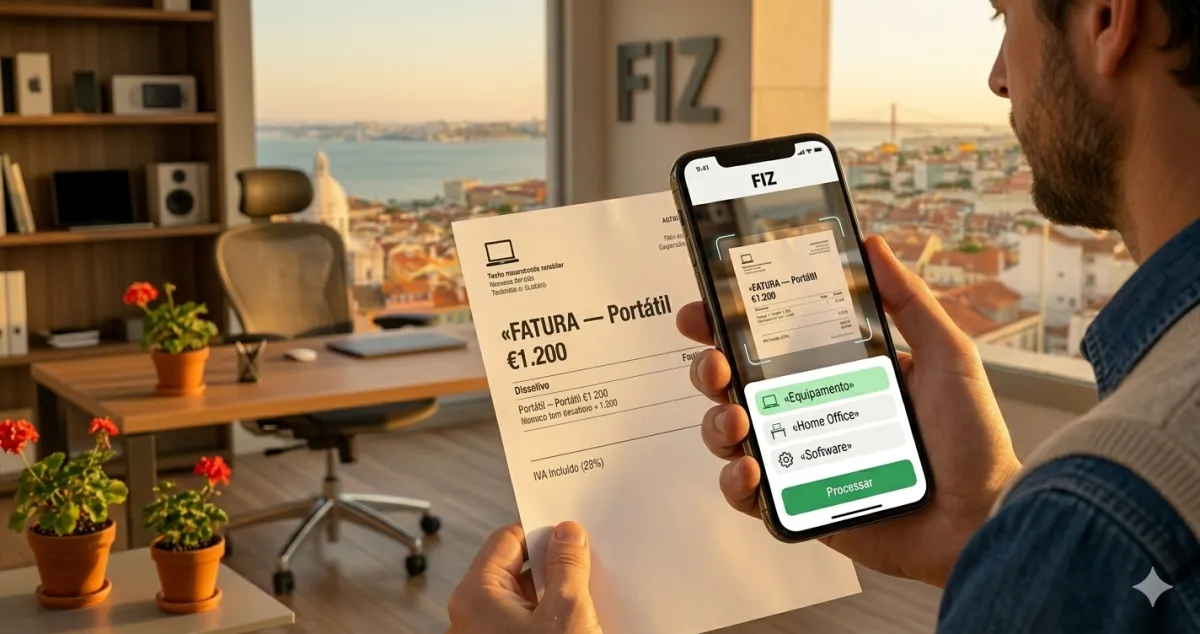
With FIZ you issue your first recibo verde in under a minute — the certified software fills in the automatic fields, remembers your clients, and communicates everything to e-fatura without any extra steps on your part.