# FIZ Blog — Full Content
> FIZ (https://fiz.co) is a financial assistant for independent workers and small businesses in Portugal.
> This file contains the full text of all blog articles for LLM consumption.
# Portuguese Articles
## O que há de novo no FIZ — setembro 2026
> URL: https://blog.fiz.co/novidades-produto-setembro-2026
> Category: Produto | Published: 2026-09-30 | Reading time: 8 min
> O Painel abriu para todos: quanto podes gastar depois de impostos e quanto reservar para IVA, IRS e Segurança Social. Mais relatórios prontos no chat de IA, despesas e pagamentos nas Finanças, o FIZ ligado ao Claude e ao ChatGPT e talões impressos a partir do telemóvel.
Setembro respondeu a uma pergunta que nos chega todas as semanas: quanto deste dinheiro é mesmo meu? O Painel abriu para todos com essa conta feita. As Finanças passaram a mostrar o que falta receber e pagar, os relatórios saem do chat de IA num clique, o FIZ passou a falar com o Claude e o ChatGPT, e os talões chegaram ao telemóvel, como prometido em agosto.
## Painel: quanto é teu depois de impostos
O dinheiro entra na conta e parece todo teu. Só que uma parte já tem dono: o IVA do trimestre, o IRS do próximo verão, as contribuições. O **Painel** faz essa conta por ti. No topo está o valor **livre depois de impostos**: o que recebeste este ano menos o que deves guardar.
Logo abaixo, a **reserva para impostos** separa cada parcela. O IVA já apurado nas declarações entregues fica à parte do IVA que ainda está a acumular, e a Segurança Social aparece pela tua última declaração. A estimativa de IRS usa o coeficiente da atividade com que cada fatura foi emitida, já desconta a retenção na fonte e avisa-te se as despesas documentadas não chegam aos 15% exigidos.
Se estás isento pelo artigo 53.º, o Painel acompanha os **dois limites** que importam. Passar os 15.000 € de volume de negócios no ano acaba com a isenção a partir de janeiro. Passar os 18.750 € (125% do limite) acaba com ela de imediato, e tens 15 dias úteis para entregar a declaração de alterações. Se o teu rendimento chega com regularidade, o Painel estima por volta de que data atinges cada um. Se é irregular, mostra a margem que ainda tens, sem inventar datas.
O IVA do trimestre anterior que ainda falta pagar e o IUC dos teus veículos também entram na conta. Nas empresas, o Painel tem modo próprio, sem estimativa de IRS. Ao lado ficam o calendário dos próximos prazos, as faturas à espera de pagamento e o que tens por fazer.
[Abrir o meu Painel →](https://app.fiz.co/dashboard)
## Finanças: despesas, pagamentos e o que ainda falta
As despesas do e-Fatura saíram do ecrã próprio e estão agora em **Finanças → Faturas e recibos**, ao lado de tudo o resto, com um só catálogo de categorias. Cada fornecedor guarda a **categoria que mais usas** com ele, e quando classificas um documento o FIZ oferece-se para **aplicar a mesma resposta aos restantes documentos desse fornecedor**. Se trabalhas por conta própria no regime normal de IVA, vês ainda o IVA dedutível linha a linha e o IVA a pagar do período.
A parte nova mais útil está nos pagamentos. Cada documento mostra agora **quanto já foi pago e quanto falta**, ao cêntimo. Uma fatura paga em duas transferências liga-se às duas, e um pagamento que cobre várias faturas reparte-se por elas. Quando o FIZ encontra no banco o movimento que parece pagar uma fatura, a sugestão aparece no próprio documento, com **Confirmar** e **Não corresponde**.
Precisas de mandar tudo o que tens com um cliente ou fornecedor ao teu contabilista? No cartão dessa contraparte há agora um botão de exportação: só o relatório em Excel, ou o relatório com os ficheiros guardados no FIZ num ZIP.
Classificar despesas faz parte dos planos pagos. A associação de pagamentos e as exportações fazem parte das Finanças completas, nos planos Prime e MAX.
[Abrir as minhas Finanças →](https://app.fiz.co/bookkeeping/documents)
## Segurança Social: o rendimento conta à data da fatura
Na declaração trimestral, a Segurança Social conta o rendimento à data da fatura, como no IRS, e não no dia em que o cliente paga. É o que diz a própria pergunta 18 das Perguntas Frequentes dos trabalhadores independentes. O FIZ seguia o pagamento e, a partir do terceiro trimestre de 2026, passou a seguir a regra.
Na prática, uma fatura emitida em setembro conta no terceiro trimestre mesmo que só a recebas em outubro. A declaração mostra-a numa lista própria, **«Faturas contadas antes do pagamento»**, para não te apanhar de surpresa. As faturas antigas, emitidas antes da mudança, continuam a contar quando são pagas. Assim, nenhuma fica por declarar entre as duas regras.
As notas de crédito passaram a abater no mês do rendimento que anulam. Se esse rendimento foi declarado num trimestre anterior, o FIZ já não a desconta no atual: indica-te que trimestre corrigir e qual o caminho ainda aberto, seja a substituição, a entrega fora de prazo ou a declaração anual de janeiro.
[Ver a minha declaração →](https://app.fiz.co/declarations/social-security)
## Relatórios prontos no chat de IA
Em setembro, um cliente escreveu-nos a queixar-se de que só conseguia ver a faturação do ano inteiro, e não a do mês passado. Não foi o único: pedem-nos mapas de vendas para o contabilista, listas das faturas por receber, comprovativos para o banco. Agora, na página de faturas, o botão **Criar relatório no chat de IA** abre um menu com os relatórios mais pedidos. Escolhes o período, carregas no relatório e o Assistente Fiscal entrega-o no chat.
Há o **mapa de vendas** por cliente, com e sem IVA, o **resumo mensal**, o **mapa de IVA** por mês e taxa, as **vendas por artigo**, as **faturas por receber** e a **conta corrente** de um cliente, em PDF. Há a lista de faturas em Excel, e o **comprovativo de rendimentos** de agosto ganhou aqui um atalho. E podes descarregar os PDFs originais das faturas do período num só arquivo, até 100 ficheiros.
Como o relatório nasce numa conversa, ajustá-lo é só pedir: outro período, só um cliente, mais detalhe. Os relatórios contam para o teu limite de utilização do Assistente Fiscal, que faz parte dos planos pagos.
[Criar um relatório →](https://app.fiz.co/invoices)
## Liga o FIZ ao Claude ou ao ChatGPT, sem chaves nem código
Em junho publicámos uma skill que ligava o Claude ou o ChatGPT à API da FIZ, para quem não tinha medo de uma chave de API. Em setembro chegou o caminho para toda a gente: um **conector oficial**. Copias um endereço em **Configurações → Integrações → Aplicações ligadas**, colas no Claude (web, desktop ou telemóvel), no ChatGPT ou no Claude Code e entras com a tua conta FIZ.
Depois é só perguntar em linguagem normal. Por exemplo, «a minha empresa no FIZ está pronta para emitir faturas?». O Claude pede-te autorização para consultar o FIZ e responde com o que falta, verificação a verificação.
Quem decide o que o assistente pode fazer és tu. Ao ligar, escolhes a empresa e as permissões: consultar faturas e clientes, criar rascunhos, ler os movimentos bancários e as despesas. **Emitir documentos fiscais é uma permissão à parte**, e mesmo com ela o assistente pede-te confirmação para cada documento. As aplicações ligadas ficam listadas no FIZ, com a última utilização, e desligas qualquer uma com um clique. Funciona nos planos pagos.
Para quem programa, a API pública ganhou pro formas, faturas recorrentes e a data de emissão definida por ti, e já podes registar a tua própria aplicação para produção, com revisão da FIZ.
[Ligar um assistente →](https://app.fiz.co/settings/integrations)
## Talões: do navegador ao telemóvel
Em agosto a impressão de talões funcionava a partir do navegador e ficámos de trazer o iPhone. Já está: na aplicação, em **Configurações → Impressora de recibos**, ligas uma impressora Bluetooth (no iPhone e no Android) ou de rede, escolhes a largura do papel e fazes uma impressão de teste. Daí em diante, cada documento mostra **«Imprimir talão na impressora POS»**. Os terminais SUNMI com impressora incorporada também funcionam.
Há ainda um tipo de talão novo: o **modelo não fiscal**. É uma cópia de uma fatura já emitida, sem preços nem IVA, como um talão de troca ou de oferta. Desenhas o modelo no editor, em rolo de 80 mm ou 58 mm, e imprimes a partir da página do documento. Nunca substitui a fatura e não é enviado por email.
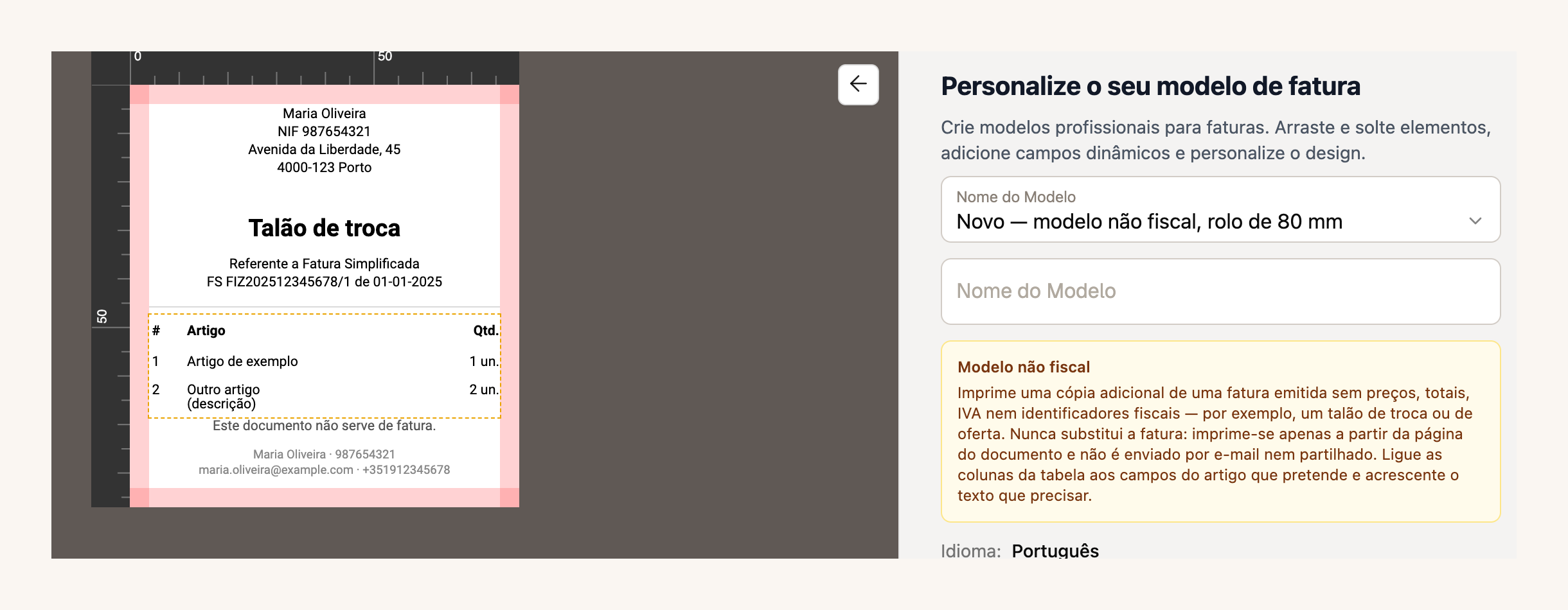
Para quem cobra com ifthenpay, as definições aceitam agora também a **chave MB WAY** e a **chave Payshop**, ao lado do Multibanco. Os modelos de documento e o ifthenpay fazem parte dos planos pagos.
[Criar um modelo não fiscal →](https://app.fiz.co/settings/invoicing#templates)
## Para contabilistas: todos os clientes num só ecrã
Se és **contabilista certificado**, o FIZ tem agora uma conta pensada para ti. Registas-te como contabilista, confirmas a cédula, que verificamos à mão na lista da Ordem, e abre-se o **portefólio**: todos os teus clientes num só ecrã, com os prazos e os alertas de cada um.
O acesso é decidido pelo cliente. Pode dar-te acesso **só para consulta** ou para **gerir**, que inclui emitir documentos e preparar e entregar as declarações. O que é da conta e não da contabilidade, como a subscrição, a equipa ou a ligação ao banco, fica sempre fora do teu alcance. E o plano do gabinete é grátis: Prime, ou MAX se o gabinete for uma sociedade.
Se o teu contabilista ainda não usa o FIZ, mostra-lhe esta página.
[FIZ para contabilistas →](https://fiz.co/contabilistas/)
## Na app: novo ecrã inicial e o calendário igual ao da web
A versão 4.16 mudou a forma como abres a aplicação. Os **cinco separadores estão sempre à vista**: Home, Faturação, Finanças, IA fiscal e Mais. O ecrã inicial foi refeito, com os números do momento em blocos, avisos arrumados num só lugar e a pergunta ao assistente logo no topo. O calendário fiscal ficou igual ao da web, incluindo as obrigações das empresas, e o chat de apoio do FIZ chegou ao telemóvel.
A 4.17 trouxe o calendário redesenhado e a impressão do modelo não fiscal a partir do menu de cada documento.
[App Store →](https://apps.apple.com/app/fiz-accounting-made-easy/id6736618714) · [Google Play →](https://play.google.com/store/apps/details?id=co.fiz.app)
## A tua conta, o apoio e outras melhorias
O titular da conta pode agora **eliminá-la sozinho**, na Zona de perigo, sem ter de nos escrever.
Desde 18 de setembro, o apoio passa todo pelo **chat do FIZ**. Escolhes o tema logo à entrada, vês o histórico das conversas e fechas tu a conversa quando o assunto está resolvido.
Quem recebe pagamentos pelo Stripe tem mais uma fonte de faturação automática, nos planos pagos. Além dos pagamentos do Checkout, as **faturas Stripe pagas** de uma só vez passam a chegar ao FIZ como rascunho de Fatura-Recibo, para reveres antes de emitir. Fica ativo quando ligas a faturação automática a partir de agora; se já a tinhas ligada, pede-nos no chat para ativar esta fonte.
E ainda: as faturas recorrentes podem sair no **último dia do mês**, podes ver o PDF exatamente como foi enviado ao cliente, e o período de teste só começa a contar com a primeira fatura ou declaração.
Se há algo que gostavas de ver no FIZ, ou se encontraste um problema, escreve-nos pelo chat dentro da aplicação. Lemos tudo.
Obrigado por usares o FIZ.
---
## Abrir atividade antes do CRUE com NIF não residente
> URL: https://blog.fiz.co/abrir-atividade-nif-nao-residente-crue
> Category: Guias | Published: 2026-09-23 | Reading time: 7 min
> És cidadão da UE/EEE, mudaste-te para Portugal e o teu NIF ainda tem morada estrangeira? Vê o que fazer antes do CRUE e como pedir uma resposta à AT.
Chegas ao Porto em janeiro. O teu NIF tem morada neerlandesa e a Câmara só aceita pedidos de **CRUE** depois de três meses. Podes abrir atividade antes de abril?
Se és cidadão da UE ou do EEE, **não precisas do CRUE para ter o direito de trabalhar por conta própria**. Tens de acertar a morada e a atividade no registo da Autoridade Tributária (AT) antes de trabalhar. Para preencher a declaração, consulta o [passo a passo](/como-abrir-atividade-passo-a-passo). Se o teu caso não segue o percurso do CRUE, consulta o [guia geral para estrangeiros](/estrangeiro-abrir-atividade): as regras de residência podem ser diferentes.
## O que o CRUE faz - e o que não faz
O **Certificado de Registo de Cidadão da União Europeia (CRUE)** formaliza o direito de residência dos cidadãos da UE/EEE que ficam em Portugal por mais de três meses. Pedes-o na Câmara Municipal da tua área de residência depois desses três meses, dentro dos 30 dias seguintes.
O CRUE não é uma licença para começar a trabalhar. Podes exercer atividade independente antes de o receber. A lei impede que o certificado seja exigido para exercer direitos ou cumprir formalidades administrativas: podes provar a residência por outros meios.
> **Atenção:** Poderes trabalhar antes do CRUE não dispensa a declaração de início de atividade. Para uma atividade profissional regular, apresenta-a à AT **antes de começar a exercê-la**, não apenas antes da primeira fatura. Se ainda não tens atividade aberta, começa por tratar do registo.
## O NIF tem morada estrangeira. És não residente?
O teu NIF continua a ser o mesmo depois da mudança. A morada associada a ele, porém, pode estar desatualizada.
Para o IRS, a residência fiscal depende dos factos: mais de 183 dias em Portugal num período de 12 meses, **ou** uma casa aqui em condições que mostrem intenção de a manter e ocupar como residência habitual. Quando um destes critérios se verifica, a residência pode contar desde o primeiro dia do período de permanência. O CRUE não fixa, por si, essa data.
Se a mudança altera o teu estatuto de não residente para residente, comunica-a à AT no prazo de **60 dias**. Enquanto o cadastro ainda mostrar a morada estrangeira, a AT pode continuar a usar esses dados nas suas comunicações e procedimentos. A data de atualização do registo não determina, por si só, quando cumpres os critérios legais de residência para IRS.
Se a AT processar a alteração mais tarde, **pede efeitos retroativos** desde a data que consigas provar. A [FAQ 2840 da AT](https://info.portaldasfinancas.gov.pt/pt/apoio_contribuinte/questoes_frequentes/Pages/faqs-00303.aspx) prevê esse pedido na passagem de não residente a residente e cita, como prova, um contrato de arrendamento para habitação, uma escritura ou um contrato de trabalho. Os documentos devem ser originais ou cópias autenticadas, salvo se puderem ser validados eletronicamente. O [Modelo A](https://info.portaldasfinancas.gov.pt/pt/apoio_contribuinte/modelos_formularios/modelos_pedidos_alteracao_morada_retroatividade/documents/modeloa_semcc.pdf), para quem não tem Cartão de Cidadão, permite indicar a data pretendida. Um contrato de janeiro pode fundamentar o pedido, mas não garante que a AT aceite essa data ou dispense o CRUE. Confirma na resposta da AT a data de efeitos reconhecida.
**Exemplo 1 - Inês chega para ficar.** Inês, neerlandesa, chega a Lisboa a 15 de janeiro e ocupa uma casa arrendada como residência habitual. O seu NIF ainda tem morada neerlandesa e nunca abriu atividade. O contrato ajuda a provar a data da mudança. Pede à AT a alteração da morada e instruções para abrir atividade antes de trabalhar. A data do futuro CRUE não determina quando passa a residente fiscal.
## Porque é que a morada cria um impasse?
A instrução publicada pela AT para mudar de não residente para residente enumera, para cidadãos da UE/EEE, documento de identificação e CRUE. Acrescenta que um contrato de arrendamento, uma escritura, um contrato de trabalho ou um documento público **também pode ser aceite como prova da morada**. Não esclarece expressamente se o contrato substitui o CRUE quando os primeiros três meses ainda não passaram.
Isto cria uma tensão prática com a regra que só manda pedir o CRUE depois dos três meses e com a lei que impede fazer do certificado uma condição prévia para uma formalidade. Vale a pena invocar essa regra no pedido à AT. **As instruções publicadas da AT não garantem que um contrato de arrendamento sozinho seja aceite para mudar o estatuto antes do CRUE.**
## O que fazer antes de começar a trabalhar
1. **Confirma os teus dados no Portal das Finanças.** Verifica a morada fiscal e se já tens atividade aberta. Um NIF existente não significa que a atividade esteja registada.
2. **Pede a alteração de morada pelo e-balcão.** Na página sobre a passagem de não residente a residente, a AT indica a opção *Registo Contribuinte → Identific → Alteração Morada/Singulares*. Confirma os nomes no Portal; se não encontrares a opção, marca atendimento nas Finanças. Junta o documento de identificação, a prova da morada portuguesa e a data em que passaste a viver aqui. Se ainda não podes obter o CRUE, explica isso e menciona o artigo 21.º da Lei n.º 37/2006. Faz o pedido dentro do prazo de 60 dias quando já se verificam os critérios de residência.
3. **Esclarece o início de atividade no mesmo contacto ou numa marcação nas Finanças.** Indica que o NIF ainda mostra uma morada noutro país da UE/EEE, que vais trabalhar a partir de Portugal e que precisas de saber como registar a atividade, com que data e enquadramento de IVA. Guarda a resposta e o comprovativo da declaração.
4. **Confirma os dados antes de emitir.** A fatura tem de identificar a morada do prestador. Se a morada do registo da AT ainda não corresponde à tua situação, não resolvas a diferença apenas escrevendo uma morada portuguesa no PDF: pede à AT que confirme qual deve constar da fatura e como corrigir o cadastro.
A AT recebe presencialmente declarações de início de atividade de **não residentes sem estabelecimento estável**. Uma morada estrangeira não impede todas as aberturas, mas esta classificação pode não servir a quem já vive e trabalha em Portugal. Para IVA, a AT distingue as operações em que o não residente tem de se registar das operações em que o cliente liquida o imposto por autoliquidação.
**Exemplo 2 - Duarte já tinha atividade.** Duarte é cidadão espanhol e abriu atividade em Portugal enquanto ainda vivia em Espanha, para operações que exigiam registo cá. Muda-se depois para Braga e passa a viver numa casa arrendada. Não pede um segundo NIF nem presume que o enquadramento anterior continua adequado: comunica a mudança de residência e verifica se precisa de uma declaração de alterações da atividade. A AT prevê a alteração do enquadramento de IVA por mudança de residência para quem já exerce atividade.
## E se a AT só atualizar a morada depois do CRUE?
Pede uma resposta escrita pelo e-balcão sobre a abertura da atividade e sobre os dados a usar nas faturas enquanto o pedido está pendente. Quando receberes o CRUE, podes juntá-lo ao processo.
Corrigir a data de residência mais tarde não resolve automaticamente as faturas já emitidas nem confirma o seu enquadramento de IVA. Por isso, a pergunta sobre as primeiras faturas deve ser feita **antes** de as emitires. Se a resposta da AT não esclarecer a tua situação concreta, confirma-a antes de escolher o regime na declaração.
## Em resumo
- **Podes trabalhar antes do CRUE se és cidadão da UE/EEE**, mas abre a atividade antes de começar o trabalho profissional regular.
- **A residência fiscal depende da tua situação real**, não da data do CRUE nem apenas da morada que ainda aparece no NIF. Pede a atualização à AT e guarda a resposta sobre o período de transição.
- **Confirma a morada e o enquadramento antes da primeira fatura.** Depois de validares os dados de emissão, podes gerir faturas e recibos no [FIZ](https://fiz.co/planos).
---
## Gastos do carro: combustível e carregamento no IVA
> URL: https://blog.fiz.co/carro-custos-combustivel-carregamento
> Category: Guias | Published: 2026-09-17 | Reading time: 7 min
> Gasóleo a 50%, gasolina a 0%, eletricidade dedutível - e o IVA de carregar em casa e no wallbox, onde a AT já disse não. O que deduzes no carro.
Já compraste o carro e recuperaste (ou não) o IVA da compra - isso é a [primeira conta](/carro-para-trabalho-deduzir-iva-irs). Agora vêm os gastos do dia a dia. E há uma ideia errada a desfazer já: ter direito ao IVA da **compra** não arrasta os gastos de **utilização**. Cada um tem a sua regra.
## O que recuperas nos gastos correntes
Para uma viatura de turismo normal:
Repara: comprar um elétrico **não** estende a sua vantagem às revisões ou às portagens. Essas continuam a 0% numa viatura de turismo.
## Combustível: conta o que compras, não o motor
A taxa segue o **combustível que abasteces**, não o tipo de carro. O caso mais traiçoeiro é o **híbrido plug-in**: comprares um PHEV dentro do limite não torna a **gasolina** dedutível - ela fica a 0%, enquanto o gasóleo fica a 50%. As faturas de combustível têm de distinguir o produto (posição da AT na PIV 26845).
Dois pormenores que valem dinheiro:
- Se o teu BEV passou o limite de preço na compra e perdeste a dedução da compra, isso **não** te tira o direito à **eletricidade** - o carregamento tem base própria, sem condição de preço.
- Num **GPL bi-fuel**, é a vantagem da **compra** (os 50% da alínea g) que se mantém apesar do motor misto - a gasolina que meteres continua a 0%.
## Carregar o elétrico: onde a AT já travou
Esta é a parte que dá mais dores de cabeça, porque parece óbvio ("é eletricidade, dedutível") e não é assim tão simples.
**Na via pública.** Confirma que a fatura está em teu nome, com IVA, e ligada ao carro e à atividade. Se o documento junta eletricidade + estacionamento + subscrição + taxa de imobilização, **não** podes aplicar uma só percentagem a tudo - cada linha tem a sua natureza, e a classificação única de um serviço "tudo incluído" é uma zona cinzenta.
**Em casa.** Aqui está o "não" mais importante: a AT (PIV 26763) **recusou** a dedução quando o custo do carregamento está **dentro da fatura da luz de casa** e não vem identificado. Ou seja, uma leitura do wallbox ou uma tabela interna de kWh **não chegam**. Para haver alguma hipótese, tens de conseguir mostrar:
- quem é o titular da fatura de eletricidade (nome e NIF);
- como está separado o consumo do carro do consumo da casa;
- se estão identificados o carro, o período e os kWh;
- como se exclui o consumo pessoal.
**O wallbox.** A eletricidade e o **equipamento** para a fornecer são compras diferentes. Na PIV 24830, a AT recusou a dedução da compra e instalação de carregadores como gasto de utilização do carro. Portanto, meter o wallbox automaticamente em "equipamento, IVA 100%" é precipitado - é preciso confirmar caso a caso.
> **Atenção:** o facto de trabalhares a partir de casa não confirma nem o carregamento doméstico dedutível nem a documentação que a AT exige. É a fatura identificada que decide, não onde tens a secretária.
## Seguro, IUC e afins
- O **seguro** é, em regra, isento de IVA - e o Imposto do Selo que aparece na apólice **não** é IVA. Não confundas "não tem IVA para deduzir" com "deduzo o que lá está".
- O **IUC** não tem IVA; um 100% elétrico está isento de IUC (art. 5.º do Código do IUC). Há alterações previstas com efeitos a partir de 2027 - não as apliques a 2026 por antecipação.
- **ISV, portagens de fronteira, coimas e taxas** tratam-se à parte. Não entram no pacote "todos os gastos do carro" só porque o carro é elétrico.
## Onde é que o FIZ entra
O [FIZ](https://fiz.co/planos) aplica a cada gasto a percentagem que a lei permite - 50% ao gasóleo, 0% à gasolina, a regra própria da eletricidade - e não promete deduções de carregamento em casa que a AT não aceita sem documento identificado.
## Em resumo
- **A compra e a utilização são contas diferentes:** o direito ao IVA da compra não arrasta as revisões nem as portagens (0% na viatura de turismo).
- **Combustível pela bomba:** gasóleo/GPL/gás 50%, gasolina 0% (mesmo no PHEV), eletricidade com regra própria.
- **Carregar em casa e o wallbox:** a AT já recusou deduções sem custo identificado (PIV 26763) e o equipamento como gasto de utilização (PIV 24830). Documenta antes de contar com isso.
Próxima peça: o **[uso pessoal e profissional](/carro-uso-pessoal-e-profissional)**.
---
## Carro a crédito, leasing ou renting: e o IVA?
> URL: https://blog.fiz.co/carro-credito-leasing-renting
> Category: Guias | Published: 2026-09-17 | Reading time: 6 min
> Compras o carro a pronto, a crédito, em leasing ou renting? Vê como muda o IVA que podes deduzir - e porque o renting num preço único pode não dar nada.
A Sofia vai buscar o mesmo elétrico que viu no [guia da compra](/carro-para-trabalho-deduzir-iva-irs), mas hesita: paga a pronto, faz crédito, leasing ou renting? A dúvida não é só financeira - cada caminho tem uma conta de IVA diferente, e num deles podes ficar sem dedução nenhuma.
## A regra de ouro: o IVA olha para o carro, não para como pagas
O direito ao IVA da compra e o **limite de preço** (62.500 € num BEV, 50.000 € num PHEV, 37.500 € em GPL/GNV) prendem-se ao **valor do carro**, não à forma como o financias. Pagar a pronto ou a crédito não muda a vantagem: continua a ser uma compra de um ativo.
E há um erro comum a evitar: as prestações do crédito **não são uma segunda compra**. Pagar o capital ao banco não gera um novo IVA para deduzir - o IVA foi o da fatura do carro, de uma vez.
## Renting: o caso onde é fácil perder tudo
No renting pagas uma renda que muitas vezes junta **aluguer + manutenção + seguro + outros serviços** num só valor. E aqui está a armadilha: a AT distingue essas componentes. Se vierem **num preço único, sem discriminação**, a AT **não** admite deduzir o IVA de toda a operação (PIV 26763). Para recuperares alguma coisa, a fatura tem de separar o que é aluguer do carro do que são serviços.
## Leasing: o limite é o valor do carro
Na locação financeira, o **limite de preço** aplica-se ao valor do carro na origem (no locador), não à soma das rendas. Depois, analisa-se o IVA de cada renda conforme o contrato. Não é "somo as rendas e comparo com 62.500 €" - é o valor do carro que abre ou fecha a porta.
## Adiantamento, juros e o momento certo
- **Sinal:** se pagas um adiantamento e depois a fatura final, o limite conta pelo **total** do carro, não só pelo sinal - e não contes o mesmo IVA duas vezes.
- **Juros do crédito:** são, em regra, um serviço financeiro, não o IVA do carro. E atenção: nem toda a comissão do banco é isenta - depende do serviço e da linha da fatura (art. 9.º n.º 27 do CIVA).
- **O momento de deduzir** nasce do direito e da fatura recebida, **não** da data em que o banco te debitou (art. 22.º, n.os 1-3 do CIVA). Uma proposta do stand ainda não é IVA de entrada.
## Onde é que o FIZ entra
O [FIZ](https://fiz.co/planos) regista a fatura do carro e as rendas, e aplica a percentagem de IVA certa a cada uma - sem confundir o capital do crédito com uma nova compra. A declaração de IVA sai calculada a partir dos documentos que tens.
## Em resumo
- **Como pagas não muda a vantagem do carro:** o direito e o limite olham para o valor do carro. As prestações do crédito não são nova compra.
- **Renting:** num preço único sem discriminação, a AT não deixa deduzir o IVA da operação. Exige fatura com componentes separadas.
- **Leasing:** o limite é o valor do carro na origem; o momento de deduzir vem da fatura, não do débito no banco.
Próxima peça: os **[gastos correntes e o carregamento](/carro-custos-combustivel-carregamento)**.
---
## O carro no IRS: simplificado, organizada, autónoma
> URL: https://blog.fiz.co/carro-no-irs-simplificado-organizada
> Category: Guias | Published: 2026-09-17 | Reading time: 6 min
> No simplificado o coeficiente já presume despesas e o carro quase não desconta. Na organizada deduzes, mas há tributação autónoma - isenta no elétrico.
Já tratámos do IVA do carro na [compra](/carro-para-trabalho-deduzir-iva-irs) e nos [gastos](/carro-custos-combustivel-carregamento). Falta a outra conta: o **IRS**. E é aqui que nasce o erro mais comum - achar que "abates o carro" ao imposto. Depende do regime, e as respostas são bem diferentes.
## Regime simplificado: o coeficiente já presume as despesas
No simplificado, o teu lucro tributável não é "faturado menos despesas". Aplica-se um **coeficiente** (0,75 nos serviços do art. 151.º, 0,35 noutros) que já **presume** os teus gastos. Comprares um carro **não baixa** o teu IRS pelo preço dele - não existe um campo para "abater o carro".
Onde as despesas entram é no **teste dos 15%** (art. 31.º n.º 13): parte do coeficiente fica condicionada a justificares despesas até 15% do rendimento bruto. Mas atenção a dois mitos:
- Não é "recuperar 15% do preço do carro". É um teste que, faltando despesas, **aumenta** a base tributável.
- Nesse teste **não** contam só faturas de compras: conta o **maior** de dois - a dedução específica ou, quando superior, as contribuições obrigatórias à Segurança Social que ainda **não** tenham sido deduzidas pelo n.º 2 (a parte até 10% do rendimento bruto) - nunca as duas somadas.
E desfaz-se aqui uma ideia errada: o art. 31.º **não** exclui por lei todos os gastos com o carro e o combustível. A alínea e) do n.º 13 inclui expressamente, por exemplo, a **eletricidade, o seguro e a locação financeira**. Para gastos só parcialmente ligados à atividade, o n.º 14 fixa **25%** - não uma percentagem real inventada.
Na prática: no simplificado, o carro raramente move o IRS - o coeficiente já é o teu "desconto".
## Contabilidade organizada: aí sim deduzes o carro
Na organizada, o IRS remete para as regras do IRC (art. 32.º do CIRS). Aqui a compra, a amortização e os gastos correntes são coisas diferentes:
Uma diferença importante face ao IVA: o **limite da amortização** funciona como um **tecto sobre a parte dedutível** do custo - não é o "tudo ou nada" do limite do IVA. Passar o valor não apaga tudo; limita a parte que amortizas (art. 34.º do CIRC).
## Tributação autónoma: o custo escondido da organizada
Quem está na organizada tem um imposto que o simplificado **não** tem: a **tributação autónoma** sobre os encargos do carro. Não a confundas com o IVA nem com a regra dos 15%.
Três avisos sobre esta tabela: incide sobre os **encargos** do carro, não sobre o preço todo de uma vez; **não** se aplica ao simplificado (n.º 8 exclui-o); e **não** é a tabela do IRC das sociedades - se tens uma LDA, as regras são outras.
## Onde é que o FIZ entra
O [FIZ](https://fiz.co/planos) prepara o teu IRS a partir dos recibos, com o regime certo, e não te promete "abater o carro" no simplificado, onde o coeficiente já presume as despesas. Para a organizada, o carro entra na contabilidade com o teu contabilista.
## Em resumo
- **Simplificado:** o coeficiente já presume despesas; o carro não desconta pelo preço. O teste dos 15% (art. 31.º n.º 13) não é "15% do carro", e inclui eletricidade/seguro/leasing; o parcial conta a 25%.
- **Organizada:** deduzes por amortização + gastos reais; o limite da amortização é um tecto, não "tudo ou nada".
- **Tributação autónoma:** só na organizada; 10-20% conforme o preço (30.000 €), menos no PHEV/GPL, **isento no 100% elétrico**. Não se aplica ao simplificado nem às LDA.
Última peça: **[vender, declarar e guardar](/carro-vender-declarar-iva-guardar)**.
---
## Carro para o trabalho: o que deduzes no IVA e no IRS
> URL: https://blog.fiz.co/carro-para-trabalho-deduzir-iva-irs
> Category: Guias | Published: 2026-09-17 | Reading time: 7 min
> Vais comprar um carro para a atividade? O IVA que recuperas depende do combustível e do preço; e no IRS o carro pesa sobretudo em contabilidade organizada.
O Henrique é engenheiro a recibos verdes e vai comprar um carro para o trabalho. Já se vê a deduzir tudo - a compra, o combustível, as revisões. Só que "deduzir o carro" são, na verdade, **duas contas diferentes** - e as respostas dependem do carro que compras e do regime em que estás.
Parece simples. Mas afinal é fácil contar com um desconto que a lei não dá. Este é o mapa geral; cada peça tem depois o seu guia próprio (vê a série no fim).
## Primeiro: são duas contas, não uma
- O **IVA** - o imposto que já pagaste na compra e nos gastos. A pergunta é: podes **recuperá-lo**?
- O **IRS** - o imposto sobre o teu lucro. A pergunta é: o carro **baixa** a tua matéria coletável?
São independentes. Um carro pode dar IVA dedutível e, ainda assim, não mexer no teu IRS - ou o contrário. E uma nota antes de tudo: ter regime normal de IVA e NIF **não** significa que qualquer despesa se deduz a 100%. Tem de haver ligação entre a compra e a atividade que dá direito a dedução (art. 20.º do CIVA), e precisas da **fatura em teu nome**, com o IVA discriminado - um débito no banco ou um registo no e-Fatura não chegam (art. 19.º n.º 2).
## O IVA da compra depende do tipo de carro
Numa viatura de turismo, a regra geral é **não** haver dedução do IVA (art. 21.º do CIVA). As exceções são para os carros mais ecológicos:
Não é o uso que decide: usar um carro ligeiro só para trabalhar não o torna um "comercial" - a classificação vem da construção do veículo, não da tua intenção.
### O limite é uma porta, não um tecto
Este é o pormenor mais caro. Se o carro custa **um cêntimo acima** do valor, perdes a dedução **toda** - não só a parte acima. E na conta do limite entram os **custos ligados à compra** (por exemplo, despesas legais), mesmo faturados à parte: não vale dividir o preço em duas faturas para "caber".
A base do preço é o valor **depois dos descontos reais** mais os custos ligados até começares a usar o carro. E cuidado com o **retoma (trade-in)**: nem sempre é um desconto - pode ser a venda do teu carro antigo, uma operação à parte. Confirma o que a fatura diz mesmo.
### E os carros usados?
- **Venda normal com IVA discriminado:** aplicam-se as regras acima.
- **Compra a um particular, sem IVA:** não há IVA de entrada para deduzir.
- **Regime da margem** (típico de stands em usados): não podes "extrair" um IVA escondido no preço com a conta `total × 23/123`. Só há dedução se a fatura trouxer IVA discriminado - procura a menção do regime no documento.
## TVDE, táxi, mercadorias: quando o carro é o negócio
Se o carro **é a tua atividade**, as regras mudam (art. 21.º do CIVA): o TVDE pode deduzir o carro e as reparações (mas o gasóleo continua, em regra, a 50%); o táxi licenciado tem dedução mais ampla, estendida ao combustível; o rent-a-car tem base própria; nas mercadorias o combustível só é 100% acima de 3.500 kg. Conduzir até aos clientes **não** te torna transportador. Para o IVA das outras despesas da tua atividade, vê o guia de [deduzir o IVA das despesas profissionais](/deduzir-iva-despesas-profissionais).
## Esta série: o carro, peça a peça
Este guia é o mapa. Cada tema tem o seu próprio artigo, com as contas e os casos:
- **[Crédito, leasing e renting](/carro-credito-leasing-renting)** - como muda o IVA conforme financias o carro.
- **[Combustível e carregamento](/carro-custos-combustivel-carregamento)** - gastos correntes e o IVA de carregar em casa, no wallbox e na via pública.
- **[Uso pessoal e profissional](/carro-uso-pessoal-e-profissional)** - o carro misto, o pro rata e a "compensação por quilómetros".
- **[O carro no IRS](/carro-no-irs-simplificado-organizada)** - simplificado, contabilidade organizada e tributação autónoma.
- **[Vender, declarar e guardar](/carro-vender-declarar-iva-guardar)** - a declaração de IVA, a venda do carro e o dossiê de documentos.
## Onde é que o FIZ entra
O [FIZ](https://fiz.co/planos) regista a compra e os gastos do carro e aplica a percentagem de IVA que a lei permite a cada tipo, para não recuperares a mais nem a menos - e as declarações de IVA e de Segurança Social saem calculadas e entregues por ti.
## Em resumo
- **São duas contas.** O IVA (recuperar o imposto da compra e dos gastos) e o IRS (baixar o lucro) seguem regras próprias e independentes.
- **IVA da compra:** 100% num elétrico (até 62.500 €) ou PHEV (até 50.000 €), 50% em GPL/GNV, 0% em gasóleo/gasolina. O limite é **tudo ou nada**, e conta o preço com os custos ligados.
- **Usados:** só deduzes se a fatura trouxer IVA discriminado; no regime da margem não há IVA para extrair.
---
## Carro misto: uso pessoal e profissional no imposto
> URL: https://blog.fiz.co/carro-uso-pessoal-e-profissional
> Category: Guias | Published: 2026-09-17 | Reading time: 6 min
> Usas o carro no trabalho e ao fim de semana? O uso pessoal de um carro com IVA deduzido é tributável, e há dois '15%' que se confundem. Como separar.
Poucos freelancers têm um carro **só** para trabalhar. Levas os clientes à semana e a família ao fim de semana. A pergunta é: como fica o imposto quando o carro é misto? E aqui há mais do que "meto uma percentagem" - a lei separa situações que parecem iguais.
## Quatro situações que não se confundem
1. **Afetar** a compra à atividade (é a [primeira conta do IVA](/carro-para-trabalho-deduzir-iva-irs)).
2. Usar o carro em operações **com e sem** direito a dedução.
3. Fazer **viagens pessoais** num carro cujo IVA já deduziste.
4. **Retirar** o carro da atividade de vez.
Cada uma tem a sua regra. Misturá-las é a origem da maioria dos erros.
## Uso pessoal de um carro com IVA deduzido
Aqui está o que muita gente não sabe: se deduziste o IVA do carro e depois o usas para a vida pessoal, a AT trata esse uso privado como uma **operação tributável** - não é simplesmente "deduzo menos uma percentagem" (art. 4.º n.º 2 al. a) do CIVA; posição da AT no Ofício-Circulado 25088/2025).
E a repartição apoia-se nos **quilómetros reais**, não num número redondo. Não podes multiplicar o IVA da compra por uma percentagem de uso pessoal inventada a cada trimestre. Para isso, precisas de um registo a sério: datas, trajeto, quilómetros, finalidade, ligação ao cliente, leituras do conta-quilómetros.
## Operações com e sem direito a dedução: o pro rata
Se além do uso pessoal tens **atividade que dá direito a dedução e atividade que não dá** (por exemplo, isenta), entra o **pro rata** ou a afetação real do art. 23.º do CIVA. É um método fiscal com regras próprias - não é a mesma coisa que a percentagem de uso do carro, e não se substitui por um número à mão.
## No IRS: três números que se confundem
Há três regras do IRS que costumam entrar em confusão:
Ou seja: o "15%" das reparações do carro pessoal (art. 78-F) **não** é o "15%" da justificação de despesas do simplificado. E a mesma fatura não pode ser, ao mesmo tempo, 100% profissional e 100% pessoal - se o uso é misto, reparte-se.
## "Pagar quilómetros a mim mesmo"?
Tentador, mas não. Quem tem rendimentos da categoria B **não** pode aplicar a si próprio as regras de compensação por uso de viatura própria como se fosse um trabalhador por conta de outrem. O art. 33.º n.º 1 do CIRS limita esse tipo de pagamento ao próprio titular do rendimento.
## O dossiê que te safa
Se o carro é misto, o que te protege numa inspeção é a prova. Guarda um registo de utilização com datas, quilómetros, destino, finalidade profissional e a ligação a cada trabalho. Não é um modelo imposto por lei - é a estrutura que sustenta a repartição que declaraste.
## Onde é que o FIZ entra
O [FIZ](https://fiz.co/planos) ajuda-te a manter os gastos organizados e a aplicar as percentagens certas, sem transformar uma percentagem de uso pessoal num atalho que a AT não aceita. O que precisa de repartição fica assinalado para tratares com o teu contabilista.
## Em resumo
- **Uso pessoal de um carro com IVA deduzido = operação tributável**, repartida por quilómetros reais - não é "deduzo menos X%".
- **Pro rata (art. 23.º)** é para operações com e sem direito a dedução, um método próprio - diferente da percentagem de uso do carro.
- **Cuidado com os números:** 25% (despesa parcial, art. 31.º n.º 14), 15% do IVA das reparações pessoais (art. 78-F) e 15% da justificação (art. 31.º n.º 13) são três coisas diferentes. E não te "pagas quilómetros" a ti próprio.
Próxima peça: o **[carro no IRS](/carro-no-irs-simplificado-organizada)**.
---
## Vender o carro, declarar o IVA e guardar tudo
> URL: https://blog.fiz.co/carro-vender-declarar-iva-guardar
> Category: Guias | Published: 2026-09-17 | Reading time: 6 min
> Deduzir o IVA do carro não acaba na compra: onde vai na declaração, o que acontece quando vendes (pode haver IVA) e porque guardas os documentos 10 anos.
Compraste o carro e sabes o que deduzes ([compra](/carro-para-trabalho-deduzir-iva-irs) e [gastos](/carro-custos-combustivel-carregamento)). Mas a vida fiscal do carro não acaba aí: há a **declaração**, a **venda** um dia, e os **documentos** a guardar. É a parte que quase ninguém planeia - e onde há surpresas.
## Onde é que o IVA do carro entra na declaração
Deduzir não é preencher um campo qualquer:
E um mal-entendido caro: **deduzir não é receber uma transferência do Estado**. A dedução entra primeiro no cálculo do período; o saldo pode transitar para o período seguinte ou ser pedido a reembolso se cumprires as condições (art. 22.º do CIVA).
## O período certo: quando recebes a fatura, não a data do banco
O momento em que tens direito a deduzir nasce do **direito e da fatura recebida**, não da data em que o carro saiu da tua conta. A regra base é o período em que **recebes** a fatura; o período em que ela foi emitida só conta na condição do n.º 3 - o que importa quando a fatura é emitida e recebida em períodos diferentes. Criar o registo na app ou o débito no cartão **não** define, por si só, o período, e uma proposta do stand ainda não é IVA de entrada (art. 22.º, n.os 1-3).
## Descontos e notas de crédito
Se depois da compra recebes um desconto ou uma **nota de crédito**, tens de a ligar à compra original e rever a dedução que fizeste (art. 78.º do CIVA). Cuidado especial se o desconto te faz descer à volta do **limite dos 62.500 €**: mexer no valor perto da porta pode obrigar a recalcular a dedução, não é um simples "gasto negativo".
## Vender ou tirar o carro da atividade
Aqui estão as maiores surpresas:
- **Vender** um carro cujo IVA deduziste pode **gerar IVA** na venda. O facto de a amortização já ter acabado **não** torna a venda isenta por si só - confirma a base e a isenção aplicável (art. 3.º e art. 9.º do CIVA).
- **Passar o carro para a esfera pessoal** de vez, tendo deduzido o IVA, é tratado à parte (art. 3.º n.º 3 do CIVA).
- O famoso **"reembolso de IVA a 5 anos"** não é automático nem incondicional: o art. 24.º tem condições, limites e exceções (incluindo o n.º 7 para certos ativos). Verifica se se aplica ao teu carro antes de contar com regularizações.
- No **IRS**, vender ou retirar o carro pode implicar uma conta de **mais-valias** do ativo - outra análise, à parte.
## Guardar os documentos: até cerca de 15 anos no caso do carro
O prazo geral do art. 52.º do CIVA é de **10 anos civis** seguintes - mas, no carro (bem de investimento, art. 51.º), esses 10 anos contam-se a partir da **última regularização** dos arts. 24.º/25.º, e o período de regularização do carro é o ano de início de uso mais os 4 seguintes. Na prática, podes ter de guardar o dossiê até cerca de **14-15 anos** depois da compra. Ou seja, "apago os documentos depois de vender" é um mau critério. Guarda as faturas e notas de crédito, o contrato, a prova do valor total, as características do carro, a justificação do uso profissional e a ligação à declaração que entregaste. Se fizeste um ajuste manual, guarda também o cálculo da diferença.
## Onde é que o FIZ entra
O [FIZ](https://fiz.co/planos) leva o IVA da compra ao campo certo da declaração, calcula o período a partir dos teus recibos e mantém os documentos organizados - para que, quando venderes o carro ou precisares de provar algo anos depois, esteja tudo à mão.
## Em resumo
- **Declaração:** o IVA da compra vai ao campo 20 (ativo), os correntes ao 24; deduzir não é receber já um reembolso. O período conta por quando recebes a fatura, não pelo débito no banco.
- **Vender:** pode gerar IVA; a amortização terminada não isenta a venda; o "reembolso a 5 anos" (art. 24.º) tem condições. No IRS, há mais-valias a ver.
- **Guardar os documentos:** 10 anos civis (art. 52.º) que, no carro, contam da última regularização (arts. 24.º/25.º) e podem chegar a ~14-15 anos. Não apagues depois de vender.
Volta ao início da série: **[o guia da compra](/carro-para-trabalho-deduzir-iva-irs)**.
---
## Nova lei do TVDE (2026): o que muda para motoristas e frotas
> URL: https://blog.fiz.co/nova-lei-tvde-2026-o-que-muda
> Category: Novidades | Published: 2026-09-17 | Reading time: 6 min
> Lei 59/2026, em vigor desde 1 de setembro: comissão travada nos 25%, carros com menos de 10 anos, táxis no TVDE, contrato escrito e coimas até 44.000 €.
Se conduzes para a Uber ou a Bolt, ou geres uma frota, as regras do jogo mudaram a **1 de setembro de 2026**. A **Lei n.º 59/2026** reescreveu boa parte do regime do TVDE (a antiga Lei 45/2018) - e há mudanças que mexem no teu dia a dia e na tua carteira.
Parece "mais uma lei". Mas afinal esta traz um teto à comissão das plataformas, abre a porta aos táxis, aperta as regras dos carros e dos contratos, e sobe muito as coimas. Vale a pena saber o que é o quê.
## O que é a Lei 59/2026
Foi publicada em Diário da República a 25 de agosto de 2026 e está **em vigor desde 1 de setembro**. Ainda assim, nem tudo aperta no primeiro dia: as plataformas têm um período de adaptação - até 120 dias para provarem a capacidade tecnológica e até um ano para demonstrarem os novos requisitos de acesso, só então lhes sendo emitida nova licença (as licenças atuais mantêm-se até ao fim do prazo). Altera o regime jurídico do TVDE - não é a parte fiscal (o IVA e o IRS continuam a seguir as suas próprias regras), mas sim as regras de **quem pode operar, com que carro e em que condições**.
## As mudanças que mais pesam
## O carro deixou de ser um detalhe
Duas mudanças mudam a forma como pões um carro ao serviço:
- **Comodato e usufruto fechados.** Antes era comum um motorista pôr o seu carro ao serviço de uma frota. Agora ceder o carro por **comodato ou usufruto** é proibido - e a exceção é estreita e **existe só para o comodato**: o **motorista-proprietário** cede o carro ao operador, o carro é conduzido na atividade **só por ele**, e o carro, o motorista e o operador ficam **associados nominalmente no IMT e na plataforma**. O usufruto não tem esta válvula de escape. Se contavas com o teu carro numa frota, confirma as regras atuais antes de assinar.
- **Contrato escrito.** A relação motorista-operador passa a ter de estar num contrato escrito, e o motorista tem de estar associado ao operador na plataforma.
> **Atenção:** um contrato escrito **não** é o mesmo que recibos verdes garantidos. Se, na prática, trabalhas com horário e sob a direção do operador, pode presumir-se um **contrato de trabalho** (art. 12.º do Código do Trabalho), independentemente do que o papel diz.
## Videogravação, dístico e dados
- **Videogravação:** a plataforma pode passar a oferecer uma função **facultativa** de gravação de vídeo no interior do carro, **só de imagem (sem som)** e para fins de segurança. Vem **desligada por defeito** e só se ativa numa viagem concreta com o **acordo expresso do motorista e do passageiro** para essa viagem. O passageiro pode pedir a viagem **sem** gravação, sem pagar mais nem penalização - e, se nesse momento não houver carro alternativo, pode cancelar sem penalização. As imagens ficam cifradas (só as autoridades lhes acedem, para investigar um incidente) e conservam-se **apenas pelo tempo estritamente necessário, nunca mais de 30 dias**, findo o qual são apagadas automaticamente - salvo incidente comunicado ou pedido fundamentado de uma autoridade. Não é uma câmara que ligas por tua conta - é uma função da plataforma.
- **Dístico identificador:** mantém-se **físico, inamovível e visível do exterior**, mas passa a ter elementos de segurança antifraude e um **identificador digital (código QR)** ligado ao registo no IMT. O modelo exato depende de regulamentação.
- **Plataforma de partilha de dados do IMT:** cruza operadores, motoristas, veículos, seguros e licenças, com acesso da AT, da Segurança Social, da AMT e das forças de segurança. Traduzindo: a ligação motorista-carro-operador e o cumprimento fiscal ficam muito mais visíveis.
## Dois casos práticos
- **A comissão nos 25%.** Uma viagem fica ao passageiro em 10,60 € (10 € + 0,60 € de IVA à taxa reduzida de 6% do continente; na Madeira e nos Açores a taxa reduzida é mais baixa - 4% em ambas). A plataforma só pode ficar com até 25% do valor **sem IVA** - ou seja, 2,50 € (25% de 10 €), não 25% dos 10,60 €.
- **A idade do carro.** O carro do Bruno faz 10 anos em novembro; a partir daí **deixa de servir** para TVDE, porque a lei exige menos de 10 anos. Se fosse 100% elétrico, ainda servia até aos 12.
## E os impostos?
A Lei 59/2026 é a parte **regulatória** - não muda diretamente o IVA nem o IRS. A parte fiscal do TVDE (o coeficiente do simplificado, o IVA do transporte - taxa reduzida, 6% no continente e 4% na Madeira e nos Açores - que é do operador, a autoliquidação da comissão, a Segurança Social) tem regras próprias, que continuam iguais. Se é isso que precisas, é outro tema - vê o guia fiscal do motorista de TVDE.
## Onde é que o FIZ entra
Se és **motorista a recibos verdes**, o [FIZ](https://fiz.co/planos) emite os recibos com o IVA certo e calcula e entrega por ti as declarações de IVA e de Segurança Social - concentras-te em conduzir, não na papelada. Se operas **com empresa**, o FIZ trata da faturação e das despesas e liga-se ao teu contabilista para o resto.
## Em resumo
- A **Lei 59/2026** está em vigor desde **1 de setembro de 2026** e reescreve o regime do TVDE (Lei 45/2018).
- O que mais pesa: **comissão travada nos 25%** (sobre o valor sem IVA), **carros com menos de 10 anos** (elétricos até 12), **táxis no TVDE**, **comodato limitado**, **contrato escrito** e **coimas até 44.000 €** para empresas.
- É a parte **regulatória** - o IVA e o IRS do TVDE seguem regras próprias e não mudam com esta lei.
---
## Trabalho remoto para empresa lá fora: recibos ou contrato
> URL: https://blog.fiz.co/trabalho-remoto-empregador-estrangeiro
> Category: Guias | Published: 2026-09-02 | Reading time: 7 min
> Recibos verdes ou contrato? Vives em Portugal e trabalhas para uma empresa lá fora - como és tributado, porque a Segurança Social é cá e o que decide.
Vives em Portugal e trabalhas remotamente para uma empresa lá fora - na Alemanha, no Reino Unido, nos EUA. Mais cedo ou mais tarde chega a pergunta: passas recibos verdes ou devia haver um contrato de trabalho?
Parece uma escolha livre que fazes. Mas afinal parte dela não depende de ti - e a peça que quase toda a gente esquece é a Segurança Social.
## Primeiro, a parte que não é escolha
Se és **residente fiscal em Portugal** (em regra, passas cá mais de 183 dias ou tens cá a tua casa), Portugal tributa os teus rendimentos **em todo o mundo**. E o trabalho que fazes **a partir de Portugal** é **rendimento de fonte portuguesa** - mesmo que a empresa que te paga não tenha cá qualquer escritório (art. 18.º do CIRS).
Ou seja, o empregador estar lá fora não transfere a tributação para fora de Portugal. Vais declarar este rendimento cá, na declaração anual de IRS. A única pergunta real é *como*: como trabalho dependente ou por conta própria.
## Os dois caminhos
**Contrato de trabalho (categoria A).** És trabalhador da empresa estrangeira. O rendimento vai no Anexo A do teu IRS. Como o empregador normalmente não tem estabelecimento em Portugal, em regra **não há retenção na fonte** - recebes o valor bruto e acertas o imposto no IRS anual (podes fazer pagamentos por conta voluntários para não levares um susto).
**Recibos verdes (categoria B).** **Abres atividade** no Portal das Finanças e faturas à empresa como trabalhador independente. Aplicam-se as regras normais do regime simplificado: o coeficiente de 0,75 nas profissões da lista do art. 151.º (0,35 nos serviços não listados), a declaração trimestral à Segurança Social (com as contribuições a pagar mensalmente) e o IRS anual no Anexo B.
## O que decide mesmo
Aqui está o busílis: não é a tua preferência, é a **natureza da relação**.
**Autonomia** genuína - defines o teu horário, usas as tuas ferramentas, idealmente tens mais do que um cliente - aponta para o **trabalho por conta própria**: os recibos verdes são o caminho limpo e simples, e para a maioria dos freelancers expatriados é mesmo esse o caso.
**Subordinação** genuína - um único "empregador", horário fixo, sob a direção deles, integrado na equipa como se fosses do quadro - é, na verdade, **trabalho dependente**, mesmo que todos lhe chamem freelancing.
Vê a Anna, designer em Lisboa com três clientes pela Europa, que decide o seu próprio horário. É genuinamente autónoma: os recibos verdes encaixam. Agora o Mark, que trabalha das 9 às 18 em exclusivo para uma empresa estrangeira, gerido todos os dias pela equipa deles - isso é uma relação de trabalho vestida de freelancer.
## Segurança Social: o ponto que todos falham
É aqui que aparecem as surpresas. Pelas regras da UE (Regulamento 883/2004), um trabalhador está coberto pela Segurança Social do país onde o trabalho é **fisicamente feito** - não onde está o empregador. Por isso, se trabalhas a partir de Portugal, a tua **Segurança Social é devida em Portugal**, mesmo para um empregador alemão ou francês.
As exceções estreitas não abrangem o típico trabalhador 100% remoto a partir de Portugal. Em regra, a partir de **25%** do trabalho feito no país onde moras, passa a aplicar-se o sistema desse país - por isso, trabalhar sobretudo ou totalmente a partir de Portugal põe-te no sistema português. (Entre 25% e 49% de teletrabalho, um acordo-quadro da UE pode manter-te no sistema do país do empregador, mas só por opção: os dois países têm de ser signatários e o pedido tem de ser conjunto, do empregador e do trabalhador.)
O empregador estrangeiro tem algumas formas de cumprir estas obrigações sem te deixar preso:
- **Registar-se como empregador não residente** na Segurança Social portuguesa e processar cá os salários (as regras da UE até permitem que empregador e trabalhador acordem que sejas *tu* a entregar as contribuições em nome dele, continuando ele responsável).
- Usar um **Employer of Record (EOR)** - uma empresa que te emprega legalmente em Portugal e trata do contrato, dos salários e das contribuições.
- Ou contratar-te como **verdadeiro trabalhador independente** - e aí são recibos verdes, e pagas a tua própria Segurança Social (21,4% sobre 70% do que faturas): a declaração é trimestral, mas as contribuições pagam-se todos os meses.
Para um empregador fora da UE (Reino Unido pós-Brexit, EUA), a lógica é parecida, mas passa por eventuais convenções bilaterais de Segurança Social entre Portugal e esse país; se não houver, inscreves-te e pagas cá. Na prática, o caminho dos recibos verdes é a solução mais comum.
> **Atenção:** não disfarces um emprego a sério de recibos verdes só para simplificar. Se a relação é mesmo subordinada - um empregador, o horário deles, a direção deles - a lei laboral pode presumir que é trabalho dependente (art. 12.º do Código do Trabalho; vê [falsos recibos verdes](/falsos-recibos-verdes)), com o ónus a recair sobre quem paga. Se é mesmo um emprego, a solução certa é um EOR ou o empregador registar-se cá, não uma fatura-recibo mensal.
Uma nota rápida sobre o IVA: quando faturas a um cliente empresarial na UE, o serviço é tributado no país dele pela regra da autoliquidação (é ele que liquida o IVA), não tu. Se o cliente empresarial for de fora da UE, em regra também não há IVA português - o serviço não se localiza cá -, embora seja o país do cliente a decidir o que se aplica lá. De qualquer forma, desde 2025 [essa faturação a clientes estrangeiros](/cliente-estrangeiro-como-faturar-iva) já não conta para o limite de isenção de 15.000 € do art. 53.º, que passou a medir-se só pelas operações em Portugal. (Se és um profissional altamente qualificado, vale a pena ver se o regime IFICI se aplica - mas o âmbito é estreito.)
## Onde é que o FIZ entra
O caminho dos recibos verdes só parece pesado por causa da papelada recorrente. Com o [FIZ](https://fiz.co/planos), faturas os teus clientes estrangeiros com o tratamento de IVA certo, e as declarações trimestrais de Segurança Social e de IVA são calculadas e entregues automaticamente - para que trabalhar para uma empresa lá fora deixe de significar uma pasta de burocracia portuguesa.
## Em resumo
- Vives em Portugal e trabalhas a partir daqui = és tributado em Portugal, seja qual for o país do empregador. A escolha é só *como* declaras: trabalho dependente (Anexo A) ou recibos verdes (Anexo B).
- O que decide é a autonomia ou a subordinação, não a preferência. Um freelancer com independência real usa recibos verdes; um emprego a tempo inteiro disfarçado devia ser trabalho dependente (EOR ou o empregador a registar-se cá).
- A tua Segurança Social é devida em Portugal quando trabalhas a partir daqui - um facto que a maioria dos empregadores estrangeiros ignora, e cujo risco costuma recair sobre ti.
---
## O que há de novo no FIZ — agosto 2026
> URL: https://blog.fiz.co/novidades-produto-agosto-2026
> Category: Produto | Published: 2026-08-31 | Reading time: 7 min
> Ligar o banco passou a fazer-se dentro do FIZ, com o saldo contabilizado e as tarefas à vista. Mais o calendário fiscal para empresas, a Fatura-Recibo automática nos pagamentos Stripe e a impressão de talões Bluetooth.
Agosto foi passado quase todo dentro das Finanças. A ligação ao banco deixou de te atirar para o ecrã de um fornecedor externo, o extrato passou a poder entrar em qualquer plano, e o calendário fiscal aprendeu as obrigações das empresas. Pelo caminho, os pagamentos Stripe ganharam a emissão automática e as faturas aprenderam a sair em talão, direto para uma impressora Bluetooth.
## Liga o banco no FIZ e vê logo o que falta tratar
Até agora, ligar uma conta bancária significava um widget do fornecedor de Open Banking, com o aspeto e o vocabulário dele. Em agosto trouxemos esse passo para dentro do FIZ: **escolhes o teu banco na nossa lista, com pesquisa**, lês o consentimento explicado em linguagem normal e só depois passas ao banco para autorizar.
Depois da ligação, a diferença nota-se todos os dias. O cartão de cada conta mostra o **saldo contabilizado separado dos movimentos pendentes**, com um indicador próprio enquanto a sincronização decorre. Na mesa de transações, as transferências entre as tuas próprias contas são reconhecidas como aquilo que são, em vez de aparecerem como despesa num sítio e receita noutro. E cada transação diz o que ainda precisa de ti: associar um documento, confirmar uma categoria, nada.
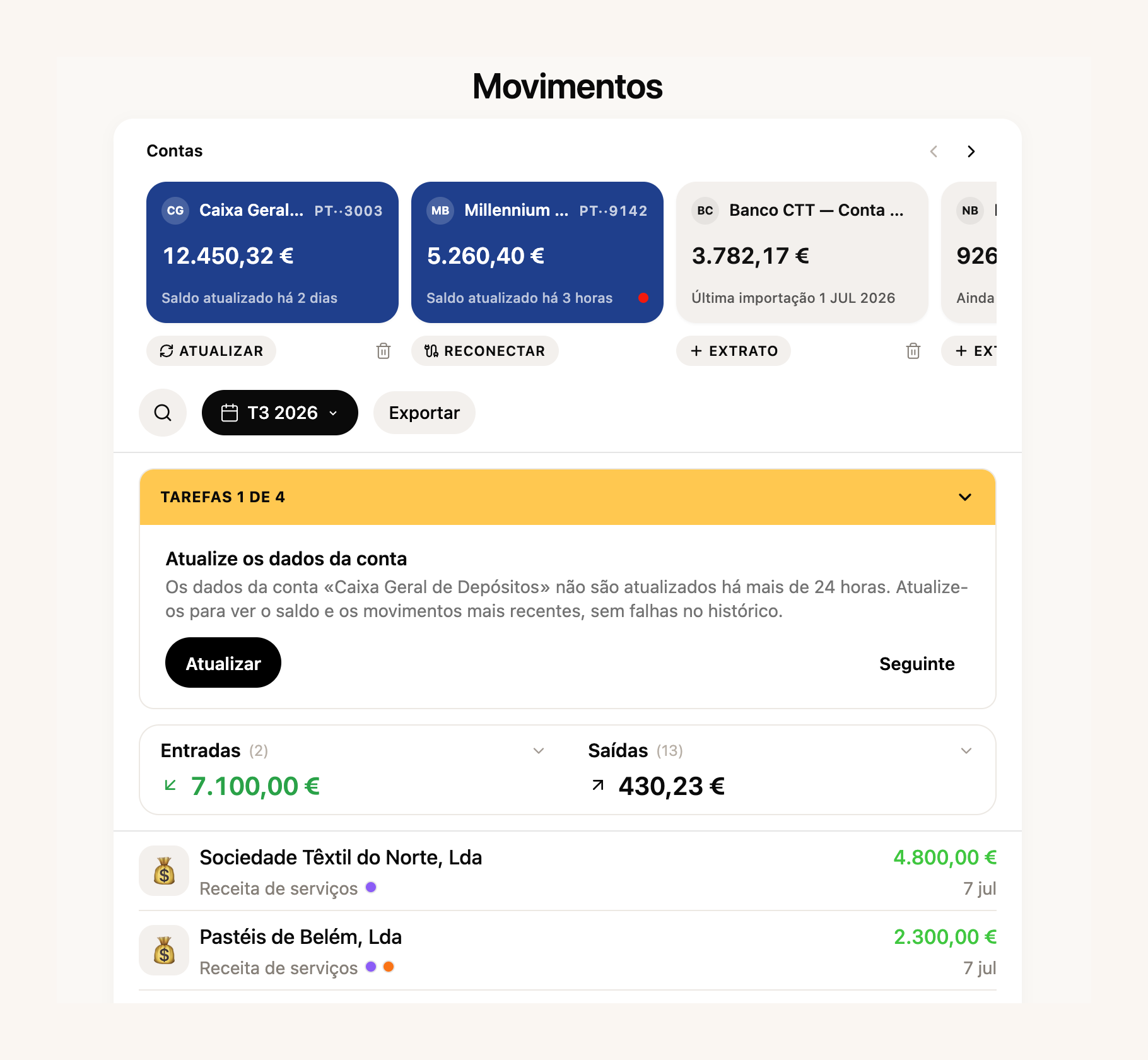
As regras de categorização cresceram, com pesquisa e proteção contra apagar por engano. E nas contrapartes há agora um **registo de saldos em aberto**: quem te deve e a quem deves, calculado a partir dos documentos e pagamentos. E o espaço de faturas e recibos dentro das Finanças foi redesenhado para acompanhar o resto.
Já agora, duas coisas que abriram: a importação de extrato funciona agora **em todos os planos**, e a digitalização de recibos que já tínhamos mostrado está disponível em todas as contas. As Finanças completas continuam nos planos pagos, mas a secção está visível para toda a gente — entra e vê como ficou.
[Ligar o meu banco →](https://app.fiz.co/bookkeeping)
## Obrigações sem surpresas: calendário para empresas e menos códigos na Segurança Social
O calendário fiscal cobria bem quem trabalha por conta própria. Em agosto aprendeu as **obrigações das empresas**: as DMR à Segurança Social e à AT, a entrega do IRS retido, a TSU, os pagamentos por conta do IRC, a IES, o Modelo 10 e a comunicação de inventários, cada uma com o seu prazo.
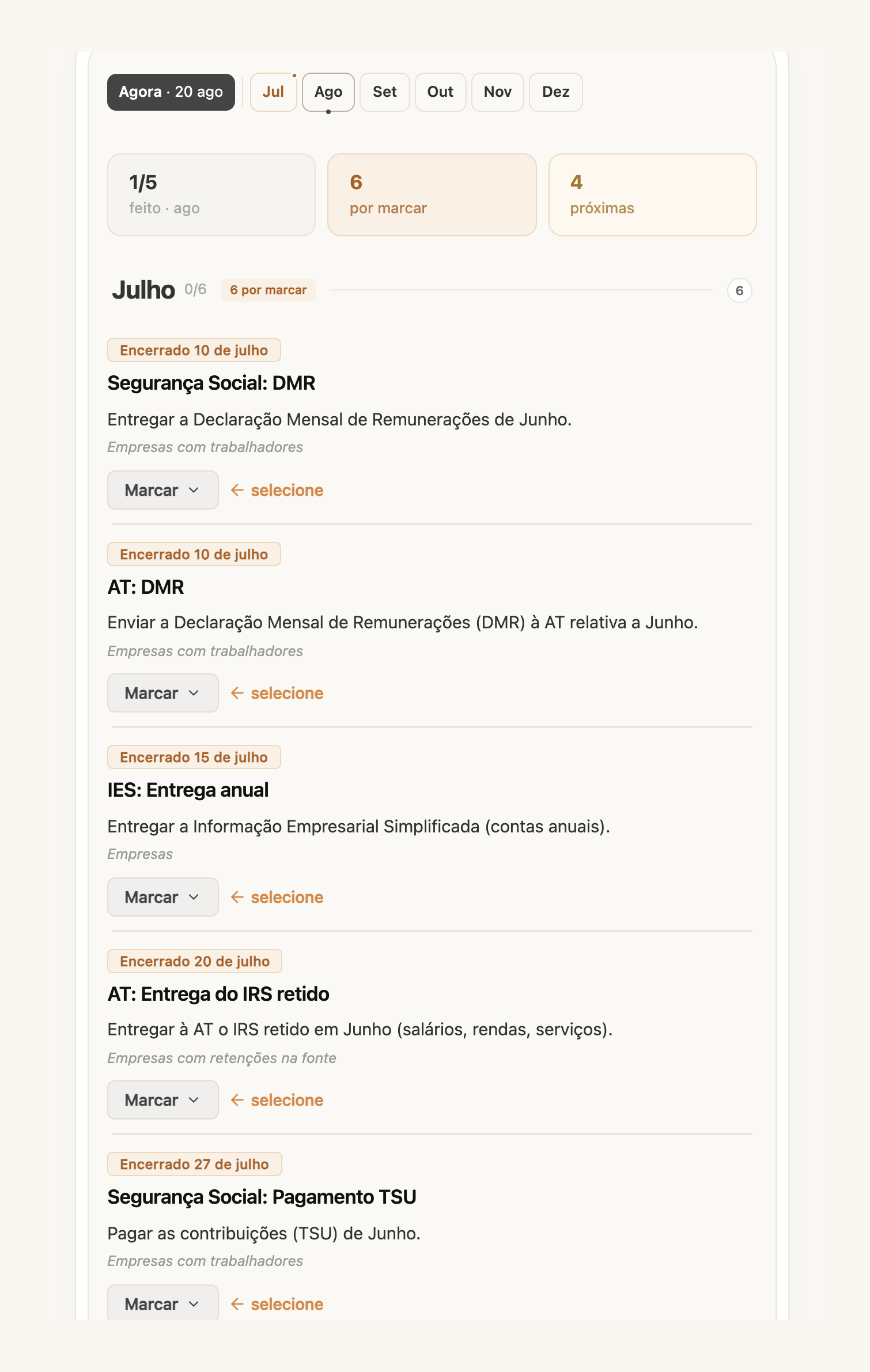
Também mudámos o que vês primeiro. Em vez de uma lista infinita, o calendário abre numa **janela útil: o mês anterior, o atual e as duas semanas seguintes**. O que ainda não marcaste como tratado aparece num ocre calmo, não num vermelho de alarme. E o prazo do IVA do segundo trimestre passou para setembro, como manda a lei das férias fiscais — sem sustos falsos em agosto.
Na Segurança Social, atacámos os códigos. Quem entrega a declaração trimestral pelo FIZ conhecia o ritual: pedir o código, esperar, copiar. Agora **configuras uma subconta dedicada uma vez e o FIZ recebe o código por email e entra por ti**. Se a leitura automática falhar, continuas a poder introduzir o código à mão.
[Entregar a minha declaração →](https://app.fiz.co/declarations/social-security)
Uma correção que interessa a quem fatura despesas em nome dos clientes: os valores com o código M01 (artigo 16.º, n.º 6) **deixaram de contar como rendimento**: nem para o limite do artigo 53.º, nem para as contribuições da Segurança Social. Cada valor excluído aparece identificado, com as faturas de onde veio, para confirmares que o código está lá por boas razões.
[Ver o meu calendário →](https://app.fiz.co/tax-calendar)
## Do pagamento Stripe à fatura enviada, automaticamente
Em julho, o FIZ preparava o rascunho da Fatura-Recibo a cada pagamento Stripe. Em agosto demos o passo seguinte: podes escolher que o documento seja **emitido e enviado por email ao cliente** assim que o pagamento elegível chega, sem passares por aqui.
Antes de ligares, lê o aviso com atenção — está lá por ser verdade: os documentos emitidos automaticamente são fiscalmente vinculativos e não podem ser apagados, e as definições de IVA que escolheste aplicam-se sem revisão. Funciona bem para bens digitais e serviços pagos no momento; precisa da ligação à AT verificada.
A faturação em geral também ficou mais flexível. Quando o serviço aconteceu num dia e a fatura sai noutro, podes indicar a **data da operação**, que aparece no PDF e segue para a AT. Uma linha com **100% de desconto** deixou de ser recusada, por isso já podes oferecer um artigo na fatura sem truques (os descontos por item fazem parte dos planos pagos). E os recibos seguem agora a série do documento que os originou.
[Configurar os pagamentos →](https://app.fiz.co/settings/payments)
## Da fatura ao talão Bluetooth
Em meados de agosto perguntaram-nos no chat se dava para imprimir faturas em talão numa impressora térmica Bluetooth. No fim do mês passou a dar: emparelhas a impressora nas definições de faturação e qualquer fatura simplificada **imprime-se num clique**, direto do navegador.
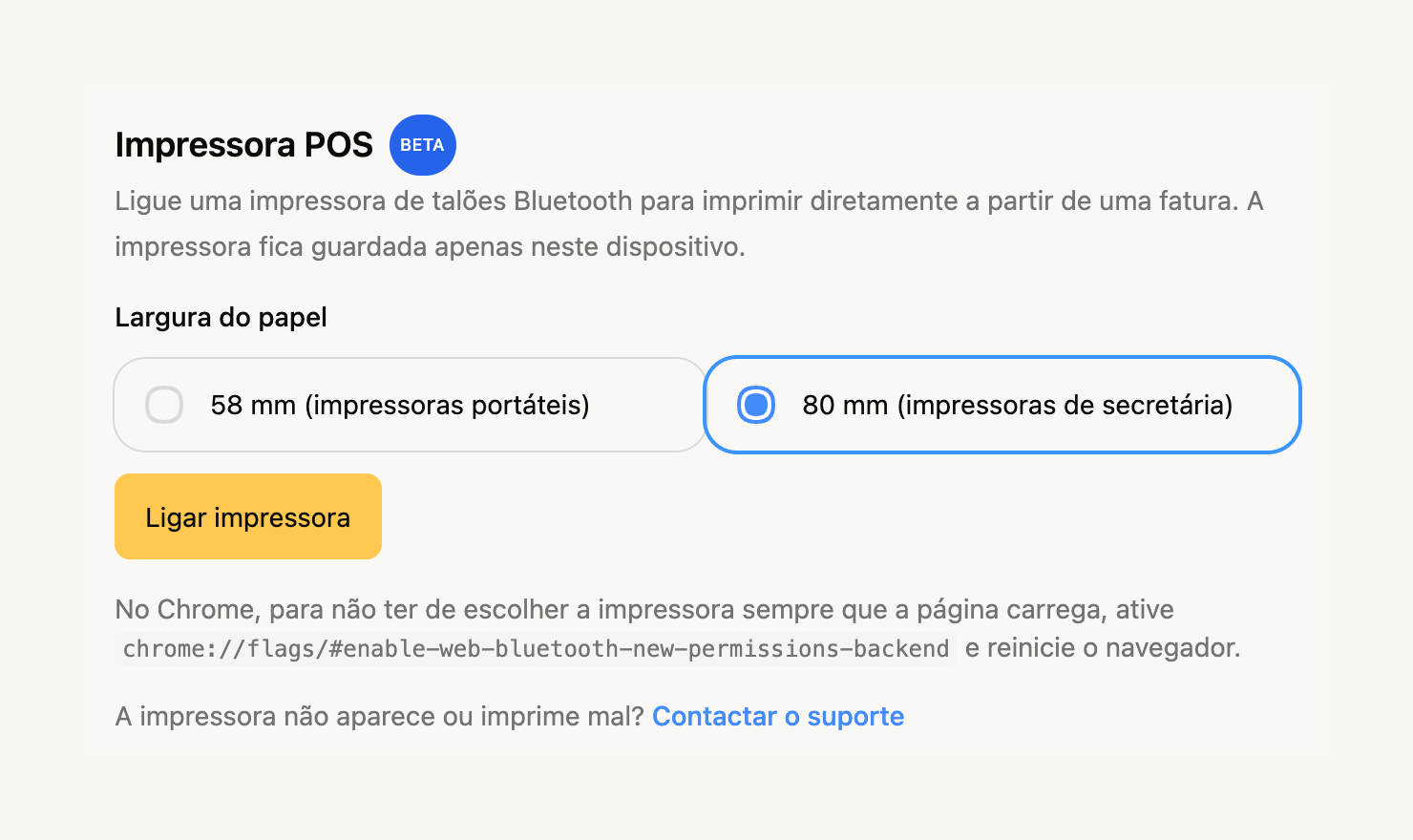
Suporta papel de 58 e 80 mm — testámos numa Goojprt PT-210 e numa NETUM NT-H861. Está em beta: funciona no Chrome e no Edge (é preciso Web Bluetooth), e a impressora fica guardada no dispositivo onde a emparelhaste. A impressão a partir do iPhone está a caminho, falamos disso em breve.
[Ligar a minha impressora →](https://app.fiz.co/settings/invoicing#pos-printer)
## Um comprovativo de rendimentos pronto para o banco
Três pessoas pediram-nos isto na mesma semana: um documento com os rendimentos, para abrir conta, pedir crédito ou mostrar ao senhorio. Agora o Assistente Fiscal prepara-o à primeira: **rendimentos mês a mês, média mensal, repartição por cliente e estado de pagamento**, num PDF arrumado. A confirmação de que os documentos estão sincronizados com a AT só aparece quando estão mesmo todos — não fingimos.
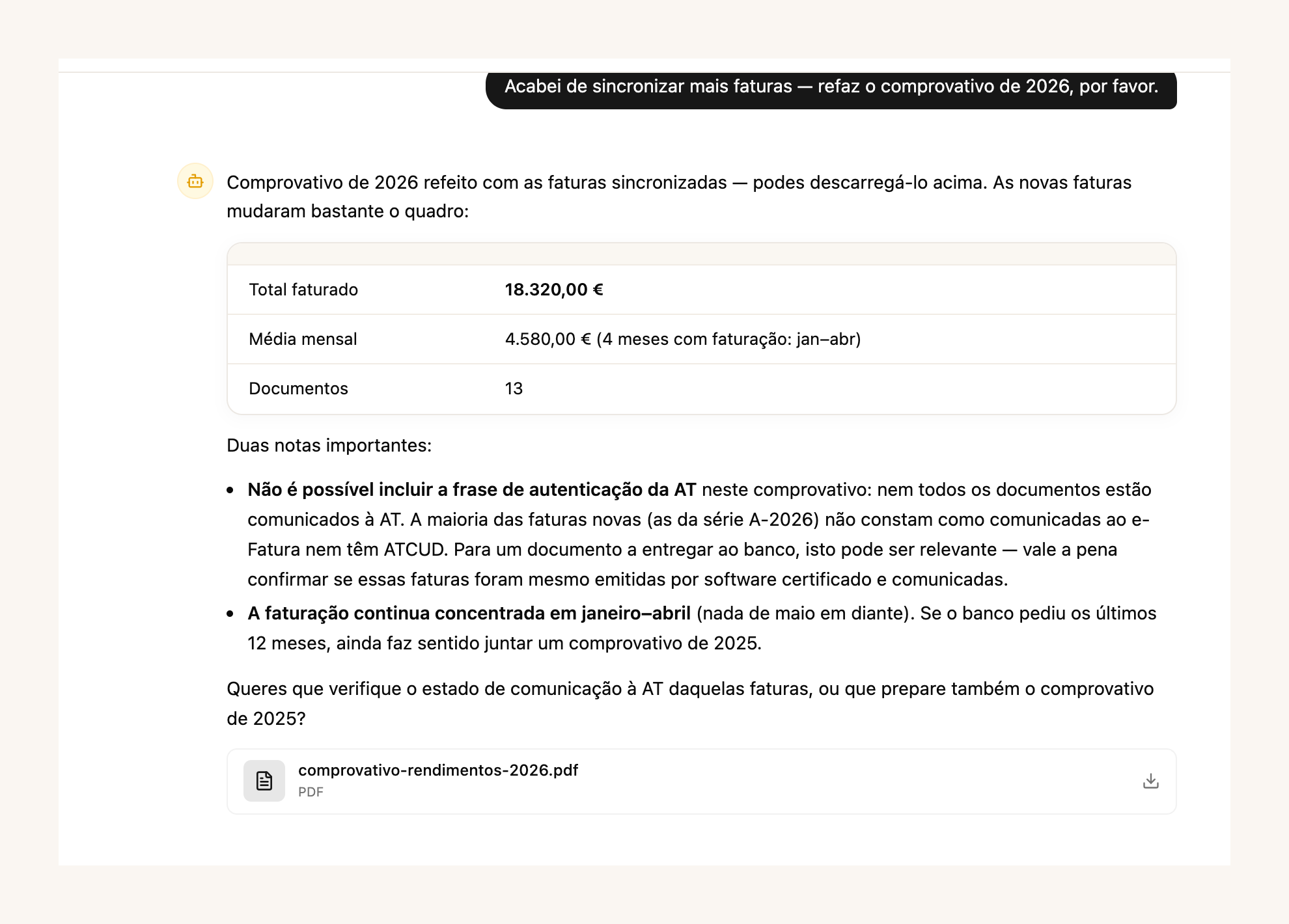
O assistente aprendeu mais coisas em agosto: responde sobre as tuas **notificações da AT**, conhece o calendário do IRC para empresas, e quando aparece um fornecedor desconhecido numa despesa vai ele próprio averiguar quem é, em vez de te perguntar. Como sempre, o Assistente Fiscal faz parte dos planos pagos.
[Pedir o meu comprovativo →](https://app.fiz.co/ai-accountant)
## Na app: notificações da AT e volume de negócios à vista
Duas versões da aplicação saíram em agosto. As **notificações da AT chegaram ao telemóvel**: a mesma caixa que mostrámos em julho no navegador, agora nativa, com os avisos classificados e os prazos à vista. E o ecrã inicial ganhou o **volume de negócios do ano**, com o assistente do regime de IVA a um toque.
O arranque em três passos também chegou à app, com a análise do negócio no fim. E quando ligas o banco a partir do telemóvel, a autorização devolve-te à aplicação, em vez de te deixar no navegador.
[App Store →](https://apps.apple.com/app/fiz-accounting-made-easy/id6736618714) · [Google Play →](https://play.google.com/store/apps/details?id=co.fiz.app)
## O que vem a seguir
Uma novidade que ainda não podes tocar: a nossa app de **faturação automática para lojas Shopify** está em moderação na App Store do Shopify. Consoante a configuração, cada encomenda paga cria um rascunho ou uma Fatura-Recibo emitida e enviada automaticamente. Se vendes no Shopify e queres ser dos primeiros, escreve-nos no chat e avisamos-te assim que abrir.
Se há algo que gostavas de ver no FIZ, ou se encontraste um problema, escreve-nos pelo chat dentro da aplicação. Lemos tudo.
Obrigado por usares o FIZ.
---
## NISS para estrangeiros: como obter o número
> URL: https://blog.fiz.co/niss-para-estrangeiros-como-obter
> Category: Seg. Social | Published: 2026-08-29 | Reading time: 5 min
> Chegaste a Portugal e precisas de NISS? Como um cidadão estrangeiro pede o número de Segurança Social online - documentos, passos, custo e prazo.
Mudaste-te para Portugal, já trataste do NIF (o número das Finanças) e, de repente, um formulário, um empregador ou a inscrição na Segurança Social pede-te outra coisa: o NISS. E ainda não tens nenhum.
Parece mais um muro de burocracia portuguesa. Mas afinal pedir o NISS como estrangeiro é um processo gratuito e quase todo online - se souberes os passos e juntares primeiro os documentos certos.
## O que é o NISS (e como difere do NIF)
O NISS (Número de Identificação de Segurança Social) é o teu número na **Segurança Social** - o que usas para descontar, entregar declarações e aceder a apoios. Não é o mesmo que o **NIF**, o teu número nas **Finanças**. Vais precisar dos dois: o NIF para os impostos, o NISS para a Segurança Social.
Se já tens **Cartão de Cidadão** português, não precisas de pedir o NISS - foi-te atribuído automaticamente e está impresso no verso. Este artigo é para quem ainda não tem Cartão de Cidadão.
## Como pedir online
O pedido faz-se no portal da Segurança Social (seg-social.pt):
1. Vais a **"Sou Cidadão"**.
2. Escolhes **"Atribuição de Número de Identificação de Segurança Social (NISS)"**.
3. Selecionas a opção para **cidadãos estrangeiros**.
4. Preenches o formulário e carregas os documentos num único ficheiro.
Os documentos dependem da tua nacionalidade:
- **Cidadão da UE/EEE ou da Suíça:** um documento de identificação civil do país de origem, o passaporte ou o cartão de residência.
- **Cidadão de país terceiro:** um documento de identificação válido - o passaporte ou um título de residência válido - mais **um** documento que comprove o teu estatuto de residência (visto, título de residência ou o comprovativo do pedido de regularização).
Em qualquer dos casos, junta um **comprovativo da tua situação de trabalho** - um contrato ou a documentação da tua atividade por conta própria.
O pedido é **totalmente gratuito**. Desconfia de sites que cobram para "tratar do NISS por ti" - o processo oficial não custa nada.
## Depois de pedir
A Segurança Social verifica o pedido e notifica-te do NISS atribuído - normalmente por carta registada. Depois **levantas o número presencialmente** num serviço de atendimento, apresentando essa notificação e um documento de identificação válido.
Não há um prazo oficial fixo para a atribuição - depende da verificação. Para evitares filas no levantamento, podes marcar atendimento pela linha de agendamento (210 548 888 ou 300 088 888, dias úteis das 9h às 18h).
## O caso do Marco
O Marco mudou-se de Itália para Lisboa para trabalhar como programador freelancer. Como é cidadão da UE, identificou-se com o passaporte. Fez o pedido de NISS online, com os documentos carregados, e depois levantou o número já atribuído no serviço de atendimento.
A lição: o NISS pede-se online e não trava o resto. Para [abrir atividade](/como-abrir-atividade-passo-a-passo) nas Finanças basta o NIF, por isso não precisas de ter o NISS *antes* - trata dele em paralelo.
> **Atenção:** obter o NISS não é o mesmo que ficares inscrito como trabalhador independente. O NISS é só o teu número de identificação. A inscrição como trabalhador independente (e o início das contribuições) é um passo à parte, que acontece quando abres atividade nas Finanças e a Segurança Social te enquadra. Não assumas que só o número já começa a descontar - nem que não.
## Onde é que o FIZ entra
Depois de teres o NIF e o NISS e de abrires atividade, a parte recorrente da [Segurança Social](/seguranca-social-trabalhador-independente) - a declaração trimestral e as contribuições - é onde a maioria dos recém-chegados se perde. O [FIZ](https://fiz.co/planos) calcula e entrega automaticamente as tuas declarações trimestrais de Segurança Social e de IVA a partir dos recibos que emites, para que a burocracia fique só na parte de obter os números.
## Em resumo
- O NISS (Segurança Social) é diferente do NIF (Finanças) - precisas dos dois. Se tens Cartão de Cidadão português, o NISS já está no verso.
- Um cidadão estrangeiro pede o NISS **gratuitamente** em seg-social.pt (Sou Cidadão - Atribuição de NISS). Os documentos variam: UE/EEE/Suíça usam ID civil, passaporte ou cartão de residência; países terceiros juntam um documento de estatuto de residência (visto, título de residência ou comprovativo do pedido).
- Não há prazo oficial fixo e levantas presencialmente. Para abrir atividade nas Finanças basta o NIF, por isso não precisas de ter o NISS antes - pede-o online em paralelo. Se já tens um mas perdeste-o, vê o [guia do Centro de Ajuda](https://help.fiz.co/pt/articles/11813327-onde-encontrar-o-seu-niss-e-a-senha-da-seguranca-social-direta).
---
## Dar acesso ao contabilista sem dar a tua senha das Finanças
> URL: https://blog.fiz.co/criar-utilizador-autorizado-financas
> Category: Guias | Published: 2026-08-27 | Reading time: 5 min
> Nunca partilhes a senha principal das Finanças. Cria um utilizador autorizado ou dá acesso por NIF, com permissões certas e revogáveis quando quiseres.
O teu contabilista pede-te a senha do [Portal das Finanças](/portal-das-financas-guia-completo) para tratar das tuas coisas. Parece o mais simples: mandas a senha por mensagem e está resolvido.
Mas afinal acabaste de lhe dar acesso total - a tudo, incluindo mudar a tua morada, os teus dados bancários ou o teu email de contacto. E se amanhã mudares de contabilista, a senha continua com ele. Há uma forma certa de fazer isto, e não passa por partilhar a senha principal.
## Porque é que partilhar a senha principal é um risco
A senha principal do Portal das Finanças é a chave de tudo. Quem a tem pode ver e alterar tudo o que é teu na AT, sem limites e sem deixar de ser "tu" aos olhos do sistema.
Partilhá-la é como dar a chave de casa a alguém para regar as plantas e essa chave abrir também o cofre. O Portal tem, precisamente por isso, duas formas de dar acesso limitado a outra pessoa - sem lhe entregares a chave-mestra.
## Opção 1: criar um utilizador autorizado (subutilizador)
Dentro da tua conta, podes criar um **utilizador autorizado** com senha própria e só com as operações que tu escolheres. É ideal para um funcionário ou para um programa de faturação que precise de comunicar documentos.
O caminho: no Portal das Finanças, vais a **Gestão de Utilizadores**, carregas em **Criar um novo utilizador**, defines um nome e uma senha para essa pessoa e escolhes as **operações autorizadas** (por exemplo, só "comunicar faturas" ou só consultar).
A qualquer momento podes alterar as permissões, mudar a senha desse utilizador ou suspendê-lo. A tua senha principal nunca sai das tuas mãos.
## Opção 2: autorizar um terceiro pelo NIF
Se quem precisa de acesso é o teu **contabilista** ou advogado, o mais indicado é a **Gestão de Autorizações de Acessos**. Aqui concedes permissões a um terceiro identificado pelo **NIF dele** - ele entra com a conta dele, não com a tua, e só pode fazer o que lhe autorizaste (consultar informação, entregar certas declarações, etc.).
As autorizações não são para sempre: consultas, alteras ou revogas quando quiseres. Mudas de contabilista? Revogas o acesso do antigo num clique, sem teres de mudar a tua senha.
## O caso do André
O André, consultor em Coimbra, ia mandar a senha das Finanças ao novo contabilista por email.
Em vez disso, foi à Gestão de Autorizações de Acessos e deu-lhe acesso pelo NIF, só para as declarações que o contabilista trata. O André continua a entrar com a sua própria senha; o contabilista faz o trabalho dele com a conta dele. No dia em que a relação acabar, o André revoga o acesso e ninguém mexe em nada.
## O caso da Marta
A Marta partilhou a senha principal com um contabilista há dois anos e nunca a mudou. Quando trocou de profissional, percebeu que o antigo ainda tinha acesso a tudo.
Teve de [mudar a senha](/recuperar-senha-portal-das-financas) à pressa e rever os seus dados. Se tivesse usado uma autorização por NIF, bastava um clique para cortar o acesso.
> **Atenção:** revê de vez em quando quem tem acesso à tua conta e com que permissões, na Gestão de Utilizadores e na Gestão de Autorizações de Acessos. Acessos antigos que ficaram abertos são um descuido comum - e dos mais fáceis de corrigir.
## Onde é que o FIZ entra
Grande parte das tarefas para que darias acesso a terceiros - emitir faturas, entregar o IVA e a Segurança Social - o [FIZ](https://fiz.co/planos) faz por ti automaticamente, com faturação certificada e declarações trimestrais entregues sem intervenção. Precisas de partilhar menos, e o que partilhas fica limitado ao essencial.
## Em resumo
- Nunca partilhes a senha principal do Portal das Finanças - dá acesso total, incluindo mudar os teus dados.
- Para um funcionário ou software, cria um utilizador autorizado com senha própria e operações limitadas. Para o contabilista, usa a Gestão de Autorizações de Acessos, pelo NIF dele. ([Guia passo a passo no Centro de Ajuda](https://help.fiz.co/pt/articles/10318084-como-criar-um-novo-utilizador-na-at).)
- As permissões são revogáveis a qualquer momento - revê periodicamente quem tem acesso e corta o que já não faz sentido.
---
## Chave Móvel Digital: uma chave para todo o Estado
> URL: https://blog.fiz.co/chave-movel-digital-autenticacao
> Category: Guias | Published: 2026-08-25 | Reading time: 5 min
> A Chave Móvel Digital é a mesma autenticação para o Portal das Finanças, a Segurança Social Direta e mais. Como a ativas e porque te poupa senhas.
Como trabalhador independente, vives entre dois portais: o Portal das Finanças, para o IVA e o IRS, e a Segurança Social Direta, para as contribuições. Dois portais, duas senhas - e as duas sempre esquecidas no pior momento.
Parece que faz parte da vida de freelancer andar a recuperar senhas. Mas afinal há uma chave só que abre os dois, e o resto do Estado por cima.
## O que é a Chave Móvel Digital
A Chave Móvel Digital (CMD) é a autenticação única do Estado português. Em vez de uma senha diferente para cada portal, identificas-te sempre da mesma forma - com o telemóvel - em autenticacao.gov.pt.
Com a mesma CMD entras no Portal das Finanças, na Segurança Social Direta, no SNS 24, no ePortugal e na larga maioria dos serviços públicos. Uma chave, muitas portas.
E há um bónus para quem trabalha por conta própria: a CMD também te deixa **assinar documentos digitalmente** à distância, com validade legal - útil para contratos e declarações que antes exigiam impressora e caneta.
## Como a ativas
A ativação faz-se uma vez. O caminho mais rápido é pela aplicação **gov.pt** no telemóvel - e, para esse método, precisas de um **Cartão de Cidadão válido** e de um **telemóvel com câmara**. Na aplicação, escolhes "Ativar Chave Móvel Digital" e segues os passos:
- Indicas o **número de telemóvel** que vai ficar associado à chave.
- Recebes um **código por SMS** e introdu-lo.
- **Lês o Cartão de Cidadão** com o telemóvel - a frente e o verso, conforme as instruções no ecrã.
- Confirmas o **código postal** da morada do cartão.
- Fazes uma **verificação facial** para provar que és tu.
Depois de ativada, entras assim: escreves o número de telemóvel e o **PIN** que definiste, e confirmas com um **código de segurança temporário** que chega por SMS.
Se preferires não o fazer sozinho, podes ativá-la por **videochamada** (quando disponível - este canal fica por vezes temporariamente suspenso, por isso confirma o estado atual em [autenticacao.gov.pt](https://www.autenticacao.gov.pt/cmd-pedido-chave)) ou num **balcão habilitado** - por exemplo, uma Loja ou Espaço Cidadão, um serviço de registos (IRN) ou um consulado (vê a lista de locais em [gov.pt](https://www.gov.pt/servicos/ativar-a-chave-movel-digital)). Aí um estrangeiro pode identificar-se com **passaporte ou título de residência**, sem precisar de Cartão de Cidadão. Há também apoio por telefone (210 489 010 ou 300 003 990).
## O caso da Beatriz
A Beatriz, ilustradora freelancer em Lisboa, perdia horas por trimestre a recuperar a senha das Finanças ou da Segurança Social - nunca se lembrava de nenhuma das duas.
Ativou a Chave Móvel Digital numa tarde. Desde então entra nos dois portais com o telemóvel, sem andar a decorar várias senhas - basta o PIN da chave. Quando um deles pede a senha antiga, ela simplesmente escolhe "entrar com Chave Móvel Digital" e ignora o problema.
## O caso do Rui
O Rui quis ativar a CMD, mas o Cartão de Cidadão estava caducado - e sem um cartão válido a ativação não avança.
Renovou primeiro o Cartão de Cidadão e só depois ativou a chave. A lição: confirma a validade do teu Cartão de Cidadão antes de começares, senão ficas a meio do processo.
> **Atenção:** a Chave Móvel Digital não substitui a tua senha do Portal ou da Segurança Social - fica ao lado dela, como forma alternativa de entrar. É precisamente por isso que resolve o problema: se te esqueceres da senha de um portal, entras à mesma pela CMD, e depois redefines a senha lá dentro com calma.
## Onde é que o FIZ entra
A Chave Móvel Digital tira-te o atrito de entrar nos portais. O [FIZ](https://fiz.co/planos) tira-te a razão de lá entrares tantas vezes: as faturas são certificadas e as declarações trimestrais de IVA e de Segurança Social são calculadas e entregues automaticamente. Juntas, as duas coisas fazem com que o Estado deixe de ser um obstáculo diário.
## Em resumo
- A Chave Móvel Digital é a mesma autenticação para o Portal das Finanças, a Segurança Social Direta e o resto dos serviços públicos - uma chave em vez de várias senhas.
- Ativa-se uma vez: pela app gov.pt (com Cartão de Cidadão e telemóvel com câmara), por videochamada ou ao balcão - onde um estrangeiro pode usar passaporte ou título de residência.
- É o caminho imediato para [recuperar o acesso às Finanças](/recuperar-senha-portal-das-financas) e à [Segurança Social Direta](/desbloquear-acesso-ss-direta) sem esperar por cartas.
---
## Onde encontrar o NISS: o teu número de Segurança Social
> URL: https://blog.fiz.co/onde-encontrar-o-niss
> Category: Seg. Social | Published: 2026-08-23 | Reading time: 4 min
> O NISS não é o NIF. Onde está o teu número de Segurança Social - no Cartão de Cidadão, na SS Direta ou por telefone - e como pedir se ainda não tens.
Estás a preencher um formulário, a inscrever-te na Segurança Social ou um cliente pede-te o NISS - e percebes que não fazes ideia de qual é o teu número de Segurança Social.
Parece um daqueles números que toda a gente decorou menos tu. Mas afinal está mais à mão do que pensas, e em três minutos tens acesso a ele.
## Primeiro: o NISS não é o NIF
É uma confusão muito comum. São dois números diferentes, de dois organismos diferentes:
- O **NIF** (Número de Identificação Fiscal) tem 9 dígitos e é o teu número nas **Finanças**. É o que usas para faturar e para o IRS.
- O **NISS** (Número de Identificação de Segurança Social) tem 11 dígitos e é o teu número na **Segurança Social**. É o que usas para as contribuições, declarações e subsídios.
Trocar um pelo outro num formulário só te atrasa o processo. Confirma sempre qual é qual.
## Onde está o teu NISS
Há três sítios onde o encontras.
- **No verso do Cartão de Cidadão.** Quando pedes o Cartão de Cidadão pela primeira vez, o NISS é-te atribuído automaticamente e fica impresso atrás do cartão. É o sítio mais imediato - basta virá-lo.
- **Na Segurança Social Direta.** Entras em app.seg-social.pt com a [Chave Móvel Digital](/chave-movel-digital-autenticacao) ou o Cartão de Cidadão, carregas no ícone de perfil, escolhes "Perfil" e depois "Dados pessoais". O NISS aparece ali, com o resto da tua identificação. (Vê o [guia da Segurança Social Direta](/seguranca-social-direta-guia); se não consegues entrar, [desbloqueia o acesso](/desbloquear-acesso-ss-direta). Passo a passo com imagens no [Centro de Ajuda](https://help.fiz.co/pt/articles/11813327-onde-encontrar-o-seu-niss-e-a-senha-da-seguranca-social-direta).)
- **Pela Linha Segurança Social.** Se tens o antigo bilhete de identidade vitalício e nunca chegaste a saber o teu NISS, ligas para a Linha Segurança Social (210 545 400 ou 300 502 502), nos dias úteis das 9h às 18h, ou vais a um serviço de atendimento.
## O caso da Inês
A Inês, fotógrafa em Aveiro, foi inscrever-se na Segurança Social Direta e precisava do NISS. Não tinha ideia de qual era.
Virou o Cartão de Cidadão, encontrou o número atrás e continuou sem sair da cadeira. O número esteve sempre na carteira dela.
## E se ainda não tens NISS
Nem toda a gente tem um NISS atribuído - por exemplo, quem chegou há pouco a Portugal ou tem o bilhete de identidade vitalício.
O pedido é **gratuito** e faz-se online, pela própria pessoa, no portal da Segurança Social. Também podes tratá-lo presencialmente num serviço de atendimento, com marcação prévia pela plataforma SIGA ou pela SigaApp. A ordem certa é: primeiro o NIF, depois abres atividade nas Finanças (que só exige o NIF) e, na sequência, inscreves-te na Segurança Social - é aí que te é atribuído o NISS. Ou seja, não precisas de ter o NISS *antes* de abrir atividade.
> **Atenção:** ter NISS não é o mesmo que estares inscrito como trabalhador independente na Segurança Social. O NISS é só o teu número de identificação; a inscrição como trabalhador independente é um passo à parte, que acontece quando abres atividade nas Finanças e a Segurança Social te enquadra. Ter o número não te inscreve sozinho.
## Onde é que o FIZ entra
O teu NISS é a chave que liga tudo o que é Segurança Social. Depois de o teres, o [FIZ](https://fiz.co/planos) trata da parte chata: calcula e entrega a tua declaração trimestral à Segurança Social a partir dos recibos que emites, sem teres de andar a decorar números nem prazos.
## Em resumo
- O NISS (11 dígitos, Segurança Social) não é o NIF (9 dígitos, Finanças). Não os troques nos formulários.
- Encontras o NISS no verso do Cartão de Cidadão, na Segurança Social Direta (Perfil - Dados pessoais) ou pela Linha Segurança Social.
- Se ainda não tens NISS, o pedido é gratuito. A ordem é: NIF → abertura de atividade nas Finanças (só precisa do NIF) → inscrição na Segurança Social, que te atribui o NISS.
---
## Desbloquear a Segurança Social Direta e recuperar a senha
> URL: https://blog.fiz.co/desbloquear-acesso-ss-direta
> Category: Seg. Social | Published: 2026-08-21 | Reading time: 5 min
> Perdeste a palavra-passe da Segurança Social Direta ou ficaste preso no código de segurança? Formas de voltar a entrar na hora - e a mais lenta, por carta.
Chega o fim do trimestre, tens de entregar a declaração trimestral à Segurança Social ou de confirmar as tuas contribuições, abres a Segurança Social Direta... e a palavra-passe não funciona. Ou funciona, mas fica à espera de um código que nunca chega ao teu telemóvel.
Parece que só te resta pedir uma senha nova e esperar pela carta. Mas afinal, tal como no Portal das Finanças, há um caminho que te faz entrar em dois minutos.
## Porque é que a Segurança Social Direta te tranca a porta
A [Segurança Social Direta](/seguranca-social-direta-guia) (o portal onde tratas das contribuições, declarações e subsídios) tem dois pontos onde as pessoas ficam de fora.
O primeiro é a **palavra-passe** associada ao teu NISS (o teu número de Segurança Social). Esqueces-te dela e não entras.
O segundo é mais recente: o acesso com NISS e palavra-passe passou a exigir **autenticação de dois fatores**. Além da senha, tens de introduzir um **código único** enviado para um contacto que já tenhas validado - email ou telemóvel. Se esse contacto é antigo e já não lhe acedes, o código chega a um sítio onde não o vês.
## As formas de voltar a entrar
Há três caminhos, e a diferença de tempo entre eles é enorme.
- **Chave Móvel Digital ou Cartão de Cidadão (imediato).** Em vez de usares a palavra-passe da Segurança Social, entras por autenticacao.gov.pt com a [Chave Móvel Digital](/chave-movel-digital-autenticacao) ou o Cartão de Cidadão. Salta por cima da senha e do código - é o caminho mais limpo e não depende de teres contactos validados.
- **Recuperar a palavra-passe com contactos validados (rápido).** No ecrã de entrada, escolhes "Recuperar palavra-passe", indicas o tipo de conta (Cidadão), o teu **NISS** e a **data de nascimento**. Se tens email ou telemóvel validados na Segurança Social, recebes por lá as instruções para definir uma nova palavra-passe. Resolves no próprio dia.
- **Carta-PIN pelos CTT (lento).** Sem contactos validados, a nova senha viaja em papel até à tua morada, em regra em cerca de oito dias úteis. É o último recurso.
Repara no padrão, igual ao das Finanças: quem tem a Chave Móvel Digital ou um contacto validado resolve na hora; quem não preparou nada espera pela carta.
## O caso da Rita
A Rita, tradutora em Braga, foi entregar a declaração trimestral no último dia e percebeu que não sabia a palavra-passe da Segurança Social Direta.
Como tinha ativado a Chave Móvel Digital para o IRS, nem precisou de a recuperar: entrou por autenticacao.gov.pt, tratou da declaração e saiu. Dois minutos, sem carta nenhuma.
## O caso do Tiago
O Tiago, eletricista em Faro, nunca validou email nem telemóvel na Segurança Social e não tem Chave Móvel Digital. Quando perdeu a senha, só lhe restou a carta-PIN: cerca de oito dias úteis à espera do carteiro, com o prazo da declaração a aproximar-se.
A lição não é "o portal é mau". É que o Tiago nunca deixou uma via rápida preparada.
## O que fazer hoje
Enquanto ainda tens acesso, deixa isto tratado:
- Valida o **email** e o **telemóvel** na Segurança Social Direta. São eles que recebem o código de segurança e a recuperação da senha.
- Ativa a **[Chave Móvel Digital](/chave-movel-digital-autenticacao)**. Passa a ser a mesma chave para a Segurança Social e para as Finanças - e nunca mais dependes de nenhuma das duas senhas.
- Se não sabes o teu NISS, vê [onde o encontrar](/onde-encontrar-o-niss) antes de precisares dele. Para o passo a passo de recuperação da senha com imagens, o [Centro de Ajuda](https://help.fiz.co/pt/articles/12284558-como-recuperar-ou-alterar-a-senha-na-seguranca-social-direta) tem o guia.
> **Atenção:** a palavra-passe da Segurança Social **não é** a mesma do Portal das Finanças. São dois portais e duas senhas diferentes, com recuperações separadas. Recuperar uma não desbloqueia a outra - por isso é que a Chave Móvel Digital, que serve para as duas, poupa tanta dor de cabeça.
## Onde é que o FIZ entra
O maior motivo para andares sempre a entrar na Segurança Social Direta é a declaração trimestral. Com o [FIZ](https://fiz.co/planos), essa declaração é calculada e entregue automaticamente, a partir dos recibos que emites - deixas de depender do portal a cada três meses. Continuas a poder lá entrar quando quiseres, mas já não é o sítio onde o prazo te aperta.
## Em resumo
- Entrar na Segurança Social Direta é imediato pela Chave Móvel Digital ou pelo Cartão de Cidadão. Recuperar a palavra-passe é rápido se tens email ou telemóvel validados; sem isso, a carta-PIN demora cerca de oito dias úteis.
- O acesso com NISS e senha exige agora um código de dois fatores - mantém um contacto validado a que tenhas mesmo acesso.
- A senha da Segurança Social é diferente da das Finanças. A Chave Móvel Digital serve para as duas e evita andares a recuperar senhas.
---
## Recuperar a senha do Portal das Finanças na hora
> URL: https://blog.fiz.co/recuperar-senha-portal-das-financas
> Category: Guias | Published: 2026-08-19 | Reading time: 5 min
> Como recuperar a senha do Portal das Finanças na hora - e o único acerto que decide se resolves em dois minutos ou esperas cinco dias pelos CTT.
É sexta à tarde, precisas de entregar uma declaração ou de ver uma carta da AT, escreves a senha do Portal das Finanças... e aparece "senha inválida". Ou pior: bloqueaste a conta a tentar adivinhar.
Parece que só te resta pedir uma senha nova e esperar cinco dias pela carta dos CTT. Mas afinal, na maioria dos casos, recuperas o acesso em dois minutos - se tiveres uma coisa preparada.
## Porque é que "esqueci-me da senha" assusta tanto
A senha do [Portal das Finanças](/portal-das-financas-guia-completo) (o teu código de acesso a tudo o que tem a ver com impostos: IRS, IVA, faturas, notificações da AT) durante anos só se recuperava por carta. Pedias uma nova, os CTT traziam-na à tua morada fiscal em média cinco dias úteis, e até lá ficavas de fora.
Essa via ainda existe. A diferença é que hoje, para a maioria das pessoas, é o último recurso - não o único.
## As formas de recuperar - e qual é imediata
Vais a portaldasfinancas.gov.pt, carregas em "Recuperar senha" e escreves o teu NIF. A partir daí, há dois desfechos possíveis: na hora ou daqui a cinco dias. O que decide é como te consegues identificar.
**Imediato (dois minutos):**
- **Chave Móvel Digital ou Cartão de Cidadão.** Se tens a CMD ativa (a autenticação do Estado no telemóvel) ou um leitor de Cartão de Cidadão, identificas-te em autenticacao.gov.pt e defines uma senha nova ali mesmo. É o caminho mais limpo.
- **Código por SMS.** Respondes à tua pergunta de segurança e escolhes receber um código por SMS. Chega-te uma mensagem com seis dígitos, introdu-lo e defines a nova senha na hora. Só funciona se tiveres o **telemóvel confirmado** nos teus dados do Portal.
**Lento (cinco dias úteis, por carta):**
- **Só a pergunta de segurança, sem telemóvel confirmado.** Acertas na resposta, mas sem um telemóvel validado não há código por SMS - a senha antiga é cancelada e uma nova viaja pelos CTT até à tua morada fiscal em cerca de cinco dias úteis.
- **Email (portal-senhas@at.gov.pt).** É o plano B de quem já não tem acesso a nada nem se lembra da pergunta de segurança: pedes o cancelamento da senha por email e, mesmo assim, a nova acaba por chegar por carta.
Repara no que isto quer dizer: não é a sorte que decide se resolves na hora ou esperas pela carta. É teres (ou não) uma via imediata preparada - a Chave Móvel Digital, o Cartão de Cidadão ou o telemóvel confirmado. Só isso.
## O caso da Sofia
A Sofia, designer no Porto, bloqueou a conta a três dias do fim do prazo do IVA. Entrou em pânico, convencida de que ia esperar pela carta e apanhar uma coima.
Mas tinha o telemóvel confirmado nos dados do Portal desde que abriu atividade. Escolheu "recuperar por código SMS", recebeu os seis dígitos, redefiniu a senha em dois minutos e entregou a declaração trimestral de IVA a tempo. O prazo nunca esteve em risco - ela é que não sabia que tinha essa porta aberta.
## O caso do Miguel
O Miguel, canalizador em Setúbal, nunca confirmou o telemóvel no Portal e não tem Chave Móvel Digital. Quando precisou da senha, respondeu à pergunta de segurança - mas, sem telemóvel validado, só lhe restou a carta: cinco dias úteis.
A lição não é "o Portal é mau". É que o Miguel nunca preparou uma via rápida - e por isso ficou refém da mais lenta.
## O que fazer hoje para nunca esperares pela carta
Não deixes para o dia em que precisas. Entra no Portal enquanto ainda tens acesso e trata disto:
- Confirma o **telemóvel** em "Os Seus Dados" - Dados de Contacto. É ele que te abre o código por SMS, o caminho imediato mais simples. Confirma também o email, que serve para avisos.
- Ativa a **[Chave Móvel Digital](/chave-movel-digital-autenticacao)** em autenticacao.gov.pt. Passas a entrar com o telemóvel, sem sequer depender da senha do Portal.
- Confirma que a tua **morada fiscal** está atualizada. Se a carta for mesmo necessária, tem de chegar ao sítio certo.
> **Atenção:** nunca partilhes a tua senha principal com o teu contabilista. Se ele precisa de aceder às tuas coisas, [cria-lhe um utilizador autorizado no Portal](/criar-utilizador-autorizado-financas), com as permissões certas - a tua senha continua só tua. Partilhar a senha principal é dar acesso total, incluindo mudar os teus dados.
## E se bloqueaste a conta
A conta bloqueia ao fim de várias tentativas erradas. Não continues a tentar, porque só pioras a situação. Usa logo um dos métodos imediatos - a Chave Móvel Digital, o Cartão de Cidadão ou o código por SMS (se tens o telemóvel confirmado). Qualquer um deles redefine a senha e desbloqueia o acesso sem esperares pela carta.
## Onde é que o FIZ entra
Metade do stress da senha vem de dependeres do Portal para tudo. Com o [FIZ](https://fiz.co/planos), o teu dia a dia deixa de passar por lá: emites faturas certificadas sem entrar no Portal, e as declarações trimestrais de IVA e de Segurança Social são calculadas e entregues automaticamente. Continuas a precisar do acesso à AT de vez em quando - mas deixa de ser o ponto onde tudo trava.
## Em resumo
- Recuperar a senha do Portal das Finanças é imediato por Chave Móvel Digital, Cartão de Cidadão ou código por SMS. A pergunta de segurança sozinha e o email acabam na carta dos CTT (cinco dias úteis).
- O que decide entre a hora e a carta é teres uma via imediata preparada: a CMD, o Cartão de Cidadão ou o telemóvel confirmado. Trata disso enquanto ainda tens acesso.
- Nunca partilhes a senha principal com o contabilista - cria-lhe um utilizador autorizado com as permissões certas.
---
## Criadores de conteúdo: impostos do YouTube ao Patreon
> URL: https://blog.fiz.co/criadores-de-conteudo-youtube-twitch-impostos
> Category: Guias | Published: 2026-08-04 | Reading time: 6 min
> YouTube, Twitch, Patreon: recebes do estrangeiro, mas os impostos são cá. O código de atividade, o IVA escondido nas compras e a Segurança Social.
O Tiago tem um canal de YouTube com 40 mil subscritores e, todos os meses, recebe um pagamento do Google. Parece simples: é dinheiro que vem do estrangeiro - logo, pensa ele, não há IVA nem nada a declarar cá. Quase tudo nesta frase está errado, e é exatamente aqui que a maioria dos criadores tropeça.
## "É rendimento estrangeiro"? Não é
O que conta para o Fisco não é onde está quem te paga - é **onde fazes o trabalho**. O Tiago grava, edita e publica em Portugal, por isso o rendimento é **obtido em território português** (art. 18.º do CIRS): entra no teu IRS como rendimento da categoria B (a dos trabalhadores independentes), no **Anexo B** - não no Anexo J.
O Anexo J é para rendimento **ganho lá fora** (trabalho feito no estrangeiro). Ter o Google, a Twitch ou o Patreon como pagador não muda isso: se produzes cá, declaras cá, no Anexo B. Muitos guias enganam-se neste ponto.
## O teu código de atividade muda o imposto
Não existe um código "influencer". Na prática usas o código **1519 - "outros prestadores de serviços"** (o código genérico da [lista de profissões](/cae-cirs-como-escolher-codigo-atividade)) ou, se és sobretudo artista/performer, um código de artista da tabela.
Não é um detalhe: define o **coeficiente** - a fatia do que faturas que conta para o imposto (o Estado presume o resto como despesas tuas).
Para o Tiago, com 20.000 € do Google no ano, dá isto:
Escolhe com cabeça no arranque. A posição da AT coloca o 1519 nos 0,35, mas há divergência para atividades performativas - se tens dúvida sobre o teu caso, confirma antes de abrir.
## O IVA: a fatura ao Google não leva IVA...
Quando faturas ao **Google (Irlanda)** ou à **Twitch**, estás a prestar um serviço a uma **empresa fora de Portugal**. A operação **não se localiza cá** (art. 6.º do CIVA), por isso a fatura sai **sem IVA português** - o motivo certo é a **autoliquidação (código M40)**, não uma isenção. Detalhe: para plataformas **na UE**, como o Google (Irlanda), tens de estar registado no VIES e **entregar a declaração recapitulativa do IVA** por esses serviços (no regime normal) - e, se estás isento pelo [art. 53.º](/os-patamares-que-mudam-tudo-15000-e-200000), estás **dispensado** dessa declaração desde 1 de julho de 2025; plataformas **fora da UE** não entram nessa declaração.
O **Patreon** e outras plataformas de **subscrição/apoio** são um caso à parte - **não apliques logo a regra acima**. Confirma **primeiro** o modelo da transação: por vezes quem te paga são os **próprios apoiantes**, não a plataforma, e isso muda **quem é o teu cliente**, a **localização do IVA** e o **código** da fatura. Vê como o Patreon fatura o teu caso antes de escolheres o destinatário e o enquadramento de IVA.
## ...mas cuidado com o que compras lá fora
Aqui está a armadilha que quase ninguém vê. Quando **compras** serviços a fornecedores estrangeiros - software de edição, créditos de anúncios, bancos de imagens faturados sem IVA - **passas a ser tu quem tem de entregar o IVA** em Portugal (é a mesma autoliquidação, mas ao contrário): entregas uma declaração periódica de IVA e pagas os 23% cá. E se estás isento pelo art. 53.º, **não deduzes esse IVA** - fica como custo teu.
Ou seja: "isento de IVA" **não** quer dizer "zero papelada de IVA". Recebes do Google sem IVA, mas o software que assinas lá fora pode obrigar-te a uma declaração.
## Segurança Social: 21,4% - e o Google não é "entidade contratante"
Pagas **21,4%** sobre **70%** do que faturas de serviços. A base de cada mês é 1/3 do que declaras na [declaração trimestral](/seguranca-social-trabalhador-independente).
E não contes com ajuda das plataformas: uma **entidade contratante** (um cliente de quem dependes muito e que, por isso, passa a dever uma contribuição própria à Segurança Social - que é dela, não desconta na tua) é, em regra, uma entidade com atividade em Portugal. Por isso, em regra, o Google e a Twitch não entram nessa conta - o rendimento deles conta para a **tua** base, mas os 21,4% são todos teus.
> **Atenção:** e os "direitos de autor"? Existe um benefício no IRS que exclui 50% desses rendimentos do englobamento, com a parte excluída limitada a 10.000 € (art. 58.º do EBF) - mas **exclui expressamente os trabalhos publicitários** - ou seja, conteúdo patrocinado e a generalidade da receita de anúncios **não** aproveitam o benefício. Não contes com ele para o teu rendimento normal de criador.
## ✅ Em resumo
1. **Recebes do estrangeiro, mas declaras em Portugal** - produzes cá, logo é categoria B no **Anexo B**, não no Anexo J. E o código que escolhes (1519 a 0,35 vs código de artista a 0,75) muda a base sobre a qual pagas imposto.
2. **Faturas ao Google/Twitch sem IVA português** (operação não localizada, motivo M40; nas plataformas de subscrição como o Patreon, confirma quem é o cliente) - mas se **compras** serviços lá fora podes ter de autoliquidar IVA cá, mesmo isento pelo art. 53.º (e sem o poder deduzir).
3. **Com o [FIZ](https://fiz.co/)** faturas as plataformas com o motivo certo, e o IVA e a Segurança Social são calculados e submetidos por ti - incluindo a autoliquidação nas compras ao estrangeiro, que é onde os criadores mais se enganam. O IRS fica preparado para carregares no Portal. Vê os [planos](https://fiz.co/planos).
---
## Estafetas (Glovo, Uber Eats): os impostos passo a passo
> URL: https://blog.fiz.co/estafetas-glovo-uber-eats-impostos
> Category: Guias | Published: 2026-08-04 | Reading time: 6 min
> Entregas na Glovo ou Uber Eats a recibos verdes? O código certo, o IVA escondido na comissão, a Segurança Social - e quando és 'falso' independente.
O Bruno faz entregas na Glovo e na Uber Eats. Abriu atividade, passa recibos verdes e assume que, como fatura pouco, os impostos são um detalhe. Há três coisas que quase nenhum estafeta sabe - e uma delas pode custar-lhe dinheiro todos os meses.
## Primeiro: podes nem sequer ser "independente"
Desde 2023, a lei tem uma presunção pensada precisamente para o trabalho em plataformas (art. 12.º-A do Código do Trabalho, criado pela Lei n.º 13/2023). Se a plataforma **fixa o teu pagamento**, **controla como trabalhas** (em tempo real, por algoritmo), penaliza recusas, pode **desativar-te a conta** ou é **dona do equipamento** que usas, presume-se que és **trabalhador por conta de outrem** - não independente. Basta reunirem-se **algumas** destas características.
Se for esse o teu caso, **presume-se** que a entidade patronal é a plataforma - mas é uma **presunção que pode ser ilidida** (a plataforma pode provar que trabalhas com autonomia real). E se houver um **intermediário** entre ti e a plataforma, é o **tribunal** que determina quem é a entidade empregadora (art. 12.º-A n.os 4 a 6). Até isso ser reconhecido (pela ACT ou em tribunal), és **tu** que suportas tudo como independente. Ou seja, "independente" aqui é a etiqueta da plataforma, não uma verdade fechada.
## O teu código - e o coeficiente que daí resulta
Abres atividade com o **CAE 53202** (serviços de entrega ao domicílio). Como a entrega não é uma profissão "nomeada" na lista do art. 151.º, o coeficiente do regime simplificado é **0,35** - ou seja, só 35% do que faturas entra para o IRS (o Estado presume os outros 65% como despesas tuas).
No **1.º ano** de atividade este coeficiente é reduzido a metade (0,175) e no **2.º ano** em 25% (0,2625), desde que não tenhas rendimentos de trabalho por conta de outrem ou pensões **e não tenhas cessado atividade nos últimos 5 anos** (art. 31.º n.os 10 e 11 do CIRS) - por isso, no arranque, entra ainda menos para o IRS. (Se reabriste atividade pouco depois de a fechar - há menos de 5 anos -, esta redução não se aplica.)
## O IVA escondido: a comissão da plataforma
Achas que, abaixo dos 15.000 € de faturação em território nacional, estás isento de IVA (art. 53.º) e acabou? Não é bem assim.
Quando a plataforma te cobra a **comissão**, estás a **comprar-lhe um serviço**. Se quem te fatura for uma **empresa estrangeira** - como a Glovo (espanhola) - a lei obriga-te a **autoliquidar 23% de IVA** sobre essa comissão, em Portugal, **mesmo estando isento pelo art. 53.º** (arts. 2.º e 6.º do CIVA). Como és isento, **não deduzes** esse IVA - fica como custo teu. E não há limite mínimo: o famoso limiar dos 10.000 € é só para **compra de bens**, não para serviços. Confirma quem te fatura a comissão: a Uber Eats, por exemplo, pode faturar por uma entidade portuguesa - e aí o IVA já vem na fatura.
Na prática, isto obriga-te a **registares-te para operações intracomunitárias** (o teu NIF passa a válido no VIES) e a entregar uma **declaração periódica de IVA** para pagar esse valor. É a razão pela qual algumas plataformas exigem que os estafetas estejam no **regime normal de IVA**.
## Segurança Social: 21,4% - e o primeiro ano corta dos dois lados
Pagas **21,4%** sobre **70%** do que faturas. A base de cada mês é 1/3 do que declaras na declaração trimestral.
Se abres atividade **pela primeira vez**, há **isenção de contribuições nos primeiros 12 meses**. Parece só bom - mas nesses meses **não acumulas proteção nova** (subsídio de doença, parentalidade) nem tempo para a reforma. Quem faz disto vida a tempo inteiro pode preferir começar a descontar mais cedo.
> **Atenção:** guardar faturas de combustível, da mota ou da mochila térmica **não baixa** o teu IRS no simplificado - o coeficiente de 0,35 já presume as despesas, e a regra dos 15% fica quase sempre coberta pela dedução específica automática e pelas tuas contribuições à Segurança Social (só se ganhares bastante acima disso é que precisas de despesas documentadas para não te acrescer imposto). Deduzir custos reais euro a euro (combustível, comissão, o IVA autoliquidado) só acontece na **contabilidade organizada** - que compensa quando os custos são mesmo altos.
## ✅ Em resumo
1. **Podes ser "falso" independente.** Se a plataforma fixa o preço, controla o teu trabalho por algoritmo ou te desativa a conta, a relação pode, por lei, ser de trabalho por conta de outrem (Lei 13/2023).
2. **Isento de IVA não é "sem IVA".** A **comissão** de uma plataforma estrangeira (como a Glovo) obriga-te a autoliquidar **23%** de IVA cá, mesmo abaixo dos 15.000 € e **sem** o poderes deduzir - além de te registares no VIES e entregares a declaração periódica.
3. **Com o [FIZ](https://fiz.co/)** faturas as plataformas com o motivo certo e o IVA (incluindo a autoliquidação da comissão) e a Segurança Social ficam calculados e entregues por ti - sem te chegar uma surpresa das Finanças. Vê os [planos](https://fiz.co/planos).
---
## Explicadores e formadores: isenção de IVA e a DGERT
> URL: https://blog.fiz.co/explicadores-formadores-iva-isencao-dgert
> Category: Guias | Published: 2026-08-04 | Reading time: 5 min
> Dás explicações ou formação? Um é isento de IVA pelo art. 9.º, o outro cobra 23% - e a diferença está numa certificação (DGERT), não no teu CCP.
A Ana dá explicações de matemática a alunos do secundário. O Rui dá formação de Excel a empresas. Os dois assumem que "ensino é isento de IVA". Um está certo; o outro vai levar uma surpresa - e a diferença não está no que sabem, está numa **certificação**.
## O art. 9.º isenta o ensino - mas não todo
A [isenção do art. 9.º do CIVA](/isencao-iva-artigo-9-saude-ensino-formacao) cobre o **ensino** e as **explicações de matérias escolares**. A Ana, que ensina matéria do currículo, faz recibos verdes **sem IVA** - isento pelo art. 9.º.
O problema é a **formação profissional**. Aqui a isenção não é da pessoa que forma - é da **entidade formadora reconhecida como competente**, o que na prática significa **certificada pela DGERT**. Um **CCP** (Certificado de Competências Pedagógicas) é uma qualificação **tua**, não uma certificação da tua atividade.
## A "armadilha" da isenção incompleta
A isenção do art. 9.º tem um senão que a Ana precisa de saber: é **incompleta**. Como não cobra IVA, também **não deduz** o IVA que paga nas suas compras (computador, material, software) - esse IVA fica como custo dela (art. 20.º do CIVA). Não é "IVA a 0%", é uma operação **isenta**.
## E o Rui? Três caminhos
O Rui, formador em nome individual só com o CCP, tem três hipóteses:
- Fatura até **15.000 €/ano** em território nacional → pode usar a **isenção do art. 53.º** (motivo M10): não cobra IVA por ser pequeno negócio.
- Passa esse valor → cobra **23%** de IVA na formação.
- A formação é dada **por uma entidade certificada pela DGERT** → é isenta pelo art. 9.º, mas é a **entidade** que a presta e fatura como isenta, não o Rui a pôr M07 na sua própria fatura só por trabalhar para ela.
## O resto é como qualquer independente
Abres atividade com o código da tua atividade (ensino/formação), e a Segurança Social é a de sempre: **21,4%** sobre **70%** do que faturas. A grande decisão fiscal de um explicador ou formador é mesmo a do IVA acima.
> **Atenção:** o erro mais comum é o do Rui - assumir que "dou formação, logo sou isento". A isenção do art. 9.º é da **entidade certificada**, não do formador com CCP. Confirma sob que chapéu faturas antes de decidires o IVA.
## ✅ Em resumo
1. **Explicações de matérias escolares = isento** pelo art. 9.º (motivo M07). Mas é isenção **incompleta**: não deduzes o IVA das tuas compras.
2. **Formação profissional só é isenta pelo art. 9.º quando é uma entidade certificada pela DGERT** - um formador individual só com CCP cobra **23%**, salvo se couber na isenção do art. 53.º (até 15.000 €/ano).
3. **Com o [FIZ](https://fiz.co/)** passas os recibos com o motivo de isenção certo (art. 9.º, art. 53.º ou IVA a 23%) sem andar a decorar artigos, e o IVA e a Segurança Social ficam tratados por ti. Vê os [planos](https://fiz.co/planos).
---
## Upwork, Fiverr e Malt: faturas, comissões e o IVA
> URL: https://blog.fiz.co/freelancer-plataformas-upwork-fiverr-impostos
> Category: Guias | Published: 2026-08-04 | Reading time: 6 min
> Freelancer em plataformas internacionais? Declaras o bruto (não o líquido), o coeficiente é 0,75 - e a comissão obriga-te a autoliquidar IVA mesmo isento.
A Sofia é designer e trabalha através do Upwork e do Fiverr. Recebe em dólares, a plataforma fica com uma comissão, e ela declara... o que lhe cai na conta? É aqui que começam dois erros que saem caros.
## Declaras o bruto, não o líquido
A Sofia fatura 1.000 € num projeto, o Upwork fica com 10% (100 €) e ela recebe 900 €. O erro é declarar 900 €. O que conta como o **teu rendimento** é o **valor total do contrato - 1.000 €** - porque a comissão é um **serviço que tu compras à plataforma**, não um desconto na tua faturação.
Declarar só o líquido é subdeclarar rendimento - para o IRS, para o IVA e para a Segurança Social. E, como vais ver, no simplificado és tributado sobre uma percentagem do bruto de qualquer forma.
## O teu código e o coeficiente: 0,75
Ao contrário de um estafeta ou motorista, um designer, programador ou tradutor **está na lista de profissões** do art. 151.º (designer 1336, programador 1332, tradutor 1334, consultor 1320). Isso fixa o coeficiente do simplificado em **0,75** - 75% do que faturas entra para o IRS. Não podes escolher o 0,35: para uma profissão listada, é mesmo 0,75.
## O IVA tem dois lados
**Lado 1 - a comissão da plataforma.** O Upwork, o Fiverr e o Malt são empresas estrangeiras. Quando te cobram a comissão, tens de **autoliquidar 23% de IVA** sobre ela em Portugal, **mesmo isento pelo art. 53.º** - e, sendo isento, **sem a poderes deduzir**. É o custo invisível que quase ninguém contabiliza.
**Lado 2 - a tua fatura ao cliente.** O Upwork funciona como intermediário: o teu cliente é o **cliente final**, não a plataforma. Por isso o IVA depende de quem ele é (confirma caso a caso - no Fiverr ou no Malt o cliente contratual pode ser a própria plataforma):
## O truque do art. 53.º: o trabalho sob autoliquidação não conta para os 15.000 €
Desde 1 de julho de 2025, o limiar dos **15.000 €** conta apenas operações **em território nacional**. Os serviços que faturas a empresas estrangeiras sob autoliquidação (M40) **não contam** para esse limite - podes faturar bem acima de 15.000 € a empresas estrangeiras e continuar isento no lado português. (Atenção: as vendas a **particulares na UE** localizam-se em Portugal e **contam** para o limite.) Cuidado: continuas a dever o **IVA da comissão** (lado 1).
## Segurança Social - e é Anexo B, não Anexo J
Pagas **21,4%** sobre **70%** do que faturas (base de cada mês = 1/3 do trimestre). E o rendimento das plataformas é **categoria B, no Anexo B**: trabalhas a partir de Portugal, logo é rendimento cá - não vai para o Anexo J só porque o cliente ou a plataforma são estrangeiros.
> **Atenção:** o erro mais caro não é o imposto - é declarar o **líquido**. A comissão do Upwork/Fiverr não reduz a tua faturação; ela conta à parte (e ainda te traz o IVA de autoliquidação). Declara sempre o valor **bruto** do contrato.
## ✅ Em resumo
1. **Declara o bruto, não o líquido.** A comissão da plataforma é um serviço que compras, não um desconto. E o coeficiente é **0,75** (designer/programador/tradutor estão na lista do art. 151.º).
2. **O IVA tem dois lados:** autoliquidas 23% sobre a **comissão** (mesmo isento, sem deduzir); e na fatura ao **cliente final** (no Upwork; no Fiverr/Malt confirma se o cliente é a plataforma) aplicas M40 (empresa UE), 23%/M10 (particular UE) ou M40/M44 (empresa/particular fora da UE). O trabalho estrangeiro sob M40 não conta para os 15.000 €.
3. **Com o [FIZ](https://fiz.co/)** faturas cada cliente com o motivo certo, a autoliquidação da comissão e a Segurança Social ficam tratadas por ti, e declaras sempre o bruto sem te enganares. Vê os [planos](https://fiz.co/planos).
---
## Motorista TVDE (Uber, Bolt): guia fiscal completo
> URL: https://blog.fiz.co/motorista-tvde-uber-bolt-impostos
> Category: Guias | Published: 2026-08-04 | Reading time: 7 min
> Conduzes para a Uber ou Bolt? O certificado, o código certo (0,35) - e porque o IVA de 6% do transporte e os 23% da comissão são do operador, não teus.
O Ricardo conduz para a Uber e a Bolt. Fez o certificado, abriu atividade e começou a rodar. O que ninguém lhe explicou é que a parte fiscal do TVDE muda muito consoante conduzes para uma frota ou montas o teu próprio operador - e que a comissão da plataforma esconde um custo de IVA que aparece **mesmo estando isento**, mas que recai sobre quem é o operador, não sobre todos os motoristas.
## Antes de tudo: quem é o "operador"?
No TVDE há dois papéis. O **operador** - quem tem a licença, trata com a Uber/Bolt e recebe as viagens - tem de ser uma **empresa** (pessoa coletiva), nos termos da Lei n.º 45/2018. A **Lei n.º 59/2026** (em vigor desde 1 de setembro de 2026) atualizou outros aspetos do regime do TVDE (vê mais abaixo), por isso confirma os detalhes operacionais atuais; o tratamento fiscal (IVA/IRS) descrito aqui mantém-se. O **motorista** precisa do certificado de motorista, de estar ligado a um operador licenciado (associado na plataforma) e, com a Lei n.º 59/2026, de um **contrato escrito** com esse operador.
Por isso tens, na prática, dois caminhos:
- **Conduzes para uma frota** já licenciada - a recibos verdes, o teu cliente é a **frota** (portuguesa), a quem passas recibo.
- **Montas a tua própria empresa** (uma pessoa coletiva, tipicamente uma unipessoal) - aí é a **empresa** que é o operador e fatura à Uber/Bolt; tu passas a ser gerente dela, já não um independente a recibos verdes pelas viagens.
Isto decide quem suporta o IVA da comissão (mais abaixo).
## O certificado que precisas mesmo
O que é teu, como motorista, é o **certificado de motorista de TVDE** (emitido pelo IMT, art. 10.º da Lei 45/2018): carta de categoria B há mais de 3 anos com o grupo 2, um **curso de 50 horas**, certificado de registo criminal, e é válido **5 anos**. A **licença de operador** é da empresa, não tua. Além disso, com a **Lei n.º 59/2026**, tens de estar associado a um operador licenciado na plataforma e ter um **contrato escrito** com ele.
## Dois cenários, duas contas - não os mistures
O que se aplica a ti depende do caminho que segues. O erro mais comum é misturar as duas contas.
### Cenário A: conduzes para uma frota (a recibos verdes)
A **frota é o operador** - é ela que está na Uber/Bolt, recebe as viagens e a quem a plataforma cobra a comissão. Tu prestas serviço à frota e passas-lhe recibo.
**O teu código e coeficiente:**
No cenário A, o que faturas à frota é um **serviço de motorista** - abres com o código residual **1519** ("outros prestadores de serviços"). O **CAE 49330** ("transporte de passageiros, a pedido, em veículo com condutor" - até 2025 era o 49320) é da **empresa-operador**, que é quem faz o transporte, não do motorista que conduz para uma frota.
O coeficiente do simplificado do 1519 é **0,35** - 35% do que faturas entra para o IRS. (Ao contrário do que às vezes se ouve, o 1519 não te atira para o 0,75: por ser um código residual, a AT aplica-lhe o **0,35**, como fixou na [PIV 14810](https://info.portaldasfinancas.gov.pt/pt/informacao_fiscal/informacoes_vinculativas/rendimento/cirs/Documents/PIV_14810.pdf).) O que muda a seguir não é o IRS - é o IVA.
**O IVA no cenário A:** aqui está o pormenor que engana. A taxa reduzida de **6%** (verba 2.14 da Lista I do CIVA) é do **transporte de passageiros** - e, perante a lei, quem o presta é o **operador licenciado** (a frota), não tu. O que faturas à frota é um **serviço de motorista**, à taxa **geral de 23%**. Não contes com os 6% só por conduzires o teu carro: a [PIV 28042](https://info.portaldasfinancas.gov.pt/pt/informacao_fiscal/informacoes_vinculativas/despesa/civa/Documents/PIV_28042.pdf) trata do transporte prestado pelo **operador de TVDE** - para o teu recibo à frota valer como transporte a 6% precisarias de confirmação específica da AT.
Pôr o *teu* carro ao serviço deixou de ser trivial: com a **Lei n.º 59/2026** (em vigor desde 1 de setembro de 2026), o comodato de veículos passou, em regra, a ser proibido - a exceção é o motorista-proprietário ceder o carro ao operador por **comodato exclusivo**, conduzido na atividade **só por ele**, com carro, motorista e operador **associados nominalmente no IMT e na plataforma**. A licença é sempre do operador; confirma as regras atuais antes de contares com o teu próprio veículo.
Se a tua faturação em território nacional não passa dos **15.000 €**, podes usar a **isenção do art. 53.º** e nem cobras IVA. (O transporte em si é a 6% no continente e mais baixo na Madeira e nos Açores - mas essa é a conta do operador; vê [as taxas de IVA](/taxas-de-iva-6-13-23).)
**A comissão da Uber/Bolt não é conta tua (no cenário A):** quem é faturado pela comissão é a **frota** (o operador na plataforma), e é a frota que autoliquida os 23% de IVA sobre ela - não tu.
### Cenário B: montas a tua própria empresa (operador)
O operador de TVDE **tem de ser uma pessoa coletiva** (Lei 45/2018) - tipicamente uma unipessoal. Aí é a **empresa** que é o operador: contrata na Uber/Bolt, faz o **transporte de passageiros** (a 6%, verba 2.14) e recebe as viagens. Tu passas a **gerente**, já não um independente a recibos verdes pelas viagens.
- **A comissão da Uber/Bolt** (Uber nos Países Baixos, Bolt na Estónia) é faturada à **tua empresa**, que **autoliquida 23%** de IVA sobre ela em Portugal (arts. 2.º e 6.º do CIVA) - **sem limite mínimo** e sem a poder deduzir se a empresa estiver isenta. Obriga a registo para operações intracomunitárias (VIES) e a **declaração periódica de IVA**.
- **Impostos da empresa:** o resultado é tributado na **empresa** (IRC + contabilidade organizada, com contabilista certificado), não pelo teu simplificado pessoal. És tributado pelo que a empresa te pagar como gerente.
## Segurança Social e regime (cenário A)
Como independente a recibos verdes, pagas **21,4%** sobre **70%** do que faturas de serviços (base de cada mês = 1/3 do rendimento relevante do trimestre). No primeiro ano de atividade, para quem abre pela primeira vez, há isenção de contribuições durante 12 meses.
Mas o ponto que mais pesa é outro. Os custos reais de um motorista - combustível, desgaste, seguro e manutenção do carro - **podem ultrapassar os 65%** que o coeficiente 0,35 presume como despesa. Quando isso acontece, o simplificado pode fazer-te pagar imposto sobre lucro que não tens.
> **Atenção:** não mistures os cenários. No cenário A, o teu serviço à frota é um **serviço de motorista** (23%, ou isento pelo art. 53.º) - os 6% do transporte são do **operador**, não teus. A autoliquidação de 23% na comissão da Uber/Bolt é de **quem é o operador** (a frota, ou a tua empresa no cenário B) e é inevitável, mesmo no art. 53.º - é o custo que mais se esquece.
## ✅ Em resumo
1. **O operador tem de ser uma pessoa coletiva** (Lei 45/2018): ou conduzes para uma frota a recibos verdes (o teu cliente), ou montas a tua própria empresa (que passa a ser o operador). O certificado de motorista (IMT) é sempre teu.
2. **Não mistures os dois cenários.** O 6% (verba 2.14) é do **transporte de passageiros** prestado pelo **operador**; o teu serviço de motorista à frota vai a 23% (ou isento pelo art. 53.º). A autoliquidação de 23% na comissão da Uber/Bolt é de **quem é o operador** (a frota, ou a tua empresa) - não do motorista que conduz para uma frota. O teu código de motorista é o residual **1519** (coeficiente de IRS **0,35**, não 0,75); o CAE de transporte 49330 é da empresa-operador.
3. **Com o [FIZ](https://fiz.co/)** - se conduzes para uma frota (recibos verdes), emites os recibos à taxa certa e o IVA e a Segurança Social ficam calculados e entregues por ti; se tens a tua própria empresa (operador), o FIZ trata da faturação, da contabilidade e das exportações para o teu contabilista. Assim vês o que sobra de verdade. Vê os [planos](https://fiz.co/planos).
---
## Psicólogos e terapeutas: IVA, art. 9.º e o resto
> URL: https://blog.fiz.co/psicologos-terapeutas-iva-artigo-9-impostos
> Category: Guias | Published: 2026-08-04 | Reading time: 5 min
> Consultas de psicologia são isentas de IVA - mas coaching e workshops não. A linha é o fim terapêutico. O que muda no IVA, na dedução e na atividade.
A Beatriz é psicóloga clínica; a Rita, também psicóloga, faz sobretudo coaching e workshops de bem-estar para empresas. As duas assumem que "saúde é isenta de IVA". Uma está certa; a outra vai ter de cobrar 23% - e a linha que as separa é o **fim terapêutico**.
## A saúde é isenta - pelo serviço, não pela profissão
A [isenção do art. 9.º do CIVA](/isencao-iva-artigo-9-saude-ensino-formacao) cobre os serviços de saúde com **fim terapêutico** prestados por profissões médicas e paramédicas. A **consulta de psicologia clínica** da Beatriz entra aqui: passa recibo **sem IVA**. O mesmo para fisioterapeutas, terapeutas da fala e afins - é atividade paramédica com finalidade de saúde.
O ponto-chave: a isenção é pelo **serviço**, não pela profissão inteira. Ser psicóloga não isenta tudo o que a Beatriz faça - isenta o **ato clínico**.
## O que fica de fora: coaching, bem-estar, empresas
É aí que a Rita tropeça. **Coaching**, **workshops de bem-estar**, formação ou consultoria a empresas **não têm fim terapêutico** - logo, não são isentos pelo art. 9.º e levam **IVA a 23%** (salvo se ela couber na isenção do art. 53.º, por faturar até 15.000 €/ano em território nacional).
## Fazes as duas coisas? Tens de separar
Se, como a Rita, misturas consultas clínicas (isentas) com coaching (tributado), não podes somar tudo às cegas: tens de **separar as duas atividades** e, no IVA que pagas nas tuas compras, aplicar **dedução parcial** (por afetação real ou *pro rata*, art. 23.º do CIVA). Vale a pena confirmar o cálculo antes de submeter.
## A isenção é "incompleta"
Cuidado com um pormenor: a isenção do art. 9.º **não** te devolve o IVA das tuas compras. O IVA do material, do software ou da renda do consultório, na parte isenta, é um custo que **não recuperas** (art. 20.º do CIVA). Não é "IVA a 0%", é isenção.
## O resto: Ordem, código e Segurança Social
Como psicóloga, precisas de **cédula profissional** da Ordem dos Psicólogos Portugueses. No mais, és trabalhadora independente como qualquer outra: abres atividade com o teu código, e a Segurança Social é **21,4%** sobre **70%** do que faturas.
> **Atenção:** o erro caro é assumir "sou psicóloga, logo tudo o que faço é isento". A isenção é do **serviço com fim terapêutico**. Uma sessão de coaching ou um workshop numa empresa, em regra, levam IVA.
## ✅ Em resumo
1. **Consultas de psicologia clínica são isentas** pelo art. 9.º (motivo M07) - mas só quando são um **ato clínico prestado por um profissional de saúde reconhecido** (psicólogo com cédula, fisioterapeuta, terapeuta da fala), não pela profissão inteira nem pelo simples "fim terapêutico". Coaching, bem-estar e formação a empresas, em regra, levam **23%**.
2. **Se misturas as duas**, separa as atividades e aplica **dedução parcial** do IVA das compras. E lembra-te: a isenção do art. 9.º é **incompleta** - não deduzes o IVA nas compras afetas à parte isenta.
3. **Com o [FIZ](https://fiz.co/)** passas cada recibo com o enquadramento certo - isento (art. 9.º ou 53.º) ou com 23% - e o IVA e a Segurança Social ficam tratados por ti, sem decorares artigos. Vê os [planos](https://fiz.co/planos).
---
## O que há de novo no FIZ — julho 2026
> URL: https://blog.fiz.co/novidades-produto-julho-2026
> Category: Produto | Published: 2026-07-31 | Reading time: 6 min
> As notificações da AT passam a chegar ao FIZ: divergências, prazos e coimas num só sítio, sem entrares no Portal. Mais o novo arranque em três passos, o portal para quem recebe as tuas faturas e o débito direto SEPA.
Entrar no Portal das Finanças de vez em quando, à espera de não encontrar nada. É o que quase toda a gente que trabalha por conta própria faz, e é uma péssima forma de saber se está tudo bem. Julho foi o mês em que deixámos de te pedir isso: as **notificações da AT** passam a chegar ao FIZ, traduzidas para linguagem normal e com o que fazer a seguir. Também refizemos o arranque da conta, demos um destino às faturas depois de as enviares e passaste a poder pagar o FIZ por débito direto.
## As notificações da AT, sem entrares no Portal
Até agora, tudo o que a AT te dizia ficava do lado de lá. Divergências entre o que declaraste e o que está no e-Fatura, prazos de IUC, avisos de liquidação. Para saberes, tinhas de ir procurar. A partir de julho o FIZ lê essas notificações por ti e mostra-as numa página só.
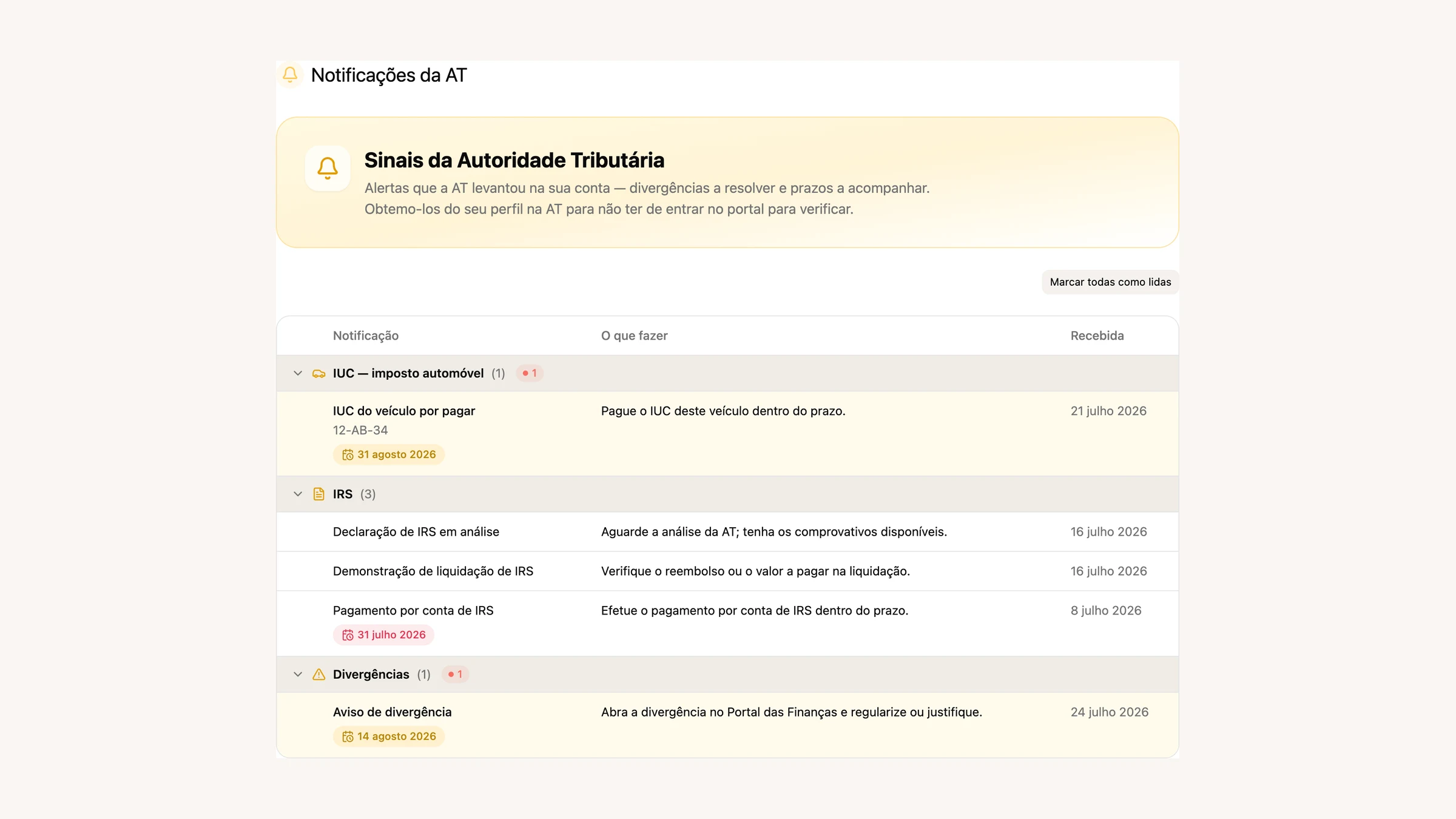
Não é um despejo do que está no Portal. Cada aviso é classificado por assunto e agrupado, e ao lado tens uma coluna **«O que fazer»** escrita em português corrente: *«Abra a divergência no Portal das Finanças e regularize ou justifique.»* Do texto extraímos o que interessa (valor, período, número do processo, infração) e calculamos o prazo, que aparece numa etiqueta e fica vermelha quando já passou.
Ruído na AT há muito, e passámos o mês a filtrá-lo. Avisos repetidos sobre a mesma entrega ficam dobrados num só, os duplicados têm um filtro à parte, e os veredictos das declarações vão para o grupo do IRS em vez de andarem à solta. Na barra lateral há um sino com o número de não lidas.
Uma ressalva: para carregar as notificações oficiais é preciso a conta principal da AT, não um subutilizador. A palavra-passe fica guardada encriptada e serve apenas para ler.
[Ver as minhas notificações →](https://app.fiz.co/at-notifications)
## Um arranque que já sabe quem tu és
Refizemos o primeiro dia no FIZ. Em vez de um formulário à espera que o preenchas, o arranque tem agora **três passos: ligação, importação e análise**. Ligas a AT uma vez e o FIZ vai buscar o resto.
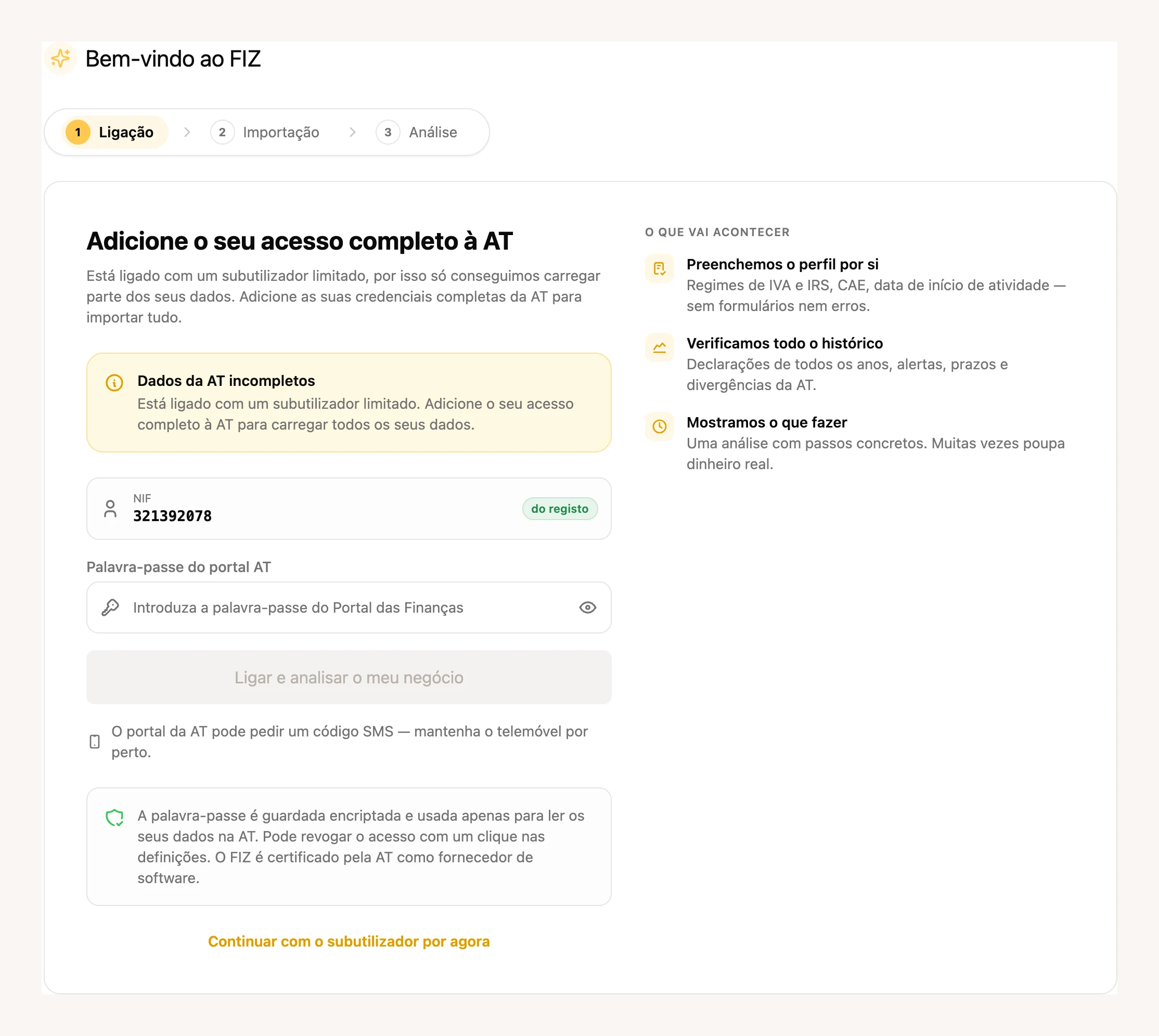
Preenchemos o perfil por ti, com os regimes de IVA e de IRS, o CAE e a data de início de atividade. Importamos o histórico: declarações de todos os anos, alertas, prazos, divergências. E no fim fazemos uma análise do negócio com passos concretos, como faria um contabilista na primeira reunião. Durante a importação vês uma barra que anda de verdade, com o passo do histórico de atividade à vista.
A análise diz o que sabe e o que não sabe. Quando só conseguimos ver parte dos dados, dizemo-lo em vez de fingir um diagnóstico completo, e há uma secção à parte com o que ficou por analisar. As coimas que já pagaste deixaram de aparecer como problema: passam a uma linha a dizer que está tratado.
Esteve fechado a uma parte dos utilizadores durante o mês e **abriu a toda a gente a 28 de julho**.
## A fatura deixa de se perder depois de enviada
O que acontece à fatura depois de sair daqui era, até agora, um ponto cego. Em julho tratámos das duas pontas.
Do teu lado, passas a ver o que aconteceu ao email. A lista de faturas mostra o **estado de entrega** ao lado de cada documento: dois visos quando o cliente abriu, um visto quando saiu daqui, e um envelope vermelho quando não chegou.
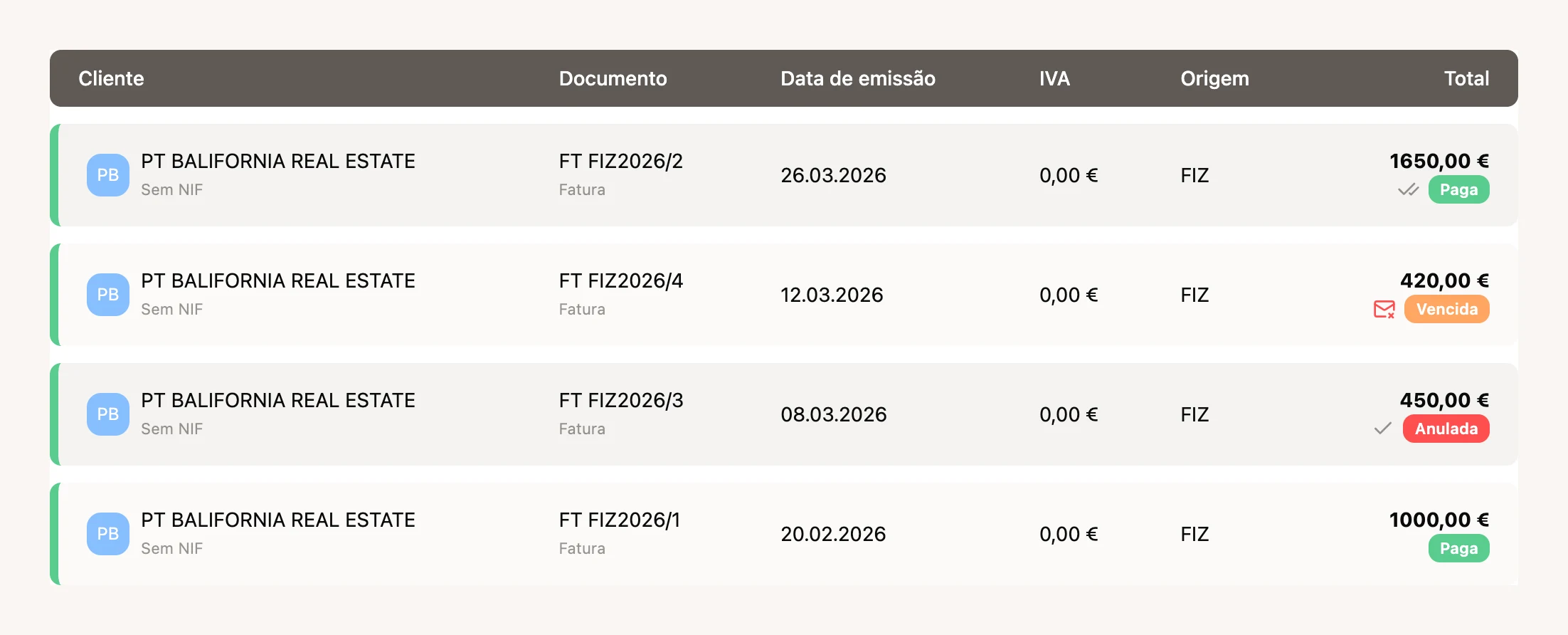
Cada documento guarda também o histórico de todos os envios, não apenas do último, com a linha de quem viu e quando. As falhas explicam-se a si próprias em vez de despejarem o erro técnico do servidor, e podes indicar vários emails para o mesmo cliente, também na aplicação móvel.
Do lado de lá, quem recebe passa a ter onde guardar tudo. A partir do documento que partilhaste, o teu cliente **regista-se num só ecrã** e fica com as faturas recebidas reunidas, um painel com o que anda a gastar e o histórico de quem viu o quê. As propostas comerciais aparecem na mesma lista.
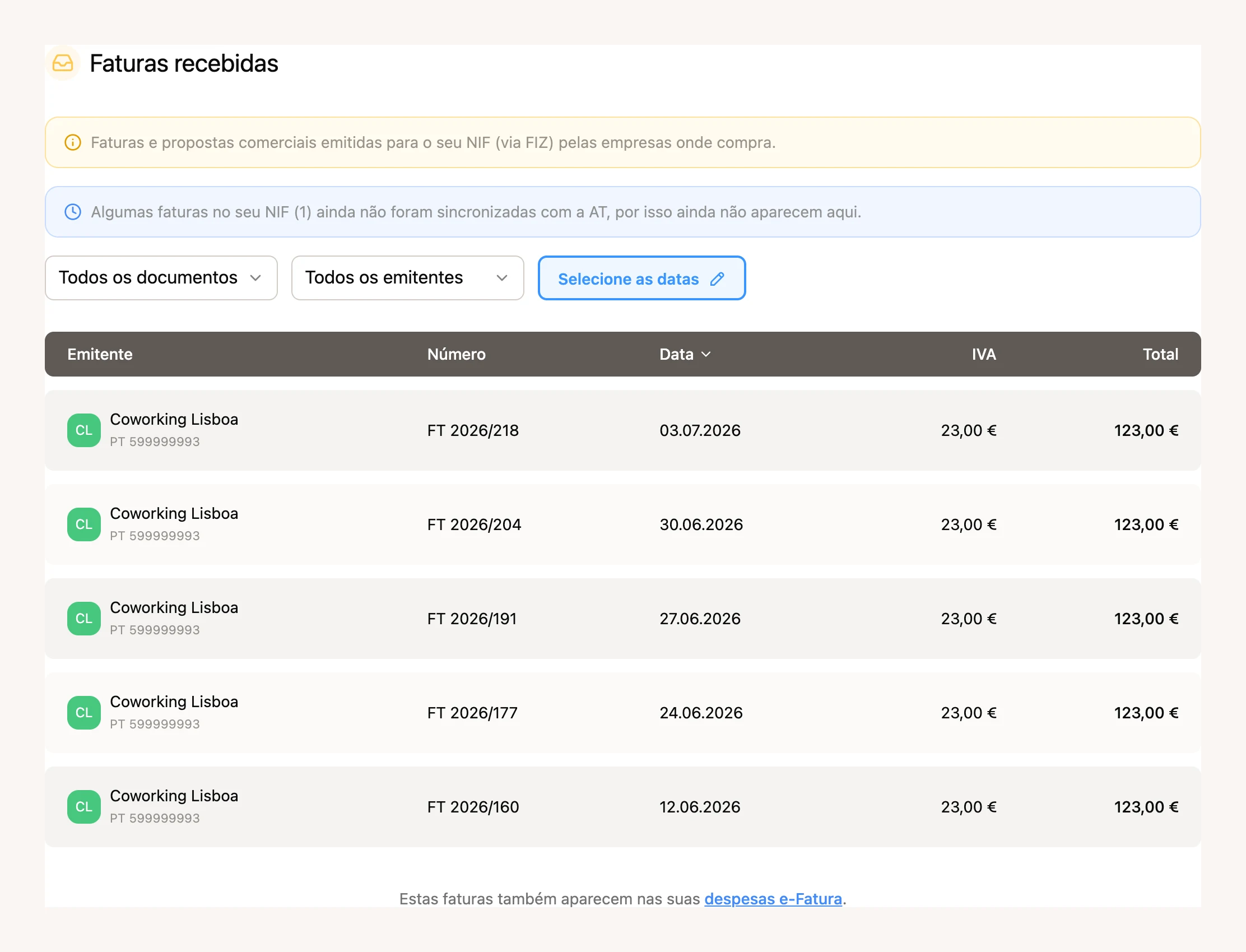
Repara no aviso azul: quando há faturas no teu NIF que ainda não foram sincronizadas com a AT, dizemos quantas são em vez de fingir que a lista está completa.
## Finanças: as despesas do e-Fatura, arrumadas para quem trabalha sozinho
As Finanças estavam pensadas sobretudo para empresas. Em julho viraram-se para quem trabalha por conta própria, e a mudança que mais se nota é simples: as **categorias das faturas recebidas do e-Fatura passaram a aparecer também nas Finanças**, na secção de documentos.
Até agora as despesas do e-Fatura viviam num sítio e os documentos das Finanças noutro. Agora, por cima da lista de documentos, tens três cartões — **Sem categoria**, **Negócio** e **Pessoal** — com a contagem e o valor de cada grupo. São os mesmos grupos e as mesmas palavras da secção de despesas, e clicar num deles filtra a lista. Deixa de haver dois sítios com duas verdades sobre a mesma fatura.
Por trás disto está a **afetação**: decidir, em cada despesa, o que é negócio, o que é pessoal e em que proporção. A classificação passou a ser **pela categoria primeiro** — escolhes a categoria do catálogo e, se ela só servir para um fim, a afetação fica marcada sozinha à tua frente; se for de uso misto, decides tu. As categorias pessoais deixaram de ser inventadas por nós: são as opções de âmbito de aquisição do próprio Portal da AT, identificadas pelo setor do e-Fatura. O NIF do fornecedor procura-o no registo, e o CAE dele reduz a lista às categorias que fazem sentido. Para quem está isento de IVA, o pessoal fica por omissão.
Ao lado disto, o resto do mês nas Finanças:
- No topo há agora uma **barra com o próximo passo** e o estado da tua saúde financeira. O botão «Perguntar à IA» abre o chat na própria página, já com o contexto lá dentro, e encolhe para uma bolha enquanto o assistente trabalha.
- O menu «+ Documento» passou a aceitar ficheiros do **Google Drive** e da **Dropbox**. Passam pelo mesmo caminho do arrastar-e-largar, e não guardamos acessos à tua nuvem.
- **Receber documentos por email** deixou de ser só para empresas. O endereço de reencaminhamento e o respetivo histórico vivem agora no menu «+ Documento», para qualquer conta com dados verificados.
- Nas faturas emitidas escolhes **como o dinheiro entrou**: numerário, banco ou processador de pagamentos. Há uma quarta opção honesta, ainda não pago, que fica por omissão até o recibo aparecer.
- O **Imposto do Selo** passou a ter linha própria e deixou de ser somado ao IVA, onde nunca teve nada que fazer.
[Abrir as Finanças →](https://app.fiz.co/bookkeeping)
## Faturas automáticas a partir dos pagamentos Stripe
Se recebes pelo Stripe, o FIZ passa a poder **preparar a Fatura-Recibo sozinho** a cada pagamento. Ligas nas definições de pagamentos e escolhes uma vez a taxa de IVA, o motivo de isenção (a lista de códigos M vem validada do servidor), o tipo de artigo, o CAE e a descrição da linha. Depois disso, cada pagamento chega já com o documento montado.
Uma nota sobre o alcance, porque é fiscalmente importante. Só entram os pagamentos elegíveis do Checkout: em euros, sem Stripe Tax nem portes. Vendas a clientes estrangeiros são tratadas como B2C com IVA português, e a autoliquidação em B2B, o OSS e as exportações à taxa zero não são aplicados automaticamente. Se o teu caso é um destes, fala connosco antes de ligares isto.
[Configurar as faturas automáticas →](https://app.fiz.co/settings/payments)
## Pagar o FIZ por débito direto
A subscrição passou a poder ser paga por **débito direto SEPA**, através da GoCardless. Autorizas uma vez e deixas de tratar do assunto. Antes de saíres do FIZ dizemos-te claramente para onde vais e quem trata do pagamento.
Está disponível nos dois períodos, **trimestral e anual**, a par do cartão e do MB WAY. As empresas não veem MB WAY, que é uma carteira de consumidor, e pagam por cartão ou débito direto. Ficou **aberto a toda a gente a 31 de julho**.
[Ver os meus planos →](https://app.fiz.co/billing)
## Uma função para quem só passa faturas
Se tens equipa, passaste a poder dar acesso **só à faturação**. Quem tem esta função vê a faturação e mais nada. O assistente de IA, as indicações e quase todas as definições desaparecem, e os valores de faturação ficam escondidos. Serve para quem anda no terreno e só precisa de emitir.
Por baixo, ficou construído para falhar do lado seguro: enquanto o acesso não está confirmado, as secções fechadas ficam fechadas, em vez de piscarem à frente de quem não devia vê-las.
## Na aplicação: quanto custa mesmo receber com cartão
Em junho lançámos o Tap to Pay. Em julho fomos tratar da parte que ninguém gosta de explicar: **quanto é que aquilo te fica a custar**.
Passas a ver a **taxa exata, por canal e por plano**, num painel com as contas todas. Fica assim para cartões europeus:
| Plano | Tap to Pay | Link de pagamento |
|---|---|---|
| Gratuito | 2,9% | 2,9% |
| FIZ Auto · FIZ PRO | 1,9% | 2,4% |
| FIZ Prime · FIZ MAX | 1,4% | 1,9% |
(O FIZ PRO e o FIZ MAX são os planos das empresas; o Auto e o Prime são os de quem trabalha por conta própria.)
A estes valores junta-se uma parte fixa que passou a seguir o canal: **0,20 € no Tap to Pay** e **0,25 € num link**, que é exatamente o que a Stripe nos cobra em cada um.
Cartões de fora do Espaço Económico Europeu ficam nos **2,9% em qualquer plano**. A razão é simples: em presencial custam-nos perto de 2,9%, contra os cerca de 1,4% de um cartão europeu — até julho o preço europeu andava a subsidiar o cartão de cada turista. Nos pagamentos online a diferença é ainda maior, e por isso preferimos **bloquear o cartão não-europeu** a cobrar-te uma sobretaxa por ele.
Não é uma mudança bonita de mostrar, mas é a diferença entre saberes o que ganhas e descobrires depois.
O resto do mês no telemóvel: nos pagamentos recebidos apareceu a linha **«pendente»**, com a explicação de que a primeira transferência demora 7 a 14 dias — era a pergunta que mais nos chegava ao chat. Depois de um pagamento com Tap to Pay, saltar o passo seguinte leva-te agora ao painel de pagamentos em vez de te deixar no vazio. E as horas dos pagamentos passaram a aparecer no teu fuso, não no do servidor.
Três versões em julho, a **4.10**, a **4.11** e a **4.12**. Pelo caminho, o separador **Finanças** passou a abrir dentro da aplicação (ligas o banco, anexas ficheiros e descarregas sem sair), e as **indicações** ficaram nativas, com as duas formas de ganhar: mês grátis, ou o amigo paga o IRS.
[Descarregar a app →](https://apps.apple.com/app/fiz-accounting-made-easy/id6736618714) · [Google Play →](https://play.google.com/store/apps/details?id=co.fiz.app)
## Mais umas melhorias
- A **barra lateral** ficou arrumada: as declarações e a faturação agrupadas, e o seletor de idioma mais compacto.
- Na **API pública** passas a poder registar um pagamento numa fatura emitida e receber o recibo que ele cria. Juntam-se as guias de transporte e o cálculo de IVA.
- A **dispensa de retenção** (artigo 101.º-B) passa a sair impressa na fatura.
## O que vem a seguir
Com as notificações da AT a chegar ao FIZ, o passo seguinte é o que já estás a pensar: deixar de te avisar e começar a tratar. Andamos nisso. Se há algo que gostavas de ver, ou se encontraste um problema, escreve-nos pelo chat dentro da aplicação. Lemos tudo.
Obrigado por usares o FIZ.
---
## Contabilidade organizada ou simplificado: quando mudar
> URL: https://blog.fiz.co/contabilidade-organizada-ou-simplificado
> Category: Guias | Published: 2026-07-29 | Reading time: 8 min
> Compara IRS, Segurança Social e custo do contabilista nos dois regimes. Vê o que muda nas despesas e quais os prazos para mudar.
O Nuno faz vídeo e compra equipamento. A Sofia é copywriter e trabalha sobretudo com um portátil. Ambos querem saber se compensa ter contabilidade organizada. As despesas são um ponto de partida, mas a resposta depende de três contas: **IRS, Segurança Social e custo de tratar das obrigações**.
Os exemplos abaixo são fictícios e usam valores redondos para explicar os cálculos.
## Primeiro: quando é obrigatória
Para quem está no simplificado, a **contabilidade organizada torna-se obrigatória** ao ultrapassar 200.000 € de rendimento anual bruto da categoria B em dois anos consecutivos, ou 250.000 € num único ano. A mudança produz efeitos no ano seguinte.
Dentro dos limites do simplificado, podes optar pela organizada. Se já fizeste essa opção, faturar menos não te faz regressar automaticamente: tens de comunicar a alteração à AT, respeitando o prazo.
## IRS: os 25% são um ponto de partida
No simplificado, os serviços da lista de profissões do art. 151.º do CIRS partem do coeficiente **0,75**. Outras prestações de serviços podem ter **0,35**; as vendas de mercadorias e produtos têm **0,15**. Se tens atividades diferentes, separa os respetivos rendimentos. Estes números determinam a base tributável, não a taxa de imposto.
**No início de atividade,** os coeficientes de serviços 0,75 e 0,35 podem ser reduzidos em **50% no ano fiscal do início da atividade** e **25% no ano seguinte**, desde que nesse ano não tenhas rendimentos de trabalho dependente (categoria A) nem pensões (categoria H). A redução não se aplica se tiveres cessado atividade há menos de cinco anos.
Assim, o coeficiente 0,75 pode passar a 0,375 ou 0,5625, antes dos restantes ajustes. Conta o início da atividade, não o ano em que mudas de regime.
Para os serviços sujeitos a 0,75 ou 0,35, há dois ajustes importantes:
- **Dedução de Segurança Social:** podes deduzir as contribuições obrigatórias da atividade efetivamente suportadas na parte que exceda 10% desses rendimentos brutos, até ao limite do rendimento líquido correspondente, se não tiverem sido deduzidas a outro título.
- **Regra dos 15%:** se as deduções e despesas elegíveis não atingirem 15% desses rendimentos de serviços, a diferença acresce à base. Conta a dedução automática prevista na lei ou, se superior, a parte das contribuições que não foi usada no ajuste anterior, além das restantes despesas elegíveis. A mesma contribuição não entra duas vezes; certas despesas parcialmente afetas à atividade contam apenas a 25%.
**Exemplo da Sofia:** está no terceiro ano fiscal de atividade, sem interrupções. Fatura 40.000 € sem IVA em serviços sujeitos a 0,75 e paga 6.000 € de contribuições obrigatórias da atividade no ano. Admitindo que cumpre a regra dos 15%, não usa essas contribuições noutro desconto e não tem benefícios especiais:
| Passo | Valor |
|---|---:|
| Base inicial: 40.000 € × 0,75 | 30.000 € |
| Contribuições acima de 10% do rendimento: 6.000 € − 4.000 € | −2.000 € |
| Base de IRS da atividade | **28.000 €** |
Neste exemplo, a base é 70% da faturação. Por isso, comparar os gastos da organizada com uma margem fixa de 25% pode dar uma conclusão errada.
## Na organizada, comprar não é sempre deduzir de uma vez
Uma compra de equipamento pode entrar nos gastos através de **depreciações**, repartindo o custo por vários anos. No caso do Nuno, importa quanto do equipamento é fiscalmente dedutível em cada ano, não apenas o dinheiro que saiu da conta.
Também pode haver despesas contabilizadas que não são aceites fiscalmente e têm de ser acrescentadas ao resultado. Para comparar, usa o **lucro tributável**, não apenas o resultado líquido da contabilidade.
> **Atenção:** despesas abaixo de 25% podem favorecer o simplificado; despesas elevadas podem favorecer a organizada. Nenhuma destas situações, por si só, decide o resultado. Na organizada contam os gastos aceites; no simplificado contam os coeficientes e os ajustes aplicáveis.
## Segurança Social: compara também a base e o ano
Para quem tem obrigação de contribuir, as regras gerais são:
| Apuramento | Base mensal, antes dos limites e regras especiais |
|---|---|
| Trimestral | Rendimento relevante do trimestre anterior ÷ 3; em regra, 70% dos serviços e 20% da produção e venda de bens |
| Pelo lucro tributável | Lucro tributável comunicado à SS ÷ 12 |
Sobre a base aplica-se a taxa do enquadramento: **21,4% para TI** ou **25,2% para ENI/EIRL**. Confirma a categoria na Segurança Social; ter organizada não determina, por si só, a taxa.
**Exemplo do Nuno:** com 9.000 € de serviços num trimestre, taxa de 21,4%, sem isenção nem ajuste da base, a contribuição é **9.000 € × 70% ÷ 3 × 21,4% = 449,40 €/mês**, durante os três meses seguintes. Nenhum limite altera este exemplo.
Na base apurada pelo lucro, há um mínimo de 1,5 IAS; o teto geral da base é 12 IAS. O IAS é o indexante atualizado anualmente. Com faturação irregular, os limites podem tornar enganadora uma estimativa feita apenas pela média anual.
A base pelo lucro é fixada em outubro para o ano seguinte. Há um desfasamento: **lucro do ano N → declaração anual de IRS e fixação da base em N+1 → contribuições em N+2**. Não uses uma contribuição atual baseada num ano antigo como previsão permanente.
Podes escolher o apuramento trimestral **mesmo mantendo contabilidade organizada**. Nesse apuramento existe a [opção de ajustar a base até 25%](/seguranca-social-opcao-25-declaracao-trimestral), com limites e efeitos nas prestações sociais.
## Compara o custo total dos dois cenários
| Parcela | O que incluir |
|---|---|
| IRS | Simulação de cada regime com os mesmos rendimentos do agregado e situação familiar |
| Tributações autónomas | Imposto adicional sobre certas despesas; algumas, como as de representação e viaturas abrangidas pelo art. 73.º, n.º 2, não se aplicam no simplificado |
| Segurança Social | Contribuições previstas, considerando o calendário, a taxa e as opções disponíveis |
| Contabilista ou serviço | Avenças, subscrições, declarações anuais cobradas à parte e custo de fechar o último ano em organizada |
Não somes as tributações autónomas duas vezes se a simulação de IRS já as incluir. E **menos base tributável não significa igual poupança de imposto**: o resultado depende também dos escalões e das deduções do agregado.
O **IVA tem regras próprias**. Podes estar no simplificado de IRS e no regime normal de IVA, com direito à dedução quando cumpres as condições do CIVA. A organizada não é um requisito geral para deduzir IVA. Nas contas, exclui da receita o IVA cobrado e dos gastos o IVA que seja recuperável.
## Quando e como mudar
- **IRS:** para alterar por opção o regime com efeitos desde 1 de janeiro, a declaração de alterações deve ser entregue no Portal das Finanças até **31 de março desse ano**, cumprindo as condições do regime pretendido. Articula a entrega com o contabilista. Ao sair da organizada, é preciso fechar as contas e cumprir as obrigações do último ano nesse regime.
- **Segurança Social:** se estás no apuramento pelo lucro tributável e queres passar ao trimestral desde janeiro, o período de opção é **de 1 a 30 de novembro do ano anterior**. Confirma a notificação e o enquadramento na Segurança Social Direta.
São procedimentos distintos. Mudar o IRS na AT não garante que a SS passe automaticamente ao cálculo trimestral em janeiro; a comunicação dos dados entre os serviços tem o seu próprio calendário.
Antes de decidir, reúne a faturação por atividade sem IVA, o detalhe dos gastos fiscalmente aceites, as contribuições efetivamente pagas, a notificação atual da SS e os custos de contabilidade ou serviço. Faz também uma previsão para o próximo ano: uma compra excecional ou um trimestre muito forte pode não se repetir.
## Em resumo
- **Confirma se podes escolher.** Os limites de rendimento e uma opção anterior pela organizada determinam o teu ponto de partida.
- **Compara IRS, SS e custos de serviço.** A regra dos 25% é apenas uma aproximação para certos serviços; os ajustes de SS, as despesas elegíveis e as depreciações podem mudar a conta.
- **Planeia os dois calendários.** IRS e SS têm procedimentos separados. No simplificado, o [FIZ](https://fiz.co/) ajuda-te a gerir a faturação, as despesas e as declarações periódicas de IVA e trimestrais da SS. Consulta o que está incluído nos [planos](https://fiz.co/planos).
---
## Declaração de alterações: local, CAE ou IVA
> URL: https://blog.fiz.co/declaracao-de-alteracoes-atividade
> Category: Guias | Published: 2026-07-28 | Reading time: 5 min
> Mudaste de atividade, de CAE ou de local? Em regra, 15 dias para comunicar às Finanças (o IVA tem calendário próprio). O que obriga à declaração.
Entre **abrir** atividade e **encerrá-la**, há uma coisa a meio que muita gente esquece: quando algo muda na tua atividade - o local onde trabalhas, o tipo de trabalho, o IBAN, o regime de IVA - tens de o comunicar às Finanças. Chama-se **declaração de alterações**, e tem um prazo curto. Este guia diz-te o quê e como.
## O que obriga a uma declaração de alterações
Sempre que muda um dos dados que estavam na tua **declaração de início de atividade**, tens de o atualizar. Os casos mais comuns num freelancer:
## O prazo: 15 dias
A regra geral é clara: tens **15 dias** a contar da data em que a alteração aconteceu para a comunicar (salvo se a lei previr outro prazo para um caso específico). Não é algo para "deixar para o IRS" - é uma obrigação com prazo próprio.
## Como se faz
> **Atenção:** a alteração de **regime de IVA** tem nuances de calendário próprias (quando passas ou deixas de estar isento pelo art. 53.º, o efeito e o prazo dependem do momento em que cruzas o limite). Se é o teu caso, confirma as datas - pode ser um erro caro nesta declaração. Nas restantes alterações aqui descritas, aplica-se em regra o prazo de 15 dias.
## ✅ Em resumo
1. **A declaração de alterações comunica às Finanças** as mudanças na tua atividade aberta - local de atividade, CAE, regime de IVA, IBAN. É a peça a meio, entre abrir e encerrar atividade.
2. **Em regra, tens 15 dias** desde a alteração para a fazer, online no Portal das Finanças (ou presencialmente) - mas a mudança de **regime de IVA** tem calendário próprio (ver acima). A **morada** pode ser atualizada pelo Cartão de Cidadão, que comunica sozinho.
3. **Com o [FIZ](https://fiz.co/)** manténs os teus dados de atividade organizados e sabes quando uma mudança (como passar o limite do IVA) obriga a agir - sem deixar passar o prazo. Vê os [planos](https://fiz.co/planos).
---
## Não consegues pagar o imposto? Planos prestacionais
> URL: https://blog.fiz.co/planos-prestacionais-financas-seguranca-social
> Category: Guias | Published: 2026-07-27 | Reading time: 6 min
> Uma nota de IRS ou Segurança Social maior do que esperavas? Podes pagar em prestações. Como se pede, quando é sem garantia e o que evitar.
Chega a nota de IRS e é maior do que a Sofia tinha guardado. O primeiro instinto é entrar em pânico. O segundo, e certo, é saber que **não tens de pagar tudo de uma vez**: tanto as Finanças como a Segurança Social deixam-te pagar a dívida **em prestações**. O importante é agir cedo e conhecer as regras.
## São duas frentes
Como sempre, há dois credores diferentes - e cada um tem o seu plano:
- **Finanças (AT):** dívidas de IRS (e também IRC e IUC). O **IVA que declaras tu** não entra neste plano *antes da execução* — aí só cabem impostos liquidados pela própria AT; mas **em execução fiscal** qualquer dívida, IVA incluído, já pode ser paga em prestações.
- **Segurança Social:** para contribuições em atraso.
Pedes cada um no seu portal, e são processos separados. E há um prazo a não perder: **antes da execução, o pedido às Finanças faz-se até 15 dias após a data-limite de pagamento** da nota; passado esse prazo, o plano só pela via da execução fiscal.
## Quando é sem garantia (o caso mais comum)
A boa notícia para um freelancer: dívidas mais pequenas conseguem plano **sem teres de dar garantia** (fiança, hipoteca):
Acima destes limites costuma ser preciso **garantia**. Já **na execução fiscal**, é preciso garantia (ou dispensa autorizada) para suspender o processo - a dispensa concede-se, em regra, para dívidas dentro daqueles limites; uma **garantia bancária** que cubra a dívida pode ainda reduzir os juros de mora.
## O que evitar
> **Atenção:** o plano tem **juros** (a prestação é a dívida a dividir + juros de mora). Não é dinheiro grátis - é uma forma de não afundar. E os limites e o número de prestações dependem do valor e da tua situação, por isso confirma no portal (ou com o contabilista) o que se aplica ao teu caso antes de contares com um número certo. O essencial: **não ignores** a dívida - quanto mais cedo agires, menos arriscas agravá-la (juros e penhora).
## ✅ Em resumo
1. **Podes pagar em prestações** tanto às Finanças como à Segurança Social - são dois pedidos separados, cada um no seu portal.
2. **Antes da execução, dívidas mais pequenas têm plano sem garantia** (nas Finanças, até 5.000 € - pessoa singular - ou até 12 prestações; na Segurança Social, dispensada para valores baixos). Na execução fiscal é preciso garantia para suspender, com dispensa para dívidas dentro desses limites; uma garantia bancária pode reduzir os juros. Falhar prestações sem garantia torna a dívida toda exigível.
3. **Com o [FIZ](https://fiz.co/)** vês o que vais dever de IRS e Segurança Social ao longo do ano, por isso raramente chegas à nota de surpresa - e, se chegares, pedes o plano cedo. Vê os [planos](https://fiz.co/planos).
---
## Certidão de não dívida (Finanças e Segurança Social)
> URL: https://blog.fiz.co/certidao-nao-divida-financas-seguranca-social
> Category: Guias | Published: 2026-07-26 | Reading time: 5 min
> Um concurso, um crédito ou um senhorio pedem-te prova de que não tens dívidas ao Estado. São dois documentos, gratuitos e imediatos. Onde clicar em cada um.
A Rita candidatou-se a um apoio e, a meio do processo, pedem-lhe uma "certidão de não dívida". Entra em pânico - parece coisa de advogado. Não é: são **dois documentos**, tiras os dois online, de graça, em minutos. Este guia diz-te onde clicar.
## Para que serve
A certidão de não dívida prova a terceiros que tens a tua **situação regularizada** com o Estado. Costuma ser pedida para:
- candidaturas a **apoios e subsídios**;
- **concursos** públicos e alguns contratos;
- pedidos de **crédito** (muitas vezes com [prova de rendimentos](/provar-rendimentos-freelancer));
- por vezes, por **senhorios** ou para vistos.
Em regra são **duas** frentes, porque há dois credores diferentes - as **Finanças** (impostos) e a **Segurança Social** (contribuições) - embora um processo específico possa pedir só uma.
## Como a tirar - as duas
Precisas apenas das senhas de acesso (ou Chave Móvel Digital / Cartão de Cidadão). O documento é gerado automaticamente, em PDF, para guardares ou enviares.
## Validade: 4 meses
As duas têm **validade de 4 meses**. (A certidão das Finanças foi alargada de 3 para 4 meses pelo Decreto-Lei n.º 49/2025, ficando igual à da Segurança Social.) Tira-a **perto** da data em que a vais entregar, para não caducar a meio do processo.
> **Atenção:** nas Finanças a certidão é uma só - a **Certidão de Dívida e Não Dívida**: se estás em dia, atesta que não tens dívidas; se tens dívida por regularizar, o próprio documento indica o valor em dívida. Com um **plano de pagamento** a ser cumprido (ou penhora/garantia que a suspende), a situação pode contar como **regularizada**. Se tens uma dívida por resolver, trata dela **antes** de precisares da certidão, porque a regularização não é imediata.
## ✅ Em resumo
1. **A "certidão de não dívida" são dois documentos:** um das **Finanças** (Certidão de Dívida e Não Dívida) e um da **Segurança Social** (declaração de situação contributiva). Ambos provam que estás regularizado.
2. **Tiras os dois online, de graça e na hora** - no Portal das Finanças e na Segurança Social Direta - e cada um vale **4 meses**. Só sai "não dívida" se estiveres em dia (ou com a dívida regularizada por plano).
3. **Com o [FIZ](https://fiz.co/)** manténs as contribuições e os impostos em dia sem te esqueceres de prazos, por isso, quando precisares da certidão, ela sai limpa à primeira. Vê os [planos](https://fiz.co/planos).
---
## Como provar rendimentos sendo freelancer
> URL: https://blog.fiz.co/provar-rendimentos-freelancer
> Category: Guias | Published: 2026-07-25 | Reading time: 6 min
> Sem recibo de vencimento, provar quanto ganhas parece um problema. Não é - há documentos que o fazem. E um erro comum que te fecha portas: declarar a menos.
O André quer arrendar um apartamento. O senhorio pede "comprovativo de rendimentos" e o André congela: não tem recibo de vencimento. O mesmo acontece a quem pede crédito. A boa notícia: um freelancer **consegue** provar o que ganha - só que não com um papel, mas com um **conjunto** deles. A má notícia: quem declara a menos para poupar em impostos descobre, tarde, que fica sem como provar o rendimento real.
## Não há um papel - há um conjunto
Ninguém espera de ti um recibo de vencimento. O que bancos e senhorios querem é ver **rendimento e estabilidade**. Estes são os documentos que o mostram:
E a [certidão de não dívida](/certidao-nao-divida-financas-seguranca-social) costuma juntar-se ao processo, para mostrar que estás em dia com o Estado.
## O que bancos e senhorios olham
O crédito à habitação costuma ser dos mais exigentes - montantes altos, prazos longos - por isso os bancos analisam com lupa a **evolução** do teu rendimento e a estabilidade da atividade.
## O erro que te fecha as portas: declarar a menos
Aqui está a armadilha. Declarar o mínimo para pagar menos IRS parece esperto - até ao dia em que precisas de provar rendimentos. Um rendimento declarado baixo dá:
- menos capacidade de crédito;
- mais dificuldade em arrendar;
- e, já agora, pode significar uma reforma mais pequena amanhã (contribuis sobre menos rendimento).
O que "poupas" hoje em imposto pode custar-te o apartamento ou o crédito. Declarar tudo certo não é só a lei - é o que te deixa **usar** o teu próprio rendimento quando precisas dele.
> **Atenção:** cada banco e cada senhorio pede a sua combinação de documentos - confirma a lista antes. E não há atalhos: a prova de rendimentos constrói-se com **tempo** e declarações certas, não à última hora. Se sabes que vais pedir crédito daqui a um ano, começa já a tratar as declarações como o que são - o teu currículo financeiro.
## ✅ Em resumo
1. **Não precisas de um recibo de vencimento** - precisas de um conjunto: **declaração de IRS (Modelo 3) + nota de liquidação** (a prova-chave), recibos verdes, declarações trimestrais da Segurança Social, declaração de início de atividade e extratos bancários.
2. **Bancos e senhorios querem estabilidade:** histórico, rendimento coerente e taxa de esforço confortável. O crédito à habitação é o mais exigente.
3. **Declarar a menos fecha-te portas** - menos crédito, mais dificuldade em arrendar, possivelmente uma reforma menor. **Com o [FIZ](https://fiz.co/)** manténs recibos e declarações organizados e coerentes, por isso a tua prova de rendimentos está sempre pronta. Vê os [planos](https://fiz.co/planos).
---
## O cliente não paga: da fatura vencida à injunção
> URL: https://blog.fiz.co/cliente-nao-paga-injuncao
> Category: Guias | Published: 2026-07-24 | Reading time: 6 min
> Um cliente que não paga é o pesadelo do freelancer. Vê os passos - do lembrete à injunção que te dá um título executivo - e como recuperar o IVA.
A Marta entregou o trabalho, emitiu a fatura de **2.000 €** e ficou à espera. Passaram 30 dias, 60, 90 - e nada. O cliente deixou de responder aos e-mails. Pior: se emitiu a fatura, a Marta pode até já ter **entregado o IVA** dessa fatura ao Estado, do próprio bolso. O que fazer? Há um caminho, e é mais acessível do que parece.
## Primeiro: o lembrete (e os juros de mora)
Antes de qualquer coisa formal, um lembrete escrito pode resolver muitos casos. Se não resolver, envia uma **interpelação** (por e-mail e, melhor, carta registada) a dar um prazo final para pagar.
E há um direito que muitos freelancers esquecem: numa transação comercial (B2B), podes cobrar **juros de mora** desde o dia seguinte ao vencimento - não tens de "oferecer" o atraso. Mencioná-lo na interpelação costuma acelerar o pagamento.
## O instrumento certo: a injunção
Se o lembrete não chega, o passo seguinte **não** é logo o tribunal - é a **injunção**: um procedimento rápido e barato, tratado pelo **Balcão Nacional de Injunções (BNI)**, para obteres um **título executivo** - o documento que te permite, depois, executar a dívida (penhorar contas, salários, bens).
**Como se entrega, na prática:** se tiveres **advogado ou solicitador**, ele submete o pedido online no **Portal Citius** (a via eletrónica está reservada a estes profissionais). **Sem representante** - e não és obrigado a ter um - entregas o requerimento **em papel ou em ficheiro informático num tribunal competente**, que o encaminha para o BNI. Há um formulário próprio e uma taxa de justiça.
Se o devedor **não se opõe**, ficas com o título sem sequer ires a tribunal. Se se opuser, o caso segue para os tribunais como uma ação (com os custos que isso traz).
## E o IVA que já adiantaste?
Aqui está a parte que quase ninguém aproveita. Se emitiste a fatura com IVA e entregaste esse IVA ao Estado, mas nunca recebeste do cliente, podes **recuperar esse IVA** se cumprires as condições, eventos e prazos - não fica automaticamente perdido:
É outra razão para não deixares uma fatura vencida a "envelhecer" sem agir: o IVA só se recupera cumprindo prazos e regras.
## Prevenir é melhor: sinais e recibo quando recebes
Duas defesas simples para o futuro:
- **Pedir um sinal/adiantamento** antes de começar trabalhos grandes - separa os clientes sérios dos outros.
- Se estiveres no **regime de IVA de caixa**, entregas o IVA **quando recebes** e não antes - embora, se a fatura ficar mesmo por pagar, o IVA se torne exigível ao fim de 12 meses na mesma.
> **Atenção:** a injunção não serve para tudo - qualquer oposição apresentada em prazo trava a emissão imediata do título (o mérito vê-se depois, em tribunal), e se a dívida é controversa precisas mesmo de aconselhamento jurídico. E os prazos do IVA (na via geral, 12 meses de mora e 6 meses para o pedido) são apertados: se tens uma fatura antiga por receber, fala com o teu contabilista **antes** de o prazo fechar.
## ✅ Em resumo
1. **Não saltes logo para o tribunal.** Lembrete com juros de mora → **injunção** (rápida e barata) para obter um **título executivo** → execução. Com advogado/solicitador entra pelo Citius; sem representante, em papel ou ficheiro num tribunal competente. A injunção serve dívidas de contrato até 15.000 € ou de transações comerciais (sem limite).
2. **Não percas o IVA que adiantaste.** Se emitiste fatura com IVA e não recebeste, podes conseguir recuperá-lo, se cumprires as condições, como crédito de **cobrança duvidosa** (em regra, mora > 12 meses) ou **incobrável** (execução/insolvência) - dentro dos prazos do art. 78.º-A/78.º-B do CIVA.
3. **Com o [FIZ](https://fiz.co/)** vês num relance que faturas estão por receber e há quanto tempo, por isso ages a tempo - antes de o cliente desaparecer e antes de o prazo do IVA fechar. Vê os [planos](https://fiz.co/planos).
---
## Avença mensal: como faturar clientes fixos
> URL: https://blog.fiz.co/avenca-mensal-freelancer
> Category: Guias | Published: 2026-07-23 | Reading time: 6 min
> Um cliente que te paga o mesmo todos os meses muda a tua relação fiscal. O que é uma avença, como a faturas e o cuidado com a dependência económica.
O Hugo, programador freelancer, fechou um acordo de sonho: um cliente paga-lhe **1.500 € por mês** para estar disponível e resolver o que aparecer. Chama-se **avença** - um valor fixo e recorrente por serviços contínuos. É excelente para a tesouraria, mas muda duas coisas na tua vida fiscal que convém perceber antes de assinar.
## O que é (e como se fatura)
Uma avença é um **valor fixo mensal** por uma prestação de serviços continuada (manutenção, consultoria, apoio, gestão de redes, etc.). Fiscalmente, não tem um regime especial: cada mês emites uma **fatura** (ou fatura-recibo, se faturas e recebes no mesmo ato) pelo valor da avença, como em qualquer serviço.
Ou seja, no dia a dia é simples - o que muda é a **escala** e a **concentração** num só cliente.
## O que muda nos impostos
A avença conta como rendimento normal da **categoria B**. As regras são as mesmas de qualquer serviço, mas aplicadas a um valor certo e repetido:
A boa notícia: como o valor é sempre o mesmo, é o rendimento **mais fácil de planear** que um freelancer pode ter - sabes com boa aproximação o que vais faturar e descontar (o IRS final ainda depende do ano todo).
## O cuidado: a dependência económica
Aqui está o que quase ninguém pensa ao assinar. Se a avença for **grande** em relação ao resto do que faturas, esse cliente pode passar dos **50%** do teu rendimento de serviços (categoria B) - e aí a Segurança Social passa a olhar para vocês de outra forma.
Não é mau - pode até ajudar-te a cumprir uma das condições do subsídio por cessação, que um freelancer com muitos clientes não tem tão facilmente. Mas o teu cliente pode não saber que uma avença grande o **pode** tornar **entidade contratante**, com uma contribuição própria - vale a pena falares disso antes. (Essa obrigação só surge quando se juntam três coisas: mais de 50% do teu rendimento de serviços vir dele, estares sujeito à obrigação de contribuir, e teres tido rendimento de serviços de pelo menos 6 vezes o IAS no ano - no total, não só desse cliente.)
> **Atenção:** uma avença não te deve prender. Mantém, se puderes, **mais do que um cliente** - não só pelo risco de dependência fiscal, mas porque perder uma avença que era 80% do teu rendimento é um choque. A avença é uma âncora boa; não a deixes tornar-se a única.
## ✅ Em resumo
1. **Uma avença é um valor fixo mensal** por serviços contínuos - emites uma fatura (ou fatura-recibo) por mês, como qualquer serviço (IRS sobre 75%, Segurança Social 21,4% × 70%, IVA se não isento). A vantagem é ser **previsível**.
2. **Cuidado com a dependência económica:** se um cliente passa dos **50%** do teu rendimento de serviços, ficas economicamente dependente (o que ajuda a cumprir uma das condições do subsídio por cessação) e ele pode tornar-se **entidade contratante** (com contribuição própria, se reunidas todas as condições). Fala disto com o cliente antes de assinar.
3. **Com o [FIZ](https://fiz.co/)** as avenças ficam registadas e recorrentes, e vês logo o peso de cada cliente no teu total - por isso percebes a tempo se estás a aproximar-te dos 50%. Vê os [planos](https://fiz.co/planos).
---
## Adiantamentos e sinais: como faturar antes do trabalho
> URL: https://blog.fiz.co/adiantamentos-sinais-como-faturar
> Category: Guias | Published: 2026-07-22 | Reading time: 5 min
> Pedes um sinal antes de começar? Ótimo para a tesouraria - mas o IVA torna-se exigível logo que recebes. Como faturar o adiantamento e acertar no fim.
A Rita vai começar um projeto grande e pede um **sinal de 50%** antes de arrancar. Boa decisão - reduz o risco se o cliente desistir a meio. Mas surge a dúvida: como se fatura dinheiro que recebes **antes** de fazer o trabalho? E o IVA, paga-se já ou só no fim? Vamos por partes.
## A regra: recebeste, faturas (e o IVA fica exigível)
O princípio é simples: sempre que **recebes** um pagamento - mesmo que seja um adiantamento por trabalho ainda não feito - tens de **emitir fatura** por esse valor na data do recebimento. E o **IVA torna-se exigível** nesse momento (art. 8.º do CIVA), não quando entregas o trabalho.
Ou seja, o adiantamento não é "dinheiro à parte": para o Estado, é uma operação tributável e faturável no momento em que entra.
## Exemplo: a Rita e o sinal de 50%
Repara: faturas o sinal quando o recebes. No fim, a **fatura de acerto** indica o **valor total** da operação, **abate o adiantamento** já faturado (com menção à fatura do sinal) e o **IVA só incide sobre a diferença** (art. 36.º do CIVA). Só se, por lapso, emitires no fim uma fatura pelo total **sem** abater o sinal é que tens de corrigir com uma **nota de crédito** (documento retificativo - art. 29.º n.º 7 e 36.º do CIVA - e a regularização do IVA segue o art. 78.º).
> **Atenção:** um adiantamento não é um depósito "informal" que guardas fora da contabilidade - assim que entra, é faturável e o IVA fica exigível. Contar com ele sem faturar é um erro comum e caro. E se o projeto não avançar e tiveres de devolver o sinal, há um procedimento próprio (nota de crédito, com a regularização do IVA pelo art. 78.º do CIVA) - fala com o contabilista nesse caso.
## ✅ Em resumo
1. **Recebeste, faturas.** Um sinal ou adiantamento fatura-se na **data do recebimento**, e o **IVA fica exigível** nesse momento (art. 8.º do CIVA) - não no fim do trabalho.
2. **A fatura final faz o acerto:** indica o valor total e abate o sinal já faturado, com o IVA a incidir só sobre a diferença. Só precisas de nota de crédito se emitires a fatura final sem abater o adiantamento.
3. **Pedir um sinal reduz a tua exposição** a um [cliente que não paga](/cliente-nao-paga-injuncao) - e, **com o [FIZ](https://fiz.co/)**, faturas o adiantamento e o acerto final sem te baralhares com o IVA de cada parte. Vê os [planos](https://fiz.co/planos).
---
## Faturar em dólares ou libras: câmbio, IVA e o recibo
> URL: https://blog.fiz.co/faturar-em-moeda-estrangeira
> Category: Guias | Published: 2026-07-21 | Reading time: 5 min
> Um cliente estrangeiro quer pagar em dólares? Podes faturar em moeda estrangeira - mas o valor conta-se em euros e o IVA vai sempre em euros.
A Inês tem um cliente nos Estados Unidos que insiste em pagar em **dólares**. Ela hesita: pode passar um recibo verde em moeda que não seja o euro? Pode - mas há três regras que tornam tudo simples se as souberes à partida.
## Sim, podes faturar em moeda estrangeira
Nada te obriga a faturar em euros: podes emitir o recibo em **dólares, libras, francos suíços** - a moeda que o cliente usar. O que a lei exige é que a fatura seja **traduzível** para euros de forma clara, porque é em euros que o Estado te lê.
## As três regras
Para o típico freelancer no simplificado, o que conta é o **valor em euros** - não o número em dólares no topo da fatura. Nota: para o **IRS e a Segurança Social**, a conversão reporta-se ao momento em que o rendimento é **recebido ou posto à tua disposição** (art. 23.º do CIRS), que pode não coincidir com a data da fatura.
## Exemplo: a Inês fatura 1.000 USD
É o valor em euros que entra na tua declaração trimestral da Segurança Social e no teu IRS - convertido ao câmbio do momento em que **recebes** o dinheiro (art. 23.º do CIRS), que pode diferir do da data da fatura. Por isso convém registar a data e o câmbio de cada pagamento.
> **Atenção:** não confundas o câmbio de **referência** (para efeitos fiscais) com o câmbio a que o teu **banco** te converte o dinheiro. O banco costuma aplicar uma taxa menos favorável e comissões, por isso o que **recebes** na conta pode ser diferente dos ~926 € do exemplo (e o câmbio ainda se move entre a fatura e o pagamento). Para os impostos, conta o câmbio de referência; para o teu bolso, conta o do banco - dois números diferentes.
## ✅ Em resumo
1. **Podes faturar em moeda estrangeira** (dólares, libras...). Convém **registar o câmbio** usado e, se cobras IVA, o **IVA vai sempre em euros** (essa menção é obrigatória).
2. **Para o IVA**, podes usar a última taxa do BCE ou a taxa de venda de um banco (art. 16.º do CIVA). Para o **IRS e a Segurança Social** conta o **valor em euros** no momento em que recebes o rendimento (art. 23.º do CIRS) - não o valor na moeda estrangeira.
3. **Com o [FIZ](https://fiz.co/)** emites o recibo na moeda do cliente com o câmbio tratado, e o valor em euros fica logo pronto para as tuas declarações - sem contas à mão. Vê os [planos](https://fiz.co/planos).
---
## ATCUD e código QR: os códigos obrigatórios nas tuas faturas
> URL: https://blog.fiz.co/atcud-codigo-qr-faturas
> Category: Guias | Published: 2026-07-20 | Reading time: 5 min
> Aquele código estranho e o QR no fundo da fatura não são decoração - são o ATCUD e o código QR. O que são, desde quando e o que tens de fazer.
Olhas para uma fatura recente e vês, no fundo, um **quadrado QR** e um código a começar por "ATCUD:". Não são enfeites nem opcionais - são obrigatórios por lei (o ATCUD em todas as faturas; o código QR nas emitidas por programa certificado) e servem para **identificar e rastrear** cada fatura (e para o teu cliente a poder registar no e-Fatura). Aqui está o que são e o que tens de fazer.
## O que são
Fazem parte do mesmo pacote legal (Decreto-Lei n.º 28/2019 e Portaria n.º 195/2020), criado para combater a fatura falsa e a economia paralela:
Na prática, quando há código QR, o ATCUD aparece **por cima** dele. O **ATCUD** tem de constar em **todas as páginas** do documento; o **código QR** é exigido nos documentos emitidos por **programa certificado**.
## De onde vem o ATCUD
Aqui está a única parte que exige uma ação tua: o código de validação que forma o ATCUD **não é inventado** - é atribuído pela AT quando **comunicas as tuas séries de documentos**. Depois disso, cada fatura dessa série leva o ATCUD automaticamente.
Como se faz depende de como faturas:
Ou seja, se usas o Portal das Finanças ou um programa certificado, isto acontece **em regra automaticamente** - não tens de calcular nada (mas confirma que a série ficou comunicada). Há ainda documentos pré-impressos por tipografia autorizada; o erro a evitar é faturar fora das vias legais - por exemplo, um Word feito à mão, que não é documento válido.
> **Atenção:** o ATCUD depende de teres a **série comunicada** à AT. Se mudas de software, ou abres uma série nova, confirma que a comunicação foi feita - senão as faturas saem sem código válido. Em caso de dúvida, o teu contabilista ou o suporte do software confirmam num minuto.
## ✅ Em resumo
1. **O ATCUD e o código QR são obrigatórios** nas faturas (ATCUD desde 2023, em todos os documentos; QR desde 2022, nos de programa certificado) - fazem parte do combate à fatura falsa (DL 28/2019 + Portaria 195/2020).
2. **O ATCUD vem da série comunicada à AT.** Se faturas no Portal das Finanças ou em software certificado, o ATCUD sai **automaticamente** - só tens de garantir que a série está comunicada. O **código QR** só aparece nas faturas de **software certificado** (o Portal e os documentos pré-impressos não o geram).
3. **Com o [FIZ](https://fiz.co/)** as tuas faturas saem já com ATCUD e código QR, em conformidade, sem teres de pensar nisso. Vê os [planos](https://fiz.co/planos).
---
## Software de faturação certificado: quando é obrigatório
> URL: https://blog.fiz.co/software-faturacao-certificado
> Category: Guias | Published: 2026-07-19 | Reading time: 5 min
> Tens de comprar um programa de faturação? Nem sempre - o Portal das Finanças é a alternativa gratuita da AT. Quando o certificado é obrigatório.
O Diogo abriu atividade e vê toda a gente a falar de "software de faturação certificado". Fica na dúvida: tem de comprar um programa, ou pode continuar a emitir recibos no Portal das Finanças, de graça? Boa notícia: o Portal das Finanças é uma alternativa **gratuita** disponibilizada pela AT. O que muda com o volume é a **obrigação de emitir por programa certificado ou pelo Portal** - e há um número que marca essa fronteira.
## A regra: certificado sempre, comprado nem sempre
Duas coisas diferentes que muita gente baralha:
- **Certificação:** qualquer programa que uses para faturar **tem de ser certificado** pela AT (desde 2020) - um Word ou Excel feito à mão não é um programa certificado.
- **Comprar software:** isso é opcional. O **Portal das Finanças** deixa-te faturar de graça e é a alternativa oficial da AT ao programa certificado - serve inclusive quando passas a ser obrigado a emitir por uma via legal. Compra-se software quando precisas de mais automação, não por teres de deixar o Portal.
## O que um programa certificado faz (e o Portal também)
Um software certificado garante, por desenho, o que a AT exige:
- numeração **sequencial e contínua** das faturas;
- **ATCUD** e, nos documentos de programa certificado, **código QR**;
- **integridade** depois de emitida - uma fatura não se apaga nem se reescreve; corrige-se por documento próprio (nota de crédito);
- **meios para comunicar à AT** os documentos.
Essa comunicação tem um prazo: os elementos das faturas são comunicados à AT **até ao dia 5 do mês seguinte**. No Portal, sai automaticamente; num programa certificado, confirma como e quando os dados são enviados - a responsabilidade pelo prazo é sempre tua.
## Portal ou programa?
> **Atenção:** se compras um programa, confirma que está na **lista de software certificado** da AT - usar um não certificado é uma infração. E há uma obrigação relacionada (o ficheiro **SAF-T**) com regras próprias consoante o teu regime; se tens contabilidade organizada, confirma com o contabilista o que tens de enviar e quando.
## ✅ Em resumo
1. **Qualquer software de faturação tem de ser certificado** (desde 2020): um Word/Excel feito à mão não serve. Usar um programa é que depende - **até 50.000 €** de volume (do ano anterior; no 1.º ano, anualizado), nem sequer és obrigado a usar um programa: o **Portal das Finanças** chega e é grátis.
2. **Acima de 50.000 €** no ano anterior (ou com contabilidade organizada) passas a ser **obrigado a emitir por programa certificado ou pela aplicação do Portal das Finanças** (grátis); o software pago é opcional. As faturas comunicam-se à AT **até ao dia 5** do mês seguinte - garante que é feito.
3. **O [FIZ](https://fiz.co/) é software de faturação certificado** - emites com ATCUD, QR e a comunicação automatizada (a responsabilidade do prazo continua tua), e automatizas o que o Portal não faz. Vê os [planos](https://fiz.co/planos).
---
## Quanto cobrar por hora: a fórmula que já inclui os impostos
> URL: https://blog.fiz.co/quanto-cobrar-por-hora
> Category: Guias | Published: 2026-07-18 | Reading time: 6 min
> Cobras 20 €/hora e achas que é bom? Depois dos impostos, dos custos e das horas que não faturas, fica bem menos. A fórmula para pôr o preço certo.
O Pedro é designer e cobra **20 €/hora**. "É o preço do mercado", diz. Mas ao fim do mês fica com muito menos do que esperava - e não percebe porquê. O problema não é o mercado: é a fórmula. O Pedro está a pensar no que **quer receber**, e a esquecer tudo o que sai pelo caminho.
## O erro clássico: cobrar sobre o líquido que queres
Quem tem um salário pensa "ganho X por mês". O freelancer tem de pensar ao contrário: "para me sobrar X, tenho de **faturar** bastante mais". Entre o que faturas e o que fica no bolso há três buracos:
O último é o mais traiçoeiro: um ano tem ~1.760 horas úteis, mas muitos freelancers só conseguem **faturar** cerca de 1.000 a 1.200.
## A fórmula
Trabalha de trás para a frente - do que queres receber para o preço/hora:
**Preço/hora = (líquido desejado + custos anuais + impostos) ÷ horas faturáveis por ano**
Passo a passo:
1. **Líquido anual desejado** - o que queres no bolso.
2. **+ Custos anuais** da atividade.
3. **+ Impostos** - o "bruto a faturar" tem de cobrir a Segurança Social e o IRS (vê [quanto fica de um recibo](/faturo-1000-euros-quanto-fica) e [quanto custa ser freelancer](/quanto-custa-ser-freelancer-portugal)).
4. **÷ horas faturáveis** - as reais, não as do calendário.
## Exemplo: o Pedro quer 1.500 €/mês líquidos
Ou seja: os 20 €/hora que o Pedro cobra deixam-lhe bem menos de 20 € no bolso. Para lhe **sobrarem** cerca de 16 €/hora líquidos (os 18.000 € que quer no ano), tem de **cobrar** perto de 25 €/hora.
> **Atenção:** a parte dos impostos é uma **estimativa** - a Segurança Social é a parte mais previsível (à taxa/base padrão, 21,4% sobre 70%), mas o IRS depende do teu rendimento total, do agregado e das deduções, e só fecha na declaração anual. Usa a fórmula para não te venderes barato, e afina os números com a tua realidade. O IVA fica de fora da conta do teu bolso: se o cobras, é o cliente que o paga por cima do teu preço.
## As horas faturáveis: o número que quase todos erram
Se dividires os teus custos e o teu objetivo por 1.760 horas que nunca vais faturar, o preço sai baixo e trabalhas no vermelho sem dar por isso. Divide pelas horas **reais** e o preço sobe para onde tem de estar.
## ✅ Em resumo
1. **Cobra sobre o bruto, não sobre o líquido.** Entre faturar e receber há impostos, custos e horas não faturáveis - o preço/hora tem de os cobrir a todos.
2. **A fórmula:** (líquido desejado + custos + impostos) ÷ horas faturáveis reais (~1.000-1.200/ano, não 1.760). A Segurança Social usa a taxa/base padrão (21,4% × 70%); o IRS é estimativa até à declaração.
3. **Com o [FIZ](https://fiz.co/)** vês o que faturas, o que pagas de Segurança Social e IRS e o que te fica - por isso sabes se o teu preço/hora está a cobrir tudo ou se estás a trabalhar por menos do que pensas. Vê os [planos](https://fiz.co/planos).
---
## Faturo 1.000 € por mês: quanto fica mesmo no bolso?
> URL: https://blog.fiz.co/faturo-1000-euros-quanto-fica
> Category: Guias | Published: 2026-07-17 | Reading time: 6 min
> €1.000 faturados não são €1.000 no bolso. Vê as mordidas - IVA, retenção, Segurança Social e IRS - e quanto sobra mesmo de um recibo verde de 1.000 €.
A Sara abriu atividade e passou o primeiro recibo verde de **1.000 €**. Ficou contente - até se perguntar: "isto fica todo para mim?". Não fica. Mas, ao contrário do que muita gente teme, a mordida real costuma ser mais pequena do que parece. Vamos às contas.
## As mordidas - por esta ordem
Do que faturas podem sair até quatro coisas - e nem todas são um custo teu:
A [taxa de IVA](/taxas-de-iva-6-13-23) e o [coeficiente de 0,75](/coeficiente-075-035-irs) têm guias próprios - aqui interessa-nos o resultado no bolso.
## Exemplo: a Sara fatura 1.000 €/mês (isenta de IVA)
A Sara está no regime simplificado, faz consultoria (uma profissão do art. 151.º) e fatura ~12.000 €/ano - abaixo dos 15.000 €, por isso está **isenta de IVA** (art. 53.º) e **dispensada de retenção**. Já passou o 1.º ano, portanto paga Segurança Social.
Repara no IRS: como o **mínimo de existência** em 2026 é de **12.880 €** (14 × o salário mínimo de 920 €) e a Sara ganha menos do que isso no ano (e não tem outros rendimentos), o IRS fica **praticamente a zero**. Para a Sara, a mordida real é só a **Segurança Social** (porque o IRS lhe fica quase a zero) - e, se é a 1.ª atividade, nos primeiros ~12 meses nem essa existe: a obrigação de contribuir só começa no 12.º mês (é esse o fôlego do primeiro ano — vê [quanto custa mesmo ser freelancer em Portugal](/quanto-custa-ser-freelancer-portugal)).
## E se faturas mais?
O cenário muda quando passas os **15.000 €/ano**. Aí a isenção cai - em regra no ano seguinte, mas **já no próprio ano se ultrapassares em mais de 25% (acima de 18.750 €)** - e a conta ganha mais camadas:
Repara que o que mais muda não é a Segurança Social (mantém-se 21,4% × 70%), mas o **IRS**: à medida que o rendimento sobe acima do mínimo de existência, o imposto começa a pesar e a percentagem que fica no bolso vai descendo. Não é um tudo-ou-nada - os escalões são progressivos e aplicam-se por fatias, não a todo o rendimento de uma vez.
> **Atenção:** estes números são um retrato com pressupostos (regime simplificado, profissão do art. 151.º, sem outros rendimentos, sem deduções à coleta). O teu IRS real depende do **ano todo**, do teu agregado e das deduções (saúde, educação, etc.), e só se fecha na declaração anual. A retenção que te fazem durante o ano é um adiantamento - se for a mais, é devolvida no reembolso. Vê o detalhe no guia do [IRS do independente](/irs-para-independentes-quanto-vais-pagar).
## ✅ Em resumo
1. **1.000 € faturados não são 1.000 € no bolso**, mas a mordida real é mais pequena do que parece: o **IVA** é neutro (ou isento) e a **retenção** é só um adiantamento. Sobram a **Segurança Social** (21,4% sobre 70%) e o **IRS** - que a rendimentos baixos fica quase a zero, mas pesa mais à medida que faturas mais.
2. **Quem fatura ~1.000 €/mês e está isento de IVA** (até 15.000 €/ano) fica com **≈ 850 €** - e nos primeiros ~12 meses (se é a 1.ª atividade), sem Segurança Social, fica com quase tudo (a este nível de rendimento), porque o **IRS** está protegido pelo **mínimo de existência** (12.880 € em 2026). A partir de 15.000 €/ano (a isenção cai no ano seguinte, ou já no próprio ano se passares dos 18.750 €) entram IVA, retenção e mais IRS.
3. **Com o [FIZ](https://fiz.co/)** vês em tempo real o que é IVA, o que é [Segurança Social](/seguranca-social-trabalhador-independente) e o que é IRS - e quanto do recibo é mesmo teu, sem sustos no fim do ano. Vê os [planos](https://fiz.co/planos).
---
## Pagamentos por conta: o IRS que o Estado te pede adiantado
> URL: https://blog.fiz.co/pagamentos-por-conta-irs
> Category: IRS | Published: 2026-07-16 | Reading time: 6 min
> O pagamento por conta é o IRS da categoria B pago adiantado, em 3 prestações. O que é, quem paga, como se calcula, onde entra no IRS e como o podes reduzir.
O Tiago abriu atividade há dois anos. Este ano, em julho, recebe uma notificação da Autoridade Tributária: tem uma guia para pagar até ao dia 20. "Mas eu já acertei o IRS na primavera!". Não é engano nem imposto a dobrar - é o **pagamento por conta**, e costuma apanhar as pessoas de surpresa uns anos depois de abrirem atividade.
## O que é um pagamento por conta
É um **adiantamento do teu IRS**: em vez de pagares o imposto todo de uma vez na declaração, vais entregando parte dele **ao longo do próprio ano**, em três prestações. Depois, na declaração do ano seguinte, esses adiantamentos são **abatidos** ao imposto final - e se pagaste a mais, a diferença é-te devolvida no reembolso.
Ou seja: não é imposto extra. É o **mesmo** imposto, pago mais cedo e em partes. A base legal é o [artigo 102.º do CIRS](https://info.portaldasfinancas.gov.pt/pt/informacao_fiscal/codigos_tributarios/cirs_rep/Pages/irs102.aspx), e aplica-se a quem tem rendimentos da **categoria B** (recibos verdes / atividade independente).
## Quem tem de os fazer - e quem está dispensado
Não é toda a gente. E a boa notícia é que **não tens de fazer contas**: é a AT que calcula e te envia as guias já preenchidas, na Conta-corrente do Portal das Finanças, cerca de um mês antes de cada prazo.
Como a AT usa a tua declaração do **penúltimo ano** para calcular, quem está no **início** da atividade normalmente ainda não tem pagamentos por conta: só surgem quando o penúltimo ano já teve rendimentos da categoria B - em regra, a partir do **3.º ano civil** de atividade. É essa a "surpresa" que apanha o Tiago, agora que o seu primeiro ano de faturação já serve de base.
## Quanto e quando
São **três prestações iguais**, com estes prazos fixos:
O valor total do ano sai desta fórmula (art. 102.º n.º 2 do CIRS), depois dividido por três (cada prestação é arredondada por excesso para o euro):
**Total do ano = 65% × [ C × (RLB / RLT) − R ]**
A percentagem é de **65%** (foi reduzida dos anteriores 76,5% pela Lei n.º 45-A/2024, para não adiantares tanto). Se só tens rendimentos de categoria B, a fração RLB/RLT é igual a 1 e a conta simplifica-se.
O Tiago paga então **520 € em julho, 520 € em setembro e 520 € em dezembro**. Nada disto é imposto novo: em 2027, ao entregar o IRS de 2026, estes 1.560 € são descontados ao que tiver a pagar.
## Onde entram no teu IRS
Depois de pagares as guias, os pagamentos por conta **não desaparecem**: na declaração de IRS do ano seguinte lanças-os no **quadro 6** do [Anexo B](/anexo-b-irs-como-preencher) (campo 603) - ou do **Anexo C**, se tens contabilidade organizada - e são **abatidos** ao imposto final na liquidação. Atenção: as retenções costumam vir pré-preenchidas, mas o valor dos pagamentos por conta (campo 603) nem sempre aparece automaticamente - confirma-o, para não perderes o abatimento. É por isso que quem faz pagamentos por conta costuma ter menos a pagar (ou mais reembolso) na primavera seguinte - já foi adiantando.
## Podes reduzir ou parar - mas com cuidado
Se sabes que **este ano vais ganhar bastante menos** do que no penúltimo (logo, menos IRS), a lei deixa-te **limitar** a prestação (art. 102.º n.º 5) ou mesmo **parar** os pagamentos (art. 102.º n.º 4). A decisão é tua - não precisas de autorização prévia da AT: reduzes ou não pagas a prestação, dentro do prazo, através do Portal das Finanças.
Por exemplo, a Sofia estima que o IRS total do ano será **2.000 €** e já acumulou **1.700 €** entre retenções e pagamentos por conta. Ainda faltam 300 €: por isso, não pode simplesmente parar ao abrigo do n.º 4, mas pode limitar a próxima prestação de 520 € a **300 €**, nos termos do n.º 5.
> **Atenção:** só limites se tiveres a certeza de que o rendimento caiu. Se cortares a mais e ficar por entregar **mais de 20%** do que terias pago em condições normais, pode haver **juros compensatórios** sobre a diferença (aplicam-se quando a liquidação do penúltimo ano tiver sido feita até 31 de maio e continuares no mesmo agregado). Na dúvida, é mais seguro deixar como está e receber a diferença no reembolso do que arriscar os juros.
E o inverso também é possível: se tens clientes que **não estão obrigados a fazer-te retenção na fonte** (por exemplo, clientes estrangeiros), podes fazer pagamentos por conta **voluntários** - de pelo menos 50 € cada - para ires adiantando imposto e evitares um acerto grande no fim (art. 102.º n.º 8).
## ✅ Em resumo
1. **O pagamento por conta é o IRS da categoria B adiantado**, em 3 prestações (20 de julho, setembro e dezembro), que depois é abatido ao imposto final. **A AT calcula e envia as guias** - não tens de fazer contas; mas no IRS seguinte confirma o valor no quadro 6 do Anexo B (ou Anexo C, se tens contabilidade organizada), campo 603, que nem sempre vem pré-preenchido.
2. **A fórmula é 65% × [C × (RLB/RLT) − R]** do penúltimo ano, dividido por 3. Estás **dispensado** se cada prestação for inferior a **50 €** (ou se cessaste a atividade). Podes **parar** as prestações seguintes quando as retenções mais os pagamentos já feitos já cobrem o imposto do ano (art. 102.º n.º 4); e podes **limitar** cada prestação ao que ainda esperas dever, mesmo sem cobertura total (art. 102.º n.º 5). Mas cortar a mais - deixar por entregar mais de 20% do que era devido - **pode trazer juros compensatórios** (nas condições do aviso acima).
3. **Com o [FIZ](https://fiz.co/)** acompanhas o teu rendimento e as retenções ao longo do ano, por isso sabes se o pagamento por conta faz sentido ou se o podes limitar - e chegas a julho sem sustos. Vê como no teu [IRS de independente](/irs-para-independentes-quanto-vais-pagar) e nos [planos](https://fiz.co/planos).
---
## Anexo SS: o anexo do IRS que os freelancers esquecem
> URL: https://blog.fiz.co/anexo-ss-irs-entidades-contratantes
> Category: Seg. Social | Published: 2026-07-10 | Reading time: 7 min
> O Anexo SS liga o teu IRS à Segurança Social e declara as tuas entidades contratantes. É a partir dele que se mede a tua dependência económica - o que pode obrigar um cliente teu a pagar contribuição e conta para o subsídio por cessação. Guia claro.
A Helena entregou o IRS, respirou de alívio e fechou o portátil. Só que ficou um anexo por preencher - um que quase ninguém conhece e que muita gente salta sem perceber o que está a deixar de fora: o **Anexo SS**.
Não é um anexo qualquer. É a ponte entre o teu IRS e a Segurança Social - e é dele que sai uma conta que pode cair em cima do teu maior cliente, sem que ele saiba.
## O que é o Anexo SS
O Anexo SS é a parte da [declaração de IRS](/declaracao-irs-freelancer-guia) (o Modelo 3) onde o trabalhador independente comunica à **Segurança Social** os rendimentos da atividade e, sobretudo, **quem foram os seus clientes** durante o ano.
Preenche-lo é obrigatório para a **generalidade** dos trabalhadores independentes que tiveram rendimentos da [categoria B](/irs-para-independentes-quanto-vais-pagar) - mesmo os que estiveram isentos de contribuir (por exemplo, no [primeiro ano de atividade](/seguranca-social-trabalhador-independente) ou por acumularem com um trabalho por conta de outrem). A obrigação de o entregar não desaparece só porque não pagaste contribuições. (Há exceções: quem está num regime próprio, como os advogados e solicitadores na CPAS, não está abrangido.)
Aqui declaras, entidade a entidade, quanto faturaste a cada cliente. E é sobre esses valores que a Segurança Social faz as contas.
## O número que decide tudo: 50%
A partir do que declaras no Anexo SS, a Segurança Social mede a tua **dependência económica** - o quanto dependes de um só cliente. O limiar-chave são os **50%**: se mais de metade do que faturaste no ano vem de uma só entidade, podem desencadear-se duas coisas - desde que reunidas as restantes condições (que vemos a seguir):
Ao contrário do que muita gente pensa, o cliente **não** espera pelos 80% para começar a pagar: a obrigação nasce logo acima dos **50%** (desde que estejas sujeito à obrigação de contribuir e tenhas faturado, em serviços, pelo menos 6 vezes o IAS no ano). Os 80% servem só para decidir **quanto** ele paga.
## A conta que cai no teu cliente: a entidade contratante
Quando um cliente ultrapassa os **50%** do que faturaste no ano (e estás sujeito à obrigação de contribuir, com um rendimento anual de prestações de serviços de pelo menos **6 × o IAS**), a Segurança Social pode classificá-lo como **entidade contratante** e obrigá-lo a pagar uma contribuição sobre os serviços que lhe prestaste. Quanto ele paga depende do teu **grau de dependência**:
O trabalhador não paga um cêntimo a mais por isto: a contribuição é **exclusiva do cliente**.
## Exemplo: a Helena e a agência
A Helena é ilustradora. Em 2025 faturou **40.000 €** no total, dos quais **36.000 €** a uma só agência. Vê a conta que a Segurança Social faz:
Como a dependência (90%) passa dos 80%, a agência paga à taxa mais alta, 10%. No segundo semestre de 2026 recebe uma notificação da Segurança Social para pagar **3.600 €**. A Helena não paga um cêntimo a mais por isto.
## Exemplo: o Diogo e a taxa mais baixa
O Diogo é programador. Faturou **30.000 €**, dos quais **19.500 €** a um cliente - **65%**. Está na faixa dos 50% aos 80%.
Resultado: o Diogo fica economicamente dependente (um dos requisitos para o subsídio por cessação) **e** o cliente é entidade contratante - só que, por a dependência estar entre 50% e 80%, paga à taxa mais baixa, **7%**: 7% × 19.500 € = **1.365 €**. A regra é a mesma da Helena; muda só a taxa, porque muda o grau de dependência.
## Como funciona na prática
Não tens de fazer contas nem de avisar ninguém: o processo é automático.
1. Entregas o IRS com o Anexo SS até **30 de junho**, declarando quanto faturaste a cada entidade.
2. A Autoridade Tributária passa esses dados à Segurança Social.
3. Já no segundo semestre, a Segurança Social cruza os valores, identifica as entidades acima dos **50%** (nas condições acima) e **notifica-as** para pagarem. Tu não fazes nada - só tens de ter preenchido o anexo direito.
> **Atenção:** o erro mais comum é entregar o IRS a correr e **saltar o Anexo SS** ou preencher mal os valores por entidade. Sem ele, a Segurança Social não consegue apurar a tua dependência económica - e podes ficar sem o acesso ao subsídio por cessação a que terias direito, ou gerar divergências que dão dores de cabeça mais tarde. Confere sempre que os montantes por cliente batem certo com o que faturaste.
## ✅ Em resumo
1. **O Anexo SS liga o teu IRS à Segurança Social** e declara, entidade a entidade, quanto faturaste. É obrigatório para a generalidade dos independentes com rendimentos da categoria B (há exceções, como a CPAS), mesmo os isentos de contribuir.
2. **O limiar é os 50%:** se mais de metade do teu rendimento vem de um só cliente, ficas economicamente dependente - um dos requisitos para o subsídio por cessação - **e** esse cliente pode tornar-se entidade contratante, obrigado a pagar à Segurança Social **7%** (dependência acima de 50% até 80%) ou **10%** (mais de 80%) - sem custo para ti.
3. **Com o [FIZ](https://fiz.co/)** os teus rendimentos por cliente estão organizados ao longo do ano, por isso o Anexo SS deixa de ser um quebra-cabeças em cima do prazo - preenche-lo passa a ser confirmar números que já existem. Vê os [planos](https://fiz.co/planos).
---
## Baixa médica sendo freelancer: o subsídio de doença que quase ninguém conhece
> URL: https://blog.fiz.co/baixa-medica-freelancer-subsidio-doenca
> Category: Seg. Social | Published: 2026-07-10 | Reading time: 7 min
> Se adoeces e não podes trabalhar, a Segurança Social paga-te um subsídio de doença - mas há um período de espera de 10 dias e limites que convém conhecer antes. Guia com prazos, valores e duração.
A Sónia é ilustradora e apanhou uma pneumonia que a deixou três semanas sem conseguir trabalhar. Primeiro pensou "não trabalho, não recebo - azar". Só depois descobriu que a Segurança Social tinha um subsídio de doença à espera dela. Mas também descobriu, tarde de mais, que os primeiros dias não são pagos.
Ao contrário do que muita gente pensa, um trabalhador independente **tem direito a subsídio de doença**. Só que as regras têm duas pancadas que convém conhecer antes de precisares: o **período de espera** e o valor, mais baixo do que se imagina.
## Sim, o freelancer tem direito a baixa
Quando ficas doente e um médico te passa o **CIT** (Certificado de Incapacidade Temporária - a "baixa"), esse documento segue para a Segurança Social e abre o direito ao subsídio de doença. Não é só para quem tem patrão.
Mas há condições. Para teres direito, precisas de:
Atenção a um detalhe que apanha os iniciantes: se ainda estás nos **12 meses de isenção** do primeiro ano (a descontar zero), à partida ainda não cumpriste o prazo de garantia - e podes não ter direito ao subsídio.
## A primeira pancada: 10 dias de período de espera
Aqui está o que apanhou a Sónia. Existe um **período de espera** - os primeiros dias de doença em que não recebes nada. E para os trabalhadores independentes esse período é **mais longo**:
Ou seja: uma gripe de uma semana não te dá subsídio nenhum, porque nem sequer chegas ao 11.º dia. O subsídio de doença é uma rede para as doenças **mais longas**, não para os dias de cama pontuais.
## A segunda pancada: quanto recebes
O valor não é o teu rendimento - é uma **percentagem da remuneração de referência** (a média do que descontaste), que sobe conforme a doença se arrasta:
E há um limite de duração: para o trabalhador independente, o subsídio de doença paga-se no **máximo 365 dias** (para quem tem patrão, o teto é bem mais alto - 1095 dias). Como o independente não passa dos 365 dias, a faixa dos 75% (acima de 365 dias) toca sobretudo a quem tem patrão; dentro dos 365, a percentagem máxima é 70%. A **tuberculose** é um caso à parte: não tem limite de tempo e paga-se a uma taxa mais alta - **80%** (até 2 dependentes) ou **100%** (mais de 2 dependentes).
## Exemplo: a Sónia e as três semanas de pneumonia
A Sónia esteve de baixa 21 dias. Vê o que acontece:
Dos 21 dias, só 11 são pagos - e a 55%. Não é nada perto do que ganharia a trabalhar. Por isso, para um freelancer, o subsídio de doença é um amortecedor, não um substituto do rendimento.
> **Atenção:** o erro clássico é contar com a baixa como se fosse o salário que continua a cair. Não é: em regra há 10 dias que não são pagos (com exceções - por exemplo, internamento hospitalar, cirurgia em ambulatório ou tuberculose, em que se recebe desde o início) e o valor anda nos 55-70% de uma média que costuma ser baixa (sobretudo se descontas pelo mínimo). Para uma doença longa, faz mesmo diferença; para uns dias de cama, praticamente não existe. Vale a pena ter um fundo de emergência próprio - o subsídio não chega.
## ✅ Em resumo
1. **O freelancer tem direito a subsídio de doença**, com CIT do médico, desde que cumpra o **prazo de garantia** (6 meses de descontos) e tenha as contribuições regularizadas até ao fim do 3.º mês anterior à baixa. No 1.º ano de isenção, é provável que ainda não tenhas direito.
2. **Duas pancadas:** um **período de espera de 10 dias** (só recebes a partir do 11.º dia, salvo exceções como internamento ou cirurgia) e um valor de **55% a 70%** da remuneração de referência conforme a duração, até um máximo de **365 dias** (a faixa dos 75%, acima disso, é sobretudo para quem tem patrão). A **tuberculose** é caso à parte: sem limite de tempo e paga a **80%** ou **100%** conforme os dependentes.
3. **Com o [FIZ](https://fiz.co/)** as tuas contribuições e a declaração trimestral ficam em dia, por isso quando precisares da baixa cumpres o prazo de garantia e tens a situação regularizada - a proteção só existe se descontaste a tempo. Vê os [planos](https://fiz.co/planos).
---
## Estudante a recibos verdes: SS, IRS e o estatuto de dependente dos pais
> URL: https://blog.fiz.co/estudante-recibos-verdes
> Category: Seg. Social | Published: 2026-07-10 | Reading time: 7 min
> És estudante e vais faturar os teus primeiros trabalhos? Podes passar recibos verdes - mas isso mexe na Segurança Social, no teu IRS e no estatuto de dependente no IRS dos teus pais. Vê o que muda e o que compensa.
A Rita está no segundo ano da faculdade e começou a fazer uns trabalhos de design pagos. O cliente pede fatura. Ela abre atividade, passa o primeiro recibo verde - e só depois se pergunta: "isto vai lixar o IRS dos meus pais? Tenho de pagar Segurança Social? Deixo de ser dependente?".
São perguntas certas, e a resposta muda conforme **quanto** ela ganha no ano. Vamos por partes.
## Sim, um estudante pode passar recibos verdes
Um estudante **maior de idade** pode abrir atividade como trabalhador independente como qualquer outra pessoa. Sendo **menor**, também é possível, mas com limites: **abaixo dos 16 anos**, só depois de **concluída a escolaridade obrigatória** e apenas para **trabalhos leves** (tarefas simples e definidas), nos termos do regime do **trabalho autónomo de menor** da [Lei n.º 7/2009](https://diariodarepublica.pt/dr/detalhe/lei/7-2009-602073) (art. 3.º), que aplica os limites dos «trabalhos leves» do Código do Trabalho; e, em qualquer caso, precisas do teu **representante legal**. Ao abrir atividade, ganhas as mesmas obrigações - e alguns alívios de início.
## Na Segurança Social: o alívio do primeiro ano
Tal como qualquer independente que abre atividade pela primeira vez, o estudante tem um primeiro ano de alívio: o enquadramento na Segurança Social só produz efeitos no **1.º dia do 12.º mês** após o início da atividade. Até lá, não pagas contribuições nem tens de entregar a [declaração trimestral](/seguranca-social-trabalhador-independente). Se quiseres começar a descontar mais cedo - por exemplo, para ires somando tempo para a reforma -, podes pedi-lo ao entregar a declaração trimestral e escolher começar a contribuir nesse trimestre.
Passado esse ano, entram as regras normais: a contribuição é **21,4%** sobre o rendimento relevante - em regra **70%** dos serviços (a venda de bens conta 20%). Para quem fatura pouco enquanto estuda, os valores tendem a ser modestos, mas passam a existir.
## No IRS: regime simplificado (e onde declaras)
Com rendimentos da categoria B (trabalho independente), o estudante fica, à partida, no **regime simplificado**: o imposto incide sobre **75%** do que faturou (coeficiente de 0,75, para as profissões da lista do art. 151.º; outras prestações de serviços usam 0,35 e a venda de bens 0,15 - art. 31.º do CIRS). A diferença é um desconto que a lei presume para despesas - nos coeficientes de 0,75 e 0,35, acima de certos valores parte tem de ser justificada com despesas reais. **Onde declaras este rendimento depende de continuares ou não dependente dos pais** - é o ponto a seguir.
E há uma boa notícia para quem já **não é dependente** e está a começar: o **IRS Jovem** pode isentar uma boa parte destes rendimentos nos primeiros anos de carreira - mas atenção, exige **não seres considerado dependente** dos pais (art. 12.º-B). As condições e percentagens mudam com frequência; confirma o enquadramento em vigor antes de decidires.
## O ponto que mexe com os pais: continuas dependente?
Aqui está a parte que apanha as famílias de surpresa. No IRS, um filho só continua a ser **dependente** dos pais se, ao mesmo tempo ([art. 13.º do CIRS](https://info.portaldasfinancas.gov.pt/pt/informacao_fiscal/codigos_tributarios/cirs_rep/Pages/irs13.aspx)):
- **tiver até 25 anos**; e
- **não ganhar, no ano, mais de 14 vezes o salário mínimo** (o limite do art. 13.º do CIRS - **€12.880 em 2026**, ou seja 14 × €920).
O que acontece a seguir depende de que lado desse limite ficas:
## A exclusão de 5 × IAS (só para estudantes dependentes)
Há um benefício feito à medida deste caso: os rendimentos de um **estudante considerado dependente** - de trabalho dependente (categoria A) e de prestação de serviços a recibos verdes (categoria B) - estão **excluídos de tributação até 5 × o valor do IAS por ano** (em 2026, **€2.685,65** = 5 × €537,13), desde que a matrícula seja comprovada no Portal das Finanças até ao fim de fevereiro (art. 12.º n.º 9 do CIRS). Só o que passa desse valor é que entra nas contas.
## Exemplo: a Rita (fatura pouco)
A Rita faturou **3.000 €** no ano - abaixo do limite. Pode continuar dependente dos pais. E, graças à exclusão dos 5 × IAS, a maior parte dos seus €3.000 **nem chega a ser tributada** - só conta a parte acima de €2.685,65. Ainda assim, se ficar no agregado, essa parte **soma-se aos rendimentos dos pais** no IRS da família. Os pais têm de fazer as contas: às vezes a dedução por dependente compensa; outras vezes compensa **não a incluir como dependente** - aí ela entrega o seu próprio IRS e, se cumprir as condições, pode usar o **IRS Jovem** (que exige não ser dependente).
## Exemplo: o João (fatura mais)
O João faturou **15.000 €** - acima do limite. Aqui não há escolha: **deixa de ser dependente** nesse ano. Entrega o seu próprio IRS, e os pais **perdem a dedução por dependente** e as deduções ligadas a ele (saúde, educação). Não é um castigo - é a consequência natural de ter rendimento próprio significativo.
> **Atenção:** o erro clássico é os pais continuarem a meter o filho como dependente "porque sempre foi assim", sem reparar que ele passou o limite de rendimento - ou sem perceber que, ao mantê-lo, têm de englobar o rendimento dele. Antes de submeter, façam a conta das duas hipóteses (dependente vs declaração autónoma). E lembra-te: a isenção do 1.º ano é da **Segurança Social**, não do IRS - os recibos verdes contam para o IRS na mesma.
## ✅ Em resumo
1. **Um estudante pode passar recibos verdes** e tem o alívio do **1.º ano** de Segurança Social (a contribuição só começa no 1.º dia do 12.º mês após o início; sem contribuições nem declaração trimestral até lá); depois, 21,4% sobre o rendimento relevante (em regra 70% dos serviços).
2. **No IRS entra no regime simplificado** (imposto sobre 75% do faturado, nas profissões do art. 151.º). O ponto crítico é o **estatuto de dependente** (art. 13.º): até 25 anos e abaixo do limite pode manter-se dependente (com englobamento no agregado); acima, deixa de o ser e os pais perdem a dedução. O **IRS Jovem** só se aplica a quem **não** é dependente.
3. **Com o [FIZ](https://fiz.co/)** o estudante emite os recibos e mantém tudo organizado para o IRS e para a Segurança Social, sem transformar um trabalho extra num quebra-cabeças fiscal. Vê os [planos](https://fiz.co/planos).
---
## Falsos recibos verdes: como saber se és um - e o que arriscas
> URL: https://blog.fiz.co/falsos-recibos-verdes
> Category: Seg. Social | Published: 2026-07-10 | Reading time: 7 min
> Trabalhas com horário, no escritório do cliente e só faturas a ele? Podes ser um falso recibo verde. A presunção de laboralidade (art. 12.º do Código do Trabalho), os indícios e o que fazer.
O Marco passa recibos verdes há dois anos. Na prática, entra todos os dias às 9h no escritório de uma agência, sai às 18h, usa o computador que a empresa lhe deu, responde a um diretor que lhe distribui tarefas, e recebe o mesmo valor certo ao fim de cada mês. Só tem aquele "cliente".
O Marco acha que é freelancer. Aos olhos da lei, muito provavelmente não é: é um **falso recibo verde**. E isso, ao contrário do que se pensa, é um problema sobretudo para quem o contrata - não para ele.
## O que são "falsos recibos verdes"
Um falso recibo verde é alguém que **emite faturas como trabalhador independente, mas que na realidade trabalha como empregado** - com horário, chefia e integração na empresa, como qualquer outro funcionário.
É uma forma de a empresa fugir às obrigações de um contrato de trabalho: não paga a sua parte da Segurança Social, não dá subsídios de férias e de Natal, e evita as regras de proteção no despedimento. Poupa à custa dos teus direitos.
A lei portuguesa combate isto com um mecanismo poderoso: a **presunção de laboralidade**.
## A presunção de laboralidade (art. 12.º do Código do Trabalho)
O [artigo 12.º do Código do Trabalho](https://diariodarepublica.pt/dr/legislacao-consolidada/lei/2009-34546475-211390859) diz uma coisa simples: se a tua relação com quem te paga tem as características típicas de um emprego, **presume-se que é um contrato de trabalho** - mesmo que no papel esteja escrito "prestação de serviços".
A lei lista cinco indícios. **Bastam dois** para a presunção funcionar:
O que muda tudo é o efeito da presunção: a **inversão do ónus da prova**. Deixas de ser tu a ter de provar que és empregado. Se estão presentes dois destes indícios, passa a ser **a empresa** a ter de provar que afinal eras mesmo um prestador de serviços independente. Na prática, é muito difícil para ela.
## O Marco e a Rita: quem é falso e quem é verdadeiro
A dependência de um só cliente, sozinha, não faz de ti um falso recibo verde - um freelancer a sério pode ter um cliente principal. O que decide é a **combinação de indícios do art. 12.º** (bastam dois); a subordinação a uma chefia é o cenário de fundo que estes indícios ajudam a revelar. Compara:
O Marco tem quatro indícios ao mesmo tempo - é o caso de manual. A Rita não tem nenhum: é uma verdadeira trabalhadora independente, mesmo que um dos clientes lhe dê metade do rendimento.
## O que arriscas - e o que ganhas
Aqui está a parte que surpreende: numa situação de falso recibo verde, quem mais arrisca é a **empresa**.
Ou seja: o esquema existe para poupar dinheiro à empresa, mas se for reconhecido, sai-lhe muito mais caro do que ter feito as coisas em condições desde o início.
## Como pedir o reconhecimento do vínculo
Se te reconheces no caso do Marco, tens dois caminhos - e podes usá-los sem advogado no primeiro:
1. **Denúncia à ACT** (Autoridade para as Condições do Trabalho). Podes fazê-la online, até de forma anónima (mas é mais eficaz identificada). A ACT inspeciona a empresa, verifica os indícios e, se os encontrar, **notifica-a para te regularizar**. Se a empresa não o fizer, o processo segue para o Ministério Público, que avança com uma **ação de reconhecimento da existência de contrato de trabalho** em teu nome - sem te custar nada.
2. **Tribunal do Trabalho**, diretamente. Com advogado, intentas tu a ação. Aqui usas a teu favor a inversão do ónus da prova: provas dois indícios, e é a empresa que tem de desmontar a presunção.
> **Atenção:** ter um cliente que representa mais de 50% do teu rendimento **não** te torna automaticamente um falso recibo verde - isso, por si só, gera outra coisa (as [obrigações da entidade contratante](/seguranca-social-trabalhador-independente), que é um tema diferente). O que caracteriza o falso recibo verde é a **subordinação**: horário, ordens, integração na empresa. Não confundas ser dependente de um cliente com ser, de facto, um empregado disfarçado.
## ✅ Em resumo
1. **És um falso recibo verde se trabalhas como empregado mas faturas como independente** - horário, local e equipamento da empresa, ordens de uma chefia e um valor fixo mensal. Basta reunir dois indícios do art. 12.º do Código do Trabalho para a lei presumir um contrato de trabalho.
2. **O risco é sobretudo da empresa:** coima muito grave da ACT, contribuições retroativas à Segurança Social (23,75% + 11% + juros) e direitos laborais em atraso. Tu ganhas o reconhecimento do vínculo, proteção social e antiguidade. Podes reclamar pela ACT (grátis) ou no Tribunal do Trabalho.
3. **Se és um verdadeiro independente, o [FIZ](https://fiz.co/) trata das tuas obrigações** - faturas, IVA e Segurança Social, no prazo certo. Se desconfias que és um falso recibo verde, o caminho não é fiscal, é a ACT ou o tribunal - não assines a renovação às cegas sem perceber o que estás a aceitar. Vê os [planos](https://fiz.co/planos).
---
## Funcionário público com atividade paralela: quando precisas de autorização
> URL: https://blog.fiz.co/funcionario-publico-atividade-paralela
> Category: Seg. Social | Published: 2026-07-10 | Reading time: 7 min
> És funcionário público e queres fazer uns trabalhos a recibos verdes? Em regra precisas de autorização de acumulação de funções. Vê o que costuma ser autorizado, o que exige mais cuidado e o que é proibido.
A Beatriz é técnica numa câmara municipal e foi convidada para dar umas formações de curta duração ao fim de semana. O Rui trabalha num organismo do Estado e quer fazer consultoria informática a recibos verdes à noite. Os dois fazem a mesma pergunta: "posso, sendo funcionário público?".
A resposta é "sim, mas" - e o "mas" é diferente para cada um. A regra geral é que o trabalho em funções públicas se exerce em **exclusividade**, mas a lei abre exceções. Saber em qual encaixas evita um problema disciplinar sério.
## A regra de base: exclusividade
A [Lei Geral do Trabalho em Funções Públicas](https://diariodarepublica.pt/dr/legislacao-consolidada/lei/2014-57466875) (a LTFP, Lei n.º 35/2014) parte de um princípio: o trabalhador público dedica-se ao serviço público e **não exerce livremente outra atividade** - há incompatibilidades e impedimentos (arts. 19.º e 20.º), salvo nos casos de acumulação que a própria lei prevê e autoriza (arts. 21.º a 24.º). O objetivo é evitar conflitos de interesse e garantir a imparcialidade.
A partir daí, há três caixas onde a tua atividade paralela pode cair. Descobrir a tua é o essencial deste artigo.
## Caixa 1: atividades que costumam ser autorizadas
**Atenção: nada é automático - a regra é pedir sempre autorização prévia** (art. 23.º da LTFP). E há dois regimes distintos: acumular com **outras funções públicas** (comissões, docência, conferências ou ações de formação de curta duração) exige **manifesto interesse público** (art. 21.º); uma **atividade privada** por conta própria (criação artística, consultoria) segue o art. 22.º. As atividades abaixo são as que mais costumam ser autorizadas - mas confirma sempre a tua:
É aqui que a **Beatriz** se enquadra: as formações de curta duração costumam ser autorizadas, mas ela confirmou na mesma com o serviço antes de avançar.
## Caixa 2: atividades que PRECISAM de autorização prévia
Qualquer outra atividade por conta própria - **consultoria, programação, design, tradução a recibos verdes** e por aí fora - **carece de autorização prévia** (art. 23.º). A lei proíbe desde logo a atividade concorrente, similar ou conflituante (art. 22.º n.º 1); nos restantes casos, a autorização só é dada se a atividade cumprir as condições do art. 22.º n.º 3:
- não for legalmente incompatível;
- for exercida **fora do horário** de trabalho;
- não afetar a tua isenção e imparcialidade;
- não prejudicar o interesse público nem os direitos e interesses legalmente protegidos dos cidadãos.
É aqui que cai o **Rui**: a consultoria informática dele é uma prestação de serviços comum, por isso tem mesmo de pedir autorização antes de começar.
## Caixa 3: atividades proibidas (incompatíveis)
Há situações de conflito que a lei veda mesmo com autorização - são as **proibições específicas** do art. 24.º da LTFP. Não é uma proibição genérica de ter negócios: é impedir que te coloques em conflito com aquilo que **decides no serviço**. Em concreto, não podes:
- **prestar a terceiros serviços** (por ti ou por interposta pessoa) no estudo, preparação ou financiamento de projetos, candidaturas ou requerimentos que depois tenham de passar pela **tua apreciação ou decisão** - ou de serviços sob a tua influência direta;
- **participar em contratos**, ou beneficiar indevidamente de atos, em cuja formação intervenham serviços sob a tua influência direta.
E atenção ao alcance: para estas proibições, a lei **equipara a ti** o teu cônjuge e familiares próximos e uma **sociedade em que detenhas 10% ou mais** do capital (art. 24.º, n.º 4). Ou seja, o limiar de 10% não proíbe teres a participação - serve para saber quando a empresa "conta como se fosses tu".
Aqui não há autorização que valha: se a atividade cai nesta caixa, não a podes exercer.
## Como se pede a autorização
O pedido segue o art. 23.º da LTFP e é simples de reunir:
1. **Diriges o pedido, por escrito, à entidade competente** (em regra, o dirigente máximo do serviço onde trabalhas).
2. **Fundamentas** com o essencial: que atividade vais exercer e em que **regime** (autónoma ou subordinada), onde e em que horário, a remuneração prevista, o **interesse público** que a justifica (quando aplicável), e que não colide com as tuas funções - com o compromisso de a **cessar** se surgir um conflito (art. 23.º n.º 2).
3. **Aguardas a decisão** e só avanças com a **autorização expressa por escrito**.
> **Atenção:** nunca comeces a atividade sem a **autorização expressa por escrito** - não contes com o silêncio da entidade como um "sim". Exercer sem autorização (ou depois de um indeferimento) é uma infração disciplinar, e as atividades incompatíveis são proibidas mesmo com pedido. Na dúvida, confirma com os recursos humanos do teu serviço antes de abrir atividade nas Finanças.
## ✅ Em resumo
1. **A regra-base é pedir autorização.** A esmagadora maioria da prestação de serviços a recibos verdes **precisa de autorização prévia** (art. 22.º e 23.º da LTFP); algumas atividades (criação artística, docência) costumam ser autorizadas, mas passam sempre por autorização; e há **proibições específicas** por conflito de interesses (art. 24.º).
2. **O pedido vai por escrito ao dirigente/entidade competente** (art. 23.º), fundamentado. Não arranques sem o "sim" expresso no papel - o silêncio não é autorização.
3. **Depois de autorizado, o [FIZ](https://fiz.co/) trata da parte de independente** - recibos verdes, IVA e a declaração trimestral da Segurança Social - para a tua atividade paralela correr sem somar burocracia ao teu emprego principal. Vê os [planos](https://fiz.co/planos).
---
## A reforma do freelancer: quanto vais receber com o que descontas hoje
> URL: https://blog.fiz.co/reforma-freelancer-pensao-ppr
> Category: Seg. Social | Published: 2026-07-10 | Reading time: 7 min
> A tua pensão de amanhã reflete o que descontas ao longo da carreira. Contribuir sempre pelo mínimo sai barato agora e caro na reforma. Vê como se forma a pensão do independente e como o PPR te dá desconto no IRS.
O Vasco é freelancer há dez anos e orgulha-se de pagar pouca Segurança Social. Sempre que pode, baixa a base ao máximo e paga o mínimo. "É dinheiro que fica comigo", diz. E é - por agora.
O que o Vasco não vê é que cada contribuição mínima de hoje é uma pensão mais pequena amanhã. A reforma do independente não cai do céu: resulta do que foi descontando ao longo da carreira. Vamos perceber como se forma - e o que fazer para não chegar à idade da reforma com uma pensão de miséria.
## Sim, o freelancer tem direito a reforma
Primeiro, o essencial: um trabalhador independente tem direito à **pensão de velhice** da Segurança Social, tal como um trabalhador por conta de outrem. As condições de acesso são as mesmas - idade legal de reforma e um prazo de garantia (um número mínimo de anos com descontos).
A diferença não está no direito. Está em **como** a pensão se constrói - e nas escolhas que só o independente pode fazer.
## Como se forma a tua pensão
Cada mês em que descontas, a Segurança Social regista uma **remuneração**. A pensão de velhice forma-se assim: uma **remuneração de referência** (apurada a partir das remunerações que registaste, atualizadas pela inflação) **multiplicada por uma taxa de formação** que cresce com os anos de descontos - a carreira conta até **40 anos**. Para quem começou a descontar **até 2001** há uma regra de transição: a pensão combina uma parte pelos **10 melhores anos dos últimos 15** com outra pela carreira toda. Dois fatores decidem quase tudo:
Ou seja: não basta descontar muitos anos; conta também **sobre quanto** descontaste. E é aqui que a escolha do Vasco lhe vai custar.
## A armadilha de contribuir sempre pelo mínimo
O regime do independente dá-te duas formas de pagar menos à Segurança Social a curto prazo:
- **A contribuição mínima** (cerca de 20 €/mês) nos trimestres de pouca faturação;
- **A opção de baixar a base** de incidência até 25% na declaração trimestral (o tema do guia sobre a [opção dos -25%](/seguranca-social-opcao-25-declaracao-trimestral)).
Ambas aliviam a tesouraria hoje. Mas ambas **registam uma remuneração mais baixa** na tua carreira - e é a tua carreira contributiva que vai definir a pensão (a remuneração de referência, multiplicada por uma taxa). Poupas agora, mas "puxas para baixo" a reforma futura.
Não quer dizer que baixar a base seja sempre errado - num ano mau, faz todo o sentido. O erro é fazê-lo **por defeito**, ano após ano, sem perceber que estás a trocar uma reforma digna por uns euros a mais no presente.
## O complemento que dá desconto no IRS: o PPR
Como a pensão pública do independente tende a ser modesta, muita gente reforça-a por fora com um **PPR (Plano Poupança-Reforma)** - um produto de poupança de longo prazo com um empurrão fiscal.
O benefício: podes **deduzir à coleta do IRS 20%** do que aplicares no ano, com um limite que desce com a idade ([art. 21.º do Estatuto dos Benefícios Fiscais](https://diariodarepublica.pt/dr/legislacao-consolidada/decreto-lei/1989-34554075-117596123)):
O limite é por pessoa - num casal em tributação conjunta, os dois podem deduzir se ambos tiverem PPR.
> **Atenção:** o desconto no IRS é bom, mas o PPR é para a **reforma**, não é uma conta à ordem. Se levantares o dinheiro **fora** das situações previstas na lei (reforma, 60 anos, desemprego de longa duração, doença grave, incapacidade, prestações de crédito à habitação), tens de **devolver os benefícios fiscais** que recebeste, majorados em 10% por cada ano que passou (art. 21.º n.º 4 do EBF). Ou seja: entra num PPR a pensar no longo prazo, não para "estacionar" dinheiro que vais precisar daqui a dois anos.
## ✅ Em resumo
1. **O freelancer tem direito à pensão de velhice**, mas o valor dela depende da tua carreira contributiva - contam os **anos** e o **valor** dos descontos (com uma regra própria para quem começou a descontar até 2001).
2. **Contribuir sempre pelo mínimo (ou baixar a base -25% por rotina) alivia hoje e encolhe a reforma amanhã.** Faz sentido num ano fraco, não como hábito. Se queres um complemento, o **PPR** dá-te 20% de dedução no IRS (até €400/€350/€300 conforme a idade) - mas só o levantas sem penalização nas situações previstas na lei.
3. **Com o [FIZ](https://fiz.co/)** as tuas contribuições e a declaração trimestral da Segurança Social ficam em dia e vês a base sobre que estás a descontar - para decidires com números, não a olho, quanto queres pôr na tua reforma. Vê os [planos](https://fiz.co/planos).
---
## Reformado a passar recibos verdes: acumular pensão com atividade
> URL: https://blog.fiz.co/reformado-recibos-verdes-acumular-pensao
> Category: Seg. Social | Published: 2026-07-10 | Reading time: 6 min
> És reformado e queres continuar a trabalhar por conta própria? Podes - a pensão de velhice acumula com os recibos verdes e ficas isento de Segurança Social. Mas no IRS os dois rendimentos somam-se. Vê o que muda.
O senhor Fernando reformou-se como engenheiro, mas os antigos clientes continuam a telefonar-lhe para pequenos projetos. Apetece-lhe aceitar - é trabalho que gosta e um extra que sabe bem. Só que trava com a dúvida de sempre: "se voltar a passar recibos, perco a reforma? Tenho de descontar outra vez para a Segurança Social?".
Boas notícias para o senhor Fernando: pode trabalhar à vontade. A pensão não desaparece, e a Segurança Social até o dispensa de contribuir. Onde tem de ter atenção é no IRS - e é aí que vamos focar.
## A pensão e a atividade acumulam - sem cortes
Um reformado pode abrir atividade e passar recibos verdes sem que a **pensão de velhice** seja reduzida ou suspensa. Os dois rendimentos - a pensão e o que faturas - **somam-se livremente**. Continuas a receber a pensão por inteiro e ainda faturas a tua atividade.
A única ressalva é a compatibilidade legal - numa reforma de velhice normal não há problema. Mas há duas exceções: se a tua pensão de velhice resultar da conversão de uma pensão de invalidez absoluta, não pode acumular com trabalho; e a reforma antecipada (por flexibilização) não pode, nos primeiros 3 anos, acumular com **qualquer trabalho ou atividade - incluindo prestação de serviços a recibos verdes** - para a antiga entidade patronal ou o seu grupo (art. 62.º do DL 187/2007); o incumprimento pode custar-te a pensão nesse período, além de devolução e coima.
## Na Segurança Social: estás isento
Aqui está a parte que surpreende quem se reforma. Ao contrário de um trabalhador independente comum, **um reformado que recebe pensão de velhice está isento de contribuir** para a Segurança Social sobre os rendimentos da atividade.
Ou seja: o senhor Fernando não paga os 21,4% que um independente normal paga, nem tem de andar a entregar declarações trimestrais à Segurança Social. A isenção costuma ser aplicada automaticamente quando abres atividade (o sistema já sabe que és pensionista), mas vale a pena confirmar o teu estado na Segurança Social Direta.
## No IRS: aqui não há isenção - os rendimentos somam-se
É neste ponto que o senhor Fernando tem de ter cuidado. No IRS **não há isenção nenhuma**: a pensão e os recibos verdes são declarados e tributados **em conjunto**.
- A **pensão** entra como rendimento da categoria H (no Anexo A).
- Os **recibos verdes** entram como categoria B (no Anexo B).
Os dois rendimentos são **englobados** - somados no mesmo IRS. E como o IRS é progressivo (quanto mais rendimento, maior a taxa), juntar a atividade à pensão pode empurrar-te para um **escalão mais alto** e subir a taxa efetiva sobre o total.
O IRS não tributa esses 30.000 € em bruto: a pensão tem a sua dedução específica e o rendimento da atividade é primeiro reduzido pelo coeficiente do regime simplificado (0,75 na maioria dos serviços - ou seja, os 12.000 € contam como 9.000 €). Mas o princípio mantém-se: os dois somam-se, por isso o imposto do ano pode ser maior do que era só com a pensão. Convém saber, para não levares um susto em abril.
## E a retenção na fonte?
Sobre os recibos verdes aplicam-se as regras normais da categoria B. Se previres faturar **menos de 15.000 €/ano** (o limite do Artigo 53.º do CIVA) e não tiveres ultrapassado esse valor no ano anterior, podes **optar pela dispensa de retenção na fonte** (art. 101.º-B do CIRS) - é uma opção tua, não é automática. Se passares os 15.000 € durante o ano, a dispensa termina no mês seguinte. E, quando há retenção, quem a desconta são os clientes com **contabilidade organizada** (tipicamente empresas); clientes particulares nunca retêm.
**Exemplo - a dona Alice, professora reformada:** dá explicações a particulares e fatura cerca de 6.000 € por ano. Está bem abaixo dos 15.000 € - e como os alunos são particulares, não há retenção nenhuma. Soma esses 6.000 € à pensão no IRS, e como não desconta para a Segurança Social, fica-lhe no bolso quase tudo o que fatura, tirando o IRS.
> **Atenção:** a isenção é da **Segurança Social**, não do IRS. O erro clássico do reformado é pensar "não desconto para a Segurança Social, logo pago pouco imposto". Não é assim: os recibos verdes somam-se à pensão no IRS e podem subir-te de escalão. Antes de aceitares muito trabalho num ano, faz a conta do IRS somado - não olhes só para a parte que fica isenta.
## ✅ Em resumo
1. **Podes acumular a pensão de velhice normal com recibos verdes sem cortes na pensão.** Exceções: a pensão vinda de conversão de invalidez absoluta não acumula com trabalho, e a **reforma antecipada** não pode, nos primeiros 3 anos, acumular com trabalho (incl. recibos verdes) para a antiga entidade patronal ou grupo (ver acima).
2. **Na Segurança Social estás isento:** não pagas os 21,4% nem entregas declaração trimestral, por receberes pensão de velhice. Mas no **IRS não há isenção** - a pensão (categoria H) e a atividade (categoria B) somam-se e são tributadas em conjunto, o que pode subir-te de escalão. E, se faturares menos de 15.000 €/ano (este ano e o anterior), podes optar pela dispensa de retenção na fonte.
3. **Com o [FIZ](https://fiz.co/)** emites os recibos e tens o rendimento da atividade organizado para a declaração de IRS, onde ele se junta à tua pensão - sem surpresas em abril. Vê os [planos](https://fiz.co/planos).
---
## Segurança Social Direta: um mapa para não te perderes
> URL: https://blog.fiz.co/seguranca-social-direta-guia
> Category: Seg. Social | Published: 2026-07-10 | Reading time: 6 min
> O portal da Segurança Social Direta assusta à primeira. Aqui tens o mapa das áreas que um trabalhador independente usa mesmo: declaração trimestral, contribuições, conta-corrente, carreira e declarações de não dívida.
Se o [Portal das Finanças já te parece um labirinto](/portal-das-financas-guia-completo), a Segurança Social Direta é o outro portal com que vais ter de te entender. A boa notícia: para um trabalhador independente, só precisas de conhecer meia dúzia de áreas - o resto podes ignorar.
Este é o mapa dessas áreas, para saberes exatamente onde clicar quando precisares. Se ficaste sem acesso, vê como [desbloquear a Segurança Social Direta](/desbloquear-acesso-ss-direta); e [onde encontrar o teu NISS](/onde-encontrar-o-niss) se não o souberes.
## Primeiro: como entrar
A Segurança Social Direta vive em segurancasocial.pt. Para entrares, tens três formas:
**Desde maio de 2026, o acesso com NISS + palavra-chave exige autenticação de dois fatores:** além da senha, recebes um **código por SMS ou e-mail** que tens de introduzir - por isso, mantém os teus contactos atualizados no portal. Quem entra por **Chave Móvel Digital** está isento deste passo; e podes agora entrar também com o teu e-mail, não só com o NISS.
Se é a primeira vez, escolhes **"Efetuar registo"**, aceitas os termos e indicas o **tipo de conta**; a seguir introduzes os dados pedidos - o teu **NISS** e a **data de nascimento**. Depois escolhes o **canal** para receber o **código de verificação**: **e-mail ou SMS**, se já tiveres contactos registados na Segurança Social; se ainda não tiveres, o código vai **por carta** para a tua morada (em regra, até 8 dias úteis). Com o código, ativas a conta e defines a palavra-chave. Feito isto uma vez, entras sempre da mesma maneira.
## As áreas que vais mesmo usar
Não te percas no menu. Como trabalhador independente, o teu dia a dia acontece em cinco sítios.
**1. Declaração trimestral.** É a tua obrigação central: quatro vezes por ano (janeiro, abril, julho e outubro) declaras o que faturaste no trimestre anterior. É aqui que também consultas declarações antigas e as corriges, se ainda estiveres a tempo. Vê o passo a passo no guia da [Segurança Social do trabalhador independente](/seguranca-social-trabalhador-independente).
**2. Contribuições a pagar.** Aqui vês quanto tens de pagar em cada mês e até quando. Podes gerar o documento com as referências (Multibanco, homebanking, transferência) ou, melhor ainda, **autorizar o débito direto** para não te esqueceres nunca de um pagamento.
**3. Conta-corrente.** O extrato de tudo: o que devias, o que pagaste, o que ficou em falta. É onde confirmas, de relance, se estás em dia.
**4. Carreira contributiva.** O histórico de todas as contribuições da tua vida profissional. Parece só um registo, mas é dele que sai o cálculo da tua futura reforma e dos subsídios - vale a pena verificá-lo de vez em quando.
**5. Declarações e comprovativos.** Emites na hora documentos oficiais, sendo o mais pedido a **declaração de situação contributiva** (a prova de que não tens dívidas à Segurança Social).
## Exemplo: a Sara e a declaração de não dívida
A Sara, tradutora, quer arrendar um apartamento e a senhoria pede-lhe uma prova de que está em dia com a Segurança Social. Em vez de ligar para uma linha ou ir a um balcão, entra na Segurança Social Direta, vai à área das declarações e emite a **declaração de situação contributiva** em segundos, em PDF. Entregou o documento no mesmo dia.
## Exemplo: o Tomás e o débito direto
O Tomás, programador, já se esqueceu uma vez de pagar a contribuição e apanhou juros. Para não repetir, entrou na área de pagamentos e **autorizou o débito direto**: agora a contribuição sai-lhe da conta automaticamente, dentro do prazo, todos os meses. Um clique que lhe tira uma preocupação recorrente.
> **Atenção:** a Segurança Social Direta e o Portal das Finanças são **dois portais diferentes**, com logins e prazos diferentes. A declaração trimestral da Segurança Social não é a mesma coisa que a declaração de IVA ou o IRS - vive noutro sítio. O erro clássico é assumir que "já tratei nas Finanças, logo está tudo tratado". Não está: a Segurança Social tem a sua própria caixa de obrigações.
## ✅ Em resumo
1. **Entras com NISS + palavra-chave, Chave Móvel Digital ou Cartão de Cidadão.** Configuras uma vez, usas sempre.
2. **Como independente, só cinco áreas te interessam:** declaração trimestral, contribuições a pagar (com opção de débito direto), conta-corrente, carreira contributiva e declarações/comprovativos (a de não dívida é a mais pedida).
3. **Com o [FIZ](https://fiz.co/)** a declaração trimestral da Segurança Social é preparada e submetida automaticamente, por isso passas menos tempo neste portal - entras nele sobretudo para consultar, não para cumprir prazos à mão. Vê os [planos](https://fiz.co/planos).
---
## Seguro de acidentes de trabalho: o seguro obrigatório de que ninguém te falou
> URL: https://blog.fiz.co/seguro-acidentes-trabalho-freelancer
> Category: Seg. Social | Published: 2026-07-10 | Reading time: 6 min
> Se és trabalhador independente, a Segurança Social NÃO cobre os teus acidentes de trabalho. Precisas de um seguro próprio, obrigatório por lei (Lei 98/2009). Vê quem é obrigado, o que cobre e o risco de não o ter.
O Sérgio é canalizador a recibos verdes. Caiu de um escadote em casa de um cliente e partiu o pulso: seis semanas sem trabalhar. Foi tratar da papelada convencido de que a Segurança Social cobria - afinal, desconta todos os meses. Levou com a pior das notícias: os acidentes de trabalho de um independente **não** estão cobertos pela Segurança Social.
Este é dos furos de proteção menos conhecidos - e dos mais caros. A boa notícia é que existe uma rede para isto; a má é que és **tu** que a tens de contratar, e muita gente nem sabe que é obrigada.
## A Segurança Social não cobre acidentes de trabalho dos TI
Vale a pena separar bem as coisas. A Segurança Social, com as tuas contribuições, cobre a [doença](/baixa-medica-freelancer-subsidio-doenca), a [parentalidade](/subsidio-parental-freelancer-maternidade-paternidade) e a reforma. Mas os **acidentes de trabalho** são um regime à parte - e, para o trabalhador independente, ficam de fora da Segurança Social.
Para os empregados, o acidente de trabalho é coberto por um seguro que a **empresa** é obrigada a ter. Como freelancer, não tens empresa por cima - por isso a lei transfere essa obrigação para ti.
## É obrigatório por lei - e a maioria não o tem
O seguro de acidentes de trabalho é **obrigatório** para os trabalhadores independentes: a obrigação vem do Decreto-Lei n.º 159/99 (art. 1.º), e o regime de reparação é a [Lei n.º 98/2009](https://diariodarepublica.pt/dr/detalhe/lei/98-2009-489505). Não é opcional nem um "extra recomendado": é uma imposição legal.
Contrata-se numa **seguradora** (não na Segurança Social nem nas Finanças), como qualquer outro seguro. E não é só para quem faz trabalho de risco: um designer que trabalha sentado também está, tecnicamente, abrangido pela obrigação.
## O que cobre - e o que arriscas sem ele
O seguro garante-te, em caso de acidente de trabalho, indemnizações e prestações em condições semelhantes às de um trabalhador por conta de outrem: despesas de tratamento, compensação por incapacidade, apoio à família.
Sem ele, dois problemas caem-te em cima ao mesmo tempo:
O Sérgio, sem seguro, pagou o médico, a fisioterapia e as seis semanas paradas do próprio bolso. Teve sorte por ter sido só um pulso partido - num acidente grave, os custos que teria de suportar sozinho podiam ser muito maiores. Um seguro que lhe custaria pouco por ano teria coberto tudo.
> **Atenção:** não confundas este seguro com a Segurança Social nem com um seguro de saúde. É um seguro **específico de acidentes de trabalho**, obrigatório por lei para os independentes, contratado numa seguradora. Descontares para a Segurança Social **não** te cobre aqui - são coisas diferentes. E a falta dele é punível como contraordenação - mas o pior nem é a coima: sem seguro, ficas a suportar **do teu próprio bolso** os custos do acidente (tratamento, incapacidade, apoio à família), que num acidente grave podem ser muito elevados. Se ainda não o tens, é dos primeiros buracos a tapar.
## ✅ Em resumo
1. **A Segurança Social não cobre os acidentes de trabalho dos trabalhadores independentes.** Descontas para doença, parentalidade e reforma - mas não para acidentes de trabalho.
2. **Precisas de um seguro de acidentes de trabalho próprio, obrigatório por lei** (Lei 98/2009), contratado numa seguradora. Abrange recibos verdes e ENI (e sócios-gerentes só quando enquadrados como independentes - os já cobertos pela apólice da empresa não); a única exceção é quem produz só para consumo próprio e da família. Não o ter é punível como contraordenação - e, sem seguro, ficas a suportar do teu bolso os custos do acidente, que num acidente grave podem ser muito elevados.
3. **O [FIZ](https://fiz.co/) trata da tua vida fiscal e da Segurança Social** - faturas, IVA, contribuições. O seguro de acidentes de trabalho é uma peça separada, que contratas numa seguradora: não o esqueças, porque é a proteção que a Segurança Social não te dá. Vê os [planos](https://fiz.co/planos).
---
## Ficaste sem clientes? O subsídio por cessação de atividade que quase ninguém conhece
> URL: https://blog.fiz.co/subsidio-cessacao-atividade-freelancer
> Category: Seg. Social | Published: 2026-07-10 | Reading time: 7 min
> É o 'subsídio de desemprego' dos freelancers economicamente dependentes: se o teu principal cliente te dispensa, podes ter direito a um apoio da Segurança Social. Quem tem direito, quanto e como pedir.
A Raquel é copywriter e passou dois anos a faturar quase tudo a uma agência. Um dia, a agência corta o contrato. Sem aviso, ficou sem o grosso do rendimento - e convencida de que, "sendo freelancer, não há desemprego nenhum para mim".
Há. Chama-se **subsídio por cessação de atividade** e é o apoio da Segurança Social para trabalhadores independentes **economicamente dependentes** que perdem o seu cliente principal. Quase ninguém sabe que existe - e é exatamente para casos como o da Raquel.
## Para quem é: o freelancer economicamente dependente
Este subsídio não é para qualquer independente. É para quem depende economicamente de uma **entidade contratante** - o mesmo conceito do [Anexo SS](/anexo-ss-irs-entidades-contratantes): quando uma boa parte do teu rendimento vem de um só cliente.
Para teres direito, tens de reunir, em conjunto:
Repara: o que conta é teres tido **mais de 50%** do rendimento de uma só entidade contratante; se nenhum cliente ultrapassava os 50%, **não** eras economicamente dependente - e este subsídio não se aplica. Ele existe precisamente porque uma dependência forte de um cliente se parece com um emprego que acabou.
## Quanto recebes
O valor mensal é **65% da remuneração de referência**, multiplicado pela **percentagem de dependência económica** que tinhas face a essa entidade. Ou seja: quanto mais dependias daquele cliente, maior a fatia coberta.
Há um teto e um piso, definidos em função do **IAS** (o Indexante dos Apoios Sociais, o valor de referência da Segurança Social, atualizado todos os anos):
## Exemplo: a Raquel e a agência
A Raquel dependia da agência em **90%** do seu rendimento. Vê como se forma o valor:
Não é o rendimento inteiro, mas é uma rede real durante os meses em que procura substituir aquele cliente - dinheiro que a Raquel nem sabia que tinha direito a receber.
## Como se pede
O caminho passa pelo **Serviço de Emprego**, tal como o desemprego de quem tem patrão:
1. **Inscreve-te no centro de emprego** como candidato a emprego, disponível para trabalhar.
2. **Requer o subsídio** por cessação de atividade no próprio **Serviço de Emprego** (o requerimento não pode ser entregue na Segurança Social Direta), com a declaração da entidade contratante que comprova a cessação involuntária. É a Segurança Social que depois decide e paga.
3. A Segurança Social **apura a tua dependência económica** e a remuneração de referência a partir do teu histórico contributivo (por isso ter descontado a tempo é decisivo).
> **Atenção:** este subsídio depende de teres uma **carreira contributiva a sério** nos 24 meses anteriores - 360 dias com contribuições pagas. São as **falhas** nos descontos que te podem deixar abaixo desse prazo de garantia (um mês pago conta os seus dias, mesmo que pago pelo mínimo); descontar pelo mínimo não te tira o direito, mas faz o valor sair baixo (a remuneração de referência é baixa). E não é automático: **tens de te inscrever no centro de emprego e requerer nos 90 dias seguidos** à cessação - se pedires depois, perdes dias de subsídio e podes deixar caducar o direito. Se ficares à espera que apareça, não aparece.
## ✅ Em resumo
1. **O subsídio por cessação de atividade é o "desemprego" dos freelancers economicamente dependentes:** se o teu cliente principal (entidade contratante) te dispensa de forma involuntária, podes ter direito a um apoio da Segurança Social.
2. **Precisas de 360 dias de atividade dependente com contribuições nos 24 meses anteriores** e de te inscrever no centro de emprego. O valor é **65% da remuneração de referência, multiplicado pela tua percentagem de dependência económica**, com teto de 2,5 × IAS; **não há um piso garantido de 1 × IAS** - se 75% da remuneração de referência líquida ficar abaixo do IAS, o subsídio é o menor dos dois e pode ser inferior a 1 × IAS.
3. **Com o [FIZ](https://fiz.co/)** manténs as contribuições e as declarações trimestrais em dia - a base contributiva de que este subsídio depende. Se o cliente principal falhar, estás em condições de o pedir em vez de descobrir tarde que não cumprias o prazo de garantia. Vê os [planos](https://fiz.co/planos).
---
## Recebo subsídio de desemprego - posso abrir atividade?
> URL: https://blog.fiz.co/subsidio-desemprego-abrir-atividade
> Category: Seg. Social | Published: 2026-07-10 | Reading time: 6 min
> Sim - e podes usar o subsídio a teu favor: antecipá-lo de uma vez como capital, ou só em parte e manter o resto mês a mês. Medida do IEFP, mas prende-te 3 anos.
A Cláudia está a receber subsídio de desemprego e apareceu-lhe um primeiro cliente para trabalhar por conta própria. Fica entusiasmada - e logo a seguir, em pânico: "se abrir atividade, perco o subsídio já amanhã?".
A resposta curta é **não - e podes até virá-lo a teu favor**. Há duas vias oficiais: uma **medida do IEFP** que te deixa usar o subsídio que ainda tens a receber para arrancar o negócio (com uma contrapartida séria - três anos de exclusividade), e o **subsídio parcial de desemprego**, para quem arranca uma atividade pequena. Vamos por partes.
## A medida certa: criação do próprio emprego (IEFP)
O caminho oficial não é "abrir atividade e torcer para não perder o subsídio". É uma medida do **IEFP** (Instituto do Emprego e Formação Profissional) chamada **Apoios à Criação do Próprio Emprego por Beneficiários de Prestações de Desemprego**: usas o subsídio que ainda tens direito a receber para criar o teu próprio emprego como trabalhador independente.
O que a medida faz é deixar-te **antecipar o montante que ainda tens a receber** de subsídio - por inteiro ou só em parte - para criar o teu próprio emprego. Conforme o que precisas, isso toma duas formas:
Em qualquer das formas, tens de apresentar ao IEFP um **projeto viável** que crie, pelo menos, o teu emprego a tempo inteiro.
## Forma 1: parte agora, o resto mês a mês
É a opção mais segura no arranque. Antecipas **apenas parte** do montante e deixas o **remanescente continuar a ser-te pago mensalmente** enquanto trabalhas por conta própria - precisamente por estares enquadrado como trabalhador independente. Funciona como um rendimento-base estável enquanto o negócio ainda não gera o suficiente.
**Exemplo - a Cláudia, designer:** ainda tinha vários meses de subsídio a receber. Em vez de o pedir todo de uma vez, antecipou só uma parte e deixou o remanescente continuar a ser-lhe pago mês a mês enquanto angariava os primeiros clientes. É o colchão que lhe deu tempo, sem ficar sem rendimento nenhum.
## Forma 2: tudo de uma só vez
Se o que te falta é **capital para investir** - equipamento, software, um espaço -, pedes o pagamento **de uma só vez** do montante global que ainda tens a receber (deduzido do que já recebeste). Arrancas com o dinheiro todo à cabeça, em vez de o receber a conta-gotas - mas, a partir daí, deixas de ter o subsídio a entrar mês a mês.
**Exemplo - o Hugo, canalizador:** pediu o montante global de uma vez, apresentou o projeto ao IEFP e usou esse dinheiro para comprar ferramentas e uma carrinha em segunda mão. Arrancou com capital em vez de o receber a conta-gotas.
## A contrapartida: 3 anos de exclusividade
Aqui está o que quase ninguém te diz e que muda a decisão. Ao usar **esta medida do IEFP** (a antecipação do subsídio), comprometes-te a **exercer a atividade apoiada em regime de exclusividade durante pelo menos três anos**. Não é um apoio que aceitas de ânimo leve para "experimentar" uns meses: é um compromisso de três anos com o teu próprio negócio.
Por isso, antes de avançar, faz a pergunta a sério: queres mesmo ser trabalhador independente nesta atividade nos próximos três anos? Se a resposta for "talvez", pensa duas vezes.
> **Atenção:** o primeiro passo é o **centro de emprego**, e é **antes** de abrires atividade nas Finanças - a medida exige a apresentação e aprovação de um projeto pelo IEFP. Abrir primeiro e pedir depois pode deixar-te de fora do apoio. E não deixes de comunicar o início da atividade à Segurança Social e ao teu centro de emprego: continuar a receber o subsídio por inteiro sem comunicar leva-te a ter de devolver prestações mais tarde. A regra de ouro: fala com o centro de emprego primeiro.
## Outra via: subsídio parcial de desemprego
Se vais fazer uma atividade pequena, com rendimento **abaixo** do valor do teu subsídio, podes não precisar da medida do IEFP: existe o **subsídio parcial de desemprego**, que te deixa acumular parte do subsídio com o rendimento da atividade, **sem** o compromisso de três anos. Tem regras e limites próprios e obriga-te a declarar o rendimento à Segurança Social. Antes de decidires, confirma no teu centro de emprego qual das vias te compensa.
## ✅ Em resumo
1. **Sim, podes abrir atividade a receber subsídio de desemprego** - através da medida do IEFP de apoio à criação do próprio emprego, que te deixa **antecipar o montante que ainda tens a receber**. Podes pedir **tudo de uma vez** como capital, ou **só uma parte** e manter o remanescente a ser pago mês a mês enquanto arrancas.
2. **A contrapartida (na via do IEFP) é séria:** comprometes-te a manter a atividade em **exclusividade durante pelo menos 3 anos**, com um projeto aprovado pelo IEFP. Se a atividade for pequena, pergunta pelo **subsídio parcial de desemprego**, que não exige esse compromisso. Fala com o **centro de emprego antes** de abrir atividade nas Finanças.
3. **Com o [FIZ](https://fiz.co/)** as tuas obrigações de independente (faturas, IVA, declaração trimestral da Segurança Social) ficam tratadas desde o primeiro dia, para o negócio que estás a criar arrancar sem tropeçar na burocracia. Vê os [planos](https://fiz.co/planos).
---
## Maternidade e paternidade a recibos verdes: o subsídio parental dos independentes
> URL: https://blog.fiz.co/subsidio-parental-freelancer-maternidade-paternidade
> Category: Seg. Social | Published: 2026-07-10 | Reading time: 7 min
> Vais ser mãe ou pai e passas recibos verdes? Tens direito ao subsídio parental da Segurança Social. Vê o prazo de garantia, a escolha entre 120 e 150 dias, e quanto muda partilhar a licença.
A Carla é designer freelancer e está grávida. Entre a alegria e a papelada, veio-lhe o medo prático: "vou passar meses sem faturar - e agora, vivo do quê?". Achava que a licença de parentalidade paga era só para quem tem contrato de trabalho.
Não é. Um trabalhador independente tem direito ao **subsídio parental inicial** da Segurança Social - o apoio que substitui o rendimento durante a licença por nascimento de um filho. Vale a pena perceber as regras, porque há uma escolha que muda bastante o valor.
## Sim, o freelancer tem direito
O subsídio parental inicial é pago aos pais durante a licença por nascimento de filho. Para lá chegares como independente, precisas de:
Um cuidado para independentes: se houve interrupções, a proteção mantém-se desde que **não tenha havido 6 meses ou mais, seguidos, sem descontos** entre a paragem e o nascimento.
## A escolha que muda o valor: 120 ou 150 dias
Aqui está a decisão central. A licença inicial pode ser gozada em duas durações - e o valor do subsídio muda conforme escolheres:
Ou seja: 120 dias pagam mais por dia (100%), 150 dias dão mais tempo mas a 80%. Os primeiros **42 dias** são de gozo exclusivo da mãe, a seguir ao parto.
## Partilhar a licença compensa
Há um incentivo forte para o pai também gozar licença: depois dos períodos obrigatórios, se **cada progenitor** gozar, em separado (não em simultâneo), pelo menos **30 dias seguidos** ou **dois períodos de 15 dias seguidos**, ganham 30 dias extra a uma percentagem melhor:
O pai tem ainda a sua **licença parental exclusiva**: **28 dias obrigatórios** nos primeiros 42 dias (6 semanas) após o parto - dos quais os **primeiros 7, seguidos, logo a seguir ao nascimento** - mais 7 dias facultativos, com o respetivo subsídio, além dos dias partilhados.
## Exemplo: a Carla e o Nuno partilham
A Carla (freelancer) e o Nuno decidem partilhar. Escolhem a modalidade de **150 dias a 100%** (120 da Carla + 30 partilhados). A Carla goza os primeiros 42 dias em exclusivo, e depois organizam o resto entre os dois. Resultado: mais tempo com o bebé **sem** o corte para 80% que teriam se a Carla tirasse 150 dias sozinha.
Se preferissem ainda mais tempo, podiam ir aos **180 dias a 83%** - ou mesmo a **90%**, se o Nuno gozasse 60 dias seguidos (ou dois períodos de 30). É uma troca entre dias em casa e valor diário - e a partilha é o que permite esticar os dias sem cair para os 80%.
> **Atenção:** o subsídio parental não é o teu rendimento - é uma percentagem da **remuneração de referência** (apurada a partir das remunerações que registaste num período de referência). Se andaste a descontar pelo mínimo ou a baixar a base, a licença vai ser paga sobre esse valor baixo. E há um mínimo diário (ligado ao IAS) para os casos em que a referência é muito baixa. Planeia: a decisão de descontar pouco hoje aparece na conta da maternidade amanhã.
## ✅ Em resumo
1. **O freelancer tem direito ao subsídio parental inicial**, com prazo de garantia de **6 meses** de descontos e situação regularizada. Requer-se nos 6 meses após o início da licença.
2. **Escolhes a duração:** 120 dias a **100%** ou 150 dias a **80%** da remuneração de referência (os primeiros 42 dias são exclusivos da mãe). **Partilhar** com o outro progenitor dá +30 dias a melhor percentagem: 150 dias a 100%, ou 180 dias a 83% (ou a **90%** se o outro progenitor gozar 60 dias seguidos).
3. **Com o [FIZ](https://fiz.co/)** mantens as contribuições e a declaração trimestral em dia - e é essa base que define quanto vais receber na licença. Chegas à parentalidade com o prazo de garantia cumprido, não a descobrir tarde que não tinhas direito. Vê os [planos](https://fiz.co/planos).
---
## Rendimentos de arrendamento no IRS: categoria F ou B?
> URL: https://blog.fiz.co/anexo-f-irs-rendimentos-arrendamento
> Category: Guias | Published: 2026-07-09 | Reading time: 7 min
> Arrendas uma casa e não sabes se é categoria F ou B, se precisas de abrir atividade, que taxa pagas ou o que podes deduzir? Aqui está tudo em português simples.
A Rita herdou o apartamento antigo, arrendou-o e, à primeira declaração de IRS, entra em pânico: isto conta como "rendimento de freelancer"? Tenho de abrir atividade? Que taxa é que pago, os tais 28% que toda a gente diz? E se pago obras e condomínio, desconta alguma coisa?
Boa notícia: o arrendamento de longa duração é **categoria F** (rendimentos prediais), quase sempre **sem abrir atividade**, e podes deduzir mais do que julgas. O salário e a renda são coisas separadas, com regras próprias (falámos disso [no artigo sobre o choque fiscal na habitação](/choque-fiscal-habitacao-2026-iva-irs-freelancer)). Vamos ao que decide tudo.
## Categoria F ou categoria B? A pergunta que decide tudo
Esta é a bifurcação que muda toda a declaração. O erro mais comum é assumir que qualquer arrendamento é "atividade" e que tens de abrir recibos verdes. Não é assim.
**Por defeito, arrendar passivamente é categoria F.** A lei diz que as rendas são categoria F "quando não optarem pela tributação no âmbito da categoria B" - ou seja, tens a hipótese de *optar* pela categoria B, mas não és obrigado.
Onde muda? No **alojamento local** (AL, Airbnb, arrendamento à noite). A Ficha Doutrinária (Proc. 3269/2018) distingue três casos:
- **És tu que exploras o AL** (fazes tu o alojamento de curta duração) → **categoria B** (rendimento empresarial, art. 4.º n.º 1 h). Precisas de atividade e licença.
- **És o proprietário e apenas arrendas o imóvel a quem explora o AL** → para ti é **categoria F** (é um arrendamento), salvo se optares por B; quem explora é que tem categoria B.
- **És titular de um AL e cedes a exploração do estabelecimento a outrem** (cessão de exploração) → **categoria B** para ambos.
Regra prática: se apenas arrendas uma casa a longo prazo → **F, sem atividade**. Se a exploras tu como alojamento de curta duração → **B, com atividade e licença**. Se a tua situação está na fronteira (por exemplo, cedeste a exploração), **confirma com um contabilista antes de decidir** - marcar mal esta casa muda toda a declaração.
## O que podes descontar (e o que não)
Aqui está o que quase ninguém sabe: aos rendimentos prediais podes deduzir as **despesas efetivamente pagas para obter a renda**, imóvel a imóvel (art. 41.º do CIRS). Não pagas imposto sobre a renda bruta, mas sobre a renda **menos** essas despesas.
O que **podes** deduzir:
- **IMI** e taxas autárquicas
- **Condomínio**
- Conservação e manutenção
- Seguro obrigatório do imóvel (ex.: incêndio) e seguro de renda (um multirriscos facultativo não é aceite)
- Certificado energético
- Comissão da imobiliária (documentada)
- Despesas dos **24 meses anteriores** ao arrendamento (conservação e manutenção, se o imóvel não teve outro uso entretanto)
O que **não** podes deduzir (exclusões expressas do art. 41.º n.º 1):
- **Juros do crédito habitação** e outros encargos de financiamento - este é o engano número um
- **Mobília, eletrodomésticos** e artigos de conforto ou decoração (incluindo a reparação desses aparelhos)
- Amortizações e AIMI
Duas notas úteis: o **IMI e o condomínio são dedutíveis na totalidade** (no ano em que há rendimento tributável); se só arrendas **parte** do imóvel, aí sim repartes as despesas por VPT ou área.
Repara: os juros do empréstimo do banco **não entram** nesta conta, por mais que doa. É a exclusão mais mal compreendida do arrendamento.
## Quanto pagas: a taxa e os contratos longos
Não, não é "28% para tudo". A lei Mais Habitação (Lei 56/2023) reorganizou isto:
- **Habitacional (habitação): taxa base 25%**
- **Não habitacional** (lojas, escritórios, terrenos): **28%** (art. 72.º n.º 1 e)
E há uma escada de **taxas reduzidas por duração do contrato** para arrendamento de **habitação permanente** (art. 72.º):
Além da duração, há dois ajustes que podem descer ainda mais a taxa (art. 72.º):
- **Renovações:** num contrato de 5 a 10 anos, por cada renovação de igual duração a taxa desce mais **2 pontos percentuais**, até um limite de 10 p.p. Um contrato renovado várias vezes aproxima-se, assim, das taxas dos contratos mais longos.
- **Renda mais baixa:** nos contratos que já beneficiam de redução por duração (habitação permanente de 5 anos ou mais), um contrato novo com uma renda pelo menos **5% abaixo** da do contrato anterior no mesmo imóvel tem uma redução adicional de **5 pontos percentuais**.
Cuidado com duas coisas. Primeiro, o antigo benefício dos contratos de **2 a 5 anos foi abolido** pela Lei 56/2023 - não contes com ele. Segundo, para contratos assinados a partir de **1/1/2024**, estas reduções só se aplicam se a renda mensal não ultrapassar em mais de 50% os limites por tipologia e concelho da Portaria 176/2019; caso contrário, não há redução. Ou seja, a escada não é uma função pura da duração. Dois avisos sobre contratos longos: os que já beneficiavam de uma taxa reduzida antiga mantêm-na até ao fim do prazo ou à renovação (as renovações a partir de 7/10/2023 passam para o novo regime); e se terminares um contrato longo **antes do prazo por motivo que te seja imputável**, a redução é anulada com efeito retroativo (art. 72.º).
Se leste no [artigo sobre o choque fiscal na habitação](/choque-fiscal-habitacao-2026-iva-irs-freelancer) que existe uma taxa reduzida de **10%** para habitação, é um regime **diferente e temporário** de apoio ao arrendamento (art. 45.º-C do EBF), em vigor desde 1 de janeiro de 2026 e até 2029, sujeito a limites de renda. A lógica é simples: aplica-se **no máximo 10%, ou menos** se o teu contrato longo já tiver uma taxa inferior - um contrato de 20 anos já a 5% não passa a pagar 10%.
Duas notas finais. Podes optar pelo **englobamento**: em vez da taxa autónoma, somas o rendimento predial líquido aos escalões progressivos do IRS - compensa se tens rendimento total baixo, mas calcula sempre as duas opções antes de submeter. E se o teu inquilino tem contabilidade organizada (uma empresa), faz-te **retenção na fonte de 25%** - ou **10%** se a renda estiver abrangida pelo regime do art. 45.º-C do EBF -, que funciona como pagamento por conta (crédito). Há dispensa se o teu rendimento da categoria F ficar abaixo do limite do art. 53.º do CIVA (€15.000 desde 2025) e o anotares no recibo; e outra dispensa, desde 1 de julho de 2025, quando o valor de **cada retenção calculada** for inferior a €25.
## E se a casa está no estrangeiro?
O Tiago vive em Portugal e arrenda um apartamento na Rússia. Aqui a regra muda: rendimento de imóvel no estrangeiro **não vai ao Anexo F** - vai ao **Anexo J** (residente fiscal em Portugal declara o rendimento mundial). E atenção: a escada 25/15/10/5% **não se aplica** lá fora; no Anexo J o rendimento predial estrangeiro é tributado à **taxa especial de 28%** ou por englobamento.
Boa notícia para quem também tem recibos verdes: ter rendimentos de categoria F **não te faz perder** o desconto de início de atividade da categoria B (só a categoria A/H o fariam), e o mesmo vale para a renda no estrangeiro. As especificidades do estatuto de residente não habitual (NHR) dão pano para um artigo próprio, por isso aqui ficamos pelo essencial.
> **Atenção:** Os dois enganos mais caros com os rendimentos prediais. Primeiro: pensar que a taxa é "28% para tudo" - a habitação é 25% (base), e menos ainda nos contratos de habitação permanente mais longos. Segundo: julgar que os juros do crédito habitação são dedutíveis - **não são**. E se a tua situação envolve alojamento local, arrendamento no estrangeiro, NHR ou contratos longos, confirma com um contabilista antes de submeter.
## ✅ Em resumo
1. **Categoria F ou B decide tudo:** arrendamento de longa duração é **categoria F** (Anexo F, normalmente sem atividade); alojamento local que exploras tu é **categoria B** (com atividade e licença). Marcar mal esta casa muda toda a declaração.
2. **Deduzes mais do que pensas, mas não tudo:** IMI, condomínio, conservação, seguro obrigatório e comissão da imobiliária **descontam**; juros do crédito habitação e mobília **não**. E a taxa da habitação é **25%** (base); nos contratos de habitação permanente, desce para 15%, 10% ou 5% conforme a duração - não os "28% para tudo".
3. **Com o [FIZ](https://fiz.co/) tratas da tua categoria F com menos dores de cabeça:** o sistema calcula o teu rendimento predial líquido (renda menos as despesas do imóvel), dá-te uma **estimativa da taxa autónoma a partir da data do contrato** (a elegibilidade e a taxa exata confirmas tu) e preenche os campos das rendas dos contratos normais. Vê os [planos](https://fiz.co/planos).
---
## Anexo L do IRS: como declarar o teu NHR ou IFICI
> URL: https://blog.fiz.co/anexo-l-irs-nhr-ifici
> Category: Guias | Published: 2026-07-09 | Reading time: 6 min
> Tens NHR ou IFICI e o IRS pede-te o mesmo rendimento duas vezes? Não é bug. O Anexo L é onde declaras o regime, sem se substituir aos outros anexos. Aqui está como.
A Inês trabalha à distância para uma empresa lá fora e tem estatuto de residente não habitual. Abre a declaração de IRS, vê o rendimento já lançado no anexo do costume e respira fundo. Depois o sistema pede-lhe para escrever **o mesmo rendimento outra vez**, agora num sítio chamado "Anexo L". A primeira reação é a de toda a gente: isto é um erro?
Não é. Repetir o rendimento é precisamente como o regime se aplica. Se o Anexo L não for preenchido, o benefício simplesmente não entra: ficas a ser tributado como um residente normal sobre rendimento que, com o regime, podia ser isento ou ter uma taxa reduzida.
Vamos ver, por partes, o que o Anexo L faz e onde é fácil enganares-te.
## O que é o Anexo L e porque tens de repetir o rendimento
O Anexo L é onde declaras que tens estatuto de **RNH (residente não habitual)** ou **IFICI**, e a opção de tributação para o teu rendimento de atividades de elevado valor acrescentado. Só o entrega quem está inscrito como beneficiário de um destes regimes. Ter RNH é um direito, não uma obrigação.
A parte que confunde toda a gente: **o Anexo L não substitui os outros anexos**. O rendimento continua a ser declarado no anexo base (A para o salário, B para os recibos verdes, J para o estrangeiro) **e** é espelhado no Anexo L. Não é redundância nem duplicação a mais, é assim que a AT sabe a que rendimento já declarado se aplica o regime.
Na prática: o rendimento de elevado valor acrescentado da Categoria A vai ao Anexo A **e** ao quadro 4A do Anexo L; o da Categoria B no simplificado vai ao Anexo B **e** ao quadro 4B (a contabilidade organizada usa o Anexo C); o rendimento estrangeiro de trabalho de elevado valor acrescentado (por conta de outrem ou própria) vai ao Anexo J **e** é espelhado no quadro 5 do Anexo L (isto só no RNH). O quadro 5A chega a referir-se ao Anexo J pelo número da linha. Já o rendimento estrangeiro de outro tipo, como rendas ou mais-valias, fica apenas no Anexo J (embora, no RNH, o método para eliminar a dupla tributação desses rendimentos se escolha no quadro 6C do Anexo L). Esquece o anexo base e ficas a declarar a menos; esquece o Anexo L e perdes o regime.
Antes de avançar, uma distinção que evita o erro mais comum. A escolha entre 20% e englobamento, que vês a seguir, é para o teu rendimento de **fonte portuguesa** de elevado valor acrescentado (o trabalho que fazes cá). O rendimento de **fonte estrangeira** (por exemplo, um salário ganho a trabalhar fisicamente fora de Portugal) segue outro caminho: no RNH é, em regra, retirado da dupla tributação por isenção ou crédito de imposto (conforme a categoria e o país de origem), uma opção que se marca no quadro 6C e que nada tem a ver com a taxa de 20%. Essa parte é mais técnica; se é o teu caso, confirma com um contabilista.
## Taxa de 20% ou englobamento: a escolha que não podes errar
Depois de identificares o rendimento, o Anexo L pede-te como queres que ele seja tributado. É a escolha mais cara de errar.
- **Tributação autónoma:** aplica a **taxa especial de 20%** ao rendimento de atividade de elevado valor acrescentado. É o benefício do regime.
- **Englobamento:** em vez dos 20%, o rendimento entra pelos escalões progressivos, como o de qualquer contribuinte. Em rendimentos mais baixos, às vezes sai mais barato.
Onde as pessoas se enganam: no quadro 6A (RNH) marcas a Categoria A no campo **01** (autónoma) ou **02** (englobamento), e a Categoria B no campo **03** ou **04**. No quadro 7 (IFICI) os campos são os mesmos, 01 a 04. Quem, com pressa, marca englobamento a pensar que estava a "escolher o benefício", passa sem querer o rendimento para a taxa progressiva. Repara também que optar pelo englobamento arrasta **todo** o rendimento dessa categoria para os escalões, não só a parte de elevado valor acrescentado.
Uma armadilha importante, e diferente em cada regime: **no RNH**, a taxa de 20% só se aplica a rendimento de uma **atividade de elevado valor acrescentado que conste da lista oficial** (a Portaria das atividades de EVA) - se a tua não estiver lá, é tributada pelo regime geral. **No IFICI não há uma lista única de profissões:** a elegibilidade corre por várias vias do art. 58.º-A do EBF (investigação e ensino superior; postos de trabalho em startups certificadas; postos qualificados ou membros de órgãos sociais em entidades reconhecidas pela AICEP/IAPMEI; pessoal de I&D com custos elegíveis para o SIFIDE) - a lista de profissões só conta para *uma* dessas vias. Ou seja, podes ser elegível para o IFICI sem estares numa "lista de profissões". Na dúvida, confirma antes de contar com o benefício.
## RNH ou IFICI? Não é a mesma coisa
No quadro 1 do Anexo L marcas qual é o teu regime: **campo 01 = RNH**, **campo 02 = IFICI**. São regimes diferentes e mutuamente exclusivos.
- **O RNH (art. 16.º do CIRS) está fechado a novas inscrições** desde a revogação pelo OE 2024. Um regime transitório mantém-no para quem já reunia condições até ao fim de 2023/2024.
- **O IFICI (art. 58.º-A do EBF) substituiu o RNH a partir de 2024**, mas é mais restrito: cobre apenas atividades específicas (investigação, inovação, funções altamente qualificadas em certas entidades), não qualquer novo residente. Dura 10 anos consecutivos.
- **Não podes ter os dois.** Não consegues aceder ao IFICI se tiveste (ou tens) RNH, ou se usaste o Programa Regressar.
Cuidado com um erro comum: no RNH, a taxa de 20% aplica-se a rendimento de elevado valor acrescentado das Categorias A **e** B. No IFICI, a taxa está muito mais amarrada a atividades e entidades específicas e, para a maioria dos recibos verdes normais, **não se traduz automaticamente em 20% sobre o teu rendimento de freelancer**. Se estás no IFICI e trabalhas por conta própria, não partas do princípio "IFICI = 20% nos meus recibos verdes": depende da tua atividade elegível. Isto é território de contabilista. Se ainda estás a perceber o que é o RNH e como começar, temos um artigo mais introdutório em [abrir atividade como estrangeiro em Portugal](/estrangeiro-abrir-atividade).
> **Atenção:** o engano mais caro é pensar que o Anexo L *substitui* o anexo base. Não substitui: se esqueces o Anexo A/B/J, ficas a declarar a menos; se esqueces o Anexo L, perdes o regime. O segundo engano é marcar englobamento quando querias os 20%, o que troca silenciosamente o benefício pela taxa progressiva. Regime, elegibilidade (lista de elevado valor acrescentado, IFICI) e dupla tributação são assuntos complexos: um erro aqui custa a diferença entre 20% e a taxa progressiva. Se tens dúvidas, confirma com um contabilista antes de submeter.
## ✅ Em resumo
1. **O Anexo L declara o regime, não o rendimento:** o rendimento vai no anexo base (A, B ou J) **e**, quando aplicável, é espelhado no Anexo L. No quadro 1 marcas RNH (campo 01) ou IFICI (campo 02). Esquece um dos lados e ou declaras a menos, ou perdes o benefício.
2. **A escolha que não podes errar é autónoma (20%) vs englobamento:** a tributação autónoma aplica a taxa especial de 20% ao rendimento de elevado valor acrescentado; o englobamento manda-o para os escalões progressivos. Marcas a opção no quadro 6A (RNH) ou 7 (IFICI), campos 01 a 04. A elegibilidade para os 20% difere: no RNH depende da lista oficial de atividades de elevado valor acrescentado; no IFICI, das várias vias do art. 58.º-A do EBF (atividade e entidade), não de uma única lista de profissões.
3. **Com o [FIZ](https://fiz.co/) o Anexo L é preenchido por ti:** o sistema traz o teu estatuto de RNH do Portal da AT, aplica a taxa de 20% e o método de eliminação da dupla tributação ao rendimento estrangeiro, mostra a comparação "com NHR vs sem NHR" e submetes a declaração diretamente no portal da AT (ou carregas o XML à mão). O FIZ ajuda a *declarar* o regime, mas saber se és elegível é uma pergunta à parte, para um contabilista. Vê os [planos](https://fiz.co/planos).
---
## OSS (balcão único): vender a consumidores na UE
> URL: https://blog.fiz.co/oss-balcao-unico-vender-ue
> Category: IVA | Published: 2026-07-09 | Reading time: 7 min
> Vendes cursos, produtos digitais ou bens a particulares na UE? Acima de 10.000 €/ano cobras o IVA do país do cliente - o OSS trata disso numa só declaração.
A Carolina vende cursos online **pré-gravados** (o aluno compra e vê quando quer, sem aula ao vivo). No início eram só alunos portugueses, mas o boca-a-boca correu e agora tem inscrições de Espanha, França e Alemanha - tudo particulares, pessoas que compram para si. Ela continuou a passar tudo com IVA português, como sempre fez.
Até que um colega lhe atira uma frase que a deixa gelada: "a partir de certo valor, tens de cobrar o IVA de cada país onde os teus clientes estão." A Carolina imagina o pesadelo - registar-se nas Finanças de Espanha, de França, da Alemanha? Felizmente, não. Existe um atalho feito exatamente para isto: o **OSS**.
## O que é o OSS (balcão único)
O **OSS** (*One-Stop Shop*, ou balcão único) é um regime que te deixa declarar e pagar, **num só sítio**, o IVA das vendas que fazes a consumidores finais noutros países da UE - sobretudo serviços digitais e vendas à distância de bens.
Em vez de te registares para IVA em cada país onde tens clientes, fazes **um único registo** em Portugal, no Portal das Finanças. Depois entregas **uma só declaração trimestral** que detalha as vendas país a país, e fazes **um único pagamento** à AT (Autoridade Tributária) portuguesa - que se encarrega de distribuir o dinheiro pelos vários Estados.
A base legal está na Diretiva do IVA da UE (o "Regime da União"). A ideia é simples: tirar-te de cima o custo de lidar com 26 administrações fiscais diferentes.
## Para quem é: vendas a particulares na UE
O OSS é para vendas **B2C** a **consumidores finais** (particulares) noutros países da UE - sobretudo serviços digitais e vendas à distância de bens. É a diferença que separa este regime do seu irmão:
As operações mais comuns no OSS para um freelancer são os **serviços prestados por via eletrónica** (os chamados serviços TBE - telecomunicações, radiodifusão e serviços eletrónicos): cursos online **pré-gravados**, software, streaming, alojamento de sites, templates, ebooks. Só conta como serviço eletrónico o que é **automatizado**; uma **aula ao vivo** por videochamada **não** é serviço eletrónico (não é automatizado). Ainda assim, com a Diretiva (UE) 2022/542 (aplicável na UE desde 1 de janeiro de 2025 e transposta em Portugal pelo DL 33/2025, em vigor desde 29 de março de 2025), uma aula ao vivo transmitida a um particular noutro país da UE passou a ser tributada **no país do aluno** - e **pode ser declarada pelo OSS**, embora fique **fora do limiar dos 10.000 €** (que só conta serviços eletrónicos e vendas à distância de bens). Também entram as **vendas à distância de bens** (vendes um produto físico e envia-lo para um particular noutro país da UE).
Se os teus clientes da UE são **empresas**, não é aqui que tens de estar - é na [declaração recapitulativa](/declaracao-recapitulativa-guia), que trata das operações B2B.
## O limiar dos 10.000 € - o número que mete tudo em movimento
Aqui está a peça central. Existe um limiar **único para toda a UE** de **10.000 € por ano**, e é ele que decide de quem é o IVA.
- **Abaixo de 10.000 € (neste ano e no anterior):** continuas a cobrar **IVA português** nestas vendas, como se fossem nacionais. Nada muda para ti.
- **Acima de 10.000 €:** a partir da venda que faz ultrapassar o limite, o IVA passa a ser do **país do cliente**. Tens de cobrar a taxa em vigor nesse país - e declará-lo pelo **OSS** (ou, em alternativa, registares-te diretamente em cada país).
Três pormenores que enganam muita gente:
1. O limite **soma todas** as tuas vendas à distância de bens + serviços TBE para **todos** os outros países da UE juntos - não é 10.000 € por país. É um teto baixo e fácil de atingir.
2. As vendas a clientes **em Portugal** não contam para este limite.
3. O limiar só vale se estiveres estabelecido **num único país da UE** (o caso normal de quem está só em Portugal). Se tiveres estabelecimento noutro Estado-membro, o limiar não se aplica.
> **Atenção:** os 10.000 € são um limite anual **muito baixo e cumulativo** (todos os países somados), não por país. Assim que o ultrapassas, a mudança é **imediata** - a própria venda que passa a fasquia já leva a taxa do país do cliente, não a portuguesa. E cuidado: isto pressupõe que já cobras IVA (regime normal). Se estás **isento pelo art. 53.º**, a forma como estas vendas contam tem regras próprias - confirma antes de assumir que estás coberto.
## Exemplo: a Carolina ultrapassa o limite
A Carolina passou os 10.000 € de vendas para a UE em junho. No 3.º trimestre (julho a setembro) vende cursos a particulares em dois países:
Ela aplica a taxa de cada país na fatura (20% aos franceses, 19% aos alemães). Depois, **até 31 de outubro**, entra no Portal das Finanças, preenche a declaração OSS do trimestre com uma linha para França e outra para a Alemanha, e faz **um único pagamento de 490 €** à AT. Com isto, cumpriu o IVA dos dois países de uma vez - sem se registar em nenhum deles.
## Como funciona na prática
O processo é todo eletrónico, no Portal das Finanças:
1. **Adesão:** Portal das Finanças → "Serviços" → IVA → **Balcão Único (OSS)** → "Adesão ao Regime da União". Confirmas os teus dados e indicas o IBAN. Em regra, aderes até ao fim de um trimestre para começar no seguinte (ou logo à data da primeira venda, se comunicares até ao dia 10 do mês seguinte).
2. **Declaração trimestral:** uma por trimestre, com as vendas detalhadas por país e por taxa.
3. **Pagamento único:** o Portal gera uma referência com o total, e pagas em euros à AT, que distribui por cada país.
Os prazos da declaração OSS são o **fim do mês seguinte** ao trimestre - repara que são diferentes dos da recapitulativa:
## E quem fica abaixo do limite: o caso do Miguel
O Miguel vende templates de design a particulares e, no total, faz umas centenas de euros por ano em vendas para fora. Está muito abaixo dos 10.000 €. Para ele, nada muda: cobra IVA português nas vendas à UE e declara-as na sua [declaração de IVA](/iva-trimestral-guia-declaracao) normal, como se fossem clientes portugueses.
Ainda assim, o Miguel **pode optar** por tributar no país do cliente mesmo abaixo do limite (às vezes compensa, se vende sobretudo a países com IVA mais baixo que o nosso). Mas essa opção prende-o durante dois anos; para a cumprir, usa o OSS ou regista-se diretamente em cada país. Para a maioria de quem está bem abaixo do teto, não vale a pena a complicação.
## ✅ Em resumo
1. **O OSS (balcão único) é para vendas B2C a particulares na UE - sobretudo serviços digitais e vendas à distância de bens.** Deixa-te declarar e pagar o IVA de todos os países num só registo, uma só declaração trimestral e um só pagamento em Portugal - sem te registares país a país. Se vendes a **empresas**, o teu caso é a [declaração recapitulativa](/declaracao-recapitulativa-guia).
2. **O gatilho é o limiar de 10.000 € por ano** (todas as vendas à distância de bens + serviços digitais para a UE, somadas), desde que não o tenhas ultrapassado também no ano anterior. Abaixo, cobras IVA português; acima, cobras a taxa do país do cliente e escolhes como declarar: pelo **OSS** (opcional) - uma só declaração trimestral em Portugal, obrigatória mesmo a zeros enquanto estiveres inscrito - ou registando-te em cada país, cumprindo aí as obrigações nacionais de cada um.
3. **Com o [FIZ](https://fiz.co/) mantens o teu IVA português em dia** e vês claramente o que faturas a clientes na UE, para saberes quando te aproximas dos 10.000 € e o OSS entra em jogo. Vê os [planos](https://fiz.co/planos) e não deixes o limite apanhar-te de surpresa.
---
## Declaração recapitulativa: a lista para quem fatura na UE
> URL: https://blog.fiz.co/declaracao-recapitulativa-guia
> Category: IVA | Published: 2026-07-08 | Reading time: 7 min
> Faturas serviços a empresas na UE sem IVA (reverse charge)? Tens de enviar a declaração recapitulativa. O que é, quem entrega e os prazos.
A Inês é designer e ganhou o primeiro cliente lá fora: uma agência em Berlim. Fez tudo bem na fatura - pediu o número de IVA europeu do cliente, não cobrou IVA e escreveu a menção da autoliquidação. Sentiu-se profissional.
O que a Inês não sabe é que a fatura era só metade do trabalho. Como está no regime normal de IVA e faturou a uma empresa noutro país da UE, ficou com uma segunda obrigação: enviar uma lista dessas operações às Finanças, ao ritmo do seu IVA — trimestral, no caso dela. Chama-se **declaração recapitulativa**, e é dos deveres que mais passam despercebidos a quem começa a faturar para o estrangeiro.
## O que é a declaração recapitulativa
A declaração recapitulativa é uma **declaração informativa** - não pagas imposto nenhum ao entregá-la. A sua única função é dizer às Finanças "faturei estas operações a estes clientes de outros países da UE".
Porquê? Porque quando faturas a uma empresa noutro Estado-Membro, tu **não cobras IVA** (é o cliente que o vai autoliquidar no país dele - o chamado *reverse charge*). A recapitulativa é a peça que permite às administrações fiscais dos vários países **cruzar** essa informação: a AT (Autoridade Tributária) sabe o que declaraste, e a autoridade do país do cliente confirma que ele autoliquidou o IVA do lado dele.
A base legal: para **serviços** (o caso do freelancer), a obrigação vem do **art. 29.º n.º 1 al. i) do CIVA**; para **bens**, do art. 23.º n.º 1 do RITI. Os prazos estão no art. 30.º do RITI.
## Quem tem de a entregar - e o que se declara
Se faturas serviços a **empresas** (sujeitos passivos com número de IVA válido) noutros países da UE **e estás no regime normal de IVA**, tens de a entregar. E não há limite mínimo: mesmo uma única fatura por ano obriga.
E se estás **isento pelo art. 53.º**? Boa notícia: desde as alterações ao CIVA de março de 2025, estás **dispensado** da recapitulativa. O art. 59.º dispensa os isentos das restantes obrigações do código - incluindo esta, como a AT esclareceu no Ofício Circulado n.º 25062/2025 (ponto 28). Se saíres da isenção, a obrigação nasce com o regime normal.
O que entra na declaração:
Repara na diferença que decide quase tudo: isto é só para clientes que são **empresas**. Se faturas a **consumidores finais** (particulares) noutro país da UE, a recapitulativa não te diz respeito - aí a história é outra, o [balcão único (OSS)](/oss-balcao-unico-vender-ue). Para o freelancer típico, o que enche a recapitulativa são **serviços B2B**.
> **Atenção:** confirma sempre que o cliente estrangeiro é mesmo uma empresa e que o número de IVA dele é válido - valida-o no **VIES** antes de faturar. Um profissional liberal ou freelancer estrangeiro conta, na prática, como empresa para este efeito. Se tratas um cliente-empresa como se fosse particular, faturas de forma errada e ficas de fora da recapitulativa quando devias estar dentro. Pede o número de IVA europeu logo à cabeça - vê [como pedi-lo ao cliente europeu](/numero-iva-cliente-europeu).
## Quando se entrega: mensal ou trimestral
O ritmo da recapitulativa acompanha, à partida, o teu enquadramento no IVA:
- **Regime trimestral** (a maioria dos freelancers): entregas **até ao dia 20 do mês seguinte ao fim do trimestre**.
- **Regime mensal:** entregas todos os meses, até ao dia 20 do mês seguinte.
Há uma exceção, mas quase só apanha quem vende **bens** (não serviços): se as tuas **transmissões de bens** para a UE ultrapassarem **50.000 €** no trimestre em curso ou em qualquer um dos quatro trimestres anteriores, passas obrigatoriamente a entregar a recapitulativa **todos os meses** (art. 30.º n.º 2 do RITI). Como este limite conta só bens, quem fatura serviços mantém o ritmo do seu enquadramento de IVA - trimestral para a maioria dos freelancers.
E, ao contrário da declaração de IVA, se num trimestre **não** tiveste operações intracomunitárias, não tens de enviar recapitulativa nesse período - simplesmente não há nada a listar.
## Como se liga ao VIES e à autoliquidação do cliente
Vale a pena perceber o mecanismo, porque é ele que explica por que não podes esquecer-te.
Quando entregas a recapitulativa, a AT alimenta o **VIES** (o sistema europeu de troca de informação de IVA). A partir daí, a autoridade fiscal do país do teu cliente vê que tu declaraste uma venda para ele. Do outro lado, o cliente autoliquidou o IVA na declaração dele. **As duas pontas têm de bater certo** - é uma operação espelho.
É aqui que muita gente se enfia num problema. Se as tuas operações intracomunitárias aparecem na declaração de IVA mas **não** têm a recapitulativa correspondente, salta um alerta - e uma inspeção pode nascer daí.
## Exemplo: o Tiago e a agência de Madrid
O Tiago é programador e faturou 4.000 € a uma agência em Espanha, ao longo do 1.º trimestre (janeiro a março). Emitiu tudo com autoliquidação, sem IVA. A sequência dele é esta:
1. **Antes da primeira fatura:** confirmou o número de IVA da agência no VIES e ativou o seu próprio NIF para operações intracomunitárias.
2. **Ao faturar:** cada recibo saiu sem IVA, com a menção "IVA - Autoliquidação".
3. **Até 20 de abril:** entregou a **declaração recapitulativa** do 1.º trimestre, listando a agência espanhola, o número de IVA dela e os 4.000 €.
Repara num detalhe de calendário: a recapitulativa do 1.º trimestre vence a **20 de abril**, mas a [declaração periódica de IVA](/iva-trimestral-guia-declaracao) trimestral só se entrega mais tarde (em regra, o dia 20 do 2.º mês seguinte ao trimestre). Ou seja, a recapitulativa costuma cair **mais cedo** - não contes com o prazo da declaração de IVA para te lembrares dela.
E não confundas esta declaração com a autoliquidação que **tu** pagas quando és **comprador** de serviços estrangeiros (anúncios do Google, Meta, Upwork): isso é o outro lado da moeda, e explicámo-lo em [autoliquidação: as faturas do Google e da Meta que te fazem pagar IVA](/autoliquidacao-iva-google-meta-upwork). A recapitulativa é sobre o que **vendes** a empresas da UE.
## ✅ Em resumo
1. **Faturaste serviços a uma empresa noutro país da UE no regime normal de IVA?** Além de faturares sem IVA (reverse charge), tens de entregar a **declaração recapitulativa** - uma lista informativa dessas operações, sem imposto a pagar. Não há limite mínimo: uma fatura basta. Isentos pelo art. 53.º estão dispensados desde março de 2025.
2. **O ritmo acompanha o teu enquadramento de IVA**: no regime trimestral, entregas até ao dia 20 do mês seguinte ao fim do trimestre (mais cedo do que a declaração de IVA); no regime mensal, todos os meses. Vendas de **bens** acima de 50.000 € forçam o ritmo mensal. Sem operações num período, não entregas nada.
3. **Com o [FIZ](https://fiz.co/) isto deixa de ser uma armadilha:** o sistema reconhece as faturas para empresas da UE, aplica a autoliquidação e trata da declaração recapitulativa no prazo - vê [como o FIZ trata da recapitulativa por ti](/fiz-declaracao-recapitulativa). Vê também os [planos](https://fiz.co/planos).
---
## Regime de IVA de caixa: pagas o IVA quando recebes
> URL: https://blog.fiz.co/regime-iva-de-caixa
> Category: IVA | Published: 2026-07-07 | Reading time: 6 min
> Tens de entregar o IVA antes de o cliente te pagar? O regime de IVA de caixa inverte isso: só entregas quando recebes. Como funciona e quem opta.
O André, programador freelancer, fatura 6.150 € (5.000 € + 1.150 € de IVA) a um cliente grande que só paga a 90 dias. O problema: a declaração de IVA chega antes do dinheiro. Ele tem de entregar ao Estado os 1.150 € de IVA que ainda não recebeu do cliente - do próprio bolso.
Há um regime feito exatamente para este aperto: o **regime de IVA de caixa**. A ideia numa frase: só entregas o IVA ao Estado **quando o cliente te paga**, não quando emites a fatura.
## O que é (e a regra que inverte)
Na regra normal, o IVA torna-se exigível na **data da fatura** - independentemente de já teres recebido. No regime de IVA de caixa (regime de contabilidade de caixa, [Decreto-Lei n.º 71/2013](https://diariodarepublica.pt/dr/detalhe/decreto-lei/71-2013-513603)), o IVA passa a estar ligado ao **dinheiro que entra e sai**:
- o IVA das tuas **vendas** só é entregue ao Estado quando **recebes** do cliente;
- em troca, o IVA das tuas **compras** só o podes deduzir quando **pagas** ao fornecedor.
É simétrico: ganhas do lado das vendas, "pagas" com um pequeno atraso do lado das deduções.
**Atenção ao alcance:** o regime foi pensado para operações entre sujeitos passivos de IVA - clientes que são empresas ou profissionais. Ficam **de fora** (seguem sempre a regra normal, recebas ou não): as vendas a **consumidores finais** (B2C), as operações com **autoliquidação** (reverse charge), as operações **intracomunitárias**, importações e exportações, e as operações entre **partes com relações especiais** (art. 1.º n.º 2 do regime). Se faturas sobretudo a particulares ou a clientes na UE, o regime pode não te tocar como imaginas.
## Quem pode optar
Não é para toda a gente. Para optar tens de cumprir, ao mesmo tempo:
A adesão faz-se **por via eletrónica no Portal das Finanças, durante o mês de outubro**, e só produz efeitos a partir de **1 de janeiro do ano seguinte** (art. 4.º do regime) - não entras a meio do ano, e uma vez dentro ficas **pelo menos 2 anos**. Nesse período, **para as operações abrangidas pelo regime**, as faturas usam uma **série especial** e incluem a menção **"IVA - regime de caixa"**; e a cada recebimento (total ou parcial) dessas operações emites um **recibo** (art. 6.º do DL 71/2013).
## O lado que ninguém lê: a regra dos 12 meses
Aqui está a armadilha. O regime protege-te de adiantar IVA de faturas por receber, **mas não para sempre**.
> **Atenção:** se o cliente simplesmente não te pagar, o IVA dessa fatura torna-se obrigatoriamente exigível no **12.º mês** depois da data da fatura (art. 2.º n.º 3 do regime). Ou seja: passado um ano sem receber, tens mesmo de entregar o IVA ao Estado, tenhas ou não visto o dinheiro. O regime dá-te fôlego de tesouraria, não perdão de imposto.
E não esqueças o outro lado: como só deduzes o IVA das compras quando pagas ao fornecedor, se costumas comprar a crédito as tuas deduções também **atrasam** - embora, tal como nas vendas, ao fim de **12 meses** possas deduzir o IVA mesmo sem teres pago ao fornecedor (art. 3.º n.º 2). Para quem compra pouco e recebe tarde, compensa; para quem vive de compras a prazo, a vantagem encolhe.
Quem ganha mesmo é o **André**, com clientes a pagar a 90 dias: só entrega o IVA quando recebe. Já a Sofia, que recebe quase tudo a pronto, quase não nota diferença - se te pagam logo, não há IVA para adiar. E quem compra muito equipamento a crédito deve fazer as contas primeiro: o atraso nas deduções pode comer a vantagem.
## ✅ Em resumo
1. **O regime de IVA de caixa** (DL 71/2013) deixa-te entregar o IVA das vendas só quando o cliente paga - e, em troca, só deduzes o IVA das compras quando pagas ao fornecedor. Alívio de tesouraria para quem recebe tarde.
2. **Não é para todos, nem para tudo:** volume de negócios até 2.000.000 €, registado no IVA há ≥ 12 meses, fora do art. 53.º/art. 9.º; opta-se **em outubro**, com efeitos a **1 de janeiro** seguinte (e ficas pelo menos 2 anos). Abrange sobretudo operações B2B (com sujeitos passivos) - ficam de fora B2C, autoliquidação, operações intracomunitárias e as que envolvem partes com relações especiais. E cuidado com a **regra dos 12 meses**: fatura não paga acaba por pagar IVA na mesma.
3. **Com o [FIZ](https://fiz.co/)** cada fatura fica ligada ao respetivo recebimento, por isso a tua [declaração de IVA](/iva-trimestral-guia-declaracao) reflete o que entrou de facto - e escolhes a [taxa certa](/taxas-de-iva-6-13-23) em cada fatura. Vê os [planos](https://fiz.co/planos).
---
## Código CAE por Profissão: a Tabela (2026)
> URL: https://blog.fiz.co/cae-cirs-como-escolher-codigo-atividade
> Category: Guias | Published: 2026-07-05 | Reading time: 6 min
> Encontra o código CAE e o do art. 151.º da tua profissão: advogados, enfermeiros, designers, músicos e mais. E percebe o que muda no teu IRS.
A maior parte das pessoas que abre atividade para a primeira vez passa um momento de pânico quando o formulário pede o CAE. O que é isso? Tens de saber de cor? E se escolheres mal?
Não é complicado. E não há penalizações por escolher um código que não é perfeito.
## O que é o CAE
CAE significa Classificação Portuguesa das Atividades Económicas. É um código de 5 dígitos que diz às Finanças o que fazes profissionalmente — design, programação, tradução, consultoria, fotografia.
Pensa nele como a "categoria profissional" no sistema fiscal. Não define o que podes ou não podes fazer — define apenas como estás classificado.
## O código CAE por profissão: advogados, designers, músicos e mais
A tabela junta os dois códigos de que vais precisar: o CAE e, quando existe, o código da tabela do art. 151.º do CIRS (explicamos a diferença já a seguir).
| Profissão / Atividade | CAE | Código art. 151.º |
|-----------|-----|-------------------|
| Advogados | 69101 | 6010 |
| Designers (design gráfico e web) | 74120 | 1336 |
| Programadores (programação) | 62100 | 1332 |
| Músicos | 90200 | 2013 |
| Enfermeiros / enfermagem | 86940 | 5010 |
| Fisioterapeutas | 86950 | 5012 |
| Professores | 85593 | 8012 |
| Explicadores | 85593 | 8010 |
| Formadores | 85591 | 8011 |
| Engenheiros | 71120 | 1003 |
| Arquitetos | 71110 | 1001 |
| Psicólogos | 86930 | 1010 |
| Médicos (clínica geral) | 86210 | 7014 |
| Médicos dentistas | 86230 | 7015 |
| Contabilistas | 69201 | 4013 |
| Consultores de gestão | 70200 | 1320 |
| Publicidade e marketing | 73110 | 1333 |
| Fotógrafos | 74200 | — |
| Tradutores e intérpretes | 74300 | 1334 |
| Criação literária e composição musical | 90110 | — ver CodeFinder (ex.: 2013 música) |
| Produção de vídeo | 59110 | — |
| Consultoria informática | 62201 | 1313 (analistas de sistemas) |
| Esteticistas, manicuras e pedicuras | 96220 | 1325 |
**"—"** significa que a profissão não consta como tal da tabela do art. 151.º — nesse caso procura no simulador abaixo a designação mais próxima, ou usa o código 1519 (outros prestadores de serviços), com [coeficiente 0,35](/coeficiente-075-035-irs).
Um caso a ter em conta: os **massagistas** têm código próprio no art. 151.º (1329, coeficiente 0,75), mas no CAE não há uma subclasse chamada «massagem» — e o código certo depende do **tipo** de massagem. A massagem **terapêutica/clínica** cai na área da saúde (o CAE 86950 «Atividades de fisioterapia» abrange, pelas notas explicativas do INE, a fisioterapia e técnicas afins, como a massagem terapêutica e a terapia ocupacional); a massagem de **bem-estar/relaxamento** encaixa nos serviços pessoais de bem-estar (grupo 96). Confirma no Portal a subclasse que melhor descreve o que fazes.
Se fizeres mais do que uma coisa, escolhes um CAE principal e podes adicionar secundários mais tarde — vê [como ter vários CAE em simultâneo](/varios-cae-simultaneamente).
## CAE vs CIRS: qual é a diferença?
Aqui está a confusão mais comum — e a razão pela qual tanta gente procura "código CAE designers" ou "código CAE advogados". Na verdade, são **dois códigos diferentes**:
| | CAE | Código da tabela do art. 151.º (CIRS) |
|---|-----|----------------------------------------|
| **O que é** | Classificação da atividade económica | A tua profissão liberal, para efeitos de IRS |
| **Quantos dígitos** | 5 (ex.: 74120) | 4 (ex.: 1336) |
| **O que determina** | Como estás classificado estatisticamente | O coeficiente de IRS (0,75 ou 0,35) |
O CIRS é o Código do IRS — a lei que regula o imposto sobre o rendimento. O que escolhes não é "o CIRS", mas sim o **código da profissão** dentro da tabela anexa ao Art. 151.º, quando essa tabela se aplica à tua atividade.
## Os códigos do art. 151.º para profissões liberais
Se a tua profissão consta da tabela do Art. 151.º do CIRS, indicas o código respetivo ao abrir atividade. Escreve a tua profissão para encontrar o código:
Estar na tabela significa coeficiente de **0,75** — pagas IRS sobre 75% do rendimento. Se a tua atividade de serviços **não** consta da tabela, aplica-se o coeficiente **0,35** (pagas sobre apenas 35%). Vê o nosso guia sobre o [coeficiente 0,75 ou 0,35](/coeficiente-075-035-irs) para perceberes a diferença na prática.
## Como encontrar o teu código
**No Portal das Finanças:** no campo de CAE do formulário de início de atividade, escreve palavras-chave da tua atividade. O sistema sugere opções. Escolhe a que melhor descreve o que fazes mais vezes.
**No site do INE:** o Instituto Nacional de Estatística tem a lista completa em [ine.pt](https://www.ine.pt/) — procura "CAE Rev. 4" (a classificação em vigor) se quiseres explorar antes de abrir o formulário. A tabela do art. 151.º está no [próprio Código do IRS](https://info.portaldasfinancas.gov.pt/pt/informacao_fiscal/codigos_tributarios/cirs_rep/Pages/irs151.aspx) (artigo 151.º).
## O que acontece se escolheres o código errado
Nada grave.
Não existe coima por ter um CAE que não é o ideal para a tua atividade. As Finanças podem eventualmente sugerir uma alteração, mas não é uma situação de penalização.
Para alterar o CAE quando quiseres, no Portal das Finanças:
1. **Serviços → Atividade → Alterar Atividade**
2. Indica o novo código
3. Submete
4. Pronto — demora 5 minutos
Começa por escolher **"Alteração de Atividade"** e avançar:
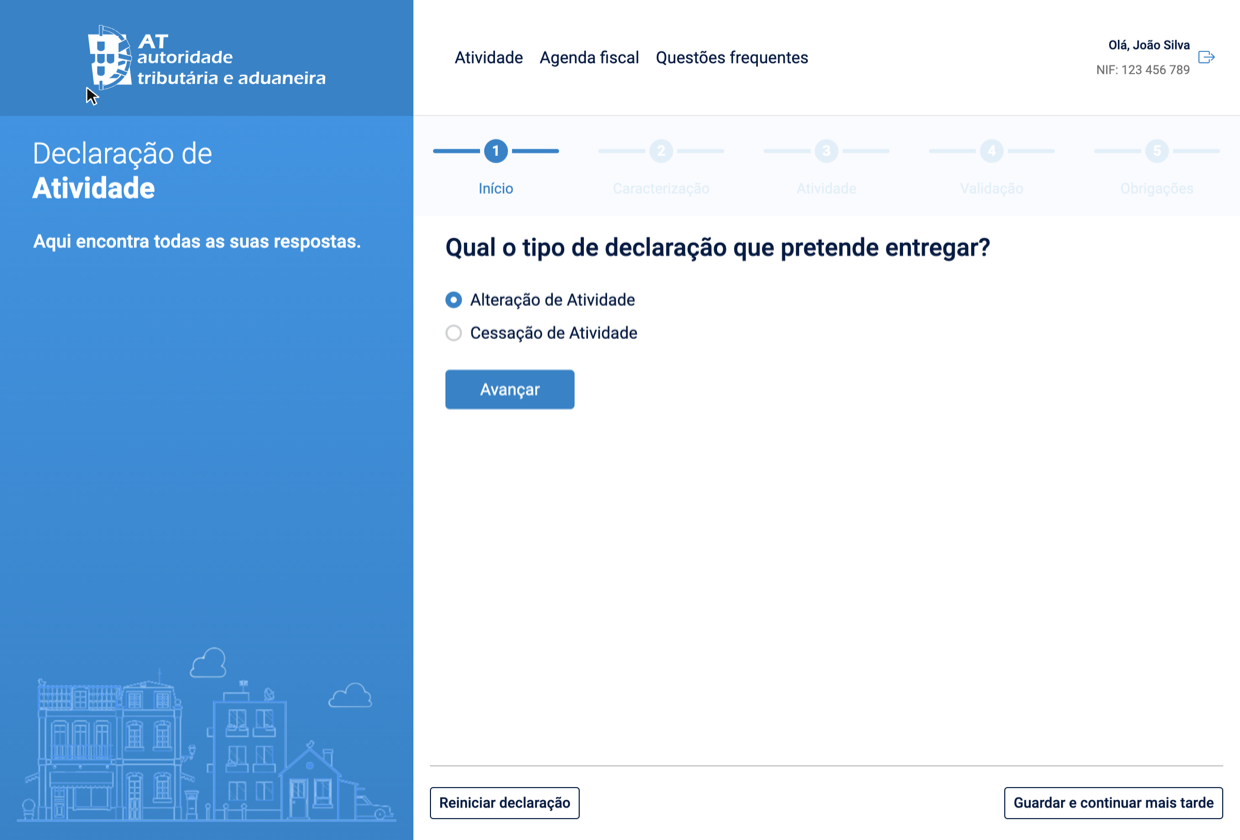
Depois dos ecrãs informativos, escolhe **"Atividade(s) exercida(s) (CAE/CIRS)"**:
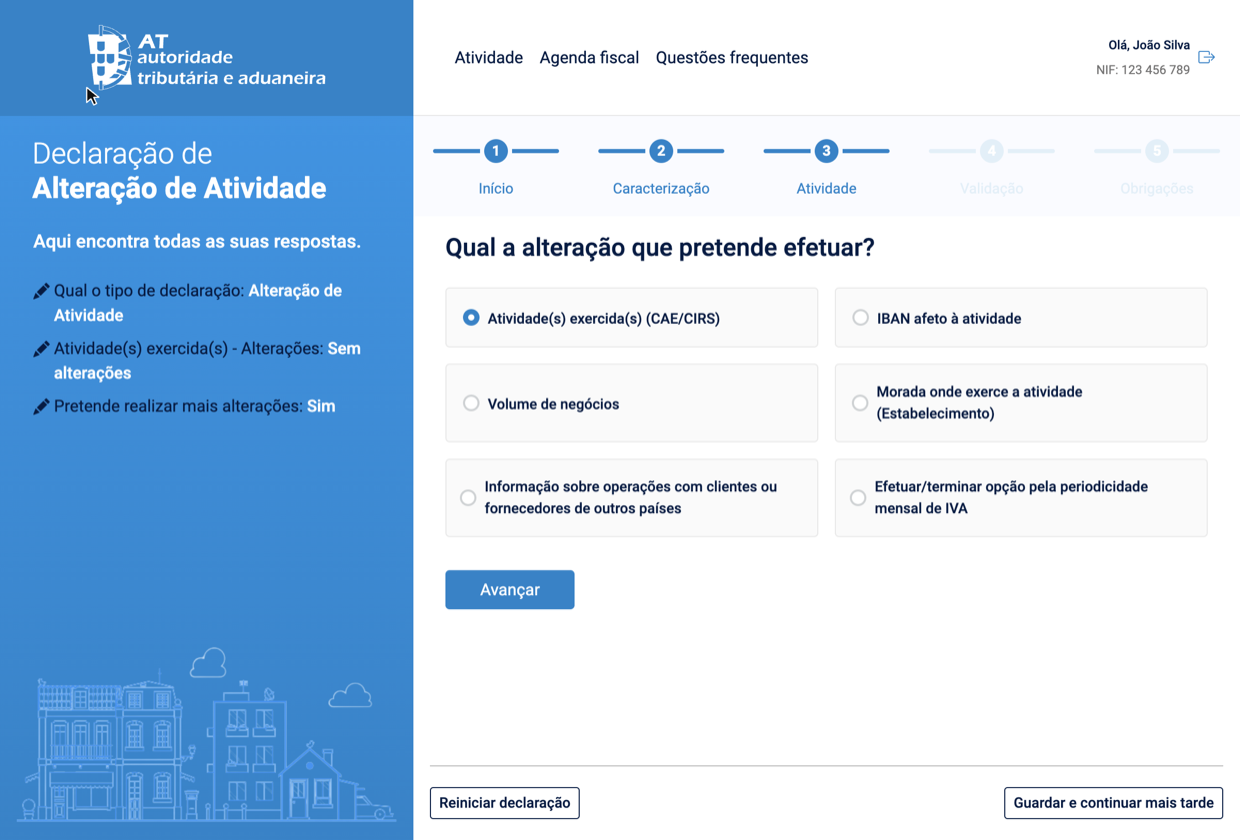
E indica o novo código no campo de pesquisa — podes escrever a profissão ou o código diretamente:
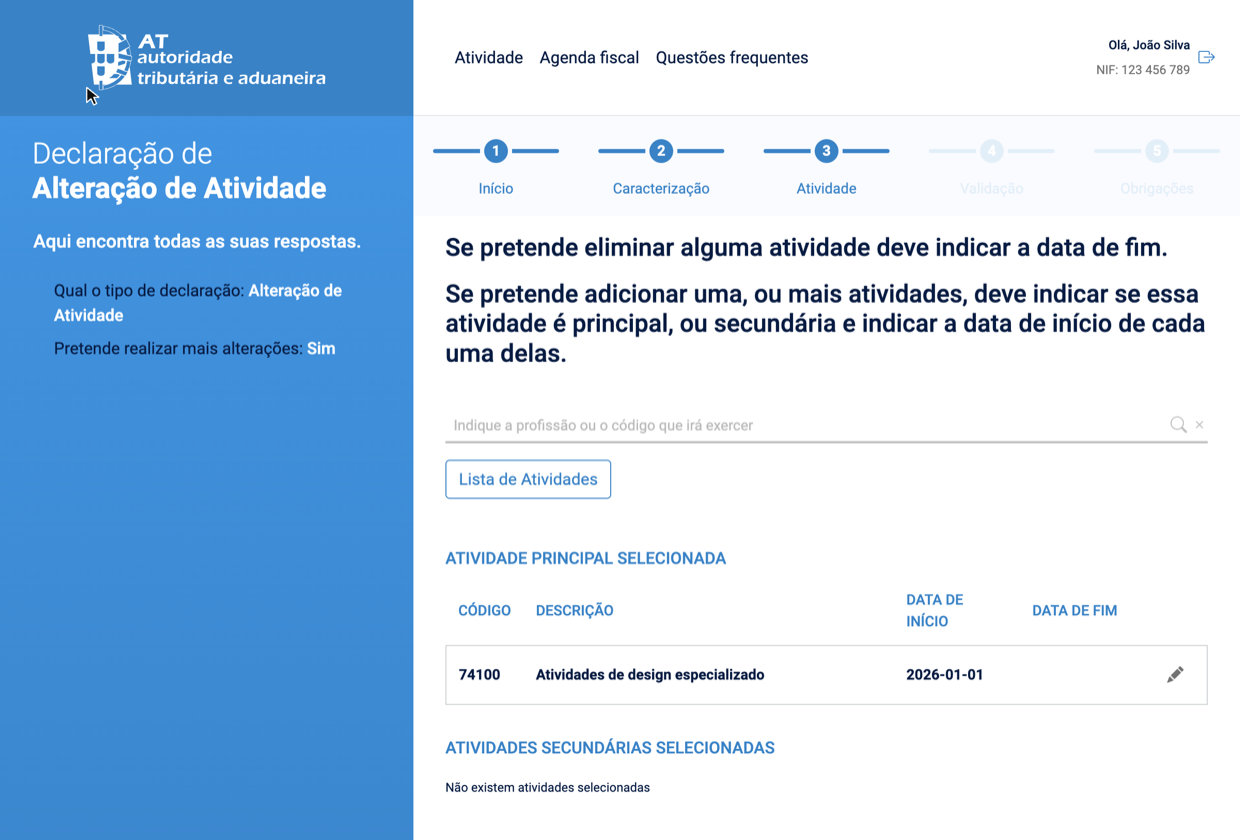
## O que o CAE afeta (e o que não afeta)
**Afeta:**
- Como estás classificado para efeitos estatísticos
- A categoria que aparece no e-fatura dos teus clientes
**Não afeta:**
- A isenção de IVA (depende do [volume de faturação](/os-patamares-que-mudam-tudo-15000-e-200000) - salvo serviços isentos pela natureza, como saúde e enfermagem, ou o ensino reconhecido e as explicações de matérias escolares, art. 9.º do CIVA - e não do CAE)
- O coeficiente de IRS (0,75 para as profissões do Art. 151.º CIRS; 0,35 para os outros serviços — depende da atividade, não do CAE)
- As tuas obrigações com a Segurança Social (exceto profissões com caixa própria - os inscritos na Ordem dos Advogados ou na Ordem dos Solicitadores e dos Agentes de Execução descontam para a CPAS)
## ✅ Em resumo
- **CAE é um código de 5 dígitos que classifica a tua atividade** — escolhe o que melhor descreve o que fazes. A tabela acima cobre 90% dos casos mais comuns.
- **O código do art. 151.º do CIRS é a tua profissão** — designers (1336), advogados (6010), programadores (1332) e por aí. Está na tabela → coeficiente 0,75. Não está → coeficiente 0,35. É diferente do CAE.
- **Com [FIZ](https://fiz.co/) o CAE fica registado uma vez e não voltas a pensar nisto** — faturas, declarações trimestrais e comunicações às Finanças acontecem automaticamente, seja qual for o teu código de atividade.
---
## Segurança Social do Trabalhador Independente: o guia
> URL: https://blog.fiz.co/seguranca-social-trabalhador-independente
> Category: Seg. Social | Published: 2026-07-05 | Reading time: 5 min
> No 1.º ano de atividade estás isento de Segurança Social - 12 meses a zeros. Depois, pagas 21,4% sobre 70% dos serviços do trimestre anterior.
"Já estás a descontar para a Segurança Social?" — perguntou o João ao colega que tinha acabado de abrir atividade. Silêncio constrangido. A resposta honesta era: não faço ideia se devo estar, quanto é, nem para que serve exatamente.
Se já passaste por este momento, não estás sozinho. A Segurança Social é uma das partes menos explicadas do quotidiano do trabalhador independente. Vamos resolver isso.
## Para que serve a Segurança Social
A Segurança Social é o teu sistema de proteção social obrigatório. As contribuições que fazes ao longo da carreira dão-te direito a:
- **Pensão de reforma** — proteção para quando deixares de trabalhar
- **Subsídio de doença** — se ficares incapacitado de trabalhar por doença
- **Subsídio de parentalidade** — licença de maternidade ou paternidade
- **Subsídio de desemprego** — em certas condições (para independentes, as regras são mais restritas do que para trabalhadores por conta de outrem)
Não é o Estado a tirar-te dinheiro — é uma poupança obrigatória para o futuro, com proteção no presente.
## O primeiro ano: 12 meses de isenção
Boa notícia: quando abres atividade, tens cerca de **12 meses de isenção** de contribuições para a Segurança Social — a obrigação de contribuir só arranca no 1.º dia do 12.º mês após o início de atividade. Durante esse período, não pagas nada.
Atenção: são 12 meses a contar do mês em que [abriste atividade](/como-abrir-atividade-passo-a-passo), não o ano civil. Se abriste em maio de 2026, a tua isenção vai até abril de 2027.
Durante este período de isenção **não tens de entregar declarações trimestrais** à Segurança Social. A obrigação de declarar está ligada à obrigação de contribuir — e essa só começa no 1.º dia do 12.º mês após o início de atividade. Antes disso, não há nada a entregar.
Só precisas de garantir uma coisa: que estás **inscrito na Segurança Social Direta** (segurancasocial.pt). A inscrição é normalmente automática a partir da abertura de atividade nas Finanças, mas confirma que os teus dados estão corretos.
> **Quero começar a descontar mais cedo?** Podes. Chama-se *enquadramento antecipado*: optas voluntariamente por começar a contribuir antes do fim dos 12 meses, entregando a primeira declaração trimestral. A partir daí passas a ter as obrigações normais.
## Quando entregas a primeira declaração e fazes o primeiro pagamento
A pergunta que toda a gente faz a seguir: "então e quando é que isto começa a sério?" Depende só do mês em que abriste atividade:
## A partir do segundo ano: como se calcula
Quando termina a isenção, a contribuição é calculada com base no rendimento do trimestre anterior. O rendimento conta na **data em que a fatura se torna obrigatória** (as regras do IRS, art. 3.º do CIRS): em regra, a data da prestação do serviço — um serviço prestado em junho entra no trimestre de abril-junho, mesmo que o cliente só pague em julho. Exceção: num adiantamento, a fatura é obrigatória logo no recebimento, e o rendimento conta nessa data. A fórmula é:
> **Contribuição mensal = rendimento do trimestre × 70% ÷ 3 × 21,4%**
Vamos ver como funciona na prática:
**Exemplo — Ana, copywriter no segundo ano:**
- Prestou serviços de €3.000 no trimestre anterior
- Rendimento relevante: €3.000 × 70% = €2.100
- Base mensal: €2.100 ÷ 3 = €700
- Contribuição mensal: €700 × 21,4% ≈ **€150/mês**
**Exemplo — Pedro, programador:**
- Prestou serviços de €6.000 no trimestre anterior
- Rendimento relevante: €6.000 × 70% = €4.200
- Base mensal: €4.200 ÷ 3 = €1.400
- Contribuição mensal: €1.400 × 21,4% ≈ **€300/mês**
> **Nota:** Se o valor calculado for muito baixo (por exemplo, num trimestre com pouca faturação) ou se não tiveres rendimentos, existe uma contribuição mínima de **€20/mês** — é o valor que pagas mesmo a zeros. (Em 2026, o IAS de referência é €537,13.)
## Calcula o teu caso
Em vez de fazeres as contas à mão como a Ana e o Pedro, mete os teus números. Os serviços contam a 70%; se também vendes produtos ou tens atividade hoteleira, essa parte conta a 20%:
## Como ajustar a base quando o rendimento muda
A base de cálculo usa o rendimento do trimestre anterior. Se os teus rendimentos caíram significativamente, não tens de continuar a pagar exactamente sobre um trimestre bom que já passou.
No momento da declaração trimestral, podes optar por fixar o rendimento relevante até **25% abaixo ou acima** do valor calculado, em intervalos de 5%. Isto muda a base de incidência contributiva dos meses seguintes.
Essa opção não reduz o rendimento que declaras nem mexe no IRS. É uma decisão sobre a base de Segurança Social, com impacto possível em doença, parentalidade e pensão. Explicamos os detalhes no guia sobre a [opção de -25% na declaração trimestral](/seguranca-social-opcao-25-declaracao-trimestral).
## O calendário das declarações
A declaração trimestral à Segurança Social é entregue **quatro vezes por ano**, durante o mês seguinte ao final de cada trimestre:
| Trimestre | Período | Mês da declaração |
|-----------|---------|-------------------|
| 1.º | Janeiro – Março | Abril |
| 2.º | Abril – Junho | Julho |
| 3.º | Julho – Setembro | Outubro |
| 4.º | Outubro – Dezembro | Janeiro |
Tens o mês inteiro para entregar a declaração. O pagamento das contribuições é feito mensalmente, entre os dias 10 e 20 do mês seguinte.
> ⚠️ **Atenção:** A declaração de Segurança Social é entregue na **Segurança Social Direta** (segurancasocial.pt) — não confundas com a declaração de IVA, que é entregue no **Portal das Finanças**. São dois sistemas distintos, com prazos distintos.
## Quanto deves guardar por mês
Para nunca seres apanhado desprevenido, inclui a Segurança Social no teu cálculo de reserva mensal. Se já estás a guardar 25-30% para impostos (IRS + SS), esse valor costuma ser suficiente para cobrir ambos.
Uma forma simples de estimar antes de teres os primeiros dados reais: multiplica a tua faturação mensal esperada por 15%. É uma aproximação razoável para planear.
## É um investimento, não um custo
É fácil ver a Segurança Social como mais uma fatia do rendimento que desaparece. Mas a perspetiva muda quando precisas dela.
A Sofia, consultora há cinco anos, ficou dois meses sem poder trabalhar por motivo de saúde. O subsídio de doença da Segurança Social cobriu parte do rendimento que perdeu. "Se não tivesse descontado, ficava dois meses sem receber nada", conta.
Cada trimestre que contribuís é um trimestre que conta para a reforma, para eventuais licenças de parentalidade, para proteção em caso de doença. A longo prazo, a soma faz uma diferença considerável.
## ✅ Em resumo
- **No primeiro ano de atividade estás isento** — 12 meses a contar do mês de início, não um ano civil. Durante esse período não pagas nem entregas declarações trimestrais; só tens de estar inscrito na Segurança Social Direta (se és estrangeiro e ainda não tens NISS, vê [NISS para estrangeiros](/niss-para-estrangeiros-como-obter)).
- **A partir do segundo ano, o cálculo é simples:** rendimento do trimestre × 70% ÷ 3 × 21,4% = contribuição mensal. A taxa é de 21,4% sobre 70% dos serviços — o rendimento conta na data em que a fatura é obrigatória: em regra a data do serviço; num adiantamento, a data em que o recebes.
- **Com [FIZ](https://fiz.co/) a declaração trimestral à Segurança Social é submetida automaticamente** — sem teres de gerir dois portais distintos com prazos diferentes.
---
## Abrir uma Lda em Portugal Sendo Estrangeiro: 3 Caminhos
> URL: https://blog.fiz.co/abrir-empresa-portugal-estrangeiro
> Category: Lda | Published: 2026-07-04 | Reading time: 6 min
> Não precisas de passaporte português para ter uma empresa portuguesa. Precisas de NIF, de uma forma de assinar - e de saber qual dos três caminhos é o teu.
Não precisas de passaporte português - nem sequer de viver em Portugal - para ser dono de uma empresa portuguesa. A lei não exige nacionalidade nem residência aos sócios ou ao gerente de uma Lda. O que ela exige é mais prosaico: um NIF, uma forma válida de assinar o registo, e paciência para o banco.
A diferença entre um estrangeiro e um português a [abrir uma Lda](/como-abrir-uma-lda-passo-a-passo) não está no processo - está no caminho para lá chegar. Há três, e escolher o errado custa semanas.
## O pré-requisito universal: NIF para todos os sócios
Antes de qualquer formulário: **todos os sócios precisam de NIF português** - a plataforma de registo não avança sem ele. Isto vale para ti e para qualquer co-fundador, português ou não.
- **Cidadãos da UE/EEE**: se já tens NIF, manténs o mesmo. Para o primeiro, a AT distingue o pedido como não residente (identificação e prova de morada estrangeira) do pedido como residente (identificação e CRUE). [Confirma o teu percurso no guia do estrangeiro](/estrangeiro-abrir-atividade).
- **Outros estrangeiros ainda não residentes em Portugal**: podes pedir o NIF nas Finanças com marcação ou pelo e-balcão através de representante legal com procuração. Nomear representante fiscal **não é obrigatório só para obter o NIF**; as obrigações posteriores dependem da tua situação. [Vê os documentos no guia do estrangeiro](/estrangeiro-abrir-atividade).
Nota a distinção que confunde muita gente: o NIF português é exigido para seres **sócio**. Para constares como **beneficiário efetivo** no [RCBE](/rcbe-beneficiario-efetivo-como-declarar), basta o número fiscal do teu país de origem.
## Os três caminhos para o registo
O detalhe que trava fundadores em equipa: **todos os sócios assinam o registo**. O teu co-fundador com Cartão de Cidadão não pode assinar por ti - quem não tiver assinatura digital própria entra com procuração através do profissional.
## O que é igual para toda a gente
A partir do momento em que consegues submeter, és um fundador como outro qualquer: os custos (a partir de 220 €), o capital (desde 1 €), o pacto social e [os prazos depois do registo](/como-abrir-uma-lda-passo-a-passo) não distinguem passaportes. O mais urgente é o mesmo: a declaração de início de atividade nas Finanças em 15 dias, entregue obrigatoriamente por um contabilista certificado - contrata-o antes do registo, não depois.
## Os detalhes que só afetam estrangeiros
**Gerente a viver fora de Portugal.** Podes ser o gerente da tua Lda sem morar cá. E se a instituição de segurança social do teu Estado da UE emitir o formulário A1 a cobrir esta função, ficas excluído do regime contributivo português dos gerentes - não é automático, depende do enquadramento que o teu país confirmar. [As regras do gerente estão aqui](/socio-gerente-salario-seguranca-social).
**O banco.** É o passo menos previsível. Os bancos portugueses fazem verificações de identidade exigentes com não residentes, muitos pedem presença física, e o comprovativo do RCBE é pedido logo à cabeça. Conta com semanas, não dias - e trata do RCBE antes de marcares a reunião.
**Trabalhar na empresa vs. ser dono dela.** Deter quotas não exige visto nem residência. Mas se precisas de um título de residência para **viver em Portugal e trabalhar** na tua empresa, confirma que o título permite essa atividade - esse é um processo de imigração, separado do registo comercial, [com um roteiro próprio](/estrangeiro-abrir-atividade).
> **Atenção:** o erro mais caro é decidir o caminho tarde demais. Quem é de fora da UE e assume que "abre online como toda a gente" descobre no passo da assinatura que não consegue - com o nome já reservado e os prazos a correr. Decide o caminho primeiro, trata do NIF, e só depois toca no formulário.
## Perguntas frequentes
**Consigo abrir a empresa sem vir a Portugal?**
Sim. NIF pedido à distância (a nomeação de representante fiscal já não é obrigatória para a atribuição), registo através de advogado, solicitador ou notário com procuração, RCBE tratado pelo profissional ou pelo contabilista. O ponto imprevisível à distância é o banco - alguns exigem presença.
**Preciso de visto para ser sócio de uma Lda?**
Não. A titularidade de quotas não exige residência nem visto. O visto entra em cena quando queres viver em Portugal e trabalhar na empresa.
**O meu sócio português pode tratar de tudo sozinho?**
Do processo, sim; da tua assinatura, não. Todos os sócios assinam - sem eID portuguesa ou europeia, a tua parte passa por procuração a um profissional.
**A empresa pode faturar clientes fora de Portugal desde o primeiro dia?**
Sim - uma Lda portuguesa fatura para qualquer país. As regras de IVA para clientes estrangeiros são as mesmas que valem para qualquer empresa portuguesa.
## Em resumo
- **Nacionalidade e residência não são obstáculo** - sócio e gerente podem ser estrangeiros não residentes. Os pré-requisitos reais: NIF português para todos os sócios (para o RCBE basta o número fiscal do teu país) e uma forma válida de assinar.
- **Escolhe o caminho antes de começar**: CC/CMD → sozinho online; eIDAS da UE → provavelmente online (testa a assinatura); sem eID → profissional com procuração ou Empresa na Hora presencial. Todos os sócios assinam - ninguém assina por ti.
- **Depois do registo, és um fundador como os outros**: contabilista em 15 dias, RCBE confirmado, banco com paciência. E se o teu plano em Portugal é trabalhar por conta própria em vez de montar já uma empresa, vê [como obter o NIF e abrir atividade como estrangeiro](/estrangeiro-abrir-atividade) - e o [FIZ](https://fiz.co/planos) trata da faturação certificada e das declarações trimestrais de IVA e Segurança Social, em português e em inglês.
---
## Como Abrir uma Lda em Portugal: Passo a Passo Online
> URL: https://blog.fiz.co/como-abrir-uma-lda-passo-a-passo
> Category: Lda | Published: 2026-07-04 | Reading time: 7 min
> Registar uma Lda custa a partir de 220 € e o pedido faz-se online numa tarde. O guia: decisões prévias, Empresa Online, e os prazos depois do registo.
Já fizeste as contas e a resposta foi empresa? (Se ainda não fizeste, começa por [Recibos verdes ou Lda](/recibos-verdes-ou-lda-quando-abrir-empresa) - para a maioria dos freelancers, a resposta é ficar onde está.)
A boa notícia: registar uma Lda em Portugal é hoje um processo online - o pedido faz-se numa tarde, a partir de 220 €, e o registo sai no prazo de dias. A parte que ninguém te diz: o registo é só o início. Os prazos que dão coimas vêm depois - e este guia cobre os dois lados.
## Antes de começar: seis decisões
O formulário online demora minutos. O que demora é decidir o que lá vais pôr:
1. **O tipo de sociedade.** Sozinho, abres uma [**sociedade unipessoal por quotas**](/unipessoal-lda-o-que-e) (um único sócio, que és tu). Com mais pessoas, uma **sociedade por quotas** normal. O processo é o mesmo.
2. **O nome.** Dois caminhos: escolher um nome pré-aprovado da **Bolsa de Firmas** (mais rápido) ou pedir um **certificado de admissibilidade** para o nome que inventaste - é emitido eletronicamente e vale 3 meses.
3. **O CAE** - o código da atividade da empresa (podes ter um principal e vários secundários). São os mesmos códigos de quem abre atividade em nome individual: vê [como escolher o CAE](/cae-cirs-como-escolher-codigo-atividade).
4. **O capital social.** O mínimo é 1 € por quota - sim, podes abrir uma empresa com 1 €. Na prática, faz sentido um valor que cubra os primeiros meses de despesas; o dinheiro fica teu, dentro da empresa.
5. **O gerente** - quem representa e assina pela empresa. Numa unipessoal, normalmente és tu (sócio-gerente). Nota que a Segurança Social do gerente tem regras próprias - [as contas estão aqui](/recibos-verdes-ou-lda-quando-abrir-empresa).
6. **O pacto social** - o "contrato" da sociedade. Com o **modelo pré-aprovado** pagas 220 €. Com um pacto **à medida** (cláusulas próprias, sócios com acordos especiais) pagas 360 € - e também o podes submeter tu, na mesma plataforma. Foi o caso do Tiago e do Bruno: quiseram cláusulas de saída próprias para a agência deles - pacto à medida, que fizeram rever por um advogado antes de submeter.
## Onde se abre
Para quem tem CC ou CMD, a via online é a óbvia: mais barata (com pacto pré-aprovado) e sem deslocações. O prazo oficial de registo é de até 5 dias com o pacto pré-aprovado (10 dias com pacto à medida) - na prática, é comum sair mais depressa.
## O registo online, passo a passo
1. Entra em **registo.justica.gov.pt** e escolhe "Criar Empresa" (Empresa Online).
2. Autentica-te com Cartão de Cidadão, Chave Móvel Digital ou eIDAS.
3. Escolhe o nome: da Bolsa de Firmas ou com o teu certificado de admissibilidade.
4. Preenche os dados dos sócios e do gerente - **todos os sócios precisam de NIF português**, a plataforma não avança sem ele.
5. Indica a morada da sede e o CAE (principal e secundários).
6. Define o capital e a distribuição das quotas.
7. Escolhe o pacto social pré-aprovado (ou anexa o teu).
8. Preenche os dados do beneficiário efetivo - a plataforma trata do [RCBE](/rcbe-beneficiario-efetivo-como-declarar) (o registo de quem controla a empresa) no próprio fluxo.
9. Assina digitalmente e submete. Tens 48 horas para pagar.
Depois da confirmação recebes o essencial: o **NIPC** (o NIF da empresa), o código de acesso à **certidão permanente** (válido 3 meses), o cartão eletrónico da empresa e o **NISS** - a inscrição na Segurança Social é feita automaticamente.
## Depois do registo: os três prazos que contam
Aqui é onde a Rita, designer que abriu a unipessoal dela a 8 de julho, quase se atrapalhou. A confirmação do registo chegou - e ela pensou que estava despachada. Estava a começar:
O ponto que apanha quase toda a gente de surpresa é o segundo: uma Lda tem contabilidade organizada por obrigação legal, e a declaração de início de atividade **só pode ser entregue por um contabilista certificado**. Ou seja: precisas de ter contabilista contratado nas duas primeiras semanas de vida da empresa. O mais prático é escolhê-lo antes do registo.
> **Atenção:** o erro mais comum de quem abre empresa é celebrar o NIPC e parar aí. O registo comercial e as Finanças são sistemas diferentes: enquanto a declaração de início de atividade não é entregue, a empresa não existe para a AT - e o atraso dá coima. Marca os três prazos no calendário no dia em que submeteres o registo.
## Quanto custa abrir (e o que vem a seguir)
O custo real de uma Lda não está na abertura - está na manutenção: contabilista todos os meses, Segurança Social do gerente, e as obrigações declarativas da empresa. [Fizemos essas contas aqui](/quanto-custa-manter-uma-lda) - lê antes de te comprometeres.
## E o IVA da empresa nova?
Desde 1 de julho de 2025, uma novidade importante (Decreto-Lei n.º 35/2025): as sociedades também podem beneficiar da **isenção de IVA do artigo 53.º** - até essa data, uma Lda entrava sempre no regime normal.
Se a previsão de faturação para o ano civil for até **15.000 €**, a empresa pode ficar isenta: não cobra IVA nem entrega declarações periódicas. As faturas levam a menção "IVA - regime de isenção". Acima disso, regime normal: cobras IVA e entregas a declaração trimestral.
A opção faz-se logo na declaração de início de atividade - mais uma razão para alinhar tudo com o contabilista antes do registo.
## Perguntas frequentes
**Preciso de contabilista para registar a empresa?**
Para o registo em si, não. Mas precisas de um nos 15 dias seguintes, para a declaração de início de atividade - por isso, na prática, contrata antes.
**Posso abrir uma Lda sozinho?**
Sim - é a sociedade unipessoal por quotas. Um sócio, capital desde 1 €, o mesmo processo online.
**Sou estrangeiro. Consigo abrir online?**
Depende da autenticação: com Cartão de Cidadão, Chave Móvel Digital ou identificação europeia eIDAS, sim. Sem nenhuma delas (o caso típico de quem é de fora da UE), o registo é feito por um advogado, solicitador ou notário com procuração. E todos os sócios precisam de NIF português antes de começar - vê o [guia completo para estrangeiros](/abrir-empresa-portugal-estrangeiro).
**Quanto tempo demora ao todo?**
Com NIF, autenticação digital e nome da Bolsa de Firmas: o pedido faz-se numa tarde, o registo sai no prazo oficial de até 5 dias (na prática costuma ser mais rápido), e a empresa fica plenamente operacional (Finanças, banco, faturação) em duas a três semanas.
**E se eu quiser abrir atividade como independente, não uma empresa?**
É outro processo, mais simples e gratuito: [como abrir atividade passo a passo](/como-abrir-atividade-passo-a-passo).
## Em resumo
- **Abrir a Lda é a parte fácil**: Empresa Online, pacto pré-aprovado, 220 €, registo no prazo de até 5 dias. As decisões que importam (nome, CAE, capital, gerente) fazem-se antes do formulário.
- **Os prazos vêm depois do registo**: capital em 5 dias úteis, início de atividade nas Finanças em 15 dias (só via contabilista certificado) e a confirmação do RCBE - o prazo de 30 dias só corre se os beneficiários não ficaram registados no próprio fluxo online. Contrata o contabilista antes de registar.
- **Ainda estás a decidir entre recibos verdes e empresa?** [Faz primeiro as contas](/recibos-verdes-ou-lda-quando-abrir-empresa) - e enquanto trabalhares a recibos verdes, o [FIZ](https://fiz.co/planos) trata da faturação certificada e das declarações trimestrais de IVA e Segurança Social automaticamente.
---
## Como Encerrar uma Lda: Dissolução, Liquidação e Custos
> URL: https://blog.fiz.co/como-encerrar-uma-lda
> Category: Lda | Published: 2026-07-04 | Reading time: 6 min
> Fechar a empresa custa a partir de 255 € e, sem ativos nem dívidas, resolve-se num único ato. O processo, os prazos fiscais finais e as contas de fechar vs manter.
A Inês, que conhecemos no artigo sobre [o custo de manter uma Lda](/quanto-custa-manter-uma-lda), fez as contas: a empresa do projeto que nunca arrancou custava-lhe ~1.500 € por ano só para existir. Decidiu fechar - e descobriu o que quase ninguém sabe: para uma empresa sem ativos nem dívidas, encerrar custa 255 € e resolve-se num único ato.
Este guia percorre o processo completo: o atalho para empresas "limpas", o regime geral para as outras, e os prazos fiscais que continuam a correr depois do registo.
## As duas fases (e o atalho que salta as duas)
Fechar uma sociedade tem, na versão completa, duas fases:
- **Dissolução** - a decisão formal dos sócios de acabar com a empresa. Regista-se na conservatória no prazo de 2 meses após a deliberação.
- **Liquidação** - pagar as dívidas, cobrar o que há a receber, repartir o que sobra. Tem de estar concluída em 2 anos (prorrogável por mais 1), e fecha com o registo do encerramento da liquidação.
E há o atalho que serve a maioria das empresas pequenas: a **extinção imediata**. Se todos os sócios estiverem de acordo (deliberação unânime em ata) e declararem que a sociedade **não tem ativo nem passivo** a liquidar, a conservatória regista a dissolução e o encerramento num único ato - a empresa sai extinta, com certidão atualizada. Numa unipessoal, "todos os sócios" és tu.
## Quanto custa no registo
Podem pedir o registo os gerentes ou sócios (com CC/CMD, online), ou um advogado, solicitador ou notário. O documento base é sempre a deliberação dos sócios - a ata.
## O lado fiscal: o registo não fecha as Finanças
Aqui está a parte que apanha as pessoas de surpresa, tal como [na abertura](/como-abrir-uma-lda-passo-a-passo): a conservatória e a AT são sistemas separados, e o fecho fiscal tem prazos próprios.
Exemplo com datas: se o encerramento for registado a 15 de julho, a cessação de IVA declara-se até meados de agosto e o Modelo 22 final (com a IES) até 31 de outubro. É o contabilista que entrega tudo - a avença não termina no dia do registo, e convém combinar isso com ele à cabeça.
E um detalhe de que ninguém se lembra: se a empresa tem bens em que o IVA foi deduzido (o portátil, o equipamento) e eles ficam contigo na partilha, isso conta como **autoconsumo** - a empresa liquida IVA sobre o valor atual desses bens na última declaração periódica. Foi a única surpresa no fecho da Marta: o computador de 1.200 € que passou da empresa para ela veio com IVA a acertar. Bens comprados sem dedução de IVA passam sem imposto.
## E a Segurança Social do gerente?
As contribuições de gerente [cessam com o encerramento da liquidação](/socio-gerente-salario-seguranca-social) - é o registo do fecho que as desliga, não a inatividade. (A exceção que já conhecíamos: pedir a cessação à Segurança Social quando a empresa cessou para IVA e não tem trabalhadores.)
## Fechar vs manter: as contas da Inês
A conta da Inês fechou-se sozinha: o custo do encerramento é inferior a três meses de manutenção da empresa parada. Cada ano de adiamento custa mais do que o fecho inteiro.
> **Atenção:** o erro clássico é o espelho do da abertura - registar o fecho na conservatória e assumir que acabou. A cessação de IVA (30 dias), o Modelo 22 final e a IES final (3.º mês) continuam a correr depois do registo, e falhá-los dá coima a uma empresa que já nem existe no papel. Combina o calendário do fecho com o contabilista antes de marcares o registo.
## Em resumo
- **Sem ativos nem dívidas, fechar é um ato único**: deliberação unânime + declaração de que não há ativo nem passivo → extinção imediata, 255 € online. Com património ou dívidas, o regime geral: dissolução (registo em 2 meses), liquidação (até 2 anos) e encerramento.
- **O registo não fecha as Finanças**: cessação de IVA em 30 dias, Modelo 22 e IES finais até ao fim do 3.º mês após a cessação - e os bens com IVA deduzido que ficam para ti pagam autoconsumo na última declaração. O contabilista acompanha até ao fim.
- **Fechar é mais barato do que manter**: 255 € uma vez contra [~1.500 € por ano de empresa na gaveta](/quanto-custa-manter-uma-lda). E se voltares a trabalhar por conta própria, [a atividade de independente abre-se num dia](/como-abrir-atividade-passo-a-passo) - com o [FIZ](https://fiz.co/planos) a tratar da faturação certificada e das declarações trimestrais de IVA e Segurança Social automaticamente.
---
## Isenção de IVA do art. 9.º: saúde, ensino e a armadilha
> URL: https://blog.fiz.co/isencao-iva-artigo-9-saude-ensino-formacao
> Category: IVA | Published: 2026-07-04 | Reading time: 6 min
> Médicos, terapeutas e explicadores são isentos de IVA pelo art. 9.º - mas sem direito a deduzir. Vê o que muda e o caso dos formadores.
A Marta acaba de abrir atividade como fisioterapeuta. Alguém no grupo diz-lhe: "sorte a tua, os serviços de saúde não levam IVA". É verdade - mas há uma segunda metade da frase que ninguém conta, e que lhe vai custar dinheiro no dia em que comprar a primeira marquesa.
A isenção de IVA do **[artigo 9.º](https://info.portaldasfinancas.gov.pt/pt/informacao_fiscal/codigos_tributarios/civa_rep/Pages/iva9.aspx)** do Código do IVA (CIVA) não é a mesma coisa que a isenção dos pequenos negócios (a do [art. 53.º](https://info.portaldasfinancas.gov.pt/pt/informacao_fiscal/codigos_tributarios/civa_rep/Pages/artigo-53-o-do-civa.aspx), a dos 15.000 €). É uma isenção ligada ao **serviço** que prestas (não à profissão inteira) - e vem com uma armadilha.
## Quem é que o artigo 9.º isenta
O artigo 9.º isenta de IVA um conjunto de atividades de interesse público. Para freelancers, as três que mais aparecem são estas:
Atenção a um ponto que engana muita gente: a isenção é pelo **serviço**, não pela profissão inteira. Cobre o ato clínico (saúde com fim terapêutico) e o ensino de matérias curriculares - já o coaching, o bem-estar ou explicações fora do currículo podem ser tributados a 23%. Na dúvida sobre um serviço concreto, confirma.
Quando um serviço teu cabe aqui, **não cobras IVA** nesse serviço. Cuidado com um pormenor importante: isto **não** é "IVA a 0%" - é uma operação **isenta**. Na fatura selecionas **"Isento"** (não taxa zero), com a menção "Isento ao abrigo do artigo 9.º do CIVA" (código **M07** no e-fatura). Simples. O problema é o que vem a seguir.
## A armadilha: é uma isenção "incompleta"
Há dois tipos de isenção de IVA, e a diferença vale dinheiro real.
- **Isenção completa (taxa zero):** não cobras IVA nas vendas **e** continuas a poder deduzir o IVA das tuas compras. É o caso das exportações (art. 14.º), por exemplo.
- **Isenção incompleta (ou simples):** não cobras IVA nas vendas, mas **também não podes deduzir** o IVA que pagaste nas compras.
A isenção do art. 9.º é a **incompleta**. Pela regra do [art. 20.º](https://info.portaldasfinancas.gov.pt/pt/informacao_fiscal/codigos_tributarios/civa_rep/Pages/iva20.aspx) n.º 1, só se deduz o IVA de compras usadas em operações tributadas - e as tuas são isentas. Resultado: o IVA que pagas em equipamento, renda ou software passa a ser **um custo teu**, que não recuperas (a não ser que também tenhas atividade tributada - aí podes deduzir a parte imputável, por afetação real ou pro rata, art. 23.º).
Um profissional que cobrasse IVA aos clientes recuperaria esses €230. A Marta não. Por isso, quem está no art. 9.º tem de contar com o IVA das compras **no preço** dos seus serviços.
## Artigo 9.º ou artigo 53.º? Não confundas
Parecem a mesma coisa ("não passo IVA"), mas são isenções diferentes, por motivos diferentes.
Cuidado com um engano comum: o **Rui** é formador a recibos verdes e assume que "a formação é isenta". Mas a isenção do art. 9.º (n.º 10) é de uma **entidade formadora reconhecida como competente** (normalmente certificada pela DGERT), não do formador individual - ter o **CCP** (Certificado de Competências Pedagógicas) é uma qualificação pessoal, não uma certificação da atividade. Por isso o Rui, sozinho com o CCP, **cobra IVA a 23%** — salvo se estiver abrangido pela isenção do art. 53.º (faturação até 15.000 €/ano), caso em que não liquida IVA. (Já as *explicações* de matérias escolares são isentas, ao abrigo do art. 9.º.) E se juntares uma atividade isenta com uma **tributada**, tens de separar as duas e aplicar dedução parcial (por afetação real ou *pro rata*, art. 23.º).
> **Atenção:** o erro mais caro é pensar "sou isento, logo o IVA das minhas compras volta para mim". Não volta. Na isenção do art. 9.º, o IVA do equipamento, da renda e do software é dinheiro que não recuperas - inclui-o no preço. E se juntares uma atividade isenta com uma atividade que cobra IVA, não somes tudo às cegas: há dedução parcial (por afetação real ou *pro rata*) e vale a pena confirmar o cálculo antes de submeter.
## ✅ Em resumo
1. **O art. 9.º isenta certos serviços de interesse público** - de saúde (com fim terapêutico), de ensino e explicações de matérias curriculares. É pelo **serviço**, não pela profissão inteira. Atenção à **formação profissional**: só é isenta quando dada por uma **entidade reconhecida como competente** (normalmente certificada pela DGERT) - um formador individual com CCP cobra 23% (salvo isenção do art. 53.º, faturação até 15.000 €/ano).
2. **Mas é uma isenção incompleta:** não deduzes o IVA das tuas compras (art. 20.º n.º 1), por isso esse IVA é um custo teu. É diferente da isenção do art. 53.º, que é pelo [baixo rendimento até 15.000 €](/ultrapassei-15000-iva-meio-ano) - e diferente de escolher a taxa certa quando cobras IVA (vê as [taxas de 6%, 13% e 23%](/taxas-de-iva-6-13-23)).
3. **Com o [FIZ](https://fiz.co/)** faturas sem IVA com a razão de isenção correta e tratas do resto da tua fiscalidade - recibos, IRS, Segurança Social - num só sítio, sem andar a decorar artigos do código. Vê os [planos](https://fiz.co/planos).
---
## Pagamentos em Dinheiro: Os 4 Limites Que Tens de Conhecer
> URL: https://blog.fiz.co/pagamentos-em-dinheiro-limites
> Category: Dicas | Published: 2026-07-04 | Reading time: 5 min
> Até quanto podes pagar - e receber - em numerário em Portugal? Os 3.000 €, a regra dos 1.000 € para empresas, o truque das parcelas que não funciona, e as exceções.
Uma empresa pode pagar-te 1.500 € em notas? Podes tu pagar um portátil de 3.200 € em dinheiro? E se dividirem o valor em duas tranches, já passa?
As respostas cabem em quatro números - 3.000, 1.000, 10.000 e 500 - todos no mesmo artigo da lei (artigo 63.º-E da Lei Geral Tributária). E o detalhe que quase toda a gente ignora: os limites valem para quem paga **e para quem recebe**. Receber a mais também é infração tua.
## O limite geral: 3.000 €
É proibido pagar **ou receber** em numerário em qualquer transação de 3.000 € ou mais - seja um serviço, um carro usado ou uma mobília. Não interessa quem és: particular, freelancer ou empresa.
Vê o caso da Sofia, fotógrafa: um casal quer pagar-lhe a reportagem de casamento de 3.400 € em dinheiro "para ser mais simples". Se a Sofia aceitar, a infração é dos dois lados - do casal que paga e dela que recebe. A partir de 3.000 €, o pagamento tem de passar por um meio rastreável: transferência, MB Way, cheque.
## A regra que apanha as empresas: 1.000 €
Para empresas (e independentes com contabilidade organizada), o limite é muito mais baixo: **faturas de 1.000 € ou mais têm de ser pagas por meio bancário** - transferência, cheque nominativo ou débito direto. Numerário está proibido.
É a resposta à pergunta clássica: "a Lda do meu cliente pode pagar-me em notas?" Até 999,99 €, pode. A partir de 1.000 €, não - e se aceitares, estás a participar na infração dela. Pede transferência e ficam os dois protegidos.
No sentido inverso: enquanto freelancer no regime simplificado (sem contabilidade organizada), quando és tu a pagar despesas não estás preso a esta regra dos 1.000 € - só ao limite geral dos 3.000 €. O que conta para os 1.000 € é sempre **quem paga**, não quem recebe.
## O truque que não funciona: dividir em parcelas
"Então pagamos 4.000 € em dois pagamentos de 2.000 €." Não: a lei agrega **todos os pagamentos da mesma venda ou serviço**. O Rui, carpinteiro, fez uma cozinha de 4.000 € e aceitou duas tranches de 2.000 € em dinheiro - aos olhos da AT, foi uma transação de 4.000 € em numerário, acima do limite. A conta faz-se pelo serviço, não pela nota de cada entrega.
## Os outros dois números
O dos 10.000 € explica por que a loja aceita o pagamento avultado do turista em notas. O dos 500 € raramente te toca - as guias de pagamento de IVA, IRS e Segurança Social pagam-se por Multibanco ou débito direto de qualquer forma.
> **Atenção:** dinheiro vivo continua a ser perfeitamente legal abaixo dos limites - o erro está noutro sítio. Receber em numerário **sem emitir fatura** é que transforma um pagamento legal em rendimento não declarado, [um risco que não compensa](/cliente-quer-pagar-sem-recibo). A regra prática: recebeste em notas, emites a fatura no momento, e o valor entra nas tuas contas como outro qualquer.
## Em resumo
- **3.000 € é o teto para todos** - pagar ou receber em numerário a partir daí é infração das duas partes, e dividir em parcelas não ajuda: os pagamentos do mesmo serviço contam agregados.
- **Com empresas, o limite prático é 1.000 €**: faturas iguais ou superiores pagam-se por meio bancário. Se o teu cliente-empresa insiste em notas para uma fatura de 1.000 € ou mais, a resposta é transferência.
- **Dinheiro legal é dinheiro faturado.** Abaixo dos limites, aceita à vontade - [qualquer método de pagamento serve](/como-receber-pagamentos-freelancer) - desde que a fatura saia no momento. Com o [FIZ](https://fiz.co/planos) emite-la no telemóvel em segundos, ao lado do cliente, e as declarações trimestrais de IVA e Segurança Social seguem sozinhas.
---
## Quanto Custa Manter uma Lda - Mesmo Sem Faturar Nada
> URL: https://blog.fiz.co/quanto-custa-manter-uma-lda
> Category: Lda | Published: 2026-07-04 | Reading time: 6 min
> Contabilista obrigatório, Segurança Social do gerente, Modelo 22, IES: as contas reais de manter uma Lda em 2026 - ativa ou parada. Com números.
Há uma pergunta que aparece de tempos a tempos em todos os grupos de empreendedores: "quanto custa manter uma Lda com atividade mínima? O contabilista é mesmo obrigatório?" E a resposta costuma surpreender quem pergunta.
Parece justo: só pagas impostos quando há lucro. Mas afinal a conta de uma Lda chega todos os meses, haja lucro, faturação ou nada. [Abrir a empresa](/como-abrir-uma-lda-passo-a-passo) custa a partir de 220 €, uma vez; mantê-la custa sempre - e é essa conta que este artigo faz.
## O contabilista: o custo que não desliga
Uma Lda tem contabilidade organizada por obrigação legal (artigo 123.º do CIRC) - e isso significa um contabilista certificado, todos os meses, [tipicamente entre 100 e 250 €](/quanto-custa-um-contabilista-em-portugal).
Não é uma formalidade que possas saltar nos meses fracos. É o contabilista que entrega as declarações da empresa - e a lei não conhece "meses sem movimento": a obrigação de declarar mantém-se igual.
## A Segurança Social do gerente
Se recebes remuneração como gerente, os descontos são 34,75% (23,75% pagos pela empresa, 11% do teu salário), com uma base mínima de 537,13 € (o IAS de 2026) - cerca de **187 € por mês**, mesmo num mês em que a empresa não faturou nada.
Há uma saída para empresas sem atividade: o gerente **sem remuneração** pode ficar isento se já estiver coberto por outro regime obrigatório - por exemplo, um emprego por conta de outrem com salário acima de 1 IAS. Mas não acontece sozinho: é preciso formalizar a renúncia à remuneração e tratar do enquadramento junto da Segurança Social. As regras têm nuances - valida a tua situação concreta com o contabilista antes de contar com a isenção. [As regras completas do gerente - salário, isenções, responsabilidade - estão aqui](/socio-gerente-salario-seguranca-social).
## O calendário que não para (mesmo com a empresa parada)
Aqui está o que apanha quem pensa que uma Lda sem movimento é uma Lda sem obrigações:
E não existe dispensa por inatividade: enquanto a sociedade não for formalmente dissolvida e liquidada, as declarações continuam obrigatórias. "Deixar a empresa morrer sozinha" não é uma opção - é uma coleção de coimas à espera de acontecer.
> **Atenção:** o erro clássico é abrir a Lda para um projeto, o projeto não arrancar, e a empresa ficar "na gaveta". A gaveta custa: contabilista, Modelo 22, IES e RCBE continuam a correr. Se o projeto morreu, [encerra a empresa formalmente](/como-encerrar-uma-lda) - custa uma vez, em vez de custar todos os anos.
## As contas: a Lda parada da Inês
A Inês abriu uma unipessoal para um projeto de e-commerce que nunca chegou a arrancar. Tem emprego por conta de outrem, renunciou à remuneração de gerente e conseguiu a isenção de Segurança Social. Ou seja: o cenário mais barato possível. Ainda assim:
Mais de 100 € por mês para uma empresa que não faz nada. Em três anos de gaveta, a Inês paga o equivalente a um portátil topo de gama - por nada.
## As contas: a Lda ativa do Rui
O Rui é consultor com uma Lda ativa: fatura 5.000 € por mês e paga a si próprio um salário de gerente de 1.500 €/mês. A estrutura dele custa:
Quase 9.000 € por ano só para a empresa existir e funcionar - antes do IRC, da derrama ou de qualquer imposto sobre o que o Rui ganha. É este número que a Lda tem de "devolver" em vantagens (lucro reinvestido, equipa, proteção patrimonial) para valer a pena face aos [recibos verdes](/recibos-verdes-ou-lda-quando-abrir-empresa).
## E os impostos sobre o lucro?
Ficam por cima da estrutura: IRC de 15% sobre os primeiros 50.000 € de lucro (19% acima disso), derrama municipal até 1,5%, e 28% sobre os dividendos que tirares. E atenção às **tributações autónomas** (artigo 88.º do CIRC): despesas com viaturas ligeiras, refeições e representação pagam imposto próprio - mesmo que a empresa tenha prejuízo.
Para profissionais da lista do art. 151.º (programadores, consultores, designers) que são sócios únicos, há ainda o regime de transparência fiscal, que muda as contas por completo - [explicámo-lo em detalhe aqui](/unipessoal-lda-o-que-e).
## Em resumo
- **Uma Lda nunca custa zero.** Mesmo parada e no cenário mais barato (gerente isento de Segurança Social), o contabilista obrigatório e as declarações anuais custam ~1.500 €/ano. Ativa, a estrutura ronda os 9.000 €/ano antes de impostos.
- **A inatividade não suspende as obrigações**: Modelo 22 até 31 de maio, IES até 15 de julho e [confirmação do RCBE](/rcbe-beneficiario-efetivo-como-declarar) continuam a correr até [dissolveres formalmente a empresa](/como-encerrar-uma-lda). Empresa na gaveta = coimas em construção.
- **Faz as contas antes, não depois.** Se a estrutura de ~9.000 €/ano não se paga em vantagens claras, [os recibos verdes continuam a ser o teu regime](/recibos-verdes-ou-lda-quando-abrir-empresa) - e aí o [FIZ](https://fiz.co/planos) trata da faturação certificada e das declarações trimestrais de IVA e Segurança Social por ti, sem contabilista obrigatório.
---
## RCBE: O Que É o Beneficiário Efetivo e Como Declarar
> URL: https://blog.fiz.co/rcbe-beneficiario-efetivo-como-declarar
> Category: Lda | Published: 2026-07-04 | Reading time: 6 min
> A obrigação que quase ninguém conhece até o banco pedir o comprovativo: prazos do RCBE, como declarar de graça em minutos, e as sanções por falhar.
A Marta [abriu a empresa](/como-abrir-uma-lda-passo-a-passo), recebeu o NIPC e foi ao banco abrir a conta. O gestor pediu-lhe a certidão permanente - e um documento de que ela nunca tinha ouvido falar: o comprovativo do RCBE. É assim que a maioria dos donos de empresa descobre esta obrigação: no balcão, com o processo parado.
O RCBE é das obrigações mais fáceis de cumprir em Portugal - grátis, online, minutos. Também é das mais fáceis de esquecer, e as consequências de falhar são desproporcionalmente pesadas. Este guia resolve o assunto de uma vez.
## O que é o RCBE
O Registo Central do Beneficiário Efetivo (Lei n.º 89/2017) é a base de dados, gerida pelo IRN, de **quem realmente controla cada entidade** em Portugal. Nasceu das regras europeias contra o branqueamento de capitais: atrás de qualquer empresa tem de ser possível ver as pessoas de carne e osso.
As sociedades comerciais constituídas em Portugal estão obrigadas - incluindo a tua [unipessoal](/unipessoal-lda-o-que-e). A lei prevê exceções pontuais (por exemplo, sociedades cotadas em bolsa), mas nenhuma que salve uma Lda.
## Quem é o beneficiário efetivo
É a pessoa singular que detém ou controla a entidade - o indicador principal é ter **mais de 25%** do capital ou dos direitos de voto, direta ou indiretamente.
Para a esmagadora maioria dos leitores deste blog, a resposta é simples: numa unipessoal, o beneficiário efetivo és tu. Numa Lda de dois sócios a 50/50, são os dois. Desde 2020, os sócios e gerentes que **não** são beneficiários efetivos deixaram de ter de constar da declaração - o registo ficou mais leve.
## Os três prazos
O ritmo é este: declaras uma vez, atualizas quando algo muda, confirmas todos os anos. Foi na segunda parte que o Rui se atrapalhou: vendeu 30% da empresa ao irmão em março e só se lembrou do RCBE em novembro - meses fora do prazo de 30 dias, com o registo a contradizer a certidão comercial.
## Como se declara (é mesmo simples)
1. Entra em **rcbe.justica.gov.pt** e autentica-te: Chave Móvel Digital ou Cartão de Cidadão (com leitor). Advogados, notários e solicitadores entram com o certificado profissional.
2. Preenche a declaração: dados da entidade (NIPC, firma, CAE), dos beneficiários efetivos e do declarante.
3. Submete. Recebes o **comprovativo** e, por email, um código de acesso - o **código RCBE** - para consultar e atualizar no futuro.
**Quem pode declarar:** o gerente, claro - mas também o teu contabilista certificado, advogado, notário ou solicitador, cujos poderes de representação se presumem por lei (não precisas de passar procuração). Na prática: pede ao contabilista que já trata das declarações da empresa.
**Quanto custa:** nada. A declaração, as atualizações e a confirmação anual são gratuitas. Pagas apenas se pedires um comprovativo emitido pelos serviços (20 €) ou a correção de um erro teu na declaração (50 €).
Guarda o comprovativo e o código RCBE como guardas a certidão permanente: é o documento que o banco, o notário e qualquer entidade pública te vão pedir.
## O que acontece se falhares
Aqui está a parte desproporcional. O incumprimento é contraordenação com coima de **1.000 € a 50.000 €** - mas as coimas nem são o pior. Enquanto o RCBE não estiver em dia, a empresa fica legalmente **proibida** de:
- distribuir lucros do exercício (ou fazer adiantamentos);
- celebrar contratos com o Estado ou entidades públicas, e renovar os existentes;
- concorrer a concessões públicas e beneficiar de fundos europeus ou apoios públicos;
- fazer qualquer negócio sobre imóveis - comprar, vender, hipotecar.
E o incumprimento fica publicitado no próprio RCBE. Na prática, há ainda uma sanção mais imediata, como a Marta descobriu: **os bancos não avançam sem o comprovativo** - a prova do RCBE é exigida sempre que a lei pede prova da situação tributária regularizada. Declarações falsas são outro campeonato: responsabilidade criminal.
> **Atenção:** não assumas que a primeira declaração "foi com a empresa": mesmo abrindo pela Empresa Online, verifica que tens o comprovativo e o código RCBE - a declaração feita na constituição não substitui o RCBE por si, e sem comprovativo o prazo de 30 dias está a correr. Depois, o erro mais comum são as **alterações**: cada mudança de sócios ou de controlo reabre o prazo de 30 dias. E a confirmação anual: marca no calendário (31 de dezembro) ou aproveita a IES que o contabilista já entrega até 15 de julho.
## Em resumo
- **O RCBE é grátis e demora minutos** - declara quem controla a empresa (mais de 25% do capital ou votos; numa unipessoal, tu). O gerente declara no portal, ou o contabilista/advogado/solicitador por ti, sem procuração.
- **Três prazos**: primeira declaração em 30 dias (preenchível logo no fluxo da Empresa Online - verifica que tens o comprovativo), alterações em 30 dias a contar do facto, confirmação anual até 31 de dezembro (ou via IES; dispensada se atualizaste nesse ano).
- **Falhar sai caro e trava a empresa**: coima de 1.000 € a 50.000 € e proibição de distribuir lucros, contratar com o Estado, receber fundos e mexer em imóveis - e o banco não abre conta sem o comprovativo. Se ainda estás nos recibos verdes e o RCBE te parece mais uma razão para adiar a empresa, [faz primeiro as contas](/recibos-verdes-ou-lda-quando-abrir-empresa) - e deixa o [FIZ](https://fiz.co/planos) tratar da faturação certificada e das declarações trimestrais de IVA e Segurança Social enquanto decides.
---
## Recibos Verdes ou Lda: Quando Vale a Pena Abrir Empresa?
> URL: https://blog.fiz.co/recibos-verdes-ou-lda-quando-abrir-empresa
> Category: Lda | Published: 2026-07-04 | Reading time: 6 min
> Abrir uma Lda para pagar menos impostos? Compara IRS, IRC, Segurança Social e custos fixos em 2026 - com números reais e os sinais de que está na hora.
Mais cedo ou mais tarde, todos os freelancers ouvem a mesma frase: "Devias abrir uma empresa, pagas menos impostos." Vem de um primo, de um cliente, de alguém no coworking. É a versão seguinte do [clássico "nos recibos verdes ganhas mais"](/amigo-trocou-salario-recibos-verdes-paga-menos-impostos) - e, tal como esse, merece contas em vez de fé.
A resposta curta: para a maioria dos freelancers, não vale a pena. A resposta completa depende de três coisas - quanto faturas, o que fazes ao dinheiro e para onde queres levar o negócio.
## Duas formas diferentes de trabalhar por conta própria
Como trabalhador independente (o regime dos recibos verdes), tu e o negócio são a mesma pessoa. O que sobra depois dos impostos é teu, sem passos intermédios.
Uma Lda (sociedade por quotas) é uma pessoa diferente de ti - tem o seu próprio número fiscal, a sua contabilidade e os seus impostos. Podes abrir uma sozinho: chama-se [sociedade unipessoal por quotas](/unipessoal-lda-o-que-e), e o capital mínimo é 1 €.
Essa separação é a origem de tudo o resto: das vantagens (o lucro pode ficar na empresa, o teu património fica mais protegido) e das desvantagens (mais custos, mais regras, e o dinheiro deixa de ser automaticamente teu).
## O que muda nos impostos
Nos recibos verdes em regime simplificado, o IRS incide sobre 75% do que faturas - o Estado assume os outros 25% como despesas (é o coeficiente 0,75 para serviços). O imposto segue as taxas progressivas do IRS: quanto mais ganhas, maior a percentagem.
Numa Lda, o lucro paga IRC (o imposto sobre empresas): em 2026, 15% sobre os primeiros 50.000 € de lucro (taxa reduzida para PME) e 19% sobre o resto, mais uma pequena taxa municipal (a derrama, até 1,5%).
Parece muito melhor do que o IRS, certo? Mas afinal falta um passo: esse dinheiro ainda está na conta da empresa, não na tua. Para o tirares como dividendos (a tua parte do lucro), pagas mais 28% de imposto.
Quase 39% pelo caminho, antes de contar a derrama. A vantagem fiscal real da Lda não está em tirar o dinheiro - está em deixá-lo lá dentro. Lucro que fica na empresa para reinvestir (equipamento, contratações, marketing) paga só o IRC.
Mas há um caso especial que apanha justamente os freelancers: a **transparência fiscal** (artigo 6.º do CIRC). Se a atividade da empresa está na lista de profissões do art. 151.º (programadores, consultores, designers...) e o capital pertence a quem exerce essa atividade - o retrato exato de uma unipessoal de freelancer - o lucro é tributado diretamente no teu IRS, mesmo que nunca saia da empresa. Nesse enquadramento, a vantagem de "deixar o lucro lá dentro" não existe - [explicámos a transparência fiscal em detalhe aqui](/unipessoal-lda-o-que-e). Confirma como a tua Lda seria enquadrada antes de decidir.
## O que muda na Segurança Social
Nos recibos verdes, [pagas 21,4% sobre 70% do que faturas](/seguranca-social-trabalhador-independente) em serviços ([faz as contas para o teu caso](/seguranca-social-trabalhador-independente#calcula-o-teu-caso)). Declaras a cada 3 meses (declaração trimestral) e o valor acompanha o rendimento: faturaste menos, pagas menos.
Numa Lda, quem gere a empresa - normalmente tu - desconta como gerente: 34,75% no total, dos quais 23,75% paga a empresa e 11% saem do teu salário. E há uma base mínima: mesmo com um salário simbólico, os descontos incidem pelo menos sobre 537,13 € (o valor do IAS em 2026). São cerca de 187 € por mês, tenhas faturado muito ou nada.
Há exceções - por exemplo, se já descontas como trabalhador por conta de outrem noutro emprego. Mas para quem vive só do negócio, a regra é esta: a Segurança Social numa Lda é mais cara e mais rígida.
## Os custos fixos que ninguém menciona no café
Aqui está a parte que o teu primo esqueceu. Uma Lda é obrigada por lei a ter contabilidade organizada com contabilista certificado (artigo 123.º do CIRC) - não é opcional como nos recibos verdes. [No mercado, isso custa tipicamente 100 a 250 € por mês](/quanto-custa-um-contabilista-em-portugal).
Vê o caso da Sofia, designer, que fatura 1.800 € por mês:
São mais de 4.000 € no primeiro ano - perto de 20% de tudo o que a Sofia fatura - antes de a empresa lhe trazer qualquer vantagem. Para ela, a resposta é clara: ficar nos recibos verdes. (As contas completas de manutenção - empresa ativa e empresa parada - estão em [quanto custa manter uma Lda](/quanto-custa-manter-uma-lda).)
## Quando é que a Lda começa a valer a pena
O caso do Miguel, consultor informático, é diferente. Fatura 90.000 € por ano, quer contratar um programador e só precisa de parte do rendimento para viver.
- Nos recibos verdes, a Segurança Social dele ronda os 13.500 € por ano (21,4% sobre 70% de tudo o que fatura). Numa Lda, com um salário de gerente de 1.500 €/mês, os descontos totais ficam à volta de 6.250 € por ano.
- O lucro de que não precisa pode ficar na empresa, tributado a 15% em vez de subir aos escalões mais altos do IRS - desde que a Lda escape à transparência fiscal (ver acima); é um enquadramento a validar com o contabilista antes de avançar.
- Se contratar equipa e algo correr mal, é a empresa que responde - o património pessoal fica, em princípio, protegido. Em princípio, porque o gerente continua a responder pelas dívidas à AT e à Segurança Social se a empresa não as pagar.
E há um patamar em que a decisão deixa de ser opcional: se ultrapassares os [200.000 € de faturação](/os-patamares-que-mudam-tudo-15000-e-200000) dois anos seguidos - ou os 250.000 € num único ano - sais do regime simplificado e passas a precisar de contabilidade organizada de qualquer forma. Nesse ponto, o custo do contabilista deixa de ser um extra da Lda - já o terias como independente.
E se depois das contas a resposta for empresa, o processo é mais simples do que parece: vê [como abrir uma Lda passo a passo](/como-abrir-uma-lda-passo-a-passo).
> **Atenção:** o erro mais comum de quem abre uma Lda é tratar a conta da empresa como se fosse a conta pessoal. O dinheiro da empresa não é teu: sai como salário (com descontos) ou como dividendos (com 28% de imposto). Levantamentos sem justificação criam problemas sérios com a AT.
## Em resumo
- **Abrir empresa não é um truque para pagar menos impostos.** Entre o IRC e o imposto sobre dividendos, tirar o lucro da Lda custa perto de 39% - e só existir custa ~4.000 €/ano em contabilista obrigatório e Segurança Social de gerente.
- **A Lda vale a pena quando o lucro fica na empresa** - para reinvestir, contratar ou proteger o teu património (confirmando primeiro que não cais na transparência fiscal) - ou quando te aproximas dos 200.000 €/ano e a contabilidade organizada se torna inevitável.
- **Enquanto ficares nos recibos verdes, a burocracia não precisa de te ocupar** - o [FIZ](https://fiz.co/planos) emite as tuas faturas certificadas e entrega as declarações trimestrais de IVA e Segurança Social automaticamente, para que a decisão de abrir empresa seja sobre estratégia, não sobre fugir da papelada.
---
## Sócio-Gerente: Salário e Segurança Social (2026)
> URL: https://blog.fiz.co/socio-gerente-salario-seguranca-social
> Category: Lda | Published: 2026-07-04 | Reading time: 6 min
> Quanto desconta um gerente de Lda em 2026: os 34,75%, a base mínima de 1 IAS, quando não pagas nada - e a responsabilidade pessoal que vem com o cargo.
No dia em que [a tua Lda nasce](/como-abrir-uma-lda-passo-a-passo), ganhas um título novo: gerente. O que ninguém explica no balcão é que o título traz um regime próprio de Segurança Social, um salário com regras específicas e - se as coisas correrem mesmo mal - responsabilidade pessoal pelas dívidas da empresa.
Este guia percorre as três coisas, com os números de 2026.
## O salário do gerente (que podes escolher não ter)
A remuneração do gerente é decidida pelos sócios - numa [unipessoal](/unipessoal-lda-o-que-e), por ti. Pode ser 500 €, 2.000 € ou zero: não há salário mínimo obrigatório para o cargo, mas a decisão fica formalizada (no pacto social ou em ata).
Para o IRS, o salário de gerente conta como **trabalho dependente** (Categoria A) - exatamente como um emprego: a empresa faz retenção na fonte todos os meses segundo as tabelas, e no ano seguinte declaras no Anexo A. Nada de coeficientes nem recibos verdes aqui.
## A Segurança Social: 34,75%, com uma base mínima
Como gerente com remuneração, descontas no regime dos **membros de órgãos estatutários (MOE)**: 34,75% no total - 23,75% a cargo da empresa e 11% descontados do teu salário. Paga-se entre o dia 10 e o dia 20 do mês seguinte.
Vê o caso da Catarina, que se paga 1.200 € por mês como gerente da sua Lda:
E há um piso: as contribuições incidem sobre o salário real, mas com o **limite mínimo de 1 IAS** (537,13 € em 2026). Mesmo que te pagues 300 €, descontas como se fossem 537,13 € - cerca de 187 €/mês no total.
Em troca, a proteção é completa: doença, parentalidade, invalidez, velhice - e, ao contrário do que muita gente pensa, os gerentes têm **proteção no desemprego**.
Uma nota antes de assumires os 34,75% como certos: o regime MOE tem exceções próprias. O guia do ISS exclui, por exemplo, os sócios gerentes de sociedades formadas por profissionais da mesma profissão cujo fim seja exercê-la (dá o exemplo das sociedades de advogados e de médicos) - esses descontam noutro enquadramento. Se a tua sociedade encaixa nesse retrato, confirma o enquadramento no ISS antes de fazer contas.
## Quando é que NÃO pagas
Aqui está a resposta à pergunta que aparece vezes sem conta nos grupos de empreendedores: "já desconto como independente - tenho de pagar outra vez como gerente?"
É o caso do Bruno: freelancer a faturar 2.500 €/mês nos recibos verdes, abriu uma Lda para um projeto paralelo e não se paga salário de gerente. Como já desconta como trabalhador independente com base acima do IAS, fica **excluído do regime MOE** - não paga contribuições duplas. A formalidade importa: a renúncia à remuneração fica em ata, e a empresa apresenta a prova à Segurança Social.
O inverso não funciona: se te pagares salário de gerência, contribuis como MOE sobre ele - ter também recibos verdes não te isenta do lado da empresa.
> **Atenção:** as contribuições de gerente não param sozinhas quando a empresa abranda. Só deixas de pagar com destituição, renúncia ou [o fim da liquidação da empresa](/como-encerrar-uma-lda) - ou, excecionalmente, pedindo a cessação à Segurança Social quando a empresa cessou a atividade para IVA e não tem trabalhadores. [Empresa parada não é gerente isento por defeito](/quanto-custa-manter-uma-lda) - trata do enquadramento, não assumas.
## A parte séria: as dívidas da empresa podem chegar a ti
A responsabilidade limitada protege o teu património das dívidas comerciais. Mas as dívidas **fiscais e à Segurança Social** têm um regime próprio (artigo 24.º da Lei Geral Tributária): se a empresa não tiver bens para as pagar, revertem contra o gerente.
E há um detalhe que muda tudo: para dívidas cujo **prazo de pagamento terminou durante a tua gerência** (o IVA daquele trimestre, a TSU daquele mês), a culpa presume-se - és tu que tens de provar que a falta de pagamento não te é imputável. Não é a AT que tem de provar má gestão; és tu que provas a tua inocência.
Isto vale também para quem manda sem título: quem gere de facto a empresa responde como gerente, com ou sem nomeação no papel.
A tradução prática: numa Lda, os impostos e contribuições declarados e não pagos são o risco pessoal número um do gerente. O calendário fiscal da empresa não é burocracia - é a tua proteção patrimonial.
## Em resumo
- **Gerente com salário desconta 34,75%** (23,75% empresa + 11% próprio) sobre o salário real, com piso de 1 IAS (537,13 € em 2026, ~187 €/mês no mínimo) - em troca de proteção completa, desemprego incluído.
- **Não pagas em dobro se fizeres as coisas bem**: gerente sem remuneração que já desconta noutro regime com rendimento acima de 1 IAS fica excluído do regime MOE - mas a renúncia formaliza-se (ata + prova à Segurança Social), não se presume.
- **As dívidas fiscais e de Segurança Social da empresa podem reverter contra ti** (LGT art. 24.º), com presunção de culpa nas que venceram no teu mandato. Se ainda estás a decidir [entre recibos verdes e Lda](/recibos-verdes-ou-lda-quando-abrir-empresa), pesa isto - e enquanto faturas como independente, o [FIZ](https://fiz.co/planos) entrega as tuas declarações trimestrais de IVA e Segurança Social a tempo, automaticamente.
---
## Unipessoal Lda: O Que É e Para Quem Faz Sentido
> URL: https://blog.fiz.co/unipessoal-lda-o-que-e
> Category: Lda | Published: 2026-07-04 | Reading time: 6 min
> Sociedade unipessoal por quotas explicada: as regras próprias, o que não muda face a uma Lda normal, e a transparência fiscal que muda as contas todas.
Quase todas as empresas que os freelancers portugueses criam são a mesma coisa: uma **sociedade unipessoal por quotas**. É o "Unipessoal Lda" que vês nos nomes das firmas - e é provavelmente o que terias em mãos se [decidisses abrir empresa](/recibos-verdes-ou-lda-quando-abrir-empresa).
Este artigo explica o que é ao certo, as regras próprias que tem, e a armadilha fiscal de que quase ninguém fala antes de abrir uma.
## O que é, em palavras simples
Uma unipessoal é uma sociedade por quotas com um único sócio - tu. A empresa é uma pessoa jurídica separada de ti: tem o seu próprio número fiscal, o seu património e as suas contas. Tu és o dono da única quota (desde 1 €) e, normalmente, também o [gerente](/socio-gerente-salario-seguranca-social) - quem assina e responde pela empresa.
Na prática, é a versão "a solo" da Lda: [abre-se da mesma forma, na Empresa Online](/como-abrir-uma-lda-passo-a-passo), a partir de 220 €, e a palavra "Unipessoal" passa a fazer parte obrigatória do nome da firma.
## As regras que só existem na unipessoal
Há três regras próprias que convém saber antes de abrir:
A segunda regra apanha muita gente desprevenida: alugar o teu carro à empresa, vender-lhe o teu portátil, emprestar-lhe dinheiro - tudo isso são "negócios entre o sócio único e a sociedade". Sem documento escrito que sirva o propósito da empresa, o negócio é nulo e a tal responsabilidade limitada desaparece precisamente quando mais precisas dela.
E se um dia entrar um segundo sócio? Não é drama nenhum: a sociedade passa a Lda normal e o "Unipessoal" sai do nome. O caminho inverso também existe.
## O que NÃO muda por ser unipessoal
Ser pequena e ter um só dono não desconta nada nas obrigações. A unipessoal é uma Lda completa: contabilista certificado obrigatório, Modelo 22 e IES todos os anos (mesmo a zeros), Segurança Social de gerente, software de faturação certificado. [As contas da manutenção estão aqui](/quanto-custa-manter-uma-lda) - resumo: dificilmente abaixo de 1.500 €/ano parada, ~9.000 €/ano ativa.
## A armadilha de que ninguém fala: transparência fiscal
Aqui está a parte que devia vir escrita à entrada do formulário da Empresa Online.
Se a tua atividade está na lista de profissões do art. 151.º do CIRS (programadores, designers, consultores, arquitetos, tradutores...) e mais de 75% das receitas da empresa vêm dessa atividade, a tua unipessoal é, muito provavelmente, uma **"sociedade de profissionais"** - e cai no regime de **transparência fiscal** (artigo 6.º do CIRC). A lei ainda exige que, durante mais de 183 dias do ano fiscal, a sociedade não tenha mais de 5 sócios e que pelo menos 75% do capital pertença a profissionais que exercem a atividade **através da própria sociedade** - condições que uma unipessoal de um freelancer a trabalhar o ano inteiro pela empresa normalmente cumpre.
O que isso significa, em concreto:
- O lucro tributável da empresa é **imputado diretamente ao teu IRS** no ano em que é gerado - declara-se no Anexo D, e pagas às taxas progressivas do IRS, como se o tivesses ganho em nome próprio.
- Isto acontece **mesmo que o dinheiro nunca saia da empresa**. "Deixar o lucro lá dentro a 15% de IRC" não existe aqui: a sociedade transparente não paga IRC sobre o lucro - quem paga és tu, já.
- Em contrapartida, quando mais tarde distribuíres esses lucros, não pagas segunda vez (nem os 28% de dividendos) - já foram tributados na imputação.
Vê o caso da Marta, programadora com uma unipessoal que apurou 30.000 € de lucro tributável:
Para a Marta, a unipessoal é, fiscalmente, quase um trabalho independente - mas com contabilista obrigatório, Segurança Social de gerente e Modelo 22. O pior dos dois mundos, se a única motivação era o imposto.
## Então para quem faz sentido?
Para quem tem razões que não são fiscais - ou uma atividade fora da lista do 151.º:
- **Atividade comercial.** O Pedro vende candeeiros artesanais online: compra materiais, tem stock, contratos com fornecedores. Venda de produtos não é atividade da lista do 151.º - a transparência não se aplica, e o IRC de 15% sobre lucro retido é real. Além disso, se um lote sair defeituoso, é a empresa que responde.
- **Responsabilidade limitada a sério.** Atividades com risco de dano ou dívida beneficiam da separação de património (com as exceções do gerente que [já explicámos](/recibos-verdes-ou-lda-quando-abrir-empresa)).
- **Equipa e escala.** Contratar trabalhadores, ter instalações, procurar investimento - o formato de sociedade é o esperado por bancos, fornecedores e investidores.
- **Clientes que exigem empresa.** Alguns contratos (sobretudo B2B grandes) só se fazem com sociedades.
> **Atenção:** o erro clássico é abrir uma unipessoal "para pagar menos impostos" sendo profissional da lista do 151.º. Resultado: transparência fiscal (pagas IRS na mesma) + custos fixos de Lda (contabilista, SS de gerente, declarações). Se a motivação é só fiscal, faz primeiro [as contas do regime simplificado](/recibos-verdes-ou-lda-quando-abrir-empresa) - é quase sempre aí que a matemática ganha.
## Em resumo
- **Unipessoal Lda = Lda com um sócio único.** Regras próprias: uma por pessoa (CSC art. 270.º-C) e contratos contigo próprio sempre por escrito (art. 270.º-F) - a violação custa a nulidade do negócio e a responsabilidade ilimitada.
- **Para profissionais da lista do 151.º, a transparência fiscal muda tudo**: o lucro é imputado ao teu IRS (Anexo D) haja ou não distribuição - sem IRC de 15%, sem vantagem de retenção; em troca, a distribuição posterior não paga segunda vez.
- **Faz sentido por razões de negócio** (produtos, risco, equipa, contratos B2B), não por impostos. Se trabalhas sozinho a prestar serviços, [os recibos verdes continuam imbatíveis](/recibos-verdes-ou-lda-quando-abrir-empresa) - e o [FIZ](https://fiz.co/planos) trata da faturação certificada e das declarações trimestrais de IVA e Segurança Social automaticamente.
---
## Renunciar à isenção do art. 53.º: quando compensa
> URL: https://blog.fiz.co/renunciar-isencao-iva-artigo-53
> Category: IVA | Published: 2026-07-02 | Reading time: 7 min
> Estás isento de IVA, mas às vezes cobrar IVA voluntariamente dá mais lucro. Quando compensa, com contas feitas, e a armadilha dos 5 anos.
O Ricardo é programador freelancer. Faturou €11.000 no ano passado, todos a duas agências que o contratam por projeto. Está confortavelmente abaixo dos €15.000, por isso não cobra IVA - beneficia da isenção do art. 53.º.
Só que está prestes a renovar o equipamento - portátil, cadeira, dois monitores: quase €3.000, com IVA lá dentro. E percebeu uma coisa: se estivesse no regime normal na altura de comprar, podia recuperar esse IVA todo.
A pergunta que o Ricardo faz - e que talvez também seja a tua - é esta: **estar isento é sempre melhor?**
Não. Às vezes sair da isenção *de propósito* dá-te mais lucro. Vamos ver quando.
## O que é renunciar à isenção do art. 53.º
Quando abriste atividade com faturação pequena, ficaste no **regime especial de isenção ([art. 53.º](https://info.portaldasfinancas.gov.pt/pt/informacao_fiscal/codigos_tributarios/civa_rep/Pages/artigo-53-o-do-civa.aspx) do CIVA)** - a regra que te deixa faturar sem cobrar IVA enquanto ficas abaixo de €15.000 por ano.
**Renunciar à isenção** é o passo voluntário de dizer às Finanças "quero passar ao regime normal de IVA", mesmo estando abaixo do limite. Ninguém te obriga - fazes por opção, porque te compensa.
A diferença face ao artigo vizinho: [ultrapassar os €15.000](/ultrapassei-15000-iva-meio-ano) é uma passagem *obrigatória* que te calha em cima. A renúncia é uma *escolha* que fazes com calma, quando as contas dizem que vale a pena.
## A pergunta que decide tudo: quem são os teus clientes?
Antes de qualquer conta, responde a isto: os teus clientes são **empresas** ou **consumidores finais**?
É por isto que o tipo de cliente decide quase tudo.
Se faturas a uma **empresa que deduz IVA** (a maioria, no regime normal), os 23% que acrescentas não a incomodam - ela recupera-os na declaração dela. Continuas igualmente competitivo, e em troca ganhas o direito de deduzir o IVA das tuas despesas. (Uma empresa isenta - art. 9.º ou 53.º - ou com dedução parcial pode não recuperar tudo; aí o teu IVA já lhe pesa.)
Se faturas a **particulares**, cada euro de IVA torna-te 23% mais caro que um concorrente isento. Ou perdes clientes, ou baixas a margem para manteres o preço. Raramente compensa.
## Contas feitas: o caso do Ricardo (clientes empresa)
O Ricardo presta um serviço de €1.000 a uma agência. Tem €200 de despesas nesse trabalho, sobre as quais pagou €46 de IVA.
Vê a diferença entre ficar isento e renunciar:
Ou seja: cobrando IVA a um cliente empresa, o Ricardo **não fica mais caro para o cliente** e ainda **recupera o IVA das despesas**. Ganha €46 por cada €1.000 faturados.
E lembra-te do equipamento que quer comprar - quase €3.000. A ordem certa é **renunciar primeiro e comprar depois**; feito assim, vê o que recupera:
Se tivesse comprado enquanto isento, aqueles €690 eram custo perdido - o art. 25.º não deixa recuperar o IVA de equipamento comprado antes da renúncia. Comprando **depois** de passar ao regime normal, deduz-os. Para quem tem investimento inicial pesado - equipamento, software, uma oficina - esta é muitas vezes a razão que mais pesa.
## E quando NÃO compensa: o caso da Sofia (clientes particulares)
A Sofia é personal trainer e treina clientes particulares. Mesmo serviço de €1.000, mesmas despesas de €200 + €46 de IVA - mas os clientes dela são **consumidores finais**.
Se renunciar, tem duas opções, ambas más:
- **Manter o preço à vista dela** e acrescentar 23% por cima: os clientes passam a pagar €1.230 em vez de €1.000. Fica 23% mais cara que o personal trainer ao lado que continua isento.
- **Manter o preço final em €1.000** para não perder clientes: aí o IVA come-lhe a margem por dentro.
O lucro da Sofia caiu de **€754 (isenta) para €613 (regime normal)** - só para manter o mesmo preço. Para ela, renunciar seria dar um tiro no próprio pé.
> **Atenção:** A renúncia magoa quem fatura a consumidores finais. Se os teus clientes são particulares - cabeleireiros, personal trainers, esteticistas, fotógrafos de casamentos - o IVA é aumento direto de preço, e ficas mais caro que a concorrência isenta. E há uma segunda armadilha: **renunciar prende-te ao regime normal durante 5 anos** (art. 55.º n.º 3). Não é uma experiência que desfazes no mês seguinte.
## A armadilha dos 5 anos (lê antes de decidir)
Renunciar é fácil e rápido. Voltar atrás, não.
O [art. 55.º](https://info.portaldasfinancas.gov.pt/pt/informacao_fiscal/codigos_tributarios/civa_rep/Pages/iva55.aspx) n.º 3 do CIVA obriga-te a permanecer no regime normal **pelo menos 5 anos**, contados a partir da data em que a renúncia produz efeitos. Não é uma experiência que desfazes no ano seguinte.
Só podes voltar à isenção **durante o mês de janeiro** de um dos anos seguintes ao fim desse prazo (art. 55.º n.º 4), e apenas se o teu volume de negócios do ano anterior tiver ficado abaixo de €15.000.
Há uma exceção estreita: em caso de "modificação essencial" da tua atividade, podes pedir à AT (Autoridade Tributária) para sair antes, com um requerimento fundamentado (art. 55.º n.º 5). Mas não contes com isto como plano B.
Ou seja: não renuncies para aproveitar um único investimento grande deste ano se no ano que vem os teus clientes voltam a ser sobretudo particulares. A decisão tem de fazer sentido para os próximos 5 anos, não para os próximos 5 meses.
## Como se renuncia, na prática
O processo em si é simples - o mesmo formulário do artigo vizinho, só que aqui é por opção:
1. Entras no Portal das Finanças → "Serviços" → "Atividade" → **"Declaração de Alterações"**.
2. Mudas o enquadramento de "Regime Especial de Isenção, Art.º 53.º" para **"Regime Normal de Tributação"**.
3. Submetes.
A mudança **produz efeitos a partir da data em que submetes** (art. 55.º n.º 2). Se entregas a declaração a 10 de julho, todas as faturas emitidas a partir desse dia já levam IVA.
## O que muda no teu dia a dia depois de renunciar
Passas a ter as mesmas obrigações de quem ultrapassou o limite:
- **Cobras IVA em todas as faturas.** Para a maioria dos serviços é a taxa de 23%; alguns bens e serviços têm 6% ou 13% (vê o guia das [taxas de IVA de 6%, 13% e 23%](/taxas-de-iva-6-13-23)). A fatura passa a discriminar a base, a taxa e o valor do imposto.
- **Deduzes o IVA das tuas despesas** (arts. 19.º e 20.º do CIVA): software, material, contabilidade, comunicações. Atenção às exclusões do art. 21.º - despesas de representação, viaturas de turismo, alojamento e refeições não dão dedução.
- **Entregas a declaração periódica de IVA**, normalmente **trimestral** para quem fatura pouco. Até ao dia 20 do 2.º mês seguinte a cada trimestre (o 2.º trimestre alarga até 20 de setembro); o pagamento até ao dia 25 desse mês.
O que entregas ao Estado é a diferença: **IVA que cobraste − IVA que deduziste**. Se deduzires mais do que cobraste (típico no trimestre de um grande investimento), fica um crédito que reportas para o trimestre seguinte.
> **Atenção:** Há uma dedução que **não** consegues recuperar: o IVA do equipamento que compraste *enquanto ainda estavas isento* (art. 25.º n.º 5). Só deduzes o IVA de compras feitas **depois** de a renúncia produzir efeitos. Por isso, se sabes que vais renunciar e vais comprar equipamento pesado, a ordem certa é **renunciar primeiro, comprar depois** - não ao contrário.
## ✅ Em resumo
1. **Quem são os teus clientes decide.** Se faturas sobretudo a **empresas** que deduzem IVA, renunciar costuma dar mais lucro - não ficas mais caro para elas e passas a deduzir o IVA das tuas despesas e do teu equipamento. Se faturas a **consumidores finais**, o IVA é aumento direto de preço e a renúncia quase nunca compensa.
2. **É uma decisão para 5 anos, não para 5 meses.** Renunciar prende-te ao regime normal no mínimo 5 anos, contados da data de efeitos (art. 55.º n.º 3), com regresso à isenção só em janeiro depois desse prazo (art. 55.º n.º 4). E o IVA do equipamento comprado enquanto isento não se recupera (art. 25.º n.º 5) - se vais renunciar, compra *depois*.
3. **Com o [FIZ](https://fiz.co/) as declarações periódicas de IVA passam a ser submetidas automaticamente** assim que estás no regime normal, com o IVA das tuas despesas já deduzido no cálculo - sem mais um prazo trimestral para gerires. Vê os [planos](https://fiz.co/planos) e decide a renúncia com as contas à frente, não às cegas.
---
## Autoliquidação: o IVA das faturas da Google e da Meta
> URL: https://blog.fiz.co/autoliquidacao-iva-google-meta-upwork
> Category: IVA | Published: 2026-06-30 | Reading time: 7 min
> És isento pelo art. 53.º, mas comprar anúncios à Google ou Meta obriga-te a autoliquidar 23% de IVA em Portugal. A armadilha explicada.
O Ricardo é designer, está isento de IVA pelo art. 53.º e nunca na vida cobrou um cêntimo de IVA a um cliente. Um dia decide promover o portfólio: mete €200 em anúncios na Meta e €150 no Google Ads. Faz sentido, é marketing.
O que ele não sabe é que, ao carregar em "pagar", acabou de criar para si próprio uma obrigação de IVA em Portugal - a mesma da qual julgava estar totalmente livre.
Isto apanha muita gente desprevenida. A isenção do art. 53.º **não** te protege quando és tu a **comprar** serviços a fornecedores estrangeiros. É uma armadilha silenciosa, e vale a pena perceber porquê antes de a AT te lembrar dela.
## A isenção do art. 53.º só cobre o que tu vendes
Primeiro, o que a isenção realmente faz. O **regime de isenção do art. 53.º** (o regime para quem fatura pouco e não cobra IVA) diz respeito **às operações que tu realizas em Portugal** - ou seja, aos recibos verdes que emites aos teus clientes. Nessas, não cobras IVA. Ponto.
O que a isenção **não** cobre são as tuas **compras** a fornecedores de fora de Portugal. Aqui a lei olha para ti de forma diferente: para efeitos destas compras, és tratado como um sujeito passivo normal, com obrigações próprias.
E é aqui que entra a autoliquidação.
## O que é a autoliquidação (reverse charge)
A **autoliquidação** (em inglês, *reverse charge*, ou "inversão do sujeito passivo") é uma regra simples de enunciar: quando compras um serviço a uma empresa estrangeira, é **em Portugal** que o IVA é devido - e és **tu**, o comprador, que tens de o calcular e entregar ao Estado, em vez do fornecedor.
Porquê? Pela regra de localização dos serviços B2B (art. 6.º, n.º 6, alínea a) do CIVA): quando um profissional em Portugal contrata um serviço a outro profissional, considera-se que o serviço acontece no país do cliente - Portugal. Logo, o IVA é português.
A Google e a Meta (faturadas a partir da Irlanda) sabem disto. Por isso emitem-te a fatura **sem IVA**, com a menção *"IVA - Autoliquidação"* ou *"Reverse Charge"*, e passam-te a batata quente: liquidar o IVA passa a ser responsabilidade tua.
## A parte que dói: sendo isento, o IVA é um custo teu
Aqui está a diferença que muda tudo.
Um profissional no **regime normal** de IVA que compra anúncios à Google faz duas coisas na mesma declaração: **liquida** os 23% e, logo a seguir, **deduz** os mesmos 23%. Resultado: efeito zero, não paga nada de facto.
Tu, no art. 53.º, **não tens direito a deduzir**. Liquidas os 23%, mas não os podes recuperar. O valor sai-te do bolso, inteiro.
Ou seja: aquele anúncio de €100 na Meta não te custa €100. Custa-te €123, porque tens de entregar €23 de IVA à AT que nunca vais reaver.
## Exemplo 1: o Ricardo e os anúncios na Meta
Voltemos ao Ricardo. Num mesmo mês, gastou €200 na Meta e €150 no Google Ads - €350 de publicidade digital a fornecedores na Irlanda. (Se as compras caírem em meses diferentes, um isento pelo art. 53.º entrega uma declaração por cada mês - não as pode juntar numa só.)
O Ricardo pensava que os anúncios lhe tinham custado €350. Custaram-lhe €430,50. E, se nunca entregar a declaração periódica com estes €80,50, fica em falta perante a AT - com juros e coima a somar mais tarde.
## Exemplo 2: a Sofia e a Upwork (fornecedor fora da UE)
A Sofia é redatora e contrata reforços na **Upwork** e paga uma subscrição de software a uma empresa nos EUA. Fornecedores **fora** da União Europeia. A regra muda?
Não muda quanto ao IVA. A regra de localização é a mesma: o serviço é contratado por um profissional em Portugal, logo o IVA é devido cá. A Sofia **autoliquida na mesma** os 23% e, sendo isenta, também não os pode deduzir.
O que muda é o **VIES**:
O **VIES** (Sistema de Intercâmbio de Informações sobre o IVA) é um sistema **exclusivo da União Europeia**. Um fornecedor dos EUA não tem como validar o teu NIF lá - nem precisa. Mas a obrigação de autoliquidar o IVA em Portugal nasce da lei portuguesa, não da fatura que a Upwork te emite. Está lá, quer a fatura mencione "reverse charge" quer não.
## O que tens mesmo de fazer (por ordem)
Se compras (ou vais comprar) estes serviços, a sequência é esta:
1. **Antes da primeira compra:** entrega uma **Declaração de Alteração de Atividade** no Portal das Finanças, a indicar que vais fazer **operações intracomunitárias**. Isto ativa o teu NIF no VIES.
2. **Ao receber a fatura** (ex.: Google): confirma que tem o teu NIF, que não te cobrou IVA e que menciona a autoliquidação. Calcula os 23% sobre o valor da fatura.
3. **Declarar e pagar — o prazo depende do teu regime.** No **regime normal**, declaras (e, se tiveres direito, deduzes) o IVA autoliquidado na tua declaração periódica habitual. **Isento pelo art. 53.º?** Como não entregas declaração periódica regular, o art. 27.º n.º 3 do CIVA dá-te um prazo próprio: entregas a declaração e pagas o imposto **até ao final do mês seguinte àquele em que o imposto se torna exigível** — em regra, o mês da prestação do serviço, que nas subscrições da Google/Meta coincide com o mês da fatura. E só nos meses em que tiveste destas compras (serviço da Google de janeiro → declarar e pagar até ao fim de fevereiro). A obrigação repete-se em cada mês com compras destas — com uma subscrição mensal de anúncios, é todos os meses. Atenção a um pormenor: os campos **não são os mesmos** para serviços de fornecedores da UE (Google, Meta) e de fora da UE (Upwork, EUA) - a declaração trata as duas situações em quadros diferentes. Se preencheres à mão, confirma qual se aplica; com o FIZ, vão para o sítio certo automaticamente.
Uma boa notícia para simplificar: a **declaração recapitulativa** (o mapa que lista clientes da UE) **não** te diz respeito aqui. Essa é só para quem **vende** serviços a clientes da UE - se apenas **compras**, não a entregas. Só ficas com a declaração periódica.
> **Atenção:** o erro mais caro é comprar à Google/Meta **sem** teres ativado o VIES primeiro. Sem o teu NIF válido no VIES, o fornecedor trata-te como consumidor final e cobra-te o IVA do país dele (ex.: 23% na Irlanda). E, mesmo assim, continuas obrigado a autoliquidar 23% em Portugal - pagas IVA duas vezes, e não deduzes nenhum. Regista-te **antes** da primeira fatura.
## Isto não é o IVA que cobras aos teus clientes
Para não te baralhares: continuas a emitir os teus recibos verdes **sem IVA**, com o motivo de isenção do art. 53.º. Nada muda aí.
Se, além de comprares, também **prestas** serviços a empresas da UE, aí sim entram outras obrigações (a tal declaração recapitulativa, o número de IVA do cliente) - explicámos isso em [como pedir o número de IVA ao teu cliente europeu](/numero-iva-cliente-europeu) e em [cliente estrangeiro: como faturar e o que fazer com o IVA](/cliente-estrangeiro-como-faturar-iva). E se tens dúvidas sobre as taxas em si, vê o [guia das taxas de IVA (6%, 13%, 23%)](/taxas-de-iva-6-13-23).
A autoliquidação de que falámos aqui é o lado das **compras** - e é o que a maioria dos isentos nem sabe que existe.
## ✅ Em resumo
1. **A isenção do art. 53.º cobre o que vendes, não o que compras.** Comprar anúncios à Google, à Meta ou serviços na Upwork obriga-te a autoliquidar 23% de IVA em Portugal - e, por seres isento, esse IVA é um **custo real** que não podes deduzir.
2. **Regista-te no VIES antes da primeira compra na UE** (Declaração de Alteração de Atividade, operações intracomunitárias) e entrega a **declaração periódica de IVA** - no regime normal, na tua declaração habitual; isento pelo art. 53.º, por cada mês com estas compras, até ao final do mês seguinte àquele em que o imposto se torna exigível. Para fornecedores fora da UE (Upwork, EUA) o VIES não se aplica, mas autoliquidas na mesma. A declaração recapitulativa só é para quem vende à UE.
3. **Com o [FIZ](https://fiz.co/) estas obrigações deixam de te apanhar de surpresa:** o software identifica as faturas com autoliquidação, calcula o IVA a entregar e prepara e submete a tua declaração periódica de IVA no prazo, para não ficares em falta por causa de um anúncio de €50. Vê os [planos](https://fiz.co/planos).
---
## O que há de novo no FIZ — junho 2026
> URL: https://blog.fiz.co/novidades-produto-junho-2026
> Category: Produto | Published: 2026-06-30 | Reading time: 6 min
> Passas a receber pagamentos com cartão no telemóvel com o Tap to Pay, no iPhone e no Android. Mais a API pública renovada com uma skill de IA, o fecho da época de IRS e as Finanças remodeladas.
Em maio prometemos voltar à faturação e à app móvel — e junho foi mesmo isso. O destaque do mês é grande: passas a **receber pagamentos com cartão diretamente no telemóvel**, sem terminal e sem hardware. A par disso, abrimos a API pública com uma nova cara e uma skill de IA, fechámos a época de IRS com os casos mais difíceis resolvidos, e remodelámos as Finanças. Aqui fica tudo.
## Recebe com cartão, só com o telemóvel
Até agora, quem trabalha por conta própria e queria receber com cartão presencialmente precisava de um terminal, um contrato e taxas à parte. A partir de junho, o cliente **aproxima o cartão do teu telemóvel** e está pago. É o **Tap to Pay**, que usa o NFC do telefone: nenhum terminal, nenhum leitor, nada de hardware para comprar. Funciona no **iPhone** e no **Android**.
Compões o valor a cobrar — escreves um montante ou juntas os teus artigos — e o cliente encosta o cartão ou o telefone. Feito o pagamento, o FIZ **emite logo a Fatura-Recibo**: recebes e faturas no mesmo gesto, e o cliente e o CAE podes preenchê-los agora ou depois. Se o cartão não colaborar, mostras um **QR** e o cliente paga à mesma.
O ecrã de resultado é um simples "Pagamento recebido", e se precisares de **devolver um pagamento** fazes isso no próprio fluxo, sem sair para lado nenhum.
No iPhone precisas de um modelo XS ou posterior com iOS 16.4 ou posterior; no Android basta teres o NFC ligado.
[Descarregar a app →](https://apps.apple.com/app/fiz-accounting-made-easy/id6736618714) · [Google Play →](https://play.google.com/store/apps/details?id=co.fiz.app)
## Configurar os pagamentos e receber o dinheiro
Por trás do Tap to Pay está a ligação ao Stripe, e em junho tornámos essa configuração simples de fazer a partir do telemóvel. Fazes a **ativação da conta** e envias os documentos de identificação (podes carregar um PDF ou uma foto) sem sair da app, com a verificação de identidade a acontecer por um link seguro do Stripe.
Depois é só gerir o resto num sítio: defines o **IBAN e a periodicidade dos pagamentos** (payouts) no mesmo painel, ligas cada transação à fatura correspondente, e passas a poder **cobrar uma proposta com um link de pagamento** reutilizável — envias o link e o cliente paga online. E se precisares de **reembolsar** um pagamento, indicas o motivo e está feito.
[Configurar os pagamentos →](https://app.fiz.co/settings/payments)
## A API pública da FIZ — nova cara, novos métodos e uma skill de IA
Se ligas o FIZ à tua loja, ao teu software ou a uma plataforma, junho trouxe-te três coisas.
A **documentação em [api.fiz.co](https://api.fiz.co) foi renovada**: página bilingue (português e inglês), mais clara e agora indexada para apareceres nas pesquisas quando procuras como emitir faturas em Portugal por API.
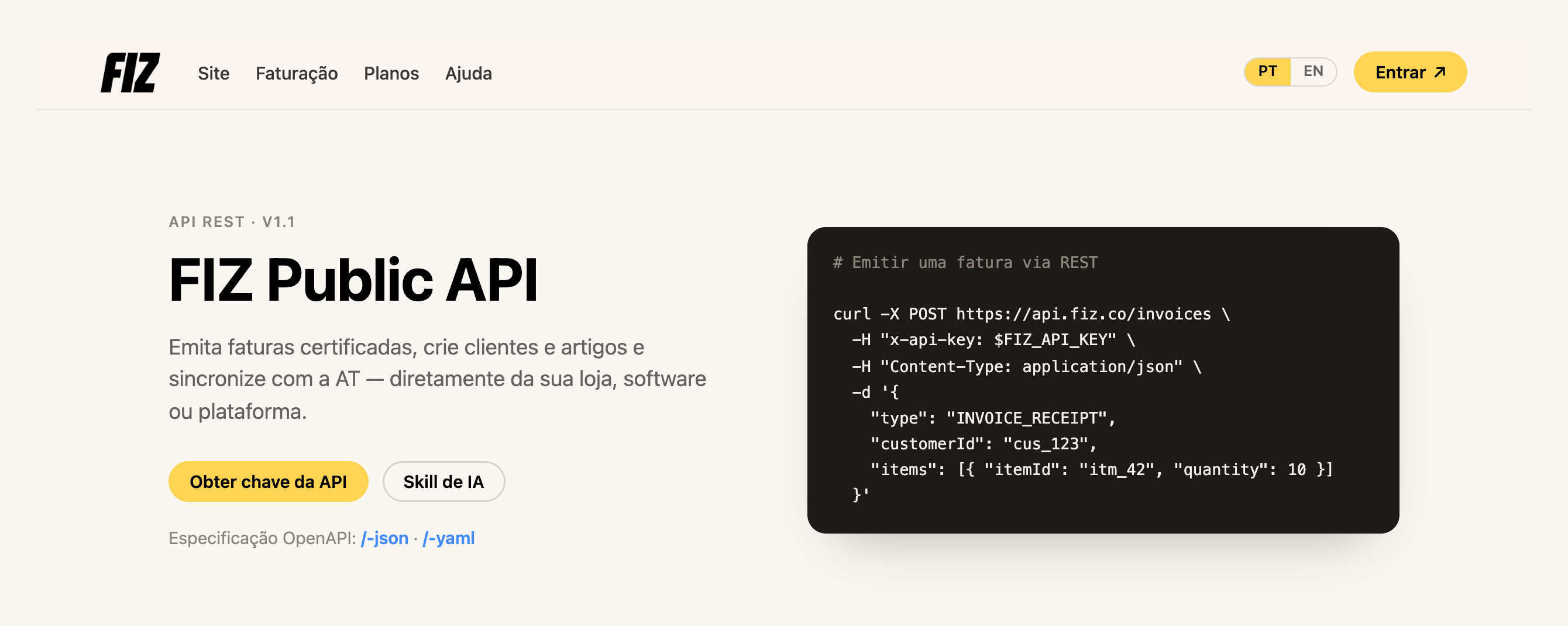
Há **novos métodos**: passas a poder criar uma **nota de crédito**, **anular uma fatura** e **escolher a série** ao emitir — tudo pela API, a juntar-se à emissão de faturas, clientes e artigos que já existiam. As faturas são criadas como rascunho e só são comunicadas à AT no momento da emissão, por isso podes validar tudo (e até gerar o PDF) antes de emitir. E passas também a **ler as tuas ligações bancárias e os movimentos** das Finanças pela API, para levares os dados para a tua própria contabilidade.
E abrimos em código aberto uma **skill de IA** que liga o **Claude ou o ChatGPT** à API da FIZ. Dizes, por exemplo, *"emite ao João uma fatura de 10 horas de consultoria"* e o assistente trata do resto — com conhecimento da fiscalidade portuguesa: taxas de IVA, motivos de isenção, validação de NIF e uma confirmação obrigatória antes do passo irreversível de emitir.
[Obter a minha chave da API →](https://app.fiz.co/settings/integrations) · [Ver a skill no GitHub →](https://github.com/FIZ-co/fiz-invoicing-skill)
## Sabe se o teu email chegou ao cliente
Enviaste a fatura por email — mas chegou? A partir de junho, cada documento mostra o **estado de entrega** na sua página: **Enviado**, **Entregue** ou **Não entregue**. Deixas de ficar na dúvida se o cliente recebeu ou se o email caiu no spam.
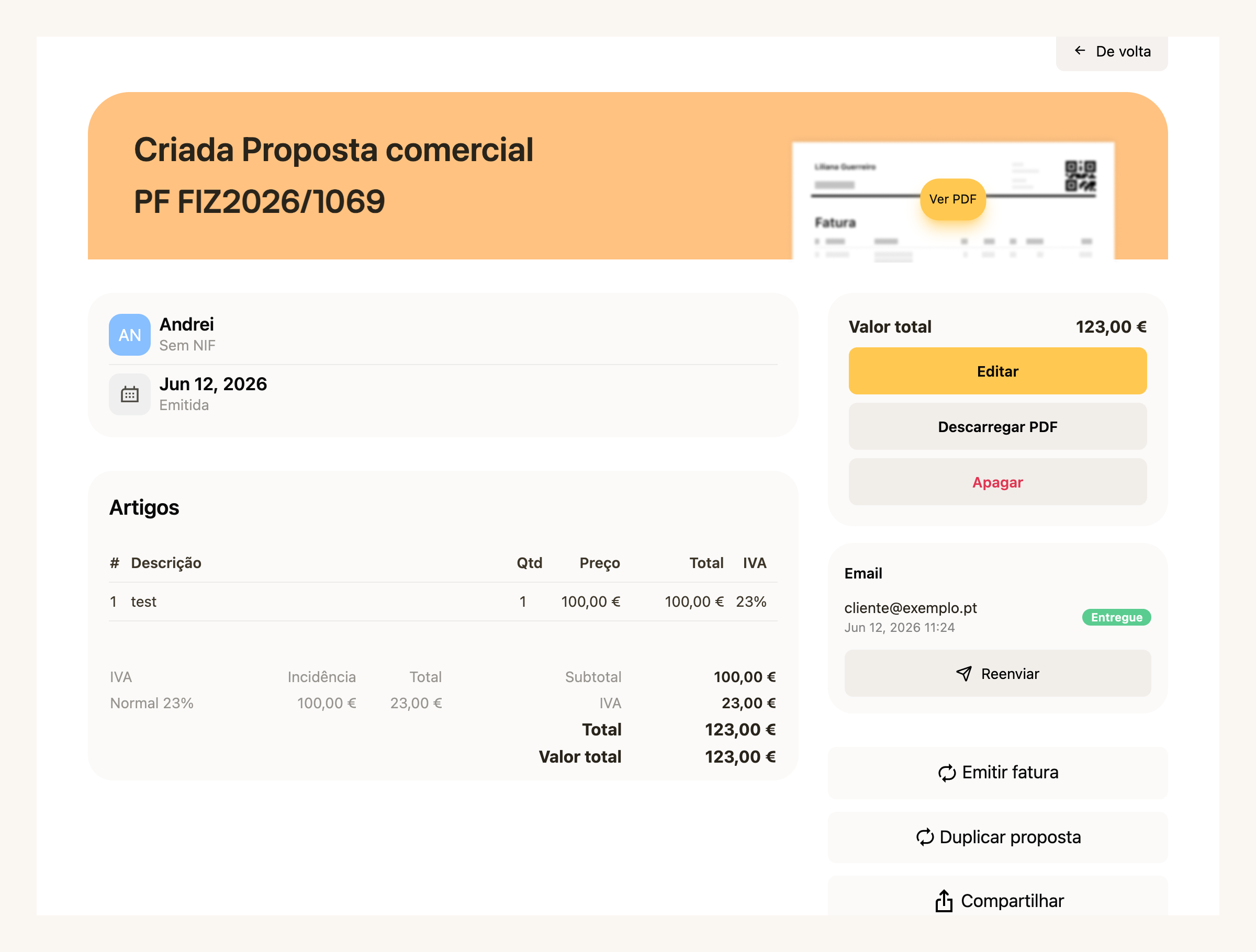
E se algo correu mal, **reenvias num clique** — a partir da mesma página, sem teres de voltar a começar.
[Ver as minhas faturas →](https://app.fiz.co/invoices)
## IRS — a reta final
Junho foi o mês do prazo: a entrega do IRS fechou a **30 de junho**. Ao longo do mês fomos resolvendo os casos que faziam as pessoas encravar mesmo em cima da data.
O assistente passou a tratar de **criptomoedas** (com uma pergunta própria e o passo do Anexo G para os ganhos isentos de longo prazo), das **mais-valias imobiliárias** (Anexo G) e dos **rendimentos estrangeiros** (Anexo J, com os ficheiros do teu banco/corretora).
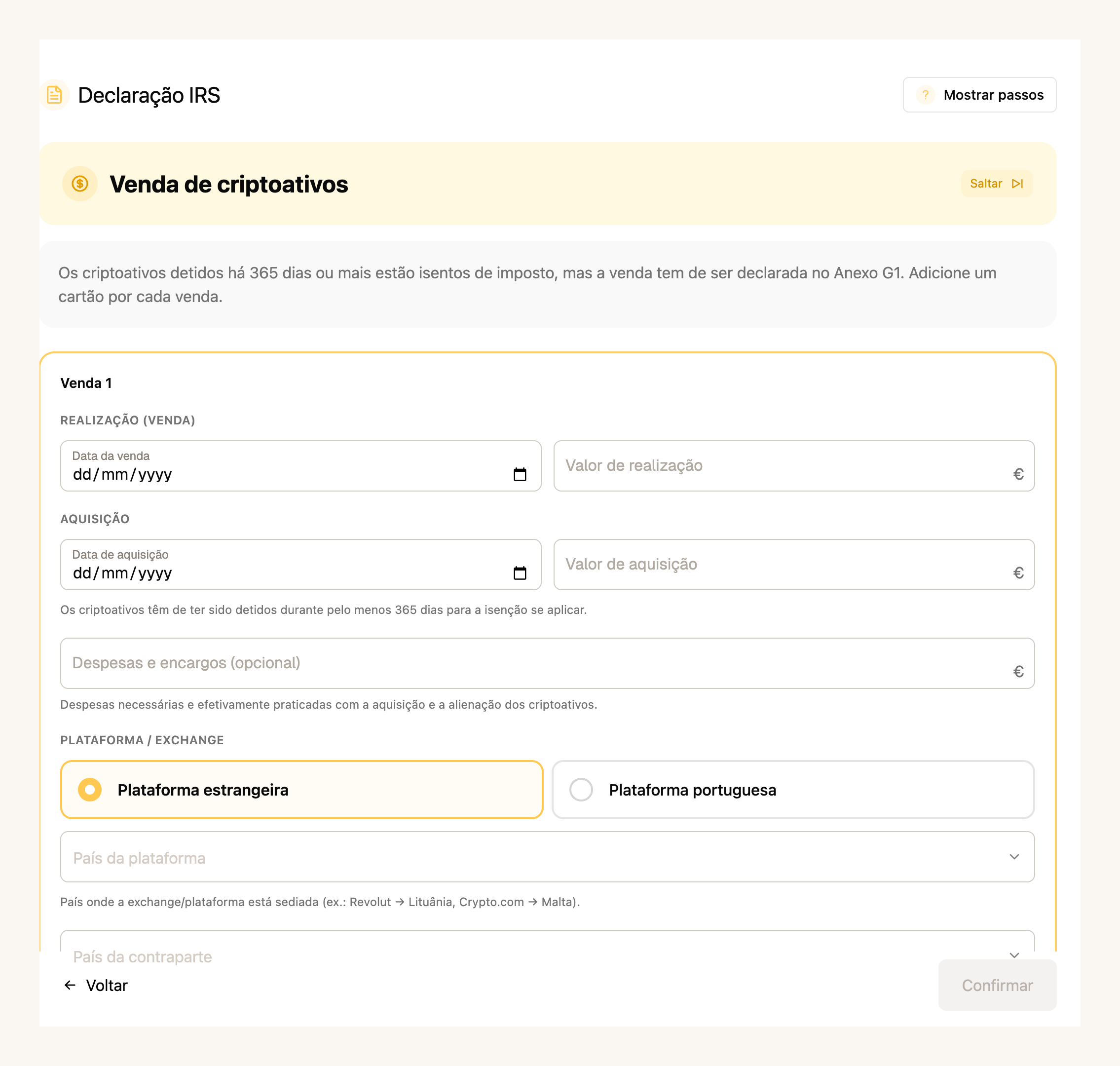
Na simulação, passas a ver a **opção pelo englobamento** e uma **comparação entre regimes** — normal, RNH e IFICI — e uma matriz que compara o resultado **para cada um dos cônjuges**, para escolheres o cenário que fica mais em conta.
Pelo caminho ficou também mais robusto: passo de **residência** com data, seletor do **domicílio fiscal** com os códigos da AT, apoio ao **2FA** ao entrares no Portal, e o descarregamento do **comprovativo (PDF)** da Segurança Social.
[Ver o meu IRS →](https://app.fiz.co/declarations/irs)
## Finanças, com uma mesa de trabalho renovada
Em maio abrimos as Finanças a toda a gente. Em junho remodelámos a mesa de trabalho onde tratas do dia a dia, e trouxemos coisas que faltavam:
- **Contrapartes, pela primeira vez.** Os teus clientes e fornecedores num só sítio, com quem te deve o quê nas vendas e nas compras — e podes **juntar duplicados** da mesma pessoa.
- **Retenção na fonte, agora contabilizada.** O imposto retido passa a ser tido em conta, lido dos próprios documentos ou registado à mão.
- **Tudo em euros.** Os documentos em moeda estrangeira aparecem automaticamente com o equivalente em euros, convertidos pelas taxas do Banco Central Europeu.
- **Categorias SNC.** Uma árvore pelo plano de contas SNC, com as tuas próprias categorias e subcontas.
- **Regras aplicadas ao histórico.** As regras deixaram de valer só daqui para a frente — aplicam-se também às operações que já existem, com uma pré-visualização de quantas vão ser afetadas antes de confirmares.
- **Painel de saúde financeira.** A tua posição de IVA e o estado da conciliação num só ecrã.
As funcionalidades avançadas estão nos **planos pagos**.
[Abrir as Finanças →](https://app.fiz.co/bookkeeping)
## Mais umas melhorias
- **Histórico de pagamentos.** Uma página nova com todos os teus pagamentos e compras avulsas, agrupados por mês.
- **Tipos de letra nos modelos de PDF.** O editor de modelos passou a deixar-te escolher a fonte.
## O que vem a seguir
Com os pagamentos no telemóvel a andar, vamos continuar a melhorar a app e a faturação. Se há algo que gostavas de ver, ou se encontraste um problema, escreve-nos pelo chat dentro da aplicação. Lemos tudo.
Obrigado por usares o FIZ.
---
## 6%, 13% ou 23%: que taxa de IVA aplicas
> URL: https://blog.fiz.co/taxas-de-iva-6-13-23
> Category: IVA | Published: 2026-06-27 | Reading time: 6 min
> As três taxas de IVA em Portugal (6%, 13%, 23%), com exemplos e as taxas mais baixas da Madeira e Açores. Vê qual aplicas.
A Rita faz catering para eventos. Numa semana emite uma fatura pelo serviço de refeições num casamento e outra pela venda de uns cabazes de produtos gourmet. Senta-se a passar os recibos e trava: "espera - isto leva a mesma taxa de IVA?".
Não leva. E é aqui que muita gente se engana. O IVA não tem uma taxa única. Tem **três** em Portugal continental - 6%, 13% e 23% - e a taxa não depende de quem és, depende **do que vendes**. O mesmo profissional pode ter de aplicar taxas diferentes conforme o produto ou serviço da fatura.
Vamos pôr isto claro, sem juridiquês.
## As três taxas: reduzida, intermédia e normal
Todas estão no Artigo 18.º do Código do IVA (o CIVA, o conjunto de regras do imposto). A lógica é simples: quanto mais essencial for o bem, mais baixa é a taxa.
A chave são as duas listas (Lista I e Lista II, dois anexos do CIVA que enumeram, um a um, os bens e serviços com taxa mais baixa). Se o que vendes está na Lista I, aplicas 6%. Se está na Lista II, aplicas 13%. Se não está em nenhuma, cai na regra geral: **23%**.
## O que está em cada taxa
Não precisas de decorar as listas, mas ajuda teres uma ideia do tipo de coisas que caem em cada uma.
**Taxa reduzida (6%)** - o essencial da vida:
- Produtos alimentares de base - pão, leite, ovos, carne, peixe, fruta e legumes
- Medicamentos e produtos farmacêuticos
- Livros, jornais e revistas
- Alojamento em hotelaria
- Transporte de passageiros
**Taxa intermédia (13%)** - sobretudo o setor da restauração:
- Refeições prontas a consumir - serviço de restauração, pronto-a-comer, entregas ao domicílio
- Serviços de alimentação e bebidas (exceto bebidas alcoólicas e refrigerantes)
- Vinhos comuns
- Conservas de **moluscos** fora da verba 1.3.2 → 13% (Lista II 1.2.1); as de **peixe** fora da verba vão à taxa normal (23%). As conservas de peixe ou de moluscos com mais de 50% de produto abrangidas pela verba 1.3.2 são a **6%** (desde 2024, incluindo as pastas de atum, cavala e sardinha) - **mas ficam de fora, à taxa normal de 23% mesmo com mais de 50%**, o peixe fumado, o espadarte e o esturjão (secos, salgados ou em conserva) e o caviar
- Instrumentos musicais
**Taxa normal (23%)** - por defeito, é aqui que cai a maioria dos serviços de freelancer:
- Vestuário, eletrodomésticos, telecomunicações
- Bebidas alcoólicas e refrigerantes
- E a esmagadora maioria dos **serviços profissionais** - design, programação, consultoria, marketing...
É por isto que, se prestas serviços de escritório (designer, programador, consultor), a tua taxa é quase sempre **23%**. A tua atividade não está em nenhuma lista, por isso cai na regra geral. Se ainda tens dúvidas sobre o que é o IVA e porque não é teu, começa por aqui: [IVA - de onde vem, para onde vai](/iva-de-onde-vem-para-onde-vai).
## Exemplo: a Rita e as duas taxas na mesma semana
Volta à Rita. Ela tem duas faturas para emitir e são taxas diferentes.
O serviço de refeições prontas a consumir é restauração - Lista II, taxa intermédia. Aplica 13%.
Os produtos alimentares essenciais estão na Lista I, taxa reduzida - 6%.
Duas faturas, duas taxas, a mesma profissional. Repara que a taxa não muda por ser a Rita a emitir - muda porque o que ela vende em cada fatura é diferente.
> **Atenção:** o erro clássico é aplicar sempre a mesma taxa "porque foi assim da última vez". A taxa acompanha o bem ou serviço, não o teu perfil. E há um detalhe caro na restauração: o serviço de refeição vai a 13%, **mas as bebidas alcoólicas (incluindo o vinho servido à refeição) e os refrigerantes vão a 23%**. Numa mesma fatura de catering podes ter linhas a 13% (comida) e a 23% (bebidas). Se meteres tudo a 13% por comodidade, estás a cobrar IVA a menos e o Estado vai querer a diferença. E há um caso à parte: se faturas o evento a um **preço único** que inclui as bebidas (menu, buffet), a taxa normal (23%) aplica-se ao valor **todo** - a repartição 13%/23% só vale quando as linhas vêm discriminadas.
## E na Madeira e nos Açores? As taxas são mais baixas
Aqui está a parte que quase toda a gente desconhece: as Regiões Autónomas têm taxas **mais baixas** que o continente. Está previsto no próprio Artigo 18.º, n.º 3 do CIVA.
A regra prática: aplicas a taxa da região **onde a operação se considera localizada**, não a do sítio onde vives. Um serviço prestado e consumido nos Açores leva a taxa açoriana; o mesmo serviço no continente leva a taxa continental.
**Exemplo do Bruno, designer:** o Bruno vive no Porto e fatura design a 23%. Se abre atividade e passa a prestar serviços a partir do Funchal, para operações localizadas na Madeira a sua taxa normal passa a ser **22%**. Não é uma poupança para ele (o IVA não é dinheiro dele - é do Estado), mas o número na fatura muda, e tem de o acertar.
> As taxas regionais mudam por diploma próprio de cada região. Se faturas para a Madeira ou os Açores, confirma a taxa em vigor antes de emitir - é um dos pontos onde é fácil ficar com um valor desatualizado.
## Como saber a taxa da tua atividade
Regra de bolso para o freelancer típico:
1. **Prestas serviços profissionais** (design, código, consultoria, texto, marketing)? Quase de certeza **23%** - não estás em nenhuma lista.
2. **Trabalhas com comida, alojamento, livros, saúde, transporte**? Vai à [Lista I](https://info.portaldasfinancas.gov.pt/pt/informacao_fiscal/codigos_tributarios/civa_rep/Pages/c-iva-listas.aspx) (6%) e à [Lista II](https://info.portaldasfinancas.gov.pt/pt/informacao_fiscal/codigos_tributarios/civa_rep/Pages/c-iva-listas.aspx#L2) (13%) - os anexos oficiais do CIVA - e vê onde encaixa exatamente o que fazes.
3. **A operação está localizada na Madeira ou nos Açores?** Aí aplicam-se as taxas regionais - mas o que conta é o local da operação (que depende do tipo de cliente e de serviço), não apenas a morada na fatura.
Na dúvida sobre uma verba específica das listas, não adivinhes: confirma antes de emitir. Uma taxa errada numa fatura obriga a anular e reemitir - dá mais trabalho do que acertar à primeira.
## ✅ Em resumo
1. **São três taxas no continente - 6%, 13% e 23% - e a taxa depende do que vendes, não de quem és.** Lista I → 6%, Lista II → 13%, tudo o resto → 23%. A maioria dos serviços de freelancer cai na taxa normal (23%).
2. **A Madeira e os Açores têm taxas próprias, mais baixas** (Madeira 4/12/22%, Açores 4/9/16%). Aplicas a taxa da região onde a operação se localiza, não a de onde moras.
3. **Com o [FIZ](https://fiz.co/) escolhes a taxa de IVA no momento de faturar** - 6%, 13% ou 23% - e a declaração trimestral de IVA é preparada e submetida a partir dos teus recibos, sem andares a somar taxas à mão. Vê os [planos](https://fiz.co/planos).
---
## Anexo B do IRS: como preencher sem te perderes
> URL: https://blog.fiz.co/anexo-b-irs-como-preencher
> Category: IRS | Published: 2026-06-19 | Reading time: 6 min
> Recibos verdes no regime simplificado? O Anexo B parece um labirinto de quadros, mas para a maioria são 3 ou 4 campos. Aqui está quais, em português simples.
A Sofia, designer, abre a declaração de IRS, chega ao "Anexo B" e estaca: dezenas de quadros, campos com números a três e quatro dígitos, siglas. A pergunta que toda a gente faz nos grupos de freelancers é a mesma: "não percebo que quadrícula é que tenho de marcar".
Boa notícia: para a maioria dos trabalhadores independentes no regime simplificado, o que importa são **3 ou 4 campos**. O resto dos quadros é para situações especiais que provavelmente não te dizem respeito.
Vamos ver, por ordem, o que realmente tens de preencher.
## O que é o Anexo B e quem o entrega
O Anexo B é onde declaras os teus **rendimentos da Categoria B** - os recibos verdes, a tua atividade como independente.
É **individual**. Preenches um Anexo B para a pessoa que tem a atividade. Se entregas a declaração em conjunto e o teu cônjuge não tem atividade, **não preenches um Anexo B para ele** - ele aparece só como Sujeito Passivo B na folha de rosto. (É a confusão mais comum em casais.)
Dois casos que parecem dispensar o Anexo B, mas não dispensam:
- **Tiveste atividade aberta mas faturaste zero?** Entregas na mesma o Anexo B, com os valores a 0,00. A obrigação só termina quando fechas a atividade.
- **O teu rendimento veio do estrangeiro e foi para o Anexo J?** Continuas a entregar o Anexo B. Os dois anexos complementam-se, não se substituem.
## Quadro 1: simplificado ou ato isolado?
A primeira escolha. No Quadro 1 marcas o regime:
- **Campo 01 - Regime simplificado:** é o teu caso se tens atividade aberta e emites recibos verdes regularmente.
- **Campo 02 - Ato isolado:** só se foi um trabalho pontual, único, sem atividade aberta.
Não podes marcar os dois. Para a esmagadora maioria dos freelancers com atividade aberta, é o **campo 01**.
> Há ainda, mais à frente, a "opção pela aplicação das regras da Categoria A" (Quadro 5). É uma escolha rara, que só compensa em casos muito específicos (quem presta serviços a uma única entidade e tem muitas despesas reais). Para quase toda a gente, o regime simplificado normal é melhor. Não te preocupes com isto agora.
## Quadro 4: onde entra o teu rendimento
Este é o coração do Anexo B. É aqui que escreves quanto faturaste, no campo certo conforme o tipo de atividade. Cada campo tem um **coeficiente** associado, que define quanto do que faturaste é tributável.
Na prática, escreves o **total que faturaste** no campo que corresponde à tua atividade. O coeficiente é aplicado automaticamente.
**Exemplo:** a Sofia faturou €18.000 em serviços de design (atividade da tabela do art. 151.º). Escreve **€18.000 no campo 403**. O sistema aplica o coeficiente 0,75:
Não sabes qual coeficiente te aplica? Explicámos a diferença entre 0,75 e 0,35 [neste artigo](/coeficiente-075-035-irs). E se tens dúvidas sobre o código da tua atividade, vê [como escolher o código CAE/CIRS](/cae-cirs-como-escolher-codigo-atividade).
## A Segurança Social: o desconto básico é automático
Esta é a pergunta que mais aparece: "onde ponho as minhas contribuições para a Segurança Social no Anexo B?" A resposta tem duas partes.
**O desconto básico é automático.** Pela regra do art. 31.º n.º 2, é dedutível a parte das contribuições que **excede 10% do que faturaste em serviços** - e isto a AT faz sozinha, com os dados que recebe da Segurança Social. Não tens de preencher nada para teres direito a este desconto.
**Mas há um campo, e é opcional: o Quadro 17 (campo 17001).** Aí podes inscrever o **total** das tuas contribuições para a Segurança Social. Não serve para o desconto acima - serve para outra coisa: justificar despesas reais e evitar o "acréscimo" (a regra do art. 31.º n.º 13, que pode voltar a tributar parte do rendimento se faturas muito e tens poucas despesas registadas). Se faturas pouco, raramente precisas dele; se faturas bastante, preencher o 17001 pode poupar-te imposto.
Não tens de fazer esta conta nem preencher nada. A AT faz tudo a partir dos dados que já tem.
## Primeiro ou segundo ano? Pagas menos
Se estás no início da atividade, há um desconto importante. Nos dois primeiros anos, os coeficientes de serviços têm uma redução:
No 2.º ano a redução é menor: 0,75 passa a **0,5625** e 0,35 passa a **0,2625**. A partir do 3.º ano, sem redução.
Duas armadilhas: a redução **não se aplica às vendas de mercadorias** (coeficiente 0,15), e **perde-se se nesse ano também tiveste salário** (Categoria A) ou pensão (Categoria H).
> **Atenção:** Os dois enganos mais caros com o Anexo B. Primeiro: preencher um Anexo B para um cônjuge que não tem atividade - não se faz, o Anexo B é só de quem tem a atividade. Segundo: pensar que rendimento do estrangeiro no Anexo J te dispensa do Anexo B - não dispensa, entregas os dois. Se tens uma situação mista (vários CAE, salário + recibos verdes, mais-valias), não preenchas às cegas: confirma o cálculo antes de submeter.
## ✅ Em resumo
1. **Para a maioria, o Anexo B são poucos campos:** marcas o regime simplificado (Quadro 1, campo 01) e escreves o que faturaste no campo certo do Quadro 4 - **403** para serviços da tabela do art. 151.º (0,75), **404** para outros serviços (0,35), **401** para vendas (0,15).
2. **A Segurança Social: o desconto básico é automático** - a AT desconta sozinha a parte que excede 10% dos teus serviços (art. 31.º n.º 2). Há um campo opcional (Quadro 17, campo 17001) para inscreveres o total das contribuições e justificar despesas, útil se faturas bastante. E no 1.º e 2.º ano de atividade os coeficientes de serviços têm uma redução (0,375 e 0,5625).
3. **Com o [FIZ](https://fiz.co/) o Anexo B é preenchido por ti:** o sistema usa os teus recibos e os dados da AT para pôr cada valor no campo certo, com o coeficiente e a redução de início de atividade corretos, e submetes a declaração diretamente no portal da AT. Vê os [planos](https://fiz.co/planos).
---
## Anexo A do IRS: o salário na tua declaração de freelancer
> URL: https://blog.fiz.co/anexo-a-irs-trabalho-dependente
> Category: IRS | Published: 2026-06-19 | Reading time: 6 min
> Tens salário e recibos verdes? O Anexo A já vem preenchido. Percebe o que é a retenção e porque não podes reaproveitar a dedução do salário.
O Bruno trabalha meio-horário numa empresa e ao fim de semana faz uns projectos como freelancer. Quando abre a declaração de IRS, encontra um "Anexo A" já cheio de números que ele nunca escreveu: salário, imposto retido, descontos. E entra em pânico: o sistema acertou? E estes campos, o que querem dizer?
Boa notícia primeiro: o Anexo A é a parte que **já vem feita por ti**. Os números vêm directamente do que a tua entidade patronal comunicou à AT.
Mas há duas coisas que tropeçam quase toda a gente: o que é a **retenção na fonte** (não é o que parece) e o facto de não poderes reaproveitar a dedução automática do salário no lado dos recibos verdes. Vamos a isto.
## O que é o Anexo A e porque já vem preenchido
O Anexo A é onde entram os **rendimentos da Categoria A** - o trabalho por conta de outrem, ou seja, o teu salário. (As pensões, Categoria H, também entram aqui, mas isso é outra conversa.)
Como a tua empresa já comunica à AT quanto te pagou e quanto te reteve, este anexo vem **pré-preenchido**. Não tens de o escrever - tens de o **confirmar**.
Cada linha do Quadro 4A tem três colunas que interessam saber ler:
Cada rendimento aparece com um **código** ao lado. O da esmagadora maioria dos salários é o **código 401** (trabalho dependente, rendimento bruto). É esse que vais ver.
Duas notas práticas:
- **Cada titular tem as suas linhas.** Se fores casado e o teu cônjuge também for assalariado, cada um tem as suas linhas, separadas pela coluna do titular (A ou B). Um cônjuge sem rendimentos não preenche nenhum Anexo A.
- **Salário do estrangeiro não vai aqui.** Se trabalhaste para uma entidade estrangeira, esse rendimento vai no Anexo J, não no A.
> **Atenção:** Se os números do Anexo A não baterem certo com o teu recibo de vencimento, **confirma com a entidade patronal antes de corrigir**. Podes editar os valores pré-preenchidos, mas só depois de teres a certeza de qual está errado - o teu recibo ou o que a empresa comunicou.
## Retenção não é desconto - é dinheiro que já pagaste
Aqui está o engano número um de quem tem só salário.
Muita gente olha para a retenção na fonte e pensa que é uma dedução, algo que baixa o rendimento sobre o qual paga imposto. **Não é.** A retenção é **imposto que já pagaste** ao longo do ano - todos os meses a empresa tira-te uma fatia e entrega-a à AT por ti.
Parece um detalhe técnico, mas afinal explica uma coisa que confunde toda a gente: porque é que uma declaração só com salário pode dar reembolso **ou** dar a pagar.
O que acontece é isto. A retenção mensal é uma **estimativa**. No fim do ano, a declaração faz as contas a sério:
Se a empresa reteve a mais, recebes a diferença de volta; se reteve a menos, pagas. É só isto. (A lógica completa do reembolso de maio está [neste artigo](/reembolso-irs-maio-trabalhadores-independentes).)
Há ainda uma **dedução específica** automática para quem tem salário: em 2025, são **4.462,15 €** que o Estado abate ao teu rendimento do trabalho, sem precisares de provar nada. (Se os teus descontos obrigatórios para a Segurança Social forem maiores do que esse valor, conta o valor real dos descontos.)
## Tens salário E recibos verdes? Duas coisas que tens de saber
Se trabalhas por conta de outrem e fazes freelance ao mesmo tempo, os dois rendimentos somam-se na mesma declaração e o IRS aplica os escalões ao total. **Isso já está explicado em detalhe** no artigo [trabalhar por conta de outrem e fazer freelance ao mesmo tempo](/trabalho-freelance-simultaneamente) - não vamos repetir aqui.
O que esse artigo não cobre, e é o que tropeça mais gente, são estas duas coisas do lado do Anexo A:
**1. Não podes usar a dedução do salário como uma dedução extra nos recibos verdes.**
O teu salário tem a dedução automática de 4.462,15 €. Mas isso é da Categoria A. Os teus recibos verdes (Categoria B) são tributados pelo **coeficiente** - no regime simplificado, só 75% do que faturas conta como rendimento (vê o [artigo sobre o coeficiente](/coeficiente-075-035-irs)). Curiosamente, o **mesmo valor** de 4.462,15 € reaparece do lado da Categoria B, mas só como um limite mínimo de despesas dentro do próprio cálculo da Categoria B (a regra do art. 31.º), não como uma segunda dedução que somas por cima.
> Atenção a uma confusão comum: a "opção pelas regras da Categoria A" que aparece no Anexo B é **outra coisa** - uma escolha rara e raramente vantajosa, não a tua dedução do salário a ser reaproveitada.
**2. Se tiveste salário, perdes a redução de início de atividade nesse ano.**
No primeiro e segundo ano de atividade, o coeficiente de 0,75 costuma ter uma redução (passa a 0,375 no 1.º ano e 0,5625 no 2.º). Mas há uma armadilha:
A redução é só "nesse ano", não para sempre - mas ter salário no mesmo ano apaga esse desconto. Para perceberes como funciona o coeficiente em geral, vê o [artigo sobre o coeficiente](/coeficiente-075-035-irs).
## Declaração conjunta: um salário, um freelancer
E se forem casados, um com salário e outro a fazer freelance? Aqui entra o **quociente conjugal**.
A Marta é assalariada e o Diogo é freelancer. Quando entregam em conjunto, o imposto é calculado **como se cada um tivesse ganho metade do total**, e depois multiplicado por dois.
Isto costuma compensar quando os rendimentos são desiguais - mas cuidado com o engano:
> Não significa que **metade fica isenta**, nem que pagas "imposto sobre 2,5". O rendimento todo é tributado. O que muda é que, ao dividir por dois, mais parte da base cai em escalões mais baixos - e o benefício é maior quanto mais diferentes forem os dois rendimentos.
Como já viste, um cônjuge sem rendimentos não preenche nenhum Anexo A - aparece apenas na folha de rosto da declaração conjunta, como Sujeito Passivo B, sem qualquer linha de rendimento.
> **Atenção:** O erro mais caro é tentar somar a dedução de 4.462,15 € do salário por cima dos recibos verdes como se fosse uma dedução extra - não podes; a Categoria B tem a sua regra própria. E não penses que metade fica isenta na declaração conjunta. Se tens uma situação mista (vários rendimentos, IRS Jovem, NHR), não preenchas às cegas: confirma o cálculo antes de submeter.
## ✅ Em resumo
1. **O Anexo A já vem preenchido com o teu salário** - confirma os números contra o recibo de vencimento. A retenção na fonte não é um desconto: é IRS que já pagaste mês a mês, e é por isso que uma declaração só com salário pode dar reembolso ou a pagar.
2. **Salário e recibos verdes somam-se**, mas a dedução automática do salário (4.462,15 € em 2025) não se reaproveita do lado dos recibos verdes, e ter salário faz-te perder a redução de início de atividade nesse ano. Na declaração conjunta, o imposto calcula-se sobre metade do total - sem que metade fique isenta.
3. **Com o [FIZ](https://fiz.co/) a tua declaração de IRS é montada por ti:** o sistema puxa o Anexo A directamente do portal da AT, junta os teus recibos verdes, calcula o imposto real (escalões certos, redução perdida, quociente conjugal) e submetes a declaração diretamente no portal da AT, sem fórmulas à mão. Vê os [planos](https://fiz.co/planos).
---
## Nota de Débito: O Que É (e Porque Raramente Precisas de Uma)
> URL: https://blog.fiz.co/nota-de-debito-o-que-e
> Category: Guias | Published: 2026-06-06 | Reading time: 4 min
> A nota de débito aumenta o valor de uma fatura. Mas raramente precisas de uma — uma nota de crédito mais uma fatura nova resolve quase tudo. A diferença, explicada.
Um fornecedor envia-te uma "nota de débito" de €120. Ou leste o termo algures e ficaste a pensar se devias andar a emiti-las. A resposta honesta, para a maioria dos freelancers: **quase nunca.**
Aqui está o que é uma nota de débito — e porque, na prática, uma nota de crédito costuma resolver melhor.
## O que é uma nota de débito?
Uma **nota de débito** é um documento retificativo que **aumenta** o valor a pagar de uma fatura já emitida. Usa-se quando a fatura original continua válida, mas precisas de lhe acrescentar algo — por exemplo, juros de mora, ou um pequeno encargo extra acordado depois.
É a imagem ao espelho da nota de crédito: a nota de crédito *reduz* o que é devido; a nota de débito *aumenta*. Em qualquer dos casos, o documento **refere a fatura original** — não pode ser emitido isoladamente.
## A regra prática (é esta a parte que interessa)
Há um teste simples para saber qual documento usar:
- **A fatura original tem de ser substituída** (valor errado, NIF errado, trabalho cancelado) → anula-se e emite-se uma nova correta. Este é o caso comum. (Para um *valor* errado, é tipicamente nota de crédito + fatura nova; para um *NIF/data/número* errado, é a função **Anular** — vê "O que uma nota não pode fazer" mais abaixo.)
- **A fatura original está correta, só precisas de lhe *acrescentar* um valor** → emites uma **nota de débito** apenas por esse valor extra.
Para a maioria dos freelancers, quase todas as correções caem no primeiro caso. Por isso, na prática, vais usar uma [nota de crédito](/recibo-verde-errado-nota-de-credito) e uma fatura nova — não uma nota de débito. O método anular-e-reemitir é mais limpo: uma anulação, uma fatura nova, sem ambiguidades sobre o que o cliente deve.
> Se ainda tens dúvidas sobre qual documento emitir em cada situação, vê o guia [que documento passar a cada cliente](/documento-certo-para-cada-cliente).
## Nota de débito vs nota de crédito
Ambas são documentos retificativos, têm de ser emitidas em software certificado pela AT e referem sempre a fatura original.
## Os casos raros em que a nota de débito é a ferramenta certa
Um freelancer precisaria mesmo de uma nota de débito quando o objetivo é **acrescentar valor** a uma fatura que, no resto, está correta:
- **Juros de mora.** O cliente paga com atraso e o teu contrato prevê juros. A fatura original está bem — só acrescentas os juros com uma nota de débito que a referencia.
- **Um pequeno extra acordado depois.** O cliente pede uma alteração menor e ambos concordam em juntá-la à transação original, em vez de abrir uma fatura nova.
Em cada caso, a fatura original mantém-se — a nota de débito assenta sobre ela e aumenta o total:
## No contexto português
Uma nota de débito é um documento fiscal a sério. Tal como as faturas e as notas de crédito, tem de ser emitida em **software de faturação certificado pela AT**, com numeração sequencial própria e código ATCUD, e é comunicada à Autoridade Tributária. Se o documento original tinha IVA, a nota de débito também tem — e ajusta o IVA que entregas na declaração periódica.
## O que uma nota (de débito ou de crédito) NÃO pode fazer
Estes documentos ajustam o **valor financeiro** de uma fatura — não reescrevem os seus dados. Por isso, há coisas que nenhuma nota corrige:
- **Não mudam o NIF do cliente.** Uma nota ajusta o *valor* de uma operação (o art. 29.º do CIVA liga os documentos retificativos a alterações do valor tributável ou do imposto) — não corrige dados identificativos. Se emitiste a fatura para o NIF errado, foi para a entidade errada, por isso o caminho é **anular a operação** (a função **Anular**, enquanto ainda está disponível) e emitir uma fatura nova com o NIF correto. Se a janela de anulação já fechou, confirma o procedimento exato com o teu contabilista ou a AT antes de agir — não assumas que uma nota resolve.
- **Não mudam a data, o número, a série ou o ATCUD da fatura original.** Esses elementos são imutáveis. A nota tem a sua própria data e numeração, sempre posteriores.
- **Na prática, não corrigem sozinhas uma taxa de IVA errada.** Se aplicaste a taxa errada, o caminho mais limpo é **anular a fatura e reemiti-la** com a taxa correta — a maioria dos programas de faturação (e o próprio portal) só te deixa introduzir quantidade e preço, pelo que não há forma prática de registar só a correção da taxa. Se cobraste IVA **a menos**, corrigir é obrigatório (art. 78.º, n.º 3 do CIVA); não deixes arrastar.
## Perguntas frequentes
**Posso simplesmente reemitir uma fatura-recibo que preenchi mal?**
Podes: anulas a errada e emites uma nova correta. Em alternativa, emites uma nota de crédito que a anula e depois a fatura nova. Qualquer dos caminhos é válido — o que não podes é editar ou "ignorar" a original.
**No portal, a nota de crédito aparece com valor negativo?**
Nem sempre como esperarias. Muitas vezes o portal não te deixa pôr um valor "−X" direto; em vez disso, registas a nota a referenciar a fatura e a reduzir a(s) linha(s) correspondente(s). O efeito final é o mesmo — o documento original fica corrigido — mas a forma de o preencher pode confundir à primeira.
**Apliquei a taxa de IVA errada — o que faço?**
Se cobraste a menos, corrigir é obrigatório (art. 78.º, n.º 3 do CIVA). Na prática, o caminho mais simples é **anular a fatura errada e reemiti-la** com a taxa correta, porque os programas de faturação deixam introduzir quantidade e preço, mas não um ajuste isolado da taxa. Na dúvida, confirma os passos exatos com o teu contabilista antes do prazo.
## ✅ Em resumo
1. **A nota de débito aumenta o que o cliente deve; a nota de crédito reduz.** Ambas referem a fatura original e têm de ser emitidas em software certificado pela AT.
2. **Como freelancer raramente vais emitir uma nota de débito.** Para corrigir uma fatura errada (NIF errado, valor errado, taxa de IVA errada), o procedimento normal é anulá-la — uma nota de crédito que a anula, seguida de uma fatura nova e correta. Guarda a nota de débito para o caso restrito de *acrescentar* valor a uma fatura cuja base já está certa: juros de mora ou um pequeno extra acordado.
3. **Com o [FIZ](https://fiz.co/) os documentos retificativos são um clique** — o sistema referencia a fatura original automaticamente, trata do ATCUD e da numeração, e ajusta o IVA trimestral sem precisares de fazer contas.
---
## Como Reabrir Atividade nas Finanças Depois de a Teres Cessado
> URL: https://blog.fiz.co/reabrir-atividade
> Category: Guias | Published: 2026-06-06 | Reading time: 6 min
> Cessaste atividade e queres voltar a trabalhar como freelancer? Reabrir é simples — mas há diferenças face à primeira vez. O que muda na Segurança Social, no IVA, e os erros a evitar.
[Cessaste a atividade](/suspender-encerrar-atividade) há uns tempos — talvez para aceitar um emprego, talvez por uma pausa — e agora queres voltar a faturar como trabalhador independente. Boa notícia: reabrir é tão simples como abrir pela primeira vez.
Mas há uma pergunta que aparece sempre e que quase nunca tem resposta clara: **"o Portal chama-lhe Reinício de Atividade — isso vai criar-me problemas?"** A resposta curta: não. Vê porquê, e o que realmente muda em relação à primeira vez.
## Início vs Reinício: é a mesma coisa?
Quando reabres, o processo é tratado como uma **declaração de início de atividade** — o mesmo ato declarativo da primeira vez. No Portal das Finanças, o caminho é o mesmo: "Início de Atividade" → "Entregar declaração", mesmo que já tenhas tido atividade no passado.
O comprovativo que recebes pode aparecer com o título *Reinício de Atividade*, mas é o mesmo tipo de documento, com a **data do novo início**. Não é um processo especial nem mais complicado. Se um banco ou terceiro te pediu uma "declaração de início de atividade", este documento serve.
## Como reabrir — passo a passo
No Portal das Finanças, demora cerca de 5 minutos:
1. Entra com o teu NIF e senha
2. **Serviços → Atividade → Início de Atividade**
3. Indica a data de início (tem de ser a data de hoje ou uma data futura — não pode ser retroativa)
4. Seleciona o CAE e o regime de tributação
5. Submete e guarda o comprovativo
Se ainda tens dúvidas sobre o processo geral, o nosso [guia completo de abertura de atividade](/como-abrir-atividade-passo-a-passo) explica cada passo em detalhe — aplica-se igualmente a uma reabertura.
## O que muda em relação à primeira vez
Aqui está o ponto mais importante, e o que mais gente desconhece.
### Segurança Social: a dispensa de 12 meses não recomeça do zero
Na primeira vez que abres atividade, tens 12 meses sem obrigação de contribuir para a Segurança Social. **Esse benefício é único — não recomeça do zero a cada reabertura.**
Há, no entanto, uma exceção importante. Se cessaste **dentro** dos primeiros 12 meses (antes de teres esgotado a dispensa) e reabres no prazo de 12 meses após a cessação, a contagem **suspende-se e continua** — aproveitas os meses de dispensa que ainda não usaste. Por exemplo: usaste 4 meses, cessaste, reabres 3 meses depois → ainda tens os 8 meses restantes.
Fora desse caso — se já tinhas esgotado os 12 meses, ou se reabres mais de 12 meses depois da cessação — a obrigação de contribuir começa logo no reinício. Não há um novo período de 12 meses.
### IVA: podes voltar à isenção do artigo 53.º (com uma exceção)
Em regra, ao reabrir podes voltar a optar pela [isenção de IVA do artigo 53.º](/os-patamares-que-mudam-tudo-15000-e-200000) se a tua faturação estimada ficar **abaixo de 15.000€**. Essa estimativa é para o ano civil em curso — da data de início até ao fim do ano, **sem ser anualizada**. A elegibilidade também depende do volume de negócios do ano anterior, se aplicável.
Mas atenção a uma regra que apanha muita gente (art. 56.º do CIVA). Há **dois casos** em que não podes voltar logo à isenção, mesmo com faturação prevista abaixo dos 15.000€:
- Se estavas num **regime de tributação (regime normal)** à data da cessação e reabres **nos 12 meses seguintes**;
- Se reabres **no ano seguinte ao da cessação** e, não tivesses cessado, terias passado ao regime normal por causa do volume de negócios do ano anterior.
Se cais num destes casos, ou esperas o tempo necessário, ou abres já em regime normal e mudas para a isenção mais tarde, no momento próprio.
### O CAE e o regime
Reabrir é uma declaração nova, por isso voltas a selecionar o CAE e o regime. Se a tua atividade é a mesma de antes, escolhes o mesmo código. Se mudou, é a oportunidade para acertar — vê o [guia do CAE e CIRS](/cae-cirs-como-escolher-codigo-atividade) se tiveres dúvidas.
## Testa o teu caso
Duas regras, quatro combinações possíveis — em vez de releres tudo, responde e vê o que se aplica a ti:
## Dois mitos a evitar
Há duas ideias que circulam e que te podem meter em sarilhos:
### ❌ "Cesso e reabro para mudar de regime de IVA"
Não funciona, e é contraproducente. A mudança do regime normal para a isenção do artigo 53.º faz-se através de uma **Declaração de Alterações em janeiro** (art. 32.º e 54.º, n.º 2 do CIVA), não cessando e reabrindo.
Pior: cessar e reabrir só para mudar de regime aciona uma regra que te **impede de beneficiar da isenção durante 12 meses**. Em vez de resolveres, crias um problema. Se queres mudar de regime, espera por janeiro e usa a declaração de alterações.
Nota: se foste tu a **optar voluntariamente** pelo regime normal (renúncia à isenção), ficas obrigado a permanecer nele durante **pelo menos 5 anos** — só podes sair antes em caso de modificação essencial das condições da atividade (art. 55.º do CIVA).
### ❌ "Reabro com data retroativa para faturar um trabalho antigo"
Também não é possível. A data de início de uma reabertura tem de ser o **dia da submissão ou uma data futura** — nunca uma data passada. E não podes emitir um ato isolado **no ano da cessação nem no ano seguinte** — nesses casos, a única via é reabrir atividade. Se precisas de faturar trabalho recente, fala com um contabilista sobre o enquadramento correto antes de avançar.
## Perguntas frequentes
**Reinício de Atividade é diferente de Início de Atividade?**
Na prática, não. É o mesmo ato declarativo e o mesmo documento, com a data do novo início. O título pode dizer "Reinício", mas serve para os mesmos efeitos.
**Quantas vezes posso reabrir?**
Não há limite. Podes cessar e reabrir conforme a tua situação — é completamente normal.
**Mantenho o meu NIF?**
Sim. O NIF é o teu número de contribuinte e nunca desaparece, estejas com atividade aberta ou cessada.
**Volto a ter os 12 meses sem Segurança Social?**
Não recomeças um novo período de 12 meses. A exceção: se cessaste antes de esgotar a dispensa inicial e reabres no prazo de 12 meses, aproveitas os meses que ainda não tinhas usado.
## ✅ Em resumo
1. **Reabrir é o mesmo processo que abrir** — Portal das Finanças, "Início de Atividade", 5 minutos. O comprovativo pode chamar-se "Reinício", mas é o mesmo documento.
2. **A dispensa de 12 meses da Segurança Social não recomeça do zero** — mas se cessaste dentro desse período e reabres no prazo de 12 meses, aproveitas os meses que faltavam. Caso contrário, contribuis desde o reinício.
3. **Não uses cessar+reabrir para mudar de regime nem para datas retroativas** — não funciona e pode bloquear-te a isenção. Para mudar de regime de IVA, usa a declaração de alterações em janeiro.
4. **Com o [FIZ](https://fiz.co/) voltas a ter tudo automático desde o primeiro dia** — faturas, declarações trimestrais e avisos das tuas obrigações, sem teres de pensar nelas.
---
## Opção -25% na Segurança Social: Como Funciona
> URL: https://blog.fiz.co/seguranca-social-opcao-25-declaracao-trimestral
> Category: Seg. Social | Published: 2026-06-06 | Reading time: 6 min
> Na declaração trimestral podes ajustar a base até 25%. Vê o impacto na BIC, no valor a pagar e em doença, parentalidade e pensão.
Na declaração trimestral à Segurança Social há um campo que passa despercebido a muitos trabalhadores independentes: a opção de fixar o rendimento relevante até **25% abaixo ou acima** do valor calculado.
À primeira vista parece uma forma de "pagar menos". Mas não é só isso. Esta opção muda a tua **base de incidência contributiva** (BIC), e a BIC é o valor sobre o qual as tuas contribuições são calculadas. Em certos casos, também pode influenciar a base usada para prestações como doença, parentalidade e pensão.
Se ainda estás a perceber a fórmula base, começa pelo guia geral de [Segurança Social para trabalhadores independentes](/seguranca-social-trabalhador-independente). Aqui vamos focar apenas esta opção dos 25%.
## O que acontece na declaração trimestral
Na declaração trimestral declaras os rendimentos do trimestre anterior — o rendimento conta na data em que a fatura se torna obrigatória: em regra, a data da prestação do serviço; num adiantamento, a data em que o recebes (art. 36.º do CIVA). Não é a data em que o cliente paga a fatura já emitida. Para prestação de serviços, a Segurança Social calcula normalmente o **rendimento relevante** assim:
> rendimento relevante = 70% dos serviços declarados
Depois transforma esse valor numa base mensal:
> BIC mensal = rendimento relevante ÷ 3
E a contribuição mensal é:
> contribuição = BIC mensal × 21,4%
No momento da declaração, podes escolher que o rendimento relevante seja fixado num valor superior ou inferior até 25%, em intervalos de 5%: `-5%`, `-10%`, `-15%`, `-20%`, `-25%`, ou o mesmo para cima.
Podes testar o efeito de cada percentagem no teu caso na [calculadora de contribuições](/seguranca-social-trabalhador-independente#calcula-o-teu-caso) — escolhe a variação e vê logo o valor mensal.
## O que a opção de -25% não faz
Ela **não muda o rendimento real**. Se prestaste serviços de €9.000 no trimestre, declaras €9.000.
Ela também **não reduz IRS, IVA, retenção na fonte, faturas ou recibos**. É uma opção dentro da Segurança Social para ajustar a base contributiva que vai ser usada nos meses seguintes.
Pensar nisto como "declarar menos" é perigoso. A lógica correta é: declaras o rendimento verdadeiro e escolhes uma base contributiva dentro da margem legal permitida.
## Exemplo com números
Imagina que prestaste €9.000 em serviços no trimestre.
Sem ajuste:
| Cálculo | Valor |
|---|---:|
| Serviços prestados | €9.000 |
| Rendimento relevante | €6.300 |
| BIC mensal | €2.100 |
| Contribuição mensal | €449,40 |
Com opção de `-25%`:
| Cálculo | Valor |
|---|---:|
| Serviços prestados | €9.000 |
| Rendimento relevante ajustado | €4.725 |
| BIC mensal | €1.575 |
| Contribuição mensal | €337,05 |
Neste exemplo, pagas menos €112,35 por mês durante os três meses seguintes. A poupança imediata no trimestre é €337,05.
## Quando pode fazer sentido usar -25%
Pode fazer sentido quando tiveste um trimestre forte, mas sabes que os próximos meses vão ser mais fracos. A Segurança Social usa o trimestre anterior para calcular as contribuições seguintes, por isso a opção de `-25%` suaviza esse desfasamento.
Também pode ajudar em fases de tesouraria apertada, desde que percebas a consequência: estás a contribuir sobre uma base mais baixa.
O inverso também existe. A opção de `+25%` pode fazer sentido para quem quer reforçar a base contributiva e consegue suportar uma contribuição mensal mais alta.
## O impacto em doença, parentalidade e pensão
É aqui que a decisão deixa de ser apenas "pagar menos agora".
Para prestações como o subsídio de doença e o subsídio parental, a Segurança Social usa uma **remuneração de referência** calculada a partir das remunerações registadas na carreira contributiva. Em regra, olha para os seis meses mais antigos dos últimos oito antes do impedimento para o trabalho.
Se nesses meses a tua BIC foi mais baixa por causa da opção de `-25%`, a remuneração de referência também pode ser mais baixa.
Usando o exemplo acima:
| Situação | BIC mensal |
|---|---:|
| Sem ajuste | €2.100 |
| Com `-25%` | €1.575 |
| Diferença mensal registada | €525 |
Se todos os seis meses usados no cálculo estiverem neste nível:
| Situação | Remuneração de referência diária |
|---|---:|
| Sem ajuste | €70,00/dia |
| Com `-25%` | €52,50/dia |
Num subsídio de doença pago a 55%, isto daria aproximadamente:
| Situação | Valor diário aproximado |
|---|---:|
| Sem ajuste | €38,50/dia |
| Com `-25%` | €28,88/dia |
Na pensão, o efeito é mais lento e acumulado. A pensão usa o total de remunerações registadas ao longo da carreira, até aos limites legais. Um trimestre isolado quase não muda nada. Mas usar sistematicamente uma base mais baixa durante anos pode reduzir a remuneração de referência futura.
## E se emiti fatura em dezembro mas recebi em janeiro?
O rendimento conta no trimestre da **prestação do serviço**, não no do pagamento. O FAQ oficial da Segurança Social remete para as regras do IRS (art. 3.º do CIRS): o rendimento considera-se obtido quando a emissão da fatura se torna obrigatória — em regra, na data da prestação do serviço (a fatura pode legalmente sair até 5 dias úteis depois, mas o rendimento fica no mês do serviço). Nos adiantamentos é diferente: a fatura é obrigatória logo no recebimento, por isso um adiantamento pago a 31 de março conta no 1.º trimestre, mesmo que o trabalho seja em abril.
Ou seja: um serviço prestado em dezembro entra no trimestre de outubro a dezembro, declarado em janeiro — mesmo que a fatura saia a 2 de janeiro ou que o cliente só pague em janeiro. Declarar esse rendimento outra vez no trimestre do recebimento seria duplicá-lo.
Nota sobre o fluxo documental: se o cliente paga mais tarde, o correto é emitir **fatura** na data do serviço e **recibo** quando recebes; a **fatura-recibo** é para quando serviço e pagamento coincidem. Se esta diferença ainda não está clara, lê também o guia [recibo verde ou fatura: qual é a diferença](/recibo-verde-vs-fatura-qual-e-diferenca).
## Limites e cautelas
A opção dos 25% não se aplica a todos os casos da mesma forma.
Existem limites mínimos e máximos: a contribuição mínima de €20/mês continua a existir, e a base mensal tem limite máximo ligado ao IAS. Há também regras especiais para quem acumula trabalho por conta de outrem e contribui apenas sobre o rendimento relevante remanescente.
Se estás em contabilidade organizada, a regra também muda: só podes usar esta opção se estiveres no regime de apuramento trimestral do rendimento relevante. Vê a comparação entre [contabilidade organizada e regime simplificado](/contabilidade-organizada-ou-simplificado) para perceber como combinar as escolhas de IRS e SS e os respetivos prazos.
Em resumo: para o trabalhador independente típico no regime simplificado, a opção `-25%` é uma ferramenta legal de gestão da base contributiva. Mas não é neutra. Pagar menos agora pode significar uma base contributiva mais baixa nos meses que ficam registados.
## ✅ Em resumo
1. **A opção de -25% ajusta a base contributiva, não o rendimento declarado.** Declaras o rendimento real e escolhes uma BIC mais baixa dentro da margem legal.
2. **Pagas menos Segurança Social nos três meses seguintes**, mas também ficas com uma base registada mais baixa nesse período.
3. **Essa base pode influenciar prestações futuras** como doença, parentalidade e pensão, porque estes cálculos usam remunerações registadas na carreira contributiva.
---
## O que há de novo no FIZ — maio 2026
> URL: https://blog.fiz.co/novidades-produto-maio-2026
> Category: Produto | Published: 2026-05-31 | Reading time: 6 min
> Chegou o grande tema do ano: entregar o IRS diretamente pelo FIZ. Mais a contabilidade aberta a todos, o FIZ em seis idiomas e os documentos de trabalho ao lado das faturas.
Maio foi o mês do **IRS**. Depois de meses a prepará-lo, abrimos a entrega da declaração anual diretamente pelo FIZ — com um assistente que te leva do estado civil até à entrega do Modelo 3 no portal da AT. E não foi só isso: a contabilidade passou a estar à mão de todos, o FIZ ganhou seis idiomas e os documentos de trabalho juntaram-se às faturas. Aqui fica tudo.
## Entregar o IRS — do início ao fim, dentro do FIZ
A época de IRS é o momento que mais gente adia: anexos a mais, taxas que não se percebem, o medo de carregar no botão errado no Portal das Finanças. A partir de maio fazes tudo a partir do FIZ.
O **assistente de IRS** guia-te passo a passo — estado civil, rendimentos, deduções, simulação, declaração. Os teus rendimentos da Categoria B entram automaticamente das faturas que emites no FIZ, e o resto podes **carregar diretamente do Portal da AT** em vez de o escrever à mão.
Pelo caminho o assistente trata dos casos reais: **declaração conjunta** para casados e unidos de facto, dependentes e agregado familiar, e a comparação com os regimes especiais **RNH e IFICI** quando se aplicam. No fim, **submetes a declaração diretamente no portal da AT a partir do FIZ** — ou, se preferires, geras o **ficheiro XML oficial do Modelo 3** e carrega-lo à mão. E podes regenerá-la as vezes que precisares durante o período de entrega.
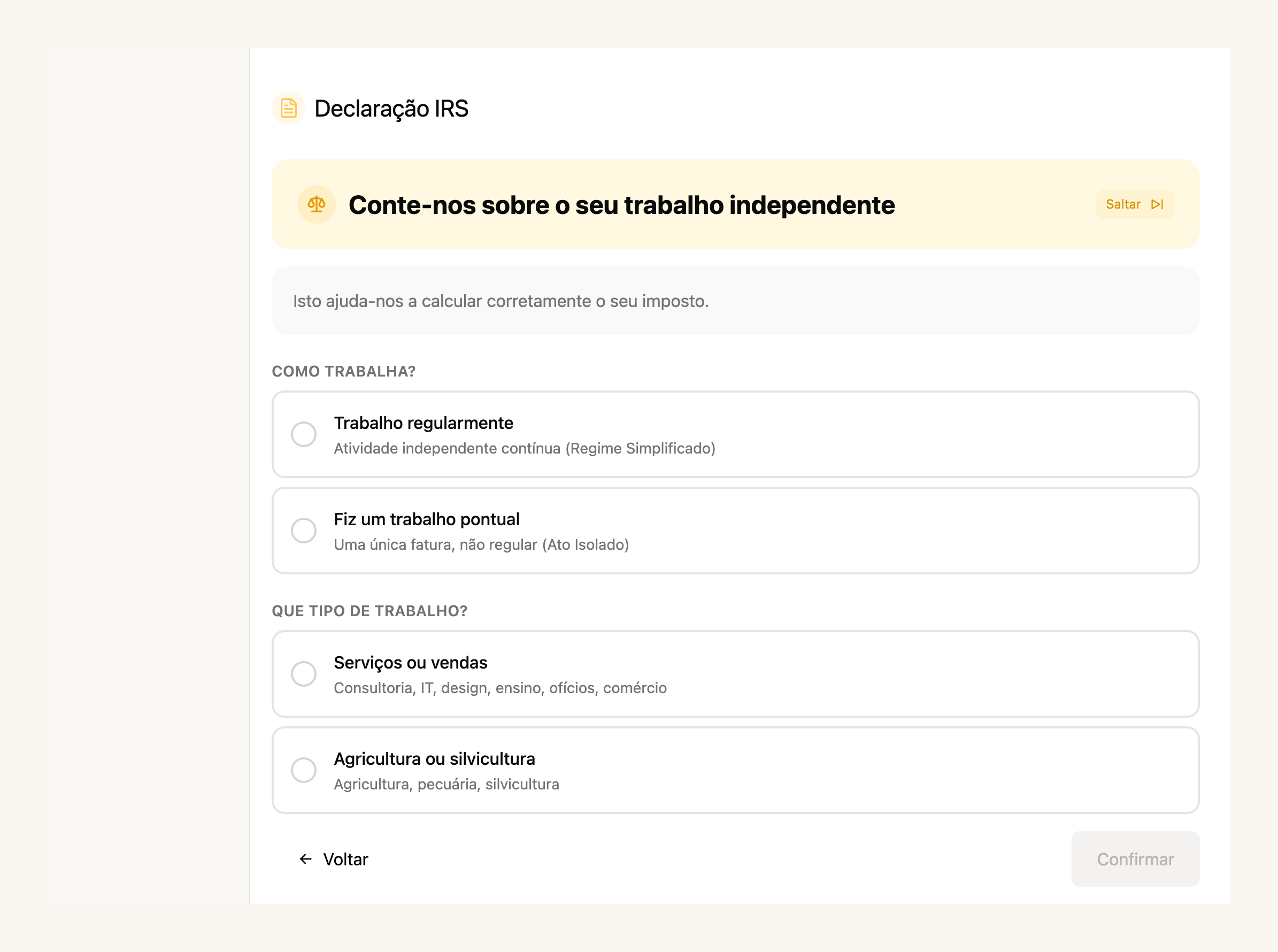
É um **pagamento único de 49,99 €** para o ano fiscal, com todos os anexos incluídos. E quem só precisa de entregar o IRS pode **registar-se apenas para isso** — sem abrir atividade.
[Começar o meu IRS →](https://app.fiz.co/declarations/irs)
## A tua contabilidade, pronta todas as semanas
A secção **Finanças** deixou de estar reservada e passou a aparecer no menu de toda a gente. É a contabilidade do dia a dia sem o caos de fim de trimestre: ligas as contas, e os movimentos entram, são categorizados e conciliados automaticamente — tu só revês e exportas.
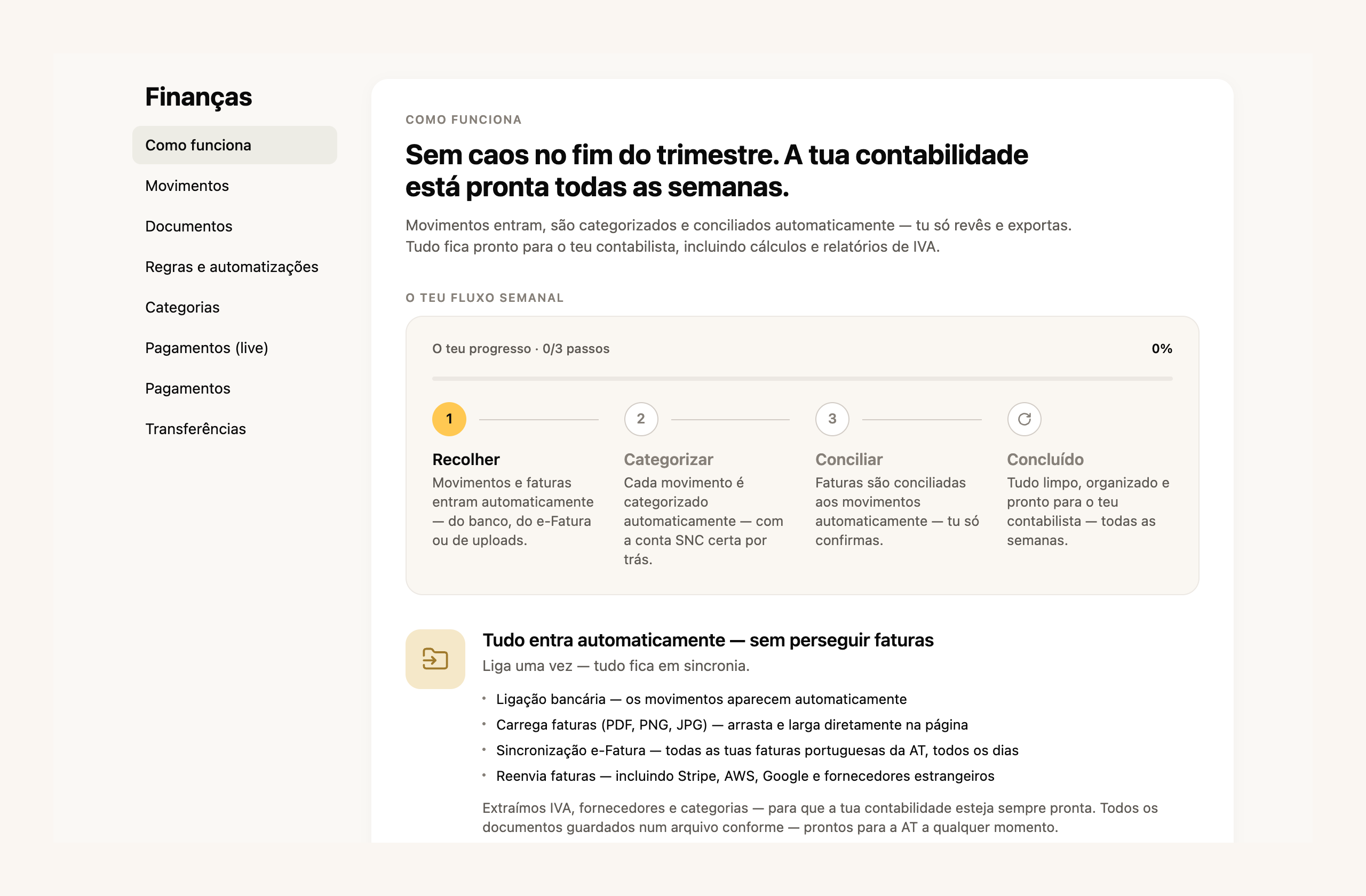
Tens regras e automatizações para categorizar transações parecidas, categorias prontas a usar, e tudo fica organizado para o teu contabilista — incluindo cálculos e relatórios de IVA. As funcionalidades avançadas estão nos **planos pagos**.
[Abrir as Finanças →](https://app.fiz.co/bookkeeping)
## O FIZ agora fala seis idiomas
Trabalhar em Portugal sem dominar o português é uma barreira real para muita gente. Em maio abrimos o FIZ em **seis idiomas**: além do português e do inglês, agora também **russo, ucraniano, francês e espanhol**. Mudas no seletor, e o FIZ até sugere o teu idioma a partir do browser.
[Mudar de idioma →](https://app.fiz.co/settings)
## Documentos de trabalho, ao lado das faturas
Nem tudo o que envias a um cliente é uma fatura. Às vezes é um **orçamento**, uma **pró-forma**, uma folha de obra ou uma nota de encomenda. A partir de maio crias estes **documentos de trabalho** no mesmo sítio onde fazes as faturas, com o cliente, os artigos e o PDF — sem serem documentos fiscais certificados.
[Criar um documento de trabalho →](https://app.fiz.co/invoices)
## Mais umas melhorias
- **Compras no estrangeiro (autoliquidação).** Na declaração de IVA passas a registar compras a fornecedores da UE ou de países terceiros — o FIZ calcula o IVA a pagar e o dedutível, com o efeito líquido habitualmente a zero.
- **Créditos fiscais por indicar o IRS.** Quando convidas um amigo a entregar o IRS pelo FIZ, ele paga menos e tu ganhas créditos fiscais para usar no serviço.
- **Lista de documentos com scroll infinito.** Em contas com muitas faturas, a lista carrega à medida que desces, sem paginar.
- **Segurança Social mais clara.** A métrica de SS no painel ganhou uma explicação e uma modalidade de previsão, para perceberes o que aí vem antes do prazo.
## O que vem a seguir
Com o IRS no ar, voltamos a olhar para a faturação e para a app móvel. Se há algo que gostavas de ver, ou se encontraste um problema, escreve-nos pelo chat dentro da aplicação. Lemos tudo.
Obrigado por usares o FIZ.
---
## Choque Fiscal na Habitação: O Que Muda para Ti em 2026
> URL: https://blog.fiz.co/choque-fiscal-habitacao-2026-iva-irs-freelancer
> Category: Dicas | Published: 2026-05-20 | Reading time: 6 min
> IVA na construção para 6%, IRS sobre rendas para 10%, dedução dos inquilinos sobe: as principais medidas do pacote habitacional 2026 para freelancers.
O Governo aprovou um dos pacotes fiscais mais significativos para o mercado de habitação dos últimos anos - o "choque fiscal para a habitação". A Lei n.º 9-A/2026 deu a autorização e o **Decreto-Lei n.º 97/2026, de 20 de maio** concretizou as medidas, já em vigor (algumas só produzem efeitos mais tarde em 2026). Se és freelancer e tens casa própria, arrendas um imóvel ou simplesmente pagas renda, há medidas aqui que te afetam diretamente.
O [Decreto-Lei n.º 97/2026](https://diariodarepublica.pt/dr/detalhe/decreto-lei/97-2026-1124493227) já está publicado e em vigor - mas cada benefício tem condições e prazos próprios, por isso confirma o teu caso antes de contar com ele.
## O que é o "preço moderado" — e porque importa
Antes de entrar nos números, tens de perceber um conceito-chave: **preço moderado**. É a trava que o Estado criou para garantir que os benefícios fiscais ficam em habitação acessível e não em vivendas de luxo.
Em 2026 há **dois limites distintos, para medidas distintas**:
- **Compra/construção:** preço (de venda) até **€660.982** (o topo do 2.º escalão do IMT) - é este que conta para o IVA a 6% na venda para habitação própria.
- **Arrendamento:** renda mensal até **€2.300** (2,5 vezes o salário mínimo de €920) - é este que conta para o IRS de 10% sobre rendas e para o IVA a 6% no arrendamento.
Não é um teste único: o limite de preço não governa as rendas, nem o limite de renda governa a construção. O valor a comparar com o limite é o **total** da operação (não o podes dividir artificialmente) e os limites podem ser atualizados por portaria. E cada benefício tem ainda condições, datas e provas próprias - confirma o teu caso antes de contar com ele.
## Medida 1: IVA na construção desce de 23% para 6%
Esta é a medida mais falada e é muito relevante se vais construir ou reabilitar habitação.
A taxa reduzida de **6%** (verba 2.42.1; taxa do **continente** - Açores e Madeira têm taxas próprias) aplica-se a **empreitadas de construção ou reabilitação** de imóveis que se destinem à **venda para habitação própria e permanente do comprador** ou **exclusivamente ao arrendamento habitacional** - e com condições cumulativas próprias (art. 10.º do DL 97/2026): por exemplo, vender ou dar o primeiro arrendamento no prazo de **24 meses** após a documentação de início de utilização e, no arrendamento, manter o imóvel arrendado pelo menos **36 meses nos primeiros 5 anos**. O limite depende do fim: **preço de venda até €660.982** (venda) ou **renda mensal até €2.300** (arrendamento). Ou seja, **não é um 6% automático em obras na tua própria casa** - para quem manda construir a sua habitação própria e permanente há um **regime de reembolso** à parte (ver abaixo).
O que muda na prática numa **empreitada abrangida pela taxa reduzida** (obra que estava aos 23% e passa a cumprir as condições - algumas reabilitações já tinham taxa reduzida antes):
- Empreitada de €20.000: aos 23% eram €4.600 de IVA, aos 6% são **€1.200**
- Construção de €100.000: aos 23% eram €23.000 de IVA, aos 6% são **€6.000**
O enquadramento das empreitadas - as condições que determinam a taxa reduzida (menção da taxa no título de compra, comunicação dos contratos, casos de compropriedade), o que entra na taxa e como se tratam os materiais - tem regras próprias. Confirma-o com o empreiteiro e o contabilista antes de assumires a taxa de 6% em toda a fatura.
> **Atenção:** Se mandaste construir a tua **habitação própria e permanente** contratando uma **empreitada de construção** (fora de atividade empresarial), podes pedir a **restituição parcial** do IVA suportado, de modo a aproximá-lo da taxa de 6% - **se cumprires as condições**: o valor (VPT, ou valor de aquisição do terreno mais custos de construção sem IVA, o que for maior) tem de ficar dentro do limite de preço moderado e tens de **afetar o imóvel a habitação própria e permanente no prazo de 6 meses** após a documentação de início de utilização, mantendo-a pelo menos **12 meses**. Conta o IVA das **empreitadas** faturadas (exigível até 31 de dezembro de 2032) - a **mera compra de materiais não é elegível**. O pedido faz-se por via eletrónica até **12 meses** após essa documentação (para os primeiros três trimestres de 2026, os pedidos abrem a 1 de outubro de 2026, contando-se os 12 meses a partir dessa data), e a AT tem até **150 dias** para o processar a contar da entrega do pedido completo. Guarda todas as faturas das empreitadas com o teu NIF.
## Medida 2: IRS sobre rendas cai de 25% para 10%
Se és freelancer e tens um apartamento que arrendas, esta medida muda os teus cálculos.
Os rendimentos prediais (Categoria F no IRS) eram tributados à taxa autónoma geral de **25%**. Com o novo pacote, essa taxa desce para **10%** (com efeitos desde 1 de janeiro de 2026) — para arrendamento habitacional com renda dentro do limite (€2.300/mês em 2026, 2,5× o salário mínimo), **desde que cumpras as condições do regime** (fim habitacional, comunicação à AT). Ressalva: se já tens um contrato de **longa duração** com uma taxa inferior a 10%, mantens a mais favorável. Nas contas abaixo, para simplificar, assume-se que não há despesas dedutíveis: a Categoria F paga sobre a renda líquida, por isso o imposto real pode ser menor.
O que muda na prática:
- Recebes €800/mês de renda (€9.600/ano)
- Antes: pagavas €2.400 de IRS sobre esse rendimento
- Agora: pagas **€960** — uma poupança de €1.440 por ano
Esta redução aplica-se aos **rendimentos obtidos até 31 de dezembro de 2029**.
O Miguel, designer freelancer em Lisboa, tem um apartamento herdado que arrenda por €900/mês. Com o regime anterior pagava €2.700/ano de IRS sobre as rendas. Com a nova taxa de 10%, passa a pagar €1.080. São €1.620 de diferença por ano — desde que o arrendamento cumpra as condições do regime (fim habitacional, renda dentro do limite).
## Medida 3: Dedução maior para inquilinos
Se és tu o inquilino — e muitos freelancers arrendam casa — também há uma melhoria para ti.
O limite de dedução de rendas no IRS sobe:
- **€900 em 2026** (era €700)
- **€1.000 a partir de 2027**
Na prática, o **teto** da dedução sobe €200 em 2026 (e mais €100 em 2027) - não é um reembolso garantido (o que deduzes depende da percentagem legal e do teu imposto), mas o limite deixa de te travar tão cedo.
## Medida 4: mudanças no IMT da habitação
Destacamos **duas mudanças** relevantes no IMT (Imposto Municipal sobre Transmissões Onerosas) - o pacote tem outras:
- **Taxa de 7,5% para não residentes:** na compra de imóvel destinado exclusivamente a habitação, se o adquirente for **não residente**, aplica-se sempre 7,5% (sem isenções nem reduções) - **salvo** se tiver sido considerado residente fiscal em Portugal (nos termos do art. 16.º do CIRS), se **passar a sê-lo no prazo de 2 anos** após a compra, ou se destinar o imóvel a **arrendamento habitacional** dentro dos limites (arrendado em 6 meses e por pelo menos 36 meses nos primeiros 5 anos). Nestas duas últimas situações, paga-se os 7,5% e pede-se depois a devolução da diferença, no prazo de **6 meses** a contar de te tornares residente ou de celebrares o contrato de arrendamento (art. 17.º, n.os 10 a 12 do Código do IMT).
- **Agravamento de 10% se não afetares a HPP:** quem compra um imóvel cuja empreitada beneficiou da taxa de **6%** e não o afeta a habitação própria e permanente no prazo de 6 meses (ou deixa de o fazer nos 12 meses seguintes) fica sujeito a um **agravamento de 10% do valor tributável de IMT**, com **exceções** por circunstâncias excecionais (por exemplo, casamento ou união de facto e a sua dissolução, ou aumento do número de dependentes).
As regras variam com a situação, por isso confirma o teu caso.
## A partir de quando se aplica
O **Decreto-Lei n.º 97/2026 já está publicado e em vigor**. O que varia caso a caso são as condições e as datas de cada benefício - o IRS de 10% sobre rendas, por exemplo, aplica-se a rendimentos obtidos até **31 de dezembro de 2029**. As regras de IVA produzem efeitos no trimestre seguinte à entrada em vigor e aplicam-se às empreitadas cuja **iniciativa procedimental** (pedido de licenciamento, comunicação prévia, parecer prévio ou informação de início dos trabalhos) ocorra entre **25 de setembro de 2025 e 31 de dezembro de 2029**, com o **IVA exigível a partir de 1 de janeiro de 2026**. Para empreitadas que já cumprem estas condições, o regime pode antecipar-se a 1 de janeiro de 2026 por **opção conjunta do prestador e do cliente** (não dispensa as restantes condições). Para obras a cavalo destas datas, confirma com o contabilista.
O que deves fazer agora:
1. Se estás a planear obras, confirma com o empreiteiro que a empreitada cumpre as condições da taxa de 6% (e como ficam os materiais)
2. Se arrendas um imóvel, confirma que é para habitação e que a renda está dentro do limite do regime, para poderes beneficiar dos 10%
3. Guarda toda a documentação dos valores do imóvel — precisas de provar que está dentro do "preço moderado"
## Como isto se relaciona com a tua contabilidade de freelancer
Se tens rendimentos prediais (arrendamentos), esses rendimentos declaram-se no **Anexo F da declaração anual de IRS** — separado dos rendimentos da tua atividade independente (Categoria B). São duas coisas diferentes e tens de as tratar em separado.
A Inês, consultora freelancer no Porto, tem a atividade aberta em regime simplificado e arrenda um quarto do apartamento. Ela tem dois "chapéus" fiscais: a Categoria B (consultoria) e a Categoria F (renda do quarto). Com o FIZ, gere a Categoria B automaticamente. Para a Categoria F, o registo das rendas e a declaração anual também devem estar em ordem — é importante não misturar os dois.
> **Atenção:** Os 10% de IRS sobre rendas não se confundem com a tributação da tua atividade independente. São taxas separadas, aplicadas a rendimentos diferentes. Se englobares os rendimentos prediais com os da atividade, pode sair mais caro — calcula sempre as duas opções antes de submeter o IRS.
## ✅ Em resumo
1. **IVA na construção/reabilitação de habitação desce para 6%** — para empreitadas de imóveis destinados à **venda para HPP do comprador ou exclusivamente ao arrendamento habitacional** (preço de venda até €660.982 ou renda até €2.300/mês), sujeito às condições do DL 97/2026. Para quem manda construir a própria casa há um regime de reembolso à parte.
2. **IRS sobre rendas cai de 25% para 10%** — para arrendamento habitacional com renda até €2.300/mês (limite de 2026), para rendimentos obtidos até 31 de dezembro de 2029. Uma poupança real para freelancers que arrendam imóveis.
3. **Os rendimentos prediais têm de ser declarados corretamente no IRS** — separados dos rendimentos da atividade independente. Com o [FIZ.co](https://fiz.co/planos) tratas da Categoria B automaticamente; para a Categoria F, organiza o registo das rendas para a declaração anual não ter surpresas.
---
## O que há de novo no FIZ — abril 2026
> URL: https://blog.fiz.co/novidades-produto-abril-2026
> Category: Produto | Published: 2026-04-30 | Reading time: 5 min
> Os teus clientes passam a pagar por Multibanco e ifthenpay com a referência no PDF da fatura, já podes emitir guias de transporte e comunicá-las à AT, e um novo alerta avisa-te quando dependes demasiado de um cliente.
Em abril mexemos sobretudo nos pagamentos: agora podes ligar o **ifthenpay** e a referência **Multibanco** sai impressa no PDF da fatura, pronta a pagar. Quem transporta mercadorias passa a emitir **guias de transporte** e a comunicá-las à AT a partir do FIZ. E há um aviso novo para quem trabalha por conta própria — quando um cliente representa fatia de mais da tua faturação. Aqui fica o resto.
## Os teus clientes pagam por Multibanco e ifthenpay
Emitir a fatura é só metade do trabalho. Depois é andar atrás do pagamento, partilhar o IBAN, lembrar o cliente. A partir de abril podes ligar o **ifthenpay** nas definições de faturação e deixar o FIZ tratar disso.
Com o ifthenpay ligado, cada fatura passa a poder ser paga por **referência Multibanco**, cartão, Google Pay, Apple Pay ou MB Way. E a **referência (Entidade, Referência e Montante) e um QR code passam a sair impressos no PDF da fatura** que envias. O cliente abre o documento e paga, sem teres de copiar nada à mão.
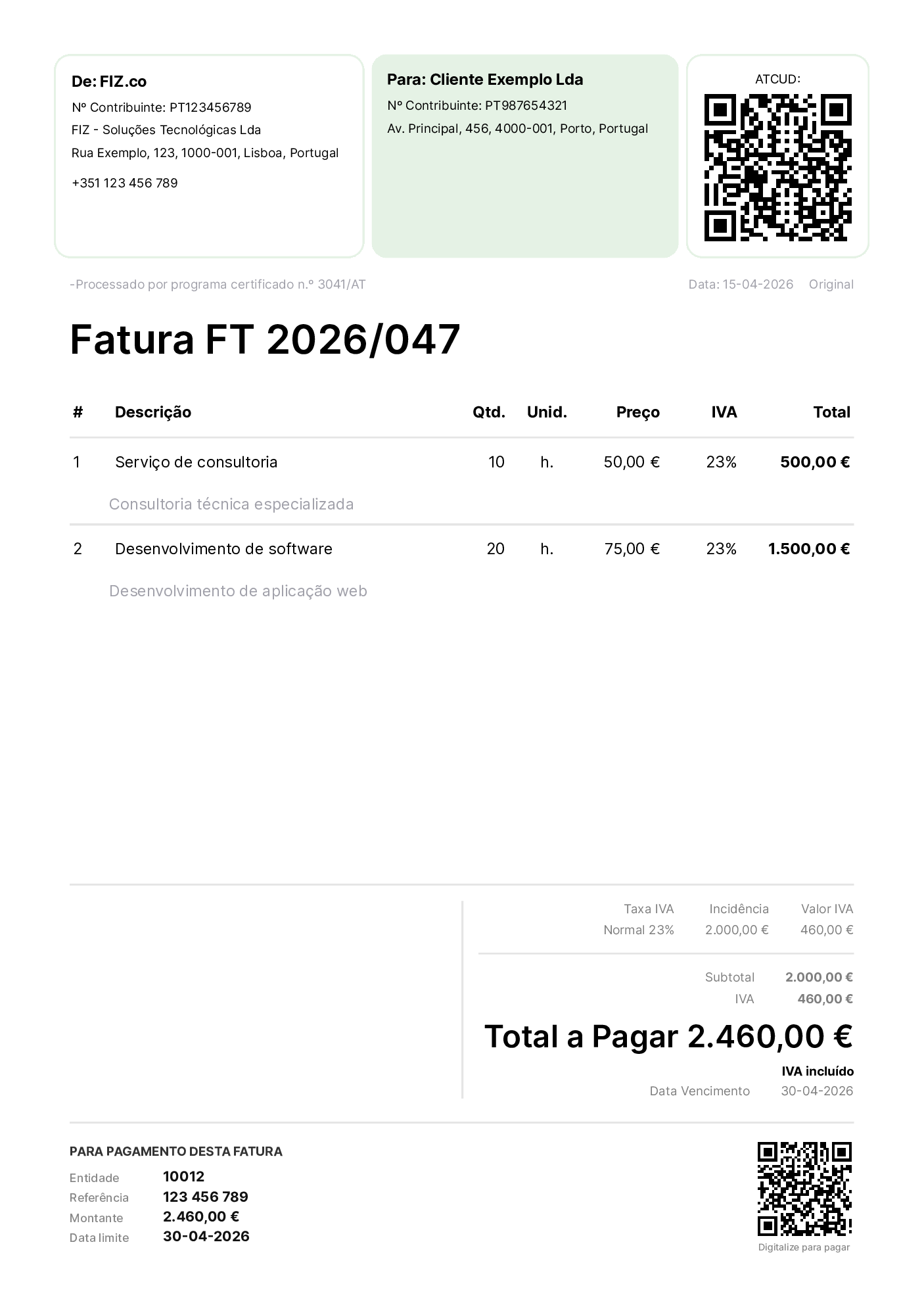
Para ligar, vais a **Configurações → Faturação → Pagamentos online** e colas a tua chave MB Key (e, se quiseres, a chave Gateway). O ifthenpay está disponível nos **planos pagos**.
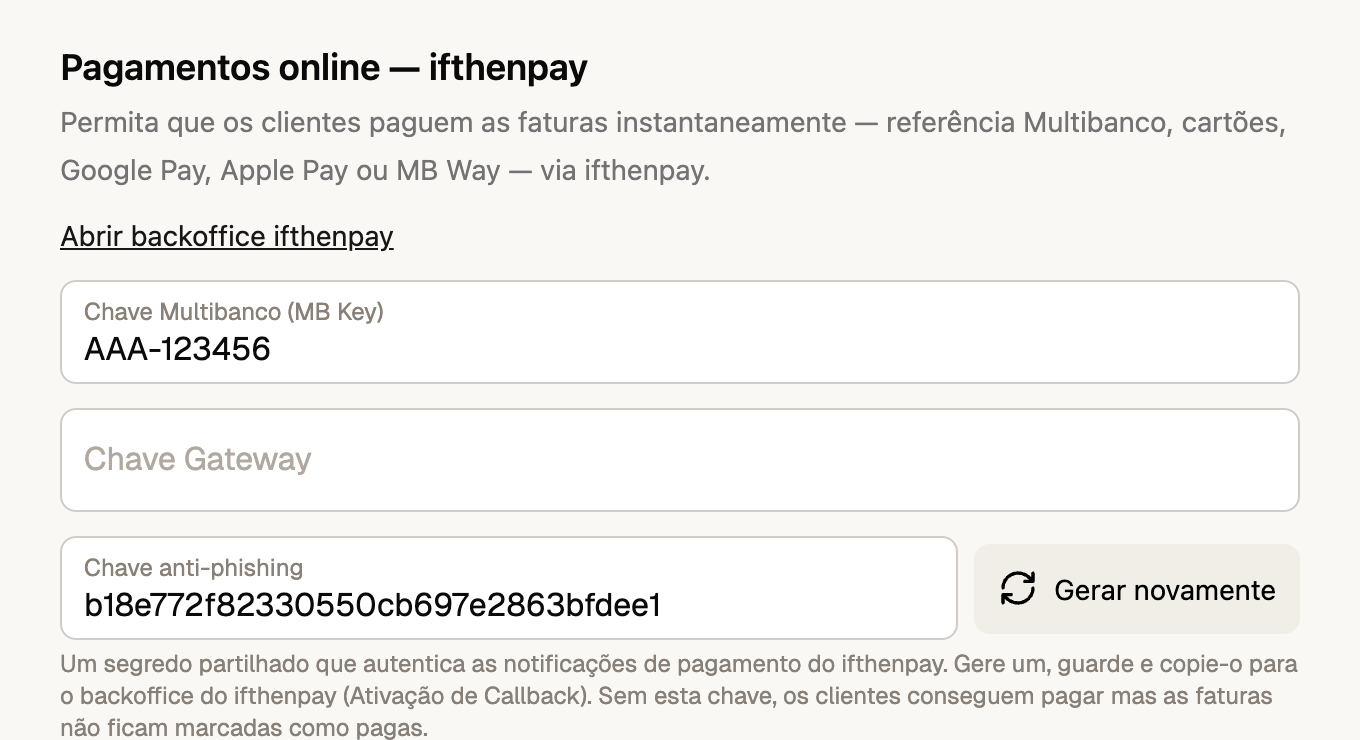
[Ligar o ifthenpay →](https://app.fiz.co/settings/invoicing)
## Guias de transporte, emitidas e comunicadas à AT
Se transportas mercadorias, a lei obriga-te a fazer acompanhar a carga de uma **guia de transporte** comunicada à AT antes de o veículo se pôr a caminho. Até agora isso quase sempre significava outro programa, ou preencher tudo à mão no Portal das Finanças.
Em abril o FIZ passou a tratar disso. Crias o documento, escolhes o **tipo de movimento** — Guia de Transporte, Guia de Remessa, Guia de Ativos Próprios, Guia de Consignação ou Guia de Devolução — indicas o cliente, os artigos, as moradas de carga e descarga, a data e a matrícula do veículo. Carregas em **Emitir** e o FIZ comunica a guia à AT por webservice e devolve-te o código AT e o PDF, pronto a viajar com a mercadoria.
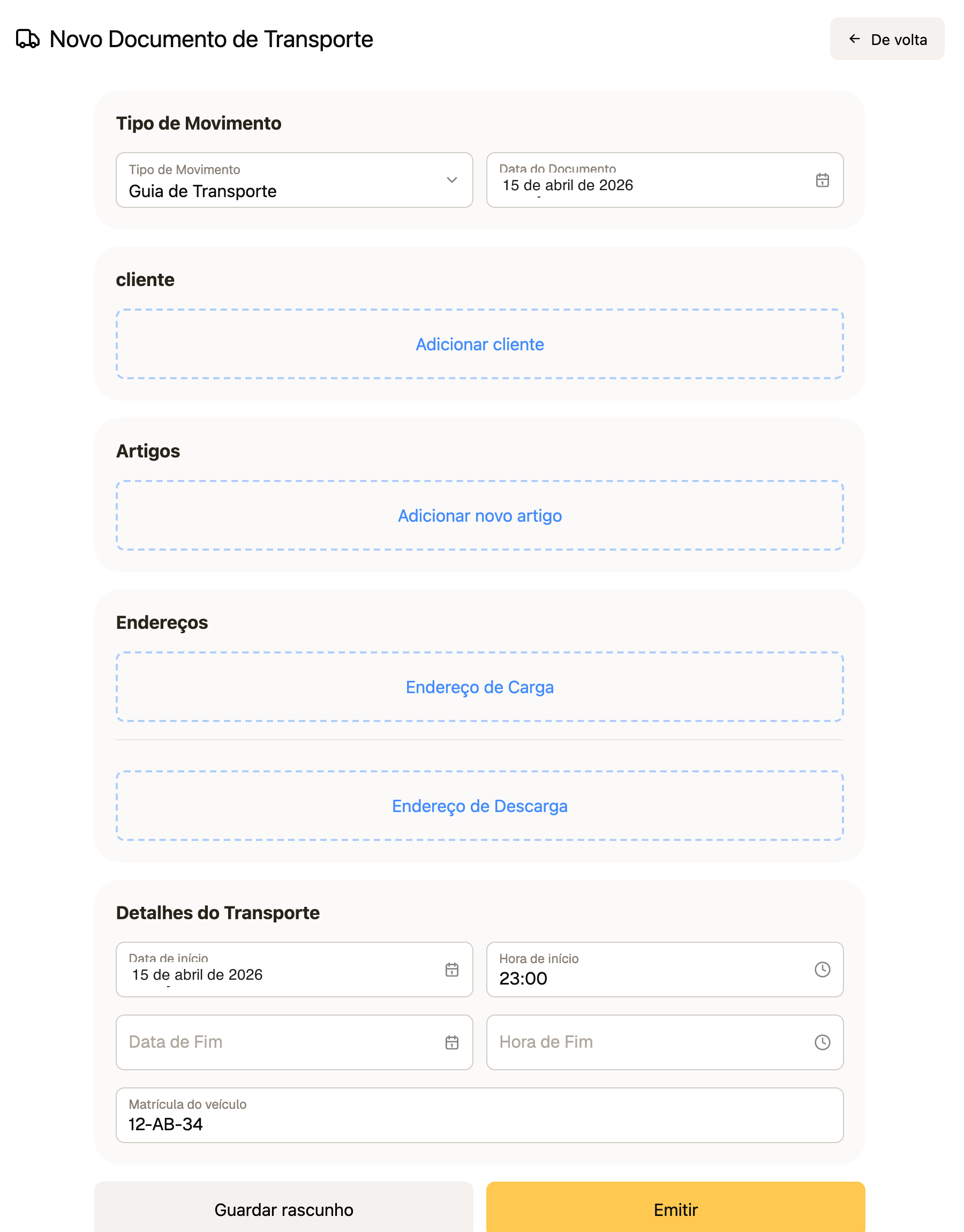
As guias de transporte estão disponíveis nos **planos pagos**, para quem vende ou movimenta bens.
[Criar uma guia de transporte →](https://app.fiz.co/transport-documents)
## Um aviso quando dependes demasiado de um cliente
Trabalhar quase só para um cliente parece confortável — mas tem riscos fiscais e legais. Se um cliente-empresa te paga **50% ou mais** da tua faturação, pode ser obrigado a uma contribuição adicional à Segurança Social (Art. 168.º n.º 7 CRC); a partir de **80%** mantidos no tempo, a relação pode ser requalificada como contrato de trabalho.
A partir de abril o FIZ vigia isto por ti. Na **Análise do Volume de Negócios** aparece a **dependência por cliente**: quanto cada cliente pesa na tua faturação, com um aviso quando passa do limite. Na mesma vista mostramos a desagregação dos teus rendimentos — incluindo as operações **isentas pelo Artigo 9.º do CIVA**, que o FIZ passou a identificar automaticamente.
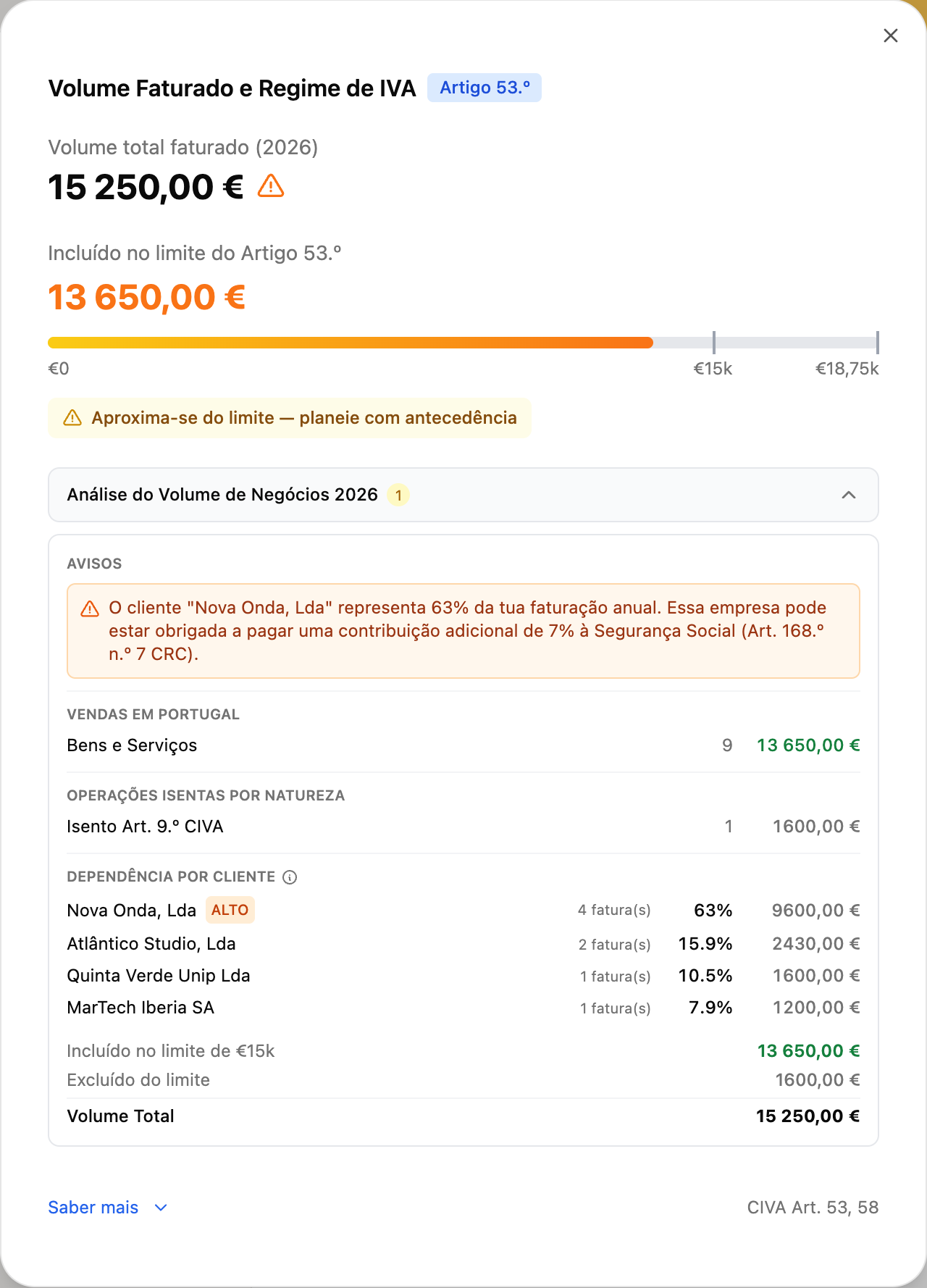
Estes alertas estão disponíveis nos **planos pagos**.
[Ver a minha análise de faturação →](https://app.fiz.co/invoices)
## Mais umas melhorias
- **Janela para faturar o trimestre anterior alargada para 20 dias úteis.** Tens mais tempo para emitir uma fatura com data do trimestre que acabou.
- **Séries permanentes (formato FIZ.CO/XX).** Deixámos as séries anuais e passámos a uma série permanente — mais simples e consistente. As séries personalizadas continuam disponíveis nos planos pagos.
- **Para empresas (LDA/SA):** o cálculo de IVA em modo de leitura passa a estar disponível — consultas a tua posição de IVA sem fazer alterações. E no **plano MAX** podes descarregar a declaração em XML e indicar o NIF do teu contabilista.
- **Segurança Social:** melhorámos a leitura do IBAN na página de débito direto e o reconhecimento do ecrã de recuperação de senha.
## O que vem a seguir
Maio traz o grande tema do ano: a entrega do **IRS** diretamente pelo FIZ. Se há algo que gostavas de ver, ou se encontraste um problema, escreve-nos pelo chat dentro da aplicação. Lemos tudo.
Obrigado por usares o FIZ.
---
## Ultrapassei os €15.000 de Faturação a Meio do Ano. E Agora?
> URL: https://blog.fiz.co/ultrapassei-15000-iva-meio-ano
> Category: Guias | Published: 2026-04-29 | Reading time: 5 min
> Estavas isento de IVA e de repente percebeste que já ultrapassaste os €15.000. Não entres em pânico — aqui está o que fazer, passo a passo.
É setembro. Abres a app ou o Excel, somas o que faturaste desde janeiro — e o número que aparece é €15.400.
O coração acelera. Estavas isento de IVA. E agora?
Respira fundo. Tens de agir, mas é um problema com solução clara.
## O que significa ultrapassar os €15.000
Quando abriste atividade, provavelmente escolheste a isenção de IVA ao abrigo do artigo 53.º do CIVA — o que te permite faturar sem cobrar IVA enquanto a faturação anual ficar abaixo de €15.000.
Aqui a passagem é *obrigatória* — calha-te em cima. Mas também podes sair da isenção **de propósito**, antes de chegar ao limite, quando as contas compensam: é a [renúncia à isenção do art. 53.º](/renunciar-isencao-iva-artigo-53), o tema vizinho deste.
Quando ultrapassas esse limite, a lei distingue dois cenários conforme o artigo 58.º do CIVA:
**Cenário A — Ultrapassas €15.000 mas ficas abaixo de €18.750:**
A passagem para o regime normal de IVA só produz efeitos a **1 de janeiro do ano seguinte**. Até lá, continuas a faturar sem IVA. Tens 15 dias úteis a contar do último dia do ano para comunicar às Finanças.
**Cenário B — Ultrapassas €18.750 (mais de 25% acima do limite):**
A passagem é **imediata**. A própria fatura que te fez ultrapassar €18.750 já deve incluir IVA. Tens 15 dias úteis a contar desse momento para comunicar às Finanças.
**Exemplo:** A Sofia faturou €14.800 em setembro e emite uma fatura de €500. O total passa a €15.300 — acima dos €15.000 mas abaixo dos €18.750. A Sofia está no Cenário A: continua a faturar sem IVA até 31 de dezembro e passa ao regime normal em janeiro.
Se a fatura fosse de €4.000 e o total ultrapassasse €18.750 — estaria no Cenário B e teria de cobrar IVA a partir dessa fatura.
## O que fazer — passo a passo
### 1. Comunicar às Finanças (até 15 dias úteis)
Tens 15 dias úteis para submeter uma declaração de alterações no Portal das Finanças:
- Entras em "Serviços" → "Atividade" → "Declaração de Alterações"
- Indica que passas do regime de isenção para o regime normal de IVA
- Submetes
### 2. Começar a cobrar IVA nas próximas faturas
Para a maioria dos serviços, a taxa standard é de 23%. O cliente passa a pagar o teu valor + IVA.
**Antes:** €1.000 pelo projecto
**Depois:** €1.000 + €230 (IVA 23%) = €1.230
Atenção: os €230 de IVA não são teus. São do Estado, e tens de os entregar trimestralmente.
### 3. E as faturas antigas?
Não tens de refazer nada. As faturas emitidas antes de cruzares o limite mantêm-se correctas — foram emitidas ao abrigo de uma isenção válida.
## As novas obrigações trimestrais
A partir do momento em que passas ao regime normal de IVA, tens de submeter a declaração periódica de IVA todos os trimestres.
O prazo: em regra, **até ao dia 20 do 2.º mês seguinte** ao final de cada trimestre — com o 2.º trimestre alargado até 20 de setembro:
- 1.º trimestre (Jan-Mar): até 20 de **Maio**
- 2.º trimestre (Abr-Jun): até 20 de **Setembro**
- 3.º trimestre (Jul-Set): até 20 de **Novembro**
- 4.º trimestre (Out-Dez): até 20 de **Fevereiro**
O valor a entregar é: IVA cobrado aos clientes — IVA pago nas tuas despesas profissionais.
**Exemplo:** A Ana cobrou €690 de IVA a clientes no trimestre. Nas suas despesas (equipamento, software), pagou €120 de IVA. Entrega ao Estado: €690 − €120 = €570.
## O impacto no teu negócio
Passar a cobrar IVA tem implicações práticas que vale a pena planear:
**Os preços ficam mais altos para clientes particulares** — um particular que te pagava €500 passa a pagar €615. Alguns clientes podem questionar o aumento. Prepara a explicação.
**Para clientes empresa, o impacto é menor** — as empresas deduzem o IVA que te pagam, por isso o custo efectivo para elas mantém-se igual.
**Fluxo de caixa** — o IVA que cobras não é imediatamente teu. Quando receberes €1.230, separa já €230 para o Estado. Mesmo que o cliente atrase o pagamento, o prazo das Finanças não muda.
## Como evitar sustos no futuro
O problema não é ultrapassar os €15.000 — é não saber que está a acontecer até ser demasiado tarde.
Acompanha a faturação acumulada todos os meses. Quando chegares a €12.000, começa a planear a transição: avisa os clientes, actualiza os orçamentos, prepara o processo de comunicação às Finanças.
Com o FIZ, o dashboard mostra sempre a faturação acumulada e avisa quando te aproximas do limite. Quando ultrapassas, as declarações trimestrais de IVA passam a ser submetidas automaticamente — sem teres de gerir mais um prazo.
⚠️ **Se já passaram semanas desde que ultrapassaste o limite:** age hoje mesmo. Submete a declaração de alterações, começa a cobrar IVA, e regulariza as declarações em falta. Quanto mais tardas, maior a coima potencial.
## ✅ Em resumo
1. **Existem dois cenários:** se ficares entre €15.000 e €18.750, continuas sem IVA até 31 de dezembro e comunicas às Finanças até 15 dias úteis após o ano terminar. Se ultrapassares €18.750, a obrigação é imediata — comunicas em 15 dias úteis e cobras IVA a partir dessa fatura.
2. **A taxa standard é 23%** sobre o valor dos serviços. O IVA cobrado é entregue trimestralmente ao Estado, descontando o IVA pago nas tuas próprias despesas. Os prazos são até ao dia 20 do 2.º mês seguinte a cada trimestre (20 de Maio, 20 de Setembro, 20 de Novembro, 20 de Fevereiro).
3. **Com o [FIZ](https://fiz.co/) podes acompanhar a faturação acumulada em tempo real** — e quando chegas ao regime normal de IVA, as declarações trimestrais passam a ser automáticas. Sem o risco de esquecer um prazo.
---
## Vários Códigos CAE em Simultâneo: o Designer que Também Dá Aulas
> URL: https://blog.fiz.co/varios-cae-simultaneamente
> Category: Guias | Published: 2026-04-29 | Reading time: 5 min
> Tens mais do que uma actividade? Podes ter vários códigos CAE ao mesmo tempo. O que muda, o que fica igual, e porque os coeficientes de IRS importam.
A Sofia é designer gráfica. Faz logos, identidades visuais, materiais de comunicação. Mas há uns meses começou a dar workshops de Illustrator a outras pessoas — e de repente estava a faturar €500/mês com formação.
"E agora? Preciso de outro código CAE? Vou ter problemas com as Finanças?"
Não. Mas há alguns detalhes importantes.
## Podes ter vários códigos CAE em simultâneo
O código CAE (Classificação das Actividades Económicas) é a forma de dizer às Finanças o que fazes. Design é uma coisa, formação é outra, consultoria é outra.
Podes ter um código principal e adicionar códigos secundários a qualquer momento, directamente no Portal das Finanças:
1. "Serviços" → "Atividade" → "Declaração de Alterações"
2. Adiciona o novo código CAE como secundário
3. Submetes
A partir desse momento, podes faturar com o novo código. Legal, normal, e muito comum entre freelancers que diversificam.
Não sabes que código escolher para cada atividade? Vê a [tabela de códigos CAE e do art. 151.º por profissão](/cae-cirs-como-escolher-codigo-atividade) — designers, advogados, formadores, músicos e mais, com o simulador da tabela completa do art. 151.º.
## O detalhe que muda tudo: os coeficientes de IRS
Aqui está a parte que a maioria não sabe.
No regime simplificado, diferentes actividades têm diferentes coeficientes — ou seja, percentagens diferentes do rendimento que são consideradas tributáveis para o IRS:
| Tipo de actividade | Coeficiente | % tributável |
|---|---|---|
| Prestação de serviços gerais | 0,75 | 75% |
| Venda de produtos | 0,15 | 15% |
| Actividades hoteleiras e similares | 0,35 | 35% |
**Exemplo prático:** O João faz consultoria (coeficiente 0,75) e também vende templates online (coeficiente 0,15). Se faturou €10.000 em consultoria e €2.000 em vendas:
- Tributável da consultoria: €10.000 × 0,75 = €7.500
- Tributável das vendas: €2.000 × 0,15 = €300
- Total tributável: €7.800 (em vez de €9.000 se tudo fosse serviços)
A diferença é real — e só funciona se cada fatura tiver o código CAE correcto.
## Como funciona na prática
Quando emites uma fatura no software de faturação certificado, seleccionas o código CAE correspondente ao serviço prestado.
- Consultoria ao restaurante → CAE da consultoria
- Workshop de design → CAE da formação
- Venda do template → CAE das vendas
O sistema aplica automaticamente o coeficiente correcto a cada fatura. No final do ano, as Finanças somam tudo e tributam de acordo.
O erro mais comum: usar sempre o mesmo CAE independentemente do que estás a faturar. As Finanças podem questionar, e estás a perder potencialmente uma vantagem fiscal legítima se misturares coeficientes diferentes.
## As declarações trimestrais não se complicam
Boa notícia: ter vários códigos CAE não multiplica as tuas obrigações.
Continuas a submeter:
- Uma declaração trimestral de IVA
- Uma declaração trimestral à SS
- Uma declaração anual de IRS (com tudo consolidado no Anexo B)
O que muda é que o software de faturação — e no teu caso o FIZ — separa automaticamente os rendimentos por código CAE e calcula os coeficientes correctos para cada um.
## ✅ Em resumo
1. **Podes ter vários códigos CAE em simultâneo** — é legal, é normal, e adicioná-los é simples no Portal das Finanças. Cada código representa uma actividade diferente.
2. **Os coeficientes de IRS variam por actividade** — serviços gerais (0,75), vendas (0,15), actividades de alojamento (0,35). Cada fatura deve ter o código CAE correcto para que o sistema aplique o coeficiente certo.
3. **Com o [FIZ](https://fiz.co/) o processo é transparente** — seleccionas o código em cada fatura, o sistema aplica o coeficiente automaticamente, e tens estatísticas separadas por actividade para saber o que rende mais.
---
## Como Suspender ou Encerrar a Atividade nas Finanças
> URL: https://blog.fiz.co/suspender-encerrar-atividade
> Category: Guias | Published: 2026-04-28 | Reading time: 4 min
> Tens menos trabalho e queres fechar a atividade temporariamente? Ou encerrar de vez? O processo é simples — e sim, podes sempre reabrir.
Há alturas em que faz sentido parar. Talvez tenhas aceitado um emprego por conta de outrem. Talvez estejas a tirar uma licença. Ou simplesmente queres fechar o capítulo do freelance por agora.
A boa notícia: o processo é simples, online, e não tem penalizações. E podes sempre reabrir.
(Este guia é para a atividade em nome individual. Se o que tens é uma empresa - uma Lda - o processo é outro: [como encerrar uma Lda](/como-encerrar-uma-lda).)
## Suspensão vs. Cessação: qual é a diferença?
Em Portugal não existe formalmente uma "suspensão temporária" de atividade — o que existe é a **cessação de atividade** (encerramento formal). Mas isso não impede de reabrir mais tarde.
Na prática:
- **Deixas de emitir faturas** → não tens obrigações de IVA ou SS activas
- **Mantens o NIF activo** → é o teu número de contribuinte, não desaparece
- **Quando quiseres retomar** → declaras novo início de atividade
Muitos freelancers encerram e reabrem conforme a situação. É completamente normal.
## Como encerrar a atividade — passo a passo
O processo faz-se no Portal das Finanças e demora cerca de 5 minutos:
1. Entras em **Portal das Finanças** com o teu NIF e senha
2. Vais a "Serviços" → "Atividade" → **"Declarar Cessação"**
3. Escolhes a data de cessação (pode ser retroactiva até 30 dias)
4. Submetes
Pronto. A atividade está encerrada.
## O que acontece depois do encerramento
Encerrar a atividade não elimina as obrigações do período em que estiveste activo. Ainda tens de:
**Declaração de IVA final** — se estás no regime normal de IVA, submeter a declaração periódica referente ao último período de actividade, dentro dos prazos normais trimestrais. Se estás isento pelo artigo 53.º, não tens declaração periódica regular para entregar — a cessação comunicada nas Finanças chega, salvo se no último período compraste serviços a fornecedores estrangeiros (Google, Meta, Upwork): a [declaração da autoliquidação](/autoliquidacao-iva-google-meta-upwork) desse mês continua a ser devida, até ao fim do mês seguinte, mesmo depois de encerrares.
**Declaração de SS final** — submeter a declaração trimestral à Segurança Social referente ao último trimestre com actividade.
**Declaração anual de IRS** — no ano seguinte, declaras os rendimentos do período em que estiveste activo.
O FIZ avisa-te destas obrigações e, com o plano Auto, submete as declarações finais automaticamente.
## Podes voltar a abrir mais tarde?
Sim, sempre. Não há limite de vezes — quando quiseres retomar, declaras um novo início de atividade no Portal das Finanças.
Mas atenção: ao voltar há regras próprias na isenção de IVA (art. 56.º do CIVA), e a **dispensa de 12 meses da Segurança Social não recomeça do zero**. Estas regras têm detalhes que importam — explicamos tudo, passo a passo, no guia [como reabrir atividade nas Finanças](/reabrir-atividade).
## Quando faz sentido encerrar — e quando não
**Faz sentido encerrar** quando:
- Vais ficar sem actividade por mais de 6 meses
- Aceitaste emprego por conta de outrem e não vais fazer freelance
- Queres simplificar a situação fiscal
**Não faz sentido encerrar** quando:
- Estás apenas numa época mais calma (1-2 meses)
- Prevês retomar em breve
- Tens trabalho pontual que pode aparecer a qualquer momento
Com actividade aberta mas sem faturação, as obrigações existem (declarações trimestrais) — mas com o FIZ no plano Auto, são submetidas automaticamente com valor zero. Não é grande trabalho.
## ✅ Em resumo
1. **Encerrar a atividade é simples** — Portal das Finanças, "Declarar Cessação", 5 minutos. Não há penalizações, não há taxas. Mas ainda tens de submeter as declarações finais do período activo.
2. **Podes voltar a abrir sempre que quiseres** — não há limite de vezes, e o processo é o mesmo que a abertura inicial. Há regras a ter em conta na isenção de IVA e na Segurança Social — vê [como reabrir atividade nas Finanças](/reabrir-atividade) para os detalhes.
3. **Com o [FIZ](https://fiz.co/) as declarações finais são automáticas** — mesmo quando encerras, o sistema submete o que falta e avisa-te de todas as obrigações em aberto antes de fechar o capítulo.
---
## Trabalhar por Conta de Outrem e Fazer Freelance ao Mesmo Tempo: Como Funciona
> URL: https://blog.fiz.co/trabalho-freelance-simultaneamente
> Category: Guias | Published: 2026-04-28 | Reading time: 6 min
> Tens um emprego e queres aceitar projectos por fora? É legal, é comum em Portugal, e é mais simples do que pensas. Aqui está tudo o que precisas de saber.
Tens um emprego a tempo inteiro e estás a pensar em aceitar uns projectos extra? Boa notícia: é completamente legal em Portugal. Podes ser trabalhador por conta de outrem e trabalhador independente ao mesmo tempo — e muita gente faz exactamente isso.
Aqui está o guia prático de como funciona.
## Como abrir atividade mantendo o emprego
O processo é o mesmo de qualquer abertura de atividade — só que não precisas de largar o emprego antes.
1. Entras no Portal das Finanças com o teu NIF e senha
2. Vais a "Serviços" → "Atividade" → "Declarar Início"
3. Escolhes a data de início
4. Seleccionas o código de actividade (CAE/CIRS) correspondente ao que vais fazer
5. Escolhes o Regime Simplificado
6. Submetes
O processo demora cerca de 5 minutos. Não há taxas, não há burocracia especial. Tens os dois estatutos a partir do momento em que clicas "Submeter".
## IRS com dois rendimentos: como funciona
Quando fazes a declaração anual de IRS, tens rendimentos de duas categorias:
- **Categoria A** — o teu salário (a empresa já retém mensalmente)
- **Categoria B** — os teus rendimentos de freelance
O IRS soma tudo e aplica os escalões progressivos normais.
Para os rendimentos de Categoria B no regime simplificado, aplica-se o coeficiente de 0,75 — ou seja, só 75% do que faturaste é considerado rendimento tributável. Se faturaste €12.000 como freelancer, o IRS só tributa €9.000.
**Exemplo:** O Tiago tem salário bruto anual de €18.000 e faturou €10.000 como freelancer.
- Rendimento tributável Categoria A: €18.000
- Rendimento tributável Categoria B: €10.000 × 0,75 = €7.500
- Total tributável: €25.500
A empresa já reteve IRS durante o ano sobre o salário. Na declaração anual, o Tiago pode até ter direito a reembolso, dependendo do total das retenções.
O salário entra na declaração através do **Anexo A**, que já vem pré-preenchido. Para perceberes o que cada campo significa - e duas coisas que tropeçam quem tem salário e recibos verdes - vê o [guia do Anexo A para freelancers](/anexo-a-irs-trabalho-dependente).
## Segurança Social: a parte que surpreende
Esta é a melhor notícia para quem já tem emprego: **se o teu empregador já te desconta para a Segurança Social, os teus rendimentos de freelance têm um tratamento diferente.**
A isenção de contribuições existe, mas tem condições cumulativas — têm de se verificar todas ao mesmo tempo:
- O salário do emprego é **pelo menos 1 × IAS** (€537,13/mês em 2026)
- O emprego e o freelance são para **entidades diferentes** (e fora do mesmo grupo empresarial)
- O regime do emprego cobre todas as eventualidades do regime dos independentes
- O **rendimento relevante** médio mensal do freelance — para serviços, 70% do que faturas — fica **abaixo de 4 × IAS** (€2.148,52 em 2026). Na prática: até cerca de €3.069/mês faturados.
E a isenção vem com um bónus: enquanto cumprires as condições, estás também **dispensado da declaração trimestral à SS** — o Guia Prático dos Trabalhadores Independentes inclui a acumulação com trabalho por conta de outrem na lista de quem não é obrigado a declarar. Se num trimestre o rendimento relevante ultrapassar o limite, entregas a declaração no período declarativo seguinte (janeiro, abril, julho ou outubro) — e as contribuições incidem apenas sobre a parte que excede os 4 × IAS, não sobre tudo.
## Os erros mais comuns
**Não emitir fatura porque "é pouco dinheiro"**
Todos os rendimentos têm de ser faturados. Mesmo €100 a um amigo. Se o cliente é particular e não quer dar NIF, emites fatura como Consumidor Final. Mas emites sempre.
**Esquecer as declarações trimestrais**
As tuas obrigações dependem do enquadramento — e é aí que muita gente se engana. Se estás isento de contribuições por acumulação com o emprego, não entregas a declaração trimestral à SS; mas se ultrapassares o limiar num trimestre, passas a ter de a entregar. E a declaração trimestral de IVA só existe no regime normal — quem está isento pelo artigo 53.º não a entrega regularmente (só nos períodos com [autoliquidação em compras estrangeiras](/autoliquidacao-iva-google-meta-upwork)). Confirma o teu caso e mete os prazos certos no calendário.
**Misturar despesas pessoais com profissionais**
Compraste um computador? Podes deduzir como despesa profissional — mas só se usares para trabalho. Se é uso misto (pessoal + profissional), só é dedutível a proporção profissional.
## As vantagens de ter os dois
Além do rendimento extra, há benefícios práticos:
- **Segurança financeira** — se o emprego acabar, já tens atividade e clientes
- **Diversificação** — não dependes de uma fonte única de rendimento
- **Validação** — testas ideias de negócio sem largar o emprego
A Ana, professora de inglês, começou a dar explicações particulares (€400/mês) enquanto mantinha o emprego. Dois anos depois, as explicações cresceram — e ela tinha a segurança de transitar progressivamente para full-time freelance.
## ✅ Em resumo
1. **É 100% legal** trabalhar por conta de outrem e ser freelancer ao mesmo tempo em Portugal. Abre atividade no Portal das Finanças em 5 minutos — podes fazê-lo hoje.
2. **No IRS, os rendimentos somam-se**, mas no regime simplificado só 75% dos rendimentos de freelance são tributáveis. Na SS, se cumprires as condições da isenção por acumulação, não pagas contribuições extra — e enquanto a isenção durar, nem sequer entregas a declaração trimestral.
3. **Com o [FIZ](https://fiz.co/) as declarações trimestrais são automáticas** — IVA e Segurança Social submetidos no prazo, sem teres de pensar nisso. Mesmo com dois rendimentos, a contabilidade não fica mais complicada.
---
## Recibo Verde ou Fatura — Afinal, Qual é a Diferença?
> URL: https://blog.fiz.co/recibo-verde-vs-fatura-qual-e-diferenca
> Category: Guias | Published: 2026-04-27 | Reading time: 4 min
> A maioria dos freelancers usa as palavras como sinónimos. No dia a dia até funciona — mas legalmente há diferenças que podem fazer toda a diferença.
"Passaste fatura?" — "Sim, passei um recibo verde."
Esta conversa acontece todos os dias em Portugal. E normalmente não há problema nenhum. Mas legalmente, recibo verde e fatura não são exactamente a mesma coisa — e perceber a diferença pode evitar complicações.
## A história do recibo verde
O recibo verde não se chama "verde" por acaso. Nos anos 80, quando o sistema foi criado para trabalhadores independentes, era literalmente um papel verde que compravas em blocos nas papelarias. Preenchias à mão, destacavas a folha, e entregavas ao cliente.
Hoje é tudo electrónico, no Portal das Finanças ou num software certificado. Mas o nome ficou. E mais importante: o recibo verde continua a ser **o documento principal dos trabalhadores independentes** para comprovar prestações de serviços.
## As diferenças práticas
**Recibo verde (fatura-recibo):**
- Para prestação de serviços — o que 90% dos independentes faz
- Emites *depois* de receberes o pagamento
- Confirma que recebeste o dinheiro
- Pode ter retenção na fonte (se aplicável)
- É o documento oficial dos trabalhadores independentes
**Fatura:**
- Para venda de produtos ou serviços com pagamento adiado
- Emites *antes* ou *no momento* do pagamento
- É um pedido de pagamento, não uma confirmação
- Pode ter condições de pagamento (30 dias, 60 dias)
- Mais formal e empresarial
## Exemplo prático
A Sofia faz design gráfico. Um cliente pede-lhe um logótipo por €800.
**Com recibo verde:**
1. Sofia faz o trabalho
2. Cliente transfere €800 por MB Way
3. Sofia emite recibo verde no mesmo dia
4. Selecciona "Prestação de serviços", IVA a 0% se isenta
5. Envia PDF por WhatsApp
**Com fatura:**
1. Sofia termina o trabalho
2. Emite fatura com prazo de pagamento a 30 dias
3. Cliente paga quando quiser (até 30 dias)
4. Sofia pode depois emitir recibo de quitação
Vês a diferença? Com recibo verde, recebes primeiro. Com fatura, podes receber depois.
Uma nota para a Segurança Social: o trimestre do rendimento é o da **prestação do serviço**, não o do pagamento — a declaração trimestral segue as regras do IRS, que imputam o rendimento à data do serviço. Um serviço prestado em dezembro entra no trimestre de outubro a dezembro, mesmo que o cliente só pague em janeiro. Vê o exemplo completo no guia sobre a [opção de -25% na declaração trimestral](/seguranca-social-opcao-25-declaracao-trimestral).
## O erro mais comum
Muitos independentes emitem fatura quando deviam emitir recibo verde — porque acham que "fatura" soa mais profissional.
Mas atenção: se és trabalhador independente a prestar serviços e o cliente já te pagou, **o documento correcto é o recibo verde**. Não é uma questão de preferência — é o que a Autoridade Tributária espera.
## Quando realmente precisas de fatura
Há situações onde a fatura faz sentido:
**Vendas de produtos físicos.** O Miguel vende t-shirts personalizadas. Emite fatura quando o cliente encomenda, antes de enviar a mercadoria.
**Grandes empresas como clientes.** Algumas empresas têm políticas internas que exigem fatura com prazo de pagamento a 30 ou 60 dias.
**Projectos longos com pagamentos faseados.** O Pedro faz um website em 3 meses. Emite uma fatura por fase, antes de receber cada parte.
## A regra de 95%
Em 95% dos casos, para um trabalhador independente a prestar serviços em Portugal, o recibo verde é a escolha certa.
É o documento pensado para ti, optimizado para a tua realidade, e é exactamente o que a AT espera encontrar quando consulta os teus rendimentos.
Na dúvida? Usa recibo verde.
## ✅ Em resumo
1. **Recibo verde é para serviços pagos na hora** — confirma que recebeste. É o documento criado para trabalhadores independentes e cobre 95% dos casos.
2. **Fatura é para pagamentos a prazo ou venda de produtos** — emites antes de receber, como pedido de pagamento formal.
3. **Com o [FIZ](https://fiz.co/) emites recibo verde em segundos** — o sistema gere o tipo de documento correcto para cada situação automaticamente.
---
## Retenção na Fonte: O Que É e Como Funciona (Recibos Verdes)
> URL: https://blog.fiz.co/retencao-na-fonte-explicada
> Category: IRS | Published: 2026-04-27 | Reading time: 4 min
> Emitiste um recibo de €1.000 e o cliente pagou €770. Não é erro. É retenção na fonte — um adiantamento do teu IRS que a empresa entrega directamente ao Estado. Aqui está o que é, as taxas (23% e 11,5%) e como aparece no recibo verde.
Emitiste um recibo de €1.000 e o cliente-empresa transferiu €770. O que aconteceu aos outros €230?
Não erraste nada. É a **retenção na fonte** — e depois vais perceber que não perdeste esse dinheiro.
## Retenção na fonte: o que é?
A retenção na fonte é um mecanismo pelo qual a empresa cliente retém parte do teu honorário e entrega-o directamente à Autoridade Tributária (AT), **em teu nome**, como adiantamento do teu IRS.
Funciona assim:
- Emites recibo de €1.000
- A empresa retém 23% = €230
- Transfere-te €770
- Entrega os €230 à AT em teu nome
Esses €230 são uma **entrega por conta do teu IRS** — não são um imposto extra. São um adiantamento do que vais dever no final do ano.
## Quando se aplica e qual é a taxa
A retenção na fonte aplica-se quando:
- **O teu cliente é uma empresa** (pessoa colectiva com contabilidade organizada)
- Prestaste serviços enquadrados na Categoria B (rendimentos de trabalho independente)
Se o teu cliente for uma **pessoa singular** (um particular) — não há retenção na fonte. Recebes o valor total.
| Cliente | Retenção na fonte |
|---------|-------------------|
| Empresa portuguesa | Sim |
| Entidade pública | Sim |
| Particular | Não |
| Empresa estrangeira | Em regra, não |
As taxas variam consoante o tipo de actividade (artigo 101.º do CIRS):
- **23%** — actividades profissionais previstas na tabela do artigo 151.º do CIRS (consultores, programadores, designers, formadores, engenheiros, etc.)
- **11,5%** — outras prestações de serviços não incluídas nessa tabela
## O que acontece no final do ano
No IRS anual, o Estado calcula quanto deves de imposto com base nos teus rendimentos totais.
Depois desconta o que já foi retido ao longo do ano.
**Exemplo:**
- Rendimentos do ano: €30.000 (aplicando retenção de 23%)
- IRS calculado: €5.000
- Retenções entregues durante o ano: €6.900 (23% × €30.000)
- **Estado devolve: €1.900** (retenções superiores ao imposto calculado)
Se as retenções forem superiores ao imposto calculado — o Estado **devolve-te** a diferença.
## O que declaras no IRS
Atenção a este ponto: no IRS anual, declaras **o valor total que faturaste** — não o que recebeste líquido.
- Valor faturado: €1.000
- Valor recebido: €770
- O que declaras no IRS: €1.000
Os €230 retidos aparecem como "imposto já pago" e são deduzidos ao que deves. As empresas são obrigadas a enviar-te, até ao fim de janeiro, uma declaração anual com o total retido — precisas desse documento para confirmar os valores no IRS.
## Como aparece no recibo verde
No teu recibo verde, deves indicar que o valor está sujeito a retenção. A frase típica:
> *"Sujeito a retenção na fonte à taxa de 23%"*
O sistema de emissão de recibos verdes (no Portal das Finanças ou via FIZ) trata disso automaticamente quando seleccionas a opção correcta.
## Quando NÃO há retenção
Há situações em que a retenção não se aplica:
- **Clientes particulares** — nunca retêm
- **Empresas sem contabilidade organizada** — não são obrigadas a reter (mas a generalidade das empresas tem)
- **Dispensa por limiar de rendimento** — se prevês faturar menos de €15.000 este ano **e** no ano passado também não atingiste esse valor, podes dispensar a retenção (artigo 101.º-B do CIRS): basta escolher a menção "Sem retenção, nos termos do n.º 1 do artigo 101.º-B do CIRS" ao emitir o recibo. A dispensa é facultativa e cessa no mês seguinte àquele em que atingires os €15.000
- **Retenção inferior a €25** — desde 1 de julho de 2025, se o valor de IRS que seria retido em cada pagamento ficar abaixo de €25, não há retenção (artigo 101.º-B, n.º 1, alínea d)
⚠️ **Atenção se recebes comissões:** a dispensa por limiar de rendimento **não se aplica às comissões por intermediação na celebração de quaisquer contratos** — a exceção está na própria letra do artigo 101.º-B, n.º 1, alínea a). Por isso, essas comissões não beneficiam da dispensa dos €15.000 — por exemplo, as de mediação imobiliária, mediação de seguros ou representação comercial, quando remunerem a intermediação na celebração de um contrato. (A dispensa dos €25 acima continua a aplicar-se.)
Verifica sempre com o teu cliente se aplicam retenção — é obrigação deles, não tua, mas convém confirmar.
## E se a empresa não fez a retenção?
Acontece: emitiste o recibo, mas a empresa transferiu-te o valor total, sem reter os 23%. A retenção é uma **obrigação do cliente**, não tua — mas o rendimento continua a ser teu e tens sempre de o declarar.
Na prática, não há drama:
- No IRS, declaras na mesma o **valor total faturado** — independentemente de ter havido retenção ou não.
- Se não foi retido nada ao longo do ano, simplesmente não tens adiantamentos para descontar — vais **pagar o imposto na declaração anual** (ou através dos pagamentos por conta, se for o caso).
- O essencial: **põe de lado a parte do imposto** à medida que recebes, para não levares um susto em julho.
Ou seja, a empresa não te reter não te prejudica — só significa que o imposto fica todo para o final, em vez de ser pago a conta-gotas.
## Retenção: é melhor ou pior?
Depende do teu perfil:
**A retenção é útil se:**
- Preferes não pensar no IRS ao longo do ano
- Tens tendência a gastar tudo o que entra
- Queres evitar surpresas na declaração anual
**A dispensa de retenção é melhor se:**
- Tens disciplina para guardar o dinheiro do imposto
- Precisas de melhor liquidez mensal
- Prevês faturar menos de €15.000 este ano e não atingiste esse valor no ano passado (as condições do artigo 101.º-B — invocas a dispensa na menção do próprio recibo) — **exceto se os teus rendimentos forem comissões por intermediação**, que nunca beneficiam desta dispensa
## ✅ Em resumo
1. **A retenção na fonte não é uma perda** — é um adiantamento do teu IRS. O cliente retém 23% (para actividades do artigo 151.º do CIRS) e entrega à AT em teu nome. No IRS anual, esse valor é descontado no que deves — e se for mais do que o imposto calculado, recebes o excesso de volta.
2. **Aplica-se quando o cliente é uma empresa.** Clientes particulares pagam sempre o valor total do recibo.
3. **Com o [FIZ](https://fiz.co/) o recibo verde já inclui a indicação de retenção** automaticamente — e no final do ano tens o total retido consolidado, pronto para reconciliar com o teu IRS.
---
## Subcontratação Entre Freelancers: Como Contratar Ajuda e Deduzir Como Despesa
> URL: https://blog.fiz.co/subcontratacao-freelancers
> Category: Guias | Published: 2026-04-27 | Reading time: 4 min
> Precisas de ajuda num projecto? Podes contratar outro freelancer. O recibo verde dele é a tua despesa — simples, legal, dedutível.
Imagina: recebeste um projecto grande — e não consegues fazer tudo sozinho. Podes contratar outro freelancer para ajudar?
Sim. E funciona de forma simples.
## Como funciona na prática
O freelancer que contratares emite um **recibo verde** em teu nome. Tu pagas-lhe o valor acordado. Esse recibo verde torna-se uma **despesa profissional tua** — exactamente como qualquer outra factura.
No final do ano, essa despesa entra no campo de despesas do teu Anexo B do IRS, reduzindo o teu rendimento tributável.
**Exemplo:**
- Recebeste €5.000 de um cliente por um projecto
- Subcontrataste um colega por €1.500 (ele emite recibo verde de €1.500 em teu nome)
- A tua despesa dedutível: €1.500
- Rendimento líquido para efeitos de IRS: €5.000 - €1.500 = €3.500
## O que o subcontratado tem de ter
Para que a despesa seja dedutível, o freelancer que contratares tem de:
- **Ter atividade aberta nas Finanças** — não podes pagar a um particular sem recibo
- **Emitir recibo verde (ou factura)** em teu nome, com o teu NIF
- Ter o seu próprio NIF activo como trabalhador independente
Se pagares a alguém sem recibo verde — a despesa não é dedutível e podes ter problemas com a AT.
## Retenção na fonte: atenção
Se o subcontratado tiver a sua atividade enquadrada em retenção na fonte, tens de aplicar a taxa de 23% ao valor pago (para actividades do art. 151.º do CIRS).
**Exemplo:** Pagas €1.500 ao colega:
- Retenção na fonte: €1.500 × 23% = €345
- Valor que transferes ao colega: €1.155
- Os €345 vão para a AT em nome dele
Verifica sempre se o recibo verde do subcontratado indica "Sujeito a retenção na fonte à taxa de 23%". Se indicar — tens de aplicar e entregar à AT.
## A linha vermelha: falsa independência
A AT presta atenção à diferença entre **subcontratação legítima** e **trabalho disfarçado por conta de outrem**.
Podes ter problemas se o teu subcontratado:
- Trabalha **exclusivamente para ti** durante longos períodos
- Segue um **horário fixo** que tu defines
- Usa as tuas ferramentas e o teu espaço de trabalho
- Não tem outros clientes
Se a AT considerar que a relação se parece mais com um contrato de trabalho, pode reclassificá-la — com consequências fiscais para ambos.
A subcontratação é legítima quando é ocasional, pontual, ou quando o subcontratado tem autonomia real e outros clientes.
## O que guardar
Para cada subcontratação:
- Recibo verde ou factura emitida em teu nome com o teu NIF
- Comprovativo de pagamento (transferência bancária)
- Se aplicável: comprovativo de entrega da retenção na fonte à AT
Guarda durante pelo menos 4 anos.
## ✅ Em resumo
1. **Contratar um freelancer é legal e a despesa é dedutível** — desde que ele emita recibo verde em teu nome. Esse valor reduz o teu rendimento tributável no IRS.
2. **Verifica sempre a retenção na fonte**: se o recibo indica sujeição à taxa de retenção aplicável, tens de reter esse valor e entregá-lo à AT.
3. **Com o [FIZ](https://fiz.co/) registas a subcontratação como despesa** na categoria certa e o valor flui automaticamente para o teu Anexo B — sem cálculos manuais.
---
## Como Pedir o Número de IVA ao Teu Cliente Europeu (e Não Pagar IVA Desnecessário)
> URL: https://blog.fiz.co/numero-iva-cliente-europeu
> Category: Guias | Published: 2026-04-26 | Reading time: 4 min
> Se prestares serviços B2B a empresas da UE, precisas do número de IVA europeu delas. Sem ele, tens de cobrar IVA português. Com ele, aplica-se a autoliquidação.
Imagina que estás a fechar um projecto com uma empresa alemã. Deves cobrar IVA? A resposta depende de um único número: o número de IVA europeu deles.
## A regra base: autoliquidação (reverse charge)
Quando prestas serviços B2B (business to business) a uma empresa noutro país da UE, o IVA não é cobrado por ti — é **autoliquidado** pelo cliente, no país deles.
Em português: **não cobras IVA na factura**. O cliente europeu declara e paga o IVA no próprio país, à taxa deles.
Mas para isso funcionar, tens de ter o **número de IVA** (VAT number) do cliente.
## O que é o número de IVA europeu?
É o número de identificação fiscal da empresa para efeitos de IVA intracomunitário. O formato é:
**Prefixo do país + número** — por exemplo:
- Alemanha: DE123456789
- Espanha: ES12345678A
- França: FR01234567890
- Itália: IT01234567890
- Países Baixos: NL123456789B01
Cada país tem o seu formato específico, mas o princípio é sempre o mesmo: código do país + sequência numérica (ou alfanumérica).
## Como verificar se o número é válido
Antes de emitir a factura sem IVA, verifica o número de IVA do cliente no **VIES** — o sistema oficial da Comissão Europeia:
🔗 **vies.ec.europa.eu**
Introduz o país e o número. O VIES confirma se a empresa está registada para IVA intracomunitário. Se não estiver — tens de cobrar IVA.
## O que acontece se não pedires o número?
Se não tens o número de IVA do cliente → **tens de cobrar IVA português (23%)**.
O cliente europeu até pode recuperar esse IVA depois — mas é um processo burocrático para eles. E tu tens de o declarar e entregar à AT.
Sem o número de IVA, o mecanismo de autoliquidação não se aplica.
## Como pedir ao cliente
Não há necessidade de explicações complicadas. Basta dizer:
> "Para emitir a factura sem IVA ao abrigo da autoliquidação (reverse charge), preciso do teu número de IVA comunitário (VAT number). Podes enviar-me?"
A maioria das empresas europeias está habituada a este processo — é a prática padrão no mercado intracomunitário.
## Como aparece na factura
Quando emites a factura com o número de IVA do cliente:
- **IVA: 0%** (ou isento)
- Nota na factura: *"IVA — autoliquidação, artigo 6.º do CIVA"*
- O número de IVA do cliente deve aparecer no cabeçalho da factura
## Declaração Recapitulativa
Quando, no regime normal de IVA, emites facturas sem IVA para empresas europeias, tens de declarar esses clientes na **[Declaração Recapitulativa](/declaracao-recapitulativa-guia)** (no Portal das Finanças).
Esta declaração lista todos os clientes da UE e os valores facturados - no IVA trimestral entrega-se até ao dia 20 do mês seguinte ao fim do trimestre (mais cedo, portanto, do que a declaração periódica de IVA). Quem entrega, o ritmo e as dispensas (isentos pelo art. 53.º) estão no guia.
## ✅ Em resumo
1. **Sempre que facturas uma empresa da UE, pede o número de IVA** antes de emitir. Verifica no VIES (vies.ec.europa.eu). Com o número válido, emites sem IVA (autoliquidação).
2. **Sem o número de IVA, cobras IVA português** — 23% que tens de entregar à AT. É mais trabalho para ti e para o cliente.
3. **Com o [FIZ](https://fiz.co/) o recibo verde já inclui a lógica intracomunitária** — indica o número de IVA do cliente, aplica a isenção correcta e inclui o montante automaticamente na declaração recapitulativa do período certo.
---
## Emitiste um Recibo Verde Errado? A Nota de Crédito Resolve em 5 Minutos
> URL: https://blog.fiz.co/recibo-verde-errado-nota-de-credito
> Category: Guias | Published: 2026-04-26 | Reading time: 4 min
> Valor errado, taxa de IVA errada, um trabalho cancelado — acontece a toda a gente. A boa notícia: existe um mecanismo legal simples que anula o erro em minutos.
Aconteceu ontem com a Sofia, designer em Lisboa. Emitiu um recibo verde de €1.500 quando devia ser €1.200. O cliente já tinha descarregado o PDF, já tinha pago por MB Way.
"E agora?" — mensagem no WhatsApp às 23h.
Respira fundo. Isto resolve-se em 5 minutos com uma nota de crédito.
## O que é uma nota de crédito?
Uma nota de crédito é basicamente um documento "negativo" que anula outro documento. Pensa nela como o Ctrl+Z da faturação — desfaz o que fizeste mal.
No caso da Sofia: o recibo de €1.500 fica registado, mas a nota de crédito de €300 anula o excesso. É como se tivesses emitido apenas €1.200 desde o início.
> Repara na direção: a nota de crédito é para quando cobraste **a mais**. Se cobraste **a menos** e precisas de faturar a diferença, o documento é o oposto — uma [nota de débito](/nota-de-debito-o-que-e).
## Quando precisas de uma nota de crédito?
**Erro no valor** (o caso da Sofia)
- Emitiste €1.500 em vez de €1.200
- Cobraste IVA quando não devias
- Aplicaste a taxa errada de IVA
**Cancelamento do serviço**
- O cliente desistiu depois de receber a fatura
- O projecto foi cancelado a meio
**Devolução de produtos**
- Se vendes produtos físicos e o cliente devolveu
- Produtos com defeito que foram reembolsados
## NIF, data ou número errados? Isso não é caso para nota de crédito
A nota de crédito ajusta o *valor* de uma operação — não edita dados identificativos. Por isso, um **NIF**, uma **data** ou um **número** errados são um problema diferente: a fatura foi emitida para a entidade errada (ou tem um campo imutável que não se pode alterar).
A solução aí é **anular** o documento — a função **Anular**, enquanto ainda está disponível — e emitir uma fatura nova com os dados corretos. Se a janela de anulação já fechou, confirma o procedimento exato com o teu contabilista ou a AT, em vez de assumir que uma nota resolve.
## O que nunca deves fazer
**Nunca tentes:**
- Emitir uma nova fatura "correcta" sem anular a errada primeiro
- Pedir ao cliente para "ignorar" a fatura errada
- Modificar um documento já emitido (não é possível, e se fosse seria ilegal)
- Deixar passar meses antes de corrigir
Documentos fiscais emitidos não se apagam nem se editam. Para corrigir, ou **anulas** o documento (enquanto estás dentro da janela curta de anulação) ou emites uma **nota de crédito** que ajusta o valor — e depois emites uma fatura nova e correta, se for preciso.
## Como criar uma nota de crédito
Até há pouco tempo, o Portal das Finanças **não tinha** opção de nota de crédito — para corrigir um recibo emitido no portal, tinhas de o anular e emitir um novo. Desde 2026, o portal já permite emitir a nota de crédito diretamente (a anulação continua a existir).
**No Portal das Finanças:**
1. Entra com NIF e senha
2. Vai a "Faturas e Recibos" > "Emitir" e escolhe **"Nota de Crédito"** — ou entra na fatura-recibo a corrigir e carrega em **"Emitir Nota de Crédito"**
3. Referencia o documento original (número e data)
4. Preenche o valor a creditar
5. Escolhe **o motivo** (é obrigatório)
O portal obriga-te a escolher uma razão da lista. As mais comuns para um freelancer:
- **Inexatidões ou reduções no valor tributável** — corrigiste o valor do serviço (cobraste a mais).
- **Inexatidões no valor do IVA (erro material)** — engano de cálculo ou de soma no IVA.
- **Inexatidões no valor do IVA (norma legal)** — aplicaste mal a taxa, ou liquidaste IVA quando estavas isento.
- **Devolução de mercadorias** / **Concessão de descontos** / **Descontos por rappel** — para quem vende produtos ou dá descontos posteriores.
O processo é um pouco moroso — entre entrar no portal, esperar que carregue e preencher tudo, podes demorar 15 minutos.
## Nota de crédito e IVA
Se o documento original tinha IVA, a nota de crédito também tem de ter. O cálculo ajusta-se automaticamente na próxima declaração trimestral.
Exemplo:
- Fatura original: €1.000 + €230 de IVA = €1.230
- Nota de crédito: -€1.000 - €230 de IVA = -€1.230
- Resultado: zero
## E se o cliente já pagou?
Tens duas opções:
**Devolver a diferença** — emites a nota de crédito e devolveres o valor excedente por transferência.
**Criar crédito para serviços futuros** — emites a nota de crédito e o cliente fica com crédito para o próximo trabalho. A maioria dos clientes prefere esta opção.
## O timing importa
Regra de ouro: quanto mais cedo, melhor. Se emitiste uma fatura hoje e viste o erro hoje, corrige hoje.
Quanto mais tempo passa, mais complicado fica — especialmente se o erro atravessar trimestres diferentes, o que complica as declarações de IVA.
> **Nota:** Corrigir erros é perfeitamente normal. Toda a gente já emitiu pelo menos um documento errado. O importante é não deixar acumular.
## ✅ Em resumo
1. **Nota de crédito = Ctrl+Z da faturação.** Não tentes "apagar" ou modificar faturas já emitidas — não é possível. A nota de crédito é o mecanismo legal e correcto para anular erros.
2. **Corrige logo, não deixes arrastar.** Quanto mais tempo passa, mais complicado fica — especialmente se atravessar trimestres fiscais diferentes.
3. **Com o [FIZ](https://fiz.co/) crias notas de crédito em segundos** — o sistema referencia o documento original automaticamente, calcula o IVA e ajusta as declarações trimestrais sem precisares de fazer contas.
---
## Regista as Tuas Despesas no FIZ e Paga Menos Imposto no IRS
> URL: https://blog.fiz.co/fiz-despesas-contabilidade
> Category: Dicas | Published: 2026-04-25 | Reading time: 5 min
> No regime simplificado, podes deduzir despesas reais em vez do coeficiente automático de 75%. O FIZ ajuda-te a registar e a perceber quando compensa.
No regime simplificado, existe uma presunção automática: o Estado assume que 25% do que faturaste são despesas. Por isso tributa apenas 75% do teu rendimento — o chamado coeficiente 0,75.
Parece simples. Mas há um pormenor que pode fazer uma diferença real no teu IRS: **se as tuas despesas reais forem superiores a 25% da faturação, podes deduzir o valor real**.
E o FIZ ajuda-te a perceber quando isso acontece — e a registar tudo correctamente.
## Como funciona o coeficiente 0,75
Imagina que faturaste €20.000 num ano.
Com o coeficiente automático:
- Base tributável = €20.000 × 0,75 = **€15.000**
- O Estado assume €5.000 de despesas sem precisares de provar nada
É conveniente. Mas se tiveres despesas reais superiores a €5.000, estás a pagar imposto sobre rendimento que não existiu.
## Quando compensa registar despesas reais
Se tiveres despesas elegíveis superiores a 25% da faturação, podes optar pela contabilidade organizada — ou, em certas condições, deduzir directamente no regime simplificado.
**Exemplo:**
Faturaste €20.000. Tens despesas reais de €7.000 (computador, software, espaço de trabalho, deslocações profissionais).
- Com coeficiente 0,75: base tributável = €15.000
- Com despesas reais (€7.000): base tributável = €13.000
- **Diferença: €2.000 a menos sujeitos a imposto**
Com uma taxa de IRS à volta de 28%, isso representa cerca de **€560 poupados**.
## O que conta como despesa
Nem tudo conta. As despesas têm de ser efectivamente ligadas à actividade profissional:
- **Equipamento informático** — computador, monitor, teclado, rato
- **Software e subscrições** — ferramentas de trabalho, cloud storage, licenças
- **Comunicações** — telemóvel e internet (parcialmente, se uso misto)
- **Espaço de trabalho** — renda (se trabalhas em espaço dedicado) ou home office (com condições)
- **Deslocações profissionais** — transporte para reuniões com clientes
- **Formação** — cursos e livros relacionados com a actividade
O que **não conta**: jantar com amigos chamado "reunião de negócios", férias com bilhete comprado como "viagem de trabalho", ou despesas pessoais sem ligação à actividade.
## Como o FIZ te ajuda
O FIZ tem um módulo de registo de despesas directamente na app.
**O que fazes:**
1. Tiras foto ao recibo ou fatura
2. Categorizas a despesa (equipamento, software, deslocação, etc.)
3. O FIZ regista com data, valor e categoria
**O que o FIZ faz:**
- Agrega todas as despesas do ano
- Compara com 25% da tua faturação
- Avisa-te quando as despesas reais superam o coeficiente automático
- Mostra o impacto estimado no IRS
No final do ano, quando chega a hora de fazer o IRS, tens tudo organizado. Sem procurar recibos em gavetas ou e-mails.
## Uma nota importante
Optar pela dedução de despesas reais pode implicar transitar para contabilidade organizada, dependendo da situação. O FIZ mostra-te os números — mas para tomar a decisão final, especialmente se for a primeira vez, vale a pena confirmar com um contabilista certificado.
O que o FIZ garante: que os números estão todos ali, organizados, prontos para analisar.
## ✅ Em resumo
1. **No regime simplificado, o Estado deduz automaticamente 25% da faturação como despesas.** Se as tuas despesas reais forem superiores, podes deduzir mais — e pagar menos IRS.
2. **Despesas elegíveis incluem** equipamento, software, comunicações, formação e deslocações profissionais. Tudo tem de estar documentado com recibo ou fatura.
3. **Com o [FIZ](https://fiz.co/) registas as despesas em segundos**, o sistema compara com o coeficiente automático e avisa quando compensa optar pelas despesas reais. Os teus números, sempre organizados.
---
## Como o FIZ Submete a Tua Declaração Trimestral de IVA Automaticamente
> URL: https://blog.fiz.co/fiz-iva-declaracao-automatica
> Category: Dicas | Published: 2026-04-25 | Reading time: 4 min
> A declaração de IVA chega quatro vezes por ano. Com o FIZ é automática — calcula, preenche e submete sem teres de fazer nada.
Quatro vezes por ano, a declaração trimestral de IVA aparece no calendário como uma tarefa que preferirias ignorar. Quando trabalhas por conta própria no regime normal de IVA, tens de declarar o IVA que cobraste — e entregá-lo ao Estado dentro do prazo.
Com o FIZ, essa tarefa deixa de existir. O sistema trata de tudo.
## Quem precisa de submeter a declaração de IVA?
Aqui há uma distinção importante.
**Se no ano passado o teu volume de negócios em território nacional ficou até €15.000** (limite do artigo 53.º do CIVA — as operações localizadas fora de Portugal, como serviços B2B a empresas da UE, não contam para este limite), estás isento de IVA. Não cobras IVA aos clientes — e também **não entregas a declaração trimestral** pelas tuas vendas. O artigo 59.º do CIVA dispensa-te dessa obrigação. No dia a dia, as tuas obrigações de IVA reduzem-se a emitir faturas com a menção "IVA - regime de isenção" e a vigiar o limite — mantêm-se as declarações de início, alteração e cessação de atividade e uma exceção importante: se **compras** serviços a fornecedores estrangeiros (anúncios da Google ou Meta, Upwork), tens de autoliquidar o IVA e entregar declaração por esse período — vê a [armadilha da autoliquidação](/autoliquidacao-iva-google-meta-upwork).
**Se estás no regime normal** — porque a tua faturação ultrapassou o limite (as regras de transição estão mais abaixo) ou porque optaste por ele — cobras IVA à taxa de 23% (ou reduzida para alguns serviços) e tens de submeter a declaração periódica todos os trimestres — mesmo nos trimestres em que faturaste zero.
Ou seja: a declaração trimestral regular é obrigatória para quem cobra IVA. Quem está isento pelo artigo 53.º não tem declaração regular pelas próprias vendas — só a da autoliquidação, por cada período em que compra serviços lá fora. Preparámos um [guia passo a passo da declaração trimestral de IVA](/iva-trimestral-guia-declaracao) para quem a entrega pela primeira vez.
## Os prazos que não podes perder
A declaração trimestral de IVA tem de ser submetida, em regra, até ao **dia 20 do 2.º mês seguinte** ao final de cada trimestre (o 2.º trimestre tem prazo alargado até 20 de setembro — art. 41.º n.º 10) — e o pagamento feito até ao **dia 25** do mesmo mês:
- **20 de Maio** — declaração do 1.º trimestre (Janeiro-Março), pagamento até 25 de Maio
- **20 de Setembro** — declaração do 2.º trimestre (Abril-Junho), pagamento até 25 de Setembro
- **20 de Novembro** — declaração do 3.º trimestre (Julho-Setembro), pagamento até 25 de Novembro
- **20 de Fevereiro** — declaração do 4.º trimestre (Outubro-Dezembro), pagamento até 25 de Fevereiro
Perder um prazo significa coima. E as coimas chegam antes de perceberes que esqueceste.
## O que acontece sem o FIZ
Sem ajuda, a declaração trimestral de IVA obriga-te a:
1. Entrar no Portal das Finanças
2. Recolher todas as faturas do trimestre
3. Somar os valores de IVA cobrado
4. Verificar as despesas com IVA dedutível
5. Preencher o formulário da declaração periódica
6. Submeter até ao dia 20
7. Pagar até ao dia 25
Quatro vezes por ano, sem falhar nenhuma.
## Como o FIZ transforma o processo
O FIZ faz tudo por ti.
**Se és isento de IVA**, não há declaração regular para entregar — e o FIZ confirma-te isso, em vez de te deixar na dúvida. O sistema acompanha o teu volume de negócios em território nacional em relação ao limite de €15.000 e avisa-te quando te aproximas. Se comprares serviços a fornecedores estrangeiros, trata também da declaração da autoliquidação por cada período com essas compras. De resto, zero tarefas de IVA.
**Se cobras IVA**, o FIZ:
- Agrega todas as faturas do trimestre (porque as emites no FIZ)
- Soma o IVA cobrado a cada cliente
- Preenche a declaração periódica com os valores correctos
- Submete até ao dia 20
- Gera a referência de pagamento para pagares até ao dia 25
Com o plano Auto, nem sequer recebes uma notificação a pedir confirmação — acontece automaticamente.
> **Atenção:** isento não significa esquecido. Se ultrapassares o limite, as regras mudam — e a fatura que passa o limite pode já ter de levar IVA. É o caso que vemos a seguir.
## Mudar de isento para sujeito a IVA
Um caso especial que o FIZ também gere: quando o teu volume de negócios em território nacional cresce além do limite. (Repara: é este valor que conta — as operações localizadas fora de Portugal, como serviços B2B a empresas da UE, não entram nestes limites.)
As regras (artigo 58.º do CIVA) funcionam assim:
- **Passaste os €15.000 em território nacional mas ficaste até €18.750 (inclusive)?** Continuas isento até ao fim do ano. A isenção termina a 1 de Janeiro do ano seguinte — e tens 15 dias úteis, contados do fim do ano, para entregar a declaração de alterações.
- **Ultrapassaste os €18.750 em território nacional** (o limite mais 25%)? A isenção cessa nesse momento — a própria fatura que ultrapassa o valor já leva IVA. Tens 15 dias úteis para entregar a declaração de alterações.
O FIZ acompanha o teu volume de negócios em território nacional e avisa-te antes de chegares a cada um destes limites. Assim tens tempo para informar os clientes e ajustar os orçamentos — em vez de descobrires que ultrapassaste o limite quando já é tarde.
## ✅ Em resumo
1. **A declaração trimestral regular de IVA é para quem está no regime normal** — quem está isento pelo artigo 53.º (volume de negócios em território nacional até €15.000/ano) não a entrega pelas próprias vendas; só declara nos períodos em que autoliquida IVA em compras a fornecedores estrangeiros. Os prazos regulares são dia 20 de Maio, 20 de Setembro, 20 de Novembro e 20 de Fevereiro; o pagamento vai até ao dia 25.
2. **Sem ajuda, são quatro vezes por ano a entrar no Portal das Finanças** a preencher formulários e a verificar valores manualmente.
3. **Com o [FIZ](https://fiz.co/) é automático** — o sistema calcula, preenche e submete a declaração antes do prazo, sem precisares de fazer nada. E se és isento, vigia o limite dos €15.000 em território nacional por ti e trata da autoliquidação quando é preciso.
---
## A Liberdade do Freelancer Começa Não com o Cliente — Mas com o NIF e o Recibo Verde
> URL: https://blog.fiz.co/liberdade-freelancer-comeca-nif-recibo-verde
> Category: Dicas | Published: 2026-04-25 | Reading time: 4 min
> Toda a gente fala do primeiro cliente como o momento em que a liberdade começa. Mas quem já passou pela experiência sabe que o verdadeiro começo é outro.
Há um mito sobre o freelancing que só percebes quando já estás dentro: a ideia de que a liberdade começa quando conquistas o primeiro cliente.
Não começa aí.
O primeiro cliente é emocionante. Mas até teres o teu NIF activo como trabalhador independente, até emitires o primeiro recibo verde, estás a trabalhar numa espécie de limbo — entusiasmado, comprometido, mas sem base.
A liberdade real começa quando tens estrutura.
## O que significa ter estrutura como freelancer
Um trabalhador por conta de outrem tem estrutura automaticamente: contrato, salário, descontos, protecção laboral. Não pensa nisso — simplesmente existe.
Um freelancer tem de construir essa estrutura deliberadamente.
Abrir actividade no Portal das Finanças é o primeiro tijolo. É o acto que transforma "estou a pensar trabalhar por conta própria" em "sou trabalhador independente". É a diferença entre um plano e uma realidade.
O recibo verde — ou, mais precisamente, a factura ou recibo emitidos pela plataforma oficial — é o segundo tijolo. É o documento que diz: "prestei este serviço, recebi este valor, estou em conformidade".
Sem estes dois elementos, podes trabalhar. Mas não és livre. És precário num sentido diferente: sem historial, sem protecção, sem existência fiscal.
## A sensação que ninguém descreve
Lembro-me do dia em que emiti o meu primeiro recibo verde.
Não foi a emoção que esperava. Foi mais tranquila do que isso. Uma espécie de alívio. A sensação de que tinha saído da sombra e que agora existia — profissionalmente — de forma real.
Até esse momento, cada projecto era uma transacção informal. Depois desse momento, era uma actividade.
A diferença não é apenas burocrática. É psicológica.
## Porquê o NIF e o recibo verde importam além do fiscal
Quando tens o teu NIF activo e emites recibos, estás a fazer coisas que vão muito além da obrigação fiscal:
**Estás a construir um historial de rendimentos.** O banco que um dia vai analisar o teu pedido de crédito habitação não quer saber o que "acho que ganho" — quer ver declarações de IRS com rendimentos reais, consistentes, documentados.
**Estás a acumular carreira contributiva.** Cada mês em que pagas Segurança Social é um mês que conta para a tua reforma, para o subsídio de doença, para a licença parental. O Estado só sabe que existes se existires no sistema.
**Estás a criar credibilidade profissional.** Empresas e clientes maiores muitas vezes exigem facturas. Sem actividade aberta, perdes oportunidades não por falta de competência — por falta de estrutura.
## A liberdade precisa de raízes
Há uma ideia romantizada do freelancer como alguém que trabalha em cafés sem obrigações, sem sistema, sem estrutura. É bonita. E é falsa.
Os freelancers que trabalham bem — os que têm clientes estáveis, que conseguem crédito, que têm reforma em construção — são exactamente os que tomaram a decisão contraintuitiva de criar estrutura antes de a precisarem.
A liberdade não é ausência de sistema. É ter o teu próprio sistema.
O NIF activo e o recibo verde não são burocracia. São a declaração de independência do freelancer.
## ✅ Em resumo
1. **A liberdade real começa com estrutura.** Abrir actividade e emitir recibos transforma um plano numa realidade profissional com existência legal e fiscal.
2. **O historial que constróis hoje vale amanhã.** Rendimentos declarados, carreira contributiva, credibilidade — tudo começa no primeiro recibo verde.
3. **Com o [FIZ](https://fiz.co/) emites recibos, acompanhas o teu historial e tens sempre a tua actividade sob controlo** — desde o primeiro dia.
---
## Trabalhas com Clientes da UE? O FIZ Trata da Declaração Recapitulativa por Ti
> URL: https://blog.fiz.co/fiz-declaracao-recapitulativa
> Category: Dicas | Published: 2026-04-24 | Reading time: 4 min
> No regime normal de IVA, faturar empresas noutros países da UE obriga à declaração recapitulativa. A maioria dos freelancers não sabe. O FIZ faz isso automaticamente.
Tens clientes em Espanha, Alemanha ou França? Ótimo — mercado europeu aberto ao teu talento. Mas há uma declaração que a maioria dos freelancers portugueses desconhece completamente: a **declaração recapitulativa**.
Não conheces? Não estás sozinho. E o FIZ trata dela automaticamente.
## O que é a declaração recapitulativa?
Se estás no regime normal de IVA, sempre que emites uma fatura para uma empresa noutro país da União Europeia (operações intracomunitárias B2B) tens de reportar essa operação às Finanças através da [declaração recapitulativa](/declaracao-recapitulativa-guia).
É uma lista periódica — ao ritmo do teu IVA, trimestral para a maioria dos freelancers — de todas as faturas que emitiste para empresas da UE: quem foi o cliente, qual o NIF europeu deles, e quanto faturaste.
Esta declaração existe porque a UE quer controlar as transações entre empresas de países diferentes. No teu caso, aplicaste **reverse charge**: não cobraste IVA na fatura, e o cliente declarou o IVA no país deles.
## Quem tem de submeter
Se emites faturas para **empresas** (não particulares) noutros países da UE e estás no **regime normal de IVA**, tens de submeter a declaração recapitulativa. Independentemente do volume — mesmo que seja uma fatura por ano. Se estás isento pelo art. 53.º do CIVA, estás dispensado desta declaração desde março de 2025 — vê os detalhes no [guia da recapitulativa](/declaracao-recapitulativa-guia).
Se os teus clientes europeus são **particulares** (não empresas), não precisas. Mas certifica-te que realmente são particulares — um freelancer ou profissional liberal estrangeiro é tipicamente tratado como empresa para este efeito.
## O prazo
No IVA trimestral (o caso da maioria dos freelancers), a recapitulativa entrega-se **até ao dia 20 do mês seguinte** ao fim do trimestre — repara que é mais cedo do que a declaração periódica de IVA, que só vence no 2.º mês seguinte. No IVA mensal, também ela é mensal — o ritmo e as exceções estão no [guia](/declaracao-recapitulativa-guia).
- Abril, Julho, Outubro, Janeiro
Se não tiveste operações intracomunitárias num trimestre, não precisas de submeter nada.
## O erro mais comum
Ana, consultora de marketing, ganhou um cliente em Berlim. Emitiu a fatura correctamente com reverse charge, sem IVA. Mas nunca submeteu a declaração recapitulativa — não sabia que existia.
Dois anos depois, numa inspecção de rotina, as Finanças detectaram as operações intracomunitárias na sua declaração de IVA sem o correspondente na recapitulativa. Coima por declaração omissa.
O problema não foi a fatura — foi não reportar.
## Como o FIZ resolve isto
Quando emites uma fatura no FIZ para um cliente com NIF europeu (com prefixo do país: DE, ES, FR, IT, etc.), o sistema reconhece automaticamente que se trata de uma operação intracomunitária.
O FIZ:
- **Aplica reverse charge automaticamente** na fatura — sem IVA, com a menção legal obrigatória
- **Regista a operação** para incluir na declaração recapitulativa
- **Submete a declaração** até ao dia 20 do mês seguinte ao período (trimestre ou mês, conforme o teu enquadramento de IVA)
- **Só submete se houve operações** — se não tiveste clientes da UE nesse período, não faz nada
Com o plano Auto, tudo isto acontece sem precisares de confirmar. Recebes notificação depois de submetido.
## O NIF europeu do cliente
Para que o sistema funcione, precisas do NIF europeu do cliente — não o NIF português, mas o número de identificação fiscal do país deles, com o prefixo de duas letras do país.
Exemplos:
- Alemanha: DE + 9 dígitos (ex: DE123456789)
- Espanha: ES + letra + 7 dígitos + letra (ex: ESA1234567B)
- França: FR + 2 caracteres + 9 dígitos (ex: FR12123456789)
Pede este número ao cliente antes de emitir a primeira fatura. Sem ele, não podes aplicar reverse charge correctamente — e nem o FIZ nem qualquer outro sistema consegue submeter a declaração recapitulativa.
## ✅ Em resumo
1. **Se faturaste para empresas da UE no regime normal de IVA, tens de submeter a declaração recapitulativa** — ao ritmo do teu IVA, na maioria dos casos trimestralmente, até ao dia 20 do mês seguinte ao trimestre. Muitos freelancers não sabem e acumulam coimas. (Isento pelo art. 53.º? Estás dispensado.)
2. **O processo manual envolve identificar todas as operações intracomunitárias**, registar os NIFs europeus dos clientes e preencher o formulário nas Finanças.
3. **Com o [FIZ](https://fiz.co/) é automático** — o sistema detecta as faturas para empresas da UE, aplica reverse charge, e submete a declaração recapitulativa no prazo certo. Sem esforço da tua parte.
---
## Como o FIZ Calcula e Submete a Declaração Trimestral à Segurança Social por Ti
> URL: https://blog.fiz.co/fiz-declaracao-seguranca-social-automatica
> Category: Dicas | Published: 2026-04-24 | Reading time: 5 min
> A declaração trimestral à SS pode demorar 2-3 horas manualmente. Com o FIZ são 10 minutos — e com o plano Auto nem precisas de fazer nada.
A declaração trimestral à Segurança Social é aquele pesadelo que volta a cada 3 meses. "Quanto é que tenho de pagar desta vez? Será que calculei bem? E se me enganar?"
Sem ajuda, esta declaração pode demorar 2-3 horas na primeira vez. Com o FIZ, são 10 minutos — e com o plano Auto, o sistema faz tudo automaticamente.
## O processo manual (o pesadelo)
Para fazer a declaração trimestral à SS manualmente, tens de:
1. **Apurar o rendimento do trimestre** — soma os serviços prestados nos 3 meses: o rendimento conta na data em que a fatura é obrigatória (regras do IRS): em regra a data do serviço; num adiantamento, a data em que o recebes
2. **Calcular o rendimento relevante** — 70% do total. Se prestaste serviços de €6.000: 70% × €6.000 = €4.200
3. **Perceber o que vais pagar** — a SS divide o rendimento relevante por 3 (€4.200 ÷ 3 = €1.400 de base mensal) e aplica 21,4%: **€299,60 por mês**, nos 3 meses seguintes — €898,80 no total do trimestre
4. **Preencher a declaração** — entrar na Segurança Social Direta, navegar pelos menus, preencher campos
5. **Submeter e pagar** — gerar referência multibanco, pagar, guardar comprovativo
Tempo total? 2-3 horas se correr bem. Se te enganares num passo, recomeças.
## Como o FIZ transforma o processo
Com o FIZ, o processo é completamente diferente:
**Passo 1:** Recebes uma notificação — "A tua declaração trimestral à Segurança Social está pronta. Rendimento do trimestre: €6.000. Contribuição: €299,60/mês nos próximos 3 meses. Confirmas?"
**Passo 2:** Abres a app, vês o resumo detalhado. Todas as faturas listadas, cálculo transparente, valor final.
**Passo 3:** Um clique. "Submeter declaração."
**Passo 4:** Pronto. Declaração submetida. As referências de pagamento chegam depois, mês a mês — pagas cada contribuição entre os dias 10 e 20 do mês seguinte, e o FIZ avisa-te de cada uma.
Tempo total? 10 minutos.
## O que acontece por trás
O FIZ faz automaticamente o que demoras horas a fazer:
- **Agrega o rendimento do trimestre** — porque emites as faturas directamente no FIZ, o sistema imputa cada rendimento ao mês em que a fatura se tornou obrigatória (em regra, o mês do serviço; num adiantamento, o do recebimento)
- **Calcula o rendimento relevante** — aplica automaticamente os 70%
- **Aplica a taxa** — 21,4% sobre a base
- **Preenche a declaração** — todos os campos correctos
- **Submete no prazo** — nunca mais te esqueces
## Casos especiais que o FIZ gere
**Isenção no primeiro ano.** Se tens actividade aberta há menos de 12 meses, podes estar isento. O FIZ detecta automaticamente e não submete a declaração. Avisa-te quando a isenção termina.
**Trimestres com pouca faturação.** Se faturaste pouco, o valor mínimo contributivo pode aplicar-se. O FIZ calcula tudo e mostra-te o que vais pagar.
⚠️ **Atenção:** Muitos trabalhadores independentes pensam que no regime simplificado "o Estado faz tudo". Errado. Sempre que estás obrigado a contribuir, a declaração trimestral à SS é da tua responsabilidade — e a de IVA também, se estás no regime normal. O "simplificado" refere-se apenas ao cálculo do IRS, não elimina declarações.
## Quanto tempo (e stress) poupas por ano
Sem FIZ: 4 declarações × 3 horas = 12 horas por ano. Mais o medo de errar.
Com FIZ Auto: 4 notificações × 10 minutos para confirmar = 40 minutos por ano. Zero stress.
## ✅ Em resumo
1. **A declaração trimestral à SS é obrigatória para quem contribui** — a cada 3 meses declaras o rendimento do trimestre (imputado à data em que a fatura é obrigatória — em regra, a do serviço), e a SS apura a contribuição mensal: 21,4% sobre 70% desse valor, dividido pelos 3 meses seguintes. Isento (primeiro ano, acumulação com emprego)? Também não declaras enquanto a isenção durar. O cálculo por dentro está no [guia da Segurança Social para independentes](/seguranca-social-trabalhador-independente).
2. **Manualmente demora 2-3 horas** — recolher faturas, calcular, preencher, submeter. Um erro obriga a recomeçar.
3. **Com o [FIZ](https://fiz.co/) são 10 minutos** — recebes notificação, confirmas os valores calculados automaticamente, clicas para submeter. Com o plano Auto, nem precisas de confirmar — é completamente automático.
---
## Estrangeiro em Portugal: como abrir atividade
> URL: https://blog.fiz.co/estrangeiro-abrir-atividade
> Category: Guias | Published: 2026-04-23 | Reading time: 5 min
> Guia para abrir atividade em Portugal: primeiro NIF, morada fiscal e percursos de residência para cidadãos estrangeiros.
Mudaste-te para Portugal e queres trabalhar como freelancer. Não és cidadão português. Podes abrir atividade?
Sim. Mas o processo começa um passo antes: com o **NIF**.
## Primeiro: o NIF
O NIF (Número de Identificação Fiscal) é o teu número de contribuinte e é necessário para abrir atividade. Se já tens um NIF português, continuas com o mesmo depois da mudança: cada pessoa tem um só.
**Se precisas do primeiro NIF:**
Marca atendimento num Serviço de Finanças. O pedido de NIF à AT é **gratuito**. Também é possível pedi-lo pelo e-balcão através de um representante legal com procuração. Os documentos dependem do registo pretendido: para não residente, a AT pede identificação e prova da morada estrangeira; para registar um cidadão da UE/EEE como residente, enumera identificação e CRUE. Um contrato de arrendamento pode servir como prova da morada portuguesa, mas a AT não esclarece que substitua o CRUE nos primeiros meses.
Não contes com a emissão imediata sem marcação ou com o contrato de arrendamento como único documento.
Se acabaste de chegar sem NIF, inicia o pedido já. Enquanto ainda és **não residente fiscal**, a AT prevê a atribuição com identificação e prova da morada estrangeira; nomear representante fiscal não é obrigatório só para obter o NIF. Se já passaste a viver cá habitualmente, não indiques uma morada estrangeira para contornar a falta de CRUE: explica a data da mudança à AT e pede instruções para obter o NIF. Se o NIF for emitido com morada estrangeira, pede a atualização quando passares a residente fiscal e segue o [guia para tratar da morada e da atividade antes do CRUE](/abrir-atividade-nif-nao-residente-crue).
Se continuas a residir fora de Portugal, a obrigação de nomear representante fiscal depende também das tuas obrigações tributárias gerais, não apenas do IVA. Vê [as regras para NIF com morada estrangeira](/como-abrir-atividade-passo-a-passo#e-se-o-teu-nif-tiver-morada-no-estrangeiro).
## Cidadãos da UE/EEE
Se és cidadão de um país da União Europeia ou do Espaço Económico Europeu (Islândia, Noruega, Liechtenstein):
- Podes entrar e trabalhar livremente em Portugal
- Não precisas de visto nem de autorização de residência especial
- Se ficares por mais de três meses, pedes o CRUE na Câmara Municipal depois desses três meses
Podes trabalhar por conta própria **antes de receber o CRUE**, mas tens de declarar o início da atividade nas Finanças antes de começares a exercê-la. Se já tens NIF com morada no estrangeiro e acabaste de chegar, vê [como tratar da atividade e da morada fiscal antes do CRUE](/abrir-atividade-nif-nao-residente-crue).
## Outros percursos de residência
Se precisas de visto ou autorização de residência para trabalhar por conta própria (por exemplo, se vens do Brasil, dos Estados Unidos, da Ucrânia ou da Índia):
**Opção 1 — Tens autorização de residência:**
Já tens título de residência em Portugal? Podes abrir atividade normalmente, tal como um cidadão da UE.
**Opção 2 — Estás em Portugal com visto:**
Alguns vistos permitem atividade por conta própria — verifica o tipo de visto que tens. O visto D8 (nómada digital) foi criado especificamente para este caso: trabalhar remotamente para clientes estrangeiros a partir de Portugal.
**Opção 3 — Queres mudar-te e trabalhar legalmente:**
O percurso habitual é: pedir visto de residência para Portugal → obter autorização de residência → depois abrir atividade. Não é possível abrir atividade como turista.
E se o teu plano é constituir uma **empresa** (Lda) em vez de abrir atividade em nome individual, os caminhos são outros: vê [abrir uma Lda em Portugal sendo estrangeiro](/abrir-empresa-portugal-estrangeiro).
## Residência fiscal: onde pagas impostos?
Independentemente da tua nacionalidade, o que determina onde pagas IRS é a **residência fiscal**.
Se passas **mais de 183 dias em Portugal** (em qualquer período de 12 meses) - ou tens cá uma casa que uses como residência habitual - és residente fiscal em Portugal e pagas IRS cá sobre o teu rendimento mundial.
Se estás apenas temporariamente — podes ser considerado não-residente e pagar impostos apenas sobre rendimentos obtidos em Portugal.
⚠️ Se tens rendimentos em dois países, podes ter dupla tributação. Portugal tem acordos de dupla tributação com muitos países — verifica se existe acordo com o teu país de origem.
## Regime dos Residentes Não Habituais (RNH)
Se vieste para Portugal recentemente, atenção a uma mudança importante: o **RNH (Residente Não Habitual) está fechado a novas inscrições desde 2024** - mantém-se apenas para quem já reunia condições até ao fim de 2023/2024 (regime transitório). Para novos residentes, o regime equivalente passou a ser o **IFICI**, mais restrito (cobre atividades específicas).
Vantagens:
- Alguns tipos de rendimento tributados a 20% (taxa fixa) durante 10 anos
- Possível isenção de rendimentos de fonte estrangeira (em certas condições)
Os prazos e condições dependem de estares no regime transitório do RNH ou de te candidatares ao IFICI - confirma o teu caso antes de planear.
⚠️ Nota: O regime RNH tem sofrido alterações legislativas recentes. Consulta um contabilista para verificar a tua elegibilidade antes de planear com base neste regime.
Quando chegar a hora de declarar o RNH ou o novo IFICI no IRS, o sítio certo é o Anexo L - vê [como o preencher](/anexo-l-irs-nhr-ifici).
## ✅ Em resumo
1. **O NIF é o primeiro passo** — se já tens um, manténs o mesmo. Se precisas do primeiro, confirma os documentos para o teu estatuto e marca atendimento ou recorre a um representante legal pelo e-balcão.
2. **Declara o início antes de começares a trabalhar** — segue o [guia passo a passo](/como-abrir-atividade-passo-a-passo). Os dados fiscais e os documentos dependem da tua situação: cidadãos da UE/EEE podem trabalhar antes do CRUE; se precisas de visto ou título de residência, confirma que permite esse trabalho.
3. **Com o [FIZ](https://fiz.co/) podes gerir toda a tua atividade em português e inglês** — recibos verdes, declarações, despesas. Sem precisar de um contabilista para o dia-a-dia.
---
## Fatura Sem NIF do Cliente: Quando é Legal
> URL: https://blog.fiz.co/fatura-simplificada-sem-nif-cliente
> Category: Guias | Published: 2026-04-23 | Reading time: 4 min
> O cliente foi-se embora sem dar o NIF. Existe uma solução perfeitamente legal para isto — com três condições que tens de verificar antes de a usar.
A Maria, cabeleireira em Lisboa, cortou o cabelo a uma senhora que pagou €35 em dinheiro e foi-se embora sem dar o NIF.
"E agora?" — a pergunta mais comum entre freelancers.
Calma. Existe uma solução perfeitamente legal: a **fatura simplificada**.
## O que é a fatura simplificada?
A fatura simplificada é um documento fiscal que podes emitir quando o cliente é um particular, o valor é inferior a €1.000 (com IVA incluído), e o cliente não pede fatura com os seus dados.
É como quando vais ao café e pedem "quer talão?". Se disseres que não, passam um talão genérico. É exactamente isso — mas para trabalhadores independentes.
## As três condições obrigatórias
Para usares a fatura simplificada, **as três têm de se verificar em simultâneo**:
1. **Cliente é pessoa singular** (não uma empresa)
2. **Valor inferior a €1.000** (com IVA incluído)
3. **Cliente não pediu fatura com o seu NIF**
Se faltar uma destas condições, tens de passar fatura normal com todos os dados do cliente.
## Fatura simplificada vs fatura completa: qual a diferença?
A diferença está em três pontos: que dados leva, até que valor podes usá-la, e se o cliente a pode usar para deduzir.
| | Fatura simplificada | Fatura (completa) |
|---|---|---|
| **NIF do cliente** | Não é obrigatório | Obrigatório |
| **Limite de valor** | Até €1.000 (IVA incluído) | Sem limite |
| **Para quem** | Particulares que não pedem fatura com dados | Empresas, ou particulares que pedem os seus dados |
| **Cliente pode deduzir?** | Só se o NIF constar — caso contrário, não | Sim |
| **Dados do emitente** | Sim (os teus) | Sim (os teus) |
Na prática: se o cliente não precisa de usar a despesa para nada e o valor é baixo, a simplificada chega. Se for uma empresa, ou se o cliente quiser deduzir, passa fatura completa com o NIF dele.
## Como funciona na prática
No software de faturação certificado, em vez de inserires o NIF do cliente, selecionas a opção **"Consumidor Final"**. O sistema gera automaticamente uma fatura com:
- "Consumidor Final" no campo do cliente
- Os teus dados completos como emissor
- Descrição do serviço e valor
- IVA ou razão de isenção
- Número sequencial e ATCUD (código único de validação)
Fatura legal emitida. Em 30 segundos.
## Exemplos reais
**O personal trainer**
O Miguel dá aulas particulares de treino a €40 por sessão. Muitos clientes pagam por MB Way e vão embora. Miguel passa fatura simplificada: selecciona "Consumidor Final", descreve "Aula de personal training", €40, IVA a 0%. Envia por WhatsApp se o cliente quiser, senão guarda o PDF.
**A fotógrafa de eventos**
A Rita foi fotografar um baptizado. Acordou €300 com a família, que pagou em dinheiro. Ninguém pediu fatura com NIF. Rita emite fatura simplificada: "Serviço de fotografia — Baptizado", €300. Legal e simples.
**O técnico informático**
O André arranja computadores ao domicílio por €80. A D. Isabel pagou e saiu. André passa fatura simplificada no telemóvel antes de sair de casa da cliente.
## Quando NÃO podes usar fatura simplificada
**Nunca uses fatura simplificada nestes casos:**
- **Cliente é empresa** (mesmo pequena, mesmo unipessoal)
- **Valor igual ou superior a €1.000**
- **Cliente pediu fatura com NIF** (mesmo que depois diga que não precisa)
- **Vendas online** (tens sempre os dados do cliente)
- **Serviços recorrentes ao mesmo cliente** (o critério muda)
Este último ponto é importante. A Ana, designer, tinha um cliente particular que lhe pagava €200 por mês por gestão de redes sociais. Passou sempre fatura simplificada. Erro — serviços recorrentes ao mesmo cliente devem ter fatura normal com NIF.
## Perguntas frequentes
**"E se o cliente pedir a fatura mais tarde com o NIF?"**
Não podes alterar. Fatura emitida é fatura emitida. Podes anular e emitir nova, se ainda der tempo. Por isso, pergunta sempre antes de emitir.
**"Posso passar várias faturas simplificadas ao mesmo cliente?"**
Tecnicamente podes, mas atenção. Se passas regularmente faturas ao mesmo cliente sem NIF, as Finanças podem questionar. O melhor é pedir o NIF.
**"MB Way também precisa de fatura?"**
Sim. Todo o rendimento tem de ser faturado, independentemente do método de pagamento.
**"Conta para o volume de negócios?"**
Claro. É rendimento normal — conta para IRS, Segurança Social e limite de isenção de IVA.
## ✅ Em resumo
1. **Fatura simplificada é legal para particulares, valores abaixo de €1.000, e quando o cliente não pediu NIF.** Três condições — todas têm de se verificar.
2. **Nunca uses para empresas, valores iguais ou superiores a €1.000, ou clientes recorrentes** sem pedir o NIF primeiro.
3. **Com o [FIZ](https://fiz.co/) passas faturas simplificadas em 30 segundos** — selecionas "Consumidor Final", descreves o serviço e o valor, e a fatura fica registada e declarada automaticamente.
---
## O Dashboard do FIZ: As Tuas Finanças num Relance
> URL: https://blog.fiz.co/fiz-dashboard-financas
> Category: Dicas | Published: 2026-04-23 | Reading time: 4 min
> Faturação do mês, IVA acumulado, previsão de IRS, próximo prazo — tudo numa só ecrã. Assim saberes sempre onde estás, sem abrir uma folha de cálculo.
A maior ansiedade de quem trabalha por conta própria não é o trabalho em si. É não saber. "Quanto ganhei este mês? Quanto tenho de pagar de IVA? Quando é o próximo prazo? Estou bem ou estou mal?"
O dashboard do FIZ foi desenhado para acabar com esse não-saber. Abres a app e a resposta está lá, antes de precisares de perguntar.
## O que vês quando abres o FIZ
O ecrã principal mostra quatro blocos essenciais.
**Faturação**
Três números lado a lado: este mês, este trimestre, este ano. Não tens de calcular nada — o FIZ soma automaticamente todos os recibos verdes e faturas que emitiste.
Estes números respondem às perguntas mais comuns: "Estou a cumprir o objectivo do mês?" e "Estou perto do limite de isenção de IVA?"
**IVA acumulado**
Se és isento de IVA (faturação abaixo de €15.000), o FIZ mostra quanto falta para atingir o limite. Quando estás a €14.200 de faturação acumulada, já sabes que o próximo mês activo tens de mudar de regime.
Se já cobras IVA, o dashboard mostra o IVA acumulado neste trimestre — quanto terás de entregar nas Finanças quando chegar o prazo.
**Previsão de IRS**
Com base no que faturaste até agora, o FIZ calcula uma estimativa do IRS que vais pagar no ano. Não é definitivo — depende de deduções pessoais, despesas elegíveis e outros factores — mas é uma aproximação suficiente para gerir o teu fluxo de caixa.
Bruno, consultor, costumava descobrir o valor do IRS em Março, quando já não havia nada a fazer. Agora vê a estimativa em tempo real e separa uma percentagem todos os meses. Sem surpresas em Março.
**Próximo prazo**
Um contador sempre visível: quantos dias faltam para a próxima obrigação fiscal. Declaração trimestral de IVA, declaração de SS, pagamento de imposto — o FIZ sabe o calendário e avisa-te antes de ser tarde.
## O bloco de despesas
Abaixo dos quatro blocos principais, o dashboard mostra o total de despesas registadas no período. E uma comparação directa: as tuas despesas reais versus os 25% automáticos do regime simplificado.
Se as despesas reais já superaram os 25%, o FIZ assinala. Não de forma alarmista — mas de forma a que tomares a decisão informada.
## Porque isto importa
Maria, designer freelancer, tinha o hábito de olhar para a conta bancária para perceber se estava a correr bem. O problema: a conta bancária mostra dinheiro que ainda não é teu — está lá o IVA que terás de entregar, o IRS que terás de pagar, a SS do trimestre que aí vem.
O dashboard do FIZ mostra o que realmente importa: o dinheiro que é efectivamente teu, as obrigações que se aproximam, e o tempo que te falta para as cumprir.
É a diferença entre gerir o negócio e simplesmente reagir ao que acontece.
## ✅ Em resumo
1. **O dashboard do FIZ centraliza toda a informação financeira** — faturação (mês/trimestre/ano), IVA acumulado, previsão de IRS e próximo prazo fiscal, num só ecrã.
2. **A previsão de IRS em tempo real** permite-te separar dinheiro todos os meses e nunca ser apanhado de surpresa em Março com uma conta que não esperavas.
3. **Com o [FIZ](https://fiz.co/) sabes sempre onde estás** — sem abrir folhas de cálculo, sem fazer contas manuais, sem aquela ansiedade de "estará tudo bem?". A resposta está sempre no ecrã.
---
## Do Medo ao Tédio: Como a Contabilidade Passa de Monstro a Rotina
> URL: https://blog.fiz.co/do-medo-ao-tedio-contabilidade-rotina
> Category: Dicas | Published: 2026-04-22 | Reading time: 4 min
> A primeira declaração trimestral demorou-me 47 minutos. A quinta demorou 11. Não mudei de competências — mudei de familiaridade. É assim que funciona.
Há uma fase na vida de qualquer freelancer que ninguém descreve com honestidade: a fase em que a contabilidade se torna aborrecida.
Não aborrecida no mau sentido. Aborrecida no sentido de previsível, rotineira, sem surpresas.
Quando se chega a esse ponto, percebe-se que o medo inicial não tinha nada a ver com a dificuldade real das tarefas. Tinha a ver com a desconhecido.
## O ciclo do medo contabilístico
No início, a maioria dos freelancers passa pelo mesmo ciclo:
**Fase 1: Ignorância activa.** "Não quero saber nada disso, vou tratar mais tarde." As notificações acumulam-se. Os prazos aproximam-se. A ansiedade cresce.
**Fase 2: Crise aguda.** O prazo chega. Há uma correria frenética, pesquisas a meio da noite, medo de errar. A declaração é submetida, mas a experiência foi terrível.
**Fase 3: Alívio temporário.** A declaração foi enviada. Tudo bem. Mas a próxima está a três meses de distância e o ciclo vai começar de novo.
O problema não é a contabilidade. É o ciclo.
## O que muda quando se quebra o ciclo
Quando alguém decide encarar a contabilidade de forma proactiva — em vez de reactiva — o que acontece não é que as tarefas ficam mais fáceis. É que o território se torna familiar.
A primeira vez que se preenche um modelo de declaração trimestral, tudo parece importante e nada parece óbvio. O campo correcto para os rendimentos. A distinção entre bases de incidência. A diferença entre o que se deve e o que já se pagou.
Na segunda vez, já se sabe como navegar o formulário.
Na quinta vez, faz-se quase sem pensar.
Não é conhecimento que muda. É familiaridade. E a familiaridade elimina o medo da mesma forma que a experiência elimina o nervosismo antes de uma apresentação: não porque seja menos real, mas porque já não é desconhecido.
## O momento em que tudo muda
Existe um ponto específico — difícil de prever antes de o vivenciar — em que a contabilidade deixa de ser uma fonte de ansiedade e passa a ser apenas mais uma tarefa.
Como levar o carro à inspecção. Como renovar o seguro. Como fazer o backup do computador. Chato, necessário, previsível.
Para muitos freelancers, esse ponto chega depois da segunda ou terceira declaração trimestral. Para outros demora mais. Mas chega sempre — para quem não desiste ao primeiro obstáculo.
> **O que distingue quem chega lá:** Não é talento para números. Não é formação em finanças. É simplesmente fazer as tarefas mesmo quando não apetece — até que deixe de ser uma decisão e passe a ser uma rotina.
## O tédio como conquista
Há uma ironia bonita nisto tudo: o objectivo final da gestão fiscal não é dominar a contabilidade. É torná-la irrelevante.
Não irrelevante no sentido de descuidada. Irrelevante no sentido de que ocupa exactamente o espaço que deve ocupar — e não mais.
Quando a contabilidade é uma fonte de medo, ocupa espaço mental desproporcional. Está presente mesmo quando não se está a fazer nada de contabilidade: como uma dívida emocional que nunca se paga completamente.
Quando a contabilidade é rotina, existe apenas quando é necessária. Nos 20 minutos mensais de organização de despesas. Nos 45 minutos trimestrais da declaração. No dia anual da declaração de IRS.
O resto do tempo é livre para o que interessa: o trabalho real.
## Como chegar mais depressa ao tédio
A forma mais eficaz de acelerar a transição do medo para a rotina é criar sistemas simples antes de precisar deles:
- Uma pasta digital para facturas de despesas (por ano)
- Lembretes de calendário para os prazos trimestrais e anuais
- Uma ferramenta que centraliza facturas emitidas, impostos devidos e prazos
Não porque tornem as tarefas mais simples. Mas porque eliminam a resistência — a energia que se gasta a procurar onde está o quê, a tentar lembrar quando é o quê.
Quando o sistema existe, a tarefa começa. Quando o sistema não existe, a procrastinação começa.
## ✅ Em resumo
1. **O medo da contabilidade é medo do desconhecido.** À medida que as tarefas se tornam familiares, o medo diminui — não porque a contabilidade fique mais fácil, mas porque já não é nova.
2. **O objectivo é o tédio.** Tarefas previsíveis, prazos conhecidos, rotina instalada. Quando a contabilidade é aborrecida, está a funcionar.
3. **Com o [FIZ](https://fiz.co/) tens os prazos, as declarações e as facturas num só sítio** — para que a rotina seja mais fácil de construir e de manter.
---
## Qual o Documento Certo para Cada Cliente? O Guia Definitivo Sem Complicações
> URL: https://blog.fiz.co/documento-certo-para-cada-cliente
> Category: Guias | Published: 2026-04-22 | Reading time: 5 min
> Fatura, fatura-recibo ou recibo? O momento do pagamento decide o documento. O cliente decide o resto: retenção, IVA e recapitulativa.
O cliente aprovou o trabalho e agora quer o documento fiscal. E tu ficas ali a pensar: recibo verde? Fatura? Fatura-recibo?
A resposta é mais simples do que parece — e depende de duas perguntas.
## Pergunta 1: quando é que o cliente paga?
É isto que decide **o tipo de documento** — e vale para todos os clientes, do vizinho de Lisboa à startup de Berlim:
- **Pagou no momento do serviço?** Emites **fatura-recibo** — o clássico "recibo verde", que junta fatura e prova de pagamento num só documento. É o caso mais comum entre freelancers.
- **Vai pagar depois (a 30 dias, por exemplo)?** Emites primeiro a **fatura** (formaliza a dívida) e, quando o dinheiro entrar, o **recibo** (dá quitação).
O tipo de cliente não muda isto: uma empresa alemã tanto pode receber fatura-recibo (se paga logo) como fatura e depois recibo.
## Pergunta 2: quem é o cliente?
O cliente não muda o tipo de documento — muda **o que vai dentro dele**: o NIF, a retenção na fonte e o tratamento do IVA.
**Cliente particular sem NIF português**
A Ana, turista francesa, quer que lhe traduzas uns documentos. Não tem NIF português — e particulares não são obrigados a dá-lo:
- Deixas o campo do NIF vazio e selecionas "Consumidor final"
- Selecionas IVA a 0% com o motivo de isenção, se estiveres isento pelo art. 53.º
**Cliente particular com NIF**
O Pedro quer aulas de guitarra e dá-te o NIF:
- Inseres o NIF dele no documento
- O resto é igual — IVA conforme o teu regime
**Empresa portuguesa**
A Sofia tem uma agência de marketing em Lisboa e contratou-te para fazer copy. Aqui entra a **retenção na fonte**:
- Se a empresa tem contabilidade organizada (a generalidade das empresas tem), retém **23%** do valor e entrega-o à AT por ti (art. 101.º do CIRS, profissões da tabela do art. 151.º; outras atividades da categoria B têm taxas próprias — 11,5% ou 16,5%)
- A retenção acontece no momento do **pagamento**: numa fatura-recibo vai logo no documento; se emitires fatura e o cliente pagar depois, é no **recibo** que ela aparece — na fatura podes deixar apenas a menção informativa
- Exemplo: faturaste €1.000 → recebes **€770**; os €230 são IRS pago adiantado, que acertas na declaração anual
- Se prevês faturar menos de €15.000 este ano (e não atingiste esse valor no ano passado), podes dispensar a retenção (art. 101.º-B) — indicas no documento "Sem retenção, nos termos do n.º 1 do artigo 101.º-B do CIRS" e recebes os €1.000 por inteiro. Como funciona por dentro: [retenção na fonte explicada](/retencao-na-fonte-explicada)
**Empresa da União Europeia**
O Bruno trabalha para uma startup alemã. O documento é o mesmo (fatura ou fatura-recibo, conforme o pagamento) — o que muda é o IVA:
- Aplicas o **reverse charge** — IVA a 0%, com a menção "IVA - Autoliquidação"
- A empresa alemã trata do IVA no país dela
- Não há retenção na fonte — ela só se aplica a entidades cá
- No regime normal de IVA, entregas também a declaração Recapitulativa (isentos pelo art. 53.º estão dispensados)
## O erro mais comum
Emitir documento sem NIF a empresas portuguesas. **Empresas precisam sempre de documento com o NIF delas.** Sem isso, não conseguem deduzir a despesa — e vão pedir-te que corrijas.
## Exemplos do dia a dia
**O designer gráfico:**
- Dona Lurdes da padaria (com NIF, paga na hora) → fatura-recibo com o NIF dela
- Turista americano (sem NIF, paga na hora) → fatura-recibo a "Consumidor final"
- A Worten (paga a 30 dias) → fatura; no recibo, quando pagar, aplica-se a retenção de 23%
- Agência de Paris → fatura-recibo com reverse charge
**A tradutora:**
- Sr. António para candidatura a emprego → fatura-recibo
- Empresa de Barcelona → fatura com reverse charge, recibo ao receber
- O Continente → fatura; retenção de 23% no recibo, ao receber
## Casos especiais
**Cliente estrangeiro fora da UE?** Se for uma **empresa**, mesma lógica que cliente da UE — o serviço não é tributado cá, IVA a 0%, mas sem declaração Recapitulativa. Se for um **particular**, a regra geral é IVA português normal — há exceções para alguns serviços (art. 6.º do CIVA), por isso vê o [guia de faturação a clientes estrangeiros](/cliente-estrangeiro-como-faturar-iva) antes de emitir.
**Cliente não quer dar NIF?** Particulares não são obrigados — emites a "Consumidor final". Empresas têm sempre de dar NIF.
**Fatura a empresas da UE no regime normal de IVA:** declaração Recapitulativa (no IVA trimestral, até ao dia 20 do mês seguinte ao trimestre — mais cedo do que a declaração periódica). Os detalhes estão no [guia da recapitulativa](/declaracao-recapitulativa-guia).
## ✅ Em resumo
1. **O momento do pagamento decide o documento**: pagou na hora → fatura-recibo; paga depois → fatura primeiro, recibo quando o dinheiro entrar. Igual para todos os clientes.
2. **O cliente decide o que vai dentro**: particular sem NIF → "Consumidor final" | empresa portuguesa → retenção na fonte no recibo — 23% nas profissões do art. 151.º, outras taxas noutras atividades (salvo dispensa até €15.000) | empresa da UE → reverse charge e, no regime normal, Recapitulativa.
3. **Com o [FIZ](https://fiz.co/) o sistema sugere automaticamente o documento certo** — inseres o NIF do cliente e o FIZ detecta se é empresa ou particular, aplica retenção e reverse charge quando é caso disso, e até submete a declaração Recapitulativa quando necessário.
---
## Computador, Telemóvel, Câmara: Como Deduzir Equipamentos no IRS
> URL: https://blog.fiz.co/deduzir-equipamentos-computador-telemovel
> Category: Guias | Published: 2026-04-21 | Reading time: 4 min
> Até €1.000 deduz tudo no ano da compra. Acima de €1.000 entra a amortização. Telemóvel é caso especial. Aqui estão as regras exactas.
Compraste um portátil novo para o trabalho. €1.200. Podes deduzir isso no IRS?
Sim. Mas como o deduz depende do valor. Há uma linha de corte importante: **€1.000**.
## A regra dos €1.000
Quando compras equipamento para a tua actividade profissional, o valor determina como vais deduzir:
**Até €1.000:** Deduz o valor total **no ano da compra**. Simples e directo.
Compraste um telemóvel de €800 em Janeiro? Deduz €800 como despesa nesse ano.
**Acima de €1.000:** Entra a **amortização**. Em vez de deduzir tudo de uma vez, deduzes uma parte a cada ano ao longo da vida útil do equipamento.
Para equipamento informático e electrónico, a vida útil estimada é geralmente de 4 anos — ou seja, 25% por ano.
**Exemplo:** O Diogo comprou um MacBook Pro por €2.400.
- Dedução por ano: €2.400 × 25% = €600
- Durante 4 anos: €600/ano
Ao longo de 4 anos, deduz o valor total — só de forma faseada.
## Computador: 100% ou parcial?
Se o computador é usado **exclusivamente** para trabalho → deduzes 100%.
Se é uso misto (trabalho + pessoal) → deduzes a proporção profissional.
Como calculas essa proporção? Pela estimativa razoável do uso profissional. Se trabalhas 8 horas por dia e usas o computador pessoalmente 2 horas → 80% profissional.
A AT não vai medir o teu ecrã ao minuto — mas precisa de ser uma estimativa honesta e consistente. Nunca declares 100% num computador que claramente usas para jogar ou ver filmes.
## Telemóvel: o caso dos 50%
O telemóvel é um caso especial. A Autoridade Tributária parte do princípio que não usas o telefone 100% para trabalho — também ligas à família, usas o WhatsApp pessoal, etc.
Por isso, a prática comum e aceite é deduzir **50% do custo** do telemóvel como despesa profissional.
Se compraste um iPhone por €900:
- Valor dedutível: €900 × 50% = **€450**
- Como está abaixo de €1.000, deduz em bloco no ano da compra
## Câmara, tripé, equipamento específico da profissão
Para quem a câmara é a ferramenta de trabalho principal (fotógrafo, videógrafo), a câmara é 100% profissional e dedutível a 100%.
O mesmo princípio aplica-se a outro equipamento específico da profissão:
- Microfone para podcasters ou criadores de conteúdo
- Mesa digitalizadora para ilustradores
- Instrumental específico para músicos
A lógica é: se é uma ferramenta que usas exclusivamente (ou quase exclusivamente) na actividade profissional, é totalmente dedutível.
## O que é obrigatório
Para poderes deduzir, o equipamento tem de estar documentado:
- **Fatura emitida em teu nome** com o teu NIF — não pode ser um talão de caixa anónimo
- Fatura emitida pela loja, não pelo vendedor particular
Guarda as facturas em formato digital. Podes precisar delas até 4 anos depois.
## Como o FIZ regista equipamentos
No módulo de despesas do FIZ:
1. Registas a compra com valor, categoria "Equipamento" e data
2. Para valores acima de €1.000, indica que é amortizável
3. O sistema calcula automaticamente a amortização anual
4. O valor correcto entra nas despesas do ano, sem teres de fazer contas
No final do ano, tens os valores prontos para o Anexo B do IRS.
## ✅ Em resumo
1. **Até €1.000: deduzes tudo no ano da compra.** Acima disso, é amortização — tipicamente 25% por ano durante 4 anos para equipamento tecnológico.
2. **Telemóvel: deduzes 50%** (uso misto assumido pela AT). Câmara ou equipamento exclusivo da profissão: 100%. Computador: 100% se for exclusivo, proporcional se for misto.
3. **Com o [FIZ](https://fiz.co/) registas o equipamento uma vez** e o sistema calcula automaticamente as amortizações anuais — sem folhas de cálculo, sem fórmulas manuais.
---
## Um Dia na Vida de uma Freelancer que Já Não Tem Medo da Contabilidade
> URL: https://blog.fiz.co/dia-vida-freelancer-sem-medo-contabilidade
> Category: Dicas | Published: 2026-04-21 | Reading time: 5 min
> A Ana gasta 12 minutos por dia na sua contabilidade. Antes eram 2 horas. Segue um dia típico que mostra como a burocracia fiscal pode tornar-se completamente invisível.
Às 7h30, a Ana está no Porto a tomar o primeiro café. Abre o telemóvel.
Não vai ao Instagram. Não vai ao email. Abre o painel da sua plataforma fiscal.
30 segundos depois, já sabe tudo o que precisa: quanto faturou este mês, quando é a próxima declaração de IVA, se a Segurança Social está em dia.
Fecha o telemóvel. Bebe o café. Começa a trabalhar.
Há dois anos, a Ana acordava diferente. Os domingos à tarde eram para organizar faturas em Excel. As segundas de manhã eram para tentar perceber onde tinha guardado aquele recibo. Abril era o mês em que não dormia bem a pensar na declaração anual de IRS.
Hoje, a contabilidade ocupa-lhe 12 minutos por dia. Literalmente.
## 10h00 — Recibo em 2 minutos
Cliente novo do Porto quer fatura do projeto de redesign do site. 800€.
A Ana abre a app. Escreve o NIF do cliente, descreve o serviço, seleciona IVA a 0% (está isenta pelo Artigo 53.º do CIVA porque fatura menos de 15.000€ por ano). Clica em emitir.
O PDF sai certificado pela AT com ATCUD e QR code. Envia por WhatsApp.
2 minutos.
A Ana ainda se lembra de quando tinha de entrar no Portal das Finanças, fazer login com a Chave Móvel Digital, navegar por cinco menus, preencher vinte campos, esperar o PDF carregar.
Já não se lembra quanto tempo demorava exatamente porque parou de o fazer assim.
## 11h30 — Uma despesa registada em 1 minuto
Comprou um disco externo. 89€. Despesa profissional dedutível no IRS.
Tira foto à fatura com o telemóvel. O sistema lê automaticamente: fornecedor, valor, IVA. Escolhe a categoria "Material informático". Guarda.
1 minuto.
No final do ano, quando for fazer o IRS, todas as despesas estão organizadas por categoria. Sem pastas. Sem envelopes. Sem "onde é que eu meti aquele papel".
## 14h00 — O pagamento que ela não teve de confirmar
Notificação: pagamento recebido de 800€. O sistema detetou a transferência bancária e associou automaticamente à fatura correspondente.
A Ana não fez nada.
Antes, a reconciliação bancária era uma tarde perdida: extrato do banco numa janela, lista de faturas noutra, match manual de cada transferência. Agora é automático.
## 16h00 — A conversa no café
A amiga Mariana, também freelancer, aparece com cara de quem não dormiu.
"Acho que me esqueci da declaração trimestral de IVA. E não sei se paguei a Segurança Social. O meu contabilista está de férias."
A Ana mostra o telemóvel: "A minha declaração trimestral foi submetida automaticamente no dia 20. A da Segurança Social também. Eu não fiz nada — o sistema tratou de tudo."
"Mas não tens de verificar?"
"Recebo confirmação por email quando é submetida. Está aqui."
A Mariana fica a olhar para o ecrã sem dizer nada.
## 18h00 — A notificação que não assusta
Push notification: «Próxima declaração trimestral de IVA daqui a 15 dias.»
A Ana vê. Não sente nada em especial. Talvez um leve alívio.
Há dois anos, este tipo de alerta deixava-a em pânico. Hoje é só informação.
> **Atenção:** O regime simplificado não significa que o Estado faz as declarações por ti. O cálculo do lucro tributável é simplificado (coeficiente de 0,75 para serviços), mas as declarações trimestrais de IVA e Segurança Social continuam a ser responsabilidade tua. Tens de as submeter — tu ou a ferramenta que usas.
## 20h00 — O balanço do dia
| Tarefa | Tempo |
|--------|-------|
| Ver dashboard de manhã | 30 segundos |
| Emitir recibo | 2 minutos |
| Registar despesa | 1 minuto |
| Confirmar pagamento recebido | 0 minutos |
| Ver notificação do IVA | 10 segundos |
| **Total** | **~4 minutos** |
Antes do setup atual: pelo menos 2 horas por dia, às vezes mais nos meses de declarações.
O que mudou não foi a Ana. Continua a ser a mesma pessoa com a mesma relação com números que sempre teve. O que mudou foi a infraestrutura.
## O que a Ana aprendeu
A contabilidade não ficou mais fácil porque ela aprendeu contabilidade. Ficou mais fácil porque ela parou de a fazer manualmente.
A diferença entre um freelancer que tem medo da burocracia e um que não tem medo não é o conhecimento fiscal. É a ferramenta que escolheu.
## ✅ Em resumo
1. **A contabilidade assustadora não é a contabilidade — é a versão manual dela.** Faturas em Excel, Portal das Finanças aberto constantemente, reconciliação bancária à mão. Isso é que consome tempo e cria ansiedade.
2. **12 minutos por dia é real.** É o que fica quando as declarações são automáticas, os recibos saem em 2 minutos e as despesas ficam guardadas com uma foto.
3. **Com o [FIZ](https://fiz.co/) as declarações trimestrais de IVA e Segurança Social são submetidas automaticamente** — e o Escudo Fiscal cobre coimas até 500€ se houver algum engano.
---
## Home Office: Como Deduzir as Despesas da Casa no IRS
> URL: https://blog.fiz.co/despesas-home-office-freelancer
> Category: Guias | Published: 2026-04-21 | Reading time: 5 min
> Trabalhas em casa? Parte das despesas da habitação é dedutível. A regra é simples: calcula a proporção do espaço de trabalho e aplica-a às contas do mês.
Trabalhas em casa e pagas renda, electricidade, internet. Sabes que esses custos estão directamente relacionados com o teu trabalho — mas nunca os tens deduzido no IRS.
Deves começar. É legal, é simples de calcular, e pode representar centenas de euros por ano.
## A regra base: a proporção da área
A lógica é directa: podes deduzir a percentagem das despesas da casa que corresponde à área que usas para trabalhar.
**Cálculo:**
Área do escritório ÷ Área total da casa = % dedutível
**Exemplo:** Tens um apartamento de 80 m² e usas uma divisão de 12 m² como escritório.
12 ÷ 80 = **15%**
Podes deduzir 15% de cada despesa elegível da habitação.
## O que é dedutível
| Despesa | Dedutível? |
|---|---|
| Renda ou prestação da habitação | ✅ Sim |
| Electricidade | ✅ Sim |
| Água | ✅ Sim |
| Internet e telefone | ✅ Sim |
| Condomínio | ✅ Sim |
| Obras de manutenção | ✅ Sim |
| Seguro da habitação | ✅ Sim |
| IMI (se proprietário) | ✅ Sim |
| Mobiliário pessoal | ❌ Não |
| Alimentação | ❌ Não |
**Exemplo com valores reais:**
O Pedro tem um apartamento de 80 m² com escritório de 12 m² (proporção de 15%):
- Renda: €700/mês → €700 × 15% = €105/mês → **€1.260/ano**
- Electricidade: €60/mês → €9/mês → **€108/ano**
- Internet: €35/mês → €5,25/mês → **€63/ano**
- Água: €25/mês → €3,75/mês → **€45/ano**
Total dedutível: **€1.476/ano**
## O espaço tem de ser dedicado
A Autoridade Tributária exige que seja um espaço claramente identificado e usado principalmente para trabalhar. Não serve trabalhar do sofá e deduzir metade da sala.
O que conta:
- Escritório separado (divisão com porta)
- Quarto transformado em escritório
- Canto da sala com secretária fixa e estante dedicada
O que não conta:
- "Trabalho em qualquer sítio da casa"
- Espaço que também é quarto de dormir à noite
**Dica prática:** Tira fotografias ao teu espaço de trabalho e guarda. Se a AT pedir justificações, tens prova visual.
## O que guardar
- Contrato de arrendamento ou escritura (se proprietário)
- Todas as facturas de electricidade, água, internet, gás
- Planta da habitação ou medição dos compartimentos
- Fotografias do espaço de trabalho
A AT pode pedir justificações até 4 anos depois. Digitaliza tudo e guarda em cloud.
## Casos especiais
**Partilhas de casa:** Se partilhas com outras pessoas e divides a renda, calculas a proporção sobre a tua parte. Se a renda total é €1.200 e pagas €600, o cálculo é sobre €600.
**Trabalho híbrido (casa + escritório do cliente):** Se trabalhas em casa apenas parte do tempo, podes ajustar a percentagem proporcionalmente.
**Proprietário:** Em vez de renda, podes deduzir o IMI e os encargos de manutenção do imóvel, na mesma proporção.
⚠️ **Limite razoável:** Nunca deduzes 100% das despesas da casa, mesmo que trabalhes exclusivamente em casa. O limite razoável anda pelos 25-30% do total de despesas, dependendo da dimensão do espaço de trabalho.
## Como registar no FIZ
No módulo de despesas do FIZ, registas cada factura da habitação com a categoria "Home Office" e aplicas a percentagem correspondente à tua situação.
O sistema:
- Calcula automaticamente o valor dedutível
- Agrega no total de despesas profissionais do ano
- Compara com o coeficiente automático de 25%
- Avisa-te quando as despesas reais superam a dedução automática do regime simplificado
No momento do IRS (Anexo B, campo de despesas), tens os valores prontos — sem precisar de fazer contas manualmente.
## ✅ Em resumo
1. **A fórmula é simples:** área do escritório ÷ área total da casa = % dedutível. Aplicas essa percentagem às facturas de renda, electricidade, água e internet.
2. **O espaço tem de ser dedicado e identificável** — não basta trabalhar do sofá. Tira fotografias e guarda todos os documentos durante pelo menos 4 anos.
3. **Com o [FIZ](https://fiz.co/) registas as despesas uma vez**, defines a proporção, e o sistema calcula e agrega automaticamente. No fim do ano, tens os valores prontos para o IRS sem fazer uma única conta manual.
---
## A Contabilidade Não É o Estado a Controlar-te. És Tu a Controlares o Teu Negócio.
> URL: https://blog.fiz.co/contabilidade-nao-e-estado-controla-tu
> Category: Dicas | Published: 2026-04-20 | Reading time: 4 min
> Há uma mudança de perspetiva que transforma a relação com a contabilidade: perceber que os números fiscais não são uma obrigação de relato — são o teu painel de controlo.
Há uma forma de pensar sobre a contabilidade que a torna imediatamente assustadora: ver os impostos como algo que o Estado te impõe para te controlar, vigiar e eventualmente punir.
Com esta perspetiva, cada declaração é uma confissão. Cada recibo emitido é uma prova deixada contra ti. O Portal das Finanças é uma sala de interrogatório digital.
É uma perspetiva compreensível. E é quase completamente errada.
## O que a contabilidade realmente regista
Quando emites um recibo, não estás a dizer ao Estado "aconteceu isto". Estás a documentar que prestaste um serviço, recebeste um pagamento, e que o teu negócio está a funcionar.
Quando declaras os teus rendimentos trimestralmente, não estás a submeter-te a uma auditoria. Estás a calcular a tua posição fiscal — quanto deves, quanto já pagaste, quanto vem aí.
Quando guardas as faturas das tuas despesas profissionais, não estás a acumular burocracia. Estás a construir um historial que depois pode reduzir o teu IRS.
Em cada caso, a informação beneficia-te tanto ou mais do que beneficia o Estado.
## O painel de controlo que nunca tiveste
Um trabalhador por conta de outrem sabe exatamente quanto ganha por mês. O salário está no contrato. O IRS e a SS são descontados automaticamente. No fim do mês, recebe o que recebe.
Um freelancer tem algo mais interessante: a capacidade de ver todo o sistema.
Se souberes quanto faturaste, quanto gastaste, quanto deves de IVA e SS, quanto vai ficar para o IRS no final do ano — sabes exatamente em que ponto está o teu negócio. A qualquer momento.
Não é burocracia. É informação de gestão.
## A diferença entre sentir e saber
Quando não fazes contabilidade (mesmo a simples que o regime simplificado exige), tomas decisões com base em sensações: "acho que estou a ganhar bem", "parece que tenho dinheiro suficiente".
Quando fazes, sabes: "faturei 3.200€ este mês, tenho 640€ de IVA a pagar no trimestre, o meu rendimento líquido estimado é X".
A diferença entre estas duas posições não é administrativa. É a diferença entre conduzir com os olhos fechados e conduzir com o painel de instrumentos à vista.
> **Nota:** A maioria dos freelancers que "odeiam contabilidade" não odeiam os números — odeiam a incerteza. Não saber quando vem a próxima declaração, não saber quanto vão pagar de impostos, não saber se estão em situação regular. A contabilidade não é a causa da incerteza. É o remédio.
## O Estado também quer que sejas organizado
Há uma ironia aqui: o regime simplificado foi desenhado pelo Estado para tornar as obrigações dos trabalhadores independentes gerenciáveis. Não foi pensado como uma armadilha.
O coeficiente de 0,75 que simplifica o cálculo do IRS, a isenção de IVA para quem fatura menos de 15.000€, os formulários padronizados das declarações trimestrais — são todos instrumentos que tornam o sistema mais simples para ti, não mais complicado.
O Estado quer que cumpras. Por isso tornou o cumprimento mais fácil.
## Mudar a perspetiva muda tudo
Quando deixas de ver a contabilidade como vigilância e começas a vê-la como informação de gestão, a tua relação com ela muda completamente.
As declarações trimestrais deixam de ser um teste que podes reprovar. São uma atualização do estado do teu negócio.
O Portal das Finanças deixa de ser um tribunal. É uma ferramenta de consulta.
As faturas que guardas deixam de ser evidências. São documentos que te pertencem.
Esta mudança não acontece de repente. Mas acontece — para toda a gente que decide encarar o sistema em vez de o evitar.
## ✅ Em resumo
1. **A contabilidade não é o Estado a controlar-te.** É tu a teres informação sobre o teu próprio negócio — rendimentos, despesas, posição fiscal, projeções.
2. **O regime simplificado foi desenhado para ser gerenciável.** As obrigações existem, mas são simples. O sistema quer que cumpras, por isso simplificou o cumprimento.
3. **Com o [FIZ](https://fiz.co/) tens o painel de controlo do teu negócio sempre atualizado** — faturação, impostos, declarações, tudo numa só vista.
---
## Contratei um Contabilista no Primeiro Dia. Foi um Erro.
> URL: https://blog.fiz.co/contratei-contabilista-primeiro-dia-foi-um-erro
> Category: Dicas | Published: 2026-04-20 | Reading time: 4 min
> Paguei 150€ por mês durante quase um ano por algo que podia fazer em 15 minutos. Aqui está o que aprendi — e quando um contabilista realmente faz sentido.
Quando abri atividade, fiz o que toda a gente me disse para fazer: contratei logo um contabilista.
"É mais seguro." "Não te metes em sarilhos." "Não percebes nada disto."
Paguei 150€ por mês durante onze meses. Fiz as contas agora: 1.650€.
Ao fim de um ano, percebi que o contabilista estava a fazer essencialmente três coisas por mim:
1. Reencaminhar emails do Portal das Finanças
2. Lembrar-me das datas de entrega das declarações trimestrais
3. Preencher formulários que eu próprio podia preencher
Não estou a dizer que foi incompetente. Estava a fazer exatamente o que eu lhe pedi. O problema era eu — não percebi que, no regime simplificado, grande parte do trabalho contabilístico foi deliberadamente eliminada pelo Estado.
## O que o regime simplificado realmente simplifica
O regime simplificado existe precisamente para que os trabalhadores independentes com faturação abaixo de 200.000€ anuais não precisem de contabilidade organizada (a que as empresas fazem). Abaixo desse limite, a lei [não te obriga sequer a ter um contabilista](/nao-precisas-de-contabilista-no-regime-simplificado) — é uma escolha, não um requisito.
No regime simplificado:
- Não há balanços, não há demonstrações de resultados
- O lucro tributável é calculado automaticamente: a maioria dos serviços aplica um coeficiente de 0,75 ao valor faturado
- As obrigações são trimestrais (IVA e SS) e anuais (IRS) — formulários padronizados
Era para ser simples. E é simples.
O que eu precisava não era de um contabilista. Era de uma lista de datas e um bom software de faturação certificado.
## O que o contabilista estava a fazer — e o que eu estava a pagar
Analisei os emails dos onze meses. O trabalho real era:
| Tarefa | Frequência | Tempo estimado |
|--------|-----------|----------------|
| Declaração trimestral de IVA | 4× por ano | 15 min cada |
| Declaração trimestral de SS | 4× por ano | 10 min cada |
| Declaração anual de IRS | 1× por ano | 45 min |
| Respostas a dúvidas | Ocasional | — |
Total de trabalho técnico real: menos de 3 horas por ano.
Estava a pagar 1.650€ anuais por 3 horas de trabalho — na maioria preenchimento de formulários padronizados.
## Quando um contabilista realmente faz sentido
Isto não é uma crítica à profissão. Há situações em que um contabilista é essencial:
- **Faturação acima de 200.000€** — passa para contabilidade organizada obrigatoriamente
- **Atividades mistas** (serviços + produtos) com coeficientes diferentes
- **Situações fiscais complexas** — imóveis, heranças, rendimentos no estrangeiro
- **Empresas** (Lda., SA) — fora do âmbito do trabalhador independente em regime simplificado
- **Se não tens mesmo tempo** — 150€/mês pode ser um investimento válido para alguns perfis
Mas se és um freelancer normal em regime simplificado a faturar entre 10.000€ e 150.000€ por ano? Provavelmente não precisas.
## O que mudei
Cancelei o contrato com o contabilista. Contratei um software de faturação certificado pela AT. Dediquei duas horas a perceber as datas e os formulários.
A diferença no primeiro trimestre:
- Declaração de IVA: 18 minutos (fiz eu, pela primeira vez)
- Declaração de SS: 12 minutos
- Sentimento: surpresa genuína pelo quão simples era
O dinheiro poupado no ano seguinte: 1.650€. Que reinvesti no negócio.
> **Atenção:** Há uma diferença importante entre "não precisar de contabilista" e "não precisar de perceber a tua situação fiscal". Mesmo sem contabilista, precisas de saber as datas, os valores e as regras básicas. A ignorância não protege de coimas.
## A lição que eu gostava de ter tido antes
O regime simplificado foi desenhado para ser acessível a qualquer pessoa. Não requer formação em contabilidade. Requer organização e as ferramentas certas.
Contratei o contabilista por medo do desconhecido — não porque a situação fosse complexa. Se tivesse dedicado 3 horas a perceber como funciona o sistema, teria poupado quase 2.000€ no primeiro ano.
Não me arrependo de ter aprendido. Arrependo-me de ter esperado tanto tempo.
## ✅ Em resumo
1. **O regime simplificado foi criado para ser gerido sem contabilista.** Se a tua faturação é abaixo de 200.000€ e só tens rendimentos de trabalho independente, as obrigações são simples e padronizadas.
2. **Avalia o que estás realmente a pagar.** 150€/mês = 1.800€/ano. Se o teu contabilista está essencialmente a lembrar-te de datas e preencher formulários, considera se isso faz sentido.
3. **Com o [FIZ](https://fiz.co/) as declarações trimestrais de IVA e SS são submetidas automaticamente** — sem contabilista, sem surpresas, com Escudo Fiscal incluído.
---
## Coeficiente 0,75 ou 0,35: A Diferença que Pode Poupar-te Milhares de Euros por Ano
> URL: https://blog.fiz.co/coeficiente-075-035-irs
> Category: IRS | Published: 2026-04-19 | Reading time: 5 min
> No regime simplificado, o Estado presume os teus gastos sem pedir facturas. O coeficiente determina quanto do teu rendimento é tributável — e a diferença entre 0,75 e 0,35 pode ser enorme.
No regime simplificado, não precisas de provar os teus gastos com facturas. O Estado parte do princípio que parte do teu rendimento são despesas — e aplica um **coeficiente** para calcular quanto é realmente tributável.
O coeficiente que te é atribuído depende do tipo de actividade que exerces. E a diferença pode ser muito significativa.
## O que é o coeficiente
O coeficiente é um multiplicador aplicado ao teu rendimento bruto para calcular o **rendimento tributável** — aquele sobre o qual pagas IRS.
Rendimento tributável = Rendimento bruto × Coeficiente
Quanto menor o coeficiente → menor a parte tributável → menos IRS.
## Os dois coeficientes mais comuns para prestadores de serviços
**Coeficiente 0,75 — actividades da tabela do artigo 151.º do CIRS**
Aplica-se à maioria dos profissionais liberais e técnicos cujas actividades estão listadas na tabela anexa ao artigo 151.º do CIRS:
- Designer, programador, consultor, formador, engenheiro, arquitecto, advogado
- Contabilista, médico, dentista, psicólogo
- Qualquer profissão especificamente listada nessa tabela
Com 0,75: pagas IRS sobre **75% do teu rendimento**.
O Estado assume que 25% são despesas — sem precisares de provar nada.
**Coeficiente 0,35 — outras prestações de serviços não incluídas na tabela**
Aplica-se quando a tua actividade de serviços não está especificamente prevista na tabela do artigo 151.º do CIRS. É menos comum, mas existe para profissões e actividades que não cabem nas categorias regulamentadas.
Exemplos: certas actividades de entretenimento, serviços de organização de eventos, actividades de conteúdo digital que não se enquadrem noutras categorias.
Com 0,35: pagas IRS sobre **apenas 35% do teu rendimento**.
O Estado assume que 65% são despesas.
## A diferença em números reais
Imagina o Tiago, que presta serviços de organização de eventos (actividade fora da tabela do art. 151.º), com €40.000 de rendimento anual. Compara com o Miguel, designer (dentro da tabela):
| | Coeficiente 0,75 (Miguel) | Coeficiente 0,35 (Tiago) |
|---|---|---|
| Rendimento bruto | €40.000 | €40.000 |
| Rendimento tributável | €30.000 | €14.000 |
| IRS estimado (taxa ~28,5%) | ≈ €8.550 | ≈ €3.990 |
| **Diferença** | — | **€4.560/ano** |
O coeficiente certo pode representar milhares de euros por ano.
## Como saber qual coeficiente te aplica
O coeficiente depende da **actividade que declaraste ao abrigo do artigo 151.º do CIRS** quando abriste a atividade.
Se a tua profissão consta da tabela do artigo 151.º → **0,75**.
Se exerces uma actividade de serviços que não está listada nessa tabela → **0,35**.
Na declaração, este coeficiente é aplicado ao valor que escreves no campo certo do Anexo B. Vê [como preencher o Anexo B](/anexo-b-irs-como-preencher) para saberes que campo é o teu.
⚠️ **Atenção:** A tabela do artigo 151.º é extensa. Inclui dezenas de profissões, desde informáticos a tradutores. Podes pesquisar a tua profissão na tabela completa no nosso [guia do CAE e CIRS](/cae-cirs-como-escolher-codigo-atividade). Se tens dúvidas sobre se a tua actividade está ou não incluída, consulta um contabilista — o enquadramento errado pode resultar em pagar mais imposto do que o necessário.
## E os rendimentos de propriedade intelectual?
Se obtens rendimentos de **direitos de autor** (royalties, licenciamento de obras) — a situação é diferente.
Esses rendimentos têm o coeficiente de **0,95** — ou seja, 95% é tributável. É o coeficiente mais alto, porque o Estado considera que as despesas de produção de obra intelectual são baixas neste modelo.
Este coeficiente aplica-se a escritores que recebem royalties, músicos com direitos sobre as suas obras, e outros titulares de direitos de propriedade intelectual — quando o rendimento vem de direitos, não de prestação de serviços.
## Outros coeficientes do regime simplificado
Por referência:
| Coeficiente | Tipo de rendimento |
|---|---|
| 0,15 | Vendas de produtos e alojamento local (AL) |
| 0,35 | Prestações de serviços não previstas no art. 151.º |
| 0,75 | Actividades profissionais da tabela do art. 151.º |
| 0,95 | Propriedade intelectual (royalties, direitos de autor) |
| 0,10 | Subsídios e subvenções |
## ✅ Em resumo
1. **O coeficiente determina quanto do teu rendimento é tributável.** Com 0,75 pagas IRS sobre 75% do rendimento. Com 0,35 — sobre apenas 35%. Para os mesmos €40.000, a diferença pode ser mais de €4.500 de IRS por ano.
2. **O coeficiente 0,75 aplica-se a actividades da tabela do artigo 151.º do CIRS** (designers, programadores, consultores, engenheiros, etc.). O 0,35 aplica-se a serviços que não constam dessa tabela. Os rendimentos de direitos de autor têm coeficiente 0,95.
3. **Com o [FIZ](https://fiz.co/) o coeficiente correcto é aplicado automaticamente** ao calcular o teu rendimento tributável — o sistema usa os dados da tua atividade para calcular o IRS correctamente, sem fórmulas manuais.
---
## Como Receber Pagamentos como Freelancer: Transferência, MB Way, PayPal e o Resto
> URL: https://blog.fiz.co/como-receber-pagamentos-freelancer
> Category: Guias | Published: 2026-04-19 | Reading time: 5 min
> Transferência, MB Way, PayPal, Wise, dinheiro — tudo é legal. O que importa mesmo é emitir sempre fatura. Guia completo com as regras e os limites.
O cliente quer pagar por PayPal. Outro prefere MB Way. Um terceiro diz que só tem dinheiro. E tu perguntas: "Tudo isso é legal?"
Sim. Podes aceitar qualquer um destes métodos. O que nunca podes deixar de fazer — independentemente de como te pagam — é emitir fatura.
## Transferência bancária — o clássico
O método mais comum em Portugal para serviços a empresas. O cliente pede o teu IBAN, faz a transferência, e o dinheiro chega em 1-2 dias úteis (ou no mesmo dia se for do mesmo banco).
**Como funciona:**
1. Emites a fatura no FIZ (ou outro software certificado)
2. Envias por email ou WhatsApp com o IBAN incluído
3. O cliente transfere
4. Confirmas a recepção
Limpo, rastreável, nenhuma taxa. Ideal para projectos maiores e clientes empresa.
## MB Way — para pagamentos rápidos
Revolucionou os pagamentos em Portugal. É instantâneo, gratuito, e praticamente toda a gente tem. Perfeito para valores até €2.500 (limite diário da maioria dos bancos).
Terminas o trabalho, emites a fatura no telemóvel, o cliente paga logo por MB Way. Em segundos o dinheiro está disponível.
## PayPal e Wise — para clientes internacionais
Se trabalhas com clientes estrangeiros, estas plataformas são essenciais. Ambas são completamente legais em Portugal.
- **PayPal:** comissões de cerca de 3-4% por transacção
- **Wise:** comissões mais baixas (~0,5-1%), taxas de câmbio mais favoráveis
**Importante para as declarações:** declaras o valor total faturado — não o valor líquido após comissões. Se faturaste €1.000 e o PayPal reteve €35, declaras €1.000 na mesma.
Se prestaste serviços a empresas da UE, essas transacções entram na declaração recapitulativa. O FIZ detecta isso automaticamente quando crias a fatura com o NIF europeu do cliente.
## Dinheiro — ainda é legal
Surpreende muita gente, mas receber em numerário é completamente legal. O limite estabelecido por lei é de **€3.000 por transacção** (artigo 63.º-E da Lei Geral Tributária). Acima deste valor, a lei proíbe pagamentos em numerário - e se quem paga é uma empresa, o limite prático desce para €1.000: [os limites completos estão aqui](/pagamentos-em-dinheiro-limites).
Regras:
- Emitir sempre fatura (no momento ou até 5 dias depois)
- Máximo €3.000 por trabalho ou serviço
- Depositar regularmente no banco
## A regra de ouro: o método não muda nada
Seja qual for o método de pagamento — transferência, MB Way, PayPal, Wise, cheque, dinheiro — a obrigação de emitir fatura é sempre a mesma. E o tratamento fiscal é idêntico: se faturaste €1.000, declaras €1.000.
O método de pagamento nunca cancela a obrigação de faturação.
Os erros mais graves que freelancers cometem:
- Não emitir fatura porque "o cliente não quer"
- Achar que pagamentos por PayPal ou Wise "não são rastreáveis" — são
- Receber dinheiro e não depositar nem registar
⚠️ As Finanças têm acesso a transferências internacionais através de acordos de troca de informação entre países. Declarar sempre é a única opção segura.
## Como o FIZ regista tudo
No FIZ, o processo é o mesmo independentemente do método de pagamento:
1. Crias a fatura (cliente, serviço, valor, IVA)
2. Envias ao cliente por email ou WhatsApp
3. Marcas como pago quando recebes
4. O FIZ regista no bookkeeping e agrega nos totais do dashboard
As declarações trimestrais — IVA e Segurança Social — são calculadas sobre estes totais e, com o plano Auto, são submetidas automaticamente.
## ✅ Em resumo
1. **Todos os métodos são legais** — transferência, MB Way, PayPal, Wise, dinheiro (até €3.000 por transacção). Não há método "preferido" do fisco — o que importa é a fatura.
2. **O método de pagamento não altera o tratamento fiscal** — declaras sempre o valor total faturado, independentemente das comissões ou forma de recebimento.
3. **Com o [FIZ](https://fiz.co/) tudo fica registado automaticamente** — crias a fatura, recebes o pagamento, e o sistema agrega no teu bookkeeping e nas declarações trimestrais. Zero burocracia extra.
---
## Quando Percebi que a Contabilidade Era Sobre Dinheiro No Meu Bolso, o Medo Desapareceu
> URL: https://blog.fiz.co/contabilidade-dinheiro-no-bolso-medo-desapareceu
> Category: Dicas | Published: 2026-04-19 | Reading time: 4 min
> Havia um bloco mental que me impedia de encarar os números. Desapareceu quando percebi que cada minuto que dedicava à contabilidade estava a trabalhar a meu favor.
Durante muito tempo, a contabilidade era para mim uma espécie de imposto emocional. Sabia que tinha de a fazer. Fazia-a a contragosto. Terminava a sentir que tinha dado alguma coisa ao Estado — tempo, atenção, energia — e não tinha recebido nada em troca.
A mudança aconteceu quando percebi que estava a ver o processo ao contrário.
## A despesa profissional que quase perdi
Um dia, a fazer a declaração anual de IRS, estava a listar as minhas despesas profissionais. Computador portátil, software de design, subscrições, deslocações para reuniões com clientes.
Eram 1.840€ em despesas que podia deduzir.
Calculei o impacto no IRS: no meu escalão, cada euro de despesa dedutível poupava-me cerca de 0,35€ em imposto. 1.840 × 0,35 = 644€.
Tinha acabado de "encontrar" 644€ — simplesmente por ter guardado as faturas e dedicado 20 minutos a listá-las.
Foi nesse momento que a relação mudou.
## O que a contabilidade realmente faz pelo freelancer
A contabilidade não é neutra. Trabalha a teu favor quando a fazes bem, e contra ti quando a ignoras.
Quando guardas as faturas das despesas profissionais, estás a reduzir o teu IRS. Quando emites recibos a tempo, estás a construir historial de rendimentos que um dia vai ser necessário para crédito habitação, vistos, ou contratos. Quando pagas SS em dia, estás a acumular carreira contributiva para a reforma.
Cada tarefa fiscal tem um benefício concreto para ti — não só para o Estado.
O problema é que o benefício é invisível quando não sabes o que estás a fazer. Parece burocracia. Parece obrigação. Parece custo.
## O custo de não fazer
Vamos ao outro lado: o que acontece quando ignoras.
Despesas profissionais não registadas = imposto a mais que pagas sem necessidade.
SS em atraso = juros de mora que crescem mês a mês, mais perda de acesso a subsídios (doença, parentalidade).
Declarações em falta = coimas que podem ir de 150€ a 3.750€ por declaração em falta — dinheiro que sai do teu bolso sem nenhum benefício.
A ignorância fiscal não é gratuita. Tem um preço que se paga em dinheiro real.
## A contabilidade como aliada
Esta foi a perspetiva que mudou tudo para mim: a contabilidade não é um custo — é um investimento.
O tempo que investes a organizar despesas devolve-te dinheiro no IRS.
O tempo que investes a submeter declarações a tempo poupa-te coimas.
O tempo que investes a perceber o sistema dá-te informação para tomar melhores decisões.
É uma atividade com retorno positivo — diferente da maioria das tarefas administrativas.
> **A pergunta que mudou a minha perspetiva:** Em vez de "tenho mesmo de fazer isto?", comecei a perguntar "o que é que eu perco se não fizer isto?". A resposta, quase sempre, era dinheiro concreto.
## O medo não desapareceu com conhecimento
O medo não desapareceu quando aprendi mais sobre contabilidade. Desapareceu quando comecei a ver resultados concretos: menos imposto, menos stress, mais clareza sobre o estado do negócio.
O conhecimento ajudou. Mas o que realmente ajudou foi começar a agir — e perceber que a ação produzia benefícios tangíveis.
Cada vez que submetia uma declaração e via o estado "Submetida com sucesso", estava a confirmar que o sistema estava sob controlo. Cada vez que encontrava uma despesa dedutível, estava a recuperar dinheiro que de outra forma perderia.
A contabilidade deixou de ser sobre o Estado. Passou a ser sobre mim.
## ✅ Em resumo
1. **A contabilidade tem retorno financeiro direto.** Despesas dedutíveis reduzem o IRS. Declarações em dia evitam coimas. SS paga em dia acumula carreira contributiva.
2. **A ignorância fiscal tem custo.** Não é uma posição neutra — é uma posição que te custa dinheiro de formas que não vês imediatamente.
3. **Com o [FIZ](https://fiz.co/) tens sempre uma visão clara dos teus números** — o que faturaste, o que deves, o que poupas. O painel que transforma a contabilidade em aliada.
---
## Cinco Histórias de Pessoas que Venceram o Medo da Contabilidade
> URL: https://blog.fiz.co/cinco-historias-medo-contabilidade
> Category: Dicas | Published: 2026-04-18 | Reading time: 5 min
> Não nasceste a saber preencher declarações. Ninguém nasce. Estas cinco histórias reais mostram como pessoas normais passaram do pânico total à rotina de 15 minutos.
Se ainda te lembras da primeira vez que ouviste falar de "declaração trimestral de IVA" e sentiste um frio na barriga, este artigo é para ti.
Aqui estão cinco histórias de pessoas que passaram exatamente pelo mesmo. Nenhuma delas era especialista em finanças. Nenhuma tinha feito um curso de contabilidade. E hoje, nenhuma perde o sono por causa de impostos.
## 1. O João — "Pensava que a AT ia aparecer à porta"
João, programador de 28 anos em Lisboa, foi freelancer durante 8 meses sem abrir atividade. "Tinha medo que se eu abrisse atividade, a AT fosse de repente aparecer à minha porta e me pedir contas de tudo."
O medo era tão grande que preferia trabalhar na clandestinidade fiscal.
Um dia, um cliente pediu-lhe fatura legal. O João teve de se informar. Descobriu que abrir atividade é gratuito, online, demora 20 minutos, e ninguém aparece à porta.
"Senti-me idiota por ter esperado tanto tempo. A parte mais difícil foi a decisão de começar — não a burocracia em si."
## 2. A Sofia — "Deixei acumular até entrar em colapso"
Sofia, fotógrafa no Porto, sabia que devia pagar a Segurança Social. Foi adiando. Primeiro um mês, depois três, depois um ano inteiro.
"Quando finalmente fui ver, eram quase 2.000€ em dívida. Tive um ataque de pânico literalmente."
O que a Sofia não sabia: a SS tem um plano de pagamento a prestações para situações de atraso. Regularizou tudo em doze meses sem juros adicionais.
"O mais difícil não foi pagar — foi lidar com a culpa de ter evitado tanto tempo. Hoje pago logo no início do mês e pronto."
## 3. O Miguel — "Fiz tudo errado no primeiro IRS"
Miguel, consultor de marketing em Coimbra, preencheu a primeira declaração de IRS sozinho. Selecionou o anexo errado, colocou os valores nos campos errados, e esqueceu-se de declarar um cliente estrangeiro.
"As Finanças detetaram a divergência e mandaram notificação para corrigir. Esperava uma multa enorme."
O que o Miguel não sabia: quando és tu a corrigir antes de uma inspeção formal, a coima é significativamente reduzida. Regularizou, pagou uma coima pequena, e desde então usa um software que pré-preenche os campos automaticamente.
"Errar no primeiro ano não é vergonha. É quase garantido. O que importa é responder à notificação e corrigir."
## 4. A Beatriz — "Não entendia nada do Portal das Finanças"
Beatriz, designer de interiores em Braga, abriu atividade com entusiasmo. Primeiro acesso ao Portal das Finanças: 14 menus, terminologia que nunca tinha visto, campos que não percebia o que significavam.
"Fechei o browser e não entrei durante três semanas."
O que mudou: um tutorial em vídeo de 22 minutos no YouTube explicando especificamente o Portal das Finanças para trabalhadores independentes. E depois a prática.
"A segunda vez que entrei já me sentia menos perdida. Na quinta vez, era fluente. O portal não ficou mais simples — eu é que fiquei mais confortável."
## 5. O Rui — "Achei que precisava de perceber tudo antes de começar"
Rui, fotógrafo de casamentos em Évora, passou seis meses a estudar contabilidade, direito fiscal e tudo o que encontrava online antes de abrir atividade.
"Queria estar preparado para tudo. Lia um artigo e encontrava três termos novos que não percebia. Lia sobre esses termos e encontrava mais três."
O bloqueio durou seis meses. Durante esse tempo, continuou a fazer trabalhos sem fatura.
O que desbloqueou o Rui: perceber que não precisava de saber tudo para começar. Precisava de saber três coisas: como emitir recibo, quando pagar SS, quando entregar declaração de IVA. O resto aprende-se a fazer.
"Hoje percebo 10 vezes mais sobre impostos do que antes de abrir atividade — não porque estudei mais, mas porque fiz."
## O padrão que se repete
Estas cinco histórias têm algo em comum: o medo era maior do que o problema real.
A AT não persegue freelancers de boa-fé que cometem erros. O sistema tem notificações, prazos de resposta, e planos de regularização. A maioria dos erros tem solução.
O que não tem solução é não começar.
> **A lição mais repetida:** Quem começou — mesmo de forma imperfeita — hoje tem mais conhecimento, mais confiança, e menos medo do que quem ainda está à espera das condições perfeitas.
## ✅ Em resumo
1. **O medo é a barreira maior, não a complexidade.** Todas estas pessoas descobriram que a burocracia era menos assustadora do que imaginavam — depois de começarem.
2. **Os erros têm solução.** O sistema fiscal português tem mecanismos de correção. Uma notificação das Finanças não é uma sentença — é um convite a regularizar.
3. **Com o [FIZ](https://fiz.co/) as declarações são automáticas e o Escudo Fiscal protege contra coimas** — para quem quer começar sem medo de errar.
---
## O Cliente Quer Pagar Sem Recibo? Como Lidar com Esta Situação
> URL: https://blog.fiz.co/cliente-quer-pagar-sem-recibo
> Category: Dicas | Published: 2026-04-18 | Reading time: 4 min
> Uma situação que todos os freelancers já enfrentaram. O cliente sugere pagar em dinheiro, sem documento. Como responder de forma profissional — e proteger-te.
Estás numa reunião com a Sofia, dona de uma loja no Porto. Apresentas o orçamento para gerir as redes sociais durante 3 meses. Ela gosta, aceita o valor, mas depois diz: "Olha, pago-te em dinheiro e não precisas de passar recibo. Fica melhor para os dois."
O teu cérebro paralisa. Precisas do dinheiro, não queres perder o cliente — mas sabes que trabalhar sem recibo é arriscado.
Esta situação acontece todos os dias em Portugal. Vamos falar sobre ela de forma clara.
## Porque é que os clientes pedem isto?
A Sofia provavelmente não é má pessoa. Na cabeça dela, está a fazer-te um favor. "Se não passas recibo, não pagas impostos sobre este valor" — é o que ela pensa.
Outros motivos comuns:
- O cliente não quer declarar a despesa
- Acha que vai poupar no IVA (mesmo quando és isento)
- Tem dinheiro em casa que quer gastar
- Simplesmente não percebe as consequências
## Os riscos reais
Trabalhar sem recibo é rendimento não declarado. E as consequências podem ser pesadas.
**Para ti:**
- Coimas significativas sobre o valor não declarado
- Juros sobre impostos não pagos
- Impossibilidade de justificar rendimentos para crédito habitação, arrendamento ou vistos
- Stress constante de poder ser detectado
**Para o cliente:**
- Não pode deduzir a despesa na empresa
- Coimas se for apanhado
- Sem protecção legal se houver problemas com o trabalho
⚠️ **Atenção:** Mesmo que sejas isento de IVA, tens sempre de emitir recibo. A isenção de IVA significa que não cobras IVA — não significa que trabalhas sem documentos.
## O custo que não se vê
A Ana faz €1.000 por mês "por fora":
- Esse rendimento não conta para a reforma
- Não pode justificá-lo ao banco para um crédito
- Não pode usá-lo para arrendar casa
- Vive com a ansiedade constante de ser descoberta
No fim, o que poupo em impostos perco em direitos e tranquilidade.
## Como explicar ao cliente (sem perder o trabalho)
A chave está em apresentar os benefícios para o cliente, não apenas os teus medos.
**Um script que funciona:**
*"Sofia, percebo a sugestão, mas passar recibo protege-nos aos dois. Tu ficas com um documento legal do serviço — pode até deduzir como despesa da empresa. E eu mantenho tudo em dia com as Finanças. Posso emitir a fatura agora mesmo pelo telemóvel e envio por WhatsApp."*
Se o cliente argumentar que "fica mais caro":
- Se fores isento de IVA: o preço é exactamente o mesmo
- Se cobrares IVA: lembra que é um imposto que o cliente (empresa) pode deduzir
## Torna o processo simples
A melhor forma de evitar esta conversa é tornar a faturação tão fácil que o cliente nem questiona.
O Bruno, consultor, mudou completamente a abordagem. Em vez de esperar que o cliente sugira não passar recibo, ele toma a iniciativa:
*"No fim do trabalho, envio-te a fatura por WhatsApp. Precisas que inclua alguma informação específica?"*
Simples. Directo. Profissional. E nunca mais teve aquela conversa desconfortável.
## E os particulares?
Muitos freelancers pensam que particulares não querem recibo. É um engano. O Pedro, personal trainer, descobriu que muitos clientes particulares até preferem ter recibo — alguns têm seguros de saúde que reembolsam treinos, ou simplesmente querem um comprovativo.
Passa sempre recibo. É a norma profissional — e protege-te.
Nota que o problema nunca é o dinheiro em si: receber em numerário é legal dentro dos limites — [são quatro números que convém conheceres](/pagamentos-em-dinheiro-limites). O problema é o "sem recibo".
## ✅ Em resumo
1. **Trabalhar sem recibo é sempre má ideia.** Os riscos — coimas, perda de direitos, stress — nunca compensam o que pensas que poupas a curto prazo.
2. **Explica os benefícios para o cliente.** Protecção legal, possibilidade de deduzir despesas, relação profissional transparente. A maioria compreende quando explicas bem.
3. **Com o [FIZ](https://fiz.co/) a faturação é tão simples que a conversa nem acontece** — emites em segundos, envias por WhatsApp, e o cliente recebe o documento antes de sair da reunião.
---
## Carta para Mim do Passado: O Que Eu Gostava de Saber Sobre Contabilidade Antes de Começar
> URL: https://blog.fiz.co/carta-para-mim-do-passado-contabilidade
> Category: Dicas | Published: 2026-04-17 | Reading time: 5 min
> Uma carta honesta para quem está prestes a abrir atividade — com tudo o que o meu eu de três anos atrás precisava de ouvir e ninguém me disse.
Olá.
Sei que estás a ler isto com aquela mistura de entusiasmo e terror que acompanha cada novo começo. Acabaste de perceber que podes trabalhar por tua conta, e agora alguém mencionou palavras como "IVA", "regime simplificado" e "declaração trimestral" e o entusiasmo deu lugar a uma névoa de confusão.
Escrevo-te daqui a três anos. E tenho algumas coisas para te dizer.
## 1. O sistema é mais simples do que parece
A primeira vez que ouvi "regime simplificado", imaginei algo complicado. Na prática é o contrário: o regime simplificado existe *porque* é simples.
O teu lucro tributável é calculado automaticamente: para a maioria dos serviços, multiplicas o que faturaste por 0,75. É o coeficiente que o Estado aplica. Sem contabilidade organizada, sem balanços, sem demonstrações de resultados.
As obrigações são quatro declarações trimestrais e uma anual. Cada uma tem um prazo fixo. Se souberes esses prazos, estás com metade do trabalho feito.
## 2. Abre atividade mais cedo do que pensas ser necessário
Eu esperei. Pensei: "vou esperar para ver se isto corre bem." Enquanto esperava, trabalhava sem recibos. Quando finalmente abri atividade, tive de regularizar meses em atraso.
Sabe o que é mais difícil? Não foi a regularização. Foi descobrir que no primeiro ano de atividade há uma isenção de Segurança Social que eu tinha perdido — porque comecei a contar o "primeiro ano" a partir de quando abri, não de quando comecei a trabalhar.
Abre atividade no dia em que decides fazer isto a sério. O processo é gratuito, online, e demora 20 minutos.
## 3. As Finanças não são o inimigo
Vais receber notificações. Às vezes são confusas. Às vezes são sobre erros que cometeste.
O que eu não sabia: as notificações das Finanças são sempre o *primeiro passo* — não o último. Antes de qualquer coima, há uma notificação. Antes da coima máxima, há uma coima mínima. E quando és tu a corrigir por iniciativa própria, a penalização é muito menor.
Responde às notificações. Dentro do prazo. É tudo o que precisas de fazer.
## 4. Guarda os documentos — mas não tens de guardar papel
Tens de guardar recibos, faturas de despesas, comprovativos de declarações durante quatro anos. Mas "guardar" não significa uma pasta física cheia de papéis.
Uma fotografia do talão de supermercado é suficiente para efeitos fiscais. Uma pasta no Google Drive organizada por ano funciona perfeitamente.
E os recibos que tu emites? Ficam automaticamente no e-fatura da AT. Não precisas de guardar nada.
## 5. As declarações trimestrais não são o bicho-papão
A primeira vez que fiz uma declaração trimestral de IVA, demorei 47 minutos. Fiz print screen de cada passo porque tinha medo de me enganar.
A segunda vez: 22 minutos.
A quinta vez: 11 minutos.
Hoje faço-as de cor. O formulário não mudou — eu é que mudei.
## 6. O que eu gostava de ter investido no início
Em vez de gastar os primeiros meses em pânico e a pagar um contabilista por coisas que podia fazer eu próprio, gostava de ter:
- Passado uma tarde a ler as obrigações do regime simplificado
- Configurado alertas no calendário para as quatro declarações trimestrais
- Usado um software de faturação certificado que me lembrava dos prazos
O conhecimento fiscal não é um pré-requisito para começar. É uma consequência de começar.
## 7. Vai correr bem
Não perfeitamente. Vais cometer erros — toda a gente comete. Vais perceber em algum momento que preencheste um campo errado, ou que te esqueceste de um prazo, ou que não sabias de uma regra.
Não te vais arruinar. Não vais para a cadeia. Vais regularizar, pagar uma coima pequena se necessário, e continuar.
O que conta é não desistir por medo de errar.
> **A coisa mais importante:** O que estás prestes a fazer é possível. Milhares de pessoas normais, sem formação em finanças, gerem a sua situação fiscal todos os anos em Portugal. Podem errar e corrigir. Podem não saber tudo e aprender à medida que fazem. Podem começar hoje.
## ✅ Em resumo
1. **O regime simplificado é simples por design.** Não precisas de perceber contabilidade organizada para o gerir. Precisas de saber quatro prazos e como emitir recibos.
2. **Começar cedo protege-te.** Regularizar situações de atraso é possível, mas mais trabalhoso e mais caro do que manter as coisas em dia desde o início.
3. **Com o [FIZ](https://fiz.co/) as obrigações fiscais ficam automatizadas** — para o teu eu do passado que só queria trabalhar sem pensar em declarações.
---
## Tenho Vários Clientes com Condições Diferentes — Como Não Me Perder?
> URL: https://blog.fiz.co/varios-clientes-diferentes-condicoes
> Category: Dicas | Published: 2026-04-17 | Reading time: 5 min
> Cliente com retenção na fonte, cliente sem retenção, cliente estrangeiro. Para cada um: como emitir o recibo, o que selecionar e o que fica registado. Tabela resumo incluída.
Tens três clientes: um retém IRS na fonte, outro não, e o terceiro é uma empresa lá de fora. Cada fatura parece um puzzle diferente.
Não é complicado — são apenas três situações com regras distintas. Aqui está como funciona cada uma.
## Cliente 1: empresa portuguesa com retenção na fonte
A maior parte das empresas portuguesas retém IRS na fonte quando pagam a freelancers. A taxa para residentes é de **23%** (Art. 101.º CIRS).
**O que acontece:**
- Emites fatura de €1.000
- A empresa paga-te €770 (retém €230)
- Os €230 são entregues às Finanças pela empresa, como adiantamento do teu IRS anual
**Como preenches o recibo:**
- NIF da empresa
- Valor: €1.000
- IVA: 0% — Art. 53.º CIVA (se estiveres isento)
- Retenção na fonte: ✓ 23%
No final do ano, na declaração de IRS, esses €230 já retidos são descontados no que deves. Se pagaste a mais, recebes de volta.
## Cliente 2: particular ou empresa sem retenção
Particulares nunca retêm IRS. Algumas empresas pequenas (ENI, trabalhadores independentes) também não retêm. Se o teu cliente não está obrigado a reter, recebes o valor total.
**O que acontece:**
- Emites fatura de €500
- Recebes €500 na íntegra
- Pagas o IRS inteiro na declaração anual (abril–junho do ano seguinte)
**Como preenches o recibo:**
- NIF do cliente (ou 999999999 para particular sem NIF)
- Valor: €500
- IVA: 0% — Art. 53.º CIVA
- Retenção na fonte: ✗ Não
> **Nota:** com clientes particulares tens de reservar parte do que recebes para o IRS. Regra prática: guarda 15–25% de cada recibo para não seres surpreendido em abril.
## Cliente 3: empresa estrangeira
Clientes fora de Portugal — na UE ou fora dela — não retêm IRS português. Isso é responsabilidade tua.
**O que acontece com o IVA:**
- Para clientes na UE (empresas com NIF europeu): aplicas a **regra de inversão do sujeito passivo** — emites sem IVA e indicas "IVA — autoliquidação"
- Para clientes fora da UE: sem IVA (exportação de serviços)
- Para particulares na UE: aplicas IVA português normalmente
**Como preenches o recibo:**
- NIF estrangeiro ou 999999990 (cliente estrangeiro sem NIF PT)
- Valor acordado em euros (ou na moeda do contrato)
- IVA: 0% — inversão do sujeito passivo (para empresas UE) ou isenção por exportação
## A tabela resumo
| Tipo de cliente | Retenção IRS | IVA na fatura | Recebes |
|----------------|-------------|---------------|---------|
| Empresa PT (≥ €10.000/ano) | 23% | 0% (se isento) | 77% do valor |
| Particular PT | Não | 0% (se isento) | 100% do valor |
| Empresa UE | Não | 0% (inversão) | 100% do valor |
| Empresa fora UE | Não | 0% (exportação) | 100% do valor |
## O que muda na prática
Tens vários clientes com condições diferentes? O registo de cada fatura é igual — só mudam dois campos: retenção sim/não e motivo de isenção de IVA.
O trabalho de acompanhamento também é o mesmo: o teu e-fatura regista tudo automaticamente e na declaração de IRS todos os rendimentos aparecem juntos, independentemente da origem.
## ✅ Em resumo
- **Empresas portuguesas retêm 23% de IRS na fonte** — recebes menos de imediato, mas esse valor já foi entregue às Finanças por ti. Desconta no IRS anual.
- **Particulares e clientes estrangeiros não retêm** — recebes o valor total e pagas o IRS inteiro na declaração anual. Reserva sempre uma percentagem.
- **Com [FIZ](https://fiz.co/) o software ajusta automaticamente os campos de retenção e IVA para cada tipo de cliente** — não tens de memorizar as regras para cada situação.
---
## Se Atrasaste a Declaração de IVA, Resolve Já: Guia Prático
> URL: https://blog.fiz.co/se-atrasaste-declaracao-iva
> Category: Dicas | Published: 2026-04-16 | Reading time: 4 min
> Atrasaste-te na declaração trimestral de IVA? Calma. Passo a passo para regularizar a situação, entender a coima e evitar que isto volte a acontecer.
O João estava de férias no Algarve quando o primo lhe mandou mensagem: "Já entregaste a declaração de IVA? O prazo acabou ontem!"
Pânico total. Três meses de faturação, clientes satisfeitos, negócio a crescer — e agora isto.
A primeira reação? Fingir que não aconteceu e rezar para que as Finanças não notem. Má ideia. Muito má.
Vou explicar-te exatamente o que fazer se atrasaste a declaração trimestral de IVA. Sem dramas, sem complicações. Passo a passo.
## Primeiro: respira e age já
A pior coisa que podes fazer é esperar mais tempo. Cada dia que passa, a situação piora.
**Regra de ouro:** entrega a declaração hoje, mesmo atrasada.
Porquê? Porque há uma diferença brutal entre:
- Entregares tarde por iniciativa própria
- As Finanças descobrirem que não entregaste
É como chegar atrasado ao trabalho e avisar o chefe vs. ele descobrir que faltaste sem dizer nada.
## Como entregar a declaração atrasada
Abre o Portal das Finanças agora mesmo.
1. Entra com o teu NIF e senha
2. Vai a "Entregar" → "Declarações" → "IVA"
3. Escolhe "Declaração Periódica"
4. Seleciona o período em falta
5. Preenche normalmente (vendas, compras, IVA)
6. Submete
O sistema aceita declarações atrasadas sem drama. Não vai aparecer nenhuma mensagem a dizer "és um irresponsável". Aceita e pronto.
> **Atenção:** Não inventes valores para parecer certinho. Se vendeste 2.500€ no trimestre, declaras 2.500€. Se foi zero, declaras zero. Mentir é muito pior que atrasar.
## O que acontece depois
Vais receber uma notificação das Finanças sobre a coima. Não é o fim do mundo.
A coima por atraso varia, mas quando entregas por iniciativa própria, é sempre mais baixa do que quando eles te apanham.
A Maria, designer em Lisboa, atrasou-se 2 meses. Entregou assim que se lembrou. Resultado: coima reduzida, negócio continua, vida segue.
O Pedro, programador no Porto, decidiu "deixar andar". As Finanças descobriram 6 meses depois. Coima muito mais alta, mais juros, mais chatices.
## Como pagar a coima
Quando receberes a notificação:
1. Entra no Portal das Finanças
2. Vai a "Pagar" → "Pagamentos"
3. Procura a referência da coima
4. Paga por multibanco ou MB Way
Paga logo. Não deixes acumular juros. É como o cartão de crédito — quanto mais esperas, pior fica.
## E se não tens dinheiro para a coima?
Acontece. Especialmente se o trimestre correu mal. Opções:
- Pede um plano de pagamentos às Finanças (sim, eles fazem isso)
- Paga o que conseguires para mostrar boa vontade
- Nunca ignores — responde sempre às notificações
O Rui tinha uma empresa de eventos. Covid, zero faturação, declarações atrasadas. Foi honesto com as Finanças, pediu plano de pagamentos. Hoje está recuperado e em dia.
## Os mitos sobre atrasos nas Finanças
**"Vão fechar-me a atividade"** — não vão. Só em casos extremos de anos sem declarações.
**"Vou ser inspecionado"** — improvável por um atraso pontual. Mais provável se fugires sistematicamente.
**"A coima é sempre brutal"** — não é. Especialmente se entregares por iniciativa própria.
## Em Resumo
1. **Entrega já a declaração atrasada** — cada dia que passa, pior fica. Abre o Portal das Finanças agora e submete, mesmo que seja com meses de atraso
2. **Paga a coima quando chegar** — vai ser menos do que pensas se entregares por iniciativa própria. Paga logo ou pede plano de pagamentos se não conseguires
3. **Automatiza para o futuro** — com o [FIZ](https://fiz.co/) as declarações de IVA são submetidas automaticamente a cada trimestre. Zero preocupações, zero coimas
---
## Recibo Verde: 5 Campos, 2 Minutos, Acabou
> URL: https://blog.fiz.co/recibo-verde-como-emitir
> Category: Dicas | Published: 2026-04-15 | Reading time: 4 min
> Passar um recibo verde são 5 campos: NIF do cliente, valor, descrição, retenção e IVA. Depois o sistema comunica tudo às Finanças automaticamente. É mesmo assim tão simples.
Sabes porque é que se chama recibo verde? Porque antigamente o papel era literalmente verde. Compravas blocos nas Finanças, preenchias à caneta, carimbava-se, rasgava-se pelo picotado. Um pesadelo.
Hoje? É tudo digital. São 5 campos e 2 minutos. E quem ainda tem medo de "passar um recibo verde" está a imaginar o papel verde dos anos 90, não a realidade de hoje.
## O que é e para que serve
O recibo verde — tecnicamente chamado "fatura-recibo" no Portal das Finanças — é o documento obrigatório que emites sempre que prestas um serviço como trabalhador independente. Serve para:
- Comprovar que prestaste um serviço e recebeste o pagamento
- Permitir ao cliente deduzir a despesa na sua contabilidade
- Informar as Finanças do teu rendimento (para o cálculo do IRS)
- Alimentar os dados da Segurança Social
Tens de o emitir obrigatoriamente através do Portal das Finanças ou de software de faturação certificado. Fazer numa folha de papel ou por email sem PDF oficial não conta.
## Os 5 campos — é só isto
### 1. NIF do cliente
O número de contribuinte de quem te pagou. Para empresas, pedes também o nome. Para particulares, só o NIF chega. Sem NIF, não há recibo verde válido — não pules este campo mesmo que o cliente seja amigo.
### 2. Valor do serviço
O montante que acordaste. Escreves o valor dos serviços prestados — sem IVA (o IVA vai num campo separado).
### 3. Descrição do serviço
Uma linha basta. "Design de logótipo", "Consultoria de marketing", "Tradução técnica PT-EN". Não precisas de escrever um contrato — só identificar o que foi feito.
### 4. Retenção na fonte (sim ou não)
Se o teu cliente for uma empresa ou entidade pública, em regra aplica-se retenção na fonte de **23%**. Isto significa que a empresa retém essa percentagem e entrega às Finanças por ti — recebes o valor líquido. Para clientes particulares: não há retenção.
### 5. IVA (taxa ou isenção)
Se faturaste menos de €15.000 no ano anterior, estás isento de IVA ao abrigo do Artigo 53.º do CIVA. Selecionas "0%" e escolhes a razão de isenção. Se cobras IVA, selecionas a taxa (23% para a maioria dos serviços).
## O que acontece depois de clicares "Emitir"
O sistema trata de tudo:
1. **Gera o PDF** com número sequencial, ATCUD e QR code — tudo exigido por lei
2. **Arquiva** o documento no sistema, acessível a qualquer momento
3. **Comunica às Finanças** automaticamente — não tens de fazer mais nada
Envias o PDF ao cliente por email ou WhatsApp, e pronto. O recibo está passado, legal e comunicado.
## Dois exemplos reais
**João, designer — cliente particular:**
- Fez um cartão de visita para o café da esquina — €150
- NIF: pede ao dono do café
- Retenção: não (cliente particular)
- IVA: 0% – Artigo 53.º
- **Tempo: 1 minuto**
**Catarina, tradutora — cliente empresa:**
- Traduziu um manual técnico — €2.000
- NIF: copia do email da empresa
- Retenção: sim (empresa retém 23%)
- IVA: 0% – Artigo 53.º
- **Tempo: 2 minutos**
## Erros a evitar
**"Passo o recibo no fim do mês"** — passa logo quando acabas o trabalho. Dois minutos agora evitam confusão depois.
**"O cliente é amigo, não preciso do NIF"** — precisas. É obrigatório por lei. Pede sempre.
**"Fatura e recibo verde são coisas diferentes"** — no contexto dos independentes, o Portal das Finanças emite uma "Fatura-Recibo" que serve as duas funções. São o mesmo documento.
## ✅ Em resumo
- **São 5 campos: NIF do cliente, valor, descrição, retenção (23% para empresas), IVA (taxa ou isenção)** — demora 2 minutos e o sistema comunica às Finanças automaticamente.
- **O recibo tem de ser emitido em software certificado** — Portal das Finanças ou aplicação como FIZ, não em papel nem em email simples.
- **Com [FIZ](https://fiz.co/) emites recibos verdes pelo telemóvel em segundos** — e as declarações trimestrais que resultam deles são submetidas automaticamente.
---
## Os Primeiros 90 Dias como Freelancer: O Calendário Sem Stress
> URL: https://blog.fiz.co/primeiros-90-dias-freelancer-calendario
> Category: Dicas | Published: 2026-04-14 | Reading time: 5 min
> Semana a semana, o que fazer nos primeiros 90 dias como trabalhador independente — com tempos realistas. Total de burocracia: cerca de 2 horas. O resto é para trabalhar.
Abriste atividade e já estás a imaginar montanhas de papéis, prazos impossíveis e coimas? Respira.
Nos primeiros 90 dias vais gastar cerca de 2 horas com burocracia. As outras 2.158 horas são para trabalhar e viver a tua vida.
Aqui está o calendário real.
## Semana 1 — O arranque (30 minutos)
**Abrir atividade nas Finanças — 20 minutos**
Portal das Finanças → Serviços → Atividade → Início de Atividade. Escolhe Trabalhador Independente, o CAE que descreve o que fazes, regime simplificado, data de hoje. Submetes e guardas o PDF de confirmação.
**Configurar software de faturação — 10 minutos**
Precisas de software certificado pela AT para emitir faturas legalmente. Registas, introduces o teu NIF e CAE, e estás pronto para faturar.
**Registar na Segurança Social Direta — 10 minutos (pode fazer no dia 1)**
Vai a **segurancasocial.pt**, cria conta e faz a inscrição como trabalhador independente. Passo separado das Finanças — muita gente esquece.
## Semanas 2 a 4 — O ritmo normal
Trabalhas. Emites recibos à medida que prestas serviços. Cada fatura demora dois minutos.
Não tens declarações a fazer ainda. Não tens pagamentos a fazer. Vives a tua vida.
> **Nota sobre IVA:** se na abertura indicaste uma previsão até €15.000 para o que resta do ano civil (sem conversão para valor anual — essa anualização acabou em 2025), ficas isento pelo Art. 53.º CIVA. Nas faturas selecionas IVA 0% com esse motivo e, pelas tuas vendas, não há mais nada a fazer — só vigiar o limite. A exceção: se comprares serviços a fornecedores estrangeiros (anúncios da Google/Meta, Upwork), tens de [autoliquidar IVA](/autoliquidacao-iva-google-meta-upwork) e declarar e pagar até ao fim do mês seguinte.
## Mês 2 — Nada de novo (ou quase)
Se abriste atividade nos primeiros dias de um trimestre, o mês 2 passa sem qualquer declaração.
Se abriste em janeiro de 2026, por exemplo, a obrigação contributiva só começa a 1 de janeiro de 2027 (o 1.º dia do 12.º mês seguinte ao início) — e a primeira declaração entrega-se em abril de 2027. Ou seja: durante todo o primeiro ano, zero declarações à Segurança Social. Para o teu mês exato, usa a [calculadora da primeira declaração](/seguranca-social-trabalhador-independente#quando-entregas-a-primeira-declaração-e-fazes-o-primeiro-pagamento) — mete a data de início e vê as datas.
**Para a maioria das pessoas no primeiro mês: zero obrigações extras.**
## Mês 3 — A primeira verificação
Ao final do terceiro mês convém verificar duas coisas:
**1. IVA trimestral**
Se estás isento pelo art. 53.º (volume de negócios em território nacional até €15.000/ano), não tens declaração regular para entregar — e mesmo ao passar os €15.000 durante o ano, a isenção mantém-se até 31 de dezembro (só cai de imediato acima de €18.750); o regime normal começa a 1 de janeiro seguinte. Já no regime normal, entregas a declaração periódica até ao dia **20 do segundo mês** após o fim do trimestre (o 2.º trimestre alarga até 20 de setembro).
| Trimestre | Período | Prazo |
|-----------|---------|-------|
| 1.º | Jan–Mar | 20 de maio |
| 2.º | Abr–Jun | 20 de setembro |
| 3.º | Jul–Set | 20 de novembro |
| 4.º | Out–Dez | 20 de fevereiro |
**2. Segurança Social**
No primeiro ano há isenção total de contribuições. Não precisas de pagar nem de declarar durante os primeiros 12 meses de atividade. A partir do 13.º mês começa a obrigação.
## O resumo dos 90 dias
| Tarefa | Quando | Tempo |
|--------|--------|-------|
| Abrir atividade | Dia 1 | 20 min |
| Configurar software | Dia 1 | 10 min |
| Registar na SS Direta | Dia 1 | 10 min |
| Emitir cada fatura | À medida que trabalhas | 2 min |
| Verificar prazo IVA | Fim de cada trimestre | 5 min |
**Total de burocracia em 90 dias: ~1 hora** (excluindo faturas, que são trabalho normal).
## O que NÃO tens de fazer nos primeiros 90 dias
- Contratar contabilista (não é obrigatório no regime simplificado)
- Pagar Segurança Social (isenção no primeiro ano)
- Entregar declaração de IRS (é anual, entre abril e junho do ano seguinte)
- Fazer nada em papel
## ✅ Em resumo
- **Dia 1: três tarefas — abrir atividade nas Finanças, configurar software certificado, registar na Segurança Social Direta.** Demora menos de uma hora no total.
- **Nos primeiros 12 meses há isenção de Segurança Social** — não pagas nem declaras contribuições durante esse período.
- **Com [FIZ](https://fiz.co/) o software de faturação fica pronto a usar em minutos e as declarações trimestrais são automáticas** — o calendário de obrigações não requer atenção constante da tua parte.
---
## Quanto Custa um Contabilista em Portugal (2026)
> URL: https://blog.fiz.co/quanto-custa-um-contabilista-em-portugal
> Category: Dicas | Published: 2026-04-14 | Reading time: 5 min
> Preços reais de TOC em Portugal, quando faz sentido contratar um, e como um modelo híbrido pode dar-te o melhor dos dois mundos sem o custo total.
O David é programador freelancer. Quando abriu atividade, o primeiro conselho que recebeu do pai foi: "Arranja um bom contabilista." Seguiu o conselho. Pagou 180€ por mês durante dois anos — mais de 4.000€ no total.
No fim do segundo ano, uma amiga da área de finanças perguntou-lhe o que é que o contabilista fazia concretamente. David enumerou: tratava da declaração de Segurança Social e fazia o IRS em junho. Declaração de IVA nem havia — o David estava isento pelo art. 53.º (faturava menos de 15.000€/ano) e, isento, não se entrega declaração periódica.
"Sabes que conseguias fazer tudo isso tu com uma app, não sabes?" disse a amiga.
David não sabia. E não estava sozinho.
## O que custa um TOC em Portugal
O mercado de contabilistas para trabalhadores independentes em Portugal é mais variado do que parece. Os preços dependem de vários fatores: localização, volume de faturação do cliente, complexidade da situação fiscal e o que está ou não incluído no pacote.
De forma geral, os preços dividem-se em três patamares:
**Serviço básico (só declarações): €50–100/mês.** Cobre faturação certificada, declarações trimestrais de IVA e Segurança Social, e o IRS anual. Sem suporte por e-mail, sem consultas, sem avisos proativos. Funciona para quem tem uma situação simples e não quer fazer nada.
**Serviço intermédio (com apoio): €100–200/mês.** Inclui o serviço básico mais acesso por e-mail ou telefone para questões pontuais, aviso de prazos, e algum planeamento fiscal simples (por exemplo, alertar-te se estás perto do limite de 15.000€ de isenção de IVA).
**Serviço completo (consultoria): €200–400/mês.** Para quem tem clientes internacionais, despesas complexas a deduzir, ou atividade mista (por exemplo, freelancer e sócio de empresa). Inclui reuniões regulares, análise fiscal proativa e gestão de situações não-standard.
### E se eu só quiser ajuda no IRS?
Não tens de contratar um serviço mensal só para a declaração anual. Um TOC cobra tipicamente **€60–150 pela declaração de IRS** (mais, se tiveres rendimentos de várias categorias ou situações complexas). Para muitos freelancers no regime simplificado, pagar uma vez por ano só o IRS sai bastante mais barato do que uma avença mensal.
### E a contabilidade organizada?
Se ultrapassares os €200.000/ano de faturação dois anos seguidos — ou os €250.000 num só ano —, a contabilidade organizada passa a ser obrigatória a partir do período seguinte (art. 28.º n.º 6 do CIRS), e aí o contabilista não é opcional. Este serviço custa tipicamente **a partir de €150–250/mês**, porque envolve balanços, demonstrações de resultados e responsabilidade técnica do contabilista perante a AT.
O mesmo vale se estiveres a pensar em abrir empresa: numa Lda, a contabilidade organizada é obrigatória desde o primeiro dia. As contas completas estão em [Recibos verdes ou Lda: quando vale a pena abrir empresa?](/recibos-verdes-ou-lda-quando-abrir-empresa)
## A tabela de decisão
## Quando é que um TOC realmente faz a diferença
Há situações em que o custo de um contabilista se justifica não só pela conveniência, mas pela complexidade real da situação.
**Clientes internacionais.** Se trabalhas para empresas registadas para IVA noutros países da UE, existem obrigações adicionais: declarações recapitulativas, regras de reverse charge, e potencialmente a necessidade de registar em regimes de IVA de outros países. Estas são situações onde um erro custa muito mais do que o serviço mensal do contabilista.
**Faturação acima de €3.000/mês.** A partir deste patamar, o impacto de otimizações fiscais — dedução correta de despesas, planeamento de retenções na fonte, eventual análise de passagem para contabilidade organizada — começa a representar valores que compensam a consultoria especializada.
**Situações mistas.** Se tens simultaneamente rendimentos de trabalho independente, rendimentos de emprego, rendas ou mais-valias, a interação entre estas categorias pode ser complexa. Aqui, um TOC com experiência neste tipo de situações poupa-te tempo e dinheiro.
**Despesas significativas a deduzir.** Se tens equipamentos caros, veículos usados para o negócio ou outros ativos que queres deduzir, a validação por um profissional é recomendada.
## O modelo híbrido: o melhor dos dois mundos
Para a maioria dos freelancers no regime simplificado que faturam entre 1.500€ e 3.000€/mês, existe uma opção que muitos não consideram: o modelo híbrido.
A ideia é simples: usas um software de contabilidade certificado para o dia a dia — faturação, registo de despesas, declarações trimestrais automáticas — e consultas um TOC uma vez por trimestre (ou mesmo uma vez por ano para o IRS) para revisão e questões específicas.
O custo de uma consulta pontual com um TOC ronda tipicamente €80–150 por sessão. Comparado com os €150–180/mês de um serviço contínuo, a diferença anual pode ser superior a €1.000.
O que perdes? O acesso imediato por telefone ou e-mail para questões pontuais durante o mês. O que ganhas? Autonomia, poupança e a certeza de que as obrigações regulares estão a ser cumpridas automaticamente.
A Sónia, consultora de recursos humanos, adotou este modelo no segundo ano de atividade. "Passei de 160€/mês para uma consulta de 100€ uma vez por trimestre. O IRS ficou por mais 80€. Total no ano: menos de 500€, em vez de quase 2.000€."
## 5 perguntas para fazer antes de contratar um TOC
Se decidires contratar um contabilista, não escolhas só pelo preço. Antes de assinar qualquer coisa, faz estas cinco perguntas:
1. **Qual é o tempo de resposta para e-mails ou mensagens?** Um TOC que demora três dias a responder não é útil quando tens uma dúvida urgente.
2. **O que está incluído na mensalidade — e o que não está?** Alguns cobram o IRS anual à parte, outros não. Clarifica isto antes de começar.
3. **Tens experiência com freelancers na minha área de atividade?** Um TOC habituado a trabalhar com designers tem noção de que despesas são dedutíveis; um que só lida com comércios pode não saber.
4. **Usas software com acesso partilhado?** Alguns contabilistas trabalham em sistemas onde podes ver em tempo real as tuas declarações e situação fiscal. Outros trabalham "por baixo" e tu nunca vês nada. Saber onde estás é importante.
5. **Quem me avisa dos prazos?** É o TOC que te envia lembretes proativos, ou és tu que tens de lembrar?
## ✅ Em Resumo
- **Um TOC em Portugal custa €50–200/mês** dependendo do serviço incluído — faz sentido financeiro a partir de €3.000/mês de faturação, com clientes internacionais, ou quando tens despesas complexas a otimizar.
- **Para freelancers simples no regime simplificado, o modelo híbrido resulta bem**: software para o dia a dia mais uma consulta trimestral de TOC (~€80–150) dá-te cobertura profissional a menos de metade do custo de um serviço contínuo.
- **O [FIZ](https://fiz.co/) cobre a parte do dia a dia automaticamente** — faturação certificada, declarações trimestrais, estimativas de imposto — para que qualquer TOC que contrates se foque em estratégia, não em papelada.
---
## Recebi uma Carta das Finanças: Como Não Entrar em Pânico
> URL: https://blog.fiz.co/recebi-carta-financas-como-nao-entrar-em-panico
> Category: Dicas | Published: 2026-04-14 | Reading time: 4 min
> Aquele envelope branco das Finanças não é necessariamente mau. Percebe os 4 tipos de cartas que podes receber e o que fazer em cada caso.
És trabalhador independente e acabaste de receber uma carta das Finanças? Aquele envelope branco dos CTT com o logo da AT faz o coração disparar, não é?
Calma. A maioria das cartas não é o bicho-papão que parece.
Vou explicar-te os 4 tipos mais comuns de cartas que podes receber e o que fazer em cada caso. Sem dramas, sem complicações.
## Os 4 tipos de cartas mais comuns
### 1. Carta informativa (a mais tranquila)
Esta é a carta "amiga". As Finanças estão só a informar-te de algo:
- Alteração da tua situação fiscal
- Confirmação de entrega de declarações
- Mudanças na legislação que te afetam
**O que fazer:** ler com atenção e guardar. Normalmente não exige resposta.
### 2. Pedido de documentos (a mais chata)
As Finanças querem comprovativos de algo que declaraste. Típico exemplo:
A Sofia, designer gráfica, declarou 3.000€ de despesas com material informático. Recebe carta a pedir faturas.
**O que fazer passo a passo:**
1. Entrar no Portal das Finanças
2. Ir a "A Minha Área" → "Divergências e-balcão"
3. Ver exatamente que documentos pedem
4. Digitalizar tudo (PDF ou JPG, máximo 5MB cada)
5. Submeter no e-balcão dentro do prazo (normalmente 8 a 15 dias — verifica na carta)
> **Atenção:** não ignores o prazo! Se não responderes, as Finanças podem não aceitar essas despesas e vais pagar mais IRS.
### 3. Notificação de divergência (a stressante)
As Finanças detetaram algo errado nas tuas declarações. Exemplos comuns:
- Faturaste mais do que declaraste
- Cliente deduziu IVA de faturas tuas mas tu não declaraste
- Esqueceste-te de entregar alguma declaração trimestral
O Miguel, fotógrafo, faturou 2.500€ a uma empresa em dezembro mas só emitiu fatura em janeiro. A empresa deduziu em dezembro, ele declarou em janeiro. Divergência!
**O que fazer:**
1. Verificar se o erro existe mesmo
2. Se sim, corrigir através de declaração substitutiva
3. Se não, contestar via e-balcão com provas
4. Prazo típico: 15 dias para responder (verifica na carta — pode ser alargado)
### 4. Liquidação para pagamento (a temida)
As Finanças dizem que deves X euros e querem o pagamento. Pode ser: IRS em falta, coimas por atraso, IVA não pago, juros de mora.
**O que fazer imediatamente:**
1. Verificar se o valor está correto
2. Se concordas: pagar dentro do prazo para evitar mais juros
3. Se discordas: tens direito a reclamação graciosa — consulta a carta para o prazo exato
## Como responder sem erros
### Passo 1: identifica o tipo de carta
Logo no início vem o assunto. Procura palavras-chave:
- "Para conhecimento" = informativa
- "Solicita-se" = pedido de documentos
- "Notificação" = divergência
- "Liquidação" = pagamento
### Passo 2: verifica os prazos
Todas as cartas importantes têm prazo. Marca já no calendário. Os prazos nas Finanças são para cumprir — não há desculpas.
**E se a carta for registada?** Receber uma **carta registada das Finanças** assusta mais, mas não significa automaticamente um problema maior — significa apenas que a entrega fica legalmente comprovada. A diferença prática: o prazo para responderes conta a partir da data em que a carta é considerada entregue (a assinatura no aviso de receção, ou a data legal de presunção de entrega). Por isso, com uma carta registada, o prazo é ainda mais importante — abre-a logo e marca a data.
### Passo 3: usa o e-balcão
Quase tudo resolve-se online:
1. Portal das Finanças → Serviços → e-balcão
2. "Nova questão"
3. Escolher o tipo adequado
4. Anexar documentos
5. Submeter
Recebes resposta em 10-20 dias úteis no mesmo sítio.
## Os erros que não podes cometer
**Ignorar a carta** — A Ana, tradutora, ignorou um pedido de esclarecimentos. Resultado? As Finanças não aceitaram 2.000€ de despesas. Pagou mais 600€ de IRS.
**Responder fora do prazo** — os prazos são sagrados. Fora do prazo = perdes razão automaticamente, mesmo que a tenhas.
**Não guardar comprovativos** — guarda SEMPRE o comprovativo de submissão do e-balcão. É a tua prova que respondeste.
## Em Resumo
1. **Identifica o tipo de carta** — informativa (guardar), pedido de documentos (responder no e-balcão), divergência (corrigir ou contestar), pagamento (pagar ou reclamar)
2. **Respeita sempre os prazos** — marca no calendário assim que recebes. Fora do prazo = perdes razão automaticamente
3. **Previne o problema na origem** — com o [FIZ](https://fiz.co/) as declarações são automáticas e o Escudo Fiscal protege-te de coimas. É a diferença entre viver com medo das Finanças ou dormir descansado
Receber carta das Finanças não tem de ser drama. Com organização, resolves tudo tranquilamente.
---
## Portal das Finanças: Um Mapa Para Nunca Mais Te Perderes
> URL: https://blog.fiz.co/portal-das-financas-guia-completo
> Category: Guias | Published: 2026-04-13 | Reading time: 5 min
> Uma visita guiada ao Portal das Finanças, secção a secção. Onde entregar declarações, onde pagar, onde ver a tua situação fiscal. Depois desta leitura, o portal deixa de ser um labirinto.
Abriste o Portal das Finanças, olhaste para os menus e fechaste a aba sem fazer nada. Acontece a toda a gente. O portal tem dezenas de secções e zero explicação do que é importante para ti.
Aqui está o mapa que ninguém te deu.
## Entrada: como aceder
Vai a **www.portaldasfinancas.gov.pt** e clica em **Cidadãos** → **Aceder**. Ignora os blocos "Empresas" e "Aduaneiro" — não são para trabalhadores independentes.
Para entrar, tens duas opções:
- **NIF + senha das Finanças** — o método clássico
- **Chave Móvel Digital** — mais rápido, recomendado
Se nunca criaste senha, clica em "Obter Senha" e segue o processo com o teu número de contribuinte e cartão de cidadão. E se já tinhas senha mas a perdeste, vê como [recuperá-la na hora](/recuperar-senha-portal-das-financas) ou entrar pela [Chave Móvel Digital](/chave-movel-digital-autenticacao). Para dares acesso ao teu contabilista sem partilhar a senha, [cria-lhe um utilizador autorizado](/criar-utilizador-autorizado-financas).
## As 7 secções do menu principal
Depois de entrares, vês uma barra no topo com as secções principais. Para trabalhadores independentes, o que importa é:
---
### Início
O teu painel de controlo fiscal. Aqui aparecem:
- **Mensagens da AT** — avisos importantes que não deves ignorar
- **Tarefas pendentes** — o que precisas de fazer
- **Divergências** — quando algo não bate certo entre os teus dados e os do sistema
Visita esta secção regularmente, especialmente antes dos prazos das declarações.
---
### Consultar
O teu arquivo pessoal. Os atalhos mais úteis:
- **Situação Fiscal** — semáforo que mostra se tens tudo em dia (verde = OK, vermelho = problema)
- **Declarações** — histórico de tudo o que entregaste
- **Atividade → Elementos do Cadastro** — comprovativo imprimível de que tens atividade aberta (útil para contratos e candidaturas)
- **Certidões** — pedido de certidão de não dívida
---
### Entregar
O coração do portal. É aqui que submetes:
| O que | Onde |
|-------|------|
| Declaração trimestral de IVA | Entregar → IVA → Declaração Periódica |
| Declaração anual de IRS | Entregar → IRS → Modelo 3 |
| Abertura de atividade | Entregar → Declaração de Início de Atividade |
| Alteração de atividade | Entregar → Declaração de Alterações |
> **Nota:** A declaração trimestral à **Segurança Social** NÃO está aqui. É entregue no site **segurancasocial.pt** — este é o erro mais comum dos trabalhadores independentes.
---
### Pagar
Simples e direto:
- **Emitir Documento Único de Cobrança** — gera uma referência multibanco para pagar IRS, IVA ou qualquer outro imposto
- **Consultar Pagamentos** — confirma o que já pagaste
- **Planos Prestacionais** — se precisares de pagar em prestações
---
### Faturas
A secção do sistema e-fatura:
- **Consultar Faturas** — vê todas as faturas que emitiram em teu nome e as que emitiste
- **Comunicar Faturas** — só precisas disto se não usares software certificado (o software comunica automaticamente)
---
### Recibos Verdes
Para emitir diretamente no portal, sem software externo:
- **Emitir Recibo Verde** — processo mais lento do que software dedicado
- **Consultar Recibos** — histórico de recibos emitidos pelo portal
- **Anular Recibo** — para cancelar um recibo emitido por engano
---
### Serviços
Funcionalidades menos frequentes mas úteis:
- **Autorizações** — dás acesso a um contabilista para agir em teu nome
- **Notificações Eletrónicas** — configura o email para receber avisos da AT
---
## Os 3 erros de navegação mais comuns
**Erro 1: Procurar a declaração da Segurança Social aqui**
Não está. A declaração trimestral à SS é entregue em **segurancasocial.pt**, não no Portal das Finanças. São dois sistemas completamente separados.
**Erro 2: Não verificar as mensagens no Início**
A AT envia avisos importantes por aqui. Uma divergência de faturas ou uma notificação de pagamento pendente pode passar despercebida se nunca abrires esta secção.
**Erro 3: Não guardar os PDFs de confirmação**
Sempre que submeteres uma declaração, guarda o PDF de confirmação. O portal tem histórico, mas ter a tua própria cópia evita problemas se algo correr mal.
## ✅ Em resumo
- **O portal tem 7 secções; usas principalmente 4** — Início (para verificar), Consultar (arquivo), Entregar (declarações) e Pagar (referências multibanco).
- **A declaração da Segurança Social não está aqui** — vai a segurancasocial.pt. Confundir os dois portais é o erro mais frequente dos independentes.
- **Com [FIZ](https://fiz.co/) as declarações de IVA são submetidas automaticamente** — só entras no Portal das Finanças para o IRS anual e consultas pontuais.
---
## O Teu Primeiro Recibo Verde: Da Confusão Total ao «Era Só Isto?»
> URL: https://blog.fiz.co/primeiro-recibo-verde-passo-a-passo
> Category: Dicas | Published: 2026-04-13 | Reading time: 5 min
> Passo a passo para emitir o teu primeiro recibo verde — sem medo de errar, com exemplos reais para isentos de IVA e com retenção na fonte. Mais simples do que parece.
Toda a gente que passa o primeiro recibo verde passa pelo mesmo momento: mãos levemente suadas, cursor a pairar sobre o botão, e a sensação de que vai fazer algo errado com consequências irreparáveis.
Não vai. E vais perceber isso em menos de dois minutos.
## O que precisas antes de começar
Quatro coisas:
- **O teu NIF** — 9 dígitos, já sabes de cor
- **O NIF do cliente** — pede-lhe antes de começar o trabalho
- **O valor do serviço** — o que combinaste
- **Uma descrição** — duas ou três palavras do que fizeste
É isto. Menos campos do que uma encomenda online.
> Ainda não abriste atividade? Tens de o fazer antes do primeiro recibo verde — vê o [guia passo a passo para abrir atividade](/como-abrir-atividade-passo-a-passo).
## Passo a passo no Portal das Finanças
**Passo 1 — Entrar no portal**
Vai a **www.portaldasfinancas.gov.pt**, faz login e no menu lateral escolhe **Recibos Verdes → Emitir Recibo Verde**.
**Passo 2 — Dados do cliente**
Introduz o NIF do cliente. O nome e a morada preenchem-se automaticamente. Se o cliente for um particular sem NIF, usa o genérico **999999999**. Se for estrangeiro, usa **999999990**.
**Passo 3 — Valor e descrição**
Escreve o valor e descreve o serviço de forma simples: "Criação de website", "Consultoria de marketing", "Fotografia de produto". Não precisas de detalhar tudo — o suficiente para ser claro.
**Passo 4 — IVA**
- **Estás isento** (faturaste menos de €15.000 nos últimos 12 meses): seleciona IVA 0% e como motivo escolhe **Artigo 53.º do CIVA**
- **Não estás isento**: aplica a taxa de 23%
**Passo 5 — Retenção na fonte**
- **Cliente é uma empresa**: assinala retenção de **23%** (taxa para residentes, Art. 101.º CIRS)
- **Cliente é um particular**: sem retenção
**Passo 6 — Emitir**
Clica em **Emitir**. O recibo fica registado no e-fatura automaticamente. Descarrega o PDF e envia ao cliente.
## Exemplo real: a Sofia e o workshop
A Sofia deu um workshop de fotografia a uma empresa. Valor combinado: €800. A empresa vai reter o IRS na fonte.
No portal:
- NIF da empresa: 512345678
- Valor: 800
- Descrição: "Workshop de fotografia — outubro 2025"
- IVA: 0% — Art. 53.º CIVA (fatura menos de €15.000/ano)
- Retenção: 23%
A empresa paga à Sofia €616 (€800 − €184 de retenção) e entrega os €184 às Finanças por ela. Na declaração anual de IRS, essa retenção é descontada no que a Sofia deve.
## E se fizeres um erro?
Anulas e emites outro. Não há penalização por anular um recibo mal feito.
**Como anular:** Portal das Finanças → Recibos Verdes → Consultar → seleciona o recibo → Anular.
Demora dois minutos. Depois emites o recibo correto normalmente.
## O que acontece depois de emitir
O recibo fica no teu histórico no e-fatura. Na declaração anual de IRS os valores já estão lá — confirmas e submetes. Não tens de guardar cópias físicas, mas guarda os PDFs por precaução.
> **Dica prática:** logo após emitir o primeiro recibo, verifica no Portal → e-fatura → Consultar Faturas se o documento aparece. Aparece sempre, mas a primeira vez é bom confirmar.
## ✅ Em resumo
- **Quatro campos chegam para emitir um recibo verde** — NIF do cliente, valor, descrição, opção de IVA. É mais simples do que fazer uma encomenda online.
- **Isenção de IVA até €15.000 de faturação anual — motivo: Art. 53.º CIVA. Retenção na fonte para empresas: 23%.**
- **Com [FIZ](https://fiz.co/) emites o primeiro recibo verde em menos de um minuto** — o software certificado preenche os campos automáticos, lembra-se dos clientes e comunica tudo ao e-fatura sem teres de fazer nada extra.
---
## O Dicionário do Trabalhador Independente: 15 Palavras que Precisas de Saber
> URL: https://blog.fiz.co/o-dicionario-do-trabalhador-independente-15-palavras
> Category: Guias | Published: 2026-04-12 | Reading time: 7 min
> NIF, IVA, coeficiente, retenção na fonte — o vocabulário completo das finanças para freelancers explicado de forma simples. 15 termos, sem jargão.
Quantas palavras em inglês sabes para pedir um café no Starbucks? *Double shot, extra foam, caramel drizzle...* Provavelmente mais de 15.
Pois bem — o vocabulário completo de finanças para trabalhadores independentes tem exactamente 15 palavras. É isso. Não é um curso de contabilidade, não é um mestrado em fiscalidade. São 15 palavras que, se souberes o que significam, nunca mais entras em pânico quando abres o Portal das Finanças.
Vamos a isso. Uma de cada vez, explicada como se estivesses a tomar uma bica no café da esquina.
## 1. NIF — o teu bilhete de identidade fiscal
O NIF é o teu número de contribuinte — aqueles 9 dígitos que dás quando pedes fatura no supermercado. Sem NIF, não existes para as Finanças. É a primeira coisa que precisas para trabalhar por conta própria.
**Exemplo:** A Ana acabou o curso de design e quer fazer freelance. Primeiro passo? Confirmar que tem NIF e abrir atividade.
## 2. Atividade — o que dizes às Finanças que fazes
Abrir atividade é dizer ao Estado: "Olá, vou trabalhar por conta própria a fazer isto." Escolhes um código de atividade (CAE) — por exemplo, 74120 para design, 62100 para programação. Fazes isto no Portal das Finanças ou presencialmente numa repartição.
## 3. Recibo verde — a fatura dos independentes
Esquece o papel verde dos anos 90. Hoje, recibo verde é qualquer fatura electrónica que emites como trabalhador independente. Tem de ser emitida no Portal das Finanças ou através de software certificado. Inclui o NIF do cliente, descrição do serviço, valor e IVA (ou isenção).
## 4. IVA — o imposto que cobras (ou não) aos clientes
IVA é o imposto sobre o valor acrescentado. Se não estás isento, cobras 23% extra ao cliente e entregas ao Estado. Se estás isento (faturaste menos do que o limite anual de €15.000), seleccionas IVA a 0% e indicas a razão de isenção: Artigo 53.º do CIVA.
**Exemplo:** O João faz websites. Cobra 1.000€ por um site. Se não está isento, emite a fatura por 1.230€ (1.000€ + 230€ de IVA). Os 230€ não são dele — são do Estado.
## 5. IRS — o imposto sobre o que ganhas
O IRS é o imposto sobre o teu rendimento anual. Pagas conforme o escalão em que te encontras — quanto mais ganhas, maior a percentagem. A declaração anual de IRS entrega-se entre Abril e Junho do ano seguinte.
## 6. Segurança Social — a tua reforma e protecção
Como trabalhador independente, és tu que pagas a tua Segurança Social. É calculada trimestralmente com base no que faturaste nos meses anteriores. No primeiro ano de atividade, podes estar isento.
## 7. Regime simplificado — a forma mais directa de pagar impostos
O regime simplificado usa coeficientes para calcular o teu rendimento tributável, em vez de exigir que apresentes todas as despesas reais. Para a maioria das profissões, o Estado assume que uma parte do que facturas é despesa — e só pagas impostos sobre o resto.
> **Atenção:** "Simplificado" não significa que o Estado trata de tudo por ti. Continuas a ter de entregar todas as declarações. "Simplificado" refere-se apenas ao cálculo do imposto.
## 8. Retenção na fonte — quando o cliente paga parte do teu IRS
Algumas empresas retêm uma percentagem do teu pagamento e entregam directamente ao Estado como adiantamento do IRS. Recebes menos no imediato, mas esse valor é deduzido quando fizeres a declaração anual de IRS.
## 9. Coeficiente — a percentagem sobre a qual pagas impostos
O coeficiente determina que parte do que facturas é considerada rendimento tributável no regime simplificado:
- **0,75** — para a maioria das profissões liberais listadas no Artigo 151.º do CIRS (designers, programadores, consultores, etc.): pagas impostos sobre 75% do que facturas
- **0,35** — para outros serviços não listados no Artigo 151.º
- **0,15** — para venda de produtos: pagas impostos sobre apenas 15%
## 10. Categoria B — o teu grupo nas Finanças
Trabalhadores independentes estão na Categoria B do IRS. É diferente da Categoria A (trabalhadores por conta de outrem). Quando preencheres formulários fiscais, é sempre Categoria B que seleccionas.
## 11. Declaração trimestral — as contas de 3 em 3 meses
A cada trimestre tens de entregar:
- Declaração trimestral de IVA (se estiveres registado para IVA)
- Declaração trimestral à Segurança Social (a partir do segundo ano de atividade)
São declarações distintas, com prazos distintos. Com software de contabilidade adequado, são submetidas automaticamente.
## 12. Nota de honorários — outro nome para recibo verde
É a mesma coisa que recibo verde. Alguns clientes pedem "nota de honorários", outros "recibo verde", outros "fatura". É tudo o mesmo documento — o que passas quando prestas um serviço.
## 13. Isenção — quando não pagas certos impostos
Podes estar isento de IVA (se faturares abaixo de €15.000 por ano) ou de Segurança Social (no primeiro ano de atividade). A isenção não é automática — tens de a declarar correctamente em cada fatura.
## 14. Coima — a multa que pagas se falhares
Não entregaste a declaração a tempo? Coima. Erraste nos valores? Coima. Os montantes variam consoante o tipo de infracção e o atraso. Consulta as tabelas de coimas na AT para perceber os valores concretos.
## 15. Ato isolado — quando fazes só um trabalho
Se não tens atividade aberta mas fizeste um trabalho pontual, podes emitir um ato isolado — é como um recibo verde, mas sem abrires atividade. Existe um limite: não podes fazê-lo regularmente nem ultrapassar determinados montantes sem abrires atividade formal.
---
## Como estes 15 termos funcionam na prática
A Sofia é designer. Abriu **atividade** em Janeiro com o CAE certo, tem o **NIF** e está no **regime simplificado**. Quando faz um logótipo para um cliente, emite um **recibo verde** com **IVA a 0%** porque está **isenta** — faturou menos de €15.000 no ano.
Como profissional de design (listada no Artigo 151.º do CIRS), o **coeficiente** de 0,75 aplica-se ao seu rendimento — o Estado considera 75% como rendimento tributável. A **declaração anual de IRS** é entregue na Primavera do ano seguinte na **Categoria B**.
A cada trimestre, a Sofia entrega a **declaração trimestral** à Segurança Social. No primeiro ano, estava **isenta** dessas contribuições.
Simples assim.
## ✅ Em resumo
- **São apenas 15 palavras** — NIF, atividade, recibo verde, IVA, IRS, Segurança Social, regime simplificado, retenção na fonte, coeficiente, Categoria B, declaração trimestral, nota de honorários, isenção, coima e ato isolado. Dominando estas, dominas o essencial das finanças de trabalhador independente.
- **"Simplificado" não é sinónimo de automático** — o regime simplificado facilita o cálculo do imposto, mas és sempre tu o responsável por entregar as declarações dentro dos prazos.
- **Com [FIZ](https://fiz.co/) a faturação é certificada e as declarações trimestrais são submetidas automaticamente** — para que possas concentrar-te no trabalho sem precisar de decorar prazos.
---
## O Que Uma Plataforma Fiscal Faz Por Ti (e o Que Ainda Tens de Fazer Tu)
> URL: https://blog.fiz.co/o-que-uma-plataforma-fiscal-faz-por-ti
> Category: Dicas | Published: 2026-04-12 | Reading time: 5 min
> O que é automático numa plataforma fiscal moderna e o que ainda é responsabilidade tua. Um guia claro para freelancers no regime simplificado.
O Rui, consultor de marketing freelancer, usou uma plataforma fiscal durante seis meses antes de perceber que havia uma coisa que a ferramenta não fazia por ele. Estava convicto de que a declaração anual de IRS era submetida automaticamente — tal como as trimestrais. Só em maio, quando uma amiga perguntou "já fizeste o IRS?", é que percebeu o engano.
A confusão do Rui não é invulgar. As plataformas fiscais modernas automatizam muita coisa — mas não tudo. E confundir o que é automático com o que ainda é tua responsabilidade pode custar multas ou prazos perdidos.
Este artigo serve para clarificar exatamente isso: o que uma boa plataforma faz por ti, e o que permanece sempre do teu lado.
## O que uma plataforma fiscal moderna automatiza
Quando dizemos que uma plataforma "automatiza" uma tarefa, queremos dizer que ela acontece sem que precises de abrir formulários, calcular valores ou aceder a portais oficiais. Tu emites faturas e recebes uma notificação de confirmação — o trabalho intermédio não existe para ti.
**Faturação certificada.** Desde 2022, todas as faturas emitidas por trabalhadores independentes têm de ter um código ATCUD único e um código QR. Isto é obrigatório por lei. Uma plataforma certificada pela AT gera estes códigos automaticamente em cada fatura que emites — sem que precises de perceber o que são ou como funcionam. A fatura fica também comunicada à AT em tempo real através do sistema e-Fatura.
**Declaração trimestral de IVA.** Se faturares mais de 15.000€ por ano, tens de submeter a declaração periódica de IVA. O prazo é o dia 20 do segundo mês após o fim de cada trimestre (com uma exceção: o segundo trimestre — abril a junho — tem prazo alargado até 20 de setembro). Uma boa plataforma calcula automaticamente o IVA liquidado e dedutível com base nas tuas faturas e despesas registadas, e submete a declaração dentro do prazo.
**Declaração trimestral de Segurança Social.** Com prazo até ao último dia do mês seguinte ao fim de cada trimestre (janeiro, abril, julho e outubro), esta declaração determina a tua contribuição com base nos rendimentos do trimestre anterior. A plataforma calcula o valor e submete sem que precises de aceder ao portal da Segurança Social.
**Estimativas de imposto em tempo real.** Com base na tua faturação acumulada e no coeficiente do regime simplificado (0,75 para serviços, o que significa que 75% do que faturaste é rendimento tributável), a plataforma deve mostrar-te uma previsão atualizada do que vais pagar de IRS.
## O que ainda é responsabilidade tua
Há tarefas que nenhuma plataforma faz por ti — e que muitos freelancers descobrem tarde demais.
**A declaração anual de IRS.** É a maior, e é a que mais surpreende. O IRS anual é submetido entre 1 de abril e 30 de junho de cada ano, e tens de ser tu a fazê-lo — seja diretamente no Portal das Finanças, com ajuda de um contabilista, ou com orientação da plataforma (que pode pré-preencher os dados mas não submete por ti). Uma boa plataforma ajuda-te a preparar, mas a submissão é sempre tua.
**A categorização de despesas no e-fatura.** O Portal das Finanças pede-te anualmente que confirmes e categorizes as despesas que aparecem no teu e-fatura — faturas que emitiste a clientes e despesas que registaste como profissionais. Esta categorização afeta o teu IRS: despesas profissionais corretamente registadas podem reduzir a tua fatura fiscal. Nenhuma plataforma faz isto por ti automaticamente.
**A declaração recapitulativa.** Se estás no regime normal de IVA e prestas serviços a empresas registadas para IVA noutros países da UE, és obrigado a submeter também a [declaração recapitulativa](/declaracao-recapitulativa-guia) — quem entrega, os prazos e as dispensas estão no guia. Esta obrigação adicional não é automática na maioria das plataformas — tens de verificar se se aplica ao teu caso.
## A tabela que clarifica tudo
## Por que é que esta distinção importa
A Catarina, designer de produto, sempre pensou que "usar uma boa plataforma" era sinónimo de "estar com a contabilidade em dia". Durante dois anos, assim foi — porque as declarações trimestrais saíam automaticamente e ela não tinha razão para questionar o resto.
No terceiro ano, um amigo contabilista perguntou-lhe se tinha categorizado as despesas no e-fatura. Catarina não sabia do que ele estava a falar. Quando entrou no Portal das Finanças, encontrou dois anos de despesas por categorizar — o que significou que tinha pago mais IRS do que o necessário nesse período.
A plataforma fez o seu trabalho. A Catarina não fez o dela — não por negligência, mas por não saber o que cabia a ela.
## O critério para escolher uma plataforma
Uma boa plataforma fiscal é honesta sobre o que automatiza e o que não automatiza. Deve avisar-te com antecedência sobre os prazos das tarefas manuais (como o IRS em abril), guiar-te através do processo mesmo quando não pode submeter por ti, e mostrar-te sempre em que ponto da tua situação fiscal estás.
O que distingue uma ferramenta útil de uma que apenas digitaliza o trabalho manual não é o número de funcionalidades — é saber quais são os momentos em que precisas de agir e garantir que não os perdes.
## ✅ Em Resumo
- **As plataformas modernas automatizam o trabalho repetitivo**: faturação certificada com ATCUD e QR, declarações trimestrais de IVA e Segurança Social, e estimativas de imposto em tempo real — tudo isto acontece sem que precises de abrir formulários.
- **A declaração anual de IRS e a categorização de despesas no e-fatura continuam a ser tua responsabilidade**: nenhuma plataforma as submete por ti automaticamente, e são as que mais impacto têm no valor final do imposto que pagas.
- **Com o [FIZ](https://fiz.co/) a parte automatizada cobre as declarações que mais atrapalham os freelancers**, com proteção contra coimas incluída — e avisos atempados para as tarefas que ainda tens de fazer tu.
---
## O que Acontece se te Enganares nos Impostos? Spoiler: O Mundo Não Acaba
> URL: https://blog.fiz.co/o-que-acontece-se-te-enganares-nos-impostos
> Category: Dicas | Published: 2026-04-12 | Reading time: 3 min
> Erros fiscais acontecem. Percebe como funciona o sistema de notificações das Finanças e o que fazer quando cometes um erro.
Já passaste uma noite sem dormir porque achaste que te esqueceste de declarar alguma coisa? Ou porque pensas que preencheste mal aquela declaração trimestral de IVA?
Respira fundo. Vou contar-te o que realmente acontece quando fazes um erro fiscal — e não, não vais para a cadeia nem perdes a casa.
## As Finanças não são o bicho-papão
As Finanças não andam à caça de trabalhadores independentes para os apanhar em falso. O sistema fiscal português tem várias redes de segurança antes de chegares a uma coima séria.
Imagina isto: és o Pedro, designer freelancer em Lisboa. Esqueceste-te de entregar a declaração trimestral de IVA em abril. O que acontece?
1. **Recebes uma notificação** no Portal das Finanças (e provavelmente um email)
2. **Tens um prazo para regularizar** — normalmente 30 dias
3. **Só depois é que vem a coima** — e não, não são milhares de euros
A maioria dos erros resulta em coimas que não são astronómicas. Para declarações em falta ou em atraso, os valores arrancam nos €150 e podem chegar aos €3.750 em casos graves (Art. 116.º RGIT) — mas quando regularizas por iniciativa própria, a coima é significativamente reduzida.
## Os erros mais comuns (e o que acontece em cada um)
### 1. Esqueceres-te de uma declaração trimestral
A Ana, consultora de marketing, estava tão focada num projeto grande que se esqueceu da declaração trimestral à Segurança Social.
**O que aconteceu:** Recebeu uma notificação no Portal da Segurança Social Direta. Teve 10 dias úteis para entregar a declaração. Como entregou dentro do prazo, não pagou coima.
**Lição:** O sistema avisa-te primeiro. Não é uma emboscada.
### 2. Preencheres mal o IVA numa fatura
O João, programador, selecionou mal o IVA numa fatura — em vez de 0% com a isenção do Artigo 53.º do CIVA, selecionou 23%.
**O que aconteceu:** O cliente questionou. O João anulou a fatura no software certificado e emitiu uma nova correta. Problema resolvido em 5 minutos.
**Lição:** Erros em faturas resolvem-se facilmente se agires rapidamente.
### 3. Declarares rendimentos a menos no IRS
A Sofia, tradutora, esqueceu-se de incluir os rendimentos de um cliente no estrangeiro na declaração anual de IRS.
**O que aconteceu:** As Finanças cruzaram dados e detetaram a diferença. Enviaram uma notificação para ela corrigir a declaração. Pagou o imposto em falta mais juros — mas não foi uma fortuna.
> **Atenção:** O maior erro não é enganares-te — é ignorares as notificações das Finanças. Responde sempre dentro do prazo.
## Como o sistema realmente funciona
O sistema fiscal português segue sempre esta sequência:
1. **Deteção do erro** (automática ou em inspeção)
2. **Notificação** para regularizares
3. **Prazo para resposta** (varia conforme o caso)
4. **Coima** só se não cumprires o prazo
É como esquecer de validar o passe do metro. O revisor não te passa logo a multa — primeiro pede para mostrares o título. Só se não tiveres mesmo é que vem a coima.
## Os prazos que não podes mesmo falhar
- **Declaração trimestral de IVA:** até ao dia 20 do segundo mês após o trimestre (2.º trimestre: até 20 de setembro)
- **Declaração trimestral à Segurança Social:** durante o mês seguinte ao trimestre (janeiro, abril, julho ou outubro)
- **Declaração anual de IRS:** normalmente de 1 de abril a 30 de junho
Se falhares estes prazos, as coimas podem ser significativas. Mas mesmo aqui, tens sempre hipótese de regularizar.
## O que fazer quando descobres um erro
1. **Não entres em pânico** — os erros acontecem, as Finanças sabem disso
2. **Age rapidamente** — quanto mais cedo corrigires, melhor. Se fores tu a detetar e corrigir antes das Finanças, podes até evitar coimas
3. **Guarda tudo** — emails, notificações, comprovativos de correção. É a tua proteção
## Em Resumo
1. **Os erros fiscais têm solução** — as Finanças avisam primeiro, dão prazo para corrigir, e só depois aplicam coimas
2. **As coimas para erros comuns não são astronómicas** — a maioria dos lapsos resulta em valores que não te vão arruinar
3. **A prevenção elimina o problema** — com o [FIZ](https://fiz.co/) as declarações são automáticas e o Escudo Fiscal cobre coimas até 500€. Dormes descansado
Lembra-te: milhares de trabalhadores independentes cometem pequenos erros fiscais todos os anos. E sabes quantos vão parar à cadeia? Zero. Respira fundo, organiza-te, e continua a faturar.
---
## E Se Simplesmente Não Fizeres Nada? O Que Acontece de Verdade
> URL: https://blog.fiz.co/nao-fazer-nada-consequencias-freelancer
> Category: Dicas | Published: 2026-04-11 | Reading time: 5 min
> Trabalhar sem atividade aberta, não passar recibos, não pagar Segurança Social — para cada cenário, as consequências reais e concretas. O bom senso diz: agir agora é muito mais simples.
Toda a gente já teve este pensamento: *e se eu simplesmente não fizer nada? Não abrir atividade, não passar recibos, não pagar Segurança Social. O que é que pode acontecer?*
A resposta honesta é que pode acontecer bastante. E quanto mais tempo passa, pior fica.
Aqui estão os três cenários mais comuns — e o que realmente acontece em cada um.
## Cenário 1: trabalhar sem atividade aberta
A Sofia começou a fazer design para clientes. "São só uns extras, não vale a pena complicar." Seis meses depois, faturava €2.000 por mês sem atividade aberta.
**O que acontece:**
As Finanças cruzam dados com os teus clientes. As empresas que te pagam declaram os pagamentos que fizeram — e a AT compara esses valores com o teu historial fiscal.
Quando a situação é detetada:
- Pagas IRS sobre tudo o que recebeste (incluindo os anos em atraso)
- Coima por falta de declaração de início de atividade: entre €75 e €7.500
- Juros de mora sobre o imposto que devias ter pago
O problema adicional: a Sofia podia ter estado isenta de Segurança Social no primeiro ano se tivesse aberto atividade. Por não o ter feito, pagou tudo de uma vez, com juros.
> **A abertura de atividade é gratuita, online e demora 20 minutos.** O custo de não a ter aberta pode ser muitíssimo maior.
## Cenário 2: ter atividade mas não passar recibos
O João abriu atividade mas não emitia faturas. "Os clientes não pedem, ninguém diz nada."
**O que acontece:**
- Um cliente faz auditoria e pede todas as faturas em falta — o João tem de emitir retroativamente, pagar o IRS correspondente e justificar os atrasos
- A AT pode cruzar os pagamentos que os clientes fizeram com o que o João declarou — se houver divergências, é aberta uma inspeção
- Trabalhar sem emitir faturas é uma contraordenação fiscal com coimas que podem chegar a €7.500
Além disso: sem faturas emitidas, não há histórico de rendimentos. Quando o João quis pedir crédito habitação, o banco pediu os IRS dos últimos três anos. Não havia nada.
## Cenário 3: não pagar Segurança Social
A Marta sabia que devia pagar, mas foi adiando. "É muita despesa, hei de resolver depois."
**O que acontece:**
- Dívida acumula com juros de mora (1% ao mês sobre os valores em falta)
- A SS pode deduzir os valores em dívida diretamente do reembolso de IRS
- Perda de acesso a benefícios: subsídio de doença, subsídio de parentalidade, e contribuições que não contam para a reforma
No caso da Marta, quando ficou doente por 6 semanas, não tinha direito a subsídio de doença porque as contribuições não estavam em dia. As dívidas de SS também aparecem em certidões da situação tributária — o que pode bloquear concursos públicos ou contratos com o Estado.
## A matemática do adiamento
O que parece complicado agora fica progressivamente mais complicado:
| Ação adiada | Custo agora | Custo daqui a 1 ano |
|-------------|-------------|---------------------|
| Abrir atividade | 20 minutos | 20 min + coimas retroativas |
| Passar faturas | 2 min por fatura | 2 min + regularização + juros |
| Pagar SS | Valor mensal | Valor + 12 meses de juros |
A burocracia não desaparece por ignorar. Cresce.
## ✅ Em resumo
- **Trabalhar sem atividade aberta é o cenário de maior risco** — as Finanças cruzam dados e as consequências retroativas podem ser muito superiores ao que teria custado agir a tempo.
- **Não emitir faturas e não pagar SS têm consequências práticas concretas** — dívidas com juros, falta de benefícios, histórico fiscal em falta para crédito habitação ou contratos.
- **Com [FIZ](https://fiz.co/) abres atividade, emites faturas e acompanhas as obrigações num só lugar** — o trabalho que parecia complicado cabe em 15 minutos por mês.
---
## Não precisas de contabilista no regime simplificado
> URL: https://blog.fiz.co/nao-precisas-de-contabilista-no-regime-simplificado
> Category: Dicas | Published: 2026-04-11 | Reading time: 4 min
> A lei é clara: abaixo dos 200.000€ de faturação, não és obrigado a ter TOC. Mas muitos freelancers continuam a pagar por um serviço que não precisam. Aqui está o porquê e o que fazer.
A Maria trabalha como designer gráfica freelancer há quatro anos. Fatura em média 1.100€ por mês, tem um cliente principal e dois ou três clientes ocasionais. Todos os meses paga 300€ a uma contabilista.
O que a contabilista faz? Recebe as faturas que a Maria já emitiu, submete a declaração trimestral à Segurança Social e trata do IRS uma vez por ano. Declaração de IVA nem existe no caso da Maria — isenta ao abrigo do artigo 53.º do CIVA (fatura menos de 15.000€/ano), não entrega declaração periódica.
Numa conversa com uma amiga, a Maria percebeu pela primeira vez que não era obrigada a ter contabilista. A lei é clara sobre isto.
## O que diz a lei
O Código do IRS e o Código Comercial estabelecem que os trabalhadores independentes no regime simplificado não são obrigados a ter um Técnico Oficial de Contas (TOC). Esta obrigação só existe para duas situações:
1. Faturação anual acima de 200.000€ **dois anos seguidos**, ou acima de 250.000€ num único ano (o limite mais 25% — art. 28.º n.º 6 do CIRS) — nesse caso passas obrigatoriamente para contabilidade organizada a partir do período seguinte, e esta requer um contabilista certificado
2. Escolha voluntária de contabilidade organizada — se decidires optar por este regime em vez do simplificado
Abaixo dos 200.000€ e em regime simplificado? A lei não te obriga a ter ninguém. É uma opção, não um requisito.
## O que é o regime simplificado, realmente
Há um equívoco que convém esclarecer porque é a raiz de muita confusão: o regime simplificado não é uma concessão generosa do Estado nem algo que podes perder por não teres contabilista. É simplesmente uma forma diferente de calcular o rendimento tributável.
Em vez de apresentares os teus gastos reais e o Estado calcular o lucro, o Estado aplica coeficientes fixos:
- **0,75** para as atividades profissionais da tabela do art. 151.º (a maioria dos freelancers de serviços; outras prestações de serviços usam 0,35 — vê [qual é o teu coeficiente](/coeficiente-075-035-irs))
- **0,15** para vendas de produtos no comércio a grosso ou a retalho
O "desconto" está no coeficiente, mas não é 100% automático: dos 25% presumidos, 15% têm de estar justificados (art. 31.º n.º 13 do CIRS). Na prática, a dedução específica ou a parte das contribuições da SS até 10% do rendimento bruto (conta o maior dos dois) cobrem essa exigência para rendimentos até cerca de €30.000/ano; acima disso, pede faturas com NIF e classifica as despesas no e-Fatura — senão a diferença soma-se ao rendimento tributável.
## As tuas obrigações reais (sem contabilista)
O regime simplificado sem TOC não significa zero obrigações. Significa que as obrigações são geridas por ti — ou por ferramentas certificadas. São sempre as mesmas:
**Faturação certificada.** Todas as faturas têm de ser emitidas em software certificado pela AT, com ATCUD e código QR. Não podes usar o Word ou o Excel para passar faturas — não são legais.
**Declaração trimestral de IVA.** Só existe no regime normal: entregas a declaração periódica até ao dia 20 do segundo mês após o fim de cada trimestre (o 2.º trimestre alarga até 20 de setembro). Com faturação até 15.000€/ano estás isento pelo art. 53.º e não tens esta obrigação regular — só declaras nos períodos em que [autoliquidas IVA em compras a fornecedores estrangeiros](/autoliquidacao-iva-google-meta-upwork). E mesmo ao passar os 15.000€, em regra só mudas de regime a 1 de janeiro seguinte (de imediato apenas se passares os 18.750€).
**Declaração trimestral de Segurança Social.** Entrega-se durante o mês seguinte ao fim do trimestre — janeiro, abril, julho e outubro, até ao último dia do mês. As contribuições pagam-se depois, entre os dias 10 e 20 de cada mês. No primeiro ano de atividade beneficias de isenção total — sem pagamentos nem declarações.
**IRS anual.** Uma vez por ano, entre abril e junho.
O ponto mais importante: **a isenção não é automática nem eterna.** A Maria, isenta de IVA porque fatura menos de 15.000€/ano, não paga IVA nem entrega a declaração periódica — mas a isenção tem de estar formalizada no registo de atividade, e é ela que tem de vigiar o limite: se o ultrapassar e não comunicar a alteração às Finanças, o problema pode ser significativo.
## "Mas e se eu fizer um erro?"
Esta é a pergunta que mantém muitas pessoas a pagar TOC quando não precisavam. O medo de errar numa declaração, de calcular mal, de esquecer um prazo.
A resposta objetiva é que o risco existe — mas é gerível. Os erros mais comuns têm sempre prazo para correção antes de gerar coima. As Finanças e a Segurança Social notificam primeiro, aplicam sanções depois. E o software certificado tem salvaguardas que te avisam quando algo está em falta ou fora de prazo.
A alternativa de pagar 300€/mês para eliminar esse risco representa, no caso da Maria, 3.600€ por ano — mais de três meses de faturação. Por um serviço que poderia fazer em menos de uma hora por trimestre.
## Quando é que um TOC faz mesmo sentido
Há situações em que um contabilista não é luxo, é necessidade:
- Faturação a caminho da contabilidade organizada — acima de 200.000€ dois anos seguidos, ou de 250.000€ num só ano
- Clientes em outros países da UE (declarações recapitulativas, reverse charge de IVA)
- Despesas complexas que queres deduzir e que exigem validação (equipamentos caros, veículos, imóveis usados para o negócio)
- Situações fiscais mistas (atividade independente + emprego, rendas, mais-valias)
Para um freelancer que presta serviços, fatura até alguns milhares de euros por mês e tem clientes maioritariamente em Portugal? A lei não te obriga a ter TOC e as ferramentas certificadas permitem-te cumprir todas as obrigações sem ajuda externa.
## ✅ Em resumo em 3 pontos
✅ **A lei é clara**: no regime simplificado com faturação abaixo de 200.000€/ano, não és legalmente obrigado a ter um TOC — é uma escolha, não um requisito, e a maioria dos freelancers de serviços nunca precisará de atingir esse limiar.
✅ **As tuas obrigações reais**: faturação certificada (ATCUD + QR obrigatórios), declaração trimestral de Segurança Social, e IRS anual. A declaração periódica de IVA só existe no regime normal — com faturação até 15.000€/ano estás isento pelo artigo 53.º e não a entregas regularmente (fora os meses com autoliquidação em compras estrangeiras). E lembra-te: a isenção tem de estar formalizada no teu registo de atividade e, se ultrapassares o limite, tens de comunicar a alteração às Finanças.
✅ **Software certificado substitui o TOC para a maioria dos freelancers**: ferramentas como o [FIZ](https://fiz.co/) tratam da faturação legal, submetem as declarações trimestrais automaticamente e mostram a tua situação fiscal em tempo real — sem os 300€/mês que a Maria pagava por serviços que podia fazer em 5 minutos.
---
## IVA: As Três Letras Que Vão Deixar de Te Assustar em 5 Minutos
> URL: https://blog.fiz.co/iva-as-tres-letras-que-vao-deixar-de-te-assustar
> Category: IVA | Published: 2026-04-10 | Reading time: 6 min
> IVA parece complicado até perceberes como funciona. Se faturas menos de €15.000/ano, não precisas de cobrar IVA. Se faturas mais, és só o intermediário — o dinheiro não é teu.
Ontem à noite, a Maria estava no café com os amigos. Entre cervejas e tremoços, contou que tinha acabado de abrir atividade como designer freelance. A conversa animada morreu ali. "E o IVA?", perguntou o João. "Vais ter de cobrar 23% em tudo!", disse a Ana. "Cuidado com as multas!", avisou o Pedro. A Maria foi para casa com o estômago às voltas — e não foi da cerveja.
Se és trabalhador independente, provavelmente já passaste por isto. O IVA parece um bicho de sete cabeças. Spoiler: não é. Depois de perceberes como funciona, vais ver que é mais simples do que pagar o café com MB Way.
## O segredo que muda tudo: podes estar isento de IVA
Vamos ao que importa: se facturas menos de €15.000 por ano, podes estar isento de IVA ao abrigo do Artigo 53.º do CIVA. Zero IVA. Nem cobras aos clientes, nem entregas ao Estado, nem fazes declarações periódicas de IVA.
Como funciona? Quando abres atividade, escolhes o regime de isenção. Nas faturas que emites (sempre através de software certificado), seleccionas IVA a 0% e indicares a razão: "Artigo 53.º do CIVA". O software gera o PDF com todos os códigos obrigatórios.
O Tiago, fotógrafo de casamentos, descobriu isto no primeiro ano. Faturou €12.000 e não teve de lidar com IVA. "Foi como tirar um peso das costas. Podia focar-me no trabalho sem me preocupar com declarações trimestrais de IVA."
## Para quem fatura mais: o IVA não sai do teu bolso
Imagina que o negócio cresceu e vais ultrapassar os €15.000. Primeiro, respira — o IVA não é um imposto que pagas do teu bolso. És apenas intermediário. Funciona assim:
- Fazes um trabalho de €1.000
- Cobras ao cliente €1.000 + €230 de IVA (23%) = €1.230
- Os €1.000 são teus
- Os €230 guardas para entregar ao Estado
A Sofia, consultora de marketing, explica aos clientes assim: "O preço do meu serviço é €1.000. O IVA é um extra que o Estado cobra, não eu. É como a taxa de serviço num restaurante — não vai para o empregado, vai para a casa."
## As três taxas de IVA (e quando usar cada uma)
Em Portugal existem três taxas principais:
- **23%** — taxa normal. A maioria dos serviços: design, consultoria, programação, marketing
- **13%** — taxa intermédia. Raramente usada por freelancers (alguns serviços de restauração, etc.)
- **6%** — taxa reduzida. Alguns serviços específicos como formação profissional certificada
No dia a dia, usas quase sempre 23%. Em caso de dúvida sobre a taxa a aplicar, consulta a lista oficial da AT — aplicar a taxa errada pode gerar problemas.
## A declaração trimestral de IVA: mais simples do que parece
Se não estás isento, entregas a declaração trimestral de IVA — quatro por ano, uma a cada três meses. A Inês, tradutora, tinha pavor desta declaração. A realidade? "É preencher uns campos com os valores das faturas. O Portal das Finanças faz as contas."
O processo no Portal das Finanças:
1. "Entregar" → "Declarações" → "IVA"
2. Preenches os valores das tuas faturas
3. O sistema calcula quanto tens de pagar (ou receber de reembolso)
4. Submetes
Com o software certo, esta declaração pode ser submetida automaticamente.
## O IVA que podes recuperar nas despesas
Se estás registado para IVA, podes deduzir o IVA das tuas despesas profissionais. Compraste um computador por €1.230 (€1.000 + €230 de IVA)? Esse IVA pode ser deduzido do IVA que deves ao Estado.
**Exemplo prático:**
- Cobraste €500 de IVA aos clientes num trimestre
- Pagaste €200 de IVA em despesas profissionais (equipamento, software, etc.)
- Só entregas ao Estado: €500 − €200 = €300
> **Nota:** Esta dedução só está disponível se estiveres registado para IVA. Se estiveres isento ao abrigo do Artigo 53.º do CIVA, não podes deduzir o IVA das despesas.
## Trabalhar para clientes estrangeiros
A Rita, copywriter, trabalha principalmente para clientes internacionais. Pensava que ia ser uma complicação. É mais simples do que esperava.
Para **clientes empresas na UE** (com número de IVA válido):
- Não cobras IVA (0%)
- Seleccionas "Inversão do sujeito passivo" como razão
- Tens de entregar a declaração trimestral Recapitulativa
Para **clientes fora da UE**:
- Não cobras IVA (0%)
- Seleccionas a isenção adequada
- Sem declaração Recapitulativa
## ✅ Em resumo
- **Se faturas menos de €15.000/ano, podes estar isento de IVA** ao abrigo do Artigo 53.º do CIVA — sem complicações, sem declarações periódicas de IVA.
- **O IVA não sai do teu bolso** — cobras ao cliente e entregas ao Estado. És apenas o intermediário, não o pagador.
- **Com [FIZ](https://fiz.co/) a declaração trimestral de IVA é submetida automaticamente** — para que possas concentrar-te no trabalho sem te preocupares com prazos.
---
## IVA: De Onde Vem, Para Onde Vai e Porque Não é o Teu Dinheiro
> URL: https://blog.fiz.co/iva-de-onde-vem-para-onde-vai
> Category: IVA | Published: 2026-04-10 | Reading time: 5 min
> O IVA que cobras aos clientes nunca é teu. Percebe como funciona a cadeia do IVA, os prazos das declarações trimestrais e o que acontece quando ultrapassas os €15.000.
"Olha, João, recebi €1.230 do cliente!" — disse a Sofia ao marido enquanto verificava o MB Way. "Não, Sofia. Recebeste €1.000. Os outros €230 são do Estado."
Esta conversa acontece em milhares de casas portuguesas todos os meses. É aqui que começa a maior confusão sobre o IVA. Vamos esclarecer de uma vez: aquele dinheiro extra que cobras aos clientes não é teu. És apenas o intermediário fiscal do Estado.
## A cadeia do IVA: como o dinheiro viaja
Imagina o percurso de um pastel de nata até à tua mesa:
1. **O produtor de ovos** vende ovos à fábrica por €100 + €6 de IVA = €106
2. **A fábrica** faz os pastéis e vende ao Continente por €500 + €30 de IVA = €530
3. **O Continente** vende-te a caixa de pastéis por €10 + €1,30 de IVA = €11,30
Em cada etapa, o IVA é cobrado. Mas aqui está o mecanismo central: cada empresa deduz o IVA que pagou do IVA que cobrou. A fábrica cobra €30 mas só entrega €24 ao Estado (€30 − €6 que pagou ao produtor). O Continente faz o mesmo.
Tu, como consumidor final, pagas e não deduzes nada. É para isso que o IVA existe: é um imposto sobre o consumo final.
## O teu papel como trabalhador independente
Como freelancer registado para IVA, és mais um elo nesta cadeia. Quando prestas um serviço, ages como cobrador de impostos para o Estado.
**Exemplo da Ana, designer:**
- Faz um logótipo para uma empresa por €1.000
- Como fatura mais de €15.000/ano, tem de cobrar IVA
- Na fatura: €1.000 + €230 de IVA (23%) = €1.230
- Dos €1.230 que recebe: €1.000 são dela, €230 são do Estado
> ⚠️ **O erro mais comum:** pensar que o IVA é rendimento. Não é. Se gastares os €1.230 todos, ficará sem dinheiro para entregar ao Estado. Separa sempre mentalmente o teu dinheiro do dinheiro do IVA.
## Quando não cobras IVA (e está tudo bem)
Se faturaste menos de €15.000 no ano anterior, podes aplicar a isenção do Artigo 53.º do CIVA. Não cobras IVA — mas também não deduz o IVA das tuas despesas profissionais.
**Exemplo do Miguel, programador:**
- Faturou €12.000 em 2025 → em 2026 está isento de IVA
- Faz um site por €800 → o cliente paga €800 (sem IVA)
- Compra um computador por €1.230 (€1.000 + €230 de IVA) → paga os €1.230 e não recupera nada
A isenção simplifica muito — mas implica não poder recuperar IVA nas compras.
## Os prazos das declarações trimestrais
Se estás registado para IVA, entregas a declaração trimestral de IVA quatro vezes por ano:
| Trimestre | Período | Prazo |
|-----------|---------|-------|
| 1.º | Janeiro – Março | 20 de Maio |
| 2.º | Abril – Junho | 20 de Setembro *(extensão de verão)* |
| 3.º | Julho – Setembro | 20 de Novembro |
| 4.º | Outubro – Dezembro | 20 de Fevereiro (ano seguinte) |
Falhar estes prazos implica coimas. Com software de contabilidade adequado, as declarações são submetidas automaticamente dentro do prazo.
## O que acontece quando ultrapassas os €15.000
A partir do momento em que ultrapassas o limiar de isenção, tens de notificar a AT através do Portal das Finanças (declaração de alterações) no prazo de 15 dias úteis. A partir daí, todas as faturas passam a incluir IVA - 23% na maioria dos serviços, 6% ou 13% em certos bens (vê o [guia das taxas de IVA](/taxas-de-iva-6-13-23)).
É mais responsabilidade administrativa — mas também significa que podes deduzir o IVA das tuas despesas profissionais, o que pode compensar consoante o teu volume de despesas.
## ✅ Em resumo
- **O IVA que cobras não é teu** — és o intermediário entre o cliente e o Estado. Guarda sempre esse valor separado do teu rendimento.
- **Se faturas menos de €15.000/ano, estás isento** — não cobras IVA mas também não deduz o IVA das despesas. Acima desse valor, passas a cobrar e deduzir.
- **Com [FIZ](https://fiz.co/) as declarações trimestrais de IVA são submetidas automaticamente** — sem te preocupares com prazos ou formulários.
---
## Declaração Trimestral de IVA: Guia para Quem Vai Fazer pela Primeira Vez
> URL: https://blog.fiz.co/iva-trimestral-guia-declaracao
> Category: IVA | Published: 2026-04-10 | Reading time: 5 min
> Onde encontrar o formulário, o que significa cada campo, de onde vêm os números. A primeira declaração periódica de IVA no Portal das Finanças demora 20 minutos.
A primeira declaração trimestral de IVA parece um monstro. Depois de a fazer, percebes que são literalmente 20 minutos no Portal das Finanças.
Vamos lá.
## Precisas de entregar esta declaração?
**Não** — se estás isento de IVA pelo Artigo 53.º do CIVA: no ano civil passado o teu volume de negócios em território nacional ficou até €15.000 (operações localizadas fora de Portugal não contam) e este ano ainda não passaste os €18.750. Neste caso, não há declaração trimestral pelas tuas vendas. Uma exceção: se compraste serviços a fornecedores estrangeiros (Google, Meta, Upwork), tens de [autoliquidar o IVA](/autoliquidacao-iva-google-meta-upwork) e entregar declaração por esse período.
**Sim** — se estás no regime normal: porque ultrapassaste o limite (em regra a partir de 1 de janeiro seguinte; de imediato, se passares os €18.750 durante o ano) ou porque optaste por ele. Neste caso, entregas de 3 em 3 meses.
Dois vizinhos desta declaração: se faturas a **empresas noutros países da UE**, além desta entregas também a [declaração recapitulativa](/declaracao-recapitulativa-guia); e se te custa adiantar o IVA antes de o cliente pagar, vê o [regime de IVA de caixa](/regime-iva-de-caixa).
## Quando entregar
| Trimestre | Período | Prazo |
|-----------|---------|-------|
| 1.º | Janeiro–Março | **20 de maio** |
| 2.º | Abril–Junho | **20 de setembro** |
| 3.º | Julho–Setembro | **20 de novembro** |
| 4.º | Outubro–Dezembro | **20 de fevereiro** |
> **Atenção:** o prazo é o dia **20**, não o 15. Este é um dos erros mais comuns.
## Passo a passo no Portal das Finanças
**Passo 1 — Navegar até ao formulário**
Portal das Finanças → **Entregar → IVA → Declaração Periódica**
**Passo 2 — Período de referência**
Seleciona o trimestre e o ano. Por exemplo: 1.º trimestre de 2025.
**Passo 3 — Preencher o quadro de base**
Os campos principais para freelancers de serviços:
- **Campo 3 — Base tributável à taxa normal (23%):** soma de tudo o que faturaste no trimestre (sem IVA)
- **Campo 4 — IVA liquidado:** calculado automaticamente (campo 3 × 23%)
- **Campo 93 — Imposto a entregar ao Estado:** o valor final a pagar, depois de abatido o IVA dedutível
Se tiveste despesas profissionais com IVA (equipamento, software, etc.), podes deduzir esse IVA nos campos do imposto dedutível (campos 20 a 24 — para as despesas correntes de um freelancer, normalmente o campo 24, "outros bens e serviços"). Isso reduz o que pagas.
**Passo 4 — Verificar e submeter**
O sistema mostra o resumo antes de enviares. Confirmas, clicas em **Submeter** e guardas o comprovativo.
**Passo 5 — Pagar o IVA apurado**
Depois de submeter, geras o documento de pagamento (DUC) no Portal e pagas na referência multibanco ou no homebanking. Prazo de pagamento: até ao dia **25** do mesmo mês (art. 27.º do CIVA) - tens 5 dias depois da entrega.
## O que se preenche na prática — exemplo
A Joana faturou €5.000 de serviços de design no 2.º trimestre. Todos com IVA a 23%.
IVA liquidado: €5.000 × 23% = €1.150
Não teve despesas com IVA no trimestre.
IVA a pagar: **€1.150**
Preenche o campo 3 (€5.000), verifica o campo 4 (€1.150 preenchido automaticamente) e o campo 93 (€1.150 a entregar), submete até 20 de setembro, paga €1.150 até 25 de setembro.
## E se faturaste zero nesse trimestre?
Mesmo assim tens de entregar a declaração, com todos os campos a zeros. É uma declaração periódica — a obrigação existe independentemente de teres faturado ou não.
## ✅ Em resumo
- **Só entrega a declaração trimestral regular quem não está isento** — isenção até €15.000/ano em território nacional pelo Art. 53.º CIVA. Dentro do limite, não há declaração regular pelas vendas — só nos meses com autoliquidação em compras estrangeiras.
- **O prazo é, em regra, o dia 20 do segundo mês após o fim do trimestre** — com uma exceção: o 2.º trimestre tem prazo alargado até 20 de setembro (art. 41.º n.º 10). Na prática: 20 de maio, 20 de setembro, 20 de novembro, 20 de fevereiro. Nunca o dia 15.
- **Com [FIZ](https://fiz.co/) a declaração trimestral de IVA é submetida automaticamente** — o sistema soma as tuas faturas, calcula o IVA e envia dentro do prazo, sem precisares de fazer nada.
---
## Como Guardar Documentos e Faturas para Não Ter Problemas com as Finanças
> URL: https://blog.fiz.co/guardar-documentos-fiscais-freelancer
> Category: Dicas | Published: 2026-04-09 | Reading time: 4 min
> Quanto tempo guardar (4 anos para a maioria), o que conta como documento fiscal, se a cópia digital é suficiente, e o que acontece se não tiveres os documentos numa inspeção.
Imagina receberes uma notificação da AT para uma inspeção fiscal aos últimos 4 anos. O coração acelera. Sabes onde estão as faturas de 2022?
Esta situação acontece. Mas com um sistema simples de arquivo, não há razão para pânico.
## A regra dos 4 anos
Tens de guardar todos os documentos fiscais durante **4 anos** após o ano a que se referem.
Exemplos práticos:
- Fatura de março de 2025 → guardas até dezembro de 2029
- Declaração de IRS de 2024 → guardas até dezembro de 2028
- Contrato de prestação de serviços de 2023 → guardas até dezembro de 2027
Excepção: documentos relacionados com imóveis ou situações patrimoniais especiais podem exigir 12 anos. Na dúvida, guarda sempre mais tempo.
## O que conta como documento fiscal
Muita gente guarda apenas as faturas que emite. Mas a AT pode pedir muito mais:
**O que deves guardar:**
- Recibos e faturas que emitiste (os teus rendimentos)
- Faturas de despesas profissionais (equipamento, software, escritório, formação)
- Contratos com clientes (escritos ou digitais)
- Extratos bancários
- Comprovativos de pagamento de impostos (IRS, IVA, SS)
- Declarações fiscais entregues e respetivos comprovativos
- Correspondência relevante com as Finanças ou SS
## Cópia digital é suficiente?
**Sim.** Em Portugal, cópias digitais têm validade legal equivalente aos originais em papel, desde que sejam legíveis e integrais.
Não precisas de guardar papel. Um PDF do talão da farmácia tirado com o telemóvel é suficiente para efeitos fiscais.
**Boas práticas de arquivo digital:**
- Pasta por ano → subpasta por categoria (rendimentos, despesas, declarações)
- Nomes descritivos: `2025-03-fatura-cliente-x-500eur.pdf`
- Backup em dois locais: cloud (Google Drive, Dropbox) + disco externo
## O que acontece se não tiveres os documentos
Numa inspeção, a AT pode pedir comprovativos de qualquer despesa ou rendimento declarado. Se não tiveres:
- **Despesas não comprovadas:** não são aceites como dedução — pagas mais IRS
- **Rendimentos não documentados:** a AT pode presumir valores superiores ao declarado
- **Falta de declarações:** coimas entre €150 e €3.750 por declaração em falta
## As faturas que emites já estão guardadas
Boa notícia: as faturas que emites em software certificado ficam automaticamente no e-fatura da AT. Mesmo que percas o teu PC, o registo existe no Portal das Finanças.
O mesmo se aplica às declarações que entregaste — ficam no histórico do Portal.
O que precisas mesmo de guardar com cuidado são as **faturas de despesas** — as que recebes dos teus fornecedores e que usas para justificar custos profissionais ou deduções pessoais.
## ✅ Em resumo
- **Guarda tudo durante 4 anos após o ano a que se refere** — cópias digitais têm plena validade legal. Pasta por ano, backup em dois locais.
- **Não é só as faturas que emites** — contratos, extratos bancários, faturas de despesas e comprovativos de pagamento de impostos também fazem parte do arquivo fiscal.
- **Com [FIZ](https://fiz.co/) as faturas que emites ficam arquivadas automaticamente na cloud** — o registo existe no sistema e está disponível quando precisares, sem dependeres de papéis ou ficheiros locais.
---
## IRS para Trabalhadores Independentes: Quanto Vais Mesmo Pagar?
> URL: https://blog.fiz.co/irs-para-independentes-quanto-vais-pagar
> Category: IRS | Published: 2026-04-09 | Reading time: 5 min
> No regime simplificado só pagas IRS sobre 75% do que faturas — não sobre tudo. Percebe como funciona o coeficiente, os escalões progressivos e quando tens de entregar a declaração.
A Ana acabou de receber €2.000 por um projeto de design. Abriu a calculadora e começou a fazer as contas: "Se pagar IRS sobre tudo isso..." — parou a meio. Os números davam-lhe um calafrio.
Mas a Ana estava a fazer um erro que a maioria dos independentes faz: assumir que paga IRS sobre o total do que fatura. Não é assim que funciona.
## O segredo que poucos sabem: só pagas sobre 75%
No regime simplificado, o Estado não tributas o total do que faturas. Aplica um coeficiente para calcular o rendimento tributável — a parte sobre a qual pagas efetivamente imposto.
Para a maioria dos serviços — design, programação, consultoria, tradução, marketing — o coeficiente é **0,75**. Ou seja, de cada €1.000 que faturas, o IRS é calculado sobre €750. O Estado assume que os restantes €250 são custos profissionais, sem precisares de apresentar nenhuma fatura.
**Exemplo concreto:**
- Faturaste €12.000 no ano
- Rendimento tributável (75%): €9.000
- Pagas IRS sobre: €9.000 — não sobre os €12.000
> **Nota importante:** O coeficiente 0,75 aplica-se às profissões listadas no Artigo 151.º do CIRS (designers, programadores, consultores, contabilistas, etc.). Se prestares serviços que não constam nessa lista, o coeficiente é 0,35. Para venda de produtos, é 0,15.
## Como funciona a progressividade do IRS
O IRS em Portugal é progressivo: quanto mais ganhas, maior a percentagem — mas só sobre a parte que ultrapassa cada escalão, não sobre o rendimento todo.
A lógica é simples: os primeiros euros que ganhas são tributados a uma taxa baixa. À medida que o rendimento sobe, cada escalão seguinte é tributado a uma taxa mais alta. Se o teu rendimento tributável cair no segundo escalão, só essa fatia adicional é tributada à taxa mais elevada.
> **Atenção:** As taxas e os limites dos escalões são atualizados todos os anos. Consulta sempre as tabelas do ano corrente no Portal das Finanças antes de fazeres as tuas contas.
**O que isto significa na prática:**
A Ana com €12.000 de faturação tem €9.000 de rendimento tributável — situa-se nos escalões mais baixos, com uma taxa efetiva reduzida.
O João com €24.000 de faturação tem €18.000 tributáveis — ainda bem abaixo dos escalões mais altos.
A taxa efetiva real é sempre menor do que a taxa marginal do escalão mais alto que atinges.
## A regra de ouro: guarda 25-30% de cada pagamento
Independentemente de quanto faturas, há uma regra simples que evita surpresas desagradáveis em julho:
**Guarda sempre 25-30% de cada pagamento recebido.**
Porquê esta percentagem? Porque além do IRS, tens de pagar Segurança Social. No primeiro ano de atividade estás isento de contribuições para a Segurança Social, mas a partir do segundo ano esse valor entra na equação. Para o retrato completo dos custos — Segurança Social, coeficiente e IVA —, vê [quanto custa ser freelancer em Portugal](/quanto-custa-ser-freelancer-portugal).
**Exemplo prático:**
- Recebeste €2.000 este mês
- Transferes €500-600 para uma conta poupança separada
- Ficas com €1.400-1.500 para as tuas despesas correntes
Quando chegarem as notas de liquidação do Estado, já tens o dinheiro de lado. Sem surpresas, sem pânico.
## Quando e como pagas o IRS
O IRS é pago uma vez por ano, não mensalmente. O calendário é o seguinte:
- **Abril a junho do ano seguinte** — entregas a declaração anual de IRS (Modelo 3, Categoria B)
- O Estado calcula o que deves ou o que te devolve
- O pagamento ou reembolso é feito depois da liquidação
**Um detalhe importante:** a declaração anual junta o que faturaste ao longo do ano civil (de janeiro a dezembro). Quando a fatura e o pagamento caem em anos diferentes, o ano em que o rendimento conta para o IRS segue regras próprias do CIRS - se tiveres esse caso na viragem do ano, confirma o ano correto antes de submeter.
### A opção da retenção na fonte
Se trabalhas regularmente para empresas portuguesas, podes pedir que te façam **retenção na fonte** — a empresa retém uma percentagem do valor da fatura e entrega diretamente ao Estado como adiantamento do teu IRS.
A taxa habitual para trabalhadores independentes é de **23%** (Artigo 101.º do CIRS). Receberes menos no imediato, mas quando fizeres a declaração anual esse valor é descontado ao que deves — e se retiveram demasiado, recebes o excesso de volta.
Serve para quem prefere ir pagando ao longo do ano em vez de ter uma conta grande em julho.
## ✅ Em resumo
- **No regime simplificado, pagas IRS sobre 75% do que faturas** — não sobre tudo. Este é o coeficiente 0,75 para a maioria das profissões de serviços listadas no Artigo 151.º do CIRS.
- **O IRS é progressivo mas a taxa efetiva é sempre mais baixa do que parece** — só pagas a taxa mais alta sobre a fatia de rendimento que ultrapassa cada escalão. Consulta as tabelas atuais no Portal das Finanças.
- **Com [FIZ](https://fiz.co/) a declaração anual de IRS é submetida com os dados já organizados** — sem teres de compilar tudo à última hora em abril.
---
## E-fatura: O Estado Vê Tudo — e Isso É Bom Para Ti
> URL: https://blog.fiz.co/e-fatura-tua-protecao
> Category: Guias | Published: 2026-04-08 | Reading time: 5 min
> O sistema e-fatura regista automaticamente todas as faturas com o teu NIF. Longe de ser uma ameaça, é a tua maior proteção: o IRS fica pré-preenchido e proves que trabalhas legalmente.
O João andava há meses a evitar o Portal das Finanças. Quando finalmente entrou no e-fatura, levou um susto: estava tudo lá. Cada fatura, cada cliente, cada valor. O Estado sabia exatamente o que tinha faturado nos últimos meses.
E depois percebeu: era exatamente isso que o protegia.
## O que é o e-fatura
O e-fatura é o sistema que regista automaticamente todas as faturas emitidas e recebidas com o teu NIF. Quando passas uma fatura em software certificado, a informação é transmitida às Finanças em segundos — sem precisares de fazer nada extra.
O processo é simples:
1. Emites a fatura no software (ou Portal das Finanças)
2. A transmissão acontece automaticamente
3. A fatura fica registada no teu historial na AT
4. O cliente recebe confirmação
**Não é vigilância — é prova.** Cada fatura é um registo oficial de que trabalhaste, de que recebeste esse valor, de que operas legalmente.
## Porque o e-fatura te protege
**O IRS fica pré-preenchido.** Na declaração anual de IRS, os valores que faturaste já estão automaticamente lá. Confirmas, ajustas se houver algo em falta, e submetes. Poupas horas de compilação manual.
**Tens prova de rendimentos.** Quando precisares de crédito habitação, o banco pede os IRS dos últimos anos. Com o e-fatura, tens um histórico oficial e verificável. Trabalhar sem passar faturas — ainda que seja uma prática comum — pode custar-te a aprovação de um crédito anos mais tarde.
**Os conflitos com clientes ficam resolvidos.** Um cliente diz que não recebeu a fatura de €2.000? Entras no e-fatura e mostras o registo oficial com data e hora. O assunto fica resolvido em minutos.
**Divergências são detetadas cedo.** O sistema avisa quando os dados não batem certo — melhor resolver antes de a AT te notificar do que ser surpreendido.
## E-fatura e as tuas despesas pessoais
Aqui está a parte que mais freelancers ignoram: o e-fatura também regista as tuas compras quando dás o NIF — e essas despesas podem reduzir o IRS que pagas.
**Categorias que dão direito a dedução:**
- Saúde — farmácia, médico, dentista, óticas
- Educação — propinas, livros, material escolar
- Habitação — renda com contrato registado nas Finanças
- Lares — para pais, avós ou outros dependentes
- Restauração e alojamento
- Oficinas e passes de transporte
- Veterinário
- Ginásio
**Como funciona:** cada vez que compras algo nestas categorias, dás o NIF. A fatura entra no teu e-fatura. Antes da declaração anual de IRS, validas as faturas pendentes no portal — confirmando que a categoria está correta (saúde, educação, etc.) e não classificada genericamente como "Outros".
A Marta, copywriter, começou a dar o NIF em todo o lado. "No segundo ano, quando fiz o IRS, tinha quase €400 de reembolso extra só das deduções. Agora dou o NIF até no café."
## Como verificar o teu e-fatura
1. Entra no Portal das Finanças
2. Menu lateral → **e-fatura**
3. Vês o resumo das faturas emitidas (como freelancer) e recebidas (como consumidor)
4. Em **Faturas Pendentes**, validas as tuas despesas pessoais — confirmas a categoria de cada uma
Faz isto regularmente para não perderes deduções. O prazo para validar faturas do ano anterior é normalmente em fevereiro — consulta o calendário fiscal da AT para o ano corrente.
## Três medos comuns — e a resposta a cada um
**"Vão ver que faturo pouco e vou ter problemas"**
Não há valor mínimo de faturação. O que importa é declarar tudo o que recebes, independentemente do montante.
**"E se me enganar numa fatura?"**
Emites uma nota de crédito para anular e passas nova fatura correta. O e-fatura atualiza automaticamente.
**"Vou perder clientes se pedir sempre o NIF"**
Clientes sérios preferem faturas. Os que recusam dar o NIF geralmente não querem que os seus pagamentos fiquem registados — o que diz mais sobre eles do que sobre ti.
## ✅ Em resumo
- **O e-fatura regista automaticamente tudo o que faturas** — e isso é a tua proteção: IRS pré-preenchido, prova de rendimentos, histórico verificável.
- **Dá sempre o NIF nas compras pessoais** — saúde, educação, renda, restauração, oficinas. Essas faturas são deduções reais no IRS anual.
- **Com [FIZ](https://fiz.co/) as faturas são comunicadas ao e-fatura automaticamente** — não precisas de fazer nada manual para que os dados estejam nas Finanças.
---
## Esqueci-me de Passar Fatura. E Agora?
> URL: https://blog.fiz.co/esqueci-me-de-passar-fatura
> Category: Dicas | Published: 2026-04-08 | Reading time: 3 min
> O cliente já pagou mas esqueceste-te de emitir a fatura? Podes (e deves) passar hoje. Percebe o que fazer, quais as consequências e como evitar que volte a acontecer.
A Ana, designer gráfica de Aveiro. O cliente pagou-te 1.200€ por MB Way na semana passada e só agora é que te lembraste — não passaste fatura.
O estômago aperta. Começas a pensar nas multas, nas Finanças, no que vai acontecer.
Respira fundo. Vamos resolver isto.
## A verdade que ninguém te diz sobre faturas atrasadas
Primeiro, a má notícia: não, não podes passar uma fatura com data do mês passado. O sistema não deixa. As faturas têm de ter a data de quando as emites.
Agora a boa notícia: podes — e deves — passar a fatura hoje mesmo. Não interessa se o cliente já pagou há uma semana ou há um mês. O importante é regularizar a situação.
O Pedro, fotógrafo do Porto, aprendeu isto da pior forma. Tinha 3.000€ em trabalhos pagos sem fatura. Esperou, esperou, achou que já era tarde demais. Resultado? Quando as Finanças descobriram, a coima foi pesada. Se tivesse passado as faturas assim que se lembrou, teria evitado tudo.
## Como passar a fatura hoje (passo a passo)
Entra no Portal das Finanças ou no teu software de faturação certificado.
1. **NIF do cliente** — se não tens, podes usar o 999999990 (consumidor final)
2. **Descrição do serviço** — "Design gráfico para website" ou o que fizeste
3. **Valor** — os 1.200€ que recebeste
4. **IVA** — se és isento (faturaste menos de 15.000€/ano), selecionas 0% e escolhes a razão de isenção (Artigo 53.º do CIVA)
Pronto. A fatura sai com a data de hoje e fica tudo registado.
> **Atenção:** as Finanças cruzam dados com os bancos. Se recebes transferências regulares e não declaras nada, vão descobrir. É questão de tempo.
## Os 3 cenários mais comuns (e como resolver)
**Cenário 1: o cliente pagou ontem, esqueceste-te da fatura**
Passa hoje. Normal. Acontece a toda a gente.
**Cenário 2: o cliente pagou há 2 meses**
Passa hoje na mesma. Melhor tarde que nunca. Sério.
**Cenário 3: tens vários pagamentos antigos sem fatura**
Dedica uma tarde e passa tudo de uma vez. Vais dormir descansado.
## As desculpas que já não colam
**"O cliente não quer fatura"** — irrelevante. Tens de passar na mesma. É a tua obrigação legal.
**"Foi só desta vez"** — as Finanças não querem saber. Um pagamento sem fatura já é problema.
**"Vou perder o cliente se pedir o NIF"** — usa o 999999990. Problema resolvido.
**"É muito complicado"** — são literalmente 4 campos. Mais rápido que pedir um café.
## E se o cliente já não quiser a fatura?
O André, videógrafo de Viseu, passou por isto. Cliente pagou há 3 meses, ele esqueceu-se da fatura. Quando foi passar, o cliente disse que já não precisava.
Resposta do André: "Compreendo, mas tenho de a emitir na mesma para estar legal com as Finanças. Envio-lhe por email, pode arquivar se quiser."
Pronto. Situação resolvida. O cliente não é obrigado a fazer nada com a fatura, mas tu és obrigado a emiti-la.
## Em Resumo
1. **Esqueceste-te de passar fatura? Passa hoje** — não importa se o pagamento foi ontem ou há 2 meses. Melhor regularizar agora do que esperar por problemas
2. **As Finanças cruzam dados bancários** — se recebes pagamentos regulares sem passar faturas, vão descobrir. As coimas podem ser significativas
3. **A solução existe e é simples** — com o [FIZ](https://fiz.co/) passas faturas em segundos e o sistema avisa-te automaticamente quando recebes pagamentos. Nunca mais te esqueces
---
## Finanças: Afinal Não É Nenhum Bicho de Sete Cabeças
> URL: https://blog.fiz.co/financas-portal-desmistificado
> Category: Guias | Published: 2026-04-08 | Reading time: 5 min
> O Portal das Finanças tem 4 botões principais. A AT tem apoio telefónico e chat. Eles querem que trabalhes legalmente. Um guia direto para deixares de ter medo das Finanças.
A Maria passava noites sem dormir antes de cada prazo das declarações trimestrais. Não era por falta de organização. Era o medo do Portal das Finanças — um site que parecia criado para confundir.
Até descobrir que o Portal das Finanças é basicamente um home banking. E que a AT quer mesmo que trabalhes legalmente.
## O Portal das Finanças tem 4 botões
Abre o portal e ignora tudo o que está no menu lateral. O que realmente usas como trabalhador independente são quatro áreas:
- **Consultar** — vês tudo: faturas emitidas, pagamentos, declarações anteriores
- **Entregar** — submetes declarações (IVA trimestral, IRS anual)
- **Pagar** — pagas impostos, tal como pagas a conta da luz online
- **Faturas** — emites faturas-recibo (se não usares software certificado)
É literalmente isto. O João, eletricista independente, demorou 15 minutos a habituar-se. "É como quando mudas de banco — no início não sabes onde está cada opção, depois fazes de olhos fechados."
## A AT quer que trabalhes — não te apanhar
Aqui está o que muita gente não sabe: a Autoridade Tributária precisa que tu fatures. Cada fatura que passas é receita para o Estado. Têm interesse direto no teu sucesso profissional.
Por isso existem:
- **Centro de Atendimento Telefónico (CAT)** — lidas com uma pessoa real
- **e-balcão** — submetes questões por escrito, respondem em 48 horas
- **Simuladores** — calculam quanto vais pagar antes de submeteres qualquer coisa
- **Guias práticos** — documentação em português que explica os processos
A Sofia, consultora de marketing, conta: "Liguei para o CAT três vezes no primeiro mês. Sempre atenderam, sempre ajudaram. Uma vez até me disseram que estava a pagar IVA a mais e ensinaram-me a corrigir."
## "Simplificado" não significa automático
O regime simplificado é um alívio enorme — mas há um equívoco que importa clarificar.
"Simplificado" refere-se ao cálculo do rendimento tributável: o Estado aplica automaticamente o coeficiente de 0,75 (para serviços), o que significa que pagas IRS sobre 75% do que faturaste. Não precisas de guardar faturas de despesas para justificar os 25% restantes.
O que NÃO é automático: as declarações. Tens de as entregar tu. Regularmente. Sem exceção.
**O que tens de entregar:**
- Declaração trimestral de IVA (se não estiveres isento) — prazos: 20 de maio, 20 de setembro, 20 de novembro, 20 de fevereiro
- Declaração trimestral à Segurança Social (a partir do 2.º ano)
- Declaração anual de IRS — entre 1 de abril e 30 de junho
## Como a AT comunica contigo
A Autoridade Tributária envia notificações para o endereço de email que registaste no Portal. Avisos de prazos, confirmações de declarações, notificações de pagamento — tudo chega por email.
Dica simples: cria uma pasta no teu email só para as Finanças. Assim nunca deixas passar um prazo por engano.
## Três mitos que te estão a bloquear
**Mito 1: "Se errar alguma coisa, levo logo uma multa enorme"**
A AT primeiro notifica e dá prazo para corrigires. As coimas surgem quando se ignora repetidamente os prazos ou se recusam correções — não do primeiro lapso.
**Mito 2: "O portal é demasiado complicado para alguém sem formação"**
A Ana, tradutora, nunca tinha passado uma fatura antes de 2026. "O pior foi criar a senha no Portal. Depois foi tudo intuitivo." Com software certificado, nem precisas de entrar no Portal para as operações do dia a dia.
**Mito 3: "Preciso de um contabilista desde o primeiro dia"**
Para a maioria dos freelancers no regime simplificado com faturação abaixo de €15.000, não é necessário. Com as ferramentas certas, geres tudo sozinho.
## ✅ Em resumo
- **O Portal das Finanças tem 4 seções principais** — Consultar, Entregar, Pagar e Faturas. Parece intimidante à primeira visita; torna-se rotineiro rapidamente.
- **A AT tem suporte real** — telefone (CAT), e-balcão com respostas em 48 horas, simuladores e guias. São um serviço, não um tribunal.
- **Com [FIZ](https://fiz.co/) as declarações trimestrais são submetidas automaticamente** — não precisas de abrir o Portal para as obrigações recorrentes.
---
## Toda a tua contabilidade numa app no telemóvel
> URL: https://blog.fiz.co/contabilidade-toda-numa-app-no-telemovel
> Category: Dicas | Published: 2026-04-07 | Reading time: 4 min
> Como é que um dia típico de um freelancer parece com uma app de contabilidade no bolso? Fatura em 30 segundos, despesas com uma fotografia, declarações por notificação.
A Beatriz, consultora de comunicação, descreve assim a sua segunda-feira de manhã: acordou, verificou o WhatsApp, viu uma mensagem do cliente a confirmar o projeto, abriu a app de contabilidade, emitiu a fatura, enviou para o cliente. Tudo antes das 9h. Antes do café.
Não é magia. É o resultado de a burocracia fiscal ter migrado para o mesmo sítio onde estão as fotos dos filhos, o Spotify e as notícias do dia: o telemóvel.
## O que acontece num dia típico
Imagina o fluxo de trabalho do Gonçalo, fotógrafo freelancer. Não é um exemplo inventado — é o que acontece quando a contabilidade está integrada no dia a dia.
**Segunda-feira, 9h47.** O Gonçalo recebe uma transferência de um cliente. Abre a app, cria a fatura com os dados do cliente (que já estão guardados da última vez), define o valor, carrega em "Emitir". O PDF é gerado com ATCUD e código QR, vai para o e-mail do cliente e fica registado automaticamente na AT. Trinta segundos.
**Segunda-feira, 12h31.** Almoço com um potencial cliente para fechar um projeto. No fim, pede a fatura do restaurante. Tira uma fotografia ao talão com o telemóvel, categoriza como "refeição de negócios", guarda na app. A despesa fica registada para quando precisar.
**Terça-feira, 8h15.** O Gonçalo está em trânsito, a caminho de um local de shooting. A app mostra uma notificação: "Declaração trimestral de IVA submetida com sucesso." Não fez nada. A plataforma tratou de tudo automaticamente no prazo certo.
Este é o dia fiscal de um freelancer moderno. Acontece entre o WhatsApp e a app do tempo.
## A diferença que ninguém explica
Quando as pessoas ouvem "app de contabilidade no telemóvel", imaginam uma versão portátil de um software de contabilidade complexo — cheio de menus, relatórios e terminologia que só um contabilista entende.
A realidade é o oposto. Uma boa app de contabilidade para freelancers é construída à volta das tuas três ações principais:
**Emitir fatura.** Abres a app, escolhes o cliente (ou crias um novo com o NIF), defines o serviço e o valor. A app preenche o resto: numeração sequencial obrigatória, ATCUD, código QR, taxa de IVA correta para a tua atividade, retenção na fonte se aplicável. O cliente recebe o PDF. Tu recebes a confirmação.
**Registar despesa.** Tiras uma foto ao talão. A app lê os dados principais por OCR, sugere a categoria, tu confirmas. A despesa fica guardada com o comprovativo digital — válido para efeitos fiscais, sem precisares de guardar o papel.
**Acompanhar o que deves.** A app mostra sempre o teu saldo fiscal: quanto faturaste no trimestre, o que vais pagar de Segurança Social, a estimativa do IRS com base no regime simplificado (coeficiente de 0,75 para serviços).
## A armadilha do nome "simplificado"
Há um equívoco que custa dinheiro a muitos freelancers, e vale a pena esclarecer aqui: o regime simplificado não significa que o Estado trata das tuas declarações.
O nome refere-se apenas à forma como o rendimento é calculado — o Estado aplica coeficientes fixos (0,75 para serviços, o que significa que 75% do que faturaste é tributável) em vez de exigir que apresentes as despesas reais. É uma simplificação do cálculo, não das obrigações.
As tuas obrigações declarativas continuam a ser exatamente as mesmas que as de qualquer trabalhador independente:
- **IVA trimestral**: até ao dia 20 do segundo mês após o fim do trimestre, com o 2.º trimestre alargado até 20 de setembro (obrigatório no regime normal; até 15.000€/ano podes estar isento ao abrigo do artigo 53.º do CIVA)
- **Segurança Social trimestral**: durante o mês seguinte ao trimestre, até ao último dia (nota: no primeiro ano de atividade beneficias de isenção de Segurança Social)
- **IRS anual**: uma vez por ano, em abril e junho
A diferença é que, com as ferramentas certas, estas declarações podem ser submetidas automaticamente — tu recebes a notificação de confirmação no telemóvel.
## "Mas e se a app falhar?"
A Leonor, designer de interiores, fez esta pergunta antes de mudar para uma app de contabilidade. "E se houver um bug? E se a declaração não chegar às Finanças?"
É uma preocupação legítima, mas há uma resposta objetiva: as plataformas certificadas pela AT são auditadas e têm obrigação de garantir a integridade das comunicações fiscais. A confirmação de submissão é um documento com validade legal — não é apenas um ecrã de "feito". Tens sempre acesso ao histórico de submissões com timestamps.
A Leonor chegou a uma conclusão prática: o risco de se esquecer de uma declaração por fazer tudo manualmente é muito maior do que o risco de uma falha de sistema numa plataforma certificada.
## O telemóvel como escritório fiscal
O que mudou não foi só a tecnologia — foi o modelo mental. Durante anos, "fazer a contabilidade" significava uma tarde bloqueada no calendário, papéis espalhados na mesa, chamadas para o contabilista.
Hoje, a contabilidade de um freelancer pode ser feita nos interstícios do dia. Nos três minutos de espera antes de uma reunião. No café da manhã. Na paragem do metro.
O Gonçalo diz que passou de "detestar a parte fiscal do meu trabalho" para "nem me lembrar que existe". Não porque deixou de ser obrigatória — mas porque desapareceu na rotina, como pagar o passe ou verificar o e-mail.
## ✅ Em resumo em 3 pontos
✅ **O dia fiscal de um freelancer moderno** acontece em momentos curtos ao longo do dia: 30 segundos para emitir uma fatura, uma fotografia para registar uma despesa, e uma notificação quando a declaração trimestral fica submetida automaticamente.
✅ **Atenção ao equívoco do regime simplificado**: "simplificado" refere-se ao cálculo do imposto (coeficiente de 0,75), não às obrigações declarativas — continuam a ser tuas, com prazo e tudo, incluindo IVA trimestral, Segurança Social e IRS anual.
✅ **Com as ferramentas certas, a contabilidade passa a ser invisível**: plataformas como o [FIZ](https://fiz.co/) submetem as declarações trimestrais automaticamente e mostram sempre a tua situação fiscal em tempo real, sem que precises de abrir um único formulário.
---
## Declaração de IRS: Como Preencher Sem Perder a Cabeça
> URL: https://blog.fiz.co/declaracao-irs-freelancer-guia
> Category: IRS | Published: 2026-04-07 | Reading time: 5 min
> Guia prático para trabalhadores independentes no regime simplificado: o que já vem preenchido automaticamente, o que tens de confirmar, e como pode resultar num reembolso.
Chega abril e muita gente olha para o Portal das Finanças como se fosse um labirinto. Não é. A declaração anual de IRS para trabalhadores independentes no regime simplificado é mais directa do que parece.
Aqui está o processo completo.
## Quando e onde
**Prazo:** 1 de abril a 30 de junho de cada ano (para o rendimento do ano anterior).
**Onde:** Portal das Finanças → **Entregar → IRS → Modelo 3**
## O que já vem preenchido
Graças ao e-fatura e às declarações de retenção na fonte dos teus clientes, quando entras no formulário já encontras:
- **Os teus rendimentos** — soma de todos os recibos que emitiste no ano
- **As retenções na fonte** — o IRS que as empresas pagaram por ti ao longo do ano
- **As despesas pessoais dedutíveis** — saúde, educação, rendas, etc., que validaste no e-fatura
Não precisas de calcular nada manualmente. Confirmas, ajustas se necessário, e submetes.
## O que o regime simplificado faz aos teus números
No regime simplificado, as Finanças não te pedem para provar os teus custos reais. Em vez disso, aplicam automaticamente um **coeficiente de 0,75** sobre os teus rendimentos de serviços.
O que significa na prática:
- Faturaste €20.000 → rendimento tributável = €20.000 × 0,75 = **€15.000**
- É como se o Estado assumisse que 25% do que faturaste são custos — sem pedires recibos
Sobre os €15.000 de rendimento tributável aplicam-se as taxas progressivas do IRS.
## As deduções que reduzem o que pagas
Além do coeficiente de 0,75, ainda podes deduzir despesas pessoais:
| Categoria | Dedução máxima |
|-----------|----------------|
| Saúde | 15% das despesas, até €1.000 |
| Educação | 30% das despesas, até €800 |
| Habitação (renda) | 15% da renda anual, até €502 |
| Restauração e alojamento | 15%, com limite |
| Oficinas e transportes | 15%, com limite |
Para que estas deduções contem, as faturas têm de ter o teu NIF e estar validadas no e-fatura antes do prazo (normalmente fevereiro).
## Passo a passo no preenchimento
**1.** Entra no Portal, vai a Entregar → IRS → Modelo 3
**2.** O sistema mostra os teus dados pré-preenchidos. Confirma os rendimentos do Quadro F (rendimentos empresariais e profissionais)
**3.** No **Quadro 4 — Anexo B** (para trabalhadores independentes): verifica o total de rendimentos brutos e o código de atividade. Se não sabes que campo é cada um, vê o nosso guia de [como preencher o Anexo B](/anexo-b-irs-como-preencher)
**4.** No separador de deduções, confirma as despesas validadas no e-fatura (saúde, educação, habitação)
**5.** O sistema calcula o imposto automaticamente e mostra o valor a pagar ou a receber
**6.** Se concordas, clicas em **Submeter** e guardas o comprovativo
## Reembolso ou pagamento adicional?
O resultado depende de quanto foi retido ao longo do ano versus o que deves.
- Se tiveste retenções na fonte (clientes empresa que retiveram 23%), já pagaste parte do IRS — se pagaste demais, recebes de volta
- Se não houve retenções (clientes particulares), vais pagar tudo de uma vez na declaração
> **Dica:** quem tem retenções na fonte frequentes tende a receber reembolso. Quem trabalha só com particulares normalmente paga mais em abril.
## ✅ Em resumo
- **A declaração anual de IRS é entregue entre abril e junho** — os rendimentos e retenções já vêm pré-preenchidos do e-fatura. Confirmas, ajustas despesas dedutíveis, submetes.
- **No regime simplificado, o rendimento tributável é 75% do que faturaste** — o Estado assume 25% de custos sem pedires comprovativos.
- **Com [FIZ](https://fiz.co/) os dados das tuas faturas estão sempre atualizados no e-fatura** — quando chega a altura da declaração de IRS, o trabalho de compilação está feito.
---
## Como a tecnologia eliminou 80% da papelada fiscal do freelancer
> URL: https://blog.fiz.co/como-a-tecnologia-eliminou-80-porcento-da-papelada
> Category: Dicas | Published: 2026-04-06 | Reading time: 4 min
> Em 2010, abrir atividade significava pilhas de papel e medo constante. Em 2026, o teu telefone faz quase tudo. O que mudou e porque é que o medo já não faz sentido.
O Tiago abriu atividade em 2010. Lembra-se bem: foi a uma papelaria comprar um livro de recibos em triplicado, organizou uma pasta para guardar os talões originais, criou uma folha de Excel para o controlo manual das receitas. Cada recibo era preenchido a caneta, com papel químico ao meio para fazer a cópia. Um cliente pedia segunda via? Tiago estava tramado.
Hoje, o Tiago tem um sobrinho, o Diogo, que abriu atividade com 24 anos. O Diogo nunca viu um livro de recibos em papel. A primeira fatura que emitiu foi pelo telemóvel, em dois minutos, com código QR incluído. O cliente recebeu o PDF por e-mail antes de o Diogo ter acabado o café.
O que aconteceu nestes 16 anos é uma das transformações mais silenciosas — e mais úteis — da vida dos trabalhadores independentes em Portugal.
## 2010: A burocracia como barreira de entrada
Em 2010, ser freelancer exigia uma resistência administrativa considerável. Os passos obrigatórios incluíam:
- Declaração de início de atividade presencialmente nas Finanças
- Livro de recibos verdes em papel, autenticado pela AT
- Arquivo físico de todas as faturas e despesas durante 10 anos
- Cálculo manual do IVA e submissão em formulários de papel (ou, mais tarde, em PDFs enviados por e-mail)
- Visitas periódicas ao escritório do contabilista para "fechar o trimestre"
O medo de errar um número num formulário era real. Uma vírgula fora do sítio e havia risco de coima. A maioria das pessoas que queria trabalhar por conta própria hesitava — não por falta de clientes, mas por medo da papelada.
## 2026: O sistema trabalha contigo
A realidade mudou de forma estrutural. Três inovações mudaram tudo:
**A e-Fatura.** Quando emites uma fatura através de software certificado pela AT, ela é automaticamente registada nos sistemas das Finanças. Não há nada para enviar, nenhum formulário para preencher. A comunicação acontece em tempo real, em segundo plano, sem qualquer ação da tua parte.
**O ATCUD e o código QR.** Desde 2023, todas as faturas têm de ter um código ATCUD (identificador único) e um código QR gerado automaticamente. O software certificado trata disto sem que precises de perceber o que são — tal como não precisas de saber como funciona o chip do teu cartão multibanco para pagar no supermercado.
**O regime simplificado com pouca papelada.** Para as atividades profissionais da tabela do art. 151.º (designers, programadores, consultores, tradutores...), o Estado aplica um coeficiente de 0,75 (outras prestações de serviços usam 0,35 — vê [qual é o teu coeficiente](/coeficiente-075-035-irs)): considera-se que 75% do que faturaste é rendimento tributável e os restantes 25% são despesas assumidas. Uma nuance que convém saber: 10 pontos desse desconto são automáticos, mas os outros 15% têm de estar justificados (art. 31.º n.º 13 do CIRS). A boa notícia é que conta automaticamente o maior de dois valores: a dedução específica (cerca de €4.587 em 2026) ou, se for superior, a parte das tuas contribuições à Segurança Social até 10% do rendimento bruto (o que exceder esses 10% é abatido diretamente ao rendimento, pelo n.º 2) — na prática, com rendimentos até cerca de €30.000/ano não precisas de fazer nada; acima disso, pede faturas com NIF e classifica as despesas da atividade no e-Fatura, senão a diferença soma-se ao rendimento tributável.
## As declarações que ainda tens de fazer — mas que já não te consomem o dia
Há um ponto importante que muita gente confunde: o regime simplificado não significa que o Estado faz as declarações por ti. "Simplificado" refere-se apenas à forma como o rendimento é calculado (coeficientes em vez de despesas reais). As obrigações declarativas continuam a ser tuas.
São três os momentos que tens de gerir ao longo do ano:
- **IVA trimestral**: até ao dia 20 do segundo mês após o fim de cada trimestre — o 2.º trimestre alarga até 20 de setembro (quem está isento pelo art. 53.º não entrega a declaração regular)
- **Segurança Social trimestral**: durante o mês seguinte ao fim do trimestre (até ao último dia de janeiro, abril, julho e outubro)
- **IRS anual**: uma vez por ano, entre abril e junho
A diferença em relação a 2010? Em 2010, preencher cada declaração era um processo demorado com formulários complexos. Hoje, com software certificado, muitas plataformas submetem estas declarações automaticamente — tu recebes a confirmação no telemóvel depois de estar feito.
## O que o Diogo faz num mês típico
O Diogo é designer de UX. Fatura em média 2.800€ por mês a três ou quatro clientes. A sua rotina fiscal cabe numa lista curta:
Quando termina um projeto, abre a app, preenche quatro campos (nome do cliente, NIF, descrição, valor) e carrega em "Emitir". O PDF vai para o e-mail do cliente e fica registado na AT ao mesmo tempo. Não há segundo passo.
No fim do trimestre, a plataforma que usa submete automaticamente as declarações de IVA e Segurança Social. O Diogo recebe uma notificação: "Declarações submetidas com sucesso."
Em abril, preenche o IRS com base nos dados que já estão pré-carregados no Portal das Finanças — porque todas as faturas do ano foram comunicadas automaticamente ao longo dos meses.
Total de tempo gasto em burocracia fiscal: menos de 20 minutos por mês.
## O medo herdado de outra época
Quando a Inês, fotógrafa de casamentos, disse à mãe que ia abrir atividade como freelancer, a resposta foi imediata: "Tens a certeza? A papelada é uma loucura." A mãe falava por experiência — tinha estado no regime de recibos verdes nos anos 90 e 2000, quando era mesmo assim.
O que a mãe da Inês não sabia é que essa papelada desapareceu em grande parte. O sistema hoje é construído para comunicar automaticamente com as Finanças. Os erros mais comuns de antigamente — esquecer de comunicar uma fatura, perder um talão físico, calcular mal o IVA — deixaram de ser possíveis quando o software faz esses passos por ti.
O medo de muita gente em relação à contabilidade de freelancer é um medo herdado de uma realidade que já não existe. A barreira de entrada baixou dramaticamente. O que em 2010 exigia um contabilista e uma pasta de arquivo, hoje resolve-se com uma app e dez minutos.
## ✅ Em resumo em 3 pontos
✅ **O sistema fiscal português está integrado digitalmente**: a e-Fatura comunica todas as tuas faturas à AT automaticamente, o ATCUD e o QR code são gerados pelo software sem intervenção tua, e no regime simplificado a papelada das despesas reduz-se a pedir fatura com NIF e classificar no e-Fatura (e, com rendimentos até cerca de €30.000/ano, nem isso é preciso).
✅ **Ainda tens três obrigações declarativas** — IVA trimestral, Segurança Social trimestral e IRS anual — mas com software certificado, as duas primeiras podem ser submetidas automaticamente sem que precises de abrir um único formulário.
✅ **O medo da papelada fiscal é um resquício de 2010**: a realidade mudou, a tecnologia absorveu a maior parte do trabalho manual, e o que sobra é perfeitamente gerível com as ferramentas certas — como o [FIZ](https://fiz.co/).
---
## Abrir Atividade nas Finanças: Passo a Passo em 20 Minutos
> URL: https://blog.fiz.co/como-abrir-atividade-passo-a-passo
> Category: Guias | Published: 2026-04-06 | Reading time: 7 min
> Abrir atividade demora cerca de 20 minutos online. Passo a passo no Portal das Finanças: CAE, regime simplificado, a armadilha do IVA e quando não precisas.
A maior parte das pessoas que adiam abrir atividade está a imaginar uma manhã perdida numa repartição das Finanças com senhas e formulários em papel. Isso acabou há anos.
Hoje abre-se atividade online, em cerca de 20 minutos, sem sair do sofá. Aqui está o processo completo.
## Antes de mais: precisas mesmo de abrir atividade?
Nem sempre. Se vais faturar um serviço **pontual, que não esperas repetir**, podes emitir um **[ato isolado](/ato-isolado-quando-usar)** em vez de abrir atividade — sem inscrição nem contribuições mensais. (Desde 1 de julho de 2025, um ato isolado **não exige qualquer declaração de início**, seja qual for o valor — art. 31.º, n.º 3 do CIVA.)
O critério decisivo **não é o valor**, é a **regularidade**. A lei (art. 3.º, n.º 3 do CIRS) define o ato isolado como aquele que "não resulta de uma prática previsível ou reiterada". Ou seja: não existe um limite máximo de valor para um ato isolado — o que conta é ser uma operação esporádica e única.
Se o teu rendimento é (ou vai ser) **regular**, mesmo que pequeno, tens de abrir atividade. É o resto deste guia.
(E se o teu plano é constituir uma empresa - uma Lda - o processo é outro: vê [como abrir uma Lda passo a passo](/como-abrir-uma-lda-passo-a-passo).)
## O que precisas antes de começar
O essencial:
- **NIF** — o teu número de contribuinte (9 dígitos)
- **Acesso ao Portal das Finanças** — senha (a mesma do e-fatura) ou a **Chave Móvel Digital**
- **CAE** — o código da tua atividade (explico como escolher a seguir)
- **IBAN** — de uma conta em teu nome; o formulário pede-o
- **Previsão de faturação** até ao fim do ano — decide o teu regime de IVA (ver Passo 6)
Se ainda não tens acesso, podes pedir a senha (é enviada para a tua morada fiscal) ou autenticar-te logo com a Chave Móvel Digital.
## Passo 1 — Entrar no Portal das Finanças
Vai a **www.portaldasfinancas.gov.pt** e clica em **Iniciar Sessão** (canto superior direito).
Tens três formas de entrar: NIF + senha, Cartão de Cidadão (com leitor), ou Chave Móvel Digital. Usa a que preferires.
## Passo 2 — Navegar até ao início de atividade
No menu do portal, procura:
**Atividade → Submeter Declarações → Início de Atividade**
Aparece um formulário. Não te assustes — a maioria dos campos preenche-se automaticamente com os teus dados.
## Passo 3 — Escolher o tipo de atividade
O formulário pergunta se és **Trabalhador Independente** ou **Empresário em Nome Individual (ENI)**.
A diferença não está na estrutura legal (em ambos os casos tu e a "empresa" são a mesma pessoa), mas na **natureza da atividade**:
- **Trabalhador Independente (TI)** — vendes o teu conhecimento, tempo ou competência: serviços profissionais, técnicos ou artísticos. É o regime típico dos freelancers e profissionais liberais.
- **Empresário em Nome Individual (ENI)** — a atividade gira à volta da **venda de produtos** ou de uma atividade mais comercial.
Para a grande maioria dos freelancers — designers, programadores, consultores, tradutores, fotógrafos, criadores de conteúdo — a resposta certa é **Trabalhador Independente**. Mais simples e com menos obrigações.
## Passo 4 — Escolher o CAE (código de atividade)
O CAE identifica o que fazes profissionalmente. Alguns exemplos comuns:
| Atividade | CAE |
|-----------|-----|
| Design gráfico | 74120 |
| Programação | 62100 |
| Consultoria empresarial | 70200 |
| Fotografia | 74200 |
| Criação literária e composição musical | 90110 |
| Formação desportiva | 85510 |
No formulário, escreves palavras-chave da tua atividade e aparecem sugestões. Escolhe a que melhor descreve o que fazes.
Se a tua profissão for liberal (designer, advogado, médico…), há ainda o código do art. 151.º que define o teu coeficiente de IRS — explicamos a diferença e listamos os códigos por profissão no [guia do CAE e CIRS](/cae-cirs-como-escolher-codigo-atividade).
O formulário vai pedir-te este código já a seguir — procura-o aqui sem sair da página:
> **Se escolheres mal:** não é catástrofe. Podes alterar o CAE mais tarde em **Atividade → Submeter Declarações → Alterar Atividade**. Demora 5 minutos.
## Passo 5 — Escolher o regime simplificado
Quando o formulário perguntar o regime de tributação, a esmagadora maioria dos freelancers escolhe o **Regime Simplificado** — é a opção por defeito para quem está abaixo dos 200.000 € de rendimento anual.
Porquê? Porque o regime simplificado aplica automaticamente um [coeficiente de dedução](/coeficiente-075-035-irs) (0,75 para os serviços do art. 151.º, 0,35 para outros serviços — o Estado presume parte das despesas por ti). Não precisas de [contratar contabilista](/nao-precisas-de-contabilista-no-regime-simplificado); só tens de garantir que as tuas **deduções específicas** chegam a **15% do rendimento**, para não haver um **acréscimo** à matéria coletável — e boa parte já conta automaticamente: a dedução específica prevista na lei (art. 25.º) ou, se superiores, as contribuições obrigatórias para a Segurança Social. Com rendimentos baixos, isto pode cobrir os 15% mesmo sem despesas adicionais (art. 31.º n.º 13 do CIRS).
A **contabilidade organizada** pode compensar se tiveres despesas profissionais muito elevadas — e torna-se **obrigatória** quando ultrapassas os **200.000 € de rendimento em dois anos seguidos**, ou **mais de 250.000 € num único ano** (art. 28.º do CIRS), com efeito no ano seguinte.
## Passo 6 — O regime de IVA (e a armadilha a evitar)
Aqui está o ponto onde mais pessoas se enganam. Se a previsão de faturação até ao fim do ano civil em curso não passar dos **15.000€ (inclusive)** — o limite para 2025 e 2026 —, podes ter direito à **isenção de IVA do artigo 53.º** (cumpridas as restantes condições): não cobras IVA nem entregas declarações trimestrais de IVA pelas tuas vendas. Este é um dos [patamares que mudam tudo](/os-patamares-que-mudam-tudo-15000-e-200000).
O formulário decide o teu regime de IVA com base em duas respostas:
1. **A previsão de faturação** que indicas — conta o valor que prevês faturar até ao fim do ano civil corrente; usa-se essa estimativa, sem a converter para termos anuais. Se ultrapassar os 15.000€, a atividade abre logo em **Regime Normal**, sem isenção.
2. **As perguntas sobre clientes e operações com o estrangeiro.**
⚠️ **A armadilha:** o artigo 53.º **exclui quem faz operações de exportação de bens (ou atividades conexas)**. Se o formulário te perguntar sobre isso e responderes "sim", podes **perder a isenção** — mesmo que o resto seja serviços. Lê cada pergunta com atenção: a maioria dos freelancers presta *serviços*, não exporta *bens*. Se ficares na dúvida, confirma antes de submeter.
> A previsão de faturação que indicas aqui pode ser alterada mais tarde — mas é mais simples acertar logo do que corrigir depois.
## Passo 7 — Definir a data de início
Podes escolher:
- **Data atual** — o mais comum
- **Data futura** — se queres começar a faturar daqui a alguns dias
A atividade deve ser aberta **antes** de começares a trabalhar ou faturar (art. 112.º do CIRS). Se já faturaste ou trabalhaste sem ter aberto, é um **registo em atraso** — fala com as Finanças ou um contabilista, porque a data de efeitos e eventuais coimas dependem do caso.
## Passo 8 — Preencher dados adicionais
O formulário pede a morada fiscal (já vem preenchida), o local de exercício da atividade (podes indicar "No domicílio" se trabalhares de casa) e os contactos.
## Passo 9 — Submeter e guardar o comprovativo
Clica em **Submeter**. O sistema processa e gera um PDF de confirmação. **Guarda esse PDF** — é a prova de que a atividade está aberta.
Pronto. Já podes [passar o teu primeiro recibo verde](/primeiro-recibo-verde-passo-a-passo) — e planear os [primeiros 90 dias](/primeiros-90-dias-freelancer-calendario) de atividade.
## Depois de abrir atividade: dois passos importantes
**Confirmar a Segurança Social Direta**
A inscrição na Segurança Social como trabalhador independente é **normalmente automática** a partir da abertura de atividade nas Finanças (a AT comunica o início à Segurança Social). Ainda assim, acede à **Segurança Social Direta** (segurancasocial.pt) e confirma que os teus dados estão corretos. Vê [quando e quanto pagas à Segurança Social](/seguranca-social-trabalhador-independente).
**Faturação: Portal ou software certificado**
Podes emitir faturas no próprio Portal das Finanças. O **software certificado** pela AT torna-se obrigatório acima de certas condições — faturação anual acima de **50.000 €** (no ano de início, o volume é anualizado), ou se tens **contabilidade organizada**; e, em qualquer caso, **se usares um programa de faturação, ele tem de ser certificado** pela AT, seja qual for o volume (DL 28/2019). Abaixo disso, o Portal das Finanças (gratuito e certificado) chega — mas um software dedicado é mais rápido e mantém tudo organizado.
## E se o teu NIF tiver morada no estrangeiro?
**Há uma regra geral além do IVA.** Se continuas a residir fora da UE/EEE e tens obrigações fiscais em Portugal, a LGT (art. 19.º, n.º 6) prevê um representante fiscal residente cá. O n.º 15 dispensa essa nomeação se aderires a um dos canais de notificações eletrónicas previstos na lei. A AT ressalva que a dispensa não se aplica a quem exerce atividade por conta própria em território português.
Se ainda resides no estrangeiro, o percurso depende do teu país de residência:
- **Ainda resides na UE ou no EEE** (o EEE inclui a Noruega, a Islândia e o Listenstaine) — se as tuas operações exigem registo em Portugal, podes entregar a declaração de início online, com NIF e senha do Portal das Finanças, gratuitamente. Segundo a AT, a nomeação de representante de IVA é **facultativa** para quem tem sede, estabelecimento ou domicílio noutro país da UE/EEE. Confirma o enquadramento das operações antes de abrir atividade.
- **Ainda resides fora da UE e do EEE** — segundo a AT (FAQ 3687 e 4614), a nomeação de representante de IVA é obrigatória para quem reside fora da UE/EEE, não tem estabelecimento em Portugal e faz cá operações tributáveis pelas quais é devedor do imposto. O art. 30.º, n.º 2, do CIVA formula a condição legal como ausência de sede, estabelecimento ou domicílio noutro **Estado-Membro da UE**. A AT (FAQ 4614) exclui, entre outros casos, operações em que o cliente liquida o IVA por autoliquidação e operações exclusivamente abrangidas pelo OSS. Estas exceções de IVA não afastam, por si só, a regra geral acima. O representante para IVA tem de residir em Portugal e ser sujeito passivo de IVA.
Se já te mudaste para Portugal com um NIF de morada estrangeira, vê [como tratar da atividade e da morada antes do CRUE](/abrir-atividade-nif-nao-residente-crue) se és cidadão da UE/EEE. Para obter o primeiro NIF ou perceber os percursos com visto ou autorização de residência, lê o [guia geral para estrangeiros](/estrangeiro-abrir-atividade).
## Preferes o balcão? Também podes ir presencialmente
O online é mais rápido, mas não é obrigatório. Podes abrir atividade num **Serviço de Finanças** ou numa **Loja de Cidadão**, antes de começares a trabalhar ou a faturar. Leva o essencial:
O funcionário regista a declaração de início de atividade por ti. O resultado é o mesmo do online - recebes um **comprovativo** que deves guardar.
## Perguntas frequentes
**Posso ter emprego e abrir atividade ao mesmo tempo?**
Em regra, sim — muitas pessoas começam assim. Confirma apenas o teu contrato de trabalho (cláusulas de exclusividade ou não-concorrência) e, em profissões reguladas ou na função pública, as regras de incompatibilidade.
**Preciso de ir pessoalmente às Finanças?**
Não é obrigatório - abertura, alteração e cessação de atividade fazem-se todas no Portal. Mas, se preferires, podes tratar da abertura ao balcão (ver acima).
**Quando começo a pagar impostos?**
O IRS do primeiro ano declara-se na declaração anual do ano seguinte (entre abril e junho); se ficar imposto a pagar, o prazo de pagamento é normalmente até 31 de agosto. Na Segurança Social, quando abres atividade **pela primeira vez**, o **enquadramento (e a obrigação de contribuir) só produz efeitos no 1.º dia do 12.º mês** a seguir ao início — ou seja, tens cerca de um ano sem contribuir. É um adiamento do enquadramento, não uma isenção (se quiseres, podes optar por começar a contribuir mais cedo).
**Escolhi o código errado. Posso mudar?**
Sim, a qualquer momento, em **Atividade → Submeter Declarações → Alterar Atividade**. Não há coima por teres um código que não é o ideal — mas comunica as alterações à tua atividade dentro do prazo (em regra, 15 dias). Demora 5 minutos.
**Tenho de cobrar IVA desde o início?**
Não, em regra: se a previsão de faturação até ao fim do ano civil não passar dos 15.000€, inclusive (limite de 2025 e 2026), podes ficar isento ao abrigo do artigo 53.º (cumpridas as restantes condições). Com previsão acima desse valor, entras em Regime Normal e passas a cobrar e declarar IVA.
**Posso prestar serviços a clientes fora da UE estando na isenção do artigo 53.º?**
Sim. Prestar serviços a clientes estrangeiros não te obriga, por si só, a sair do artigo 53.º — o que te tira da isenção é, sobretudo, ultrapassar o limite anual de faturação. Atenção apenas à armadilha do formulário (Passo 6) ao indicares operações de exportação de bens.
## Recursos adicionais
> 📌 **Preferes ver em vídeo?** A **Prof. Danielle Lago** tem um guia passo a passo no YouTube: [Portal das Finanças: como entrar e abrir atividade](https://www.youtube.com/watch?v=O3F2obnYOkk).
## ✅ Em resumo
- **O processo é online e demora 20 minutos** — Portal das Finanças → Atividade → Submeter Declarações → Início de Atividade. Escolhe Trabalhador Independente, CAE correto, regime simplificado.
- **A inscrição na Segurança Social é normalmente automática** — a abertura nas Finanças é comunicada à Segurança Social; confirma os teus dados na Segurança Social Direta.
- **Com [FIZ](https://fiz.co/) a faturação certificada fica pronta logo após abrires atividade** — emites o primeiro recibo verde em minutos.
---
## A Tua Contabilidade Toda? 15 Minutos por Mês. A Sério.
> URL: https://blog.fiz.co/contabilidade-15-minutos-por-mes
> Category: Dicas | Published: 2026-04-06 | Reading time: 4 min
> O que faz realmente um freelancer no regime simplificado — emitir faturas, registar despesas, declarar IVA, declarar IRS. Cronómetro na mão: não passa dos 15 minutos mensais.
"Ser freelancer em Portugal é uma chatice — passas a vida a fazer papelada."
Quantas vezes ouviste isto? E quantas vezes alguém te mostrou exatamente quanto tempo demora cada tarefa?
Vamos fazer isso agora, cronómetro na mão.
## O que fazes todos os meses
**Emitir uma fatura — 2 minutos**
O Pedro acabou de entregar um logótipo. Abre o software, clica em "Nova fatura", preenche quatro campos (cliente, serviço, valor, data), clica em emitir. A fatura vai automaticamente para o e-fatura. Dois minutos, incluindo enviar ao cliente por email.
**Registar uma despesa — 10 segundos**
A Ana comprou um disco externo. Saca do telemóvel, tira foto ao talão. Pronto. O ficheiro fica guardado e organizado.
## O que fazes a cada 3 meses
**Declaração de IVA — 2 a 10 minutos**
Se faturaste menos de €15.000 no ano anterior, estás isento de IVA pelo artigo 53.º do CIVA e não precisas de entregar declaração. Zero minutos.
Se passaste esse valor, a declaração trimestral é simples: o sistema soma as tuas faturas, calcula o IVA a entregar, e envias. Com software certificado, o processo é quase automático.
**Declaração à Segurança Social — 2 a 5 minutos**
No primeiro ano há isenção. A partir do segundo, o sistema calcula a contribuição com base nos teus rendimentos trimestrais. Confirmas e submetes.
## O que fazes uma vez por ano
**Declaração anual de IRS — 30 minutos**
Esta é a única tarefa que demora um pouco mais. Mas continua a ser simples:
1. Entras no Portal das Finanças com NIF + senha (2 min)
2. Os rendimentos das tuas faturas já estão lá — confirmas (5 min)
3. Adicionas as deduções que queres reclamar — saúde, educação, rendas (10 min)
4. Verificas e submetes (5 min)
A Marta, consultora, demorou 28 minutos no ano passado. "Demorei mais tempo a decidir o que ia jantar."
## A tabela real
| Tarefa | Frequência | Tempo |
|--------|-----------|-------|
| Emitir uma fatura | Cada serviço | 2 min |
| Registar uma despesa | Cada compra | 10 seg |
| Declaração de IVA | Trimestral | 2–10 min |
| Declaração SS | Trimestral | 2–5 min |
| Declaração de IRS | Anual | 30 min |
**Média mensal: ~15 minutos**
Com 5 faturas e 10 despesas por mês, são cerca de 12 minutos de tarefas recorrentes, mais 4 minutos por mês de média para as declarações trimestrais.
## Por que parece mais?
A diferença entre 15 minutos e 3 horas está na organização. Quando não tens um sistema, andas à procura de talões guardados em bolsos, reabres emails para encontrar valores e recalculas tudo manualmente.
Com as ferramentas certas — software certificado para faturação, uma app para despesas, declarações automáticas — o trabalho administrativo cabe mesmo nos 15 minutos. E sim, no regime simplificado [podes fazer tudo isto sem contabilista](/nao-precisas-de-contabilista-no-regime-simplificado) — a lei não te obriga a ter um.
## ✅ Em resumo
- **A contabilidade mensal de um freelancer no regime simplificado demora 15 minutos** — faturar, registar despesas, confirmar declarações. É menos tempo do que qualquer ida ao supermercado.
- **O momento mais pesado é a declaração anual de IRS** — mas com os dados já no Portal, são 30 minutos uma vez por ano.
- **Com [FIZ](https://fiz.co/) as declarações de IVA e Segurança Social são submetidas automaticamente** — tu confirmas, o sistema envia. O único trabalho é o teu trabalho.
---
## Cliente Estrangeiro: Como Faturar e o Que Fazer com o IVA
> URL: https://blog.fiz.co/cliente-estrangeiro-como-faturar-iva
> Category: IVA | Published: 2026-04-05 | Reading time: 5 min
> Empresa alemã, particular brasileiro, startup americana - para cada: se aplicas IVA, o que escreves na fatura e se podes faturar em euros ou noutra moeda.
Recebeste um pedido de orçamento de uma empresa alemã ou de um cliente no Brasil. Boa notícia — mas logo a seguir vem a dúvida: IVA ou não? Que NIF uso? Em que moeda facturo?
As regras dependem de dois fatores: **onde está o cliente** e **se é empresa ou particular**.
## Caso 1: empresa na União Europeia (B2B)
**Regra:** não aplicas IVA. O cliente paga o IVA no país dele — é a chamada **inversão do sujeito passivo** (reverse charge).
**Na fatura:**
- NIF comunitário do cliente (começa com o código do país: DE para Alemanha, FR para França, etc.)
- Sem IVA (inversão do sujeito passivo) - Art. 6.º do CIVA
- Menção obrigatória: "IVA — autoliquidação pelo adquirente"
**O que precisas de fazer além de faturar:**
Se estás no regime normal de IVA, tens de reportar estas prestações de serviços na declaração periódica de IVA — no **campo 7 do Quadro 06** (operações mencionadas na recapitulativa) — e na própria [declaração recapitulativa](/declaracao-recapitulativa-guia) (a lista periódica de operações intracomunitárias). Não confundas com os campos 16–17, que são para serviços que **compras** a fornecedores da UE.
> **Dica:** verifica sempre o NIF do cliente europeu no sistema VIES (ec.europa.eu/taxation_customs/vies) para confirmar que é válido.
## Caso 2: particular na União Europeia (B2C)
**Regra:** aplicam-se as regras de IVA português — 23% para serviços gerais (ou nada, se estiveres isento pelo art. 53.º).
Exceção: o limiar de €10.000/ano do [OSS (One Stop Shop)](/oss-balcao-unico-vender-ue) só abrange **vendas à distância de bens e serviços digitais/TBE** (telecomunicações, radiodifusão e serviços eletrónicos — cursos automatizados, downloads, subscrições). Design, tradução ou consultoria personalizada a particulares da UE ficam de fora: aí aplicas IVA português, sem limite de valor.
## Caso 3: cliente fora da União Europeia (EUA, UK, Brasil, Suíça, etc.)
**Empresa fora da UE:** sem IVA — o serviço considera-se localizado no país do adquirente (art. 6.º n.º 6 do CIVA).
**Particular fora da UE:** a regra geral seria IVA português — mas o art. 6.º n.º 11 do CIVA tira de Portugal alguns serviços de caráter intelectual **expressamente listados** quando prestados a particulares fora da UE: consultoria, engenharia, advocacia, publicidade, tratamento de dados, cessão de direitos de autor, entre outros. Muitos serviços de freelancer enquadram-se aqui pela sua natureza; outros - como **design, programação ou tradução** - não estão nomeados na lei e dependem da substância do serviço, pelo que só faturas **sem IVA** depois de confirmar o enquadramento. Confirma que a tua atividade está no n.º 11; se não estiver, o IVA depende do serviço — alguns têm regras de localização próprias (imóveis, entradas em eventos, transporte, restauração, aluguer de meios de transporte — art. 6.º n.º 7 a 12) e só os restantes levam, por defeito, IVA português.
**Na fatura:**
- NIF: deixa o campo do NIF português vazio e identifica o cliente como não residente, com os dados estrangeiros que tiveres (o código 999999990 é usado apenas na geração do ficheiro SAF-T, não é o NIF do cliente na fatura)
- IVA: sem IVA português — operação não localizada em Portugal (Art. 6.º do CIVA). Motivo na fatura: **M40** se o cliente for empresa (B2B); **M44** se for particular e o serviço estiver na lista do art. 6.º n.º 11
Não há declaração recapitulativa para clientes fora da UE. Se estás no regime normal de IVA, estes valores entram na declaração periódica no **campo 8 do Quadro 06** (operações não tributadas em Portugal que conferem direito à dedução) - e não no campo 7, que é só para operações intracomunitárias.
## Resumo das regras de IVA
| Tipo de cliente | IVA na fatura | Motivo |
|----------------|---------------|--------|
| Empresa na UE (B2B) | Sem IVA (autoliquidação) | Inversão do sujeito passivo — M40 |
| Particular na UE (B2C) | 23% (regra geral) | IVA português |
| Empresa fora da UE (B2B) | Sem IVA (não sujeito) | Operação não localizada em PT — art. 6.º — M40 |
| Particular fora da UE (B2C) | Sem IVA se o serviço estiver no art. 6.º n.º 11 (muitos serviços de freelancer); caso contrário, regra geral do art. 6.º | M44 (n.º 11); imóveis, eventos, transporte e restauração seguem o local da prestação |
> **Nota importante:** se estiveres isento pelo Art. 53.º CIVA (faturação anual até €15.000), aos clientes **nacionais** não liquidas IVA (isento ao abrigo do Art. 53.º — motivo M10). Mas atenção aos estrangeiros: quando a operação não se localiza em Portugal, o motivo certo na fatura é o **Art. 6.º** — M40 para empresas (regra geral B2B) ou M44 para os serviços do n.º 11 a particulares fora da UE — e não o Art. 53.º. A AT já mandou anular documentos que usavam o motivo errado neste caso.
## Em que moeda faturar?
Podes faturar em qualquer moeda — dólares, libras, francos suíços. O que importa para efeitos fiscais em Portugal é o valor em euros.
**Prática recomendada:** factura em euros sempre que possível. Se o cliente insistir noutra moeda, converte à taxa de câmbio do dia e regista o valor em euros no sistema de faturação.
## O IRS com clientes estrangeiros
Em regra, os clientes estrangeiros (não residentes, sem estabelecimento estável em Portugal) **não retêm IRS português** - embora um cliente que atue através de um **estabelecimento estável em Portugal** possa ter de reter (art. 101.º). De resto, a responsabilidade é tua: recebes o valor completo e acertas o IRS - na declaração anual e, quando o rendimento já é suficiente, através de pagamentos por conta (art. 102.º) ao longo do ano. (Se trabalhas a partir de Portugal para uma empresa lá fora, vê [trabalho remoto para empregador estrangeiro](/trabalho-remoto-empregador-estrangeiro).)
## ✅ Em resumo
- **Empresa UE = sem IVA português (autoliquidação / inversão do sujeito passivo); particular UE = 23% IVA (regra geral); fora da UE = sem IVA para empresas e para os serviços intelectuais a particulares (art. 6.º n.º 11) — a maioria dos serviços de freelancer.**
- **Em regra, os clientes estrangeiros não retêm IRS português** — recebes tudo e acertas o imposto tu (declaração anual e, se o rendimento for suficiente, pagamentos por conta). Reserva sempre 15–25% de cada recibo.
- **Com [FIZ](https://fiz.co/) o software identifica o tipo de cliente e aplica automaticamente as regras de IVA corretas** — não tens de memorizar as distinções para cada situação.
---
## Os 10 Erros que Todo o Freelancer Comete no Primeiro Ano (e Como Evitá-los)
> URL: https://blog.fiz.co/10-erros-freelancer-primeiro-ano
> Category: Dicas | Published: 2026-04-04 | Reading time: 4 min
> Desde não passar recibo no momento certo até confundir bruto com líquido — os erros clássicos do primeiro ano de atividade e como não os repetir.
Lembras-te daquela sensação de liberdade quando abriste atividade? Eu também. Mas depois chegou a primeira declaração trimestral e pensaste: "O que é isto?!"
Trabalho com freelancers há anos e vejo sempre os mesmos erros. Não é culpa tua — ninguém te ensina estas coisas. Vamos a eles.
## 1. Não passar recibo no momento do pagamento
A Sofia recebeu 1.500€ de um cliente em março. "Passo o recibo quando tiver tempo", pensou. Chegou junho, ainda não tinha passado. Resultado? A fatura devia ter sido emitida no prazo legal de 5 dias úteis após o serviço — meses em falta é uma infração que pode dar coima, e o rendimento de março conta em março na mesma, com ou sem documento.
**Como evitar:** emite o documento logo. Se o cliente paga na hora, fatura-recibo no próprio dia. Se paga depois, fatura no prazo de 5 dias úteis após o serviço — e o recibo quando o dinheiro entrar. Não há amanhã para isto.
## 2. Confundir valor bruto com líquido
O João combinou 2.000€ por um projeto. Pensou que ia receber 2.000€ limpos. Esqueceu-se que no regime simplificado, 75% desse valor (1.500€) conta para IRS. E ainda há a Segurança Social.
**Como evitar:** quando negoceias, lembra-te sempre — o que faturas não é o que levas para casa.
## 3. Não guardar dinheiro para os impostos
A Ana faturou 15.000€ no primeiro semestre. Gastou tudo. Chegou julho e teve de pagar o IRS por conta. Não tinha o dinheiro.
> **Atenção:** o IRS por conta é pago em julho, setembro e dezembro. Se não guardares o dinheiro, vais ter problemas.
**Como evitar:** guarda sempre pelo menos 25% do que faturas numa conta separada.
## 4. Não guardar as faturas de despesas
O Pedro comprou um portátil novo. Deitou fora a fatura. No final do ano, não conseguiu deduzir a despesa no IRS.
**Como evitar:** guarda TODAS as faturas com o teu NIF. Tira foto e guarda num lugar organizado — fica tudo por categorias.
## 5. Não atualizar o rendimento na Segurança Social
A Marta começou a faturar 500€/mês. Depois passou para 2.000€/mês mas não atualizou a declaração. Resultado? Pagou contribuições a menos e teve de regularizar tudo depois.
**Como evitar:** sempre que o teu rendimento muda significativamente, atualiza a declaração trimestral.
## 6. Não verificar o e-Fatura
O Rui nunca entrava no e-Fatura. Um dia descobriu que tinha 300€ em faturas por validar dos últimos 2 anos. Perdeu as deduções todas.
**Como evitar:** entra no e-Fatura todos os meses. Demoras 5 minutos a validar tudo. Coloca um lembrete para o dia 15 de cada mês.
## 7. Abrir atividade na categoria errada
A Catarina é designer mas abriu atividade como "consultora". Resultado? Código de IVA errado, problemas com as faturas, dores de cabeça sem fim.
**Como evitar:** quando abres atividade no Portal das Finanças, escolhe o CAE correto para a tua atividade real. Se tens dúvidas, pesquisa ou pede ajuda.
## 8. Não perceber quando estás isento de IVA
O Tiago faturou 12.000€ no primeiro ano e cobrava IVA a todos os clientes. Não sabia que estava isento (limite de 15.000€/ano).
**Como evitar:** se faturas menos de 15.000€/ano, estás isento de IVA ao abrigo do Artigo 53.º do CIVA. Na fatura, selecionas 0% e escolhes a razão de isenção correta.
## 9. Esquecer os prazos das declarações
A Inês, no regime normal de IVA, esqueceu-se de entregar a declaração trimestral. Coima automática. "Mas eu nem faturei nada nesse trimestre!", disse ela. Não interessa — no regime normal entregas na mesma, mesmo a zeros. (Já quem está isento pelo art. 53.º não tem a declaração regular — só entrega nos meses em que autoliquida IVA em compras estrangeiras.)
**Como evitar:** marca no calendário:
- **Declaração trimestral de IVA** (regime normal): até dia 20 do 2.º mês após o trimestre (2.º trimestre: até 20 de setembro)
- **Declaração trimestral à Segurança Social**: durante o mês seguinte ao trimestre (janeiro, abril, julho ou outubro)
- **Declaração anual de IRS**: entre 1 de abril e 30 de junho
## 10. Pensar que o regime simplificado é automático
O Bruno achava que "regime simplificado" significava que o Estado fazia tudo por ele. Não. Tu é que tens de entregar todas as declarações.
**Como evitar:** simplificado só significa que o cálculo do imposto é mais simples (coeficiente de 0,75). As obrigações fiscais são as mesmas que qualquer trabalhador independente.
## Em Resumo
1. **Passa sempre recibo na hora e guarda 25% para impostos** — os dois hábitos mais importantes do primeiro ano. Tudo o resto é mais fácil de corrigir
2. **Conhece os teus prazos** — IVA e Segurança Social a cada trimestre, IRS entre abril e junho. Uma data falhada = coima automática
3. **Automatiza o que podes** — com o [FIZ](https://fiz.co/) as declarações trimestrais são submetidas automaticamente e a faturação são 4 campos. Menos erros, mais tempo para trabalhar
Não cometas os mesmos erros que todos nós cometemos. Começa com o pé direito.
---
## Abri atividade e sobrevivi: um mês de freelancer sem dramas
> URL: https://blog.fiz.co/abri-atividade-e-sobrevivi
> Category: Dicas | Published: 2026-04-04 | Reading time: 6 min
> A história real do primeiro mês como trabalhador independente — de abrir atividade em 5 minutos a gastar menos de uma hora em contabilidade no mês inteiro.
O Pedro sempre me dizia no café: "Isso de ser freelancer é muito complicado, prefiro o meu salário certo." Até ao dia em que a empresa dele fechou. Uma semana depois, estava sentado à minha frente com o portátil aberto: "Então, como é que se abre atividade?"
Vou contar-te o que aconteceu no primeiro mês dele — e o que provavelmente vai acontecer contigo. Spoiler: é muito menos dramático do que parece.
## Dia 1: Portal das Finanças (5 minutos, a sério)
O Pedro entrou no Portal das Finanças às 10h. Às 10h05 já era trabalhador independente.
O processo: login com a Chave Móvel Digital, menu "Atividade", "Entregar Declaração de Início", escolher o CAE (ele escolheu programação informática), confirmar a morada, submeter. Pronto.
"É só isto?" — perguntou ele.
É só isto. O sistema gera automaticamente o teu código de atividade. Não precisas de ir a lado nenhum, não pagas nada, não esperas dias. És trabalhador independente desde esse momento.
## Primeira semana: o primeiro cliente e o pânico da fatura
Três dias depois, o Pedro conseguiu o primeiro cliente — uma padaria do bairro que precisava de um site. 800€ pelo trabalho.
"E agora? Como é que passo fatura?"
Aqui está o que muita gente não sabe: em Portugal, as faturas de trabalhadores independentes têm de ser emitidas através de software certificado ou pelo Portal das Finanças. Não podes simplesmente fazer um documento Word bonito com os teus dados.
Com software certificado, o processo é directo: introduzes o NIF do cliente, descreves o serviço, defines o valor. A fatura sai com código ATCUD (obrigatório desde 2023), QR code (obrigatório desde 2022) e numeração sequencial — tudo exigido por lei. Podes enviá-la por WhatsApp, email ou imprimir. Dois minutos no máximo.
"Tenho medo de fazer algo mal", disse o Pedro ao clicar em emitir.
Normal. Todos passamos por isso no início. Mas com software certificado, é muito difícil errar — o sistema valida os campos obrigatórios antes de emitir.
## Segunda semana: o silêncio assustador
"Ainda ninguém me ligou das Finanças" — disse o Pedro no nosso café habitual.
É isso mesmo. Ninguém te liga. Ninguém aparece à porta. A AT não te manda uma carta a dizer "parabéns pelo novo negócio".
O que tens de fazer nesta fase? Basicamente, passar faturas quando prestas serviços. É tudo.
O Pedro já tinha emitido três faturas. Tempo total com burocracia: talvez dez minutos.
> **Atenção:** Muita gente pensa que o regime simplificado significa que o Estado trata de tudo. Simplificado significa que o cálculo do imposto é mais directo — o Estado aplica um coeficiente (0,75 para a maioria das profissões liberais listadas no Artigo 151.º do CIRS) sobre o que facturas, e esse valor é o teu rendimento tributável. As declarações são tua responsabilidade.
## Terceira semana: as dúvidas começam
"Quando é que tenho de pagar alguma coisa?" — a pergunta inevitável.
Para quem começa no regime simplificado, o resumo é este:
- **Segurança Social**: no primeiro ano de atividade, estás isento de contribuições
- **IVA**: se prevês faturar menos de €15.000 por ano, podes aplicar a isenção do Artigo 53.º do CIVA — não cobras IVA aos clientes e não entregas declarações periódicas de IVA
- **IRS**: a declaração anual é entregue entre Abril e Junho do ano seguinte
"Mas quando começo a entregar declarações trimestrais?"
A partir do segundo ano, começas a entregar a declaração trimestral à Segurança Social. Se estiveres registado para IVA (por teres ultrapassado o limiar dos €15.000 ou por opção própria), também entregas a declaração trimestral de IVA. Com o software certo, ambas são submetidas automaticamente.
## Final do mês: a surpresa
"Sabes quanto tempo gastei este mês todo com coisas de contabilidade?" — perguntou o Pedro.
Fizemos as contas:
- Abrir atividade: 5 minutos
- Emitir 12 faturas: 24 minutos (2 minutos cada)
- Registar despesas: 10 minutos
- **Total: 39 minutos**
Menos de uma hora num mês inteiro. E ainda estava a aprender.
"O pior foi antes de começar", admitiu ele. "Passei semanas a adiar porque achava que ia ser um bicho de sete cabeças."
## Os medos que não se confirmaram
O Pedro tinha uma lista mental de receios:
1. *"Vou fazer algo mal e levar uma coima enorme"* — o software valida tudo automaticamente
2. *"Vou esquecer-me de algum prazo"* — com declarações automáticas, é muito difícil esquecer
3. *"Vou gastar horas com papelada"* — no final foram 39 minutos
4. *"Vou precisar de um contabilista caro"* — no regime simplificado, o software substitui o contabilista para a maioria das tarefas
5. *"Não vou conseguir organizar as finanças"* — com bookkeeping automático, tudo fica registado
Um mês depois, nenhum dos cinco se confirmou.
## O que o Pedro aprendeu (e tu vais aprender)
**Semana 1:** Abrir atividade é ridiculamente fácil. O difícil é decidir fazê-lo.
**Semana 2:** Passar faturas com software certificado é mais rápido do que pagar com MB Way no Continente.
**Semana 3:** O Estado não te persegue. Desde que passes faturas e cumpras as obrigações, está tudo bem.
**Semana 4:** O tempo que pensavas gastar em burocracia? São literalmente minutos por mês.
A Marta, designer que conheço há anos, disse-me uma vez: "Gastei mais tempo a pensar se devia abrir atividade do que gasto agora num ano inteiro com todas as obrigações."
O monstro está na cabeça. Não está no Portal das Finanças.
## ✅ Em resumo
- **Abrir atividade demora 5 minutos** no Portal das Finanças, com a Chave Móvel Digital, sem custos nem deslocações. A partir desse momento, podes emitir faturas legalmente.
- **As obrigações no início são mínimas**: isenção de Segurança Social no primeiro ano, isenção de IVA até €15.000 anuais ao abrigo do Artigo 53.º do CIVA, e o IRS só se declara no ano seguinte.
- **Com [FIZ](https://fiz.co/) podes emitir faturas certificadas em dois minutos**, as declarações trimestrais ficam automáticas e tens proteção contra coimas — para que te concentres no trabalho que realmente importa.
---
## Ato Isolado: Quando Podes Faturar Sem Abrir Atividade
> URL: https://blog.fiz.co/ato-isolado-quando-usar
> Category: Dicas | Published: 2026-04-04 | Reading time: 5 min
> Tens um trabalho pontual e não queres abrir atividade? O ato isolado permite faturar legalmente sem burocracia. Percebe quando funciona, as limitações e quando compensa abrir atividade.
A Sofia criou um workshop de cerâmica. Só um. Não sabia se ia resultar, não queria abrir atividade sem ter certeza. "E se ninguém aparecer? Fico com o CAE aberto sem necessidade?"
O que a Sofia não sabia é que existe uma alternativa: o **ato isolado**. A forma legal de faturar pontualmente sem ter atividade aberta.
## O que é um ato isolado
Um ato isolado é uma operação económica pontual, sem caráter de habitualidade. Podes prestar um serviço, vender um produto ou dar uma formação — uma vez, esporadicamente — sem precisares de abrir atividade nas Finanças.
A palavra-chave é **isolado**: uma coisa que acontece uma vez, não um padrão regular. Pensa no exemplo de vender o teu carro usado — não abres um stand automóvel por causa disso.
**Exemplos em que faz sentido:**
- Dar um workshop pontual
- Fazer uma consultoria esporádica
- Vender um curso ou e-book que criaste uma vez
- Um projeto isolado antes de decidir se queres trabalhar por conta própria
## Como funciona na prática
No ato isolado não há declarações trimestrais nem Segurança Social. O rendimento é declarado diretamente na **declaração anual de IRS** (Modelo 3, Anexo B, na categoria de atos isolados).
O coeficiente aplicado é o mesmo do regime simplificado:
- **0,75** para prestação de serviços — pagas IRS sobre 75% do valor
- **0,15** para venda de produtos — pagas IRS sobre 15% do valor
**Exemplo — João, workshop de fotografia:**
- Cobrou €300 a 10 pessoas = €3.000
- Coeficiente de serviços: €3.000 × 75% = €2.250 tributáveis
- Declara no IRS anual sob "atos isolados"
- Zero Segurança Social, zero declarações trimestrais
## Qual é o limite de frequência
A lei portuguesa não define um número exato de atos isolados por ano. O critério é a **habitualidade** — se a atividade se torna regular, deixa de ser isolada.
Na prática:
- **1 vez por ano** — sem questões
- **2-3 vezes** — zona cinzenta, depende do contexto
- **Mais de 3 vezes** — as Finanças podem considerar atividade regular e exigir a abertura de atividade
## Ato isolado vs. atividade aberta
| | Ato isolado | Atividade aberta |
|---|---|---|
| Burocracia inicial | Nenhuma | Abertura de atividade |
| Segurança Social | Não | Sim (a partir do 2.º ano) |
| Declarações trimestrais | Não | Sim (IVA e SS) |
| Frequência | Esporádica | Ilimitada |
| Retenção na fonte | Obrigatória para empresas | Podes pedir dispensa |
| Dedução de despesas | Não | Coeficiente automático |
**Escolhe ato isolado se:**
- É verdadeiramente pontual
- Queres testar uma ideia antes de te comprometeres
- O volume não justifica a infraestrutura fiscal
**Abre atividade se:**
- Já sabes que vais faturar regularmente
- Os clientes pedem faturas frequentemente
- Queres construir histórico de rendimentos (útil para crédito habitação)
- Queres acumular tempo para a reforma
## Um caso real de decisão
A Inês criou um pack de templates para redes sociais e quis testar:
- **Mês 1:** Vendeu como ato isolado — 15 vendas, €450
- **Mês 2:** Viu que havia procura consistente
- **Mês 3:** Abriu atividade no Portal das Finanças
- **Mês 4:** A faturar regularmente, com tudo organizado
O ato isolado foi o teste antes do compromisso. Funcionou como devia.
## O ponto sobre retenção na fonte
Se o teu cliente for uma empresa, ela é obrigada a aplicar retenção na fonte no pagamento — mesmo num ato isolado. Fica com menos dinheiro imediatamente, mas esse valor é abatido ao IRS que apurares na declaração anual.
Com atividade aberta no regime simplificado, podes pedir dispensa de retenção. No ato isolado, essa dispensa não está disponível.
## ✅ Em resumo
- **O ato isolado permite faturar legalmente sem abrir atividade** — para situações genuinamente pontuais. O rendimento é declarado no IRS anual; não há Segurança Social nem declarações trimestrais.
- **O limite prático é 2-3 vezes por ano** — a lei usa o conceito de "habitualidade", não um número fixo. Acima de 3 atos isolados no mesmo ano, as Finanças podem questionar.
- **Se a ideia funcionar, o próximo passo é abrir atividade** — com [FIZ](https://fiz.co/) a abertura é guiada e a faturação fica pronta em minutos.
---
## 7 Despesas que Já Pagas e Podes Deduzir no IRS
> URL: https://blog.fiz.co/7-despesas-que-podes-deduzir-irs
> Category: Dicas | Published: 2026-04-02 | Reading time: 3 min
> Internet, portátil, software, coworking, formação - tudo isso reduz o teu IRS. O truque? Pedir fatura com NIF e validar no e-fatura. Um freelancer médio poupa €500-1.500/ano.
O Miguel do café estava a queixar-se ontem: "Paguei 800€ de IRS e ainda tenho de pagar mais 200€ em julho." Normal - ele não deduziu nada. Zero. Nem o café que toma com clientes.
Sabes aquelas despesas que já pagas todos os meses? Internet, telemóvel, software, portátil? Tudo isso pode reduzir o teu IRS. Mas tens de fazer uma coisa: pedir fatura com o teu NIF e validar no Portal das Finanças.
## O Truque que Muda Tudo: a Fatura com NIF
Quando a fatura tem o teu NIF, ela aparece automaticamente no e-fatura. Depois entras no Portal das Finanças e allocas a categoria correta. Sem NIF, perdes a dedução. Simples assim.
Tens até ao dia 25 do mês seguinte para validar as faturas do mês anterior. Se não validares, perdes.
## As 7 Despesas
> **Atenção:** Refeições com clientes têm regras específicas - não deduz o valor total, apenas uma percentagem. E tens de conseguir justificar que foi uma reunião de negócios real.
## Como Validar no Portal das Finanças
1. Entra em [financas.gov.pt](https://www.portaldasfinancas.gov.pt) com o teu NIF e senha
2. Vai a "Todos os Serviços" > "e-fatura"
3. Clica em "Completar Informação Faturas"
4. Para cada fatura, escolhe a categoria correta (despesa profissional, habitação, saúde, etc.)
5. Se for uso misto (pessoal e profissional), indica a percentagem
## O Impacto Real no Teu IRS
A Beatriz, copywriter freelance, começou a pedir fatura para tudo. Resultado:
- Antes: pagava cerca de 1.200€ de IRS
- Depois: pagou 750€
São 450€ de poupança. Só por pedir faturas com NIF e validar no e-fatura.
O André foi ainda mais longe: como tem todas as despesas organizadas no FIZ, o sistema calcula automaticamente o IVA dedutível nas despesas profissionais e mantém tudo organizado para a declaração anual de IRS.
## Em resumo
1. **Pede sempre fatura com NIF** - desde o café com clientes ao software que usas. Cada despesa profissional conta para reduzir o teu IRS.
2. **Valida no e-fatura até ao dia 25** - entra no Portal das Finanças todos os meses e categoriza as faturas. Sem validação, perdes a dedução mesmo tendo o NIF.
3. **Organiza tudo num só sítio** - com o [FIZ](https://fiz.co/), registas as despesas automaticamente e tens tudo pronto para a declaração anual de IRS. Zero papelada, zero stress.
---
## O Meu Amigo Trocou o Salário por Recibos Verdes e Paga Menos Impostos
> URL: https://blog.fiz.co/amigo-trocou-salario-recibos-verdes-paga-menos-impostos
> Category: Dicas | Published: 2026-04-02 | Reading time: 3 min
> Salário bruto €1.500: a empresa paga €1.850 no total, tu recebes €1.100. O mesmo valor como freelancer no regime simplificado? Ficas com mais. Os números reais.
Estava no café com o Miguel quando ele me largou a bomba: "Saí da empresa e agora ganho mais líquido como trabalhador independente." Quase me engasguei com o galão.
Ele explicou: quando recebia 1.500€ brutos na empresa, levava para casa cerca de 1.100€. A empresa pagava quase 1.850€ no total (com TSU). Agora, a faturar o mesmo valor em recibos verdes, fica com mais dinheiro no bolso. Parecia impossível - mas os números não mentem.
## Como É Possível Pagar Menos Impostos Como Independente?
A magia está no regime simplificado. Quando prestas serviços, o Estado assume que tens 25% de despesas profissionais. Só pagas IRS sobre 75% do que faturas.
Vamos às contas simples com 1.500€/mês:
- O Estado considera que 375€ são despesas (25%)
- Só pagas IRS sobre 1.125€
E no primeiro ano? Ainda melhor - tens isenção de Segurança Social. Doze meses sem esse custo.
## A Realidade dos Números: Empregado vs. Independente
> **Atenção:** Valores aproximados para regime simplificado, solteiro sem dependentes. O teu caso pode variar.
## O Primeiro Ano É Sempre o Melhor
A Sara, designer gráfica, aproveitou bem o primeiro ano. Saiu da agência onde trabalhava e manteve os mesmos clientes como freelancer.
"No primeiro ano poupei imenso", conta ela. "Sem Segurança Social para pagar, consegui juntar dinheiro para comprar equipamento novo e ainda sobrou para umas férias no Algarve."
No segundo ano começas a pagar Segurança Social (~€225/mês a €1.500 de faturação), mas mesmo assim ficas com mais do que como empregado. A vantagem diminui, mas mantém-se.
## As Vantagens que Ninguém Fala
Para além dos impostos, ser independente tem outros benefícios financeiros:
## As Desvantagens que Tens de Conhecer
Não vou pintar só o lado bonito. Ser independente tem os seus desafios:
- **Sem férias pagas** - quando vais de férias, não faturas
- **Sem subsídios** - Natal e férias tens de os poupar tu
- **Responsabilidade total** - tens de entregar a declaração trimestral de IVA (a cada 3 meses, se faturares acima de 15.000€), a declaração trimestral à Segurança Social (a cada 3 meses) e a declaração anual de IRS (uma vez por ano)
## Para Quem Compensa Ser Independente?
O Bruno, consultor de marketing, resume bem: "Compensa se conseguires faturar consistentemente acima dos 1.200€ por mês. Abaixo disso, o trabalho por conta de outrem dá mais segurança."
Fatores a considerar:
- Tens clientes garantidos?
- Consegues poupar para os meses fracos?
- Valorizas a flexibilidade acima da estabilidade?
E quando o negócio crescer ao ponto de alguém te dizer "devias abrir uma empresa", faz as contas primeiro: [Recibos verdes ou Lda: quando vale a pena abrir empresa?](/recibos-verdes-ou-lda-quando-abrir-empresa)
## Em resumo
1. **Ficas com mais líquido do que como empregado - nos dois primeiros anos e depois** - no 1.º ano a diferença é maior (sem SS). A partir do 2.º ano, com SS incluído, ainda assim ficas ~€60/mês à frente de um salário equivalente.
2. **Regime simplificado = 75% tributável** - 25% são despesas automáticas. Sem papelada, sem provas.
3. **A parte "complicada" das obrigações fiscais resolve-se com automação** - o [FIZ](https://fiz.co/) submete as declarações trimestrais por ti e o Escudo Fiscal protege-te de coimas até 500€ (plano Auto Pro).
---
## Evitar o susto de abril: planeia os impostos o ano todo
> URL: https://blog.fiz.co/como-nao-levar-susto-abril-planeia-impostos
> Category: Dicas | Published: 2026-04-02 | Reading time: 3 min
> A Maria faturou 18.000€ e gastou tudo. Em abril devia 3.200€ ao Estado. A regra que evita isto: guarda 20-25% de cada fatura. Sem surpresas, sem empréstimos.
A Maria estava radiante em janeiro. Tinha faturado 18.000€ no ano anterior como designer freelancer. Gastou tudo: equipamento novo, férias no Algarve, jantares na tasca do bairro. Chegou abril e a declaração anual de IRS mostrou que devia 3.200€ ao Estado. Pânico total.
Conheces esta história? É o erro clássico dos trabalhadores independentes: gastar tudo o que entra e depois sofrer quando chega a altura do IRS.
## O Problema Não É o Imposto — É a Falta de Planeamento
Quando trabalhas por conta própria, o dinheiro que recebes não é todo teu. Uma parte pertence ao Estado. O problema é que ninguém te avisa disso quando o cliente te paga.
Imagina que vais ao Continente e compras 100€ de compras, pagas com MB Way. No supermercado, o IVA já está incluído no preço - pagas e pronto. Mas quando és freelancer, é como se o Continente te deixasse sair com as compras e só em abril do ano seguinte mandasse a conta dos 23€ de IVA. O imposto vem depois.
## A Regra Simples que Salva o Teu Abril
**Guarda sempre 20-25% do que faturas. Sempre.**
O João é programador e aprendeu isto da pior forma. No primeiro ano gastou os 24.000€ que faturou. Quando chegou abril, devia 4.100€ de IRS. Teve de pedir empréstimo ao banco.
Agora faz diferente:
## Quanto Guardar: Depende da Tua Situação
> **Atenção:** O erro fatal dos recibos verdes é pensar que o regime simplificado significa que o Estado trata de tudo por ti. Errado! "Simplificado" é só a forma como calculam o teu lucro. Continuas a ter de entregar a declaração trimestral de IVA (a cada 3 meses, se faturares acima de €15k), a declaração trimestral à Segurança Social (a cada 3 meses) e a declaração anual de IRS (uma vez por ano). Esqueces uma? Coima.
## Os Pagamentos por Conta: O Que Ninguém Explica
Uns anos depois de abrires atividade, podes começar a receber guias de **pagamento por conta** - adiantamentos do IRS deste ano (acertado na declaração do ano seguinte), em julho, setembro e dezembro. A AT calcula-os com base no teu IRS do **penúltimo ano** (por isso costumam surgir a partir do 3.º ano civil de atividade) e estás dispensado se cada prestação for inferior a **50 €**. Explicamos tudo no [guia dos pagamentos por conta](/pagamentos-por-conta-irs).
A Ana, tradutora, faturou 12.000€ no primeiro ano. Dois anos depois, começou a receber avisos das Finanças para pagamentos em julho e setembro. "Ninguém me disse que isto existia!", conta ela.
Se tivesse guardado 20% de cada fatura (2.400€), teria mais que suficiente para cobrir tudo, sem sustos.
## Em resumo
1. **Guarda sempre 20-25% do que faturas** - faz isto logo quando o pagamento entra na conta. O dinheiro dos impostos não é teu, és só o intermediário entre o cliente e o Estado.
2. **Declara a tempo para não pagar coimas** - com o [FIZ](https://fiz.co/) (plano Auto Pro), as declarações trimestrais de IVA e Segurança Social são submetidas automaticamente. O Escudo Fiscal protege-te de coimas até 500€ se houver algum erro.
3. **Abril não tem de ser um pesadelo** - se guardaste o dinheiro durante o ano, o IRS é só mais uma conta a pagar. Sem drama, sem empréstimos, sem stress.
---
## Impostos como Subscrição da Netflix: Paga e Esquece
> URL: https://blog.fiz.co/impostos-como-subscricao-netflix-paga-e-esquece
> Category: Dicas | Published: 2026-04-02 | Reading time: 3 min
> Sabes exatamente quanto pagas pela Netflix. Mas quanto pagas de impostos e Segurança Social este mês? A metáfora que muda a forma como vês as tuas obrigações fiscais como freelancer.
Sabes quanto pagas pela Netflix? Claro que sim - 7,99€ por mês. E pelo Spotify? 10,99€. E pelo passe do metro?
Agora diz-me: quanto pagas de impostos e Segurança Social este mês?
Se não soubeste responder de imediato, não és o único. A Maria, designer gráfica em Lisboa, percebeu isto quando um cliente lhe perguntou: "Quanto fica com IVA?" Ela gelou. Não fazia ideia. Passou a tarde toda no Portal das Finanças a tentar perceber.
## A Metáfora Perfeita para 2026
Vivemos na era das subscrições. Pagas um valor mensal e não pensas mais nisso. E se os impostos funcionassem da mesma forma?
Os impostos e a Segurança Social são a tua "subscrição" para trabalhar legalmente em Portugal. Tal como pagas o passe do metro para usar os transportes, pagas impostos para:
- Teres reforma um dia (Segurança Social)
- Usares o SNS quando precisas
- Trabalhares com fatura e recibo verde legal
- Teres direito a subsídio de desemprego
A diferença? A Netflix debita automaticamente. Os impostos, ainda não - mas isso está a mudar.
## Quanto Custa a "Subscrição de Freelancer"?
O João trabalha como copywriter e fatura 1.500€ por mês. Quanto paga de "subscrição"?
> **Atenção:** No primeiro ano como trabalhador independente, tens isenção automática de Segurança Social. A "subscrição" fica muito mais barata durante os primeiros 12 meses.
## O Problema das Subscrições Manuais
A Netflix nunca te manda um email a dizer "este mês tens de entrar no site e pagar manualmente". Simplesmente debita e pronto.
Mas é exatamente isso que os impostos exigem. A Sofia, fotógrafa no Porto, aprendeu isto da pior forma. Em abril estava super ocupada com casamentos e esqueceu-se da declaração trimestral de IVA. Resultado: coima.
"Mas eu nem cobro IVA!", protestou ela. Não interessa - a declaração tem de ser entregue na mesma, mesmo que seja a zeros.
As obrigações que tens de cumprir regularmente:
- **Declaração trimestral de IVA** - a cada 3 meses, mesmo que seja a zeros
- **Declaração trimestral à Segurança Social** - a cada 3 meses
- **Declaração anual de IRS** - uma vez por ano (entre abril e junho)
Esquecer uma significa coima. E as coimas de IVA podem ser pesadas.
## A Mudança de Mentalidade
O Bruno, programador freelancer, resistiu durante anos às ferramentas automáticas. "Sou de IT, claro que sei usar o Portal das Finanças!"
Até ao dia em que se esqueceu de uma declaração trimestral enquanto estava focado num projeto grande. A coima doeu mais que o orgulho.
"É como ter GitHub Actions para os impostos", brinca ele agora. "Configuras uma vez e funciona sempre. Eu devia ter feito isto desde o início."
## Em Resumo
1. **Os impostos são a tua "subscrição" para trabalhar legalmente** - Segurança Social para a reforma, IRS para os serviços públicos. A valores de faturação de €1.500/mês, espera pagar €350-420/mês (após o primeiro ano).
2. **O sistema atual é manual e exige atenção** - tens de entregar declarações trimestrais de IVA e Segurança Social, a cada 3 meses, mesmo a zeros. Esquecer custa caro em coimas.
3. **Automatizar é a solução óbvia** - com o [FIZ](https://fiz.co/) (plano Auto Pro), as declarações trimestrais são submetidas automaticamente. Pagas e esqueces - como deve ser.
---
## Os Patamares que Mudam Tudo: 15.000€ e 200.000€
> URL: https://blog.fiz.co/os-patamares-que-mudam-tudo-15000-e-200000
> Category: Guias | Published: 2026-04-02 | Reading time: 4 min
> Dois números que todo o trabalhador independente precisa de conhecer. Abaixo de 15.000€ não cobras IVA. Acima de 200.000€ sais do regime simplificado. O que muda em cada patamar - explicado com exemplos reais.
A Catarina é designer e fatura cerca de 1.200€ por mês. O seu colega Nuno fatura o triplo. Os dois são freelancers no regime simplificado - mas as regras fiscais deles são completamente diferentes.
Porquê? Dois números mudam tudo: **15.000€** e **200.000€**.
## O Primeiro Patamar: 15.000€ de Faturação Anual
Este é o limiar do IVA. Chama-se "regime de isenção" e está previsto no Artigo 53.º do CIVA.
**Abaixo de 15.000€/ano:** não cobras IVA aos clientes. As tuas faturas saem sem aqueles 23% a mais. O cliente paga exatamente o que combinaram.
**Acima de 15.000€/ano:** tens de cobrar IVA em cada fatura. Um serviço de 1.000€ passa a custar 1.230€ ao cliente. E tens de entregar ao Estado os 230€ que cobraste - na declaração trimestral de IVA, a cada 3 meses.
### O Que Acontece Quando Ultrapassas a Meio do Ano?
O Nuno faturou 13.000€ até setembro. Em outubro fechou um projeto de 4.000€. Total: 17.000€.
Aqui há uma regra específica: o limite real não é os 15.000€ - é 15.000€ × 1,25 = 18.750€. Só quando ultrapassas **18.750€** no mesmo ano é que tens de mudar de imediato. Se chegares aos 15.000€ em dezembro, só começas a cobrar IVA a partir de janeiro do ano seguinte.
Mas atenção: se prevês que vais ultrapassar os 15.000€ naquele ano, podes comunicar voluntariamente às Finanças e começar a cobrar IVA antes.
> **Atenção:** Mesmo isento de IVA, tens de indicar nas faturas: "IVA - Regime de Isenção - Artigo 53.º do CIVA". Sem esta menção, a fatura pode ser considerada inválida.
## O Segundo Patamar: 200.000€ de Faturação Anual
Este é o limiar do regime simplificado. Está previsto no Artigo 28.º do CIRS.
**Abaixo de 200.000€/ano:** podes usar o regime simplificado. O Estado assume que 25% das tuas receitas são despesas, e pagas IRS apenas sobre 75% do que faturas. Simples, sem papelada de comprovativo.
**Acima de 200.000€/ano:** estás na zona de transição. A lei (n.º 6 do Artigo 28.º do CIRS) prevê que a mudança para contabilidade organizada é obrigatória se ultrapassares os 200.000€ em **dois anos consecutivos**, ou se num único ano ultrapassares os 200.000€ em mais de 25% (ou seja, ultrapassares os **250.000€**). Nesse caso, passas para contabilidade organizada no ano seguinte e precisas de um contabilista certificado.
Chegado a este ponto, muitos independentes fazem contas a [abrir uma Lda](/recibos-verdes-ou-lda-quando-abrir-empresa) - quando a contabilidade organizada já é obrigatória, os custos fixos de uma empresa deixam de ser um extra.
## A Situação da Maioria dos Freelancers Portugueses
A realidade é que a esmagadora maioria dos trabalhadores independentes fica bem dentro dos dois limiares:
Se faturares 1.500€ por mês, estás em 18.000€/ano - já acima dos 15.000€, por isso cobras IVA. Mas muito longe dos 200.000€, por isso ficas no regime simplificado.
## Em Resumo
1. **€15.000/ano é o limiar do IVA** - abaixo ficas isento e não cobras IVA aos clientes. Acima, cobras 23% e entregas ao Estado na declaração trimestral de IVA, a cada 3 meses.
2. **€200.000/ano é o limiar do regime simplificado** - acima deste valor sais do regime simplificado e tens de contratar um contabilista certificado. A grande maioria dos freelancers nunca chega aqui.
3. **Acompanha a tua faturação ao longo do ano** - com o [FIZ](https://fiz.co/), o dashboard mostra-te sempre onde estás em relação a estes patamares e avisa-te quando te estás a aproximar dos limites.
---
## Quanto Custa Ser Freelancer em Portugal: Os Números Reais
> URL: https://blog.fiz.co/quanto-custa-ser-freelancer-portugal
> Category: Guias | Published: 2026-04-02 | Reading time: 3 min
> Primeiro ano: Segurança Social zero, coeficiente de IRS reduzido para metade (se elegível), IVA só acima de 15.000€. Os números reais, com exemplos a 1.000-3.000€/mês.
Ontem o João, designer gráfico, mandou-me uma mensagem: "Afinal quanto é que vou pagar de impostos? Li 20 artigos e continuo sem perceber nada." Normal. A maior parte dos artigos sobre trabalho independente em Portugal ou são demasiado técnicos ou escondem os números reais.
Hoje vais ficar a saber exatamente quanto pagas - e quanto te sobra no bolso. Sem rodeios, sem termos complicados.
## O Primeiro Ano: A Boa Notícia que Muitos Esquecem
A Sofia começou como copywriter freelance em janeiro. No primeiro mês faturou 1.200€. Sabes quanto pagou de Segurança Social? Zero.
Durante o primeiro ano de atividade, estás automaticamente isento dos pagamentos à [Segurança Social](/seguranca-social-trabalhador-independente) - não precisas de pedir nada nem fazer qualquer requerimento. E enquanto a isenção durar, também **não entregas a declaração trimestral** - a obrigação de declarar anda de mãos dadas com a obrigação de contribuir, e a primeira declaração só surge quando esta começa, terminados os 12 meses.
## A partir do 2.º Ano: A Segurança Social Entra em Cena
A partir do segundo ano, a conversa muda. Entregas a **declaração trimestral à Segurança Social** e a contribuição mensal é calculada com base no rendimento relevante declarado - ajustando a cada trimestre.
## IRS: O Coeficiente 0,75 Explicado de Vez
No regime simplificado, para as atividades profissionais da [tabela do art. 151.º](/cae-cirs-como-escolher-codigo-atividade) (a maioria dos freelancers — [outras prestações de serviços usam 0,35](/coeficiente-075-035-irs)), o Estado assume que 25% do que faturas são despesas. Ou seja, pagas IRS sobre 75% do valor total.
Exemplo da Ana, consultora de marketing:
- Faturou 20.000€ no ano
- 75% de 20.000€ = 15.000€ (o valor sobre o qual paga imposto)
- Os restantes 5.000€? O Estado assume que foram despesas do negócio
Depois aplicas os escalões normais de IRS sobre esses 15.000€. Quanto pagas depende do escalão onde cais.
**Bónus de arranque (art. 31.º n.º 10-11 do CIRS):** quem abre atividade tem o coeficiente reduzido em **50% no primeiro período** de tributação e **25% no segundo** — a Ana, elegível, pagaria IRS sobre 37,5% (€7.500) no primeiro ano em vez de €15.000. As condições são cumulativas: não teres rendimentos de trabalho dependente ou pensões (categorias A/H) nesses anos e não teres cessado atividade nos 5 anos anteriores. Se não cumpres, aplica-se o 0,75 normal.
## IVA: O Limite Mágico dos 15.000€
Se o teu volume de negócios em território nacional fica até 15.000€ (inclusive), estás isento de IVA. No primeiro ano não há "ano anterior" — conta a **previsão** que indicas ao abrir atividade (art. 53.º n.º 5): prevês até €15.000 para o que resta do ano civil e ficas isento — sem conversão para valor anual, essa anualização acabou em 2025; prevês mais e entras logo no regime normal. A isenção significa duas coisas:
1. Não cobras IVA aos clientes
2. Não tens de entregar a **declaração trimestral de IVA** (a cada 3 meses)
Na fatura, selecionas IVA a 0% e escolhes a razão de isenção - normalmente o Artigo 53.º do CIVA. Ultrapassaste os 15.000€? [Passas ao regime normal](/os-patamares-que-mudam-tudo-15000-e-200000) - em regra a partir de 1 de janeiro seguinte, ou de imediato se passares os 18.750€ - e começas a cobrar IVA (geralmente 23%) e a entregar as declarações trimestrais.
## Os 3 Cenários Reais
> **Nota:** os valores de IRS da tabela usam o coeficiente normal de 0,75 e assumem a justificação dos 15% coberta. Com o bónus de arranque pagas sobre cerca de metade. Atenção ao cenário de €36.000: 15% são €5.400 e a dedução específica cobre ~€4.587, por isso sem cerca de €800 de despesas registadas no e-Fatura a base sobe um pouco — com ou sem bónus.
> **Atenção:** Muitos freelancers esquecem-se de guardar dinheiro para o IRS. No primeiro ano não pagas por conta (pagamentos antecipados), mas no ano seguinte vem a fatura toda de uma vez. Guarda sempre 20-25% do que ganhas.
## As Declarações que Tens de Entregar
O Tiago, web designer que fatura 2.500€/mês, resume bem: "Parecia muito no início. Hoje entrego tudo em menos de 20 minutos por trimestre."
## Em resumo
1. **Primeiro ano dourado** - zero de Segurança Social, IVA isento até 15.000€/ano. Aproveita para juntar uma reserva.
2. **Regime simplificado** - pagas IRS sobre 75% do que faturas (37,5% no primeiro ano, se tiveres direito ao bónus de arranque). Dos 25% presumidos como despesas, 15% têm de estar justificados — para rendimentos até cerca de €30.000/ano, a dedução específica ou as contribuições da SS cobrem isso sozinhas.
3. **Automatiza as declarações** - com o [FIZ](https://fiz.co/), as declarações trimestrais de IVA e Segurança Social são submetidas automaticamente. O Escudo Fiscal cobre coimas até 500€ (plano Auto Pro). Zero stress com prazos.
---
## Contabilidade não é para génios. É para toda a gente.
> URL: https://blog.fiz.co/contabilidade-nao-e-para-genios
> Category: Dicas | Published: 2026-03-31 | Reading time: 6 min
> Achas que não tens jeito para números? A Sofia pagava 200€/mês a um contabilista até descobrir que a contabilidade de freelancer é mais simples que fazer um bolo de iogurte.
A Sofia, designer gráfica de Lisboa, passou 3 anos a pagar 200€ por mês a um contabilista. Porquê? "Porque achava que era burra demais para fazer sozinha." Até ao dia em que descobriu que a contabilidade de freelancer é mais simples que fazer um bolo de iogurte.
Vamos ser claros: não precisas de um curso de economia para passar recibos verdes. Não precisas de ser bom a matemática - o computador faz as contas. Não precisas de decorar leis - as plataformas certificadas já têm tudo programado.
## O mito do "não tenho jeito para números"
O Pedro trabalha como fotógrafo. "Sempre fui péssimo a matemática. No secundário chumbei duas vezes." Sabes quantas operações matemáticas o Pedro faz para a sua contabilidade? Zero.
Quando passa uma fatura no Portal das Finanças ou numa plataforma certificada:
- Escreve o NIF do cliente (9 dígitos que ele copia)
- Descreve o serviço ("Sessão fotográfica casamento")
- Põe o valor (1.500€)
- Seleciona IVA a 0% e escolhe "Artigo 53.º do CIVA" da lista
O sistema faz o resto. Gera o PDF, atribui o número sequencial, calcula tudo. O Pedro só carrega em "Emitir".
## As 3 únicas coisas que precisas de saber
### 1. Passar faturas (recibos verdes)
És como o empregado da padaria que passa talões na caixa. Ele não sabe quanto IVA tem o pão - a máquina sabe. Tu também não precisas de saber de cor as taxas - o software sabe.
A Ana é copywriter. Cliente pede orçamento para textos de website. Ela abre a app no telemóvel, cria a fatura em 30 segundos, envia por WhatsApp. Nem precisa de ligar o computador.
### 2. Guardar despesas
Isto é literalmente tirar foto aos talões com o telemóvel. Combustível? Foto. Material de escritório da Staples? Foto. Almoço com cliente? Foto.
O Rui é consultor de marketing. Antes tinha uma gaveta cheia de papéis amachucados. Agora digitaliza tudo numa app de despesas. No fim do ano, está tudo organizado por categorias. "É mais fácil que organizar fotos no Instagram."
### 3. Entregar declarações
Há 4 declarações principais - e são sempre as mesmas, trimestre após trimestre:
Parece muito? Com um bom software de contabilidade, as 2 primeiras podem ser submetidas automaticamente.
## ⚠️ Atenção: O erro que custa caro
A Marta, tradutora, achava que estar no "regime simplificado" significava que o Estado fazia tudo por ela. Errado! Simplificado significa apenas que pagas imposto sobre 75% do que faturas (assumem que gastas 25% em despesas).
Mas continuas a ter de entregar todas as declarações. A Marta esqueceu-se de entregar a declaração trimestral de IVA durante 6 meses. Coima: **375€**. Mais do que pagaria num ano inteiro de software de contabilidade.
## "Mas eu não percebo nada de leis..."
Não precisas. Quando vais ao Continente, sabes a lei que regula os preços? Não. Confias que a caixa registadora está programada corretamente.
O mesmo com a contabilidade. O software certificado pela AT já tem todas as regras programadas:
- Se faturares menos de 15.000€/ano, és isento de IVA
- No primeiro ano podes pedir isenção da Segurança Social
- As retenções na fonte dependem da tua atividade (por exemplo, em Portugal continental: 11,5%, 16,5% ou 23%)
Não precisas de decorar nada disto. Quando te registares, o sistema aplica as regras certas automaticamente.
## O teste da tasca
Consegues pagar um café com MB Way? Então consegues fazer a contabilidade de freelancer. São exatamente os mesmos passos:
É literalmente a mesma complexidade. A diferença? O café custa-te 0,80€. Não teres a contabilidade em dia pode custar-te centenas de euros em coimas.
## A verdade sobre os contabilistas
Os contabilistas são excelentes para empresas complexas. Para um freelancer que fatura 2.000€/mês? É como contratar um chef do Belcanto para te fazer ovos mexidos.
O Bruno, programador freelancer, pagava 150€/mês a um contabilista. O que o contabilista fazia:
- Pegava nas faturas que o Bruno já tinha passado
- Submetia as declarações trimestrais
- Uma vez por ano fazia o IRS
O Bruno faz agora tudo isto em 5 minutos por mês.
## Os números reais (sem dramas)
A Catarina é consultora de recursos humanos. Fatura em média 2.500€/mês. Vamos ver a "complexidade terrível" da sua contabilidade:
Por **15 minutos por mês**, a Catarina poupa 150€ de contabilista. São **1.800€ por ano**. Dá para umas belas férias no Algarve.
## A pergunta errada vs. a pergunta certa
**Pergunta errada**: "Sou inteligente o suficiente para fazer contabilidade?"
**Pergunta certa**: "Tenho a ferramenta certa para fazer contabilidade?"
É como perguntar "Sou forte o suficiente para apertar um parafuso?" em vez de "Tenho uma chave de fendas?"
Com a ferramenta certa, qualquer pessoa consegue.
## E se eu fizer asneira?
Este é o medo real, não é? Não é ser burro. É ter medo das consequências.
A Inês, professora de yoga online, tinha pesadelos com cartas das Finanças. "E se me enganar numa vírgula e vier uma inspeção?"
Duas coisas para a Inês (e para ti) dormirem descansados:
1. O software certificado não te deixa fazer erros graves. É como o corretor ortográfico - avisa quando algo está mal.
2. As Finanças avisam sempre primeiro antes de aplicar coimas - tens sempre prazo para corrigir.
E há uma terceira: no regime simplificado, [a lei nem te obriga a ter contabilista](/nao-precisas-de-contabilista-no-regime-simplificado) — por isso o "e se me enganar?" não tem de te prender a um serviço caro.
## ✅ Em resumo em 3 pontos
1. **Contabilidade de freelancer = 3 tarefas simples**: passar faturas (como usar MB Way), guardar despesas (tirar fotos), entregar declarações (o software faz automaticamente)
2. **Não precisas de saber matemática ou leis**: O software certificado tem tudo programado. Tu só preenches campos básicos como nome, NIF e valor.
3. **O medo de "não ser capaz" custa-te dinheiro**: Enquanto pagas 150€/mês a um contabilista para fazer 15 minutos de trabalho, podias estar a poupar 1.800€/ano. O [FIZ](https://fiz.co/) (plano Auto Pro) automatiza as declarações trimestrais e inclui o Escudo Fiscal até 500€ se algo correr mal.
---
## O que há de novo no FIZ — março 2026
> URL: https://blog.fiz.co/novidades-produto-marco-2026
> Category: Produto | Published: 2026-03-31 | Reading time: 5 min
> O Assistente Fiscal de IA deu um grande salto: respostas com os teus dados, tabelas e ficheiros anexados. Mais a nova secção Finanças e séries de faturas personalizadas.
Em março demos um grande salto no Assistente Fiscal de IA — deixou de ser um chat que responde por alto e passou a usar os teus próprios dados. Estreámos também a secção **Finanças**, para conciliar dinheiro e documentos, e abrimos as séries de faturas personalizadas. Aqui fica tudo.
## Assistente Fiscal de IA — agora responde com os teus números
Perguntar "até que volume estou isento de IVA?" e receber uma resposta genérica não ajuda muito. A partir de março o assistente **olha para o teu caso**: o teu regime, os teus códigos de atividade (CAE) explicados por palavras, o teu volume de negócios. A resposta vem com os limites que te dizem respeito — e numa **tabela**, não num parágrafo confuso.
O que mudou debaixo do capô:
- **Respostas personalizadas** — o assistente conhece o teu perfil fiscal e responde para a tua situação, não em abstrato.
- **Tabelas e cartões** — limites, prazos e valores aparecem organizados, fáceis de ler.
- **Anexar ficheiros** — arrasta uma fatura ou um documento para o chat e pergunta sobre ele.
- **Procura na ajuda** — quando perguntas "como faço…", o assistente procura nos guias e responde com os passos.
- **Relatórios** — pede um resumo e ele gera-o ali mesmo.
Está disponível nos **planos pagos** (Prime e Max).
[Falar com o Assistente Fiscal →](https://app.fiz.co/ai-accountant)
## Finanças — concilia dinheiro e documentos num só sítio
Andar atrás de faturas no fim do mês, associar cada movimento ao recibo certo, deixar tudo pronto para o contabilista — é trabalho chato que ninguém quer fazer. A nova secção **Finanças** trata disso.
Ligas as tuas contas bancárias (leitura apenas, via PSD2) ou importas o extrato em CSV/Excel. Depois arrastas faturas, recibos ou fotos e o FIZ **extrai automaticamente o fornecedor, o valor e a data** e associa cada documento ao movimento correspondente. No fim, exportas tudo para o teu contabilista com um clique.
> *Reconcilie despesas em 30 minutos, não em 3 horas.*
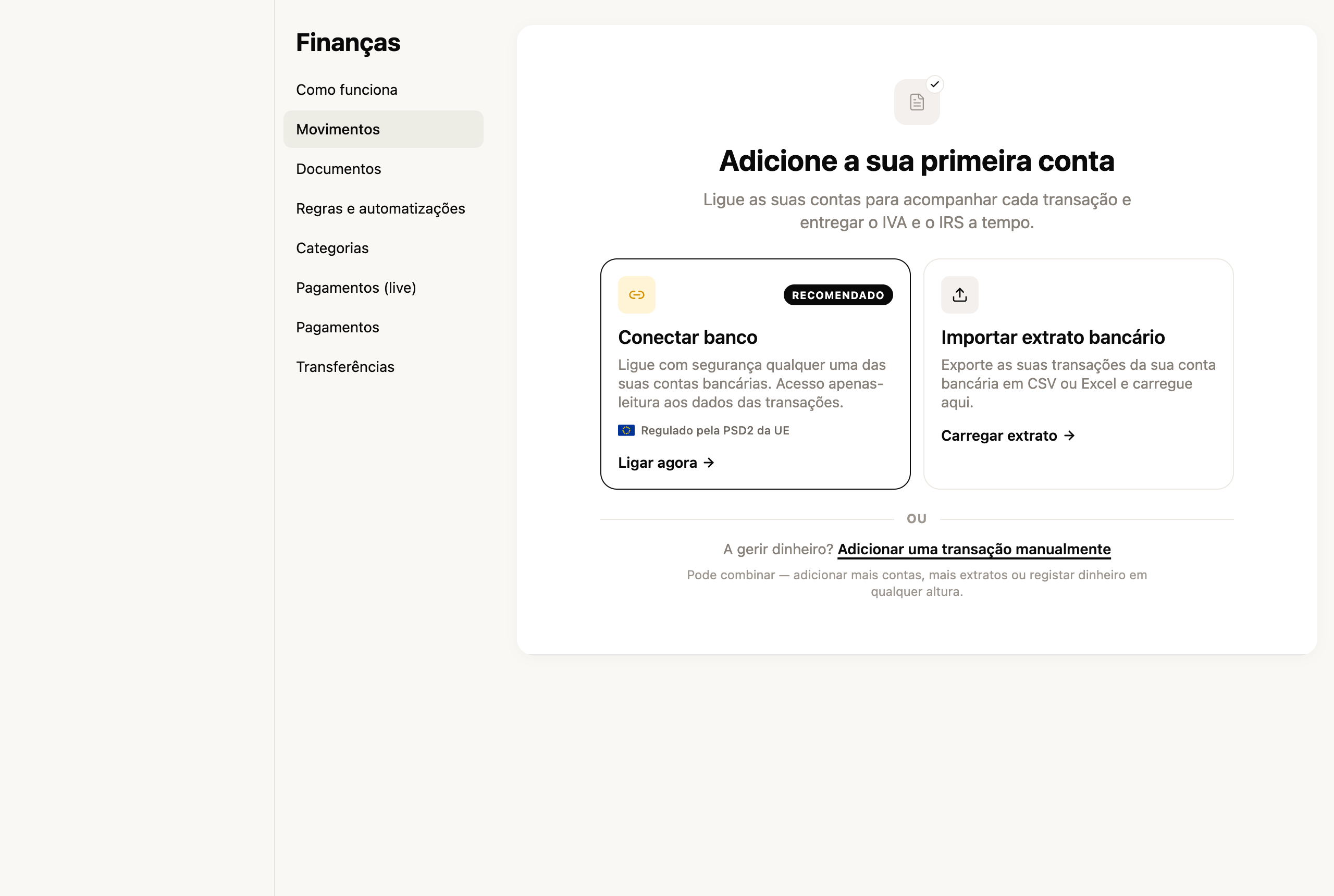
A secção começou disponível para **empresas** — e vamos continuar a melhorá-la nas próximas semanas.
[Abrir Finanças →](https://app.fiz.co/bookkeeping)
## Séries de faturas personalizadas
Por predefinição o FIZ numera as tuas faturas com uma série própria. Mas há quem precise de uma série à medida — para separar tipos de documento, ou para continuar a numeração de onde vinha noutro sistema. Agora podes **criar séries personalizadas**: dás-lhe um nome e defines o **número inicial**, e passas a escolher a série na hora de emitir.
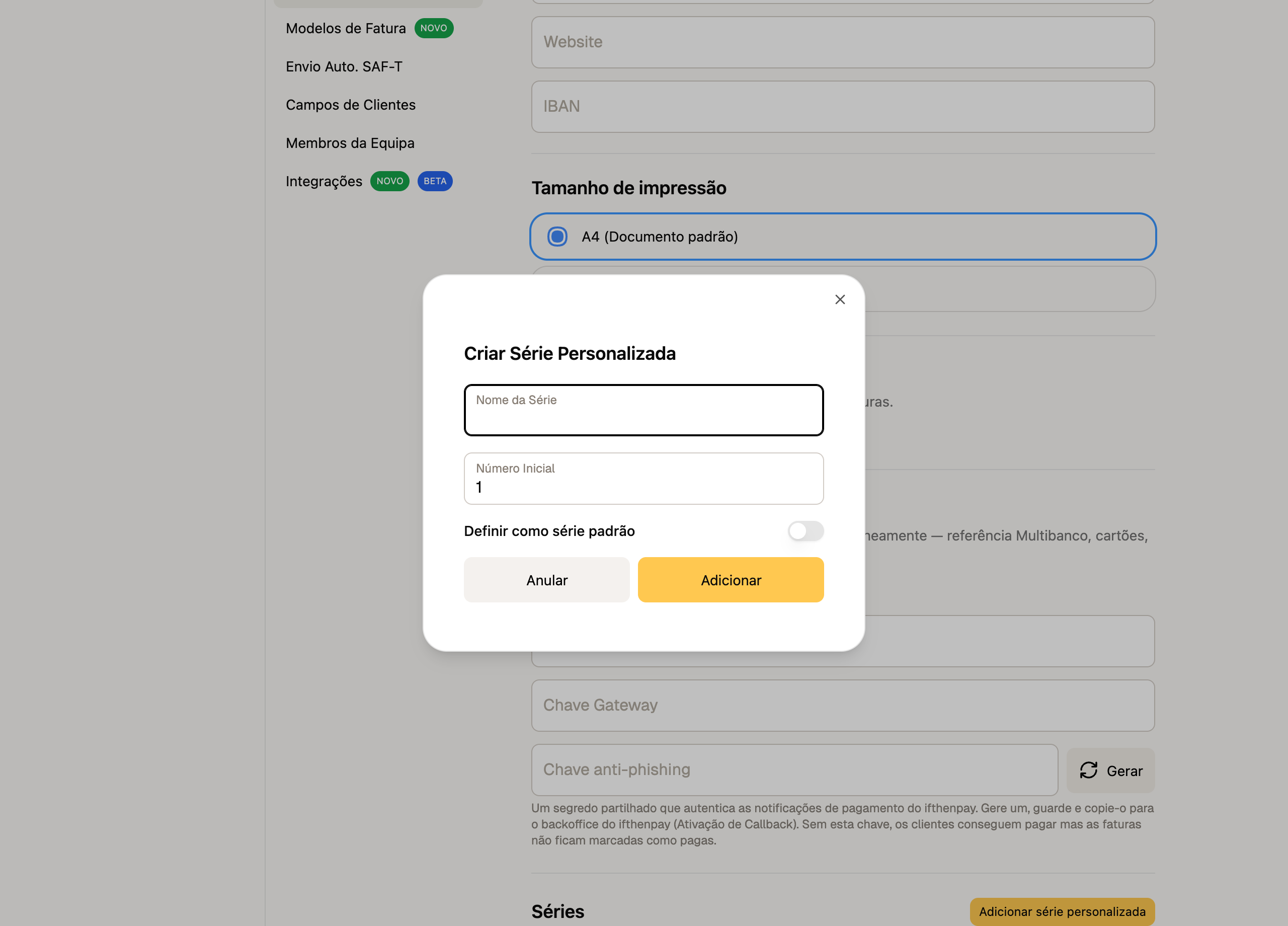
As séries personalizadas estão disponíveis nos **planos pagos**.
[Gerir as minhas séries →](https://app.fiz.co/settings/invoicing)
## Pequenas melhorias
- **Modelos PDF nas propostas** — os teus modelos PdfMe personalizados podem agora ser usados também nas propostas, não só nas faturas.
- **Despesas — digitalizar recibos** — a janela de carregamento de recibos foi redesenhada, com pré-visualização dos dados extraídos lado a lado.
## O que vem a seguir
Vamos continuar a reforçar as Finanças e a faturação, e a preparar a entrega do IRS. Se há algo que gostavas de ver no FIZ, ou se encontraste algum problema, escreve-nos pelo chat dentro da aplicação. Lemos tudo.
Obrigado por usares o FIZ.
---
## As Finanças Andam a Fiscalizar Trabalhadores Independentes? O Que Procuram e Como Te Protegeres
> URL: https://blog.fiz.co/at-fiscaliza-trabalhadores-independentes
> Category: Dicas | Published: 2026-03-28 | Reading time: 5 min
> Se és freelancer e tens medo de uma fiscalização da AT, lê isto primeiro. A realidade é bem diferente do que imaginas - e há formas simples de te protegeres.
Vais ao café com um amigo freelancer e ele conta-te, todo nervoso: "Recebi uma notificação da AT para justificar umas faturas de 2023. Estou tramado!"
Calma. Vamos falar sobre o que realmente acontece com as fiscalizações da Autoridade Tributária aos trabalhadores independentes. Spoiler: se fazes tudo direitinho, provavelmente nem és prioridade para eles.
## A AT Tem Peixes Maiores para Fritar
Primeiro, vamos pôr as coisas em perspetiva. A Autoridade Tributária tem recursos limitados. Achas mesmo que vão gastar tempo e dinheiro a investigar o João que fatura 1.500€ por mês com design gráfico?
**Os alvos prioritários da AT são:**
- Grandes empresas com milhões de faturação
- Setores de alto risco (imobiliário, construção, restauração)
- Casos com indícios claros de fraude
Tu, freelancer no regime simplificado que passa recibos verdes certinhos? És tipo aquele carro que vai a 90 km/h na autoestrada - ninguém te vai chatear porque há malta a passar a 180.
## O Que Realmente Desperta a Atenção da AT
Mas atenção - isto não é carta branca para fazer asneiras. Há situações que ligam o alarme no sistema deles:
### 1. Quedas Bruscas de Rendimento
A Sofia faturava 3.000€ por mês com consultoria de marketing. De repente, passa a declarar 500€. O sistema da AT pensa: "Ou perdeu todos os clientes, ou anda a esconder alguma coisa."
### 2. Despesas Maiores que Receitas (Vários Anos)
O Miguel tem uma empresa unipessoal. Declara 15.000€ de receitas anuais mas 25.000€ de despesas. Um ano, tudo bem - estava a começar. Três anos seguidos? A AT vai querer saber como é que ele paga o aluguer da casa.
### 3. Discrepâncias no e-Fatura
Este é o mais comum. O Pedro faz websites e declara 10.000€ anuais. Mas no e-fatura aparecem faturas emitidas no valor de 18.000€. Houston, temos um problema.
### 4. Atividades de Risco
Certas atividades chamam mais atenção:
- Consultoria (difícil verificar o trabalho real)
- Formação (muitas vezes paga em dinheiro)
- Serviços de beleza ao domicílio
- Reparações domésticas
## Como o Sistema Te Apanha (Sem Quereres)
A AT hoje em dia é tipo o Big Brother fiscal. Cruzam dados de todo o lado:
A Inês, designer, teve azar. Faturou 8.000€ num trimestre mas esqueceu-se de comunicar uma fatura de 2.000€. Quando foi fazer a declaração trimestral de IVA, só declarou 6.000€. O sistema detetou logo a diferença.
⚠️ **Atenção:** O erro mais comum? Pensar que faturas sem NIF do cliente "não contam". CONTAM TODAS. A AT vê tudo o que passa pelo e-fatura, com ou sem NIF do cliente.
## O Que Acontece Numa Fiscalização
Normalmente não é o bicho de sete cabeças que imaginas:
O Rui, programador freelancer, passou por isto. Recebeu a notificação, entrou em pânico, mas depois viu que era só uma divergência de 200€ numa fatura. Explicou, pagou a diferença, fim da história.
## Como Te Protegeres (Sem Stresses)
### 1. Fatura Sempre Tudo
Sem exceções. Aquele trabalho de 50€ para o primo? Fatura. O site de 100€ para a padaria da esquina? Fatura. No regime simplificado, 75% do que faturas em serviços é tributável - o resto são as tuas despesas assumidas.
### 2. Mantém Tudo Organizado
Faturas emitidas, faturas de despesas, extratos bancários - tudo guardado e organizado por categoria, em formato digital.
### 3. Não Inventes Despesas
No regime simplificado tens o coeficiente que já assume despesas. Não precisas de andar a inventar. Se tens despesas reais maiores, muda para o regime de contabilidade organizada.
### 4. Declara Sempre a Tempo
As declarações trimestrais de IVA e Segurança Social têm prazos rígidos. Um atraso = coima garantida. Usa um bom software de contabilidade para receber alertas de prazo ou automatizar estas submissões.
### 5. Cuidado com os Clientes no Estrangeiro
Se prestas serviços para empresas da UE, precisas da declaração trimestral Recapitulativa. Muita gente esquece-se desta e depois leva coima. Verifica se o teu software suporta a submissão automática desta declaração.
## A Realidade em Dois Caminhos
## O Segredo É a Prevenção
No fundo, a melhor proteção contra fiscalizações é não dar motivos para elas. E se acontecer? Com tudo organizado, é só explicar e seguir em frente.
O André teve uma fiscalização porque mudou de programador para consultor e a faturação subiu muito num ano. Mostrou os contratos novos, explicou a mudança, caso encerrado.
E se acontecer um erro numa declaração? As Finanças notificam sempre primeiro e dão prazo para corrigir antes de aplicar coimas. Age sempre dentro do prazo e estás protegido.
## ✅ Em resumo em 3 pontos
1. **A AT foca-se nos grandes** - Se és um freelancer normal com faturação modesta e tudo em ordem, relaxa
2. **O que os alerta** - Quedas bruscas de rendimento, despesas maiores que receitas por vários anos, e discrepâncias entre o e-fatura e as tuas declarações
3. **A melhor defesa** - Fatura sempre tudo, mantém registos organizados, e submete as declarações a tempo. O [FIZ](https://fiz.co/) (plano Auto Pro) automatiza as declarações trimestrais e inclui o Escudo Fiscal até 500€ se algo correr mal.
No final do dia, trabalhar por conta própria já tem stresses que cheguem. Andar com medo das Finanças não devia ser um deles.
---
## Porque é que o Estado te devolve dinheiro em maio (e como garantir que recebes o teu)
> URL: https://blog.fiz.co/reembolso-irs-maio-trabalhadores-independentes
> Category: IRS | Published: 2026-03-25 | Reading time: 5 min
> Maio é o mês em que muitos freelancers recebem uma transferência surpresa do Estado. Não é um erro - é o teu reembolso do IRS. Aqui está como maximizá-lo.
Maio é o mês em que muitos trabalhadores independentes recebem uma transferência surpresa do Estado. Não, não é um erro do sistema. É o reembolso do IRS - dinheiro que foi retido a mais durante o ano anterior.
A Marta, designer gráfica em Lisboa, recebeu 800€ em maio passado. "Pensei que era um engano. Liguei para o meu primo que é contabilista e ele riu-se. Era o meu reembolso do IRS. Nem sabia que tinha direito."
Vamos explicar como funciona este sistema - e como podes maximizar o valor que recebes.
## O que é a retenção na fonte (e porque te tiram dinheiro)
Quando faturas a uma empresa, ela retém automaticamente parte do valor para o Estado. É como um adiantamento do IRS que vais pagar no futuro.
Imagina que vais ao café todas as manhãs. Em vez de pagares no final do mês, deixas um euro por dia no balcão. No final do mês, acertas contas. Se deixaste mais do que devias, o dono devolve-te a diferença.
A retenção na fonte funciona exatamente assim. As empresas retêm uma percentagem do que te pagam e entregam ao Estado. Quando entregas a declaração anual de IRS, a AT calcula quanto devias realmente pagar. Se retiveram mais do que o necessário, devolvem-te a diferença.
## Como funciona o cálculo real do IRS
O João trabalha como consultor de marketing. Em 2025, faturou 24.000€ a empresas que retiveram 23% na fonte - a taxa aplicável às atividades profissionais do Artigo 151.º do CIRS (consultores, designers, programadores, tradutores).
⚠️ **Atenção:** Se não entregas a declaração anual de IRS nos prazos (normalmente entre 1 de abril e 30 de junho), não recebes o reembolso. O Estado não te vai atrás para devolver dinheiro.
## Situações em que o reembolso pode ser maior
A Sofia é fotógrafa freelancer. Em 2025, teve retenção na fonte em todos os trabalhos para empresas. Mas também teve despesas dedutíveis que reduzem o IRS a pagar:
- **Despesas de saúde** - consultas no dentista, óculos novos
- **Despesas de educação** - curso de fotografia avançada
- **PPR** - plano poupança reforma que abriu no banco
Como a retenção foi calculada sem considerar estas deduções, o reembolso da Sofia foi substancial.
O Pedro, programador independente, teve outra situação. Trabalhou apenas 6 meses em 2025 (começou em julho). As empresas retiveram como se fosse trabalhar o ano todo. Resultado: grande reembolso em maio de 2026.
## Como maximizar o teu reembolso
## Os erros que fazem perder dinheiro
A Rita, tradutora freelancer, perdeu centenas de euros de reembolso por um erro simples: não validou as faturas no e-fatura. "Achava que era automático. Só descobri quando um colega me disse que tinha recebido muito mais reembolso do que eu."
Outro erro comum: não pedir fatura com NIF nas despesas do dia a dia. O Bruno, consultor IT, calculou que perdeu pelo menos 200€ de reembolso por não pedir NIF no supermercado durante um ano inteiro.
O pior erro de todos: não entregar a declaração anual de IRS. O Tiago teve retenção na fonte durante todo o 2024 mas não entregou a declaração. Resultado: zero de reembolso. O dinheiro ficou com o Estado.
## Como Maximizar o Reembolso
O maior desafio é a organização durante o ano. Mantém um registo claro de todos os teus rendimentos e despesas profissionais. Quando chega a altura da declaração anual de IRS, tens tudo à mão.
Dúvidas sobre se podes deduzir determinada despesa? Consulta o Portal das Finanças ou um contabilista. Perguntas como "Posso deduzir este computador?" ou "Esta formação conta como despesa?" têm respostas claras na legislação.
## A timeline do reembolso
## ✅ Em resumo em 3 pontos
1. **A retenção na fonte é um adiantamento do IRS** - se pagaste mais do que devias, recebes a diferença em maio
2. **Para maximizar o reembolso**: pede sempre fatura com NIF, valida no e-fatura mensalmente, considera PPR ou seguro saúde
3. **Organização é tudo** - mantém registos durante o ano, valida o e-fatura mensalmente e entrega a declaração dentro do prazo. O [FIZ](https://fiz.co/) (plano Auto Pro) organiza rendimentos e despesas automaticamente e inclui o Escudo Fiscal até 500€ se algo correr mal.
O reembolso do IRS não é um bónus ou sorte. É o teu dinheiro que volta para ti. Com organização e as ferramentas certas, podes garantir que recebes cada cêntimo a que tens direito.
---
## Podes Deduzir o IVA que Pagas nas Tuas Despesas? Sim - e Vou Explicar Como
> URL: https://blog.fiz.co/deduzir-iva-despesas-profissionais
> Category: Dicas | Published: 2026-03-22 | Reading time: 5 min
> A Rita deixou mais de 3.000€ na mesa por não saber que podia deduzir o IVA das despesas profissionais. Aprende como funciona e quanto podes poupar.
A Rita, designer em Lisboa, quase caiu da cadeira quando descobriu. Durante dois anos, andou a pagar IVA em tudo - MacBook novo, licença do Adobe, espaço de coworking - sem saber que podia deduzir esse valor. Resultado? Deixou mais de 3.000€ na mesa.
Se passas faturas com IVA (faturação acima de 15.000€/ano), tenho boas notícias: o IVA que pagas nas tuas despesas profissionais reduz o que tens de entregar ao Estado. É o chamado IVA dedutível.
## Como Funciona o IVA Dedutível na Prática
Imagina que és como o João, consultor de marketing no Porto. Num trimestre típico:
É dinheiro que fica no teu bolso, todos os trimestres.
## O Segredo Está no NIF da Fatura
Aqui está o truque que muitos trabalhadores independentes não sabem: **a fatura tem de estar no teu NIF**.
Quando fores à Worten comprar um portátil ou ao espaço de coworking pagar a mensalidade, pede sempre fatura com o teu número de contribuinte. Sem o NIF, não podes deduzir.
A Ana, copywriter em Coimbra, aprendeu isto da pior forma. Comprou um computador de 1.200€ na FNAC mas pediu fatura sem NIF. Perdeu 225€ de dedução de IVA. "Foi uma lição cara", diz ela.
## Que Despesas Podes Deduzir?
As despesas têm de estar relacionadas com a tua atividade:
⚠️ **Atenção:** O café e o pastel de nata do intervalo? Não são dedutíveis. As despesas têm de ter uma ligação clara com o teu trabalho.
## Como Fazer a Dedução na Declaração Trimestral de IVA
O processo acontece quando submetes a declaração trimestral de IVA:
1. Acedes ao Portal das Finanças com as tuas credenciais
2. Vais a "Entregar Declaração" > "IVA" > "Declaração Periódica"
3. No quadro das deduções, inseres o valor total do IVA das tuas despesas
4. O sistema calcula automaticamente quanto tens de pagar
O Pedro, consultor IT em Braga, faz isto todos os trimestres: "No início parecia complicado, mas agora demoro 15 minutos. Vale a pena pelo dinheiro que poupo."
## O Erro Mais Comum (e Como Evitá-lo)
O erro mais frequente? Misturar despesas pessoais com profissionais sem critério.
A Marta, tradutora em Faro, comprou um iPhone e tentou deduzir 100% do IVA. Problema: usa o telemóvel 50% para trabalho, 50% para uso pessoal. Numa inspeção, isto pode dar problemas.
**A regra de ouro**: sê razoável. Se usas algo parcialmente para trabalho, deduz apenas essa percentagem.
## E Se Ainda Não Passas Faturas com IVA?
Se faturas menos de 15.000€/ano, estás isento de IVA (artigo 53.º do CIVA). Isto significa:
1. Não cobras IVA aos teus clientes
2. Não podes deduzir o IVA das tuas despesas
É uma faca de dois gumes. Por isso, muitos freelancers preferem ultrapassar o limite - as deduções compensam. E não tens de esperar por lá chegar: podes fazê-lo **de propósito**, vê [renunciar à isenção do art. 53.º](/renunciar-isencao-iva-artigo-53).
## Quanto Podes Poupar Realmente?
O Bruno, fotógrafo no Porto, fez as contas do ano passado:
"É como ter um desconto de 23% em todas as compras profissionais", explica ele.
## Organiza-te Desde o Início
Cria um hábito simples: quando recebes qualquer fatura profissional, guarda-a imediatamente numa pasta (física ou digital). Quando chega a altura da declaração trimestral de IVA, tens tudo à mão para preencher as deduções.
## ✅ Em resumo em 3 pontos
1. **Se cobras IVA nas tuas faturas, podes deduzir o IVA das despesas profissionais** - é dinheiro que fica no teu bolso em vez de ir para o Estado
2. **A fatura tem sempre de estar no teu NIF** - sem isto, perdes o direito à dedução
3. **A organização é tudo** - guarda todas as faturas profissionais, regista as deduções na declaração trimestral de IVA, e sê razoável na percentagem que deduz para despesas mistas. O [FIZ](https://fiz.co/) (plano Auto Pro) automatiza este processo e submete a declaração trimestralmente.
---
## Adias o arranque 'para segunda' há 2 anos. Vem ver quanto isso te custa em euros
> URL: https://blog.fiz.co/adias-arranque-para-segunda-ha-2-anos
> Category: Dicas | Published: 2026-03-19 | Reading time: 5 min
> Cada mês que adias ser freelancer custa-te entre 1.000€ e 3.000€. Faz as contas com os nossos exemplos reais e descobre o preço verdadeiro do medo.
Já perdeste a conta aos domingos à noite em que prometeste a ti próprio: "Amanhã começo mesmo." Aquela ideia de negócio, aquele projeto freelance, aquela mudança para trabalhador independente. Mas depois chega segunda-feira e... mais uma semana passa.
Vamos fazer umas contas que vão doer um bocado.
Se a tua ideia te rendesse 1.500€ limpos por mês (um valor perfeitamente realista para um freelancer a começar), cada ano de adiamento custa-te **18.000€**. Dois anos? **36.000€**. É o preço de um carro novo. Ou de uma entrada para uma casa. Tudo porque o medo falou mais alto.
## O custo real do "depois logo vejo"
Imagina a Sofia. Designer gráfica, trabalha numa agência, sonha com projetos próprios. Tem clientes interessados que a procuram regularmente. Podia facilmente faturar 2.000€ por mês como freelancer. Mas há 18 meses que adia. "É que depois tenho de abrir atividade nas Finanças... e a Segurança Social... e as faturas... e o IVA..."
**Vamos à matemática:**
- 2.000€ x 18 meses = 36.000€ de faturação perdida
- Com o coeficiente do regime simplificado (75% do que faturas em serviços conta como lucro), isso são 27.000€ de rendimento tributável perdido
- Mesmo depois de pagar impostos, estamos a falar de uns 20.000€ limpos que a Sofia deixou fugir
Tudo porque não dedicou 2 horas a abrir atividade.
## A tabela que vai fazer-te pensar duas vezes
Vê quanto perdes por cada mês de adiamento, conforme o que poderias estar a faturar:
**Se faturarias 1.000€/mês:**
- 6 meses de adiamento: 6.000€ perdidos
- 12 meses: 12.000€ perdidos
- 24 meses: 24.000€ perdidos
**Se faturarias 1.500€/mês:**
- 6 meses de adiamento: 9.000€ perdidos
- 12 meses: 18.000€ perdidos
- 24 meses: 36.000€ perdidos
**Se faturarias 2.500€/mês:**
- 6 meses de adiamento: 15.000€ perdidos
- 12 meses: 30.000€ perdidos
- 24 meses: 60.000€ perdidos
E isto são valores conservadores. Muitos freelancers portugueses faturam bem mais.
## Os medos que te custam milhares
Vamos ser honestos sobre o que te está a travar:
**1. "E se me enganar nas declarações?"**
Este é o medo número 1. As coimas podem ser significativas — ninguém quer receber uma carta das Finanças. Mas com o FIZ.co, as declarações trimestrais de IVA e Segurança Social são submetidas automaticamente. Zero stress. E se acontecer algum erro? O Escudo Fiscal cobre coimas até 500€ por declaração.
**2. "Não percebo nada de impostos"**
Normal. O sistema fiscal português não é simples. Mas não precisas de um curso de contabilidade. No regime simplificado, 75% do que faturas em serviços profissionais (Artigo 151.º do CIRS) conta como lucro (os outros 25% são despesas assumidas automaticamente). O FIZ.co calcula tudo isto por ti.
**3. "Tenho medo de não conseguir clientes suficientes"**
Começa em part-time! Podes ter o teu emprego e faturar como independente ao mesmo tempo (desde que o teu contrato permita). Vais construindo a carteira de clientes sem pressão.
**4. "E se não conseguir pagar a Segurança Social?"**
Boa notícia: no primeiro ano não pagas! Tens 12 meses completos de isenção se for a primeira vez que abres atividade. É tempo mais que suficiente para estabilizar.
**5. "Vou ter de contratar um contabilista caro"**
Não, não vais. Para começar, o plano Base do FIZ.co é grátis — faturação certificada sem limites. Quando quiseres automatizar as declarações, o plano Auto faz tudo por ti. Sem contabilista.
## O João esperou 3 anos. Fez as contas e quase chorou
O João é programador. Durante 3 anos trabalhou para uma empresa, mas sempre teve projetos paralelos. Clientes que lhe pediam sites, apps, consultoria. Recusava tudo porque "não tenho atividade aberta" e "é muito complicado".
Um dia sentou-se e calculou:
- Projetos recusados: média de 3.000€/mês
- Tempo perdido: 36 meses
- Total: 108.000€
Mais de cem mil euros. Por medo de dedicar uma tarde a abrir atividade.
Abriu atividade na semana seguinte. Hoje fatura 4.000€/mês e trabalha de casa.
> **Atenção:** Muita gente pensa que no regime simplificado "o Estado faz tudo por ti". Errado! Simplificado significa apenas que assumes automaticamente 25% de despesas (em serviços). Mas **tu** tens de entregar todas as declarações — declaração trimestral de IVA, declaração trimestral à Segurança Social, declaração anual de IRS, e a comunicação mensal de faturas (esta última é automática se usares software certificado como o FIZ.co). Se não entregares, levas coima. É aqui que o FIZ.co faz a diferença — submete tudo automaticamente.
## Quanto vale superar o medo hoje?
Abrir atividade nas Finanças demora literalmente 15 minutos online. Configurar o FIZ.co demora outros 10 minutos. Total: menos de meia hora.
Compara meia hora com os milhares de euros que estás a perder. A matemática torna o adiamento completamente absurdo. Cada dia que passa é dinheiro que não volta.
## A Catarina também tinha medo. Agora ganha 3x mais
Catarina, 28 anos, era assistente de marketing. Fazia trabalhos extra para amigos — redes sociais, copy, campanhas. Sempre "por fora" porque tinha medo da burocracia.
Um dia uma amiga mostrou-lhe esta conta:
- Trabalhos "por fora": 500€/mês (e nem podia aceitar muitos)
- Potencial como freelancer oficial: 1.500€/mês fácil
- Diferença: 1.000€/mês = 12.000€/ano
A Catarina abriu atividade nesse fim de semana. Com o FIZ.co, passa faturas em 30 segundos pelo WhatsApp. As declarações trimestrais? Automáticas. Seis meses depois já fatura 2.500€/mês. E o melhor: dorme descansada. Tudo legal, tudo automático.
## Os primeiros 3 passos (que podes dar hoje)
**1. Abre atividade nas Finanças (15 minutos)**
Portal das Finanças > Início de Atividade. Escolhe regime simplificado, atividade de prestação de serviços. Feito.
**2. Configura o FIZ.co (10 minutos)**
Cria conta no plano Base (grátis). Liga ao teu NIF. Já podes passar faturas certificadas ilimitadas.
**3. Envia a primeira proposta (30 minutos)**
Aquele cliente que te anda a pedir há meses para fazeres um trabalho? Envia-lhe hoje um orçamento. A sério, hoje.
Total: menos de 1 hora para começar a recuperar os milhares que andas a perder.
## Em resumo
1. **O custo do medo é real e mensurável** — cada mês que adias custa-te entre 1.000€ e 3.000€ ou mais, dependendo do teu potencial. Faz as contas com os teus números.
2. **Os obstáculos são muito menores do que imaginas** — abrir atividade demora 15 minutos, no primeiro ano não pagas Segurança Social, e com o [FIZ.co](https://fiz.co) as declarações são automáticas (não precisas de contabilista).
3. **Podes começar hoje mesmo** — literalmente hoje. Em menos de uma hora tens tudo pronto para faturar legalmente. Cada dia que adias é dinheiro que não recuperas.
A escolha é tua: continuar a adiar "para segunda" e perder mais uns milhares, ou dedicar uma hora hoje e começar finalmente. Quanto é que o próximo adiamento te vai custar?
---
## Já sabes fazer contabilidade - só não sabes o nome das coisas
> URL: https://blog.fiz.co/ja-sabes-fazer-contabilidade-so-nao-sabes-o-nome-das-coisas
> Category: Guias | Published: 2026-03-19 | Reading time: 6 min
> Descobre que já fazes contabilidade todos os dias sem saber. 7 ações do dia-a-dia que são operações contabilísticas e os nomes certos para cada uma.
Quando divides a conta do jantar com os amigos e calculas quanto cada um deve pagar, estás a fazer contabilidade. Quando verificas o saldo do cartão antes de comprar aquele gadget novo, estás a fazer contabilidade. Quando guardas 30% do que ganhas para o IRS, estás a fazer contabilidade.
A diferença entre a tua vida pessoal e a vida de trabalhador independente? No trabalho, estas ações têm nomes específicos. É só isso.
Vamos descobrir 7 coisas que fazes todos os dias e que são, na verdade, operações contabilísticas. Depois vais perceber que gerir as finanças do teu negócio é tão simples como gerir a tua carteira - só precisas de saber como se chamam as coisas.
## 1. Verificar o saldo = Controlo de tesouraria
Quantas vezes por semana abres a app do banco para ver quanto dinheiro tens? Se és como a maioria das pessoas, provavelmente fazes isto várias vezes.
No mundo dos negócios, isto chama-se **controlo de tesouraria**. É literalmente a mesma coisa: saber quanto dinheiro tens disponível neste momento. A única diferença é que, como trabalhador independente, talvez tenhas de verificar mais do que uma conta (pessoal e profissional).
## 2. Guardar o talão = Arquivo de documentos
Guardas o talão daquele portátil novo que compraste? Claro que sim, para a garantia. E aquele recibo do almoço de trabalho? Se fosses esperto, também guardavas.
Como trabalhador independente, guardar recibos e faturas não é paranoia - é **arquivo contabilístico**. Cada talão de gasolina, cada fatura de internet, cada recibo de material de escritório pode reduzir os teus impostos. É dinheiro real que poupas.
## 3. Pagar com cartão e receber notificação = Registo de movimentos
Recebes uma notificação cada vez que usas o cartão? "Pagamento de 23,50€ no Continente aprovado." Isto é um **registo contabilístico automático**.
No teu negócio funciona igual. Cada pagamento que recebes, cada despesa que fazes - tudo deve ser registado. Com ferramentas como o [FIZ](https://fiz.co/), este registo pode ser tão automático como as notificações do teu banco.
## 4. Dividir a conta do restaurante = Repartição de custos
Jantar de grupo. A conta chega: 120€. São 6 pessoas, mas o João só bebeu água e a Maria pediu entrada. Fazes as contas: João paga 15€, Maria 25€, os outros 20€ cada um.
Isto é **repartição de custos**. Como freelancer, fazes o mesmo quando divides a renda de casa (se trabalhas em casa, parte é despesa profissional) ou quando calculas quanto do pacote de internet é para trabalho.
**Exemplo prático:**
A Sofia é designer gráfica e trabalha em casa. Renda mensal: 600€. Ela usa 1 dos 3 quartos exclusivamente como escritório.
## 5. Ver o extrato e conferir = Reconciliação
Final do mês. Abres o extrato bancário e verificas: "Esta compra foi minha? Este valor está certo? Falta algum pagamento?"
Parabéns, estás a fazer **reconciliação bancária**. É exatamente isto que os contabilistas fazem - só que lhe dão este nome fancy. Conferir se os pagamentos que esperavas receber entraram mesmo e se as despesas batem certo.
## 6. Calcular quanto sobra para poupar = Apuramento de resultados
Recebes o ordenado (ou os pagamentos dos clientes). Pagas renda, comida, transportes. No final do mês calculas: sobrou alguma coisa? Quanto posso poupar?
Isto é o **apuramento de resultados**. Receitas menos despesas igual a lucro (ou prejuízo). Simples assim.
**Exemplo com números reais:**
O Miguel é programador freelancer no seu segundo ano de atividade. Em março de 2026:
- Faturou 2.500€ (está isento de IVA porque fatura menos de 15.000€/ano)
- O cliente (uma empresa portuguesa) reteve 575€ de IRS (23% de retenção na fonte). Se o cliente fosse um particular ou uma empresa estrangeira, o Miguel receberia os 2.500€ na totalidade — mas teria de guardar ele próprio cerca de 23% para pagar o IRS no ano seguinte
- Recebeu líquido: 1.875€
Despesas do mês: internet (40€), cowork (150€), subscrição software (50€) — total 240€.
Sobrou 1.875€ - 240€ = 1.635€. Mas atenção: tem de guardar para a Segurança Social (21,4% sobre 70% de 2.500€ = 374,50€) e potencial IRS extra. Sobra mesmo: cerca de 1.260€.
## 7. Planear as férias = Orçamentação
"Se poupar 200€ por mês até julho, tenho 1.000€ para as férias." Todos fazemos este tipo de planos.
Como trabalhador independente, isto chama-se **orçamentação**. Planear quanto vais faturar, quanto vais gastar, quanto precisas guardar para impostos. É a mesma lógica das férias, mas aplicada ao negócio.
## A grande revelação: fatura = talão com nome
Agora a parte que vai fazer tudo fazer sentido:
- **Fatura** = aquele papel que recebes quando compras algo, mas com os dados fiscais de quem compra e quem vende
- **Recibo** = comprovativo de que pagaste
- **IVA** = aquele imposto que já pagas em tudo no supermercado (mas que como freelancer podes não ter de cobrar)
- **Retenção na fonte** = quando uma empresa portuguesa cliente desconta automaticamente 23% da tua fatura e entrega esse valor à Autoridade Tributária. Não é dinheiro perdido — é um adiantamento do teu IRS, que é tido em conta no acerto anual. Atenção: só se aplica quando o teu cliente é uma empresa portuguesa; particulares e empresas estrangeiras pagam o valor total da fatura
- **Nota de crédito** = quando tens de "desfazer" uma fatura errada
É tudo vocabulário para coisas que já conheces.
> **Atenção:** O erro mais comum dos freelancers em início de atividade é achar que têm sempre de cobrar IVA. Errado! Se faturas menos de 15.000€ por ano, estás isento (artigo 53.º do CIVA). Não compliques o que é simples - confirma primeiro se precisas mesmo de IVA.
## Então porque parece tão complicado?
Parece complicado porque:
1. Usam palavras diferentes para coisas simples
2. Misturam tudo num único bolo confuso
3. Ninguém te ensina a traduzir do "contabilês" para português normal
Mas agora já sabes. Verificar o saldo é controlo de tesouraria. Guardar talões é arquivo. Conferir o extrato é reconciliação.
A única diferença real? Como trabalhador independente, tens de fazer isto de forma mais organizada. E sim, com os nomes certos para o Estado não chatear.
**Em resumo:**
- Já fazes contabilidade todos os dias com o teu dinheiro pessoal - só não chamavas assim
- Fatura é um talão com mais dados, IVA é o imposto do supermercado, retenção é um adiantamento do IRS que só se aplica quando faturares a empresas portuguesas
- Organiza as finanças do negócio como organizas as pessoais, mas usa os nomes certos para cada coisa
---
## 5 Coisas Que Assustam na Contabilidade - E Porque Nenhuma Delas é Assim Tão Má
> URL: https://blog.fiz.co/5-coisas-que-assustam-na-contabilidade
> Category: Dicas | Published: 2026-03-17 | Reading time: 6 min
> Os 5 maiores medos dos freelancers sobre contabilidade desmistificados. Coimas, fórmulas, inspeções - descobre porque nada é tão assustador como parece.
Vamos ser honestos: quando começaste como freelancer, a parte mais assustadora não foi encontrar clientes. Foi pensar nas Finanças, na Segurança Social, nas declarações trimestrais... aquele nó no estômago quando alguém falava em "coimas".
Conheço bem essa sensação. E hoje vou-te mostrar que os 5 maiores medos que tens sobre contabilidade são, na verdade, muito menos assustadores do que parecem.
## 1. Vou errar e vão multar-me até ao fim dos tempos
Este é o medo número um. Acordas a meio da noite a pensar: "E se me esqueci de declarar aquela fatura? E se pus o valor errado?"
**A realidade:** Um erro pequeno na declaração anual de IRS pode custar-te apenas 25€. Sim, leste bem. Vinte e cinco euros.
Vamos ao que interessa: se fizeres um erro na declaração anual de IRS que não cause prejuízo ao Estado (ou seja, não pagaste menos impostos do que devias), a coima mínima é de 25€ - e isto só se não regularizares a situação voluntariamente.
**Exemplo prático:** A Ana, designer freelancer, esqueceu-se de incluir uma fatura de 500€ na sua declaração anual de IRS. Quando se apercebeu, corrigiu imediatamente a declaração. Resultado? Zero de coima. Porquê? Porque corrigiu antes das Finanças detetarem o erro.
E mesmo que as Finanças detetem primeiro? Se pagares logo quando te notificarem, podes ter reduções enormes na coima. Não é o fim do mundo.
> **Atenção:** O truque está em corrigir ANTES de seres notificado. Se descobrires um erro, não entres em pânico - corrige imediatamente. Com o [FIZ](https://fiz.co/), tens o Escudo Fiscal que cobre coimas até 500€ por declaração se houver algum erro nas submissões automáticas.
## 2. A contabilidade tem fórmulas complicadas que não percebo
Quando alguém fala em "coeficiente 0,75" ou "base de incidência", os teus olhos vidram-se? Normal. Mas vou explicar-te isto como se estivéssemos a tomar café.
**A realidade:** Não há fórmulas. Há apenas percentagens simples.
No regime simplificado (o que a maioria dos freelancers usa), funciona assim:
- Ganhaste 10.000€ a fazer sites? O Estado assume que 25% disso (2.500€) foram despesas. Só pagas impostos sobre os outros 75% (7.500€).
- Vendeste produtos? O Estado assume que 85% foram despesas. Só pagas impostos sobre 15%.
É literalmente isto. Não tens de calcular nada - o sistema das Finanças faz isto automaticamente quando preencheres a declaração.
**Exemplo prático:** O João faturou 15.000€ em 2025 como programador. Quando fez a declaração anual de IRS, só teve de pôr este valor total. O sistema calculou automaticamente que pagaria impostos sobre 11.250€ (75% de 15.000€). Zero fórmulas, zero dores de cabeça.
## 3. Preciso de um contabilista caro
Este é um clássico. Pensas que precisas de pagar 200€ por mês a um contabilista porque "isto é muito complicado".
**A realidade:** No regime simplificado, um contabilista é completamente desnecessário.
Porquê? Porque as tuas obrigações são simples:
- Passar faturas (4 campos para preencher)
- Entregar a declaração trimestral de IVA (se não estiveres isento)
- Entregar a declaração trimestral à Segurança Social
- Fazer a declaração anual de IRS uma vez por ano
Cada uma destas coisas demora literalmente minutos. E com ferramentas como o [FIZ](https://fiz.co/), as declarações trimestrais são submetidas automaticamente - nem tens de te lembrar dos prazos.
**Exemplo prático:** A Marta, copywriter, pagava 150€/mês a um contabilista. Mudou para o FIZ e agora as declarações de IVA e Segurança Social são submetidas automaticamente a cada 3 meses. Poupança anual? 1.800€.
## 4. As Finanças vão aparecer à minha porta para uma inspeção
Imaginas inspetores das Finanças a bater à tua porta, a revirar papéis, a fazer perguntas difíceis...
**A realidade:** Para trabalhadores independentes em regime simplificado, isto quase nunca acontece.
As Finanças têm sistemas automáticos que cruzam informação. Se as tuas faturas batem certo com as declarações, se pagas a tempo... és apenas mais um no sistema. Não és interessante para eles.
E mesmo que haja uma inspeção? Se tiveres tudo organizado (faturas emitidas, recibos das despesas), não há drama. É chato? Sim. É o fim do mundo? Não.
**Dica prática:** Com o bookkeeping integrado do [FIZ](https://fiz.co/), tens tudo num sítio só - rendimentos, despesas, IVA. Se algum dia precisares de mostrar algo às Finanças, está tudo ali, organizado automaticamente.
## 5. Não sou inteligente o suficiente para isto
Este é o medo mais triste, porque é completamente falso. Se consegues gerir projetos, falar com clientes, entregar trabalhos a tempo... consegues perfeitamente tratar da tua contabilidade.
**A realidade:** A contabilidade de um freelancer é mais simples que gerir um projeto.
Pensa assim:
- Passar uma fatura = preencher 4 campos
- Declaração trimestral de IVA = copiar valores das faturas
- Declaração trimestral à Segurança Social = dizer quanto faturaste
- Declaração anual de IRS = juntar o total anual e preencher o Anexo B
É isto. Não é física quântica.
**Exemplo real:** O Pedro, fotógrafo, achava que era "péssimo com números". Começou a usar o FIZ e descobriu que passar faturas demora 30 segundos. As declarações trimestrais? São submetidas automaticamente. O IRS? O Assistente Fiscal IA guia-o passo a passo. Afinal, não era burro - só precisava das ferramentas certas.
> **Atenção:** O maior erro é acumular meses de faturas "para fazer depois". Faz logo no momento - com o [FIZ](https://fiz.co/) podes até criar faturas pelo WhatsApp enquanto sais de uma reunião.
## A Verdade Sobre Estes Medos
Todos estes medos têm uma coisa em comum: parecem muito piores na nossa cabeça do que são na realidade.
- Coimas astronómicas? Na prática, 25€ se corrigires a tempo
- Fórmulas complicadas? É só multiplicar por uma percentagem
- Contabilista obrigatório? Desnecessário no regime simplificado
- Inspeções surpresa? Raríssimas para freelancers organizados
- Ser burro demais? Se lês este artigo, já és inteligente o suficiente
O segredo está em ter um sistema. E é exatamente para isso que existe o [FIZ](https://fiz.co/). Faturação certificada grátis no plano Base. Declarações automáticas de IVA e Segurança Social nos planos pagos. Assistente Fiscal IA para as tuas dúvidas. Escudo Fiscal para proteger-te de coimas.
Não é magia. É simplesmente a ferramenta certa para o trabalho certo.
**Em resumo:**
1. **Os erros pequenos custam pouco** - Uma coima mínima pode ser apenas 25€, e podes evitá-la completamente se corrigires voluntariamente
2. **Não há matemática complicada** - No regime simplificado é tudo automático: 75% dos teus ganhos são tributáveis se prestas serviços, 15% se vendes produtos
3. **Com as ferramentas certas, é simples** - O FIZ submete as tuas declarações trimestrais automaticamente e protege-te de coimas com o Escudo Fiscal
---
## Tinha 28 anos, queria abrir atividade - e a palavra contabilidade travou-me 2 anos
> URL: https://blog.fiz.co/tinha-28-anos-queria-abrir-atividade-e-contabilidade-travou-me
> Category: Guias | Published: 2026-03-15 | Reading time: 7 min
> Uma história real sobre como o medo da contabilidade adiou o início da atividade independente. As 5 verdades que ninguém conta sobre começar como freelancer.
Eram 2 da manhã e eu estava a ver vídeos de startups no YouTube. Outra vez. O meu bloco de notas estava cheio de ideias para começar como freelancer: fazer sites, dar consultoria, criar conteúdo. Mas sempre que abria o site das Finanças, fechava o separador em pânico.
Não era o medo de pagar impostos. Era pior: não sabia sequer por onde começar.
Durante dois anos, adiei o início da minha atividade por causa de uma palavra: **contabilidade**. Parecia um mundo à parte, cheio de termos que não entendia e consequências que não conseguia prever.
Se te identificas com esta história, não estás sozinho. E tenho boas notícias: o que me travou durante 730 dias pode resolver-se numa tarde.
## O momento em que tudo mudou
Um dia, um amigo perguntou-me: "Mas o que é que te assusta mesmo?"
Parei para pensar. Não era o IRS. Não era a Segurança Social. Era simplesmente **não saber**.
- Não sabia quando tinha de abrir atividade
- Não sabia que declarações tinha de entregar
- Não sabia quanto ia pagar de impostos
- Não sabia se podia fazer tudo sozinho
O medo do desconhecido é paralisante. Mas quando finalmente descobri as respostas, percebi que tinha perdido 2 anos por nada.
## As 5 verdades que ninguém me disse
### 1. Tens de abrir atividade ANTES da primeira fatura
Esta foi a primeira surpresa. Pensava que podia faturar primeiro e depois "legalizar" a situação. **Errado**.
A lei é clara: tens de comunicar o início de atividade às Finanças **antes** de:
- Emitir a primeira fatura
- Receber qualquer pagamento
- Comprar material para o negócio
- Assinar o primeiro contrato
É grátis e demora 15 minutos no Portal das Finanças. Mas tem de ser antes.
### 2. O regime simplificado não é automático
Segunda ilusão desfeita. "Simplificado" não significa que o Estado trata de tudo por ti. Significa apenas que o cálculo do lucro é simplificado.
**O que tens de fazer tu mesmo:**
- Declaração trimestral de IVA (a cada 3 meses)
- Declaração trimestral à Segurança Social (a cada 3 meses)
- Declaração anual de IRS (uma vez por ano)
- Guardar todas as faturas
Sim, são 9 declarações por ano no mínimo. O Estado não as faz por ti.
### 3. Os impostos não são assim tão assustadores
Vamos a números concretos. Se prestares serviços (como a maioria dos freelancers), o Estado assume que 25% do que faturas são despesas. Pagas impostos sobre os outros 75%.
**Exemplo prático:**
- Faturaste 10.000€ num ano
- O Estado assume que gastaste 2.500€ em despesas (25%)
- Pagas IRS sobre 7.500€ (75%)
- Se for o teu único rendimento, a taxa é de 12,50%
- IRS a pagar: cerca de 937,50€ (antes de outras deduções)
Não é pouco, mas também não é o bicho de sete cabeças que imaginava.
### 4. A Segurança Social tem um mínimo de 20€
Outra descoberta: mesmo que não fatures nada num trimestre, tens de pagar no mínimo 20€ por mês à Segurança Social.
Se faturares pouco, o valor continua a ser 20€. Se faturares mais, pagas 21,4% sobre 70% do que ganhaste (após deduzir despesas).
**Mas atenção:** no primeiro ano podes estar isento! É uma ajuda enorme no início.
### 5. As coimas são evitáveis (mas dolorosas)
Este foi o meu maior medo durante 2 anos. E com razão - as coimas podem ser significativas.
Mas são 100% evitáveis. Basta:
- Entregar as declarações a tempo
- Pagar os impostos nas datas certas
- Guardar os documentos organizados
O problema? São muitas datas para decorar e muita coisa para organizar sozinho.
## O erro que quase cometi (e tu também vais querer cometer)
Depois de finalmente abrir atividade, pensei: "Vou fazer tudo numa folha de Excel".
**Péssima ideia.**
Entre registar faturas, calcular IVA, preparar declarações e controlar prazos, passava mais tempo em burocracias do que a trabalhar para clientes.
Foi aí que descobri que existem ferramentas que fazem isto automaticamente. O [FIZ](https://fiz.co/), por exemplo, não só te permite passar faturas certificadas (grátis no plano base), como submete automaticamente as declarações trimestrais de IVA e Segurança Social.
E o melhor? Tem um Escudo Fiscal que cobre coimas até 500€ se houver algum erro nas declarações. Ou seja, o meu maior medo simplesmente desapareceu.
> **Atenção:** O maior erro que podes cometer é pensar que "um dia organizas isto melhor". Cada dia que passa sem um sistema é mais uma oportunidade para esqueceres um prazo ou perderes um documento importante. Começa organizado desde o dia 1.
## A minha primeira fatura (e porque demorei 3 horas)
Lembro-me perfeitamente do dia. Tinha acabado de abrir atividade e um cliente pediu-me uma fatura.
Entrei em pânico. Que informação tinha de incluir? Onde arranjar um número de fatura? E o IVA?
Passei 3 horas a pesquisar, a ler PDFs das Finanças, a tentar perceber se precisava de incluir IVA (spoiler: como freelancer em início de atividade, provavelmente estás isento).
Hoje, no FIZ, passo uma fatura em 30 segundos. 4 campos, e está feita. Certificada pelas Finanças, enviada por email ou WhatsApp.
Mas o mais importante não é a velocidade. É a tranquilidade de saber que está tudo correto.
## O que faria diferente se voltasse atrás
Se pudesse voltar aos meus 28 anos, diria a mim mesmo três coisas:
**1. Abre atividade hoje**
Não amanhã. Não na próxima semana. Hoje. São 15 minutos que vão desbloquear os próximos anos da tua vida.
**2. Usa ferramentas desde o início**
Não tentes ser herói. Ferramentas como o [FIZ](https://fiz.co/) existem exatamente para não teres de aprender contabilidade. Foca-te no teu trabalho, não em declarações.
**3. O medo é pior que a realidade**
Passei 2 anos com medo de algo que resolvi numa tarde. As Finanças não mordem. As declarações não são assim tão complicadas. E com as ferramentas certas, é quase automático.
**Em resumo:**
1. **Abre atividade antes de faturar** - É grátis, rápido e obrigatório. Não adies.
2. **O regime simplificado não é piloto automático** - Tens de entregar 9 declarações por ano no mínimo. Usa ferramentas que automatizem isto.
3. **O medo vem da falta de informação** - Quando percebes que são só algumas regras simples e algumas datas para cumprir, tudo fica mais fácil. E com um Escudo Fiscal, até as coimas deixam de ser preocupação.
Não percas 2 anos como eu. A palavra "contabilidade" já não me assusta - e a ti também não devia assustar.
---
## 'Preciso primeiro entender os impostos' - e outras desculpas que te impedem de começar
> URL: https://blog.fiz.co/preciso-primeiro-entender-os-impostos-e-outras-desculpas
> Category: Dicas | Published: 2026-03-13 | Reading time: 7 min
> As 4 grandes desculpas que impedem aspirantes a freelancer de abrir atividade. Descobre porque são treta e o que realmente precisas saber antes de começar.
Sabes aquela conversa de café em que dizes "quero ser freelancer mas primeiro preciso entender tudo sobre impostos"? Pois é. Passaram 6 meses e ainda estás no mesmo emprego que odeias.
Vamos falar verdade: estás a usar os impostos como desculpa. E não és o único - 90% dos aspirantes a trabalhador independente fazem o mesmo. "Vou esperar até janeiro", "primeiro vou juntar uma poupança", "tenho de perceber o sistema todo antes de começar".
Spoiler: estás a perder tempo e dinheiro. Vou provar-te porquê.
## As 4 grandes desculpas (e porque são treta)
### 1. Vou esperar até janeiro para começar limpo
Esta é clássica. Estamos em março de 2026 e aposto que disseste isto em outubro do ano passado. E em outubro de 2024. E provavelmente em 2023 também.
**Realidade:** Podes abrir atividade em qualquer dia do ano. Literalmente qualquer dia. O sistema fiscal não quer saber se é janeiro ou julho.
**Exemplo prático:** O João esperou até janeiro para "começar limpo". Perdeu um projeto de 3.000€ em novembro porque não tinha atividade aberta. A Maria abriu em outubro e faturou 4.500€ até ao fim do ano. Quem achas que tomou a decisão certa?
### 2. Primeiro vou juntar 6 meses de despesas
A famosa almofada financeira. Boa ideia? Sim. Necessária para começar? Não.
**Realidade:** A maioria dos freelancers bem-sucedidos começou com zero no banco. Porquê? Porque os primeiros clientes pagam os primeiros meses. É assim que funciona.
Pensa assim: se tens um cliente garantido que te vai pagar 1.500€ no próximo mês, porque precisas de 10.000€ no banco para começar?
### 3. Preciso entender todo o sistema fiscal primeiro
Esta é a minha favorita. É como dizeres que vais estudar o código da estrada TODO antes de teres a primeira aula de condução.
**Realidade:** 80% do que precisas saber sobre impostos vais aprender no primeiro mês de atividade. O resto? Vais aprendendo conforme precisas.
**Exemplo real:** A Sofia passou 3 meses a ler sobre IVA, IRS, escalões, coeficientes... Quando finalmente abriu atividade, descobriu que estava isenta de IVA (fatura menos de 15.000€ por ano). Todo aquele estudo sobre IVA? Inútil nos primeiros 2 anos.
### 4. O sistema é muito complicado para fazer sozinho
Verdade: o sistema fiscal português não é simples. Mentira: precisas de um doutoramento para começar.
**Realidade:** Com as ferramentas certas, é mais fácil ser freelancer hoje do que trabalhar para outros. Antigamente precisavas de contabilista desde o dia 1. Hoje? O [FIZ](https://fiz.co/) submete as tuas declarações trimestrais de IVA e Segurança Social automaticamente. Zero stress.
## O que REALMENTE precisas saber antes de abrir atividade
Esquece os cursos de 300€ e os PDFs de 200 páginas. Isto é o essencial:
### 1. Como abrir atividade
**Onde:** Portal das Finanças (online) ou num balcão das Finanças
**Quando:** Antes de emitires a primeira fatura
**Custo:** 0€
**Tempo:** 15 minutos
É literalmente preencher um formulário. Nome, NIF, atividade que vais exercer (escolhes de uma lista), regime de IVA. Feito.
### 2. Regime simplificado vs contabilidade organizada
**Simplificado:** Para 99% dos freelancers iniciantes. O Estado assume que 25% do que faturas em serviços são despesas. Simples.
**Contabilidade organizada:** Só compensa se tiveres muitas despesas (mais de 25% da faturação). Deixa para mais tarde.
### 3. IVA - quando cobrar
**Faturaste menos de 15.000€ no ano anterior?** Estás isento. Não cobras IVA aos clientes.
**Ultrapassaste os 15.000€?** Tens de cobrar IVA (23% na maioria dos serviços).
É só isto. Não compliques.
### 4. Quanto vais pagar (a sério)
No regime simplificado, o Estado assume que 75% do que faturas em serviços é lucro. É sobre este valor que pagas IRS.
**Exemplo simples:** Faturaste 20.000€ num ano. O Estado considera que 15.000€ (75%) é o teu lucro. É sobre estes 15.000€ que calculas o IRS, não sobre os 20.000€.
A taxa? Depende do total, mas começa em 12,50% para rendimentos mais baixos. Com 15.000€ de lucro, a conta do IRS fica à volta dos 2.200€ por ano (já com as taxas progressivas).
## O erro fatal dos perfeccionistas
O maior erro? Achar que precisas de ter tudo perfeito antes de começar.
Conheço dezenas de pessoas que passaram MESES a preparar-se. Sistemas de faturação complexos, folhas de Excel elaboradas, cursos online... E sabem que mais? A maioria desistiu antes de emitir a primeira fatura.
Porquê? Porque transformaram algo simples num bicho de sete cabeças. Quanto mais estudas sem praticar, mais assustador parece.
## A verdade que ninguém te conta
Sabias que podes corrigir quase tudo nas Finanças? Escolheste mal o CAE? Corriges. Querias outro regime? Alteras. Enganaste-te numa declaração trimestral? Substituis.
O sistema não é uma prisão. É flexível. Mas só descobres isto... começando.
**História real:** O Pedro abriu atividade achando que ia fazer design. Dois meses depois, estava a dar formações online. Bastou uma declaração de alterações (gratuita) e pronto. Mudou de CAE, continuou a trabalhar.
## O truque mental que funciona
Em vez de pensares "preciso saber tudo", pensa "preciso saber o suficiente para a próxima semana".
- **Semana 1:** Abrir atividade e emitir primeira fatura
- **Semana 2:** Entender quando enviar a fatura ao cliente
- **Mês 1:** Perceber como funciona a Segurança Social
- **Mês 3:** Preparar a primeira declaração trimestral
Vês? Um passo de cada vez. Como num videojogo - não precisas de conhecer o boss final quando ainda estás no tutorial.
## E se eu me enganar?
Vou ser direto: vais enganar-te. Todos nos enganamos. Eu enganei-me. Os teus amigos freelancers enganaram-se.
A diferença? Hoje tens redes de segurança. O [FIZ](https://fiz.co/), por exemplo, tem o Escudo Fiscal - se houver erro numa declaração que eles submetem, cobrem a coima até 500€.
Ou seja: o teu maior medo (levar uma multa) tem solução. Então de que estás à espera?
## O teste dos 10 segundos
Responde rápido:
- Tens um skill que alguém pagaria para ter? (Sim/Não)
- Conheces pelo menos uma pessoa que precisaria desse skill? (Sim/Não)
- Consegues enviar uma mensagem a essa pessoa hoje? (Sim/Não)
Três "sins"? Então não precisas de estudar mais nada. Precisas é de abrir atividade e enviar essa mensagem.
**Em resumo:**
1. **O momento perfeito não existe** - Podes abrir atividade em qualquer altura do ano, sem poupanças gigantes, sabendo apenas o básico. O resto aprendes pelo caminho.
2. **O essencial cabe num post-it** - Regime simplificado, 75% do que faturas em serviços é considerado lucro, se faturares menos de 15.000€/ano não cobras IVA. É isto.
3. **O sistema é mais flexível do que pensas** - Podes corrigir, alterar, mudar quase tudo. E com ferramentas como o [FIZ](https://fiz.co/), as declarações trimestrais são automáticas.
A verdade crua? Enquanto lês mais um artigo sobre impostos, alguém com metade do teu conhecimento está a fechar o segundo cliente do mês.
A diferença entre vocês? Essa pessoa começou.
E tu, vais continuar à espera de janeiro?
---
## Porque é que Pessoas Inteligentes Têm Medo da Contabilidade - E Não É Culpa Delas
> URL: https://blog.fiz.co/porque-pessoas-inteligentes-tem-medo-da-contabilidade
> Category: Dicas | Published: 2026-03-11 | Reading time: 6 min
> Tens mestrado e falas três línguas, mas a declaração trimestral de IVA dá-te pânico? Descobre porque o medo da contabilidade é racional - e como ultrapassá-lo.
Vamos falar de uma verdade desconfortável: tens um mestrado, falas três línguas, dominas tecnologias complexas... mas quando alguém diz "declaração trimestral de IVA", o teu cérebro entra em pânico.
Não estás sozinho. E mais importante: não é culpa tua.
## O Sistema Educativo Falhou Contigo
Pensa nisto: passaste 12 anos na escola. Aprendeste a calcular o volume de um cilindro, a estrutura molecular da água, os afluentes do rio Tejo. Mas ninguém te ensinou como passar um recibo verde. Ninguém te explicou o que é o IVA. Ninguém te disse que, como trabalhador independente, tens de entregar declarações a cada 3 meses.
A escola portuguesa prepara-te para ser empregado. Não para trabalhar por conta própria.
E depois admiram-se que tenhas medo.
## O Medo Tem Uma Origem Real
Quando começas a trabalhar como independente em Portugal, descobres que:
- Tens de entregar uma **declaração trimestral de IVA** (a cada 3 meses)
- Tens de entregar uma **declaração trimestral à Segurança Social** (também a cada 3 meses)
- Se prestares serviços a empresas europeias, tens de entregar uma **declaração trimestral Recapitulativa**
- E claro, a **declaração anual de IRS** (uma vez por ano)
Cada declaração tem um prazo diferente. Cada uma tem regras específicas. E se te enganares? As coimas podem ser significativas.
O Pedro, designer gráfico de 28 anos, conta: "No primeiro ano, nem sabia que tinha de entregar declarações trimestrais. Achava que era tudo no IRS anual. Quando descobri, já tinha coimas para pagar."
## Os 5 Medos Mais Comuns (E Porque Fazem Sentido)
### 1. Medo de Errar nas Declarações
A Ana trabalha como consultora de marketing digital. Fatura cerca de 2.000€ por mês. "Sempre que tenho de preencher uma declaração, passo horas a verificar tudo. E mesmo assim fico com a sensação de que algo está mal."
Este medo é racional. Um erro numa declaração pode resultar em coimas. E o pior: muitas vezes só descobres o erro meses depois, quando a coima já tem juros.
### 2. Medo de Não Perceber os Cálculos
No regime simplificado (onde está a maioria dos independentes), quando prestas serviços, 75% do que faturas é considerado lucro para efeitos de imposto. Os outros 25% são assumidos como despesas.
Exemplo: se faturaste 10.000€ no ano, pagas imposto sobre 7.500€ (não sobre os 10.000€ totais).
Parece simples? Agora adiciona IVA, retenções na fonte, pagamentos por conta... A complexidade acumula-se rapidamente.
### 3. Medo das Coimas
O João, programador freelancer, partilha: "O meu maior pesadelo é receber uma carta das Finanças. Mesmo quando está tudo certo, fico ansioso."
E tem razão para estar ansioso. As coimas por atraso nas declarações podem ser pesadas. E o pior: acumulam-se. Se te esqueceres de uma declaração trimestral, quando deres conta já são 3 meses de coima.
### 4. Medo de Perder Prazos
Declaração trimestral de IVA: até ao dia 20 do mês seguinte ao trimestre.
Declaração trimestral de Segurança Social: entre os dias 1 e 15 do mês seguinte ao trimestre.
Pagamento do IVA: até ao dia 25.
Pagamento da Segurança Social: até ao dia 20.
São demasiadas datas para guardar na cabeça. Especialmente quando estás focado em... trabalhar e ganhar dinheiro.
### 5. Medo de Pagar Demais (Ou de Menos)
A Sofia, tradutora independente, resume bem: "Nunca sei se estou a pagar o que devia. E se estou a pagar demais? E se estou a pagar de menos e vou ter problemas?"
Este medo paralisa. Muitos independentes acabam por pagar mais do que deviam, só para "estar descansados". Outros arriscam e pagam menos, vivendo com ansiedade constante.
## O Erro Mais Comum
O erro mais comum? Pensar que no regime simplificado "o Estado trata de tudo".
**Isto é completamente falso.**
O regime simplificado apenas simplifica o cálculo do lucro (aqueles 75% de que falámos). **Tu continuas a ter de entregar todas as declarações.** O Estado não faz nada por ti. Se não entregares as declarações trimestrais, vais ter coimas. Garantido.
## O Medo É Sinal de Inteligência
Aqui está o plot twist: se tens medo da contabilidade, é porque és inteligente o suficiente para perceber as consequências de errar.
As pessoas que não têm medo geralmente são as que:
- Ainda não perceberam a responsabilidade
- Nunca tiveram um problema com as Finanças
- Têm alguém que trata de tudo por elas
Tu tens medo porque percebes que isto é sério. E isso faz de ti um melhor profissional.
## Como os Melhores Independentes Lidam com o Medo
Os independentes bem-sucedidos não são os que perderam o medo. São os que encontraram formas de o gerir.
A Marta, copywriter com 5 anos de experiência, explica: "No início, o medo paralisava-me. Agora uso o [FIZ](https://fiz.co/) - as declarações trimestrais de IVA e Segurança Social são submetidas automaticamente. Nem penso nisso."
O Miguel, consultor IT, acrescenta: "O que me dava mais ansiedade eram as coimas. Com o Escudo Fiscal do FIZ, se houver algum erro numa declaração, eles cobrem a coima até 500€. Durmo descansado."
## A Verdade Que Ninguém Te Conta
Os contabilistas tradicionais vivem do teu medo. Quanto mais complicado parece, mais dependente ficas dos serviços deles.
Mas a verdade é que, para a maioria dos independentes, a contabilidade pode ser simples. Especialmente com as ferramentas certas.
O [FIZ](https://fiz.co/), por exemplo, transforma o processo todo:
- Passas faturas em 4 campos simples
- As declarações trimestrais? Automáticas
- O bookkeeping? Regista tudo automaticamente
- Dúvidas? O Assistente Fiscal IA responde em 2 horas
Já não estamos em 1990. A tecnologia existe para simplificar a tua vida.
**Em resumo:**
1. **O medo da contabilidade é normal e racional** - o sistema educativo nunca te preparou para isto, e as consequências de errar são reais. Não és tu que és burro - é o sistema que é complexo.
2. **O medo é sinal de seriedade** - quem tem medo é porque percebe a responsabilidade. São exatamente estas pessoas que se tornam os melhores profissionais independentes.
3. **Existem soluções que eliminam o medo** - com o [FIZ](https://fiz.co/), as declarações são automáticas, tens proteção contra coimas, e podes focar-te no que realmente importa: o teu trabalho.
---
## O que há de novo no FIZ — fevereiro 2026
> URL: https://blog.fiz.co/novidades-produto-fevereiro-2026
> Category: Produto | Published: 2026-02-28 | Reading time: 5 min
> Um calendário fiscal com todos os prazos, um assistente passo a passo para a primeira fatura e login com a Google. Tudo o que lançámos em fevereiro.
Saber o que tens de entregar à AT, e quando, é metade do trabalho de ser independente. Em fevereiro juntámos todos os prazos fiscais num só sítio, demos uma volta ao processo de criar a primeira fatura e abrimos o login com a Google. Aqui fica tudo.
## Calendário fiscal — todos os prazos num só sítio
Quem trabalha por conta própria anda sempre a fazer contas de cabeça: o IVA é este mês? A Segurança Social já fechou? E o IRS, quando abre? É fácil perder um prazo — ou, pior, entregar duas vezes a mesma coisa por não ter a certeza se já o fizeste.
O novo **Calendário Fiscal** põe todas as obrigações do ano à tua frente: Segurança Social, IVA, Recapitulativa, IRS, SAF-T. Para cada prazo vês o que é, até quando tens de o tratar e — quando se aplica — quanto há a pagar. O que já está feito fica marcado, por isso percebes num relance o que falta.
E onde o FIZ trata da declaração, fazes tudo a partir do próprio calendário: carregas em **Declarar na FIZ** e segues para o sítio certo, sem andares à procura.
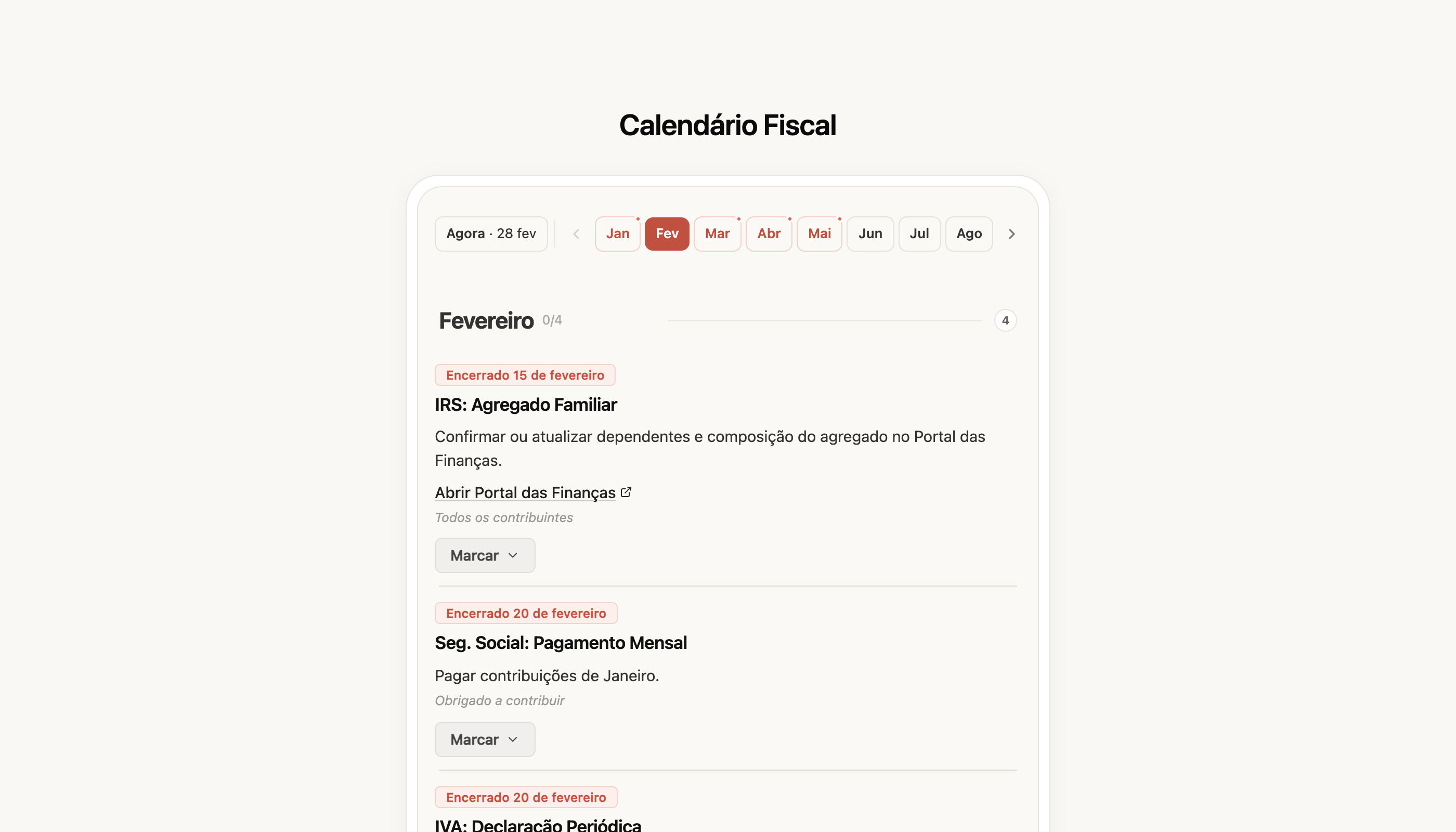
[Ver o meu calendário fiscal →](https://app.fiz.co/tax-calendar)
## Primeira fatura — um assistente que te leva pela mão
Emitir a primeira fatura costuma ser o momento em que mais gente trava: ligar à AT, escolher o cliente, perceber as taxas de IVA. Refizemos o **assistente de faturação** para ser um fluxo guiado de ponta a ponta — Cliente, Artigos, Pagamento — em vez de te largar numa página em branco.
O assistente começa por garantir o que é mesmo preciso primeiro (a ligação à AT), e pelo caminho recolhe os dados do cliente e da morada, para que a **taxa de IVA saia correta** logo à partida — sem o erro habitual de aplicar a taxa do continente a um cliente das ilhas.
[Criar a minha primeira fatura →](https://app.fiz.co/invoices/wizard)
## Entrar com a Google
Menos um passo para começar: agora podes **entrar com a tua conta Google**, sem teres de esperar pelo código por email. Carregas em "Continuar com Google", escolhes a conta e estás dentro. O acesso por email continua a funcionar como sempre, para quem preferir.
[Entrar no FIZ →](https://app.fiz.co/auth/signin)
## Faturas — pequenas melhorias
Algumas afinações para quem fatura todos os dias:
- **Distinguir cliente particular de profissional independente** — um cliente com NIF de pessoa singular tanto pode ser um consumidor final como um trabalhador independente (sujeito passivo de IVA). Agora indicas qual é, e defines o território — e o FIZ aplica o IVA pela regra certa (B2C ou B2B), em vez de tratar toda a gente como consumidor final.
- **Operações entre territórios (Anexo R)** — se faturas para o continente, Açores e Madeira, a declaração de IVA passou a refletir essas operações no **Anexo R**, sem teres de o preencher à mão.
- **Tutorial do e-Fatura passo a passo** — depois de emitires uma fatura, um guia interativo mostra-te como confirmar que ela chegou ao Portal das Finanças. E vês o **estado da sincronização** das categorias com o e-Fatura, para saberes que está tudo em dia.
## Aplicação móvel — faturar e organizar despesas no telemóvel
O FIZ no telemóvel também cresceu em fevereiro:
- **Assistente de faturação** — o mesmo fluxo guiado, agora para criares faturas a partir do telemóvel.
- **Descontos por artigo e retenção na fonte** — ao montar a fatura, aplicas descontos linha a linha e indicas a retenção quando se aplica.
- **Digitalizar a fatura do consumidor final** — tira uma foto ao recibo diretamente na secção de Despesas e ele entra na tua organização.
- **Despesas e e-Fatura** — a secção de despesas ficou mais completa, com categorias e sincronização, e um onboarding para ligar o e-Fatura.
[App Store →](https://apps.apple.com/app/fiz-accounting-made-easy/id6736618714) · [Google Play →](https://play.google.com/store/apps/details?id=co.fiz.app)
## O que vem a seguir
Estamos a preparar a época de IRS — vais notar nas próximas semanas. Se há algo que gostavas de ver no FIZ, ou se encontraste algum problema, escreve-nos pelo chat dentro da aplicação. Lemos tudo.
Obrigado por usares o FIZ.
---
## O que há de novo no FIZ — janeiro 2026
> URL: https://blog.fiz.co/novidades-produto-janeiro-2026
> Category: Produto | Published: 2026-01-31 | Reading time: 5 min
> Categorização automática de despesas, importação a partir do Portal das Finanças, ligação à AT passo a passo e campos personalizados de clientes. Tudo o que lançámos em janeiro.
Em janeiro o FIZ ficou muito melhor a tratar das despesas: a categorização passou a ser automática e a página de despesas abriu para toda a gente. Também simplificámos a importação a partir do Portal das Finanças e a ligação à AT. Aqui fica tudo.
## Categorização automática de despesas — menos trabalho manual
Categorizar despesas uma a uma é daquelas tarefas que ninguém gosta de fazer, mas que conta na altura do IVA e do IRS. Em janeiro a página de **despesas** abriu para todos no menu, e a categorização deixou de ser manual.
Agora o FIZ **categoriza as tuas despesas automaticamente** a partir dos códigos de atividade da AT. Quando tens várias despesas do mesmo fornecedor, categorizas todas de uma vez com a **categorização em lote**. E como o que está categorizado já não precisa de confirmação, deixas de andar a carregar em "Guardar" a cada linha — as despesas categorizadas ficam logo prontas.
As categorias também **sincronizam com o e-Fatura**, por isso o que organizas no FIZ reflete-se onde a AT vai buscar os dados para o teu IRS.
[Ver as minhas despesas →](https://app.fiz.co/expenses)
## Importação a partir do Portal das Finanças — reúne tudo num só lugar
Se antes emitias faturas fora do FIZ, ou só agora estás a passar tudo para cá, juntar o histórico era um ponto de fricção. Em janeiro reformulámos a **importação a partir do Portal das Finanças**.
A importação passou a correr em segundo plano, com **progresso à vista** — não ficas a olhar para um ecrã parado. Importas faturas e clientes a partir do e-Fatura, vês o **contador do que foi importado** e cada documento fica com a **etiqueta da origem**, para saberes de onde veio. Quando há muitos documentos, aguenta o volume sem te deixar a meio.
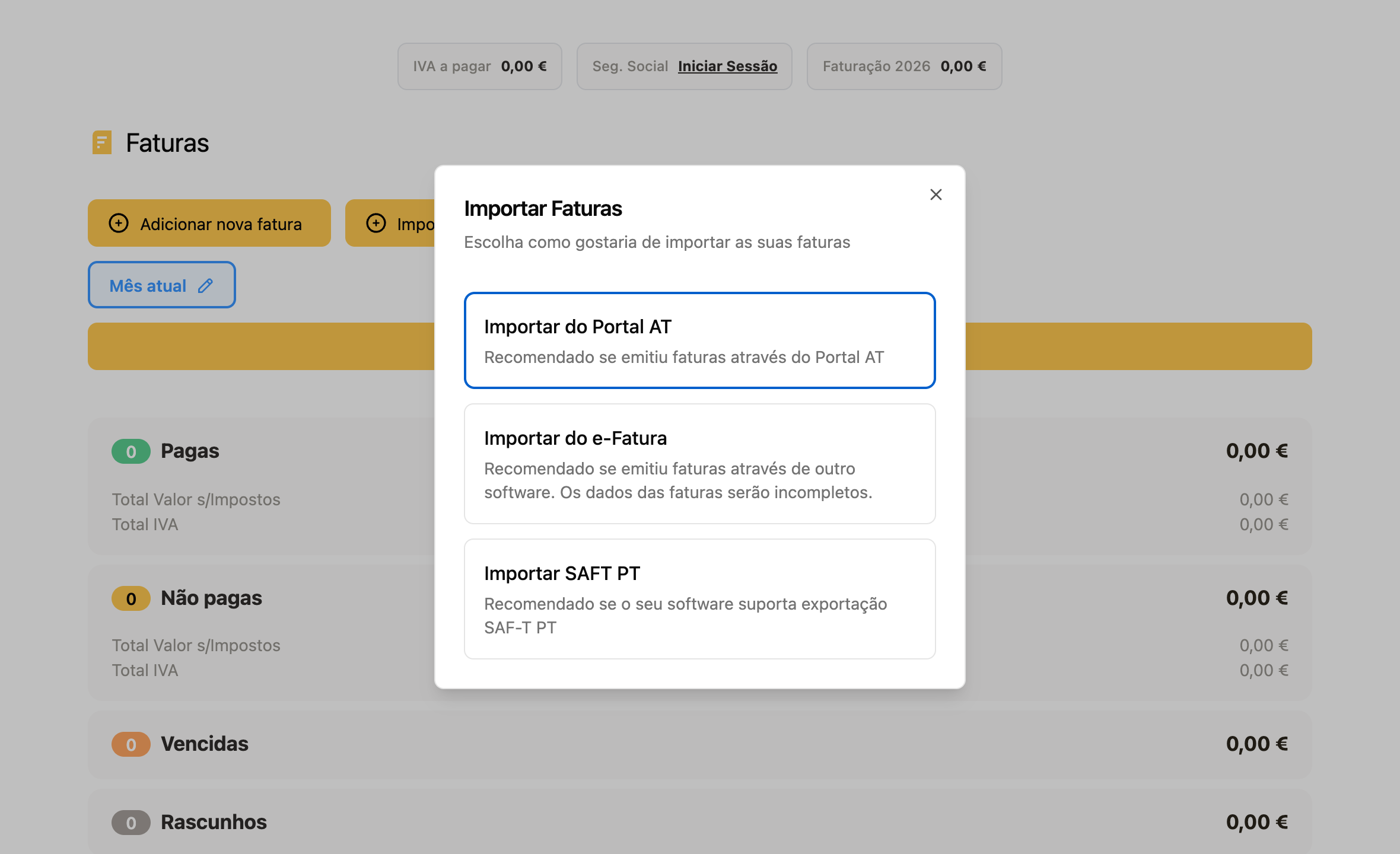
[Importar do Portal das Finanças →](https://app.fiz.co/invoices)
## Ligação à AT — um assistente passo a passo
Ligar a conta à Autoridade Tributária é o primeiro passo para emitir faturas, e era também onde muita gente travava. Lançámos um **assistente passo a passo** que te guia pela ligação à AT, em vez de te deixar à procura de credenciais e permissões. A partir de janeiro está disponível para toda a gente.
[Configurar a ligação à AT →](https://app.fiz.co/settings/at)
## Campos personalizados de clientes
Cada negócio guarda informação diferente sobre os seus clientes. Agora podes criar **campos personalizados** — texto, números, datas ou listas — e associá-los a cada cliente: número de contrato, condições acordadas, uma classificação interna, o que precisares. E podes usar esses valores diretamente nos teus modelos PDF de faturas.
Os campos personalizados estão disponíveis nos **planos pagos** (Auto e Prime).
[Ver os meus clientes →](https://app.fiz.co/customers)
## Faturas — documento de transporte e outras melhorias
Um conjunto de afinações para o dia a dia de quem fatura:
- **Documento de transporte** — quando a fatura inclui mercadorias, podes adicionar a informação de transporte e comunicá-la à AT.
- **Erros de emissão mais claros** — se algo correr mal ao emitir, o erro aparece já junto do botão de emissão, sem teres de adivinhar o que falhou.
- **Cálculo do Art. 53 mais rigoroso** — a verificação do limite de isenção passou a ter em conta o país e o tipo de operação (serviços ou bens), para o alerta refletir melhor a tua situação real.
## Aplicação móvel — mais detalhe e um onboarding renovado
O FIZ no telemóvel cresceu em janeiro:
- **Página de artigo** — abre um artigo e vês os detalhes, arquiva-o e consultas as faturas onde foi usado.
- **Página de detalhe do cliente** — o histórico de faturas de cada cliente, agora também no telemóvel.
- **Onboarding renovado** — refizemos o Getting Started Wizard para a primeira utilização ficar mais clara.
- **Faturas agrupadas por data** — a lista passou a ter cabeçalhos por data, mais fácil de percorrer.
- **Confirmação por NIF** — ao apagar dados sensíveis, confirmas com o NIF, para evitar enganos.
[App Store →](https://apps.apple.com/app/fiz-accounting-made-easy/id6736618714) · [Google Play →](https://play.google.com/store/apps/details?id=co.fiz.app)
## O que vem a seguir
Estamos a preparar mais para as declarações e para a faturação — vais notar nas próximas semanas. Se há algo que gostavas de ver no FIZ, ou se encontraste algum problema, escreve-nos pelo chat dentro da aplicação. Lemos tudo.
Obrigado por usares o FIZ.
---
## O que há de novo no FIZ — dezembro 2025
> URL: https://blog.fiz.co/novidades-produto-dezembro-2025
> Category: Produto | Published: 2025-12-31 | Reading time: 5 min
> Declaração Recapitulativa para operações na UE, notas de crédito no IVA, alerta do Art. 53, página de cliente e 2FA na Segurança Social. Tudo o que lançámos em dezembro.
Em dezembro o FIZ ganhou uma declaração que faltava a quem trabalha com clientes na União Europeia — a **Declaração Recapitulativa** — e a declaração de IVA ficou mais completa. Também chegou a página de cliente e mais segurança na ligação à Segurança Social. Aqui fica tudo.
## Declaração Recapitulativa — para quem fatura na União Europeia
Se vendes serviços ou bens a empresas noutro país da UE, há uma obrigação que muita gente só descobre quando recebe uma carta da AT: a **Declaração Recapitulativa**. É onde se reportam as transmissões intracomunitárias, e o prazo é apertado — até ao dia 20 do mês seguinte ao período.
Agora preenches e submetes essa declaração dentro do FIZ. Escolhes o período (trimestral, ou mensal acima dos 50 000€) e o FIZ **reúne automaticamente as operações intracomunitárias a partir das tuas faturas**, agrupadas por cliente e separadas entre bens e serviços. E como passámos a **validar o número de IVA contra o VIES** quando emites a fatura, ficas a saber logo se o cliente está corretamente registado para operações intracomunitárias — sem surpresas na hora de declarar.
[Ver a Declaração Recapitulativa →](https://app.fiz.co/declarations/recapitulativa)
## Declaração de IVA — notas de crédito, despesas e Art. 53
A declaração periódica de IVA continuou a crescer:
- **Notas de crédito (Anexo 40)** — passámos a suportar as notas de crédito na declaração, com os campos certos, para que uma correção ou anulação fique refletida como deve ser.
- **Discriminação de despesas** — uma página dedicada para categorizar as despesas que entram no apuramento do IVA, em vez de fazer contas à parte.
- **Crédito do trimestre anterior** — se ficaste com IVA a recuperar, o FIZ traz esse valor do trimestre anterior automaticamente.
- **Alerta do Art. 53** — quando o teu volume de negócios se aproxima do limite de isenção, o FIZ avisa-te e mostra a projeção, para decidires sobre o regime com tempo e não em cima do prazo.
[Ver a declaração de IVA →](https://app.fiz.co/declarations/vat)
## Página de cliente — faturas e volume de negócios num só sítio
Até agora, para perceber quanto já tinhas faturado a um cliente, tinhas de andar a filtrar a lista de faturas. Em dezembro lançámos a **página de cliente**: abres o cliente e vês logo as faturas dele, quanto está pago e por pagar, e o volume de negócios acumulado. Podes criar uma nova fatura para esse cliente a partir dali, sem voltar atrás.
[Ver os meus clientes →](https://app.fiz.co/customers)
## Faturas e modelos PDF — melhorias do dia a dia
Um conjunto de afinações para quem usa o FIZ todos os dias:
- **Novo fluxo de importação** — simplificámos o processo de importar faturas, com menos passos.
- **Modelos PDF para faturas agendadas com CAE** — as faturas agendadas passam a usar o modelo de PDF certo de acordo com o código CAE da atividade.
- **Registo VIES após emitir a fatura** — quando emites uma fatura intracomunitária, o FIZ guarda o registo para a Recapitulativa.
E quando adicionas um cliente de outro país da UE, o FIZ valida o número de IVA contra o **VIES** na hora — para saberes logo se está correto.
## Segurança Social — 2FA e gestão de credenciais
A Segurança Social Direta reforçou a autenticação, e o FIZ acompanhou. Passámos a suportar a **autenticação em dois fatores (2FA)** na ligação à Segurança Social, para que a sincronização continue a funcionar com as novas regras. E agora podes **gerir as tuas credenciais** — remover e voltar a ligar — diretamente nas definições, sem ficares preso a uma ligação antiga.
[Abrir a Segurança Social →](https://app.fiz.co/declarations/social-security)
## Aplicação móvel — Open Banking mais completo
O FIZ no telemóvel teve um mês forte à volta do Open Banking:
- **Volume de negócios na app** — vês o teu volume de negócios diretamente no telemóvel.
- **Categorias de transações** — passas a poder editar a categoria de cada movimento e a ver os comerciantes (merchants) associados.
- **Open Banking mais fluido** — atualização manual das contas, widget com a data da última sincronização e melhorias na ligação de novas contas.
- **Planos no telemóvel** — gerir a subscrição a partir da app: mudar de plano, retomar, cancelar ou aplicar um desconto.
[App Store →](https://apps.apple.com/app/fiz-accounting-made-easy/id6736618714) · [Google Play →](https://play.google.com/store/apps/details?id=co.fiz.app)
## O que vem a seguir
Estamos a preparar mais para as despesas e para a ligação ao e-Fatura — vais notar já em janeiro. Se há algo que gostavas de ver no FIZ, ou se encontraste algum problema, escreve-nos pelo chat dentro da aplicação. Lemos tudo.
Obrigado por usares o FIZ.
---
## O que há de novo no FIZ — novembro 2025
> URL: https://blog.fiz.co/novidades-produto-novembro-2025
> Category: Produto | Published: 2025-11-30 | Reading time: 5 min
> Assistente Fiscal de IA, pagamento com cartão, programa de indicações, despesas na declaração de IVA e Open Banking na app. Tudo o que lançámos em novembro.
Novembro foi um mês grande para o FIZ. Lançámos o **Assistente Fiscal de IA**, abrimos os planos pagos com pagamento por cartão, demos início ao **programa de indicações** e trouxemos o **Open Banking** para a app. Aqui fica tudo, sem rodeios.
## Assistente Fiscal de IA — tira as dúvidas sem sair do FIZ
Quem trabalha por conta própria conhece bem aquela dúvida que aparece à noite: "isto está certo? tenho mesmo de entregar isto? em que campo é que isto vai?". Até agora a resposta era pesquisar no Google ou esperar pelo contabilista.
Agora tens o **Assistente Fiscal de IA** dentro do FIZ. Perguntas em português normal e ele responde: sobre IVA, IRS, prazos, ou como emitir um documento no portal da AT. Conhece o contexto fiscal português e fala a tua língua, não a do código tributário.
E como o Invoicebot passou a estar ligado ao assistente, podes pedir ajuda com as tuas faturas pelo mesmo sítio.
[Falar com o Assistente →](https://app.fiz.co/ai-accountant)
## Paga os teus planos no FIZ — agora também com cartão
A faturação no FIZ é, e continua a ser, gratuita. Mas para quem quer as funcionalidades pagas, faltava flexibilidade na hora de pagar.
Em novembro juntámos ao **MB WAY** o **pagamento com cartão** (via Stripe). Escolhes o método que preferires e a subscrição fica activa sem complicações.
E se ainda não experimentaste um plano pago: os novos utilizadores têm **um período de teste gratuito**, para conheceres as funcionalidades antes de decidir.
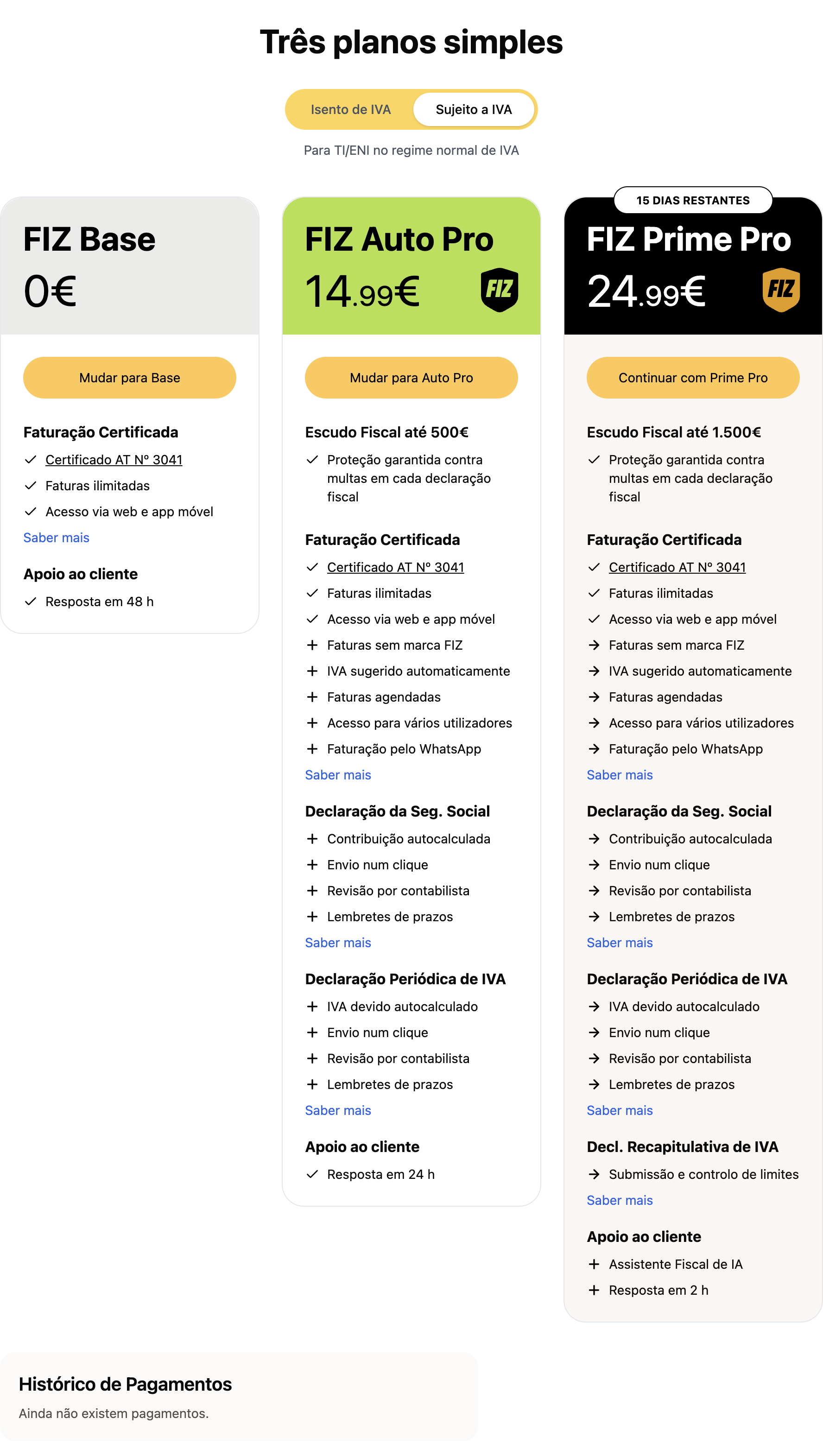
[Ver planos →](https://app.fiz.co/billing)
## Programa de indicações — convida e ganham os dois
Se o FIZ te poupa tempo, há boas hipóteses de poupar tempo a alguém que conheces. Por isso lançámos o **programa de indicações**.
Funciona assim: partilhas o teu link, o teu amigo regista-se e emite a primeira fatura — e **ambos recebem um mês grátis** em qualquer plano pago. Os meses acumulam a cada indicação activa, por isso quanto mais partilhas, mais ganhas. Podes enviar o convite directamente pelo WhatsApp.
[Convidar um amigo →](https://app.fiz.co/referrals)
## Declaração de IVA — agora com despesas e notas de crédito
A declaração de IVA no FIZ ficou mais completa:
- **Despesas na declaração** — passas a poder indicar despesas e deduzir o IVA correspondente, em vez de declarar só o que faturaste.
- **Voltar a entregar** — se precisares de corrigir, podes reentregar a declaração de um trimestre anterior.
- **Notas de crédito** — adicionámos o suporte aos campos certos (Campo 7 e 8) e a escolha do motivo de anulação de acordo com a lógica da declaração.
Menos contas à mão, menos receio de enganar-te num campo.
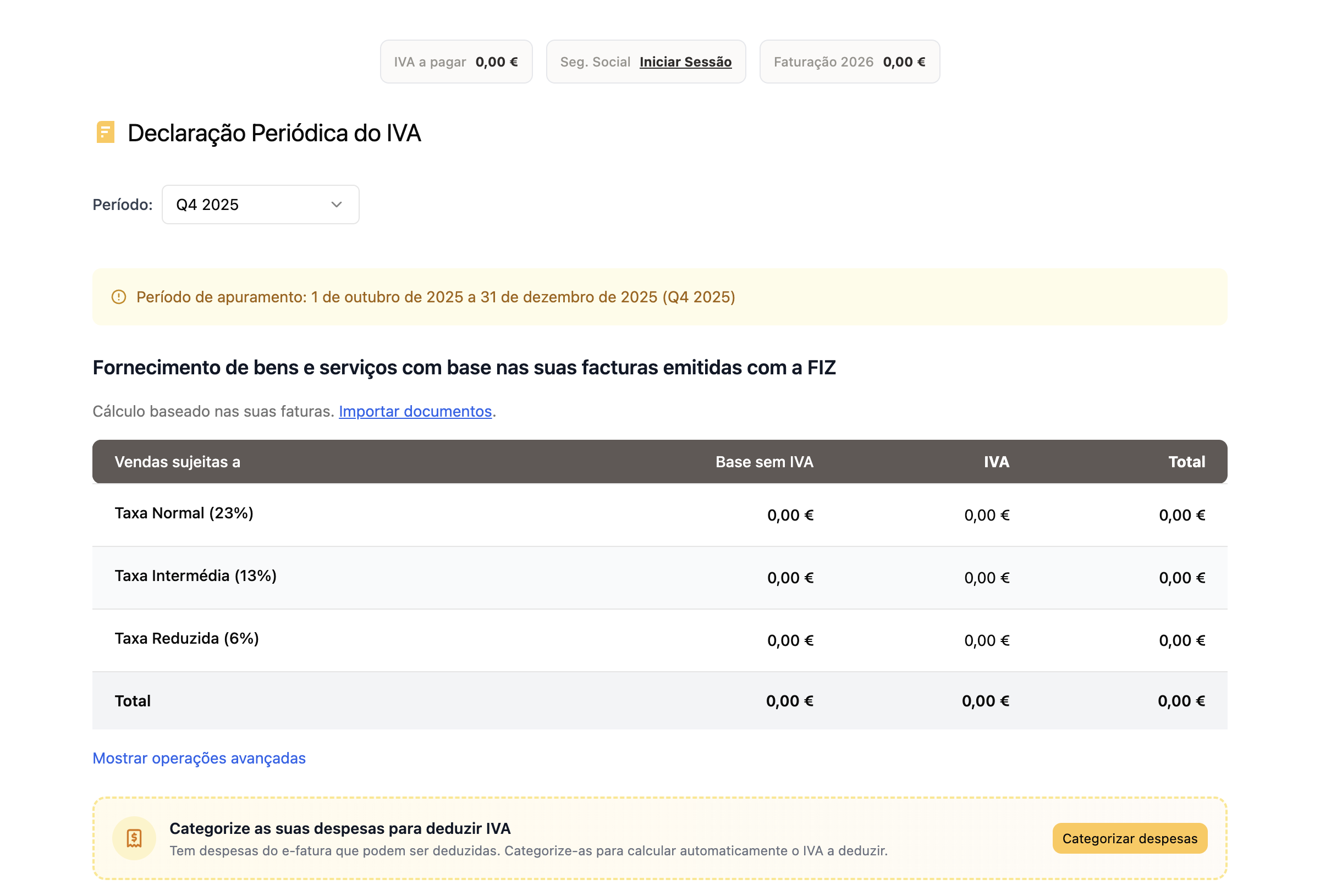
[Ver a declaração de IVA →](https://app.fiz.co/declarations/vat)
## Faturas e clientes — pequenas vitórias do dia a dia
Um conjunto de melhorias para quem usa o FIZ todos os dias:
- **Data anterior na fatura** — podes escolher uma data passada dentro do trimestre actual (ou até 5 dias úteis na transição de trimestre).
- **Estado de pagamento das faturas importadas** — agora podes alterá-lo; estas faturas abrem como uma fatura normal.
- **Descontos nos modelos de PDF** — os descontos passam a aparecer nos teus modelos de PDF personalizados, no documento que envias ao cliente.
- **Faturas em português** — quando o teu cliente é de um país lusófono, o PDF da fatura é emitido automaticamente em português.
- **Importar clientes** — passou a incluir o campo de telefone.
## Public API — liga o FIZ às tuas ferramentas
Para quem quer automatizar, lançámos a **Public API do FIZ**. Permite ligar o FIZ a sistemas externos: criar faturas, sincronizar clientes ou integrar com as ferramentas que já usas no teu negócio. A documentação completa está em [api.fiz.co](https://api.fiz.co).
[Ver a documentação da API →](https://api.fiz.co)
## Aplicação móvel — Open Banking e mais
O FIZ no telemóvel também cresceu em novembro:
- **Open Banking** — liga as tuas contas bancárias e vê os movimentos directamente na app, sem andar a saltar entre aplicações.
- **Planos e período de teste** — passas a poder subscrever e experimentar um plano pago a partir do telemóvel.
- **Programa de indicações** — convida amigos e partilha o teu link directamente da app.
- **Pagamentos mais fluidos** — melhorámos a experiência de pagamento com MB WAY e o histórico de pagamentos.
[App Store →](https://apps.apple.com/app/fiz-accounting-made-easy/id6736618714) · [Google Play →](https://play.google.com/store/apps/details?id=co.fiz.app)
## O que vem a seguir
Já estamos a preparar mais para a declaração de IVA e para a app. Se há algo que gostavas de ver no FIZ, ou se encontraste algum problema, escreve-nos pelo chat dentro da aplicação. Lemos tudo.
Obrigado por usares o FIZ.
---
# English Articles
## What's new in FIZ — September 2026
> URL: https://blog.fiz.co/en/product-updates-september-2026
> Category: Product | Published: 2026-09-30 | Reading time: 8 min
> The Dashboard is now open to everyone: what you can spend after taxes, and how much to set aside for VAT, IRS and Social Security. Plus ready-made reports in the AI chat, expenses and payments in Finances, FIZ connected to Claude and ChatGPT, and receipts printed from your phone.
September answered a question we hear every week: how much of this money is actually mine? The Dashboard opened to everyone with that sum already worked out. Finances now show what's still to be received and paid, reports come out of the AI chat in one click, FIZ started talking to Claude and ChatGPT, and receipt printing reached your phone, as we promised in August.
## Dashboard: what's yours after taxes
Money lands in your account and it all looks like yours. But some of it is already spoken for: this quarter's VAT, next summer's IRS, your contributions. The **Dashboard** does that sum for you. At the top is what's **free after taxes**: what you've received this year minus what you should keep aside.
Below it, **Set aside for taxes** breaks the reserve down. VAT already assessed in filed returns is kept separate from VAT still building up, and Social Security comes from your latest return. The IRS estimate uses the coefficient of the activity each invoice was issued under, takes off withholding tax, and warns you if your documented expenses fall short of the required 15%.
If you're exempt under Article 53, the Dashboard tracks **both limits** that matter. Going over €15,000 of turnover in the year ends the exemption from January. Going over €18,750 (125% of the limit) ends it immediately, and you have 15 working days to file the change-of-activity return. If your income comes in regularly, the Dashboard estimates roughly when you'll reach each one. If it's irregular, it shows the headroom you have left and doesn't invent dates.
Last quarter's VAT that's still to be paid and the road tax (IUC) on your vehicles are part of the sum too. Companies get their own mode, without an IRS estimate. Alongside sit your upcoming deadlines, the invoices waiting to be paid and your to-do list.
[Open my Dashboard →](https://app.fiz.co/dashboard)
## Finances: expenses, payments and what's still outstanding
Your e-Fatura expenses have left their own screen and now live in **Finances → Invoices & receipts**, alongside everything else, with a single category catalogue. Each supplier remembers **the category you use most** with them, and when you sort a document FIZ offers to **apply the same answer to that supplier's other documents**. If you're self-employed under the normal VAT scheme, you also see deductible VAT line by line and the VAT to pay for the period.
The most useful new part is in payments. Each document now shows **how much has been paid and how much is left**, to the cent. An invoice paid in two transfers links to both, and a payment covering several invoices is split across them. When FIZ spots a bank transaction that looks like it pays an invoice, the suggestion appears on the document itself, with **Confirm** and **Not a match**.
Need to send your accountant everything you have with one client or supplier? That counterparty's card now has an export button: the report alone as an Excel file, or the report plus the files stored in FIZ as a ZIP.
Expense categorisation is part of the paid plans. Payment matching and exports are part of full Finances, on the Prime and MAX plans.
[Open my Finances →](https://app.fiz.co/bookkeeping/documents)
## Social Security: income counts on the invoice date
On the quarterly return, Social Security counts income on the invoice date, as IRS does, not on the day your client pays. Its own FAQ for self-employed workers says so (question 18). FIZ used to follow the payment; from the third quarter of 2026 it follows the rule.
In practice, an invoice issued in September counts in Q3 even if you're only paid in October. The return lists it separately under **"Invoices counted before payment"**, so it doesn't catch you off guard. Older invoices, issued before the switch, still count when they're paid. That way nothing slips through the gap between the two rules.
Credit notes now come off in the month of the income they cancel. If that income was declared in an earlier quarter, FIZ no longer deducts the note from the current one: it tells you which quarter to correct and which route is still open, whether a replacement return, a late filing or the annual return in January.
[See my return →](https://app.fiz.co/declarations/social-security)
## Ready-made reports in the AI chat
In September a customer wrote to complain that they could only see a whole year's invoicing, not last month's. They weren't the only one: people ask us for sales reports for their accountant, lists of unpaid invoices, proof of income for the bank. Now, on the invoices page, the **Create report in AI chat** button opens a menu with the most requested reports. You pick the period, click the report, and the AI Tax Assistant delivers it in the chat.
There's a **sales report** by customer, with and without VAT, a **monthly summary**, a **VAT summary** by month and rate, **sales by item**, **unpaid invoices** and a **customer account statement**, all as PDFs. There's the invoice list in Excel, and August's **proof of income** now has a shortcut here. You can also download the original PDFs of the period's invoices in one archive, up to 100 files.
Because each report starts as a conversation, changing it is just a matter of asking: another period, one customer only, more detail. Reports count towards your AI Tax Assistant allowance, which is part of the paid plans.
[Create a report →](https://app.fiz.co/invoices)
## Connect FIZ to Claude or ChatGPT, no keys or code
In June we published a skill that linked Claude or ChatGPT to the FIZ API, for anyone happy to handle an API key. In September came the route for everyone else: an **official connector**. You copy an address from **Settings → Integrations → Connected apps**, paste it into Claude (web, desktop or mobile), ChatGPT or Claude Code, and sign in with your FIZ account.
Then you just ask in plain words. For example, "is my company in FIZ ready to issue invoices?". Claude asks your permission to look into FIZ and answers with what is missing, check by check.
You decide what the assistant can do. When you connect, you choose the company and the permissions: look up invoices and clients, create drafts, read bank transactions and expenses. **Issuing fiscal documents is a separate permission**, and even with it the assistant asks you to confirm each document. Connected apps are listed in FIZ with when they were last used, and you can disconnect any of them in one click. It works on the paid plans.
For developers, the public API gained pro formas, recurring invoices and an issue date you set yourself, and you can now register your own app for production, reviewed by FIZ.
[Connect an assistant →](https://app.fiz.co/settings/integrations)
## Receipts: from the browser to your phone
In August receipt printing worked from the browser, and we said the iPhone was next. It's here: in the app, under **Settings → Receipt printer**, you connect a Bluetooth printer (on iPhone and Android) or a network one, pick the paper width and run a test print. From then on, every document shows **"Print receipt on POS printer"**. SUNMI terminals with a built-in printer work too.
There's also a new kind of receipt: the **non-fiscal template**. It's a copy of an invoice you've already issued, without prices or VAT, like a gift or exchange receipt. You design it in the editor on an 80 mm or 58 mm roll and print it from the document page. It never replaces the invoice and is never sent by email.
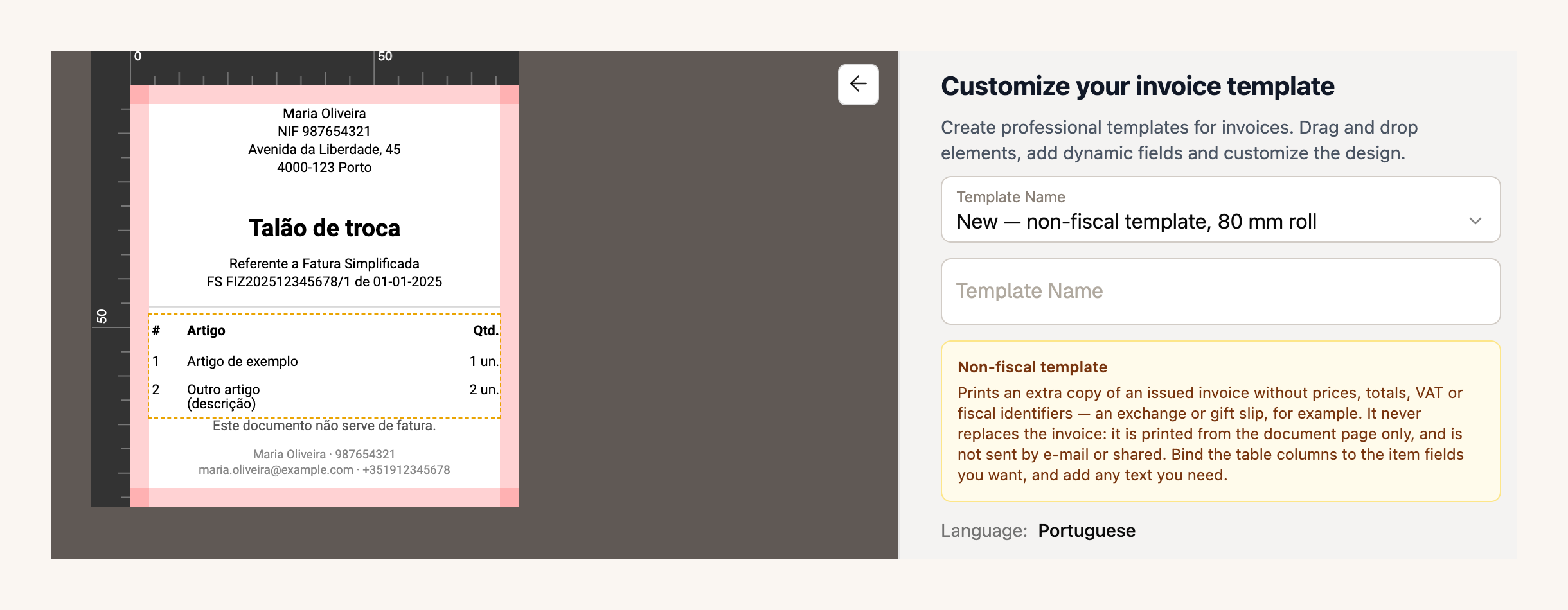
If you take payments through ifthenpay, the settings now also accept an **MB WAY key** and a **Payshop key**, next to Multibanco. Document templates and ifthenpay are part of the paid plans.
[Create a non-fiscal template →](https://app.fiz.co/settings/invoicing#templates)
## For accountants: every client on one screen
If you're a **certified accountant** (contabilista certificado), FIZ now has an account built for you. You sign up as an accountant, confirm your cédula, which we check by hand against the Ordem's register, and your **portfolio** opens: all your clients on one screen, with each one's deadlines and alerts.
Access is the client's call. They can give you **view-only** access or let you **manage**, which covers issuing documents and preparing and filing returns. Anything that belongs to the account rather than the books, such as the subscription, the team or the bank connection, always stays out of your reach. And the practice's plan is free: Prime, or MAX if the practice is a company.
If your accountant doesn't use FIZ yet, send them this page.
[FIZ for accountants →](https://fiz.co/en/contabilistas/)
## In the app: a new home screen, and the same calendar as the web
Version 4.16 changed how you open the app. **All five tabs are always in view**: Home, Invoicing, Finances, AI tax bot and More. The home screen was rebuilt, with your key numbers in tiles, notices gathered in one place and the question box for the assistant right at the top. The tax calendar now matches the web one, company obligations included, and the FIZ support chat arrived on mobile.
Version 4.17 brought a redesigned calendar and printing of the non-fiscal template from each document's menu.
[App Store →](https://apps.apple.com/app/fiz-accounting-made-easy/id6736618714) · [Google Play →](https://play.google.com/store/apps/details?id=co.fiz.app)
## Your account, support and other improvements
The account owner can now **delete the account themselves** from the Danger zone, without having to write to us.
Since 18 September, all support goes through the **FIZ chat**. You pick a topic as you start, see your conversation history, and close the conversation yourself once the issue is sorted.
If you take payments through Stripe, there's another source of automatic invoicing, on the paid plans. On top of Checkout payments, **paid one-off Stripe invoices** now reach FIZ as a draft Fatura-Recibo for you to review before issuing. It's on when you switch automatic invoicing on from now; if you already had it on, ask us in the chat to enable this source.
Also new: recurring invoices can go out on the **last day of the month**, you can view the PDF exactly as it was sent to your client, and your trial only starts counting with your first invoice or return.
If there's something you'd like to see in FIZ, or you've run into a problem, message us through the in-app chat. We read everything.
Thank you for using FIZ.
---
## Open Atividade Before CRUE with a Non-Resident NIF
> URL: https://blog.fiz.co/en/open-atividade-non-resident-nif-crue
> Category: Guides | Published: 2026-09-23 | Reading time: 7 min
> Moving to Portugal as an EU/EEA freelancer with a foreign-address NIF? Learn what to do before CRUE and how to update your tax address with AT.
You arrive in Porto in January with a Portuguese NIF that still shows your address in the Netherlands. You want to freelance, but the council says you can only request your **CRUE** after three months. Must you wait until April to open your atividade?
If you are an EU or EEA citizen, **you do not need a CRUE to have the right to work for yourself**. The difficult part is getting your address and activity correctly recorded with the Portuguese Tax Authority (AT) before you start work. For the declaration itself, see our [step-by-step guide to opening atividade](/en/how-to-open-freelance-activity-portugal). If your situation does not follow the CRUE route, start with our [general guide for foreigners](/en/foreigner-open-atividade-portugal): residence rules may differ.
## What the CRUE does - and does not do
The **Certificado de Registo de Cidadão da União Europeia (CRUE)** records the residence of an EU/EEA citizen staying in Portugal for more than three months. You request it from the council where you live after those three months, within the following 30 days.
It is not a licence to start work. An EU/EEA citizen may work for themselves before receiving the certificate. Portuguese law also says that possession of a CRUE cannot be a prerequisite for exercising a right or completing an administrative formality; residence rights can be shown by other evidence.
> **Important:** The right to work before receiving a CRUE does not remove the duty to register your atividade. For regular self-employed work, submit the start-of-activity declaration to AT **before you start doing the work**, not only before your first invoice. If your activity is not yet open, start with the registration.
## Your NIF has a foreign address. Are you a non-resident?
Your NIF remains the same after you move. The address linked to it, however, may no longer be current.
For income tax, residence depends on the facts: more than 183 days in Portugal in a 12-month period, **or** a home here that shows an intention to keep and use it as your habitual residence. Once one of these conditions is met, residence can count from the first day of the period of presence. The CRUE does not, by itself, set that date.
If the move changes your status from non-resident to resident, report it to AT within **60 days**. While the register still shows your foreign address, AT may continue to use those details in its correspondence and procedures. The date the record is updated does not, by itself, determine when you meet the legal residence criteria for income tax.
If AT processes the change later, **ask for retrospective effect** from a date you can prove. [AT FAQ 2840](https://info.portaldasfinancas.gov.pt/pt/apoio_contribuinte/questoes_frequentes/Pages/faqs-00303.aspx) provides for this request when changing from non-resident to resident and lists a residential lease, property deed or employment contract as evidence. Documents must be originals or certified copies unless they can be validated electronically. [Model A](https://info.portaldasfinancas.gov.pt/pt/apoio_contribuinte/modelos_formularios/modelos_pedidos_alteracao_morada_retroatividade/documents/modeloa_semcc.pdf), for people without a Portuguese Citizen Card, lets you state the requested effective date. A lease from January can support your request, but it does not guarantee that AT will accept that date or dispense with the CRUE. Check the effective date AT accepts in its reply.
**Example 1 - Inês moves to stay.** Inês, a Dutch citizen, arrives in Lisbon on 15 January and uses a rented home as her habitual residence. Her Portuguese NIF still shows a Dutch address; she has not opened atividade. The lease helps establish when she moved. She asks AT to update her address and explain how to register before starting work. Her future CRUE date does not determine her tax residence.
## Why does the address create a gap?
AT's published instructions for changing from non-resident to resident list an identity document and CRUE for EU/EEA citizens. They add that a rental contract, property deed, employment contract or public document **may also be accepted as proof of address**. The instructions do not expressly say whether a lease replaces the CRUE during the first three months.
That creates a practical tension with the rule that the CRUE is requested after three months and with the law that says the certificate cannot be a prerequisite for an administrative formality. It is worth citing that rule in your request to AT. **AT's published instructions do not guarantee that a lease alone will be accepted to change your status before the CRUE.**
## What to do before you start work
1. **Check your details on Portal das Finanças.** Confirm your tax address and whether an activity is already open. Having a NIF does not mean you have registered an atividade.
2. **Request the address change through e-balcão.** On its page about moving from non-resident to resident status, AT gives the option *Registo Contribuinte → Identific → Alteração Morada/Singulares*. Check the labels in your account; if you cannot find it, book a tax-office appointment. Attach your ID, evidence of your Portuguese address and the date you began living here. If you cannot yet obtain a CRUE, explain why and refer to Article 21 of Law 37/2006. Make the request within 60 days once you meet the tax residence conditions.
3. **Clarify the activity registration in the same request or at a tax-office appointment.** State that your NIF still shows an address in another EU/EEA country, that you will work from Portugal, and that you need to know how to register the activity, its effective date and VAT treatment. Keep AT's reply and your registration confirmation.
4. **Confirm the details before issuing invoices.** An invoice must identify the supplier's address. If the address in AT's register does not yet reflect your situation, do not resolve the mismatch by simply typing a Portuguese address into the PDF. Ask AT which address should appear and how to correct the register.
AT offers an in-person start-of-activity service for **non-residents without a permanent establishment**. So a foreign address does not, by itself, rule out every activity registration. It does not show that this is the right classification for someone who already lives and works habitually in Portugal. For VAT, AT also distinguishes operations for which a non-resident must register from those for which the customer owes the tax.
**Example 2 - Duarte already has an activity.** Duarte is a Spanish citizen. He registered an activity in Portugal while still living in Spain for transactions that required registration here. Later he moves to Braga and starts living in a rented home. He does not request a second NIF or assume his previous tax treatment is still right: he reports the residence change and checks whether his activity declaration must be updated. AT provides a VAT treatment change route for people who already run an activity and move their residence.
## What if AT updates the address only after the CRUE arrives?
Ask for a written reply through e-balcão about registering your activity and the details to use on invoices while the address request is pending. When you receive the CRUE, you can add it to the case.
Correcting your residence date later does not automatically settle invoices already issued or confirm their VAT treatment. Ask about your first invoices **before** issuing them. If AT's answer does not address your circumstances, confirm the treatment before selecting a regime in the activity declaration.
## In summary
- **As an EU/EEA citizen, you can work before receiving a CRUE**, but register your atividade before starting regular self-employed work.
- **Tax residence depends on your actual circumstances**, not the CRUE date or just the address still linked to your NIF. Ask AT to update its records and keep its answer about the transition period.
- **Confirm the address and tax treatment before your first invoice.** Once your issuer details are settled, you can manage invoices and receipts with [FIZ](https://fiz.co/planos).
---
## Car running costs: fuel and charging on VAT
> URL: https://blog.fiz.co/en/car-fuel-charging-costs-portugal
> Category: Guides | Published: 2026-09-17 | Reading time: 7 min
> Diesel at 50%, petrol at 0%, electricity deductible - and the VAT of charging at home and on a wallbox, where the AT has said no. What you recover on car costs.
You've bought the car and recovered (or not) the VAT on the purchase - that's the [first calculation](/en/work-car-deduct-vat-irs-portugal). Now come the running costs. And there's a wrong idea to clear up right away: having the right to the VAT on the **purchase** does not drag along the VAT on **running** it. Each has its own rule.
## What you recover on running costs
For an ordinary passenger car:
Notice: buying an electric car does **not** extend its benefit to servicing or tolls. Those stay at 0% on a passenger car.
## Fuel: it's what you buy, not the engine
The rate follows the **fuel you put in**, not the type of car. The trickiest case is the **plug-in hybrid**: buying a PHEV within the limit does not make **petrol** deductible - petrol stays at 0%, while diesel is 50%. Fuel invoices have to distinguish the product (the AT's position in PIV 26845).
Two details worth money:
- If your BEV went over the price limit on the purchase and you lost the purchase deduction, that does **not** remove your right to the **electricity** - charging has its own basis, with no price condition.
- On an **LPG bi-fuel**, it's the **purchase** benefit (the 50% of point g) that holds despite the mixed engine - the petrol you put in stays at 0%.
## Charging the electric car: where the AT has already put the brakes on
This is the part that causes the most headaches, because it looks obvious ("it's electricity, deductible") and it isn't that simple.
**In public.** Check the invoice is in your name, with VAT, and linked to the car and the activity. If the document bundles electricity + parking + subscription + idle fee, you **cannot** apply a single percentage to everything - each line has its own nature, and the single classification of an "all-in" service is a grey area.
**At home.** Here's the most important "no": the AT (PIV 26763) **refused** the deduction when the charging cost is **inside the household electricity bill** and isn't identified. In other words, a wallbox reading or an internal kWh table is **not enough**. For there to be any chance, you need to be able to show:
- who holds the electricity contract (name and NIF);
- how the car's consumption is separated from the home's;
- whether the car, the period and the kWh are identified;
- how personal consumption is excluded.
**The wallbox.** The electricity and the **equipment** to supply it are different purchases. In PIV 24830, the AT refused the deduction of buying and installing chargers as a running cost of the car. So dropping the wallbox automatically into "equipment, VAT 100%" is premature - it has to be checked case by case.
> **Warning:** working from home does not confirm either deductible home charging or the documentation the AT requires. It's the identified invoice that decides, not where your desk is.
## Insurance, IUC and the rest
- **Insurance** is, as a rule, VAT-exempt - and the Stamp Duty (Imposto do Selo) on the policy is **not** VAT. Don't confuse "no VAT to deduct" with "I deduct what's shown".
- **IUC** has no VAT; a 100% electric car is IUC-exempt (art. 5 of the IUC Code). There are changes due to take effect from 2027 - don't apply them to 2026 ahead of time.
- **ISV, border tolls, fines and fees** are handled separately. They don't belong in the "all the car's costs" package just because the car is electric.
## Where FIZ comes in
[FIZ](https://fiz.co/planos) applies to each cost the percentage the law allows - 50% to diesel, 0% to petrol, electricity's own rule - and doesn't promise home-charging deductions the AT won't accept without an identified document.
## In summary
- **Purchase and running are different calculations:** the right to the VAT on the purchase does not drag along servicing or tolls (0% on a passenger car).
- **Fuel by the pump:** diesel/LPG/gas 50%, petrol 0% (even in a PHEV), electricity with its own rule.
- **Charging at home and the wallbox:** the AT has already refused deductions without an identified cost (PIV 26763) and the equipment as a running cost (PIV 24830). Document it before counting on it.
Next piece: **[personal and business use](/en/car-personal-and-business-use-portugal)**.
---
## The car on IRS: simplified, organised, autonomous
> URL: https://blog.fiz.co/en/car-irs-simplified-vs-organised-portugal
> Category: Guides | Published: 2026-09-17 | Reading time: 6 min
> In the simplified regime the coefficient presumes expenses, so the car barely counts. Organised accounting deducts, but there is autonomous tax, bar EVs.
We've covered the car's VAT on the [purchase](/en/work-car-deduct-vat-irs-portugal) and on the [running costs](/en/car-fuel-charging-costs-portugal). What's left is the other calculation: **IRS**. And this is where the most common mistake starts - thinking you "write the car off" against the tax. It depends on the regime, and the answers are very different.
## Simplified regime: the coefficient already presumes the expenses
In the simplified regime, your taxable profit isn't "turnover minus expenses". A **coefficient** applies (0.75 on art. 151 services, 0.35 on others) that already **presumes** your expenses. Buying a car does **not** lower your IRS by its price - there's no field to "write the car off".
Where expenses do come in is the **15% test** (art. 31(13)): part of the coefficient is conditional on your justifying expenses up to 15% of gross income. But watch two myths:
- It isn't "recover 15% of the car's price". It's a test that, if expenses fall short, **increases** your taxable base.
- That test doesn't count only purchase invoices: the **higher** of two counts - your specific deduction or, when higher, the mandatory Social Security contributions **not** already deductible under n.º 2 (the part up to 10% of gross income) - never the two added together.
And here a wrong idea is cleared up: art. 31 does **not** exclude all car and fuel costs by law. Point e) of n.º 13 expressly includes, for example, **electricity, insurance and financial leasing**. For costs only partly linked to the activity, n.º 14 sets **25%** - not an invented actual percentage.
In practice: in the simplified regime the car rarely moves your IRS - the coefficient is already your "discount".
## Organised accounting: here you do deduct the car
In organised accounting, IRS refers to the IRC rules (art. 32 of the CIRS). Here the purchase, the depreciation and the running costs are different things:
One important difference from VAT: the **depreciation limit** works as a **ceiling on the deductible portion** of the cost - not the VAT limit's "all or nothing". Going over the value doesn't wipe out everything; it caps the part you depreciate (art. 34 of the CIRC).
## Autonomous taxation: the hidden cost of organised accounting
Someone in organised accounting has a tax the simplified regime does **not**: **autonomous taxation** (tributação autónoma) on the car's charges. Don't confuse it with VAT or with the 15% rule.
Three warnings about this table: it falls on the car's **charges**, not the whole price at once; it does **not** apply to the simplified regime (n.º 8 excludes it); and it is **not** the companies' IRC table - if you have an LDA, the rules are different.
## Where FIZ comes in
[FIZ](https://fiz.co/planos) prepares your IRS from your receipts, with the right regime, and doesn't promise you'll "write the car off" in the simplified regime, where the coefficient already presumes expenses. For organised accounting, the car goes into the books with your accountant.
## In summary
- **Simplified:** the coefficient already presumes expenses; the car doesn't discount by its price. The 15% test (art. 31(13)) isn't "15% of the car", and it includes electricity/insurance/leasing; partial use counts at 25%.
- **Organised:** you deduct via depreciation + real costs; the depreciation limit is a ceiling, not "all or nothing".
- **Autonomous taxation:** organised only; 10-20% by price (€30,000), less on PHEV/LPG, **exempt on the 100% electric**. It doesn't apply to the simplified regime or to LDAs.
Last piece: **[selling, declaring and keeping](/en/car-sale-vat-return-records-portugal)**.
---
## Car on credit, leasing or renting: and the VAT?
> URL: https://blog.fiz.co/en/car-credit-leasing-renting-portugal
> Category: Guides | Published: 2026-09-17 | Reading time: 6 min
> Buying the car outright, on credit, on a lease or renting? See how the VAT you can deduct changes - and why a single-price renting package may give you nothing.
Sofia is going to get the same electric car she saw in the [purchase guide](/en/work-car-deduct-vat-irs-portugal), but she's hesitating: pay outright, take credit, lease or rent? The question isn't only financial - each route has a different VAT calculation, and in one of them you can end up with no deduction at all.
## The golden rule: VAT looks at the car, not at how you pay
The right to the VAT on the purchase and the **price limit** (€62,500 on a BEV, €50,000 on a PHEV, €37,500 on LPG/CNG) attach to the **value of the car**, not to how you finance it. Paying outright or on credit doesn't change the benefit: it's still buying an asset.
And there's a common mistake to avoid: the credit instalments are **not a second purchase**. Repaying the principal to the bank doesn't generate new VAT to deduct - the VAT was on the car invoice, once.
## Renting: the case where it's easy to lose everything
With renting you pay a rental that often bundles **hire + maintenance + insurance + other services** into one figure. And here's the trap: the AT distinguishes those components. If they come as a **single price, with no breakdown**, the AT does **not** allow deducting the VAT of the whole operation (PIV 26763). To recover anything, the invoice has to separate the car hire from the services.
## Leasing: the limit is the car's value
In a financial lease, the **price limit** applies to the car's value at source (at the lessor), not to the sum of the rentals. Then the VAT of each rental is analysed under the contract. It isn't "add up the rentals and compare with €62,500" - it's the car's value that opens or closes the door.
## Advance, interest and the right moment
- **Deposit:** if you pay an advance and then the final invoice, the limit counts the **total** of the car, not just the deposit - and don't count the same VAT twice.
- **Loan interest:** as a rule it's a financial service, not the car's VAT. And note: not every bank fee is exempt - it depends on the service and the invoice line (art. 9(27) of the CIVA).
- **The moment to deduct** arises from the right and the invoice received, **not** from the date the bank debited you (art. 22(1)-(3) of the CIVA). A dealer's quote is not yet input VAT.
## Where FIZ comes in
[FIZ](https://fiz.co/planos) records the car invoice and the rentals, and applies the right VAT percentage to each - without mistaking the credit principal for a new purchase. The VAT return comes out calculated from the documents you have.
## In summary
- **How you pay doesn't change the car's benefit:** the right and the limit look at the car's value. Credit instalments are not a new purchase.
- **Renting:** at a single price with no breakdown, the AT won't let you deduct the operation's VAT. It requires an invoice with the components split.
- **Leasing:** the limit is the car's value at source; the moment to deduct comes from the invoice, not the bank debit.
Next piece: the **[running costs and charging](/en/car-fuel-charging-costs-portugal)**.
---
## Mixed-use car: personal and business in the tax
> URL: https://blog.fiz.co/en/car-personal-and-business-use-portugal
> Category: Guides | Published: 2026-09-17 | Reading time: 6 min
> Using the car for work and at weekends? Personal use of a car whose VAT you deducted is taxable, and there are two '15%' that get confused. How to split.
Few freelancers have a car **only** for work. You drive clients during the week and the family at weekends. The question is: what happens to the tax when the car is mixed-use? And there's more here than "I put in a percentage" - the law separates situations that look identical.
## Four situations that don't get mixed up
1. **Allocating** the purchase to the activity (that's the [first VAT calculation](/en/work-car-deduct-vat-irs-portugal)).
2. Using the car in operations **with and without** a deduction right.
3. Taking **personal trips** in a car whose VAT you already deducted.
4. **Withdrawing** the car from the activity for good.
Each has its own rule. Mixing them up is where most mistakes start.
## Personal use of a car whose VAT you deducted
Here's what a lot of people don't know: if you deducted the car's VAT and then use it for your personal life, the AT treats that private use as a **taxable operation** - it isn't simply "I deduct one percentage less" (art. 4(2)(a) of the CIVA; the AT's position in Ofício-Circulado 25088/2025).
And the split rests on **actual mileage**, not a round number. You can't multiply the purchase VAT by a made-up personal-use percentage each quarter. For that you need a proper record: dates, route, kilometres, purpose, link to the client, odometer readings.
## Operations with and without a deduction right: the pro rata
If, beyond personal use, you have **an activity that gives a deduction right and one that doesn't** (an exempt activity, say), the **pro rata** or actual-allocation of art. 23 of the CIVA comes in. It's a tax method with its own rules - not the same thing as the car's use percentage, and not something you replace with a number by hand.
## On IRS: three numbers that get confused
Three IRS rules tend to get confused:
So: the "15%" on the personal car's repairs (art. 78-F) is **not** the "15%" of the simplified regime's expense justification. And the same invoice can't be both 100% business and 100% personal at once - if the use is mixed, you split it.
## "Paying myself mileage"?
Tempting, but no. Someone with category-B income **cannot** apply to themselves the rules on compensation for using your own car as if they were an employee. Art. 33(1) of the CIRS limits that kind of payment to the income holder themselves.
## The file that saves you
If the car is mixed-use, what protects you in an inspection is the evidence. Keep a usage record with dates, kilometres, destination, business purpose and the link to each job. It's not a template imposed by law - it's the structure that backs up the split you declared.
## Where FIZ comes in
[FIZ](https://fiz.co/planos) helps you keep costs organised and apply the right percentages, without turning a personal-use percentage into a shortcut the AT won't accept. Whatever needs splitting is flagged for you to handle with your accountant.
## In summary
- **Personal use of a car whose VAT you deducted = a taxable operation**, split by actual mileage - not "I deduct X% less".
- **Pro rata (art. 23)** is for operations with and without a deduction right, its own method - different from the car's use percentage.
- **Mind the numbers:** 25% (partial expense, art. 31(14)), 15% of the VAT on personal repairs (art. 78-F) and 15% of the justification (art. 31(13)) are three different things. And you don't "pay yourself mileage".
Next piece: **[the car on IRS](/en/car-irs-simplified-vs-organised-portugal)**.
---
## Selling the car, declaring VAT and keeping records
> URL: https://blog.fiz.co/en/car-sale-vat-return-records-portugal
> Category: Guides | Published: 2026-09-17 | Reading time: 6 min
> Deducting the car's VAT doesn't end at purchase: where it goes on the return, what happens when you sell (VAT may apply) and why you keep records 10 years.
You've bought the car and you know what you deduct ([purchase](/en/work-car-deduct-vat-irs-portugal) and [running costs](/en/car-fuel-charging-costs-portugal)). But the car's tax life doesn't end there: there's the **return**, the **sale** one day, and the **documents** to keep. It's the part almost nobody plans - and where the surprises are.
## Where the car's VAT goes on the return
Deducting isn't filling in just any field:
And a costly misunderstanding: **deducting is not receiving a transfer from the state**. The deduction first enters the period's calculation; the balance can carry over to the next period or be claimed as a refund if you meet the conditions (art. 22 of the CIVA).
## The right period: when you receive the invoice, not the bank date
The moment you have the right to deduct arises from the **right and the invoice received**, not from the date the car left your account. The base rule is the period in which you **receive** the invoice; the period it was issued only counts under the condition in art. 22(3) - which matters when the invoice is issued and received in different periods. Creating the entry in the app or the card debit does **not** set the period on its own, and a dealer's quote is not yet input VAT (art. 22(1)-(3)).
## Discounts and credit notes
If after the purchase you get a discount or a **credit note**, you have to link it to the original purchase and revise the deduction you made (art. 78 of the CIVA). Take special care if the discount brings you down around the **€62,500 limit**: moving the value near the door may force a recalculation of the deduction - it isn't a simple "negative expense".
## Selling or withdrawing the car from the activity
Here are the biggest surprises:
- **Selling** a car whose VAT you deducted can **generate VAT** on the sale. The fact that depreciation has already ended does **not** make the sale exempt on its own - check the basis and the applicable exemption (art. 3 and art. 9 of the CIVA).
- **Moving the car into your personal sphere** for good, having deducted the VAT, is handled separately (art. 3(3) of the CIVA).
- The famous **"5-year VAT refund"** is neither automatic nor unconditional: art. 24 has conditions, limits and exceptions (including n.º 7 for certain assets). Check whether it applies to your car before counting on adjustments.
- On **IRS**, selling or withdrawing the car can mean a **capital-gains** (mais-valias) calculation on the asset - another, separate analysis.
## Keeping the documents: up to about 15 years for the car
The general term of art. 52 of the CIVA is **10 following calendar years** - but for the car (an investment good, art. 51), those 10 years run from the **last adjustment** under arts. 24/25, and the car's adjustment period is the year of first use plus the 4 following years. In practice you may need to keep the file up to about **14-15 years** after buying. So "I delete the documents after selling" is a bad rule. Keep the invoices and credit notes, the contract, proof of the full value, the car's characteristics, the business-use justification and the link to the return you filed. If you made a manual adjustment, keep the difference calculation too.
## Where FIZ comes in
[FIZ](https://fiz.co/planos) takes the purchase VAT to the right field of the return, works out the period from your receipts and keeps the documents organised - so that when you sell the car or need to prove something years later, it's all at hand.
## In summary
- **Return:** the purchase VAT goes in field 20 (asset), running costs in 24; deducting isn't receiving a refund right away. The period counts from when you receive the invoice, not the bank debit.
- **Selling:** can generate VAT; ended depreciation doesn't exempt the sale; the "5-year refund" (art. 24) has conditions. On IRS, there are capital gains to consider.
- **Keep the documents:** 10 calendar years (art. 52); for the car this counts from the last adjustment under arts. 24/25 and can reach ~14-15 years. Don't delete after selling.
Back to the start of the series: **[the purchase guide](/en/work-car-deduct-vat-irs-portugal)**.
---
## The new TVDE law (2026): what changes for drivers and fleets
> URL: https://blog.fiz.co/en/new-tvde-law-2026-what-changes
> Category: News | Published: 2026-09-17 | Reading time: 6 min
> Lei 59/2026 in force since 1 September: platform commission capped at 25%, cars under 10 years, taxis in TVDE, written contracts and fines up to €44,000.
If you drive for Uber or Bolt, or run a fleet, the rules of the game changed on **1 September 2026**. **Lei n.º 59/2026** rewrote much of the TVDE regime (the old Lei 45/2018) - and some changes hit your day-to-day and your wallet.
It feels like "just another law". But in fact this one caps the platforms' commission, opens the door to taxis, tightens the rules on cars and contracts, and raises fines sharply. Worth knowing what's what.
## What Lei 59/2026 is
It was published in the Diário da República on 25 August 2026 and has been **in force since 1 September**. Even so, not everything bites on day one: the platforms get a transition period - up to 120 days to prove their technological capacity and up to a year to demonstrate the new access requirements, only then getting a new licence (existing licences stay valid until they expire). It amends the legal regime of TVDE - not the tax side (VAT and IRS keep following their own rules), but the rules on **who can operate, with which car and under what conditions**.
## The changes that weigh most
## The car is no longer a detail
Two changes reshape how you put a car into service:
- **Comodato and usufruct closed.** It used to be common for a driver to put their own car at a fleet's service. Now lending the car by **comodato or usufruct** is prohibited - and the exception is narrow and **exists only for comodato**: only the **owner-driver** lends the car to the operator, the car is driven in the activity **by the owner alone**, and car, driver and operator are **named and linked in the IMT register and the platform**. Usufruct has no such escape valve. If you were counting on your own car in a fleet, check the current rules before signing.
- **Written contract.** The driver-operator relationship now has to be in a written contract, and the driver must be linked to the operator on the platform.
> **Warning:** a written contract is **not** the same as safe green-receipt status. If in practice you work to the operator's hours and under its direction, it can be presumed to be **employment** (art. 12.º of the Labour Code), whatever the paper says.
## Video recording, badge and data
- **Video recording:** the platform may offer an **optional** in-car video function, **image only (no sound)** and for safety. It's **off by default** and only turns on for a specific trip with the **express agreement of both the driver and the passenger** for that trip. The passenger can ask for the ride **without** recording, at no extra cost or penalty - and, if there's no alternative car at that moment, can cancel without penalty. The images are encrypted (only the authorities can access them, to investigate an incident) and are kept **only for as long as strictly necessary, never more than 30 days**, after which they are deleted automatically - unless there's a reported incident or a justified request from an authority. It's not a camera you switch on yourself - it's a platform function.
- **Identifier badge (dístico):** stays **physical, non-removable and visible from outside**, but gains anti-fraud security elements and a **digital identifier (QR code)** linked to the IMT register. The exact model depends on regulation.
- **IMT data-sharing platform:** cross-references operators, drivers, vehicles, insurance and licences, with access for the AT, Social Security, AMT and law enforcement. In plain terms: the driver-car-operator link and tax compliance become much more visible.
## Two worked examples
- **The 25% commission.** A ride costs the passenger €10.60 (€10 + €0.60 VAT at the mainland reduced rate of 6%; in Madeira and the Azores the reduced rate is lower - 4% in both). The platform can keep at most 25% of the **ex-VAT** value - €2.50 (25% of €10), not 25% of €10.60.
- **The car's age.** Bruno's car turns 10 in November; from then on it **no longer qualifies** for TVDE, because the law requires under 10 years. If it were 100% electric, it would still qualify up to 12.
## And the taxes?
Lei 59/2026 is the **regulatory** part - it doesn't directly change VAT or IRS. The tax side of TVDE (the simplified-regime coefficient, the transport VAT that belongs to the operator - the reduced rate, 6% on the mainland and 4% in Madeira and the Azores - the self-assessment on the commission, Social Security) has its own rules, which stay the same. If that's what you need, it's a separate topic - see the TVDE driver tax guide.
## Where FIZ comes in
If you're a **driver on green receipts**, [FIZ](https://fiz.co/planos) issues your receipts at the right VAT rate and calculates and files your VAT and Social Security declarations for you - so you focus on driving, not paperwork. If you operate **with a company**, FIZ handles invoicing and expenses and works with your accountant for the rest.
## In summary
- **Lei 59/2026** has been in force since **1 September 2026** and rewrites the TVDE regime (Lei 45/2018).
- What weighs most: **commission capped at 25%** (on the value excluding VAT), **cars under 10 years** (electric up to 12), **taxis in TVDE**, **limited comodato**, **written contract** and **fines up to €44,000** for companies.
- It's the **regulatory** part - TVDE's VAT and IRS follow their own rules and don't change with this law.
---
## A work car: what you can deduct on VAT and IRS
> URL: https://blog.fiz.co/en/work-car-deduct-vat-irs-portugal
> Category: Guides | Published: 2026-09-17 | Reading time: 7 min
> Buying a car for your activity? The VAT you recover depends on the fuel and the price; and on IRS the car mostly lowers your tax under organised accounting.
Henrique is an engineer on green receipts and he's about to buy a car for work. He already pictures himself deducting everything - the purchase, the fuel, the servicing. Except "deducting the car" is really **two separate calculations** - and the answers depend on the car you buy and the regime you're in.
It sounds simple. But it's easy to count on a discount the law doesn't give. This is the overview; each piece then has its own guide (see the series at the end).
## First: it's two calculations, not one
- **VAT** - the tax you already paid on the purchase and the running costs. The question is: can you **recover it**?
- **IRS** - the tax on your profit. The question is: does the car **lower** your taxable income?
They're independent. A car can give you deductible VAT and still not move your IRS - or the other way around. And one thing up front: being on the normal VAT regime and having a NIF does **not** mean every expense is 100% deductible. There has to be a link between the purchase and the activity that gives a deduction right (art. 20 of the CIVA), and you need the **invoice in your name** with VAT itemised - a bank debit or an e-Fatura entry is not enough (art. 19(2)).
## The VAT on the purchase depends on the type of car
On a passenger car (viatura de turismo) the general rule is that VAT is **not** deductible (art. 21 of the CIVA). The exceptions are for the greener cars:
Use doesn't decide it: driving a passenger car only for work doesn't turn it into a "commercial" - the classification comes from how the vehicle is built, not from your intention.
### The limit is a door, not a ceiling
This is the costliest detail. If the car costs **one cent above** the figure, you lose the **whole** deduction - not just the part above. And the limit counts the **costs tied to the purchase** (legal fees, for example), even if invoiced separately: you can't split the price across two invoices to "fit".
The price base is the value **after real discounts** plus the costs tied to it up to the point you start using the car. And watch the **trade-in**: it isn't always a discount - it can be the sale of your old car, a separate transaction. Check what the invoice actually says.
### And used cars?
- **Normal sale with VAT itemised:** the rules above apply.
- **Bought from a private individual, no VAT:** there's no input VAT to deduct.
- **Margin scheme** (typical of used-car dealers): you can't "extract" a hidden VAT from the price with a `total × 23/123` sum. There's a deduction only if the invoice shows VAT itemised - look for the scheme's mention on the document.
## TVDE, taxi, goods: when the car is the business
If the car **is your activity**, the rules change (art. 21 of the CIVA): TVDE can deduct the car and repairs (but diesel generally stays at 50%); a licensed taxi has a wider deduction, extended to fuel; rent-a-car has its own basis; for goods transport, fuel is only 100% above 3,500 kg. Driving to your clients does **not** make you a carrier. For the VAT on your activity's other expenses, see the guide to [deducting VAT on professional expenses](/en/deduct-vat-professional-expenses).
## This series: the car, piece by piece
This guide is the map. Each topic has its own article, with the sums and the cases:
- **[Credit, leasing and renting](/en/car-credit-leasing-renting-portugal)** - how the VAT changes depending on how you finance the car.
- **[Fuel and charging](/en/car-fuel-charging-costs-portugal)** - running costs and the VAT of charging at home, on a wallbox and in public.
- **[Personal and business use](/en/car-personal-and-business-use-portugal)** - the mixed-use car, the pro rata and the "mileage compensation".
- **[The car on IRS](/en/car-irs-simplified-vs-organised-portugal)** - simplified regime, organised accounting and autonomous taxation.
- **[Selling, declaring and keeping](/en/car-sale-vat-return-records-portugal)** - the VAT return, selling the car and the document file.
## Where FIZ comes in
[FIZ](https://fiz.co/planos) records the purchase and the car's running costs and applies the VAT percentage the law allows for each type, so you don't recover too much or too little - and the VAT and Social Security returns come out calculated and filed for you.
## In summary
- **It's two calculations.** VAT (recovering the tax on the purchase and running costs) and IRS (lowering your profit) follow their own, independent rules.
- **VAT on the purchase:** 100% on an electric car (up to €62,500) or PHEV (up to €50,000), 50% on LPG/CNG, 0% on diesel/petrol. The limit is **all or nothing**, and it counts the price with the tied-in costs.
- **Used cars:** you only deduct if the invoice shows VAT itemised; under the margin scheme there's no VAT to extract.
---
## Remote work for a foreign employer: freelance or employed?
> URL: https://blog.fiz.co/en/remote-work-foreign-employer-portugal
> Category: Guides | Published: 2026-09-02 | Reading time: 7 min
> Recibos verdes or a contract? Living in Portugal, working for a company abroad - how you're taxed, why Social Security is due here, and what decides it.
You live in Portugal and work remotely for a company abroad - in Germany, the UK, the US. Sooner or later the question lands: do you invoice them on recibos verdes, or should there be a proper employment contract?
It feels like a free choice you get to make. But in fact part of it isn't up to you at all - and the piece almost everyone forgets is Social Security.
## First, the part that isn't a choice
If you're a **tax resident in Portugal** (broadly, you spend more than 183 days here or keep your home here), Portugal taxes your **worldwide income**. And work you physically do **from Portugal** is **Portuguese-source income** - even if the company that pays you has no office here and never sets foot in the country (CIRS art. 18.º).
So the foreign employer being abroad doesn't move your tax out of Portugal. You'll declare this income here, on your annual IRS return. The only real question is *how*: as employment or as self-employment.
## The two routes
**Employment contract (Category A).** You're an employee of the foreign company. The income goes in Anexo A of your IRS. Because the employer usually has no Portuguese establishment, there's normally **no withholding at source** - you receive the gross and settle the tax in the annual IRS (you can make voluntary payments on account to avoid a big bill).
**Recibos verdes (Category B).** You **open activity** at the Portal das Finanças and invoice the company as an independent contractor. Standard simplified-regime rules: the 0.75 coefficient for the professions on the art. 151.º list (0.35 for other services), the quarterly Social Security declaration (with contributions paid monthly), and the annual IRS in Anexo B.
## What actually decides it
Here's the catch: it isn't your preference, it's the **nature of the relationship**.
Genuine **autonomy** - you set your hours, use your own tools, ideally have more than one client - points to **self-employment**: recibos verdes are the clean, simple route, and for most expats who freelance, that's exactly the case.
Genuine **subordination** - a single "employer", fixed hours, their direction, full integration into their team, working as if you were staff - is really **employment**, even if everyone calls it freelancing.
Take Anna, a designer in Lisbon with three clients across Europe, who decides her own schedule. She's genuinely autonomous: recibos verdes fit. Now take Mark, who works 9-to-6 exclusively for one foreign company, managed daily by their team - that's an employment relationship wearing a freelancer's clothes.
## Social Security: the point everyone misses
This is where the surprises happen. Under EU rules (Regulation 883/2004), an employed person is covered by the social security system of the country where the **work is physically done** - not where the employer sits. So if you work from Portugal, your **Social Security is due in Portugal**, even for a German or French employer.
The narrow exceptions don't cover the typical fully-remote-from-Portugal worker. As a rule, once you do **25% or more** of your work from your country of residence, that country's system applies - so working mostly or entirely from Portugal puts you in the Portuguese system. (Between 25% and 49% telework, an EU framework agreement can keep you in the employer's country's system, but only as an opt-in: both countries must be signatories and employer and worker must request it jointly.)
That leaves the foreign employer with a few ways to be compliant, so you're not stuck:
- **Register as a non-resident employer** with Portuguese Social Security and run payroll here (EU rules even let employer and employee agree that *you* remit the contributions on the employer's behalf, with the employer still liable).
- Use an **Employer of Record (EOR)** - a company that legally employs you in Portugal and handles the contract, payroll and contributions.
- Or engage you as a **genuine independent contractor** - and then it's recibos verdes, and you pay your own Social Security (21.4% on 70% of what you invoice): the declaration is quarterly, but contributions are paid every month.
For a non-EU employer (post-Brexit UK, the US), the logic is similar but runs through any bilateral Social Security convention between Portugal and that country; where none applies, the contributions are generally registered and paid in Portugal. In practice, the recibos verdes route is the most common solution.
> **Careful:** don't dress a real job up as recibos verdes to keep it simple. If the relationship is genuinely subordinate - one employer, their hours, their direction - Portuguese labour law can presume it's employment (Código do Trabalho art. 12.º; see [false green receipts](/en/false-green-receipts-disguised-employment-portugal)), with the burden falling on the payer. If it's really a job, the right fix is an EOR or the employer registering here, not a monthly fatura-recibo.
A quick note on VAT: when you invoice a **business** client in the EU, the service is taxed in their country under the reverse-charge rule (they self-account for the VAT), not you. For a business client outside the EU, the service generally isn't subject to Portuguese VAT either - it isn't located here - though the client's own country decides what applies there. Either way, since 2025 [that foreign-client invoicing](/en/foreign-client-invoicing-vat-portugal) no longer counts towards the €15,000 art. 53.º exemption threshold, which is measured on Portuguese operations only. (If you're a highly-qualified professional, it's also worth checking whether the IFICI regime applies - but its scope is narrow.)
## Where FIZ comes in
The recibos verdes route only feels heavy because of the recurring admin. With [FIZ](https://fiz.co/planos), you invoice your foreign clients with the right VAT treatment, and the quarterly Social Security and VAT declarations are calculated and filed automatically - so working for a company abroad stops meaning a folder of Portuguese paperwork.
## In summary
- Live in Portugal, work from Portugal = taxed in Portugal, whatever country the employer is in. The choice is only *how* you declare it: employment (Anexo A) or recibos verdes (Anexo B).
- What decides it is autonomy vs subordination, not preference. A genuine freelancer with real independence uses recibos verdes; a disguised full-time job should be employment (EOR or the employer registering here).
- Your Social Security is due in Portugal when you work from here - a fact most foreign employers overlook, and the compliance exposure usually lands on you.
---
## What's new in FIZ — August 2026
> URL: https://blog.fiz.co/en/product-updates-august-2026
> Category: Product | Published: 2026-08-31 | Reading time: 7 min
> Connecting your bank now happens inside FIZ, with the booked balance and open tasks in plain sight. Plus the tax calendar for companies, automatic Fatura-Recibo for Stripe payments, and Bluetooth receipt printing.
August was spent almost entirely inside Finances. Connecting a bank no longer throws you into a third-party screen, statement imports now work on every plan, and the tax calendar learnt the obligations companies face. Along the way, Stripe payments gained automatic invoicing and invoices learnt to come out as till receipts, straight to a Bluetooth printer.
## Connect your bank in FIZ and see what still needs your attention
Until now, linking a bank account meant a widget from the Open Banking provider, with their look and their vocabulary. In August we brought that step inside FIZ: **you pick your bank from our list, with search**, read the consent explained in plain language, and only then go to the bank to authorise.
Once connected, the difference shows every day. Each account card shows the **booked balance separately from pending movements**, with its own indicator while a sync is running. In the transactions workspace, transfers between your own accounts are recognised for what they are, instead of showing up as an expense on one side and income on the other. And every transaction tells you what it still needs from you: attach a document, confirm a category, or nothing at all.
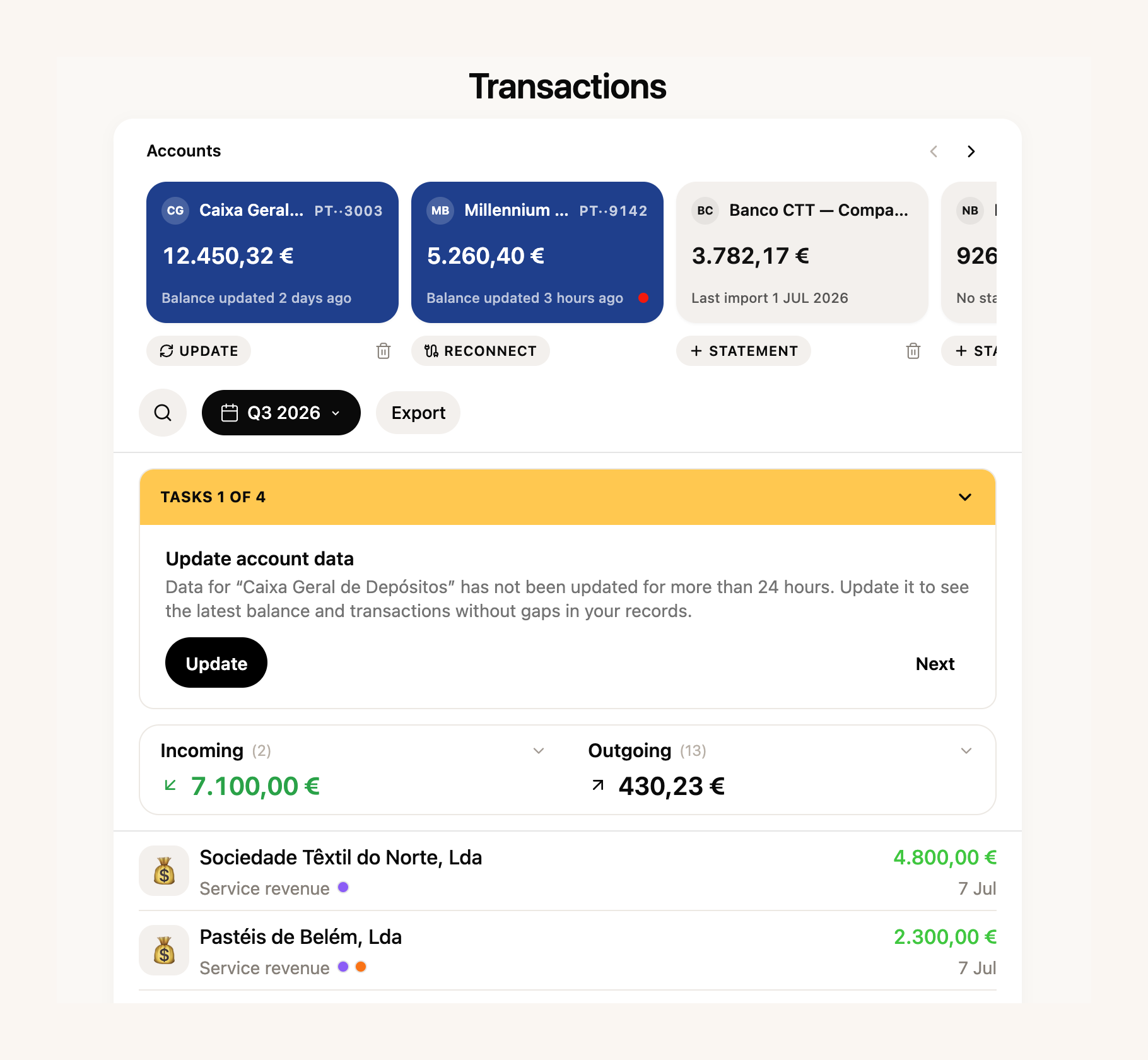
Categorisation rules grew up too, with search and protection against accidental deletes. And counterparties now carry an **open balances register**: who owes you and whom you owe, worked out from documents and payments. And the invoices and receipts workspace inside Finances was redesigned to match the rest.
Two things also opened up: statement import now works **on every plan**, and the receipt scanning we showed earlier is available on all accounts. Full Finances remain part of the paid plans, but the section is visible to everyone — step in and have a look.
[Connect my bank →](https://app.fiz.co/bookkeeping)
## No surprises: a company calendar, and no more code-copying at Social Security
The tax calendar covered self-employed life well. In August it learnt the **obligations of companies**: the DMR filings to Social Security and to the tax office, withheld IRS, the TSU, IRC payments on account, the IES, Modelo 10 and the inventory communication, each with its own deadline.

We also changed what you see first. Instead of an endless list, the calendar opens on a **useful window: the previous month, the current one and the next two weeks**. Anything you have not yet marked as handled shows in a calm ochre, not an alarm red. And the second-quarter VAT deadline moved to September, in line with Portugal's summer tax holiday — no false scares in August.
At Social Security, we went after the codes. Anyone filing the quarterly declaration through FIZ knew the ritual: request the code, wait, copy it over. Now **you set up a dedicated sub-account once and FIZ receives the code by email and signs in for you**. If the automatic reading fails, you can still type the code yourself.
[File my declaration →](https://app.fiz.co/declarations/social-security)
One correction that matters if you invoice expenses on your clients' behalf: amounts under code M01 (article 16.º, n.º 6) **no longer count as income**: not towards the article 53.º limit, and not towards Social Security contributions. Every excluded amount is listed with the invoices it came from, so you can check the code is there for the right reasons.
[See my calendar →](https://app.fiz.co/tax-calendar)
## From a Stripe payment to a sent invoice, automatically
In July, FIZ prepared a draft Fatura-Recibo for each Stripe payment. In August we took the next step: you can choose to have the document **issued and emailed to the customer** the moment an eligible payment arrives, without you passing through here at all.
Before switching it on, read the warning carefully — it is there because it is true: automatically issued documents are fiscally binding and cannot be deleted, and the VAT settings you chose are applied without review. It works well for digital goods and services paid on the spot, and it needs your AT connection verified.
Invoicing in general got more flexible too. When the work happened on one day and the invoice goes out on another, you can state the **date of supply**, which appears on the PDF and goes to the tax office. A line with a **100% discount** is no longer rejected, so you can offer an item on an invoice without workarounds (item discounts are part of the paid plans). And receipts now follow the series of the document that created them.
[Set up payments →](https://app.fiz.co/settings/payments)
## From the invoice to a Bluetooth till receipt
In mid-August someone asked us in the chat whether FIZ could print invoices as till receipts on a Bluetooth thermal printer. By the end of the month it could: pair the printer in your invoicing settings and any simplified invoice **prints in one click**, straight from the browser.
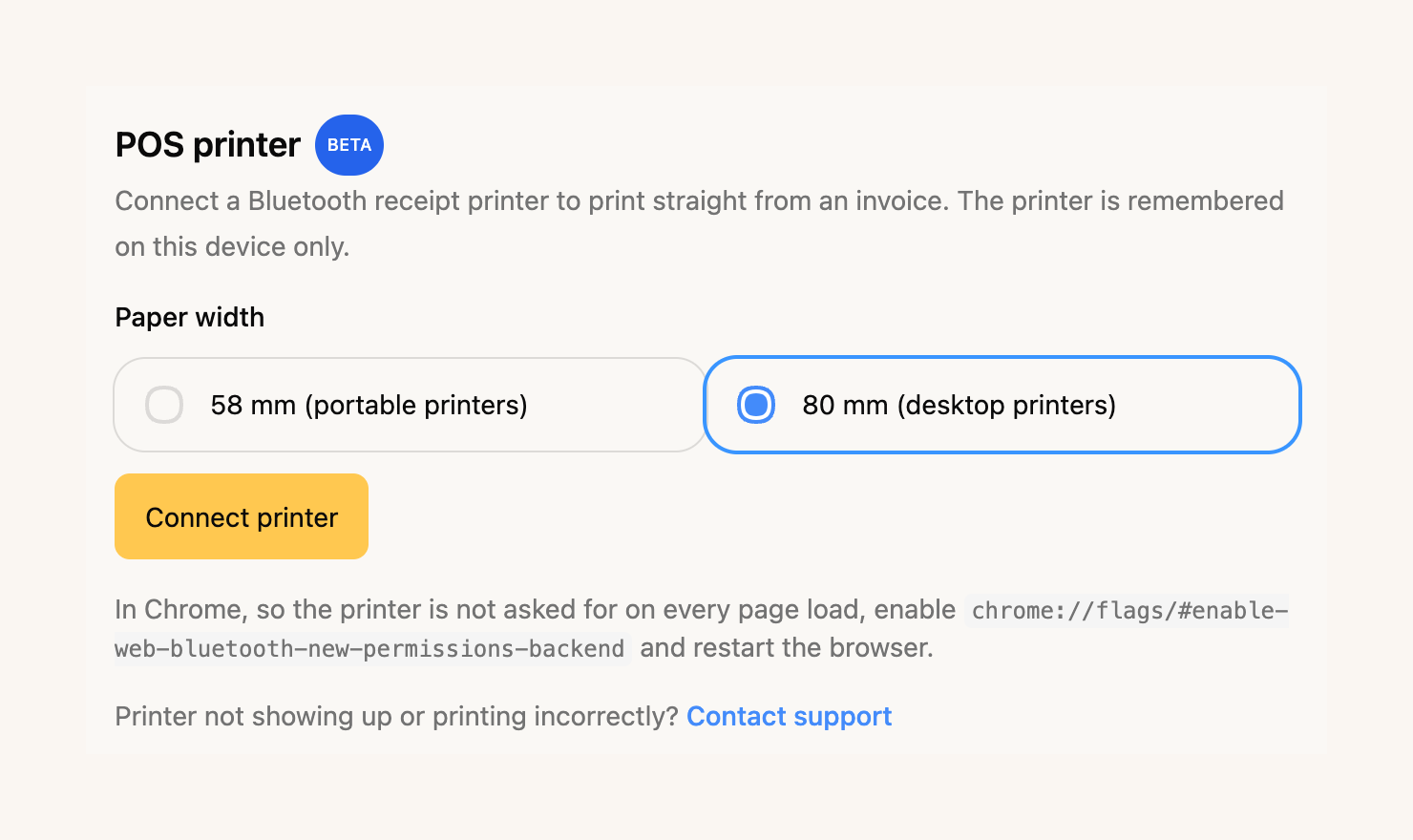
It supports 58 and 80 mm paper — we tested on a Goojprt PT-210 and a NETUM NT-H861. It is in beta: it works in Chrome and Edge (Web Bluetooth is required), and the printer is remembered on the device where you paired it. Printing from an iPhone is on its way; more on that soon.
[Connect my printer →](https://app.fiz.co/settings/invoicing#pos-printer)
## A proof of income ready for the bank
Three people asked us for this in the same week: a document with their income, to open an account, apply for credit or show a landlord. The Tax Assistant now prepares it properly first time: **income month by month, the monthly average, a breakdown by client and payment status**, in a tidy PDF. The confirmation that documents are synchronised with the tax office only appears when every one of them actually is — we do not pretend.
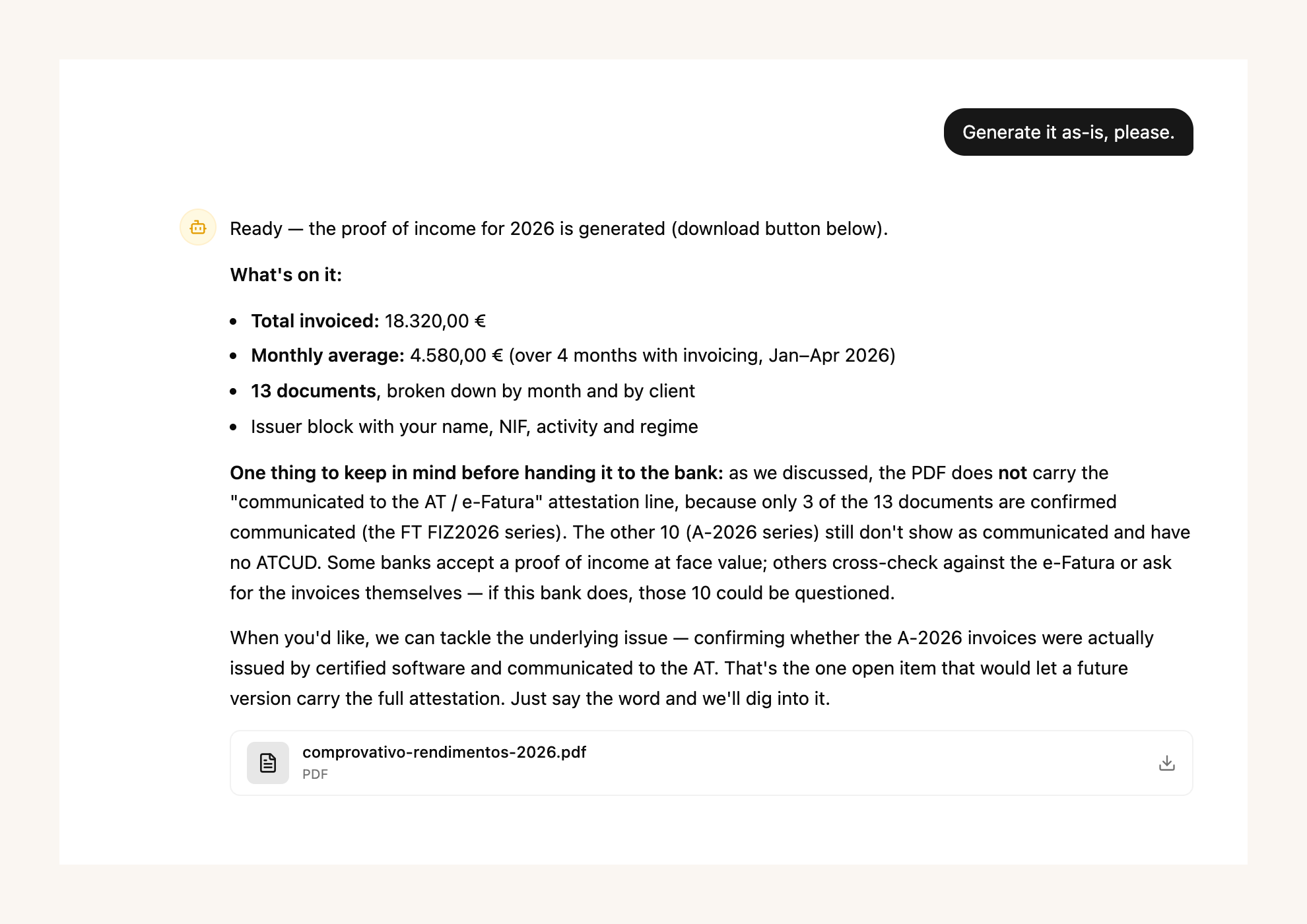
The assistant learnt more in August: it answers questions about your **AT notifications**, knows the corporate tax calendar for companies, and when an unknown supplier turns up in an expense it goes and finds out who they are instead of asking you. As ever, the Tax Assistant is part of the paid plans.
[Ask for my proof of income →](https://app.fiz.co/ai-accountant)
## In the app: AT notifications and turnover at a glance
Two app releases went out in August. **AT notifications arrived on the phone**: the same inbox we showed in July in the browser, now native, with notices classified and deadlines in view. And the home screen gained the **year's turnover**, with the VAT regime assistant one tap away.
The three-step setup reached the app as well, with the business review at the end. And when you connect a bank from your phone, the authorisation brings you back to the app instead of leaving you in the browser.
[App Store →](https://apps.apple.com/app/fiz-accounting-made-easy/id6736618714) · [Google Play →](https://play.google.com/store/apps/details?id=co.fiz.app)
## What's next
One piece of news you cannot touch yet: our **automatic invoicing app for Shopify stores** is under review on the Shopify App Store. Depending on how you set it up, each paid order creates a draft or a Fatura-Recibo issued and emailed automatically, with nothing copied by hand. If you sell on Shopify and want to be among the first, write to us in the chat and we will let you know the moment it opens.
If there is something you would like to see in FIZ, or you have run into a problem, write to us in the in-app chat. We read everything.
Thank you for using FIZ.
---
## NISS for foreigners: how to get your number
> URL: https://blog.fiz.co/en/niss-for-foreigners-how-to-get
> Category: Social Security | Published: 2026-08-29 | Reading time: 5 min
> New to Portugal and need a NISS? How a foreign citizen requests the Social Security number online - the documents, the steps, the cost and how long it takes.
You've moved to Portugal, you've sorted your NIF (the tax number), and then a form, an employer or your Social Security enrolment asks for something else: the NISS. And you don't have one yet.
It feels like another wall of Portuguese bureaucracy. But in fact requesting the NISS as a foreigner is a free, mostly online process - if you know the steps and gather the right documents first.
## What the NISS is (and how it differs from the NIF)
The NISS (Número de Identificação de Segurança Social) is your number with **Social Security** - the one you use to contribute, file declarations and access benefits. It's not the same as the **NIF**, your number with the **tax office** (Finanças). You'll need both: the NIF for tax, the NISS for Social Security.
If you already have a Portuguese **Citizen Card**, you don't need to request the NISS - it was assigned automatically and is printed on the back. This article is for those who don't have a Citizen Card yet.
## How to request it online
The request is made on the Social Security portal (seg-social.pt):
1. Go to **"Sou Cidadão"** (I'm a Citizen).
2. Choose **"Atribuição de Número de Identificação de Segurança Social (NISS)"**.
3. Select the option for **foreign citizens**.
4. Fill in the form and upload the documents in a single file.
The documents depend on your nationality:
- **EU/EEA or Swiss citizen:** a civil ID document from your home country, your passport or your residence card.
- **Third-country national:** a valid identity document - your passport or a valid residence permit - plus **one** document proving your residence status (a visa, a residence permit or proof that you've requested the regularisation of your residence).
In either case, add **proof of your working situation** - a contract or documentation of your self-employed activity.
The request is **completely free**. Be wary of sites that charge to "get your NISS for you" - the official process costs nothing.
## After you apply
Social Security verifies the request and notifies you of the assigned NISS - typically by registered letter. You then **collect the number in person** at a service centre, presenting that notification and a valid identity document.
There's no fixed official deadline for the assignment - it depends on the verification. To avoid queues when collecting, you can book an appointment through the scheduling line (210 548 888 or 300 088 888, on working days from 9am to 6pm).
## The case of Marco
Marco moved from Italy to Lisbon to work as a freelance developer. As an EU citizen, he identified himself with his passport. He submitted the NISS request online, with his documents uploaded, and later collected the already-assigned number at the service desk.
The lesson: you request the NISS online and it doesn't hold up the rest. To [open your activity](/en/how-to-open-freelance-activity-portugal) at the tax office you only need the NIF, so you don't need the NISS *before* - sort it out in parallel.
> **Careful:** getting a NISS is not the same as being enrolled as a self-employed worker. The NISS is only your identification number. Enrolling as a trabalhador independente (and starting to contribute) is a separate step that happens when you open your activity at the tax office and Social Security frames you. Don't assume the number alone starts your contributions - or that it doesn't.
## Where FIZ comes in
Once you have your NIF and NISS and open your activity, the recurring [Social Security](/en/social-security-for-freelancers-guide) part - the quarterly declaration and contributions - is where most newcomers get lost. [FIZ](https://fiz.co/planos) calculates and files your quarterly Social Security and VAT declarations automatically from the receipts you issue, so the bureaucracy stops at getting the numbers.
## In summary
- The NISS (Social Security) is different from the NIF (tax office) - you need both. If you have a Portuguese Citizen Card, the NISS is already on its back.
- A foreign citizen requests the NISS **free** on seg-social.pt (Sou Cidadão - Atribuição de NISS). The documents vary: EU/EEA/Swiss citizens use a civil ID, passport or residence card; third-country nationals add one residence-status document (a visa, residence permit or proof of the request).
- There's no fixed official deadline and you collect it in person. To open your activity at the tax office you only need the NIF, so you don't need the NISS first - request it online in parallel. If you already have one but lost it, see the [Help Center guide](https://help.fiz.co/en/articles/11813327-where-to-find-your-niss-and-your-social-security-direct-password-seguranca-social-direta).
---
## Give your accountant access without your tax office password
> URL: https://blog.fiz.co/en/authorised-user-portal-das-financas
> Category: Guides | Published: 2026-08-27 | Reading time: 5 min
> Never share your main Portal das Finanças password. Create an authorised user or grant access by NIF - with the right permissions, revocable whenever you want.
Your accountant asks for your [Portal das Finanças](/en/portugal-finance-portal-complete-guide) password to handle your affairs. It looks like the simplest thing: you text the password over and it's sorted.
But in fact you've just given them full access - to everything, including changing your address, your bank details or your contact email. And if you switch accountants tomorrow, they still have the password. There's a right way to do this, and it doesn't go through sharing the main password.
## Why sharing the main password is a risk
The main Portal das Finanças password is the key to everything. Whoever has it can see and change everything of yours at the AT, with no limits, and still be "you" as far as the system is concerned.
Sharing it is like giving someone your house key to water the plants and finding that key also opens the safe. That's precisely why the Portal has two ways to give someone limited access - without handing over the master key.
## Option 1: create an authorised user (sub-user)
Inside your account, you can create an **authorised user** with their own password and only the operations you choose. It's ideal for an employee or for invoicing software that needs to communicate documents.
The path: on the Portal das Finanças, go to **Gestão de Utilizadores**, click **Criar um novo utilizador**, set a name and a password for that person, and choose the **authorised operations** (for example, only "comunicar faturas" or view-only).
At any time you can change the permissions, change that user's password or suspend them. Your main password never leaves your hands.
## Option 2: authorise a third party by NIF
If the one who needs access is your **accountant** or lawyer, the right tool is **Gestão de Autorizações de Acessos**. Here you grant permissions to a third party identified by **their own NIF** - they log in with their account, not yours, and can only do what you authorised (consult information, file certain declarations, etc.).
The authorisations aren't forever: you consult, change or revoke them whenever you want. Switching accountants? You revoke the old one's access in a click, without having to change your password.
## André's case
André, a consultant in Coimbra, was about to email his tax office password to his new accountant.
Instead, he went to Gestão de Autorizações de Acessos and gave access by NIF, only for the declarations the accountant handles. André still logs in with his own password; the accountant does their work with their own account. The day the relationship ends, André revokes the access and nobody touches anything.
## Marta's case
Marta shared her main password with an accountant two years ago and never changed it. When she switched professionals, she realised the old one still had access to everything.
She had to [change the password](/en/recover-portal-das-financas-password) in a hurry and review her details. Had she used a NIF authorisation, one click would have cut the access.
> **Careful:** review now and then who has access to your account and with what permissions, in Gestão de Utilizadores and Gestão de Autorizações de Acessos. Old access left open is a common slip - and one of the easiest to fix.
## Where FIZ comes in
Much of what you'd give third parties access to do - issue invoices, file VAT and Social Security - [FIZ](https://fiz.co/planos) does for you automatically, with certified invoicing and quarterly returns filed without intervention. You need to share less, and what you share stays limited to the essentials.
## In summary
- Never share your main Portal das Finanças password - it gives full access, including changing your details.
- For an employee or software, create an authorised user with their own password and limited operations. For the accountant, use Gestão de Autorizações de Acessos, by their NIF. ([Step-by-step guide in the Help Center](https://help.fiz.co/en/articles/10318084-how-to-create-a-new-user-in-the-tax-authority-portal).)
- Permissions are revocable at any time - review periodically who has access and cut what no longer makes sense.
---
## Chave Móvel Digital: one key for the whole State
> URL: https://blog.fiz.co/en/digital-mobile-key-gov-authentication
> Category: Guides | Published: 2026-08-25 | Reading time: 5 min
> The Chave Móvel Digital is one login for the Portal das Finanças, Segurança Social Direta and more. How to activate it and why it saves you passwords.
As a self-employed worker, you live between two portals: the Portal das Finanças, for VAT and IRS, and Segurança Social Direta, for contributions. Two portals, two passwords - and both always forgotten at the worst moment.
It feels as if forever recovering passwords is just part of freelance life. But in fact there's a single key that opens both, and the rest of the State on top.
## What the Chave Móvel Digital is
The Chave Móvel Digital (CMD) is the Portuguese State's single login. Instead of a different password for each portal, you always identify yourself the same way - with your phone - at autenticacao.gov.pt.
With the same CMD you get into the Portal das Finanças, Segurança Social Direta, SNS 24, ePortugal and the large majority of public services. One key, many doors.
And there's a bonus for the self-employed: the CMD also lets you **sign documents digitally** at a distance, with legal validity - handy for contracts and declarations that used to need a printer and a pen.
## How to activate it
Activation is a one-off. The fastest route is the **gov.pt** app on your phone - and, for that method, you need a **valid Citizen Card** and a **phone with a camera**. In the app, you choose "Ativar Chave Móvel Digital" and follow the steps:
- Enter the **mobile number** that will be tied to the key.
- Receive a **code by SMS** and enter it.
- **Read the Citizen Card** with your phone - front and back, as the on-screen instructions say.
- Confirm the **postal code** of the card's address.
- Do a **facial verification** to prove it's you.
Once it's active, you log in like this: enter your mobile number and the **PIN** you set, then confirm with a **temporary security code** sent by SMS.
If you'd rather not do it alone, you can activate it by **video call** (when available - this channel is sometimes temporarily suspended, so check the current status on [autenticacao.gov.pt](https://www.autenticacao.gov.pt/cmd-pedido-chave)) or at an **authorised counter** - for example a Loja or Espaço Cidadão, a registry office (IRN) or a consulate (see the list of locations on [gov.pt](https://www.gov.pt/servicos/ativar-a-chave-movel-digital)). There, a foreigner can identify themselves with a **passport or residence permit**, without a Citizen Card. There's also phone support (210 489 010 or 300 003 990).
## Beatriz's case
Beatriz, a freelance illustrator in Lisbon, used to lose hours every quarter recovering the tax office or Social Security password - she never remembered either.
She activated the Chave Móvel Digital one afternoon. Since then she logs into both portals with her phone, without juggling several passwords - just the key's PIN. When one of them asks for the old password, she simply picks "log in with Chave Móvel Digital" and sidesteps the problem.
## Rui's case
Rui wanted to activate the CMD, but his Citizen Card had expired - and without a valid card the activation won't go through.
He renewed the Citizen Card first and only then activated the key. The lesson: check your Citizen Card is still valid before you start, or you'll get stuck halfway.
> **Careful:** the Chave Móvel Digital doesn't replace your Portal or Social Security password - it sits alongside it, as an alternative way in. That's exactly why it solves the problem: if you forget one portal's password, you still get in via the CMD, and then reset the password inside at your leisure.
## Where FIZ comes in
The Chave Móvel Digital removes the friction of getting into the portals. [FIZ](https://fiz.co/planos) removes the reason to go in so often: invoices are certified and the quarterly VAT and Social Security returns are calculated and filed automatically. Together, the two stop the State from being a daily obstacle.
## In summary
- The Chave Móvel Digital is the same login for the Portal das Finanças, Segurança Social Direta and the rest of the public services - one key instead of several passwords.
- It's activated once: via the gov.pt app (with a Citizen Card and a phone with a camera), by video call or at a desk - where a foreigner can use a passport or residence permit.
- It's the instant route to [recover tax office access](/en/recover-portal-das-financas-password) and [Segurança Social Direta](/en/recover-seguranca-social-direta-password) without waiting for letters.
---
## Where to find your NISS: your Social Security number
> URL: https://blog.fiz.co/en/where-to-find-your-niss-number
> Category: Social Security | Published: 2026-08-23 | Reading time: 4 min
> The NISS isn't the NIF. Where your Social Security number lives - on the Citizen Card, in SS Direta or by phone - and how to request one if you don't have it.
You're filling in a form, registering with Social Security or a client asks for your NISS - and you realise you have no idea what your Social Security number is.
It feels like one of those numbers everyone memorised except you. But in fact it's closer to hand than you think, and in three minutes you'll have it.
## First: the NISS is not the NIF
This is a very common mix-up. They're two different numbers, from two different bodies:
- The **NIF** (tax identification number) has 9 digits and is your number at the **tax office** (Finanças). It's what you use to invoice and for IRS.
- The **NISS** (Social Security identification number) has 11 digits and is your number at **Social Security**. It's what you use for contributions, declarations and benefits.
Swapping one for the other on a form just slows your request down. Always check which is which.
## Where your NISS is
There are three places to find it.
- **On the back of the Citizen Card.** When you request the Citizen Card for the first time, the NISS is assigned to you automatically and printed on the back of the card. It's the most immediate spot - just turn it over.
- **In Segurança Social Direta.** Log in at app.seg-social.pt with the [Chave Móvel Digital](/en/digital-mobile-key-gov-authentication) or the Citizen Card, click the profile icon, choose "Perfil" and then "Dados pessoais". The NISS appears there, with the rest of your identification. (See the [Segurança Social Direta guide](/en/social-security-direta-portal-guide); if you can't get in, [unlock your access](/en/recover-seguranca-social-direta-password). Step by step with screenshots in the [Help Center](https://help.fiz.co/en/articles/11813327-where-to-find-your-niss-and-your-social-security-direct-password-seguranca-social-direta).)
- **Through the Social Security phone line.** If you have the old lifelong identity card and never learned your NISS, call the Linha Segurança Social (210 545 400 or 300 502 502), on working days from 9am to 6pm, or go to a service desk.
## Inês's case
Inês, a photographer in Aveiro, went to register for Segurança Social Direta and needed her NISS. She had no idea what hers was.
She turned over her Citizen Card, found the number on the back and carried on without leaving her chair. The number had been in her wallet the whole time.
## And if you don't have a NISS yet
Not everyone has a NISS assigned - for instance, someone who arrived in Portugal recently or has the lifelong identity card.
The request is **free** and is made online on the Social Security portal, by the person themselves. You can also handle it in person at a service desk, with an appointment booked through the SIGA platform or the SigaApp. The right order is: first the NIF, then you open your activity at the tax office (which only needs the NIF), and then you enrol with Social Security - that's when the NISS is assigned to you. So you don't need the NISS *before* opening your activity.
> **Careful:** having a NISS is not the same as being enrolled as a self-employed worker with Social Security. The NISS is just your identification number; enrolling as a self-employed worker is a separate step, which happens when you open your activity at the tax office and Social Security frames you. Having the number doesn't enrol you on its own.
## Where FIZ comes in
Your NISS is the key that links everything Social Security. Once you have it, [FIZ](https://fiz.co/planos) handles the tedious part: it calculates and files your quarterly Social Security declaration from the receipts you issue, without you having to memorise numbers or deadlines.
## In summary
- The NISS (11 digits, Social Security) is not the NIF (9 digits, tax office). Don't swap them on forms.
- You'll find the NISS on the back of the Citizen Card, in Segurança Social Direta (Perfil - Dados pessoais) or through the Social Security phone line.
- If you don't have a NISS yet, the request is free. The order is: NIF → open your activity at the tax office (which only needs the NIF) → enrol with Social Security, which assigns you the NISS.
---
## Unlock Segurança Social Direta and recover your password
> URL: https://blog.fiz.co/en/recover-seguranca-social-direta-password
> Category: Social Security | Published: 2026-08-21 | Reading time: 5 min
> Lost your Segurança Social Direta password or stuck on the security code? The ways back in on the spot - and the slow one, by post.
The end of the quarter arrives, you have to file the quarterly Social Security declaration or check your contributions, you open Segurança Social Direta... and the password won't go in. Or it does, but then it sits waiting for a code that never reaches your phone.
It looks as if all that's left is to request a new password and wait for the letter. But in fact, just like with the Portal das Finanças, there's a route that gets you in within two minutes.
## Why Segurança Social Direta shuts you out
[Segurança Social Direta](/en/social-security-direta-portal-guide) (the portal where you handle contributions, declarations and benefits) has two points where people get locked out.
The first is the **password** tied to your NISS (your Social Security number). Forget it and you're out.
The second is more recent: logging in with NISS and password now requires **two-factor authentication**. On top of the password, you have to enter a **one-time code** sent to a contact you've already validated - email or mobile. If that contact is old and you no longer have access to it, the code arrives somewhere you can't see it.
## The ways back in
There are three routes, and the difference in time between them is huge.
- **Chave Móvel Digital or Citizen Card (instant).** Instead of using the Social Security password, you log in at autenticacao.gov.pt with the [Chave Móvel Digital](/en/digital-mobile-key-gov-authentication) or the Citizen Card. It jumps over the password and the code - it's the cleanest route and doesn't depend on having validated contacts.
- **Recover the password with validated contacts (fast).** On the login screen, choose "Recuperar palavra-passe", select the account type (Cidadão), your **NISS** and your **date of birth**. If you have a validated email or mobile with Social Security, the way to set a new one comes through there. Sorted the same day.
- **PIN letter by CTT post (slow).** With no validated contacts, the new password travels on paper to your address, as a rule in around eight working days. It's the last resort.
Notice the pattern, the same as at the tax office: whoever has the Chave Móvel Digital or a validated contact sorts it on the spot; whoever prepared nothing waits for the letter.
## Rita's case
Rita, a translator in Braga, went to file the quarterly declaration on the last day and realised she didn't know her Segurança Social Direta password.
Because she'd activated the Chave Móvel Digital for her IRS, she didn't even need to recover it: she logged in at autenticacao.gov.pt, handled the declaration and left. Two minutes, no letter at all.
## Tiago's case
Tiago, an electrician in Faro, never validated an email or mobile with Social Security and doesn't have a Chave Móvel Digital. When he lost the password, all that was left was the PIN letter: around eight working days waiting for the postman, with the declaration deadline closing in.
The lesson isn't "the portal is bad". It's that Tiago never left a fast route ready.
## What to do today
While you still have access, get this sorted:
- Validate your **email** and **mobile** in Segurança Social Direta. They're what receive the security code and the password recovery.
- Activate the **[Chave Móvel Digital](/en/digital-mobile-key-gov-authentication)**. It becomes the same key for Social Security and the tax office - and you never again depend on either password.
- If you don't know your NISS, see [where to find it](/en/where-to-find-your-niss-number) before you need it. For step-by-step password recovery, the [Help Center](https://help.fiz.co/en/articles/12284558-how-to-recover-or-change-your-password-on-social-security-direct) has the guide.
> **Careful:** the Social Security password is **not** the same as the Portal das Finanças one. They're two portals and two different passwords, with separate recoveries. Recovering one doesn't unlock the other - which is exactly why the Chave Móvel Digital, which works for both, saves so much hassle.
## Where FIZ comes in
The biggest reason you keep logging into Segurança Social Direta is the quarterly declaration. With [FIZ](https://fiz.co/planos), that declaration is calculated and filed automatically from the receipts you issue - you stop depending on the portal every three months. You can still log in whenever you like, but it's no longer the place where the deadline squeezes you.
## In summary
- Logging into Segurança Social Direta is instant via the Chave Móvel Digital or the Citizen Card. Recovering the password is fast if you have a validated email or mobile; without that, the PIN letter takes around eight working days.
- Logging in with NISS and password now needs a two-factor code - keep a validated contact you can actually access.
- The Social Security password is different from the tax office one. The Chave Móvel Digital works for both and saves you from forever recovering passwords.
---
## Recover your Portal das Finanças password fast
> URL: https://blog.fiz.co/en/recover-portal-das-financas-password
> Category: Guides | Published: 2026-08-19 | Reading time: 5 min
> How to recover your Portal das Finanças password on the spot - and the one thing that decides whether you fix it in two minutes or wait five days for the post.
It's Friday afternoon, you need to file a return or read a letter from the AT, you type your Portal das Finanças password... and up comes "invalid password". Or worse: you've locked the account trying to guess it.
It looks as if all that's left is to request a new password and wait five days for the CTT letter. But in fact, in most cases, you get back in within two minutes - if you have one thing set up.
## Why "I forgot my password" is so scary
The [Portal das Finanças](/en/portugal-finance-portal-complete-guide) password (your key to everything tax-related: IRS, VAT, invoices, AT notices) could, for years, only be recovered by post. You'd request a new one, the CTT would bring it to your tax address in around five working days, and until then you were locked out.
That route still exists. The difference is that today, for most people, it's the last resort - not the only one.
## The ways to recover it - and which one is instant
You go to portaldasfinancas.gov.pt, click "Recuperar senha" and enter your NIF. From there, two outcomes are possible: right now, or five days from now. What decides it is how you can identify yourself.
**Instant (two minutes):**
- **Chave Móvel Digital or Citizen Card.** If you have the CMD active (the State's mobile authentication) or a Citizen Card reader, you identify yourself at autenticacao.gov.pt and set a new password right there. It's the cleanest route.
- **Code by SMS.** You answer your security question and choose to receive a code by SMS. A six-digit message arrives, you enter it and set the new password on the spot. It only works if you have a **confirmed mobile number** in your Portal details.
**Slow (five working days, by post):**
- **The security question alone, without a confirmed mobile.** You get the answer right, but with no validated mobile there's no SMS code - the old password is cancelled and a new one travels by CTT to your tax address in around five working days.
- **Email (portal-senhas@at.gov.pt).** This is the plan B for someone who no longer has access to anything and can't remember the security question: you request the password cancellation by email and, even so, the new one still ends up arriving by post.
Notice what this means: it isn't luck that decides whether you fix it on the spot or wait for the letter. It's whether you have an instant route ready - the Chave Móvel Digital, the Citizen Card or a confirmed mobile. That's all.
## Sofia's case
Sofia, a designer in Porto, locked her account three days before the VAT deadline. She panicked, convinced she'd be waiting for the letter and picking up a fine.
But she'd had her mobile confirmed in her Portal details ever since she opened her activity. She chose "recover by SMS code", received the six digits, reset the password in two minutes and filed the quarterly VAT return on time. The deadline was never at risk - she just didn't know she had that door open.
## Miguel's case
Miguel, a plumber in Setúbal, never confirmed his mobile on the Portal and doesn't have a Chave Móvel Digital. When he needed the password, he answered the security question - but, with no validated mobile, all that was left was the letter: five working days.
The lesson isn't "the Portal is bad". It's that Miguel never set up a fast route - and so he was left hostage to the slowest one.
## What to do today so you never wait for the letter
Don't leave it until the day you need it. Log into the Portal while you still have access and sort this out:
- Confirm your **mobile** under "Os Seus Dados" - Dados de Contacto. It's what unlocks the SMS code, the simplest instant route. Confirm your email too, which is used for notices.
- Activate the **[Chave Móvel Digital](/en/digital-mobile-key-gov-authentication)** at autenticacao.gov.pt. You'll log in with your phone, without even depending on the Portal password.
- Check that your **tax address** is up to date. If the letter really is needed, it has to reach the right place.
> **Careful:** never share your main password with your accountant. If they need to access your things, [create an authorised user for them on the Portal](/en/authorised-user-portal-das-financas), with the right permissions - your password stays yours alone. Sharing the main password means giving full access, including the power to change your details.
## And if you've locked the account
The account locks after several wrong attempts. Don't keep trying, because it only gets worse. Go straight to one of the instant methods - the Chave Móvel Digital, the Citizen Card or the SMS code (if your mobile is confirmed). Any of them resets the password and unlocks access without waiting for the letter.
## Where FIZ comes in
Half the password stress comes from depending on the Portal for everything. With [FIZ](https://fiz.co/planos), your day-to-day stops going through it: you issue certified invoices without logging into the Portal, and the quarterly VAT and Social Security returns are calculated and filed automatically. You'll still need AT access now and then - but it stops being the point where everything grinds to a halt.
## In summary
- Recovering your Portal das Finanças password is instant via Chave Móvel Digital, Citizen Card or an SMS code. The security question alone and email both end in the CTT letter (five working days).
- What decides between the spot and the letter is having an instant route ready: the CMD, the Citizen Card or your mobile confirmed. Sort that out while you still have access.
- Never share your main password with your accountant - create an authorised user for them with the right permissions.
---
## Content creators: taxes on YouTube, Twitch & Patreon
> URL: https://blog.fiz.co/en/content-creator-taxes-youtube-twitch-portugal
> Category: Guides | Published: 2026-08-04 | Reading time: 6 min
> YouTube, Twitch, Patreon: you get paid from abroad, but the tax is here. Your activity code, the hidden VAT on what you buy, and Social Security - explained.
Tiago has a YouTube channel with 40,000 subscribers and gets a payment from Google every month. It looks simple: the money comes from abroad - so, he thinks, there's no VAT and nothing to declare here. Almost everything in that sentence is wrong, and it's exactly where most creators trip up.
## "It's foreign income"? It isn't
What matters to the tax office isn't where the person paying you sits - it's **where you do the work**. Tiago records, edits and publishes in Portugal, so the income is **obtained in Portuguese territory** (art. 18.º of the CIRS): it goes into your IRS as Category B income (the self-employed one), on **Anexo B** - not Anexo J.
Anexo J is for income **earned abroad** (work performed abroad). Having Google, Twitch or Patreon as the payer doesn't change that: if you produce here, you declare here, on Anexo B. Plenty of guides get this wrong.
## Your activity code changes the tax
There's no "influencer" code. In practice you use code **1519 - "other service providers"** (the catch-all in the [list of professions](/en/cae-cirs-activity-code-portugal)) or, if you're mainly an artist/performer, an artist code from the table.
It's not a detail: it sets the **coefficient** - the slice of what you invoice that counts for tax (the State assumes the rest are your expenses).
For Tiago, with €20,000 from Google over the year, that's:
Choose deliberately at the start. The AT puts 1519 at 0.35, but there's some divergence for performative activity - if you're unsure about your case, check before you open.
## The VAT: your invoice to Google carries no VAT...
When you invoice **Google (Ireland)** or **Twitch**, you're supplying a service to a **business outside Portugal**. The operation is **not located here** (art. 6.º of the CIVA), so the invoice goes out **without Portuguese VAT** - the correct reason is **reverse charge (code M40)**, not an exemption. Detail: for **EU** platforms like Google (Ireland), you must be registered in VIES and **file the recapitulative statement** for those services (in the standard regime) - and, if you're exempt under [art. 53.º](/en/the-thresholds-that-change-everything-15000-and-200000), you've been **excused** from it since 1 July 2025; **non-EU** platforms don't go on that statement.
**Patreon** and other **membership/support** platforms are a case apart - **don't just apply the rule above**. Check the transaction model **first**: sometimes the people paying you are the **individual patrons**, not the platform, and that changes **who your customer is**, **where the VAT is due** and the **code** on the invoice. See how Patreon bills your case before you pick the recipient and the VAT treatment.
## ...but watch what you buy abroad
Here's the trap almost no one sees. When you **buy** services from foreign suppliers - editing software, ad credits, stock libraries invoiced without VAT - **you become the one who has to account for the VAT** in Portugal (the same reverse charge, the other way round): you file a periodic VAT return and pay the 23% here. And if you're exempt under art. 53.º, you **don't deduct** that VAT - it stays a cost of yours.
In other words: "VAT-exempt" does **not** mean "zero VAT paperwork". Google pays you without VAT, but the software you subscribe to abroad can force a return.
## Social Security: 21.4% - and Google isn't a "contracting entity"
You pay **21.4%** on **70%** of your service income. Each month's base is 1/3 of what you declare in the [quarterly declaration](/en/social-security-for-freelancers-guide).
And don't count on the platforms to help: a **contracting entity** (a client you depend on heavily, which then owes its own separate contribution to Social Security - one that doesn't reduce yours) is generally one with activity in Portugal. So Google and Twitch generally don't enter that calculation - their income counts towards **your** base, but the 21.4% is all yours.
> **Careful:** what about "authorial rights"? There is an IRS benefit that excludes 50% of that income from aggregation, with the excluded amount capped at €10,000 (art. 58.º of the EBF) - but it **expressly excludes advertising works** - so sponsored content and most ad revenue **don't** get the benefit. Don't count on it for your ordinary creator income.
## ✅ In summary
1. **You're paid from abroad but you declare in Portugal** - you produce here, so it's Category B on **Anexo B**, not Anexo J. And the code you pick (1519 at 0.35 vs an artist code at 0.75) changes the base you pay tax on.
2. **You invoice Google/Twitch without Portuguese VAT** (operation not located here, reason M40; on membership platforms like Patreon, check who the customer is) - but if you **buy** services abroad you may have to self-assess VAT here, even when exempt under art. 53.º (and without being able to deduct it).
3. **With [FIZ](https://fiz.co/)** you invoice the platforms with the right reason, and the VAT and Social Security are worked out and submitted for you - including the self-assessment on what you buy abroad, which is where creators trip up most. Your IRS is prepared for you to upload on the Portal. See the [plans](https://fiz.co/planos).
---
## Couriers (Glovo, Uber Eats): the taxes, step by step
> URL: https://blog.fiz.co/en/food-courier-taxes-glovo-uber-eats-portugal
> Category: Guides | Published: 2026-08-04 | Reading time: 6 min
> Delivering for Glovo or Uber Eats on green receipts? The right code, the hidden VAT on the commission, Social Security - and when you're a 'false' freelancer.
Bruno delivers for Glovo and Uber Eats. He opened activity, issues green receipts and assumes that, since he invoices little, tax is a detail. There are three things almost no courier knows - and one of them can cost money every month.
## First: you might not even be "self-employed"
Since 2023 the law has a presumption aimed precisely at platform work (art. 12.º-A of the Labour Code, created by Lei n.º 13/2023). If the platform **sets your pay**, **controls how you work** (in real time, by algorithm), penalises refusals, can **deactivate your account** or **owns the equipment** you use, you are presumed to be an **employee** - not self-employed. It's enough that **some** of these features are present.
If that's your case, the platform is **presumed** to be the employer - but it's a **rebuttable presumption** (the platform can prove you work with real autonomy). And if there's an **intermediary** between you and the platform, it's the **court** that decides who the employer is (art. 12.º-A n.os 4-6). Until that's recognised (by the labour inspectorate or a court), **you** carry everything as self-employed. So "self-employed" here is the platform's label, not a settled truth.
## Your code - and the coefficient that follows
You open activity with **CAE 53202** (home-delivery services). Since delivery isn't a profession "named" in the art. 151.º list, the simplified-regime coefficient is **0.35** - only 35% of what you invoice goes into your IRS (the State assumes the other 65% are your expenses).
In your **first year** of activity this coefficient is halved (0.175) and in the **second** cut by 25% (0.2625), provided you have no employment or pension income **and haven't ceased activity in the last 5 years** (CIRS art. 31.º n.os 10 and 11) - so at the start even less enters your IRS. (If you reopened activity soon after closing it - under 5 years -, this reduction doesn't apply.)
## The hidden VAT: the platform's commission
Think that, under €15,000 of turnover in Portuguese territory, you're VAT-exempt (art. 53.º) and that's that? Not quite.
When the platform charges you the **commission**, you're **buying a service from it**. If whoever invoices you is a **foreign company** - like Glovo (Spanish) - the law makes you **self-assess 23% VAT** on that commission, in Portugal, **even while exempt under art. 53.º** (arts. 2.º and 6.º of the CIVA). Being exempt, you **don't deduct** that VAT - it stays your cost. And there's no minimum: the well-known €10,000 threshold is only for **buying goods**, not services. Check who invoices your commission: Uber Eats, for instance, may bill through a Portuguese entity - and then the VAT is already on the invoice.
In practice this makes you **register for intra-EU operations** (your NIF becomes valid in VIES) and file a **periodic VAT return** to pay it. It's why some platforms require couriers to be on the **normal VAT regime**.
## Social Security: 21.4% - and the first year cuts both ways
You pay **21.4%** on **70%** of what you invoice. Each month's base is 1/3 of what you declare in the quarterly declaration.
If you open activity **for the first time**, there's a **12-month contribution exemption**. It sounds purely good - but in those months you build **no new protection** (sickness, parental leave) and no time towards a pension. Anyone doing this full-time may prefer to start contributing sooner.
> **Careful:** keeping fuel, bike or thermal-bag receipts **doesn't lower** your IRS on the simplified regime - the 0.35 coefficient already presumes expenses, and the 15% rule is almost always covered by the automatic specific deduction and your Social Security contributions (only if you earn well above that do you need documented expenses to avoid an add-on to taxable income). Deducting real costs euro-for-euro (fuel, commission, the self-assessed VAT) only happens under **organised accounting** - worth it when costs are genuinely high.
## ✅ In summary
1. **You might be a "false" freelancer.** If the platform sets the price, controls your work by algorithm or deactivates your account, the relationship can legally be employment (Lei 13/2023).
2. **VAT-exempt isn't "no VAT".** A foreign platform's **commission** (like Glovo's) makes you self-assess **23%** VAT here, even below €15,000 and **without** being able to deduct it - plus registering in VIES and filing the periodic return.
3. **With [FIZ](https://fiz.co/)** you invoice the platforms with the right reason, and the VAT (including the self-assessment on the commission) and Social Security are worked out and filed for you - no surprise letter from the tax office. See the [plans](https://fiz.co/planos).
---
## Upwork, Fiverr and Malt: invoices, commissions and VAT
> URL: https://blog.fiz.co/en/freelancer-platform-taxes-upwork-fiverr-portugal
> Category: Guides | Published: 2026-08-04 | Reading time: 6 min
> Freelancing on international platforms? Declare the gross (not the net), the coefficient is 0.75 - and the commission makes you self-assess VAT even if exempt.
Sofia is a designer and works through Upwork and Fiverr. She's paid in dollars, the platform takes a commission, and she declares... what lands in her account? That's where two costly mistakes begin.
## You declare the gross, not the net
Sofia invoices €1,000 on a project, Upwork takes 10% (€100), and she receives €900. The mistake is to declare €900. What counts as **your income** is the **full contract value - €1,000** - because the commission is a **service you buy from the platform**, not a discount on your invoicing.
Declaring only the net is under-reporting income - for IRS, for VAT and for Social Security. And, as you'll see, on the simplified regime you're taxed on a percentage of the gross anyway.
## Your code and the coefficient: 0.75
Unlike a courier or a driver, a designer, developer or translator **is on the art. 151.º professions list** (designer 1336, developer 1332, translator 1334, consultant 1320). That fixes the simplified-regime coefficient at **0.75** - 75% of what you invoice goes into your IRS. You can't pick 0.35: for a listed profession, it really is 0.75.
## VAT has two sides
**Side 1 - the platform's commission.** Upwork, Fiverr and Malt are foreign companies. When they charge you the commission, you must **self-assess 23% VAT** on it in Portugal, **even when exempt under art. 53.º** - and, being exempt, **without deducting it**. It's the invisible cost almost no one accounts for.
**Side 2 - your invoice to the client.** Upwork acts as an intermediary: your customer is the **end client**, not the platform. So VAT depends on who they are (check case by case - on Fiverr or Malt the contractual customer may be the platform itself):
## The art. 53.º twist: reverse-charge work doesn't count towards €15,000
Since 1 July 2025, the **€15,000** threshold counts only operations **in national territory**. The services you invoice to foreign businesses under reverse charge (M40) **don't count** towards it - you can invoice well over €15,000 to foreign businesses and still be exempt on the Portuguese side. (Note: sales to **EU private individuals** are located in Portugal and **do count** towards the limit.) Careful: you still owe the **VAT on the commission** (Side 1).
## Social Security - and it's Anexo B, not Anexo J
You pay **21.4%** on **70%** of what you invoice (each month's base = 1/3 of the quarter). And platform income is **Category B, on Anexo B**: you work from Portugal, so it's income here - it doesn't go on Anexo J just because the client or platform is foreign.
> **Careful:** the costliest mistake isn't the tax - it's declaring the **net**. The Upwork/Fiverr commission doesn't reduce your invoicing; it counts separately (and brings the reverse-charge VAT with it). Always declare the **gross** contract value.
## ✅ In summary
1. **Declare the gross, not the net.** The platform commission is a service you buy, not a discount. And the coefficient is **0.75** (designer/developer/translator are on the art. 151.º list).
2. **VAT has two sides:** you self-assess 23% on the **commission** (even exempt, no deduction); and on the invoice to the **end client** (on Upwork; on Fiverr/Malt check whether the client is the platform) you apply M40 (EU business), 23%/M10 (EU individual) or M40/M44 (business/individual outside the EU). Foreign work under M40 doesn't count towards €15,000.
3. **With [FIZ](https://fiz.co/)** you invoice each client with the right reason, the commission self-assessment and Social Security are handled for you, and you always declare the gross without slipping. See the [plans](https://fiz.co/planos).
---
## Psychologists and therapists: VAT, art. 9.º and the rest
> URL: https://blog.fiz.co/en/psychologists-therapists-vat-tax-portugal
> Category: Guides | Published: 2026-08-04 | Reading time: 5 min
> Psychology sessions are VAT-exempt - but coaching and workshops aren't. The line is the therapeutic purpose. What changes for VAT, deduction and activity.
Beatriz is a clinical psychologist; Rita, also a psychologist, mostly does coaching and well-being workshops for companies. Both assume "health is VAT-exempt". One is right; the other will have to charge 23% - and the line between them is the **therapeutic purpose**.
## Health is exempt - by the service, not the profession
The [art. 9.º CIVA exemption](/en/article-9-vat-exemption-health-education-training) covers health services with a **therapeutic purpose** provided by medical and paramedical professions. Beatriz's **clinical psychology session** fits here: she issues receipts **without VAT**. The same goes for physiotherapists, speech therapists and the like - paramedical activity with a health purpose.
The key point: the exemption is by the **service**, not the whole profession. Being a psychologist doesn't exempt everything Beatriz does - it exempts the **clinical act**.
## What's left out: coaching, well-being, companies
That's where Rita trips up. **Coaching**, **well-being workshops**, training or consulting for companies have **no therapeutic purpose** - so they aren't exempt under art. 9.º and carry **23% VAT** (unless she fits the art. 53.º exemption, invoicing up to €15,000/year in Portuguese territory).
## Doing both? You have to separate them
If, like Rita, you mix clinical sessions (exempt) with coaching (taxed), you can't lump it all together: you have to **separate the two activities** and, on the VAT you pay on your purchases, apply **partial deduction** (by real allocation or *pro rata*, art. 23.º of the CIVA). It's worth checking the calculation before you submit.
## The exemption is "incomplete"
Watch one detail: the art. 9.º exemption does **not** give you back the VAT on your purchases. The VAT on materials, software or your practice's rent, on the exempt share, is a cost you **don't recover** (art. 20.º of the CIVA). It's not "VAT at 0%", it's an exemption.
## The rest: your professional body, code and Social Security
As a psychologist you need a **professional licence** from the Ordem dos Psicólogos Portugueses. Otherwise, you're a self-employed worker like any other: you open activity with your code, and Social Security is **21.4%** on **70%** of what you invoice.
> **Careful:** the costly mistake is assuming "I'm a psychologist, so everything I do is exempt". The exemption is for the **service with a therapeutic purpose**. A coaching session or a workshop at a company generally carry VAT.
## ✅ In summary
1. **Clinical psychology sessions are exempt** under art. 9.º (reason M07) - but only when they are a **clinical act by a recognised health professional** (a psychologist with a cédula, physiotherapist, speech therapist), not the whole profession nor a mere "therapeutic purpose". Coaching, well-being and company training generally carry **23%**.
2. **If you mix the two**, separate the activities and apply **partial deduction** of the VAT on purchases. And remember: the art. 9.º exemption is **incomplete** - you don't deduct the VAT on purchases tied to the exempt part.
3. **With [FIZ](https://fiz.co/)** you issue each receipt with the right treatment - exempt (art. 9.º or 53.º) or with 23% - and VAT and Social Security are handled for you, no article-memorising required. See the [plans](https://fiz.co/planos).
---
## Tutors and trainers: VAT exemption and the DGERT
> URL: https://blog.fiz.co/en/tutors-trainers-vat-exemption-dgert-portugal
> Category: Guides | Published: 2026-08-04 | Reading time: 5 min
> Giving tutoring or training? One of the two is VAT-exempt under art. 9.º, the other charges 23% - and the difference is a certification (DGERT), not your CCP.
Ana gives maths tutoring to secondary-school students. Rui delivers Excel training to companies. Both assume "teaching is VAT-exempt". One is right; the other is in for a surprise - and the difference isn't in what they know, it's in a **certification**.
## Art. 9.º exempts teaching - but not all of it
The [art. 9.º CIVA exemption](/en/article-9-vat-exemption-health-education-training) covers **teaching** and **tutoring of school subjects**. Ana, who teaches curriculum material, issues green receipts **without VAT** - exempt under art. 9.º.
The catch is **vocational training**. Here the exemption doesn't belong to the person delivering it - it belongs to the **training body recognised as competent**, which in practice means **DGERT-certified**. A **CCP** (pedagogical competence certificate) is a qualification of **yours**, not a certification of your activity.
## The "incomplete exemption" trap
The art. 9.º exemption has a catch Ana needs to know: it's **incomplete**. Since she charges no VAT, she also **can't deduct** the VAT she pays on her purchases (computer, materials, software) - that VAT stays a cost of hers (art. 20.º of the CIVA). It's not "VAT at 0%", it's an **exempt** operation.
## And Rui? Three routes
Rui, a solo trainer with just a CCP, has three options:
- He invoices up to **€15,000/year** of turnover in Portuguese territory → he can use the **art. 53.º exemption** (reason M10): no VAT because he's a small business.
- He goes over that → he charges **23%** VAT on the training.
- The training is delivered **by a DGERT-certified body** → then it's exempt under art. 9.º - but it's the **body** that supplies and invoices it as exempt, not Rui putting M07 on his own invoice just for working with it.
## The rest is like any freelancer
You open activity with your activity code (teaching/training), and Social Security is the usual one: **21.4%** on **70%** of what you invoice. The big tax decision for a tutor or trainer is really the VAT one above.
> **Careful:** the commonest mistake is Rui's - assuming "I deliver training, so I'm exempt". The art. 9.º exemption belongs to the **certified body**, not to the trainer with a CCP. Check which hat you're invoicing under before you decide the VAT.
## ✅ In summary
1. **Tutoring of school subjects = exempt** under art. 9.º (reason M07). But it's an **incomplete** exemption: you don't deduct the VAT on your purchases.
2. **Vocational training is only exempt under art. 9.º when it's a DGERT-certified body** - a solo trainer with only a CCP charges **23%**, unless covered by the art. 53.º exemption (up to €15,000/year).
3. **With [FIZ](https://fiz.co/)** you issue receipts with the right exemption reason (art. 9.º, art. 53.º or 23% VAT) without memorising code articles, and VAT and Social Security are handled for you. See the [plans](https://fiz.co/planos).
---
## TVDE driver (Uber, Bolt): the complete tax guide
> URL: https://blog.fiz.co/en/tvde-driver-taxes-uber-bolt-portugal
> Category: Guides | Published: 2026-08-04 | Reading time: 7 min
> Driving for Uber or Bolt? The certificate, the right code (0.35) - and why the 6% ride VAT and the 23% commission are the operator's, not yours.
Ricardo drives for Uber and Bolt. He got the certificate, opened activity and started driving. What nobody explained is that the tax side of TVDE changes a lot depending on whether you drive for a fleet or set up your own operator - and that the platform's commission hides a VAT cost that shows up **even when you're exempt**, but that lands on whoever is the operator, not on every driver.
## First: who is the "operator"?
TVDE has two roles. The **operator** - who holds the licence, deals with Uber/Bolt and receives the rides - must be a **company** (a legal person) under Lei n.º 45/2018. **Lei n.º 59/2026** (in force since 1 September 2026) updated other aspects of the TVDE regime (see below), so check the current operational details; the tax treatment (VAT/IRS) described here is unchanged. The **driver** needs the driver certificate, must be linked to a licensed operator (registered on the platform) and, under Lei n.º 59/2026, a **written contract** with that operator.
So you effectively have two routes:
- **You drive for a fleet** that's already licensed - on green receipts, your client is the (Portuguese) **fleet**, whom you invoice.
- **You set up your own company** (a legal person, typically single-member) - then it's the **company** that is the operator and invoices Uber/Bolt; you become its director, no longer an independent issuing green receipts for the rides.
This decides who bears the VAT on the commission (below).
## The certificate you actually need
What's yours, as a driver, is the **TVDE driver certificate** (issued by the IMT, art. 10.º of Lei 45/2018): a category-B licence held for over 3 years with group 2, a **50-hour course**, a criminal-record certificate, and it's valid for **5 years**. The **operator licence** belongs to the company, not to you. On top of the certificate, **Lei n.º 59/2026** requires you to be linked to a licensed operator on the platform and to have a **written contract** with them.
## Two scenarios, two sets of numbers - don't mix them
What applies to you depends on the route you take. The most common mistake is mixing the two.
### Scenario A: you drive for a fleet (on green receipts)
The **fleet is the operator** - it's the one on Uber/Bolt, receiving the rides and being charged the commission by the platform. You provide a service to the fleet and invoice it.
**Your code and coefficient:**
In scenario A, what you invoice the fleet is a **driver service** - you open under the residual **1519** code ("other service providers"). **CAE 49330** ("on-demand passenger transport in a vehicle with driver" - until 2025 it was 49320) belongs to the **operator company**, which is the one providing the transport, not to a driver who drives for a fleet.
The 1519 simplified-regime coefficient is **0.35** - 35% of what you invoice goes into your IRS. (Contrary to what you sometimes hear, 1519 doesn't push you to 0.75: being a residual code, the AT applies **0.35** to it, as it set out in [PIV 14810](https://info.portaldasfinancas.gov.pt/pt/informacao_fiscal/informacoes_vinculativas/rendimento/cirs/Documents/PIV_14810.pdf).) What changes next isn't the IRS - it's the VAT.
**VAT in scenario A:** here's the detail that trips people up. The reduced **6%** rate (item 2.14 of List I of the CIVA) is for **passenger transport** - and, in law, the one providing it is the **licensed operator** (the fleet), not you. What you invoice the fleet is a **driver service**, taxed at the **general 23%** rate. Don't count on 6% just because you drive your own car: [PIV 28042](https://info.portaldasfinancas.gov.pt/pt/informacao_fiscal/informacoes_vinculativas/despesa/civa/Documents/PIV_28042.pdf) concerns transport supplied by the **TVDE operator** - for your invoice to the fleet to count as transport at 6% you'd need specific confirmation from the AT.
Putting *your own* car into the activity is no longer trivial: under **Lei n.º 59/2026** (in force since 1 September 2026), lending a vehicle (comodato) became, as a rule, prohibited - the exception is an owner-driver lending the car to the operator under an **exclusive comodato**, driven in the activity **by the owner alone**, with car, driver and operator **named and linked in the IMT register and the platform**. The licence always belongs to the operator; check the current rules before counting on your own vehicle.
If your turnover in Portuguese territory doesn't exceed **€15,000**, you can use the **art. 53.º exemption** and charge no VAT at all. (The transport itself is 6% on the mainland, lower in Madeira and the Azores - but that's the operator's bill; see [the VAT rates](/en/vat-rates-6-13-23-portugal).)
**The Uber/Bolt commission isn't your problem (in scenario A):** whoever is invoiced for the commission is the **fleet** (the operator on the platform), and it's the fleet that self-assesses the 23% VAT on it - not you.
### Scenario B: you set up your own company (operator)
A TVDE operator **must be a legal person** (Lei 45/2018) - typically a single-member company. Then it's the **company** that is the operator: it contracts with Uber/Bolt, provides the **passenger transport** (at 6%, item 2.14) and receives the rides. You become its **director**, no longer an independent issuing green receipts for the rides.
- **The Uber/Bolt commission** (Uber in the Netherlands, Bolt in Estonia) is invoiced to **your company**, which **self-assesses 23%** VAT on it in Portugal (arts. 2.º and 6.º of the CIVA) - with **no minimum threshold** and no deduction if the company is exempt. It requires registering for intra-EU operations (VIES) and filing a **periodic VAT return**.
- **Company taxes:** the result is taxed at the **company** (IRC + organised accounting, with a certified accountant), not under your personal simplified regime. You're taxed on what the company pays you as director.
## Social Security and regime (scenario A)
As an independent on green receipts, you pay **21.4%** on **70%** of your service income (each month's base = 1/3 of the quarter's relevant income). In the first year of activity, for first-timers, there's a 12-month contribution exemption.
But the point that weighs most is another. A driver's real costs - fuel, wear, insurance and maintenance - **can exceed the 65%** the 0.35 coefficient presumes as expenses. When that happens, the simplified regime can make you pay tax on profit you don't have.
> **Careful:** don't mix the scenarios. In scenario A your service to the fleet is a **driver service** (23%, or exempt under art. 53.º) - the 6% transport rate is the **operator's**, not yours. The 23% self-assessment on the Uber/Bolt commission belongs to **whoever is the operator** (the fleet, or your company in scenario B) and is unavoidable, even under art. 53.º - it's the cost most often forgotten.
## ✅ In summary
1. **The operator must be a legal person** (Lei 45/2018): either you drive for a fleet on green receipts (your client), or you set up your own company (which becomes the operator). The driver certificate (IMT) is always yours.
2. **Don't mix the two scenarios.** The 6% (item 2.14) is for **passenger transport** supplied by the **operator**; your driver service to the fleet is 23% (or exempt under art. 53.º). The 23% self-assessment on the Uber/Bolt commission belongs to **whoever is the operator** (the fleet, or your company) - not to a driver who drives for a fleet. Your driver code is the residual **1519** (IRS coefficient **0.35**, not 0.75); the transport CAE 49330 belongs to the operator company.
3. **With [FIZ](https://fiz.co/)** - if you drive for a fleet (green receipts), you issue receipts at the right rate and your VAT and Social Security are calculated and filed for you; if you run your own company (operator), FIZ handles invoicing, accounting and exports for your accountant. Either way you see what's really left. See the [plans](https://fiz.co/planos).
---
## What's new in FIZ — July 2026
> URL: https://blog.fiz.co/en/product-updates-july-2026
> Category: Product | Published: 2026-07-31 | Reading time: 6 min
> Tax office notifications now arrive inside FIZ: discrepancies, deadlines and fines in one place, without logging into the Portal. Plus the new three-step setup, a portal for the people who receive your invoices, and SEPA direct debit.
Logging into the Portal das Finanças every once in a while, hoping to find nothing. That is what most self-employed people do, and it is a terrible way to know whether everything is fine. July is the month we stopped asking you to do it: **notifications from the tax office** now arrive inside FIZ, translated into plain language, with what to do next. We also rebuilt the account setup, gave your invoices somewhere to land after you send them, and you can now pay for FIZ by direct debit.
## Tax office notifications, without logging into the Portal
Until now, everything the tax office told you stayed over there. Discrepancies between what you declared and what sits in e-Fatura, road tax deadlines, assessment notices. To find out, you had to go looking. From July, FIZ reads those notifications for you and shows them on a single page.

It is not a dump of what is on the Portal. Every notice is classified by subject and grouped, and next to it sits a **"What to do"** column written in ordinary language: *"Open the discrepancy on the Portal das Finanças and settle it or explain it."* We pull out what matters from the text — the amount, the period, the case number, the offence — and work out the deadline, which shows up as a tag that turns red once it has passed.
There is plenty of noise at the tax office, and we spent the month filtering it. Repeat notices about the same filing are folded into one, duplicates get their own filter, and declaration verdicts go to the income tax group instead of floating loose. The sidebar carries a bell with the unread count.
One caveat: loading official notifications needs your main tax office account, not a sub-user. The password is stored encrypted and is only ever used to read.
[See my notifications →](https://app.fiz.co/at-notifications)
## A setup that already knows who you are
We rebuilt your first day in FIZ. Instead of a form waiting to be filled in, setup now has **three steps: connect, import, review**. You connect the tax office once and FIZ fetches the rest.

We fill in your profile for you, with your VAT and income tax regimes, activity code and start date. We import the history: filings from every year, alerts, deadlines, discrepancies. And at the end we run a review of your business with concrete next steps, the way an accountant would at a first meeting. During the import you get a progress bar that actually moves, with the activity-history step in plain view.
The review says what it knows and what it does not. When we can only see part of your data, we say so instead of faking a full diagnosis, and there is a separate section for what went unreviewed. Fines you have already paid no longer show up as a problem: they become a line saying it is handled.
It was closed to a subset of users during the month and **opened to everyone on 28 July**.
## Invoices stop disappearing once you send them
What happens to an invoice after it leaves here used to be a blind spot. In July we dealt with both ends of it.
On your side, you can see what became of the email. The invoice list shows **delivery status** next to each document: two ticks when the client opened it, one tick when it left here, and a red envelope when it never arrived.

Each document also keeps the history of every send, not just the last one, with a line for who viewed it and when. Failures explain themselves instead of dumping the server's technical error, and you can list several email addresses for the same client, in the mobile app too.
On the other side, the person receiving now has somewhere to keep it all. Starting from the document you shared, your client **signs up on a single screen** and gets their received invoices in one place, a dashboard of what they are spending, and a history of who viewed what. Commercial proposals show up in the same list.

Note the blue notice: when invoices under your tax number have not yet synced with the tax office, we say how many rather than pretending the list is complete.
## Finances: e-Fatura expenses, sorted for people working alone
Finances was built mostly for companies. In July it turned towards the self-employed, and the most visible change is a simple one: the **categories on your incoming e-Fatura invoices now show up in Finances too**, in the documents section.
Until now e-Fatura expenses lived in one place and Finances documents in another. Now, above the document list, you get three cards — **Uncategorised**, **Business** and **Personal** — with the count and total of each group. They are the same groups and the same words as the expenses section, and clicking one filters the list. No more two places holding two truths about the same invoice.
Behind that sits **allocation**: deciding, for each expense, what is business, what is personal, and in what proportion. Classification is now **category first** — you pick the category from the catalogue and, if it only serves one purpose, the allocation is set for you where you can see it happen; if it is mixed use, you decide. Personal categories are no longer invented by us: they are the acquisition-scope options from the tax office's own Portal, labelled by e-Fatura sector. The supplier's tax number is looked up in the registry, and their activity code narrows the list to categories that make sense. If you are VAT exempt, personal is the default.
Alongside that, the rest of the month in Finances:
- There is now a **next-step bar** at the top, along with your financial health. The "Ask AI" button opens the chat on the page itself, context already loaded, and shrinks into a bubble while the assistant works.
- The "+ Document" menu now takes files from **Google Drive** and **Dropbox**. They go through the same path as drag-and-drop, and we do not store access to your cloud.
- **Receiving documents by email** is no longer company-only. The forwarding address and its history now live in the "+ Document" menu, for any account with verified details.
- On issued invoices you choose **how the money came in**: cash, bank or payment processor. There is an honest fourth option, not paid yet, which stays selected until the receipt turns up.
- **Stamp duty** now has its own row and is no longer added to VAT, where it never belonged.
[Open Finances →](https://app.fiz.co/bookkeeping)
## Automatic invoices from Stripe payments
If you get paid through Stripe, FIZ can now **prepare the invoice-receipt itself** on each payment. You switch it on in payment settings and choose, once, the VAT rate, the exemption reason (the list of M codes comes validated from the server), the item type, the activity code and the line description. After that, each payment arrives with the document already assembled.
A note on scope, because it matters for tax. Only eligible Checkout payments qualify: in euros, with no Stripe Tax and no shipping. Sales to foreign customers are treated as B2C under Portuguese VAT, and B2B reverse charge, OSS and zero-rated exports are not applied automatically. If your case is one of those, talk to us before switching this on.
[Set up automatic invoices →](https://app.fiz.co/settings/payments)
## Paying for FIZ by direct debit
Your subscription can now be paid by **SEPA direct debit**, through GoCardless. You authorise it once and stop thinking about it. Before you leave FIZ we tell you clearly where you are going and who handles the payment.
It is available on both billing periods, **quarterly and yearly**, alongside card and MB WAY. Companies never see MB WAY, which is a consumer wallet, and pay by card or direct debit instead. It **opened to everyone on 31 July**.
[See my plans →](https://app.fiz.co/billing)
## A role for people who only issue invoices
If you have a team, you can now grant **invoicing-only access**. Someone with this role sees invoicing and nothing else. The AI assistant, referrals and almost all settings drop away, and turnover figures stay hidden. It is meant for people out in the field who just need to issue.
Underneath, it is built to fail on the safe side: while access is still being confirmed, closed sections stay closed rather than flashing in front of someone who should not see them.
## In the app: what taking card payments actually costs
We launched Tap to Pay in June. In July we dealt with the part nobody enjoys explaining: **what it actually costs you**.
You now see the **exact rate, by channel and by plan**, in a panel with the full breakdown. For European cards it looks like this:
| Plan | Tap to Pay | Payment link |
|---|---|---|
| Free | 2.9% | 2.9% |
| FIZ Auto · FIZ PRO | 1.9% | 2.4% |
| FIZ Prime · FIZ MAX | 1.4% | 1.9% |
(FIZ PRO and FIZ MAX are the company plans; Auto and Prime are the ones for sole traders.)
On top of those sits a flat part that now follows the channel: **€0.20 on Tap to Pay** and **€0.25 on a link**, which is exactly what Stripe charges us for each.
Cards from outside the European Economic Area sit at **2.9% on every plan**. The reason is simple: in person they cost us close to 2.9%, against roughly 1.4% for a European card, and until July the European price was quietly subsidising every tourist's card. Online the gap is wider still, which is why we **block the non-European card** rather than surcharge you for it.
It is not a pretty change to show off, but it is the difference between knowing what you earn and finding out afterwards.
The rest of the month on mobile: payouts gained a **"pending"** line explaining that the first transfer takes 7 to 14 days, the question that reached our chat more than any other. After a Tap to Pay payment, skipping the next step now takes you to the payments dashboard instead of leaving you nowhere. And payment times show in your own timezone, not the server's.
Three releases in July: **4.10**, **4.11** and **4.12**. Along the way the **Finances** tab started opening inside the app (connect your bank, attach files and download without leaving), and **referrals** went native, with both ways to earn: a free month, or a friend paying for their tax return.
[Download the app →](https://apps.apple.com/app/fiz-accounting-made-easy/id6736618714) · [Google Play →](https://play.google.com/store/apps/details?id=co.fiz.app)
## A few more improvements
- The **sidebar** got tidied: declarations and invoicing grouped together, and a more compact language switcher.
- In the **public API** you can now register a payment against an issued invoice and get back the receipt it creates. Transport documents and VAT calculation join too.
- The **withholding exemption** (article 101.º-B) now prints on the invoice.
## What comes next
With tax office notifications arriving in FIZ, the next step is the one you are already thinking of: stop warning you and start handling it. We are on it. If there is something you would like to see, or you have run into a problem, write to us in the in-app chat. We read everything.
Thanks for using FIZ.
---
## Organized accounting vs simplified: when to switch
> URL: https://blog.fiz.co/en/organized-accounting-vs-simplified-portugal
> Category: Guides | Published: 2026-07-29 | Reading time: 8 min
> Compare IRS, Social Security and accountant costs in both regimes. See how expenses affect the calculation and which deadlines apply when switching.
Nuno makes videos and buys equipment. Sofia is a copywriter who mostly works on a laptop. Both want to know whether organised accounting pays off. Expenses are a starting point, but the answer depends on three calculations: **IRS, Social Security and the cost of handling your obligations**.
The examples below are fictional and use round figures to explain the calculations.
## First: when it is mandatory
For someone in the simplified regime, **organised accounting becomes mandatory** when gross annual category B income exceeds €200,000 in two consecutive years, or €250,000 in a single year. The change takes effect the following year.
Within the simplified regime's limits, you can opt for organised accounting. If you have already done so, lower turnover does not switch you back automatically: you must notify the AT within the deadline.
## IRS: 25% is a starting point
In the simplified regime, services on the official list of professions in CIRS article 151 start with a **0.75** coefficient. Other services may fall under **0.35**; sales of goods and products use **0.15**. If you have different activities, separate their income. These figures determine the taxable base, not the tax rate.
**When you start activity,** the 0.75 and 0.35 service coefficients can be reduced by **50% in the tax year you start activity** and **25% in the following year**, provided you have no employment income (category A) or pension income (category H) in the relevant year. The reduction does not apply if you closed an activity less than five years earlier.
The 0.75 coefficient can therefore become 0.375 or 0.5625, before the other adjustments. The timing runs from starting activity, not from switching regimes.
For services subject to 0.75 or 0.35, two adjustments matter:
- **Social Security deduction:** you can deduct mandatory contributions actually borne for the activity to the extent that they exceed 10% of that gross income, up to the corresponding net income, provided they have not been deducted elsewhere.
- **The 15% rule:** if eligible deductions and expenses fall short of 15% of that service income, the shortfall is added to the base. This includes the statutory automatic deduction or, if higher, the contributions not used in the adjustment above, plus other eligible expenses. The same contribution cannot count twice; certain expenses partly linked to the activity count at only 25%.
**Sofia's example:** she is in her third tax year of activity, with no interruptions. She invoices €40,000 excluding VAT in services subject to 0.75 and pays €6,000 in mandatory contributions for her activity during the year. Assume she meets the 15% rule, does not deduct those contributions elsewhere and has no special tax benefits:
| Step | Amount |
|---|---:|
| Initial base: €40,000 × 0.75 | €30,000 |
| Contributions above 10% of income: €6,000 − €4,000 | −€2,000 |
| IRS base for the activity | **€28,000** |
Here, the base is 70% of turnover. Comparing organised accounting expenses with a fixed 25% allowance can therefore lead to the wrong conclusion.
## Organised accounting: buying does not always mean deducting it all at once
An equipment purchase may enter the accounts as **depreciation**, spreading the cost over several years. For Nuno, what matters is how much of the equipment is tax-deductible each year, not just the money leaving his bank account.
Some expenses recorded in the accounts may also be disallowed for tax purposes and added back to the result. Compare using **taxable profit**, not just the accounting net result.
> **Careful:** expenses below 25% may favour the simplified regime; high expenses may favour organised accounting. Neither situation alone decides the outcome. Organised accounting uses allowable expenses; the simplified regime uses the applicable coefficients and adjustments.
## Social Security: compare both the base and the year
For someone required to contribute, the general rules are:
| Calculation method | Monthly base, before limits and special rules |
|---|---|
| Quarterly | The previous quarter's relevant income ÷ 3; generally 70% of services and 20% of production and sales of goods |
| Based on taxable profit | Taxable profit reported to Social Security ÷ 12 |
The rate applied to that base depends on your classification: **21.4% for TI** or **25.2% for ENI/EIRL**. Check your category with Social Security; organised accounting does not, by itself, determine the rate.
**Nuno's example:** with €9,000 of services in a quarter, a 21.4% rate, no exemption and no base adjustment, his contribution is **€9,000 × 70% ÷ 3 × 21.4% = €449.40/month**, for the following three months. No limit changes this example.
The profit-based calculation has a minimum base of 1.5 IAS; the general base ceiling is 12 IAS. IAS is an index updated annually. If turnover is uneven, the limits can make an estimate based only on an annual average misleading.
The profit-based contribution base is set in October for the following year. There is a delay: **profit in year N → annual IRS return and base setting in N+1 → contributions in N+2**. A current contribution based on an older year's income is not a permanent forecast.
You can choose quarterly assessment **while keeping organised accounting**. Quarterly assessment also offers the [option to adjust the base by up to 25%](/en/social-security-25-option-quarterly-declaration), subject to limits and with implications for social benefits.
## Compare the total cost of both scenarios
| Component | What to include |
|---|---|
| IRS | A simulation of each regime using the same household income and family circumstances |
| Autonomous taxation | Additional tax on certain expenses; some charges, such as those on representation and vehicle expenses covered by CIRS article 73(2), do not apply in the simplified regime |
| Social Security | Expected contributions, allowing for the calendar, rate and available options |
| Accountant or service | Accountant fees, subscriptions, separately charged annual returns and closing the final year under organised accounting |
Do not add autonomous taxation twice if the IRS simulation already includes it. And **a lower taxable base does not mean an equal tax saving**: the outcome also depends on the household's tax brackets and deductions.
**VAT has its own rules.** You can use the simplified IRS regime and the normal VAT regime, with deduction rights when you meet the VAT Code's conditions. Organised accounting is not a general requirement for deducting VAT. Exclude VAT collected from revenue and recoverable VAT from expenses when doing the comparison.
## When and how to switch
- **IRS:** to change regime by choice with effect from 1 January, the declaration of changes must be submitted on the Portal das Finanças by **31 March of that year**, meeting the conditions for the intended regime. Coordinate the filing with your accountant. Leaving organised accounting still requires closing the accounts and fulfilling the obligations for the final year under that regime.
- **Social Security:** if contributions are based on taxable profit and you want quarterly assessment from January, the option period is **1 to 30 November of the previous year**. Check your notification and classification in Segurança Social Direta.
These are separate procedures. Changing your IRS regime with the AT does not guarantee an automatic switch to quarterly Social Security calculations in January; information passes between the authorities on its own timetable.
Before deciding, gather turnover by activity excluding VAT, a breakdown of tax-deductible expenses, contributions actually paid, your current Social Security notification and accountant or service costs. Make a forecast for the next year too: a one-off purchase or an unusually strong quarter may not repeat.
## In summary
- **Check whether you have a choice.** Income limits and any earlier decision to opt for organised accounting determine your starting point.
- **Compare IRS, Social Security and service costs.** The 25% rule is only an approximation for certain services; Social Security adjustments, eligible expenses and depreciation can change the calculation.
- **Plan for both calendars.** IRS and Social Security have separate procedures. In the simplified regime, [FIZ](https://fiz.co/) helps you manage invoicing, expenses, periodic VAT returns and quarterly Social Security declarations. Check what is included in the [plans](https://fiz.co/planos).
---
## Change-of-activity declaration: place, CAE or VAT
> URL: https://blog.fiz.co/en/activity-change-declaration-portugal
> Category: Guides | Published: 2026-07-28 | Reading time: 5 min
> Changed activity, CAE or place of work? As a rule, 15 days to tell the Tax Authority (VAT has its own calendar). What triggers it and how to file.
Between **opening** your activity and **closing** it, there's a step in the middle many people forget: when something changes in your activity - where you work, the type of work, the IBAN, the VAT regime - you have to tell the Tax Authority. It's called the **change-of-activity declaration** (declaração de alterações), and it has a short deadline. This guide tells you what and how.
## What triggers a change declaration
Whenever one of the details on your **activity-opening declaration** changes, you have to update it. The most common cases for a freelancer:
## The deadline: 15 days
The general rule is clear: you have **15 days** from the date the change happened to report it (unless the law sets another deadline for a specific case). It's not something to "leave for the IRS" - it's an obligation with its own deadline.
## How to do it
> **Careful:** a **VAT regime** change has its own calendar nuances (when you cross into or out of the art. 53.º exemption, the effect and the deadline depend on when you cross the threshold). If that's your case, confirm the dates - it can be a costly mistake in this declaration. For the other changes described here, the 15-day rule applies as a rule.
## ✅ In summary
1. **The change declaration reports to the Tax Authority** the changes in your open activity - place of activity, CAE, VAT regime, IBAN. It's the middle piece, between opening and closing an activity.
2. **As a rule, you have 15 days** from the change to file it, online on the Portal das Finanças (or in person) - but a **VAT-regime** change has its own calendar (see above). The **address** can be updated via the Citizen Card, which reports it on its own.
3. **With [FIZ](https://fiz.co/)** you keep your activity data organised and know when a change (like crossing the VAT threshold) means you have to act - without missing the deadline. See the [plans](https://fiz.co/planos).
---
## Can't pay the tax? Payment plans (AT and Social Security)
> URL: https://blog.fiz.co/en/tax-payment-plans-portugal
> Category: Guides | Published: 2026-07-27 | Reading time: 6 min
> An IRS or Social Security bill bigger than expected isn't the end: you can pay in instalments. How to request it, when it's guarantee-free, and what to avoid.
The IRS bill arrives and it's bigger than Sofia had set aside. The first instinct is to panic. The second, and right one, is to know that you **don't have to pay it all at once**: both the Tax Authority and Social Security let you pay the debt **in instalments**. What matters is acting early and knowing the rules.
## Two fronts
As always, there are two different creditors - each with its own plan:
- **Tax Authority (AT):** IRS debts (and also IRC and IUC). The **VAT you self-report** doesn't fall under this plan *before enforcement* - that route is only for taxes the AT itself assesses; but **in fiscal enforcement** any debt, VAT included, can be paid in instalments.
- **Social Security:** for overdue contributions.
You request each on its own portal, and they're separate processes. And mind a deadline: **before enforcement, the request to the Tax Authority is made within 15 days of the payment due date** on the notice; after that, the plan is only via the fiscal-enforcement route.
## When it's without a guarantee (the common case)
Good news for a freelancer: smaller debts can get a plan **without you having to provide a guarantee** (surety, mortgage):
Above these limits a **guarantee** is usually needed. In **fiscal enforcement**, a guarantee (or an approved waiver) is needed to suspend the process - the waiver is granted, as a rule, for debts within those same limits; a **bank guarantee** covering the debt can also reduce the late interest.
## What to avoid
> **Careful:** the plan carries **interest** (the instalment is the debt divided up + late interest). It's not free money - it's a way not to sink. And the limits and number of instalments depend on the amount and your situation, so check on the portal (or with your accountant) what applies to your case before counting on a set figure. The key thing: **don't ignore** the debt - the earlier you act, the less you risk it escalating (interest and attachment).
## ✅ In summary
1. **You can pay in instalments** at both the Tax Authority and Social Security - two separate requests, each on its own portal.
2. **Before enforcement, smaller debts get a plan without a guarantee** (at the Tax Authority, up to €5,000 - an individual - or up to 12 instalments; at Social Security, waived for small amounts). In fiscal enforcement a guarantee is needed to suspend, with a waiver for debts within those limits; a bank guarantee can reduce the interest. Missing instalments without a guarantee makes the whole debt fall due.
3. **With [FIZ](https://fiz.co/)** you see what you'll owe in IRS and Social Security through the year, so you rarely get to the bill by surprise - and if you do, you request the plan early. See the [plans](https://fiz.co/planos).
---
## No-debt certificate (Tax and Social Security)
> URL: https://blog.fiz.co/en/no-debt-certificate-tax-social-security-portugal
> Category: Guides | Published: 2026-07-26 | Reading time: 5 min
> A tender, a loan or a landlord asks you to prove you have no debts to the State. It's two documents, free and instant. Where to click for each.
Rita applied for a grant and, halfway through, they ask her for a "no-debt certificate". She panics - it sounds like lawyer territory. It isn't: it's **two documents**, you get both online, free, in minutes. This guide tells you where to click.
## What it's for
The no-debt certificate proves to third parties that your situation with the State is **in order**. It's usually asked for:
- applications for **grants and subsidies**;
- public **tenders** and some contracts;
- **loan** applications (often with [proof of income](/en/proving-income-as-a-freelancer-portugal));
- sometimes by **landlords** or for visas.
As a rule it's **two** fronts, because there are two different creditors - the **Tax Authority** (taxes) and **Social Security** (contributions) - though a particular procedure may ask for only one.
## How to get them - both
You only need your access passwords (or Chave Móvel Digital / Citizen Card). The document is generated automatically, as a PDF, to save or send.
## Validity: 4 months
Both are **valid for 4 months**. (The Tax Authority's certificate was extended from 3 to 4 months by Decree-Law 49/2025, matching Social Security's.) Get it **close** to the date you'll submit it, so it doesn't expire mid-process.
> **Careful:** at the Tax Authority it's a single certificate - the **Certidão de Dívida e Não Dívida**: if you're up to date, it attests you have no debts; if you have an unpaid debt, the document itself states the amount owed. With a **payment plan** being met (or an attachment/guarantee that suspends it), your situation may count as **regularised**. If you have an unresolved debt, deal with it **before** you need the certificate, because regularisation isn't instant.
## ✅ In summary
1. **The "no-debt certificate" is two documents:** one from the **Tax Authority** (Certidão de Dívida e Não Dívida) and one from **Social Security** (declaração de situação contributiva). Both prove you're in order.
2. **You get both online, free and instantly** - on the Portal das Finanças and Segurança Social Direta - and each is valid **4 months**. You only get "no debt" if you're up to date (or the debt is regularised via a plan).
3. **With [FIZ](https://fiz.co/)** you keep contributions and taxes up to date without missing deadlines, so when you need the certificate, it comes out clean first time. See the [plans](https://fiz.co/planos).
---
## How to prove your income as a freelancer
> URL: https://blog.fiz.co/en/proving-income-as-a-freelancer-portugal
> Category: Guides | Published: 2026-07-25 | Reading time: 6 min
> With no payslip, proving what you earn looks hard. It isn't - a set of documents does it. And a common mistake that shuts doors: under-declaring.
André wants to rent a flat. The landlord asks for "proof of income" and André freezes: he has no payslip. The same happens to anyone applying for a loan. The good news: a freelancer **can** prove what they earn - not with one piece of paper, but with a **set** of them. The bad news: whoever under-declares to save on tax finds out, too late, that they're left with no way to prove their real income.
## There's no single paper - there's a set
No one expects a payslip from you. What banks and landlords want to see is **income and stability**. These are the documents that show it:
And the [no-debt certificate](/en/no-debt-certificate-tax-social-security-portugal) usually joins the file, to show you're up to date with the State.
## What banks and landlords look at
A mortgage tends to be among the most demanding - high amounts, long terms - so banks scrutinise the **evolution** of your income and the stability of your activity.
## The mistake that shuts doors: under-declaring
Here's the trap. Declaring the minimum to pay less income tax looks clever - until the day you need to prove income. A low declared income means:
- less borrowing capacity;
- more difficulty renting;
- and, while we're at it, it can mean a smaller pension tomorrow (you contribute on less).
What you "save" in tax today can cost you the flat or the loan. Declaring everything properly isn't just the law - it's what lets you **use** your own income when you need it.
> **Careful:** each bank and each landlord asks for its own mix of documents - check the list first. And there are no shortcuts: proof of income is built with **time** and correct declarations, not at the last minute. If you know you'll apply for a loan a year from now, start treating your declarations for what they are - your financial CV.
## ✅ In summary
1. **You don't need a payslip** - you need a set: **IRS return (Modelo 3) + assessment note** (the key proof), green receipts, quarterly Social Security declarations, the activity-opening declaration and bank statements.
2. **Banks and landlords want stability:** a track record, income consistent with reality and a comfortable debt-service ratio. A mortgage is the most demanding.
3. **Under-declaring shuts doors** - less credit, harder to rent, possibly a smaller pension. **With [FIZ](https://fiz.co/)** you keep receipts and declarations organised and consistent, so your proof of income is always ready. See the [plans](https://fiz.co/planos).
---
## The client won't pay: from overdue invoice to injunction
> URL: https://blog.fiz.co/en/client-not-paying-injunction-portugal
> Category: Guides | Published: 2026-07-24 | Reading time: 6 min
> A client who won't pay is a freelancer's nightmare. The steps from reminder to injunction (an enforcement order) - and how to recover the VAT you advanced.
Marta delivered the work, issued a **€2,000** invoice and waited. Thirty days passed, sixty, ninety - and nothing. The client stopped answering emails. Worse: if she issued the invoice, Marta may already have **handed the VAT** on it to the State, out of her own pocket. What can she do? There's a path, and it's more accessible than it looks.
## First: the reminder (and late-payment interest)
Before anything formal, a written reminder may resolve many cases. If it doesn't, send a **formal demand** (by email and, better, registered letter) giving a final deadline to pay.
And here's a right many freelancers forget: in a commercial (B2B) transaction, you can charge **late-payment interest** from the day after the due date - you don't have to "grant" the delay. Mentioning it in the demand usually speeds up payment.
## The right tool: the injunction (injunção)
If the reminder isn't enough, the next step **isn't** court - it's the **injunction** (injunção): a fast, cheap procedure handled by the **Balcão Nacional de Injunções (BNI)** to obtain an **enforcement order** (título executivo) - the document that later lets you enforce the debt (attach accounts, wages, assets).
**How you actually file it:** if you have a **lawyer or solicitor** (advogado/solicitador), they submit the request online through the **Citius portal** (electronic filing is reserved for these professionals). **Without a representative** - and you're not required to have one - you file the request **on paper or as a computer file at a competent court**, which forwards it to the BNI. There's a dedicated form and a court fee.
If the debtor **doesn't object**, you get the order without even going to court. If they do object, the case proceeds to court like a lawsuit (with the costs that brings).
## And the VAT you already advanced?
Here's the part almost no one uses. If you issued the invoice with VAT and handed that VAT to the State, but never received it from the client, you may be able to **recover that VAT** if you meet the conditions, events and deadlines - it isn't automatically lost:
It's another reason not to let an overdue invoice "age" without acting: VAT is only recovered by meeting deadlines and rules.
## Prevention is better: deposits and receipt-on-payment
Two simple defences for the future:
- **Ask for a deposit/advance** before starting big jobs - it separates serious clients from the rest.
- If you're on the **cash VAT regime** (regime de IVA de caixa), you hand over the VAT **when you get paid**, not before - though if the invoice does go unpaid, the VAT becomes due after 12 months anyway.
> **Careful:** the injunction isn't for everything - any opposition filed within the deadline stops the order from being issued immediately (its merits are judged later, in court), and if the debt is disputed you really do need legal advice. And the VAT deadlines (on the ordinary route, 12 months in default and 6 months for the request) are tight: if you have an old unpaid invoice, talk to your accountant **before** the window closes.
## ✅ In summary
1. **Don't jump straight to court.** Reminder with late-payment interest → **injunction** (fast and cheap) to get an **enforcement order** → enforcement. With a lawyer/solicitor you file via Citius; without a representative, on paper or as a file at a competent court. The injunction covers contract debts up to €15,000 or commercial transactions (no limit).
2. **Don't lose the VAT you advanced.** If you issued an invoice with VAT and weren't paid, you may be able to recover it, if you meet the conditions, as a **doubtful** (as a rule, default > 12 months) or **uncollectible** (enforcement/insolvency) credit - within the deadlines of art. 78.º-A/78.º-B of the CIVA.
3. **With [FIZ](https://fiz.co/)** you see at a glance which invoices are unpaid and for how long, so you act in time - before the client disappears and before the VAT window closes. See the [plans](https://fiz.co/planos).
---
## Monthly retainer: how to invoice fixed clients
> URL: https://blog.fiz.co/en/monthly-retainer-freelancer-portugal
> Category: Guides | Published: 2026-07-23 | Reading time: 6 min
> A client who pays the same every month changes your tax relationship. What a retainer (avença) is, how to invoice it, and the economic-dependence catch.
Hugo, a freelance developer, landed a dream deal: a client pays him **€1,500 a month** to be available and handle whatever comes up. It's called an **avença** (a retainer) - a fixed, recurring amount for ongoing services. It's great for cash flow, but it changes two things in your tax life worth understanding before you sign.
## What it is (and how you invoice it)
A retainer is a **fixed monthly amount** for a continued provision of services (maintenance, consultancy, support, social-media management, etc.). For tax, it has no special regime: each month you issue an **invoice** (or fatura-recibo, when you invoice and get paid in one act) for the retainer amount, just as for any service.
So day to day it's simple - what changes is the **scale** and the **concentration** on a single client.
## What changes for tax
The retainer counts as normal **category B** income. The rules are the same as for any service, just applied to a fixed, repeated amount:
The upside: because the amount is always the same, it's the **easiest income to plan** a freelancer can have - you know with good approximation what you'll invoice and pay (the final income tax still depends on the whole year).
## The catch: economic dependence
Here's what almost no one thinks about when signing. If the retainer is **large** relative to the rest of what you invoice, that client can pass **50%** of your services (category B) income - and then Social Security starts to look at the two of you differently.
It's not a bad thing - it may even help you meet one of the conditions for the cessation benefit, which a freelancer with many clients doesn't have as easily. But your client may not know that a large retainer **may** turn it into a **contracting entity**, with its own contribution - worth raising beforehand. (That obligation only arises when three things come together: more than 50% of your services income coming from it, you being subject to contributions, and having had at least 6 times the IAS in services income during the year - in total, not just from that client.)
> **Careful:** a retainer shouldn't tie you down. Keep, if you can, **more than one client** - not only for the tax-dependence risk, but because losing a retainer that was 80% of your income is a shock. A retainer is a good anchor; don't let it become your only one.
## ✅ In summary
1. **A retainer is a fixed monthly amount** for ongoing services - you issue one invoice (or fatura-recibo) a month, like any service (income tax on 75%, Social Security 21.4% × 70%, VAT if not exempt). The advantage is that it's **predictable**.
2. **Mind economic dependence:** if one client passes **50%** of your services income, you become economically dependent (which helps meet one of the conditions for the cessation benefit) and it may become a **contracting entity** (with its own contribution, if all conditions are met). Raise this with the client before signing.
3. **With [FIZ](https://fiz.co/)** retainers are recorded and recurring, and you immediately see each client's weight in your total - so you notice in time if you're nearing 50%. See the [plans](https://fiz.co/planos).
---
## Advance payments and deposits: how to invoice them
> URL: https://blog.fiz.co/en/advance-payments-deposits-invoicing-portugal
> Category: Guides | Published: 2026-07-22 | Reading time: 5 min
> Ask for a deposit before starting? Great for cash flow - but the VAT becomes due the moment you're paid. How to invoice the advance and settle up at the end.
Rita is about to start a big project and asks for a **50% deposit** before beginning. Good call - it reduces her risk if the client pulls out halfway. But a question comes up: how do you invoice money you receive **before** doing the work? And the VAT - is it due now or only at the end? Let's take it step by step.
## The rule: if you're paid, you invoice (and the VAT becomes due)
The principle is simple: whenever you **receive** a payment - even an advance for work not yet done - you must **issue an invoice** for that amount on the date of receipt. And the **VAT becomes due** at that moment (art. 8.º of the CIVA), not when you deliver the work.
So the advance isn't "money on the side": for the State, it's a taxable, invoiceable operation the moment it comes in.
## Example: Rita's 50% deposit
Notice: you invoice the deposit when you receive it. At the end, the **settlement invoice** states the **full value** of the operation, **deducts the advance** already invoiced (referencing the deposit invoice), and the **VAT applies only to the difference** (art. 36.º of the CIVA). Only if, by mistake, you issue the final invoice for the full amount **without** deducting the deposit do you have to correct it with a **credit note** (a rectifying document - art. 29.º(7) and 36.º of the CIVA - with the VAT adjustment under art. 78.º).
> **Careful:** an advance isn't an "informal" deposit you keep outside your accounts - the moment it comes in, it's invoiceable and the VAT is due. Counting on it without invoicing is a common, costly mistake. And if the project falls through and you have to return the deposit, there's a proper procedure (a credit note, with the VAT adjustment under art. 78.º of the CIVA) - talk to your accountant in that case.
## ✅ In summary
1. **If you're paid, you invoice.** A deposit or advance is invoiced on the **date of receipt**, and the **VAT becomes due** at that moment (art. 8.º of the CIVA) - not at the end of the work.
2. **The final invoice settles up:** it states the full value and deducts the deposit already invoiced, with VAT applying only to the difference. You only need a credit note if you issue the final invoice without deducting the advance.
3. **Asking for a deposit reduces your exposure** to a [client who won't pay](/en/client-not-paying-injunction-portugal) - and, **with [FIZ](https://fiz.co/)**, you invoice the advance and the final settlement without getting tangled up in the VAT on each part. See the [plans](https://fiz.co/planos).
---
## Invoicing in dollars or pounds: rate, VAT and receipt
> URL: https://blog.fiz.co/en/invoicing-in-foreign-currency-portugal
> Category: Guides | Published: 2026-07-21 | Reading time: 5 min
> A foreign client wants to pay in dollars? You can invoice in a foreign currency - but the value counts in euros, and VAT always goes in euros.
Inês has a client in the United States who insists on paying in **dollars**. She hesitates: can she issue a green receipt in a currency other than the euro? She can - but there are three rules that make it all simple if you know them up front.
## Yes, you can invoice in a foreign currency
Nothing forces you to invoice in euros: you can issue the receipt in **dollars, pounds, Swiss francs** - whatever currency the client uses. What the law requires is that the invoice be clearly **translatable** into euros, because it's in euros that the State reads you.
## The three rules
For the typical simplified-regime freelancer, what counts is the **euro value** - not the dollar figure at the top of the invoice. Note: for **income tax and Social Security**, the conversion refers to the moment the income is **received or made available to you** (art. 23.º of the CIRS), which may not coincide with the invoice date.
## Example: Inês invoices 1,000 USD
It's the euro value that goes into your quarterly Social Security declaration and your income tax - converted at the rate for the moment you **receive** the money (art. 23.º of the CIRS), which may differ from the invoice-date rate. So it's worth recording the date and rate of each payment.
> **Careful:** don't confuse the **reference** rate (for tax purposes) with the rate your **bank** converts your money at. The bank usually applies a less favourable rate plus fees, so what you actually **receive** in your account may differ from the ~€926 in the example (and the rate also moves between invoicing and payment). For tax, the reference rate counts; for your pocket, the bank's rate does - two different numbers.
## ✅ In summary
1. **You can invoice in a foreign currency** (dollars, pounds...). It's worth **recording the exchange rate** used and, if you charge VAT, the **VAT always goes in euros** (that mention is mandatory).
2. **For VAT**, you can use the latest ECB rate or a bank's selling rate (art. 16.º of the CIVA). For **income tax and Social Security**, the **euro value** counts at the moment you receive the income (art. 23.º of the CIRS) - not the foreign-currency amount.
3. **With [FIZ](https://fiz.co/)** you issue the receipt in the client's currency with the exchange rate handled, and the euro value is ready for your declarations - no manual maths. See the [plans](https://fiz.co/planos).
---
## ATCUD and QR code: the mandatory codes on your invoices
> URL: https://blog.fiz.co/en/atcud-qr-code-invoices-portugal
> Category: Guides | Published: 2026-07-20 | Reading time: 5 min
> That odd code and the QR square on the invoice aren't decoration - they're the ATCUD and QR code, required by law. What they are, since when, and what to do.
You look at a recent invoice and see, at the bottom, a **QR square** and a code starting with "ATCUD:". They're not decorations or optional - they're required by law (the ATCUD on every invoice; the QR code on those issued by certified software) and they help **identify and trace** each invoice (and let your client register it on e-Fatura). Here's what they are and what you have to do.
## What they are
They're part of the same legal package (Decree-Law 28/2019 and Ordinance 195/2020), created to fight fake invoices and the shadow economy:
In practice, where there's a QR code the ATCUD appears **above** it. The **ATCUD** must be on **every page** of the document; the **QR code** is required on documents issued by **certified software**.
## Where the ATCUD comes from
Here's the one part that needs an action from you: the validation code that forms the ATCUD **isn't made up** - it's assigned by the AT when you **communicate your document series**. After that, each invoice in that series carries the ATCUD automatically.
How you do it depends on how you invoice:
So if you use the Portal das Finanças or a certified program, this happens **automatically, as a rule** - you don't have to calculate anything (but confirm the series was communicated). There are also documents pre-printed by an authorised printer; the mistake to avoid is invoicing outside the lawful channels - a hand-made Word document, say, which isn't a valid document.
> **Careful:** the ATCUD depends on your **series being communicated** to the AT. If you switch software, or open a new series, confirm the communication was done - otherwise invoices come out without a valid code. When in doubt, your accountant or the software's support confirms it in a minute.
## ✅ In summary
1. **The ATCUD and QR code are mandatory** on invoices (ATCUD since 2023, on all documents; QR since 2022, on certified-software ones) - part of the fight against fake invoices (DL 28/2019 + Ordinance 195/2020).
2. **The ATCUD comes from the series communicated to the AT.** If you invoice on the Portal das Finanças or in certified software, the ATCUD comes out **automatically** - you just need the series to be communicated. The **QR code** appears only on **certified-software** invoices (the Portal and pre-printed documents don't generate it).
3. **With [FIZ](https://fiz.co/)** your invoices come out with the ATCUD and QR code already on them, compliant, without you having to think about it. See the [plans](https://fiz.co/planos).
---
## Certified invoicing software: when it's mandatory
> URL: https://blog.fiz.co/en/certified-invoicing-software-portugal
> Category: Guides | Published: 2026-07-19 | Reading time: 5 min
> Do you have to buy an invoicing program? Not always - the Portal das Finanças is the AT's free application. When certified software is mandatory.
Diogo opened his activity and sees everyone talking about "certified invoicing software". He's unsure: does he have to buy a program, or can he keep issuing receipts on the Portal das Finanças, for free? Good news: the Portal das Finanças is a **free** option provided by the AT. What changes with turnover is the **obligation to issue via a certified program or the Portal** - and there's one number that marks that line.
## The rule: always certified, not always bought
Two different things people mix up:
- **Certification:** any program you use to invoice **must be AT-certified** (since 2020) - a hand-made Word or Excel isn't a certified program.
- **Buying software:** that's optional. The **Portal das Finanças** lets you invoice for free and is the AT's official alternative to a certified program - it works even once you're required to issue through a lawful channel. You buy software when you need more automation, not because you have to leave the Portal.
## What a certified program does (and the Portal too)
Certified software guarantees, by design, what the AT requires:
- **sequential, continuous** invoice numbering;
- **ATCUD** and, on certified-software documents, a **QR code**;
- **integrity** once issued - an invoice isn't deleted or rewritten; you correct it with a proper document (a credit note);
- **means to communicate the documents to the AT**.
That communication has a deadline: the invoice data is communicated to the AT **by day 5 of the following month**. On the Portal it goes out automatically; with a certified program, check how and when the data is sent - responsibility for the deadline is always yours.
## Portal or program?
> **Careful:** if you buy a program, confirm it's on the AT's **certified-software list** - using a non-certified one is an offence. And there's a related obligation (the **SAF-T** file) with its own rules depending on your regime; if you have organized accounting, check with your accountant what you have to send and when.
## ✅ In summary
1. **Any invoicing software must be certified** (since 2020): a hand-made Word/Excel won't do. Using a program is what depends - **up to €50,000** turnover (in the prior year; annualised in the first year), you aren't even required to use a program: the **Portal das Finanças** is enough and free.
2. **Above €50,000** in the prior year (or with organized accounting) you become **required to issue via a certified program or the AT's Portal das Finanças application** (free); paid software is optional. Invoices are communicated to the AT **by day 5** of the following month - make sure it's done.
3. **[FIZ](https://fiz.co/) is certified invoicing software** - you issue with ATCUD, QR and communication automated (responsibility for the deadline stays yours), and automate what the Portal doesn't. See the [plans](https://fiz.co/planos).
---
## How much to charge per hour: the formula with taxes in
> URL: https://blog.fiz.co/en/how-much-to-charge-per-hour
> Category: Guides | Published: 2026-07-18 | Reading time: 6 min
> Charging €20/hour and think it's good? After taxes, costs and unbilled hours, you keep far less. The formula to set the right price - everything included.
Pedro is a designer and charges **€20/hour**. "It's the market rate," he says. But at the end of the month he keeps far less than he expected - and can't work out why. The problem isn't the market: it's the formula. Pedro is thinking about what he **wants to earn**, and forgetting everything that leaks out along the way.
## The classic mistake: pricing on the net you want
An employee thinks "I earn X a month". A freelancer has to think in reverse: "to have X left over, I need to **invoice** a good deal more". Between what you invoice and what stays in your pocket there are three leaks:
That last one is the sneakiest: a year has ~1,760 working hours, but many freelancers can only **bill** around 1,000-1,200 of them.
## The formula
Work backwards - from what you want to earn to the price per hour:
**Price/hour = (desired net + annual costs + taxes) ÷ billable hours per year**
Step by step:
1. **Desired annual net** - what you want in your pocket.
2. **+ Annual costs** of the activity.
3. **+ Taxes** - the "gross to invoice" has to cover Social Security and income tax (see [how much of a receipt you keep](/en/how-much-of-1000-euros-invoiced-do-you-keep) and [how much it costs to be a freelancer](/en/how-much-does-it-cost-to-be-freelancer-portugal)).
4. **÷ billable hours** - the real ones, not the calendar ones.
## Example: Pedro wants €1,500/month net
In other words: the €20/hour Pedro charges leaves him well under €20 in his pocket. To keep about €16/hour net (the €18,000 he wants over the year), he has to **charge** closer to €25/hour.
> **Careful:** the tax part is an **estimate** - Social Security is the most predictable part (at the standard rate/base, 21.4% on 70%), but income tax depends on your total income, your household and your deductions, and only settles in the annual return. Use the formula so you don't sell yourself short, and fine-tune the numbers to your reality. VAT stays out of the pocket calculation: if you charge it, the client pays it on top of your price.
## Billable hours: the number almost everyone gets wrong
If you divide your costs and your target by 1,760 hours you'll never bill, the price comes out low and you work in the red without realising. Divide by the **real** hours and the price rises to where it needs to be.
## ✅ In summary
1. **Price on the gross, not the net.** Between invoicing and getting paid there are taxes, costs and non-billable hours - the price per hour has to cover them all.
2. **The formula:** (desired net + costs + taxes) ÷ real billable hours (~1,000-1,200/year, not 1,760). Social Security uses the standard rate/base (21.4% × 70%); income tax is an estimate until the annual return.
3. **With [FIZ](https://fiz.co/)** you see what you invoice, what you pay in Social Security and income tax, and what's left - so you know whether your hourly rate covers everything or whether you're working for less than you think. See the [plans](https://fiz.co/planos).
---
## I invoice €1,000 a month: how much do I actually keep?
> URL: https://blog.fiz.co/en/how-much-of-1000-euros-invoiced-do-you-keep
> Category: Guides | Published: 2026-07-17 | Reading time: 6 min
> €1,000 invoiced isn't €1,000 in your pocket. See the bites - VAT, withholding, Social Security and income tax - and how much you actually keep.
Sara opened her activity and issued her first **€1,000** green receipt. She was pleased - until she wondered: "do I get to keep all of this?". No. But, contrary to what most people fear, the real bite is usually smaller than it looks. Let's do the maths.
## The bites - in this order
Up to four things can come out of what you invoice - and not all of them are a cost of yours:
The [VAT rate](/en/vat-rates-6-13-23-portugal) and the [0.75 coefficient](/en/coefficient-075-035-irs) have their own guides - here we care about the result in your pocket.
## Example: Sara invoices €1,000/month (VAT-exempt)
Sara is in the simplified regime, does consultancy (an art. 151.º profession) and invoices ~€12,000/year - below €15,000, so she's **VAT-exempt** (art. 53.º) and **exempt from withholding**. She's past her first year, so she pays Social Security.
Look at the income tax: because the **minimum of existence** in 2026 is **€12,880** (14 × the €920 minimum wage) and Sara earns less than that in the year (with no other income), her IRS comes out **near zero**. For Sara, the only real bite is **Social Security** (because her income tax is near zero) - and, if it's her first activity, not even that in the first ~12 months: the duty to contribute only starts in the 12th month (that's the first-year breathing room — see [how much it really costs to be a freelancer in Portugal](/en/how-much-does-it-cost-to-be-freelancer-portugal)).
## And if you invoice more?
The picture changes once you pass **€15,000/year**. The exemption falls away - as a rule the following year, but **within the current year if you exceed it by more than 25% (above €18,750)** - and the sum gains more layers:
Notice what changes most isn't Social Security (it stays 21.4% × 70%), but **income tax**: as income rises above the minimum of existence, the tax starts to bite and the share you keep falls. It's not all-or-nothing - the brackets are progressive and apply in slices, not to all your income at once.
> **Careful:** these figures are a snapshot with assumptions (simplified regime, art. 151.º profession, no other income, no deductions to the tax). Your real income tax depends on the **whole year**, your household and your deductions (health, education, etc.), and only settles in the annual return. The withholding taken during the year is an advance - if it's too much, it comes back in your refund. See the detail in the [freelancer income-tax guide](/en/irs-for-freelancers-how-much-will-you-actually-pay).
## ✅ In summary
1. **€1,000 invoiced isn't €1,000 in your pocket**, but the real bite is smaller than it looks: **VAT** is neutral (or exempt) and **withholding** is just an advance. What remains is **Social Security** (21.4% on 70%) and **income tax** - near zero at low income, but heavier as you invoice more.
2. **Someone invoicing ~€1,000/month and VAT-exempt** (up to €15,000/year) keeps **≈ €850** - and in the first ~12 months (if it's their first activity), with no Social Security, keeps almost all of it (at this income level), because **income tax** is protected by the **minimum of existence** (€12,880 in 2026). From €15,000/year (the exemption falls away the following year, or within the current year if you pass €18,750), VAT, withholding and more income tax kick in.
3. **With [FIZ](https://fiz.co/)** you see in real time what's VAT, what's [Social Security](/en/social-security-for-freelancers-guide) and what's income tax - and how much of the receipt is really yours, with no year-end surprises. See the [plans](https://fiz.co/planos).
---
## Advance payments: the IRS the State asks for upfront
> URL: https://blog.fiz.co/en/irs-advance-payments-portugal
> Category: IRS | Published: 2026-07-16 | Reading time: 6 min
> The advance payment (pagamento por conta) is category B IRS paid upfront in 3 instalments: what it is, who pays, how it is calculated and how to reduce it.
Tiago opened his activity two years ago. This year, in July, he gets a notice from the Tax Authority: there's a payment slip due by the 20th. "But I already settled my IRS in the spring!". It's not a mistake, nor double tax - it's the **advance payment** (pagamento por conta), and it tends to catch people by surprise a few years after they open their activity.
## What an advance payment is
It's an **advance on your IRS**: instead of paying the whole tax in one go at declaration time, you hand over part of it **during the year itself**, in three instalments. Then, in the following year's return, those advances are **deducted** from the final tax - and if you paid too much, the difference comes back in your refund.
In other words: it's not extra tax. It's the **same** tax, paid earlier and in parts. The legal basis is [article 102.º of the CIRS](https://info.portaldasfinancas.gov.pt/pt/informacao_fiscal/codigos_tributarios/cirs_rep/Pages/irs102.aspx), and it applies to anyone with **category B** income (green receipts / self-employed activity).
## Who has to make them - and who's exempt
It's not everyone. And the good news is that **you don't have to do the maths**: the Tax Authority (AT) calculates it and sends you the payment slips ready-filled, in the Conta-corrente on the Portal das Finanças, about a month before each deadline.
Because the AT uses your **penultimate year's** return to calculate, someone at the **start** of their activity usually has no advance payments yet: they only arise once the penultimate year already had category B income - as a rule, from the **third calendar year** of activity. That's the "surprise" that catches Tiago, now that his first year of invoicing serves as the basis.
## How much and when
There are **three equal instalments**, with these fixed deadlines:
The year's total comes from this formula (art. 102.º n.º 2 of the CIRS), then split in three (each instalment rounded up to the euro):
**Year's total = 65% × [ C × (RLB / RLT) − R ]**
The rate is **65%** (cut from the previous 76.5% by Law 45-A/2024, so you advance a bit less). If you only have category B income, the RLB/RLT fraction equals 1 and the sum simplifies.
So Tiago pays **520 € in July, 520 € in September and 520 € in December**. None of it is new tax: in 2027, when he files his 2026 IRS, these 1,560 € are subtracted from whatever he has to pay.
## Where they fit in your IRS
Once you've paid the slips, the advance payments **don't vanish**: in the following year's IRS return you enter them in box 6 of [Anexo B](/en/anexo-b-irs-how-to-fill) (field 603) - or Anexo C, if you have organised accounting - and they are **deducted** from the final tax at assessment. Careful: the withholding figures are usually pre-filled, but the advance-payment value (field 603) doesn't always appear automatically - check it, so you don't lose the credit. That's why people who make advance payments tend to owe less (or get a bigger refund) the following spring - they've been paying as they go.
## You can reduce or stop them - but carefully
If you know you'll **earn a lot less this year** than in the penultimate one (so, less IRS), the law lets you **limit** the instalment (art. 102.º n.º 5) or even **stop** the payments (art. 102.º n.º 4). The decision is yours - you don't need prior authorisation from the AT: you reduce or skip the instalment, within the deadline, on the Portal das Finanças.
For example, Sofia estimates that her total IRS for the year will be **2,000 €** and has already built up **1,700 €** in withholding and advance payments. There is still 300 € to cover: she cannot simply stop under paragraph 4, but she can limit the next 520 € instalment to **300 €** under paragraph 5.
> **Careful:** only limit it if you're sure your income has fallen. If you cut too much and more than **20%** of what you'd normally have paid is left unpaid, there may be **compensatory interest** (juros compensatórios) on the difference (it applies when the penultimate year's assessment was done by 31 May and you stay in the same household). When in doubt, it's safer to leave it as is and get the difference back in your refund than to risk the interest.
And the reverse is also possible: if you have clients who **aren't required to withhold tax** for you (foreign clients, for instance), you can make **voluntary** advance payments - at least 50 € each - to pay tax as you go and avoid a big bill at the end (art. 102.º n.º 8).
## ✅ In summary
1. **The advance payment is your category B IRS paid upfront**, in 3 instalments (20 July, September and December), later deducted from the final tax. **The AT calculates it and sends the slips** - you don't have to do the maths; but in the following year's return, check the value in box 6 of Anexo B (or Anexo C, if you have organised accounting), field 603, which isn't always pre-filled.
2. **The formula is 65% × [C × (RLB/RLT) − R]** of the penultimate year, divided by 3. You're **exempt** if each instalment is below **50 €** (or you've ceased the activity). You can **stop** the remaining instalments once withholding plus payments already made cover the year's tax (art. 102.º n.º 4); and you can **limit** each instalment to what you still expect to owe, even without full coverage (art. 102.º n.º 5). But cutting too much - leaving more than 20% of what was due unpaid - **can bring compensatory interest** (under the conditions in the warning above).
3. **With [FIZ](https://fiz.co/)** you track your income and withholding through the year, so you know whether the advance payment makes sense or whether you can limit it - and you reach July with no surprises. See how in your [freelancer IRS](/en/irs-for-freelancers-how-much-will-you-actually-pay) and the [plans](https://fiz.co/planos).
---
## Anexo SS: the IRS annex freelancers forget
> URL: https://blog.fiz.co/en/anexo-ss-irs-contracting-entities
> Category: Social Security | Published: 2026-07-10 | Reading time: 7 min
> The Anexo SS links your IRS to Social Security and declares your contracting entities. It's what measures your economic dependence - which can require a client of yours to pay a contribution and counts towards the cessation-of-activity benefit. A clear guide.
Helena filed her IRS, breathed a sigh of relief and closed her laptop. Except one annex was left unfilled - one almost nobody knows about, and that many people skip without realising what they're leaving out: the **Anexo SS**.
It's not just any annex. It's the bridge between your IRS and Social Security - and it's the source of a bill that can land on your biggest client, without them even knowing.
## What the Anexo SS is
The Anexo SS is the part of the [IRS return](/en/annual-irs-declaration-freelancer-portugal) (the Modelo 3) where a self-employed worker reports to **Social Security** their income from the activity and, above all, **who their clients were** during the year.
Filling it in is mandatory for **most** self-employed workers who had [category B](/en/irs-for-freelancers-how-much-will-you-actually-pay) income - even those who were exempt from contributing (for example, in their [first year of activity](/en/social-security-for-freelancers-guide) or because they combine it with employment). The obligation to file it doesn't disappear just because you paid no contributions. (There are exceptions: those in a separate scheme, such as lawyers and solicitors under the CPAS, are not covered.)
Here you declare, entity by entity, how much you invoiced each client. And it's on those figures that Social Security runs the numbers.
## The number that decides everything: 50%
From what you declare in the Anexo SS, Social Security measures your **economic dependence** - how much you rely on a single client. The key threshold is **50%**: if more than half of what you invoiced in the year comes from a single entity, two things may follow - provided the other conditions are met (which we'll see next):
Contrary to what many people think, the client does **not** wait until 80% to start paying: the obligation arises just above **50%** (provided you are subject to the contribution obligation and invoiced, in services, at least 6 times the IAS value in the year). The 80% only decides **how much** they pay.
## The bill that lands on your client: the contracting entity
When a client passes **50%** of what you invoiced in the year (and you are subject to the contribution obligation, with annual service income of at least **6 × the IAS**), Social Security can classify it as a **contracting entity** (entidade contratante) and require it to pay a contribution on the services you provided. How much it pays depends on your **degree of dependence**:
The worker pays not a cent more for this: the contribution is **the client's alone**.
## Example: Helena and the agency
Helena is an illustrator. In 2025 she invoiced **€40,000** in total, of which **€36,000** to a single agency. Here's the calculation Social Security makes:
Since the dependence (90%) passes 80%, the agency pays at the higher rate, 10%. In the second half of 2026 it receives a notice from Social Security to pay **€3,600**. Helena pays not a cent more.
## Example: Diogo and the lower rate
Diogo is a developer. He invoiced **€30,000**, of which **€19,500** to one client - **65%**. He's in the 50%-to-80% band.
The result: Diogo becomes economically dependent (one of the requirements for the cessation benefit) **and** the client is a contracting entity - it's just that, because the dependence is between 50% and 80%, it pays at the lower rate, **7%**: 7% × €19,500 = **€1,365**. The rule is the same as Helena's; only the rate changes, because the degree of dependence changes.
## How it works in practice
You don't have to do the maths or warn anyone: the process is automatic.
1. You file your IRS with the Anexo SS by **30 June**, declaring how much you invoiced each entity.
2. The tax authority passes that data to Social Security.
3. In the second half of the year, Social Security cross-checks the figures, identifies the entities above **50%** (under the conditions above) and **notifies them** to pay. You do nothing - you just have to have filled the annex in correctly.
> **Warning:** the most common mistake is rushing the IRS and **skipping the Anexo SS**, or entering the per-entity figures wrong. Without it, Social Security can't work out your economic dependence - and you may lose the access to the cessation benefit you'd be entitled to, or create mismatches that cause headaches later. Always check that the amounts per client match what you actually invoiced.
## ✅ In summary
1. **The Anexo SS links your IRS to Social Security** and declares, entity by entity, how much you invoiced. It's mandatory for most self-employed workers with category B income (there are exceptions, such as the CPAS), even those exempt from contributing.
2. **The threshold is 50%:** if more than half your income comes from a single client, you become economically dependent - one of the requirements for the cessation benefit - **and** that client can become a contracting entity, obliged to pay Social Security **7%** (dependence over 50% up to 80%) or **10%** (over 80%) - at no cost to you.
3. **With [FIZ](https://fiz.co/)** your income per client is organised throughout the year, so the Anexo SS stops being a puzzle at the deadline - filling it in becomes a matter of confirming figures that already exist. See the [plans](https://fiz.co/planos).
---
## Lost your clients? The cessation-of-activity benefit hardly anyone knows about
> URL: https://blog.fiz.co/en/cessation-of-activity-benefit-freelancer-portugal
> Category: Social Security | Published: 2026-07-10 | Reading time: 7 min
> It's the 'unemployment benefit' for economically dependent freelancers: if your main client lets you go, you may be entitled to Social Security support. Who qualifies, how much, and how to claim.
Raquel is a copywriter and spent two years invoicing almost everything to one agency. One day, the agency cuts the contract. With no warning, she lost the bulk of her income - convinced that "being a freelancer, there's no unemployment for me".
There is. It's called the **cessation-of-activity benefit** (subsídio por cessação de atividade) and it's Social Security's support for **economically dependent** self-employed workers who lose their main client. Hardly anyone knows it exists - and it's exactly for cases like Raquel's.
## Who it's for: the economically dependent freelancer
This benefit isn't for any freelancer. It's for those economically dependent on a **contracting entity** - the same concept as the [Anexo SS](/en/anexo-ss-irs-contracting-entities): when a good part of your income comes from a single client.
To be entitled, you have to meet, together:
Note: what counts is having had **more than 50%** of your income from a single contracting entity; if no client went above 50%, you were **not** economically dependent - and this benefit doesn't apply. It exists precisely because a strong dependence on one client resembles a job that has ended.
## How much you get
The monthly amount is **65% of the reference remuneration**, multiplied by the **percentage of economic dependence** you had on that entity. In other words: the more you depended on that client, the bigger the share covered.
There's a ceiling and a floor, set relative to the **IAS** (the Social Support Index, Social Security's reference value, updated every year):
## Example: Raquel and the agency
Raquel depended on the agency for **90%** of her income. Here's how the amount is formed:
It's not the whole income, but it's a real net during the months she spends trying to replace that client - money Raquel didn't even know she was entitled to.
## How to claim
The route goes through the **Job Centre** (Serviço de Emprego), just like unemployment for those with an employer:
1. **Register at the job centre** as a jobseeker, available to work.
2. **Claim the cessation-of-activity benefit** at the **Job Centre** itself (the application cannot be filed through Segurança Social Direta), with the contracting entity's declaration proving the contract ended involuntarily. Social Security then decides and pays.
3. Social Security **works out your economic dependence** and the reference remuneration from your contribution history (which is why having contributed in time is decisive).
> **Warning:** this benefit depends on you having a **real contribution record** in the previous 24 months - 360 days with contributions paid. It's **gaps** in contributions that can leave you short of that guarantee period (a paid month counts its days, even if paid on the minimum); contributing on the minimum doesn't remove the right, but it makes the amount come out low (the reference remuneration is low). And it's not automatic: **you have to register at the job centre and claim within the 90 consecutive days** after the termination - if you claim later, you lose benefit days and the right can lapse. If you wait for it to appear, it won't.
## ✅ In summary
1. **The cessation-of-activity benefit is the "unemployment" for economically dependent freelancers:** if your main client (contracting entity) lets you go involuntarily, you may be entitled to Social Security support.
2. **You need 360 days of dependent activity with contributions in the previous 24 months** and to register at the job centre. The amount is **65% of the reference remuneration, multiplied by your economic-dependence percentage**, capped at 2.5 × IAS; **there's no guaranteed 1 × IAS floor** - if 75% of the net reference remuneration is below the IAS, the benefit is the lower of the two and can be under 1 × IAS.
3. **With [FIZ](https://fiz.co/)** you keep your contributions and quarterly declarations up to date - the contribution base this benefit depends on. If your main client falls through, you're in a position to claim it, rather than finding out too late that you didn't meet the guarantee period. See the [plans](https://fiz.co/planos).
---
## Civil servant with a side activity: when you need authorisation
> URL: https://blog.fiz.co/en/civil-servant-side-activity-portugal
> Category: Social Security | Published: 2026-07-10 | Reading time: 7 min
> Are you a civil servant wanting to do some freelance work? As a rule you need authorisation to combine roles. Here's what tends to be authorised, what needs extra care, and what's outright forbidden.
Beatriz is an officer at a municipal council and has been invited to give some short training sessions at weekends. Rui works at a State body and wants to do IT consultancy on green receipts in the evenings. They both ask the same question: "can I, as a civil servant?".
The answer is "yes, but" - and the "but" is different for each. The general rule is that public-sector work is carried out on an **exclusive** basis, but the law opens exceptions. Knowing which one you fit into avoids a serious disciplinary problem.
## The base rule: exclusivity
The [General Labour Law in Public Functions](https://diariodarepublica.pt/dr/legislacao-consolidada/lei/2014-57466875) (the LTFP, Law 35/2014) starts from a principle: the public worker is dedicated to public service and **does not freely carry out another activity** - there are incompatibilities and impediments (arts. 19.º and 20.º), except in the accumulation cases the law itself provides for and authorises (arts. 21.º to 24.º). The aim is to avoid conflicts of interest and guarantee impartiality.
From there, there are three boxes your side activity can fall into. Working out which is yours is the point of this article.
## Box 1: activities that tend to be authorised
**Careful: nothing is automatic - the rule is to always ask for prior authorisation** (art. 23.º of the LTFP). And there are two distinct regimes: combining with **other public functions** (commissions, teaching, conferences or short-duration training) requires a **manifest public interest** (art. 21.º); a **private activity** on your own account (artistic creation, consultancy) follows art. 22.º. The activities below are the ones most likely to be authorised - but always confirm yours:
This is where **Beatriz** fits: short training sessions tend to be authorised, but she still confirmed with her service before going ahead.
## Box 2: activities that DO need prior authorisation
Any other self-employed activity - **consultancy, programming, design, translation on green receipts** and so on - **requires prior authorisation** (art. 23.º). The law outright bars competing, similar or conflicting activity (art. 22.º n.º 1); otherwise, authorisation is only granted if the activity meets the conditions of art. 22.º n.º 3:
- isn't legally incompatible;
- is carried out **outside working hours**;
- doesn't affect your independence and impartiality;
- doesn't harm the public interest or citizens' legally protected rights.
This is where **Rui** falls: his IT consultancy is an ordinary provision of services, so he really does have to ask for authorisation before starting.
## Box 3: forbidden activities (incompatible)
Some situations are barred even with authorisation - the **specific prohibitions** in art. 24.º of the LTFP. It isn't a blanket ban on having a business: it stops you putting yourself in conflict with what you **decide at work**. Specifically, you can't:
- **provide services to third parties** (yourself or through someone else) in the study, preparation or financing of projects, applications or requests that will then come to **you for appraisal or decision** - or to services under your direct influence;
- **take part in contracts**, or improperly benefit from acts, whose formation involves services under your direct influence.
And mind the reach: for these prohibitions the law **treats as you** your spouse and close family, and a **company in which you hold 10% or more** of the capital (art. 24.º, no. 4). In other words, the 10% threshold doesn't ban you from holding the stake - it defines when the company "counts as if it were you".
Here no authorisation will do: if the activity falls in this box, you can't carry it out.
## How to request authorisation
The request follows art. 23.º of the LTFP and is simple to put together:
1. **You address the request, in writing, to the competent entity** (as a rule, the top manager of the service where you work).
2. **You justify it** with the essentials: what activity you'll carry out and in what **capacity** (self-employed or subordinate), where and at what hours, the expected pay, the **public interest** justifying it (where applicable), and that it doesn't clash with your functions - committing to **cease** it if a conflict arises (art. 23.º n.º 2).
3. **You wait for the decision** and only go ahead with the **written authorisation in hand**.
> **Warning:** never start the activity without the **written authorisation** - don't count on the service's silence as a "yes". Working without authorisation (or after a refusal) is a disciplinary offence, and incompatible activities are forbidden even with a request. When in doubt, check with your service's HR before you open an activity at the tax office.
## ✅ In summary
1. **The baseline rule is to ask for authorisation.** The vast majority of freelance services **needs prior authorisation** (art. 22.º and 23.º of the LTFP); some activities (artistic creation, teaching) tend to be authorised, but always go through authorisation; and there are **specific prohibitions** for conflict of interest (art. 24.º).
2. **The request goes in writing to the competent manager/entity** (art. 23.º), justified. Don't start without the express "yes" on paper - silence is not authorisation.
3. **Once authorised, [FIZ](https://fiz.co/) handles the self-employed side** - green receipts, VAT and the quarterly Social Security declaration - so your side activity runs without piling bureaucracy onto your main job. See the [plans](https://fiz.co/planos).
---
## Falsos recibos verdes: how to tell if you're one - and what's at stake
> URL: https://blog.fiz.co/en/false-green-receipts-disguised-employment-portugal
> Category: Social Security | Published: 2026-07-10 | Reading time: 7 min
> Work fixed hours, at the client's office, invoicing only them? You may be a falso recibo verde - a disguised employee. The presumption of employment (art. 12.º of the Labour Code), the signs, and what to do.
Marco has been working on recibos verdes (Portugal's "green receipts") for two years. In practice, he clocks in every day at 9am at an agency's office, leaves at 6pm, uses the computer the company gave him, reports to a director who assigns his tasks, and receives the same fixed amount at the end of each month. He has only that one "client".
Marco thinks he's a freelancer. In the eyes of the law, he very probably isn't: he's a **falso recibo verde** (a "false" recibo verde - a disguised employee). And that, contrary to what most people assume, is a problem mainly for whoever hired him - not for him.
## What a falso recibo verde is
A falso recibo verde is someone who **invoices as a self-employed worker but actually works as an employee** - with set hours, a boss and integration into the company, like any other member of staff.
It's a way for the company to dodge the obligations of an employment contract: it doesn't pay its share of Social Security, gives no holiday or Christmas bonuses, and avoids the rules protecting against dismissal. It saves money at the expense of your rights.
Portuguese law fights this with a powerful mechanism: the **presumption of employment** (presunção de laboralidade).
## The presumption of employment (art. 12.º of the Labour Code)
[Article 12.º of the Labour Code](https://diariodarepublica.pt/dr/legislacao-consolidada/lei/2009-34546475-211390859) says something simple: if your relationship with whoever pays you has the typical features of a job, **an employment contract is presumed** - even if the paperwork says "provision of services".
The law lists five signs. **Just two are enough** for the presumption to kick in:
What changes everything is the effect of the presumption: the **reversal of the burden of proof**. It's no longer up to you to prove you're an employee. If two of these signs are present, it becomes **the company's** job to prove you were genuinely an independent contractor. In practice, that's very hard for it to do.
## Marco and Rita: who's false and who's genuine
Depending on a single client, on its own, does not make you a falso recibo verde - a real freelancer can have a main client. What decides it is the **combination of art. 12.º signs** (any two are enough); subordination to a manager is the underlying picture these signs help reveal. Compare:
Marco has four signs at once - a textbook case. Rita has none: she's a genuine independent worker, even if one client gives her half her income.
## What's at stake - and what you gain
Here's the part that surprises people: in this situation, the one with the most to lose is the **company**.
In other words: the scheme exists to save the company money, but if it's recognised, it ends up costing far more than doing things properly from the start would have.
## How to have the employment relationship recognised
If you recognise yourself in Marco's case, you have two routes - and you can use the first without a lawyer:
1. **A complaint to the ACT** (Authority for Working Conditions). You can file it online, even anonymously (though it's more effective if identified). The ACT inspects the company, checks the signs and, if it finds them, **orders it to regularise your situation**. If the company refuses, the case goes to the Public Prosecutor, who brings an **action to recognise the existence of an employment contract** on your behalf - at no cost to you.
2. **The Labour Court**, directly. With a lawyer, you bring the action yourself. Here you use the reversal of the burden of proof in your favour: you prove two signs, and it's the company that has to dismantle the presumption.
> **Warning:** having a client that accounts for more than 50% of your income does **not** automatically make you a falso recibo verde - that alone triggers something else (the [contracting-entity Social Security rules](/en/social-security-for-freelancers-guide), which is a different matter). What defines a falso recibo verde is **subordination**: hours, orders, integration into the company. Don't confuse depending on one client with actually being a disguised employee.
## ✅ In summary
1. **You're a falso recibo verde if you work like an employee but invoice as self-employed** - the company's premises, hours and equipment, orders from a manager and a fixed monthly amount. Just two of the art. 12.º signs are enough for the law to presume an employment contract.
2. **The risk lies mostly with the company:** a very serious ACT fine, backdated Social Security contributions (23.75% + 11% + interest) and overdue employment rights. You gain recognition of the relationship, social protection and seniority. You can claim through the ACT (free) or the Labour Court.
3. **If you're a genuine freelancer, [FIZ](https://fiz.co/) handles your obligations** - invoices, VAT and Social Security, on time. If you suspect you're a falso recibo verde, the route isn't a tax one, it's the ACT or the court - don't sign the renewal blindly without understanding what you're accepting. See the [plans](https://fiz.co/planos).
---
## The freelancer's pension: what you'll get for what you pay in today
> URL: https://blog.fiz.co/en/freelancer-pension-portugal-ppr
> Category: Social Security | Published: 2026-07-10 | Reading time: 7 min
> Tomorrow's pension reflects what you contribute over your career. Always paying the minimum is cheap now and costly at retirement. Here's how a freelancer's pension is built and how a PPR cuts your IRS.
Vasco has been freelancing for ten years and takes pride in paying little Social Security. Whenever he can, he lowers his base to the maximum and pays the minimum. "It's money that stays with me," he says. And it is - for now.
What Vasco doesn't see is that every minimum contribution today is a smaller pension tomorrow. A freelancer's pension doesn't fall from the sky: it results from what you contribute over your career. Let's understand how it's built - and what to do so you don't reach retirement age with a pittance of a pension.
## Yes, the freelancer is entitled to a pension
First, the essentials: a self-employed worker is entitled to the **old-age pension** from Social Security, just like an employee. The access conditions are the same - the legal retirement age and a guarantee period (a minimum number of years with contributions).
The difference isn't in the right. It's in **how** the pension is built - and in the choices only the freelancer gets to make.
## How your pension is formed
Each month you contribute, Social Security registers a **remuneration**. The old-age pension is formed like this: a **reference remuneration** (worked out from the remunerations you registered, adjusted for inflation) **multiplied by a formation rate** that grows with your years of contributions - your career counts up to **40 years**. For those who started contributing **up to 2001** there's a transitional rule: the pension combines a part based on the **best 10 of the last 15 years** with another based on the whole career. Two factors decide almost everything:
In other words: it's not enough to contribute for many years; **how much** you contributed on counts too. And this is where Vasco's choice will cost him.
## The trap of always paying the minimum
The freelancer regime gives you two ways to pay less to Social Security in the short term:
- **The minimum contribution** (around €20/month) in low-invoicing quarters;
- **The option to lower your base** by up to 25% on the quarterly declaration (the subject of the guide on the [-25% option](/en/social-security-25-option-quarterly-declaration)).
Both ease cash flow today. But both **register a lower remuneration** in your record - and it's your contribution career that sets your pension (the reference remuneration, multiplied by a rate). You save now, but "pull down" your future retirement.
This doesn't mean lowering the base is always wrong - in a bad year, it makes complete sense. The mistake is doing it **by default**, year after year, without realising you're trading a decent retirement for a few extra euros in the present.
## The complement that cuts your IRS: the PPR
Since the freelancer's public pension tends to be modest, many people top it up separately with a **PPR (retirement savings plan)** - a long-term savings product with a tax nudge.
The benefit: you can **deduct 20% from your IRS** (from the tax due) of what you invest in the year, with a cap that falls with age ([art. 21.º of the Tax Benefits Statute, EBF](https://diariodarepublica.pt/dr/legislacao-consolidada/decreto-lei/1989-34554075-117596123)):
The cap is per person - in a couple filing jointly, both can deduct if both hold a PPR.
> **Warning:** the IRS discount is nice, but the PPR is for **retirement**, not a current account. If you withdraw the money **outside** the situations set in law (retirement, age 60, long-term unemployment, serious illness, incapacity, home-loan instalments), you have to **give back the tax benefits** you received, increased by 10% for each year that has passed (art. 21.º n.º 4 of the EBF). So: enter a PPR thinking long-term, not to "park" money you'll need in two years.
## ✅ In summary
1. **The freelancer is entitled to the old-age pension**, but its value depends on your contribution career - both the **years** and the **amount** of contributions count (with a specific rule for those who started contributing up to 2001).
2. **Always paying the minimum (or routinely lowering the base by 25%) eases things today and shrinks your pension tomorrow.** It makes sense in a weak year, not as a habit. If you want a top-up, the **PPR** gives you a 20% IRS deduction (up to €400/€350/€300 by age) - but you only withdraw it without penalty in the situations set in law.
3. **With [FIZ](https://fiz.co/)** your contributions and the quarterly Social Security declaration stay up to date and you see the base you're contributing on - so you decide with numbers, not by guesswork, how much you want to put towards your retirement. See the [plans](https://fiz.co/planos).
---
## Maternity and paternity on green receipts: the freelancer's parental benefit
> URL: https://blog.fiz.co/en/parental-benefit-freelancer-portugal
> Category: Social Security | Published: 2026-07-10 | Reading time: 7 min
> Becoming a parent and on green receipts? You're entitled to Social Security's parental benefit. Here's the guarantee period, the choice between 120 and 150 days, and how much sharing the leave changes.
Carla is a freelance designer and pregnant. Between the joy and the paperwork came the practical fear: "I'll go months without invoicing - so what do I live on?". She thought paid parental leave was only for those with an employment contract.
It isn't. A self-employed worker is entitled to Social Security's **initial parental benefit** (subsídio parental inicial) - the support that replaces income during leave for the birth of a child. It's worth understanding the rules, because there's one choice that changes the amount quite a bit.
## Yes, the freelancer is entitled
The initial parental benefit is paid to parents during leave for the birth of a child. To get there as a freelancer, you need:
One point for the self-employed: if there were interruptions, protection is kept as long as **no gap of 6 or more consecutive months without contributions** occurred between the break and the birth.
## The choice that changes the amount: 120 or 150 days
Here's the central decision. The initial leave can be taken in two durations - and the benefit amount changes depending on which you pick:
In other words: 120 days pay more per day (100%), 150 days give more time but at 80%. The first **42 days** are for the mother's exclusive use, right after the birth.
## Sharing the leave pays off
There's a strong incentive for the father to take leave too: after the mandatory periods, if **each parent** takes, separately (not at the same time), at least **30 consecutive days** or **two periods of 15 consecutive days**, they gain 30 extra days at a better percentage:
The father also has his own **exclusive parental leave**: **28 mandatory days** within the first 42 days (6 weeks) after birth - of which the **first 7, consecutively, right after the birth** - plus 7 optional days, with its own benefit, on top of the shared days.
## Example: Carla and Nuno share
Carla (a freelancer) and Nuno decide to share. They choose the **150 days at 100%** option (120 of Carla's + 30 shared). Carla takes the first 42 days exclusively, and then they arrange the rest between them. The result: more time with the baby **without** the drop to 80% they'd get if Carla took 150 days on her own.
If they wanted even more time, they could go to **180 days at 83%** - or even 90%, if Nuno took 60 consecutive days (or two 30-day periods). It's a trade-off between days at home and daily amount - and sharing is what lets you stretch the days without falling to 80%.
> **Warning:** the parental benefit isn't your income - it's a percentage of the **reference remuneration** (worked out from the remunerations recorded over a reference period). If you've been contributing on the minimum or lowering the base, the leave will be paid on that low figure. And there's a daily minimum (tied to the IAS) for cases where the reference is very low. Plan ahead: the decision to contribute little today shows up in the maternity cheque tomorrow.
## ✅ In summary
1. **The freelancer is entitled to the initial parental benefit**, with a **6-month** guarantee period of contributions and a regularised situation. You claim it within 6 months of the leave starting.
2. **You choose the duration:** 120 days at **100%** or 150 days at **80%** of the reference remuneration (the first 42 days are the mother's exclusive). **Sharing** with the other parent gives +30 days at a better rate: 150 days at 100%, or 180 days at 83% (or 90% if the other parent takes 60 consecutive days).
3. **With [FIZ](https://fiz.co/)** you keep your contributions and quarterly declaration up to date - and that base is what sets how much you'll receive on leave. You reach parenthood with the guarantee period met, not finding out too late that you weren't entitled. See the [plans](https://fiz.co/planos).
---
## A pensioner on green receipts: combining a pension with freelance work
> URL: https://blog.fiz.co/en/pensioner-green-receipts-portugal
> Category: Social Security | Published: 2026-07-10 | Reading time: 6 min
> Retired and want to keep working for yourself? You can - your old-age pension stacks with green receipts and you're exempt from Social Security. But in IRS the two incomes add up. Here's what changes.
Mr Fernando retired as an engineer, but his old clients keep calling him for small projects. He'd like to say yes - it's work he enjoys and an extra that feels good. But he's stopped by the usual question: "if I go back to issuing receipts, do I lose my pension? Do I have to contribute to Social Security again?".
Good news for Mr Fernando: he can work freely. The pension doesn't disappear, and Social Security even exempts him from contributing. Where he has to pay attention is in IRS - and that's what we'll focus on.
## The pension and the activity stack - with no cuts
A pensioner can open an activity and issue green receipts without their **old-age pension** being reduced or suspended. The two incomes - the pension and what you invoice - **stack freely**. You keep receiving the full pension and still invoice your activity.
The only caveat is legal compatibility - on a normal old-age pension there's no problem. But there are two exceptions: if your old-age pension came from converting an absolute-invalidity pension, it doesn't stack with work; and an early-retirement pension (under flexibilização) cannot, in its first 3 years, be combined with **any work or activity - including green-receipt services** - for your former employer or its group (art. 62.º of DL 187/2007); breaching this can cost you the pension for that period, plus repayment and a fine.
## In Social Security: you're exempt
Here's the part that surprises people when they retire. Unlike an ordinary self-employed worker, **a pensioner receiving an old-age pension is exempt from contributing** to Social Security on the activity's income.
In other words: Mr Fernando doesn't pay the 21.4% an ordinary freelancer pays, nor does he have to file quarterly declarations to Social Security. The exemption is usually applied automatically when you open the activity (the system already knows you're a pensioner), but it's worth confirming your status on Segurança Social Direta.
## In IRS: no exemption here - the incomes add up
This is the point where Mr Fernando has to be careful. In IRS there's **no exemption at all**: the pension and the green receipts are declared and taxed **together**.
- The **pension** goes in as category H income (in Anexo A).
- The **green receipts** go in as category B (in Anexo B).
The two incomes are **aggregated** - added together in the same IRS return. And because IRS is progressive (the more income, the higher the rate), adding the activity to the pension can push you into a **higher bracket** and raise the effective rate on the total.
IRS doesn't tax that €30,000 as-is: the pension has its own specific deduction, and the activity income is first reduced by the simplified-regime coefficient (0.75 for most services - so the €12,000 counts as €9,000). But the principle holds: the two are added together, so the year's tax can be higher than on the pension alone. Worth knowing, so you don't get a shock in April.
## What about withholding tax?
The normal category B rules apply to green receipts. If you expect to invoice **less than €15,000/year** (the Article 53.º CIVA limit) and didn't exceed that last year, you can **opt for the withholding dispensation** (CIRS art. 101.º-B) - it's your choice, not automatic. If you cross €15,000 during the year, the dispensation ends the following month. And when withholding does apply, it's the clients with **organised accounts** (typically companies) who deduct it; private clients never withhold.
**Example - Mrs Alice, a retired teacher:** she gives private lessons to individuals and invoices around €6,000 a year. She's well below €15,000 - and since her clients are private individuals, there's no withholding at all. She adds those €6,000 to her pension in IRS, and since she doesn't contribute to Social Security, almost everything she invoices stays in her pocket, apart from the IRS.
> **Warning:** the exemption is from **Social Security**, not IRS. The classic pensioner's mistake is thinking "I don't contribute to Social Security, so I pay little tax". It doesn't work like that: the green receipts add to the pension in IRS and can push you up a bracket. Before taking on a lot of work in a year, do the combined IRS maths - don't look only at the part that's exempt.
## ✅ In summary
1. **You can combine a normal old-age pension with green receipts without cuts to the pension.** Exceptions: a pension converted from absolute invalidity doesn't stack with work, and an **early-retirement pension** cannot, in its first 3 years, be combined with work (incl. green receipts) for your former employer or group (see above).
2. **In Social Security you're exempt:** you pay neither the 21.4% nor file the quarterly declaration, because you receive an old-age pension. But in **IRS there's no exemption** - the pension (category H) and the activity (category B) add up and are taxed together, which can push you into a higher bracket. And if you invoice under €15,000/year (this year and last), you can opt for the withholding dispensation.
3. **With [FIZ](https://fiz.co/)** you issue the receipts and keep the activity's income organised for the IRS return, where it joins your pension - no surprises in April. See the [plans](https://fiz.co/planos).
---
## Sick leave as a freelancer: the sickness benefit hardly anyone knows about
> URL: https://blog.fiz.co/en/sick-leave-freelancer-sickness-benefit-portugal
> Category: Social Security | Published: 2026-07-10 | Reading time: 7 min
> If you fall ill and can't work, Social Security pays you a sickness benefit - but there's a 10-day waiting period and limits worth knowing beforehand. A guide with deadlines, amounts and duration.
Sónia is an illustrator and caught pneumonia that left her unable to work for three weeks. At first she thought "no work, no pay - tough luck". Only later did she discover Social Security had a sickness benefit waiting for her. But she also discovered, too late, that the first days aren't paid.
Contrary to what many people think, a self-employed worker **is entitled to sickness benefit**. It's just that the rules have two blows worth knowing before you need them: the **waiting period** and the amount, lower than you'd imagine.
## Yes, the freelancer is entitled to sick leave
When you fall ill and a doctor issues you the **CIT** (Temporary Incapacity Certificate - the "baixa"), that document goes to Social Security and opens the right to sickness benefit. It's not only for those with an employer.
But there are conditions. To be entitled, you need:
Mind a detail that catches beginners: if you're still in the **12-month exemption** of your first year (contributing zero), you probably haven't met the guarantee period yet - and may not be entitled to the benefit.
## The first blow: a 10-day waiting period
Here's what caught Sónia. There's a **waiting period** - the first days of illness when you receive nothing. And for the self-employed that period is **longer**:
In other words: a week's flu gives you no benefit at all, because you don't even reach the 11th day. Sickness benefit is a net for **longer** illnesses, not for the occasional days in bed.
## The second blow: how much you get
The amount isn't your income - it's a **percentage of the reference remuneration** (the average of what you contributed on), rising as the illness drags on:
And there's a duration limit: for the self-employed, sickness benefit is paid for a **maximum of 365 days** (for those with an employer, the ceiling is far higher - 1,095 days). Since the self-employed don't go beyond 365 days, the 75% band (over 365 days) mainly applies to those with an employer; within the 365 days, the top rate is 70%. **Tuberculosis** is a separate case: it has no time limit and is paid at a higher rate - **80%** (up to 2 dependants) or **100%** (more than 2 dependants).
## Example: Sónia and the three weeks of pneumonia
Sónia was on sick leave for 21 days. Look at what happens:
Of the 21 days, only 11 are paid - and at 55%. It's nowhere near what she'd earn working. So for a freelancer, sickness benefit is a cushion, not a replacement for income.
> **Warning:** the classic mistake is counting on sick leave as if your salary kept coming in. It doesn't: there are normally 10 unpaid days (with exceptions - for example hospitalisation, ambulatory surgery or tuberculosis, where you're paid from the start) and the amount runs at 55-70% of an average that tends to be low (especially if you contribute on the minimum). For a long illness it really matters; for a few days in bed, it barely exists. It's worth having your own emergency fund - the benefit isn't enough.
## ✅ In summary
1. **The freelancer is entitled to sickness benefit**, with the doctor's CIT, provided they meet the **guarantee period** (6 months of contributions) and have their contributions regularised up to the end of the 3rd month before the sick leave. In the first exempt year, you probably aren't entitled yet.
2. **Two blows:** a **10-day waiting period** (you only receive from the 11th day, except in cases like hospitalisation or surgery) and an amount of **55% to 70%** of the reference remuneration by duration, up to a maximum of **365 days** (the 75% band, above that, is mainly for those with an employer). **Tuberculosis** is a separate case: no time limit, paid at **80%** or **100%** depending on dependants.
3. **With [FIZ](https://fiz.co/)** your contributions and quarterly declaration stay up to date, so when you need sick leave you meet the guarantee period and have a regularised situation - the protection only exists if you contributed in time. See the [plans](https://fiz.co/planos).
---
## Segurança Social Direta: a map so you don't get lost
> URL: https://blog.fiz.co/en/social-security-direta-portal-guide
> Category: Social Security | Published: 2026-07-10 | Reading time: 6 min
> The Segurança Social Direta portal is daunting at first. Here's the map of the areas a freelancer actually uses: the quarterly declaration, contributions, current account, contribution record and no-debt certificates.
If the [Portal das Finanças already feels like a maze](/en/portugal-finance-portal-complete-guide), Segurança Social Direta is the other portal you'll have to get to grips with. The good news: as a freelancer, you only need to know half a dozen areas - you can ignore the rest.
This is the map of those areas, so you know exactly where to click when you need to.
## First: how to log in
Segurança Social Direta lives at segurancasocial.pt. To get in, you have three options:
**Since May 2026, logging in with NISS + password requires two-factor authentication:** on top of the password, you receive a **code by SMS or email** that you have to enter - so keep your contact details up to date on the portal. Those who log in with the **Chave Móvel Digital** are exempt from this step; and you can now log in with your email too, not just the NISS. If you're locked out, see how to [unlock Segurança Social Direta](/en/recover-seguranca-social-direta-password) or [where to find your NISS](/en/where-to-find-your-niss-number).
If it's your first time, you choose **"Efetuar registo"**, accept the terms and indicate the **account type**; then you enter the data requested - your **NISS** and **date of birth**. Next you choose the **channel** to receive the **verification code**: **email or SMS**, if you already have contacts registered with Social Security; if you don't yet, the code goes **by post** to your address (as a rule, within 8 business days). With the code, you activate the account and set your password. Do that once, and you always log in the same way.
## The areas you'll actually use
Don't get lost in the menu. As a freelancer, your day-to-day happens in five places.
**1. Quarterly declaration.** It's your central obligation: four times a year (January, April, July and October) you declare what you invoiced in the previous quarter. This is also where you view past declarations and correct them, if you're still in time. See the step-by-step in the [freelancer's Social Security guide](/en/social-security-for-freelancers-guide).
**2. Contributions to pay.** Here you see how much you have to pay each month and by when. You can generate the document with the references (Multibanco, home banking, transfer) or, better still, **authorise direct debit** so you never forget a payment.
**3. Current account.** The statement of everything: what you owed, what you paid, what's outstanding. It's where you confirm, at a glance, that you're up to date.
**4. Contribution record.** The history of every contribution across your working life. It looks like just a log, but it's what your future pension and benefits are calculated from - worth checking now and then.
**5. Certificates and proofs.** You issue official documents on the spot, the most requested being the **contribution status certificate** (proof that you have no debts to Social Security).
## Example: Sara and the no-debt certificate
Sara, a translator, wants to rent a flat and the landlord asks for proof that she's up to date with Social Security. Instead of calling a helpline or going to a counter, she logs into Segurança Social Direta, goes to the certificates area and issues the **contribution status certificate** in seconds, as a PDF. She handed the document over the same day.
## Example: Tomás and direct debit
Tomás, a developer, once forgot to pay his contribution and got hit with interest. To avoid repeating it, he went to the payments area and **authorised direct debit**: now the contribution leaves his account automatically, on time, every month. One click that removes a recurring worry.
> **Warning:** Segurança Social Direta and the Portal das Finanças are **two different portals**, with different logins and different deadlines. The Social Security quarterly declaration is not the same thing as the VAT return or the IRS - it lives somewhere else. The classic mistake is assuming "I've dealt with it at the tax office, so it's all sorted". It isn't: Social Security has its own box of obligations.
## ✅ In summary
1. **You log in with NISS + password, Chave Móvel Digital or the Citizen Card.** Set it up once, use it always.
2. **As a freelancer, only five areas matter:** the quarterly declaration, contributions to pay (with the direct-debit option), the current account, the contribution record and certificates/proofs (the no-debt one is the most requested).
3. **With [FIZ](https://fiz.co/)** the Social Security quarterly declaration is prepared and submitted automatically, so you spend less time in this portal - you go in mainly to check things, not to meet deadlines by hand. See the [plans](https://fiz.co/planos).
---
## A student on green receipts: Social Security, IRS and your parents' dependant status
> URL: https://blog.fiz.co/en/student-green-receipts-portugal
> Category: Social Security | Published: 2026-07-10 | Reading time: 7 min
> Are you a student about to invoice your first jobs? You can issue green receipts - but it affects Social Security, your own IRS, and your dependant status on your parents' IRS. Here's what changes and what pays off.
Rita is in her second year at university and has started doing some paid design work. The client asks for an invoice. She opens an activity, issues her first green receipt - and only then wonders: "is this going to mess up my parents' IRS? Do I have to pay Social Security? Do I stop being a dependant?".
They're the right questions, and the answer changes with **how much** she earns in the year. Let's take it step by step.
## Yes, a student can issue green receipts
A student who is **of age** can open an activity as a self-employed worker like anyone else. If you're a **minor** it's also possible, but with limits: **under 16**, only once you've **completed compulsory schooling** and only for **light work** (simple, defined tasks), under the **autonomous-work-by-minors** rule in [Law 7/2009](https://diariodarepublica.pt/dr/detalhe/lei/7-2009-602073) (art. 3.º), which applies the Labour Code's "light work" limits; and, in any case, you need your **legal representative**. In opening an activity, you take on the same obligations - and a few early reliefs.
## In Social Security: the first-year relief
Like any freelancer opening an activity for the first time, a student gets a first-year cushion: enrolment in Social Security only takes effect on the **1st day of the 12th month** after the activity starts. Until then, you pay no contributions and you don't have to file the [quarterly declaration](/en/social-security-for-freelancers-guide) either. If you'd like to start contributing sooner - to build up pension time, say - you can request it when filing the quarterly declaration and choose to start contributing that quarter.
After that year, the normal rules kick in: the contribution is **21.4%** on the relevant income - as a rule **70%** of services (sales of goods count 20%). For someone invoicing little while studying, the amounts tend to be modest, but they now exist.
## In IRS: the simplified regime (and where you declare)
With category B income (self-employment), the student sits, in principle, in the **simplified regime**: tax falls on **75%** of what they invoiced (the 0.75 coefficient, for the professions listed in art. 151.º; other services use 0.35 and the sale of goods 0.15 - art. 31.º of the CIRS). The difference is an allowance the law assumes for expenses - with the 0.75 and 0.35 coefficients, above certain amounts part of it has to be justified with real expenses. **Where you declare this income depends on whether you stay a dependant of your parents** - that's the next point.
And there's good news for someone who is **no longer a dependant** and starting out: **IRS Jovem** (the youth IRS scheme) can exempt a good chunk of this income in the first years of a career - but note, it requires **not being considered a dependant** of your parents (art. 12.º-B). The conditions and percentages change often; confirm the regime in force before you decide.
## The point that affects the parents: are you still a dependant?
Here's the part that catches families off guard. In IRS, a child only remains a **dependant** of their parents if, at the same time ([art. 13.º of the CIRS](https://info.portaldasfinancas.gov.pt/pt/informacao_fiscal/codigos_tributarios/cirs_rep/Pages/irs13.aspx)):
- **they are 25 or under**; and
- **they don't earn, in the year, more than 14 times the minimum wage** (the art. 13.º CIRS limit - **€12,880 in 2026**, i.e. 14 × €920).
What happens next depends on which side of that limit you land:
## The 5 × IAS exclusion (dependent students only)
There's a benefit tailored to this case: a **dependent student's** income - both employment income (category A) and green-receipt services (category B) - is **excluded from tax up to 5 × the IAS per year** (in 2026, **€2,685.65** = 5 × €537.13), provided school enrolment is confirmed on the Portal das Finanças by the end of February (art. 12.º n.º 9 of the CIRS). Only what exceeds that amount counts.
## Example: Rita (invoices little)
Rita invoiced **€3,000** in the year - below the limit. She can stay a dependant of her parents. And thanks to the 5 × IAS exclusion, most of her €3,000 **isn't even taxed** - only the part above €2,685.65 counts. Even so, if she stays in the household, that part **is added to her parents' income** in the family's IRS. The parents have to do the maths: sometimes the dependant deduction pays off; other times it pays **not to include her as a dependant** - then she files her own IRS and, if she meets the conditions, can use **IRS Jovem** (which requires not being a dependant).
## Example: João (invoices more)
João invoiced **€15,000** - above the limit. Here there's no choice: he **stops being a dependant** that year. He files his own IRS, and his parents **lose the dependant deduction** and the deductions linked to him (health, education). It's not a punishment - it's the natural consequence of having significant income of your own.
> **Warning:** the classic mistake is parents keeping the child as a dependant "because it's always been that way", without noticing they've crossed the income limit - or without realising that, by keeping them, they have to aggregate the child's income. Before submitting, run the maths on both options (dependant vs separate return). And remember: the first-year exemption is from **Social Security**, not IRS - the green receipts count for IRS all the same.
## ✅ In summary
1. **A student can issue green receipts** and gets the **first-year** Social Security relief (contributions only start on the 1st day of the 12th month after starting; no contributions or quarterly declaration until then); after that, 21.4% on the relevant income (as a rule 70% of services).
2. **In IRS they enter the simplified regime** (tax on 75% of invoicing, for the professions in art. 151.º). The critical point is **dependant status** (art. 13.º): 25 or under and below the income limit, they can stay a dependant (with aggregation into the household); above it, they stop being one and the parents lose the deduction. **IRS Jovem** only applies to those who are **not** dependants.
3. **With [FIZ](https://fiz.co/)** the student issues the receipts and keeps everything organised for IRS and Social Security, without turning a bit of extra work into a tax puzzle. See the [plans](https://fiz.co/planos).
---
## I'm on unemployment benefit - can I open a freelance activity?
> URL: https://blog.fiz.co/en/unemployment-benefit-open-activity-portugal
> Category: Social Security | Published: 2026-07-10 | Reading time: 6 min
> Yes - use the benefit to your advantage: bring it forward all at once as capital, or only part and keep the rest monthly. The IEFP measure ties you in for 3 years.
Cláudia is receiving unemployment benefit and a first client has turned up for her to work self-employed. She's excited - and then, immediately, panics: "if I open an activity, do I lose the benefit tomorrow?".
The short answer is **no - and you can even turn it to your advantage**. There are two official routes: an **IEFP measure** that lets you use the benefit you still have left to launch your business (with a serious catch - three years of exclusivity), and **partial unemployment benefit**, for those starting a small activity. Let's take it step by step.
## The right measure: own-employment support (IEFP)
The official route isn't "open an activity and hope you don't lose the benefit". It's an **IEFP** measure (the Institute for Employment and Vocational Training) called **support for creating your own employment for unemployment-benefit recipients**: you use the benefit you're still entitled to in order to create your own job as a self-employed worker.
What the measure does is let you **bring forward the benefit you still have left** - all of it or only part - to create your own job. Depending on what you need, that takes two forms:
Either way, you have to present the IEFP with a **viable project** that creates at least your own full-time job.
## Way 1: part now, the rest monthly
It's the safer option at the start. You bring forward **only part** of the amount and let the **remainder keep being paid to you monthly** while you work for yourself - precisely because you're set up as a self-employed worker. It works as a stable base income while the business isn't yet generating enough.
**Example - Cláudia, a designer:** she still had several months of benefit left. Instead of requesting it all at once, she brought forward only part and let the remainder keep being paid to her monthly while landing her first clients. It's the cushion that gave her time, without leaving her with no income at all.
## Way 2: all in one go
If what you're missing is **capital to invest** - equipment, software, a space - you request the payment **in one go** of the whole remaining amount (net of what you've already received). You start with all the money upfront rather than receiving it drop by drop - but from then on, the monthly benefit stops coming in.
**Example - Hugo, a plumber:** he requested the lump sum in one go, presented the project to the IEFP, and used that money to buy tools and a second-hand van. He started with capital rather than receiving it drop by drop.
## The catch: 3 years of exclusivity
Here's what hardly anyone tells you, and it changes the decision. By using **this IEFP measure** (the benefit advance), you commit to **carrying out the supported activity exclusively for at least three years**. It's not support you take lightly to "try out" for a few months: it's a three-year commitment to your own business.
So before going ahead, ask yourself seriously: do you really want to be self-employed in this activity for the next three years? If the answer is "maybe", think twice.
> **Warning:** the first step is the **job centre**, and it's **before** you open an activity at the tax office - the measure requires presenting and getting a project approved by the IEFP. Opening first and asking later can leave you out of the support. And do notify Social Security and your job centre that you've started the activity: carrying on receiving the full benefit without notifying leads to having to pay benefits back later. The golden rule: talk to the job centre first.
## Another route: partial unemployment benefit
If you're going to run a small activity, with income **below** your benefit amount, you may not need the IEFP measure: there's **partial unemployment benefit**, which lets you combine part of the benefit with your activity income, **without** the three-year commitment. It has its own rules and limits and requires you to report the income to Social Security. Before deciding, check with your job centre which route is better for you.
## ✅ In summary
1. **Yes, you can open an activity while on unemployment benefit** - through the IEFP's own-employment support measure, which lets you **bring forward the benefit you still have left**. You can take it **all in one go** as capital, or **only part** and keep the remainder paid to you monthly while you start up.
2. **The catch (on the IEFP route) is serious:** you commit to keeping the activity **exclusive for at least 3 years**, with a project approved by the IEFP. If the activity is small, ask about **partial unemployment benefit**, which has no such commitment. Talk to the **job centre before** opening the activity at the tax office.
3. **With [FIZ](https://fiz.co/)** your self-employed obligations (invoices, VAT, the quarterly Social Security declaration) are handled from day one, so the business you're creating starts without tripping over bureaucracy. See the [plans](https://fiz.co/planos).
---
## Work-accident insurance: the mandatory cover nobody told you about
> URL: https://blog.fiz.co/en/work-accident-insurance-freelancer-portugal
> Category: Social Security | Published: 2026-07-10 | Reading time: 6 min
> If you're self-employed, Social Security does NOT cover your work accidents. You need your own insurance, mandatory by law (Law 98/2009). Here's who must have it, what it covers and the risk of going without.
Sérgio is a plumber on green receipts. He fell off a stepladder at a client's home and broke his wrist: six weeks unable to work. He went to sort out the paperwork convinced Social Security would cover it - after all, he contributes every month. He got the worst of news: a self-employed worker's work accidents are **not** covered by Social Security.
This is one of the least-known gaps in protection - and one of the most expensive. The good news is that there's a net for this; the bad news is that **you** have to arrange it, and many people don't even know they're required to.
## Social Security doesn't cover freelancers' work accidents
It's worth separating things clearly. Social Security, through your contributions, covers [illness](/en/sick-leave-freelancer-sickness-benefit-portugal), [parenthood](/en/parental-benefit-freelancer-portugal) and retirement. But **work accidents** are a separate regime - and, for the self-employed, they fall outside Social Security.
For employees, a work accident is covered by insurance the **company** is obliged to hold. As a freelancer, you have no company above you - so the law transfers that obligation to you.
## It's mandatory by law - and most people don't have it
Work-accident insurance is **mandatory** for self-employed workers: the obligation comes from Decreto-Lei n.º 159/99 (art. 1.º), and the compensation regime is [Law 98/2009](https://diariodarepublica.pt/dr/detalhe/lei/98-2009-489505). It's not optional nor a "recommended extra": it's a legal requirement.
You take it out with an **insurer** (not with Social Security or the tax office), like any other insurance. And it's not only for those doing risky work: a designer working at a desk is also, technically, covered by the obligation.
## What it covers - and what you risk without it
The insurance guarantees you, in the event of a work accident, compensation and benefits on terms similar to an employee's: treatment costs, compensation for incapacity, support for the family.
Without it, two problems land on you at once:
Sérgio, with no insurance, paid the doctor, the physiotherapy and the six weeks off out of his own pocket. He was lucky it was just a broken wrist - in a serious accident, the costs he'd have to cover alone could be far higher. Insurance that would have cost him little a year would have covered it all.
> **Warning:** don't confuse this insurance with Social Security or with health insurance. It's a **specific work-accident insurance**, mandatory by law for the self-employed, taken out with an insurer. Contributing to Social Security does **not** cover you here - they're different things. And going without is punishable as an administrative offence - but the worst part isn't the fine: with no insurance, you cover the accident's costs **out of your own pocket** (treatment, incapacity, family support), which in a serious accident can be very high. If you don't have it yet, it's one of the first gaps to plug.
## ✅ In summary
1. **Social Security does not cover self-employed workers' work accidents.** You contribute for illness, parenthood and retirement - but not for work accidents.
2. **You need your own work-accident insurance, mandatory by law** (Law 98/2009), taken out with an insurer. It covers green receipts and sole traders (and managing partners only when classified as self-employed - not those already covered by the company's policy); the only exception is those producing solely for their own and family consumption. Not having it is punishable as an administrative offence - and, with no insurance, you cover the accident's costs out of your own pocket, which in a serious accident can be very high.
3. **[FIZ](https://fiz.co/) handles your tax and Social Security life** - invoices, VAT, contributions. Work-accident insurance is a separate piece, which you arrange with an insurer: don't forget it, because it's the protection Social Security doesn't give you. See the [plans](https://fiz.co/planos).
---
## Rental income on your IRS: category F or B?
> URL: https://blog.fiz.co/en/anexo-f-irs-rental-income
> Category: Guides | Published: 2026-07-09 | Reading time: 7 min
> You rent out a flat and don't know if it's category F or B, whether you need to open atividade, what rate you pay or what you can deduct? Here's everything in plain English.
Rita inherited the old flat, rented it out and, at her first IRS declaration, panics: does this count as "freelance income"? Do I have to open atividade? What rate do I pay, the 28% everyone talks about? And if I pay for repairs and condomínio, does any of it come off?
Good news: long-term letting is **category F** (rendimentos prediais), almost always **without opening atividade**, and you can deduct more than you think. Your salary and your rent are separate things, each with its own rules (we covered that in the [article on the 2026 housing tax shock](/en/housing-tax-package-2026-vat-income-tax-freelancer)). Let's get to what decides everything.
## Category F or category B? The question that decides everything
This is the fork that changes the whole declaration. The most common mistake is to assume any letting is an "activity" and that you have to open recibos verdes. That's not how it works.
**By default, passive letting is category F.** The law says rents are category F "when they do not opt for taxation under category B" - that is, you *may* opt for category B, but you're not obliged to.
Where does it change? With **alojamento local** (AL, Airbnb, per-night letting). The Ficha Doutrinária (Proc. 3269/2018) distinguishes three cases:
- **You run the AL yourself** (you do the short-stay letting) → **category B** (business income, art. 4.º n.º 1 h). You need atividade and a licence.
- **You own it and merely let the property to whoever runs the AL** → for you it's **category F** (it's a letting), unless you opt for B; the operator is the one with category B.
- **You hold an AL and cede the operation of the establishment to someone else** (cession of the business) → **category B** for both.
Rule of thumb: if you just let a flat long-term → **F, no atividade**. If you run it yourself as short-stay letting → **B, with atividade and a licence**. If your situation is on the border (say, you ceded the operation), **check with an accountant before deciding** - getting this classification wrong changes the whole declaration.
## What you can deduct (and what you can't)
Here's what almost nobody knows: from rental income you can deduct the **expenses actually paid to earn the rent**, property by property (art. 41.º of the CIRS). You don't pay tax on the gross rent, but on the rent **minus** those expenses.
What you **can** deduct:
- **IMI** and municipal charges
- **Condomínio**
- Conservation and maintenance
- Mandatory property insurance (e.g. fire) and rent-guarantee insurance (a voluntary multirisk policy isn't accepted)
- Energy certificate
- Estate-agent commission (documented)
- Expenses from the **24 months before** letting (conservation and maintenance, if the property had no other use in the meantime)
What you **cannot** deduct (express exclusions in art. 41.º n.º 1):
- **Mortgage interest** and other financing costs - this is mistake number one
- **Furniture, appliances** and comfort or decoration items (including repairs to those appliances)
- Depreciation and AIMI
Two useful notes: **IMI and condomínio are deductible in full** (in the year there is taxable income); if you only let **part** of the property, then yes, you split the expenses by VPT or area.
Note: the interest on the bank loan does **not** go into this sum, however much it hurts. It's the most misunderstood exclusion in letting.
## How much you pay: the rate and long contracts
No, it isn't "28% for everything". The Mais Habitação law (Lei 56/2023) reorganised this:
- **Habitacional (residential): base rate 25%**
- **Não habitacional** (shops, offices, land): **28%** (art. 72.º n.º 1 e)
And there's a ladder of **reduced rates by contract length** for **permanent-home** lettings (art. 72.º):
Beyond duration, two adjustments can push the rate down further (art. 72.º):
- **Renewals:** on a 5-to-10-year contract, each renewal of equal length lowers the rate by a further **2 percentage points**, up to a limit of 10 p.p. A contract renewed several times thus edges towards the rates of the longer contracts.
- **Lower rent:** for contracts that already qualify for a duration reduction (permanent-residence lettings of five years or more), a new contract with rent at least **5% below** the previous contract on the same property gets an additional **5-percentage-point** reduction.
Watch two things. First, the old benefit for **2-to-5-year contracts was abolished** by Lei 56/2023 - don't count on it. Second, for contracts signed from **1/1/2024**, these reductions only apply if the monthly rent does not exceed by more than 50% the per-typology, per-concelho limits of Portaria 176/2019; otherwise there is no reduction. So the ladder isn't a pure function of duration. Two warnings on long contracts: those already on an old reduced rate keep it only until the term ends or the contract renews (renewals from 7 Oct 2023 move to the new regime); and if you end a long contract **early for a reason attributable to you**, the reduction is cancelled retroactively (art. 72.º).
If you read in the [article on the 2026 housing tax shock](/en/housing-tax-package-2026-vat-income-tax-freelancer) that there's a reduced **10%** rate for housing, that's a **different, temporary** rental-support regime (EBF art. 45.º-C), in force since 1 January 2026 and running to 2029, subject to rent limits. The logic is simple: it applies **at most 10%, or less** if your long contract already has a lower rate - so a 20-year contract already at 5% does not start paying 10%.
Two final notes. You can opt for **englobamento**: instead of the autonomous rate, you add your net rental income to the progressive IRS brackets - worth it if your total income is low, but always calculate both options before you submit. And if your tenant has organised accounts (a company), they apply a **25% retenção na fonte** - or **10%** if the rent falls under the EBF art. 45.º-C regime -, which works as a payment on account (a credit). There's an exemption if your category F income stays below the art. 53.º CIVA threshold (€15,000 since 2025) and you note it on the receipt; plus another, since 1 July 2025, when **each calculated withholding** is under €25.
## What if the flat is abroad?
Tiago lives in Portugal and rents out a flat in Russia. Here the rule changes: income from property abroad does **not go in Anexo F** - it goes in **Anexo J** (a Portuguese tax resident declares worldwide income). And note: the 25/15/10/5% rate ladder does **not apply** abroad; in Anexo J foreign rental income is taxed at the **special rate of 28%** or by englobamento.
Good news for anyone who also has recibos verdes: having category F income does **not make you lose** the category B new-activity discount (only category A/H would), and the same holds for rent abroad. The specifics of the non-habitual resident (NHR) status are worth an article of their own, so here we stick to the essentials.
> **Warning:** The two costliest mistakes with rental income. First: thinking the rate is "28% for everything" - residential is 25% (base), and less still for longer permanent-home contracts. Second: assuming mortgage interest is deductible - **it isn't**. And if your situation involves alojamento local, letting property abroad, NHR or long contracts, check with an accountant before you submit.
## ✅ In summary
1. **Category F or B decides everything:** long-term letting is **category F** (Anexo F, usually no atividade); alojamento local that you run yourself is **category B** (with atividade and a licence). Getting this classification wrong changes the whole declaration.
2. **You deduct more than you think, but not everything:** IMI, condomínio, conservation, obligatory insurance and estate-agent commission **come off**; mortgage interest and furniture **don't**. And the residential rate is **25%** (base); for permanent-home contracts it drops to 15%, 10% or 5% depending on the length - not "28% for everything".
3. **With [FIZ](https://fiz.co/) you handle your category F with fewer headaches:** the system computes your net rental income (rent minus the property expenses), gives you an **estimate of the autonomous rate based on the contract date** (you confirm the eligibility and the exact rate yourself) and fills in the rental fields for standard contracts. See the [plans](https://fiz.co/planos).
---
## Anexo L (IRS): how to declare your NHR or IFICI
> URL: https://blog.fiz.co/en/anexo-l-irs-nhr-ifici
> Category: Guides | Published: 2026-07-09 | Reading time: 6 min
> You have NHR or IFICI and the IRS asks for the same income twice? It isn't a bug. Anexo L is where you declare the regime, without replacing the other annexes. Here's how.
Inês works remotely for a company abroad and has non-habitual resident status. She opens her IRS declaration, sees her income already entered in its usual annexe, and breathes out. Then the system asks her to type **the same income again**, this time somewhere called "Anexo L". Her first reaction is everyone's reaction: is this a bug?
It isn't. Repeating the income is exactly how the regime is claimed. If Anexo L isn't filled in, the benefit simply doesn't apply: you are taxed as an ordinary resident on income that, under the regime, could be exempt or taxed at a reduced rate.
Let's go through, step by step, what Anexo L does and where it's easy to slip up.
## What Anexo L is and why you repeat the income
Anexo L is where you declare that you have **RNH (residente não habitual, non-habitual resident)** or **IFICI** status, and the tax option for your high-value-added income. Only someone registered as a beneficiary of one of these regimes files it. Having RNH is a right, not an obligation.
The part that confuses everyone: **Anexo L does not replace the other annexes**. The income is still declared in its base annexe (A for salary, B for recibos verdes, J for foreign income) **and** it is mirrored in Anexo L. It isn't redundancy or over-declaring; it's how the AT knows which already-declared income the regime applies to.
In practice: high-value-added Category A income goes in Anexo A **and** in quadro 4A of Anexo L; Category B (simplified regime) goes in Anexo B **and** in quadro 4B (organised accounting uses Anexo C); foreign employment or self-employment income from high-value-added activities goes in Anexo J **and** is mirrored in quadro 5 of Anexo L (RNH only). Quadro 5A even refers to Anexo J by line number. Other foreign income, such as rents or capital gains, stays in Anexo J only (though under RNH the method to relieve double taxation on it is chosen in quadro 6C of Anexo L). Forget the base annexe and you under-declare; forget Anexo L and you lose the regime.
Before going further, one distinction that avoids the most common mistake. The choice between 20% and englobamento, coming up next, is for your **Portuguese-source** high-value-added income (the work you do here). **Foreign-source** income (for example, a salary earned while physically working abroad) follows a different path: under RNH it is generally removed from double taxation by exemption or a tax credit (depending on the category and source country), an option ticked in quadro 6C that has nothing to do with the 20% rate. That part is more technical; if it's your case, check with an accountant.
## The 20% rate or englobamento: the choice you can't get wrong
Once you've identified the income, Anexo L asks how you want it taxed. This is the costliest choice to get wrong.
- **Tributação autónoma:** applies the **20% special rate** to high-value-added income. This is the benefit of the regime.
- **Englobamento:** instead of the 20%, the income goes through the progressive brackets, like any other taxpayer's. At lower incomes, it's sometimes cheaper.
Where people slip up: in quadro 6A (RNH) you tick Category A in field **01** (autónoma) or **02** (englobamento), and Category B in field **03** or **04**. In quadro 7 (IFICI) the fields are the same, 01 to 04. Someone in a rush who ticks englobamento thinking they're "choosing the benefit" accidentally moves the income onto the progressive rate. Note too that opting for englobamento drags **all** of that category's income into the brackets, not just the high-value-added part.
One important trap, and it differs by regime: **under RNH**, the 20% rate only applies to income from a **high-value-added activity on the official list** (the Portaria of high-value-added activities) - if yours isn't there, it's taxed under the general regime. **Under IFICI there is no single professions list:** eligibility runs through several grounds of EBF art. 58.º-A (research and higher-education teaching; jobs in certified startups; qualified jobs or management-body members in entities recognised by AICEP/IAPMEI; R&D personnel whose costs qualify for SIFIDE) - the professions list counts for only *one* of those grounds. In other words, you can qualify for IFICI without being on a "professions list". If in doubt, check before you count on the benefit.
## RNH or IFICI? They're not the same thing
In quadro 1 of Anexo L you tick which regime is yours: **field 01 = RNH**, **field 02 = IFICI**. They're different regimes and mutually exclusive.
- **RNH (art. 16.º of the CIRS) is closed to new entrants** since it was revoked by the 2024 State Budget. A transitional regime keeps it for those who already qualified by the end of 2023/2024.
- **IFICI (art. 58.º-A of the EBF) replaced RNH from 2024**, but it's narrower: it covers only specific activities (research, innovation, highly qualified roles in certain entities), not every new resident. It runs for 10 consecutive years.
- **You can't have both.** You can't get IFICI if you had (or have) RNH, or if you used the Programa Regressar.
Watch out for a common mistake: under RNH, the 20% rate applies to high-value-added income in Categories A **and** B. Under IFICI, the rate is far more tightly tied to specific activities and entities and, for most ordinary recibos verdes, it **doesn't automatically translate into 20% on your freelance income**. If you're on IFICI and self-employed, don't assume "IFICI = 20% on my recibos verdes": it depends on your eligible activity. This is territory for a consultant. If you're still working out what RNH is and how to get started, we have a more introductory piece on [opening an activity as a foreigner in Portugal](/en/foreigner-open-atividade-portugal).
> **Warning:** the costliest mistake is thinking Anexo L *replaces* the base annexe. It doesn't: forget Anexo A/B/J and you under-declare; forget Anexo L and you lose the regime. The second mistake is ticking englobamento when you wanted the 20%, which silently swaps the benefit for the progressive rate. The regime, eligibility (the high-value-added list, IFICI) and double taxation are complex matters: a mistake here costs you the difference between 20% and the progressive rate. If in doubt, check with a consultant before you submit.
## ✅ In summary
1. **Anexo L declares the regime, not the income:** the income goes in the base annexe (A, B or J) **and**, where applicable, is mirrored in Anexo L. In quadro 1 you tick RNH (field 01) or IFICI (field 02). Forget either side and you either under-declare or lose the benefit.
2. **The choice you can't get wrong is autónoma (20%) vs englobamento:** tributação autónoma applies the 20% special rate to high-value-added income; englobamento sends it to the progressive brackets. You tick the option in quadro 6A (RNH) or 7 (IFICI), fields 01 to 04. Eligibility for the 20% differs: under RNH it depends on the official high-value-added activities list; under IFICI, on the several grounds of EBF art. 58.º-A (activity and entity), not a single professions list.
3. **With [FIZ](https://fiz.co/) your Anexo L is filled in for you:** the system pulls your RNH status from the AT portal, applies the 20% rate and the double-taxation relief method to foreign income, shows you the "with NHR vs without NHR" comparison, and you submit the declaration directly on the AT portal (or upload the XML by hand). FIZ helps you *declare* the regime, but whether you're eligible in the first place is a separate question, one for a consultant. See the [plans](https://fiz.co/planos).
---
## OSS (One-Stop Shop): selling to consumers across the EU
> URL: https://blog.fiz.co/en/oss-one-stop-shop-selling-eu
> Category: VAT | Published: 2026-07-09 | Reading time: 7 min
> Selling courses, digital products or goods to consumers in the EU? Above €10,000/year you charge the client country's VAT - the OSS does it in one return.
Carolina sells **pre-recorded** online courses (the student buys and watches whenever they like, with no live class). At first it was only Portuguese students, but word spread and now she has sign-ups from Spain, France and Germany - all private individuals, people buying for themselves. She kept issuing everything with Portuguese IVA, as she always had.
Then a colleague throws her a line that makes her blood run cold: "above a certain amount, you have to charge the VAT of each country your clients are in." Carolina pictures the nightmare - registering with the tax authorities of Spain, France, Germany? Thankfully, no. There's a shortcut built for exactly this: the **OSS**.
## What the OSS (One-Stop Shop) is
The **OSS** (One-Stop Shop, or *balcão único*) is a regime that lets you declare and pay, **in one single place**, the VAT on your sales to final consumers in other EU countries - mainly digital services and distance sales of goods.
Instead of registering for VAT in each country where you have clients, you make **one single registration** in Portugal, on the Portal das Finanças. Then you file **one quarterly return** detailing your sales country by country, and make **one single payment** to the AT (the Portuguese tax authority) - which takes care of distributing the money to the various states.
The legal basis sits in the EU VAT Directive (the "Union scheme"). The idea is simple: take off your plate the cost of dealing with 26 different tax administrations.
## Who it's for: sales to private individuals in the EU
The OSS is for **B2C** sales to **final consumers** (private individuals) in other EU countries - mainly digital services and distance sales of goods. That's the difference that separates this regime from its sibling:
The most common OSS operations for a freelancer are **electronically supplied services** (so-called TBE services - telecommunications, broadcasting and electronic services): **pre-recorded** online courses, software, streaming, website hosting, templates, ebooks. Only what's **automated** counts as an electronic service; a **live class** over video is **not** an electronic service (it isn't automated). Even so, under Directive (EU) 2022/542 (applicable EU-wide from 1 January 2025 and transposed in Portugal by DL 33/2025, in force since 29 March 2025), a live class streamed to a private individual in another EU country is now taxed **in the student's country** - and **can be reported through the OSS**, though it falls **outside the €10,000 threshold** (which counts only electronic services and distance sales of goods). **Intra-EU distance sales of goods** also count (you sell a physical product and ship it to a private individual in another EU country).
If your EU clients are **businesses**, this isn't where you need to be - it's the [recapitulative statement](/en/recapitulative-statement-vat-guide), which handles B2B operations.
## The €10,000 threshold - the number that sets everything in motion
Here's the central piece. There's a **single EU-wide** threshold of **€10,000 a year**, and it's what decides whose VAT it is.
- **Below €10,000 (this year and last):** you keep charging **Portuguese IVA** on these sales, as if they were domestic. Nothing changes for you.
- **Above €10,000:** from the sale that takes you over the limit, the VAT becomes the **client's country's**. You have to charge the rate in force in that country - and report it through the **OSS** (or, alternatively, register directly in each country).
Three details that catch a lot of people out:
1. The threshold **adds up all** your distance sales of goods + TBE services to **all** the other EU countries together - it's not €10,000 per country. It's a low ceiling and easy to reach.
2. Sales to clients **in Portugal** don't count towards this limit.
3. The threshold only applies if you're established in **a single EU country** (the normal case for someone based only in Portugal). If you have an establishment in another Member State, the threshold doesn't apply.
> **Warning:** the €10,000 is a **very low and cumulative** annual limit (all countries added together), not per country. The moment you cross it, the change is **immediate** - the very sale that crosses the line already carries the client's country's rate, not the Portuguese one. And note: this assumes you already charge IVA (normal regime). If you're **exempt under art. 53.º**, how these sales count has its own rules - confirm before you assume you're covered.
## Example: Carolina crosses the limit
Carolina passed €10,000 of sales to the EU in June. In the third quarter (July to September) she sells courses to private individuals in two countries:
She applies each country's rate on the invoice (20% to the French clients, 19% to the German ones). Then, **by 31 October**, she goes into the Portal das Finanças, fills in the quarter's OSS return with one line for France and another for Germany, and makes **a single payment of €490** to the AT. With that, she's met the VAT of both countries in one go - without registering in either.
## How it works in practice
The whole process is electronic, on the Portal das Finanças:
1. **Registration:** Portal das Finanças → "Serviços" → VAT → **Balcão Único (OSS)** → "Adesão ao Regime da União". You confirm your details and give an IBAN. As a rule, you register by the end of one quarter to start in the next (or from the date of your first sale, if you notify by the 10th of the following month).
2. **Quarterly return:** one per quarter, with sales broken down by country and by rate.
3. **Single payment:** the Portal generates a reference for the total, and you pay in euros to the AT, which distributes it to each country.
The OSS return deadlines are the **end of the month following** the quarter - note they're different from the recapitulative statement's:
## And those who stay below the limit: Miguel's case
Miguel sells design templates to private individuals and, all told, makes a few hundred euros a year in sales abroad. He's well below €10,000. For him, nothing changes: he charges Portuguese IVA on EU sales and declares them on his normal [VAT return](/en/quarterly-vat-return-portugal-guide), as if they were Portuguese clients.
Even so, Miguel **can opt** to be taxed in the client's country even below the limit (it sometimes pays, if he sells mostly to countries with lower VAT than ours). But that option ties him in for two years; to comply, he uses the OSS or registers directly in each country. For most people well under the ceiling, the complication isn't worth it.
## ✅ In summary
1. **The OSS (One-Stop Shop) is for B2C sales to private individuals in the EU - mainly digital services and distance sales of goods.** It lets you declare and pay the VAT of all countries with a single registration, one quarterly return and one payment in Portugal - without registering country by country. If you sell to **businesses**, your case is the [recapitulative statement](/en/recapitulative-statement-vat-guide).
2. **The trigger is the €10,000-a-year threshold** (all distance sales of goods + digital services to the EU, added together), provided you didn't exceed it in the previous year either. Below it, you charge Portuguese IVA; above it, you charge the client's country's rate and choose how to report: through the **OSS** (optional) - a single quarterly return in Portugal, mandatory even at zero while you're registered - or by registering in each country, meeting each one's national obligations.
3. **With [FIZ](https://fiz.co/) you keep your Portuguese IVA in order** and see clearly what you invoice to EU clients, so you know when you're getting close to €10,000 and the OSS comes into play. See the [plans](https://fiz.co/planos) and don't let the limit catch you by surprise.
---
## The recapitulative statement: for invoicing EU businesses
> URL: https://blog.fiz.co/en/recapitulative-statement-vat-guide
> Category: VAT | Published: 2026-07-08 | Reading time: 7 min
> Invoicing services to EU businesses with no IVA (reverse charge)? You must also file the recapitulative statement. What it is, who files it, the deadlines.
Inês is a designer and just landed her first client abroad: an agency in Berlin. She did everything right on the invoice - asked for the client's EU VAT number, charged no IVA, and added the reverse-charge note. She felt like a pro.
What Inês doesn't know is that the invoice was only half the job. Because she's in the standard VAT regime and invoiced a business in another EU country, she picked up a second obligation: sending the tax authority a list of those operations, at the rhythm of her VAT filing — quarterly, in her case. It's called the **recapitulative statement** (declaração recapitulativa), and it's one of the duties that most often slips past people who start invoicing abroad.
## What the recapitulative statement is
The recapitulative statement is an **information return** - you pay no tax by filing it. Its only job is to tell the AT (the Portuguese tax authority) "I invoiced these operations to these clients in other EU countries".
Why? Because when you invoice a business in another Member State, you **don't charge IVA** (the client self-assesses it in their own country - so-called *reverse charge*). The recapitulative statement is the piece that lets the tax administrations of the different countries **cross-check** that information: the AT knows what you declared, and the client's country confirms that they self-assessed the IVA on their end.
The legal basis: for **services** (the freelancer's case), the obligation comes from **art. 29.º n.º 1 i) of the CIVA**; for **goods**, from art. 23.º n.º 1 of the RITI. The deadlines are in art. 30.º of the RITI.
## Who files it - and what goes on it
If you invoice services to **businesses** (taxable persons with a valid VAT number) in other EU countries **and you're in the standard VAT regime**, you have to file it. And there's no minimum: even a single invoice a year triggers it.
And if you're **exempt under art. 53.º**? Good news: since the March 2025 changes to the VAT Code, you're **excused** from the recapitulative statement. Art. 59.º waives the code's remaining obligations for exempt freelancers - including this one, as the tax authority clarified in Circular Letter (Ofício Circulado) no. 25062/2025, point 28. If you leave the exemption, the obligation arrives with the standard regime.
What goes on the statement:
Notice the difference that decides almost everything: this is only for clients that are **businesses**. If you invoice **final consumers** (private individuals) in another EU country, the recapitulative statement doesn't concern you - that's a different story, the [One-Stop Shop (OSS)](/en/oss-one-stop-shop-selling-eu). For the typical freelancer, what fills the statement is **B2B services**.
> **Warning:** always confirm that the foreign client really is a business and that their VAT number is valid - check it in **VIES** before you invoice. A foreign freelancer or self-employed professional counts, in practice, as a business for this purpose. If you treat a business client as if they were a private individual, you invoice incorrectly and leave yourself out of the statement when you should be in it. Ask for the EU VAT number right at the start - see [how to ask your European client for it](/en/eu-vat-number-european-client).
## When you file: monthly or quarterly
The rhythm of the statement follows, in principle, your IVA status:
- **Quarterly regime** (most freelancers): you file **by the 20th of the month following the end of the quarter**.
- **Monthly regime:** you file every month, by the 20th of the following month.
There's an exception, but it almost only catches those who sell **goods** (not services): if your **transfers of goods** to the EU exceed **€50,000** in the current quarter or in any of the four previous quarters, you're compelled to file the statement **every month** (art. 30.º n.º 2 of the RITI). Since this threshold counts goods only, anyone invoicing services keeps the rhythm of their VAT filing - quarterly for most freelancers.
And, unlike the IVA return, if in a given quarter you had **no** intra-EU operations, you don't file a recapitulative statement for that period - there's simply nothing to list.
## How it links to VIES and the client's reverse charge
It's worth understanding the mechanism, because it's what explains why you can't forget it.
When you file the statement, the AT feeds the **VIES** (the EU's VAT Information Exchange System). From there, the tax authority in your client's country sees that you declared a sale to them. On the other side, the client self-assessed the IVA on their own return. **The two ends have to match** - it's a mirror operation.
This is where a lot of people get into trouble. If your intra-EU operations show up on your IVA return but have **no** matching recapitulative statement, a flag goes up - and an inspection can grow from there.
## Example: Tiago and the Madrid agency
Tiago is a developer and invoiced €4,000 to an agency in Spain over the first quarter (January to March). He issued everything with reverse charge, no IVA. His sequence is this:
1. **Before the first invoice:** he confirmed the agency's VAT number in VIES and activated his own NIF for intra-EU operations.
2. **When invoicing:** each receipt went out with no IVA, carrying the note "IVA - Autoliquidação".
3. **By 20 April:** he filed the **recapitulative statement** for Q1, listing the Spanish agency, its VAT number, and the €4,000.
Notice a calendar detail: the Q1 recapitulative statement is due on **20 April**, but the quarterly [IVA return](/en/quarterly-vat-return-portugal-guide) is only filed later (as a rule, the 20th of the 2nd month after the quarter). In other words, the recapitulative statement usually falls **earlier** - don't rely on the IVA return deadline to remind you of it.
And don't confuse this statement with the reverse charge **you** pay when you're the **buyer** of foreign services (Google, Meta, Upwork ads): that's the other side of the coin, and we explained it in [reverse charge: the Google and Meta invoices that make you pay IVA](/en/reverse-charge-vat-google-meta-upwork). The recapitulative statement is about what you **sell** to EU businesses.
## ✅ In summary
1. **Invoiced services to a business in another EU country under the standard VAT regime?** On top of invoicing with no IVA (reverse charge), you must file the **recapitulative statement** - an information list of those operations, with no tax to pay. There's no minimum: one invoice is enough. Freelancers exempt under art. 53.º have been excused since March 2025.
2. **The rhythm follows your VAT filing**: quarterly filers submit by the 20th of the month after the quarter ends (earlier than the IVA return); monthly filers submit every month. Selling **goods** above €50,000 forces the monthly rhythm. With no operations in a period, you file nothing.
3. **With [FIZ](https://fiz.co/) this stops being a trap:** the software spots the invoices to EU businesses, applies the reverse charge, and handles the recapitulative statement on time - see [how FIZ handles the recapitulative statement for you](/en/fiz-recapitulative-declaration-eu-clients). Also see the [plans](https://fiz.co/planos).
---
## VAT cash accounting: pay the IVA only when you're paid
> URL: https://blog.fiz.co/en/vat-cash-accounting-regime-portugal
> Category: VAT | Published: 2026-07-07 | Reading time: 6 min
> Handing the IVA to the state before your client pays? The cash accounting regime flips it: you pay only when you get paid. How it works and who opts in.
André, a freelance developer, invoices a big client €6,150 (€5,000 + €1,150 of IVA) - and the client pays at 90 days. The problem: the VAT return arrives before the money does. He has to hand the state the €1,150 of IVA he hasn't yet received from the client - out of his own pocket.
There's a regime built for exactly this squeeze: the **VAT cash accounting regime** (regime de IVA de caixa). In one sentence: you only hand the IVA to the state **when the client pays you**, not when you issue the invoice.
## What it is (and the rule it flips)
Under the normal rule, IVA becomes due on the **invoice date** - whether or not you've been paid. Under the cash accounting regime (regime de contabilidade de caixa, [Decreto-Lei n.º 71/2013](https://diariodarepublica.pt/dr/detalhe/decreto-lei/71-2013-513603)), IVA is tied to the **money coming in and going out**:
- the IVA on your **sales** is only handed to the state when you **receive** from the client;
- in exchange, the IVA on your **purchases** can only be deducted when you **pay** the supplier.
It's symmetric: you win on the sales side, and "pay" for it with a small delay on the deductions side.
**Mind the scope:** the regime was designed for operations between IVA taxable persons - clients that are businesses or professionals. It does **not** cover (these always follow the normal rule, paid or not): sales to **final consumers** (B2C), **reverse-charge** operations, **intra-community** operations, imports and exports, and operations between **related parties** (art. 1.º n.º 2 of the regime). If you invoice mostly private individuals or EU clients, the regime may not touch you the way you'd imagine.
## Who can opt in
It's not for everyone. To opt in you have to meet, all at once:
You join **electronically on the Portal das Finanças, during the month of October**, and it only takes effect from **1 January of the following year** (art. 4.º of the regime) - you don't join mid-year, and once in you stay **at least 2 years**. During that time, **for the operations covered by the regime**, your invoices use a **special series** and carry the note **"IVA - regime de caixa"**; and on each payment (full or partial) of those operations you issue a **receipt** (art. 6.º of DL 71/2013).
## The side nobody reads: the 12-month rule
Here's the trap. The regime protects you from fronting IVA on unpaid invoices - **but not forever**.
> **Warning:** if the client simply never pays you, the IVA on that invoice becomes compulsorily due in the **12th month** after the invoice date (art. 2.º n.º 3 of the regime). In other words: a year with no payment and you must hand the IVA to the state anyway, whether or not you've seen the money. The regime gives you cash-flow breathing room, not tax forgiveness.
And don't forget the other side: since you only deduct the IVA on purchases when you pay the supplier, if you tend to buy on credit your deductions **also** get delayed - though, like on the sales side, after **12 months** you can deduct the IVA even if you haven't paid the supplier (art. 3.º n.º 2). For someone who buys little and gets paid late it's worth it; for someone living off credit purchases the advantage shrinks.
The one who really gains is **André**, whose clients pay at 90 days: he only hands over the VAT once he's been paid. Sofia, who gets paid almost entirely upfront, barely notices a difference - if you're paid straight away, there's no VAT to defer. And someone who buys a lot of equipment on credit should run the numbers first: the delay on deductions can eat the advantage.
## ✅ In summary
1. **The VAT cash accounting regime** (DL 71/2013) lets you hand over the IVA on sales only when the client pays - and, in exchange, you only deduct the IVA on purchases when you pay the supplier. Cash-flow relief for anyone who gets paid late.
2. **It's not for everyone, nor for everything:** turnover up to €2,000,000, registered for IVA for ≥ 12 months, outside art. 53.º/art. 9.º; you opt in **in October**, effective **1 January** after (and you stay at least 2 years). It mainly covers B2B operations (with taxable persons) - B2C, reverse-charge, intra-community operations and those involving related parties are out. And mind the **12-month rule**: an unpaid invoice ends up paying IVA anyway.
3. **With [FIZ](https://fiz.co/)** each invoice is tied to its payment, so your [VAT return](/en/quarterly-vat-return-portugal-guide) reflects what actually came in - and you pick the [right rate](/en/vat-rates-6-13-23-portugal) on each invoice. See the [plans](https://fiz.co/planos).
---
## CAE vs CIRS Code: The Difference and Your Code by Profession
> URL: https://blog.fiz.co/en/cae-cirs-activity-code-portugal
> Category: Guides | Published: 2026-07-05 | Reading time: 6 min
> CAE or the Article 151 code? A table by profession — lawyers, designers, musicians, nurses — the difference between the two and what to do if you pick wrong.
Most people opening their freelance activity for the first time hit a moment of panic when the form asks for their CAE. What is that? Do you need to know it by heart? What if you pick the wrong one?
It is not complicated. And there are no penalties for choosing a code that is not perfectly matched to your work.
## What the CAE is
CAE stands for Classificação Portuguesa das Atividades Económicas — Portugal's economic activity classification. It is a five-digit code that tells the tax authority what you do professionally: design, programming, translation, consulting, photography.
Think of it as the "professional category" in the tax system. It does not define what you are allowed to do — it defines only how you are classified.
## The CAE code by profession: lawyers, designers, musicians and more
The table brings together the two codes you will need: the CAE and, where it exists, the code from the Article 151 CIRS table (we explain the difference right below).
| Profession / Activity | CAE | Article 151 code |
|-----------|-----|------------------|
| Lawyers | 69101 | 6010 |
| Designers (graphic and web) | 74120 | 1336 |
| Programmers | 62100 | 1332 |
| Musicians | 90200 | 2013 |
| Nurses / nursing | 86940 | 5010 |
| Physiotherapists | 86950 | 5012 |
| Teachers | 85593 | 8012 |
| Private tutors | 85593 | 8010 |
| Trainers | 85591 | 8011 |
| Engineers | 71120 | 1003 |
| Architects | 71110 | 1001 |
| Psychologists | 86930 | 1010 |
| Doctors (general practice) | 86210 | 7014 |
| Dentists | 86230 | 7015 |
| Accountants | 69201 | 4013 |
| Business consultants | 70200 | 1320 |
| Advertising and marketing | 73110 | 1333 |
| Photographers | 74200 | — |
| Translators and interpreters | 74300 | 1334 |
| Literary creation & musical composition | 90110 | — see CodeFinder (e.g. 2013 for music) |
| Video production | 59110 | — |
| IT consulting | 62201 | 1313 (systems analysts) |
| Beauticians, manicurists & pedicurists | 96220 | 1325 |
**"—"** means the profession does not appear as such on the Article 151 table — in that case, look for the closest designation in the finder below, or use code 1519 (other service providers), with the [0.35 coefficient](/en/coefficient-075-035-irs).
One case to keep in mind: **massage therapists (massagistas)** have their own Article 151 code (1329, 0.75 coefficient), but there is no CAE subclass literally called "massage" — and the right code depends on the **type** of massage. **Therapeutic/clinical** massage sits in the health branch (CAE 86950 "Atividades de fisioterapia", whose scope, per the INE explanatory notes, covers physiotherapy and related techniques such as therapeutic massage and occupational therapy); **wellness/relaxation** massage fits personal-care wellbeing services (group 96). Confirm on the Portal which subclass best describes what you do.
If you do more than one thing, you choose a primary CAE and can add secondary ones later — see [how to hold multiple CAE codes simultaneously](/en/multiple-cae-codes-simultaneously).
## CAE vs CIRS: what is the difference?
Here is the most common confusion — and the reason so many people search for "CAE code designers" or "CAE code lawyers". They are actually **two different codes**:
| | CAE | Article 151 code (CIRS) |
|---|-----|--------------------------|
| **What it is** | Economic activity classification | Your liberal profession, for IRS purposes |
| **How many digits** | 5 (e.g. 74120) | 4 (e.g. 1336) |
| **What it determines** | How you are classified statistically | Your IRS coefficient (0.75 or 0.35) |
CIRS is the Código do IRS — the law that governs income tax. What you choose is not "the CIRS" itself, but the **profession code** within the table annexed to Article 151, when that table applies to your activity.
## The Article 151 codes for liberal professions
If your profession appears in the Article 151 table of the CIRS, you enter its code when registering your activity. Type your profession to find the code:
Being on the table means a coefficient of **0.75** — you pay IRS on 75% of your income. If your service activity is **not** on the table, the **0.35** coefficient applies (you pay on just 35%). See our guide on the [0.75 vs 0.35 coefficient](/en/coefficient-075-035-irs) to understand the difference in practice.
## How to find your code
**On the Finance Portal:** in the CAE field of the activity registration form, type keywords describing your work. The system suggests options. Choose the one that best describes what you do most of the time.
**On the INE website:** the National Statistics Institute has the full list at [ine.pt](https://www.ine.pt/) — search for "CAE Rev. 4" (the classification currently in force) if you want to explore before opening the form. The Article 151 table is in the [Código do IRS itself](https://info.portaldasfinancas.gov.pt/pt/informacao_fiscal/codigos_tributarios/cirs_rep/Pages/irs151.aspx) (article 151).
## What happens if you choose the wrong code
Nothing serious.
There is no fine for having a CAE that is not ideally matched to your activity. The tax authority may eventually suggest a change, but it is not a penalisation.
To change your CAE at any time, on the Finance Portal:
1. **Serviços → Atividade → Alterar Atividade**
2. Enter the new code
3. Submit
4. Done — takes 5 minutes
Start by choosing **"Alteração de Atividade"** (Change of Activity) and moving on:

After the information screens, choose **"Atividade(s) exercida(s) (CAE/CIRS)"** (Activities carried out):

Then enter the new code in the search field — you can type the profession or the code directly:

## What the CAE affects (and what it does not)
**It affects:**
- How you are classified for statistical purposes
- The category that appears on your clients' e-fatura records
**It does not affect:**
- VAT exemption (which depends on invoicing volume - except services exempt by nature, such as health and nursing, or recognised teaching and tutoring of school subjects, art. 9.º CIVA - not the CAE)
- Your IRS coefficient (0.75 for Article 151 CIRS professions; 0.35 for other services — it depends on the activity, not the CAE)
- Your Social Security obligations (except professions with their own fund - members of the Ordem dos Advogados or of the Ordem dos Solicitadores e dos Agentes de Execução contribute to CPAS)
## ✅ In summary
- **CAE is a five-digit code that classifies your activity** — choose the one that best describes what you do. The table above covers 90% of common cases.
- **The Article 151 CIRS code is your profession** — designers (1336), lawyers (6010), programmers (1332), and so on. On the table → 0.75 coefficient. Not on it → 0.35. It is different from the CAE.
- **With [FIZ](https://fiz.co/) the CAE is registered once and you never think about it again** — invoices, quarterly declarations, and communications to the tax authority happen automatically, whatever your activity code.
---
## Social Security for Freelancers: What You Pay and Why
> URL: https://blog.fiz.co/en/social-security-for-freelancers-guide
> Category: Social Security | Published: 2026-07-05 | Reading time: 5 min
> In your first year you are fully exempt from Social Security - 12 months at zero. After that, you pay 21.4% on 70% of the previous quarter's services.
"Are you already paying into Social Security?" — João asked his colleague who had just opened freelance activity. Awkward silence. The honest answer was: I have no idea whether I should be, how much it is, or what it is actually for.
If you have been in that situation, you are not alone. Social Security is one of the least-explained parts of life as an independent worker in Portugal. Let us fix that.
## What Social Security is actually for
Social Security is your mandatory social protection system. The contributions you make throughout your career give you the right to:
- **Retirement pension** — protection for when you stop working
- **Sickness benefit** — if illness prevents you from working
- **Parental leave allowance** — maternity or paternity leave
- **Unemployment benefit** — under certain conditions (the rules for independent workers are stricter than for employees)
It is not the state taking your money — it is compulsory long-term saving for the future, with protection in the present.
## The first year: 12 months exempt
Good news: when you open your activity, you have roughly **12 months of exemption** from Social Security contributions — the obligation to contribute only kicks in on the 1st day of the 12th month after you start your activity. During that period you pay nothing.
One important precision: it is 12 months from the month you [opened your activity](/en/how-to-open-freelance-activity-portugal), not the calendar year. If you opened in May 2026, your exemption runs until April 2027.
During this exemption period you **do not have to file quarterly declarations** to Social Security. The obligation to declare is tied to the obligation to contribute — and that only begins on the 1st day of the 12th month after you start your activity. Before that, there is nothing to file.
You only need to make sure of one thing: that you are **registered on Segurança Social Direta** (segurancasocial.pt). Registration is usually automatic once you open activity with the tax authority, but check that your details are correct.
> **Want to start contributing earlier?** You can. It is called *enquadramento antecipado* (early enrolment): you voluntarily choose to start contributing before the 12 months are up by filing your first quarterly declaration. From then on you have the normal obligations.
## When do you file your first declaration and make your first payment
The question everyone asks next: "so when does this actually start?" It depends only on the month you opened your activity:
## From the second year: how the calculation works
Once the exemption ends, contributions are calculated based on the previous quarter's income. Income counts on the **date the invoice becomes due** (the IRS rules, art. 3.º of the CIRS): as a rule, the date the service was provided — a service provided in June belongs to the April–June quarter, even if the client only pays in July. Exception: for an advance, the invoice is due immediately on receipt, and the income counts on that date. The formula is:
> **Monthly contribution = quarterly income × 70% ÷ 3 × 21.4%**
Here is how it works in practice:
**Example — Ana, a copywriter in her second year:**
- She provided €3,000 of services in the previous quarter
- Relevant income: €3,000 × 70% = €2,100
- Monthly base: €2,100 ÷ 3 = €700
- Monthly contribution: €700 × 21.4% ≈ **€150/month**
**Example — Pedro, a programmer:**
- He provided €6,000 of services in the previous quarter
- Relevant income: €6,000 × 70% = €4,200
- Monthly base: €4,200 ÷ 3 = €1,400
- Monthly contribution: €1,400 × 21.4% ≈ **€300/month**
> **Note:** A minimum contribution of **€20/month** applies if your calculated amount falls below that threshold, or if you had no income — it is what you pay even at zero. (In 2026, the reference IAS is €537.13.)
## Calculate your own case
Instead of doing the maths by hand like Ana and Pedro, put in your own numbers. Services count at 70%; if you also sell products or have hospitality activity, that part counts at 20%:
## How to adjust the base when income changes
The calculation base uses the previous quarter's income. If your income has fallen significantly, you do not have to pay exactly on a strong quarter that is already behind you.
When filing the quarterly declaration, you can choose to fix the relevant income up to **25% below or above** the calculated value, in 5% steps. This changes the contributory base for the following months.
This option does not reduce the income you declare and it does not affect income tax. It is a Social Security base decision, with a possible impact on sickness, parental leave, and pension calculations. We explain the details in the guide to the [-25% option in the quarterly declaration](/en/social-security-25-option-quarterly-declaration).
## The declaration calendar
The quarterly Social Security declaration is filed **four times a year**, during the month that follows each quarter:
| Quarter | Period | Filing month |
|---------|--------|--------------|
| 1st | January – March | April |
| 2nd | April – June | July |
| 3rd | July – September | October |
| 4th | October – December | January |
You have the full month to file. The actual contribution payments are made monthly, between the 10th and 20th of the following month.
> ⚠️ **Important:** The Social Security declaration is filed on **Segurança Social Direta** (segurancasocial.pt) — do not confuse it with the VAT declaration, which goes on the **Finance Portal**. They are separate systems with separate deadlines.
## How much to set aside each month
To avoid being caught out, factor Social Security into your monthly tax reserve. If you are already setting aside 25–30% for taxes (IRS plus SS), that amount is usually enough to cover both.
A simple way to estimate before you have actual income data: multiply your expected monthly invoicing by 15%. It is a reasonable approximation for planning purposes.
## It is an investment, not just a cost
It is easy to see Social Security as another slice of income that disappears. The perspective shifts when you actually need it.
Sofia, a consultant for five years, was unable to work for two months due to health problems. The Social Security sickness benefit covered part of her lost income. "If I had not been contributing, I would have had nothing for those two months," she says.
Every quarter you contribute counts toward your pension, potential parental leave, and protection in case of illness. Over time, the accumulation makes a significant difference.
## ✅ In summary
- **In your first year of activity you are exempt** — 12 months from the month you started, not a calendar year. During that period you neither pay nor file quarterly declarations; you only need to be registered on Segurança Social Direta (if you're a foreigner without a NISS yet, see [NISS for foreigners](/en/niss-for-foreigners-how-to-get)).
- **From the second year, the calculation is straightforward:** quarterly income × 70% ÷ 3 × 21.4% = monthly contribution. The rate is 21.4% on 70% of the services — income counts on the date the invoice becomes due: the service date as a rule; for an advance, the date you receive it.
- **With [FIZ](https://fiz.co/) the quarterly Social Security declaration is filed automatically** — no managing two separate portals with different deadlines.
---
## The art. 9.º VAT exemption: health, teaching, no deduction
> URL: https://blog.fiz.co/en/article-9-vat-exemption-health-education-training
> Category: VAT | Published: 2026-07-04 | Reading time: 6 min
> Doctors, therapists and tutors are IVA-exempt under art. 9.º - but with no right to deduct. What changes, and the trainer case.
Marta has just opened her activity as a physiotherapist. Someone in the group tells her: "lucky you, health services don't carry IVA." It's true - but there's a second half to that sentence nobody mentions, and it will cost her money the day she buys her first treatment couch.
The IVA exemption in **[article 9.º](https://info.portaldasfinancas.gov.pt/pt/informacao_fiscal/codigos_tributarios/civa_rep/Pages/iva9.aspx)** of the VAT Code (CIVA) is not the same thing as the small-business exemption (the [art. 53.º](https://info.portaldasfinancas.gov.pt/pt/informacao_fiscal/codigos_tributarios/civa_rep/Pages/artigo-53-o-do-civa.aspx) one, the €15,000 one). It's an exemption tied to the **service** you provide (not the whole profession) - and it comes with a trap.
## Who article 9.º exempts
Article 9.º exempts a set of public-interest activities from IVA. For freelancers, the three that come up most are these:
Careful with a point that trips many up: the exemption is by **service**, not by whole profession. It covers the clinical act (health with a therapeutic purpose) and the teaching of curriculum subjects - whereas coaching, wellness or non-curricular tutoring can be taxed at 23%. When in doubt about a specific service, check.
When a service of yours fits here, you **don't charge IVA** on that service. Careful with an important detail: this is **not** "IVA at 0%" - it's an **exempt** operation. On the invoice you select **"Isento"** (not zero-rate), with the note "Isento ao abrigo do artigo 9.º do CIVA" (code **M07** in e-fatura). Simple. The problem is what comes next.
## The trap: it's an "incomplete" exemption
There are two kinds of IVA exemption, and the difference is real money.
- **Complete exemption (zero-rated):** you don't charge IVA on sales **and** you keep the right to deduct the IVA on your purchases. Exports (art. 14.º) are one example.
- **Incomplete (or simple) exemption:** you don't charge IVA on sales, but you **also can't deduct** the IVA you paid on your purchases.
The art. 9.º exemption is the **incomplete** one. Under [art. 20.º](https://info.portaldasfinancas.gov.pt/pt/informacao_fiscal/codigos_tributarios/civa_rep/Pages/iva20.aspx) n.º 1, you can only deduct IVA on purchases used for taxed operations - and yours are exempt. The result: the IVA you pay on equipment, rent or software becomes **a cost of yours**, which you don't get back (unless you also have taxable activity - then you can deduct the attributable part, by real allocation or pro rata, art. 23.º).
A professional who charged IVA to clients would get those €230 back. Marta doesn't. So anyone under art. 9.º has to build the IVA on their purchases **into the price** of their services.
## Article 9.º or article 53.º? Don't mix them up
They look like the same thing ("I don't charge IVA"), but they're different exemptions, for different reasons.
Watch a common mistake: **Rui** is a trainer on recibos verdes who assumes "training is exempt". But the art. 9.º exemption (n.º 10) belongs to a **training body recognised as competent** (usually DGERT-certified), not the individual trainer - holding the **CCP** (pedagogical competence certificate) is a personal qualification, not a certification of the activity. So Rui, alone with his CCP, **charges 23% IVA** — unless he's covered by the art. 53.º exemption (invoicing up to €15,000/year), in which case he charges none. (School-subject *tutoring*, on the other hand, is exempt under art. 9.º.) And if you combine an exempt activity with a **taxed** one, you have to separate the two and apply partial deduction (by real allocation or *pro rata*, art. 23.º).
> **Warning:** the costliest mistake is thinking "I'm exempt, so the IVA on my purchases comes back to me." It doesn't. Under the art. 9.º exemption, the IVA on equipment, rent and software is money you don't recover - build it into your price. And if you combine an exempt activity with one that charges IVA, don't add it all up blindly: there's partial deduction (by real allocation or *pro rata*), and it's worth checking the calculation before you submit.
## ✅ In summary
1. **Art. 9.º exempts certain public-interest services** - health (with a therapeutic purpose), teaching and tutoring of curriculum subjects. It's by the **service**, not the whole profession. Mind **vocational training**: it's only exempt when delivered by an **entity recognised as competent** (usually DGERT-certified) - a solo trainer with a CCP charges 23% (unless exempt under art. 53.º, invoicing up to €15,000/year).
2. **But it's an incomplete exemption:** you don't deduct the IVA on your purchases (art. 20.º n.º 1), so that IVA is a cost of yours. It's different from the art. 53.º exemption, which is by [low income up to €15,000](/en/exceeded-15000-vat-threshold-mid-year) - and different again from picking the right rate when you do charge IVA (see the [6%, 13% and 23% rates](/en/vat-rates-6-13-23-portugal)).
3. **With [FIZ](https://fiz.co/)** you invoice without IVA using the correct exemption reason and handle the rest of your tax life - receipts, IRS, Social Security - in one place, without memorising code articles. See the [plans](https://fiz.co/planos).
---
## Cash Payment Limits in Portugal: the €3,000 Cap
> URL: https://blog.fiz.co/en/cash-payment-limits-portugal
> Category: Tips | Published: 2026-07-04 | Reading time: 5 min
> How much can you pay - and receive - in cash in Portugal? The 3,000 € cap, the 1,000 € rule for companies, the instalment trick that doesn't work, and the exceptions.
Can a company pay you 1,500 € in banknotes? Can you pay for a 3,200 € laptop in cash? And if you split the amount into two instalments, does it pass?
The answers fit in four numbers - 3,000, 1,000, 10,000 and 500 - all in the same article of the law (article 63.º-E of the General Tax Law, LGT). And the detail almost everyone misses: the limits apply to the person paying **and to the person receiving**. Taking too much in cash is your infraction too.
## The general cap: 3,000 €
It's forbidden to pay **or receive** in cash in any transaction of 3,000 € or more - a service, a used car, furniture. It doesn't matter who you are: private individual, freelancer or company.
Take Sofia, a photographer: a couple wants to pay for their 3,400 € wedding shoot in cash "to keep it simple". If Sofia accepts, the infraction belongs to both sides - the couple who pays and her who receives. From 3,000 € up, the payment must go through a traceable method: bank transfer, MB Way, cheque.
## The rule that catches companies: 1,000 €
For companies (and self-employed workers with organised accounting), the limit is much lower: **invoices of 1,000 € or more must be paid by bank means** - transfer, nominative cheque or direct debit. Cash is off the table.
That's the answer to the classic question: "can my client's Lda pay me in banknotes?" Up to 999.99 €, it can. From 1,000 €, it can't - and if you accept, you're taking part in its infraction. Ask for a transfer and you're both covered.
In the other direction: as a freelancer on the simplified regime (no organised accounting), when you're the one paying expenses you're not bound by this 1,000 € rule - only by the general 3,000 € cap. What matters for the 1,000 € rule is always **who pays**, not who receives.
## The trick that doesn't work: splitting into instalments
"So we'll pay the 4,000 € in two payments of 2,000 €." No: the law aggregates **all the payments of the same sale or service**. Rui, a carpenter, built a 4,000 € kitchen and accepted two cash instalments of 2,000 € - in the tax authority's eyes, that was a single 4,000 € cash transaction, over the cap. The maths is done per job, not per handover.
## The other two numbers
The 10,000 € one explains why the shop takes the tourist's hefty cash payment. The 500 € one rarely touches you - VAT, IRS and Social Security payment slips are paid by Multibanco or direct debit anyway.
> **Warning:** cash remains perfectly legal below the limits - the mistake lives elsewhere. Receiving cash **without issuing an invoice** is what turns a legal payment into undeclared income, [a risk that isn't worth it](/en/client-wants-to-pay-without-receipt). The practical rule: paid in banknotes, invoice issued on the spot, and the amount enters your books like any other.
## In summary
- **3,000 € is the ceiling for everyone** - paying or receiving in cash from there up is an infraction on both sides, and splitting into instalments doesn't help: payments for the same job count together.
- **With companies, the practical limit is 1,000 €**: invoices at or above it are paid by bank means. If your company client insists on banknotes for a 1,000 €+ invoice, the answer is a transfer.
- **Legal cash is invoiced cash.** Below the limits, accept it freely - [any payment method works](/en/how-to-receive-payments-freelancer) - as long as the invoice goes out on the spot. With [FIZ](https://fiz.co/planos) you issue it on your phone in seconds, right next to the client, and the quarterly VAT and Social Security declarations follow on their own.
---
## How Much an Lda Costs to Run - Even With Zero Invoicing
> URL: https://blog.fiz.co/en/how-much-does-it-cost-to-run-an-lda
> Category: Lda | Published: 2026-07-04 | Reading time: 6 min
> Mandatory accountant, director's Social Security, Modelo 22, IES: the real cost of keeping an Lda in 2026 - active or dormant. With numbers.
There's a question that pops up from time to time in every entrepreneurs' group: "how much does it cost to keep an Lda with minimal activity? Is the accountant really mandatory?" And the answer tends to surprise whoever asks.
It sounds fair: you only pay taxes when there's profit. But the bill for an Lda arrives every month, whether there's profit, invoicing or nothing at all. [Opening the company](/en/how-to-open-an-lda-in-portugal-step-by-step) costs from 220 €, once; keeping it costs money forever - and that's the sum this article does.
## The accountant: the cost that never switches off
An Lda has organised accounting by legal obligation (article 123 of the CIRC) - and that means a certified accountant, every month, [typically between 100 and 250 €](/en/how-much-does-an-accountant-cost-in-portugal).
It's not a formality you can skip in slow months. It's the accountant who files the company's declarations - and the law doesn't recognise "months without movement": the obligation to declare stays exactly the same.
## The director's Social Security
If you take a salary as gerente (director), contributions are 34.75% (23.75% paid by the company, 11% from your salary), with a minimum base of 537.13 € (the 2026 IAS) - around **187 € per month**, even in a month when the company invoiced nothing.
There is a way out for companies without activity: an **unpaid** director can be exempt if they're already covered by another mandatory regime - for instance, an employment contract paying above 1 IAS. But it doesn't happen by itself: you need to formalise the waiver of remuneration and sort out the classification with Social Security. The rules have nuances - validate your specific situation with the accountant before counting on the exemption. [The director's full rulebook - salary, exemptions, liability - is here](/en/socio-gerente-salary-social-security).
## The calendar that never stops (even with the company dormant)
Here's what catches out anyone who thinks a company without movement is a company without obligations:
And there's no exemption for inactivity: until the company is formally dissolved and liquidated, the declarations remain mandatory. "Letting the company die on its own" isn't an option - it's a collection of fines waiting to happen.
> **Warning:** the classic mistake is opening an Lda for a project, the project never taking off, and the company staying "in the drawer". The drawer costs money: the accountant, Modelo 22, IES and RCBE keep running. If the project is dead, [close the company formally](/en/how-to-close-an-lda-in-portugal) - it costs once, instead of costing every year.
## The numbers: Inês's dormant Lda
Inês opened a single-member company for an e-commerce project that never took off. She has a regular job, waived her director's remuneration and secured the Social Security exemption. In other words: the cheapest scenario possible. Even so:
Over 100 € a month for a company that does nothing. In three years in the drawer, Inês pays the equivalent of a top-of-the-range laptop - for nothing.
## The numbers: Rui's active Lda
Rui is a consultant with an active Lda: he invoices 5,000 € a month and pays himself a director's salary of 1,500 €/month. His structure costs:
Nearly 9,000 € a year just for the company to exist and function - before IRC, the derrama or any tax on what Rui earns. That's the number the Lda has to "pay back" in advantages (reinvested profit, a team, asset protection) to beat [recibos verdes](/en/recibos-verdes-or-lda-when-to-open-a-company).
## What about taxes on profit?
They come on top of the structure: IRC at 15% on the first 50,000 € of profit (19% above that), municipal derrama up to 1.5%, and 28% on any dividends you take out. And watch out for **autonomous taxation** (article 88 of the CIRC): expenses on passenger cars, meals and entertainment pay their own tax - even if the company makes a loss.
For professionals on the art. 151 list (programmers, consultants, designers) who are sole shareholders, there's also the fiscal transparency regime, which changes the sums completely - [we've explained it in detail here](/en/unipessoal-lda-explained).
## In summary
- **An Lda never costs zero.** Even dormant and in the cheapest scenario (director exempt from Social Security), the mandatory accountant and annual declarations cost ~1,500 €/year. Active, the structure runs around 9,000 €/year before taxes.
- **Inactivity doesn't suspend the obligations**: Modelo 22 by 31 May, IES by 15 July and the [RCBE confirmation](/en/rcbe-beneficial-owner-register-portugal) keep running until you [formally dissolve the company](/en/how-to-close-an-lda-in-portugal). A company in the drawer = fines under construction.
- **Do the maths before, not after.** If the ~9,000 €/year structure doesn't pay for itself in clear advantages, [recibos verdes remain your regime](/en/recibos-verdes-or-lda-when-to-open-a-company) - and there, [FIZ](https://fiz.co/planos) handles certified invoicing and the quarterly VAT and Social Security declarations for you, with no mandatory accountant.
---
## How to Close an Lda in Portugal: Dissolution and Costs
> URL: https://blog.fiz.co/en/how-to-close-an-lda-in-portugal
> Category: Lda | Published: 2026-07-04 | Reading time: 6 min
> Closing a company costs from 255 € and, with no assets or debts, is done in a single act. The process, the final tax deadlines, and closing-vs-keeping maths.
Inês, whom we met in the article on [what an Lda costs to run](/en/how-much-does-it-cost-to-run-an-lda), did the maths: the company from the project that never took off was costing her ~1,500 € a year just to exist. She decided to close it - and discovered what almost nobody knows: for a company with no assets and no debts, closing costs 255 € and is done in a single act.
This guide walks the full process: the shortcut for "clean" companies, the general regime for the others, and the tax deadlines that keep running after the registration.
## The two phases (and the shortcut that skips both)
Closing a company has, in its full version, two phases:
- **Dissolution** - the shareholders' formal decision to end the company. It's registered at the commercial registry within 2 months of the resolution.
- **Liquidation** - paying the debts, collecting what's owed, distributing what's left. It must be completed within 2 years (extendable by 1 more), and closes with the registration of the liquidation closure.
And there's the shortcut that serves most small companies: **immediate extinction**. If all the shareholders agree (unanimous resolution in minutes) and declare that the company has **no assets and no liabilities** to liquidate, the registry records the dissolution and the closure in a single act - the company comes out extinct, with an updated certificate. In a single-member company, "all the shareholders" is you.
## What the registry charges
The registration can be requested by the directors or shareholders (with CC/CMD, online), or by a lawyer, solicitador or notary. The base document is always the shareholders' resolution - the minutes.
## The tax side: the registry doesn't close the tax office
Here's the part that catches people off guard, just like [at opening](/en/how-to-open-an-lda-in-portugal-step-by-step): the registry and the tax authority are separate systems, and the tax closure has its own deadlines.
An example with dates: if the closure is registered on 15 July, the VAT cessation is declared by mid-August and the final Modelo 22 (with the IES) by 31 October. It's the accountant who files all of it - the retainer doesn't end on registration day, and it's worth agreeing that upfront.
And a detail nobody remembers: if the company owns goods on which VAT was deducted (the laptop, the equipment) and they stay with you at the partilha, that counts as **self-supply** (autoconsumo) - the company charges VAT on those goods' current value in its last periodic return. It was the only surprise in Marta's closure: the 1,200 € computer that moved from the company to her came with VAT to settle. Goods bought without VAT deduction pass tax-free.
## And the director's Social Security?
The director's contributions [end with the registration of the liquidation closure](/en/socio-gerente-salary-social-security) - it's the closure registration that switches them off, not inactivity. (The exception we already knew: requesting cessation from Social Security when the company has ceased for VAT and has no employees.)
## Closing vs keeping: Inês's maths
Inês's sums closed themselves: the cost of winding up is less than three months of keeping the dormant company. Every year of postponing costs more than the entire closure.
> **Warning:** the classic mistake mirrors the one at opening - registering the closure at the registry and assuming it's over. The VAT cessation (30 days), the final Modelo 22 and the final IES (3rd month) keep running after the registration, and missing them earns fines for a company that no longer exists on paper. Agree the closure calendar with the accountant before booking the registration.
## In summary
- **With no assets and no debts, closing is a single act**: unanimous resolution + a declaration that there's nothing to liquidate → immediate extinction, 255 € online. With assets or debts, the general regime: dissolution (registered within 2 months), liquidation (up to 2 years) and closure.
- **The registry doesn't close the tax office**: VAT cessation within 30 days, final Modelo 22 and IES by the end of the 3rd month after cessation - and deducted-VAT goods that stay with you pay self-supply VAT in the last return. The accountant stays until the end.
- **Closing is cheaper than keeping**: 255 € once versus [~1,500 € a year for a company in the drawer](/en/how-much-does-it-cost-to-run-an-lda). And if you go back to working for yourself, [freelance activity opens in a day](/en/how-to-open-freelance-activity-portugal) - with [FIZ](https://fiz.co/planos) handling certified invoicing and the quarterly VAT and Social Security declarations automatically.
---
## How to Open an Lda in Portugal: Step-by-Step Online
> URL: https://blog.fiz.co/en/how-to-open-an-lda-in-portugal-step-by-step
> Category: Lda | Published: 2026-07-04 | Reading time: 7 min
> Registering an Lda costs from €220 and the application is done online in an afternoon. The guide: decisions to make first, Empresa Online, and the deadlines after.
Done the maths and the answer was "company"? (If you haven't yet, start with [Recibos verdes or Lda](/en/recibos-verdes-or-lda-when-to-open-a-company) - for most freelancers, the answer is to stay put.)
The good news: registering an Lda in Portugal is now an online process - the application takes an afternoon, costs from 220 €, and the registration comes through within days. The part nobody tells you: registration is only the start. The deadlines that carry fines come afterwards - and this guide covers both sides.
## Before you start: six decisions
The online form takes minutes. What takes time is deciding what to put in it:
1. **The type of company.** On your own, you open a [**sociedade unipessoal por quotas**](/en/unipessoal-lda-explained) (a single-member private company - the sole shareholder is you). With other people, a regular **sociedade por quotas**. The process is the same.
2. **The name.** Two routes: pick a pre-approved name from the **Bolsa de Firmas** (faster) or request a **certificado de admissibilidade** for the name you invented - it's issued electronically and is valid for 3 months.
3. **The CAE** - the company's activity code (one main code plus optional secondary ones). They're the same codes used when opening freelance activity: see [how to choose your CAE](/en/cae-cirs-activity-code-portugal).
4. **The share capital.** The minimum is 1 € per share - yes, you can open a company with 1 €. In practice, it makes sense to put in enough to cover the first months of expenses; the money stays yours, inside the company.
5. **The director (gerente)** - who represents and signs for the company. In a single-member company, that's usually you (sócio-gerente). Note that a director's Social Security has its own rules - [the numbers are here](/en/recibos-verdes-or-lda-when-to-open-a-company).
6. **The articles of association (pacto social)** - the company's "contract". With the **pre-approved template** you pay 220 €. With **custom articles** (bespoke clauses, shareholders with special agreements) you pay 360 € - and you can file them yourself too, on the same platform. That was the case for Tiago and Bruno: they wanted custom exit clauses for their agency - bespoke articles, which they had a lawyer review before submitting.
## Where you open it
If you have a CC or CMD, the online route is the obvious one: cheaper (with the pre-approved template) and no travelling. The official registration deadline is up to 5 days with the pre-approved template (10 days with custom articles) - in practice, it often comes through faster.
## The online registration, step by step
1. Go to **registo.justica.gov.pt** and choose "Criar Empresa" (Empresa Online).
2. Authenticate with Cartão de Cidadão, Chave Móvel Digital or eIDAS.
3. Choose the name: from the Bolsa de Firmas or with your certificado de admissibilidade.
4. Fill in the shareholders' and director's details - **every shareholder needs a Portuguese NIF**; the platform won't proceed without it.
5. Enter the registered office address and the CAE (main and secondary).
6. Set the capital and how the shares are split.
7. Choose the pre-approved articles of association (or attach your own).
8. Fill in the beneficial owner details - the platform handles the [RCBE](/en/rcbe-beneficial-owner-register-portugal) (the register of who controls the company) within the same flow.
9. Sign digitally and submit. You have 48 hours to pay.
After confirmation you receive the essentials: the **NIPC** (the company's tax number), the access code to the **certidão permanente** (valid for 3 months), the company's electronic card and the **NISS** - Social Security registration happens automatically.
## After registration: the three deadlines that matter
This is where Rita, a designer who opened her single-member company on 8 July, nearly tripped up. The registration confirmation arrived - and she thought she was done. She was just getting started:
The point that catches almost everyone off guard is the second one: an Lda has organised accounting by legal obligation, and the start-of-activity declaration **can only be filed by a certified accountant**. In other words: you need an accountant hired within the first two weeks of the company's life. The practical move is to choose one before registering.
> **Warning:** the most common mistake of new company owners is celebrating the NIPC and stopping there. The commercial registry and the tax office are separate systems: until the start-of-activity declaration is filed, the company doesn't exist for the tax authority - and the delay carries a fine. Put the three deadlines in your calendar the day you submit the registration.
## What opening costs (and what comes next)
The real cost of an Lda isn't the opening - it's the upkeep: an accountant every month, the director's Social Security, and the company's filing obligations. [We've done those sums here](/en/how-much-does-it-cost-to-run-an-lda) - read them before you commit.
## What about the new company's VAT?
Since 1 July 2025, an important change (Decree-Law 35/2025): companies can also benefit from the **article 53 VAT exemption** - until then, an Lda always went straight into the normal regime.
If the turnover forecast for the calendar year is up to **15,000 €**, the company can be exempt: it doesn't charge VAT and doesn't file periodic returns. Invoices carry the mention "IVA - regime de isenção". Above that, normal regime: you charge VAT and file the quarterly return.
The choice is made right on the start-of-activity declaration - one more reason to align everything with the accountant before registering.
## Frequently asked questions
**Do I need an accountant to register the company?**
For the registration itself, no. But you need one within the following 15 days, for the start-of-activity declaration - so in practice, hire one beforehand.
**Can I open an Lda on my own?**
Yes - it's the sociedade unipessoal por quotas. One shareholder, capital from 1 €, the same online process.
**I'm a foreigner. Can I open one online?**
It depends on authentication: with a Cartão de Cidadão, Chave Móvel Digital or European eIDAS identification, yes. Without any of them (the typical case for non-EU founders), the registration is done by a lawyer, solicitador or notary with power of attorney. And every shareholder needs a Portuguese NIF before starting - see the [complete guide for foreigners](/en/open-company-portugal-foreigner).
**How long does the whole thing take?**
With a NIF, digital authentication and a name from the Bolsa de Firmas: the application takes an afternoon, registration comes through within the official deadline of up to 5 days (usually faster in practice), and the company is fully operational (tax office, bank, invoicing) in two to three weeks.
**What if I want to open freelance activity, not a company?**
That's a different, simpler and free process: [how to open activity step by step](/en/how-to-open-freelance-activity-portugal).
## In summary
- **Opening the Lda is the easy part**: Empresa Online, pre-approved template, 220 €, registered within up to 5 days. The decisions that matter (name, CAE, capital, director) are made before the form.
- **The deadlines come after registration**: capital within 5 working days, start-of-activity declaration at the tax office within 15 days (only via a certified accountant), and the RCBE check - the 30-day deadline only applies if the beneficial owners weren't registered in the online flow itself. Hire the accountant before you register.
- **Still deciding between recibos verdes and a company?** [Do the maths first](/en/recibos-verdes-or-lda-when-to-open-a-company) - and while you work on recibos verdes, [FIZ](https://fiz.co/planos) handles certified invoicing and the quarterly VAT and Social Security declarations automatically.
---
## Opening a Company in Portugal as a Foreigner: 3 Routes
> URL: https://blog.fiz.co/en/open-company-portugal-foreigner
> Category: Lda | Published: 2026-07-04 | Reading time: 6 min
> You don't need a Portuguese passport to own a Portuguese company. You need a NIF, a valid way to sign - and to know which of the three routes is yours.
You don't need a Portuguese passport - or even to live in Portugal - to own a Portuguese company. The law imposes no nationality or residency requirement on the shareholders or the director of an Lda. What it demands is more prosaic: a NIF, a valid way to sign the registration, and patience for the bank.
The difference between a foreigner and a Portuguese national [opening an Lda](/en/how-to-open-an-lda-in-portugal-step-by-step) isn't the process - it's the route to get there. There are three, and picking the wrong one costs weeks.
## The universal prerequisite: a NIF for every shareholder
Before any form: **every shareholder needs a Portuguese NIF** - the registration platform won't proceed without it. That goes for you and for any co-founder, Portuguese or not.
- **EU/EEA citizens**: if you already have a NIF, you keep it. For a first NIF, AT distinguishes a non-resident application (ID and proof of a foreign address) from a resident application (ID and CRUE). [Check your route in the foreigner's guide](/en/foreigner-open-atividade-portugal).
- **Other foreigners who are not yet resident in Portugal**: you can apply at Finanças by appointment or through e-balcão via a legal representative with a power of attorney. A fiscal representative is **not mandatory just to obtain the NIF**; later obligations depend on your situation. [See the documents in the foreigner's guide](/en/foreigner-open-atividade-portugal).
Note the distinction that confuses many people: the Portuguese NIF is required to be a **shareholder**. To appear as the **beneficial owner** in the [RCBE](/en/rcbe-beneficial-owner-register-portugal), your home country's tax number is enough.
## The three routes to registration
The detail that trips up founding teams: **every shareholder signs the registration**. Your co-founder with a Cartão de Cidadão can't sign for you - anyone without their own digital signature goes in via power of attorney through the professional.
## What's the same for everyone
From the moment you can submit, you're a founder like any other: the costs (from 220 €), the capital (from 1 €), the articles of association and [the post-registration deadlines](/en/how-to-open-an-lda-in-portugal-step-by-step) don't check passports. The most urgent one is the same too: the start-of-activity declaration at the tax office within 15 days, filed mandatorily by a certified accountant - hire one before the registration, not after.
## The details that only affect foreigners
**A director living outside Portugal.** You can be your Lda's director without living here. And if your EU state's social security institution issues an A1 form covering this role, you're excluded from the Portuguese directors' contribution regime - it's not automatic, it depends on the classification your country confirms. [The director's rulebook is here](/en/socio-gerente-salary-social-security).
**The bank.** It's the least predictable step. Portuguese banks run demanding identity checks on non-residents, many require physical presence, and the RCBE certificate is requested right away. Count on weeks, not days - and sort out the RCBE before booking the meeting.
**Working in the company vs. owning it.** Holding shares requires no visa or residence. But if you need a residence permit to **live in Portugal and work** in your company, check that it allows this activity - that's an immigration process, separate from the commercial registration, [with its own roadmap](/en/foreigner-open-atividade-portugal).
> **Warning:** the most expensive mistake is deciding the route too late. A non-EU founder who assumes they'll "open online like everyone else" finds out at the signature step that they can't - with the name already reserved and the deadlines running. Decide the route first, sort out the NIF, and only then touch the form.
## Frequently asked questions
**Can I open the company without coming to Portugal?**
Yes. NIF requested remotely (appointing a fiscal representative is no longer mandatory for the attribution itself), registration through a lawyer, solicitador or notary with power of attorney, RCBE handled by the professional or the accountant. The unpredictable step at a distance is the bank - some require presence.
**Do I need a visa to be a shareholder of an Lda?**
No. Owning shares requires neither residence nor a visa. The visa enters the picture when you want to live in Portugal and work in the company.
**Can my Portuguese co-founder handle everything alone?**
The process, yes; your signature, no. Every shareholder signs - without a Portuguese or European eID, your part goes through power of attorney to a professional.
**Can the company invoice clients outside Portugal from day one?**
Yes - a Portuguese Lda invoices to any country. The VAT rules for foreign clients are the same ones that apply to any Portuguese company.
## In summary
- **Nationality and residence are not obstacles** - both shareholder and director can be non-resident foreigners. The real prerequisites: a Portuguese NIF for every shareholder (for the RCBE, your home tax number is enough) and a valid way to sign.
- **Choose the route before you start**: CC/CMD → self-service online; EU eIDAS → probably online (test the signature); no eID → professional with power of attorney or Empresa na Hora in person. Every shareholder signs - nobody signs for you.
- **After registration, you're a founder like any other**: accountant within 15 days, RCBE confirmed, bank with patience. And if your plan in Portugal is to work for yourself rather than build a company just yet, see [how to get a NIF and open atividade as a foreigner](/en/foreigner-open-atividade-portugal) - and [FIZ](https://fiz.co/planos) handles certified invoicing and the quarterly VAT and Social Security declarations, in Portuguese and in English.
---
## RCBE: Portugal's Beneficial Owner Register, Explained
> URL: https://blog.fiz.co/en/rcbe-beneficial-owner-register-portugal
> Category: Lda | Published: 2026-07-04 | Reading time: 6 min
> The obligation almost nobody knows about until the bank asks for the certificate: RCBE deadlines, how to declare for free in minutes, and the sanctions.
Marta [opened her company](/en/how-to-open-an-lda-in-portugal-step-by-step), got the NIPC and went to the bank to open the account. The manager asked for the certidão permanente - and for a document she'd never heard of: the RCBE certificate. That's how most company owners discover this obligation: at the counter, with the process stuck.
The RCBE is one of the easiest obligations to fulfil in Portugal - free, online, minutes. It's also one of the easiest to forget, and the consequences of failing are disproportionately heavy. This guide settles the matter once and for all.
## What the RCBE is
The Central Register of Beneficial Owners (Registo Central do Beneficiário Efetivo, Lei 89/2017) is the database, managed by the registries institute (IRN), of **who really controls each entity** in Portugal. It was born from European anti-money-laundering rules: behind any company, it must be possible to see the flesh-and-blood people.
Commercial companies incorporated in Portugal are covered - including your [single-member Lda](/en/unipessoal-lda-explained). The law carves out a few exceptions (listed companies, for example), but none that spares an Lda.
## Who the beneficial owner is
It's the natural person who owns or controls the entity - the main indicator is holding **more than 25%** of the capital or voting rights, directly or indirectly.
For the vast majority of this blog's readers, the answer is simple: in a single-member company, the beneficial owner is you. In a 50/50 two-partner Lda, it's both. Since 2020, shareholders and directors who are **not** beneficial owners no longer need to appear in the declaration - the register got lighter.
## The three deadlines
The rhythm is this: declare once, update when something changes, confirm every year. The second part is where Rui tripped up: he sold 30% of his company to his brother in March and only remembered the RCBE in November - months past the 30-day deadline, with the register contradicting the commercial registry.
## How to declare (it really is simple)
1. Go to **rcbe.justica.gov.pt** and authenticate: Chave Móvel Digital or Cartão de Cidadão (with a reader). Lawyers, notaries and solicitadores log in with their professional certificate.
2. Fill in the declaration: the entity's details (NIPC, name, CAE), the beneficial owners' and the declarant's.
3. Submit. You receive the **certificate** (comprovativo) and, by email, an access code - the **código RCBE** - to consult and update in the future.
**Who can declare:** the director, of course - but also your certified accountant, lawyer, notary or solicitador, whose powers of representation are presumed by law (no power of attorney needed). In practice: ask the accountant who already handles the company's filings.
**What it costs:** nothing. The declaration, updates and annual confirmation are free. You only pay if you request a certificate issued by the services (20 €) or the correction of your own error in the declaration (50 €).
Keep the certificate and the código RCBE the way you keep the certidão permanente: it's the document the bank, the notary and any public entity will ask you for.
## What happens if you fail
Here's the disproportionate part. Non-compliance is an administrative offence with a fine of **1,000 € to 50,000 €** - but the fines aren't even the worst of it. While the RCBE isn't up to date, the company is legally **prohibited** from:
- distributing profits (or making advances on them);
- entering contracts with the State or public entities, and renewing existing ones;
- bidding for public concessions and benefiting from European funds or public support;
- doing any deal involving real estate - buying, selling, mortgaging.
And the non-compliance is published in the RCBE itself. In practice there's an even more immediate sanction, as Marta found out: **banks won't proceed without the certificate** - RCBE proof is required whenever the law requires proof of a regularised tax situation. False declarations are another league entirely: criminal liability.
> **Warning:** don't assume the first declaration "came with the company": even opening via Empresa Online, check that you have the certificate and the código RCBE - the declaration made at incorporation doesn't replace the RCBE by itself, and without the certificate the 30-day clock is running. After that, the most common mistake is the **changes**: every change of shareholders or control restarts the 30-day clock. And the annual confirmation: put it in the calendar (31 December) or use the IES the accountant already files by 15 July.
## In summary
- **The RCBE is free and takes minutes** - it declares who controls the company (more than 25% of capital or votes; in a single-member company, you). The director declares on the portal, or the accountant/lawyer/solicitador does it for you, no power of attorney needed.
- **Three deadlines**: first declaration within 30 days (fillable right in the Empresa Online flow - check that you have the certificate), changes within 30 days of the event, annual confirmation by 31 December (or via the IES; waived if you updated that year).
- **Failing is expensive and freezes the company**: a 1,000 € to 50,000 € fine plus a ban on distributing profits, contracting with the State, receiving funds and touching real estate - and the bank won't open an account without the certificate. If you're still on recibos verdes and the RCBE feels like one more reason to postpone the company, [do the maths first](/en/recibos-verdes-or-lda-when-to-open-a-company) - and let [FIZ](https://fiz.co/planos) handle certified invoicing and the quarterly VAT and Social Security declarations while you decide.
---
## Recibos Verdes or Lda: When Is It Worth Opening a Company?
> URL: https://blog.fiz.co/en/recibos-verdes-or-lda-when-to-open-a-company
> Category: Lda | Published: 2026-07-04 | Reading time: 6 min
> Open an Lda to pay less tax? Compare IRS, IRC, Social Security and fixed costs in 2026 - with real numbers and the signs that it's time to switch.
Sooner or later, every freelancer hears the same line: "You should open a company, you'd pay less tax." It comes from a cousin, a client, someone at the coworking space. It's the sequel to [the classic "you earn more on recibos verdes"](/en/friend-switched-salary-freelance-pays-less-tax) - and, just like that one, it deserves actual numbers rather than faith.
The short answer: for most freelancers, it's not worth it. The full answer depends on three things - how much you invoice, what you do with the money, and where you want to take the business.
## Two different ways of working for yourself
As a trabalhador independente (the recibos verdes regime), you and the business are the same person. Whatever is left after taxes is yours, with no extra steps.
An Lda (a Portuguese private limited company) is a separate person from you - it has its own tax number, its own accounting and its own taxes. You can open one on your own: it's called a [sociedade unipessoal por quotas](/en/unipessoal-lda-explained), and the minimum share capital is 1 €.
That separation is where everything else comes from: the advantages (profit can stay in the company, your personal assets are better protected) and the disadvantages (higher costs, more rules, and the money stops being automatically yours).
## What changes in taxes
On recibos verdes under the simplified regime, IRS applies to 75% of what you invoice - the State assumes the other 25% as expenses (that's the 0.75 coefficient for services). The tax follows the progressive IRS brackets: the more you earn, the higher the percentage.
In an Lda, profit pays IRC (corporate income tax): in 2026, 15% on the first 50,000 € of profit (the reduced SME rate) and 19% on the rest, plus a small municipal surcharge (the derrama, up to 1.5%).
Sounds much better than IRS, right? But there's a step missing: that money is still in the company's account, not yours. To take it out as dividends (your share of the profit), you pay another 28% in tax.
Almost 39% along the way, before counting the derrama. The real tax advantage of an Lda isn't in taking the money out - it's in leaving it inside. Profit that stays in the company to be reinvested (equipment, hiring, marketing) only pays IRC.
But there's a special case that catches freelancers in particular: **fiscal transparency** (transparência fiscal, article 6 of the CIRC). If the company's activity is on the art. 151 list of professions (programmers, consultants, designers...) and the capital belongs to those who exercise that activity - the exact portrait of a freelancer's single-member company - the profit is taxed directly in your IRS, even if it never leaves the company. Under that classification, the advantage of "leaving profit inside" doesn't exist - [we've explained fiscal transparency in detail here](/en/unipessoal-lda-explained). Check how your Lda would be classified before deciding.
## What changes in Social Security
On recibos verdes, [you pay 21.4% on 70% of what you invoice](/en/social-security-for-freelancers-guide) for services ([run the numbers for your case](/en/social-security-for-freelancers-guide#calculate-your-own-case)). You declare every 3 months (the quarterly declaration) and the amount follows your income: invoice less, pay less.
In an Lda, whoever manages the company - usually you - contributes as a gerente (company director): 34.75% in total, of which 23.75% is paid by the company and 11% comes out of your salary. And there's a minimum base: even with a token salary, contributions are calculated on at least 537.13 € (the IAS value for 2026). That's around 187 € per month, whether you invoiced a lot or nothing at all.
There are exceptions - for instance, if you already contribute as an employee in another job. But if you live off the business alone, the rule is this: Social Security in an Lda is more expensive and more rigid.
## The fixed costs nobody mentions over coffee
Here's the part your cousin forgot. An Lda is required by law to have organised accounting with a certified accountant (article 123 of the CIRC) - it's not optional like on recibos verdes. [On the market, that typically costs 100 to 250 € per month](/en/how-much-does-an-accountant-cost-in-portugal).
Take Sofia, a designer who invoices 1,800 € per month:
That's over 4,000 € in the first year - nearly 20% of everything Sofia invoices - before the company brings her any benefit at all. For her, the answer is clear: stay on recibos verdes. (The full running costs - active company and dormant company - are in [how much an Lda costs to run](/en/how-much-does-it-cost-to-run-an-lda).)
## When an Lda starts to make sense
Miguel's case is different. He's an IT consultant invoicing 90,000 € per year, wants to hire a developer, and only needs part of his income to live on.
- On recibos verdes, his Social Security comes to around 13,500 € per year (21.4% on 70% of everything he invoices). In an Lda, with a director's salary of 1,500 €/month, total contributions come to roughly 6,250 € per year.
- The profit he doesn't need can stay in the company, taxed at 15% instead of climbing into the highest IRS brackets - as long as the Lda escapes fiscal transparency (see above); a classification to validate with the accountant before going ahead.
- If he hires a team and something goes wrong, it's the company that's liable - his personal assets are, in principle, protected. In principle, because the director remains personally liable for debts to the tax authority and Social Security if the company doesn't pay them.
And there's a threshold where the decision stops being optional: if you exceed [200,000 € of turnover](/en/the-thresholds-that-change-everything-15000-and-200000) two years in a row - or 250,000 € in a single year - you leave the simplified regime and need organised accounting anyway. At that point, the accountant's fee stops being an extra cost of the Lda - you'd have it as a freelancer too.
And if after the maths the answer is "company", the process is simpler than it looks: see [how to open an Lda step by step](/en/how-to-open-an-lda-in-portugal-step-by-step).
> **Warning:** the most common mistake of new Lda owners is treating the company account as a personal account. The company's money is not yours: it comes out as salary (with contributions) or as dividends (with 28% tax). Unexplained withdrawals create serious problems with the tax authority.
## In summary
- **Opening a company is not a trick to pay less tax.** Between IRC and dividend tax, taking profit out of an Lda costs close to 39% - and merely existing costs ~4,000 €/year in mandatory accounting and director's Social Security.
- **An Lda is worth it when profit stays in the company** - to reinvest, hire or protect your assets (after first confirming you don't fall under fiscal transparency) - or when you're approaching 200,000 €/year and organised accounting becomes inevitable anyway.
- **While you stay on recibos verdes, the paperwork doesn't need to take up your time** - [FIZ](https://fiz.co/planos) issues your certified invoices and submits the quarterly VAT and Social Security declarations automatically, so the decision to open a company is about strategy, not escaping admin.
---
## The Sócio-Gerente: Salary, Social Security and Liability
> URL: https://blog.fiz.co/en/socio-gerente-salary-social-security
> Category: Lda | Published: 2026-07-04 | Reading time: 6 min
> What a Lda director contributes in 2026: the 34.75%, the 1 IAS minimum base, when you pay nothing - and the personal liability that comes with the role.
The day [your Lda is born](/en/how-to-open-an-lda-in-portugal-step-by-step), you gain a new title: gerente (director). What nobody explains at the counter is that the title comes with its own Social Security regime, a salary with specific rules and - if things go really wrong - personal liability for the company's debts.
This guide walks through all three, with the 2026 numbers.
## The director's salary (which you can choose not to have)
The director's remuneration is decided by the shareholders - in a [single-member company](/en/unipessoal-lda-explained), by you. It can be 500 €, 2,000 € or zero: there's no mandatory minimum salary for the role, but the decision is formalised (in the articles of association or in minutes).
For IRS, a director's salary counts as **dependent work** (Category A) - exactly like a job: the company withholds tax monthly according to the tables, and the following year you declare it in Anexo A. No coefficients, no recibos verdes here.
## Social Security: 34.75%, with a minimum base
As a remunerated director, you contribute under the **statutory body members (MOE)** regime: 34.75% in total - 23.75% borne by the company and 11% deducted from your salary. It's paid between the 10th and the 20th of the following month.
Take Catarina, who pays herself 1,200 € a month as director of her Lda:
And there's a floor: contributions are calculated on the actual salary, but with a **minimum of 1 IAS** (537.13 € in 2026). Even if you pay yourself 300 €, you contribute as if it were 537.13 € - around 187 €/month in total.
In return, the protection is complete: sickness, parenthood, invalidity, old age - and, contrary to what many people think, directors have **unemployment protection**.
One note before taking the 34.75% as a given: the MOE regime has its own exceptions. The ISS guide excludes, for instance, the sócios gerentes of companies formed by professionals of the same profession whose purpose is to exercise it (it gives law firms and medical practices as examples) - those contribute under a different classification. If your company fits that picture, confirm your classification with Social Security before doing the maths.
## When you DON'T pay
Here's the answer to the question that comes up over and over in entrepreneur groups: "I already contribute as a freelancer - do I have to pay again as a director?"
That's Bruno's case: a freelancer invoicing 2,500 €/month on recibos verdes, he opened an Lda for a side project and takes no director's salary. Since he already contributes as a self-employed worker with a base above the IAS, he's **excluded from the MOE regime** - no double contributions. The formality matters: the waiver of remuneration goes into the minutes, and the company presents the proof to Social Security.
The reverse doesn't work: if you pay yourself a director's salary, you contribute as MOE on it - also having recibos verdes doesn't exempt the company's side.
> **Warning:** director's contributions don't stop by themselves when the company slows down. You only stop paying upon removal, resignation or [the completion of the company's liquidation](/en/how-to-close-an-lda-in-portugal) - or, exceptionally, by requesting cessation from Social Security when the company has ceased activity for VAT and has no employees. [A dormant company doesn't mean an exempt director by default](/en/how-much-does-it-cost-to-run-an-lda) - sort out the classification, don't assume it.
## The serious part: the company's debts can reach you
Limited liability shields your personal assets from commercial debts. But **tax and Social Security debts** have their own regime (article 24 of the General Tax Law, LGT): if the company doesn't have the assets to pay them, they revert against the director.
And there's a detail that changes everything: for debts whose **payment deadline fell during your directorship** (that quarter's VAT, that month's TSU), fault is presumed - it's you who has to prove the non-payment isn't attributable to you. It's not the tax authority that must prove mismanagement; it's you who proves your innocence.
This also applies to whoever runs things without the title: a de facto director answers like a director, appointment on paper or not.
The practical translation: in an Lda, declared-but-unpaid taxes and contributions are the director's number one personal risk. The company's tax calendar isn't bureaucracy - it's your asset protection.
## In summary
- **A salaried director contributes 34.75%** (23.75% company + 11% own) on the real salary, with a floor of 1 IAS (537.13 € in 2026, ~187 €/month minimum) - in exchange for complete protection, unemployment included.
- **You don't pay twice if you do things properly**: an unpaid director who already contributes under another regime with income above 1 IAS is excluded from the MOE regime - but the waiver is formalised (minutes + proof to Social Security), not presumed.
- **The company's tax and Social Security debts can revert against you** (LGT art. 24), with presumed fault for those that fell due during your term. If you're still deciding [between recibos verdes and an Lda](/en/recibos-verdes-or-lda-when-to-open-a-company), weigh this - and while you invoice as a freelancer, [FIZ](https://fiz.co/planos) submits your quarterly VAT and Social Security declarations on time, automatically.
---
## The Unipessoal Lda: What It Is and Who It's For
> URL: https://blog.fiz.co/en/unipessoal-lda-explained
> Category: Lda | Published: 2026-07-04 | Reading time: 6 min
> Portugal's single-member company explained: its special rules, what doesn't change versus a normal Lda, and the fiscal transparency trap that changes the maths.
Almost every company Portuguese freelancers create is the same thing: a **sociedade unipessoal por quotas** - a single-member private limited company. It's the "Unipessoal Lda" you see in company names - and it's probably what you'd end up with if [you decided to open a company](/en/recibos-verdes-or-lda-when-to-open-a-company).
This article explains what it actually is, the special rules it comes with, and the tax trap almost nobody mentions before you open one.
## What it is, in plain words
A unipessoal is a private limited company with a single shareholder - you. The company is a legal person separate from you: it has its own tax number, its own assets and its own accounts. You own the single share (from 1 €) and are usually also the [gerente (director)](/en/socio-gerente-salary-social-security) - the one who signs and answers for the company.
In practice, it's the solo version of the Lda: [you open it the same way, on Empresa Online](/en/how-to-open-an-lda-in-portugal-step-by-step), from 220 €, and the word "Unipessoal" becomes a mandatory part of the company name.
## The rules that only exist for the unipessoal
There are three special rules worth knowing before you open one:
The second rule catches many people off guard: renting your car to the company, selling it your laptop, lending it money - all of that is "business between the sole shareholder and the company". Without a written document that serves the company's purpose, the deal is void and your limited liability disappears exactly when you need it most.
And if a second shareholder joins one day? No drama: the company becomes a normal Lda and "Unipessoal" drops out of the name. The reverse path exists too.
## What does NOT change because it's single-member
Being small and having one owner earns no discount on obligations. The unipessoal is a full Lda: mandatory certified accountant, Modelo 22 and IES every year (even at zeros), director's Social Security, certified invoicing software. [The running costs are here](/en/how-much-does-it-cost-to-run-an-lda) - in short: rarely below 1,500 €/year dormant, ~9,000 €/year active.
## The trap nobody mentions: fiscal transparency
Here's the part that should be written at the entrance of the Empresa Online form.
If your activity is on the art. 151 CIRS list of professions (programmers, designers, consultants, architects, translators...) and more than 75% of the company's income comes from that activity, your unipessoal is, most likely, a **"sociedade de profissionais"** - and falls under the **fiscal transparency** regime (article 6 of the CIRC). The law also requires that, for more than 183 days of the tax year, the company has no more than 5 shareholders and at least 75% of the capital belongs to professionals who exercise the activity **through the company itself** - conditions a freelancer's single-member company working the whole year through the company normally meets.
What that means, concretely:
- The company's taxable profit is **imputed directly to your IRS** in the year it's generated - declared in Anexo D, and taxed at your progressive IRS rates, as if you'd earned it personally.
- This happens **even if the money never leaves the company**. "Leaving profit inside at 15% IRC" doesn't exist here: a transparent company pays no IRC on its profit - you pay, immediately.
- In return, when you later distribute those profits, you don't pay a second time (no 28% dividend tax either) - they were already taxed at imputation.
Take Marta, a programmer whose unipessoal computed 30,000 € of taxable profit:
For Marta, the unipessoal is, tax-wise, almost the same as freelancing - but with a mandatory accountant, director's Social Security and Modelo 22. The worst of both worlds, if tax was the only motivation.
## So who is it for?
For people whose reasons aren't tax - or whose activity is outside the art. 151 list:
- **Commercial activity.** Pedro sells handmade lamps online: he buys materials, holds stock, has supplier contracts. Selling products is not an art. 151 list activity - transparency doesn't apply, and the 15% IRC on retained profit is real. Besides, if a batch turns out faulty, it's the company that's liable.
- **Limited liability that matters.** Activities with a real risk of damage or debt benefit from separating assets (with the director-liability exceptions [we've explained](/en/recibos-verdes-or-lda-when-to-open-a-company)).
- **Team and scale.** Hiring employees, premises, seeking investment - the company format is what banks, suppliers and investors expect.
- **Clients that require a company.** Some contracts (especially large B2B) are only signed with companies.
> **Warning:** the classic mistake is opening a unipessoal "to pay less tax" as a professional on the art. 151 list. The result: fiscal transparency (you pay IRS anyway) + the fixed costs of an Lda (accountant, director's SS, filings). If the motivation is purely tax, [do the simplified-regime maths first](/en/recibos-verdes-or-lda-when-to-open-a-company) - that's almost always where the arithmetic wins.
## In summary
- **Unipessoal Lda = an Lda with a single shareholder.** Special rules: one per person (CSC art. 270-C) and contracts with yourself always in writing (art. 270-F) - violations cost you the deal's validity and your limited liability.
- **For professionals on the art. 151 list, fiscal transparency changes everything**: profit is imputed to your IRS (Anexo D) whether distributed or not - no 15% IRC, no retention advantage; in return, later distribution isn't taxed a second time.
- **It makes sense for business reasons** (products, risk, team, B2B contracts), not for taxes. If you work alone providing services, [recibos verdes remain unbeatable](/en/recibos-verdes-or-lda-when-to-open-a-company) - and [FIZ](https://fiz.co/planos) handles certified invoicing and the quarterly VAT and Social Security declarations automatically.
---
## Waiving the art. 53.º exemption: when it pays
> URL: https://blog.fiz.co/en/waive-vat-exemption-article-53
> Category: VAT | Published: 2026-07-02 | Reading time: 7 min
> You're IVA-exempt, but sometimes charging IVA voluntarily earns more. When it pays, with the maths, plus the 5-year lock-in.
Ricardo is a freelance developer. Last year he invoiced €11,000, all of it to two agencies that hire him by project. He's comfortably below €15,000, so he doesn't charge IVA - he benefits from the art. 53.º exemption (isenção).
This year, though, he's about to renew his kit - laptop, chair, two monitors: nearly €3,000, IVA included. And he noticed something: if he were on the normal regime when he buys, he could recover all of that IVA.
The question Ricardo asks - and maybe you do too - is this: **is being exempt always better?**
No. Sometimes leaving the exemption *on purpose* earns you more. Let's see when.
## What it means to waive the art. 53.º exemption
When you opened your activity with a small turnover, you were placed in the **special exemption regime ([art. 53.º](https://info.portaldasfinancas.gov.pt/pt/informacao_fiscal/codigos_tributarios/civa_rep/Pages/artigo-53-o-do-civa.aspx) of the CIVA)** - the rule that lets you invoice without charging IVA as long as you stay below €15,000 a year.
**Waiving the exemption** (renúncia) is the voluntary step of telling the AT (the tax authority) "I want to move to the regime normal de IVA", even though you're below the threshold. Nobody forces you - you do it by choice, because it pays.
The difference from the neighbouring article: [crossing €15,000](/en/exceeded-15000-vat-threshold-mid-year) is a *compulsory* move that lands on you. The renúncia is a *choice* you make calmly, when the maths says it's worth it.
## The question that decides everything: who are your clients?
Before any maths, answer this: are your clients **businesses** or **final consumers**?
This is why the type of client decides almost everything.
If you invoice a **business that deducts IVA** (most, on the normal regime), the 23% you add doesn't bother it - it recovers it on its own return. You stay just as competitive, and in exchange you gain the right to deduct the IVA on your expenses. (A business that's exempt - art. 9.º or 53.º - or has partial deduction may not recover it all; there your IVA does weigh on it.)
If you invoice **private individuals**, every euro of IVA makes you 23% more expensive than an exempt competitor. You either lose clients, or cut your margin to keep the price. It rarely pays.
## The maths: Ricardo's case (business clients)
Ricardo delivers a €1,000 service to an agency. He has €200 of expenses on that job, on which he paid €46 of IVA.
Here's the difference between staying exempt and waiving:
In other words: by charging IVA to a business client, Ricardo **doesn't become more expensive for the client** and still **recovers the IVA on his expenses**. He gains €46 for every €1,000 invoiced.
And remember the kit he wants to buy - nearly €3,000. The right order is **waive first, buy after**; done that way, look at what he recovers:
Had he bought while exempt, those €690 would be a sunk cost - art. 25.º doesn't let you recover the IVA on equipment bought before waiving. Buying **after** switching to the normal regime, he deducts them. For anyone with a heavy upfront investment - equipment, software, a workshop - this is often the reason that weighs most.
## And when it does NOT pay: Sofia's case (private clients)
Sofia is a personal trainer with private clients. Same €1,000 service, same €200 + €46 IVA expenses - but her clients are **final consumers**.
If she waives, she has two options, both bad:
- **Keep her headline price** and add 23% on top: clients now pay €1,230 instead of €1,000. She's 23% dearer than the personal trainer next door who stays exempt.
- **Keep the final price at €1,000** so she doesn't lose clients: then the IVA eats her margin from the inside.
Sofia's profit fell from **€754 (exempt) to €613 (regime normal)** - just to keep the same price. For her, waiving would be shooting herself in the foot.
> **Warning:** Waiving hurts anyone who invoices final consumers. If your clients are private individuals - hairdressers, personal trainers, beauticians, wedding photographers - the IVA is a direct price increase, and you become dearer than the exempt competition. And there's a second trap: **waiving locks you into the regime normal for 5 years** (art. 55.º n.º 3). It's not an experiment you undo next month.
## The 5-year trap (read before you decide)
Waiving is quick and easy. Reversing it is not.
[Art. 55.º](https://info.portaldasfinancas.gov.pt/pt/informacao_fiscal/codigos_tributarios/civa_rep/Pages/iva55.aspx) n.º 3 of the CIVA obliges you to stay in the regime normal for **at least 5 years**, counted from the date the waiver takes effect. It's not an experiment you undo the following year.
You can only return to the exemption **during the month of January** of one of the years after that period ends (art. 55.º n.º 4), and only if your turnover in the previous year stayed below €15,000.
There's a narrow exception: in the case of an "essential change" to your activity, you can ask the AT to leave earlier, with a reasoned request (art. 55.º n.º 5). But don't count on this as a plan B.
So: don't waive just to make the most of a single big investment this year if next year your clients go back to being mostly private individuals. The decision has to make sense for the next 5 years, not the next 5 months.
## How you waive it, in practice
The process itself is simple - the same form as the neighbouring article, only here it's by choice:
1. Go to the Portal das Finanças → "Serviços" → "Atividade" → **"Declaração de Alterações"**.
2. Change your status from "Regime Especial de Isenção, Art.º 53.º" to **"Regime Normal de Tributação"**.
3. Submit.
The change **takes effect from the date you submit** (art. 55.º n.º 2). If you file the declaração de alterações on 10 July, every invoice issued from that day on carries IVA.
## What changes day to day after you waive
You take on the same obligations as anyone who crossed the threshold:
- **You charge IVA on every invoice.** For most services that's the 23% rate; some goods and services are 6% or 13% (see the guide to [IVA rates of 6%, 13% and 23%](/en/vat-rates-6-13-23-portugal)). The invoice now itemises the base, the rate and the tax amount.
- **You deduct the IVA on your expenses** (arts. 19.º and 20.º of the CIVA): software, materials, accounting, communications. Mind the exclusions in art. 21.º - entertainment expenses, passenger cars, accommodation and meals don't give a dedução.
- **You submit the periodic IVA return**, usually **quarterly** for those who invoice little. By the 20th of the 2nd month following each quarter (Q2 extends to 20 September); payment by the 25th of that month.
What you remit to the state is the difference: **IVA charged − IVA deducted**. If you deduct more than you charged (typical in the quarter of a big investment), you're left with a credit you carry to the next quarter.
> **Warning:** There's one deduction you **can't** recover: the IVA on equipment you bought *while you were still exempt* (art. 25.º n.º 5). You only deduct the IVA on purchases made **after** the renúncia takes effect. So if you know you're going to waive and you're about to buy heavy equipment, the right order is **waive first, buy after** - not the other way round.
## ✅ In summary
1. **Who your clients are decides it.** If you invoice mostly **businesses** that deduct IVA, waiving usually earns more - you don't become dearer to them and you start deducting the IVA on your expenses and equipment. If you invoice **final consumers**, the IVA is a direct price increase and waiving almost never pays.
2. **It's a decision for 5 years, not 5 months.** Waiving locks you into the regime normal for at least 5 years from the effect date (art. 55.º n.º 3), with a return to the isenção only in January after that period (art. 55.º n.º 4). And the IVA on equipment bought while exempt can't be recovered (art. 25.º n.º 5) - if you're going to waive, buy *after*.
3. **With [FIZ](https://fiz.co/), the periodic IVA returns are submitted automatically** the moment you're in the regime normal, with the IVA on your expenses already deducted in the calculation - no extra quarterly deadline to manage. See the [plans](https://fiz.co/planos) and decide on the renúncia with the maths in front of you, not blind.
---
## What's new in FIZ — June 2026
> URL: https://blog.fiz.co/en/product-updates-june-2026
> Category: Product | Published: 2026-06-30 | Reading time: 6 min
> You can now take card payments right on your phone with Tap to Pay, on iPhone and Android. Plus a redesigned public API with an AI skill, the close of IRS season, and a reworked Finances section.
In May we said we'd turn back to invoicing and the mobile app — and that's exactly what June was. The headline is a big one: you can now **take card payments straight on your phone**, with no terminal and no hardware. Alongside it, we opened up the public API with a new look and an AI skill, wrapped up IRS season with the trickiest cases sorted, and reworked Finances. Here's everything.
## Take card payments with just your phone
Until now, a freelancer who wanted to accept cards in person needed a terminal, a contract and separate fees. From June, the customer **taps their card on your phone** and it's paid. That's **Tap to Pay**, using the phone's NFC: no terminal, no card reader, nothing to buy. It works on both **iPhone** and **Android**.
You build the amount to charge — type a total or add your items — and the customer holds their card or phone to your device. When it's done, FIZ **issues the Fatura-Recibo** for that payment right away — you get paid and invoice in the same move, and the customer and CAE you can fill in now or later. If the card won't play along, you show a **QR** and the customer pays that way instead.
The result screen is a simple "Payment received", and if you need to **refund a payment** you do it right in the flow, without going anywhere else.
On iPhone you need an XS or later running iOS 16.4 or later; on Android you just need NFC switched on.
[Download the app →](https://apps.apple.com/app/fiz-accounting-made-easy/id6736618714) · [Google Play →](https://play.google.com/store/apps/details?id=co.fiz.app)
## Set up payments and get your money
Behind Tap to Pay is a Stripe connection, and in June we made setting it up simple to do from your phone. You **activate the account** and send your ID documents (you can upload a PDF or a photo) without leaving the app, with identity verification handled through a secure Stripe link.
From there it's all in one place: you set the **IBAN and payout schedule** in the same panel, link each transaction to its invoice, and you can now **charge a proposal with a reusable payment link** — send the link and the customer pays online. And if you need to **refund** a payment, you pick the reason and it's done.
[Set up payments →](https://app.fiz.co/settings/payments)
## FIZ's public API — a new look, new methods and an AI skill
If you connect FIZ to your shop, your software or a platform, June brought you three things.
The **docs at [api.fiz.co](https://api.fiz.co) got a redesign**: a bilingual page (Portuguese and English), clearer, and now indexed so it turns up when you search for how to issue invoices in Portugal via an API.
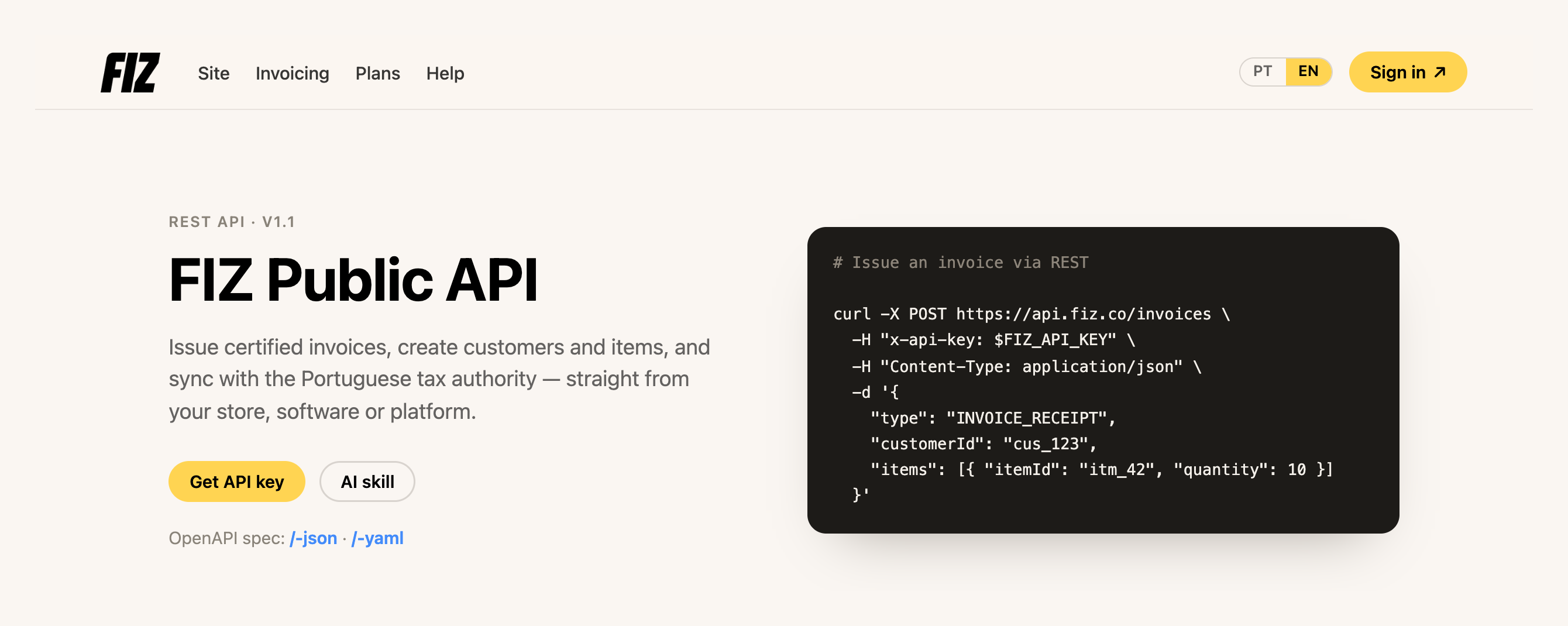
There are **new methods**: you can now create a **credit note**, **cancel an invoice** and **choose the series** when issuing — all through the API, joining the invoice, customer and item endpoints that were already there. Invoices are created as drafts and only reported to the tax authority (AT) at the moment of issuance, so you can validate everything (and even generate the PDF) before you issue. You can also now **read your bank connections and transactions** from Finances through the API, to pull the data into your own accounting.
And we've open-sourced an **AI skill** that connects **Claude or ChatGPT** to the FIZ API. You say, for example, *"issue João a 10-hour consulting invoice"* and the assistant handles the rest — with a working knowledge of Portuguese tax rules: VAT rates, exemption reasons, NIF validation, and a mandatory confirmation before the irreversible step of issuing.
[Get my API key →](https://app.fiz.co/settings/integrations) · [See the skill on GitHub →](https://github.com/FIZ-co/fiz-invoicing-skill)
## Know whether your email reached the customer
You emailed the invoice — but did it arrive? From June, each document shows its **delivery status** on its page: **Sent**, **Delivered** or **Not delivered**. No more wondering whether the customer got it or it landed in spam.
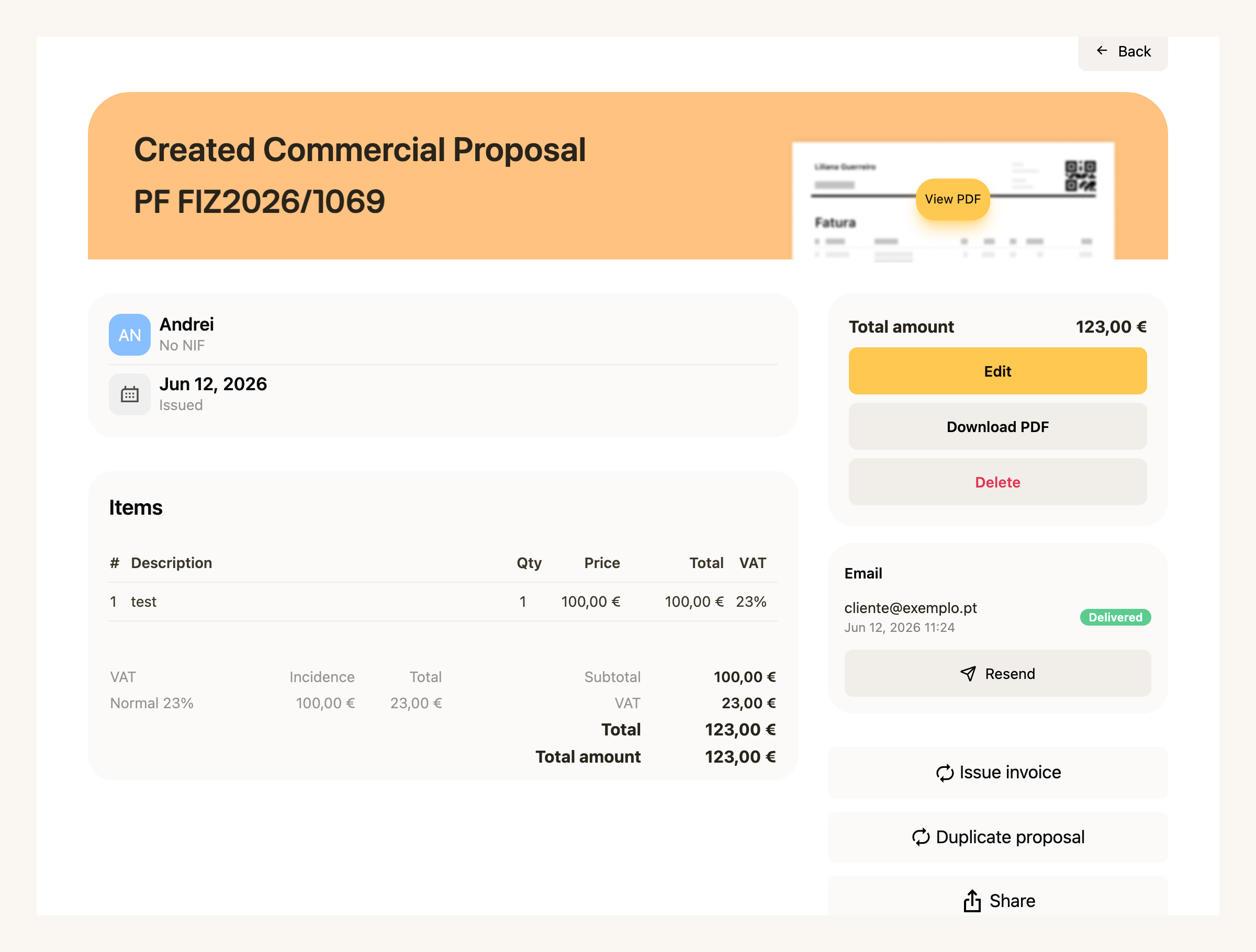
And if something went wrong, you **resend it in one click** — from the same page, without starting over.
[View my invoices →](https://app.fiz.co/invoices)
## IRS — the home stretch
June was deadline month: IRS filing closed on **30 June**. All through the month we kept clearing the cases that made people get stuck right up against the date.
The wizard now handles **crypto** (with its own question and an Anexo G step for long-term exempt gains), **property capital gains** (Anexo G) and **foreign income** (Anexo J, using the files from your bank or broker).
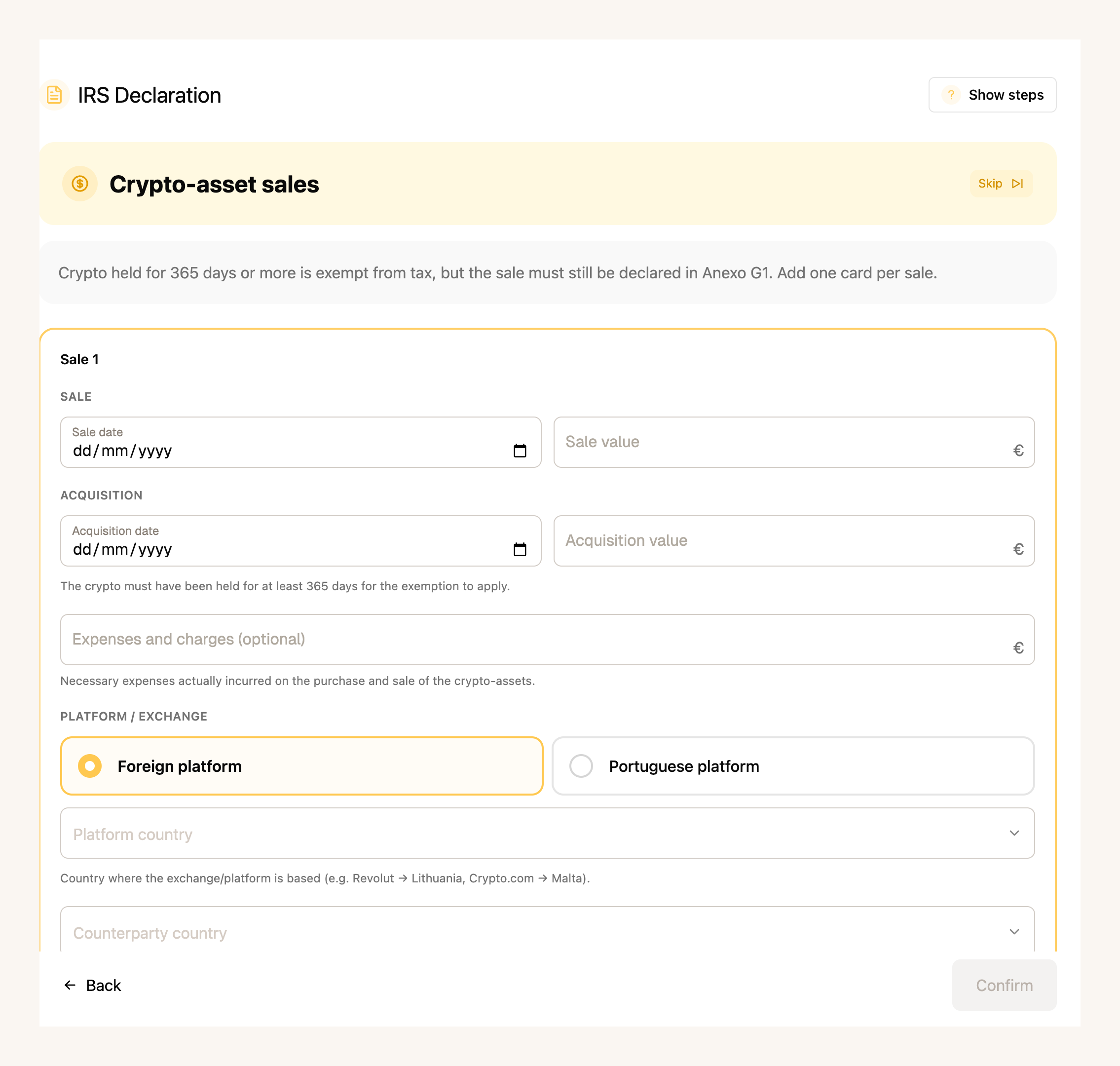
On the simulation, you now see the **opt-in for aggregation (englobamento)** and a **comparison across regimes** — standard, NHR and IFICI — plus a matrix comparing the outcome **for each spouse**, so you can pick the cheapest scenario.
It also got sturdier along the way: a **residency** step with a date, a **tax-office picker** using the AT's code registry, support for **2FA** when you log into the Portal, and downloading the Social Security **receipt (PDF)**.
[View my IRS →](https://app.fiz.co/declarations/irs)
## Finances, with a reworked workbench
In May we opened Finances to everyone. In June we reworked the workbench where you handle the day-to-day, and added things that were missing:
- **Counterparties, for the first time.** Your customers and suppliers in one place, who owes what across sales and purchases — and you can **merge duplicates** of the same person.
- **Withholding tax, now accounted for.** The tax withheld at source is taken into account, read from the documents themselves or entered by hand.
- **Everything in euros.** Documents in a foreign currency automatically show their euro equivalent, converted at the European Central Bank rates.
- **SNC categories.** A tree along the SNC chart of accounts, with your own categories and sub-accounts.
- **Rules applied to the past.** Rules no longer only count from now on — they apply to transactions that already exist too, with a preview of how many will be affected before you confirm.
- **A financial-health dashboard.** Your VAT position and reconciliation status on a single screen.
The advanced features are on the **paid plans**.
[Open Finances →](https://app.fiz.co/bookkeeping)
## A few more improvements
- **Payment history.** A new page with all your payments and one-off purchases, grouped by month.
- **Fonts in PDF templates.** The template editor now lets you choose the typeface.
## What's coming next
With phone payments up and running, we'll keep improving the app and invoicing. If there's something you'd like to see, or you ran into a problem, write to us via the in-app chat. We read everything.
Thank you for using FIZ.
---
## Reverse charge: the Google & Meta invoices you pay IVA on
> URL: https://blog.fiz.co/en/reverse-charge-vat-google-meta-upwork
> Category: VAT | Published: 2026-06-30 | Reading time: 7 min
> You're exempt under art. 53.º, but buying Google or Meta ads forces you to self-assess 23% IVA in Portugal. The trap explained.
Ricardo is a designer, is exempt from IVA under art. 53.º, and has never charged a single cent of IVA to a client. One day he decides to promote his portfolio: he spends €200 on Meta ads and €150 on Google Ads. Makes sense - it's marketing.
What he doesn't know is that, the moment he hit "pay", he created an IVA obligation in Portugal for himself - the very thing he thought he was completely free of.
This catches a lot of people off guard. The art. 53.º exemption does **not** protect you when you are the one **buying** services from foreign suppliers. It's a silent trap, and it's worth understanding why before the AT (the Portuguese tax authority) reminds you of it.
## The art. 53.º exemption only covers what you sell
First, what the exemption actually does. The **art. 53.º exemption regime** (the regime for those who invoice little and don't charge IVA) applies to **the operations you carry out in Portugal** - that is, the recibos verdes (green receipts) you issue to your clients. On those, you don't charge IVA. Full stop.
What the exemption does **not** cover are your **purchases** from suppliers outside Portugal. Here the law treats you differently: for these purchases, you're treated as a normal taxable person, with obligations of your own.
And that's where autoliquidação comes in.
## What autoliquidação (reverse charge) is
**Autoliquidação** (reverse charge, or "inversion of the taxable person") is simple to state: when you buy a service from a foreign company, the IVA is due **in Portugal** - and it's **you**, the buyer, who has to calculate it and hand it over to the State, instead of the supplier.
Why? Because of the place-of-supply rule for B2B services (art. 6.º, n.º 6, al. a) of the CIVA): when a professional in Portugal buys a service from another professional, the service is deemed to take place in the client's country - Portugal. So the IVA is Portuguese.
Google and Meta (invoiced from Ireland) know this. That's why they issue your invoice **without IVA**, with the note *"IVA - Autoliquidação"* or *"Reverse Charge"*, and hand you the hot potato: accounting for the IVA becomes your job.
## The part that hurts: when you're exempt, the IVA is your cost
Here's the difference that changes everything.
A professional on the **normal IVA regime** who buys ads from Google does two things on the same return: they **charge** the 23% and, right after, **deduct** the same 23%. Net result: zero, they actually pay nothing.
You, under art. 53.º, **have no right to deduct**. You self-assess the 23%, but you can't recover it. The money leaves your pocket, in full.
In other words: that €100 Meta ad doesn't cost you €100. It costs you €123, because you have to hand €23 of IVA to the AT that you'll never get back.
## Example 1: Ricardo and the Meta ads
Back to Ricardo. In a single month he spent €200 on Meta and €150 on Google Ads - €350 of digital advertising from suppliers in Ireland. (If the purchases fall in different months, someone exempt under art. 53.º files one return per month - they cannot be bundled into one.)
Ricardo thought the ads had cost him €350. They cost him €430.50. And if he never files the declaração periódica with this €80.50, he's in default with the AT - with interest and a penalty piling on later.
## Example 2: Sofia and Upwork (a non-EU supplier)
Sofia is a copywriter and hires backup on **Upwork** and pays a software subscription to a company in the US. Suppliers **outside** the European Union. Does the rule change?
Not for the IVA. The place-of-supply rule is the same: the service is bought by a professional in Portugal, so the IVA is due here. Sofia **still self-assesses** the 23% and, being exempt, still can't deduct it.
What changes is **VIES**:
**VIES** (the VAT Information Exchange System) is an **EU-only** system. A US supplier has no way to validate your NIF there - nor do they need to. But the obligation to self-assess the IVA in Portugal comes from Portuguese law, not from the invoice Upwork issues you. It's there, whether the invoice mentions "reverse charge" or not.
## What you actually have to do (in order)
If you buy (or are about to buy) these services, the sequence is this:
1. **Before the first purchase:** file a **Declaração de Alteração de Atividade** (change-of-activity declaration) on the Portal das Finanças, indicating that you'll carry out **intra-EU operations**. This activates your NIF in VIES.
2. **When you receive the invoice** (e.g. Google): check that it has your NIF, that it charged you no IVA, and that it mentions the autoliquidação. Calculate the 23% on the invoice amount.
3. **Declare and pay — the deadline depends on your regime.** In the **standard regime**, you declare (and, if entitled, deduct) the self-assessed IVA in your regular periodic return. **Exempt under art. 53.º?** Since you don't file a regular periodic return, art. 27.º n.º 3 of the CIVA gives you a deadline of its own: you file the return and pay the tax **by the end of the month following the one in which the tax becomes chargeable** — as a rule, the month the service was provided, which for Google/Meta subscriptions coincides with the invoice month. And only for months with such purchases (a January Google service → declare and pay by the end of February). The obligation repeats for every month with these purchases — with a monthly ad subscription, that means every month. Mind one detail: the boxes are **not the same** for services from EU suppliers (Google, Meta) and from outside the EU (Upwork, US) - the return handles the two in different sections. If you fill it in by hand, check which applies; with FIZ, they go to the right place automatically.
One piece of good news to simplify things: the **declaração recapitulativa** (the recapitulative statement listing EU clients) does **not** concern you here. That one is only for those who **sell** services to EU clients - if you only **buy**, you don't file it. You're left with just the declaração periódica.
> **Warning:** the costliest mistake is buying from Google/Meta **without** having activated VIES first. Without your valid NIF in VIES, the supplier treats you as a final consumer and charges you their country's IVA (e.g. 23% in Ireland). And even then, you're still obliged to self-assess 23% in Portugal - you pay IVA twice, and deduct neither. Register **before** the first invoice.
## This is not the IVA you charge your clients
So you don't get confused: you keep issuing your recibos verdes **without IVA**, citing the art. 53.º exemption. Nothing changes there.
If, on top of buying, you also **provide** services to EU companies, then other obligations kick in (that declaração recapitulativa, the client's VAT number) - we covered that in [how to ask your European client for their VAT number](/en/eu-vat-number-european-client) and in [foreign client: how to invoice and what to do about IVA](/en/foreign-client-invoicing-vat-portugal). And if you're unsure about the rates themselves, see the [guide to IVA rates (6%, 13%, 23%)](/en/vat-rates-6-13-23-portugal).
The autoliquidação we've talked about here is the **buying** side - and it's the one most exempt freelancers don't even know exists.
## ✅ In summary
1. **The art. 53.º exemption covers what you sell, not what you buy.** Buying ads from Google, Meta, or services on Upwork forces you to self-assess 23% IVA in Portugal - and, because you're exempt, that IVA is a **real cost** you cannot deduct.
2. **Register in VIES before your first EU purchase** (Declaração de Alteração de Atividade, intra-EU operations) and file the **declaração periódica de IVA** - in the standard regime, in your regular return; exempt under art. 53.º, for each month with these purchases, by the end of the month after the tax becomes chargeable. For non-EU suppliers (Upwork, US) VIES doesn't apply, but you still self-assess. The declaração recapitulativa is only for those who sell to the EU.
3. **With [FIZ](https://fiz.co/) these obligations stop catching you by surprise:** the software spots the reverse-charge invoices, calculates the IVA you owe, and prepares and submits your declaração periódica de IVA on time, so you don't end up in default over a €50 ad. See the [plans](https://fiz.co/planos).
---
## 6%, 13% or 23%: which VAT rate you apply
> URL: https://blog.fiz.co/en/vat-rates-6-13-23-portugal
> Category: VAT | Published: 2026-06-27 | Reading time: 6 min
> Portugal's three VAT rates (6%, 13%, 23%), with examples plus the lower Madeira and Azores rates. Work out which one you apply.
Rita runs an event catering business. In a single week she issues one invoice for the meal service at a wedding and another for selling a few hampers of gourmet products. She sits down to work through her receipts and stops: "wait - do these carry the same VAT rate?".
They do not. And this is where a lot of people trip up. IVA (Portuguese VAT) does not have one single rate. It has **three** on the mainland - 6%, 13% and 23% - and the rate does not depend on who you are, it depends on **what you sell**. The same professional can have to apply different rates depending on the product or service on the invoice.
Let us make this clear, without the legalese.
## The three rates: reduced, intermediate and standard
All three sit in Article 18 of the Código do IVA (the CIVA, the body of VAT rules). The logic is simple: the more essential the item, the lower the rate.
The key is the two lists (Lista I and Lista II, two annexes to the CIVA that enumerate, one by one, the goods and services with a lower rate). If what you sell is on Lista I, you apply 6%. If it is on Lista II, you apply 13%. If it is on neither, it falls under the general rule: **23%**.
## What sits at each rate
You do not need to memorise the lists, but it helps to have a sense of the kind of things that fall into each one.
**Reduced rate (6%)** - life's essentials:
- Basic food products - bread, milk, eggs, meat, fish, fruit and vegetables
- Medicines and pharmaceutical products
- Books, newspapers and magazines
- Hotel accommodation
- Passenger transport
**Intermediate rate (13%)** - mostly the hospitality sector:
- Ready-to-eat meals - restaurant service, takeaway, home delivery
- Food and drink services (except alcoholic drinks and soft drinks)
- Ordinary wines
- Preserved **molluscs** outside item 1.3.2 → 13% (List II 1.2.1); preserved **fish** outside the item is standard-rated (23%). Fish or mollusc preserves with over 50% product content that item 1.3.2 covers are at **6%** (since 2024, including tuna, mackerel and sardine pastes) - **but** smoked fish, swordfish and sturgeon (dried, salted or in conserve) and caviar stay at the **standard 23% rate even above 50%**
- Musical instruments
**Standard rate (23%)** - by default, this is where most freelancer services land:
- Clothing, household appliances, telecommunications
- Alcoholic drinks and soft drinks
- And the overwhelming majority of **professional services** - design, programming, consultancy, marketing...
This is why, if you provide office-type services (designer, programmer, consultant), your rate is almost always **23%**. Your activity is not on any list, so it falls under the general rule. If you are still unsure what VAT is and why it is not your money, start here: [VAT - where it comes from, where it goes](/en/vat-where-it-comes-from-where-it-goes).
## Example: Rita and two rates in the same week
Back to Rita. She has two invoices to issue, and they are at different rates.
The ready-to-eat meal service is hospitality - Lista II, intermediate rate. She applies 13%.
Basic food products sit on Lista I, reduced rate - 6%.
Two invoices, two rates, the same professional. Notice the rate does not change because Rita is the one issuing it - it changes because what she sells on each invoice is different.
> **Warning:** the classic mistake is always applying the same rate "because that is what I did last time". The rate follows the good or service, not your profile. And there's a costly detail in catering: the meal service is 13%, **but alcoholic drinks (including wine served with the meal) and soft drinks are 23%**. On a single catering invoice you can have lines at 13% (food) and 23% (drinks). If you put everything at 13% for convenience, you are undercharging VAT and the state will want the difference. And there's a separate case: if you bill the event at a **single all-in price** that includes the drinks (a set menu, a buffet), the standard rate (23%) applies to the **whole** value - the 13%/23% split only works with itemised lines.
## What about Madeira and the Azores? The rates are lower
Here is the part almost everyone misses: the Autonomous Regions have **lower** rates than the mainland. This is set out in Article 18(3) of the CIVA itself.
The practical rule: you apply the rate of the region **where the transaction is deemed to take place**, not the one where you live. A service supplied and consumed in the Azores carries the Azorean rate; the same service on the mainland carries the mainland rate.
**Example - Bruno, a designer:** Bruno lives in Porto and invoices design at 23%. If he registers his activity and starts supplying services from Funchal, for transactions located in Madeira his standard rate becomes **22%**. It is not a saving for him (VAT is not his money - it belongs to the state), but the figure on the invoice changes, and he has to get it right.
> The regional rates change through each region's own legislation. If you invoice into Madeira or the Azores, check the rate in force before you issue - this is one of the points where it is easy to be left with an out-of-date figure.
## How to find your activity's rate
Rule of thumb for the typical freelancer:
1. **Do you provide professional services** (design, code, consultancy, copywriting, marketing)? Almost certainly **23%** - you are not on any list.
2. **Do you work with food, accommodation, books, healthcare, transport**? Go to [Lista I](https://info.portaldasfinancas.gov.pt/pt/informacao_fiscal/codigos_tributarios/civa_rep/Pages/c-iva-listas.aspx) (6%) and [Lista II](https://info.portaldasfinancas.gov.pt/pt/informacao_fiscal/codigos_tributarios/civa_rep/Pages/c-iva-listas.aspx#L2) (13%) - the official CIVA annexes - and see exactly where what you do fits.
3. **Is the operation located in Madeira or the Azores?** Then the regional rates apply - but what counts is where the operation is located (which depends on the client type and service), not just the address on the invoice.
If you are unsure about a specific entry on the lists, do not guess: confirm before you issue. A wrong rate on an invoice forces you to cancel and reissue - more work than getting it right first time.
## ✅ In summary
1. **There are three rates on the mainland - 6%, 13% and 23% - and the rate depends on what you sell, not who you are.** Lista I → 6%, Lista II → 13%, everything else → 23%. Most freelancer services land at the standard rate (23%).
2. **Madeira and the Azores have their own, lower rates** (Madeira 4/12/22%, Azores 4/9/16%). You apply the rate of the region where the transaction is located, not where you live.
3. **With [FIZ](https://fiz.co/) you pick the VAT rate at the moment you invoice** - 6%, 13% or 23% - and your quarterly VAT return is prepared and filed from your receipts, without you adding up rates by hand. See the [plans](https://fiz.co/planos).
---
## Anexo A (IRS): your salary on a freelancer's tax return
> URL: https://blog.fiz.co/en/anexo-a-irs-employment-income
> Category: IRS | Published: 2026-06-19 | Reading time: 6 min
> Got a salary and recibos verdes? Anexo A comes pre-filled, but two things trip everyone up: what retenção really is and the deduction you can't reuse.
Bruno works part-time at a company and does a few freelance projects at the weekend. When he opens his IRS declaration, he finds an "Anexo A" already full of numbers he never typed in: salary, tax withheld, deductions. And he panics: did the system get it right? And these fields - what do they even mean?
Good news first: Anexo A is the part that's **already done for you**. The numbers come straight from what your employer reported to the AT.
But two things trip up almost everyone: what **retenção na fonte** (withholding) actually is - it's not what it looks like - and the fact that you can't reuse your salary's automatic deduction on the freelance side. Let's get into it.
## What Anexo A is, and why it comes pre-filled
Anexo A is where **Category A income** goes - employment income, i.e. your salary. (Pensions, Category H, also go here, but that's another conversation.)
Because your company already reports to the AT how much it paid you and how much it withheld, this annex comes **pre-filled**. You don't write it - you **confirm** it.
Each line of Quadro 4A has three columns worth knowing how to read:
Each income line shows a **code** next to it. For the vast majority of salaries it's **code 401** (employment income, gross). That's the one you'll see.
Two practical notes:
- **Each taxpayer has their own lines.** If you're married and your spouse is also salaried, each of you has your own lines, separated by the taxpayer column (A or B). A spouse with no income files no Anexo A at all.
- **Foreign salary does not go here.** If you worked for a foreign entity, that income goes in Anexo J, not A.
> **Warning:** If the Anexo A figures don't match your payslip, **check with your employer before correcting them**. You can edit the pre-filled values, but only once you're sure which one is wrong - your payslip or what the company reported.
## Withholding isn't a deduction - it's money you've already paid
Here's mistake number one for people who only have a salary.
Many look at the withholding (retenção na fonte) and think it's a deduction, something that lowers the income they pay tax on. **It isn't.** Withholding is **tax you've already paid** over the year - every month the company takes a slice and hands it to the AT for you.
It sounds like a technical detail, but it actually explains something that confuses everyone: why a salary-only return can produce a refund **or** a bill.
Here's what happens. The monthly withholding is an **estimate**. At year-end, the return does the real maths:
If the company withheld too much, you get the difference back; if it withheld too little, you pay. That's all it is. (The full logic of the May refund is in [this article](/en/irs-refund-may-independent-workers).)
There's also an automatic **specific deduction** for anyone with a salary: in 2025 it's **€4,462.15** that the state subtracts from your employment income, with nothing to prove. (If your mandatory Social Security contributions are higher than that figure, the real contribution amount counts instead.)
## Salary AND recibos verdes? Two things you need to know
If you're employed and freelance at the same time, the two incomes add up on the same return and IRS applies the brackets to the total. **That's already explained in detail** in the article on [working a job and freelancing at the same time](/en/work-employment-freelance-simultaneously) - we won't repeat it here.
What that article doesn't cover, and what trips most people up, are these two Anexo A specifics:
**1. You can't use your salary's deduction as an extra deduction on your freelance income.**
Your salary gets the automatic €4,462.15 deduction. But that belongs to Category A. Your recibos verdes (Category B) are taxed via the **coefficient** - on the simplified regime, only 75% of what you invoice counts as income (see the [article on the coefficient](/en/coefficient-075-035-irs)). Curiously, the **same** €4,462.15 figure reappears on the Category B side, but only as a minimum expense floor inside Category B's own calculation (the art. 31.º rule), not as a second deduction you stack on top.
> Watch out for a common confusion: the "option for Category A rules" that appears in Anexo B is **a different thing** - a rare and rarely beneficial choice, not your salary deduction being reused.
**2. If you had a salary, you lose the new-activity reduction for that year.**
In the first and second years of activity, the 0.75 coefficient usually has a reduction (it drops to 0.375 in year 1 and 0.5625 in year 2). But there's a trap:
The reduction is only "for that year", not forever - but having a salary in the same year wipes out that discount. To understand how the coefficient works in general, see the [article on the coefficient](/en/coefficient-075-035-irs).
## Joint filing: one salary, one freelancer
What if you're married, one with a salary and one freelancing? This is where the **family quotient** (quociente conjugal) comes in.
Marta is salaried and Diogo is a freelancer. When they file jointly, the tax is calculated **as if each had earned half the total**, and then multiplied by two.
This usually pays off when the incomes are unequal - but mind the misconception:
> It does **not** mean half is exempt, nor that you pay "tax on 2.5". The whole income is taxed. What changes is that, by halving the base, more of it falls into lower brackets - and the benefit is bigger the more different the two incomes are.
As you've seen, a spouse with no income files no Anexo A - they appear only on the cover sheet of the joint declaration, as Sujeito Passivo B, with no income line at all.
> **Warning:** The costliest mistake is trying to stack the €4,462.15 salary deduction on top of your freelance income as an extra deduction - you can't; Category B has its own rule. And don't think half is exempt on a joint return. If you have a mixed situation (multiple incomes, IRS Jovem, NHR), don't fill it in blind: check the calculation before you submit.
## ✅ In summary
1. **Anexo A comes pre-filled with your salary** - check the numbers against your payslip. Withholding isn't a deduction: it's IRS you've already paid month by month, which is why a salary-only return can produce a refund or a bill.
2. **Salary and recibos verdes add up**, but the automatic salary deduction (€4,462.15 in 2025) can't be reused on the freelance side, and having a salary makes you lose the new-activity reduction that year. On a joint return, the tax is worked out on half the total - without half being exempt.
3. **With [FIZ](https://fiz.co/) your IRS declaration is assembled for you:** the system pulls Anexo A straight from the AT portal, combines it with your recibos verdes, works out the real tax (correct brackets, lost reduction, family quotient) and you submit the declaration directly on the AT portal, with no maths by hand. See the [plans](https://fiz.co/planos).
---
## Anexo B (IRS): how to fill it without losing your head
> URL: https://blog.fiz.co/en/anexo-b-irs-how-to-fill
> Category: IRS | Published: 2026-06-19 | Reading time: 6 min
> Recibos verdes on the simplified regime? Anexo B looks like a maze of quadros, but for most people it's 3 or 4 fields. Here's which ones, in plain English.
Sofia, a designer, opens her IRS declaration, reaches "Anexo B" and freezes: dozens of quadros, fields with three- and four-digit numbers, acronyms. The question everyone asks in freelancer groups is the same: "I don't understand which box I'm supposed to tick."
Good news: for most independent workers on the simplified regime, what matters is **3 or 4 fields**. The rest of the quadros are for special situations that probably don't apply to you.
Let's go through, in order, what you actually have to fill in.
## What Anexo B is and who files it
Anexo B is where you declare your **Category B income** - the recibos verdes, your work as a freelancer.
It's **individual**. You fill in one Anexo B for the person who has the activity. If you file jointly and your spouse has no activity, you do **not** fill in an Anexo B for them - they just appear as Sujeito Passivo B on the cover sheet. (This is the most common confusion among couples.)
Two cases that look like they exempt you from Anexo B, but don't:
- **Had an activity open but invoiced nothing?** You still file Anexo B, with the values at 0.00. The obligation only ends when you close the activity.
- **Your income came from abroad and went into Anexo J?** You still file Anexo B. The two annexes complement each other, they don't replace one another.
## Quadro 1: simplified regime or isolated act?
The first choice. In Quadro 1 you tick the regime:
- **Field 01 - Regime simplificado:** this is you if you have an activity open and issue recibos verdes regularly.
- **Field 02 - Ato isolado:** only if it was a one-off, single job, with no activity open.
You can't tick both. For the vast majority of freelancers with an open activity, it's **field 01**.
> There's also, further down, the "option to apply Category A rules" (Quadro 5). It's a rare choice that only pays off in very specific cases (someone who provides services to a single entity and has lots of real expenses). For almost everyone, the normal simplified regime is better. Don't worry about it now.
## Quadro 4: where your income goes
This is the heart of Anexo B. It's where you write how much you invoiced, in the right field depending on the type of activity. Each field has a **coefficient** attached, which sets how much of what you invoiced is taxable.
In practice, you write the **total you invoiced** in the field that matches your activity. The coefficient is applied automatically.
**Example:** Sofia invoiced €18,000 in design services (an activity from the art. 151.º table). She writes **€18,000 in field 403**. The system applies the 0.75 coefficient:
Not sure which coefficient applies to you? We explained the difference between 0.75 and 0.35 [in this article](/en/coefficient-075-035-irs). And if you're unsure about your activity code, see [how to choose your CAE/CIRS code](/en/cae-cirs-activity-code-portugal).
## Social Security: the basic deduction is automatic
This is the most frequently asked question: "where do I put my Social Security contributions on Anexo B?" The answer has two parts.
**The basic deduction is automatic.** Under the art. 31.º n.º 2 rule, the part of your contributions that **exceeds 10% of what you invoiced in services** is deductible - and the AT does this itself, from the data it receives from Segurança Social. You don't have to fill in anything to get this deduction.
**But there is a field, and it's optional: Quadro 17 (field 17001).** There you can enter the **total** of your Social Security contributions. It isn't for the deduction above - it's for something else: justifying real expenses to avoid the "acréscimo" (the art. 31.º n.º 13 rule, which can tax part of your income again if you invoice a lot and have few registered expenses). If you invoice little, you rarely need it; if you invoice a lot, filling in 17001 can save you tax.
You don't have to do this sum or fill in anything. The AT does it all from the data it already has.
## First or second year? You pay less
If you're in the early years of your activity, there's an important discount. In the first two years, the service coefficients have a reduction:
In the 2nd year the reduction is smaller: 0.75 becomes **0.5625** and 0.35 becomes **0.2625**. From the 3rd year on, no reduction.
Two traps: the reduction **does not apply to sales of goods** (coefficient 0.15), and it's **lost if you also had a salary** (Category A) or pension (Category H) that year.
> **Warning:** The two costliest mistakes with Anexo B. First: filing an Anexo B for a spouse who has no activity - you don't, Anexo B belongs only to the person with the activity. Second: thinking that foreign income in Anexo J exempts you from Anexo B - it doesn't, you file both. If you have a mixed situation (multiple CAE codes, salary + recibos verdes, capital gains), don't fill it in blind: check the calculation before you submit.
## ✅ In summary
1. **For most people, Anexo B is just a few fields:** you tick the simplified regime (Quadro 1, field 01) and write what you invoiced in the right Quadro 4 field - **403** for art. 151.º table services (0.75), **404** for other services (0.35), **401** for sales (0.15).
2. **Social Security: the basic deduction is automatic** - the AT deducts the part that exceeds 10% of your services itself (art. 31.º n.º 2). There's an optional field (Quadro 17, field 17001) to enter the total of your contributions and justify expenses, useful if you invoice a lot. And in the 1st and 2nd years of activity, the service coefficients have a reduction (0.375 and 0.5625).
3. **With [FIZ](https://fiz.co/) your Anexo B is filled in for you:** the system uses your recibos and the AT data to put each value in the right field, with the correct coefficient and new-activity reduction, and you submit the declaration directly on the AT portal. See the [plans](https://fiz.co/planos).
---
## How to Reopen Your Atividade in Portugal After Closing It
> URL: https://blog.fiz.co/en/reopen-atividade-portugal
> Category: Guides | Published: 2026-06-06 | Reading time: 6 min
> Closed your activity and want to freelance again? Reopening is simple — but it differs from the first time. What changes for Social Security, VAT, and the mistakes to avoid.
You [closed your activity](/en/suspend-close-atividade) a while ago — maybe to take a job, maybe for a break — and now you want to invoice as an independent worker again. Good news: reopening is as simple as opening for the first time.
But there is one question that always comes up and rarely gets a clear answer: **"the Portal calls it Reinício de Atividade — is that going to cause me problems?"** The short answer: no. Here is why, and what actually changes compared with the first time.
## Início vs Reinício: are they the same thing?
When you reopen, the process is treated as a **declaration of início de atividade** — the same declarative act as the first time. On the Finance Portal, the path is the same: "Início de Atividade" → "Entregar declaração", even if you have had activity before.
The confirmation document you receive may carry the title *Reinício de Atividade*, but it is the same kind of document, with the **date of the new start**. It is not a special or more complicated process. If a bank or third party asked you for an "início de atividade" declaration, this document does the job.
## How to reopen — step by step
On the Finance Portal, it takes about 5 minutes:
1. Log in with your NIF and password
2. **Serviços → Atividade → Início de Atividade**
3. Enter the start date (it must be today or a future date — it cannot be backdated)
4. Select your CAE and taxation regime
5. Submit and save the confirmation
If you are unsure about the general process, our [complete guide to opening activity](/en/how-to-open-freelance-activity-portugal) explains every step in detail — it applies equally to a reopening.
## What changes compared with the first time
Here is the most important point, and the one most people do not know.
### Social Security: the 12-month exemption does not restart from scratch
The first time you open activity, you get 12 months with no obligation to contribute to Social Security. **That benefit is a one-off — it does not restart from scratch each time you reopen.**
There is one important exception, though. If you closed **within** the first 12 months (before using up the exemption) and reopen within 12 months of the cessation, the count is **paused and continues** — you keep the exemption months you had not yet used. For example: you used 4 months, closed, reopen 3 months later → you still have the remaining 8 months.
Outside that case — if you had already used up the 12 months, or you reopen more than 12 months after closing — the obligation to contribute starts right away on reinício. There is no fresh 12-month period.
### VAT: you can return to the Article 53 exemption (with exceptions)
As a rule, when you reopen you can opt back into the [Article 53 VAT exemption](/en/the-thresholds-that-change-everything-15000-and-200000) if your estimated invoicing stays **below €15,000**. That estimate is for the current calendar year — from the start date to year-end, **not annualised**. Eligibility also depends on your previous calendar year's turnover, where applicable.
But watch out for a rule that catches many people (Article 56 of the CIVA). There are **two cases** where you cannot return to the exemption straight away, even with forecast invoicing below €15,000:
- If you were in a **taxation regime (normal regime)** at the date of cessation and you reopen **within the following 12 months**;
- If you reopen **in the year after cessation** and, had you not closed, you would have moved to the normal regime because of the previous year's turnover.
If you fall into either case, you either wait out the required time, or open on the normal regime and switch to the exemption later, at the proper moment.
### The CAE and the regime
Reopening is a fresh declaration, so you select the CAE and regime again. If your activity is the same as before, you choose the same code. If it has changed, this is your chance to get it right — see the [CAE and CIRS guide](/en/cae-cirs-activity-code-portugal) if you are unsure.
## Test your case
Two rules, four possible combinations — instead of re-reading everything, answer and see what applies to you:
## Two myths to avoid
Two ideas circulate that can land you in trouble:
### ❌ "I'll close and reopen to change my VAT regime"
It does not work, and it backfires. Changing from the normal regime to the Article 53 exemption is done through a **Declaração de Alterações in January** (Article 32 and 54(2) of the CIVA), not by closing and reopening.
Worse: closing and reopening just to change regime triggers a rule that **blocks you from the exemption for 12 months**. Instead of fixing things, you create a problem. If you want to change regime, wait for January and use the alterações declaration.
Note: if you **voluntarily opted** into the normal regime (renunciation of the exemption), you are required to stay in it for **at least 5 years** — you can only leave earlier in the case of an essential change to your activity conditions (Article 55 of the CIVA).
### ❌ "I'll reopen with a backdated date to invoice old work"
This is not possible either. The start date of a reopening must be the **day you submit or a future date** — never a past date. And you cannot issue an ato isolado **in the year you closed your activity or the year after** — in those cases, reopening activity is the only route. If you need to invoice recent work, talk to an accountant about the correct route before proceeding.
## Frequently asked questions
**Is Reinício de Atividade different from Início de Atividade?**
In practice, no. It is the same declarative act and the same document, with the date of the new start. The title may say "Reinício", but it serves the same purposes.
**How many times can I reopen?**
There is no limit. You can close and reopen as your situation requires — it is completely normal.
**Do I keep my NIF?**
Yes. The NIF is your taxpayer number and never disappears, whether your activity is open or closed.
**Do I get the 12 months without Social Security again?**
You do not start a fresh 12-month period. The exception: if you closed before using up the initial exemption and reopen within 12 months, you keep the months you had not yet used.
## ✅ In summary
1. **Reopening is the same process as opening** — Finance Portal, "Início de Atividade", 5 minutes. The confirmation may be called "Reinício", but it is the same document.
2. **The 12-month Social Security exemption does not restart from scratch** — but if you closed within that period and reopen within 12 months, you keep the months left over. Otherwise, you contribute from the reinício.
3. **Do not use close+reopen to change regime or for backdated dates** — it does not work and can block your exemption. To change your VAT regime, use the alterações declaration in January.
4. **With [FIZ](https://fiz.co/) everything is automatic again from day one** — invoices, quarterly declarations, and reminders of your obligations, without you having to think about them.
---
## Social Security -25% Option: How It Works
> URL: https://blog.fiz.co/en/social-security-25-option-quarterly-declaration
> Category: Social Security | Published: 2026-06-06 | Reading time: 6 min
> In the quarterly declaration you can adjust the base by up to 25%. See the impact on BIC, contributions, sickness, parental leave and pension.
In the quarterly Social Security declaration there is one option many independent workers overlook: you can fix your relevant income up to **25% below or above** the value calculated from the declaration.
At first glance it looks like a simple way to "pay less". It is more specific than that. This option changes your **monthly contributory base** (BIC), and the BIC is the amount on which your contributions are calculated. In some cases, it can also affect the base used for sickness benefit, parental allowance, and pension calculations.
If you are still learning the basic formula, start with the general guide to [Social Security for freelancers](/en/social-security-for-freelancers-guide). This article focuses only on the 25% option.
## What happens in the quarterly declaration
In the quarterly declaration, you declare the previous quarter’s income — income counts on the date the invoice becomes due: as a rule, the date the service was provided; for an advance, the date you receive it (art. 36.º of the CIVA). It is not the date the client pays an already-issued invoice. For service providers, Social Security usually calculates the **relevant income** like this:
> relevant income = 70% of declared services
Then it turns that amount into a monthly base:
> monthly BIC = relevant income ÷ 3
And the monthly contribution is:
> contribution = monthly BIC × 21.4%
At the moment of filing, you can choose to fix the relevant income at a value up to 25% higher or lower, in 5% steps: `-5%`, `-10%`, `-15%`, `-20%`, `-25%`, or the same steps upwards.
You can test the effect of each percentage on your own numbers in the [contribution calculator](/en/social-security-for-freelancers-guide#calculate-your-own-case) — pick the variation and see the monthly amount straight away.
## What the -25% option does not do
It **does not change the real income**. If you provided €9,000 of services in the quarter, you declare €9,000.
It also **does not reduce income tax, VAT, withholding tax, invoices, or receipts**. It is an option inside Social Security to adjust the contributory base used for the following months.
Thinking of it as "declaring less" is risky. The correct logic is: declare the true income and choose a contributory base within the legal margin.
## Example with real numbers
Imagine you provided €9,000 in services during the quarter.
Without adjustment:
| Calculation | Value |
|---|---:|
| Services provided | €9,000 |
| Relevant income | €6,300 |
| Monthly BIC | €2,100 |
| Monthly contribution | €449.40 |
With the `-25%` option:
| Calculation | Value |
|---|---:|
| Services provided | €9,000 |
| Adjusted relevant income | €4,725 |
| Monthly BIC | €1,575 |
| Monthly contribution | €337.05 |
In this example, you pay €112.35 less per month for the following three months. The immediate saving over the quarter is €337.05.
## When -25% can make sense
It can make sense when you had a strong quarter but already know the following months will be weaker. Social Security uses the previous quarter to calculate the next contributions, so the `-25%` option smooths that mismatch.
It can also help during tight cash-flow periods, as long as you understand the consequence: you are contributing on a lower base.
The opposite option also exists. `+25%` can make sense for someone who wants to strengthen their contributory base and can afford the higher monthly contribution.
## The impact on sickness, parental leave, and pension
This is where the decision stops being only about "paying less now".
For benefits such as sickness benefit and parental allowance, Social Security uses a **reference remuneration** calculated from the remunerations registered in your contributory record. As a rule, it looks at the six oldest months in the last eight before the work impediment.
If those months had a lower BIC because you chose `-25%`, the reference remuneration may also be lower.
Using the example above:
| Situation | Monthly BIC |
|---|---:|
| Without adjustment | €2,100 |
| With `-25%` | €1,575 |
| Monthly registered difference | €525 |
If all six months used in the calculation are at this level:
| Situation | Daily reference remuneration |
|---|---:|
| Without adjustment | €70.00/day |
| With `-25%` | €52.50/day |
For sickness benefit paid at 55%, that would be approximately:
| Situation | Approximate daily benefit |
|---|---:|
| Without adjustment | €38.50/day |
| With `-25%` | €28.88/day |
For pensions, the effect is slower and cumulative. The pension formula uses the total remunerations registered over your career, within legal limits. One isolated quarter barely moves the needle. Using a lower base systematically for years can reduce future reference remuneration.
## What if I issued an invoice in December but got paid in January?
Income counts in the quarter the **service was provided**, not of the payment. The official Social Security FAQ points to the IRS rules (art. 3.º of the CIRS): income is deemed obtained when issuing the invoice becomes obligatory — as a rule, on the date the service was provided (the invoice can legally follow up to 5 working days later, but the income stays in the service month). Advances are different: the invoice is due immediately on receipt, so an advance paid on 31 March counts in Q1 even if the work happens in April.
In other words: a service provided in December belongs in the October–December quarter, declared in January — even if the invoice goes out on 2 January or the client only pays in January. Declaring that income again in the quarter of the payment would duplicate it.
A note on document flow: if the client pays later, the correct sequence is a **fatura** on the service date and a **recibo** when you get paid; the **fatura-recibo** is for when service and payment coincide. If that distinction is still unclear, read the guide on [recibo verde vs fatura](/en/recibo-verde-vs-fatura-whats-the-difference).
## Limits and cautions
The 25% option does not apply to every situation in the same way.
Minimum and maximum limits still exist: the €20/month minimum contribution remains, and the monthly base has an IAS-linked maximum. There are also special rules for people who combine employment with freelance work and contribute only on the remaining relevant income.
If you are under organised accounting, the rule also changes: you can only use this option if you are under the quarterly relevant-income assessment regime. See the comparison of [organised accounting and the simplified regime](/en/organized-accounting-vs-simplified-portugal) for how the IRS and Social Security choices fit together and their separate deadlines.
In summary: for a typical independent worker in the simplified regime, the `-25%` option is a legal tool for managing the contributory base. But it is not neutral. Paying less now can mean a lower contributory base registered for those months.
## ✅ In summary
1. **The -25% option adjusts the contributory base, not the income declared.** You declare the real income and choose a lower BIC within the legal margin.
2. **You pay less Social Security for the following three months**, but you also register a lower base for that period.
3. **That base can influence future benefits** such as sickness benefit, parental allowance, and pension, because those calculations use remunerations registered in your contributory record.
---
## What Is a Debit Note? (And Why You Rarely Need One)
> URL: https://blog.fiz.co/en/what-is-a-debit-note
> Category: Guides | Published: 2026-06-06 | Reading time: 4 min
> A debit note increases the amount owed on an invoice. But freelancers rarely need one — a credit note plus a new invoice fixes most things. The difference, explained.
A supplier sends you a "debit note" for €120. Or you read the term somewhere and wonder whether you should be issuing them. The honest answer for most freelancers: **almost never.**
Here's what a debit note is, and why a credit note usually does the job instead.
## What is a debit note?
A **debit note** is a corrective document that **increases** the amount owed on an invoice that was already issued. You use it when the original invoice stays valid but you need to add to it — for example, late-payment interest, or a small extra charge agreed afterwards.
It's the mirror image of a credit note: a credit note *reduces* what's owed; a debit note *increases* it. Either way, the document **references the original invoice** — it can't stand alone.
## The rule of thumb (this is the part that matters)
There's one simple test for which document to use:
- **The original invoice needs replacing** (wrong amount, wrong NIF, the job was cancelled) → cancel/void it and issue a new, correct one. This is the common case. (For a wrong *amount*, that's typically a credit note + new invoice; for a wrong *NIF/date/number*, it's the **Anular** function — see "What a note can't do" below.)
- **The original invoice is correct but you need to *add* an amount to it** → issue a **debit note** for just that extra amount.
For most freelancers, almost every correction falls into the first bucket. That's why, in practice, you'll reach for a [credit note](/en/wrong-recibo-verde-nota-de-credito) and a fresh invoice — not a debit note. The credit-note-then-reissue method is cleaner: one cancellation, one new invoice, no ambiguity about what the client owes.
> Not sure which document to issue in the first place? See the guide on [which document to give each client](/en/which-document-to-issue-to-each-client).
## Debit note vs credit note
Both are corrective documents, must be issued in AT-certified software, and always reference the original invoice.
## The rare cases where a debit note is the right tool
A freelancer would genuinely need a debit note when the goal is to **add value** to an invoice that's otherwise correct:
- **Late-payment interest (juros de mora).** The client pays late and your contract allows interest. The original invoice is fine — you just add the interest with a debit note referencing it.
- **A small extra agreed afterwards.** The client asks for a minor add-on and you both agree to attach it to the original transaction rather than open a new invoice.
In each case the original invoice stays as it is — the debit note sits on top and raises the total:
## In the Portugal context
A *nota de débito* is a full tax document. Like invoices and credit notes, it must be issued through **AT-certified invoicing software**, with its own sequential numbering and an ATCUD code, and it's reported to the tax authority (AT). If the original carried VAT, the debit note carries VAT too — and it changes the VAT you hand over in your periodic declaration.
## What a note (debit or credit) CANNOT do
These documents adjust the **financial value** of an invoice — they don't rewrite its details. So there are things no note can fix:
- **They can't change the client's NIF.** A note adjusts the *value* of a transaction (Article 29 of the CIVA ties corrective documents to changes in the taxable amount or the tax) — it doesn't fix identifying data. If you issued the invoice to the wrong NIF, it went to the wrong entity, so the fix is to **cancel the transaction** (the **Anular** function, while it's still available) and issue a new invoice with the correct NIF. If the cancellation window has already closed, check the exact procedure with your accountant or the AT before acting — don't assume a note will fix it.
- **They can't change the original invoice's date, number, series or ATCUD.** Those are immutable. The note has its own date and numbering, always later.
- **They can't fix a wrong VAT rate by themselves in practice.** If you applied the wrong rate, the cleanest fix is to **cancel the invoice and reissue it** with the correct rate — most invoicing tools (and the portal) only let you enter quantity and price, so there's no clean way to register a standalone rate correction. If you charged too *little* VAT, fixing it is mandatory (Article 78(3) of the CIVA); don't sit on it.
## FAQ
**Can I just reissue a fatura-recibo I filled in wrong?**
You can: cancel the wrong one and issue a new, correct one. Alternatively, issue a credit note that voids it and then the new invoice. Either path is valid — what you can't do is edit or "ignore" the original.
**Does the credit note show as a negative amount on the portal?**
Not always the way you'd expect. The portal often won't let you enter a "−X" value directly; instead, you register the note referencing the invoice and reducing the relevant line(s). The end effect is the same — the original is corrected — but the way you fill it in can be confusing at first.
**I applied the wrong VAT rate — what do I do?**
Fixing it is mandatory if you charged too little (Article 78(3) of the CIVA). In practice the simplest path is to **cancel the wrong invoice and reissue it** with the correct rate, because invoicing tools let you enter quantity and price but not a clean standalone rate adjustment. If in doubt, check the exact steps with your accountant before the deadline.
## ✅ In summary
1. **A debit note increases what a client owes; a credit note reduces it.** Both reference the original invoice and must be issued in AT-certified software.
2. **As a freelancer you'll rarely issue a debit note.** To fix a wrong invoice (wrong NIF, wrong amount, wrong VAT rate), the standard move is to cancel it — a credit note that voids it, then a new correct invoice. A debit note is the right tool only when you need to *add value* to an invoice whose base is already correct: late-payment interest or a small agreed extra.
3. **With [FIZ](https://fiz.co/) corrective documents are one click** — the system references the original invoice automatically, handles the ATCUD and numbering, and adjusts your quarterly VAT without manual maths.
---
## What's new in FIZ — May 2026
> URL: https://blog.fiz.co/en/product-updates-may-2026
> Category: Product | Published: 2026-05-31 | Reading time: 6 min
> The big one is here: filing your IRS return straight through FIZ. Plus bookkeeping opened to everyone, FIZ in six languages, and working documents alongside your invoices.
May was all about **IRS**. After months of building it, we opened up filing your annual income tax return straight through FIZ — with a wizard that takes you from marital status to filing the Modelo 3 on the AT portal. And that wasn't all: bookkeeping is now within everyone's reach, FIZ gained six languages, and working documents joined your invoices. Here's everything.
## File your IRS — start to finish, inside FIZ
IRS season is what most people put off: too many annexes, tax rates that make no sense, the fear of clicking the wrong button on the Finanças portal. From May, you do all of it from FIZ.
The **IRS wizard** walks you through it step by step — marital status, income, deductions, simulation, declaration. Your Category B income comes in automatically from the invoices you issue in FIZ, and the rest you can **load straight from the AT Portal** instead of typing it by hand.
Along the way the wizard handles the real cases: **joint filing** for married and de-facto couples, dependants and household composition, and a comparison with the **NHR and IFICI** special regimes where they apply. At the end you **submit the return straight to the AT portal from FIZ** — or, if you prefer, generate the **official Modelo 3 XML file** and upload it by hand. And you can regenerate it as many times as you need during the filing window.
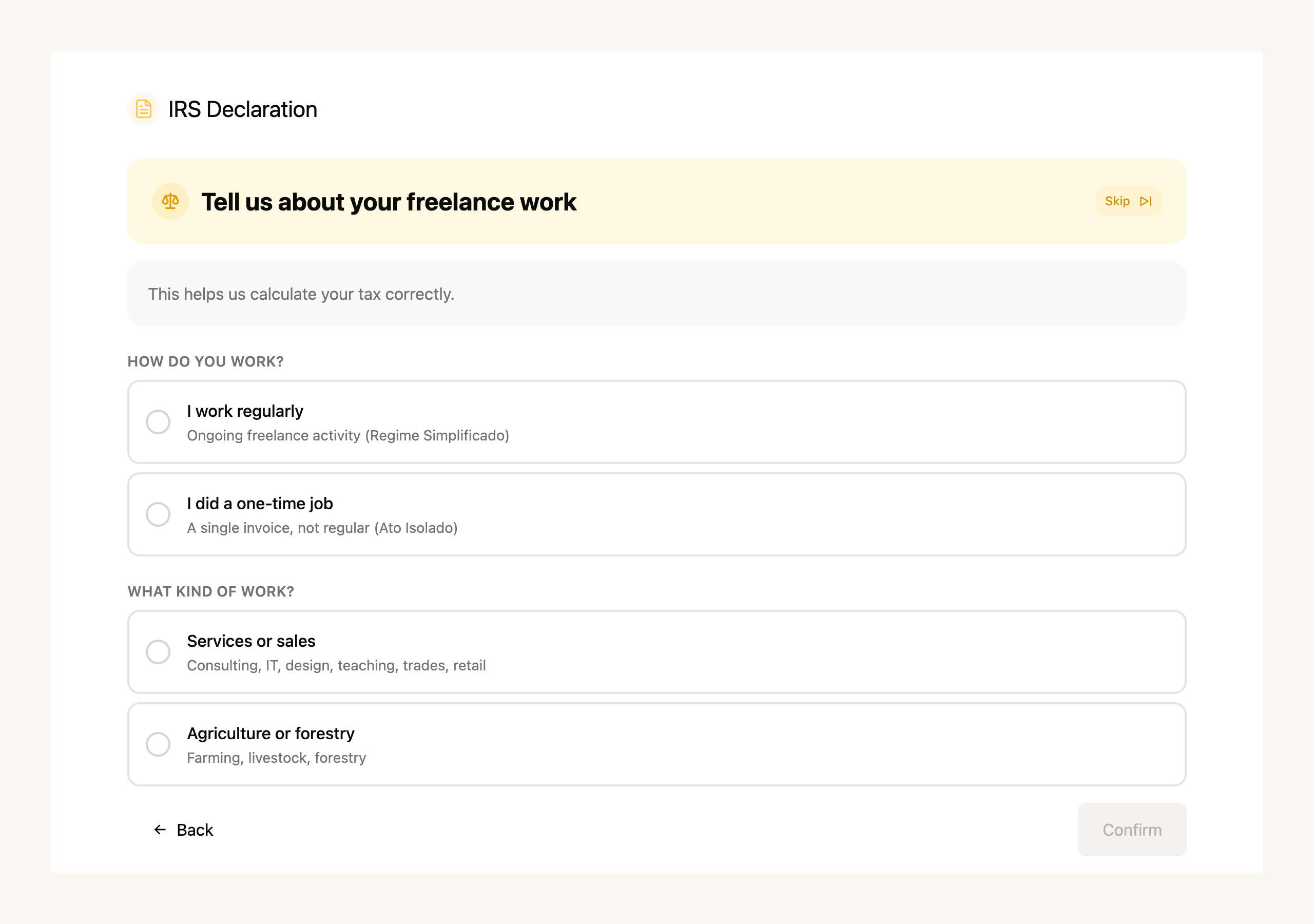
It's a **one-time payment of 49.99 €** for the tax year, with every annex included. And if all you need is to file your IRS, you can **sign up just for that** — without registering as self-employed.
[Start my IRS →](https://app.fiz.co/declarations/irs)
## Your bookkeeping, ready every week
The **Finances** section used to be reserved; now it shows up in everyone's menu. It's day-to-day bookkeeping without the quarter-end scramble: you connect your accounts, and transactions come in, get categorised and reconciled automatically — you just review and export.
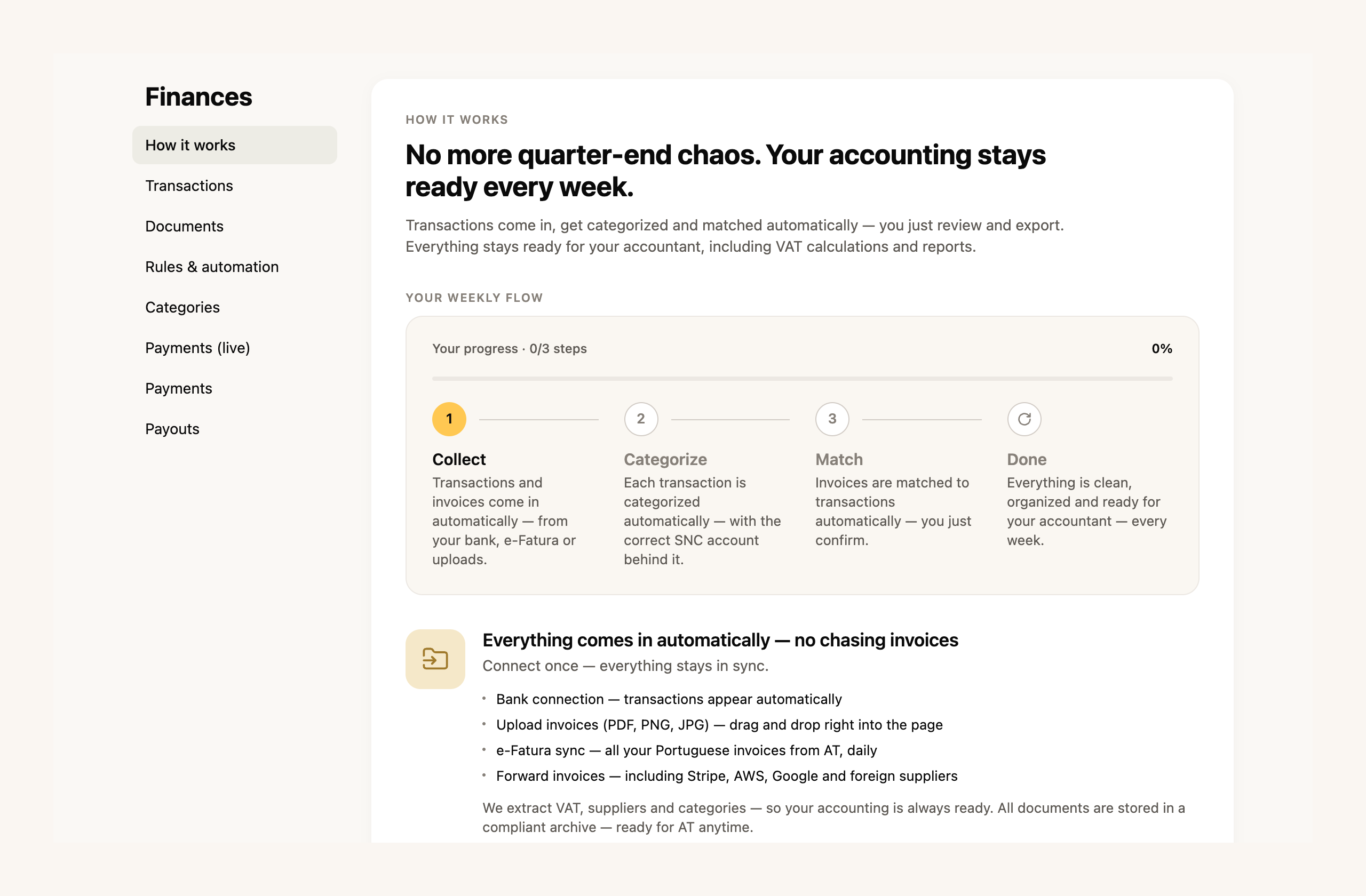
You get rules and automations to categorise similar transactions, ready-made categories, and everything stays tidy for your accountant — including VAT calculations and reports. The advanced features are on the **paid plans**.
[Open Finances →](https://app.fiz.co/bookkeeping)
## FIZ now speaks six languages
Working in Portugal without solid Portuguese is a real barrier for a lot of people. In May we opened FIZ in **six languages**: alongside Portuguese and English, now also **Russian, Ukrainian, French and Spanish**. Switch in the picker, and FIZ even suggests your language from the browser.
[Change language →](https://app.fiz.co/settings)
## Working documents, alongside your invoices
Not everything you send a client is an invoice. Sometimes it's a **quote**, a **pro-forma**, a work sheet or a purchase order. From May you create these **working documents** in the same place you make invoices, with the customer, the items and the PDF — without them being certified tax documents.
[Create a working document →](https://app.fiz.co/invoices)
## A few more improvements
- **Foreign purchases (reverse charge).** On the VAT return you can now record purchases from EU or non-EU suppliers — FIZ works out the VAT due and the deductible VAT, with the net effect usually zero.
- **Tax credits for referring IRS.** When you invite a friend to file their IRS through FIZ, they pay less and you earn tax credits to spend on the service.
- **Infinite scroll on the documents list.** On accounts with lots of invoices, the list loads as you scroll, with no paging.
- **Clearer Social Security.** The SS metric on the dashboard gained an explanation and a forecast view, so you can see what's coming before the deadline.
## What's coming next
With IRS live, we're turning back to invoicing and the mobile app. If there's something you'd like to see, or you ran into a problem, write to us via the in-app chat. We read everything.
Thank you for using FIZ.
---
## Housing Tax Shock: What Changes for You in 2026
> URL: https://blog.fiz.co/en/housing-tax-package-2026-vat-income-tax-freelancer
> Category: Tips | Published: 2026-05-20 | Reading time: 6 min
> Construction VAT to 6%, rental income tax to 10%, tenant deductions rise: the key changes in Portugal's 2026 housing tax package for freelancers.
The Government approved one of the most significant housing tax packages in recent years - the "fiscal shock for housing". Law No. 9-A/2026 gave the authorisation and **Decree-Law No. 97/2026 of 20 May** enacted the measures, already in force (some only take effect later in 2026). If you're a freelancer who owns property, rents out a flat, or simply pays rent, there are measures here that affect you directly.
The [Decree-Law No. 97/2026](https://diariodarepublica.pt/dr/detalhe/decreto-lei/97-2026-1124493227) is now published and in force - but each benefit has its own conditions and deadlines, so check your case before counting on it.
## What "moderate price" means — and why it matters
Before getting into the numbers, you need to understand one key concept: **moderate price** (preço moderado). This is the threshold the government created to ensure that tax benefits apply to affordable housing, not luxury villas.
In 2026 there are **two distinct limits, for distinct measures**:
- **Purchase/construction:** a (sale) price up to **€660,982** (the top of the 2nd IMT bracket) - this is what counts for the 6% VAT on a sale for a permanent home.
- **Letting:** a monthly rent up to **€2,300** (2.5 times the minimum wage of €920) - this is what counts for the 10% IRS on rent and for the 6% VAT on letting.
It isn't a single test: the price limit doesn't govern rents, nor does the rent limit govern construction. The value compared against the limit is the **total** of the operation (you can't split it artificially) and the limits can be updated by ministerial order. And each benefit also has its own conditions, dates and evidence - check your case before counting on it.
## Measure 1: Construction VAT drops from 23% to 6%
This is the most talked-about measure and it's genuinely significant if you're planning to build or rehabilitate housing.
The reduced **6%** rate (verba 2.42.1; the **mainland** rate - the Azores and Madeira have their own rates) applies to **construction or rehabilitation works** on properties intended for **sale for the buyer's own permanent home** or **exclusively for residential letting** - with their own cumulative conditions (art. 10.º of DL 97/2026): for example, selling or granting the first lease within **24 months** of the occupancy documentation and, for letting, keeping the property let for at least **36 months over the first 5 years**. The limit depends on the purpose: a **sale price up to €660,982** (sale) or a **monthly rent up to €2,300** (letting). So it **isn't an automatic 6% on works on your own home** - for those commissioning the construction of their own permanent home there's a separate **refund** scheme (see below).
What changes in practice on an **empreitada covered by the reduced rate** (works that were at 23% and now meet the conditions - some rehabilitation already had a reduced rate before):
- An empreitada of €20,000: at 23% that was €4,600 in VAT, at 6% it's **€1,200**
- Construction of €100,000: at 23% that was €23,000 in VAT, at 6% it's **€6,000**
How the works qualify - the conditions that determine the reduced rate (an express mention in the acquisition title, communication of the contracts, co-ownership cases), what falls under the rate and how materials are treated - has its own rules. Confirm it with your contractor and accountant before assuming 6% across the whole invoice.
> **Important:** If you commissioned the construction of your **own permanent home** through a **construction empreitada** (outside any business activity), you can claim a **partial refund** of the VAT borne, bringing it closer to the 6% rate - **if you meet the conditions**: the value (the registered patrimonial value, or the land acquisition value plus construction costs excluding VAT, whichever is higher) must be within the moderate-price limit, and you must **assign the property to your own permanent home within 6 months** of the start-of-use documentation, keeping it so for at least **12 months**. Only VAT on invoiced **empreitadas** counts (chargeable by 31 December 2032) - the **mere purchase of materials is not eligible**. The request is submitted electronically within **12 months** of that documentation (for the first three quarters of 2026, requests open on 1 October 2026, with the 12 months counted from that date), and the tax authority has up to **150 days** to process it from a duly completed request. Keep all empreitada invoices with your NIF.
## Measure 2: IRS on rental income drops from 25% to 10%
If you're a freelancer who owns a flat you rent out, this measure changes your calculations significantly.
Rental income (Category F in IRS) was taxed at the general autonomous rate of **25%**. Under the new package, that rate falls to **10%** (with effect from 1 January 2026) — for residential letting with rent within the ceiling (€2,300/month in 2026, 2.5× the minimum wage), **provided you meet the regime's conditions** (residential use, disclosure to the tax authority). Note: if you already have a **long-duration** contract with a rate below 10%, you keep the more favourable one. In the figures below, for simplicity, we assume no deductible expenses: Category F is taxed on net rent, so the real tax can be lower.
What changes in practice:
- You receive €800/month in rent (€9,600/year)
- Previously: you paid €2,400 in IRS on that income
- Now: you pay **€960** — a saving of €1,440 per year
This reduction applies to **income received up to 31 December 2029**.
Miguel, a freelance designer in Lisbon, has an inherited flat he rents out for €900/month. Under the previous regime he paid €2,700/year in IRS on the rent. With the new 10% rate, he'll pay €1,080. That's a difference of €1,620 per year — provided the letting meets the regime's conditions (residential use, rent within the ceiling).
## Measure 3: Higher deduction for tenants
If you're the tenant — and many freelancers rent — there's an improvement for you too.
The IRS deduction limit for rent payments increases:
- **€900 in 2026** (was €700)
- **€1,000 from 2027 onwards**
In practice, the deduction **ceiling** rises by €200 in 2026 (and a further €100 in 2027) - it's not a guaranteed refund (what you actually deduct depends on the statutory percentage and your tax), but the limit stops holding you back so soon.
## Measure 4: IMT changes for housing
We highlight **two relevant IMT changes** (the municipal property transfer tax) - the package has others:
- **A 7.5% rate for non-residents:** when buying a property intended exclusively for housing, if the buyer is a **non-resident**, a flat 7.5% applies (no exemptions or reductions) - **unless** they have been considered a tax resident in Portugal (under art. 16.º of the CIRS), **become resident within 2 years** of the purchase, or assign the property to **residential letting** within the limits (let within 6 months and for at least 36 months over the first 5 years). In these last two cases, you pay the 7.5% and then request the difference back, within **6 months** of becoming resident or signing the lease (art. 17.º(10)-(12) of the IMT Code).
- **A 10% surcharge if you don't use it as your permanent home:** if you buy a property whose empreitada benefited from the **6%** rate and don't assign it to your permanent residence within 6 months (or stop doing so within the following 12 months), a **10% surcharge on the IMT taxable value** applies, with **exceptions** for exceptional circumstances (for example, marriage or civil union and its dissolution, or an increase in the number of dependants).
The rules vary with the situation, so check your case.
## When it applies from
**Decree-Law No. 97/2026 is now published and in force**. What varies case by case are the conditions and dates of each benefit - the 10% IRS on rent, for example, applies to income received up to **31 December 2029**. The VAT rules take effect from the quarter after entry into force and apply to empreitadas whose **administrative procedure** (licence application, prior communication, prior opinion or notice of the start of works) begins between **25 September 2025 and 31 December 2029**, with the **VAT becoming due from 1 January 2026**. For empreitadas that already meet these conditions, the regime can be brought forward to 1 January 2026 by a **joint election of the provider and the client** (it doesn't waive the remaining conditions). For works straddling these dates, check with your accountant.
What you should do now:
1. If you're planning construction works, confirm with your contractor that they qualify for the 6% rate (and how materials are treated)
2. If you rent out a property, confirm it's residential and the rent is within the regime's ceiling, to benefit from the 10% rate
3. Keep all documentation of property values — you'll need to prove the "moderate price" threshold is met
## How this relates to your freelance accounts
If you have rental income, it is declared on **Annex F of the [annual IRS declaration](/en/annual-irs-declaration-freelancer-portugal)** — separate from your self-employment income ([Category B](/en/anexo-b-irs-how-to-fill)). These are two different things and must be handled separately.
Inês, a freelance consultant in Porto, has her activity registered under the simplified regime and rents out a room in her flat. She has two fiscal "hats": Category B (consultancy) and Category F (room rent). With FIZ, she manages Category B automatically. For Category F, rental records and the annual declaration also need to be in order — it's important not to mix the two.
> **Important:** The 10% IRS on rental income is not the same as the taxation of your self-employment activity. These are separate rates applied to different types of income. If you consolidate rental income with your business income for tax purposes, it may end up costing more — always calculate both options before submitting your IRS declaration.
## ✅ In summary
1. **VAT on housing construction/rehabilitation drops to 6%** — for works on properties intended for **sale for the buyer's permanent home or exclusively for residential letting** (sale price up to €660,982 or rent up to €2,300/month), subject to the conditions of DL 97/2026. For those commissioning their own home's construction there's a separate refund scheme.
2. **IRS on rental income falls from 25% to 10%** — for residential letting with rent up to €2,300/month (2026 ceiling), for income received up to 31 December 2029. A real saving for freelancers who rent out properties.
3. **Rental income must be correctly declared in IRS** — separately from self-employment income. With [FIZ.co](https://fiz.co/planos) you handle Category B automatically; for Category F, keep your rental records organised so the annual declaration holds no surprises.
---
## What's new in FIZ — April 2026
> URL: https://blog.fiz.co/en/product-updates-april-2026
> Category: Product | Published: 2026-04-30 | Reading time: 5 min
> Your customers can now pay by Multibanco and ifthenpay, with the reference printed straight onto the invoice PDF. You can also issue transport documents and report them to the AT, plus a new alert when one client takes up too much of your turnover.
April was mostly about payments: you can now connect **ifthenpay** and the **Multibanco** reference prints straight onto the invoice PDF, ready to pay. If you move goods, you can now issue **transport documents** and report them to the AT from FIZ. And there's a new alert for sole traders — for when a single client takes up too much of your turnover. Here's the rest.
## Your customers pay by Multibanco and ifthenpay
Issuing the invoice is only half the job. Then comes chasing the payment, sharing your IBAN, nudging the client. From April you can connect **ifthenpay** in your invoicing settings and let FIZ handle it.
With ifthenpay connected, each invoice can be paid by **Multibanco reference**, card, Google Pay, Apple Pay or MB Way. And the **reference (Entity, Reference and Amount) plus a QR code now print right on the invoice PDF** you send. The client opens the document and pays, with nothing to copy across by hand.

To set it up, go to **Settings → Invoicing → Online payments** and paste your MB Key (and the Gateway key too, if you like). ifthenpay is available on the **paid plans**.
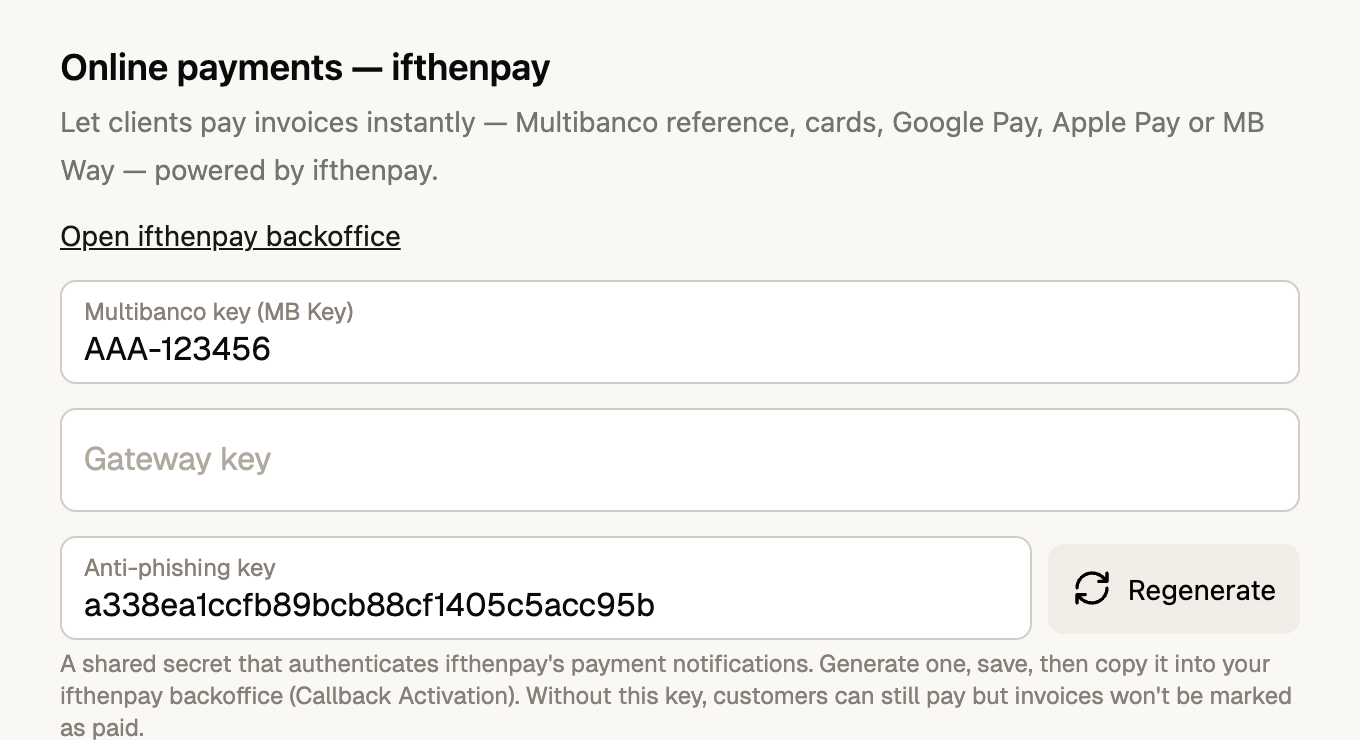
[Connect ifthenpay →](https://app.fiz.co/settings/invoicing)
## Transport documents, issued and reported to the AT
If you move goods, the law requires a **transport document** (guia de transporte) reported to the AT before the vehicle sets off. Until now that usually meant another piece of software, or filling everything in by hand on the Finanças portal.
From April, FIZ handles it. You create the document, pick the **movement type** — Transport Guide, Delivery Note, Own Assets Guide, Consignment Guide or Return Guide — set the customer, the items, the loading and unloading addresses, the date and the vehicle's registration. Hit **Issue** and FIZ reports the guide to the AT over the webservice, then hands you the AT code and the PDF, ready to travel with the goods.
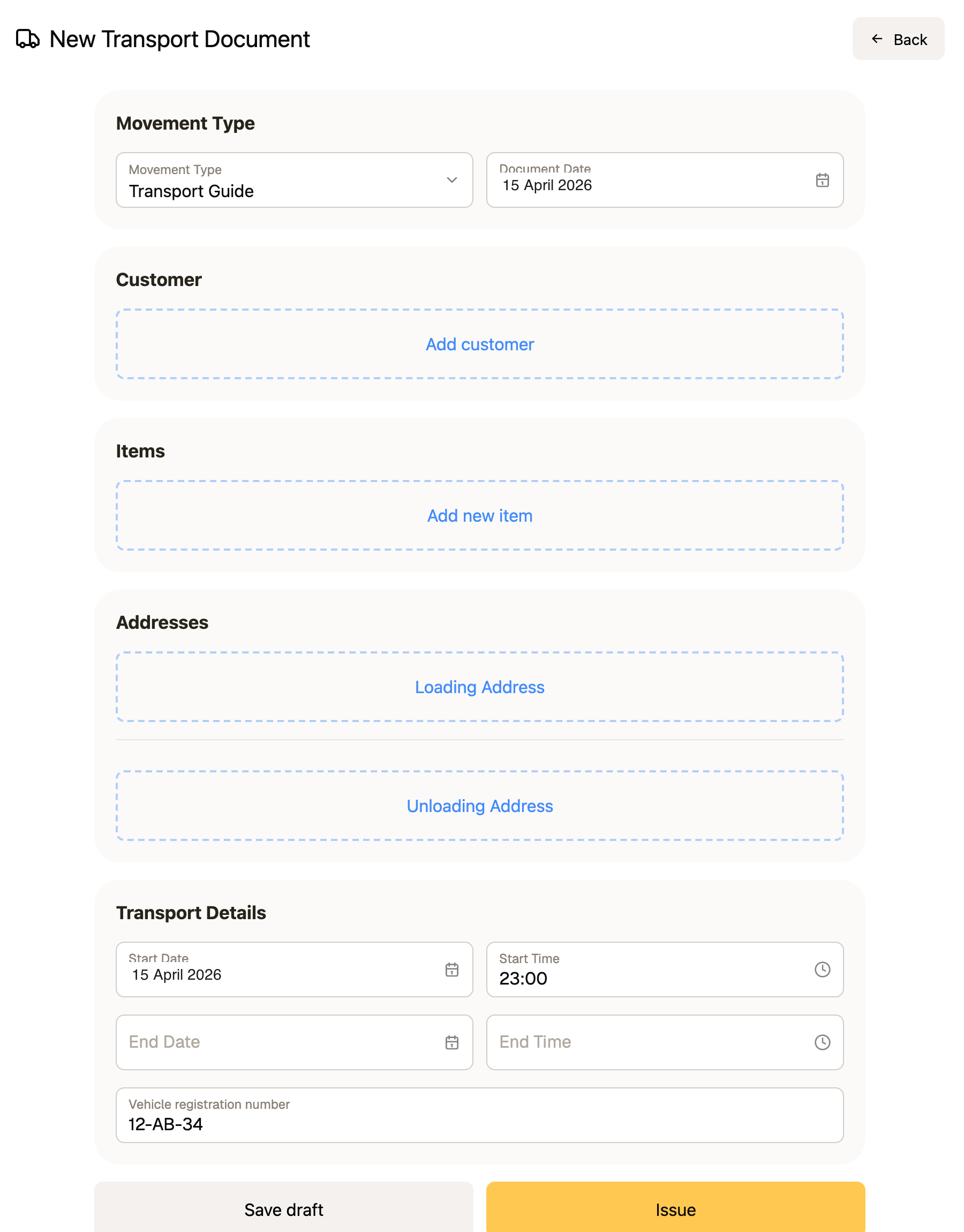
Transport documents are available on the **paid plans**, for anyone who sells or moves goods.
[Create a transport document →](https://app.fiz.co/transport-documents)
## An alert when you depend too much on one client
Working almost entirely for one client feels comfortable — but it carries tax and legal risk. If a single company client pays you **50% or more** of your turnover, they may owe an additional contribution to Segurança Social (Art. 168.º n.º 7 CRC); past **80%** sustained over time, the relationship can be reclassified as employment.
From April, FIZ watches this for you. The **Turnover Breakdown** now shows your **client concentration**: how much each client weighs in your turnover, with a warning when it crosses the line. The same view breaks your income down — including operations **exempt under Article 9 of the VAT Code**, which FIZ now flags automatically.
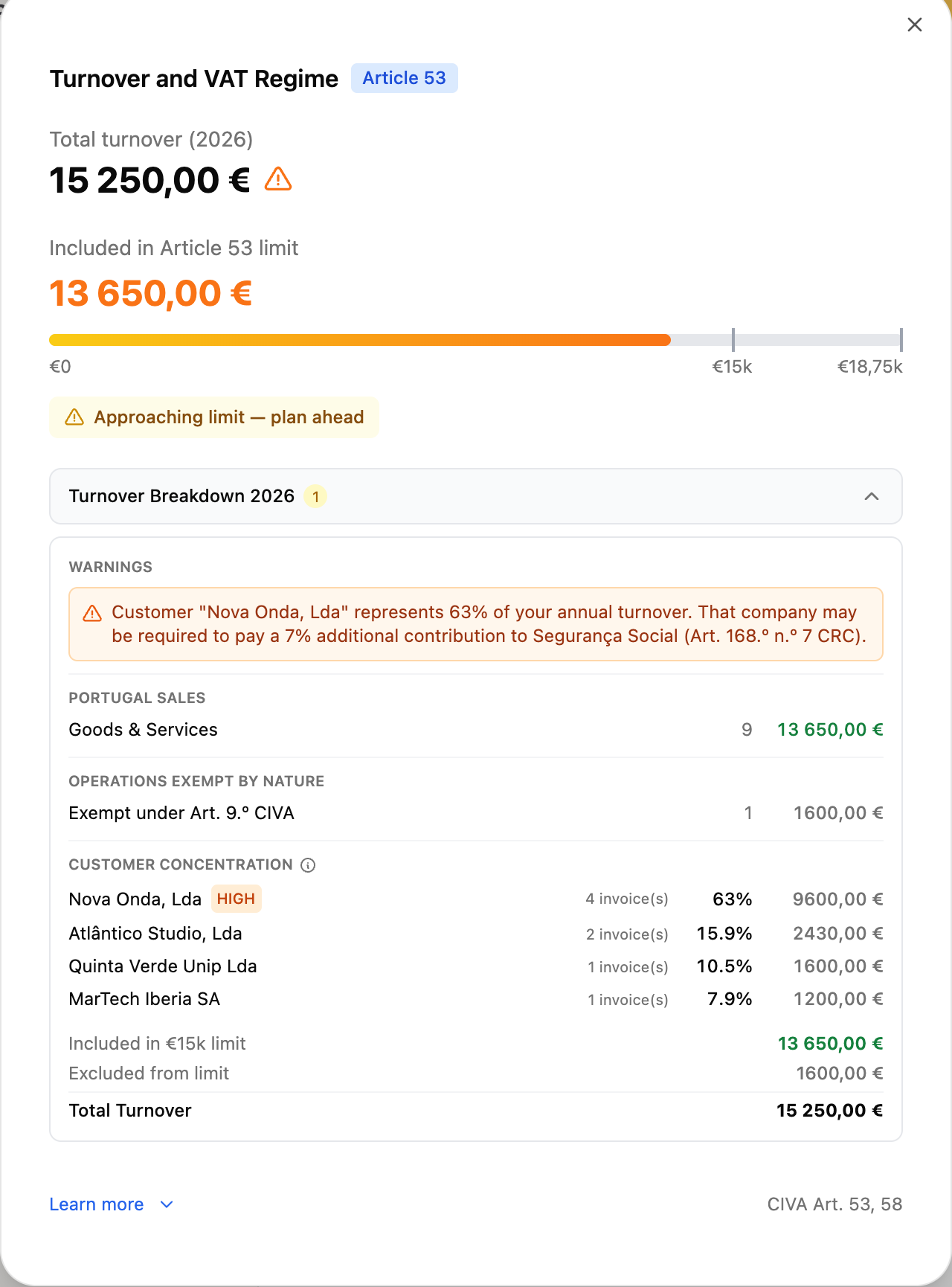
These alerts are available on the **paid plans**.
[See my turnover breakdown →](https://app.fiz.co/invoices)
## A few more improvements
- **The window to invoice the previous quarter is now 20 business days.** More time to issue an invoice dated to the quarter that just ended.
- **Permanent series (FIZ.CO/XX format).** We dropped yearly series in favour of one permanent series — simpler and more consistent. Custom series are still available on the paid plans.
- **For companies (LDA/SA):** a read-only VAT estimate is now available — check your VAT position without making any changes. And on the **MAX plan** you can download the return as XML and enter your accountant's NIF.
- **Segurança Social:** we improved IBAN reading on the direct-debit page and the recognition of the password-recovery screen.
## What's coming next
May brings the big one: filing your **IRS** return directly through FIZ. If there's something you'd like to see, or you ran into a problem, write to us via the in-app chat. We read everything.
Thank you for using FIZ.
---
## I Exceeded the €15,000 VAT Threshold Mid-Year. What Now?
> URL: https://blog.fiz.co/en/exceeded-15000-vat-threshold-mid-year
> Category: Guides | Published: 2026-04-29 | Reading time: 5 min
> You were VAT-exempt and suddenly realised you've crossed €15,000. Don't panic — here's exactly what to do, step by step.
It's September. You open the app or the spreadsheet, add up what you've invoiced since January — and the number is €15,400.
Your heart sinks. You were VAT-exempt. Now what?
Take a breath. You need to act, but this is a problem with a clear solution.
## What it means to exceed €15,000
When you opened your activity, you probably chose VAT exemption under Article 53 of the Portuguese VAT Code — which lets you invoice without charging VAT as long as your annual turnover stays below €15,000.
Here the switch is *compulsory* - it lands on you. But you can also leave the exemption **on purpose**, before hitting the limit, when the maths pays off: that's [waiving the art. 53.º exemption](/en/waive-vat-exemption-article-53), this article's neighbour.
When you cross that threshold, Portuguese law distinguishes two scenarios under Article 58 of the VAT Code:
**Scenario A — You exceed €15,000 but stay below €18,750:**
The move to the standard VAT regime only takes effect on **1 January of the following year**. You continue invoicing without VAT until then. You have 15 business days from the last day of the year to notify the tax authority.
**Scenario B — You exceed €18,750 (more than 25% above the threshold):**
The effect is **immediate**. The very invoice that pushes you past €18,750 must already include VAT. You have 15 business days from that moment to notify the tax authority.
**Example:** Sofia invoiced €14,800 by September and issues a €500 invoice. Her total becomes €15,300 — above €15,000 but below €18,750. This is Scenario A: she continues invoicing without VAT until 31 December and moves to the standard regime in January.
If that invoice had been €4,000 and pushed the total past €18,750 — she'd be in Scenario B and would need to charge VAT from that invoice onwards.
## What to do — step by step
### 1. Notify the tax authority (within 15 business days)
You have 15 business days to submit an amendment declaration on the Portal das Finanças:
- Go to "Serviços" → "Atividade" → "Declaração de Alterações"
- Indicate that you're moving from the exemption regime to the standard VAT regime
- Submit
### 2. Start charging VAT on the next invoices
For most services, the standard rate is 23%. The client now pays your amount + VAT.
**Before:** €1,000 for the project
**After:** €1,000 + €230 (23% VAT) = €1,230
Important: the €230 in VAT is not yours. It belongs to the state, and you must remit it quarterly.
### 3. What about previous invoices?
You don't need to redo anything. Invoices issued before you crossed the threshold remain correct — they were issued under a valid exemption.
## The new quarterly obligations
Once you move to the standard VAT regime, you must submit the periodic VAT declaration every quarter.
The deadline: as a rule, **by the 20th of the 2nd month following** the end of each quarter — with Q2 extended to 20 September:
- Q1 (Jan–Mar): by 20 **May**
- Q2 (Apr–Jun): by 20 **September**
- Q3 (Jul–Sep): by 20 **November**
- Q4 (Oct–Dec): by 20 **February**
The amount to remit is: VAT charged to clients — VAT paid on your professional expenses.
**Example:** Ana charged clients €690 in VAT during the quarter. On her expenses (equipment, software) she paid €120 in VAT. She remits to the state: €690 − €120 = €570.
## The impact on your business
Moving to VAT has practical implications worth planning for:
**Prices increase for private clients** — a private client who used to pay you €500 now pays €615. Some clients may question the increase. Prepare your explanation.
**For business clients, the impact is smaller** — companies deduct the VAT they pay you, so the actual cost to them stays the same.
**Cash flow** — the VAT you collect isn't fully yours. When you receive €1,230, set aside €230 for the state immediately. Even if the client delays payment, the tax authority's deadline doesn't move.
## How to avoid nasty surprises in future
The problem isn't crossing €15,000 — it's not knowing it's happening until it's too late.
Track your cumulative invoicing every month. When you reach €12,000, start planning the transition: alert clients, update quotes, prepare the notification process.
With FIZ, the dashboard always shows your accumulated invoicing and alerts you as you approach the threshold. When you cross it, quarterly VAT declarations are submitted automatically — no extra deadlines to manage.
⚠️ **If it's been weeks since you crossed the threshold:** act today. Submit the amendment declaration, start charging VAT, and regularise any missing declarations. The longer you wait, the larger the potential fine.
## ✅ In summary
1. **Two scenarios apply:** if you stay between €15,000 and €18,750, you continue without VAT until 31 December and notify the tax authority within 15 business days after year-end. If you exceed €18,750, the obligation is immediate — notify within 15 business days and charge VAT from that invoice onwards.
2. **The standard rate is 23%** on the value of services. VAT collected is remitted quarterly, minus VAT paid on your own expenses. Deadlines are the 20th of the 2nd month following each quarter (20 May, 20 September, 20 November, 20 February).
3. **With [FIZ](https://fiz.co/) you can track your cumulative invoicing in real time** — and when you move to the standard VAT regime, quarterly declarations become automatic. No risk of missing a deadline.
---
## Multiple CAE Codes at Once: the Designer Who Also Teaches
> URL: https://blog.fiz.co/en/multiple-cae-codes-simultaneously
> Category: Guides | Published: 2026-04-29 | Reading time: 5 min
> Do you have more than one activity? You can hold multiple CAE codes simultaneously. What changes, what stays the same, and why the income tax coefficients matter.
Sofia is a graphic designer. She creates logos, visual identities, and marketing materials. But a few months ago she started running Illustrator workshops — and suddenly she was earning €500/month from training.
"Do I need another CAE code now? Will I have problems with the tax authority?"
No. But there are a few important details.
## You can hold multiple CAE codes simultaneously
The CAE code (Classificação das Actividades Económicas — Economic Activity Classification) is how you tell the tax authority what you do. Design is one thing, training is another, consultancy is another still.
You can have one primary code and add secondary codes at any time, directly on the Portal das Finanças:
1. "Serviços" → "Atividade" → "Declaração de Alterações"
2. Add the new CAE code as a secondary code
3. Submit
From that point, you can invoice under the new code. Legal, normal, and very common among freelancers who diversify.
Not sure which code to choose for each activity? See the [table of CAE and Article 151 codes by profession](/en/cae-cirs-activity-code-portugal) — designers, lawyers, trainers, musicians and more, with a live finder for the full Article 151 table.
## The detail that changes everything: income tax coefficients
Here's the part most people don't know.
Under the simplified regime, different activities have different coefficients — meaning different percentages of income are considered taxable for income tax purposes:
| Activity type | Coefficient | % taxable |
|---|---|---|
| General services | 0.75 | 75% |
| Product sales | 0.15 | 15% |
| Hotel/accommodation activities | 0.35 | 35% |
**Practical example:** João does consultancy (coefficient 0.75) and also sells templates online (coefficient 0.15). If he invoiced €10,000 in consultancy and €2,000 in sales:
- Taxable from consultancy: €10,000 × 0.75 = €7,500
- Taxable from sales: €2,000 × 0.15 = €300
- Total taxable: €7,800 (instead of €9,000 if everything were services)
The difference is real — and it only works if each invoice carries the correct CAE code.
## How it works in practice
When you issue an invoice in certified billing software, you select the CAE code corresponding to the service provided.
- Consultancy to a restaurant → consultancy CAE
- Design workshop → training CAE
- Template sale → sales CAE
The system automatically applies the correct coefficient to each invoice. At year-end, the tax authority adds everything up and taxes accordingly.
The most common mistake: always using the same CAE code regardless of what you're invoicing. The tax authority may question it, and you're potentially missing out on a legitimate tax advantage if you mix up different coefficients.
## Quarterly declarations don't get more complicated
Good news: having multiple CAE codes doesn't multiply your obligations.
You still submit:
- One quarterly VAT declaration
- One quarterly Social Security declaration
- One annual income tax return (with everything consolidated in Annex B)
What changes is that your billing software — in your case FIZ — automatically separates income by CAE code and calculates the correct coefficient for each one.
## ✅ In summary
1. **You can hold multiple CAE codes simultaneously** — it's legal, it's normal, and adding them is straightforward on the Portal das Finanças. Each code represents a different activity.
2. **Income tax coefficients vary by activity** — general services (0.75), product sales (0.15), accommodation activities (0.35). Each invoice must carry the correct CAE code so the system applies the right coefficient.
3. **With [FIZ](https://fiz.co/) the process is transparent** — you select the code on each invoice, the system applies the coefficient automatically, and you get separate statistics per activity so you can see what earns the most.
---
## Can You Deduct VAT on Business Expenses? Yes — and You're Probably Leaving Money on the Table
> URL: https://blog.fiz.co/en/can-you-deduct-vat-on-business-expenses
> Category: Tips | Published: 2026-04-28 | Reading time: 4 min
> If you invoice over €15,000/year and charge VAT, the VAT you pay on professional expenses reduces what you owe the state. Most freelancers don't know this.
Gonçalo is a UX designer in Lisbon. Last year he billed around €48,000 to clients and paid a substantial amount in VAT each quarter. It was only when an accountant friend asked him "are you deducting the VAT on your expenses?" that he realised he had been losing money every quarter.
"I didn't know that was a thing," he admitted. "I assumed the VAT I paid on purchases was just my cost to bear."
It isn't. If you charge VAT to your clients, the VAT you pay on professional expenses reduces what you hand over to the state. The mechanism is called input VAT deduction — and many freelancers are completely unaware of it.
## Who Can Use Input VAT Deduction
First, an important qualification: this only applies if you are registered for VAT — meaning you invoice more than €15,000 per year and charge VAT on your invoices.
If you invoice below €15,000/year, you are VAT-exempt under Article 53 of the CIVA. That means you don't charge VAT to clients — but you also cannot deduct the VAT you pay on expenses. It is a trade-off.
Once you cross that threshold and begin charging VAT, you automatically enter this offsetting system: the VAT you collect from clients (output VAT) is reduced by the VAT you paid on your professional expenses (input VAT). The difference is what you remit to the state.
## How It Works in Practice — a Quarterly Example
That is €400 per quarter — €1,600 per year — staying in your pocket instead of going to the state. Simply because you asked for an invoice with your NIF.
## Your NIF is the Key to Everything
This is the single most important point, and the most common mistake: **the invoice must include your Portuguese tax number (NIF)**. Without it, you cannot deduct the VAT. Full stop.
Mariana, an HR consultant in Porto, bought a new monitor for her home office — €400. At the shop, she did not ask for an invoice with her NIF; she just took a receipt. She lost €92 of VAT deduction on that one purchase. "Lesson learnt. Now I always give my NIF, even for small purchases."
The habit to build is simple: before paying for anything professional, state your NIF. In a physical shop, tell the cashier. In an online purchase, enter it in the billing field. It takes three seconds and can save hundreds of euros per year.
## What You Can Deduct
Expenses must be related to your professional activity:
There are important exceptions: passenger vehicles are very restricted (often 0% deductible), and fuel for passenger cars is generally not deductible. Personal expenses — food, clothing, a mixed-use mobile phone — are also not deductible.
The practical rule: if you can justify an expense to a tax inspector with ease, it is probably deductible. If you would struggle to make the case, leave it out.
## How to Declare Your Input VAT
The deduction happens in the periodic VAT return you file quarterly. In the deductions section, you enter the total VAT from your professional expense invoices for that quarter. The system calculates the balance automatically.
This requires you to have kept all the invoices. That is why organisation matters: no invoice, no deduction.
After understanding the mechanism, Gonçalo started filing expense invoices in a digital folder organised by quarter. "It is literally five minutes of work per month. And when the quarter ends, I know exactly how much I'll be deducting."
## How Much Can You Save
It depends on your volume of professional spending. As a conservative estimate, for someone with €5,000 per year in professional purchases subject to 23% VAT, the deduction reaches €1,150 annually. That is €1,150 that, without this knowledge, would go straight to the state.
Input VAT deduction is not a special tax perk — it is a built-in mechanism designed specifically to prevent double taxation. You pay VAT as a consumer and then collect VAT as a service provider. The deduction balances that equation.
## ✅ In Summary
- **If you charge VAT (billing >€15,000/year), you can deduct the VAT paid on professional expenses** — software, coworking, equipment, professional services — reducing what you pay to the state each quarter
- **The invoice must include your NIF** — without it, no deduction is possible; always give your NIF when buying anything professional, even a small purchase
- **With [FIZ](https://fiz.co/) the deductible VAT is calculated automatically** from your registered expenses each quarter, so you never miss a deduction you're entitled to
---
## How to Suspend or Close Your Freelance Activity in Portugal
> URL: https://blog.fiz.co/en/suspend-close-atividade
> Category: Guides | Published: 2026-04-28 | Reading time: 4 min
> Work slowed down and you want to close your activity temporarily? Or for good? The process is simple — and yes, you can always reopen.
There are times when it makes sense to stop. Maybe you've taken a salaried job. Maybe you're taking a break. Or you simply want to close the freelancing chapter for now.
The good news: the process is simple, online, and penalty-free. And you can always reopen.
(This guide is for freelance activity in your own name. If what you have is a company - an Lda - the process is different: [how to close an Lda](/en/how-to-close-an-lda-in-portugal).)
## Suspension vs. Cessation: what's the difference?
Portugal doesn't have a formal "temporary suspension" of activity — what exists is **cessação de atividade** (formal closure). But that doesn't prevent you from reopening later.
In practice:
- **You stop issuing invoices** → no active VAT or Social Security obligations
- **Your NIF stays active** → it's your tax number, it doesn't disappear
- **When you want to resume** → you declare a new activity start
Many freelancers close and reopen as their situation changes. It's completely normal.
## How to close your activity — step by step
The process is done on the Portal das Finanças and takes about 5 minutes:
1. Log into **Portal das Finanças** with your NIF and password
2. Go to "Serviços" → "Atividade" → **"Declarar Cessação"**
3. Choose the cessation date (can be backdated up to 30 days)
4. Submit
Done. The activity is closed.
## What happens after closing
Closing your activity doesn't eliminate obligations from the period you were active. You still need to:
**Final VAT declaration** — if you're in the standard VAT regime, submit the periodic declaration for the last active period, within the normal quarterly deadlines. If you're exempt under Article 53, there's no regular periodic declaration to file — the cessation you reported at the Finanças is enough, unless in the final period you bought services from foreign suppliers (Google, Meta, Upwork): that month's [self-assessment return](/en/reverse-charge-vat-google-meta-upwork) is still due, by the end of the following month, even after you close.
**Final SS declaration** — submit the quarterly Social Security declaration for the last active quarter.
**Annual income tax return** — the following year, you declare the income from the period you were active.
FIZ alerts you to these obligations and, with the Auto plan, automatically submits the final declarations.
## Can you open again later?
Yes, always. There's no limit on how many times — when you want to resume, you declare a new activity start on the Portal das Finanças.
But note: coming back has its own rules for the VAT exemption (Article 56 of the CIVA), and the **12-month Social Security exemption does not restart from scratch**. These rules have details that matter — we explain everything, step by step, in the guide on [how to reopen your atividade in Portugal](/en/reopen-atividade-portugal).
## When it makes sense to close — and when it doesn't
**Makes sense to close** when:
- You'll have no activity for more than 6 months
- You've taken a salaried job and won't be freelancing
- You want to simplify your tax situation
**Doesn't make sense to close** when:
- You're just in a quiet spell (1–2 months)
- You expect to resume soon
- Occasional work might appear at any moment
With an open activity but no invoicing, obligations still exist (quarterly declarations) — but with FIZ on the Auto plan, they're submitted automatically with zero values. It's not much work at all.
## ✅ In summary
1. **Closing your activity is simple** — Portal das Finanças, "Declarar Cessação", 5 minutes. No penalties, no fees. But you still need to submit the final declarations for the active period.
2. **You can always open again** — no limit on how many times, and the process is the same as the initial opening. There are rules to keep in mind for the VAT exemption and Social Security — see [how to reopen your atividade](/en/reopen-atividade-portugal) for the details.
3. **With [FIZ](https://fiz.co/) the final declarations are automatic** — even when you close, the system submits what's outstanding and alerts you to all pending obligations before you close the chapter.
---
## Working a Job and Freelancing at the Same Time: How It Works in Portugal
> URL: https://blog.fiz.co/en/work-employment-freelance-simultaneously
> Category: Guides | Published: 2026-04-28 | Reading time: 6 min
> Have a job and want to take on side projects? It's legal, it's common in Portugal, and it's simpler than you think. Here's everything you need to know.
You have a full-time job and you're thinking of taking on some extra projects? Good news: it's completely legal in Portugal. You can be an employee and a freelancer at the same time — and many people do exactly that.
Here's the practical guide to how it works.
## How to open an activity while keeping your job
The process is the same as any other activity registration — you just don't need to quit your job first.
1. Log into the Portal das Finanças with your NIF and password
2. Go to "Serviços" → "Atividade" → "Declarar Início"
3. Choose the start date
4. Select the activity code (CAE/CIRS) for what you'll be doing
5. Choose the Simplified Regime (Regime Simplificado)
6. Submit
The process takes about 5 minutes. No fees, no special bureaucracy. You have both statuses from the moment you click "Submit".
## Income tax with two income sources
When you file your annual income tax return, you'll have income from two categories:
- **Category A** — your salary (the company already withholds monthly)
- **Category B** — your freelance income
Income tax adds everything up and applies the normal progressive rates.
For Category B income under the simplified regime, the 0.75 coefficient applies — meaning only 75% of what you invoiced is considered taxable income. If you invoiced €12,000 as a freelancer, the tax authority only taxes €9,000.
**Example:** Tiago has an annual gross salary of €18,000 and invoiced €10,000 as a freelancer.
- Taxable income Category A: €18,000
- Taxable income Category B: €10,000 × 0.75 = €7,500
- Total taxable: €25,500
The company already withheld income tax throughout the year on his salary. In the annual declaration, Tiago may even be entitled to a refund, depending on the total of withholdings.
The salary goes into the return via **Anexo A**, which comes pre-filled. To understand what each field means - and two things that trip up people with both a salary and recibos verdes - see the [Anexo A guide for freelancers](/en/anexo-a-irs-employment-income).
## Social Security: the part that surprises people
This is the best news for those who already have a job: **if your employer already deducts Social Security for you, your freelance income is treated differently.**
The contribution exemption exists, but it has cumulative conditions — all of them must hold at the same time:
- Your salary from employment is **at least 1 × IAS** (€537.13/month in 2026)
- The employment and the freelancing are for **different entities** (and outside the same corporate group)
- The employment regime covers all the eventualities of the independent workers' regime
- Your average monthly **relevant income** from freelancing — for services, 70% of what you invoice — stays **below 4 × IAS** (€2,148.52 in 2026). In practice: up to around €3,069/month invoiced.
And the exemption comes with a bonus: while you meet the conditions, you're also **exempt from the quarterly SS declaration** — the official Social Security guide lists accumulation with employment among the cases not required to declare. If your relevant income exceeds the limit in a quarter, you file the declaration in the next declaration window (January, April, July or October) — and contributions are charged only on the part that exceeds 4 × IAS, not on everything.
## The most common mistakes
**Not issuing invoices because "it's a small amount"**
All income must be invoiced. Even €100 from a friend. If the client is a private individual and doesn't want to give their NIF, you issue the invoice as Consumidor Final (end consumer). But you always issue one.
**Forgetting the quarterly declarations**
Your obligations depend on your situation — and this is where many people slip. If you're exempt from contributions due to accumulation with employment, you don't file the quarterly SS declaration; but if you exceed the threshold in a quarter, you have to start filing. And the quarterly VAT declaration only exists in the standard regime — those exempt under Article 53 don't file it regularly (only for periods with [self-assessed VAT on foreign purchases](/en/reverse-charge-vat-google-meta-upwork)). Check your case and put the right deadlines in your calendar.
**Mixing personal and professional expenses**
Bought a new computer? You can deduct it as a professional expense — but only if you use it for work. If it's mixed use (personal + professional), only the professional proportion is deductible.
## The advantages of having both statuses
Beyond the extra income, there are practical benefits:
- **Financial security** — if the job ends, you already have an activity and clients
- **Diversification** — you don't depend on a single income source
- **Validation** — you test business ideas without quitting your job
Ana, an English teacher, started giving private lessons (€400/month) while keeping her job. Two years later, the tutoring had grown — and she had the security to gradually transition to freelancing full-time.
## ✅ In summary
1. **It's 100% legal** to be an employee and a freelancer simultaneously in Portugal. Open your activity on the Portal das Finanças in 5 minutes — you can do it today.
2. **For income tax, both incomes are added together**, but under the simplified regime only 75% of freelance income is taxable. For Social Security, if you meet the accumulation-exemption conditions, you won't pay extra contributions — and while the exemption lasts, you don't even file the quarterly declaration.
3. **With [FIZ](https://fiz.co/) the quarterly declarations are automatic** — VAT and Social Security submitted on time, without you having to think about it. Even with two income streams, your admin doesn't get more complicated.
---
## Recibo Verde or Fatura — What's Actually the Difference?
> URL: https://blog.fiz.co/en/recibo-verde-vs-fatura-whats-the-difference
> Category: Guides | Published: 2026-04-27 | Reading time: 4 min
> Most freelancers use the words interchangeably. In practice it usually works — but legally there are differences that can matter when it counts.
"Did you send an invoice?" — "Yes, I sent a recibo verde."
This conversation happens every day in Portugal. And usually there's no problem. But legally, a recibo verde and a fatura aren't quite the same thing — and understanding the difference can avoid complications.
## The history of the recibo verde
The recibo verde isn't called "verde" (green) by accident. In the 1980s, when the system was created for independent workers, it was literally a green paper form you bought in packs from stationers. You filled it in by hand, tore it out, and gave it to the client.
Today everything is electronic — through the Portal das Finanças or certified software. But the name stuck. And more importantly: the recibo verde remains **the primary document for independent workers** to evidence service provision.
## The practical differences
**Recibo verde (fatura-recibo):**
- For service provision — what 90% of independent workers do
- Issued *after* you receive payment
- Confirms you received the money
- May include retenção na fonte (withholding tax, if applicable)
- The official document for independent workers
**Fatura:**
- For product sales or services with deferred payment
- Issued *before* or *at the time of* payment
- It's a payment request, not a confirmation
- Can have payment terms (30 days, 60 days)
- More formal and business-oriented
## Practical example
Sofia does graphic design. A client asks for a logo for €800.
**With recibo verde:**
1. Sofia does the work
2. Client transfers €800 via MB Way
3. Sofia issues the recibo verde the same day
4. Selects "Service provision", 0% VAT if exempt
5. Sends PDF via WhatsApp
**With fatura:**
1. Sofia finishes the work
2. Issues a fatura with 30-day payment terms
3. Client pays whenever they want (within 30 days)
4. Sofia can then issue a receipt of payment
See the difference? With a recibo verde, you receive payment first. With a fatura, you may receive it later.
A note for Social Security: the income's quarter is the **service's**, not the payment's — the quarterly declaration follows the IRS rules, which attribute income to the service date. A service provided in December belongs in the October to December quarter, even if the client only pays in January. See the full example in the guide to the [-25% option in the quarterly declaration](/en/social-security-25-option-quarterly-declaration).
## The most common mistake
Many independent workers issue a fatura when they should issue a recibo verde — because they think "fatura" sounds more professional.
But note: if you're an independent worker providing services and the client has already paid you, **the correct document is the recibo verde**. It's not a matter of preference — it's what the Tax Authority (AT) expects.
## When you actually need a fatura
There are situations where a fatura makes sense:
**Physical product sales.** Miguel sells personalised t-shirts. He issues a fatura when the client orders, before shipping.
**Large companies as clients.** Some companies have internal policies requiring invoices with 30- or 60-day payment terms.
**Long projects with staged payments.** Pedro is building a website over 3 months. He issues a fatura per phase, before receiving each portion.
## The 95% rule
In 95% of cases, for an independent worker providing services in Portugal, the recibo verde is the right choice.
It's the document designed for you, optimised for your reality, and exactly what the AT expects to find when reviewing your income.
In doubt? Use a recibo verde.
## ✅ In summary
1. **Recibo verde is for services paid immediately** — it confirms you received payment. It's the document created for independent workers and covers 95% of cases.
2. **Fatura is for deferred payments or product sales** — you issue it before receiving payment, as a formal payment request.
3. **With [FIZ](https://fiz.co/) you issue a recibo verde in seconds** — the system automatically manages the correct document type for each situation.
---
## Withholding Tax (Retenção na Fonte): What It Is and How It Works
> URL: https://blog.fiz.co/en/retention-at-source-explained
> Category: IRS | Published: 2026-04-27 | Reading time: 4 min
> You invoiced €1,000 and the client paid €770. No mistake. It's withholding tax — an advance payment of your IRS that the company sends directly to the tax authority. Here's what it is, the rates (23% and 11.5%) and how it appears on your recibo verde.
You issued an invoice for €1,000 and the client company transferred €770. What happened to the other €230?
You didn't make a mistake. It's **withholding tax (retenção na fonte)** — and once you understand it, you'll see you didn't lose that money.
## What is withholding tax?
Withholding tax is a mechanism by which the client company retains part of your fee and pays it directly to the tax authority (AT), **on your behalf**, as an advance on your IRS.
Here's how it works:
- You issue an invoice for €1,000
- The company withholds 23% = €230
- Transfers €770 to you
- Pays the €230 to the tax authority on your behalf
Those €230 are a **payment on account of your IRS** — not an extra tax. They're an advance on what you'll owe at year-end.
## When it applies and what rate
Withholding tax applies when:
- **Your client is a company** (legal entity with organised accounting)
- You provided services classified under Category B (independent work income)
If your client is an **individual** — there's no withholding tax. You receive the full amount.
| Client type | Withholding |
|-------------|-------------|
| Portuguese company | Yes |
| Public entity | Yes |
| Private individual | No |
| Foreign company | Generally no |
Rates vary depending on your activity type (Article 101 of the IRS Code):
- **23%** — professional activities listed in the Article 151 table (consultants, programmers, designers, trainers, engineers, etc.)
- **11.5%** — other service provision not included in that table
## What happens at year-end
In the annual IRS return, the tax authority calculates how much tax you owe based on your total income.
It then deducts what was already withheld throughout the year.
**Example:**
- Annual income: €30,000 (with 23% withholding applied)
- IRS calculated: €5,000
- Withholding paid during the year: €6,900 (23% × €30,000)
- **Tax authority refunds: €1,900** (withholding exceeded calculated tax)
If the withheld amounts exceed the calculated tax — the tax authority **refunds** you the difference.
## What you declare on your IRS
Important: on your annual IRS return, you declare the **full amount you invoiced** — not the net amount you received.
- Amount invoiced: €1,000
- Amount received: €770
- What you declare on IRS: €1,000
The €230 withheld appears as "tax already paid" and is deducted from what you owe. Companies are required to send you, by the end of January, an annual statement of the total withheld — you need this document to confirm the figures on your IRS return.
## How it appears on the recibo verde
On your recibo verde, you must indicate that the amount is subject to withholding. The standard wording:
> *"Sujeito a retenção na fonte à taxa de 23%"* (Subject to withholding tax at 23%)
The recibo verde system (on Portal das Finanças or via FIZ) handles this automatically when you select the right option.
## When there's NO withholding
There are situations where withholding doesn't apply:
- **Individual clients** — never withhold
- **Businesses without organised accounting** — aren't required to withhold (but most companies have it)
- **Threshold waiver** — if you expect to invoice under €15,000 this year **and** you didn't reach that amount last year either, you can waive the withholding (Article 101.º-B of the CIRS): just pick the mention "Sem retenção, nos termos do n.º 1 do artigo 101.º-B do CIRS" when issuing the recibo. The waiver is optional and ends the month after you reach €15,000
- **Withholding under €25** — since 1 July 2025, if the IRS amount that would be withheld on each payment falls below €25, there's no withholding (Article 101.º-B, n.º 1, subparagraph d)
⚠️ **Careful if you earn commissions:** the income-threshold waiver **does not apply to commissions for intermediation in the conclusion of any contracts** — the exception is in the wording of Article 101.º-B, n.º 1, subparagraph a) itself. Accordingly, those commissions do not qualify for the €15,000 waiver — for example, commissions from real-estate mediation, insurance mediation or commercial representation, when they are paid for intermediation in concluding a contract. (The €25 waiver above still applies.)
Always confirm with your client whether they apply withholding — it's their obligation, not yours, but worth checking.
## What if the company didn't withhold?
It happens: you issued the invoice, but the company transferred the full amount without withholding the 23%. Withholding is the **client's obligation**, not yours — but the income is still yours and you must always declare it.
In practice, it's no drama:
- On your IRS, you still declare the **full invoiced amount** — whether or not anything was withheld.
- If nothing was withheld during the year, you simply have no advance payments to deduct — you'll **pay the tax on your annual return** (or through payments on account, if applicable).
- The key thing: **set aside the tax portion** as you get paid, so July doesn't catch you off guard.
In other words, the company not withholding doesn't hurt you — it just means the tax all falls due at year-end, instead of being paid in instalments.
## Withholding: better or worse?
It depends on your profile:
**Withholding works well if you:**
- Prefer not to think about IRS throughout the year
- Tend to spend everything that comes in
- Want to avoid surprises at annual declaration time
**Exemption from withholding is better if you:**
- Are disciplined about setting aside tax money
- Need better monthly liquidity
- Expect to invoice under €15,000 this year and didn't reach that amount last year (the Article 101.º-B conditions — you invoke the waiver via the mention on the recibo itself) — **unless your income is intermediation commissions**, which never qualify for this waiver
## ✅ In summary
1. **Withholding tax is not a loss** — it's an advance on your IRS. The client withholds 23% (for Article 151 activities) and pays it to the tax authority on your behalf. In the annual IRS return, that amount is deducted from what you owe — and if it exceeds the calculated tax, you get the difference back.
2. **It applies when the client is a company.** Individual clients always pay the full invoice amount.
3. **With [FIZ](https://fiz.co/) the recibo verde already includes the withholding indication** automatically — and at year-end you have the total withheld consolidated, ready to reconcile with your IRS return.
---
## Subcontracting Between Freelancers: How to Hire Help and Deduct It as an Expense
> URL: https://blog.fiz.co/en/subcontracting-freelancers
> Category: Guides | Published: 2026-04-27 | Reading time: 4 min
> Need help with a project? You can hire another freelancer. Their receipt is your expense — straightforward, legal, and deductible.
You landed a big project — and can't do everything yourself. Can you hire another freelancer to help?
Yes. And it works simply.
## How it works in practice
The freelancer you hire issues a **recibo verde** (green receipt) in your name. You pay them the agreed amount. That receipt becomes your **professional expense** — just like any other invoice.
At year-end, that expense goes into the expense field of your Annex B income tax return, reducing your taxable income.
**Example:**
- You received €5,000 from a client for a project
- You subcontracted a colleague for €1,500 (they issue a recibo verde of €1,500 in your name)
- Your deductible expense: €1,500
- Net income for IRS purposes: €5,000 - €1,500 = €3,500
## What the subcontractor needs to have
For the expense to be deductible, the freelancer you hire must:
- **Have an active atividade on Portal das Finanças** — you can't pay a private individual without a receipt
- **Issue a recibo verde (or invoice)** in your name, with your NIF
- Have their own NIF active as an independent worker
If you pay someone without a recibo verde — the expense isn't deductible and you may face issues with the tax authority.
## Withholding tax: pay attention
If the subcontractor's activity is subject to retention at source, you must apply the applicable rate (23% for Art. 151 activities) to the amount paid.
**Example:** You pay your colleague €1,500:
- Retention at source: €1,500 × 23% = €345
- Amount you transfer to colleague: €1,155
- The €345 goes to the tax authority on their behalf
Always check whether the subcontractor's recibo verde states the applicable withholding rate. If it does — you must apply it and remit it to the tax authority.
## The red line: false independence
The tax authority watches closely for the difference between **legitimate subcontracting** and **disguised employment**.
You may have problems if your subcontractor:
- Works **exclusively for you** over extended periods
- Follows a **fixed schedule** that you set
- Uses your tools and workspace
- Has no other clients
If the tax authority decides the relationship resembles an employment contract, it can reclassify it — with tax consequences for both parties.
Subcontracting is legitimate when it's occasional, project-based, or when the subcontractor has real autonomy and other clients.
## What to keep
For each subcontracting arrangement:
- Recibo verde or invoice issued in your name with your NIF
- Proof of payment (bank transfer)
- If applicable: proof of withholding tax remittance to the tax authority
Keep these for at least 4 years.
## ✅ In summary
1. **Hiring a freelancer is legal and the expense is deductible** — provided they issue a recibo verde in your name. That amount reduces your taxable income in the IRS return.
2. **Always check withholding tax**: if the receipt states it's subject to a withholding rate, you must withhold that amount and remit it to the tax authority.
3. **With [FIZ](https://fiz.co/) you log the subcontracting as an expense** in the right category and the amount flows automatically into your Annex B — no manual calculations.
---
## How to Ask Your European Client for Their VAT Number (and Avoid Unnecessary VAT)
> URL: https://blog.fiz.co/en/eu-vat-number-european-client
> Category: Guides | Published: 2026-04-26 | Reading time: 4 min
> If you provide B2B services to EU companies, you need their EU VAT number. Without it, you must charge Portuguese VAT. With it, reverse charge applies.
You're wrapping up a project with a German company. Do you charge VAT? The answer depends on a single number: their EU VAT number.
## The basic rule: reverse charge
When you provide B2B (business to business) services to a company in another EU country, VAT isn't charged by you — it's self-assessed by the client in their own country.
In plain terms: **you don't add VAT to the invoice**. The European client declares and pays VAT in their own country, at their own rate.
But for this to work, you need the client's **VAT number**.
## What is a European VAT number?
It's the company's tax identification number for intra-community VAT purposes. The format is:
**Country prefix + number** — for example:
- Germany: DE123456789
- Spain: ES12345678A
- France: FR01234567890
- Italy: IT01234567890
- Netherlands: NL123456789B01
Each country has its own specific format, but the principle is always the same: country code + numeric (or alphanumeric) sequence.
## How to verify the number is valid
Before issuing an invoice without VAT, verify the client's VAT number on **VIES** — the European Commission's official system:
🔗 **vies.ec.europa.eu**
Enter the country and number. VIES confirms whether the company is registered for intra-community VAT. If it isn't — you must charge VAT.
## What happens if you don't ask for the number?
If you don't have the client's VAT number → **you must charge Portuguese VAT (23%)**.
The European client can eventually recover that VAT — but it's a bureaucratic process for them. And you have to declare it and remit it to the tax authority.
Without the VAT number, the reverse charge mechanism doesn't apply.
## How to ask the client
No complicated explanation needed. Simply say:
> "To issue the invoice without VAT under the reverse charge mechanism, I need your EU VAT number. Could you send it to me?"
Most European companies are familiar with this process — it's standard practice in intra-community trade.
## How it appears on the invoice
When you issue an invoice with the client's VAT number:
- **VAT: 0%** (or exempt)
- Note on invoice: *"Reverse charge applies — Article 6 CIVA"*
- The client's VAT number should appear in the invoice header
## Recapitulative declaration
When, in the standard VAT regime, you issue invoices without VAT to European companies, you must report those clients in the **[Declaração Recapitulativa](/en/recapitulative-statement-vat-guide)** (Recapitulative Declaration on Portal das Finanças).
This declaration lists all EU clients and the amounts invoiced - on quarterly VAT it's filed by the 20th of the month following the quarter (earlier, therefore, than the periodic VAT return). Who files, the rhythm and the waivers (art. 53.º exempt) are in the guide.
## ✅ In summary
1. **Whenever you invoice an EU company, ask for their VAT number** before issuing. Verify on VIES (vies.ec.europa.eu). With a valid number, you issue without VAT (reverse charge).
2. **Without the VAT number, you charge Portuguese VAT** — 23% you must remit to the tax authority. More work for you and for the client.
3. **With [FIZ](https://fiz.co/) the recibo verde already includes intra-community logic** — enter the client's VAT number, it applies the correct exemption and automatically includes the amount in the recapitulative declaration for the right period.
---
## Issued a Wrong Recibo Verde? A Nota de Crédito Fixes It in 5 Minutes
> URL: https://blog.fiz.co/en/wrong-recibo-verde-nota-de-credito
> Category: Guides | Published: 2026-04-26 | Reading time: 4 min
> Wrong amount, wrong VAT rate, a cancelled job — it happens to everyone. The good news: there's a simple legal mechanism that cancels the mistake in minutes.
It happened yesterday to Sofia, a designer in Lisbon. She issued a recibo verde for €1,500 when it should have been €1,200. The client had already downloaded the PDF and paid via MB Way.
"What now?" — WhatsApp message at 11pm.
Take a breath. This is resolved in 5 minutes with a nota de crédito (credit note).
## What is a nota de crédito?
A nota de crédito is essentially a "negative" document that cancels another document. Think of it as the Ctrl+Z of billing — it undoes what you did wrong.
In Sofia's case: the €1,500 receipt stays on record, but the €300 nota de crédito cancels the excess. It's as if you'd only issued €1,200 from the start.
> Note the direction: a credit note is for when you charged **too much**. If you charged **too little** and need to bill the difference, that's the opposite document — a [debit note](/en/what-is-a-debit-note).
## When do you need a nota de crédito?
**Error in the amount** (Sofia's case)
- You issued €1,500 instead of €1,200
- You charged VAT when you shouldn't have
- You applied the wrong VAT rate
**Service cancellation**
- The client pulled out after receiving the invoice
- The project was cancelled mid-way
**Product returns**
- If you sell physical products and the client returned them
- Defective products that were refunded
## Wrong NIF, date or number? That's not a credit-note case
A credit note adjusts the *value* of a transaction — it doesn't edit identifying data. So a wrong **NIF**, **date** or **document number** is a different problem: the invoice went to the wrong entity (or carries an immutable field that can't be changed).
The fix there is to **cancel** the document — the **Anular** function, while it's still available — and issue a new invoice with the correct details. If the cancellation window has already closed, check the exact procedure with your accountant or the AT rather than assuming a note will fix it.
## What you should never do
**Never try to:**
- Issue a new "correct" invoice without cancelling the wrong one first
- Ask the client to "ignore" the wrong invoice
- Modify a document that's already been issued (it's not possible, and if it were, it would be illegal)
- Leave months before correcting the error
Issued tax documents cannot be deleted or edited. To put things right you either **Anular** the document (while it's still within the short cancellation window) or issue a **nota de crédito** that adjusts its value — and then issue a new, correct invoice if needed.
## How to create a nota de crédito
Until recently, the Portal das Finanças had **no** credit-note option — to fix a receipt issued on the portal, you had to cancel it and issue a new one. Since 2026, the portal lets you issue the credit note directly (cancelling still exists too).
**On the Portal das Finanças:**
1. Log in with your NIF and password
2. Go to "Faturas e Recibos" > "Emitir" and choose **"Nota de Crédito"** — or open the receipt you want to fix and click **"Emitir Nota de Crédito"**
3. Reference the original document (number and date)
4. Fill in the amount to credit
5. Choose **the reason** (it's mandatory)
The portal makes you pick a reason from a list. The most common for a freelancer:
- **Inaccuracy/reduction in the taxable amount** — you corrected the service value (overcharged).
- **Inaccuracy in the VAT amount (material error)** — an arithmetic or summing mistake in the VAT.
- **Inaccuracy in the VAT amount (legal rule)** — you applied the wrong rate, or charged VAT when you were exempt.
- **Goods return** / **Discount granted** / **Rappel discount** — for those selling products or giving later discounts.
The process is a little slow — between logging in, waiting for the portal to load and filling everything in, you might spend 15 minutes.
## Notas de crédito and VAT
If the original document included VAT, the nota de crédito must too. The calculation adjusts automatically in your next quarterly declaration.
Example:
- Original invoice: €1,000 + €230 VAT = €1,230
- Nota de crédito: -€1,000 - €230 VAT = -€1,230
- Result: zero
## What if the client has already paid?
You have two options:
**Return the difference** — issue the nota de crédito and refund the excess by bank transfer.
**Create credit for future services** — issue the nota de crédito and the client keeps credit for the next job. Most clients prefer this option.
## Timing matters
Golden rule: the sooner the better. If you issued an invoice today and spotted the error today, correct it today.
The longer you leave it, the more complicated it gets — especially if the error spans different quarters, which complicates VAT declarations.
> **Note:** Correcting errors is completely normal. Everyone has issued at least one wrong document. The important thing is not to let them accumulate.
## ✅ In summary
1. **Nota de crédito = Ctrl+Z of billing.** Don't try to "delete" or modify already-issued invoices — it's not possible. The nota de crédito is the legal and correct mechanism for cancelling errors.
2. **Fix it immediately, don't let it drag on.** The longer you wait, the more complicated it gets — especially if it crosses different tax quarters.
3. **With [FIZ](https://fiz.co/) you create notas de crédito in seconds** — the system automatically references the original document, calculates the VAT, and adjusts your quarterly declarations without you having to do any maths.
---
## Log Your Expenses in FIZ and Pay Less Tax
> URL: https://blog.fiz.co/en/fiz-expenses-bookkeeping
> Category: Tips | Published: 2026-04-25 | Reading time: 5 min
> In the simplified regime, you can deduct real expenses instead of the automatic 75% coefficient. FIZ helps you track everything and know when it's worth it.
In the simplified regime, there's an automatic assumption: the state presumes that 25% of what you invoiced are expenses. So it only taxes 75% of your income — the so-called 0.75 coefficient.
It sounds simple. But there's a detail that can make a real difference to your income tax: **if your actual expenses exceed 25% of your invoicing, you can deduct the real amount**.
And FIZ helps you understand when that's the case — and log everything correctly.
## How the 0.75 coefficient works
Imagine you invoiced €20,000 in a year.
With the automatic coefficient:
- Taxable base = €20,000 × 0.75 = **€15,000**
- The state assumes €5,000 in expenses without you needing to prove anything
It's convenient. But if your actual expenses exceed €5,000, you're paying tax on income that never really existed.
## When logging real expenses pays off
If your eligible expenses exceed 25% of your invoicing, you may be able to opt for organised accounting — or, under certain conditions, deduct them directly under the simplified regime.
**Example:**
You invoiced €20,000. You have real expenses of €7,000 (computer, software, workspace, professional travel).
- With 0.75 coefficient: taxable base = €15,000
- With real expenses (€7,000): taxable base = €13,000
- **Difference: €2,000 less subject to tax**
At an income tax rate around 28%, that represents roughly **€560 saved**.
## What counts as an expense
Not everything qualifies. Expenses must be genuinely related to your professional activity:
- **Computer equipment** — laptop, monitor, keyboard, mouse
- **Software and subscriptions** — work tools, cloud storage, licences
- **Communications** — mobile phone and internet (partially, for mixed use)
- **Workspace** — rent (if you work in a dedicated space) or home office (with conditions)
- **Professional travel** — transport to client meetings
- **Training** — courses and books related to your work
What does **not** count: dinner with friends called a "business meeting", a holiday with the ticket filed as a "work trip", or personal expenses with no connection to your activity.
## How FIZ helps you
FIZ has an expense logging module built directly into the app.
**What you do:**
1. Take a photo of the receipt or invoice
2. Categorise the expense (equipment, software, travel, etc.)
3. FIZ logs it with the date, amount, and category
**What FIZ does:**
- Aggregates all expenses for the year
- Compares them against 25% of your invoicing
- Alerts you when your real expenses exceed the automatic coefficient
- Shows the estimated impact on your income tax
At the end of the year, when it's time to file your tax return, everything is organised. No searching through drawers or emails for receipts.
## An important note
Opting to deduct real expenses may involve moving to organised accounting, depending on your situation. FIZ shows you the numbers — but for the final decision, especially if it's your first time, it's worth confirming with a certified accountant.
What FIZ guarantees: all the numbers are there, organised, ready to review.
## ✅ In summary
1. **In the simplified regime, the state automatically deducts 25% of invoicing as expenses.** If your real expenses are higher, you can deduct more — and pay less income tax.
2. **Eligible expenses include** equipment, software, communications, training, and professional travel. Everything must be documented with a receipt or invoice.
3. **With [FIZ](https://fiz.co/) you log expenses in seconds**, the system compares them against the automatic coefficient and alerts you when opting for real expenses makes sense. Your numbers, always organised.
---
## How FIZ Submits Your Quarterly VAT Declaration Automatically
> URL: https://blog.fiz.co/en/fiz-vat-declaration-automatic
> Category: Tips | Published: 2026-04-25 | Reading time: 4 min
> The VAT declaration comes four times a year. With FIZ it's automatic — it calculates, fills in, and submits without you having to do anything.
Four times a year, the quarterly VAT declaration appears in the calendar as a task you'd rather ignore. When you're a freelancer in the standard VAT regime, you need to declare the VAT you've charged — and remit it to the state on time.
With FIZ, that task ceases to exist. The system handles everything.
## Who needs to submit the VAT declaration?
There's an important distinction here.
**If your turnover in Portuguese territory stayed up to €15,000 last year** (the Article 53 threshold — operations located outside Portugal, such as B2B services to EU companies, don't count towards this limit), you're VAT-exempt. You don't charge VAT to clients — and you **don't submit the quarterly declaration** for your sales either. Article 59 of the VAT Code expressly waives that obligation. Day to day, your VAT duties come down to issuing invoices with the mention "IVA - regime de isenção" and keeping an eye on the threshold — what remains are the declarations of start, change and cessation of activity, plus one important exception: if you **buy** services from foreign suppliers (Google or Meta ads, Upwork), you must self-assess the VAT and file a declaration for that period — see the [reverse-charge trap](/en/reverse-charge-vat-google-meta-upwork).
**If you're in the standard regime** — because your invoicing crossed the threshold (the transition rules are below) or because you opted into it — you charge VAT at 23% (or a reduced rate for some services) and must submit the periodic declaration every quarter — even in quarters where you invoiced nothing.
In short: the regular quarterly declaration is for those who charge VAT. If you're exempt under Article 53, there's no regular declaration for your own sales — only the self-assessment filing for each period in which you buy services from abroad. We've put together a [step-by-step guide to the quarterly VAT return](/en/quarterly-vat-return-portugal-guide) for anyone filing it for the first time.
## The deadlines you can't miss
The quarterly VAT declaration must be submitted, as a rule, by the **20th of the 2nd month following** the end of each quarter (Q2 has an extended deadline of 20 September — art. 41.º n.º 10) — and the payment made by the **25th** of the same month:
- **20 May** — declaration for Q1 (January–March), payment by 25 May
- **20 September** — declaration for Q2 (April–June), payment by 25 September
- **20 November** — declaration for Q3 (July–September), payment by 25 November
- **20 February** — declaration for Q4 (October–December), payment by 25 February
Missing a deadline means a fine. And the fines arrive before you realise you forgot.
## What happens without FIZ
Without help, the quarterly VAT declaration requires you to:
1. Log into the Portal das Finanças
2. Gather all invoices for the quarter
3. Total the VAT charged
4. Check expenses with deductible VAT
5. Fill in the periodic declaration form
6. Submit by the 20th
7. Pay by the 25th
Four times a year, without missing one.
## How FIZ transforms the process
FIZ does everything for you.
**If you're VAT-exempt**, there's no regular declaration to file — and FIZ confirms that for you, instead of leaving you wondering. The system tracks your turnover in Portuguese territory against the €15,000 threshold and alerts you as you approach it. If you buy services from foreign suppliers, it also handles the self-assessment filing for each period with such purchases. Beyond that, zero VAT tasks.
**If you charge VAT**, FIZ:
- Aggregates all invoices for the quarter (because you issue them through FIZ)
- Totals the VAT charged to each client
- Fills in the periodic declaration with the correct figures
- Submits by the 20th
- Generates the payment reference so you can pay by the 25th
With the Auto plan, you don't even receive a notification asking for confirmation — it happens automatically.
> **Warning:** exempt doesn't mean forgotten. If you cross the threshold, the rules change — and the very invoice that crosses it may already need to carry VAT. That's the case we look at next.
## Moving from exempt to VAT-registered
A special case FIZ also handles: when your turnover in Portuguese territory grows past the threshold. (Note: that's the figure that counts — operations located outside Portugal, such as B2B services to EU companies, don't enter these limits.)
The rules (Article 58 of the VAT Code) work like this:
- **Passed €15,000 in Portuguese territory but stayed at or below €18,750?** You remain exempt until the end of the year. The exemption ends on 1 January of the following year — and you have 15 working days, counted from the end of the year, to submit the declaration of changes.
- **Exceeded €18,750 in Portuguese territory** (the threshold plus 25%)? The exemption ceases at that moment — the invoice that crosses the line already carries VAT. You have 15 working days to submit the declaration of changes (declaração de alterações).
FIZ tracks your turnover in Portuguese territory and alerts you before you reach either limit — giving you time to inform clients and adjust your quotes, rather than discovering you've crossed the line when it's already too late.
## ✅ In summary
1. **The regular quarterly VAT declaration is for those in the standard regime** — if you're exempt under Article 53 (turnover in Portuguese territory up to €15,000/year), you don't file it for your own sales; you only file for the periods in which you self-assess VAT on purchases from foreign suppliers. The regular deadlines are 20 May, 20 September, 20 November and 20 February; payment runs until the 25th.
2. **Without help, that's four times a year logging into the Portal das Finanças** to fill in forms and verify figures manually.
3. **With [FIZ](https://fiz.co/) it's automatic** — the system calculates, fills in, and submits the declaration before the deadline, without you needing to do anything. And if you're exempt, it watches the €15,000 Portuguese-territory threshold for you and handles the self-assessment when needed.
---
## Freelance Freedom Begins Not with a Client — But with a NIF and a Recibo Verde
> URL: https://blog.fiz.co/en/freelance-freedom-begins-nif-recibo-verde
> Category: Tips | Published: 2026-04-25 | Reading time: 4 min
> Everyone talks about the first client as the moment freedom begins. But those who've been through it know the real beginning is something else entirely.
There's a myth about freelancing that you only understand once you're inside it: the idea that freedom begins when you land your first client.
It doesn't begin there.
The first client is exciting. But until you have your NIF active as an independent worker, until you issue your first recibo verde, you're operating in a kind of limbo — enthusiastic, committed, but without foundation.
Real freedom begins when you have structure.
## What having structure means as a freelancer
An employee has structure automatically: contract, salary, deductions, labour protections. They don't think about it — it simply exists.
A freelancer has to build that structure deliberately.
Opening your activity at the Portal das Finanças is the first brick. It's the act that transforms "I'm thinking about working independently" into "I am an independent worker". It's the difference between a plan and a reality.
The recibo verde — or more precisely, the invoice or receipt issued through the official platform — is the second brick. It's the document that says: "I provided this service, I received this payment, I am compliant."
Without these two elements, you can work. But you're not free. You're precarious in a different sense: without history, without protection, without fiscal existence.
## The feeling nobody describes
I remember the day I issued my first recibo verde.
It wasn't the emotion I expected. It was quieter than that. A kind of relief. The feeling of having stepped out of the shadows and now existing — professionally — in a real way.
Until that moment, every project was an informal transaction. After that moment, it was an activity.
The difference isn't just bureaucratic. It's psychological.
## Why the NIF and recibo verde matter beyond tax
When you have your NIF active and issue receipts, you're doing things that go far beyond tax obligation:
**You're building an income history.** The bank that will one day assess your mortgage application doesn't want to know what you "think you earn" — it wants to see IRS declarations with real, consistent, documented income.
**You're accumulating contributory years.** Every month you pay Social Security is a month that counts towards your pension, your sickness benefit, your parental leave. The state only knows you exist if you exist in the system.
**You're creating professional credibility.** Larger companies and clients often require invoices. Without an active activity, you lose opportunities not through lack of competence — through lack of structure.
## Freedom needs roots
There's a romanticised idea of the freelancer as someone who works in cafés with no obligations, no system, no structure. It's appealing. And it's false.
The freelancers who work well — those with stable clients, who can access credit, who have a pension in progress — are exactly those who made the counter-intuitive decision to create structure before they needed it.
Freedom isn't the absence of a system. It's having your own system.
An active NIF and a recibo verde aren't bureaucracy. They're the freelancer's declaration of independence.
## ✅ In summary
1. **Real freedom begins with structure.** Opening your activity and issuing receipts transforms a plan into a professional reality with legal and fiscal existence.
2. **The history you build today is worth something tomorrow.** Declared income, contributory years, credibility — it all begins with the first recibo verde.
3. **With [FIZ](https://fiz.co/) you issue receipts, track your history, and keep your activity under control** — from day one.
---
## Working with EU Clients? FIZ Handles the Recapitulative Declaration for You
> URL: https://blog.fiz.co/en/fiz-recapitulative-declaration-eu-clients
> Category: Tips | Published: 2026-04-24 | Reading time: 4 min
> In the standard VAT regime, invoicing companies in other EU countries means filing a recapitulative declaration. Most freelancers don't know this. FIZ does it automatically.
You have clients in Spain, Germany, or France? Great — the European market is open to your talent. But there's a declaration that most Portuguese freelancers are completely unaware of: the **recapitulative declaration** (declaração recapitulativa).
Never heard of it? You're not alone. And FIZ handles it automatically.
## What is the recapitulative declaration?
If you're in the standard VAT regime, whenever you issue an invoice to a company in another EU country (intra-community B2B transactions) you must report that transaction to the tax authority through the [recapitulative declaration](/en/recapitulative-statement-vat-guide).
It's a periodic list — at the rhythm of your VAT filing, quarterly for most freelancers — of all invoices you've issued to EU companies: who the client was, their European VAT number, and how much you invoiced.
This declaration exists because the EU wants to track transactions between companies in different countries. In your case, you applied **reverse charge**: you didn't charge VAT on the invoice, and the client declared the VAT in their own country.
## Who needs to submit it
If you issue invoices to **companies** (not private individuals) in other EU countries and you're in the **standard VAT regime**, you must submit the recapitulative declaration. Regardless of volume — even if it's just one invoice per year. If you're exempt under art. 53.º of the VAT Code, you've been excused from this declaration since March 2025 — see the details in the [recapitulative statement guide](/en/recapitulative-statement-vat-guide).
If your European clients are **private individuals** (not companies), you don't need to. But make sure they really are private individuals — a foreign freelancer or self-employed professional is typically treated as a company for this purpose.
## The deadline
On quarterly VAT (the case for most freelancers), the recapitulative declaration is due **by the 20th of the month following** the end of the quarter — note that this is earlier than the periodic VAT declaration, which is only due in the 2nd month after. On monthly VAT, it's monthly too — the rhythm and exceptions are in the [guide](/en/recapitulative-statement-vat-guide).
- April, July, October, January
If you had no intra-community transactions in a quarter, you don't need to submit anything.
## The most common mistake
Ana, a marketing consultant, landed a client in Berlin. She issued the invoice correctly with reverse charge, no VAT. But she never submitted the recapitulative declaration — she didn't know it existed.
Two years later, during a routine inspection, the tax authority detected the intra-community transactions in her VAT declaration without the corresponding recapitulative entry. A fine for omitted declaration.
The problem wasn't the invoice — it was the failure to report.
## How FIZ solves this
When you issue an invoice in FIZ to a client with a European VAT number (with country prefix: DE, ES, FR, IT, etc.), the system automatically recognises it as an intra-community transaction.
FIZ:
- **Applies reverse charge automatically** on the invoice — no VAT, with the mandatory legal notice
- **Records the transaction** for inclusion in the recapitulative declaration
- **Submits the declaration** by the 20th of the month following the period (quarter or month, matching your VAT filing)
- **Only submits if there were transactions** — if you had no EU clients that period, it does nothing
With the Auto plan, all of this happens without you needing to confirm. You receive a notification once it's been submitted.
## The client's European VAT number
For the system to work, you need the client's European VAT number — not a Portuguese NIF, but their tax identification number from their own country, with the two-letter country prefix.
Examples:
- Germany: DE + 9 digits (e.g. DE123456789)
- Spain: ES + letter + 7 digits + letter (e.g. ESA1234567B)
- France: FR + 2 characters + 9 digits (e.g. FR12123456789)
Ask for this number before issuing the first invoice. Without it, you can't apply reverse charge correctly — and neither FIZ nor any other system can submit the recapitulative declaration.
## ✅ In summary
1. **If you've invoiced EU companies under the standard VAT regime, you must submit the recapitulative declaration** — at the rhythm of your VAT filing, in most cases quarterly, by the 20th of the month after the quarter. Many freelancers don't know this and accumulate fines. (Exempt under art. 53.º? You're excused.)
2. **The manual process involves identifying all intra-community transactions**, recording clients' European VAT numbers, and filling in the form on the tax authority's portal.
3. **With [FIZ](https://fiz.co/) it's automatic** — the system detects invoices to EU companies, applies reverse charge, and submits the recapitulative declaration on time. No effort required on your part.
---
## How FIZ Calculates and Submits Your Quarterly Social Security Declaration
> URL: https://blog.fiz.co/en/fiz-social-security-declaration-automatic
> Category: Tips | Published: 2026-04-24 | Reading time: 5 min
> The quarterly SS declaration can take 2-3 hours manually. With FIZ it takes 10 minutes — and with the Auto plan you don't need to do anything.
The quarterly Social Security declaration is one of those nightmares that comes back every 3 months. "How much do I owe this time? Did I calculate correctly? What if I make a mistake?"
Without help, this declaration can take 2-3 hours the first time. With FIZ, it takes 10 minutes — and with the Auto plan, the system does everything automatically.
## The manual process (the nightmare)
To submit the quarterly SS declaration manually, you have to:
1. **Work out the quarter's income** — add up the services provided in the 3 months: income counts on the date the invoice becomes due (the IRS rules): the service date as a rule; for an advance, the date you receive it
2. **Calculate the relevant income** — 70% of the total. If you provided €6,000 of services: 70% × €6,000 = €4,200
3. **Work out what you'll pay** — Social Security divides the relevant income by 3 (€4,200 ÷ 3 = €1,400 monthly base) and applies 21.4%: **€299.60 per month**, over the following 3 months — €898.80 in total for the quarter
4. **Fill in the declaration** — log into Segurança Social Direta, navigate the menus, fill in the fields
5. **Submit and pay** — generate the MB reference, pay, save the confirmation
Total time? 2-3 hours if it goes well. If you make a mistake at any step, you start again.
## How FIZ transforms the process
With FIZ, the process is completely different:
**Step 1:** You receive a notification — "Your quarterly Social Security declaration is ready. This quarter's income: €6,000. Contribution: €299.60/month over the next 3 months. Confirm?"
**Step 2:** You open the app, see the detailed summary. All invoices listed, transparent calculation, final amount.
**Step 3:** One click. "Submit declaration."
**Step 4:** Done. Declaration submitted. The payment references arrive later, month by month — you pay each contribution between the 10th and 20th of the following month, and FIZ reminds you of each one.
Total time? 10 minutes.
## What happens behind the scenes
FIZ automatically does what takes you hours to do manually:
- **Aggregates the quarter's income** — because you issue invoices directly in FIZ, the system attributes each income to the month its invoice became due (the service month as a rule; the receipt month for advances)
- **Calculates the relevant income** — automatically applies the 70%
- **Applies the rate** — 21.4% on the base
- **Fills in the declaration** — all fields correct
- **Submits on time** — you can never forget
## Special cases FIZ handles
**Exemption in the first year.** If you've had your activity open for less than 12 months, you may be exempt. FIZ detects this automatically and doesn't submit the declaration. It alerts you when the exemption ends.
**Quarters with low invoicing.** If you invoiced little, the minimum contributory value may apply. FIZ calculates everything and shows you what you'll pay.
⚠️ **Note:** Many independent workers think that in the simplified regime "the state does everything". Wrong. Whenever you're required to contribute, the quarterly SS declaration is your responsibility — and so is the VAT one, if you're in the standard regime. "Simplificado" refers only to how IRS is calculated; it doesn't remove declarations.
## How much time (and stress) you save per year
Without FIZ: 4 declarations × 3 hours = 12 hours per year. Plus the fear of making mistakes.
With FIZ Auto: 4 notifications × 10 minutes to confirm = 40 minutes per year. Zero stress.
## ✅ In summary
1. **The quarterly SS declaration is mandatory for those who contribute** — every 3 months you declare the quarter's income (attributed to the date the invoice becomes due — the service date as a rule), and Social Security sets the monthly contribution: 21.4% on 70% of that amount, spread over the following 3 months. Exempt (first year, accumulation with employment)? You don't declare either, while the exemption lasts. The full calculation is in the [Social Security guide for freelancers](/en/social-security-for-freelancers-guide).
2. **Manually it takes 2-3 hours** — collecting invoices, calculating, filling in, submitting. One mistake means starting again.
3. **With [FIZ](https://fiz.co/) it takes 10 minutes** — you receive a notification, confirm the automatically calculated values, click to submit. With the Auto plan, you don't even need to confirm — it's completely automatic.
---
## Fatura Simplificada: When You Can Invoice Without the Client's NIF
> URL: https://blog.fiz.co/en/fatura-simplificada-without-client-nif
> Category: Guides | Published: 2026-04-23 | Reading time: 4 min
> The client left without giving their NIF. There's a perfectly legal solution — with three conditions you need to check before using it.
Maria, a hairdresser in Lisbon, cut a client's hair. The client paid €35 in cash and left without giving her NIF.
"What now?" — the most common question among freelancers.
Stay calm. There's a perfectly legal solution: the **fatura simplificada** (simplified invoice).
## What is a fatura simplificada?
A fatura simplificada is a tax document you can issue when the client is an individual, the amount is under €1,000 (VAT included), and the client doesn't request an invoice with their details.
It's like when you go to a café and they ask "do you want a receipt?". If you say no, they print a generic slip. That's exactly it — but for independent workers.
## The three mandatory conditions
To use a fatura simplificada, **all three must apply simultaneously**:
1. **Client is an individual** (not a company)
2. **Amount under €1,000** (VAT included)
3. **Client hasn't requested an invoice with their NIF**
If any of these conditions is missing, you must issue a regular invoice with the client's full details.
## Fatura simplificada vs full invoice: what's the difference?
The difference comes down to three things: what details it carries, the value limit, and whether the client can use it to deduct.
| | Fatura simplificada | Full invoice (fatura) |
|---|---|---|
| **Client NIF** | Not required | Required |
| **Value limit** | Up to €1,000 (VAT included) | No limit |
| **For whom** | Individuals who don't ask for an invoice with their details | Companies, or individuals who request their details |
| **Can the client deduct?** | Only if their NIF is on it — otherwise no | Yes |
| **Your (issuer) details** | Yes | Yes |
In practice: if the client doesn't need the expense for anything and the amount is low, the simplificada is enough. If it's a company, or the client wants to deduct, issue a full invoice with their NIF.
## How it works in practice
In certified billing software, instead of entering the client's NIF, you select the option **"Consumidor Final"** (end consumer). The system automatically generates an invoice with:
- "Consumidor Final" in the client field
- Your complete details as the issuer
- Service description and value
- VAT or exemption reason
- Sequential number and ATCUD (unique validation code)
Legal invoice issued. In 30 seconds.
## Real examples
**The personal trainer**
Miguel gives personal training sessions at €40 each. Many clients pay via MB Way and leave. Miguel issues a fatura simplificada: selects "Consumidor Final", describes "Personal training session", €40, 0% VAT. Sends via WhatsApp if the client wants it, otherwise saves the PDF.
**The event photographer**
Rita photographed a christening. She agreed €300 with the family, who paid in cash. Nobody asked for an invoice with a NIF. Rita issues a fatura simplificada: "Photography service — Christening", €300. Legal and simple.
**The IT technician**
André fixes computers at clients' homes for €80. Mrs. Isabel paid and left. André issues a fatura simplificada on his phone before leaving the client's house.
## When you CANNOT use a fatura simplificada
**Never use a fatura simplificada in these cases:**
- **Client is a company** (even a small one, even a sole trader)
- **Amount equal to or over €1,000**
- **Client has requested an invoice with their NIF** (even if they later say they don't need it)
- **Online sales** (you always have the client's details)
- **Recurring services to the same client**
That last point is important. Ana, a designer, had a private client who paid her €200 per month for social media management. She always issued a fatura simplificada. Mistake — recurring services to the same client should have a regular invoice with NIF.
## Frequently asked questions
**"What if the client asks for the invoice later with their NIF?"**
You can't change it. An issued invoice is an issued invoice. You can cancel and reissue if there's still time. So always ask before issuing.
**"Can I issue multiple fatura simplificadas to the same client?"**
Technically yes, but be careful. If you regularly issue invoices to the same client without a NIF, the tax authority may question it. Better to ask for the NIF.
**"Does MB Way payment still need an invoice?"**
Yes. All income must be invoiced, regardless of the payment method.
**"Does it count towards your turnover?"**
Of course. It's regular income — it counts for IRS, Social Security, and your VAT exemption threshold.
## ✅ In summary
1. **Fatura simplificada is legal for individuals, amounts under €1,000, and when the client hasn't asked for their NIF.** Three conditions — all must apply.
2. **Never use it for companies, amounts of €1,000 or over, or recurring clients** without asking for the NIF first.
3. **With [FIZ](https://fiz.co/) you issue fatura simplificadas in 30 seconds** — select "Consumidor Final", describe the service and value, and the invoice is registered and automatically included in your declarations.
---
## The FIZ Dashboard: Your Finances at a Glance
> URL: https://blog.fiz.co/en/fiz-dashboard-finances
> Category: Tips | Published: 2026-04-23 | Reading time: 4 min
> Monthly billing, accumulated VAT, income tax forecast, next deadline — all on one screen. So you always know where you stand, without opening a spreadsheet.
The biggest anxiety for freelancers isn't the work itself. It's not knowing. "How much did I earn this month? How much VAT do I owe? When's the next deadline? Am I doing well or badly?"
The FIZ dashboard was designed to end that uncertainty. You open the app and the answer is already there, before you even have to ask.
## What you see when you open FIZ
The main screen shows four essential blocks.
**Billing**
Three figures side by side: this month, this quarter, this year. No calculations needed — FIZ automatically totals all the receipts and invoices you've issued.
These numbers answer the most common questions: "Am I hitting my monthly target?" and "Am I getting close to the VAT exemption threshold?"
**Accumulated VAT**
If you're VAT-exempt (invoicing below €15,000), FIZ shows how much you have left before you reach the threshold. When you're at €14,200 in accumulated invoicing, you already know that the next active month you'll need to change regime.
If you already charge VAT, the dashboard shows the VAT accumulated this quarter — how much you'll need to remit to the tax authority when the deadline arrives.
**Income tax forecast**
Based on what you've invoiced so far, FIZ calculates an estimate of the income tax you'll pay for the year. It's not final — it depends on personal deductions, eligible expenses, and other factors — but it's a close enough approximation to manage your cash flow.
Bruno, a consultant, used to find out his tax bill in March, when there was nothing left to do about it. Now he sees the estimate in real time and sets aside a percentage every month. No surprises in March.
**Next deadline**
A always-visible countdown: how many days until the next tax obligation. Quarterly VAT declaration, Social Security declaration, tax payment — FIZ knows the calendar and alerts you before it's too late.
## The expenses block
Below the four main blocks, the dashboard shows the total expenses logged for the period. And a direct comparison: your real expenses versus the automatic 25% of the simplified regime.
If your real expenses have already exceeded 25%, FIZ flags it. Not alarmingly — but in a way that lets you make an informed decision.
## Why this matters
Maria, a freelance designer, had the habit of looking at her bank account to know if things were going well. The problem: the bank account shows money that isn't fully yours yet — in there is the VAT you'll have to remit, the income tax you'll have to pay, the Social Security contribution due next quarter.
The FIZ dashboard shows what actually matters: the money that's genuinely yours, the obligations approaching, and the time you have left to meet them.
That's the difference between managing your business and simply reacting to whatever happens.
## ✅ In summary
1. **The FIZ dashboard centralises all your financial information** — billing (month/quarter/year), accumulated VAT, income tax forecast, and next tax deadline, all on one screen.
2. **The real-time income tax forecast** lets you set money aside every month and never be caught off guard in March by a bill you weren't expecting.
3. **With [FIZ](https://fiz.co/) you always know where you stand** — no spreadsheets to open, no manual calculations, no anxiety about "is everything okay?". The answer is always on the screen.
---
## How to Open Atividade in Portugal as a Foreigner
> URL: https://blog.fiz.co/en/foreigner-open-atividade-portugal
> Category: Guides | Published: 2026-04-23 | Reading time: 5 min
> How to open atividade in Portugal: first NIF, tax address, residence routes and NIF for digital nomads.
You've moved to Portugal and want to work as a freelancer. You're not a Portuguese citizen. Can you open an atividade?
Yes. But the process starts one step earlier: with the **NIF**.
## First: the NIF
The NIF (Número de Identificação Fiscal) is your tax identification number and you need one to open atividade. If you already have a Portuguese NIF, you keep the same number when you move: each person has only one.
**If you need your first NIF:**
Book an appointment at a Finanças office. Applying for a NIF through AT is **free**. You can also apply through e-balcão via a legal representative with a power of attorney. The documents depend on the registration requested: for a non-resident, AT asks for ID and proof of the foreign address; to register an EU/EEA citizen as resident, it lists ID and CRUE. A lease may prove a Portuguese address, but AT does not say that it replaces CRUE during the first months.
Do not assume that an unbooked visit will result in an immediate NIF or that a lease is the only document you need.
If you have just arrived without a NIF, start the application now. While you are still **non-resident for tax purposes**, AT provides for issuing one with ID and proof of a foreign address; a fiscal representative is not mandatory just to obtain the NIF. If you have already made Portugal your habitual home, do not use a foreign address to get around the missing CRUE: tell AT when you moved and ask how to obtain your NIF. If your NIF is issued with a foreign address, ask AT to update it when you become tax resident and follow the [guide to your address and activity before CRUE](/en/open-atividade-non-resident-nif-crue).
If you still live outside Portugal, whether you need a fiscal representative also depends on your general tax obligations, not only VAT. See [the rules for a NIF with a foreign address](/en/how-to-open-freelance-activity-portugal#what-if-your-nif-has-a-foreign-address).
## NIF for digital nomads: do you need one?
If you're a digital nomad working remotely from Portugal — whether on a D8 visa or just spending time here — you'll almost certainly need a NIF. You need it to sign a long-term lease, open a Portuguese bank account, get a phone contract, and (if you want to invoice locally or become tax resident) to open an atividade. If you're not yet resident, you can still get a NIF through the non-resident route above (a fiscal representative is optional for the attribution itself).
## EU/EEA citizens
If you're a citizen of a European Union or European Economic Area country (Iceland, Norway, Liechtenstein):
- You can enter and work freely in Portugal
- No visa or special residence permit is needed
- If you stay for more than three months, request the CRUE from your local Câmara Municipal after those three months
You can work for yourself **before receiving a CRUE**, but you must declare the start of your activity to the tax authority before you begin the work. If you already have a NIF with a foreign address and have just arrived, read [how to handle your atividade and tax address before the CRUE](/en/open-atividade-non-resident-nif-crue).
## Other residence routes
If you need a visa or residence permit for self-employed work (for example, if you come from Brazil, the United States, Ukraine or India):
**Option 1 — You have a residence permit:**
Already have a Portuguese residence title? You can open an atividade exactly like an EU citizen.
**Option 2 — You're in Portugal on a visa:**
Some visas allow self-employed activity — check your visa type. The D8 visa (digital nomad visa) was created specifically for this: working remotely for foreign clients from Portugal.
**Option 3 — You want to move and work legally:**
The usual path is: apply for a Portuguese residence visa → obtain a residence permit → then open an atividade. You cannot open an atividade as a tourist.
And if your plan is to set up a **company** (an Lda) rather than open freelance activity, the routes are different: see [opening a company in Portugal as a foreigner](/en/open-company-portugal-foreigner).
## Tax residence: where do you pay taxes?
Regardless of nationality, what determines where you pay IRS is your **tax residence**.
If you spend **more than 183 days in Portugal** (in any 12-month period) - or you keep a home here as your habitual residence - you're a tax resident in Portugal and pay IRS here on your worldwide income.
If you're only temporarily in Portugal — you may be considered a non-resident and pay taxes only on income sourced in Portugal.
⚠️ If you have income in two countries, double taxation may apply. Portugal has double taxation agreements with many countries — check whether an agreement exists with your country of origin.
## Non-Habitual Resident (NHR) regime
If you moved to Portugal recently, note an important change: the **NHR (Non-Habitual Resident) regime is closed to new applicants since 2024** - it remains only for those who already qualified by the end of 2023/2024 (a transitional regime). For new residents, the equivalent regime is now **IFICI**, which is narrower (it covers specific activities).
Benefits:
- Certain types of income taxed at a 20% flat rate for 10 years
- Possible exemption on foreign-source income (under certain conditions)
The deadlines and conditions depend on whether you fall under the transitional NHR regime or apply for IFICI - check your case before planning.
⚠️ Note: The NHR regime has undergone recent legislative changes. Consult an accountant to verify your eligibility before planning around this regime.
When it's time to declare the NHR or the new IFICI on your IRS, the place for it is Anexo L - see [how to fill it](/en/anexo-l-irs-nhr-ifici).
## ✅ In summary
1. **The NIF is the first step** — if you already have one, keep the same number. If you need your first NIF, check the documents for your status and book an appointment or apply through a legal representative via e-balcão.
2. **Register before you start work** — follow our [step-by-step guide](/en/how-to-open-freelance-activity-portugal). Your tax details and documents depend on your situation: EU/EEA citizens may work before CRUE; if you need a visa or residence permit, check that it allows the work.
3. **With [FIZ](https://fiz.co/) you can manage all your activity in Portuguese and English** — recibos verdes, declarations, expenses. No accountant needed for day-to-day management.
---
## From Fear to Boredom: How Accounting Goes From Monster to Routine
> URL: https://blog.fiz.co/en/from-fear-to-boredom-accounting-routine
> Category: Tips | Published: 2026-04-22 | Reading time: 4 min
> The first quarterly declaration took me 47 minutes. The fifth took 11. My skills didn't change — my familiarity did. That's how it works.
There's a phase in every freelancer's life that nobody describes honestly: the phase when accounting becomes boring.
Not boring in a bad sense. Boring in the sense of predictable, routine, without surprises.
When you reach that point, you realise the initial fear had nothing to do with the actual difficulty of the tasks. It had to do with the unknown.
## The accounting fear cycle
At the start, most freelancers go through the same cycle:
**Phase 1: Active ignorance.** "I don't want to deal with this, I'll sort it later." Notifications pile up. Deadlines approach. Anxiety grows.
**Phase 2: Acute crisis.** The deadline arrives. There's a frantic rush, late-night searches, fear of making mistakes. The declaration is submitted, but the experience was terrible.
**Phase 3: Temporary relief.** The declaration was sent. Everything's fine. But the next one is three months away and the cycle will start again.
The problem isn't accounting. It's the cycle.
## What changes when you break the cycle
When someone decides to approach accounting proactively — instead of reactively — what happens isn't that the tasks become easier. It's that the territory becomes familiar.
The first time you fill in a quarterly declaration form, everything seems important and nothing seems obvious. The correct field for income. The distinction between tax bases. The difference between what you owe and what you've already paid.
The second time, you already know how to navigate the form.
The fifth time, you do it almost without thinking.
It's not knowledge that changes. It's familiarity. And familiarity eliminates fear the same way experience eliminates nerves before a presentation: not because the situation is less real, but because it's no longer unknown.
## The moment everything changes
There's a specific point — hard to predict before you experience it — when accounting stops being a source of anxiety and becomes just another task.
Like taking the car for its MOT. Like renewing your insurance. Like backing up your computer. Tedious, necessary, predictable.
For many freelancers, this point arrives after the second or third quarterly declaration. For others it takes longer. But it always arrives — for those who don't give up at the first obstacle.
> **What distinguishes those who get there:** Not talent for numbers. Not a finance background. Simply doing the tasks even when you don't feel like it — until it stops being a decision and becomes a routine.
## Boredom as an achievement
There's a beautiful irony in all this: the ultimate goal of tax management isn't to master accounting. It's to make it irrelevant.
Not irrelevant in the sense of neglected. Irrelevant in the sense that it occupies exactly the space it should — and no more.
When accounting is a source of fear, it occupies disproportionate mental space. It's present even when you're not doing any accounting: like an emotional debt that never fully gets paid.
When accounting is routine, it exists only when necessary. In the 20 monthly minutes of expense organisation. In the 45 quarterly minutes of the declaration. In the annual day of the IRS declaration.
The rest of the time is free for what matters: the real work.
## How to reach boredom faster
The most effective way to accelerate the transition from fear to routine is to create simple systems before you need them:
- A digital folder for expense invoices (by year)
- Calendar reminders for quarterly and annual deadlines
- A tool that centralises invoices issued, taxes owed, and deadlines
Not because they make the tasks simpler. But because they eliminate resistance — the energy spent searching for where things are, trying to remember when things are due.
When the system exists, the task begins. When the system doesn't exist, procrastination begins.
## ✅ In summary
1. **Fear of accounting is fear of the unknown.** As tasks become familiar, fear diminishes — not because accounting gets easier, but because it's no longer new.
2. **The goal is boredom.** Predictable tasks, known deadlines, installed routine. When accounting is tedious, it's working.
3. **With [FIZ](https://fiz.co/) you have deadlines, declarations, and invoices in one place** — so the routine is easier to build and maintain.
---
## Which Document to Issue to Each Client? The Definitive Guide Without the Fuss
> URL: https://blog.fiz.co/en/which-document-to-issue-to-each-client
> Category: Guides | Published: 2026-04-22 | Reading time: 5 min
> Fatura, fatura-recibo or recibo? The moment of payment decides the document. The client decides the rest: withholding, VAT and the recapitulativa.
The client has approved the work and now wants the tax document. And there you are, wondering: recibo verde? Fatura? Fatura-recibo?
The answer is simpler than it looks — and it comes down to two questions.
## Question 1: when does the client pay?
This is what decides **the document type** — and it applies to every client, from your neighbour in Lisbon to a startup in Berlin:
- **Paid at the moment of the service?** You issue a **fatura-recibo** — the classic "recibo verde", combining invoice and proof of payment in one document. It's the most common case among freelancers.
- **Paying later (at 30 days, say)?** You issue the **fatura** first (it formalises the debt) and, when the money arrives, the **recibo** (it acknowledges payment).
The type of client doesn't change this: a German company can receive a fatura-recibo (if it pays right away) just as well as a fatura followed by a recibo.
## Question 2: who is the client?
The client doesn't change the document type — it changes **what goes inside it**: the NIF, the withholding tax and the VAT treatment.
**Private client without a Portuguese NIF**
Ana, a French tourist, wants some documents translated. She has no Portuguese NIF — and private individuals aren't required to give one:
- Leave the NIF field empty and select "Consumidor final" (final consumer)
- Select 0% VAT with the exemption reason, if you're exempt under art. 53.º
**Private client with a NIF**
Pedro wants guitar lessons and gives you his NIF:
- Enter his NIF on the document
- Everything else is the same — VAT according to your regime
**Portuguese company**
Sofia runs a marketing agency in Lisbon and hired you for copywriting. This is where **withholding tax** comes in:
- If the company has organised accounting (most companies do), it withholds **23%** of the amount and remits it to the tax authority on your behalf (art. 101.º of the CIRS, professions in the art. 151.º table; other Category B activities have their own rates — 11.5% or 16.5%)
- The withholding happens at the moment of **payment**: on a fatura-recibo it goes straight on the document; if you issue a fatura and the client pays later, it's the **recibo** that carries it — on the fatura you can leave just an informative mention
- Example: you invoiced €1,000 → you receive **€770**; the €230 is income tax paid in advance, settled in your annual return
- If you expect to invoice under €15,000 this year (and didn't reach that amount last year), you can waive the withholding (art. 101.º-B) — you state on the document "Sem retenção, nos termos do n.º 1 do artigo 101.º-B do CIRS" and receive the full €1,000. How it works in detail: [retention at source explained](/en/retention-at-source-explained)
**EU company**
Bruno works for a German startup. The document is the same (fatura or fatura-recibo, depending on payment) — what changes is the VAT:
- You apply the **reverse charge** — 0% VAT, with the mention "IVA - Autoliquidação"
- The German company handles VAT in its own country
- There's no withholding — it only applies to entities here in Portugal
- In the standard VAT regime, you also file the Recapitulativa declaration (those exempt under art. 53.º are excused)
## The most common mistake
Issuing a document without a NIF to Portuguese companies. **Companies always need a document with their NIF on it.** Without it, they can't deduct the expense — and they'll ask you to correct it.
## Everyday examples
**The graphic designer:**
- Dona Lurdes from the bakery (with NIF, pays on the spot) → fatura-recibo with her NIF
- American tourist (no NIF, pays on the spot) → fatura-recibo to "Consumidor final"
- Worten (pays at 30 days) → fatura; on the recibo, when it pays, the 23% withholding applies
- Agency in Paris → fatura-recibo with reverse charge
**The translator:**
- Sr. António for a job application → fatura-recibo
- Company in Barcelona → fatura with reverse charge, recibo on receipt
- Continente → fatura; 23% withholding on the recibo, on receipt
## Special cases
**Foreign client outside the EU?** If it's a **business**, same logic as an EU client — the service isn't taxed here, 0% VAT, but no Recapitulativa declaration. If it's a **private individual**, the general rule is normal Portuguese VAT — there are exceptions for some services (art. 6.º of the CIVA), so check the [guide to invoicing foreign clients](/en/foreign-client-invoicing-vat-portugal) before issuing.
**Client doesn't want to give a NIF?** Private individuals aren't required to — issue to "Consumidor final". Companies must always give a NIF.
**Invoicing EU companies in the standard VAT regime:** Recapitulativa declaration (on quarterly VAT, by the 20th of the month following the quarter — earlier than the periodic VAT return). The details are in the [recapitulativa guide](/en/recapitulative-statement-vat-guide).
## ✅ In summary
1. **The moment of payment decides the document**: paid on the spot → fatura-recibo; paying later → fatura first, recibo when the money arrives. The same for every client.
2. **The client decides what goes inside**: private individual without NIF → "Consumidor final" | Portuguese company → withholding on the recibo — 23% for art. 151.º professions, other rates for other activities (unless waived, up to €15,000) | EU company → reverse charge and, in the standard regime, the Recapitulativa.
3. **With [FIZ](https://fiz.co/) the system automatically suggests the right document** — enter the client's NIF and FIZ detects whether they're a company or an individual, applies withholding and reverse charge where they're due, and even submits the Recapitulativa declaration when needed.
---
## A Day in the Life of a Freelancer Who Isn't Afraid of Accounting
> URL: https://blog.fiz.co/en/day-in-life-freelancer-without-accounting-fear
> Category: Tips | Published: 2026-04-21 | Reading time: 5 min
> Ana spends 12 minutes a day on accounting. It used to be 2 hours. A typical day that shows how tax admin can become completely invisible.
At 7:30 am, Ana is in Porto having her first coffee. She picks up her phone.
Not Instagram. Not email. She opens her tax platform dashboard.
Thirty seconds later, she knows everything she needs: how much she's invoiced this month, when the next VAT return is due, whether her Social Security is up to date.
She puts the phone down. Finishes the coffee. Gets to work.
Two years ago, Ana woke up differently. Sunday afternoons were for organising invoices in Excel. Monday mornings were for hunting down receipts. April was the month she didn't sleep well, anxious about the annual IRS declaration.
Today, accounting takes exactly 12 minutes a day. Literally.
## 10:00 — Invoice in 2 minutes
New client in Porto wants an invoice for a website redesign project. €800.
Ana opens the app. Enters the client's NIF, describes the service, sets VAT to 0% (she's exempt under Article 53 of the CIVA because she invoices less than €15,000 per year). Clicks issue.
The PDF comes out AT-certified with ATCUD code and QR code. She sends it via WhatsApp.
2 minutes.
Ana can still remember having to log into the Portal das Finanças, authenticate with her Mobile Key, navigate five menus, fill in twenty fields, and wait for the PDF to load.
She doesn't remember exactly how long it used to take. Because she stopped doing it that way.
## 11:30 — An expense logged in 1 minute
She bought an external hard drive. €89. A deductible professional expense for the annual IRS return.
She takes a photo of the receipt on her phone. The system reads it automatically: supplier, amount, VAT. She selects the category "Computing equipment". Done.
1 minute.
At year end, when it's time to do the IRS, all expenses are organised by category. No folders. No envelopes. No "where did I put that bit of paper".
## 14:00 — The payment she didn't have to confirm
Notification: payment received, €800. The system detected the bank transfer and automatically matched it to the correct invoice.
Ana didn't do anything.
Before her current setup, bank reconciliation was an afternoon lost: bank statement in one window, invoice list in another, manually matching every transfer. Now it's automatic.
## 16:00 — The conversation at the café
Her friend Mariana, also a freelancer, arrives looking like she hasn't slept.
"I think I forgot the quarterly VAT return. And I don't know if I've paid Social Security. My accountant is on holiday."
Ana shows her the phone: "My quarterly return was submitted automatically on the 20th. Social Security too. I didn't do anything — the system handled it."
"But don't you need to check it?"
"I get a confirmation email when it's submitted. Look, it's here."
Mariana stares at the screen without saying anything.
## 18:00 — The notification that doesn't frighten her
Push notification: "Next quarterly VAT return in 15 days."
Ana sees it. Feels nothing in particular. Maybe a mild sense of relief.
Two years ago, this kind of alert would have sent her into a panic. Today it's just information.
> **Note:** The simplified regime does not mean the state automatically handles your declarations. The calculation of taxable income is simplified (coefficient of 0.75 for services), but quarterly VAT and Social Security returns remain your responsibility. You need to submit them — you or the tool you use.
## 20:00 — End of day
| Task | Time |
|------|------|
| Morning dashboard check | 30 seconds |
| Issue invoice | 2 minutes |
| Log expense | 1 minute |
| Confirm payment received | 0 minutes |
| Check VAT notification | 10 seconds |
| **Total** | **~4 minutes** |
Before her current setup: at least 2 hours a day, sometimes more in declaration months.
What changed wasn't Ana. She's the same person with the same relationship to numbers she's always had. What changed was the infrastructure.
## What Ana learnt
Accounting didn't get easier because she learnt accounting. It got easier because she stopped doing it manually.
The difference between a freelancer who fears the admin and one who doesn't isn't tax knowledge. It's the tool they chose.
## ✅ In summary
1. **Scary accounting isn't accounting — it's the manual version of it.** Invoices in Excel, constantly logged into the Portal das Finanças, manual bank reconciliation. That's what eats time and creates anxiety.
2. **12 minutes a day is real.** That's what's left when quarterly returns are automatic, invoices take 2 minutes, and expenses are logged with a photo.
3. **With [FIZ](https://fiz.co/) quarterly VAT and Social Security returns are submitted automatically** — and the Fiscal Shield covers fines up to €500 if anything goes wrong.
---
## Laptop Tax Deduction in Portugal: How to Deduct (and Depreciate) Equipment
> URL: https://blog.fiz.co/en/deduct-equipment-laptop-phone-camera
> Category: Guides | Published: 2026-04-21 | Reading time: 4 min
> Is a laptop tax deductible? Under €1,000 you deduct it in full in the year of purchase; over €1,000 depreciation applies (typically 25%/year over 4 years). Here are the exact rules for laptops, phones and cameras.
You bought a new laptop for work. €1,200. Can you deduct that on your tax return?
**Yes — a laptop is tax deductible** when it's used for your professional activity. *How* you deduct it depends on the price: under €1,000 you deduct the full amount in the year of purchase; over €1,000 you depreciate it over several years. There's an important cut-off: **€1,000**.
## The €1,000 rule
When you buy equipment for your professional activity, the price determines how you'll deduct it:
**Up to €1,000:** Deduct the full amount **in the year of purchase**. Simple and direct.
Bought a €800 phone in January? Deduct €800 as an expense that year.
**Over €1,000:** **depreciation** applies (see below). Instead of deducting everything at once, you deduct a portion each year over the equipment's useful life.
## How to depreciate a laptop over 4 years
When a laptop (or other computing/electronic equipment) costs more than €1,000, you can't deduct it all in one year — you **depreciate** it (*amortização*). For computing equipment the estimated useful life is typically 4 years, which means you deduct **25% per year**.
**Example:** Diogo bought a MacBook Pro for €2,400.
- Annual deduction: €2,400 × 25% = €600
- Over 4 years: €600/year
Over 4 years, he deducts the full value — just spread out over time. The same 25%-over-4-years depreciation applies to any laptop, desktop or camera above the €1,000 threshold.
## Computer tax deduction: 100% or partial?
If the computer is used **exclusively** for work → you deduct 100%.
If it's mixed use (work + personal) → you deduct the professional proportion.
How do you calculate that proportion? By a reasonable estimate of professional use. If you work 8 hours a day and use the computer personally for 2 hours → 80% professional.
The tax authority won't measure your screen time to the minute — but it needs to be an honest, consistent estimate. Never declare 100% on a computer you clearly also use for gaming or streaming.
## Phone: the 50% rule
The phone is a special case. The tax authority assumes you don't use your phone 100% for work — you also call family, use personal WhatsApp, etc.
The common and accepted practice is to deduct **50% of the phone's cost** as a professional expense.
If you bought a phone for €900:
- Deductible amount: €900 × 50% = **€450**
- Since this is below €1,000, you deduct it in full in the year of purchase
## Camera, tripod, profession-specific equipment
For those whose camera is their primary work tool (photographer, videographer), the camera is 100% professional and fully deductible. Note the same €1,000 rule: a camera body or lens that costs more than €1,000 is **depreciated** at 25% per year over 4 years, rather than deducted all at once.
The same principle applies to other profession-specific equipment:
- Microphone for podcasters or content creators
- Drawing tablet for illustrators
- Specific instruments for musicians
The logic: if it's a tool you use exclusively (or almost exclusively) in your professional activity, it's fully deductible.
## What's required
To deduct the equipment, it must be documented:
- **Invoice issued in your name** with your NIF — an anonymous cash receipt won't do
- Invoice issued by a shop, not a private seller
Keep invoices in digital format. You may need them for up to 4 years.
## How FIZ handles equipment
In FIZ's expenses module:
1. Log the purchase with amount, "Equipment" category, and date
2. For amounts over €1,000, indicate it's depreciable
3. The system automatically calculates the annual depreciation
4. The correct amount flows into that year's expenses — no calculations needed
At year-end, the figures are ready for your income tax return's Annex B.
## ✅ In summary
1. **Under €1,000: deduct everything in the year of purchase.** Above that, depreciation applies — typically 25% per year over 4 years for tech equipment.
2. **Phone: deduct 50%** (mixed use assumed by the tax authority). Camera or profession-exclusive equipment: 100%. Computer: 100% if exclusive, proportional if mixed use.
3. **With [FIZ](https://fiz.co/) you log the equipment once** and the system automatically calculates annual depreciation — no spreadsheets, no manual formulas.
---
## Home Office: How to Deduct Housing Expenses from Your Tax Return
> URL: https://blog.fiz.co/en/home-office-expenses-freelancer
> Category: Guides | Published: 2026-04-21 | Reading time: 5 min
> Working from home? Part of your housing costs are deductible. The rule is simple: calculate your workspace proportion and apply it to your monthly bills.
You work from home and pay rent, electricity, and internet. You know those costs are directly related to your work — but you've never deducted them from your tax return.
You should start. It's legal, simple to calculate, and can represent hundreds of euros per year.
## The basic rule: the area proportion
The logic is straightforward: you can deduct the percentage of housing costs that corresponds to the area you use for work.
**Calculation:**
Office area ÷ Total home area = % deductible
**Example:** You have an 80 m² flat and use a 12 m² room as an office.
12 ÷ 80 = **15%**
You can deduct 15% of each eligible housing expense.
## What's deductible
| Expense | Deductible? |
|---|---|
| Rent or mortgage payment | ✅ Yes |
| Electricity | ✅ Yes |
| Water | ✅ Yes |
| Internet and telephone | ✅ Yes |
| Building maintenance fee | ✅ Yes |
| Maintenance works | ✅ Yes |
| Home insurance | ✅ Yes |
| IMI property tax (if owner) | ✅ Yes |
| Personal furniture | ❌ No |
| Food | ❌ No |
**Example with real figures:**
Pedro has an 80 m² flat with a 12 m² office (15% proportion):
- Rent: €700/month → €700 × 15% = €105/month → **€1,260/year**
- Electricity: €60/month → €9/month → **€108/year**
- Internet: €35/month → €5.25/month → **€63/year**
- Water: €25/month → €3.75/month → **€45/year**
Total deductible: **€1,476/year**
## The space must be dedicated
The tax authority requires a clearly identified space used primarily for work. Working from the sofa and deducting half the living room doesn't count.
What works:
- A separate office (room with a door)
- A bedroom converted into an office
- A fixed corner of a room with a dedicated desk and shelving
What doesn't work:
- "I work anywhere in the house"
- Space that also serves as a bedroom at night
**Practical tip:** Take photos of your workspace and keep them. If the tax authority asks for justification, you have visual proof.
## What to keep
- Lease contract or deed (if owner)
- All electricity, water, internet, and gas bills
- Floor plan or room measurements
- Photos of the workspace
The tax authority can request justification for up to 4 years. Scan everything and store it in the cloud.
## Special cases
**Shared housing:** If you share with others and split the rent, calculate the proportion based on your portion. If the total rent is €1,200 and you pay €600, the calculation uses €600.
**Hybrid working (home + client's office):** If you only work from home part of the time, you can adjust the percentage proportionally.
**Property owner:** Instead of rent, you can deduct the IMI property tax and maintenance costs, using the same proportion.
⚠️ **Reasonable limit:** You never deduct 100% of housing costs, even if you work exclusively from home. The reasonable limit is around 25–30% of total housing expenses, depending on the size of your workspace.
## How to log this in FIZ
In FIZ's expenses module, you log each housing bill under the "Home Office" category and apply the corresponding percentage for your situation.
The system:
- Calculates the deductible amount automatically
- Aggregates it into your total professional expenses for the year
- Compares it against the automatic 25% coefficient
- Alerts you when your real expenses exceed the simplified regime's automatic deduction
When it's time for your income tax return (Annex B, expenses field), the figures are ready — without a single manual calculation.
## ✅ In summary
1. **The formula is simple:** office area ÷ total home area = % deductible. Apply that percentage to your rent, electricity, water, and internet bills.
2. **The space must be dedicated and identifiable** — working from the sofa doesn't count. Take photos and keep all documents for at least 4 years.
3. **With [FIZ](https://fiz.co/) you log expenses once**, set the proportion, and the system calculates and aggregates automatically. At year-end, the figures are ready for your tax return without a single manual calculation.
---
## Accounting Isn't the State Controlling You. It's You Controlling Your Business.
> URL: https://blog.fiz.co/en/accounting-not-state-control-your-business
> Category: Tips | Published: 2026-04-20 | Reading time: 4 min
> There's a shift in perspective that transforms your relationship with accounting: realising that tax numbers aren't a reporting obligation — they're your control panel.
There's a way of thinking about accounting that makes it immediately frightening: seeing taxes as something the state imposes on you to control, monitor, and eventually punish you.
With this perspective, every declaration is a confession. Every invoice issued is evidence left against you. The Portal das Finanças is a digital interrogation room.
It's an understandable perspective. And it's almost completely wrong.
## What accounting actually records
When you issue an invoice, you're not telling the state "this happened". You're documenting that you provided a service, received payment, and that your business is functioning.
When you declare your income quarterly, you're not submitting to an audit. You're calculating your tax position — how much you owe, how much you've already paid, what's coming.
When you keep your professional expense invoices, you're not accumulating bureaucracy. You're building a record that can later reduce your IRS bill.
In each case, the information benefits you as much as — or more than — it benefits the state.
## The control panel you never had
An employee knows exactly how much they earn per month. The salary is in the contract. IRS and SS are deducted automatically. At the end of the month, they receive what they receive.
A freelancer has something more interesting: the ability to see the whole system.
If you know how much you've invoiced, how much you've spent, how much you owe in VAT and SS, how much will be left for IRS at year end — you know exactly where your business stands. At any moment.
That's not bureaucracy. That's management information.
## The difference between feeling and knowing
When you don't do accounting (even the simple kind the simplified regime requires), you make decisions based on feelings: "I think I'm earning well", "it seems like I have enough money".
When you do, you know: "I invoiced €3,200 this month, I have €640 in VAT to pay this quarter, my estimated net income is X".
The difference between these two positions isn't administrative. It's the difference between driving with your eyes closed and driving with the instrument panel in view.
> **Note:** Most freelancers who "hate accounting" don't hate numbers — they hate uncertainty. Not knowing when the next declaration is due, not knowing how much tax they'll pay, not knowing whether they're compliant. Accounting isn't the cause of the uncertainty. It's the remedy.
## The state also wants you to be organised
There's an irony here: the simplified regime was designed by the state to make independent workers' obligations manageable. It wasn't designed as a trap.
The 0.75 coefficient that simplifies IRS calculation, the VAT exemption for those invoicing under €15,000, the standardised quarterly return forms — these are all instruments that make the system simpler for you, not more complicated.
The state wants you to comply. That's why it made compliance easier.
## Changing the perspective changes everything
When you stop seeing accounting as surveillance and start seeing it as management information, your relationship with it changes completely.
Quarterly returns stop being a test you might fail. They're a status update on your business.
The Portal das Finanças stops being a court. It's a reference tool.
The invoices you keep stop being evidence. They're documents that belong to you.
This shift doesn't happen overnight. But it happens — for everyone who decides to face the system rather than avoid it.
## ✅ In summary
1. **Accounting isn't the state controlling you.** It's you having information about your own business — income, expenses, tax position, projections.
2. **The simplified regime was designed to be manageable.** The obligations exist, but they're straightforward. The system wants you to comply, so it made compliance simpler.
3. **With [FIZ](https://fiz.co/) you have your business control panel always up to date** — invoicing, taxes, declarations, all in one view.
---
## I Hired an Accountant From Day One. It Was a Mistake.
> URL: https://blog.fiz.co/en/hired-accountant-from-day-one-it-was-a-mistake
> Category: Tips | Published: 2026-04-20 | Reading time: 4 min
> I paid €150 a month for nearly a year for something I could have done in 15 minutes. Here's what I learnt — and when an accountant actually makes sense.
When I opened my activity as a freelancer, I did what everyone told me to do: I hired an accountant straight away.
"It's safer." "You won't get into trouble." "You don't understand any of this."
I paid €150 a month for eleven months. I did the maths recently: €1,650.
After a year, I realised my accountant was essentially doing three things for me:
1. Forwarding emails from the Portal das Finanças
2. Reminding me of quarterly declaration deadlines
3. Filling in forms I could have filled in myself
I'm not saying they were incompetent. They were doing exactly what I'd asked them to do. The problem was me — I hadn't understood that, under the simplified regime, most of the accounting work had been deliberately eliminated by the state.
## What the simplified regime actually simplifies
The simplified regime exists precisely so that independent workers invoicing under €200,000 per year don't need organised accountancy (the kind companies do). Below that threshold, the law [doesn't even require you to have an accountant](/en/no-accountant-needed-on-simplified-regime) — it's a choice, not a requirement.
Under the simplified regime:
- No balance sheets, no profit and loss statements
- Taxable income is calculated automatically: most services apply a coefficient of 0.75 to the invoiced amount
- Obligations are quarterly (VAT and SS) and annual (IRS) — standardised forms
It was designed to be simple. And it is simple.
What I needed wasn't an accountant. It was a list of dates and decent certified invoicing software.
## What my accountant was doing — and what I was paying for
I went back through eleven months of emails. The real work was:
| Task | Frequency | Estimated time |
|------|-----------|----------------|
| Quarterly VAT return | 4× per year | 15 min each |
| Quarterly SS return | 4× per year | 10 min each |
| Annual IRS declaration | 1× per year | 45 min |
| Answering queries | Occasional | — |
Total real technical work: under 3 hours per year.
I was paying €1,650 per year for 3 hours of work — mostly filling in standardised forms.
## When an accountant actually makes sense
This isn't a criticism of the profession. There are situations where an accountant is essential:
- **Invoicing above €200,000** — moves to mandatory organised accountancy
- **Mixed activities** (services + products) with different coefficients
- **Complex tax situations** — property, inheritance, overseas income
- **Companies** (Lda., SA) — outside the scope of the independent worker simplified regime
- **If you genuinely don't have time** — €150/month can be a valid investment for some
But if you're a normal freelancer on the simplified regime invoicing between €10,000 and €150,000 per year? You probably don't need one.
## What I changed
I cancelled the contract with my accountant. I signed up for AT-certified invoicing software. I spent two hours understanding the dates and forms.
The difference in the first quarter:
- VAT return: 18 minutes (done myself, for the first time)
- SS return: 12 minutes
- How it felt: genuine surprise at how straightforward it was
Money saved the following year: €1,650. Which I reinvested in the business.
> **Important:** There's a key difference between "not needing an accountant" and "not needing to understand your tax situation". Even without an accountant, you need to know the deadlines, the amounts, and the basic rules. Ignorance doesn't protect you from fines.
## The lesson I wish I'd had earlier
The simplified regime was designed to be accessible to anyone. It doesn't require accounting training. It requires organisation and the right tools.
I hired the accountant out of fear of the unknown — not because the situation was complex. If I'd spent 3 hours understanding how the system works, I'd have saved nearly €2,000 in the first year.
I don't regret learning. I regret how long it took me to start.
## ✅ In summary
1. **The simplified regime was designed to be managed without an accountant.** If your invoicing is below €200,000 and you only have independent work income, the obligations are simple and standardised.
2. **Evaluate what you're actually paying for.** €150/month = €1,800/year. If your accountant is essentially reminding you of deadlines and filling in forms, consider whether that makes sense.
3. **With [FIZ](https://fiz.co/) quarterly VAT and SS returns are submitted automatically** — no accountant, no surprises, Fiscal Shield included.
---
## When I Realised Accounting Was About Money In My Pocket, the Fear Disappeared
> URL: https://blog.fiz.co/en/accounting-money-in-my-pocket-fear-disappeared
> Category: Tips | Published: 2026-04-19 | Reading time: 4 min
> There was a mental block that stopped me facing the numbers. It vanished when I understood that every minute I spent on accounting was working in my favour.
For a long time, accounting felt like an emotional tax to me. I knew I had to do it. I did it reluctantly. I finished feeling like I'd given something to the state — time, attention, energy — and received nothing in return.
The shift happened when I realised I was looking at the process backwards.
## The professional expense I almost missed
One day, doing my annual IRS declaration, I was listing my professional expenses. Laptop, design software, subscriptions, travel to client meetings.
It came to €1,840 in expenses I could deduct.
I calculated the impact on my IRS bill: in my tax bracket, each euro of deductible expense saved me around €0.35 in tax. 1,840 × 0.35 = €644.
I had just "found" €644 — simply by keeping my invoices and spending 20 minutes listing them.
That was the moment everything changed.
## What accounting actually does for the freelancer
Accounting isn't neutral. It works in your favour when you do it well, and against you when you ignore it.
When you keep professional expense invoices, you're reducing your IRS bill. When you issue invoices on time, you're building an income history that will one day be necessary for a mortgage, visa, or contract. When you pay SS on time, you're accumulating contributory years towards your pension.
Every tax task has a concrete benefit for you — not just for the state.
The problem is that the benefit is invisible when you don't know what you're doing. It looks like bureaucracy. It looks like obligation. It looks like cost.
## The cost of not doing it
Let's look at the other side: what happens when you ignore it.
Unrecorded professional expenses = extra tax you pay unnecessarily.
SS in arrears = late payment interest growing month by month, plus loss of access to benefits (sickness, parental leave).
Missing declarations = fines ranging from €150 to €3,750 per missing declaration — money that leaves your pocket with no benefit to you.
Tax ignorance isn't free. It has a price paid in real money.
## Accounting as an ally
This was the perspective that changed everything for me: accounting isn't a cost — it's an investment.
The time you invest organising expenses returns money to you via IRS deductions.
The time you invest submitting declarations on time saves you fines.
The time you invest understanding the system gives you information to make better decisions.
It's an activity with a positive return — unlike most administrative tasks.
> **The question that changed my perspective:** Instead of "do I really have to do this?", I started asking "what do I lose if I don't do this?". The answer, almost always, was concrete money.
## The fear didn't disappear through knowledge
The fear didn't disappear when I learnt more about accounting. It disappeared when I started seeing concrete results: less tax, less stress, more clarity about the state of my business.
Knowledge helped. But what really helped was starting to act — and seeing that action produced tangible benefits.
Every time I submitted a declaration and saw "Successfully submitted", I was confirming the system was under control. Every time I found a deductible expense, I was recovering money I'd otherwise lose.
Accounting stopped being about the state. It became about me.
## ✅ In summary
1. **Accounting has direct financial returns.** Deductible expenses reduce IRS. On-time declarations avoid fines. SS paid on time accumulates pension contributions.
2. **Tax ignorance has a cost.** It's not a neutral position — it's a position that costs you money in ways you don't immediately see.
3. **With [FIZ](https://fiz.co/) you always have a clear view of your numbers** — what you've invoiced, what you owe, what you save. The dashboard that turns accounting into an ally.
---
## Coefficient 0.75 vs 0.35: The Difference That Could Save You Thousands a Year
> URL: https://blog.fiz.co/en/coefficient-075-035-irs
> Category: IRS | Published: 2026-04-19 | Reading time: 5 min
> In the simplified regime, the state estimates your expenses without requiring receipts. The coefficient determines what portion of your income is taxable — and the difference between 0.75 and 0.35 can be enormous.
In the simplified regime, you don't need to prove your expenses with receipts. The state assumes that part of your income represents costs — and applies a **coefficient** to calculate how much is actually taxable.
The coefficient assigned to you depends on the type of activity you carry out. And the difference can be very significant.
## What is the coefficient?
The coefficient is a multiplier applied to your gross income to calculate your **taxable income** — the amount on which you pay IRS.
Taxable income = Gross income × Coefficient
The lower the coefficient → the smaller the taxable portion → less IRS.
## The two most common coefficients for service providers
**Coefficient 0.75 — activities in the Article 151 CIRS table**
Applies to most regulated professionals and technical workers whose activities appear in the table attached to Article 151 of the IRS Code (CIRS):
- Designer, programmer, consultant, trainer, engineer, architect, lawyer
- Accountant, doctor, dentist, psychologist
- Any profession specifically listed in that table
With 0.75: you pay IRS on **75% of your income**.
The state assumes 25% are expenses — without you needing to prove anything.
**Coefficient 0.35 — other services not included in the table**
Applies when your service activity is not specifically listed in the Article 151 CIRS table. Less common, but exists for professions and activities that don't fit the regulated categories.
Examples: certain entertainment activities, event organisation services, digital content activities that don't fall under other categories.
With 0.35: you pay IRS on **only 35% of your income**.
The state assumes 65% are expenses.
## The difference in real numbers
Imagine Tiago, who provides event organisation services (an activity outside the Art. 151 table), with €40,000 annual income. Compare with Miguel, a designer (inside the table):
| | Coefficient 0.75 (Miguel) | Coefficient 0.35 (Tiago) |
|---|---|---|
| Gross income | €40,000 | €40,000 |
| Taxable income | €30,000 | €14,000 |
| Estimated IRS (~28.5% rate) | ≈ €8,550 | ≈ €3,990 |
| **Difference** | — | **€4,560/year** |
The right coefficient can mean thousands of euros per year.
## How to know which coefficient applies to you
The coefficient depends on the **activity you declared under Article 151 of the CIRS** when you opened your atividade.
If your profession appears in the Article 151 table → **0.75**.
If you carry out a service activity not listed in that table → **0.35**.
On the return, this coefficient is applied to the amount you write in the right Anexo B field. See [how to fill in Anexo B](/en/anexo-b-irs-how-to-fill) to find which field is yours.
⚠️ **Note:** The Article 151 table is extensive. It includes dozens of professions, from IT professionals to translators. You can search for your profession in the full table in our [CAE and CIRS guide](/en/cae-cirs-activity-code-portugal). If you're unsure whether your activity is included, consult an accountant — the wrong classification can result in paying more tax than necessary.
## What about intellectual property income?
If you receive income from **copyright** (royalties, licensing of works) — the situation is different.
That income carries a coefficient of **0.95** — meaning 95% is taxable. This is the highest coefficient, because the state considers the production costs of intellectual works to be low in this model.
This coefficient applies to writers receiving royalties, musicians with rights to their works, and other intellectual property rights holders — when the income comes from rights, not from providing services.
## Other coefficients in the simplified regime
For reference:
| Coefficient | Type of income |
|---|---|
| 0.15 | Product sales and local accommodation (AL) |
| 0.35 | Service provision not listed in Art. 151 |
| 0.75 | Professional activities in the Art. 151 table |
| 0.95 | Intellectual property (royalties, copyright) |
| 0.10 | Subsidies and grants |
## ✅ In summary
1. **The coefficient determines what portion of your income is taxable.** With 0.75 you pay IRS on 75% of income. With 0.35 — on only 35%. For the same €40,000, the difference can be over €4,500 in IRS per year.
2. **Coefficient 0.75 applies to activities in the Article 151 CIRS table** (designers, programmers, consultants, engineers, etc.). Coefficient 0.35 applies to services not listed in that table. Copyright royalty income carries a coefficient of 0.95.
3. **With [FIZ](https://fiz.co/) the correct coefficient is applied automatically** when calculating your taxable income — the system uses your activity data to compute IRS correctly, without manual formulas.
---
## How to Receive Payments as a Freelancer: Bank Transfer, MB Way, PayPal and the Rest
> URL: https://blog.fiz.co/en/how-to-receive-payments-freelancer
> Category: Guides | Published: 2026-04-19 | Reading time: 5 min
> Bank transfer, MB Way, PayPal, Wise, cash — all are legal. What truly matters is always issuing an invoice. Full guide with the rules and limits.
A client wants to pay by PayPal. Another prefers MB Way. A third only has cash. And you're wondering: "Is all of that legal?"
Yes. You can accept any of these methods. What you can never skip — regardless of how you're paid — is issuing an invoice.
## Bank transfer — the classic
The most common method in Portugal for services to companies. The client asks for your IBAN, makes the transfer, and the money arrives within 1-2 business days (or the same day if from the same bank).
**How it works:**
1. Issue the invoice in FIZ (or other certified software)
2. Send by email or WhatsApp with the IBAN included
3. The client transfers
4. You confirm receipt
Clean, traceable, no fees. Ideal for larger projects and business clients.
## MB Way — for quick payments
It revolutionised payments in Portugal. It's instant, free, and practically everyone has it. Perfect for amounts up to €2,500 (daily limit for most banks).
You finish the job, issue the invoice on your phone, and the client pays right there via MB Way. Within seconds the money is available.
## PayPal and Wise — for international clients
If you work with foreign clients, these platforms are essential. Both are completely legal in Portugal.
- **PayPal:** fees of around 3–4% per transaction
- **Wise:** lower fees (~0.5–1%), more favourable exchange rates
**Important for declarations:** you declare the total invoiced amount — not the net amount after fees. If you invoiced €1,000 and PayPal retained €35, you still declare €1,000.
If you provided services to EU companies, those transactions go into the recapitulative declaration. FIZ detects this automatically when you create the invoice with the client's European VAT number.
## Cash — still legal
It surprises many people, but receiving payment in cash is completely legal. The legal limit is **€3,000 per transaction** (article 63.º-E of the General Tax Law). Above this amount, the law prohibits cash payments - and when the payer is a company, the practical limit drops to €1,000: [the full limits are here](/en/cash-payment-limits-portugal).
Rules:
- Always issue an invoice (at the time of payment or within 5 days)
- Maximum €3,000 per job or service
- Deposit regularly at the bank
## The golden rule: the method changes nothing
Whatever the payment method — bank transfer, MB Way, PayPal, Wise, cheque, cash — the obligation to issue an invoice is always the same. And the tax treatment is identical: if you invoiced €1,000, you declare €1,000.
The payment method never cancels the invoicing obligation.
The most serious mistakes freelancers make:
- Not issuing an invoice because "the client doesn't want one"
- Assuming PayPal or Wise payments "aren't traceable" — they are
- Receiving cash without depositing or recording it
⚠️ The tax authority has access to international transfers through information-sharing agreements between countries. Always declaring is the only safe option.
## How FIZ records everything
In FIZ, the process is the same regardless of payment method:
1. You create the invoice (client, service, amount, VAT)
2. You send it to the client by email or WhatsApp
3. You mark it as paid when you receive payment
4. FIZ records it in the bookkeeping and aggregates it in the dashboard totals
The quarterly declarations — VAT and Social Security — are calculated from these totals and, with the Auto plan, are submitted automatically.
## ✅ In summary
1. **All methods are legal** — bank transfer, MB Way, PayPal, Wise, cash (up to €3,000 per transaction). There's no "preferred" method for the tax authority — what matters is the invoice.
2. **The payment method doesn't change the tax treatment** — you always declare the total invoiced amount, regardless of fees or payment form.
3. **With [FIZ](https://fiz.co/) everything is recorded automatically** — you create the invoice, receive the payment, and the system aggregates it in your bookkeeping and quarterly declarations. Zero extra admin.
---
## The Client Wants to Pay Without a Receipt? How to Handle This Situation
> URL: https://blog.fiz.co/en/client-wants-to-pay-without-receipt
> Category: Tips | Published: 2026-04-18 | Reading time: 4 min
> A situation every freelancer has faced. The client suggests paying cash, no paperwork. How to respond professionally — and protect yourself.
You're in a meeting with Sofia, owner of a shop in Porto. You've presented your quote for managing her social media for three months. She likes it, agrees to the price — but then drops the bomb: "Look, I'll pay you in cash and you don't need to issue a receipt. Works better for both of us."
Your brain freezes. You need the money, you don't want to lose the client — but you know working without a receipt is risky.
This happens every day in Portugal. Let's talk about it plainly.
## Why do clients ask for this?
Sofia probably isn't a bad person. In her mind, she's doing you a favour. "If you don't issue a receipt, you don't pay tax on this" — that's what she thinks.
Other common reasons:
- The client doesn't want to declare the expense
- They think they'll save on VAT (even when you're exempt)
- They have cash at home they want to spend
- They simply don't understand the consequences
## The real risks
Working without a receipt means undeclared income. And the consequences can be serious.
**For you:**
- Significant fines on the undeclared amount
- Interest on unpaid taxes
- Inability to evidence income for mortgages, rental contracts or visas
- Constant anxiety about being caught
**For the client:**
- They can't deduct the expense in their business
- Fines if they're caught
- No legal protection if there are problems with the work
⚠️ **Note:** Even if you're VAT-exempt, you must always issue a receipt. VAT exemption means you don't charge VAT — it doesn't mean you work without documents.
## The hidden cost
Ana earns €1,000 per month "off the books":
- That income doesn't count towards her pension
- She can't show it to the bank for a loan
- She can't use it to rent a flat
- She lives with constant anxiety about being found out
In the end, what she saves in taxes she loses in rights and peace of mind.
## How to explain it to the client (without losing the work)
The key is to frame the benefits for the client, not just your own concerns.
**A script that works:**
*"I understand the suggestion, but issuing a receipt protects us both. You get a legal document for the service — you can even deduct it as a business expense. And I keep everything in order with the tax authority. I can issue the invoice right now on my phone and send it via WhatsApp."*
If the client argues it "costs more":
- If you're VAT-exempt: the price is exactly the same
- If you charge VAT: remind them it's a tax the client (as a business) can deduct
## Make the process simple
The best way to avoid this conversation is to make invoicing so easy the client never questions it.
Bruno, a consultant, changed his approach completely. Instead of waiting for the client to suggest no receipt, he takes the initiative:
*"At the end of the work, I'll send you the invoice via WhatsApp. Do you need any specific information included?"*
Simple. Direct. Professional. And he never has that uncomfortable conversation again.
## What about private individuals?
Many freelancers assume private clients don't want receipts. It's a mistake. Pedro, a personal trainer, discovered that many private clients actually prefer having a receipt — some have health insurance that reimburses training sessions, or they simply want proof of payment.
Always issue a receipt. It's the professional standard — and it protects you.
Note that the problem is never the cash itself: receiving banknotes is legal within the limits — [four numbers worth knowing](/en/cash-payment-limits-portugal). The problem is the "no receipt" part.
## ✅ In summary
1. **Working without a receipt is always a bad idea.** The risks — fines, loss of rights, stress — never outweigh what you think you're saving in the short term.
2. **Explain the benefits to the client.** Legal protection, the ability to deduct expenses, a transparent professional relationship. Most people understand when you explain it clearly.
3. **With [FIZ](https://fiz.co/) invoicing is so simple the conversation never comes up** — you issue in seconds, send via WhatsApp, and the client has the document before they leave the meeting.
---
## Five Stories of People Who Conquered Their Fear of Accounting
> URL: https://blog.fiz.co/en/five-stories-fear-of-accounting
> Category: Tips | Published: 2026-04-18 | Reading time: 5 min
> Nobody is born knowing how to fill in tax returns. These five real stories show how ordinary people went from total panic to a 15-minute monthly routine.
If you still remember the first time you heard "quarterly VAT return" and felt a knot in your stomach, this article is for you.
Here are five stories of people who went through exactly the same thing. None of them were finance experts. None had done an accounting course. And today, none of them lose sleep over tax.
## 1. João — "I thought the AT would show up at my door"
João, a 28-year-old programmer in Lisbon, worked as a freelancer for 8 months without registering his activity. "I was afraid that if I opened my activity, the AT would suddenly appear at my door and demand an account of everything."
The fear was so great he preferred to work in the tax grey zone.
One day a client asked him for a proper invoice. João had to look into it. He discovered that opening your activity is free, done online, takes 20 minutes, and nobody shows up at your door.
"I felt stupid for having waited so long. The hardest part was the decision to start — not the admin itself."
## 2. Sofia — "I let it pile up until I collapsed"
Sofia, a photographer in Porto, knew she should be paying Social Security. She kept putting it off. First one month, then three, then a whole year.
"When I finally checked, it was nearly €2,000 in arrears. I had a literal panic attack."
What Sofia didn't know: SS has an instalment payment plan for late situations. She regularised everything over twelve months with no additional interest.
"The hardest part wasn't paying — it was dealing with the guilt of having avoided it for so long. Today I pay at the start of the month and that's it."
## 3. Miguel — "I got everything wrong on my first IRS return"
Miguel, a marketing consultant in Coimbra, filled in his first IRS declaration himself. He selected the wrong annex, put values in the wrong fields, and forgot to declare a foreign client.
"The tax authority detected the discrepancy and sent a notification to correct it. I was expecting a huge fine."
What Miguel didn't know: when you correct things before a formal inspection, the fine is significantly reduced. He regularised it, paid a small fine, and since then uses software that pre-fills fields automatically.
"Getting things wrong in the first year isn't shameful. It's almost guaranteed. What matters is responding to the notification and correcting it."
## 4. Beatriz — "I didn't understand anything about the Portal das Finanças"
Beatriz, an interior designer in Braga, opened her activity enthusiastically. First access to the Portal das Finanças: 14 menus, terminology she'd never seen, fields she didn't understand.
"I closed the browser and didn't go back for three weeks."
What changed: a 22-minute YouTube tutorial explaining the Portal das Finanças specifically for independent workers. And then practice.
"The second time I went in I felt less lost. By the fifth time, I was fluent. The portal didn't get simpler — I just got more comfortable with it."
## 5. Rui — "I thought I needed to understand everything before starting"
Rui, a wedding photographer in Évora, spent six months studying accounting, tax law, and everything he could find online before opening his activity.
"I wanted to be prepared for everything. I'd read an article and find three new terms I didn't understand. I'd read about those terms and find three more."
The block lasted six months. During that time, he kept doing jobs without invoicing.
What unblocked Rui: realising he didn't need to know everything to start. He needed to know three things: how to issue a recibo verde, when to pay SS, when to submit the VAT return. The rest you learn by doing.
"Today I understand ten times more about taxes than before I opened my activity — not because I studied more, but because I did it."
## The recurring pattern
These five stories have something in common: the fear was bigger than the actual problem.
The AT doesn't pursue good-faith freelancers who make mistakes. The system has notifications, response deadlines, and regularisation plans. Most mistakes have a solution.
What doesn't have a solution is not starting.
> **The most repeated lesson:** Those who started — even imperfectly — today have more knowledge, more confidence, and less fear than those still waiting for the perfect conditions.
## ✅ In summary
1. **Fear is the biggest barrier, not complexity.** All these people discovered the bureaucracy was less scary than they'd imagined — after they started.
2. **Mistakes have solutions.** The Portuguese tax system has correction mechanisms. A notification from the tax authority isn't a verdict — it's an invitation to regularise.
3. **With [FIZ](https://fiz.co/) declarations are automatic and the Fiscal Shield protects against fines** — for anyone who wants to start without fear of getting it wrong.
---
## Letter to My Past Self: What I Wish I'd Known About Accounting Before Starting
> URL: https://blog.fiz.co/en/letter-to-past-self-accounting
> Category: Tips | Published: 2026-04-17 | Reading time: 5 min
> An honest letter for anyone about to open their freelance activity — with everything my three-years-ago self needed to hear but nobody told me.
Hello.
I know you're reading this with that mixture of excitement and terror that comes with every new beginning. You've just realised you can work for yourself, and then someone mentioned words like "VAT", "simplified regime" and "quarterly declaration" and the excitement gave way to a fog of confusion.
I'm writing to you from three years in the future. And I have a few things to tell you.
## 1. The system is simpler than it looks
The first time I heard "simplified regime", I imagined something complicated. In practice it's the opposite: the simplified regime exists *because* it's simple.
Your taxable income is calculated automatically: for most services, you multiply what you've invoiced by 0.75. That's the coefficient the state applies. No organised accountancy, no balance sheets, no profit and loss statements.
The obligations are four quarterly declarations and one annual one. Each has a fixed deadline. If you know those deadlines, you've done half the work.
## 2. Open your activity sooner than you think necessary
I waited. I thought: "I'll wait and see how this goes." While I waited, I worked without issuing invoices. When I finally opened my activity, I had to regularise months in arrears.
Want to know what was hardest? Not the regularisation. It was discovering that in the first year of activity there's a Social Security exemption I'd missed — because I started counting the "first year" from when I opened, not from when I started working.
Open your activity on the day you decide to take this seriously. The process is free, online, and takes 20 minutes.
## 3. The tax authority isn't the enemy
You'll receive notifications. Sometimes they're confusing. Sometimes they're about mistakes you made.
What I didn't know: tax authority notifications are always the *first step* — not the last. Before any fine, there's a notification. Before the maximum fine, there's a minimum fine. And when you correct things on your own initiative, the penalty is much lower.
Respond to notifications. Within the deadline. That's all you need to do.
## 4. Keep your documents — but you don't have to keep paper
You need to keep receipts, expense invoices, and declaration confirmations for four years. But "keeping" doesn't mean a physical folder full of paper.
A photo of a receipt is sufficient for tax purposes. A Google Drive folder organised by year works perfectly.
And the invoices you issue? They're automatically saved in the AT's e-fatura system. You don't need to keep anything.
## 5. Quarterly returns aren't the monster they seem
The first time I did a quarterly VAT return, it took me 47 minutes. I took screenshots of every step because I was afraid of making a mistake.
The second time: 22 minutes.
The fifth time: 11 minutes.
Today I do them from memory. The form hasn't changed — I have.
## 6. What I wish I'd invested in at the start
Instead of spending the first months in panic and paying an accountant for things I could have done myself, I wish I had:
- Spent an afternoon reading about simplified regime obligations
- Set calendar reminders for the four quarterly declarations
- Used certified invoicing software that reminded me of deadlines
Tax knowledge isn't a prerequisite for starting. It's a consequence of starting.
## 7. It's going to be fine
Not perfectly. You'll make mistakes — everyone does. At some point you'll realise you filled in a field wrong, or missed a deadline, or didn't know about a rule.
You won't be ruined. You won't go to prison. You'll regularise, pay a small fine if necessary, and carry on.
What matters is not giving up out of fear of making mistakes.
> **The most important thing:** What you're about to do is possible. Thousands of ordinary people, without any finance training, manage their own tax affairs every year in Portugal. They can make mistakes and correct them. They can not know everything and learn as they go. They can start today.
## ✅ In summary
1. **The simplified regime is simple by design.** You don't need to understand organised accountancy to manage it. You need to know four deadlines and how to issue invoices.
2. **Starting early protects you.** Regularising late situations is possible, but more work and more expensive than keeping things up to date from the start.
3. **With [FIZ](https://fiz.co/) tax obligations are automated** — for your past self who just wanted to work without thinking about declarations.
---
## I Have Several Clients with Different Conditions — How Do I Keep Track?
> URL: https://blog.fiz.co/en/multiple-clients-different-conditions-portugal
> Category: Tips | Published: 2026-04-17 | Reading time: 5 min
> Client with withholding tax, client without withholding, foreign client. For each: how to issue the invoice, what to select, and what gets recorded. Summary table included.
You have three clients: one withholds income tax, another does not, and the third is a company abroad. Each invoice feels like a different puzzle.
It is not complicated — these are just three situations with distinct rules. Here is how each one works.
## Client 1: Portuguese company with withholding tax
Most Portuguese companies withhold income tax at source when paying freelancers. The rate for residents is **23%** (Art. 101 CIRS).
**What happens:**
- You issue an invoice for €1,000
- The company pays you €770 (withholds €230)
- The €230 is handed over to the tax authority by the company, as an advance payment of your annual IRS
**How you fill in the receipt:**
- Company NIF
- Amount: €1,000
- VAT: 0% — Art. 53 CIVA (if you are exempt)
- Withholding tax: ✓ 23%
At year end, in your IRS declaration, those €230 already withheld are credited against what you owe. If you overpaid, you get the difference back.
## Client 2: individual or company without withholding
Individuals never withhold income tax. Some small businesses (sole traders, other independent workers) also do not withhold. If your client is not required to withhold, you receive the full amount.
**What happens:**
- You issue an invoice for €500
- You receive €500 in full
- You pay all the IRS in the annual declaration (April–June of the following year)
**How you fill in the receipt:**
- Client NIF (or 999999999 for individuals without a NIF)
- Amount: €500
- VAT: 0% — Art. 53 CIVA
- Withholding tax: ✗ No
> **Note:** with individual clients you need to set aside part of what you receive for IRS. Practical rule: keep 15–25% of each receipt so you are not caught off guard in April.
## Client 3: foreign company
Clients outside Portugal — in the EU or elsewhere — do not withhold Portuguese income tax. That is your responsibility.
**What happens with VAT:**
- For EU clients (companies with a European VAT number): apply the **reverse charge** rule — you invoice without VAT and indicate "VAT — reverse charge"
- For clients outside the EU: no VAT (export of services)
- For private individuals in the EU: apply Portuguese VAT normally
**How you fill in the receipt:**
- Foreign NIF or 999999990 (foreign client without a Portuguese NIF)
- Amount agreed in euros (or the contract currency)
- VAT: 0% — reverse charge (for EU companies) or export exemption
## Summary table
| Client type | IRS withholding | VAT on invoice | You receive |
|------------|----------------|----------------|-------------|
| Portuguese company (≥ €10,000/year) | 23% | 0% (if exempt) | 77% of amount |
| Portuguese individual | No | 0% (if exempt) | 100% of amount |
| EU company | No | 0% (reverse charge) | 100% of amount |
| Non-EU company | No | 0% (export) | 100% of amount |
## What changes in practice
Have several clients with different conditions? Each invoice is filled in the same way — only two fields change: withholding yes/no and the VAT exemption reason.
The tracking work is the same too: your e-fatura records everything automatically and in the IRS declaration all your income appears together, regardless of its source.
## ✅ In summary
- **Portuguese companies withhold 23% income tax at source** — you receive less immediately, but that amount has already been paid to the tax authority on your behalf. It is credited in your annual IRS.
- **Individuals and foreign clients do not withhold** — you receive the full amount and pay all the IRS in the annual declaration. Always set a percentage aside.
- **With [FIZ](https://fiz.co/) the software automatically adjusts the withholding and VAT fields for each client type** — you do not need to memorise the rules for each situation.
---
## Late VAT Declaration? Here's How to Fix It Right Now
> URL: https://blog.fiz.co/en/late-vat-declaration-how-to-fix
> Category: Tips | Published: 2026-04-16 | Reading time: 4 min
> Missed the quarterly VAT deadline? Don't panic. A step-by-step guide to sorting it out, understanding the fine, and making sure it never happens again.
João was on holiday in the Algarve when his cousin texted: "Did you submit your VAT return? The deadline was yesterday!"
Total panic. Three months of invoicing, happy clients, business growing — and now this.
His first instinct? Pretend it didn't happen and hope the tax authority doesn't notice. Bad idea. Very bad.
Here's exactly what to do if you've missed your quarterly VAT deadline. No drama, no complications. Step by step.
## First: breathe and act now
The worst thing you can do is wait longer. Every day that passes makes things worse.
**Golden rule:** submit the declaration today, even if it's late.
Why? Because there's a huge difference between:
- Submitting late on your own initiative
- The tax authority discovering you didn't submit at all
It's like turning up late to work and telling your boss vs. them finding out you were absent without saying anything.
## How to submit a late declaration
Open the Portal das Finanças right now.
1. Log in with your NIF and password
2. Go to "Entregar" → "Declarações" → "IVA"
3. Choose "Declaração Periódica"
4. Select the missing period
5. Fill it in normally (sales, purchases, VAT)
6. Submit
The system accepts late declarations without drama. No message saying "you're irresponsible" will appear. It just accepts it.
> **Important:** Don't invent numbers to make things look tidy. If you invoiced €2,500 in the quarter, declare €2,500. If it was zero, declare zero. Lying is far worse than being late.
## What happens next
You'll receive a notification from the tax authority about the fine. It's not the end of the world.
The fine for late submission varies, but when you submit on your own initiative, it's always lower than when they catch you.
Maria, a designer in Lisbon, was 2 months late. She submitted as soon as she remembered. Result: reduced fine, business continues, life goes on.
Pedro, a programmer in Porto, decided to "let it slide". The tax authority found out 6 months later. Much higher fine, more interest, more hassle.
## How to pay the fine
When you receive the notification:
1. Log in to the Portal das Finanças
2. Go to "Pagar" → "Pagamentos"
3. Find the fine reference
4. Pay by multibanco or MB Way
Pay straight away. Don't let interest accumulate. It's like a credit card — the longer you wait, the worse it gets.
## What if you can't afford the fine?
It happens. Especially if the quarter went badly. Options:
- Request a payment plan from the tax authority (yes, they do this)
- Pay what you can to show good faith
- Never ignore — always respond to notifications
Rui had an events company. Covid, zero revenue, late declarations. He was honest with the tax authority and requested a payment plan. Today he's recovered and up to date.
## Common myths about being late
**"They'll close my activity"** — they won't. Only in extreme cases of years without any declarations.
**"I'll be inspected"** — unlikely for one late submission. More likely if you consistently avoid filing.
**"The fine is always brutal"** — it's not. Especially if you submit on your own initiative.
## In Summary
1. **Submit the late declaration now** — every day that passes makes it worse. Open the Portal das Finanças and submit, even if it's months late
2. **Pay the fine when it arrives** — it'll be less than you think if you submitted voluntarily. Pay immediately or request a payment plan if you can't manage
3. **Automate for the future** — with [FIZ](https://fiz.co/) VAT declarations are submitted automatically every quarter. Zero worry, zero fines
---
## Recibo Verde: 5 Fields, 2 Minutes, Done
> URL: https://blog.fiz.co/en/green-receipt-portugal-how-to-issue
> Category: Tips | Published: 2026-04-15 | Reading time: 4 min
> Issuing a recibo verde takes 5 fields: client NIF, amount, description, withholding, and VAT. Then the system reports everything to the tax authority automatically. It really is that simple.
Do you know why it is called a *recibo verde* (green receipt)? Because the paper used to be literally green. You would buy pads at the tax office, fill them in by hand, stamp them, and tear along the perforated edge. A complete ordeal.
Today? It is all digital. Five fields, two minutes. Anyone still intimidated by "issuing a recibo verde" is imagining the green paper of the 1990s, not today's reality.
## What it is and what it is for
The recibo verde — officially called "fatura-recibo" on the Finance Portal — is the mandatory document you issue every time you provide a service as an independent worker in Portugal. It serves to:
- Prove that you provided a service and received payment
- Allow the client to deduct the cost in their own accounting
- Inform the tax authority of your income (for IRS calculation)
- Feed data into Social Security for contribution purposes
You must issue it through the Finance Portal or certified invoicing software. Writing something on paper or sending an informal email does not count.
## The 5 fields — that is all there is
### 1. Client NIF
The tax identification number of whoever paid you. For companies, ask for the name too. For individuals, just the NIF. No NIF, no valid recibo verde — do not skip this field even if the client is a friend.
### 2. Service value
The amount you agreed. You enter the service value before VAT (VAT goes in a separate field).
### 3. Service description
One line is enough. "Logo design", "Marketing consultancy", "Technical translation PT-EN". You do not need to write a contract — just identify what was done.
### 4. Withholding tax (yes or no)
If your client is a company or public entity, withholding tax of **23%** normally applies. This means the company retains that percentage and pays it to the tax authority on your behalf — you receive the net amount. For individual clients: no withholding.
### 5. VAT (rate or exemption)
If you invoiced less than €15,000 in the previous year, you are VAT-exempt under Article 53 of the CIVA. You select "0%" and choose the exemption reason. If you charge VAT, you select the applicable rate (23% for most services).
## What happens after you click "Issue"
The system takes care of everything:
1. **Generates the PDF** with sequential number, ATCUD and QR code — all legally required since 2022–2023
2. **Archives** the document in the system, accessible at any time
3. **Reports to the tax authority** automatically — nothing more for you to do
You send the PDF to the client by email or WhatsApp, and that is it. The receipt is issued, legal, and reported.
## Two real examples
**João, a designer — individual client:**
- Created a business card for the corner café — €150
- NIF: asks the café owner
- Withholding: no (individual client)
- VAT: 0% – Article 53 CIVA
- **Time: 1 minute**
**Catarina, a translator — company client:**
- Translated a technical manual — €2,000
- NIF: copies from the company email
- Withholding: yes (company retains 23%)
- VAT: 0% – Article 53 CIVA
- **Time: 2 minutes**
## Mistakes to avoid
**"I will issue the receipt at the end of the month"** — issue it as soon as the work is done. Two minutes now prevents confusion later.
**"The client is a friend, I do not need the NIF"** — you do. It is required by law. Always ask.
**"Invoice and recibo verde are different things"** — for independent workers in Portugal, the Finance Portal issues a "Fatura-Recibo" that serves both functions. They are the same document.
## ✅ In summary
- **Five fields: client NIF, amount, description, withholding (23% for companies), VAT (rate or exemption)** — two minutes and the system reports everything to the tax authority automatically.
- **The receipt must be issued through certified software** — the Finance Portal or an app like FIZ, not on paper or in a plain email.
- **With [FIZ](https://fiz.co/) you issue recibos verdes from your phone in seconds** — and the quarterly declarations that follow are filed automatically.
---
## Your First 90 Days as a Freelancer in Portugal: The No-Panic Calendar
> URL: https://blog.fiz.co/en/first-90-days-freelancer-portugal
> Category: Tips | Published: 2026-04-14 | Reading time: 5 min
> Week by week, what to do in your first 90 days as an independent worker — with realistic timings. Total bureaucracy: around 2 hours. The rest is for working.
You just opened your activity and are already picturing mountains of paperwork, impossible deadlines, and fines? Breathe.
In the first 90 days you will spend around 2 hours on administration. The other 2,158 hours are for working and living your life.
Here is the real calendar.
## Week 1 — The start (30 minutes)
**Open activity with the tax authority — 20 minutes**
Finance Portal → Serviços → Atividade → Início de Atividade. Choose Trabalhador Independente, the CAE that describes your work, simplified regime, today's date. Submit and save the confirmation PDF.
**Set up invoicing software — 10 minutes**
You need AT-certified software to issue invoices legally. Register, enter your NIF and CAE, and you are ready to invoice.
**Register on Segurança Social Direta — 10 minutes (can do on day 1)**
Go to **segurancasocial.pt**, create an account and register as an independent worker. This is a separate step from the tax authority — many people forget it.
## Weeks 2 to 4 — Normal pace
You work. You issue invoices as you deliver services. Each invoice takes two minutes.
No declarations to file yet. No payments to make. You live your life.
> **Note on VAT:** if the forecast you stated on opening is up to €15,000 for the remainder of the calendar year (no conversion to an annual figure — that annualisation ended in 2025), you are exempt under Art. 53 CIVA. On invoices you select VAT 0% with that reason and, for your own sales, there is nothing more to do — just watch the threshold. The exception: if you buy services from foreign suppliers (Google/Meta ads, Upwork), you must [self-assess VAT](/en/reverse-charge-vat-google-meta-upwork) and declare and pay by the end of the following month.
## Month 2 — Nothing new (or almost)
If you opened your activity in the first days of a quarter, month 2 passes without any declaration.
If you opened in January 2026, for example, the contribution obligation only starts on 1 January 2027 (the 1st day of the 12th month after you began) — and the first declaration is filed in April 2027. In other words: for your entire first year, zero Social Security declarations. For your exact month, use the [first-declaration calculator](/en/social-security-for-freelancers-guide#when-do-you-file-your-first-declaration-and-make-your-first-payment) — enter your start date and see the dates.
**For most people in the first month: zero extra obligations.**
## Month 3 — The first check-in
At the end of the third month it is worth checking two things:
**1. Quarterly VAT**
If you are exempt under art. 53.º (turnover in Portuguese territory up to €15,000/year), you have no regular return to file — and even if you pass €15,000 during the year, the exemption holds until 31 December (it only ends immediately above €18,750); the standard regime starts on the following 1 January. In the standard regime, you file the periodic return by the **20th of the second month** after the quarter ends (Q2 extends to 20 September).
| Quarter | Period | Deadline |
|---------|--------|----------|
| Q1 | Jan–Mar | 20 May |
| Q2 | Apr–Jun | 20 Sep |
| Q3 | Jul–Sep | 20 Nov |
| Q4 | Oct–Dec | 20 Feb |
**2. Social Security**
In the first year there is full exemption from contributions. You do not pay or declare anything during the first 12 months of activity. Obligations begin from month 13.
## The 90-day summary
| Task | When | Time |
|------|------|------|
| Open activity | Day 1 | 20 min |
| Set up software | Day 1 | 10 min |
| Register on SS Direta | Day 1 | 10 min |
| Issue each invoice | As you work | 2 min |
| Check VAT deadline | End of each quarter | 5 min |
**Total administration in 90 days: ~1 hour** (excluding invoices, which are normal work).
## What you do NOT need to do in the first 90 days
- Hire an accountant (not required on the simplified regime)
- Pay Social Security (exemption in the first year)
- File an IRS declaration (annual, between April and June of the following year)
- Do anything on paper
## ✅ In summary
- **Day 1: three tasks — open activity with the tax authority, set up certified invoicing software, register on Segurança Social Direta.** Takes under an hour in total.
- **In the first 12 months there is a Social Security exemption** — you do not pay or declare contributions during that period.
- **With [FIZ](https://fiz.co/) the invoicing software is ready in minutes and quarterly declarations are automatic** — the obligations calendar requires no constant attention on your part.
---
## Got a Letter from the Tax Authority: How Not to Panic
> URL: https://blog.fiz.co/en/got-letter-from-tax-authority
> Category: Tips | Published: 2026-04-14 | Reading time: 4 min
> That white envelope from the AT isn't necessarily bad news. Understand the 4 types of letters you might receive and exactly what to do with each one.
You're a freelancer and you've just received a letter from the Portuguese tax authority (AT)? That white CTT envelope with the AT logo makes your heart race, doesn't it?
Calm down. Most letters aren't the monster they seem.
Here are the 4 most common types of letters you might receive and what to do in each case. No drama, no complications.
## The 4 most common letter types
### 1. Informational letter (the easy one)
This is the "friendly" letter. The AT is simply telling you something:
- A change to your tax situation
- Confirmation that a declaration was received
- Changes in legislation that affect you
**What to do:** read carefully and file it. Usually no response required.
### 2. Document request (the annoying one)
The AT wants proof of something you declared. A typical example:
Sofia, a graphic designer, declared €3,000 of expenses for IT equipment. She receives a letter asking for invoices.
**What to do, step by step:**
1. Log in to the Portal das Finanças
2. Go to "A Minha Área" → "Divergências e-balcão"
3. See exactly which documents they want
4. Scan everything (PDF or JPG, maximum 5MB each)
5. Submit via e-balcão within the deadline (usually 8–15 days — check the letter)
> **Important:** don't ignore the deadline! If you don't respond, the AT may reject those expenses and you'll pay more IRS.
### 3. Divergence notification (the stressful one)
The AT has detected something wrong in your declarations. Common examples:
- You invoiced more than you declared
- A client deducted VAT from your invoices but you didn't declare it
- You forgot to submit a quarterly declaration
Miguel, a photographer, invoiced €2,500 to a company in December but only issued the invoice in January. The company deducted in December, he declared in January. Divergence!
**What to do:**
1. Check whether the error actually exists
2. If yes: correct it by submitting a substitute declaration
3. If no: contest it via e-balcão with evidence
4. Typical deadline: 15 days to respond (check your letter — it may be extended)
### 4. Payment demand (the dreaded one)
The AT says you owe X euros and wants payment. This could be: missing IRS, late filing fines, unpaid VAT, or interest.
**What to do immediately:**
1. Check whether the amount is correct
2. If you agree: pay within the deadline to avoid more interest
3. If you disagree: you have the right to a gracious appeal (reclamação graciosa) — check the letter for the exact deadline
## How to respond without making mistakes
### Step 1: identify the letter type
The subject appears right at the top. Look for key words:
- "Para conhecimento" = informational
- "Solicita-se" = document request
- "Notificação" = divergence
- "Liquidação" = payment demand
### Step 2: check the deadlines
Every important letter has a deadline. Put it in your calendar straight away. AT deadlines are non-negotiable — no excuses.
### Step 3: use the e-balcão
Almost everything can be sorted online:
1. Portal das Finanças → Serviços → e-balcão
2. "Nova questão"
3. Choose the appropriate type
4. Attach documents
5. Submit
You'll receive a response within 10-20 working days in the same place.
## Mistakes you cannot afford to make
**Ignoring the letter** — Ana, a translator, ignored a request for clarification. Result? The AT rejected €2,000 of her expenses. She paid an extra €600 in IRS.
**Responding after the deadline** — deadlines are sacred. Past the deadline = you automatically lose your case, even if you're right.
**Not keeping proof** — always save the e-balcão submission receipt. It's your proof that you responded.
## In Summary
1. **Identify the letter type** — informational (file it), document request (respond via e-balcão), divergence (correct or contest), payment (pay or appeal)
2. **Always respect the deadlines** — put them in your calendar as soon as you receive the letter. Past the deadline = you automatically lose
3. **Prevent the problem at source** — with [FIZ](https://fiz.co/) declarations are automatic and the Escudo Fiscal protects you from fines. The difference between living in fear of the AT and sleeping soundly
Getting a letter from the tax authority doesn't have to be a drama. With organisation, you can sort everything out calmly.
---
## How Much Does an Accountant Cost in Portugal — and When Is It Worth It
> URL: https://blog.fiz.co/en/how-much-does-an-accountant-cost-in-portugal
> Category: Tips | Published: 2026-04-14 | Reading time: 5 min
> Real market rates for certified accountants in Portugal, when it makes financial sense to hire one, and how a hybrid model can give you professional coverage at half the cost.
David is a freelance software developer. When he registered as an independent worker, the first piece of advice his father gave him was: "Get a good accountant." He followed it. He paid €180 a month for two years — more than €4,000 in total.
At the end of the second year, a friend who works in finance asked him what the accountant actually did. David listed it out: he handled the Social Security declaration and did the IRS return in June. There was no VAT declaration at all — David was exempt under art. 53.º (he invoiced under €15,000/year), and exempt freelancers don't file the periodic declaration.
"You know you could do all of that yourself with an app, right?" his friend said.
David did not know. And he was far from alone.
## What a certified accountant costs in Portugal
The market for accountants serving independent workers in Portugal is more varied than it looks. Prices depend on several factors: location, the client's invoicing volume, the complexity of their tax situation, and what is or is not included in the package.
Broadly, prices fall into three tiers:
**Basic service (declarations only): €50–100/month.** Covers certified invoicing, quarterly VAT and Social Security declarations, and the annual IRS return. No email support, no consultations, no proactive reminders. Works for those with a simple situation who want to do nothing themselves.
**Intermediate service (with support): €100–200/month.** Includes the basic service plus email or phone access for one-off questions, deadline reminders, and some basic tax planning (for example, alerting you when you are approaching the €15,000 VAT exemption threshold).
**Full service (consultancy): €200–400/month.** For those with international clients, complex deductible expenses, or mixed income situations (for example, freelance activity combined with a company directorship). Includes regular meetings, proactive tax analysis, and management of non-standard situations.
### What if I only want help with the IRS?
You don't have to sign up for a monthly service just for the annual return. An accountant typically charges **€60–150 for the IRS declaration** (more if you have income from several categories or complex situations). For many freelancers on the simplified regime, paying once a year for the IRS alone works out much cheaper than a monthly retainer.
### And organised accounting?
If you go over €200,000/year in turnover two years in a row — or €250,000 in a single year —, organised accounting becomes mandatory from the following period (art. 28.º n.º 6 of the CIRS), and then an accountant isn't optional. This service typically costs **from €150–250/month**, because it involves balance sheets, profit-and-loss statements, and the accountant's technical responsibility before the tax authority.
The same applies if you're thinking about opening a company: in an Lda, organised accounting is mandatory from day one. The full numbers are in [Recibos verdes or Lda: when is it worth opening a company?](/en/recibos-verdes-or-lda-when-to-open-a-company)
## The decision table
## When an accountant genuinely makes a difference
There are situations where the cost of an accountant is justified not just for convenience, but because of real complexity.
**International clients.** If you work for VAT-registered businesses in other EU countries, there are additional obligations: recapitulative declarations, reverse charge rules, and potentially the need to register under VAT regimes in other countries. These are situations where a mistake costs far more than the accountant's monthly fee.
**Invoicing above €3,000/month.** At this level, the impact of tax optimisations — correctly deducting expenses, planning withholding tax, potentially analysing a switch to organised accounting — starts to represent figures that justify specialist advice.
**Mixed income situations.** If you have simultaneous income from self-employment, employment, rental income, or capital gains, the interaction between these categories can be complex. An accountant with experience in this type of situation saves you both time and money.
**Significant deductible expenses.** If you have expensive equipment, vehicles used for work, or other assets you want to deduct, professional validation is advisable.
## The hybrid model: the best of both worlds
For most simplified-regime freelancers invoicing between €1,500 and €3,000 per month, there is an option many do not consider: the hybrid model.
The idea is straightforward: you use certified accounting software for day-to-day tasks — invoicing, expense logging, automatic quarterly declarations — and consult an accountant once a quarter (or even just once a year for the IRS) for review and specific questions.
The cost of a one-off accountant consultation is typically €80–150 per session. Compared with €150–180 per month for a continuous service, the annual difference can exceed €1,000.
What do you lose? Immediate phone or email access for one-off questions during the month. What do you gain? Autonomy, savings, and the certainty that regular obligations are being met automatically.
Sónia, an HR consultant, adopted this model in her second year of activity. "I went from €160 a month to a €100 consultation once a quarter. The IRS cost another €80. Total for the year: under €500, instead of nearly €2,000."
## 5 questions to ask before hiring an accountant
If you decide to hire an accountant, do not choose based on price alone. Before signing anything, ask these five questions:
1. **What is the response time for emails or messages?** An accountant who takes three days to reply is not useful when you have an urgent question.
2. **What is included in the monthly fee — and what is not?** Some charge the annual IRS return separately. Clarify this before you start.
3. **Do you have experience with freelancers in my field?** An accountant used to working with designers knows which expenses are deductible; one who mainly handles retail businesses may not.
4. **Do you use software with shared access?** Some accountants work in systems where you can see your declarations and tax position in real time. Others work "behind the scenes" and you never see anything. Knowing where you stand matters.
5. **Who alerts me to deadlines?** Does the accountant send you proactive reminders, or are you expected to remember on your own?
## ✅ In Summary
- **A certified accountant in Portugal costs €50–200/month** depending on the service included — it makes financial sense above €3,000/month in invoicing, with international clients, or when you have complex deductible expenses to optimise.
- **For simple simplified-regime freelancers, the hybrid model works well**: software for day-to-day management plus a quarterly accountant consultation (~€80–150) gives you professional coverage at less than half the cost of a continuous service.
- **[FIZ](https://fiz.co/) covers the day-to-day part automatically** — certified invoicing, quarterly filings, tax estimates — so any accountant you hire can focus on strategy rather than paperwork.
---
## Your First Recibo Verde: From Total Confusion to «That Was It?»
> URL: https://blog.fiz.co/en/first-recibo-verde-portugal-step-by-step
> Category: Tips | Published: 2026-04-13 | Reading time: 5 min
> Step by step for issuing your first recibo verde — no fear of making mistakes, with real examples for VAT-exempt freelancers and withholding tax. Simpler than it looks.
Everyone who issues their first recibo verde goes through the same moment: slightly sweaty hands, cursor hovering over the button, and the feeling that they are about to do something wrong with irreversible consequences.
They are not. And you will understand that in under two minutes.
## What you need before you start
Four things:
- **Your NIF** — 9 digits, you already know it
- **The client's NIF** — ask before starting the work
- **The service amount** — what you agreed
- **A description** — two or three words of what you did
That is it. Fewer fields than an online order.
> Haven't opened activity yet? You need to do that before your first recibo verde — see the [step-by-step guide to opening activity](/en/how-to-open-freelance-activity-portugal).
## Step by step on the Finance Portal
**Step 1 — Log in**
Go to **www.portaldasfinancas.gov.pt**, log in, and in the side menu choose **Recibos Verdes → Emitir Recibo Verde**.
**Step 2 — Client details**
Enter the client's NIF. The name and address fill in automatically. If the client is a private individual without a NIF, use the generic **999999999**. If they are a foreign client, use **999999990**.
**Step 3 — Amount and description**
Enter the amount and describe the service simply: "Website creation", "Marketing consultancy", "Product photography". No need to detail everything — just enough to be clear.
**Step 4 — VAT**
- **You are exempt** (you invoiced less than €15,000 in the last 12 months): select VAT 0% and choose **Article 53 of the CIVA** as the reason
- **You are not exempt**: apply the 23% rate
**Step 5 — Withholding tax**
- **Client is a company**: mark withholding at **23%** (rate for residents, Art. 101 CIRS)
- **Client is an individual**: no withholding
**Step 6 — Issue**
Click **Emitir**. The receipt is registered in e-fatura automatically. Download the PDF and send it to the client.
## Real example: Sofia and the workshop
Sofia ran a photography workshop for a company. Agreed amount: €800. The company will withhold income tax at source.
On the portal:
- Company NIF: 512345678
- Amount: 800
- Description: "Photography workshop — October 2025"
- VAT: 0% — Art. 53 CIVA (invoices less than €15,000/year)
- Withholding: 23%
The company pays Sofia €616 (€800 − €184 withheld) and hands the €184 over to the tax authority on her behalf. In the annual IRS declaration, that withholding is credited against what Sofia owes.
## What if you make a mistake?
Cancel and issue another one. There is no penalty for cancelling a wrongly issued receipt.
**How to cancel:** Finance Portal → Recibos Verdes → Consultar → select the receipt → Anular.
Takes two minutes. Then issue the correct receipt normally.
## What happens after issuing
The receipt stays in your e-fatura history. In the annual IRS declaration the amounts are already there — you confirm and submit. You do not need to keep physical copies, but saving the PDFs is a good habit.
> **Practical tip:** right after issuing your first receipt, check the Portal → e-fatura → Consultar Faturas to confirm the document is there. It always is, but the first time it is worth verifying.
## ✅ In summary
- **Four fields are enough to issue a recibo verde** — client NIF, amount, description, VAT option. Simpler than placing an online order.
- **VAT exemption up to €15,000 annual invoicing — reason: Art. 53 CIVA. Withholding tax for company clients: 23%.**
- **With [FIZ](https://fiz.co/) you issue your first recibo verde in under a minute** — the certified software fills in the automatic fields, remembers your clients, and communicates everything to e-fatura without any extra steps on your part.
---
## Portal das Finanças in English: The Complete Guide
> URL: https://blog.fiz.co/en/portugal-finance-portal-complete-guide
> Category: Guides | Published: 2026-04-13 | Reading time: 5 min
> A guided tour of the Portal das Finanças, section by section. Where to file declarations, where to pay, where to check your fiscal status. After this, the portal stops being a maze.
You opened the Finance Portal, looked at the menus, and closed the tab without doing anything. It happens to everyone. The portal has dozens of sections and zero explanation of what actually matters for you.
Here is the map nobody gave you.
## Getting in: how to access
Go to **www.portaldasfinancas.gov.pt** and click **Cidadãos** → **Aceder**. Ignore the "Empresas" and "Aduaneiro" blocks — they are not for independent workers.
To log in, you have two options:
- **NIF + Finance Portal password** — the classic method
- **Chave Móvel Digital** (Digital Mobile Key) — faster, recommended
If you have never set up a password, click "Obter Senha" and follow the process with your tax identification number and citizen card (*cartão de cidadão*). And if you had a password but lost it, see how to [recover it fast](/en/recover-portal-das-financas-password) or log in with the [Chave Móvel Digital](/en/digital-mobile-key-gov-authentication). To give your accountant access without sharing your password, [create an authorised user](/en/authorised-user-portal-das-financas).
## The 7 sections of the main menu
Once you are logged in, you see a top bar with the main sections. For independent workers, what matters is:
---
### Início (Home)
Your fiscal dashboard. This is where you see:
- **AT messages** — important notices you should not ignore
- **Pending tasks** — what you need to do
- **Divergências (Discrepancies)** — when something in your data does not match the system
Visit this section regularly, especially before declaration deadlines.
---
### Consultar (View)
Your personal archive. The most useful shortcuts:
- **Situação Fiscal (Fiscal Status)** — a traffic light showing whether everything is in order (green = OK, red = problem)
- **Declarações** — complete history of everything you have filed
- **Atividade → Elementos do Cadastro** — a printable proof that your activity is open (useful for contracts and applications)
- **Certidões** — request a certificate of no outstanding debts
---
### Entregar (File)
The heart of the portal. This is where you submit:
| What | Where |
|------|-------|
| Quarterly VAT return | Entregar → IVA → Declaração Periódica |
| Annual IRS declaration | Entregar → IRS → Modelo 3 |
| Opening your activity | Entregar → Declaração de Início de Atividade |
| Changing activity details | Entregar → Declaração de Alterações |
> **Important:** The quarterly **Social Security** declaration is NOT here. It is filed on **segurancasocial.pt** — this is the most common mistake made by independent workers.
---
### Pagar (Pay)
Straightforward:
- **Emitir Documento Único de Cobrança** — generates a reference for paying IRS, VAT, or any other tax by ATM or home banking
- **Consultar Pagamentos** — confirms what you have already paid
- **Planos Prestacionais** — payment plans if you need to spread a tax bill
---
### Faturas (Invoices)
The e-fatura section:
- **Consultar Faturas** — view all invoices issued in your name and those you have issued
- **Comunicar Faturas** — only needed if you do not use certified invoicing software (certified software communicates automatically)
---
### Recibos Verdes (Green Receipts)
For issuing directly on the portal without external software:
- **Emitir Recibo Verde** — slower process than dedicated invoicing software
- **Consultar Recibos** — history of receipts issued through the portal
- **Anular Recibo** — to cancel a receipt issued by mistake
---
### Serviços (Services)
Less frequent but useful:
- **Autorizações** — give an accountant access to act on your behalf
- **Notificações Eletrónicas** — configure your email to receive AT notifications
---
## The 3 most common navigation mistakes
**Mistake 1: Looking for the Social Security declaration here**
It is not here. The quarterly SS declaration is filed on **segurancasocial.pt**, not the Finance Portal. They are completely separate systems.
**Mistake 2: Not checking the messages in Início**
The AT sends important notices here. A discrepancy in your invoices or a pending payment notification can slip by unnoticed if you never open this section.
**Mistake 3: Not saving confirmation PDFs**
Whenever you submit a declaration, save the confirmation PDF. The portal keeps a history, but having your own copy avoids problems if anything goes wrong.
## ✅ In summary
- **The portal has 7 sections; you mainly use 4** — Início (to check), Consultar (archive), Entregar (declarations) and Pagar (payment references).
- **The Social Security declaration is not here** — go to segurancasocial.pt. Confusing the two portals is the most frequent mistake independent workers make.
- **With [FIZ](https://fiz.co/) VAT declarations are filed automatically** — you only need to visit the Finance Portal for the annual IRS and occasional lookups.
---
## The Complete Freelancer Glossary: 15 Words You Need to Know
> URL: https://blog.fiz.co/en/the-complete-freelancer-glossary-15-words
> Category: Guides | Published: 2026-04-12 | Reading time: 7 min
> NIF, IVA, coeficiente, retenção na fonte — the full vocabulary of Portuguese freelancer finances explained simply. 15 terms, no jargon.
How many words of English do you know for ordering a coffee at Starbucks? *Double shot, extra foam, caramel drizzle...* Probably more than 15.
Here is the thing: the complete vocabulary of finances for independent workers in Portugal has exactly 15 words. That is it. Not a bookkeeping course, not a tax law degree — just 15 words that, once you understand them, mean you never panic again when you open the Finance Portal.
One word at a time, explained as if we were having a coffee together.
## 1. NIF — your tax identity number
Your NIF is your taxpayer identification number — the 9-digit number you give when requesting a receipt at the supermarket. Without a NIF, you do not exist for the tax authorities. It is the first thing you need to work as a freelancer.
**Example:** Ana just finished her design degree and wants to go freelance. First step: confirm she has a NIF and open her business activity.
## 2. Atividade — what you tell the state you do
Opening your *atividade* means telling the state: "Hello, I'm going to work independently doing this." You choose an activity code (CAE) — for example, 74120 for design or 62100 for software development. You do this on the Finance Portal or in person at a tax office.
## 3. Recibo verde — the freelancer's invoice
Forget the green paper forms from the 1990s. Today, *recibo verde* simply means any electronic invoice you issue as an independent worker. It must be issued through the Finance Portal or certified software. It includes the client's NIF, service description, amount, and VAT (or exemption).
## 4. IVA — the tax you charge (or don't) clients
IVA (VAT) is the value-added tax. If you are not exempt, you add 23% to your invoice and pass it on to the state. If you are exempt — because your annual turnover is under €15,000 — you charge 0% VAT and indicate the exemption reason: Article 53 of the CIVA.
**Example:** João builds websites and charges €1,000 per project. If he is not VAT-exempt, the invoice is for €1,230 (€1,000 + €230 VAT). The €230 belongs to the state, not João.
## 5. IRS — the tax on what you earn
IRS is the personal income tax on your annual earnings. You pay according to the bracket your income falls into — the more you earn, the higher the percentage. The annual IRS declaration is filed between April and June of the following year.
## 6. Segurança Social — your retirement and protection
As an independent worker, you pay your own Social Security contributions. They are calculated quarterly based on your income from the previous quarter. In the first year of activity, you are exempt from contributions.
## 7. Regime simplificado — the straightforward way to pay tax
The simplified regime (*regime simplificado*) uses coefficients to calculate your taxable income rather than requiring you to submit all actual expenses. The state assumes a certain portion of your income represents costs, and you only pay tax on the rest.
> **Important:** "Simplified" does not mean the state handles everything for you. You are still responsible for filing all your declarations. "Simplified" refers only to how your tax is calculated.
## 8. Retenção na fonte — when your client pays part of your tax upfront
Some companies withhold a percentage of your invoice and pay it directly to the tax authority as an advance on your IRS. You receive less immediately, but the withheld amount is credited when you file your annual IRS declaration.
## 9. Coeficiente — the percentage your tax is actually calculated on
In the simplified regime, the coefficient determines what proportion of your invoiced income is considered taxable:
- **0.75** — for most liberal professions listed under Article 151 of the CIRS (designers, programmers, consultants, etc.): you pay tax on 75% of what you invoice
- **0.35** — for other services not listed in Article 151
- **0.15** — for the sale of products: you pay tax on only 15%
## 10. Categoria B — your tax category
Independent workers fall under Categoria B in the Portuguese IRS system. This is different from Categoria A (employees). Whenever you fill in official forms, Categoria B is always the right choice.
## 11. Declaração trimestral — the quarterly filing
Every quarter you may need to file:
- A quarterly VAT return (if you are VAT-registered)
- A quarterly Social Security declaration (from your second year of activity onwards)
These are separate filings with separate deadlines. The right software submits both automatically.
## 12. Nota de honorários — another name for recibo verde
These are the same thing. Some clients ask for a *nota de honorários*, others ask for a *recibo verde*, others just say *fatura*. It is all the same document — proof of the service you provided.
## 13. Isenção — when you do not pay certain taxes
You may be exempt from VAT (if your annual turnover is under €15,000) or from Social Security (in your first year of activity). Exemptions are not applied automatically — you must declare them correctly on each invoice.
## 14. Coima — the fine for missing a deadline or filing incorrectly
Missed a declaration deadline? Coima. Filed incorrect values? Coima. The amounts vary depending on the type of infraction and the delay. Check the AT's penalty tables for current amounts.
## 15. Ato isolado — when you do just one piece of work
If you do not have an open activity but have completed a one-off piece of work, you can issue an *ato isolado* — like a recibo verde but without formally opening your activity. There are limits: you cannot do this regularly or above certain thresholds without opening a full activity.
---
## How these 15 words work in practice
Sofia is a graphic designer. She opened her **atividade** in January with the correct CAE, has her **NIF**, and is on the **regime simplificado**. When she creates a logo for a client, she issues a **recibo verde** with **0% IVA** because she is **exempt** — her annual turnover is under €15,000.
As a designer (listed under Article 151 CIRS), the **coeficiente** of 0.75 applies — the state considers 75% of her income as taxable. The annual **IRS** declaration goes in during spring of the following year, under **Categoria B**.
Each quarter, she files the **declaração trimestral** for Social Security. In her first year, she was **exempt** from those contributions.
Straightforward.
## ✅ In summary
- **There are only 15 words** — NIF, atividade, recibo verde, IVA, IRS, Segurança Social, regime simplificado, retenção na fonte, coeficiente, Categoria B, declaração trimestral, nota de honorários, isenção, coima, and ato isolado. Master these and you have everything you need.
- **"Simplified" is not the same as "automatic"** — the simplified regime makes tax calculation easier, but you are always responsible for filing your declarations on time.
- **With [FIZ](https://fiz.co/) invoicing is certified and quarterly declarations are filed automatically** — so you can focus on work without memorising deadlines or navigating the Finance Portal.
---
## What a Fiscal Platform Does for You (and What You Still Need to Do)
> URL: https://blog.fiz.co/en/what-a-fiscal-platform-does-for-freelancers
> Category: Tips | Published: 2026-04-12 | Reading time: 5 min
> What a modern fiscal platform handles automatically and what remains your responsibility. A clear guide for freelancers on the simplified regime.
Rui, a freelance marketing consultant, had been using a fiscal platform for six months before he realised there was something it was not doing for him. He was convinced the annual IRS declaration was submitted automatically — just like the quarterly ones. It was only in May, when a friend asked "have you done your IRS yet?", that he understood his mistake.
Rui's confusion is not unusual. Modern fiscal platforms automate a great deal — but not everything. And confusing what is automatic with what remains your responsibility can mean fines or missed deadlines.
This article is here to clarify exactly that: what a good platform does for you, and what will always stay on your side of the table.
## What a modern fiscal platform automates
When we say a platform "automates" a task, we mean it happens without you needing to open forms, calculate figures, or access official portals. You issue invoices and receive a confirmation notification — the work in between does not exist for you.
**Certified invoicing.** Since 2022, all invoices issued by independent workers must include a unique ATCUD code and a QR code. This is required by law. A platform certified by the Portuguese Tax Authority (AT) generates these codes automatically on every invoice you issue — without you needing to understand what they are or how they work. The invoice is also communicated to the AT in real time through the e-Fatura system.
**Quarterly VAT declaration.** If you invoice more than €15,000 per year, you must submit a periodic VAT declaration. The deadline is the 20th of the second month after each quarter ends — with one exception: the April–June quarter has a deadline of 20 September (the summer extension applied by the Portuguese Tax Authority). A good platform calculates the output and input VAT automatically from your registered invoices and expenses, and submits the declaration within the deadline.
**Quarterly Social Security declaration.** Due by the last day of the month following each quarter (January, April, July and October), this declaration determines your contribution based on the previous quarter's income. The platform calculates the amount and submits it without you needing to access the Social Security portal.
**Real-time tax estimates.** Based on your accumulated invoicing and the simplified regime coefficient (0.75 for services, meaning 75% of what you invoice is taxable income), the platform should show you an up-to-date forecast of what you will pay in IRS.
## What is still your responsibility
There are tasks no platform does for you — and that many freelancers discover too late.
**The annual IRS declaration.** This is the largest, and the one that surprises people most. The annual IRS is submitted between 1 April and 30 June each year, and you must do it yourself — either directly on the Finance Portal, with help from an accountant, or with guidance from the platform (which may pre-fill data but does not submit on your behalf). A good platform helps you prepare, but the submission is always yours.
**Expense categorisation in e-fatura.** The Finance Portal asks you annually to confirm and categorise the expenses in your e-fatura — invoices you issued to clients and costs you registered as professional expenses. This categorisation affects your IRS: correctly registered professional expenses can reduce your tax bill. No platform does this automatically for you.
**The recapitulative declaration.** If you're in the standard VAT regime and provide services to VAT-registered businesses in other EU countries, you are also required to submit the [recapitulative declaration](/en/recapitulative-statement-vat-guide) — who files, the deadlines and the waivers are in the guide. This additional obligation is not automatic on most platforms — you need to check whether it applies to your situation.
## The table that clarifies everything
## Why this distinction matters
Catarina, a product designer, always assumed that "using a good platform" was the same as "being on top of her accounting." For two years, that held true — the quarterly declarations went out automatically and she had no reason to question the rest.
In the third year, an accountant friend asked whether she had categorised her expenses in e-fatura. Catarina had no idea what he was talking about. When she logged into the Finance Portal, she found two years of uncategorised expenses — which meant she had paid more IRS than necessary over that period.
The platform had done its job. Catarina had not done hers — not through carelessness, but because she did not know what fell to her.
## The criterion for choosing a platform
A good fiscal platform is honest about what it automates and what it does not. It should warn you in advance about manual task deadlines (such as the IRS filing in April), guide you through the process even when it cannot submit on your behalf, and always show you exactly where you stand with your tax position.
What distinguishes a useful tool from one that merely digitalises manual work is not the number of features — it is knowing which moments require your action and making sure you don't miss them.
## ✅ In Summary
- **Modern platforms automate the repetitive work**: certified invoicing with ATCUD and QR code, quarterly VAT and Social Security filings, and real-time tax estimates — all of this happens without you needing to open a single form.
- **The annual IRS declaration and expense categorisation in e-fatura remain your responsibility**: no platform submits these automatically, and they are the ones with the greatest impact on how much tax you actually pay.
- **With [FIZ](https://fiz.co/) the automated part covers the declarations that trip most freelancers up**, with fine protection built in — and timely reminders for the tasks that still need your attention.
---
## What Happens If You Make a Tax Mistake? Spoiler: The World Doesn't End
> URL: https://blog.fiz.co/en/what-happens-if-you-make-a-tax-mistake
> Category: Tips | Published: 2026-04-12 | Reading time: 3 min
> Tax mistakes happen. Here's how Portugal's notification system actually works and what to do when you get something wrong.
Have you ever lost sleep worrying you forgot to declare something? Or that you filled in a quarterly VAT return wrong?
Take a breath. Here's what actually happens when you make a tax mistake in Portugal — and no, you won't go to jail or lose your house.
## The Tax Authority isn't the villain
The AT (Autoridade Tributária, Portugal's tax authority) isn't hunting freelancers down to catch them out. The Portuguese tax system has several safety nets before you reach a serious fine.
Imagine this: you're Pedro, a freelance designer in Lisbon. You forgot to submit the quarterly VAT return in April. What happens?
1. **You get a notification** on the Portal das Finanças (and probably an email)
2. **You have time to fix it** — usually 30 days
3. **Only then comes the fine** — and no, it's not thousands of euros
Most mistakes result in fines that won't ruin you. For missing or late declarations, fines start at €150 and can reach €3,750 in serious cases (Art. 116 RGIT) — but when you fix things on your own initiative, the fine is significantly reduced.
## The most common mistakes (and what happens)
### 1. Forgetting a quarterly declaration
Ana, a marketing consultant, was so focused on a big project that she completely forgot the quarterly Social Security declaration.
**What happened:** She got a notification on the Social Security portal. She had 10 working days to submit. She did it on time — no fine.
**Lesson:** The system warns you first. It's not a trap.
### 2. Getting the VAT wrong on an invoice
João, a programmer, accidentally selected 23% VAT instead of 0% with the Article 53 CIVA exemption.
**What happened:** The client questioned it. João cancelled the invoice in his certified software and issued a correct one. Problem solved in 5 minutes.
**Lesson:** Invoice errors are easy to fix if you act quickly.
### 3. Under-declaring income on your IRS
Sofia, a translator, forgot to include income from a foreign client in her annual IRS declaration.
**What happened:** The AT cross-referenced data and spotted the discrepancy. They sent a notification asking her to correct it. She paid the missing tax plus interest — but it wasn't a fortune.
> **Note:** The biggest mistake isn't getting something wrong — it's ignoring notifications from the AT. Always respond within the deadline.
## How the system actually works
The Portuguese tax system always follows this sequence:
1. **Error detected** (automatically or during an inspection)
2. **Notification** asking you to fix it
3. **Time to respond** (varies by case)
4. **Fine** only if you don't meet the deadline
It's like forgetting to validate your bus pass. The inspector doesn't fine you immediately — they ask to see your ticket first. Only if you genuinely don't have one does the fine come.
## The deadlines you absolutely cannot miss
- **Quarterly VAT return:** by the 20th of the 2nd month after the quarter (Q2: by 20 September)
- **Quarterly Social Security declaration:** during the month following the quarter (January, April, July or October)
- **Annual IRS declaration:** usually 1 April to 30 June
Missing these can lead to significant fines. But even then, you always have a chance to fix things.
## What to do when you spot a mistake
1. **Don't panic** — mistakes happen, the AT knows this
2. **Act quickly** — the sooner you fix it, the better. If you spot and correct it before the AT does, you may avoid a fine entirely
3. **Keep everything** — emails, notifications, proof of correction. It's your protection
## In Summary
1. **Tax mistakes have solutions** — the AT warns you first, gives you time to fix things, and only then applies fines
2. **Common fines aren't astronomical** — most freelancer lapses result in amounts that won't ruin you
3. **Prevention removes the problem entirely** — with [FIZ](https://fiz.co/) declarations are automatic and the Escudo Fiscal covers fines up to €500. Sleep well
Remember: thousands of Portuguese freelancers make small tax mistakes every year. And how many end up in jail? Zero. Breathe, get organised, and keep invoicing.
---
## What If You Simply Do Nothing? What Actually Happens
> URL: https://blog.fiz.co/en/doing-nothing-consequences-freelancer-portugal
> Category: Tips | Published: 2026-04-11 | Reading time: 5 min
> Working without opening activity, not issuing invoices, not paying Social Security — for each scenario, the real and concrete consequences. Acting now is far simpler.
Everyone has had this thought: *what if I just do nothing? Don't open activity, don't issue invoices, don't pay Social Security. What could actually happen?*
The honest answer is: quite a lot. And the longer you wait, the worse it gets.
Here are the three most common scenarios — and what really happens in each.
## Scenario 1: working without opening activity
Sofia started doing design work for clients. "Just a bit of extra income, not worth the hassle." Six months later she was invoicing €2,000 a month with no activity registered.
**What happens:**
The tax authority cross-references data with your clients. Companies that pay you declare those payments — and the AT compares those figures against your tax history.
When the situation is detected:
- You pay IRS on everything you received (including backdated years)
- Fine for failing to register activity: between €75 and €7,500
- Late-payment interest on the tax you should have paid
The additional problem: Sofia could have been exempt from Social Security in her first year had she opened activity. By not doing so, she paid everything at once, with interest.
> **Opening activity is free, online, and takes 20 minutes.** The cost of not having done it can be far greater.
## Scenario 2: having activity but not issuing invoices
João opened his activity but never issued invoices. "Clients don't ask, no one says anything."
**What happens:**
- A client does an internal audit and requests all outstanding invoices — João has to issue them retroactively, pay the corresponding IRS, and explain the delays
- The AT can cross-reference payments clients made against what João declared — if there are discrepancies, an inspection is opened
- Working without issuing invoices is a tax infraction with fines that can reach €7,500
There is another consequence: without issued invoices, there is no income history. When João tried to apply for a mortgage, the bank asked for the last three years' IRS declarations. There was nothing to show.
## Scenario 3: not paying Social Security
Marta knew she should pay, but kept putting it off. "Too much expense, I'll sort it out later."
**What happens:**
- Debt accumulates with late-payment interest (1% per month on the outstanding amounts)
- The SS can deduct amounts owed directly from your IRS refund
- Loss of access to benefits: sickness benefit, parental leave, and contributions that do not count towards your pension
In Marta's case, when she was ill for six weeks, she was not entitled to sickness benefit because contributions were not up to date. SS debts also appear on tax compliance certificates — which can block public procurement contracts or government work.
## The maths of delay
What seems complicated now gets progressively more complicated:
| Delayed action | Cost now | Cost in 1 year |
|---------------|----------|----------------|
| Open activity | 20 minutes | 20 min + retroactive fines |
| Issue invoices | 2 min per invoice | 2 min + regularisation + interest |
| Pay SS | Monthly amount | Amount + 12 months of interest |
The bureaucracy does not disappear by ignoring it. It grows.
## ✅ In summary
- **Working without opening activity is the highest-risk scenario** — the tax authority cross-references data and the retroactive consequences can far exceed what it would have cost to act in time.
- **Not issuing invoices and not paying SS have concrete practical consequences** — debt with interest, loss of benefits, missing income history for mortgages or contracts.
- **With [FIZ](https://fiz.co/) you open activity, issue invoices, and track obligations in one place** — the work that seemed complicated fits in 15 minutes a month.
---
## No accountant needed on the simplified regime
> URL: https://blog.fiz.co/en/no-accountant-needed-on-simplified-regime
> Category: Tips | Published: 2026-04-11 | Reading time: 4 min
> The law is clear: below €200,000 in annual turnover, you are not required to have a certified accountant. But many freelancers keep paying for a service they don't need.
Maria has been a freelance graphic designer for four years. She invoices an average of €1,100 a month, has one main client and two or three occasional ones. Every month she pays €300 to an accountant.
What does the accountant do? She receives the invoices Maria has already issued, submits the quarterly Social Security declaration and handles the IRS once a year. There's no VAT declaration at all in Maria's case — exempt under Article 53 of CIVA (she invoices under €15,000/year), she doesn't file the periodic return.
In a conversation with a friend, Maria realised for the first time that she was not required to have an accountant. The law is clear on this.
## What the law says
The IRS Code and the Commercial Code establish that independent workers on the simplified regime are not obliged to have a Certified Accountant (TOC). This obligation only exists in two situations:
1. Annual turnover above €200,000 **two years in a row**, or above €250,000 in a single year (the threshold plus 25% — art. 28.º n.º 6 of the CIRS) — in which case you switch to organised accounting from the following period, and that requires a certified accountant
2. Voluntary choice of organised accounting — if you decide to opt for this regime instead of the simplified one
Below €200,000 and on the simplified regime? The law does not require you to have anyone. It is an option, not a requirement.
## What the simplified regime actually is
There is a misunderstanding worth clearing up because it is the root of much confusion: the simplified regime is not a generous concession from the state, nor something you can lose by not having an accountant. It is simply a different way of calculating taxable income.
Instead of presenting your actual expenses and having the state calculate your profit, the state applies fixed coefficients:
- **0.75** for the professional activities in the art. 151.º table (most service freelancers; other services use 0.35 — see [which coefficient is yours](/en/coefficient-075-035-irs))
- **0.15** for product sales in wholesale or retail
The "discount" lives in the coefficient, but it is not 100% automatic: of the presumed 25%, 15% must be justified (art. 31.º n.º 13 of the CIRS). In practice, the standard deduction or the part of your SS contributions up to 10% of gross income (the higher of the two counts) covers that requirement for incomes up to around €30,000/year; above that, ask for invoices with your NIF and classify the expenses in e-Fatura — or the difference is added back to your taxable income.
## Your actual obligations (without an accountant)
The simplified regime without a TOC does not mean zero obligations. It means the obligations are managed by you — or by certified tools. They are always the same:
**Certified invoicing.** All invoices must be issued using AT-certified software, with ATCUD and QR code. You cannot use Word or Excel to issue invoices — they are not legally valid.
**Quarterly VAT declaration.** It only exists in the standard regime: you file the periodic declaration by the 20th of the second month after each quarter ends (Q2 extends to 20 September). Invoicing up to €15,000/year you are exempt under art. 53.º and don't have this regular obligation — you only file for periods in which you [self-assess VAT on purchases from foreign suppliers](/en/reverse-charge-vat-google-meta-upwork). And even when you pass €15,000, as a rule you only switch regimes on the following 1 January (immediately only if you pass €18,750).
**Quarterly Social Security declaration.** Filed during the month following the end of the quarter — January, April, July and October, by the last day of the month. Contributions are then paid between the 10th and 20th of each month. In your first year of activity you benefit from a full exemption — no payments and no declarations.
**Annual IRS.** Once a year, between April and June.
The most important point: **the exemption is neither automatic nor eternal.** Maria, VAT-exempt because she invoices under €15,000/year, pays no VAT and files no periodic declaration — but the exemption must be formalised in her activity registration, and it's on her to watch the threshold: if she crosses it and doesn't report the change to the tax authority, the consequences could be significant.
## "But what if I make a mistake?"
This is the question that keeps many people paying a TOC when they don't need one. The fear of getting a declaration wrong, miscalculating, missing a deadline.
The objective answer is that the risk exists — but it is manageable. The most common mistakes always have a correction window before generating a fine. The Tax Authority and Social Security notify first, apply sanctions later. And certified software has safeguards that warn you when something is missing or overdue.
The alternative of paying €300/month to eliminate that risk represents, in Maria's case, €3,600 a year — more than three months of invoicing. For a service she could do herself in under an hour per quarter.
## When a TOC actually makes sense
There are situations where an accountant is not a luxury but a necessity:
- Turnover heading towards organised accounting — above €200,000 two years in a row, or €250,000 in a single year
- Clients in other EU countries (recapitulative declarations, VAT reverse charge)
- Complex expenses you want to deduct that require validation (expensive equipment, vehicles, property used for the business)
- Mixed tax situations (self-employment plus employment income, rental income, capital gains)
For a freelancer providing services, invoicing up to a few thousand euros per month, with clients mainly in Portugal? The law does not require a TOC, and certified tools allow you to meet all obligations without outside help.
## ✅ Summary — 3 key points
✅ **The law is clear**: on the simplified regime with annual turnover below €200,000, you are not legally required to have a TOC — it is a choice, not a requirement, and most service freelancers will never need to reach that threshold.
✅ **Your actual obligations**: certified invoicing (ATCUD and QR code mandatory), the quarterly Social Security declaration, and annual IRS. The periodic VAT declaration only exists in the standard regime — invoicing up to €15,000/year you are exempt under Article 53 and don't file it regularly (apart from months with self-assessed VAT on foreign purchases). And remember: the exemption must be formalised in your activity registration, and if you cross the threshold you must report the change to the tax authority.
✅ **Certified software replaces the TOC for most freelancers**: tools like [FIZ](https://fiz.co/) handle legal invoicing, submit quarterly declarations automatically, and show your tax position in real time — without the €300/month Maria was paying for services she could have done in 5 minutes.
---
## Quarterly VAT Return in Portugal: A Guide for First-Timers
> URL: https://blog.fiz.co/en/quarterly-vat-return-portugal-guide
> Category: VAT | Published: 2026-04-10 | Reading time: 5 min
> Where to find the form, what each field means, where the numbers come from. Your first periodic VAT declaration on the Finance Portal takes 20 minutes.
The first quarterly VAT return looks like a monster. After filing it, you realise it is literally 20 minutes on the Finance Portal.
Let us go through it.
## Do you need to file this return?
**No** — if you are VAT-exempt under Article 53 of the CIVA: your turnover in Portuguese territory stayed up to €15,000 in the previous calendar year (operations located outside Portugal don't count) and you haven't passed €18,750 this year. In this case, there is no quarterly return for your sales. One exception: if you bought services from foreign suppliers (Google, Meta, Upwork), you must [self-assess the VAT](/en/reverse-charge-vat-google-meta-upwork) and file a return for that period.
**Yes** — if you're in the standard regime: because you crossed the threshold (as a rule from the following 1 January; immediately, if you pass €18,750 during the year) or because you opted into it. In this case, you file every 3 months.
Two neighbours of this return: if you invoice **businesses in other EU countries**, you also file the [recapitulative statement](/en/recapitulative-statement-vat-guide); and if fronting the VAT before your client pays hurts, see the [VAT cash accounting regime](/en/vat-cash-accounting-regime-portugal).
## When to file
| Quarter | Period | Deadline |
|---------|--------|----------|
| Q1 | January–March | **20 May** |
| Q2 | April–June | **20 September** |
| Q3 | July–September | **20 November** |
| Q4 | October–December | **20 February** |
> **Important:** the deadline is the **20th**, not the 15th. This is one of the most common mistakes.
## Step by step on the Finance Portal
**Step 1 — Navigate to the form**
Finance Portal → **Entregar → IVA → Declaração Periódica**
**Step 2 — Reference period**
Select the quarter and year. For example: Q1 2025.
**Step 3 — Fill in the main table**
The key fields for service freelancers:
- **Field 3 — Taxable base at the standard rate (23%):** total of everything you invoiced in the quarter (excluding VAT)
- **Field 4 — VAT charged:** calculated automatically (field 3 × 23%)
- **Field 93 — Tax payable to the state:** the final amount due, after input VAT is deducted
If you had professional expenses with VAT (equipment, software, etc.), you can deduct that input VAT in the deductible-VAT fields (fields 20 to 24 — for a freelancer's everyday expenses, usually field 24, "other goods and services"). This reduces what you pay.
**Step 4 — Review and submit**
The system shows a summary before you send. You confirm, click **Submeter**, and save the confirmation document.
**Step 5 — Pay the VAT due**
After submitting, generate the payment document (DUC) on the Portal and pay via ATM reference or home banking. Payment deadline: the **25th** of the same month (Article 27 of the VAT Code) - you get 5 days after filing.
## What gets filled in practice — example
Joana invoiced €5,000 of design services in Q2. All at 23% VAT.
VAT charged: €5,000 × 23% = €1,150
She had no business expenses with VAT that quarter.
VAT payable: **€1,150**
She fills in field 3 (€5,000), verifies field 4 (€1,150 filled automatically) and field 93 (€1,150 payable), submits by 20 September, and pays €1,150 by 25 September.
## What if you invoiced nothing that quarter?
You still need to file the return, with all fields at zero. It is a periodic return — the obligation exists regardless of whether you invoiced or not.
## ✅ In summary
- **Only those who are not VAT-exempt file the regular quarterly return** — exemption up to €15,000/year in Portuguese territory under Art. 53 CIVA. Within the limit, no regular return for your sales — only for months with self-assessed VAT on foreign purchases.
- **The deadline is, as a rule, the 20th of the second month after the quarter ends** — with one exception: Q2 has an extended deadline of 20 September (art. 41.º n.º 10). In practice: 20 May, 20 September, 20 November, 20 February. Never the 15th.
- **With [FIZ](https://fiz.co/) the quarterly VAT return is filed automatically** — the system totals your invoices, calculates the VAT, and submits within the deadline, without you needing to do anything.
---
## VAT: Where It Comes From, Where It Goes, and Why It Is Not Your Money
> URL: https://blog.fiz.co/en/vat-where-it-comes-from-where-it-goes
> Category: VAT | Published: 2026-04-10 | Reading time: 5 min
> The VAT you charge clients is never yours. Understand how the VAT chain works, the quarterly declaration deadlines, and what happens when you cross the €15,000 threshold.
"Look, João, I just received €1,230 from the client!" — Sofia said to her husband while checking her MB Way. "No, Sofia. You received €1,000. The other €230 belong to the state."
This conversation happens in thousands of households across Portugal every month. This is where the biggest confusion about VAT begins. Let us be clear once and for all: that extra money you charge clients is not yours. You are simply the state's tax collector.
## The VAT chain: how the money travels
Imagine the journey of a pastel de nata from the farm to your table:
1. **The egg producer** sells eggs to the factory for €100 + €6 VAT = €106
2. **The factory** makes the pastéis de nata and sells them to a supermarket for €500 + €30 VAT = €530
3. **The supermarket** sells you a box of pastéis de nata for €10 + €1.30 VAT = €11.30
At each stage, VAT is charged. But here is the central mechanism: each business deducts the VAT it paid from the VAT it collected. The factory charges €30 but only remits €24 to the state (€30 − €6 it paid to the egg producer). The supermarket does the same.
You, as the final consumer, pay and deduct nothing. That is the whole point of VAT: it is a tax on final consumption.
## Your role as a freelancer
As a freelancer registered for VAT, you are another link in this chain. When you provide a service, you act as a tax collector on behalf of the state.
**Example — Ana, a designer:**
- She creates a logo for a company for €1,000
- Because she invoices more than €15,000 per year, she must charge VAT
- On the invoice: €1,000 + €230 VAT (23%) = €1,230
- Of the €1,230 she receives: €1,000 is hers, €230 belongs to the state
> ⚠️ **The most common mistake:** treating VAT as income. It is not. If you spend the entire €1,230, you will have no money left to remit to the state. Always keep VAT mentally separate from your own income.
## When you do not charge VAT (and that is perfectly fine)
If you invoiced less than €15,000 in the previous year, you can apply the exemption under Article 53 of the CIVA. You do not charge VAT — but you also cannot deduct the VAT on your professional expenses.
**Example — Miguel, a programmer:**
- He invoiced €12,000 in 2025 → in 2026 he is VAT-exempt
- He builds a website for €800 → the client pays €800 (no VAT)
- He buys a computer for €1,230 (€1,000 + €230 VAT) → he pays the full €1,230 and reclaims nothing
The exemption simplifies things considerably — but it means you cannot reclaim input VAT on purchases.
## Quarterly declaration deadlines
If you are VAT-registered, you file a quarterly VAT return four times a year:
| Quarter | Period | Deadline |
|---------|--------|----------|
| 1st | January – March | 20 May |
| 2nd | April – June | 20 September *(summer extension)* |
| 3rd | July – September | 20 November |
| 4th | October – December | 20 February (following year) |
Missing these deadlines results in fines. With the right accounting software, declarations are submitted automatically before the deadline.
## What happens when you cross the €15,000 threshold
Once you exceed the exemption threshold, you must notify the AT through the Finance Portal (a declaration of changes) within 15 working days. From that point on, all your invoices must include VAT - 23% on most services, 6% or 13% on certain goods (see the [VAT rates guide](/en/vat-rates-6-13-23-portugal)).
It means more administrative responsibility — but it also means you can deduct the VAT on your professional expenses, which can offset the burden depending on your volume of spending.
## ✅ In summary
- **The VAT you charge is not yours** — you are the middleman between the client and the state. Always keep that amount separate from your own income.
- **If you invoice less than €15,000 per year, you are exempt** — you do not charge VAT but you also cannot deduct VAT on expenses. Above that threshold, you start charging and deducting.
- **With [FIZ](https://fiz.co/) quarterly VAT declarations are filed automatically** — no worrying about deadlines or forms.
---
## VAT: The Three Letters That Will Stop Scaring You in 5 Minutes
> URL: https://blog.fiz.co/en/vat-the-three-letters-that-will-stop-scaring-you
> Category: VAT | Published: 2026-04-10 | Reading time: 6 min
> VAT seems complicated until you understand how it works. If you invoice under €15,000 a year, you don't charge VAT at all. If you invoice more, you're just the middleman.
Last night, Maria was at a café with friends. Between drinks, she mentioned she had just opened her freelance activity as a designer. The lively conversation died instantly. "What about VAT?" asked João. "You'll have to charge 23% on everything!" said Ana. "Watch out for the fines!" warned Pedro. Maria went home with a knot in her stomach — and it was not the beer.
If you are a freelancer in Portugal, you have probably been there. VAT sounds like a monster that will eat your business. Spoiler: it is not. Once you understand how it works, you will find it simpler than paying for coffee with your phone.
## The fact that changes everything: you may be VAT-exempt
Here is the key point: if you invoice less than €15,000 per year, you can be exempt from VAT under Article 53 of the CIVA. Zero VAT. You do not charge clients, do not pay the state, and do not file periodic VAT returns.
How does it work? When you open your activity, you choose the exemption regime. On every invoice you issue (always through certified software), you select 0% VAT and indicate the reason: "Article 53 CIVA." The software generates the invoice with all legally required codes.
Tiago, a wedding photographer, discovered this in his first year. He invoiced €12,000 and never had to deal with VAT. "It was like a weight off my shoulders. I could focus on my work without worrying about quarterly VAT declarations."
## For those who invoice more: VAT is not your money
Imagine your business grows and you cross the €15,000 threshold. First: breathe. VAT is not a tax you pay from your own pocket. You are simply the middleman. Here is how it works:
- You do a job for €1,000
- You charge the client €1,000 + €230 VAT (23%) = €1,230
- The €1,000 is yours
- The €230 you hold and pass on to the state
Sofia, a marketing consultant, explains it to her clients this way: "My service price is €1,000. VAT is an extra the state charges — not me. Like a service charge at a restaurant: it doesn't go to the waiter, it goes to the house."
## The three VAT rates (and when to use each)
Portugal has three main VAT rates:
- **23%** — the standard rate. Applies to most services: design, consulting, programming, marketing
- **13%** — the intermediate rate. Rarely used by freelancers (some food service and accommodation)
- **6%** — the reduced rate. Specific services such as certified professional training
In day-to-day work, you will almost always use 23%. If you are unsure which rate applies to your service, check the official AT guidance — applying the wrong rate can cause problems.
## The quarterly VAT return: simpler than it sounds
If you are not exempt, you file a quarterly VAT return — four per year, one every three months. Inês, a translator, used to dread these. Reality? "You fill in a few fields with your invoice totals. The Finance Portal does the maths."
The process on the Finance Portal:
1. "Entregar" → "Declarações" → "IVA"
2. Enter your invoice totals
3. The system calculates what you owe (or are owed as a refund)
4. Submit
With the right software, this declaration can be submitted automatically.
## The VAT you can reclaim on expenses
If you are VAT-registered, you can deduct the VAT you pay on professional expenses. Bought a laptop for €1,230 (€1,000 + €230 VAT)? That €230 can be offset against the VAT you owe the state.
**Practical example:**
- You charged clients €500 in VAT during a quarter
- You paid €200 in VAT on professional expenses (equipment, software, etc.)
- You only pay the state: €500 − €200 = €300
> **Note:** This deduction only applies if you are VAT-registered. If you are exempt under Article 53 CIVA, you cannot reclaim input VAT on expenses.
## Working with foreign clients
Rita, a copywriter, works mostly with international clients. She expected complications. It turned out to be simpler than she thought.
For **business clients within the EU** (with a valid VAT number):
- You charge 0% VAT
- You select "reverse charge" as the reason
- You must file the quarterly Recapitulative declaration
For **clients outside the EU**:
- You charge 0% VAT
- You select the appropriate exemption
- No Recapitulative declaration required
## ✅ In summary
- **If you invoice less than €15,000 per year, you can be VAT-exempt** under Article 53 CIVA — no complications, no periodic VAT returns to file.
- **VAT is not your money** — you collect it from clients and pass it on to the state. You are the middleman, not the one paying.
- **With [FIZ](https://fiz.co/) the quarterly VAT return is filed automatically** — so you can focus on your work without keeping track of deadlines.
---
## IRS for Freelancers: How Much Will You Actually Pay?
> URL: https://blog.fiz.co/en/irs-for-freelancers-how-much-will-you-actually-pay
> Category: IRS | Published: 2026-04-09 | Reading time: 5 min
> In the simplified regime you only pay income tax on 75% of what you invoice — not on everything. Understand how the coefficient works, progressive brackets, and when to file your annual declaration.
Ana had just received €2,000 for a design project. She opened her calculator and started working through the numbers: "If I pay income tax on all of this..." — she stopped halfway. The result was alarming.
But Ana was making a mistake that most freelancers make: assuming she would pay IRS on the full amount she invoiced. That is not how it works.
## The fact most people miss: you only pay tax on 75%
Under the simplified regime (*regime simplificado*), the state does not tax your full invoiced income. It applies a coefficient to calculate your taxable income — the portion on which you actually pay tax.
For most services — design, programming, consulting, translation, marketing — the coefficient is **0.75**. That means for every €1,000 you invoice, IRS is calculated on €750. The state assumes the remaining €250 represents professional costs, with no need to present any receipts.
**Concrete example:**
- You invoiced €12,000 for the year
- Taxable income (75%): €9,000
- You pay IRS on: €9,000 — not €12,000
> **Important note:** The 0.75 coefficient applies to the professions listed in Article 151 of the CIRS (designers, programmers, consultants, accountants, etc.). For services not on that list, the coefficient is 0.35. For sales of goods, it is 0.15.
## How IRS progressivity works
IRS in Portugal is progressive: the more you earn, the higher the percentage — but only on the portion that exceeds each bracket, not on your total income.
The logic is straightforward: the first euros you earn are taxed at a low rate. As income rises, each additional bracket is taxed at a higher rate. If your taxable income reaches the second bracket, only that extra slice is taxed at the higher rate.
> **Note:** Tax rates and bracket thresholds are updated every year. Always check the current-year tables on the Finance Portal before calculating your liability.
**What this means in practice:**
Ana with €12,000 in invoicing has €9,000 in taxable income — she sits in the lowest brackets, with a low effective rate.
João with €24,000 in invoicing has €18,000 taxable — still well below the upper brackets.
Your real effective rate is always lower than the marginal rate of the highest bracket you reach.
## The golden rule: set aside 25–30% of every payment
Regardless of how much you invoice, one simple habit prevents unpleasant surprises in July:
**Always set aside 25–30% of every payment you receive.**
Why that percentage? Because beyond IRS, you also pay Social Security contributions. In your first year of activity you are exempt from Social Security contributions, but from the second year onwards that amount enters the equation. For the full cost picture — Social Security, coefficient and VAT — see [how much it costs to be a freelancer in Portugal](/en/how-much-does-it-cost-to-be-freelancer-portugal).
**Practical example:**
- You received €2,000 this month
- You transfer €500–600 to a separate savings account
- You keep €1,400–1,500 for day-to-day expenses
When the state's tax assessments arrive, the money is already there. No surprises, no panic.
## When and how you pay IRS
IRS is paid once a year, not monthly. The calendar works like this:
- **1 April to 30 June of the following year** — you file your annual IRS declaration (Modelo 3, Categoria B)
- The state calculates what you owe or what it owes you
- Payment or refund is processed after the assessment
**One important detail:** the annual declaration adds up what you invoiced over the calendar year (January to December). When the invoice and the payment fall in different years, which year that income counts toward follows specific CIRS rules - if that happens around year-end, confirm the correct year before you submit.
### The withholding at source option
If you work regularly for Portuguese companies, you can ask them to apply **withholding at source** (*retenção na fonte*) — the company retains a percentage of your invoice and pays it directly to the state as an advance on your IRS.
The standard rate for independent workers is **23%** (Article 101 of the CIRS). You receive less upfront, but when you file your annual declaration that amount is deducted from what you owe — and if too much was withheld, you get the surplus back as a refund.
This suits freelancers who prefer to pay steadily throughout the year rather than face one large bill in July.
## ✅ In summary
- **Under the simplified regime, you pay IRS on 75% of what you invoice** — not on everything. This is the 0.75 coefficient for most service professions listed in Article 151 of the CIRS.
- **IRS is progressive but the effective rate is always lower than it looks** — you only pay the higher rate on the slice of income above each bracket. Check the current tables on the Finance Portal.
- **With [FIZ](https://fiz.co/) your annual IRS declaration is submitted with your data already organised** — no scrambling to compile everything at the last minute in April.
---
## How to Store Documents and Invoices to Avoid Problems with the Tax Authority
> URL: https://blog.fiz.co/en/storing-tax-documents-freelancer-portugal
> Category: Tips | Published: 2026-04-09 | Reading time: 4 min
> How long to keep documents (4 years for most), what counts as a tax document, whether a digital copy is enough, and what happens if you cannot produce them during an audit.
Imagine receiving a notification from the AT for a tax inspection covering the last 4 years. Your heart races. Do you know where your 2022 invoices are?
This happens. But with a simple filing system, there is no reason to panic.
## The 4-year rule
You must keep all tax documents for **4 years** after the year they relate to.
Practical examples:
- Invoice from March 2025 → keep until December 2029
- 2024 IRS declaration → keep until December 2028
- Service contract from 2023 → keep until December 2027
Exception: documents related to property or special asset situations may require 12 years. When in doubt, keep longer.
## What counts as a tax document
Many people only keep the invoices they issue. But the AT can ask for much more:
**What you should keep:**
- Receipts and invoices you issued (your income)
- Professional expense invoices (equipment, software, office space, training)
- Client contracts (written or digital)
- Bank statements
- Tax payment confirmations (IRS, VAT, SS)
- Filed tax declarations and their confirmation receipts
- Relevant correspondence with the tax authority or Social Security
## Is a digital copy enough?
**Yes.** In Portugal, digital copies have the same legal validity as physical originals, provided they are legible and complete.
You do not need to keep paper. A PDF of a pharmacy receipt photographed with your phone is sufficient for tax purposes.
**Good digital filing practices:**
- Folder by year → subfolder by category (income, expenses, declarations)
- Descriptive names: `2025-03-invoice-client-x-500eur.pdf`
- Backup in two locations: cloud (Google Drive, Dropbox) + external drive
## What happens if you do not have the documents
During an audit, the AT can request proof of any expense or income declared. Without it:
- **Unproven expenses:** not accepted as a deduction — you pay more IRS
- **Undocumented income:** the AT may presume figures higher than declared
- **Missing declarations:** fines between €150 and €3,750 per missing declaration
## The invoices you issue are already stored
Good news: invoices issued through certified software are automatically saved in the AT's e-fatura system. Even if you lose your PC, the record exists on the Finance Portal.
The same applies to declarations you filed — they stay in the Portal history.
What you genuinely need to manage carefully are **expense invoices** — the ones you receive from your suppliers and use to justify professional costs or personal deductions.
## ✅ In summary
- **Keep everything for 4 years after the year it relates to** — digital copies have full legal validity. Folder by year, backup in two locations.
- **It is not just the invoices you issue** — contracts, bank statements, expense invoices, and tax payment confirmations are all part of your tax archive.
- **With [FIZ](https://fiz.co/) the invoices you issue are automatically archived in the cloud** — the record exists in the system and is available when you need it, without depending on paper or local files.
---
## E-fatura: The State Sees Everything — and That Is Good for You
> URL: https://blog.fiz.co/en/e-fatura-portugal-explained
> Category: Guides | Published: 2026-04-08 | Reading time: 5 min
> The e-fatura system automatically records every invoice linked to your NIF. Far from being a threat, it is your best protection: your IRS return is pre-filled and you have proof you work legally.
João had been avoiding the Finance Portal for months. When he finally opened the e-fatura section, he got a fright: everything was there. Every invoice, every client, every amount. The state knew exactly what he had invoiced over the past months.
And then he understood: that was precisely what protected him.
## What e-fatura is
E-fatura is the system that automatically records every invoice issued and received with your NIF. When you issue an invoice using certified software, the information is transmitted to the tax authority in seconds — with nothing extra for you to do.
The process is simple:
1. You issue the invoice in the software (or on the Finance Portal)
2. Transmission happens automatically
3. The invoice is recorded in your AT history
4. The client receives confirmation
**This is not surveillance — it is proof.** Every invoice is an official record that you worked, that you received that amount, that you operate legally.
## Why e-fatura protects you
**Your IRS return is pre-filled.** In your annual IRS declaration, the amounts you invoiced are already there automatically. You confirm them, adjust if anything is missing, and submit. You save hours of manual compilation.
**You have proof of income.** When you need a mortgage, the bank asks for the last few years of IRS returns. With e-fatura, you have an official, verifiable income history. Working without issuing invoices — however common the practice — can cost you a loan approval years down the line.
**Client disputes get resolved instantly.** A client claims they never received the €2,000 invoice? You open e-fatura, show the official record with date and time stamp. The matter is closed in minutes.
**Discrepancies are caught early.** The system flags when data does not match — far better to resolve it before the AT contacts you than to be surprised later.
## E-fatura and your personal expenses
Here is the part most freelancers overlook: e-fatura also records your purchases when you provide your NIF — and those expenses can reduce the IRS you pay.
**Categories that qualify for IRS deductions:**
- Health — pharmacy, doctor, dentist, optician
- Education — tuition fees, books, school supplies
- Housing — rent with a contract registered with the tax authority
- Care homes — for parents, grandparents or other dependants
- Restaurants and accommodation
- Car repairs and public transport passes
- Vet
- Gym
**How it works:** every time you buy something in these categories, provide your NIF. The invoice enters your e-fatura. Before your annual IRS declaration, you validate the pending invoices on the portal — confirming that each one is correctly categorised (health, education, etc.) and not listed generically as "Other".
Marta, a copywriter, started giving her NIF everywhere. "In the second year, when I filed my IRS, I had nearly €400 in extra refunds just from deductions. Now I give my NIF even at the café."
## How to check your e-fatura
1. Log in to the Finance Portal
2. Side menu → **e-fatura**
3. You see a summary of invoices issued (as a freelancer) and received (as a consumer)
4. Under **Faturas Pendentes (Pending Invoices)**, you validate personal expense invoices — confirming the correct category for each
Do this regularly so you do not miss deductions. The deadline for validating the previous year's invoices is typically in February — check the AT's current fiscal calendar for the exact date.
## Three common fears — and the answer to each
**"They will see I invoice very little and I will have problems"**
There is no minimum invoicing threshold. What matters is declaring everything you receive, regardless of the amount.
**"What if I make a mistake on an invoice?"**
You issue a credit note to cancel it and issue a new correct invoice. The e-fatura updates automatically.
**"I will lose clients if I always ask for their NIF"**
Serious clients prefer proper invoices. Those who refuse to provide their NIF generally do not want their payments recorded — which says more about them than about you.
## ✅ In summary
- **E-fatura automatically records everything you invoice** — and that is your protection: pre-filled IRS, proof of income, verifiable history.
- **Always give your NIF for personal purchases** — health, education, rent, restaurants, car repairs. Those invoices become real deductions in your annual IRS return.
- **With [FIZ](https://fiz.co/) invoices are communicated to e-fatura automatically** — no manual steps needed to ensure your data is with the tax authority.
---
## Forgot to Issue an Invoice. Now What?
> URL: https://blog.fiz.co/en/forgot-to-issue-invoice
> Category: Tips | Published: 2026-04-08 | Reading time: 3 min
> The client already paid but you forgot to issue the invoice? You can — and should — issue it today. Here's what to do, what the consequences are, and how to prevent it happening again.
Ana is a graphic designer in Aveiro. A client paid her €1,200 by MB Way last week and she's only just realised — she never issued the invoice.
Stomach drops. She starts thinking about fines, the tax authority, what's going to happen.
Take a breath. Let's sort this out.
## The truth nobody tells you about late invoices
First, the bad news: no, you can't issue an invoice with last month's date. The system won't allow it. Invoices must be dated when you issue them.
Now the good news: you can — and should — issue the invoice today. It doesn't matter if the client paid a week ago or a month ago. The important thing is to regularise the situation.
Pedro, a photographer in Porto, learned this the hard way. He had €3,000 in paid work with no invoices. He waited, and waited, convinced it was too late. Result? When the tax authority found out, the fine was steep. If he'd issued the invoices as soon as he remembered, he'd have avoided everything.
## How to issue the invoice today (step by step)
Log in to the Portal das Finanças or your certified invoicing software.
1. **Client NIF** — if you don't have it, you can use 999999990 (final consumer)
2. **Service description** — "Graphic design for website" or whatever you did
3. **Amount** — the €1,200 you received
4. **VAT** — if you're exempt (invoiced less than €15,000/year), select 0% and choose the exemption reason (Article 53 CIVA)
Done. The invoice is issued with today's date and everything is properly recorded.
> **Important:** the AT cross-references data with banks. If you regularly receive transfers and declare nothing, they will find out. It's only a matter of time.
## The 3 most common scenarios (and how to handle them)
**Scenario 1: the client paid yesterday and you forgot the invoice**
Issue it today. Normal. It happens to everyone.
**Scenario 2: the client paid 2 months ago**
Issue it today anyway. Better late than never. Seriously.
**Scenario 3: you have several old payments with no invoices**
Set aside an afternoon and issue them all at once. You'll sleep much better.
## The excuses that don't hold up
**"The client doesn't want an invoice"** — irrelevant. You must issue one regardless. It's your legal obligation.
**"It was just this once"** — the tax authority doesn't care. One uninvoiced payment is already a problem.
**"I'll lose the client if I ask for their NIF"** — use 999999990. Problem solved.
**"It's too complicated"** — it's literally 4 fields. Faster than ordering a coffee.
## What if the client no longer wants the invoice?
André, a videographer in Viseu, faced this. A client paid 3 months ago, he forgot the invoice. When he went to issue it, the client said they no longer needed it.
André's response: "I understand, but I need to issue it to be compliant with the tax authority. I'll send it by email — you can file it if you wish."
Done. Situation resolved. The client isn't obliged to do anything with the invoice, but you are obliged to issue it.
## In Summary
1. **Forgot to issue an invoice? Issue it today** — it doesn't matter if the payment was yesterday or 2 months ago. Better to regularise now than to wait for problems
2. **The AT cross-references bank data** — if you regularly receive payments without issuing invoices, they will find out. The fines can be significant
3. **The solution is simple** — with [FIZ](https://fiz.co/) you issue invoices in seconds and the system automatically alerts you when you receive payments. You'll never forget again
---
## The Portuguese Tax Authority: Not the Monster You Think It Is
> URL: https://blog.fiz.co/en/portugal-tax-authority-demystified
> Category: Guides | Published: 2026-04-08 | Reading time: 5 min
> The Finance Portal has 4 main sections. The tax authority has phone support and a chat service. They want you to work legally. A no-nonsense guide to stop fearing the Finanças.
Maria used to spend nights not sleeping before each quarterly declaration deadline. Not from poor organisation. From fear of the Finance Portal (*Portal das Finanças*) — a website that seemed designed to confuse.
Then she discovered that the Finance Portal is basically online banking. And that the tax authority genuinely wants you to work legally.
The Portuguese tax authority — officially the **Tax and Customs Authority** (*Autoridade Tributária e Aduaneira*, often just called *Finanças* or the tax office) — is the body that runs the Finance Portal, collects IRS and VAT, and handles your tax affairs. Here's how to deal with it without the dread.
## The Finance Portal has 4 buttons
Open the portal and ignore everything in the side menu. As an independent worker, you really only use four areas:
- **Consultar (View)** — see everything: invoices issued, payments, past declarations
- **Entregar (File)** — submit declarations (quarterly VAT, annual IRS)
- **Pagar (Pay)** — pay taxes, just like you pay a utility bill online
- **Faturas (Invoices)** — issue invoices if you do not use certified software
That is literally it. João, an independent electrician, took 15 minutes to get used to it. "It is like switching banks — at first you cannot find anything, then you do it with your eyes closed."
## The tax authority wants you to work — not to catch you out
Here is what most people do not know: the Autoridade Tributária (AT) needs you to invoice. Every invoice you issue is revenue for the state. They have a direct interest in your professional success.
That is why they provide:
- **CAT (telephone support)** — you speak with a real person
- **e-balcão** — submit questions in writing, receive a response within 48 hours
- **Simulators** — calculate what you will owe before submitting anything
- **Practical guides** — documentation in plain Portuguese explaining every process
Sofia, a marketing consultant, recalls: "I called the CAT three times in my first month. They always answered, always helped. Once they even told me I was overpaying VAT and showed me how to correct it."
## "Simplified" does not mean automatic
The simplified regime (*regime simplificado*) is a significant relief — but there is one misunderstanding worth clearing up.
"Simplified" refers to how taxable income is calculated: the state automatically applies the 0.75 coefficient (for services), meaning you pay IRS on 75% of what you invoiced. You do not need to keep expense receipts to justify the remaining 25%.
What is NOT automatic: the declarations. You have to file them yourself. Regularly. Without exception.
**What you need to file:**
- Quarterly VAT return (if not exempt) — deadlines: 20 May, 20 September, 20 November, 20 February
- Quarterly Social Security declaration (from year two onwards)
- Annual IRS declaration — between 1 April and 30 June
## How the AT communicates with you
The tax authority sends notifications to the email address you registered on the Portal. Deadline reminders, declaration confirmations, payment notices — everything comes by email.
A simple tip: create a dedicated folder in your email just for Finanças communications. That way you will never miss a deadline by accident.
## Three myths that are holding you back
**Myth 1: "If I make a mistake, I get an enormous fine immediately"**
The AT first notifies you and gives you time to correct the issue. Fines arise when deadlines are repeatedly ignored or corrections are refused — not from a first mistake.
**Myth 2: "The portal is too complicated for someone without a financial background"**
Ana, a translator, had never issued an invoice before 2026. "The hardest part was setting up my password on the Portal. After that, everything was intuitive." With certified software, you do not even need to visit the Portal for day-to-day operations.
**Myth 3: "I need an accountant from day one"**
For most freelancers in the simplified regime invoicing under €15,000, an accountant is not necessary. With the right tools, you manage everything yourself.
## ✅ In summary
- **The Finance Portal has 4 main sections** — View, File, Pay, and Invoices. It feels intimidating on the first visit; it becomes routine quickly.
- **The AT offers real support** — phone (CAT), e-balcão with 48-hour responses, simulators and guides. They are a service, not a tribunal.
- **With [FIZ](https://fiz.co/) quarterly declarations are filed automatically** — no need to visit the Portal for recurring obligations.
---
## All your accounting in one phone app
> URL: https://blog.fiz.co/en/all-your-accounting-in-one-phone-app
> Category: Tips | Published: 2026-04-07 | Reading time: 4 min
> What does a freelancer's day actually look like with an accounting app in their pocket? Invoice in 30 seconds, expenses with a photo, declarations via notification.
Beatriz, a communications consultant, describes her Monday morning like this: she woke up, checked WhatsApp, saw a message from a client confirming a project, opened her accounting app, issued the invoice, and sent it to the client. All before 9am. Before coffee.
It's not magic. It's the result of tax bureaucracy having migrated to the same place as photos of her children, Spotify, and the day's news: the phone.
## What happens in a typical day
Imagine the workflow of Gonçalo, a freelance photographer. This isn't a made-up example — it's what happens when accounting is integrated into daily life.
**Monday, 9:47am.** Gonçalo receives a bank transfer from a client. He opens the app, creates an invoice with the client's details (already saved from last time), sets the amount, taps "Issue". The PDF is generated with ATCUD and QR code, goes to the client's email, and is automatically registered with the AT. Thirty seconds.
**Monday, 12:31pm.** Lunch with a potential client to close a project. Afterwards, he asks for the restaurant receipt. He photographs the receipt with his phone, categorises it as "business meal", saves it in the app. The expense is logged for when he needs it.
**Tuesday, 8:15am.** Gonçalo is in transit, heading to a shooting location. A notification appears: "Quarterly VAT declaration submitted successfully." He did nothing. The platform handled everything automatically by the right deadline.
This is the tax day of a modern freelancer. It happens between WhatsApp and the weather app.
## The difference nobody explains
When people hear "accounting app on your phone", they imagine a portable version of complex accounting software — full of menus, reports, and terminology only an accountant understands.
The reality is the opposite. A good accounting app for freelancers is built around your three main actions:
**Issue an invoice.** You open the app, choose the client (or create a new one with their tax number), define the service and amount. The app fills in the rest: mandatory sequential numbering, ATCUD, QR code, the correct VAT rate for your activity, withholding tax if applicable. The client receives the PDF. You receive confirmation.
**Log an expense.** You photograph a receipt. The app reads the main data via OCR, suggests a category, you confirm. The expense is saved with a digital proof — valid for tax purposes, no need to keep the paper.
**Track what you owe.** The app always shows your tax balance: how much you've invoiced in the quarter, what you'll pay in Social Security, and the IRS estimate based on the simplified regime (coefficient of 0.75 for services).
## The trap in the word "simplified"
There is a misunderstanding that costs many freelancers money, and it is worth clearing up here: the simplified regime does not mean the state handles your declarations.
The name refers only to how income is calculated — the state applies fixed coefficients (0.75 for services, meaning 75% of what you invoice is taxable) instead of requiring you to present actual expenses. It simplifies the calculation, not the obligations.
Your filing obligations remain exactly the same as any independent worker:
- **Quarterly VAT**: by the 20th of the second month after the quarter ends, with Q2 extended to 20 September (mandatory in the standard regime; up to €15,000/year you may be exempt under Article 53 of CIVA)
- **Quarterly Social Security**: during the month following the quarter, by the last day (note: in your first year of activity you benefit from a Social Security exemption)
- **Annual IRS**: once a year, between April and June
The difference is that, with the right tools, these declarations can be submitted automatically — you receive a confirmation notification on your phone.
## "But what if the app fails?"
Leonor, an interior designer, asked this question before switching to an accounting app. "What if there's a bug? What if the declaration doesn't reach the Tax Authority?"
It's a legitimate concern, but there is a concrete answer: platforms certified by the AT are audited and are obliged to guarantee the integrity of tax communications. A submission confirmation is a legally valid document — not just a "done" screen. You always have access to the submission history with timestamps.
Leonor reached a practical conclusion: the risk of forgetting a declaration by doing everything manually is far greater than the risk of a system failure on a certified platform.
## The phone as a tax office
What changed is not just the technology — it's the mental model. For years, "doing your accounting" meant an afternoon blocked in the calendar, papers spread across the table, calls to the accountant.
Today, a freelancer's accounting can be done in the gaps of the day. In the three minutes of waiting before a meeting. At breakfast. On the metro platform.
Gonçalo says he went from "hating the tax side of my work" to "barely noticing it exists." Not because it stopped being mandatory — but because it disappeared into the routine, like paying for a travel card or checking email.
## ✅ Summary — 3 key points
✅ **A modern freelancer's tax day** happens in brief moments throughout the day: 30 seconds to issue an invoice, a photograph to log an expense, and a notification when the quarterly declaration is submitted automatically.
✅ **Watch out for the simplified regime misunderstanding**: "simplified" refers to the tax calculation (coefficient of 0.75), not to the filing obligations — those are still yours, with deadlines and everything, including quarterly VAT, Social Security, and annual IRS.
✅ **With the right tools, accounting becomes invisible**: platforms like [FIZ](https://fiz.co/) submit quarterly declarations automatically and always show your tax position in real time, without you needing to open a single form.
---
## Annual IRS Declaration: How to File Without Losing Your Mind
> URL: https://blog.fiz.co/en/annual-irs-declaration-freelancer-portugal
> Category: IRS | Published: 2026-04-07 | Reading time: 5 min
> Practical guide for independent workers on the simplified regime: what is already pre-filled automatically, what you need to confirm, and how it can result in a refund.
April arrives and many people stare at the Finance Portal as if it were a labyrinth. It is not. The annual IRS declaration for independent workers on the simplified regime is more straightforward than it looks.
Here is the full process.
## When and where
**Deadline:** 1 April to 30 June each year (for the previous year's income).
**Where:** Finance Portal → **Entregar → IRS → Modelo 3**
## What is already pre-filled
Thanks to e-fatura and the withholding declarations your clients submit, when you open the form you already find:
- **Your income** — the total of all invoices you issued during the year
- **Withholding tax** — the IRS that companies paid on your behalf throughout the year
- **Deductible personal expenses** — health, education, rent, etc., that you validated in e-fatura
You do not need to calculate anything manually. You confirm, adjust if needed, and submit.
## What the simplified regime does to your numbers
On the simplified regime, the tax authority does not ask you to prove your actual costs. Instead, they automatically apply a **coefficient of 0.75** to your service income.
What this means in practice:
- You invoiced €20,000 → taxable income = €20,000 × 0.75 = **€15,000**
- It is as if the state assumes 25% of what you invoiced are costs — without you needing any receipts
Progressive IRS rates then apply to the €15,000 of taxable income.
## Deductions that reduce what you pay
On top of the 0.75 coefficient, you can also deduct personal expenses:
| Category | Maximum deduction |
|----------|------------------|
| Health | 15% of expenses, up to €1,000 |
| Education | 30% of expenses, up to €800 |
| Housing (rent) | 15% of annual rent, up to €502 |
| Restaurants and accommodation | 15%, with limit |
| Car repairs and transport | 15%, with limit |
For these deductions to count, the invoices must have your NIF and be validated in e-fatura before the deadline (usually February).
## Step by step through the form
**1.** Log into the Portal, go to Entregar → IRS → Modelo 3
**2.** The system shows your pre-filled data. Confirm your income in Quadro F (business and professional income)
**3.** In **Quadro 4 — Anexo B** (for independent workers): verify the total gross income and activity code. If you're not sure what each field is, see our guide on [how to fill in Anexo B](/en/anexo-b-irs-how-to-fill)
**4.** In the deductions tab, confirm the expenses validated in e-fatura (health, education, housing)
**5.** The system calculates the tax automatically and shows the amount to pay or receive
**6.** If you agree, click **Submeter** and save the confirmation
## Refund or additional payment?
The outcome depends on how much was withheld throughout the year versus what you owe.
- If you had withholding tax (company clients who withheld 23%), you already paid part of the IRS — if you overpaid, you get it back
- If there was no withholding (individual clients only), you will pay everything at once when you file
> **Tip:** freelancers with regular withholding tend to get a refund. Those who work only with individuals typically pay more in April.
## ✅ In summary
- **The annual IRS declaration is filed between April and June** — income and withholdings are pre-filled from e-fatura. You confirm, adjust deductible expenses, and submit.
- **On the simplified regime, taxable income is 75% of what you invoiced** — the state assumes 25% costs without requiring receipts.
- **With [FIZ](https://fiz.co/) your invoice data is always up to date in e-fatura** — when the time comes for the IRS declaration, the compilation work is already done.
---
## Your Entire Accounting? 15 Minutes a Month. Seriously.
> URL: https://blog.fiz.co/en/accounting-15-minutes-a-month
> Category: Tips | Published: 2026-04-06 | Reading time: 4 min
> What a freelancer on the simplified regime actually does — issue invoices, log expenses, file VAT, file IRS. Stopwatch in hand: it does not go beyond 15 minutes a month.
"Being a freelancer in Portugal is a nightmare — you spend your life doing paperwork."
How many times have you heard this? And how many times has anyone actually shown you how long each task takes?
Let us do that now, stopwatch in hand.
## What you do every month
**Issue an invoice — 2 minutes**
Pedro just delivered a logo. He opens the software, clicks "New invoice", fills in four fields (client, service, amount, date), and clicks issue. The invoice goes automatically to e-fatura. Two minutes, including sending it to the client by email.
**Log an expense — 10 seconds**
Ana bought an external hard drive. She takes out her phone, photographs the receipt. Done. The file is saved and organised.
## What you do every 3 months
**VAT return — 2 to 10 minutes**
If you invoiced less than €15,000 in the previous year, you are VAT-exempt under Article 53 of the CIVA and do not need to file a return. Zero minutes.
If you exceeded that threshold, the quarterly return is straightforward: the system totals your invoices, calculates the VAT to pay, and you submit. With certified software, the process is nearly automatic.
**Social Security declaration — 2 to 5 minutes**
In the first year there is an exemption. From the second year onwards, the system calculates your contribution based on your quarterly income. You confirm and submit.
## What you do once a year
**Annual IRS declaration — 30 minutes**
This is the only task that takes a little longer. But it remains simple:
1. Log in to the Finance Portal with NIF + password (2 min)
2. Your income from invoices is already there — you confirm it (5 min)
3. Add any deductions you want to claim — health, education, rent (10 min)
4. Review and submit (5 min)
Marta, a consultant, took 28 minutes last year. "I spent more time deciding what to have for dinner."
## The real table
| Task | Frequency | Time |
|------|-----------|------|
| Issue an invoice | Each service | 2 min |
| Log an expense | Each purchase | 10 sec |
| VAT return | Quarterly | 2–10 min |
| SS declaration | Quarterly | 2–5 min |
| IRS declaration | Annual | 30 min |
**Monthly average: ~15 minutes**
With 5 invoices and 10 expenses per month, that is around 12 minutes of recurring tasks, plus 4 minutes per month averaged from quarterly declarations.
## Why it feels like more
The difference between 15 minutes and 3 hours is organisation. Without a system, you are rummaging through pockets for receipts, reopening emails to find amounts, and recalculating everything by hand.
With the right tools — certified invoicing software, an expense app, automatic declarations — the admin fits comfortably in those 15 minutes. And yes, on the simplified regime you can [do all of this without an accountant](/en/no-accountant-needed-on-simplified-regime) — the law doesn't require you to have one.
## ✅ In summary
- **A freelancer's monthly accounting on the simplified regime takes 15 minutes** — invoice, log expenses, confirm declarations. That is less time than a trip to the supermarket.
- **The heaviest moment is the annual IRS declaration** — but with data already in the Portal, it is 30 minutes once a year.
- **With [FIZ](https://fiz.co/) VAT and Social Security declarations are filed automatically** — you confirm, the system sends. The only work left is your actual work.
---
## How technology eliminated 80% of freelancer tax admin
> URL: https://blog.fiz.co/en/how-technology-eliminated-80-percent-tax-admin
> Category: Tips | Published: 2026-04-06 | Reading time: 4 min
> In 2010, going freelance meant stacks of paper and constant dread. In 2026, your phone handles almost everything. What changed — and why the fear no longer makes sense.
Tiago registered as a freelancer in 2010. He remembers it clearly: he went to a stationery shop to buy a triplicate receipt book, organised a folder for original receipts, built an Excel spreadsheet to track income manually. Every receipt was filled in by hand, with carbon paper in the middle for the copy. If a client asked for a duplicate? Tiago was stuck.
Today, Tiago has a nephew, Diogo, who registered as a freelancer at 24. Diogo has never seen a paper receipt book. The first invoice he issued was from his phone, in two minutes, with a QR code included. The client received the PDF by email before Diogo had finished his coffee.
What happened in these 16 years is one of the most silent — and most useful — transformations in the lives of independent workers in Portugal.
## 2010: Bureaucracy as a barrier to entry
In 2010, going freelance required considerable administrative stamina. The mandatory steps included:
- In-person registration at the Tax Authority
- A paper receipt book authenticated by the AT
- Physical archiving of all invoices and expenses for 10 years
- Manual VAT calculation and submission on paper forms (or, later, PDFs sent by email)
- Periodic visits to the accountant's office to "close the quarter"
The fear of getting a number wrong on a form was real. One misplaced decimal and you risked a fine. Most people who wanted to work independently hesitated — not from lack of clients, but from fear of paperwork.
## 2026: The system works with you
The reality has changed structurally. Three innovations changed everything:
**e-Fatura.** When you issue an invoice through AT-certified software, it is automatically registered in the Tax Authority's systems. There is nothing to send, no form to fill in. The communication happens in real time, in the background, without any action on your part.
**ATCUD and QR code.** Since 2023, all invoices must include an ATCUD (unique identifier) and an automatically generated QR code. Certified software handles this without you needing to understand what it is — just as you don't need to know how the chip in your bank card works to pay at the supermarket.
**The simplified regime with little paperwork.** For the professional activities in the art. 151.º table (designers, programmers, consultants, translators...), the state applies a coefficient of 0.75 (other services use 0.35 — see [which coefficient is yours](/en/coefficient-075-035-irs)): 75% of what you invoice is considered taxable income, and the remaining 25% is treated as expenses. One nuance worth knowing: 10 points of that reduction are automatic, but the other 15% must be justified (art. 31.º n.º 13 of the CIRS). The good news is that the higher of two amounts counts automatically: the standard deduction (around €4,587 in 2026) or, if larger, the part of your Social Security contributions up to 10% of gross income (anything above those 10% is deducted directly from your income under n.º 2) — in practice, with income up to around €30,000/year you don't need to do anything; above that, ask for invoices with your NIF and classify business expenses in e-Fatura, or the difference is added back to your taxable income.
## The declarations you still need to file — but that no longer consume your day
There is an important point many people confuse: the simplified regime does not mean the state files declarations on your behalf. "Simplified" refers only to how income is calculated (coefficients instead of real expenses). The filing obligations remain yours.
There are three moments you need to manage throughout the year:
- **Quarterly VAT**: by the 20th of the second month after each quarter ends — Q2 extends to 20 September (those exempt under art. 53.º don't file the regular return)
- **Quarterly Social Security**: during the month following the end of the quarter (by the last day of January, April, July and October)
- **Annual IRS**: once a year, between April and June
The difference compared to 2010? Back then, completing each declaration was a lengthy process with complex forms. Today, with certified software, many platforms submit these declarations automatically — you receive a confirmation on your phone once it is done.
## What Diogo does in a typical month
Diogo is a UX designer. He invoices an average of €2,800 a month to three or four clients. His tax routine fits into a short list.
When he finishes a project, he opens the app, fills in four fields (client name, tax number, description, amount) and taps "Issue". The PDF goes to the client's email and is registered with the AT at the same time. There is no second step.
At the end of the quarter, the platform he uses automatically submits the VAT and Social Security declarations. Diogo receives a notification: "Declarations submitted successfully."
In April, he fills in his IRS return using data that is already pre-loaded in the Finance Portal — because all the year's invoices were communicated automatically throughout the months.
Total time spent on tax administration: fewer than 20 minutes a month.
## The fear inherited from another era
When Inês, a wedding photographer, told her mother she was going to register as a freelancer, the response was immediate: "Are you sure? The paperwork is a nightmare." Her mother was speaking from experience — she had been on the green receipts system in the 1990s and 2000s, when it really was that bad.
What Inês's mother didn't know is that most of that paperwork has disappeared. The system today is built to communicate automatically with the Tax Authority. The most common mistakes of the past — forgetting to report an invoice, losing a physical receipt, miscalculating VAT — are no longer possible when the software handles those steps for you.
The fear many people have about freelancer accounting is a fear inherited from a reality that no longer exists. The barrier to entry has dropped dramatically. What required an accountant and an archive folder in 2010 is resolved today with an app and ten minutes.
## ✅ Summary — 3 key points
✅ **Portugal's tax system is digitally integrated**: e-Fatura communicates all your invoices to the AT automatically, ATCUD and QR codes are generated by the software without any input from you, and on the simplified regime expense paperwork comes down to asking for invoices with your NIF and classifying them in e-Fatura (and with income up to around €30,000/year, not even that).
✅ **You still have three filing obligations** — quarterly VAT, quarterly Social Security, and annual IRS — but with certified software, the first two can be submitted automatically without you opening a single form.
✅ **The fear of tax paperwork is a relic of 2010**: the reality has changed, technology has absorbed most of the manual work, and what remains is perfectly manageable with the right tools — like [FIZ](https://fiz.co/).
---
## Open Your Freelance Activity in Portugal: Step by Step
> URL: https://blog.fiz.co/en/how-to-open-freelance-activity-portugal
> Category: Guides | Published: 2026-04-06 | Reading time: 7 min
> Opening your activity takes about 20 minutes online. Step by step on the Finance Portal: CAE, simplified regime, the VAT trap, and when you don't need to.
Most people who put off opening their activity are imagining a morning lost at a tax office with queue tickets and paper forms. That ended years ago.
Today you open your activity online, in about 20 minutes, without leaving the sofa. Here is the complete process.
## First: do you even need to open activity?
Not always. If you are going to invoice a **one-off service you do not expect to repeat**, you can issue an **[ato isolado](/en/isolated-act-portugal-freelancers)** (isolated act) instead of opening activity — no registration, no monthly contributions. (Since 1 July 2025, an isolated act **requires no start-of-activity declaration at all**, whatever the amount — art. 31.º(3) of the CIVA.)
The deciding factor is **not the amount**, it is **regularity**. The law (Article 3(3) of the CIRS) defines an ato isolado as one that "does not result from a predictable or repeated practice". In other words: there is no maximum value for an ato isolado — what matters is that it is a sporadic, one-off operation.
If your income is (or will be) **regular**, even if small, you must open activity. That is the rest of this guide.
(And if your plan is to set up a company - an Lda - that's a different process: see [how to open an Lda step by step](/en/how-to-open-an-lda-in-portugal-step-by-step).)
## What you need before you start
The essentials:
- **NIF** — your tax identification number (9 digits)
- **Finance Portal access** — a password (the same one you use for e-fatura) or the **Chave Móvel Digital** (Digital Mobile Key)
- **CAE** — your activity code (explained below)
- **IBAN** — of an account in your name; the form asks for it
- **An invoicing forecast** to the end of the year — it decides your VAT regime (see Step 6)
If you do not yet have access, you can request a password (mailed to your fiscal address) or authenticate straight away with the Chave Móvel Digital.
## Step 1 — Log in to the Finance Portal
Go to **www.portaldasfinancas.gov.pt** and click **Iniciar Sessão** (top right corner).
You can log in three ways: NIF + password, Citizen Card (with reader), or Digital Mobile Key. Use whichever you prefer.
## Step 2 — Navigate to activity registration
In the portal menu, look for:
**Atividade → Submeter Declarações → Início de Atividade**
A form appears. Do not worry — most fields are pre-filled with your data.
## Step 3 — Choose your activity type
The form asks whether you are a **Trabalhador Independente** (Independent Worker) or **Empresário em Nome Individual** (Sole Trader/ENI).
The difference is not in the legal structure (in both cases you and the "business" are the same person), but in the **nature of the activity**:
- **Trabalhador Independente (TI)** — you sell your knowledge, time, or skill: professional, technical, or artistic services. This is the typical regime for freelancers and liberal professionals.
- **Empresário em Nome Individual (ENI)** — the activity revolves around **selling products** or a more commercial operation.
For the vast majority of freelancers — designers, programmers, consultants, translators, photographers, content creators — the right answer is **Trabalhador Independente**. Simpler, with fewer obligations.
## Step 4 — Choose your CAE (activity code)
The CAE identifies what you do professionally. Some common examples:
| Activity | CAE |
|----------|-----|
| Graphic design | 74120 |
| Programming | 62100 |
| Business consulting | 70200 |
| Photography | 74200 |
| Literary creation & musical composition | 90110 |
| Sports training | 85510 |
In the form, type keywords describing your activity and suggestions appear. Choose the one that best describes what you do.
If yours is a liberal profession (designer, lawyer, doctor…), there is also the Article 151 code that sets your income-tax coefficient — we explain the difference and list the codes by profession in the [CAE and CIRS guide](/en/cae-cirs-activity-code-portugal).
The form will ask you for this code right away — look it up here without leaving the page:
> **If you choose the wrong one:** it is not a disaster. You can change your CAE later under **Atividade → Submeter Declarações → Alterar Atividade**. It takes 5 minutes.
## Step 5 — Choose the simplified regime
When the form asks for your taxation regime, the vast majority of freelancers choose **Regime Simplificado** (Simplified Regime) — it is the default for anyone below €200,000 of annual income.
Why? Because the simplified regime automatically applies a [deduction coefficient](/en/coefficient-075-035-irs) (0.75 for art. 151.º services, 0.35 for other services — the state presumes part of your costs for you). You do not need to [hire an accountant](/en/no-accountant-needed-on-simplified-regime); you just need your **specific deductions** to reach **15% of your income** to avoid an **uplift** to the taxable base — and a large part counts automatically: the statutory specific deduction (art. 25.º) or, if higher, your mandatory Social Security contributions. On low income this can cover the 15% even without extra expenses (CIRS art. 31.º n.º 13).
**Organised accounting** (*contabilidade organizada*) can pay off if you have very high professional expenses — and it becomes **mandatory** when you exceed **€200,000 of income in two consecutive years**, or **more than €250,000 in a single year** (CIRS art. 28.º), taking effect the following year.
## Step 6 — The VAT regime (and the trap to avoid)
This is where most people slip up. If your invoicing forecast up to the end of the current calendar year stays within **€15,000 (inclusive)** — the threshold for 2025 and 2026 —, you may be entitled to the **Article 53 VAT exemption** (if the remaining conditions are met): you do not charge VAT or file quarterly VAT returns for your own sales. This is one of the [thresholds that change everything](/en/the-thresholds-that-change-everything-15000-and-200000).
The form decides your VAT regime from two answers:
1. **The invoicing forecast** you enter — what counts is the amount you expect to invoice up to the end of the current calendar year; that estimate is used as-is, with no conversion to annual terms. If it exceeds €15,000, activity opens straight onto **Regime Normal**, with no exemption.
2. **The questions about clients and operations with other countries.**
⚠️ **The trap:** Article 53 **excludes anyone carrying out export operations on goods (or connected activities)**. If the form asks about that and you answer "yes", you can **lose the exemption** — even if everything else is services. Read each question carefully: most freelancers provide *services*, they don't *export goods*. If in doubt, confirm before submitting.
> The invoicing forecast you enter here can be changed later — but it is simpler to get it right now than to fix it afterwards.
## Step 7 — Set your start date
You can choose:
- **Today** — the most common choice
- **A future date** — if you want to start invoicing in a few days
Activity must be opened **before** you start working or invoicing (CIRS art. 112.º). If you already invoiced or worked without opening it, that is a **late registration** — talk to the tax authority or an accountant, because the effective date and any fines depend on the case.
## Step 8 — Fill in additional details
The form asks for your fiscal address (pre-filled), your place of work (you can write "At home" if you work from home), and your contact details.
## Step 9 — Submit and save the confirmation
Click **Submeter**. The system processes the request and generates a PDF confirmation. **Save that PDF** — it is proof that your activity is open.
That is it. You can now [issue your first recibo verde](/en/first-recibo-verde-portugal-step-by-step) — and plan your [first 90 days](/en/first-90-days-freelancer-portugal) of activity.
## After opening activity: two important steps
**Confirm your Segurança Social Direta**
Registration with Social Security as an independent worker is **normally automatic** once you open activity at Finanças (the AT reports the start to Social Security). Even so, log in to **Segurança Social Direta** (segurancasocial.pt) and confirm your details are correct. See [when and how much you pay to Social Security](/en/social-security-for-freelancers-guide).
**Invoicing: the Portal or certified software**
You can issue invoices on the Finance Portal itself. AT-**certified software** becomes mandatory above certain conditions — annual turnover above **€50,000** (annualised in the opening year), or if you have **organised accounting**; and in any case, **if you use invoicing software at all, it must be AT-certified**, whatever your turnover (DL 28/2019). Below that, the Finance Portal (free and certified) is enough — but dedicated software is faster and keeps everything organised.
## What if your NIF has a foreign address?
**There is a general rule beyond VAT.** If you still live outside the EU/EEA and have tax obligations in Portugal, LGT Article 19(6) provides for a fiscal representative resident here. Paragraph 15 waives that appointment if you join one of the electronic notification channels specified by law. AT says the waiver does not apply to someone carrying on self-employed activity in Portugal.
If you still live abroad, the route depends on your country of residence:
- **You still live in the EU or EEA** (the EEA includes Norway, Iceland and Liechtenstein) — if your transactions require registration in Portugal, you can submit the start-of-activity declaration online with your NIF and Portal das Finanças password, free of charge. AT says appointing a VAT representative is **optional** if you have your seat, establishment or domicile in another EU/EEA country. Check how your transactions are treated before registering.
- **You still live outside the EU and EEA** — according to AT (FAQ 3687 and 4614), a VAT representative is mandatory if you live outside the EU/EEA, have no establishment in Portugal and carry out taxable transactions here for which you owe the tax. Article 30(2) of the CIVA phrases the legal condition as having no seat, establishment or domicile in another **EU Member State**. AT (FAQ 4614) lists exceptions including transactions where the customer accounts for VAT under reverse charge and transactions covered exclusively by OSS. Those VAT exceptions do not, by themselves, remove the general rule above. The VAT representative must be resident in Portugal and be a VAT taxable person.
If you have already moved to Portugal with a NIF showing a foreign address, see [how to handle your activity and address before CRUE](/en/open-atividade-non-resident-nif-crue) if you are an EU/EEA citizen. For a first NIF or a route involving a visa or residence permit, read the [general guide for foreigners](/en/foreigner-open-atividade-portugal).
## Prefer the counter? You can also go in person
Online is faster, but it is not compulsory. You can open activity at a **Serviço de Finanças** (tax office) or a **Loja do Cidadão**, before you start working or invoicing. Bring the essentials:
The officer registers the activity-opening declaration for you. The result is the same as online - you receive a **comprovativo** (confirmation) which you should keep.
## Frequently asked questions
**Can I have an employment contract and open freelance activity at the same time?**
Generally, yes — many people start this way. Just check your employment contract (exclusivity or non-compete clauses) and, in regulated professions or the public sector, the incompatibility rules.
**Do I need to go to the tax office in person?**
Not compulsory - opening, changing, and closing your activity are all done on the Portal. But if you prefer, you can handle the opening at the counter (see above).
**When do I start paying taxes?**
IRS for your first year is filed in the annual declaration of the following year (April to June); if there is tax to pay, the payment deadline is normally 31 August. For Social Security, when you open activity **for the first time**, the **framework (and the obligation to contribute) only takes effect on the 1st day of the 12th month** after you start — so you have roughly a year with no contributions. It is a deferral of the framework, not an exemption (if you want, you can opt to start contributing earlier).
**I chose the wrong code. Can I change it?**
Yes, at any time, under **Atividade → Submeter Declarações → Alterar Atividade**. There is no fine for having a code that is not ideal — but do report changes to your activity within the deadline (as a rule, 15 days). It takes 5 minutes.
**Do I have to charge VAT from the start?**
No, as a rule: if your invoicing forecast up to the end of the calendar year stays within €15,000, inclusive (the 2025 and 2026 threshold), you may be exempt under Article 53 (if the remaining conditions are met). With a forecast above that, you enter Regime Normal and start charging and declaring VAT.
**Can I provide services to clients outside the EU while on the Article 53 exemption?**
Yes. Providing services to foreign clients does not, by itself, push you out of Article 53 — what removes the exemption is mainly exceeding the annual invoicing threshold. Just watch out for the form trap (Step 6) when declaring goods-export operations.
## Additional resources
> 📌 **Prefer a visual guide?** **Prof. Danielle Lago** has a step-by-step walkthrough on YouTube (in Portuguese): [Portal das Finanças: logging in and opening activity](https://www.youtube.com/watch?v=O3F2obnYOkk).
## ✅ In summary
- **The process is online and takes 20 minutes** — Finance Portal → Atividade → Submeter Declarações → Início de Atividade. Choose Trabalhador Independente, correct CAE, simplified regime.
- **Social Security registration is normally automatic** — your opening at Finanças is reported to Social Security; just confirm your details on Segurança Social Direta.
- **With [FIZ](https://fiz.co/) certified invoicing is ready as soon as you open your activity** — issue your first recibo verde in minutes.
---
## Foreign Client: How to Invoice and What to Do with VAT
> URL: https://blog.fiz.co/en/foreign-client-invoicing-vat-portugal
> Category: VAT | Published: 2026-04-05 | Reading time: 5 min
> German company, Brazilian individual, US startup - for each: whether to charge VAT, what to put on the invoice, and which currency you can bill in.
You received a quote request from a German company or a client in Brazil. Good news — but immediately after comes the question: VAT or not? What NIF do I use? What currency do I invoice in?
The rules depend on two factors: **where the client is** and **whether they are a business or an individual**.
## Case 1: company in the European Union (B2B)
**Rule:** you do not charge VAT. The client pays VAT in their country — this is called the **reverse charge** mechanism.
**On the invoice:**
- Client's EU VAT number (starts with the country code: DE for Germany, FR for France, etc.)
- No VAT (reverse charge) - Art. 6 CIVA
- Mandatory note: "VAT — reverse charge by the acquirer"
**What you need to do beyond invoicing:**
If you are in the standard VAT regime, you must report these service supplies in your periodic VAT return — in **field 7 of Quadro 06** (operations listed on the recapitulative statement) — and on the [recapitulative statement](/en/recapitulative-statement-vat-guide) itself (the periodic intra-Community operations list). Don't confuse this with fields 16–17, which are for services you **buy** from EU suppliers.
> **Tip:** always verify the client's EU VAT number on the VIES system (ec.europa.eu/taxation_customs/vies) to confirm it is valid.
## Case 2: private individual in the European Union (B2C)
**Rule:** Portuguese VAT rules apply — 23% for general services (or nothing, if you're exempt under art. 53.º).
Exception: the €10,000/year [OSS (One Stop Shop)](/en/oss-one-stop-shop-selling-eu) threshold only covers **distance sales of goods and digital/TBE services** (telecommunications, broadcasting and electronically supplied services — automated courses, downloads, subscriptions). Design, translation or personalised consultancy for EU individuals stay outside it: there you charge Portuguese VAT, with no value limit.
## Case 3: client outside the European Union (USA, UK, Brazil, Switzerland, etc.)
**Non-EU business:** no VAT — the service is deemed located in the client's country (art. 6.º n.º 6 of the CIVA).
**Non-EU private individual:** the general rule would be Portuguese VAT — but art. 6.º n.º 11 of the CIVA takes certain **expressly listed** intellectual-type services supplied to non-EU individuals out of Portugal: consultancy, engineering, legal services, advertising, data processing, copyright licensing, among others. Many freelancer services fit here by their nature; others - like **design, programming or translation** - aren't named in the law and depend on the substance of the service, so you invoice **without VAT** only after confirming the classification. Confirm your activity is on the n.º 11 list; if it isn't, the VAT depends on the service — some have their own place-of-supply rules (immovable property, admission to events, transport, restaurant/catering, short-term hire of means of transport — art. 6.º n.º 7 to 12), and only the rest carry Portuguese VAT by default.
**On the invoice:**
- NIF: leave the Portuguese NIF field empty and identify the client as a non-resident, with whatever foreign details you have (the 999999990 code is used only when generating the SAF-T file — it is not the client's NIF on the invoice)
- VAT: no Portuguese VAT — operation not located in Portugal (Art. 6 CIVA). Invoice reason: **M40** if the client is a business (B2B); **M44** if it's a private individual and the service is on the art. 6.º n.º 11 list
There's no recapitulative statement for non-EU clients. If you're in the normal VAT regime, these amounts go on the periodic return in **box 8 of Quadro 06** (operations not taxed in Portugal that still grant a deduction right) - not box 7, which is only for intra-community operations.
## VAT rules summary
| Client type | VAT on invoice | Reason |
|------------|---------------|--------|
| EU company (B2B) | No VAT (reverse charge) | Reverse charge — M40 |
| EU individual (B2C) | 23% (general rule) | Portuguese VAT |
| Non-EU company (B2B) | No VAT (not subject) | Operation not located in PT — art. 6.º — M40 |
| Non-EU individual (B2C) | No VAT if the service is on the art. 6.º n.º 11 list (many freelancer services); otherwise the general art. 6.º rule | M44 (n.º 11); immovable property, events, transport and catering follow where performed |
> **Important note:** if you are exempt under Art. 53 CIVA (annual invoicing up to €15,000), for **domestic** clients you don't charge VAT (exempt under Art. 53 — reason M10). But watch out with foreign clients: when the operation is not located in Portugal, the correct reason on the invoice is **Art. 6.º** — M40 for businesses (the general B2B rule) or M44 for the n.º 11 services to non-EU individuals — not Art. 53. The tax authority has ordered documents cancelled for using the wrong reason in exactly this case.
## What currency to invoice in?
You can invoice in any currency — dollars, pounds, Swiss francs. What matters for Portuguese tax purposes is the value in euros.
**Recommended practice:** invoice in euros whenever possible. If the client insists on another currency, convert at the day's exchange rate and record the euro value in your invoicing system.
## IRS with foreign clients
As a rule, foreign clients (non-resident, with no permanent establishment in Portugal) **do not withhold Portuguese income tax** - though a client operating through a **Portuguese permanent establishment** may have to (art. 101.º). Otherwise, that responsibility is yours: you receive the full amount and settle the IRS yourself - in your annual declaration and, once your income is high enough, through advance payments (pagamentos por conta, art. 102.º) during the year. (If you work from Portugal for a company abroad, see [remote work for a foreign employer](/en/remote-work-foreign-employer-portugal).)
## ✅ In summary
- **EU company = no Portuguese VAT (reverse charge); EU individual = 23% VAT (general rule); outside the EU = no VAT for businesses and for intellectual-type services to individuals (art. 6.º n.º 11) — most freelancer services.**
- **Foreign clients generally do not withhold Portuguese income tax** — you receive everything and settle the IRS yourself (annual declaration, plus advance payments once your income is high enough). Always set aside 15–25% of each invoice.
- **With [FIZ](https://fiz.co/) the software identifies the client type and automatically applies the correct VAT rules** — you do not need to memorise the distinctions for each situation.
---
## 10 Mistakes Every Freelancer Makes in Their First Year (and How to Avoid Them)
> URL: https://blog.fiz.co/en/10-mistakes-freelancers-first-year
> Category: Tips | Published: 2026-04-04 | Reading time: 4 min
> From not issuing invoices on time to mixing up gross and net — the classic first-year mistakes and how not to repeat them.
Remember that feeling of freedom when you opened your activity? Me too. Then the first quarterly declaration arrived and you thought: "What on earth is this?!"
I've worked with freelancers for years and I see the same mistakes every time. It's not your fault — nobody teaches you this stuff. Let's go through them.
## 1. Not issuing an invoice when you get paid
Sofia received €1,500 from a client in March. "I'll issue the receipt when I have time," she thought. June arrived and she still hadn't. Result? The invoice was legally due within 5 working days of the service — months overdue is an infraction that can bring a fine, and the March income still counts in March, with or without the document.
**How to avoid it:** issue the document right away. If the client pays on the spot, a fatura-recibo the same day. If they pay later, a fatura within 5 working days of the service — and the recibo when the money arrives. There's no "tomorrow" for this.
## 2. Confusing gross and net
João agreed on €2,000 for a project. He thought he'd pocket €2,000 clean. He forgot that in the simplified regime, 75% of that (€1,500) counts as taxable income. Plus Social Security on top.
**How to avoid it:** when negotiating, always remember — what you invoice is not what you take home.
## 3. Not setting money aside for taxes
Ana invoiced €15,000 in her first six months. She spent it all. July arrived and she had to pay IRS instalments. She didn't have the money.
> **Important:** IRS instalments are paid in July, September, and December. If you don't set the money aside, you'll have a problem.
**How to avoid it:** always set aside at least 25% of everything you invoice in a separate account.
## 4. Not keeping expense invoices
Pedro bought a new laptop. He threw away the invoice. At the end of the year, he couldn't deduct the expense from his IRS.
**How to avoid it:** keep ALL invoices with your NIF. Take a photo and store them somewhere organised — sorted by category.
## 5. Not updating your income with Social Security
Marta started invoicing €500/month. Then she moved up to €2,000/month but didn't update her declaration. Result? She underpaid contributions and had to regularise everything later.
**How to avoid it:** whenever your income changes significantly, update your quarterly Social Security declaration.
## 6. Not checking e-Fatura
Rui never logged into e-Fatura. One day he discovered he had €300 in invoices waiting to be validated from the past 2 years. He lost all those deductions.
**How to avoid it:** log into e-Fatura every month. It takes 5 minutes to validate everything. Set a reminder for the 15th of each month.
## 7. Opening activity in the wrong category
Catarina is a designer but registered as a "consultant". Result? Wrong VAT code, problems with invoices, endless headaches.
**How to avoid it:** when you register at the Portal das Finanças, choose the correct CAE code for your actual activity. If in doubt, look it up or ask for help.
## 8. Not understanding when you're VAT-exempt
Tiago invoiced €12,000 in his first year and charged VAT to every client. He didn't know he was exempt (the threshold is €15,000/year).
**How to avoid it:** if you invoice less than €15,000/year, you're VAT-exempt under Article 53 of the CIVA. On invoices, select 0% VAT and choose the correct exemption reason.
## 9. Forgetting declaration deadlines
Inês, in the standard VAT regime, forgot to submit her quarterly return. Automatic fine. "But I didn't invoice anything that quarter!", she said. It doesn't matter — in the standard regime you file anyway, even at zero. (Those exempt under art. 53.º don't have the regular declaration — they only file for months in which they self-assess VAT on foreign purchases.)
**How to avoid it:** put these in your calendar:
- **Quarterly VAT return** (standard regime): by the 20th of the 2nd month after the quarter (Q2: by 20 September)
- **Quarterly Social Security declaration**: during the month following the quarter (January, April, July or October)
- **Annual IRS declaration**: between 1 April and 30 June
## 10. Thinking the simplified regime means everything is automatic
Bruno thought "simplified regime" meant the government did everything for him. It doesn't. You still have to submit all the declarations yourself.
**How to avoid it:** simplified only means the tax calculation is simpler (the 0.75 coefficient). Your filing obligations are the same as any self-employed worker.
## In Summary
1. **Issue the document straight away — fatura-recibo when paid on the spot, otherwise fatura within 5 working days — and set aside 25% for taxes** — the two most important habits in your first year. Everything else is easier to fix
2. **Know your deadlines** — VAT and Social Security every quarter, IRS between April and June. One missed date = automatic fine
3. **Automate what you can** — with [FIZ](https://fiz.co/) quarterly declarations are submitted automatically and invoicing takes 4 fields. Fewer mistakes, more time to work
Don't make the same mistakes we all made. Start on the right foot.
---
## I Opened My Freelance Activity and Survived: A First-Month Chronicle
> URL: https://blog.fiz.co/en/i-opened-my-freelance-activity-and-survived
> Category: Tips | Published: 2026-04-04 | Reading time: 6 min
> Pedro's real first month as a freelancer in Portugal — opening his activity in 5 minutes and spending under an hour on admin for the entire month.
Pedro always told me over coffee: "This freelancing thing is way too complicated — I'd rather stick with my steady wage." Until the day his employer closed. A week later, he was sitting across from me, laptop open: "So… how do you actually open an activity?"
Here is what happened during his first month — and what will probably happen to you. Spoiler: it is far less dramatic than it sounds.
## Day 1: The Finance Portal (5 minutes, really)
Pedro logged into the Portal das Finanças at 10am. By 10:05 he was a registered independent worker.
The process: log in with Chave Móvel Digital (Portugal's digital ID system), navigate to "Atividade" → "Entregar Declaração de Início", choose the CAE activity code (he chose software development), confirm the address, submit. Done.
"Is that it?" he asked.
That is it. The system automatically assigns your activity code. No queues, no fees, no waiting period. You are a freelancer from that moment on.
## Week one: the first client and the invoice panic
Three days later, Pedro landed his first client — a local bakery that needed a website. €800 for the work.
"Now what? How do I issue an invoice?"
Here is what most people do not know: in Portugal, invoices issued by independent workers must be created through certified software or through the Finance Portal itself. A nicely formatted Word document does not count.
With certified software, the process is straightforward: enter the client's NIF (tax number), describe the service, set the amount. The invoice comes out with an ATCUD code (mandatory since 2023), a QR code (mandatory since 2022), and sequential numbering — all required by law. You can send it via WhatsApp, email, or print it. Two minutes at most.
"I'm scared of doing something wrong," Pedro said before clicking to issue it.
That feeling is completely normal. But with certified software, it is very difficult to make a mistake — the system validates all required fields before issuing.
## Week two: the unnerving silence
"Nobody from the tax authority has called me yet," Pedro said when we met for coffee.
That is exactly how it works. Nobody calls. Nobody knocks on your door. The AT does not send a congratulatory letter.
What do you actually need to do at this stage? Issue invoices when you provide services. That is essentially it.
Pedro had already issued three invoices. Total time spent on admin: around ten minutes.
> **Worth noting:** Many people assume that the simplified regime (*regime simplificado*) means the government handles everything. It does not. "Simplified" refers only to how your tax is calculated — the state applies a coefficient to your income (0.75 for most liberal professions listed under Article 151 CIRS, meaning 75% is taxable). You are still responsible for filing your own declarations.
## Week three: the inevitable questions
"When do I actually have to pay something?" — the question every new freelancer eventually asks.
For someone starting out on the simplified regime, here is the short answer:
- **Social Security**: you are exempt from contributions for the first twelve months of activity
- **VAT**: if you expect to invoice less than €15,000 per year, you can apply the Article 53 CIVA exemption — you do not charge VAT to clients and do not file periodic VAT returns
- **Income tax (IRS)**: the annual declaration is filed between April and June of the following year
"When do quarterly declarations start?"
From the second year of activity, you file the quarterly Social Security declaration. If you are VAT-registered (because you exceeded the €15,000 threshold or chose to register voluntarily), you also file a quarterly VAT return. With the right software, both are submitted automatically.
## End of month: the surprise
"Do you know how much time I spent on accounting this entire month?" Pedro asked.
We worked it out:
- Opening the activity: 5 minutes
- Issuing 12 invoices: 24 minutes (2 minutes each)
- Logging expenses: 10 minutes
- **Total: 39 minutes**
Under an hour for an entire month — and he was still learning.
"The hardest part was before I started," he admitted. "I kept putting it off because I thought it would be a nightmare."
## The fears that never materialised
Pedro had a mental list of worries:
1. *"I'll make a mistake and get a massive fine"* — certified software validates everything automatically
2. *"I'll forget a deadline"* — with automatic declarations, it is very hard to forget
3. *"I'll spend hours on paperwork"* — it was 39 minutes in total
4. *"I'll need an expensive accountant"* — on the simplified regime, software handles most of what an accountant would do
5. *"I won't be able to keep my finances organised"* — automatic bookkeeping handles it
One month later, none of the five had come true.
## What Pedro learned (and what you will learn too)
**Week 1:** Opening your activity is remarkably easy. The hard part is deciding to do it.
**Week 2:** Issuing invoices with certified software is faster than contactless payment at the supermarket.
**Week 3:** The tax authorities are not watching you. As long as you issue invoices and meet your obligations, you are fine.
**Week 4:** The time you imagined spending on admin? It is literally minutes per month.
Marta, a designer I have known for years, once told me: "I spent more time worrying about whether to open my activity than I now spend on all my tax obligations in an entire year."
The monster lives in your head. Not in the Portal das Finanças.
## ✅ In summary
- **Opening your freelance activity takes 5 minutes** on the Portal das Finanças, using your Chave Móvel Digital. No queues, no fees, no waiting — you are a registered independent worker from that moment on.
- **Your obligations in the first year are minimal**: twelve months exempt from Social Security contributions, VAT exemption up to €15,000 annually under Article 53 CIVA, and income tax is only declared the following year.
- **With [FIZ](https://fiz.co/) you can issue certified invoices in two minutes**, quarterly declarations are filed automatically, and you have protection against fines — so you can focus entirely on the work that actually matters.
---
## Ato Isolado: How to Invoice Legally Without Opening a Business Activity
> URL: https://blog.fiz.co/en/isolated-act-portugal-freelancers
> Category: Tips | Published: 2026-04-04 | Reading time: 5 min
> Have a one-off piece of work and do not want the full freelance setup? The ato isolado lets you invoice legally without any bureaucracy. Here is when it works and when to open activity instead.
Sofia had created a ceramics workshop. Just one. She did not know if it would work out, and did not want to formally open a business activity without being sure. "What if nobody comes? I will have a CAE open for nothing."
What Sofia did not know is that there is an alternative: the **ato isolado** (isolated act). The legal way to invoice for occasional work without opening a formal activity.
## What an ato isolado is
An ato isolado is a one-off economic transaction, without a habitual or regular character. You can provide a service, sell a product, or give a training session — once, occasionally — without needing to register as an independent worker with the tax authority.
The key word is **isolated**: something that happens once, not a regular pattern. Think of selling your used car — you would not open a car dealership because of it.
**Situations where it makes sense:**
- Giving a one-off workshop
- Doing occasional consultancy
- Selling a course or e-book you created once
- A single project before deciding whether to work independently long-term
## How it works in practice
With an ato isolado there are no quarterly declarations and no Social Security contributions. The income is declared directly in your **annual IRS return** (Modelo 3, Anexo B, under the isolated acts category).
The coefficient applied is the same as in the simplified regime:
- **0.75** for services — you pay IRS on 75% of the amount
- **0.15** for product sales — you pay IRS on only 15% of the amount
**Example — João, photography workshop:**
- Charged €300 to 10 people = €3,000
- Services coefficient: €3,000 × 75% = €2,250 taxable
- Declared in the annual IRS under "isolated acts"
- Zero Social Security, zero quarterly declarations
## What is the frequency limit
Portuguese law does not define an exact number of isolated acts per year. The criterion is **habitualidade** (habituality) — if the activity becomes regular, it is no longer isolated.
In practice:
- **Once a year** — no issues
- **2–3 times** — grey area, depends on context
- **More than 3 times** — the tax authority may treat this as regular activity and require you to open a formal activity
## Ato isolado vs. opening activity
| | Ato isolado | Open activity |
|---|---|---|
| Initial bureaucracy | None | Activity registration |
| Social Security | No | Yes (from 2nd year) |
| Quarterly declarations | No | Yes (VAT and SS) |
| Frequency | Occasional only | Unlimited |
| Withholding at source | Mandatory for companies | Can request exemption |
| Expense deductions | No | Automatic coefficient |
**Choose ato isolado if:**
- It is genuinely one-off
- You want to test an idea before committing
- The volume does not justify the full fiscal setup
**Open activity if:**
- You know you will invoice regularly
- Clients ask for invoices frequently
- You want to build an income history (useful for mortgage applications)
- You want to accumulate time towards a pension
## A real decision story
Inês had created a template pack for social media and wanted to test the market:
- **Month 1:** Sold it as an ato isolado — 15 sales, €450
- **Month 2:** Saw there was consistent demand
- **Month 3:** Opened her activity on the Finance Portal
- **Month 4:** Invoicing regularly, with everything organised
The ato isolado was the test before the commitment. It worked exactly as it should.
## The withholding point
If your client is a company, they are required to apply withholding tax on payment — even on an ato isolado. You receive less upfront, but that withheld amount is credited against the IRS you owe when you file your annual declaration.
With an open activity under the simplified regime, you can apply for an exemption from withholding. That option is not available for isolated acts.
## ✅ In summary
- **The ato isolado lets you invoice legally without opening activity** — for genuinely one-off situations. Income is declared in the annual IRS return; no Social Security, no quarterly declarations.
- **The practical limit is 2–3 times per year** — Portuguese law uses the concept of "habituality" rather than a fixed number. Above 3 isolated acts in the same year, the tax authority may challenge it.
- **If the idea works, the next step is to open activity** — with [FIZ](https://fiz.co/) the setup is guided and invoicing is ready in minutes.
---
## 7 Expenses You Already Pay and Can Deduct from Your IRS
> URL: https://blog.fiz.co/en/7-expenses-you-already-pay-and-can-deduct-from-irs
> Category: Tips | Published: 2026-04-02 | Reading time: 3 min
> Internet, laptop, software, coworking, training - all of this reduces your IRS bill. The trick? Request an invoice with your NIF and validate it in the e-invoice system. The average freelancer saves €500-1,500/year.
Miguel from the café was complaining yesterday: "I paid €800 in IRS and still have to pay another €200 in July." Completely normal - he didn't deduct anything. Zero. Not even the coffee he has with clients.
You know those expenses you already pay every month? Internet, phone, software, laptop? All of that can reduce your IRS bill. But you need to do one thing: request an invoice with your NIF and validate it on the Finance Portal.
## The Trick That Changes Everything: the Invoice with NIF
When an invoice has your NIF, it automatically appears in the e-invoice system. You then log into the Finance Portal and allocate the correct category. Without a NIF, you lose the deduction. Simple as that.
You have time until the 25th of the following month to validate the previous month's invoices. If you don't validate, you lose out.
## The 7 Expenses
> **Warning:** Meals with clients have specific rules - you can't deduct the full amount, only a percentage. And you need to be able to justify it was a genuine business meeting.
## How to Validate on the Finance Portal
1. Log in to [portaldasfinancas.gov.pt](https://www.portaldasfinancas.gov.pt) with your NIF and password
2. Go to "All Services" > "e-invoice"
3. Click "Complete Invoice Information"
4. For each invoice, choose the correct category (professional expense, housing, health, etc.)
5. If it's mixed use (personal and professional), indicate the percentage
## The Real Impact on Your IRS
Beatriz, a freelance copywriter, started asking for invoices with NIF for everything. Result:
- Before: she paid around €1,200 in IRS
- After: she paid €750
That's €450 in savings. Just from asking for invoices with NIF and validating in the e-invoice system.
André went even further: since all his expenses are organised in FIZ, the system automatically calculates the deductible VAT on professional expenses and keeps everything organised for the annual IRS declaration.
## In Summary
1. **Always ask for an invoice with your NIF** - from the coffee with clients to the software you use. Every professional expense counts towards reducing your IRS.
2. **Validate in the e-invoice system by the 25th** - log into the Finance Portal every month and categorise your invoices. Without validation, you lose the deduction even if you have the NIF.
3. **Organise everything in one place** - with [FIZ](https://fiz.co/), you automatically record expenses and have everything ready for the annual IRS declaration. Zero paperwork, zero stress.
---
## My Friend Switched From Salary to Freelance and Pays Less Tax
> URL: https://blog.fiz.co/en/friend-switched-salary-freelance-pays-less-tax
> Category: Tips | Published: 2026-04-02 | Reading time: 3 min
> Gross salary €1,500: the company pays €1,850 total, you take home €1,100. The same amount as a freelancer on the simplified regime? You keep more. The real numbers.
I was at the café with Miguel when he dropped the bombshell: "I left the company and now I take home more as an independent worker." I nearly choked on my coffee.
He explained: when he was earning €1,500 gross at the company, he took home about €1,100. The company was paying nearly €1,850 in total (including employer Social Security). Now, invoicing the same amount on green receipts, he keeps more money. It seemed impossible - but the numbers don't lie.
## How Is It Possible to Pay Less Tax as a Freelancer?
The magic is in the simplified regime. When you provide services, the government assumes you have 25% in professional expenses. You only pay IRS on 75% of what you invoice.
Simple calculation at €1,500/month:
- The government considers €375 to be expenses (25%)
- You only pay IRS on €1,125
And in the first year? Even better - you're exempt from Social Security. Twelve months without that cost.
## The Real Numbers: Employee vs. Independent
> **Note:** Approximate figures for the simplified regime, single with no dependants. Your situation may vary.
## The First Year Is Always the Best
Sara, a graphic designer, made the most of her first year. She left the agency where she worked and kept the same clients as a freelancer.
"In the first year I saved a lot," she says. "Without Social Security to pay, I managed to save up for new equipment and still had enough left over for a holiday in the Algarve."
In the second year you start paying Social Security (~€225/month at €1,500 invoicing), but you still take home more than as an employee. The advantage narrows, but it stays positive.
## The Advantages Nobody Talks About
Beyond taxes, being independent has other financial benefits:
## The Disadvantages You Need to Know
I won't paint only the rosy side. Being independent has its challenges:
- **No paid holidays** - when you're on holiday, you don't invoice
- **No bonuses** - Christmas and holiday pay you need to save yourself
- **Full responsibility** - you must submit the quarterly VAT declaration (every 3 months, if you invoice above €15,000), the quarterly Social Security declaration (every 3 months) and the annual IRS declaration (once a year)
## Who Benefits From Going Independent?
Bruno, a marketing consultant, sums it up well: "It's worth it if you can consistently invoice above €1,200 per month. Below that, salaried employment gives more security."
Factors to consider:
- Do you have guaranteed clients?
- Can you save for leaner months?
- Do you value flexibility over stability?
And when the business grows to the point where someone tells you "you should open a company", run the numbers first: [Recibos verdes or Lda: when is it worth opening a company?](/en/recibos-verdes-or-lda-when-to-open-a-company)
## In Summary
1. **You take home more than as an employee - in year 1 and beyond** - in year 1 the difference is larger (no SS). From year 2, with SS included, you still come out ~€60/month ahead of an equivalent salary.
2. **Simplified regime = 75% taxable** - 25% are automatic expenses. No paperwork, no proof needed.
3. **The "complicated" part of tax obligations is solved by automation** - [FIZ](https://fiz.co/) submits your quarterly declarations for you and the Tax Shield protects you from fines up to €500 (Auto Pro plan).
---
## How Much Does It Cost to Be a Freelancer in Portugal: The Real Numbers
> URL: https://blog.fiz.co/en/how-much-does-it-cost-to-be-freelancer-portugal
> Category: Guides | Published: 2026-04-02 | Reading time: 3 min
> Year one: zero Social Security, the IRS coefficient cut in half (if eligible), VAT only above €15,000. Real numbers, with examples at €1,000-3,000/month.
Yesterday João, a graphic designer, sent me a message: "How much am I actually going to pay in taxes? I've read 20 articles and still have no idea." Completely normal. Most articles about independent work in Portugal are either too technical or hide the real numbers.
Today you'll find out exactly what you pay - and what stays in your pocket. No fluff, no complicated terms.
## Year One: The Good News Most People Miss
Sofia started as a freelance copywriter in January. In her first month she invoiced €1,200. Do you know how much Social Security she paid? Zero.
During your first year of activity, you're automatically exempt from Social Security payments - no application needed. And while the exemption lasts, you **don't file the quarterly declaration either** - the duty to declare goes hand in hand with the duty to contribute, and your first declaration only comes when contributions begin, once the 12 months are up.
## From Year Two Onwards: Social Security Kicks In
From the second year, things change. You submit the **quarterly Social Security declaration** and your monthly contribution is calculated based on the relevant income declared - adjusting every quarter.
## IRS: The 0.75 Coefficient Explained Once and For All
Under the simplified regime, for the professional activities in the art. 151.º table (most freelancers — other services use 0.35), the government assumes 25% of what you invoice are expenses. In other words, you pay IRS on 75% of the total.
Example from Ana, a marketing consultant:
- She invoiced €20,000 in the year
- 75% of €20,000 = €15,000 (the amount on which she pays tax)
- The remaining €5,000? The government assumes those were business expenses
You then apply the standard IRS brackets to those €15,000. How much you pay depends on which bracket you fall into.
**Starter bonus (art. 31.º n.º 10-11 of the CIRS):** anyone opening a new activity gets the coefficient reduced by **50% in the first tax period** and **25% in the second** — Ana, if eligible, would pay IRS on 37.5% (€7,500) in year one instead of €15,000. The conditions are cumulative: no employment or pension income (categories A/H) in those years, and no activity closed in the previous 5 years. If you don't qualify, the normal 0.75 applies.
## VAT: The Magic €15,000 Threshold
If your turnover in Portuguese territory stays up to €15,000 (inclusive), you're exempt from VAT. In year one there is no "previous year" — what counts is the **forecast** you state when opening your activity (art. 53.º n.º 5): forecast up to €15,000 for the remainder of the calendar year and you're exempt — no conversion to an annual figure, that annualisation ended in 2025; forecast more and you start in the standard regime right away. The exemption means two things:
1. You don't charge VAT to clients
2. You don't need to submit the **quarterly VAT declaration** (every 3 months)
On the invoice, you select VAT at 0% and choose the exemption reason - usually Article 53 of CIVA. Exceeded €15,000? You move to the standard regime - as a rule from the following 1 January, or immediately if you pass €18,750 - and start charging VAT (usually 23%) and filing the quarterly declarations.
## The 3 Real Scenarios
> **Note:** the IRS figures in the table use the normal 0.75 coefficient and assume the 15% justification is covered. With the starter bonus you pay on roughly half. Mind the €36,000 scenario: 15% is €5,400 and the standard deduction covers ~€4,587, so without around €800 of expenses registered in e-Fatura the base rises a little — with or without the bonus.
> **Warning:** Many freelancers forget to set aside money for IRS. In your first year you don't pay advance payments, but the following year the full bill arrives at once. Always save 20-25% of what you earn.
## The Declarations You Must Submit
Tiago, a web designer invoicing €2,500/month, sums it up: "It seemed like a lot at first. Now I file everything in under 20 minutes per quarter."
## In Summary
1. **Golden first year** - zero Social Security, VAT exempt up to €15,000/year. Use it to build up a reserve.
2. **Simplified regime** - you pay IRS on 75% of what you invoice (37.5% in year one, if you qualify for the starter bonus). Of the presumed 25% expenses, 15% must be justified — for incomes up to around €30,000/year, the standard deduction or your SS contributions cover that on their own.
3. **Automate your declarations** - with [FIZ](https://fiz.co/), quarterly VAT and Social Security declarations are submitted automatically. The Tax Shield covers fines up to €500 (Auto Pro plan). Zero stress about deadlines.
---
## Avoid an April Tax Shock: Plan Your Taxes All Year Long
> URL: https://blog.fiz.co/en/how-to-avoid-april-tax-shock-plan-all-year
> Category: Tips | Published: 2026-04-02 | Reading time: 3 min
> Maria invoiced €18,000 and spent it all. In April she owed €3,200. The rule that prevents this: set aside 20-25% of every invoice - no surprises, no loans.
Maria was over the moon in January. She had invoiced €18,000 the previous year as a freelance designer. She spent it all: new equipment, a holiday in the Algarve, dinners at the local restaurant. April arrived and her annual IRS return showed she owed €3,200 to the state. Total panic.
Sound familiar? It's the classic mistake independent workers make: spend everything that comes in and then suffer when tax time arrives.
## The Problem Isn't the Tax - It's the Lack of Planning
When you work for yourself, the money you receive isn't all yours. Part of it belongs to the state. The problem is that nobody warns you about this when the client pays you.
Imagine going to the supermarket, buying €100 worth of groceries and paying by card. The VAT is already included in the price - you pay and that's it. But when you're a freelancer, it's as if the supermarket let you leave with the shopping and only in April of the following year sent you the bill for the €23 in VAT. The tax comes later.
## The Simple Rule That Saves Your April
**Always set aside 20-25% of what you invoice. Always.**
João is a programmer who learned this the hard way. In his first year he spent all €24,000 he invoiced. When April came, he owed €4,100 in IRS. He had to take out a bank loan.
Now he does things differently:
## How Much to Set Aside: Depends on Your Situation
> **Warning:** The fatal mistake of green receipt workers is thinking that the simplified regime means the state handles everything for you. Wrong! "Simplified" only refers to how they calculate your profit. You still need to submit the quarterly VAT declaration (every 3 months, if you invoice above €15k), the quarterly Social Security declaration (every 3 months) and the annual IRS declaration (once a year). Miss one? Fine.
## Advance Payments: What Nobody Explains
A few years after you open your activity, you may start getting **advance-payment** slips - advances towards this year's IRS (settled in next year's return), in July, September and December. The AT works them out from your **penultimate year's** IRS (which is why they usually appear from the 3rd calendar year of activity), and you're exempt if each instalment is below **50 €**. We explain it all in the [advance payments guide](/en/irs-advance-payments-portugal).
Ana, a translator, invoiced €12,000 in her first year. Two years later she started receiving notices from the Tax Authority for payments in July and September. "Nobody told me this existed!", she says.
If she had set aside 20% of every invoice (€2,400), she would have had more than enough to cover everything - no nasty surprises.
## In Summary
1. **Always set aside 20-25% of what you invoice** - do this as soon as the payment lands in your account. The tax money isn't yours; you're just the middleman between the client and the state.
2. **File on time to avoid fines** - with [FIZ](https://fiz.co/) (Auto Pro plan), quarterly VAT and Social Security declarations are submitted automatically. The Tax Shield protects you from fines up to €500 if there's any error.
3. **April doesn't have to be a nightmare** - if you set the money aside throughout the year, IRS is just another bill to pay. No drama, no loans, no stress.
---
## Taxes Like a Netflix Subscription: Pay and Forget
> URL: https://blog.fiz.co/en/taxes-like-netflix-subscription-pay-and-forget
> Category: Tips | Published: 2026-04-02 | Reading time: 3 min
> You know exactly what you pay for Netflix. But how much are you paying in taxes and Social Security this month? The analogy that changes how you see your tax obligations as a freelancer.
Do you know what you pay for Netflix? Of course - €7.99 per month. And Spotify? €10.99. And your monthly transport pass?
Now tell me: how much are you paying in taxes and Social Security this month?
If you couldn't answer straight away, you're not alone. Maria, a graphic designer in Lisbon, realised this when a client asked: "How much does it come to with VAT?" She froze. She had no idea. She spent the whole afternoon on the Finance Portal trying to figure it out.
## The Perfect Analogy for 2026
We live in the age of subscriptions. You pay a monthly amount and stop thinking about it. What if taxes worked the same way?
Taxes and Social Security are your "subscription" for working legally in Portugal. Just as you pay for a transport pass to use public transport, you pay taxes to:
- Have a pension one day (Social Security)
- Use the NHS when you need it
- Work legally with invoices and green receipts
- Have the right to unemployment benefit
The difference? Netflix debits automatically. Taxes, not yet - but that's changing.
## How Much Does the "Freelancer Subscription" Cost?
João works as a copywriter and invoices €1,500 per month. How much is his "subscription"?
> **Note:** In your first year as an independent worker, you get automatic Social Security exemption. The "subscription" is much cheaper during those first 12 months.
## The Problem With Manual Subscriptions
Netflix never emails you saying "this month you need to log in and pay manually." It simply debits and that's it.
But that's exactly what taxes require. Sofia, a photographer in Porto, learnt this the hard way. In April she was extremely busy with weddings and forgot about the quarterly VAT declaration. Result: a fine.
"But I don't even charge VAT!" she protested. Doesn't matter - the declaration still needs to be submitted, even if it's nil.
The obligations you must meet regularly:
- **Quarterly VAT declaration** - every 3 months, even when nil
- **Quarterly Social Security declaration** - every 3 months
- **Annual IRS declaration** - once a year (between April and June)
Miss one and you get a fine. And VAT fines can be painful.
## The Mindset Shift
Bruno, a freelance programmer, resisted automation tools for years. "I'm in IT, I obviously know how to use the Finance Portal!"
Until the day he forgot a quarterly declaration while deep in a big project. The fine hurt more than his pride.
"It's like having GitHub Actions for taxes," he jokes now. "You set it up once and it just works. I should have done this from the start."
## In Summary
1. **Taxes are your "subscription" for working legally** - Social Security for your pension, IRS for public services. At €1,500/month invoicing, expect to pay €350-420/month (after year one).
2. **The current system is manual and demands attention** - you must submit quarterly VAT and Social Security declarations every 3 months, even when nil. Forgetting is expensive.
3. **Automation is the obvious solution** - with [FIZ](https://fiz.co/) (Auto Pro plan), quarterly declarations are submitted automatically. Pay and forget - as it should be.
---
## The Thresholds That Change Everything: €15,000 and €200,000
> URL: https://blog.fiz.co/en/the-thresholds-that-change-everything-15000-and-200000
> Category: Guides | Published: 2026-04-02 | Reading time: 4 min
> Two numbers every independent worker needs to know. Below €15,000 you don't charge VAT. Above €200,000 you leave the simplified regime. What changes at each threshold - explained with real examples.
Catarina is a designer invoicing around €1,200 per month. Her colleague Nuno invoices three times as much. Both are freelancers on the simplified regime - but their tax rules are completely different.
Why? Two numbers change everything: **€15,000** and **€200,000**.
## The First Threshold: €15,000 Annual Invoicing
This is the VAT threshold. It's called the "exemption regime" and is set out in Article 53 of the CIVA (Portuguese VAT code).
**Below €15,000/year:** you don't charge VAT to clients. Your invoices go out without that extra 23%. The client pays exactly what you agreed.
**Above €15,000/year:** you must charge VAT on every invoice. A €1,000 service becomes €1,230 for the client. And you must hand over the €230 you collected to the state - in the quarterly VAT declaration, every 3 months.
### What Happens When You Exceed the Limit Mid-Year?
Nuno invoiced €13,000 up to September. In October he closed a €4,000 project. Total: €17,000.
There's a specific rule here: the actual limit isn't €15,000 - it's €15,000 × 1.25 = €18,750. You only need to switch immediately when you exceed **€18,750** in the same year. If you reach €15,000 in December, you only start charging VAT from January of the following year.
However, if you expect to exceed €15,000 in the current year, you can voluntarily notify the Tax Authority and start charging VAT early.
> **Warning:** Even when VAT-exempt, your invoices must state: "VAT - Exemption Regime - Article 53 of the CIVA". Without this wording, the invoice may be considered invalid.
## The Second Threshold: €200,000 Annual Invoicing
This is the simplified regime threshold. It's set out in Article 28 of the CIRS (Personal Income Tax Code).
**Below €200,000/year:** you can use the simplified regime. The state assumes 25% of your income covers expenses, and you pay income tax only on 75% of what you invoice. Simple, no documentation required.
**Above €200,000/year:** you're in the transition zone. Under Article 28(6) of the CIRS, switching to organised accounting becomes mandatory if you exceed €200,000 in **two consecutive years**, or if in a single year you exceed €200,000 by more than 25% (i.e., exceed **€250,000**). In that case, you switch to organised accounting the following year and need a certified accountant.
At this point, many freelancers run the numbers on [opening an Lda](/en/recibos-verdes-or-lda-when-to-open-a-company) - once organised accounting is already mandatory, a company's fixed costs stop being an extra.
## Where Most Portuguese Freelancers Stand
The reality is that the vast majority of independent workers are comfortably within both thresholds:
If you invoice €1,500 per month, that's €18,000 per year - already above €15,000, so you charge VAT. But far below €200,000, so you stay on the simplified regime.
## In Summary
1. **€15,000/year is the VAT threshold** - below this you're exempt and don't charge clients VAT. Above it, you charge 23% and hand it over to the state in the quarterly VAT declaration, every 3 months.
2. **€200,000/year is the simplified regime threshold** - above this you leave the simplified regime and must hire a certified accountant. The vast majority of freelancers never reach this point.
3. **Track your invoicing throughout the year** - with [FIZ](https://fiz.co/), the dashboard always shows where you stand relative to these thresholds and alerts you as you approach the limits.
---
## Accounting isn't for geniuses. It's for everyone.
> URL: https://blog.fiz.co/en/accounting-is-not-for-geniuses
> Category: Tips | Published: 2026-03-31 | Reading time: 6 min
> Think you're bad with numbers? Sofia paid €200/month to an accountant until she discovered that freelancer accounting is simpler than baking a yogurt cake.
Sofia, a graphic designer from Lisbon, spent 3 years paying €200 a month to an accountant. Why? "Because I thought I was too stupid to do it myself." Until the day she discovered that freelancer accounting is simpler than baking a yogurt cake.
Let's be clear: you don't need an economics degree to issue invoices. You don't need to be good at maths - the computer does the calculations. You don't need to memorise laws - certified platforms already have everything programmed.
## The myth of "I'm not good with numbers"
Pedro works as a photographer. "I was always terrible at maths. I failed twice in secondary school." Do you know how many mathematical operations Pedro does for his accounting? Zero.
When he issues an invoice on the Finance Portal or a certified platform:
- He types the client's tax number (9 digits he copies)
- Describes the service ("Wedding photo session")
- Enters the amount (€1,500)
- Selects 0% VAT and chooses "Article 53 of CIVA" from the list
The system does the rest. It generates the PDF, assigns the sequential number, calculates everything. Pedro just clicks "Issue".
## The 3 only things you need to know
### 1. Issuing invoices (green receipts)
You're like the bakery employee who prints receipts at the till. They don't know how much VAT bread has - the machine knows. You don't need to memorise the rates either - the software knows.
Ana is a copywriter. A client asks for a quote for website copy. She opens her invoicing app on her phone, creates the invoice in 30 seconds, sends it via WhatsApp. She doesn't even need to turn on her computer.
### 2. Saving expenses
This is literally taking photos of receipts with your phone. Fuel? Photo. Office supplies from Staples? Photo. Lunch with a client? Photo.
Rui is a marketing consultant. Before, he had a drawer full of crumpled papers. Now he photographs everything in an expenses app. At the end of the year, everything is organised by categories. "It's easier than organising photos on Instagram."
### 3. Submitting declarations
There are 4 main declarations - always the same ones, quarter after quarter:
Sounds like a lot? With good accounting software, the first 2 can be submitted automatically.
## ⚠️ Warning: The mistake that costs dearly
Marta, a translator, thought being on the "simplified regime" meant the government did everything for her. Wrong! Simplified only means you pay tax on 75% of what you invoice (they assume you spend 25% on expenses).
But you still have to submit all the declarations. Marta forgot to submit the quarterly VAT declaration for 6 months. Fine: **€375**. More than she would pay for an entire year of accounting software.
## "But I don't understand laws at all..."
You don't need to. When you go to the supermarket, do you know the law that regulates prices? No. You trust that the cash register is programmed correctly.
The same with accounting. The AT-certified software already has all the rules programmed:
- If you invoice less than €15,000/year, you're exempt from VAT
- In the first year you can request an exemption from Social Security
- Withholding tax depends on your activity (for example, in mainland Portugal: 11.5%, 16.5% or 23%)
You don't need to memorise any of this. When you register, the system automatically applies the correct rules.
## The café test
Can you pay for a coffee with your banking app? Then you can do freelancer accounting. They're exactly the same steps:
It's literally the same complexity. The difference? The coffee costs you €0.80. Not keeping your accounting up to date can cost you hundreds of euros in fines.
## The truth about accountants
Accountants are excellent for complex companies. For a freelancer invoicing €2,000/month? It's like hiring a Michelin-star chef to make you scrambled eggs.
Bruno, a freelance programmer, paid €150/month to an accountant. What the accountant did:
- Took the invoices Bruno had already issued
- Submitted the quarterly declarations
- Once a year did the IRS
Bruno now does all of this in 5 minutes a month.
## The real numbers (no drama)
Catarina is a human resources consultant. She invoices an average of €2,500/month. Let's look at the "terrible complexity" of her accounting:
For **15 minutes a month**, Catarina saves €150 on an accountant. That's **€1,800 a year**. Enough for a nice holiday in the Algarve.
## The wrong question vs. the right question
**Wrong question**: "Am I smart enough to do accounting?"
**Right question**: "Do I have the right tool to do accounting?"
It's like asking "Am I strong enough to tighten a screw?" instead of "Do I have a screwdriver?"
With the right tool, anyone can do it.
## What if I make a mistake?
This is the real fear, isn't it? It's not about being stupid. It's about being afraid of the consequences.
Inês, an online yoga teacher, had nightmares about letters from the Tax Authority. "What if I get a comma wrong and there's an inspection?"
Two things for Inês (and for you) to sleep soundly:
1. The certified software won't let you make serious mistakes. It's like spell check - it warns you when something is wrong.
2. The Tax Authority always warns you first before applying fines - you always have time to correct things.
And a third: on the simplified regime, [the law doesn't even require you to have an accountant](/en/no-accountant-needed-on-simplified-regime) — so "what if I make a mistake?" doesn't have to tie you to an expensive service.
## ✅ In summary - 3 points
1. **Freelancer accounting = 3 simple tasks**: issuing invoices (like using a banking app), saving expenses (taking photos), submitting declarations (the software does it automatically)
2. **You don't need to know maths or laws**: The certified software has everything programmed. You only fill in basic fields like name, tax number and amount.
3. **The fear of "not being capable" costs you money**: While you pay €150/month to an accountant to do 15 minutes of work, you could be saving €1,800/year. [FIZ](https://fiz.co/) (Auto Pro plan) automates quarterly declarations and includes a Tax Shield up to €500 if anything goes wrong.
---
## What's new in FIZ — March 2026
> URL: https://blog.fiz.co/en/product-updates-march-2026
> Category: Product | Published: 2026-03-31 | Reading time: 5 min
> The AI Tax Assistant took a big leap: answers built on your own data, tables and file attachments. Plus the new Finances section and custom invoice series.
In March we took a big leap with the AI Tax Assistant — it went from a chat that answers in general terms to one that uses your own data. We also launched the **Finances** section for reconciling money and documents, and opened up custom invoice series. Here's everything.
## AI Tax Assistant — now it answers with your numbers
Asking "up to what turnover am I exempt from VAT?" and getting a generic reply doesn't help much. From March the assistant **looks at your case**: your regime, your activity codes (CAE) spelled out in plain words, your turnover. The answer comes with the thresholds that actually apply to you — in a **table**, not a wall of text.
What changed under the hood:
- **Personalised answers** — the assistant knows your tax profile and answers for your situation, not in the abstract.
- **Tables and cards** — thresholds, deadlines and amounts laid out clearly, easy to read.
- **File attachments** — drag an invoice or a document into the chat and ask about it.
- **Help search** — when you ask "how do I…", the assistant searches the guides and answers with the steps.
- **Reports** — ask for a summary and it generates one right there.
It's available on the **paid plans** (Prime and Max).
[Talk to the AI Tax Assistant →](https://app.fiz.co/ai-accountant)
## Finances — reconcile money and documents in one place
Chasing invoices at the end of the month, matching each transaction to the right receipt, getting everything ready for your accountant — it's tedious work nobody wants to do. The new **Finances** section handles it.
You connect your bank accounts (read-only, via PSD2) or import a statement in CSV/Excel. Then you drag in invoices, receipts or photos and FIZ **automatically extracts the supplier, amount and date** and matches each document to the right transaction. At the end, you export everything to your accountant in one click.
> *Reconcile expenses in 30 minutes, not 3 hours.*
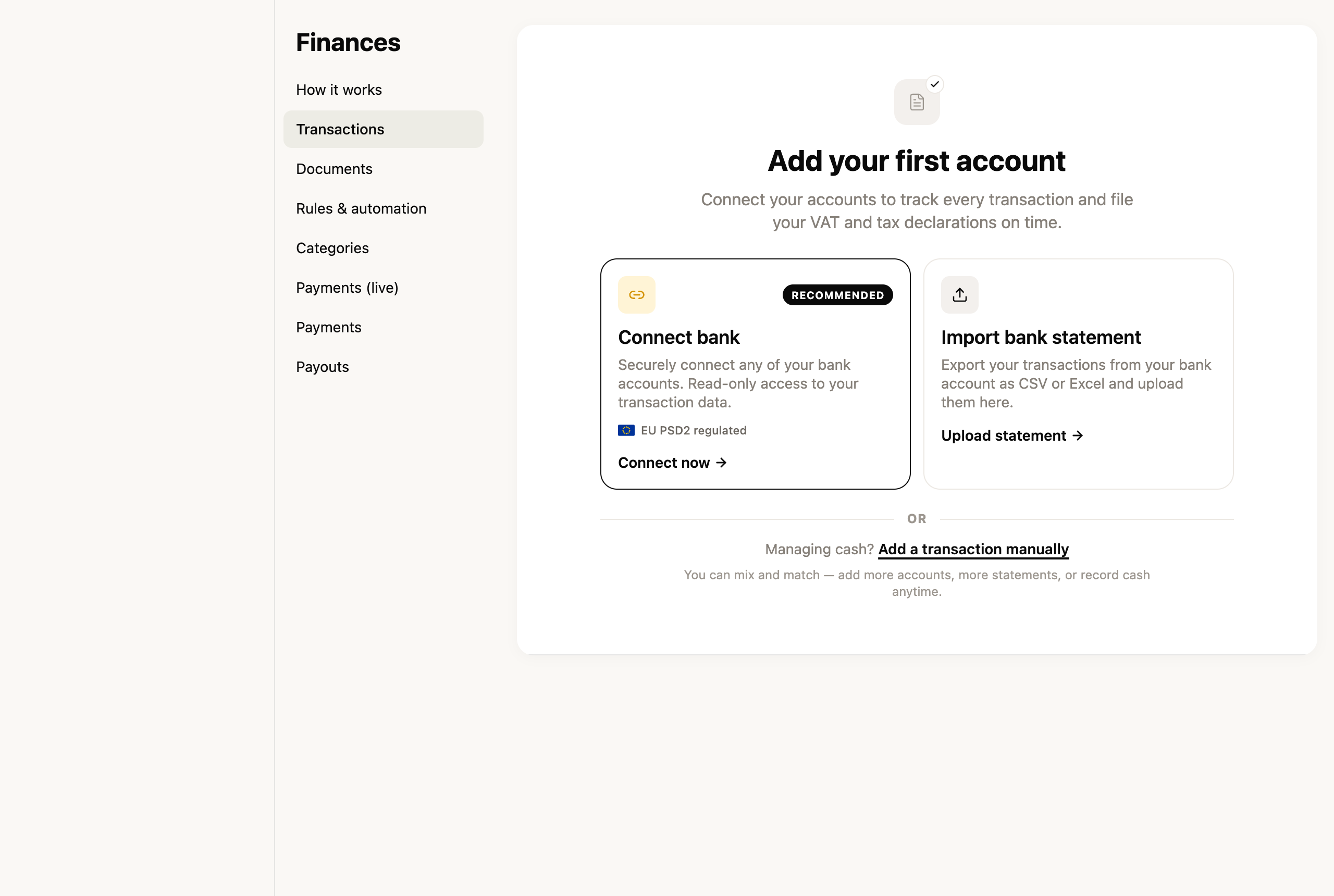
The section launched for **companies** first — and we'll keep improving it over the coming weeks.
[Open Finances →](https://app.fiz.co/bookkeeping)
## Custom invoice series
By default FIZ numbers your invoices with its own series. But some people need a series of their own — to separate document types, or to carry on the numbering from another system. Now you can **create custom series**: give it a name and set the **starting number**, then pick the series when you issue.
Custom series are available on the **paid plans**.
[Manage my series →](https://app.fiz.co/settings/invoicing)
## Smaller improvements
- **PDF templates in proposals** — your custom PdfMe templates can now be used in proposals too, not just invoices.
- **Expenses — scanning receipts** — the receipt upload window was redesigned, with a side-by-side preview of the extracted data.
## What's coming next
We'll keep building out Finances and invoicing, and getting ready for IRS filing. If there's something you'd like in FIZ, or you ran into a problem, write to us via the in-app chat. We read everything.
Thank you for using FIZ.
---
## Is the Tax Authority Auditing Freelancers? What They Look For and How to Protect Yourself
> URL: https://blog.fiz.co/en/tax-authority-audits-freelancers
> Category: Tips | Published: 2026-03-28 | Reading time: 5 min
> If you're a freelancer worried about a tax audit, read this first. The reality is very different from what you imagine - and there are simple ways to protect yourself.
You're having coffee with a freelancer friend and they tell you, all nervous: "I got a notification from the Tax Authority asking me to justify some invoices from 2023. I'm done for!"
Calm down. Let's talk about what really happens when the Tax Authority (AT) audits independent workers. Spoiler: if you do everything right, you're probably not even their priority.
## The Tax Authority Has Bigger Fish to Fry
First, let's put things in perspective. The Tax Authority has limited resources. Do you really think they're going to spend time and money investigating João who invoices €1,500 a month doing graphic design?
**The AT's priority targets are:**
- Large companies with millions in turnover
- High-risk sectors (real estate, construction, restaurants)
- Cases with clear signs of fraud
You, a freelancer on the simplified regime issuing green receipts correctly? You're like that car doing 90 km/h on the motorway - nobody's going to bother you because there are people doing 180.
## What Really Gets the AT's Attention
But be careful - this isn't a free pass to make mistakes. There are situations that trigger alarms in their system:
### 1. Sudden Drops in Income
Sofia was invoicing €3,000 a month in marketing consulting. Suddenly she starts declaring €500. The AT's system thinks: "Either she lost all her clients, or she's hiding something."
### 2. Expenses Greater Than Revenue (Multiple Years)
Miguel has a sole trader company. He declares €15,000 in annual revenue but €25,000 in expenses. One year, fine - he was starting out. Three years in a row? The AT will want to know how he pays his rent.
### 3. Discrepancies in the e-Invoice System
This is the most common one. Pedro builds websites and declares €10,000 annually. But the e-invoice system shows invoices issued worth €18,000. Houston, we have a problem.
### 4. High-Risk Activities
Certain activities attract more attention:
- Consulting (hard to verify the actual work)
- Training (often paid in cash)
- Home beauty services
- Home repairs
## How the System Catches You (Without Meaning To)
The AT these days is like a fiscal Big Brother. They cross-reference data from everywhere:
Inês, a designer, was unlucky. She invoiced €8,000 in one quarter but forgot to report a €2,000 invoice. When she filed her quarterly VAT declaration, she only declared €6,000. The system detected the discrepancy immediately.
⚠️ **Warning:** The most common mistake? Thinking that invoices without the client's tax number "don't count". THEY ALL COUNT. The AT sees everything that goes through the e-invoice system, with or without the client's tax number.
## What Happens in an Audit
It's usually not the monster you imagine:
Rui, a freelance programmer, went through this. He got the notification, panicked, but then saw it was just a €200 discrepancy on one invoice. He explained, paid the difference, end of story.
## How to Protect Yourself (Without Stress)
### 1. Always Invoice Everything
No exceptions. That €50 job for your cousin? Invoice it. The €100 website for the corner bakery? Invoice it. On the simplified regime, 75% of what you invoice for services is taxable - the rest is your assumed expenses.
### 2. Keep Everything Organised
Issued invoices, expense invoices, bank statements - all saved and organised by category, in digital format.
### 3. Don't Invent Expenses
On the simplified regime you have the coefficient that already assumes expenses. You don't need to invent anything. If you have real higher expenses, switch to the organised accounting regime.
### 4. Always Declare on Time
Quarterly VAT and Social Security declarations have strict deadlines. One delay = guaranteed fine. Use good accounting software to get deadline reminders or automate these submissions.
### 5. Be Careful with Foreign Clients
If you provide services to EU companies, you need the quarterly Recapitulative declaration. Many people forget this one and end up with a fine. Check whether your accounting software supports automatic submission of this declaration.
## The Reality in Two Paths
## The Secret Is Prevention
Ultimately, the best protection against audits is not giving reasons for them. And if it happens? With everything organised, you just explain and move on.
André had an audit because he switched from programmer to consultant and his turnover rose sharply in one year. He showed the new contracts, explained the change, case closed.
And if there's an error in a declaration? The Tax Authority always notifies you first and gives you time to correct things before applying fines. Always act within the deadline and you're protected.
## ✅ In summary - 3 points
1. **The AT focuses on the big players** - If you're a normal freelancer with modest turnover and everything in order, relax
2. **What triggers their alerts** - Sudden drops in income, expenses greater than revenue for several years, and discrepancies between the e-invoice system and your declarations
3. **The best defence** - Always invoice everything, keep organised records, and submit declarations on time. [FIZ](https://fiz.co/) (Auto Pro plan) automates quarterly declarations and includes a Tax Shield up to €500 if something goes wrong.
At the end of the day, working for yourself already has enough stress. Being afraid of the Tax Authority shouldn't be one of them.
---
## Why the Government Sends You Money in May (and How to Make Sure You Get Yours)
> URL: https://blog.fiz.co/en/irs-refund-may-independent-workers
> Category: IRS | Published: 2026-03-25 | Reading time: 5 min
> May is the month when many freelancers receive a surprise transfer from the government. It's not a mistake - it's your IRS refund. Here's how to maximise it.
May is the month when many independent workers receive a surprise transfer from the government. No, it's not a system error. It's the IRS refund - money that was withheld beyond what you actually owed during the previous year.
Marta, a graphic designer in Lisbon, received €800 last May. "I thought it was a mistake. I called my cousin who's an accountant and he laughed. It was my IRS refund. I didn't even know I was entitled to it."
Let's explain how this system works - and how you can maximise what you receive.
## What is withholding tax (and why they take money from you)
When you invoice a company, it automatically withholds part of the amount for the government. It's like an advance payment of the IRS you'll owe in the future.
Imagine you go to a café every morning. Instead of paying at the end of the month, you leave one euro on the counter each day. At the end of the month, you settle up. If you left more than you owed, the owner gives you the difference back.
Withholding tax works exactly like this. Companies withhold a percentage of what they pay you and hand it to the government. When you file your annual IRS declaration, the Tax Authority calculates what you really owed. If they withheld more than necessary, they refund the difference.
## How the actual IRS calculation works
João works as a marketing consultant. In 2025, he invoiced €24,000 to companies that withheld 23% at source - the rate applicable to professional activities under Article 151 of the CIRS (consultants, designers, programmers, translators).
⚠️ **Warning:** If you don't file your annual IRS declaration on time (usually between 1 April and 30 June), you won't receive the refund. The government won't chase you to give money back.
## Situations where the refund can be larger
Sofia is a freelance photographer. In 2025, she had withholding tax on all her company work. But she also had deductible expenses that reduce the IRS owed:
- **Health expenses** - dentist appointments, new glasses
- **Education expenses** - advanced photography course
- **PPR** - retirement savings plan she opened at the bank
Since withholding was calculated without considering these deductions, Sofia's refund was substantial.
Pedro, an independent programmer, had another situation. He only worked 6 months in 2025 (started in July). Companies withheld as if he'd work the full year. Result: big refund in May 2026.
## How to maximise your refund
## The mistakes that cost you money
Rita, a freelance translator, lost hundreds of euros in refunds from one simple mistake: she didn't validate her invoices in the e-invoice system. "I thought it was automatic. I only found out when a colleague told me they'd received a much bigger refund than me."
Another common mistake: not asking for invoices with your NIF on everyday expenses. Bruno, an IT consultant, calculated he lost at least €200 in refunds by not asking for his NIF at the supermarket for an entire year.
The worst mistake of all: not filing the annual IRS declaration. Tiago had withholding tax throughout 2024 but didn't file his declaration. Result: zero refund. The money stayed with the government.
## How to Maximise Your Refund
The biggest challenge is staying organised throughout the year. Keep a clear record of all your professional income and expenses. When it's time for the annual IRS declaration, you have everything to hand.
Questions about whether you can deduct a particular expense? Check the Finance Portal or consult an accountant. Questions like "Can I deduct this computer?" or "Does this training count as an expense?" have clear answers in the law.
## The refund timeline
## ✅ In summary - 3 points
1. **Withholding tax is an advance payment of IRS** - if you paid more than you owed, you get the difference back in May
2. **To maximise your refund**: always ask for invoices with your NIF, validate in the e-invoice system monthly, consider a PPR or health insurance
3. **Organisation is everything** - keep records throughout the year, validate e-invoices monthly, and file your declaration on time. [FIZ](https://fiz.co/) (Auto Pro plan) organises income and expenses automatically and includes a Tax Shield up to €500 if anything goes wrong.
Your IRS refund isn't a bonus or luck. It's your money coming back to you. With organisation and the right tools, you can make sure you receive every cent you're entitled to.
---
## Can You Deduct the VAT You Pay on Your Expenses? Yes - Let Me Explain How
> URL: https://blog.fiz.co/en/deduct-vat-professional-expenses
> Category: Tips | Published: 2026-03-22 | Reading time: 5 min
> Rita left over €3,000 on the table by not knowing she could deduct VAT on professional expenses. Learn how it works and how much you can save.
Rita, a designer in Lisbon, almost fell off her chair when she found out. For two years, she'd been paying VAT on everything - new MacBook, Adobe licence, coworking space - without knowing she could deduct that amount. Result? She left over €3,000 on the table.
If you issue invoices with VAT (turnover above €15,000/year), I have good news: the VAT you pay on your professional expenses reduces what you have to hand over to the government. This is called deductible VAT.
## How Deductible VAT Works in Practice
Imagine you're like João, a marketing consultant in Porto. In a typical quarter:
That's money that stays in your pocket, every quarter.
## The Secret Is in the NIF on the Invoice
Here's the trick many independent workers don't know: **the invoice must have your NIF (tax number)**.
When you go to buy a laptop or pay your coworking membership, always ask for an invoice with your tax number. Without the NIF, you can't deduct.
Ana, a copywriter in Coimbra, learned this the hard way. She bought a €1,200 computer but asked for an invoice without her NIF. She lost €225 in VAT deductions. "It was an expensive lesson," she says.
## What Expenses Can You Deduct?
Expenses must be related to your activity:
⚠️ **Warning:** The coffee and pastry on your break? Not deductible. Expenses must have a clear connection to your work.
## How to Make the Deduction on the Quarterly VAT Declaration
The process happens when you submit the quarterly VAT declaration:
1. Log in to the Finance Portal with your credentials
2. Go to "Submit Declaration" > "VAT" > "Periodic Declaration"
3. In the deductions section, enter the total VAT from your expenses
4. The system automatically calculates how much you owe
Pedro, an IT consultant, does this every quarter: "At first it seemed complicated, but now it takes me 15 minutes. It's worth it for the money I save."
## The Most Common Mistake (and How to Avoid It)
The most frequent error? Mixing personal and professional expenses without criteria.
Marta, a translator, bought an iPhone and tried to deduct 100% of the VAT. Problem: she uses the phone 50% for work, 50% personally. In an audit, this can cause problems.
**The golden rule**: be reasonable. If you use something partially for work, only deduct that percentage.
## What If You Don't Yet Invoice with VAT?
If you invoice less than €15,000/year, you're exempt from VAT (Article 53 of CIVA). This means:
1. You don't charge VAT to your clients
2. You can't deduct VAT on your expenses
It cuts both ways. That's why many freelancers prefer to go above the threshold - the deductions make it worth it. And you don't have to wait to reach it: you can do it **on purpose** - see [waiving the art. 53.º exemption](/en/waive-vat-exemption-article-53).
## How Much Can You Really Save?
Bruno, a photographer in Porto, did the maths from last year:
"It's like getting a 23% discount on all professional purchases," he explains.
## Get Organised From the Start
Build a simple habit: whenever you receive a professional invoice, save it immediately in a folder (physical or digital). When quarterly VAT declaration time comes around, you have everything to hand to fill in your deductions.
## ✅ In summary - 3 points
1. **If you charge VAT on your invoices, you can deduct VAT on professional expenses** - it's money that stays in your pocket instead of going to the government
2. **The invoice must always have your NIF** - without this, you lose the right to deduct
3. **Organisation is everything** - keep all professional invoices, record deductions on the quarterly VAT declaration, and be reasonable with the percentage you deduct for mixed-use expenses. [FIZ](https://fiz.co/) (Auto Pro plan) automates this process and submits the declaration each quarter.
---
## You've Been Putting Off Starting 'Until Monday' for 2 Years. Here's What It's Costing You
> URL: https://blog.fiz.co/en/putting-off-starting-until-monday-cost-in-euros
> Category: Tips | Published: 2026-03-19 | Reading time: 5 min
> Every month you delay going freelance costs between €1,000 and €3,000. Do the maths with real examples and discover the true price of fear.
You've lost count of Sunday evenings when you promised yourself: "Tomorrow I'm really going to start." That business idea, that freelance project, that switch to becoming self-employed. But then Monday arrives and... another week passes.
Let's do some sums that are going to hurt a bit.
If your idea would earn you €1,500 net per month (a perfectly realistic figure for a starting freelancer), each year of postponement costs you **€18,000**. Two years? **€36,000**. That's the price of a new car. Or a house deposit. All because fear spoke louder.
## The Real Cost of "I'll Look Into It Later"
Imagine Sofia. A graphic designer who works at an agency and dreams of her own projects. She has interested clients who regularly approach her. She could easily invoice €2,000 per month as a freelancer. But she's been putting it off for 18 months. "It's just that I'd have to register for activity with the Tax Office... and Social Security... and the invoices... and VAT..."
**Let's look at the maths:**
- €2,000 x 18 months = €36,000 of lost invoicing
- With the simplified regime coefficient (75% of what you invoice in services counts as profit), that's €27,000 of lost taxable income
- Even after paying taxes, we're talking about around €20,000 net that Sofia let slip away
All because she didn't dedicate 2 hours to opening her activity.
## The Table That'll Make You Think Twice
See how much you lose for each month of postponement, according to what you could be invoicing:
**If you'd invoice €1,000/month:**
- 6 months of postponement: €6,000 lost
- 12 months: €12,000 lost
- 24 months: €24,000 lost
**If you'd invoice €1,500/month:**
- 6 months of postponement: €9,000 lost
- 12 months: €18,000 lost
- 24 months: €36,000 lost
**If you'd invoice €2,500/month:**
- 6 months of postponement: €15,000 lost
- 12 months: €30,000 lost
- 24 months: €60,000 lost
And these are conservative figures. Many Portuguese freelancers invoice well more than this.
## The Fears That Are Costing You Thousands
Let's be honest about what's holding you back:
**1. "What if I make mistakes in the declarations?"**
This is fear number 1. The fines can be significant — nobody wants to receive a letter from the Tax Office. But with FIZ.co, the quarterly VAT and Social Security declarations are submitted automatically. Zero stress. And if any error happens? The Tax Shield covers fines up to €500 per declaration.
**2. "I don't understand anything about taxes"**
That's normal. The Portuguese tax system isn't simple. But you don't need an accounting course. In the simplified regime, 75% of what you invoice in professional services (Article 151 CIRS) counts as profit (the other 25% are expenses assumed automatically). FIZ.co calculates all this for you.
**3. "I'm afraid I won't get enough clients"**
Start part-time! You can have your job and invoice as self-employed at the same time (provided your contract allows it). You'll build your client portfolio without pressure.
**4. "What if I can't pay Social Security?"**
Good news: you don't pay in the first year! You have 12 complete months of exemption if it's the first time you're opening activity. That's more than enough time to stabilise.
**5. "I'll have to hire an expensive accountant"**
No, you won't. To start with, FIZ.co's Base plan is free — certified invoicing without limits. When you want to automate declarations, the Auto plan does everything for you. No accountant needed.
## João Waited 3 Years. He Did the Sums and Nearly Cried
João is a programmer. For 3 years he worked for a company, but always had side projects. Clients who asked him for websites, apps, consultancy. He refused everything because "I don't have activity opened" and "it's too complicated".
One day he sat down and calculated:
- Refused projects: average of €3,000/month
- Time lost: 36 months
- Total: €108,000
More than one hundred thousand euros. Out of fear of dedicating an afternoon to opening activity.
He opened activity the following week. Today he invoices €4,000/month and works from home.
> **Important:** Many people think that in the simplified regime "the State does everything for you". Wrong! Simplified simply means that you automatically assume 25% expenses (in services). But **you** have to submit all declarations — quarterly VAT declaration, quarterly Social Security declaration, annual IRS declaration, and the monthly invoice communication (this last one is automatic if you use certified software like FIZ.co). If you don't submit them, you get fined. This is where FIZ.co makes the difference — it submits everything automatically.
## How Much Is Overcoming Fear Worth Today?
Opening activity with the Tax Office literally takes 15 minutes online. Setting up FIZ.co takes another 10 minutes. Total: less than half an hour.
Compare half an hour with the thousands of euros you're losing. The maths makes postponement completely absurd. Each day that passes is money that doesn't come back.
## Catarina Was Also Afraid. Now She Earns 3x More
Catarina, 28 years old, was a marketing assistant. She did extra work for friends — social media, copy, campaigns. Always "under the table" because she was afraid of bureaucracy.
One day a friend showed her this calculation:
- "Under the table" work: €500/month (and she couldn't even accept much)
- Potential as an official freelancer: €1,500/month easily
- Difference: €1,000/month = €12,000/year
Catarina opened activity that weekend. With FIZ.co, she sends invoices in 30 seconds via WhatsApp. The quarterly declarations? Automatic. Six months later she's already invoicing €2,500/month. And the best part: she sleeps peacefully. Everything legal, everything automatic.
## The First 3 Steps (That You Can Take Today)
**1. Open activity with the Tax Office (15 minutes)**
Tax Office Portal > Activity Start. Choose simplified regime, service provision activity. Done.
**2. Set up FIZ.co (10 minutes)**
Create account on Base plan (free). Connect to your NIF. You can now send unlimited certified invoices.
**3. Send the first proposal (30 minutes)**
That client who's been asking you for months to do work for them? Send them a quote today. Seriously, today.
Total: less than 1 hour to start recovering the thousands you've been losing.
## In Summary
1. **The cost of fear is real and measurable** — each month you postpone costs you between €1,000 and €3,000 or more, depending on your potential. Do the sums with your numbers.
2. **The obstacles are much smaller than you imagine** — opening activity takes 15 minutes, in the first year you don't pay Social Security, and with [FIZ.co](https://fiz.co) declarations are automatic (you don't need an accountant).
3. **You can start today** — literally today. In less than an hour you have everything ready to invoice legally. Each day you postpone is money you won't recover.
The choice is yours: continue postponing "until Monday" and lose a few more thousands, or dedicate an hour today and finally start. How much is your next postponement going to cost you?
---
## You Already Know Accounting - You Just Don't Know the Names
> URL: https://blog.fiz.co/en/you-already-know-accounting
> Category: Guides | Published: 2026-03-19 | Reading time: 6 min
> Discover that you already do accounting every day without realizing it. 7 everyday actions that are actually accounting operations and their proper names.
When you split the dinner bill with friends and calculate how much each person owes, you're doing accounting. When you check your card balance before buying that new gadget, you're doing accounting. When you set aside 30% of your earnings for taxes, you're doing accounting.
The difference between your personal life and your life as an independent worker? At work, these actions have specific names. That's it.
Let's discover 7 things you do every day that are actually accounting operations. Then you'll realize that managing your business finances is as simple as managing your wallet - you just need to know what things are called.
## 1. Checking your balance = Cash flow control
How many times a week do you open your banking app to see how much money you have? If you're like most people, probably several times.
In the business world, this is called **cash flow control**. It's literally the same thing: knowing how much money you have available right now. The only difference is that, as an independent worker, you might need to check more than one account (personal and business).
## 2. Keeping the receipt = Document filing
Do you keep the receipt for that new laptop you bought? Of course - for the warranty. And that receipt from the work lunch? If you were smart, you'd keep that too.
As an independent worker, keeping receipts and invoices isn't paranoia - it's **accounting filing**. Every fuel receipt, every internet bill, every office supply receipt can reduce your taxes. That's real money you save.
## 3. Paying by card and getting a notification = Transaction recording
Do you get a notification every time you use your card? "Payment of 23.50 approved." This is an **automatic accounting record**.
In your business, it works the same way. Every payment you receive, every expense you make - everything should be recorded. With tools like [FIZ](https://fiz.co/), this recording can be as automatic as your bank notifications.
## 4. Splitting the restaurant bill = Cost allocation
Group dinner. The bill arrives: 120 euros. There are 6 people, but João only had water and Maria ordered a starter. You do the math: João pays 15, Maria 25, the others 20 each.
This is **cost allocation**. As a freelancer, you do the same when you split your rent (if you work from home, part is a business expense) or when you calculate how much of your internet package is for work.
**Practical example:**
Sofia is a graphic designer who works from home. Monthly rent: 600 euros. She uses 1 of 3 rooms exclusively as an office.
That's 2,400 euros per year that reduce her taxable income.
## 5. Checking your statement = Reconciliation
End of the month. You open your bank statement and verify: "Was this purchase mine? Is this amount correct? Is any payment missing?"
Congratulations, you're doing **bank reconciliation**. This is exactly what accountants do - they just give it this fancy name. Checking whether the payments you expected to receive actually came in and whether the expenses add up.
## 6. Calculating how much you can save = Profit and loss
You receive your salary (or client payments). You pay rent, food, transport. At the end of the month you calculate: is there anything left? How much can I save?
This is **profit and loss**. Revenue minus expenses equals profit (or loss). Simple as that.
**Example with real numbers:**
Miguel is a freelance programmer in his second year of activity. In March 2026:
- He invoiced 2,500 euros (he's VAT exempt because he bills less than 15,000 euros/year)
- The client (a Portuguese company) withheld 575 euros for income tax (23% withholding at source). If the client were an individual or a foreign company, Miguel would receive the full 2,500 euros - but would have to set aside about 23% himself to pay income tax the following year
- He received net: 1,875 euros
Monthly expenses: internet (40 euros), coworking (150 euros), software subscription (50 euros) - total 240 euros.
Left over: 1,875 - 240 = 1,635 euros. But watch out: he needs to save for Social Security (21.4% on 70% of 2,500 = 374.50 euros) and potential extra income tax. Actually left: about 1,260 euros.
## 7. Planning your vacation = Budgeting
"If I save 200 euros a month until July, I'll have 1,000 euros for vacation." We all make these kinds of plans.
As an independent worker, this is called **budgeting**. Planning how much you'll invoice, how much you'll spend, how much you need to set aside for taxes. It's the same vacation logic, but applied to business.
## The big reveal: invoice = receipt with a name
Now the part that will make everything click:
- **Invoice** = that piece of paper you get when you buy something, but with the tax details of buyer and seller
- **Receipt** = proof that you paid
- **VAT** = that tax you already pay on everything at the supermarket (but as a freelancer, you might not have to charge it)
- **Withholding tax** = when a Portuguese client company automatically deducts 23% from your invoice and sends that amount to the Tax Authority. It's not lost money - it's an advance on your income tax, which is accounted for in the annual settlement. Note: this only applies when your client is a Portuguese company; individuals and foreign companies pay the full invoice amount
- **Credit note** = when you need to "undo" a wrong invoice
It's all vocabulary for things you already know.
> **Important:** The most common mistake for new freelancers is thinking they always have to charge VAT. Wrong! If you bill less than 15,000 euros per year, you're exempt (Article 53 of the VAT Code). Don't overcomplicate what's simple - first confirm whether you actually need VAT.
## So why does it seem so complicated?
It seems complicated because:
1. They use different words for simple things
2. They mix everything into one confusing mess
3. Nobody teaches you to translate from "accountant-speak" to normal language
But now you know. Checking your balance is cash flow control. Keeping receipts is filing. Checking your statement is reconciliation.
The only real difference? As an independent worker, you need to do this in a more organized way. And yes, with the right names so the tax office doesn't bother you.
**In summary:**
- You already do accounting every day with your personal money - you just didn't call it that
- An invoice is a receipt with more data, VAT is the supermarket tax, withholding is an income tax advance that only applies when billing Portuguese companies
- Organize your business finances like you organize your personal ones, but use the right names for each thing
---
## 5 Things That Scare You About Accounting - And Why None of Them Are That Bad
> URL: https://blog.fiz.co/en/5-scary-accounting-things
> Category: Tips | Published: 2026-03-17 | Reading time: 6 min
> The 5 biggest fears freelancers have about accounting, debunked. Fines, formulas, inspections - discover why nothing is as scary as it seems.
Let's be honest: when you started as a freelancer, the scariest part wasn't finding clients. It was thinking about the Tax Authority, Social Security, quarterly declarations... that knot in your stomach when someone mentioned "fines."
I know that feeling well. And today I'm going to show you that the 5 biggest fears you have about accounting are actually much less scary than they seem.
## 1. I'll make a mistake and they'll fine me forever
This is the number one fear. You wake up in the middle of the night thinking: "What if I forgot to declare that invoice? What if I put the wrong amount?"
**The reality:** A small error on your annual income tax return can cost you just 25 euros. Yes, you read that right. Twenty-five euros.
Let's get to the point: if you make an error on your annual income tax return that doesn't cause harm to the State (meaning you didn't pay less tax than you should have), the minimum fine is 25 euros - and only if you don't voluntarily correct the situation.
**Practical example:** Ana, a freelance designer, forgot to include a 500-euro invoice in her annual income tax return. When she realized, she immediately corrected the return. Result? Zero fine. Why? Because she corrected it before the Tax Authority detected the error.
And even if the Tax Authority detects it first? If you pay immediately when notified, you can get massive reductions on the fine. It's not the end of the world.
> **Important:** The trick is to correct BEFORE you're notified. If you discover an error, don't panic - correct it immediately. With [FIZ](https://fiz.co/), you get the Tax Shield that covers fines up to 500 euros per declaration if there's any error in the automatic submissions.
## 2. Accounting has complicated formulas I don't understand
When someone talks about "coefficient 0.75" or "tax base," your eyes glaze over? Normal. But let me explain this as if we were having coffee.
**The reality:** There are no formulas. Just simple percentages.
Under the simplified regime (what most freelancers use), it works like this:
- Earned 10,000 euros building websites? The State assumes 25% of that (2,500 euros) was expenses. You only pay taxes on the other 75% (7,500 euros).
- Sold products? The State assumes 85% was expenses. You only pay taxes on 15%.
That's literally it. You don't have to calculate anything - the Tax Authority system does this automatically when you file your return.
**Practical example:** João invoiced 15,000 euros in 2025 as a programmer. When he filed his annual income tax return, he just had to enter this total amount. The system automatically calculated that he'd pay taxes on 11,250 euros (75% of 15,000 euros). Zero formulas, zero headaches.
## 3. I need an expensive accountant
This is a classic. You think you need to pay 200 euros a month for an accountant because "this is too complicated."
**The reality:** Under the simplified regime, an accountant is completely unnecessary.
Why? Because your obligations are simple:
- Issue invoices (4 fields to fill in)
- Submit the quarterly VAT declaration (if you're not exempt)
- Submit the quarterly Social Security declaration
- File the annual income tax return once a year
Each of these things literally takes minutes. And with tools like [FIZ](https://fiz.co/), the quarterly declarations are submitted automatically - you don't even have to remember the deadlines.
**Practical example:** Marta, a copywriter, was paying 150 euros/month for an accountant. She switched to FIZ and now the VAT and Social Security declarations are submitted automatically every 3 months. Annual savings? 1,800 euros.
## 4. The Tax Authority will show up at my door for an inspection
You imagine tax inspectors knocking on your door, rifling through papers, asking difficult questions...
**The reality:** For independent workers under the simplified regime, this almost never happens.
The Tax Authority has automatic systems that cross-reference information. If your invoices match your declarations, if you pay on time... you're just another number in the system. You're not interesting to them.
And even if there is an inspection? If you have everything organized (issued invoices, expense receipts), there's no drama. Is it annoying? Yes. Is it the end of the world? No.
**Practical tip:** With [FIZ](https://fiz.co/)'s integrated bookkeeping, you have everything in one place - income, expenses, VAT. If you ever need to show something to the Tax Authority, it's all there, automatically organized.
## 5. I'm not smart enough for this
This is the saddest fear, because it's completely false. If you can manage projects, talk to clients, deliver work on time... you can perfectly well handle your accounting.
**The reality:** A freelancer's accounting is simpler than managing a project.
Think about it:
- Issuing an invoice = filling in 4 fields
- Quarterly VAT declaration = copying values from invoices
- Quarterly Social Security declaration = stating how much you invoiced
- Annual income tax return = adding up the annual total and filling in Annex B
That's it. It's not rocket science.
**Real example:** Pedro, a photographer, thought he was "terrible with numbers." He started using FIZ and discovered that issuing invoices takes 30 seconds. Quarterly declarations? Submitted automatically. Income tax? The AI Tax Assistant guides him step by step. Turns out he wasn't dumb - he just needed the right tools.
> **Important:** The biggest mistake is accumulating months of invoices "to deal with later." Do it right away - with [FIZ](https://fiz.co/) you can even create invoices via WhatsApp while leaving a meeting.
## The Truth About These Fears
All these fears have one thing in common: they seem much worse in our heads than they are in reality.
- Astronomical fines? In practice, 25 euros if you correct in time
- Complicated formulas? It's just multiplying by a percentage
- Mandatory accountant? Unnecessary under the simplified regime
- Surprise inspections? Extremely rare for organized freelancers
- Being too dumb? If you're reading this article, you're already smart enough
The secret is having a system. And that's exactly what [FIZ](https://fiz.co/) is for. Free certified invoicing on the Base plan. Automatic VAT and Social Security declarations on paid plans. AI Tax Assistant for your questions. Tax Shield to protect you from fines.
It's not magic. It's simply the right tool for the right job.
**In summary:**
1. **Small mistakes cost little** - A minimum fine can be just 25 euros, and you can avoid it completely by correcting voluntarily
2. **There's no complicated math** - Under the simplified regime it's all automatic: 75% of your earnings are taxable if you provide services, 15% if you sell products
3. **With the right tools, it's simple** - FIZ submits your quarterly declarations automatically and protects you from fines with the Tax Shield
---
## I Was 28, Wanted to Go Freelance - And the Word Accounting Stopped Me for 2 Years
> URL: https://blog.fiz.co/en/i-was-28-accounting-stopped-me
> Category: Guides | Published: 2026-03-15 | Reading time: 7 min
> A real story about how the fear of accounting delayed the start of an independent career. The 5 truths nobody tells you about starting as a freelancer in Portugal.
It was 2 AM and I was watching startup videos on YouTube. Again. My notebook was full of ideas for going freelance: building websites, consulting, creating content. But every time I opened the Tax Authority website, I closed the tab in panic.
It wasn't the fear of paying taxes. It was worse: I didn't even know where to start.
For two years, I postponed starting my independent activity because of one word: **accounting**. It seemed like a different world, full of terms I didn't understand and consequences I couldn't predict.
If you identify with this story, you're not alone. And I have good news: what stopped me for 730 days can be solved in an afternoon.
## The moment everything changed
One day, a friend asked me: "But what actually scares you?"
I stopped to think. It wasn't income tax. It wasn't Social Security. It was simply **not knowing**.
- I didn't know when I had to register my activity
- I didn't know which declarations I had to submit
- I didn't know how much I'd pay in taxes
- I didn't know if I could do everything on my own
The fear of the unknown is paralyzing. But when I finally found the answers, I realized I'd wasted 2 years for nothing.
## The 5 truths nobody told me
### 1. You must register your activity BEFORE your first invoice
This was the first surprise. I thought I could invoice first and then "legalize" the situation later. **Wrong.**
The law is clear: you must notify the Tax Authority of the start of your activity **before**:
- Issuing your first invoice
- Receiving any payment
- Buying materials for the business
- Signing your first contract
It's free and takes 15 minutes on the Tax Authority portal. But it has to be before.
### 2. The simplified regime isn't automatic
Second illusion shattered. "Simplified" doesn't mean the State takes care of everything for you. It only means that the profit calculation is simplified.
**What you have to do yourself:**
- Quarterly VAT declaration (every 3 months)
- Quarterly Social Security declaration (every 3 months)
- Annual income tax return (once a year)
- Keep all invoices
Yes, that's at least 9 declarations per year. The State doesn't do them for you.
### 3. Taxes aren't that scary
Let's look at concrete numbers. If you provide services (like most freelancers), the State assumes that 25% of what you invoice is expenses. You pay taxes on the other 75%.
**Practical example:**
- You invoiced 10,000 euros in a year
- The State assumes you spent 2,500 euros on expenses (25%)
- You pay income tax on 7,500 euros (75%)
- If it's your only income, the rate starts at 12.50%
- Income tax to pay: about 937.50 euros (before other deductions)
It's not nothing, but it's also not the monster I imagined.
### 4. Social Security has a minimum of 20 euros
Another discovery: even if you don't invoice anything in a quarter, you have to pay at least 20 euros per month to Social Security.
If you invoice very little, the amount stays at 20 euros. If you invoice more, you pay 21.4% on 70% of what you earned (after deducting expenses).
**But note:** in the first year you may be exempt! That's a huge help when starting out.
### 5. Fines are avoidable (but painful)
This was my biggest fear for 2 years. And with good reason - fines can be significant.
But they're 100% avoidable. Just:
- Submit declarations on time
- Pay taxes on the correct dates
- Keep documents organized
The problem? There are too many dates to remember and too much to organize on your own.
## The mistake I almost made (and you'll want to make too)
After finally registering my activity, I thought: "I'll do everything in a spreadsheet."
**Terrible idea.**
Between recording invoices, calculating VAT, preparing declarations, and tracking deadlines, I was spending more time on bureaucracy than working for clients.
That's when I discovered tools that do this automatically. [FIZ](https://fiz.co/), for example, not only lets you issue certified invoices (free on the Base plan), but also automatically submits the quarterly VAT and Social Security declarations.
And the best part? It has a Tax Shield that covers fines up to 500 euros if there's any error in the declarations. In other words, my biggest fear simply disappeared.
> **Important:** The biggest mistake you can make is thinking you'll "organize this better someday." Every day that passes without a system is another opportunity to miss a deadline or lose an important document. Start organized from day 1.
## My first invoice (and why it took me 3 hours)
I remember the day perfectly. I had just registered my activity and a client asked me for an invoice.
I panicked. What information did I need to include? Where do I get an invoice number? And VAT?
I spent 3 hours researching, reading Tax Authority PDFs, trying to figure out if I needed to include VAT (spoiler: as a freelancer just starting out, you're probably exempt).
Today, on FIZ, I issue an invoice in 30 seconds. 4 fields, and it's done. Certified by the Tax Authority, sent by email or WhatsApp.
But the most important thing isn't the speed. It's the peace of mind of knowing everything is correct.
## What I'd do differently if I could go back
If I could go back to being 28, I'd tell myself three things:
**1. Register your activity today**
Not tomorrow. Not next week. Today. It's 15 minutes that will unlock the next years of your life.
**2. Use tools from the start**
Don't try to be a hero. Tools like [FIZ](https://fiz.co/) exist precisely so you don't have to learn accounting. Focus on your work, not on declarations.
**3. The fear is worse than reality**
I spent 2 years afraid of something I solved in an afternoon. The Tax Authority doesn't bite. The declarations aren't that complicated. And with the right tools, it's almost automatic.
**In summary:**
1. **Register your activity before invoicing** - It's free, quick, and mandatory. Don't delay.
2. **The simplified regime isn't autopilot** - You have to submit at least 9 declarations per year. Use tools that automate this.
3. **Fear comes from lack of information** - When you realize it's just a few simple rules and some dates to meet, everything gets easier. And with a Tax Shield, even fines stop being a worry.
Don't waste 2 years like I did. The word "accounting" no longer scares me - and it shouldn't scare you either.
---
## 'I Need to Understand Taxes First' - And Other Excuses Stopping You From Starting
> URL: https://blog.fiz.co/en/excuses-that-stop-you-from-starting
> Category: Tips | Published: 2026-03-13 | Reading time: 7 min
> The 4 big excuses that stop aspiring freelancers from registering their activity. Discover why they're nonsense and what you really need to know before starting.
You know that coffee conversation where you say "I want to be a freelancer but first I need to understand everything about taxes"? Right. Six months have passed and you're still at the same job you hate.
Let's talk truth: you're using taxes as an excuse. And you're not the only one - 90% of aspiring independent workers do the same. "I'll wait until January," "first I'll build up savings," "I need to understand the whole system before I start."
Spoiler: you're wasting time and money. I'll prove why.
## The 4 big excuses (and why they're nonsense)
### 1. I'll wait until January to start fresh
This is a classic. It's March 2026 and I bet you said this last October. And in October 2024. And probably in 2023 too.
**Reality:** You can register your activity on any day of the year. Literally any day. The tax system doesn't care whether it's January or July.
**Practical example:** João waited until January to "start fresh." He lost a 3,000-euro project in November because he didn't have his activity registered. Maria registered in October and invoiced 4,500 euros by the end of the year. Who do you think made the right decision?
### 2. First I'll save up 6 months of expenses
The famous financial cushion. Good idea? Yes. Necessary to start? No.
**Reality:** Most successful freelancers started with zero in the bank. Why? Because the first clients pay for the first months. That's how it works.
Think about it: if you have a guaranteed client who's going to pay you 1,500 euros next month, why do you need 10,000 euros in the bank to start?
### 3. I need to understand the entire tax system first
This is my favorite. It's like saying you're going to study the ENTIRE highway code before your first driving lesson.
**Reality:** 80% of what you need to know about taxes you'll learn in the first month of activity. The rest? You'll learn as you need it.
**Real example:** Sofia spent 3 months reading about VAT, income tax, tax brackets, coefficients... When she finally registered her activity, she discovered she was VAT exempt (she invoices less than 15,000 euros per year). All that VAT study? Useless for the first 2 years.
### 4. The system is too complicated to do alone
True: the Portuguese tax system isn't simple. False: you need a PhD to get started.
**Reality:** With the right tools, it's easier to be a freelancer today than to work for others. In the past, you needed an accountant from day 1. Today? [FIZ](https://fiz.co/) submits your quarterly VAT and Social Security declarations automatically. Zero stress.
## What you REALLY need to know before registering
Forget the 300-euro courses and 200-page PDFs. This is the essential:
### 1. How to register your activity
**Where:** Tax Authority portal (online) or at a Tax Authority office
**When:** Before you issue your first invoice
**Cost:** 0 euros
**Time:** 15 minutes
It's literally filling out a form. Name, tax number, activity you'll perform (you choose from a list), VAT regime. Done.
### 2. Simplified regime vs organized accounting
**Simplified:** For 99% of beginner freelancers. The State assumes 25% of what you invoice for services is expenses. Simple.
**Organized accounting:** Only worth it if you have many expenses (more than 25% of your billing). Leave it for later.
### 3. VAT - when to charge it
**Invoiced less than 15,000 euros in the previous year?** You're exempt. You don't charge VAT to clients.
**Exceeded 15,000 euros?** You have to charge VAT (23% on most services).
That's it. Don't overcomplicate.
### 4. How much you'll actually pay
Under the simplified regime, the State assumes 75% of what you invoice for services is profit. It's on this amount that you pay income tax.
**Simple example:** You invoiced 20,000 euros in a year. The State considers 15,000 euros (75%) as your profit. You calculate income tax on these 15,000 euros, not on the 20,000 euros.
The rate? Depends on the total, but starts at 12.50% for lower incomes. With 15,000 euros of profit, the income tax bill comes to around 2,200 euros per year (with progressive rates).
## The fatal mistake of perfectionists
The biggest mistake? Thinking you need to have everything perfect before starting.
I know dozens of people who spent MONTHS preparing. Complex invoicing systems, elaborate spreadsheets, online courses... And you know what? Most of them gave up before issuing their first invoice.
Why? Because they turned something simple into a monster. The more you study without practicing, the scarier it seems.
## The truth nobody tells you
Did you know you can correct almost everything with the Tax Authority? Chose the wrong activity code? Correct it. Wanted a different regime? Change it. Made a mistake on a quarterly declaration? Replace it.
The system isn't a prison. It's flexible. But you only discover this... by starting.
**Real story:** Pedro registered his activity thinking he'd do design. Two months later, he was giving online training. All it took was an amendment declaration (free) and that was it. Changed his activity code, kept working.
## The mental trick that works
Instead of thinking "I need to know everything," think "I need to know enough for next week."
- **Week 1:** Register activity and issue first invoice
- **Week 2:** Understand when to send the invoice to the client
- **Month 1:** Understand how Social Security works
- **Month 3:** Prepare the first quarterly declaration
See? One step at a time. Like a video game - you don't need to know the final boss when you're still in the tutorial.
## What if I make a mistake?
I'll be direct: you will make mistakes. We all do. I made mistakes. Your freelancer friends made mistakes.
The difference? Today you have safety nets. [FIZ](https://fiz.co/), for example, has the Tax Shield - if there's an error in a declaration they submit, they cover the fine up to 500 euros.
In other words: your biggest fear (getting a fine) has a solution. So what are you waiting for?
## The 10-second test
Answer quickly:
- Do you have a skill someone would pay for? (Yes/No)
- Do you know at least one person who'd need that skill? (Yes/No)
- Can you send a message to that person today? (Yes/No)
Three "yes" answers? Then you don't need to study anything more. You just need to register your activity and send that message.
**In summary:**
1. **The perfect moment doesn't exist** - You can register your activity at any time of year, without massive savings, knowing only the basics. You learn the rest along the way.
2. **The essentials fit on a sticky note** - Simplified regime, 75% of your service income is considered profit, if you invoice less than 15,000 euros/year you don't charge VAT. That's it.
3. **The system is more flexible than you think** - You can correct, change, modify almost everything. And with tools like [FIZ](https://fiz.co/), quarterly declarations are automatic.
The harsh truth? While you read yet another article about taxes, someone with half your knowledge is closing their second client this month.
The difference between you? That person started.
So, are you going to keep waiting for January?
---
## Why Smart People Fear Accounting - And It's Not Their Fault
> URL: https://blog.fiz.co/en/why-smart-people-fear-accounting
> Category: Tips | Published: 2026-03-11 | Reading time: 6 min
> You have a master's degree and speak three languages, but the quarterly VAT declaration gives you panic? Discover why the fear of accounting is rational - and how to overcome it.
Let's talk about an uncomfortable truth: you have a master's degree, speak three languages, master complex technologies... but when someone says "quarterly VAT declaration," your brain goes into panic mode.
You're not alone. And more importantly: it's not your fault.
## The Education System Failed You
Think about it: you spent 12 years in school. You learned to calculate the volume of a cylinder, the molecular structure of water, the tributaries of the Tagus River. But nobody taught you how to issue an invoice. Nobody explained what VAT is. Nobody told you that, as an independent worker, you have to submit declarations every 3 months.
The Portuguese school system prepares you to be an employee. Not to work for yourself.
And then they're surprised you're afraid.
## The Fear Has a Real Origin
When you start working as an independent in Portugal, you discover that:
- You have to submit a **quarterly VAT declaration** (every 3 months)
- You have to submit a **quarterly Social Security declaration** (also every 3 months)
- If you provide services to European companies, you have to submit a **quarterly Recapitulative declaration**
- And of course, the **annual income tax return** (once a year)
Each declaration has a different deadline. Each has specific rules. And if you make a mistake? The fines can be significant.
Pedro, a 28-year-old graphic designer, says: "In the first year, I didn't even know I had to submit quarterly declarations. I thought everything was done in the annual income tax return. When I found out, I already had fines to pay."
## The 5 Most Common Fears (And Why They Make Sense)
### 1. Fear of Making Mistakes on Declarations
Ana works as a digital marketing consultant. She invoices about 2,000 euros per month. "Every time I have to fill in a declaration, I spend hours checking everything. And even then I feel like something's wrong."
This fear is rational. An error on a declaration can result in fines. And worse: often you only discover the error months later, when the fine already has interest.
### 2. Fear of Not Understanding the Calculations
Under the simplified regime (where most independents are), when you provide services, 75% of what you invoice is considered profit for tax purposes. The other 25% is assumed to be expenses.
Example: if you invoiced 10,000 euros in the year, you pay tax on 7,500 euros (not the full 10,000 euros).
Sounds simple? Now add VAT, withholding taxes, advance payments... The complexity adds up quickly.
### 3. Fear of Fines
João, a freelance programmer, shares: "My biggest nightmare is receiving a letter from the Tax Authority. Even when everything's correct, I get anxious."
And he has reason to be anxious. Fines for late declarations can be heavy. And worst of all: they accumulate. If you forget a quarterly declaration, before you know it, that's 3 months of fines.
### 4. Fear of Missing Deadlines
Quarterly VAT declaration: by the 20th of the month following the quarter.
Quarterly Social Security declaration: during the month following the quarter (January, April, July or October).
VAT payment: by the 25th.
Social Security payment: by the 20th.
That's too many dates to keep in your head. Especially when you're focused on... working and earning money.
### 5. Fear of Paying Too Much (Or Too Little)
Sofia, a freelance translator, puts it well: "I never know if I'm paying what I should. What if I'm paying too much? What if I'm paying too little and will have problems?"
This fear paralyzes. Many independents end up paying more than they should, just to "be safe." Others risk it and pay less, living with constant anxiety.
## The Most Common Mistake
The most common mistake? Thinking that under the simplified regime "the State takes care of everything."
**This is completely false.**
The simplified regime only simplifies the profit calculation (those 75% we talked about). **You still have to submit all declarations.** The State does nothing for you. If you don't submit the quarterly declarations, you'll get fines. Guaranteed.
## Fear Is a Sign of Intelligence
Here's the plot twist: if you fear accounting, it's because you're smart enough to understand the consequences of making mistakes.
People who aren't afraid are usually those who:
- Haven't yet understood the responsibility
- Have never had a problem with the Tax Authority
- Have someone else handling everything for them
You're afraid because you understand this is serious. And that makes you a better professional.
## How the Best Independents Deal with Fear
Successful independents aren't the ones who lost their fear. They're the ones who found ways to manage it.
Marta, a copywriter with 5 years of experience, explains: "In the beginning, the fear paralyzed me. Now I use [FIZ](https://fiz.co/) - the quarterly VAT and Social Security declarations are submitted automatically. I don't even think about it."
Miguel, an IT consultant, adds: "What gave me the most anxiety was the fines. With FIZ's Tax Shield, if there's any error on a declaration, they cover the fine up to 500 euros. I sleep peacefully."
## The Truth Nobody Tells You
Traditional accountants thrive on your fear. The more complicated it seems, the more dependent you become on their services.
But the truth is that, for most independents, accounting can be simple. Especially with the right tools.
[FIZ](https://fiz.co/), for example, transforms the whole process:
- Issue invoices with 4 simple fields
- Quarterly declarations? Automatic
- Bookkeeping? Records everything automatically
- Questions? The AI Tax Assistant responds within 2 hours
We're not in 1990 anymore. The technology exists to simplify your life.
**In summary:**
1. **Fear of accounting is normal and rational** - the education system never prepared you for this, and the consequences of making mistakes are real. You're not dumb - the system is complex.
2. **Fear is a sign of seriousness** - those who are afraid are the ones who understand the responsibility. These are exactly the people who become the best independent professionals.
3. **Solutions exist that eliminate the fear** - with [FIZ](https://fiz.co/), declarations are automatic, you have protection against fines, and you can focus on what really matters: your work.
---
## What's new in FIZ — February 2026
> URL: https://blog.fiz.co/en/product-updates-february-2026
> Category: Product | Published: 2026-02-28 | Reading time: 5 min
> A tax calendar with every deadline in one place, a step-by-step wizard for your first invoice, and signing in with Google. Everything we shipped in February.
Knowing what you owe the tax office, and when, is half the work of being self-employed. In February we pulled every fiscal deadline into one place, reworked how you create your first invoice, and opened up signing in with Google. Here's everything.
## Tax calendar — every deadline in one place
Working for yourself means doing the maths in your head all the time: is VAT due this month? Has the Social Security window closed? When does IRS open? It's easy to miss a deadline — or worse, file the same thing twice because you weren't sure you'd already done it.
The new **Tax Calendar** lays out every obligation for the year: Social Security, VAT, the Recapitulative statement, IRS, SAF-T. For each deadline you see what it is, the date by which you need to deal with it and — where it applies — how much there is to pay. Anything you've already done is marked off, so you can tell at a glance what's left.
And where FIZ handles the declaration, you do it straight from the calendar: tap **Declare on FIZ** and you're taken to the right place, no hunting around.
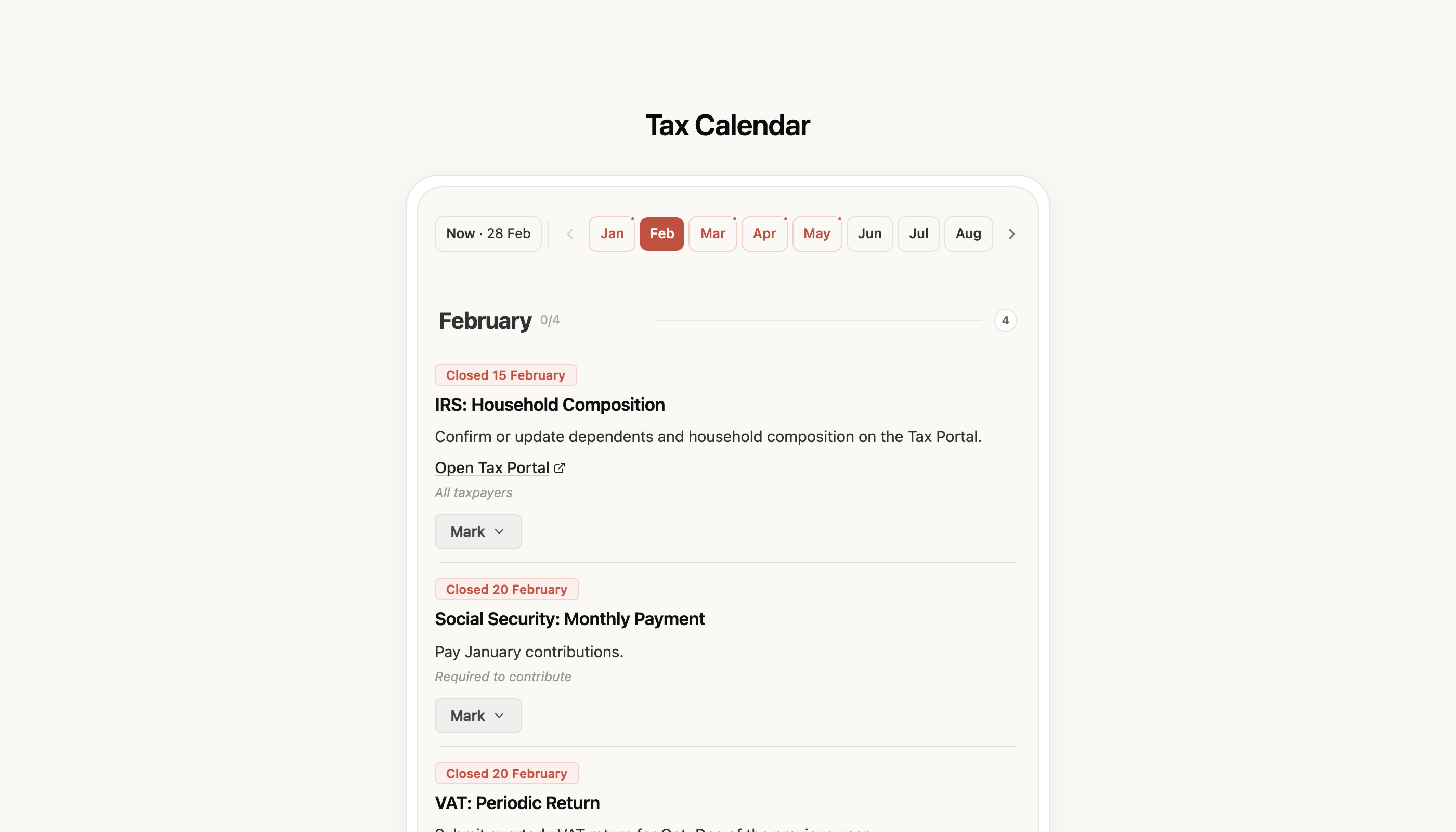
[See my tax calendar →](https://app.fiz.co/tax-calendar)
## Your first invoice — a wizard that walks you through it
Issuing your first invoice is usually where people get stuck: connecting to the tax office, picking the customer, working out the VAT rates. We rebuilt the **invoice wizard** into a guided flow from start to finish — Customer, Items, Payment — instead of dropping you on a blank page.
The wizard sorts out what genuinely comes first (the AT connection), and along the way it gathers the customer and address details so the **VAT rate comes out right** from the off — without the usual slip of applying a mainland rate to a customer in the islands.
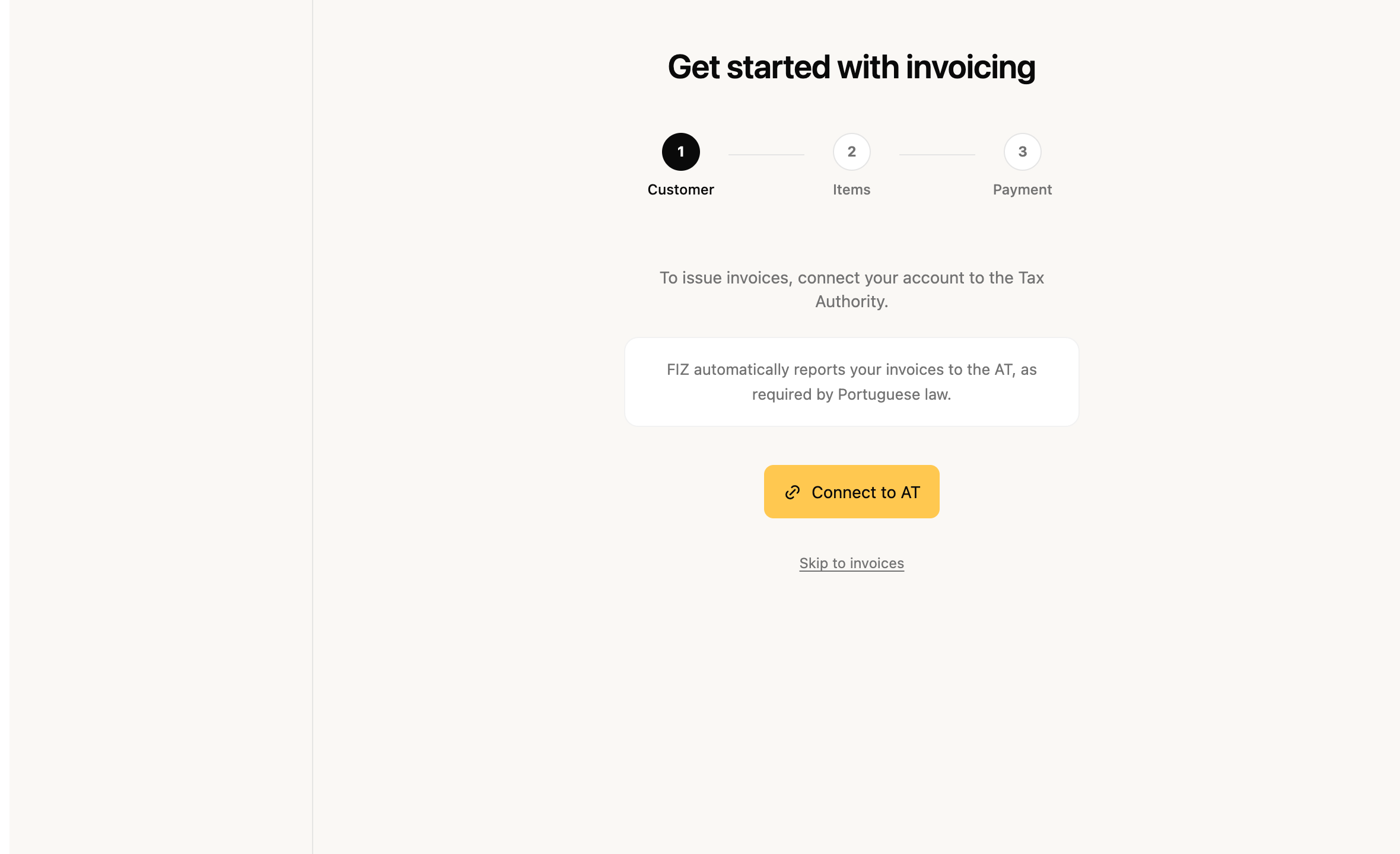
[Create my first invoice →](https://app.fiz.co/invoices/wizard)
## Sign in with Google
One less step to get going: you can now **sign in with your Google account**, with no waiting for a code by email. Tap "Continue with Google", pick the account, and you're in. Email sign-in still works exactly as before, for anyone who prefers it.
[Sign in to FIZ →](https://app.fiz.co/auth/signin)
## Invoices — smaller improvements
A few refinements for everyday invoicing:
- **Telling a private customer apart from a sole trader** — a customer with an individual NIF can be either a final consumer or a self-employed professional (a VAT-taxable person). You can now say which, and set their territory — and FIZ applies VAT by the right rule (B2C or B2B) instead of treating everyone as a final consumer.
- **Cross-territory operations (Anexo R)** — if you invoice across the mainland, the Azores and Madeira, the VAT return now reflects those operations in **Anexo R**, with no need to fill it in by hand.
- **Step-by-step e-Fatura tutorial** — after you issue an invoice, an interactive guide shows you how to confirm it reached the Finanças Portal. And you can see the **sync status** of your categories with e-Fatura, so you know everything's up to date.
## Mobile app — invoicing and expenses on your phone
FIZ on your phone grew in February too:
- **Invoice wizard** — the same guided flow, now for creating invoices from your phone.
- **Per-item discounts and withholding tax** — as you build the invoice, apply discounts line by line and add withholding where it applies.
- **Scan a final-consumer receipt** — snap a photo of the receipt straight from the Expenses section and it lands in your records.
- **Expenses and e-Fatura** — the expenses section is more complete now, with categories and syncing, plus onboarding to connect e-Fatura.
[App Store →](https://apps.apple.com/app/fiz-accounting-made-easy/id6736618714) · [Google Play →](https://play.google.com/store/apps/details?id=co.fiz.app)
## What's coming next
We're getting ready for IRS season — you'll see it in the coming weeks. If there's something you'd like in FIZ, or you ran into a problem, write to us via the in-app chat. We read everything.
Thank you for using FIZ.
---
## What's new in FIZ — January 2026
> URL: https://blog.fiz.co/en/product-updates-january-2026
> Category: Product | Published: 2026-01-31 | Reading time: 5 min
> Automatic expense categorisation, importing from the Finanças Portal, a step-by-step AT connection and custom customer fields. Everything we shipped in January.
January made FIZ much better at handling expenses: categorisation became automatic and the expenses page opened up to everyone. We also simplified importing from the Finanças Portal and connecting to the tax office. Here's everything.
## Automatic expense categorisation — less manual work
Categorising expenses one by one is one of those jobs nobody enjoys, but it matters when VAT and IRS come around. In January the **expenses** page opened to everyone in the menu, and categorising stopped being a manual chore.
FIZ now **categorises your expenses automatically** from the AT activity codes. When you have several expenses from the same supplier, you categorise them all at once with **batch categorisation**. And since anything already categorised needs no confirmation, you stop tapping "Save" on every line — categorised expenses are ready straight away.
Categories also **sync with the e-Fatura portal**, so what you organise in FIZ shows up where the tax office pulls the data for your IRS.
[See my expenses →](https://app.fiz.co/expenses)
## Importing from the Finanças Portal — bring it all into one place
If you used to issue invoices outside FIZ, or you're only now moving everything over, pulling in the history was a sticking point. In January we reworked **importing from the Finanças Portal**.
The import now runs in the background, with **visible progress** — you're not left staring at a frozen screen. You import invoices and customers from e-Fatura, see a **counter of what's been imported**, and each document carries a **source label** so you know where it came from. When there are a lot of documents, it handles the volume without leaving you halfway.
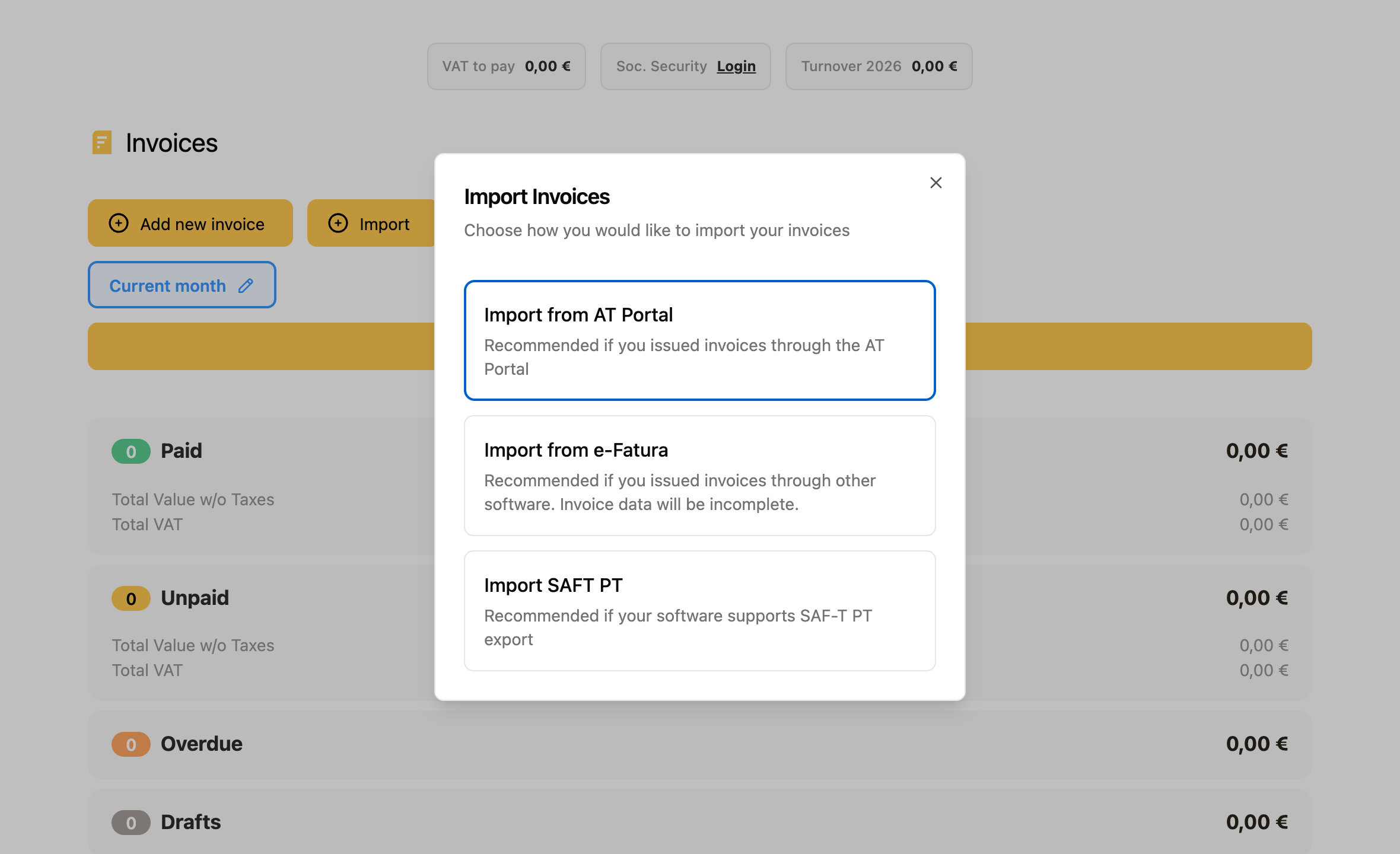
[Import from the Finanças Portal →](https://app.fiz.co/invoices)
## Connecting to the tax office — a step-by-step wizard
Connecting your account to the tax office (AT) is the first step to issuing invoices, and it was also where many people got stuck. We launched a **step-by-step wizard** that walks you through the AT connection, instead of leaving you hunting for credentials and permissions. From January it's available to everyone.
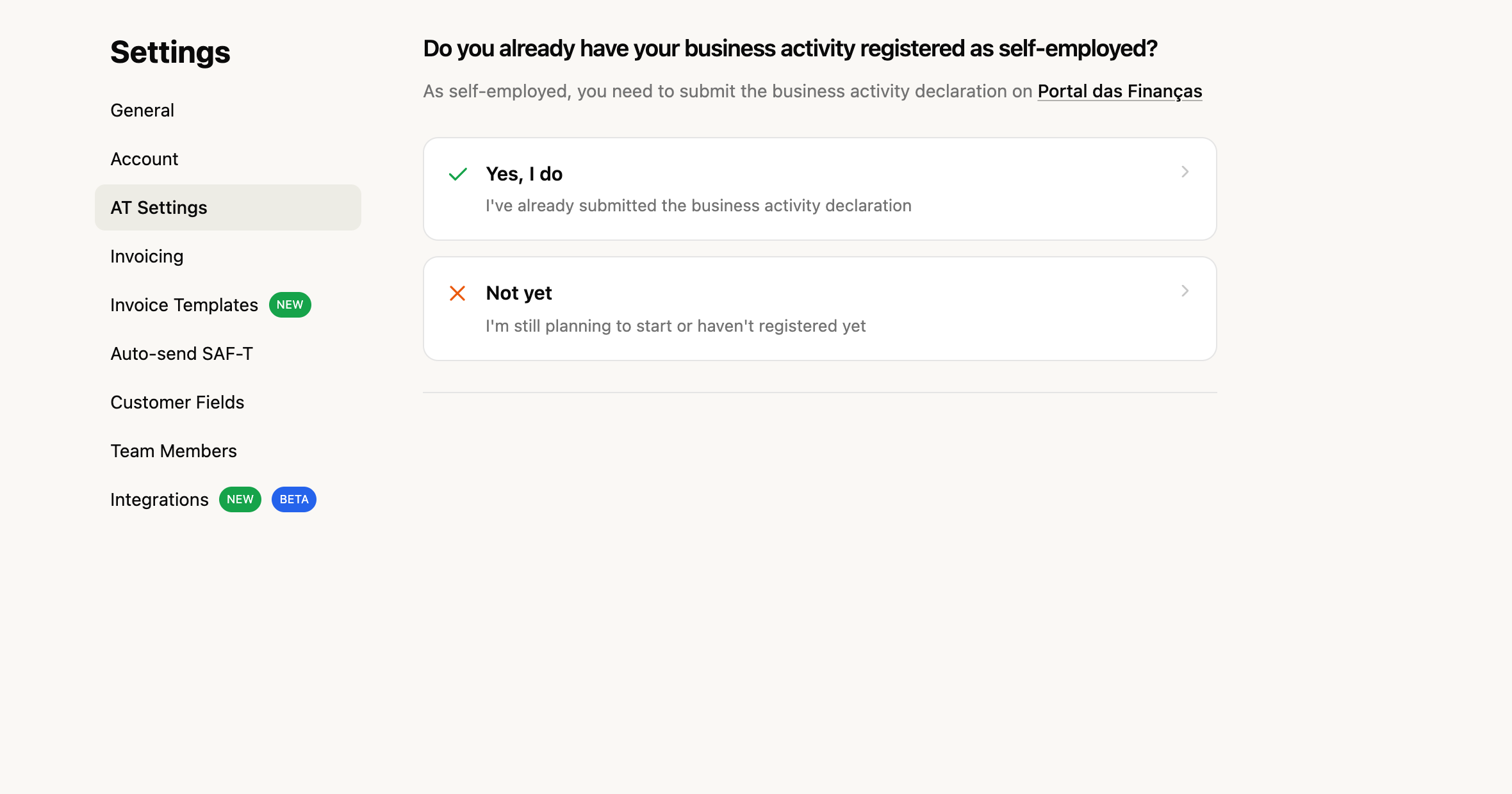
[Set up the AT connection →](https://app.fiz.co/settings/at)
## Custom customer fields
Every business keeps different information about its clients. Now you can create **custom fields** — text, numbers, dates or dropdown lists — and attach them to each customer: a contract number, agreed terms, an internal classification, whatever you need. And you can use those values directly in your invoice PDF templates.
Custom fields are available on the **paid plans** (Auto and Prime).
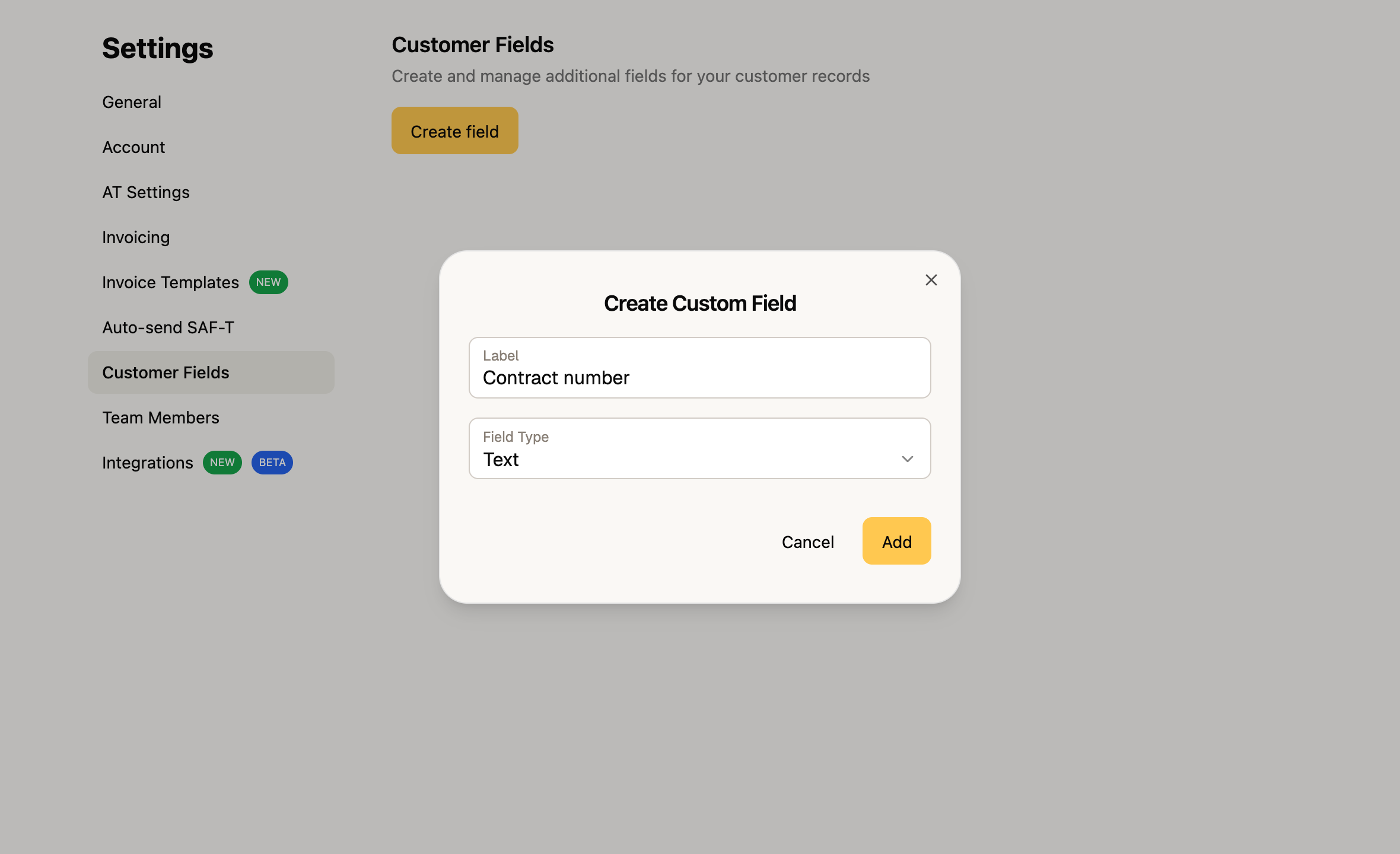
[See my customers →](https://app.fiz.co/customers)
## Invoices — transport documents and other improvements
A set of refinements for everyday invoicing:
- **Transport document** — when an invoice includes goods, you can add the transport details and report them to the tax office.
- **Clearer issuing errors** — if something goes wrong when you issue, the error now shows up right next to the issue button, so you don't have to guess what failed.
- **Tighter Article 53 calculation** — the exemption-threshold check now factors in the country and the type of operation (services or goods), so the alert better reflects your real situation.
## Mobile app — more detail and a refreshed onboarding
FIZ on your phone grew in January:
- **Item page** — open an item to see its details, archive it and check the invoices it was used on.
- **Customer detail page** — each customer's invoice history, now on your phone too.
- **Refreshed onboarding** — we rebuilt the Getting Started wizard to make the first run clearer.
- **Invoices grouped by date** — the list now has date headers, easier to scan.
- **NIF confirmation** — when you delete sensitive data, you confirm with the NIF to avoid mistakes.
[App Store →](https://apps.apple.com/app/fiz-accounting-made-easy/id6736618714) · [Google Play →](https://play.google.com/store/apps/details?id=co.fiz.app)
## What's coming next
We're working on more for the declarations and for invoicing — you'll see it in the coming weeks. If there's something you'd like in FIZ, or you ran into a problem, write to us via the in-app chat. We read everything.
Thank you for using FIZ.
---
## What's new in FIZ — December 2025
> URL: https://blog.fiz.co/en/product-updates-december-2025
> Category: Product | Published: 2025-12-31 | Reading time: 5 min
> The EC Sales List (Recapitulativa) for EU sales, credit notes in your VAT return, the Article 53 alert, the customer page and 2FA for Social Security. Everything we shipped in December.
December gave FIZ a declaration that had been missing for anyone selling to clients elsewhere in the EU — the **Recapitulative Statement** — and the VAT return got more complete. The customer page arrived too, along with tighter security on the Social Security connection. Here's everything.
## Recapitulative Statement — for selling across the EU
If you sell services or goods to companies in another EU country, there's an obligation many people only find out about when a letter from the tax office turns up: the **Recapitulative Statement** (Declaração Recapitulativa). It's where you report intra-EU transactions, and the deadline is tight — by the 20th of the month after the period.
Now you fill in and submit that declaration inside FIZ. You pick the period (quarterly, or monthly above €50,000) and FIZ **gathers the intra-EU transactions automatically from your invoices**, grouped by client and split between goods and services. And since we now **check the VAT number against VIES** when you issue the invoice, you find out straight away whether the client is properly registered for intra-EU transactions — no surprises when it's time to file.
[Open the Recapitulative Statement →](https://app.fiz.co/declarations/recapitulativa)
## VAT return — credit notes, expenses and Article 53
The periodic VAT return kept growing:
- **Credit notes (Anexo 40)** — we now support credit notes in the return, with the right boxes, so a correction or cancellation shows up the way it should.
- **Expense breakdown** — a dedicated page to categorise the expenses that feed into your VAT, instead of doing the sums on the side.
- **Carry-over credit from the previous quarter** — if you have VAT to recover, FIZ brings that amount forward from the previous quarter automatically.
- **Article 53 alert** — when your turnover approaches the exemption threshold, FIZ warns you and shows the projection, so you can decide about your regime with time to spare rather than at the deadline.
[Open your VAT return →](https://app.fiz.co/declarations/vat)
## Customer page — invoices and turnover in one place
Until now, to see how much you'd already invoiced a client, you had to filter the invoice list. In December we launched the **customer page**: open a client and you see their invoices, how much is paid and outstanding, and the total turnover. You can create a new invoice for that client right there, without going back.
[See your customers →](https://app.fiz.co/customers)
## Invoices and PDF templates — everyday wins
A set of refinements for people who use FIZ every day:
- **New import flow** — we simplified importing invoices, with fewer steps.
- **PDF templates for scheduled invoices with CAE** — scheduled invoices now use the right PDF template based on your activity's CAE code.
- **VIES record after issuing the invoice** — when you issue an intra-EU invoice, FIZ keeps the record for the Recapitulative Statement.
And when you add a client from another EU country, FIZ checks the VAT number against **VIES** on the spot — so you know right away whether it's valid.
## Social Security — 2FA and credential management
Social Security Direct tightened its sign-in, and FIZ followed. We now support **two-factor authentication (2FA)** on the Social Security connection, so syncing keeps working under the new rules. And you can now **manage your credentials** — remove them and connect again — straight from the settings, instead of being stuck with an old connection.
[Open Social Security →](https://app.fiz.co/declarations/social-security)
## Mobile app — richer Open Banking
FIZ on your phone had a strong month around Open Banking:
- **Turnover in the app** — see your turnover right on your phone.
- **Transaction categories** — you can now edit each movement's category and see the merchants behind it.
- **Smoother Open Banking** — manual account refresh, a widget showing the last sync date, and a better flow for connecting new accounts.
- **Plans on your phone** — manage your subscription from the app: change plan, resume, cancel or apply a discount.
[App Store →](https://apps.apple.com/app/fiz-accounting-made-easy/id6736618714) · [Google Play →](https://play.google.com/store/apps/details?id=co.fiz.app)
## What's coming next
We're working on more for expenses and the e-Fatura connection — you'll see it in January. If there's something you'd like in FIZ, or you ran into a problem, write to us via the in-app chat. We read everything.
Thank you for using FIZ.
---
## What's new in FIZ — November 2025
> URL: https://blog.fiz.co/en/product-updates-november-2025
> Category: Product | Published: 2025-11-30 | Reading time: 5 min
> AI Tax Assistant, card payments, the referral programme, expenses in your VAT return and Open Banking in the app. Everything we shipped in November.
November was a big month for FIZ. We launched the **AI Tax Assistant**, opened the paid plans with card payments, started the **referral programme** and brought **Open Banking** to the app. Here's everything, no fluff.
## AI Tax Assistant — clear up doubts without leaving FIZ
If you work for yourself, you know that doubt that turns up at night: "is this right? do I actually have to file this? which box does this go in?". Until now the answer was a Google search or waiting for the accountant.
Now you have the **AI Tax Assistant** inside FIZ. You ask in plain English and it answers: about VAT, IRS, deadlines, or how to issue a document on the AT portal. It knows the Portuguese tax context and speaks your language, not the language of the tax code.
And since the Invoicebot is now connected to the assistant, you can get help with your invoices in the same place.
[Talk to the Assistant →](https://app.fiz.co/ai-accountant)
## Pay for your plans in FIZ — now with card too
Invoicing in FIZ is, and stays, free. But for those who want the paid features, paying lacked flexibility.
In November we added **card payments** (via Stripe) alongside **MB WAY**. Pick whichever method you prefer and your subscription activates without fuss.
And if you haven't tried a paid plan yet: new users get a **free trial**, so you can get to know the features before deciding.
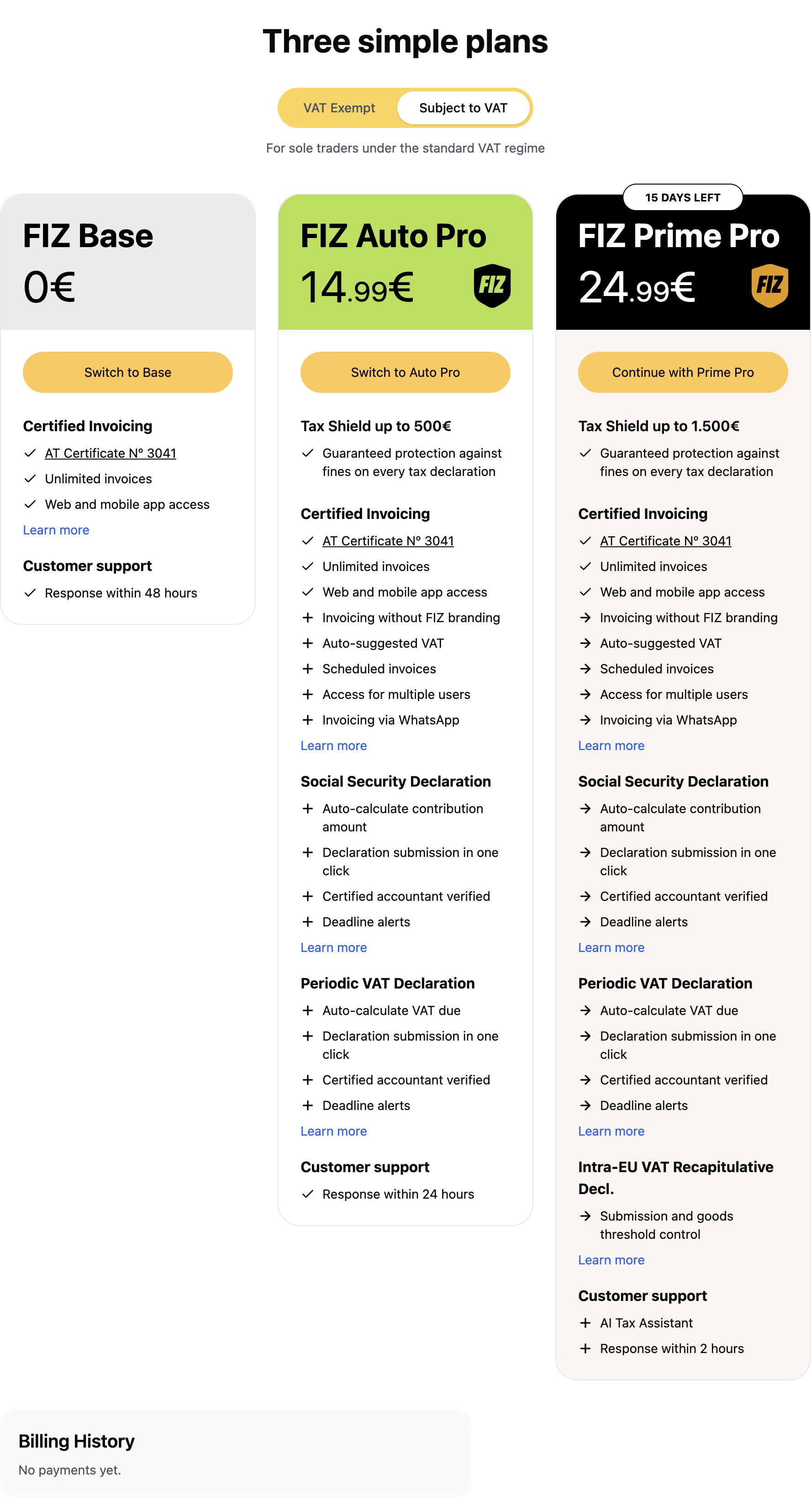
[See the plans →](https://app.fiz.co/billing)
## Referral programme — invite a friend and you both win
If FIZ saves you time, chances are it'll save time for someone you know. So we launched the **referral programme**.
Here's how it works: you share your link, your friend signs up and issues their first invoice — and **you both get a free month** on any paid plan. The months stack with each active referral, so the more you share, the more you earn. You can send the invite straight through WhatsApp.
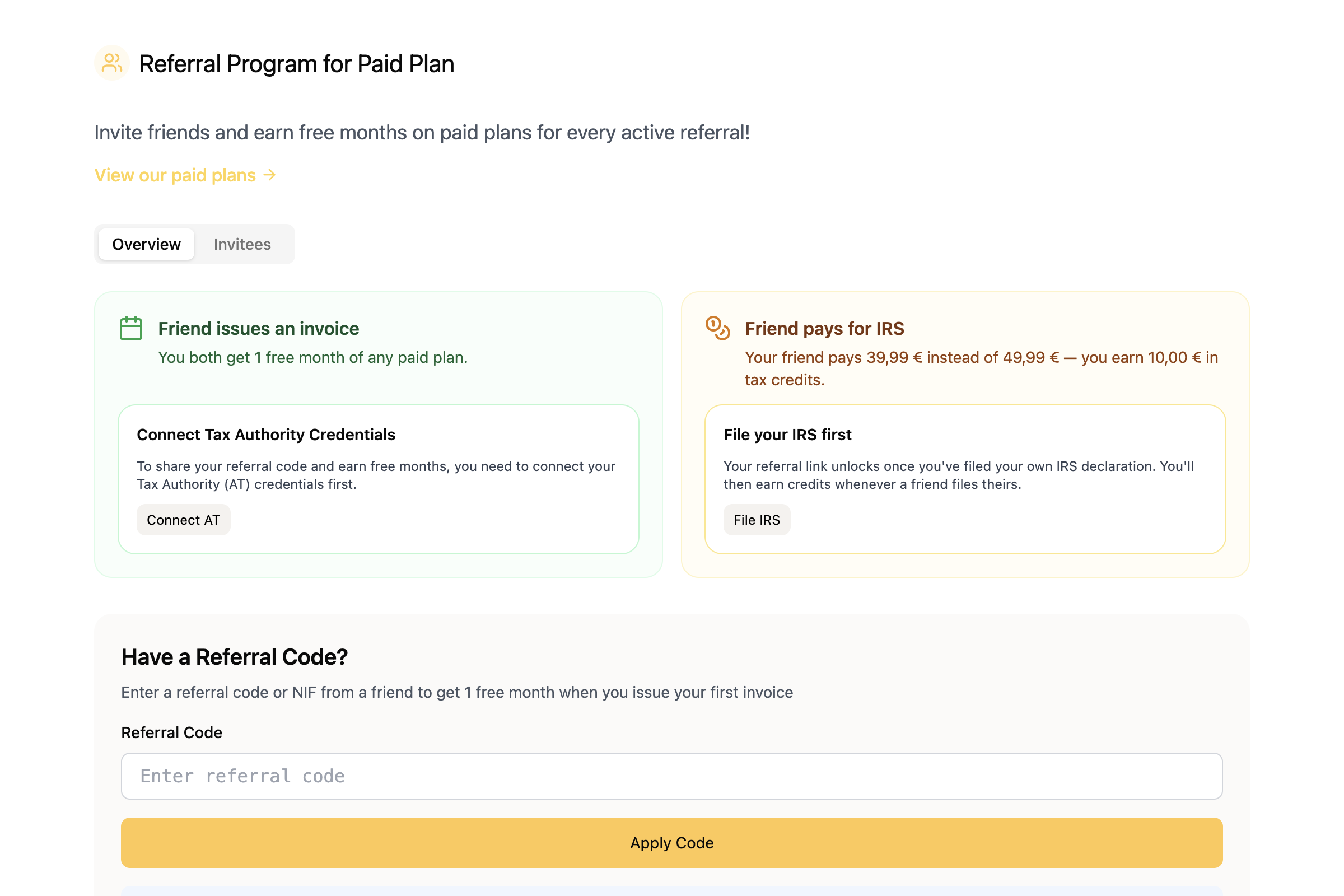
[Invite a friend →](https://app.fiz.co/referrals)
## VAT return — now with expenses and credit notes
The VAT return in FIZ is more complete:
- **Expenses in the return** — you can now enter expenses and deduct the corresponding VAT, instead of declaring only what you invoiced.
- **Re-file** — if you need to correct something, you can re-submit a previous quarter's return.
- **Credit notes** — we added support for the right boxes (Box 7 and 8) and the choice of cancellation reason in line with the return's logic.
Fewer sums by hand, less worry about getting a box wrong.
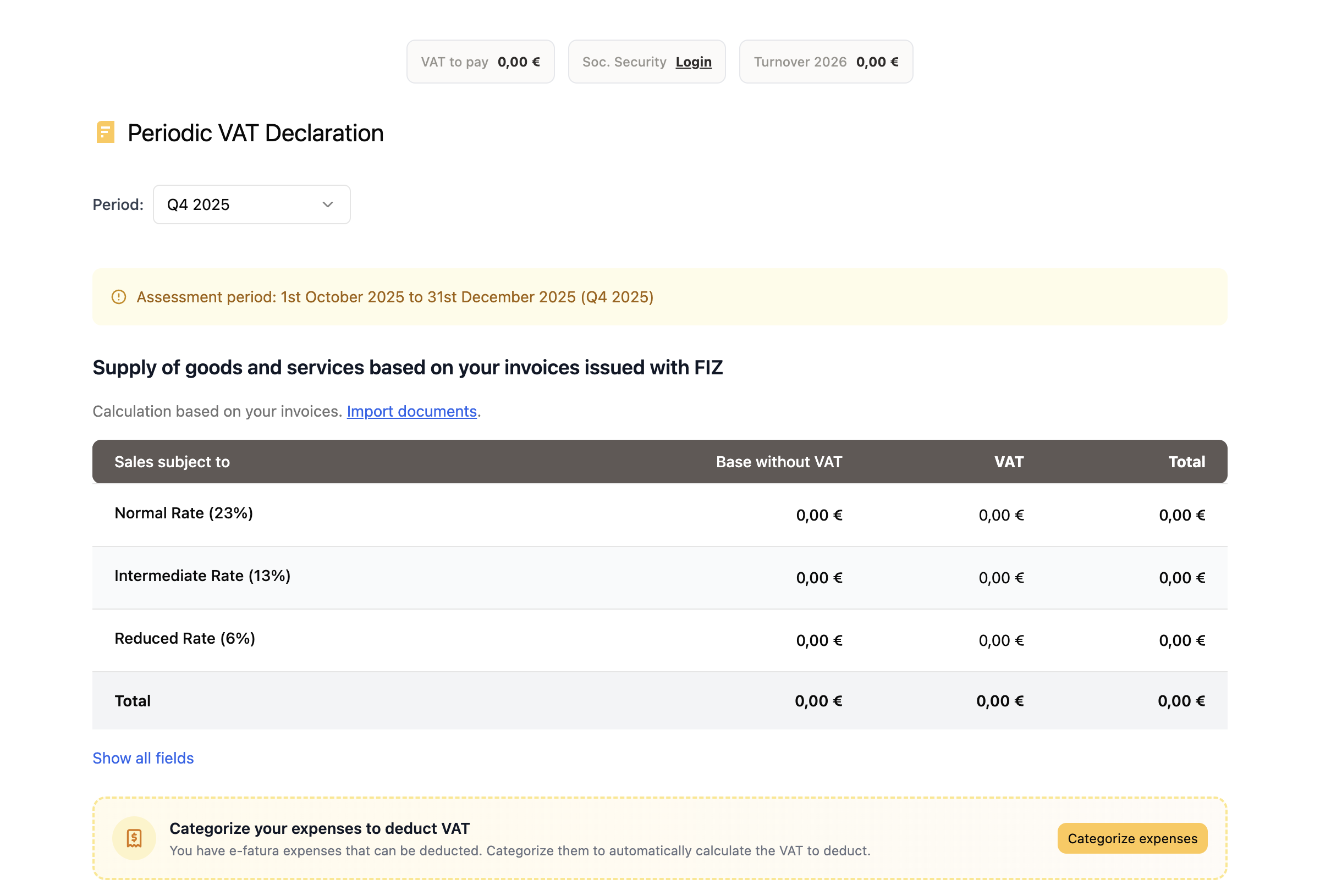
[See your VAT return →](https://app.fiz.co/declarations/vat)
## Invoices and customers — small everyday wins
A set of improvements for those who use FIZ every day:
- **Earlier date on an invoice** — you can pick a past date within the current quarter (or up to 5 working days during the quarter transition).
- **Payment status of imported invoices** — you can now change it; these invoices open like a normal invoice.
- **Discounts in PDF templates** — discounts now show up in your custom PDF templates, on the document you send to the client.
- **Invoices in Portuguese** — when your client is in a Portuguese-speaking country, the invoice PDF is automatically issued in Portuguese.
- **Customer import** — now includes the phone field.
## Public API — connect FIZ to your tools
For those who want to automate, we launched the **FIZ Public API**. It lets you connect FIZ to external systems: create invoices, sync customers or integrate with the tools you already use in your business. The full reference lives at [api.fiz.co](https://api.fiz.co).
[Read the API docs →](https://api.fiz.co)
## Mobile app — Open Banking and more
FIZ on your phone grew in November too:
- **Open Banking** — connect your bank accounts and see the movements right in the app, without hopping between apps.
- **Plans and free trial** — you can now subscribe to and try a paid plan from your phone.
- **Referral programme** — invite friends and share your link straight from the app.
- **Smoother payments** — we improved the MB WAY payment experience and the payment history.
[App Store →](https://apps.apple.com/app/fiz-accounting-made-easy/id6736618714) · [Google Play →](https://play.google.com/store/apps/details?id=co.fiz.app)
## What's coming next
We're already working on more for the VAT return and for the app. If there's something you'd like to see in FIZ, or you ran into a problem, write to us via the in-app chat. We read everything.
Thank you for using FIZ.
---